Futuristic User Interfaces for Movies and Games
A course by ErnexMotion Designer
A course by Ernex, Motion Designer

Learn to design, render, and animate a detailed fictional universe for films or video games using Illustrator and After Effects.
FUIs are fictional user interfaces, which can encompass fantasy or futuristic aesthetics, and are typically created for video games or films. Whether it's creating an immersive world for a sci-fi film, or designing the universe for a video game, Ernex has created FUIs for productions like Star Wars, Avengers, Call of Duty, and Valorant.
In this online course, Ernex explains his process for creating a fictional user interface, from the brief to the last render. Take a deep dive into the ideation, design, and animation of your very own FUI, and build your portfolio along the way.
What will you learn in this online course?
67 lessons & 33 downloads
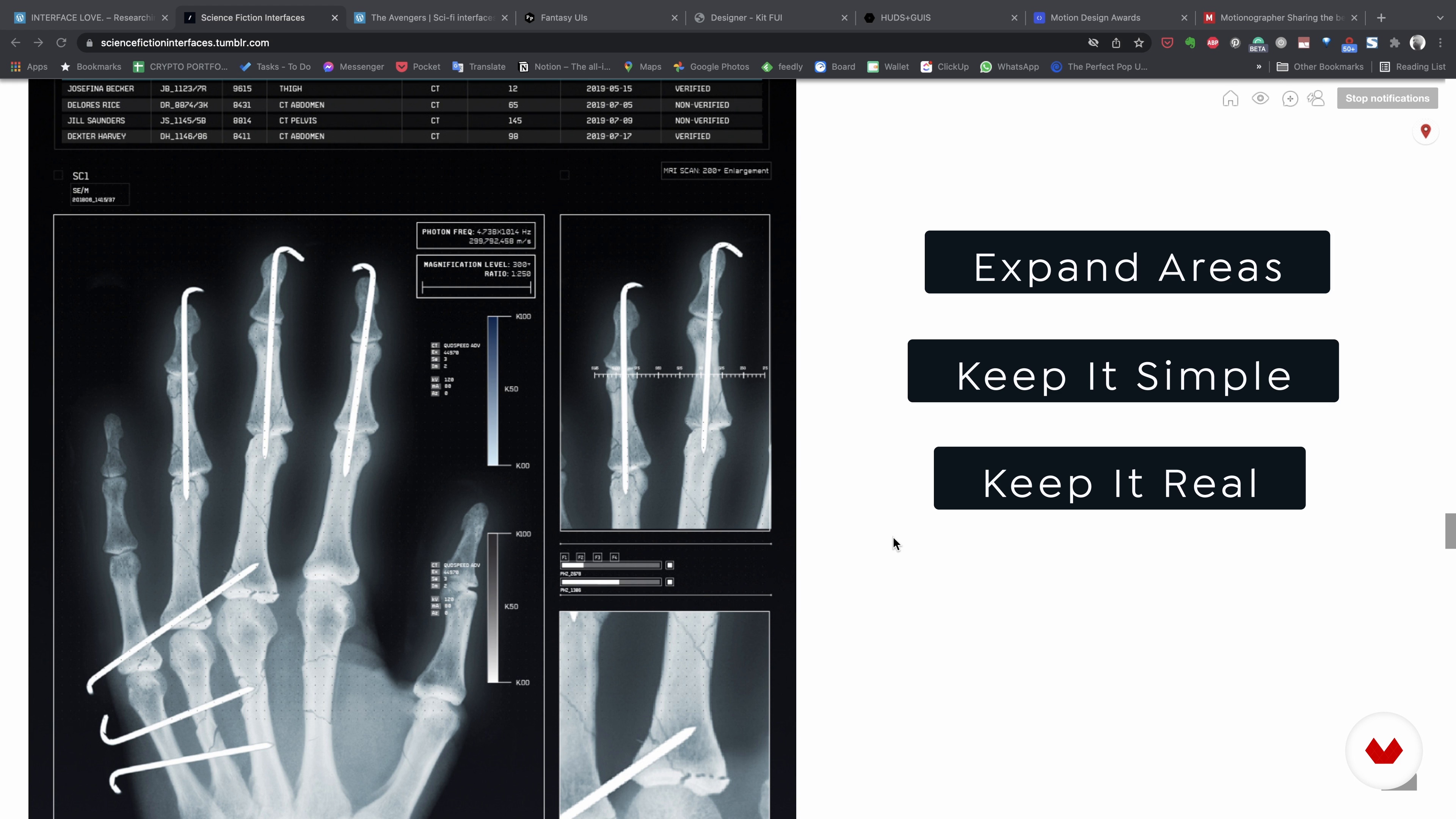
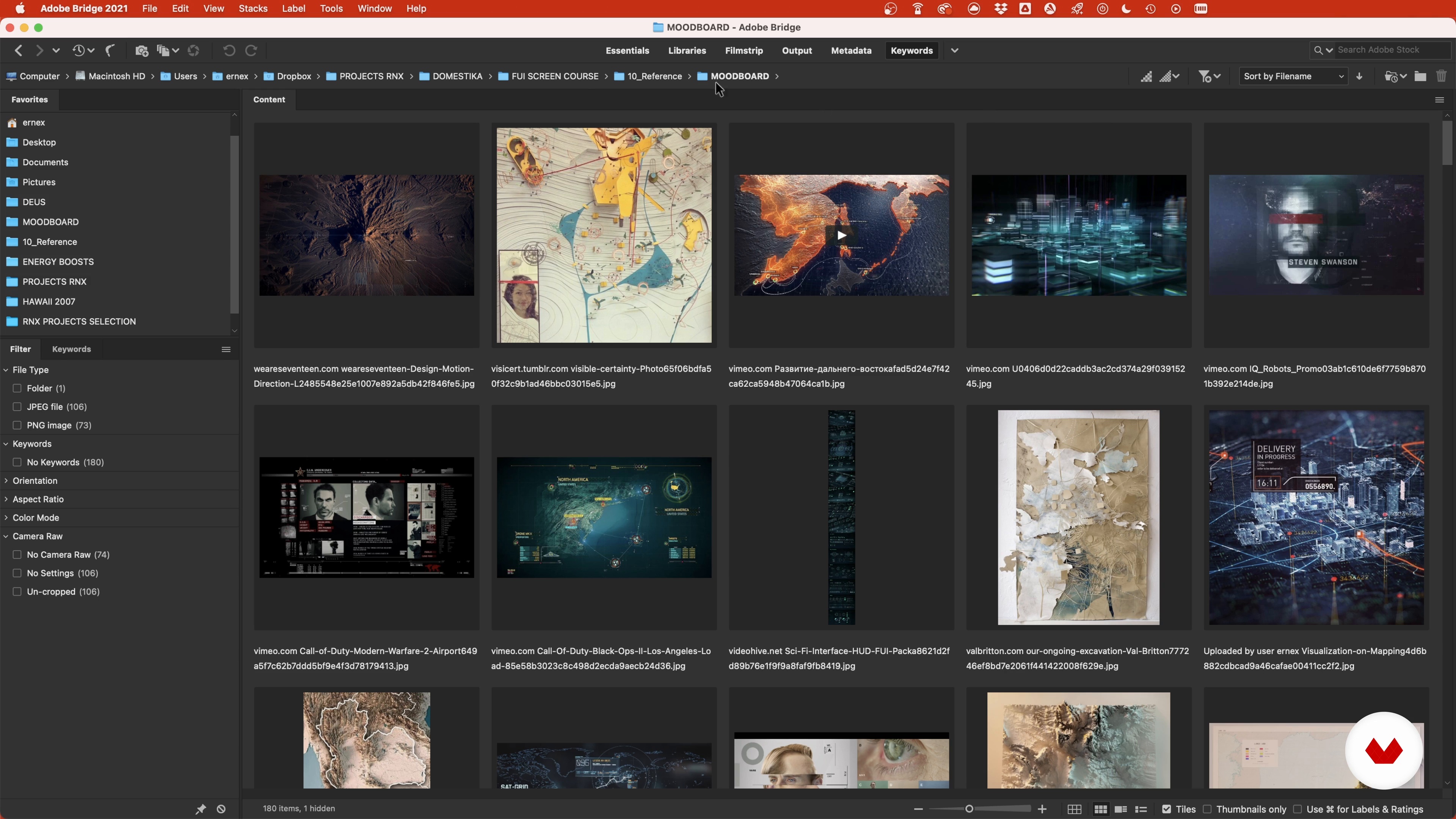
The Mood Board 1
8 minutes, 44 seconds
The Style Proposal - Basic Index + PinDown - Image Selection
17 minutes, 1 second
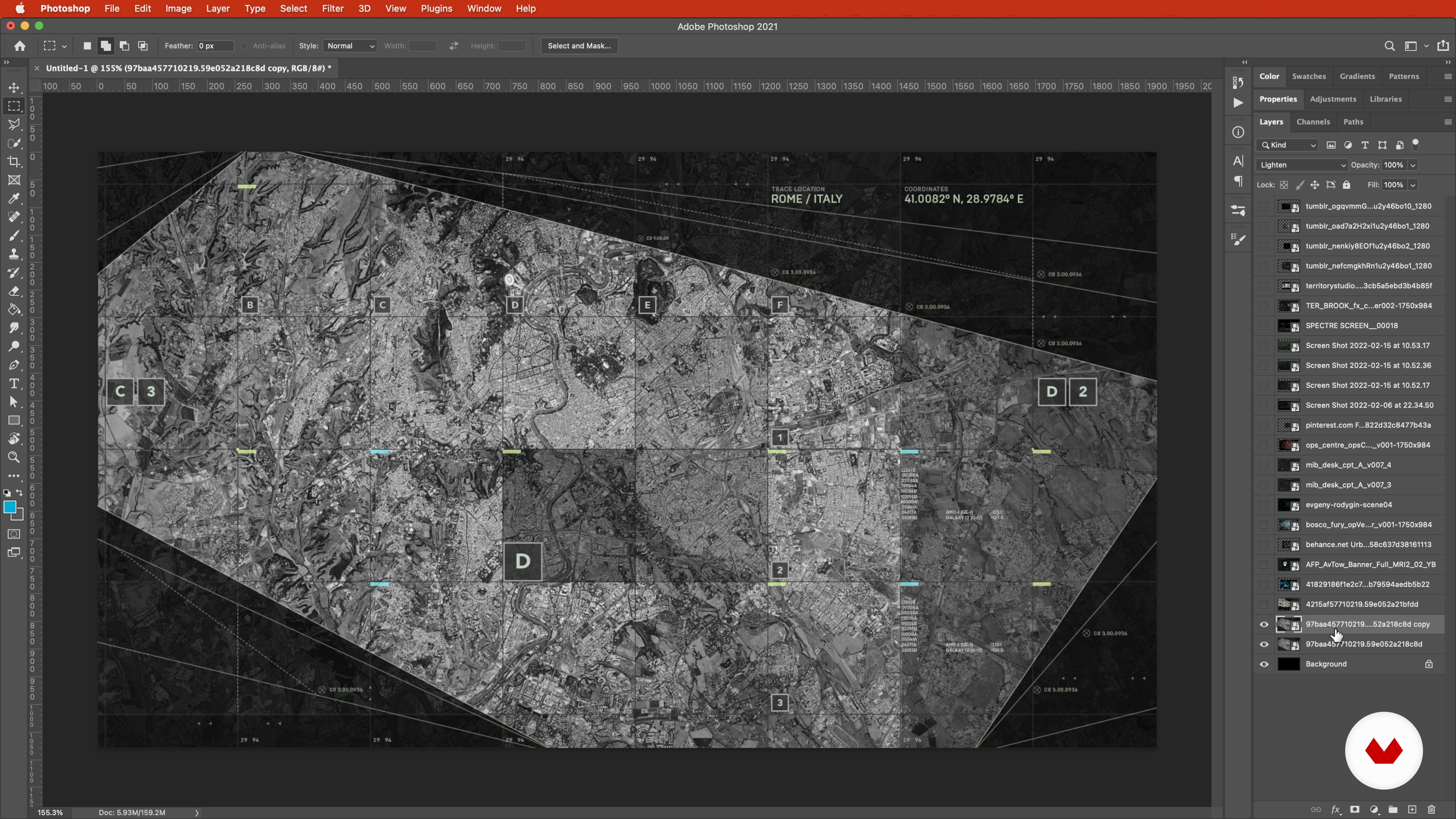
Style Frames 1
16 minutes, 48 seconds
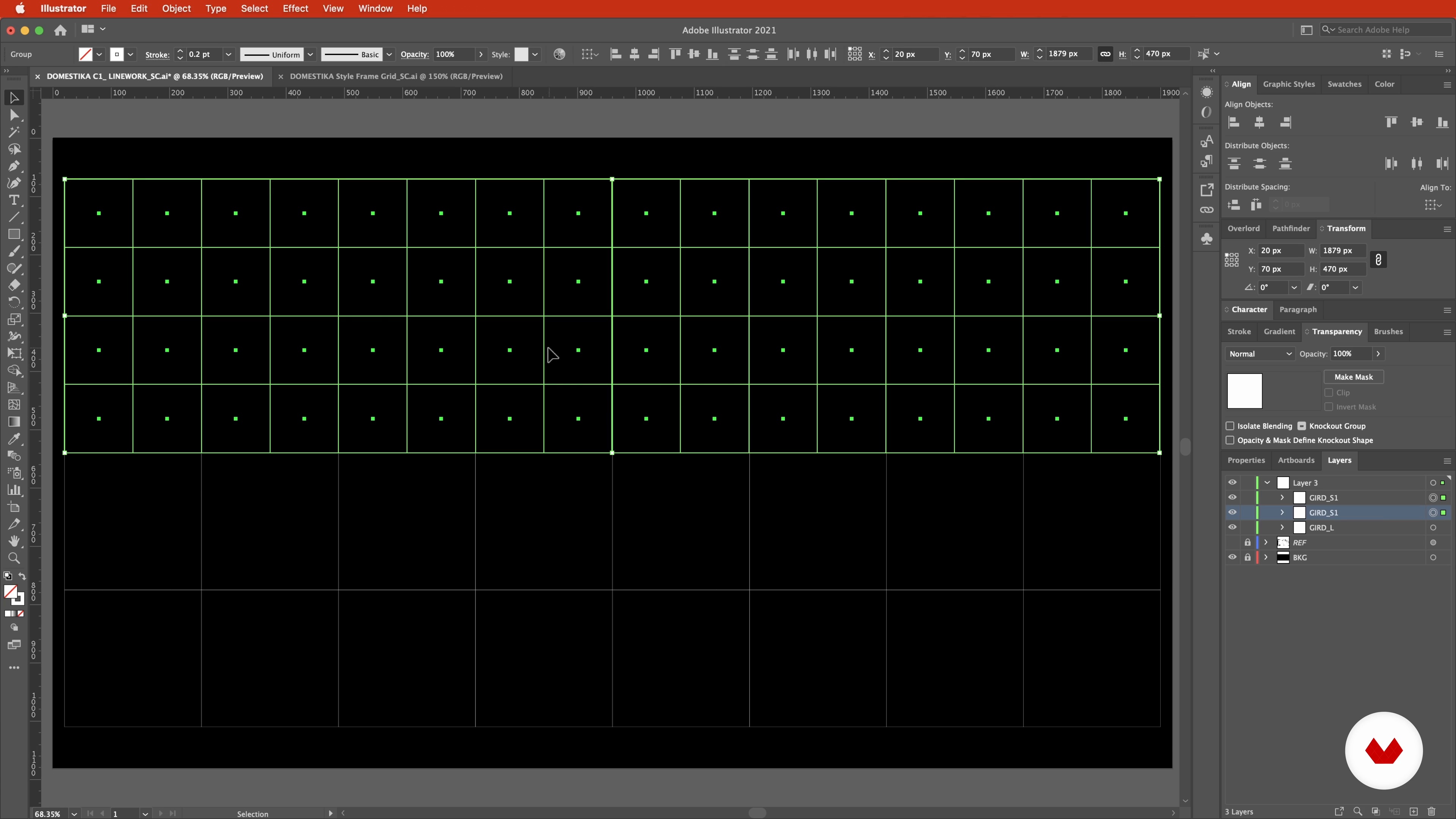
Common UI Elements 1
17 minutes, 3 seconds
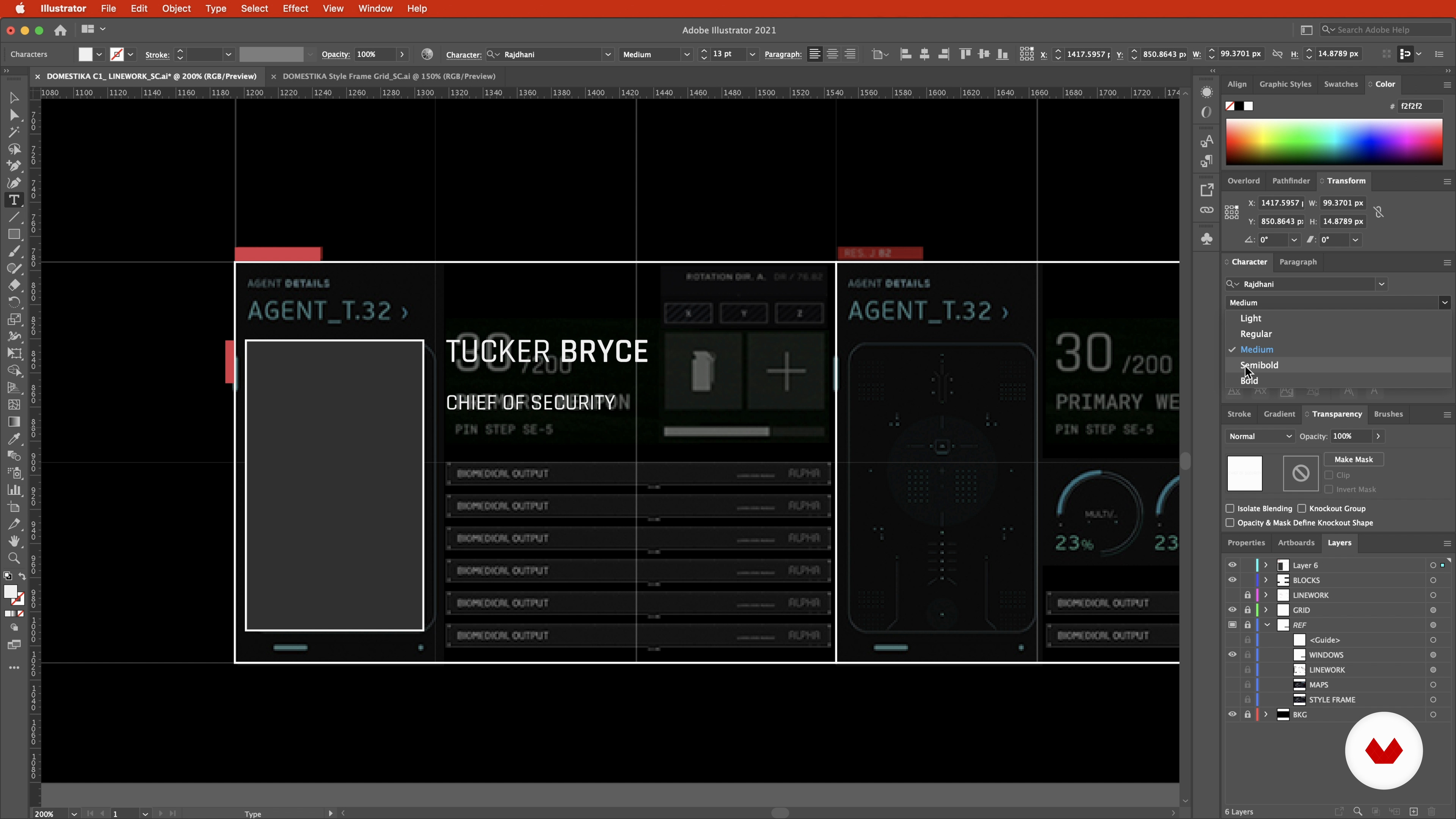
Widgets 1
13 minutes, 46 seconds

The Hero Element 1
11 minutes, 16 seconds
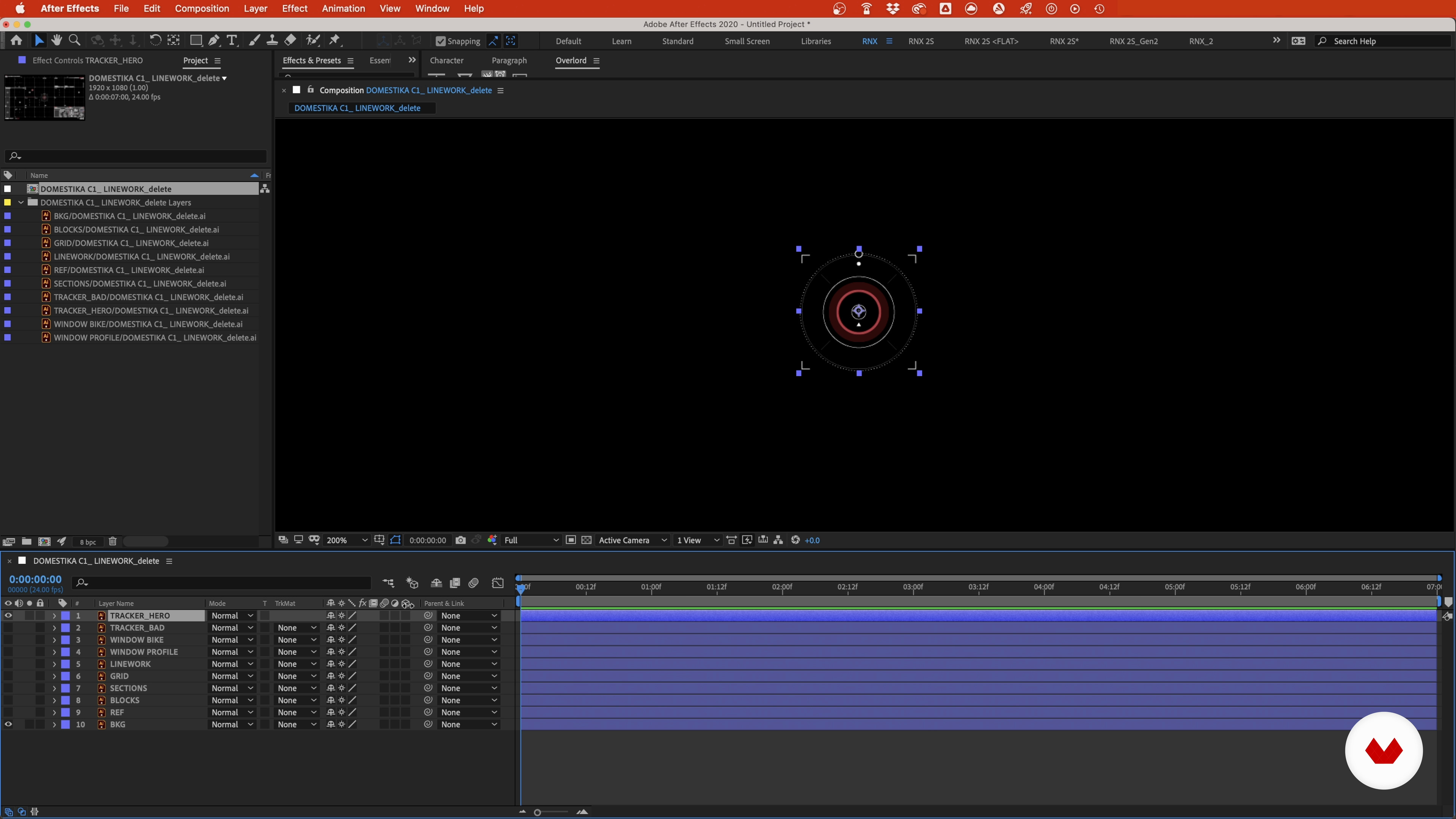
Project Setup 1
18 minutes, 58 seconds
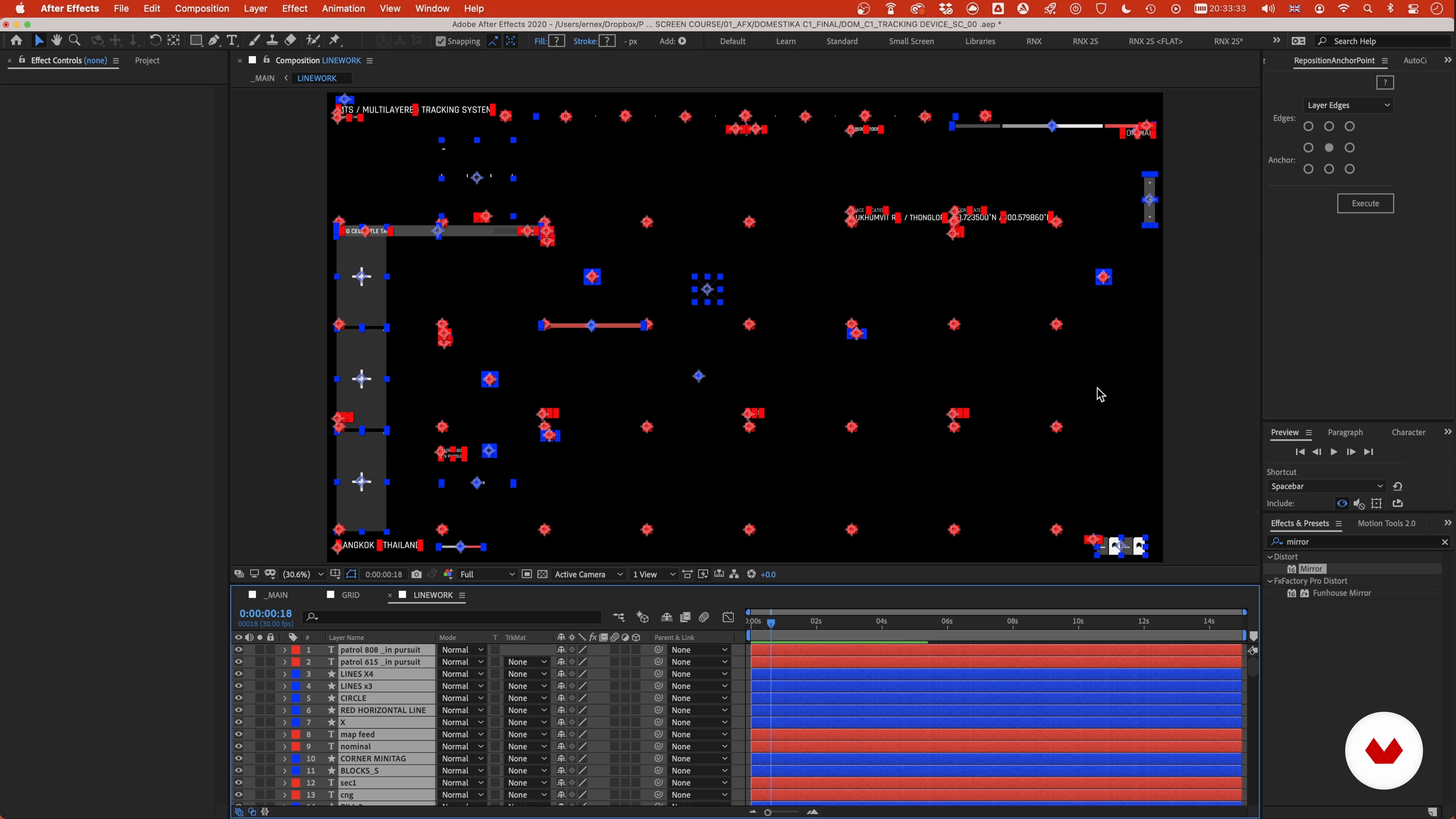
The Internal Animation: Common Elements and Widgets 1
13 minutes, 59 seconds
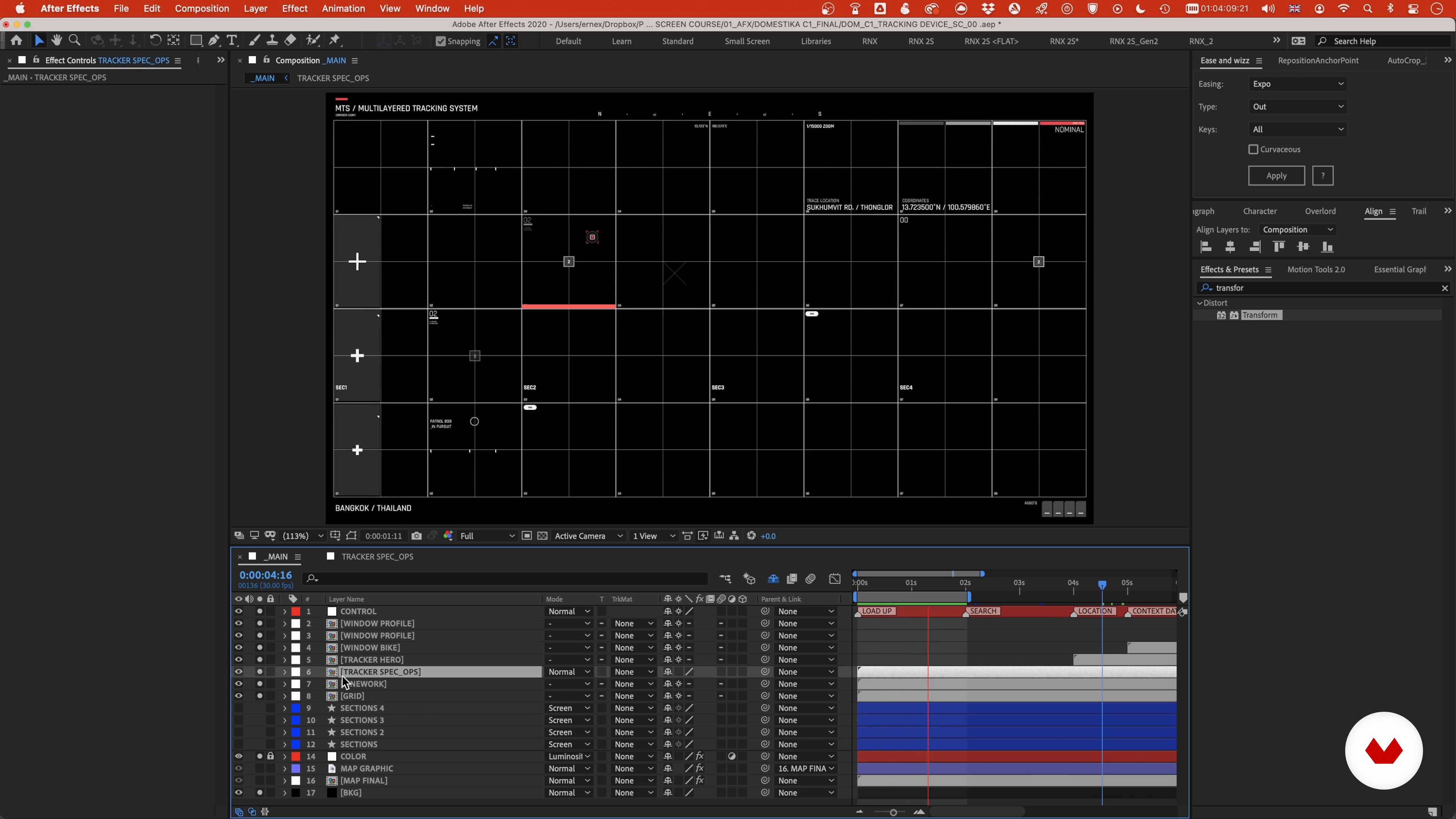
The Internal Animation: Trackers and Windows 1
16 minutes, 27 seconds
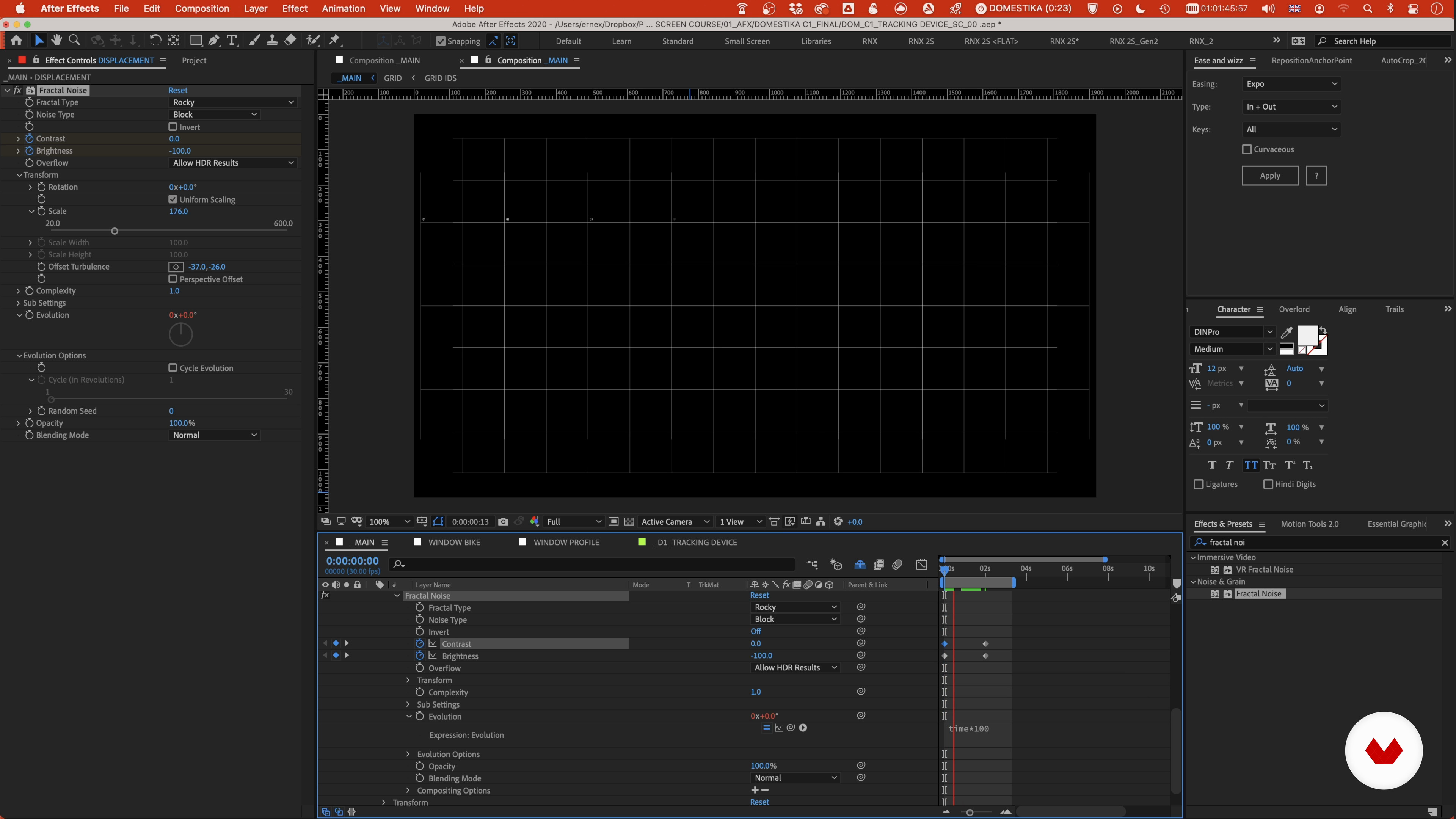
The External Animation: The Main Elements 1
18 minutes, 37 seconds
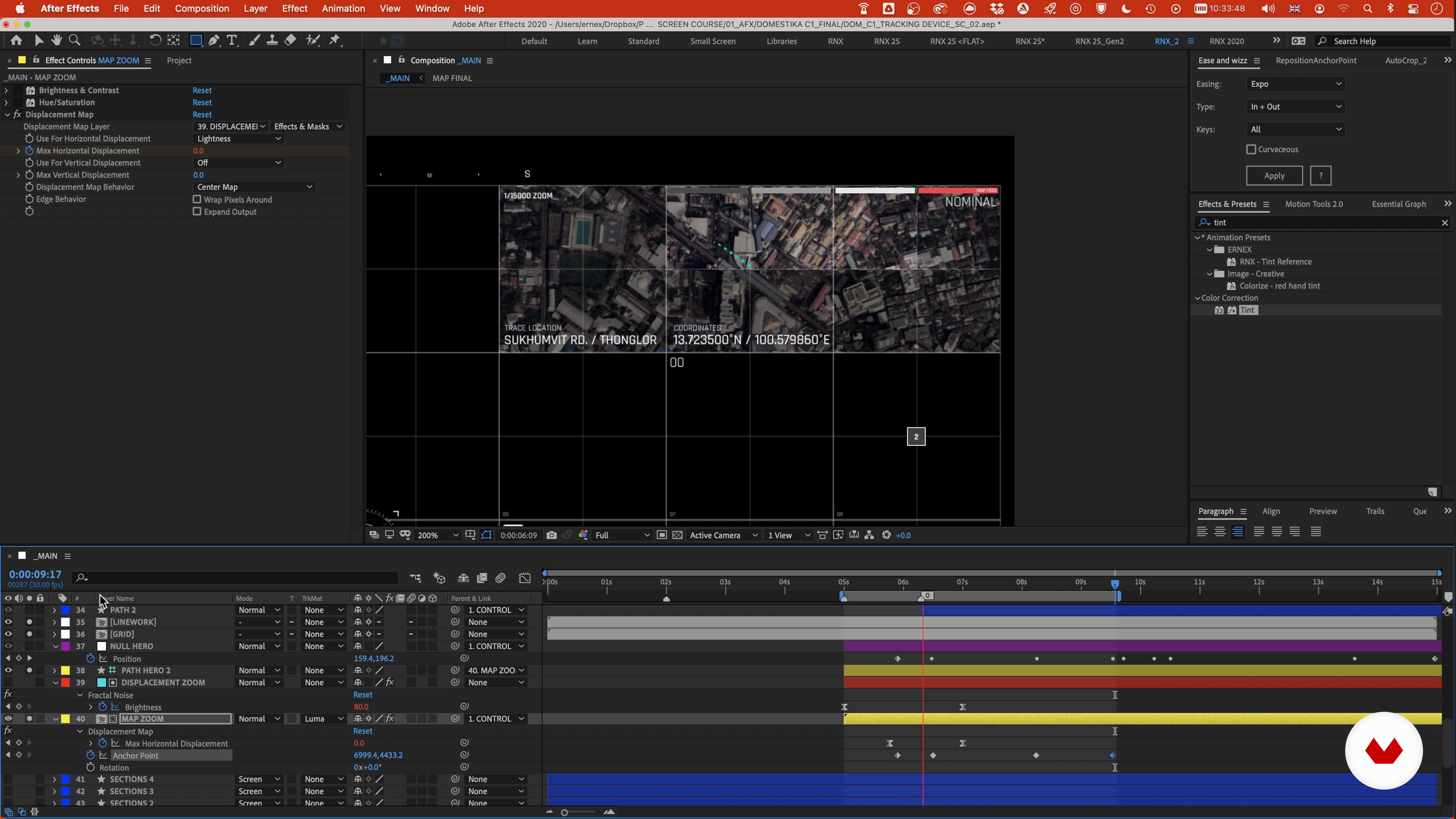
The External Animation: Secondary Elements and Details 1
18 minutes, 48 seconds
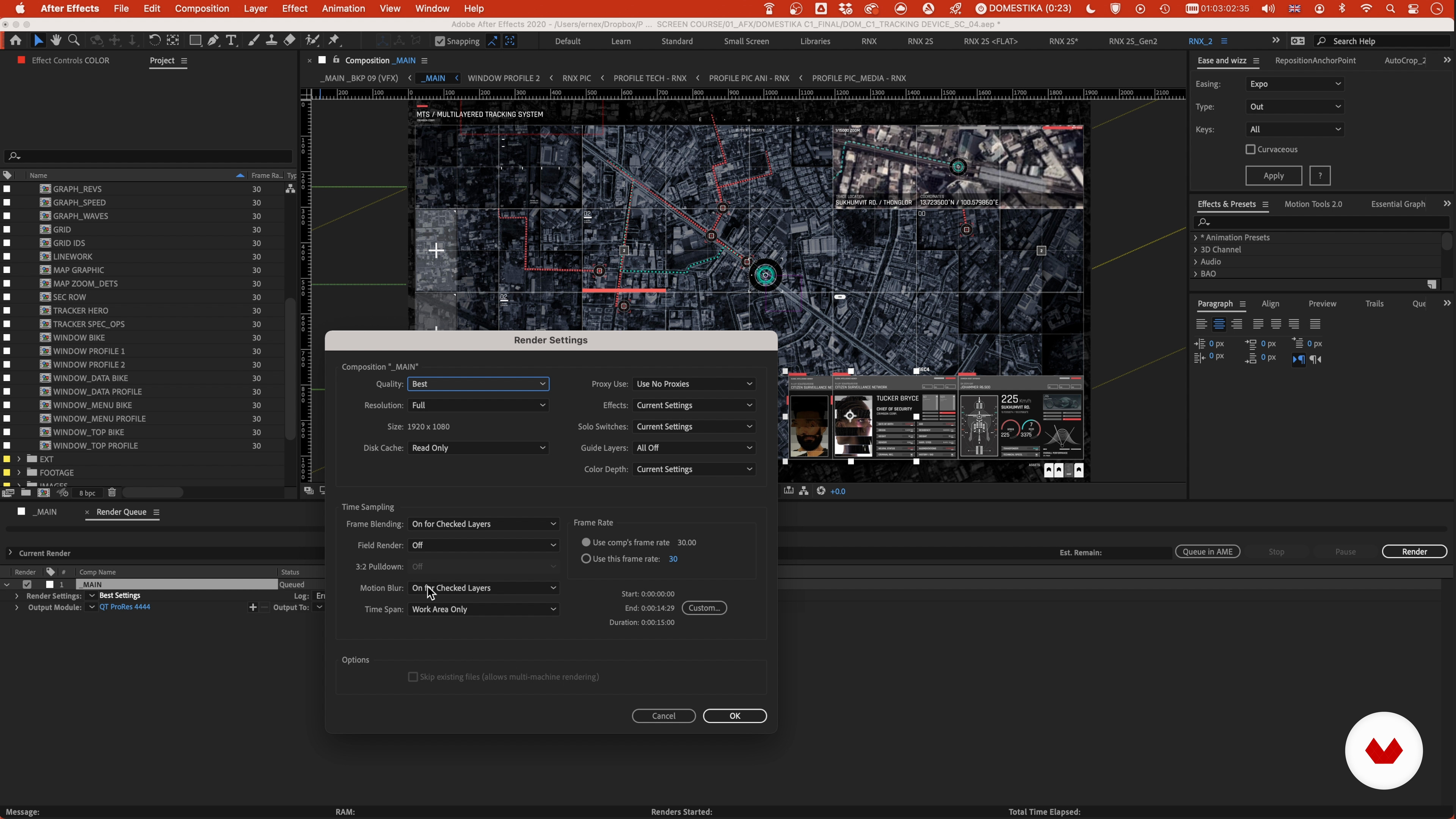
Rendering 1
9 minutes, 2 seconds
What's included in this course?
Start by getting to know Ernex. He shares with you his creative journey, his influences, and his sources of inspiration. Learn how to tackle the client’s requests and select the key concepts. Then, you’ll put together a mindmap and moodboard as reference for your screen design.
See how to define your style proposal, taking each aspect into account , from the storyboard to the animation and style frames.
Once your sketch is ready, Ernex shows you how to detail the backgrounds, text, buttons, and widgets. Discover how to add your hero elements, such as an original map and a tracker.
Next, bring it all together in After Effects. Ernex walks you through the process of creating simple internal animations with different elements and widgets, and later more complex ones with trackers and windows. Then, learn how to craft external animations to make every element move and interact with each other in the context of the scene.
Mission accomplished! Finally, it’s time to render and export your masterpiece.
Recommended software & tools for this course
What is this course's project?
Develop an original FUI screen design using Illustrator and After Effects.
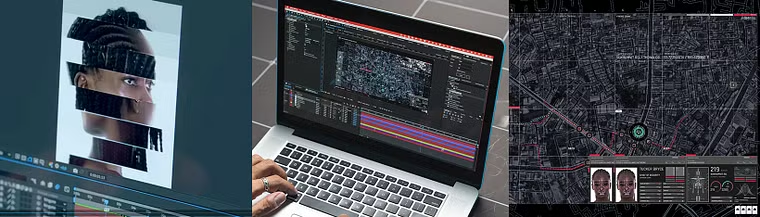
Projects by course students

Who is this online course for?
Anyone interested in the process behind all the futuristic computer interfaces that we see in movies and video games.
Requirements and materials
A basic understanding of After Effects and the concept of working with layers on a timeline is helpful.
To take this course, you need Adobe Photoshop, Illustrator, After Effects, or similar.

Reviews
- 7 months ago
Es un curso ya para quien tiene nociones basicas, facil de replicar bien explicado
- 9 months ago
very entertaining course
- 11 months ago
Ottimo
- 1 year ago
El curso me encantó demasiado, lo único que podría sugerir es que el audio este disponible en diferentes idiomas, por ejemplo el español, ya que se me haría más fácil seguir el curso de está manera.
De ahí el curso es fantástico y bastante claro al momento de explicar.
- 1 year ago
Amazing! Best of the best course! So good work! Thank you

His career spans over two decades, during which he’s worked on all sorts of projects for national and international clients. He’s collaborated with a variety of renowned studios on many projects, from feature films like Kingsman, Spectre, and Star Wars to video games like Call of Duty, NBA2K, and Need For Speed.
Content
- U1
Introduction
- About Me
- Influences
- U2
The First Steps: Conceptualization
- The Briefing 1
- The Briefing 2
- Building a Mind Map 1
- Building a Mind Map 2
- The Mood Board 1
- The Mood Board 2
- U3
Style Development
- The Style Proposal - Basic Index + PinDown - Image Selection
- The Style Proposal 2
- The Style Proposal 3
- Sketches and Storyboard 1
- Sketches and Storyboard 2
- Style Frames 1
- Style Frames 2
- Style Frames 3
- Style Frames 4
- Style Frames 5
- Style Frames 6
- Style Frames 7
- Style Frames 8
- U4
The Screen Design
- Common UI Elements 1
- Common UI Elements 2
- Common UI Elements 3
- Common UI Elements 4
- Widgets 1
- Widgets 2
- Widgets 3
- Widgets 4
- Widgets 5
- The Hero Element 1
- The Hero Element 2
- U5
The Animation
- Project Setup 1
- Project Setup 2
- Project Setup 3
- Project Setup 4
- Project Setup 5
- Project Setup 6
- The Internal Animation: Common Elements and Widgets 1
- The Internal Animation: Common Elements and Widgets 2
- The Internal Animation: Common Elements and Widgets 3
- The Internal Animation: Common Elements and Widgets 4
- The Internal Animation: Common Elements and Widgets 5
- The Internal Animation: Common Elements and Widgets 6
- The Internal Animation: Common Elements and Widgets 7
- The Internal Animation: Trackers and Windows 1
- The Internal Animation: Trackers and Windows 2
- The Internal Animation: Trackers and Windows 3
- The Internal Animation: Trackers and Windows 4
- The Internal Animation: Trackers and Windows 5
- The Internal Animation: Trackers and Windows 6
- The Internal Animation: Trackers and Windows 7
- The External Animation: The Main Elements 1
- The External Animation: The Main Elements 2
- The External Animation: The Main Elements 3
- The External Animation: The Main Elements 4
- The External Animation: The Main Elements 5
- The External Animation: The Main Elements 6
- The External Animation: The Main Elements 7
- The External Animation: Secondary Elements and Details 1
- The External Animation: Secondary Elements and Details 2
- The External Animation: Secondary Elements and Details 3
- The External Animation: Secondary Elements and Details 4
- The External Animation: Secondary Elements and Details 5
- Rendering 1
- Rendering 2
- Rendering 3
- FP
Final project
- Futuristic User Interfaces for Movies and Games
What to expect from a Domestika course
Learn at your own pace
Enjoy learning from home without a set schedule and with an easy-to-follow method. You set your own pace.
Learn from the best professionals
Learn valuable methods and techniques explained by top experts in the creative sector.
Meet expert teachers
Each expert teaches what they do best, with clear guidelines, true passion, and professional insight in every lesson.
Certificates
PLUSIf you're a Plus member, get a custom certificate signed by your teacher for every course. Share it on your portfolio, social media, or wherever you like.
Get front-row seats
Videos of the highest quality, so you don't miss a single detail. With unlimited access, you can watch them as many times as you need to perfect your technique.
Share knowledge and ideas
Ask questions, request feedback, or offer solutions. Share your learning experience with other students in the community who are as passionate about creativity as you are.
Connect with a global creative community
The community is home to millions of people from around the world who are curious and passionate about exploring and expressing their creativity.
Watch professionally produced courses
Domestika curates its teacher roster and produces every course in-house to ensure a high-quality online learning experience.
FAQs
FUI stands for Fictional User Interface. It refers to imaginative, often futuristic screen designs used in films, games, and music videos to enhance storytelling and visual appeal.
This course is ideal for intermediate designers who already have some experience with graphic design or motion graphics and want to specialize in FUI and advanced screen design techniques.
You’ll need Adobe Illustrator and Adobe After Effects for designing and animating FUI elements. Photoshop and Bridge are also recommended for creating mood boards and managing visual references.
You’ll learn to analyze client briefs, create mind maps and mood boards, design and animate screen graphics, build hero UI elements, manage visual references, and integrate FUI into cinematic or game contexts.
You’ll learn methods to gather references from Pinterest, Bridge, and online sources, then organize them with keyword tagging, color labeling, and mind mapping for efficient creative workflows.
Yes, the course explores experimental animation styles, glitch effects, and techniques specifically for music videos and motion graphics within the context of FUI.
You’ll be guided on collecting visual inspiration, organizing references using digital tools, and building mood boards that define the visual direction for your FUI projects.