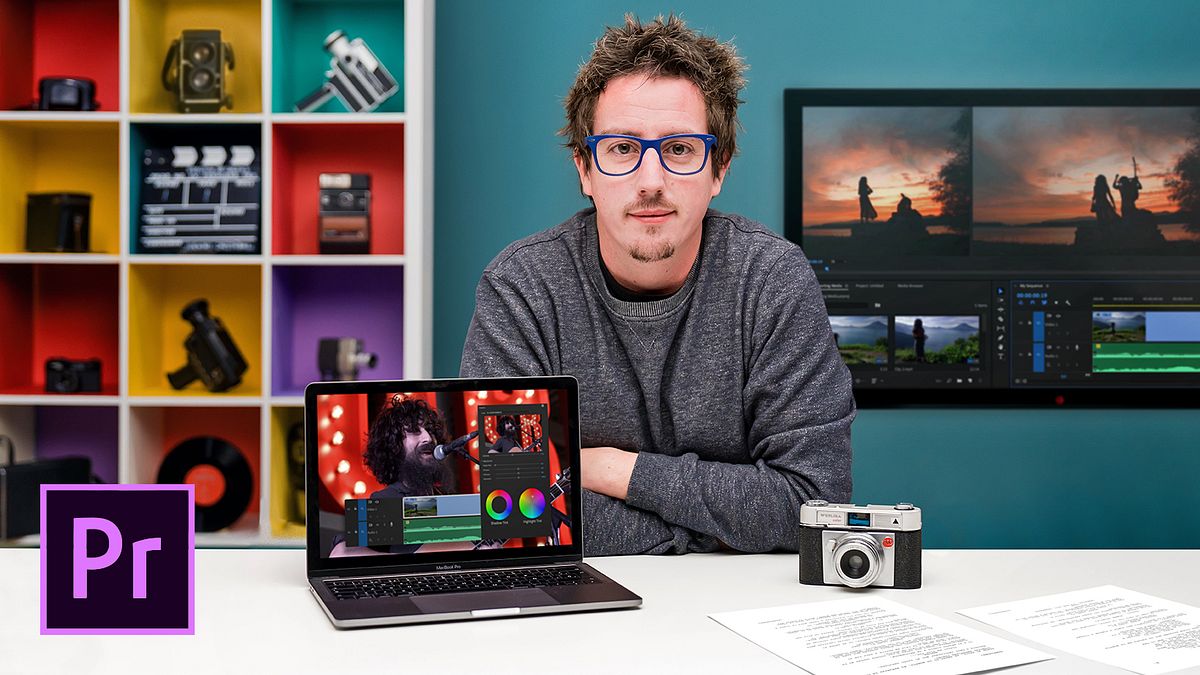
Audiovisual Editing and Narrative for Short Films
A course by Juanmi CristóbalVideo Editor and Director of Photography
A course by Juanmi Cristóbal, Video Editor and Director of Photography

Learn different techniques to tell your story with professional standards from start to finish
Telling a compelling story through short film formats requires meticulous attention to detail. A well-constructed narrative is key, and it goes beyond the script and set. Throughout his career as a video editor and director of photography, Juanmi Cristóbal has learned that color, rhythm, shot length, and many more aspects of video editing greatly contribute to the narrative of a short film.
In this course, Juanmi teaches you how to edit a short film, sharing his experience and knowledge with you, to enhance your editing through visual narration techniques. In his previous courses, he focused on software that is widely used in professional editing, namely, Introduction to DaVinci Resolve for Color Correction, to master color editing with professional technique, and Introduction to Adobe Premiere Pro, where he teaches the most used software for editing films, TV, and web content, from start to finish.
What will you learn in this online course?
17 lessons & 10 downloads
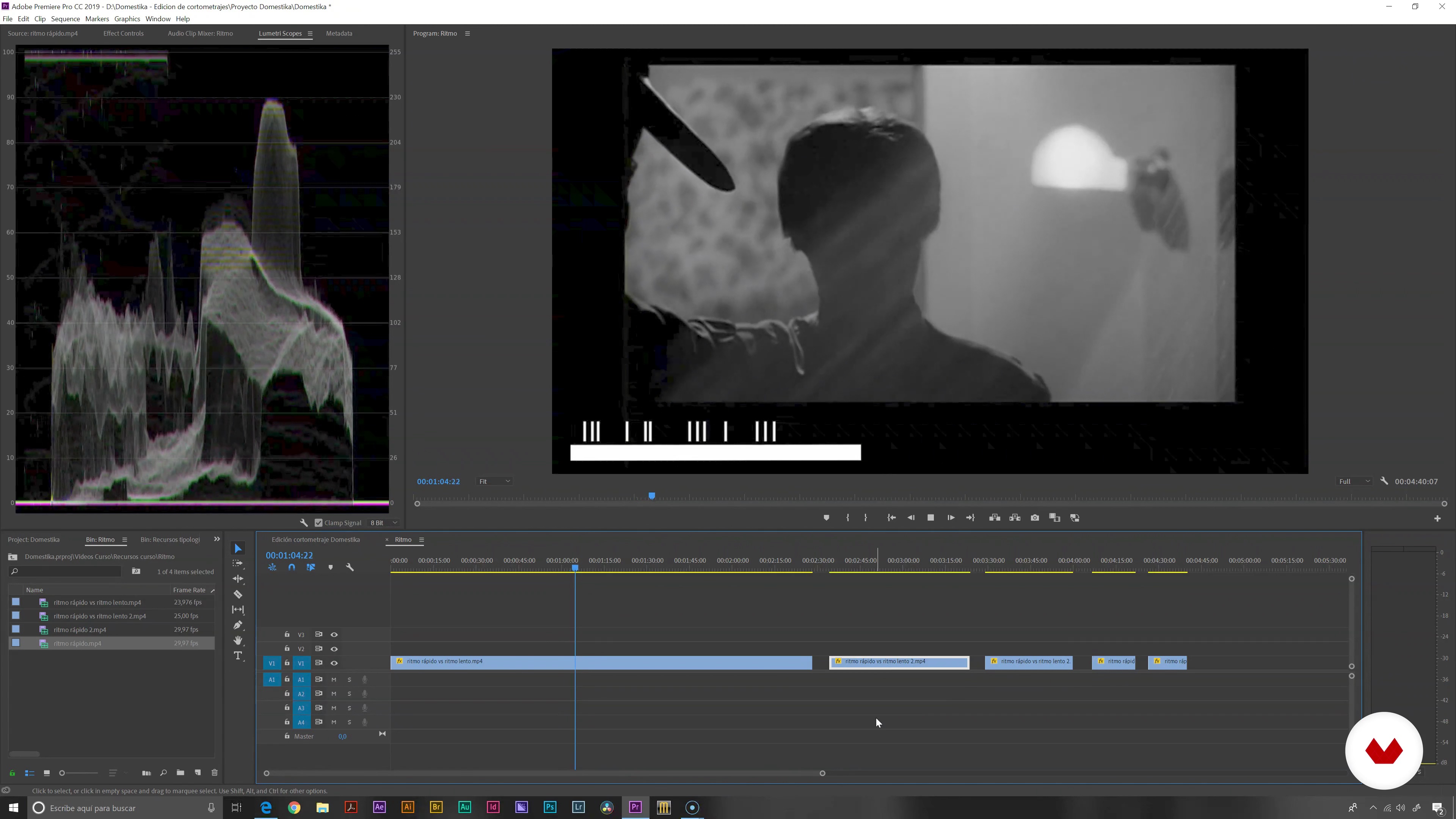
What will we do in the course?
1 minute, 23 seconds
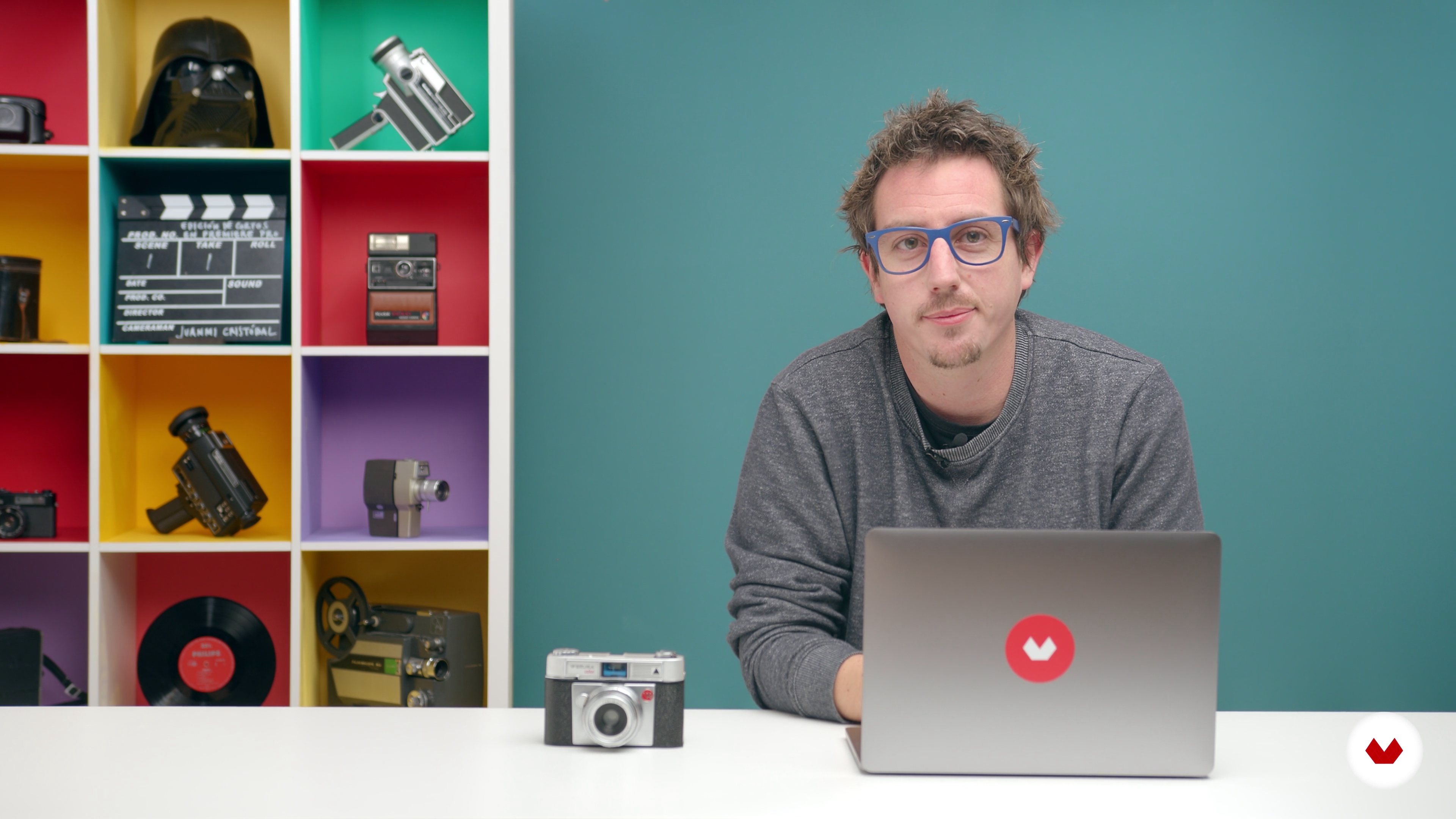
Type of plans and their use
15 minutes, 36 seconds
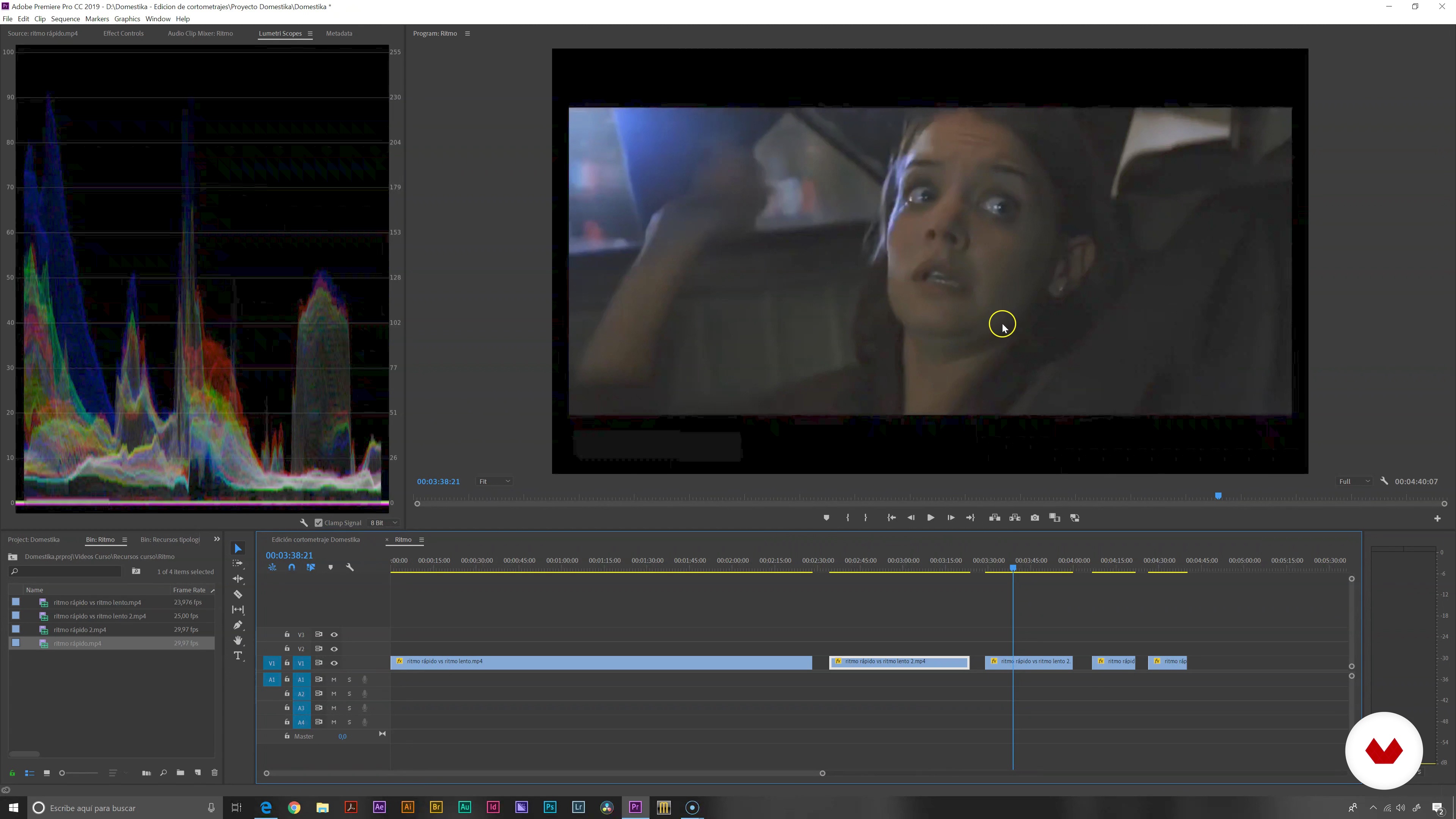
Rhythm
14 minutes, 2 seconds
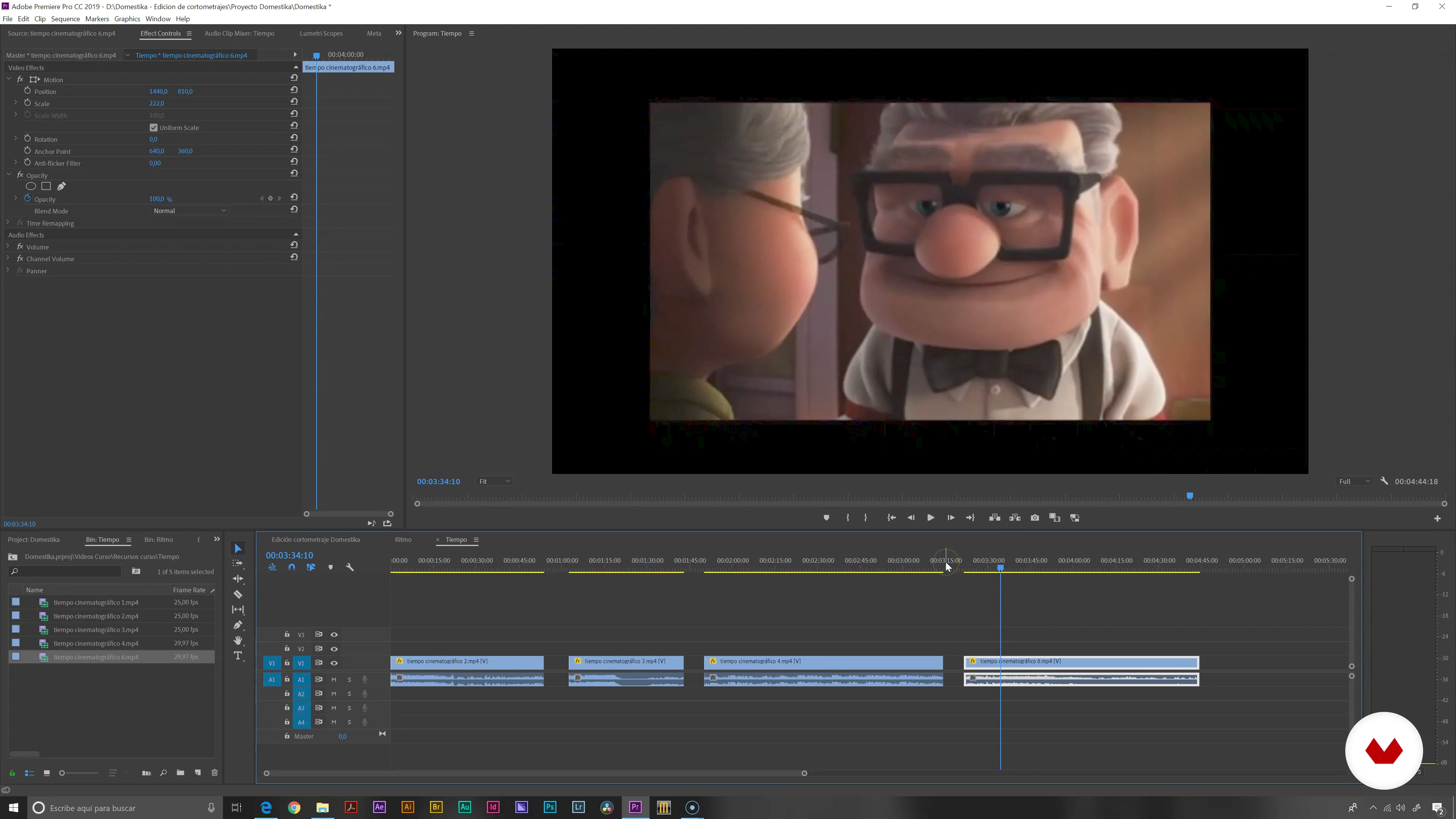
Weather
9 minutes, 35 seconds
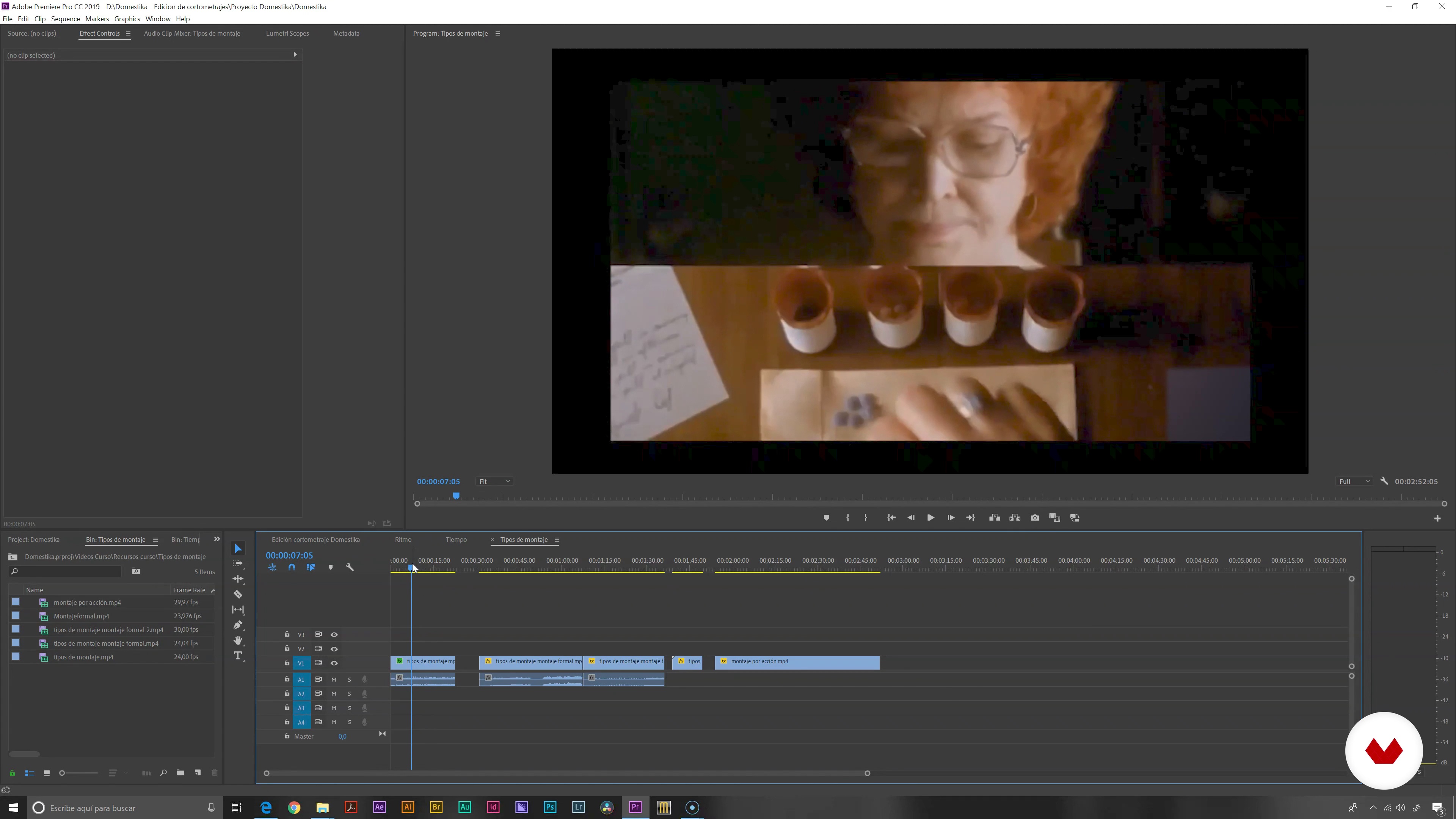
Mounting types
9 minutes, 59 seconds
Dump and organization
7 minutes, 57 seconds
What's included in this course?
Start the course by meeting Juanmi, learn about his career so far, and the influences he’s discovered along the way that have impacted his work.
Discover the basic concepts of narration in cinematography, see all the different types of shots, and how they are used to convey a message. Learn the importance of rhythm and timing to transmit certain emotions and a feeling of empathy to the viewer. Juanmi also explains the importance of the montage in your editing, going through different styles and possibilities to work into your story.
Juanmi states that the first important step to editing a short film is organizing and preparing the footage you’ll be working on and shows you how he sets up his workspace to work efficiently. Go through the footage to know exactly what you have to work with, marking the significant frames as you go along. See how to sync your audio footage to video and simplify your editing process.
Begin to shape your story, read the screenplay, and then go through the technical script to lead your visual narrative in the right direction. Divide your work into sequences and begin to edit the footage, creating a general outline of what your short film will look like, to then focus on each sequence.
Next, hone in on the final details, starting with equalizing the color of your work, and understanding how color impacts the narrative of your story. Learn how to use the Magic Bullet plugin to give your work the final cinematic details. See how to create professional-looking titles that carry the tone of the story.
Finally, see all the most used formats and codecs in the professional editing field, and how each affect our short film, depending on where it will be projected.
Recommended software & tools for this course
What is this course's project?
Create a short film, from the importing of files to the final export of your project, going through each stage of the editing process, using narrative as your main focus.
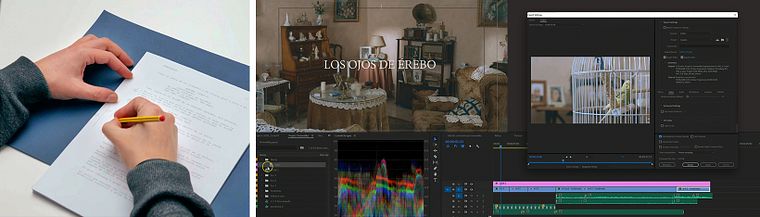
Projects by course students


Who is this online course for?
If you like telling stories with videos, this is the course for you. This course is for all those who are interested in applying audiovisual narrative to their editing process.
Requirements and materials
Having basic editing skills in Adobe Premiere Pro or other editing software is recommended. Previous knowledge in the cinematographic narrative is not required to take this course.
You will need a computer that will allow you to work smoothly an editing software such as Premiere Pro, Final Cut, DaVinci Resolve, or other. Juanmi will use Premiere to teach you his process.
Reviews
- veoframesPLUS2 months ago
Bastante bien, eché de menos ejemplos visuales de algunos tipos de montaje, entre otros. Aunque las explicaciones fueron claras.
- juliomilano_2PLUS5 months ago
Muy buen profesor y muy buen curso. Excelente Domestika.
- 7 months ago
excelente curso, de lo que voy viendo muy buenas explicaciones
- 9 months ago
Curso fenomenal, muy bien explicado.
- 10 months ago
Me encanta como enseña Juanmi, yo tuve la oportunidad de tenerle también en el curso de filmosofía en el módulo de imagen digital, lástima que el no diese la parte de montaje. He aprendido mas en este curso corto que en Máster en edición de cine de filmosofía, juanmi podría enseñar en cualquier escuela de cine de pretigio.

In 2016, he joined his partners Javier Barbero and Sergio Llast to create the AV production company Fourminds, which works in both film and advertising and with clients like Samsung, Wacom, Rolling Stone, and Canal Sur.
In addition to teaching at Domestika, he shares his knowledge of technical photography, video editing with Premiere Pro, and DSLR video recording with students at the Escuela Arte Granada.
Content
- U1
Introduction
- Presentation
- Influences
- What will we do in the course?
- U2
Cinematic narrative
- Type of plans and their use
- Rhythm
- Weather
- Mounting types
- U3
Preparing the short film
- Dump and organization
- Viewing and using bookmarks
- Audio and video synchronization
- U4
The edition
- Script dimensioning and script usage
- Simultaneous audio and video montage: using the sequences
- Create the first cut
- U5
Final adjustments: color and its narrative | Title
- Use of color: equalization
- Final aesthetics
- Title
- Codecs and formats: final export
- FP
Final project
- Audiovisual Editing and Narrative for Short Films
What to expect from a Domestika course
Learn at your own pace
Enjoy learning from home without a set schedule and with an easy-to-follow method. You set your own pace.
Learn from the best professionals
Learn valuable methods and techniques explained by top experts in the creative sector.
Meet expert teachers
Each expert teaches what they do best, with clear guidelines, true passion, and professional insight in every lesson.
Certificates
PLUSIf you're a Plus member, get a custom certificate signed by your teacher for every course. Share it on your portfolio, social media, or wherever you like.
Get front-row seats
Videos of the highest quality, so you don't miss a single detail. With unlimited access, you can watch them as many times as you need to perfect your technique.
Share knowledge and ideas
Ask questions, request feedback, or offer solutions. Share your learning experience with other students in the community who are as passionate about creativity as you are.
Connect with a global creative community
The community is home to millions of people from around the world who are curious and passionate about exploring and expressing their creativity.
Watch professionally produced courses
Domestika curates its teacher roster and produces every course in-house to ensure a high-quality online learning experience.
FAQs
You’ll learn the entire audiovisual production process: from scriptwriting, cinematography, and art direction to editing, color correction, titling, and professional export of short films.
This is an intermediate-level course, perfect for those with basic audiovisual production knowledge who want to deepen their skills in editing, montage, and cinematic storytelling.
It’s recommended to have basic video editing skills and some familiarity with tools like Premiere Pro, as well as a general understanding of audiovisual language.
The course covers scriptwriting, art direction, cinematography, shot types, editing, pacing, audio-video synchronization, color correction, title creation, and final export.
You’ll be able to plan, edit, and assemble short films professionally, applying visual storytelling techniques, effective editing, color grading, and proper festival-ready exporting.
Adobe Premiere Pro is the main software used for editing and montage, along with tools like Lumetri Color and Magic Bullet for color correction and visual styling.
Yes, the course teaches both manual and automatic techniques to sync audio and video, including the use of markers and clapperboards to ensure professional editing.