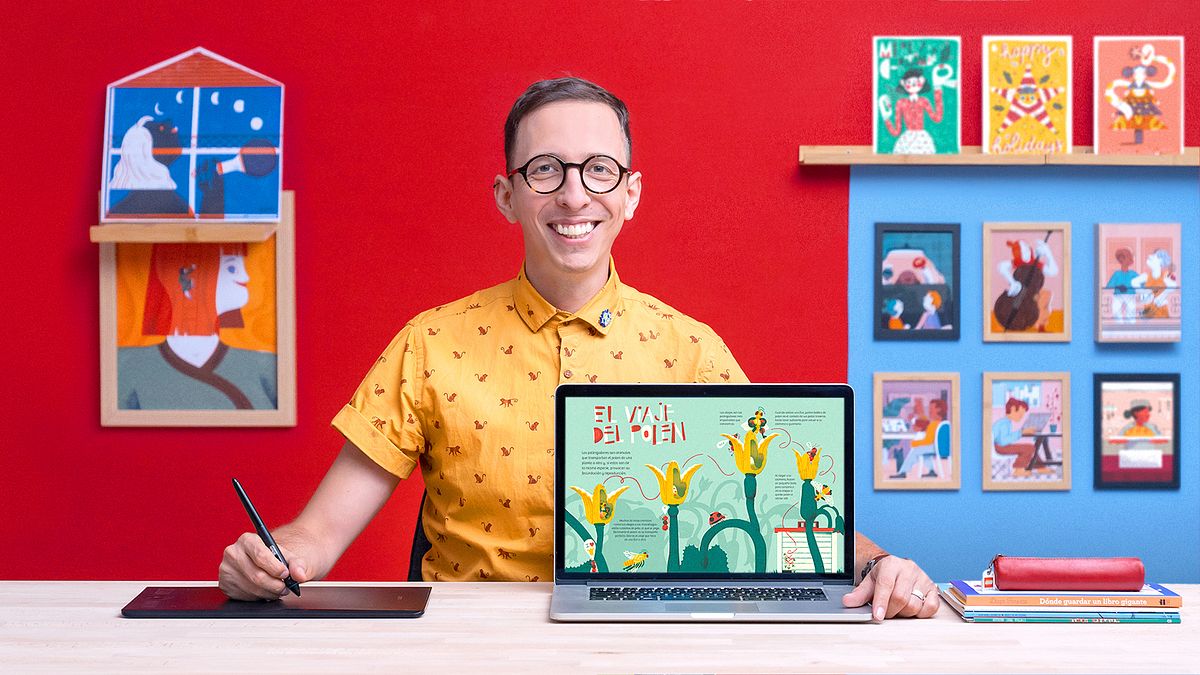
Informative Illustration: Awakening Curiosity
A course by Bruno ValasseGraphic designer and illustrator
A course by Bruno Valasse, Graphic designer and illustrator

Research and learn how to communicate ideas through illustration techniques
Combining illustration and information to create a visual language filled with style is at the core of what designer and illustrator Bruno Valasse is renowned for. Prompted by infinite curiosity and the desire to tell stories, he has received several awards and illustrated for editorials such as Penguin Random House, Harper Collins, and Planeta.
Learn how to create an informative illustration from beginning to end. Bruno teaches you how to find a theme, prepare your content for a specific audience, and establish the tone for your project. By the end of the course, you’ll be able to visually simplify the claim of a text and explain complex concepts through illustrated sequences.
What will you learn in this online course?
26 lessons & 17 downloads
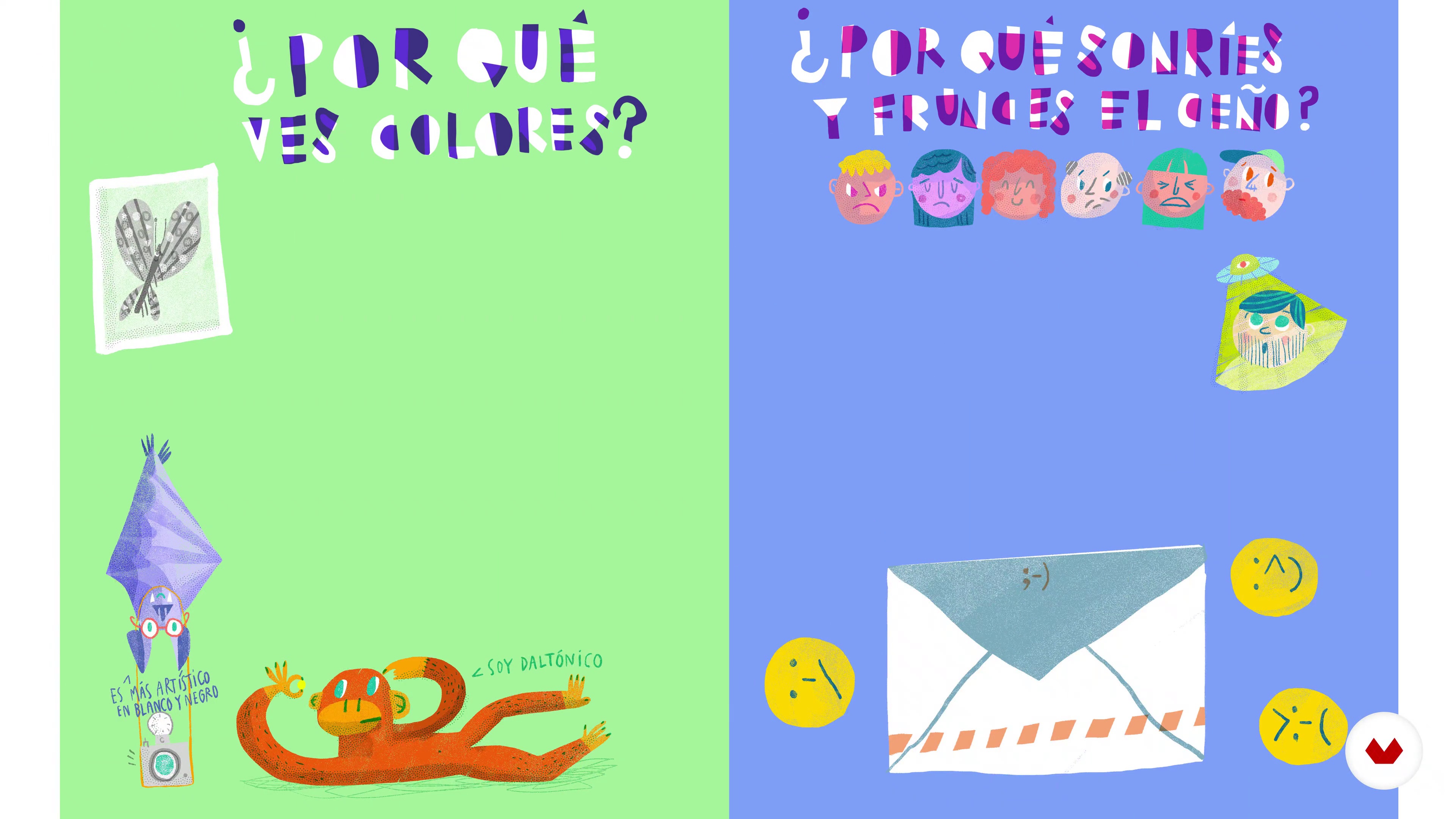
What Will We Do in This Course
3 minutes, 41 seconds
Communicate and Tell: Every Image Matters
15 minutes, 52 seconds
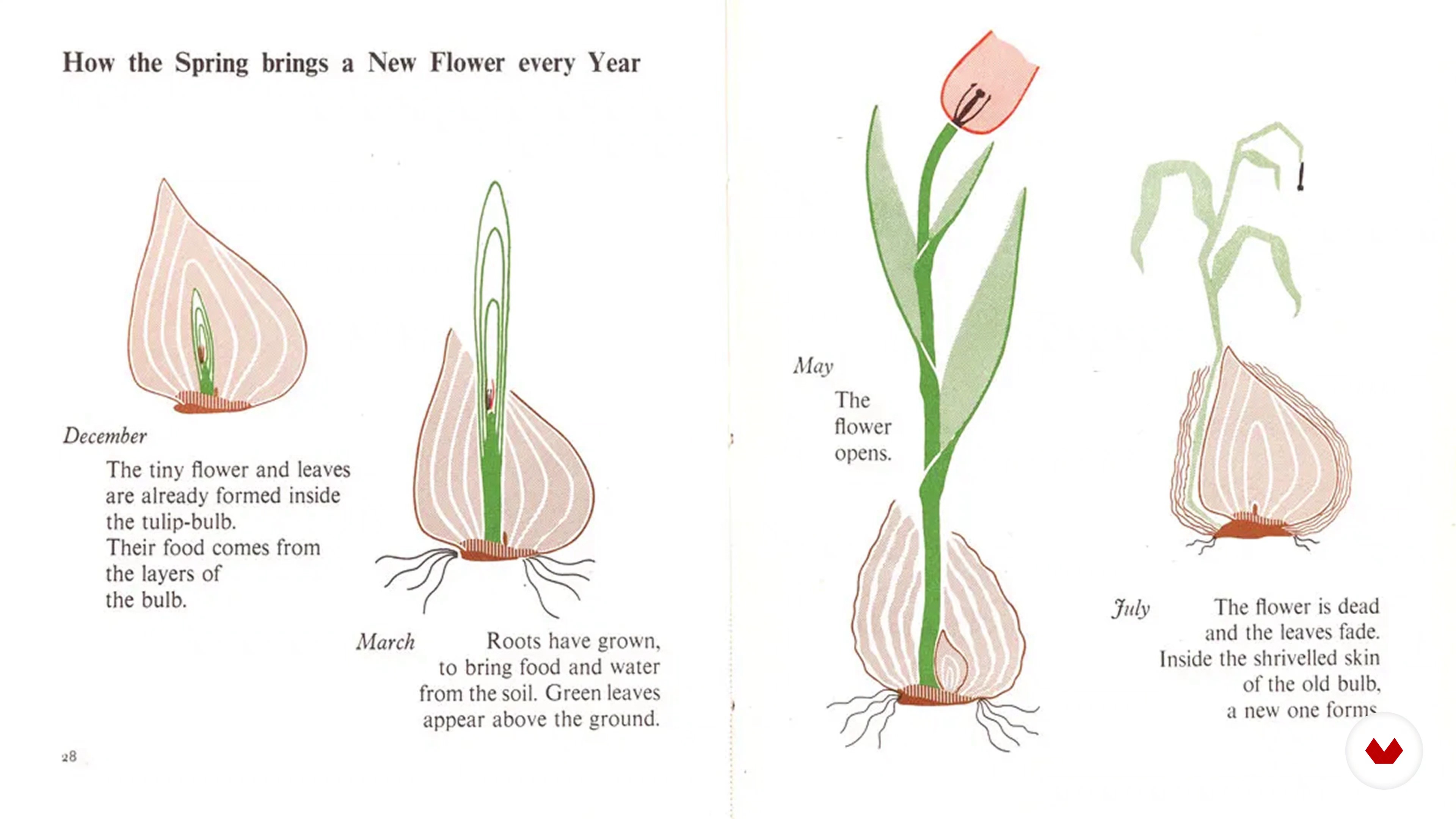
Background and Successors
14 minutes, 16 seconds
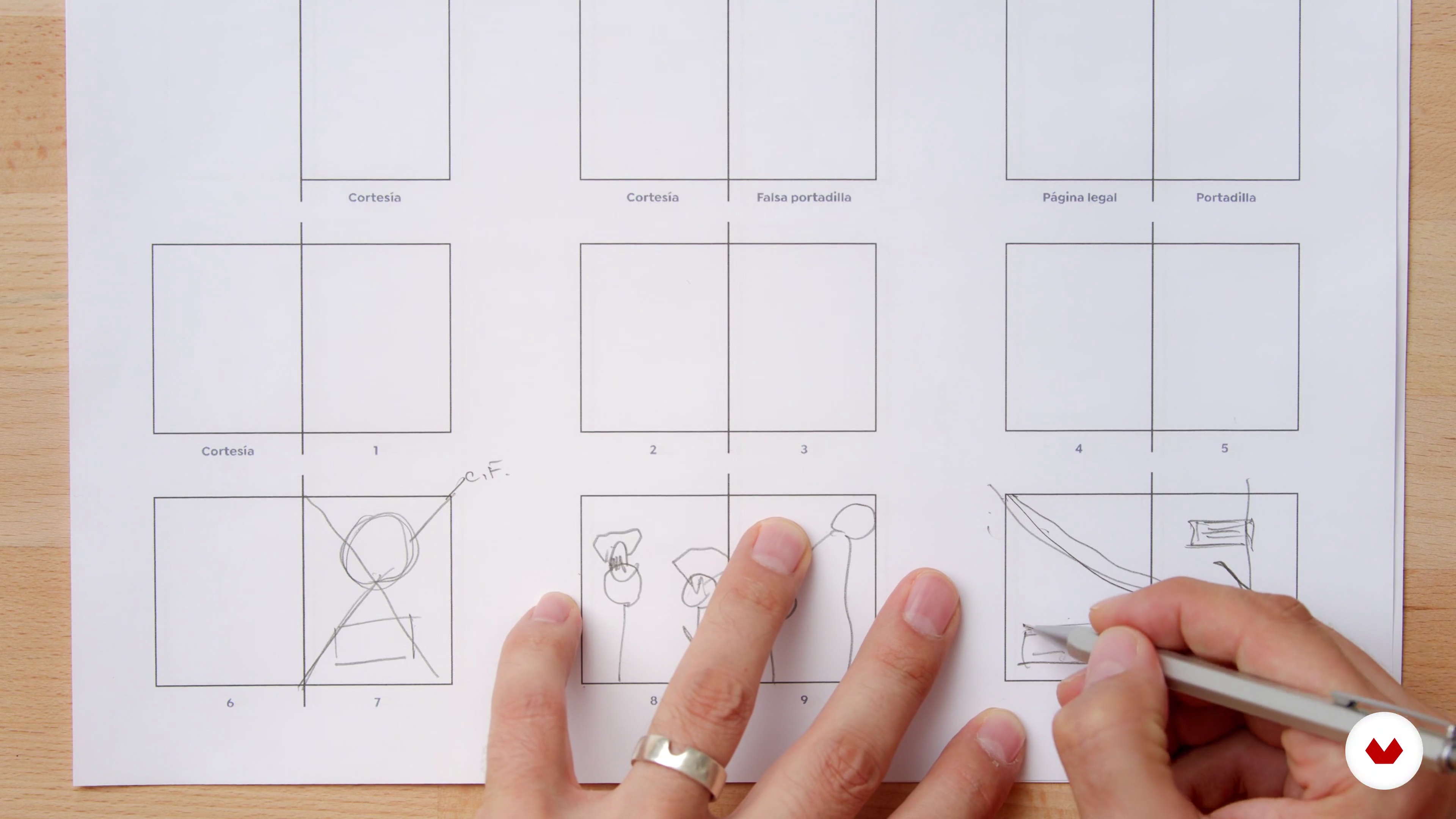
Editorial Basics
10 minutes, 10 seconds
Lots of Ideas
12 minutes, 13 seconds
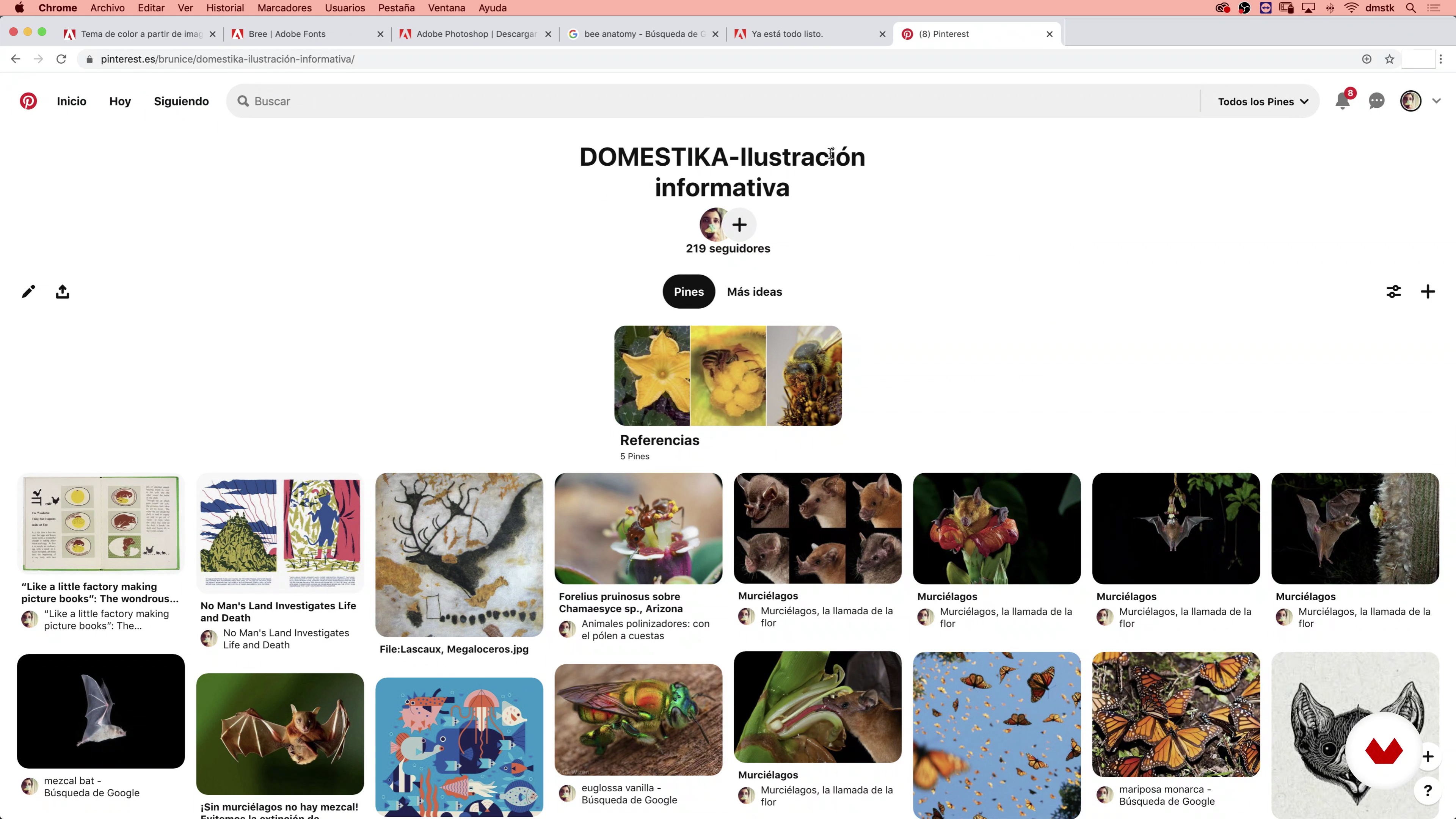
The Topic and Research
10 minutes, 56 seconds
What's included in this course?
Get to know Bruno’s professional journey, the artists that inspire him, and the books that continuously awaken his passion and curiosity. Then, find out what he has prepared for you in the course.
Before starting the practical aspects of the course, Bruno goes through some theories on communication and informative illustration. See the main elements of an editorial publication, and how to organize a work plan.
In the third unit, select your theme using an investigative process that will help you map out your project and lead your audience’s eye towards the points you want to emphasize. Prepare your illustrated double-page by editing and adjusting the content.
Start creating small sketches and select one of them to adjust and add elements that relate to the text. Bruno explains how to select your color palette and how to best apply it to finish the color elements of your composition.
See how to finish your project, either an entire book or a small illustrated poster. Bruno also gives you a series of tips and tricks to publish your work and share it with the world.
Recommended software & tools for this course
What is this course's project?
Create an informative illustration in a double-page or small poster format, based on a theme you are interested in that you want to share with the world.
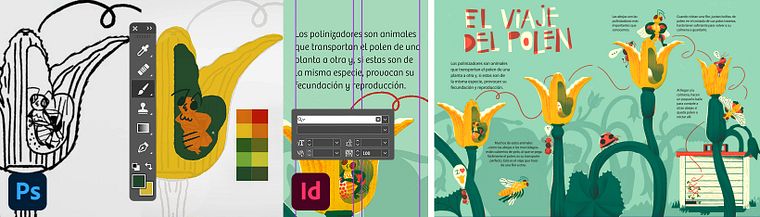
Projects by course students


Who is this online course for?
For illustrators or anyone interested in learning how to inform through illustrations.
Requirements and materials
To take this course, you need basic Adobe Photoshop and Illustrator skills. To edit the pages, Bruno will use Adobe InDesign but you can also do the editing on Illustrator.
As for materials, you will need a sketchbook, a pencil, colored markers, a computer with the previously mentioned software, and a graphics tablet.

Reviews
- 4 months ago
O curso é ótimo, muito bem explicado!!! Super recomendo!!!
- 8 months ago
Me ha gustado mucho este curso! Esta muy bien estructurado para ayudarnos a entender las bases de diseñar una serie de ilustraciones para libro. Muy practico, interesante e inspirador :)
- 1 year ago
amazing class.
- 2 years ago
muito bom
- 2 years ago
Cours très joli, très intéressant, détaillé, parfaitement clair et agréable à suivre, autant pour la manière de présenter calme et sympathique de Bruno Vallasse que pour la scénographie et l'organisation efficace des cours Domestika.

He is responsible for the illustration of the children's books Totally Humans and Travesías en la ciudad, both winners of the Latin American Illustration award in 2017 and 2018.
Content
- U1
Introduction
- Presentation
- Influences
- What Will We Do in This Course
- U2
Hungry
- Communicate and Tell: Every Image Matters
- Background and Successors
- Editorial Basics
- U3
Ingredients
- Lots of Ideas
- The Topic and Research
- Polishing and Waxing Content
- U4
First boil
- The Design Hat and the Illustration Hat
- Double Page Composition 1
- Double Page Composition 2
- Final Sketch 1
- Final Sketch 2
- Final Sketch 3
- Final Sketch 4
- Palette, Apply Color and Digital Tips 1
- Palette, Apply Color and Digital Tips 2
- Finish Illustration 1
- Finish Illustration 2
- Finish Illustration 3
- Finish Illustration 4
- Finish Illustration 5
- U5
The Table Is Set, Who's Coming for Lunch?
- Extend the Menu
- Other Restaurants
- Candies
- FP
Final project
- Informative Illustration: Awakening Curiosity
What to expect from a Domestika course
Learn at your own pace
Enjoy learning from home without a set schedule and with an easy-to-follow method. You set your own pace.
Learn from the best professionals
Learn valuable methods and techniques explained by top experts in the creative sector.
Meet expert teachers
Each expert teaches what they do best, with clear guidelines, true passion, and professional insight in every lesson.
Certificates
PLUSIf you're a Plus member, get a custom certificate signed by your teacher for every course. Share it on your portfolio, social media, or wherever you like.
Get front-row seats
Videos of the highest quality, so you don't miss a single detail. With unlimited access, you can watch them as many times as you need to perfect your technique.
Share knowledge and ideas
Ask questions, request feedback, or offer solutions. Share your learning experience with other students in the community who are as passionate about creativity as you are.
Connect with a global creative community
The community is home to millions of people from around the world who are curious and passionate about exploring and expressing their creativity.
Watch professionally produced courses
Domestika curates its teacher roster and produces every course in-house to ensure a high-quality online learning experience.
FAQs
You’ll learn to create informative illustrations, design double-page spreads, covers, and posters, apply visual synthesis techniques, work with limited color palettes, and develop illustrated editorial projects that combine storytelling, humor, and both digital and traditional tools.
Yes, this course is designed for people with intermediate experience who already have basic skills in illustration or design and want to deepen their knowledge of editorial processes, visual storytelling, and advanced techniques.
You’ll need basic illustration or design skills, access to digital tools like Photoshop and InDesign, sketching materials, and an openness to experimenting with both manual and digital methods.
Yes, the course includes exercises for brainstorming, sketching, creating mind maps, making creative lists, and structuring editorial layouts.
Yes, you’ll learn techniques for designing illustrated covers and posters, focusing on visual communication for social causes and editorial collaborations.
Yes, the course explores analog photography and film development, as well as how to integrate these into editorial and illustrative projects.
Yes, it covers strategies for designing children’s characters, using humor, and adapting complex information for young audiences through visual and narrative techniques.