
Design of Calligraphy Logos
A course by JoluvianGraphic designer, calligrapher, typographer and illustrator
A course by Joluvian, Graphic designer, calligrapher, typographer and illustrator

Print a personal feature in your designs
Joluvian -designer and illustrator- is very good at making logos generated from handwritten texts. Play and experiment with calligraphy to generate a very expressive communication, create fonts that you can then apply to graphic projects (posters, t-shirts, logos ...)
In this course, Joluvian will teach you how to make a logo or lettering for multiple uses. As if it were a gastronomic recipe, it will show you the different ingredients and elaborations that make up an exquisite graphic piece.
What will you learn in this online course?
20 lessons & 8 downloads
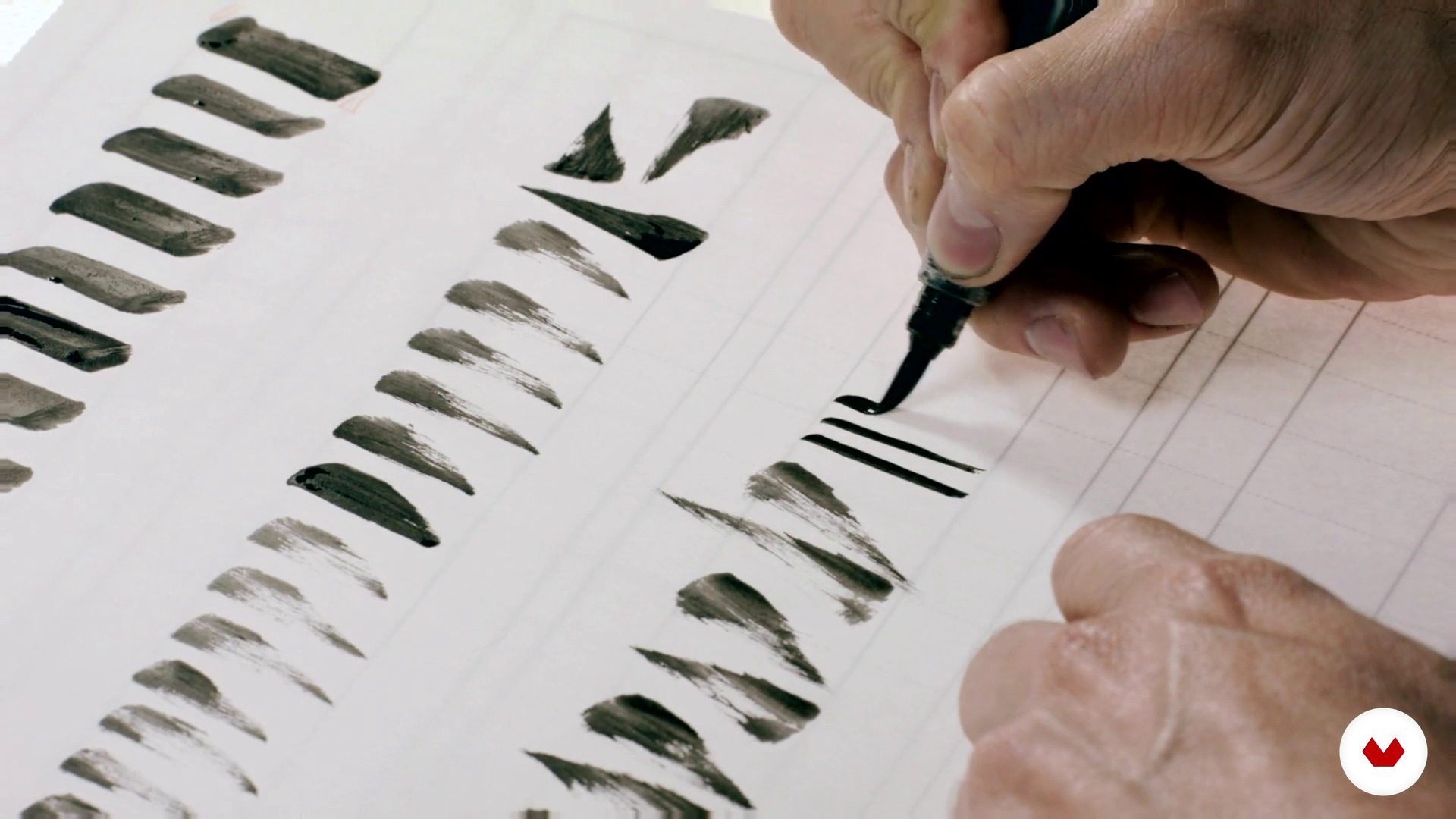
Bases for a good construction of the alphabet 1
17 minutes, 19 seconds
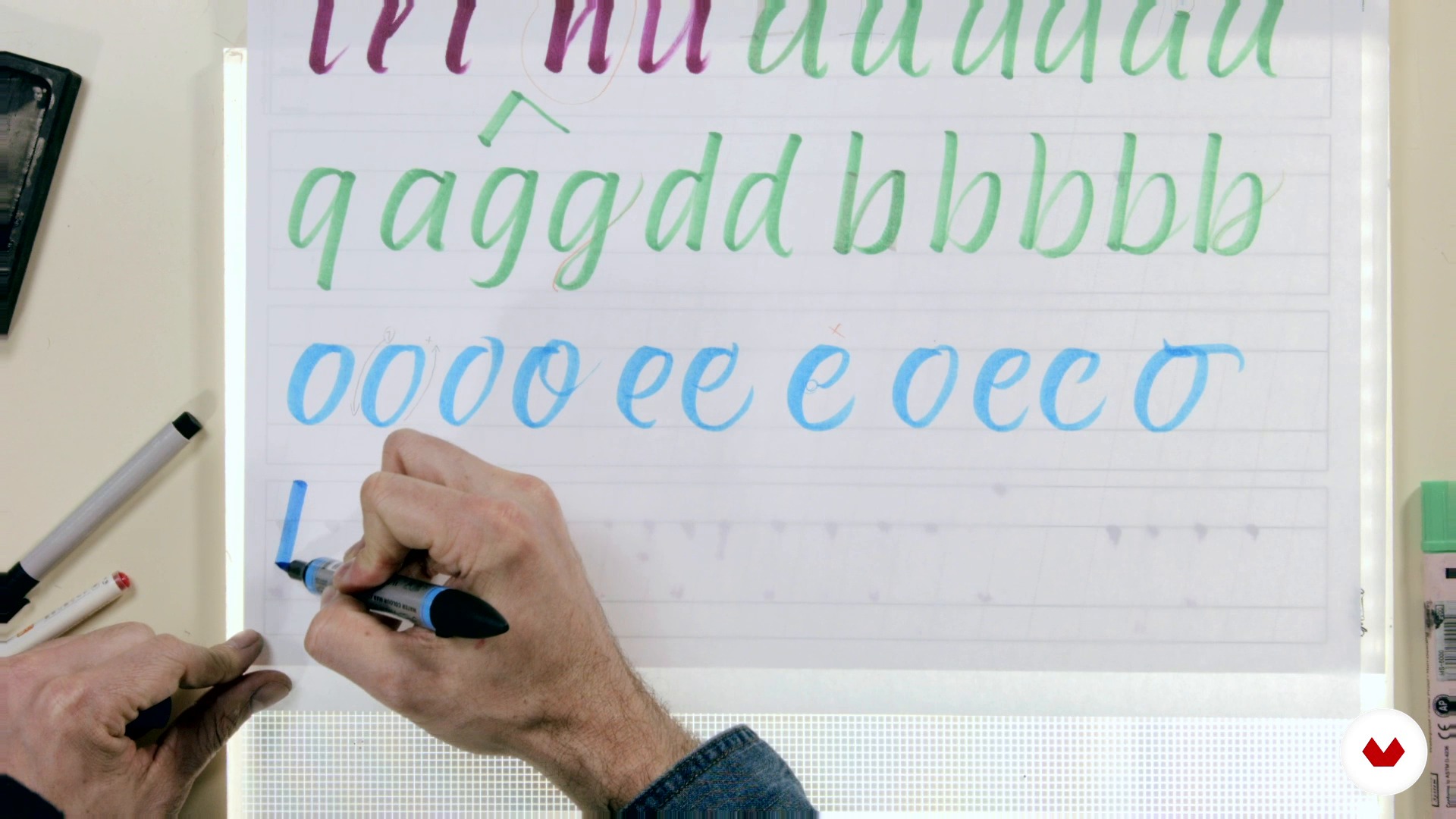
Bases for a good construction of the alphabet 2
16 minutes, 42 seconds
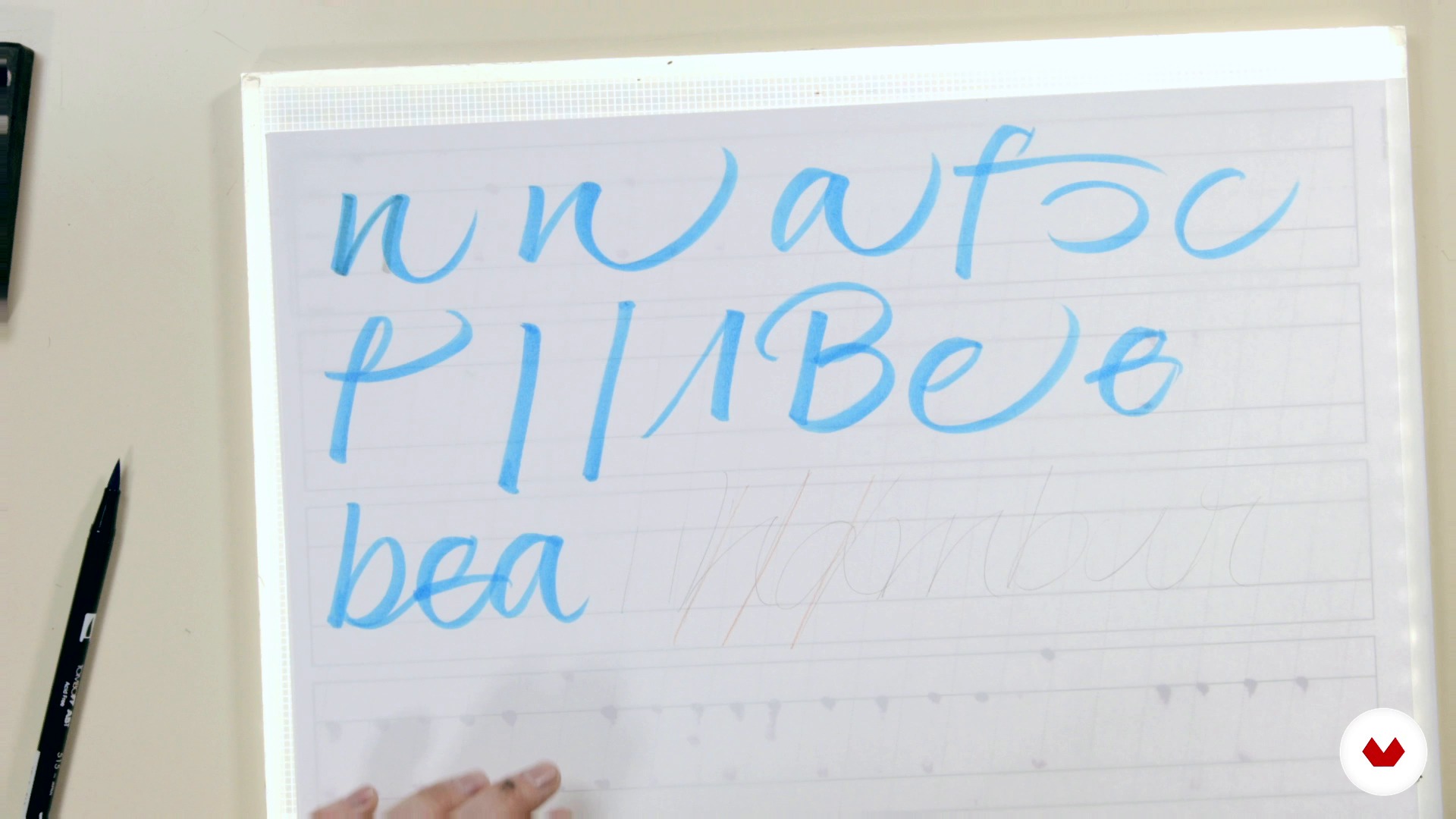
From the script to the expressive script
8 minutes, 20 seconds
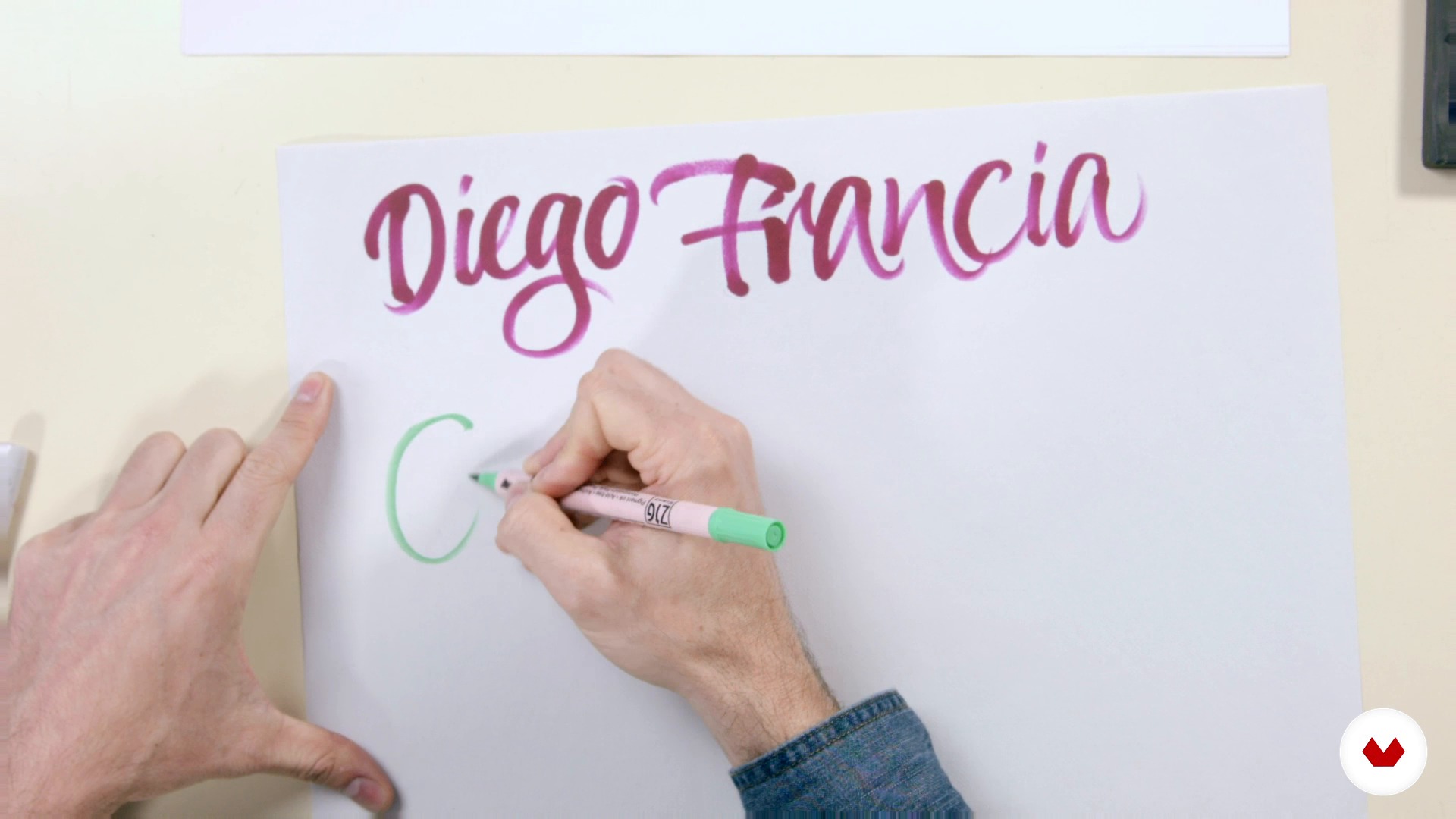
Cooking the expressive script 1
20 minutes, 46 seconds
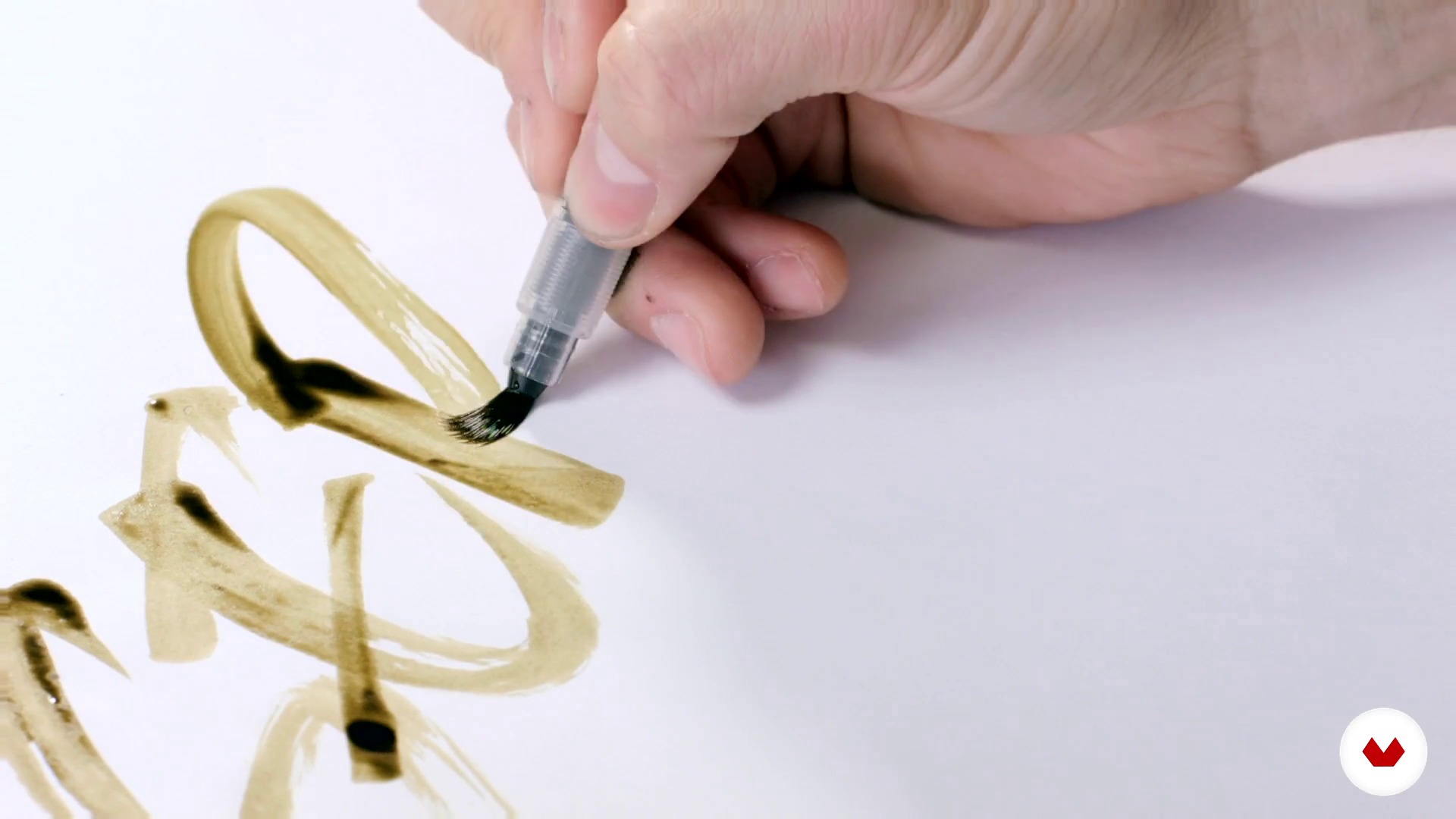
Cooking the expressive script 2
19 minutes, 16 seconds
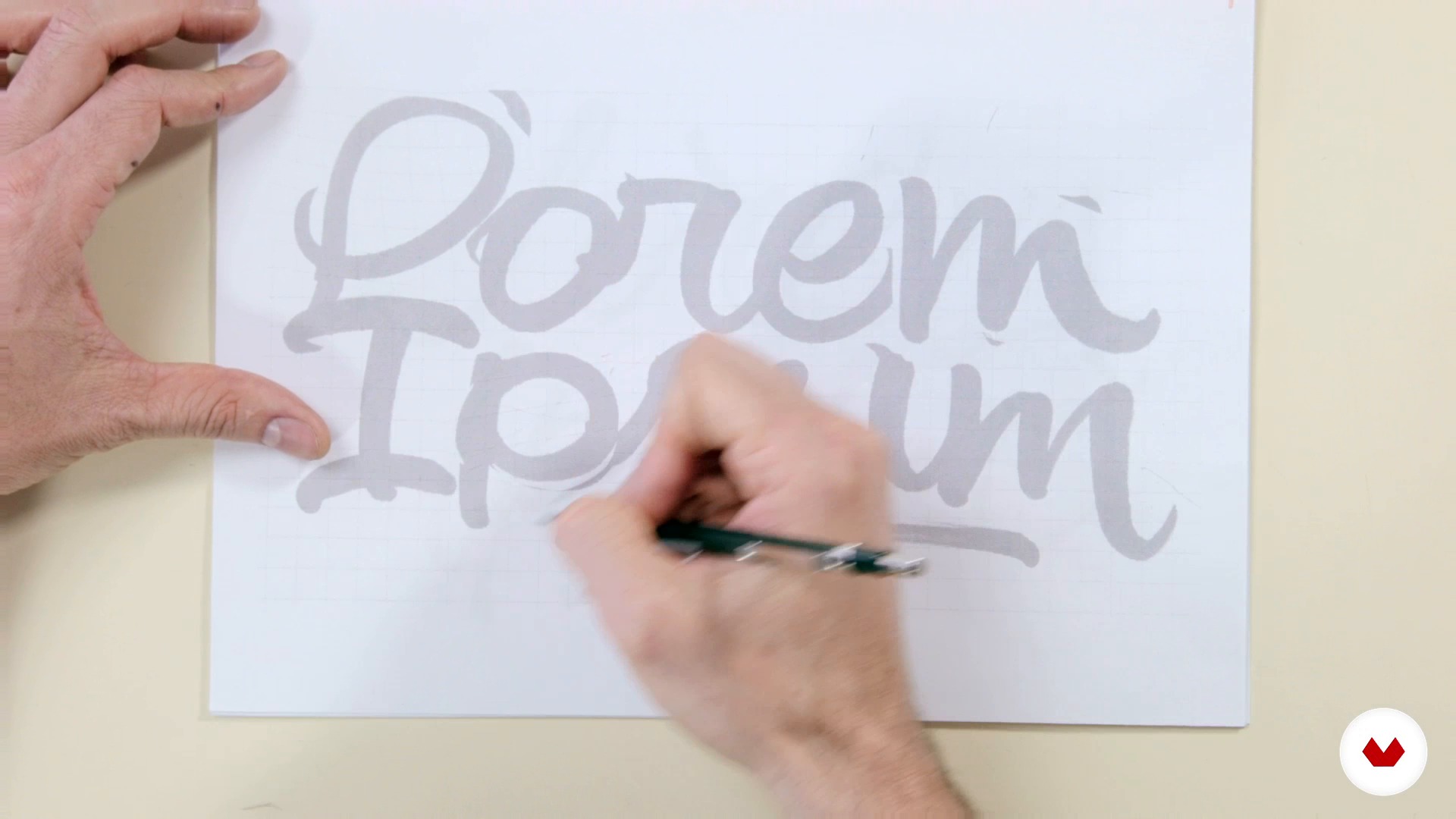
Preselection
8 minutes, 30 seconds
What's included in this course?
You will begin to learn more about Joluvian's career and work as a publicist, designer and illustrator.
Then, in the phase called "mise en place", you will discover the tools, basic concepts and cooking of a good logo expressive to taste.
Then, once you have the sketches of your calligraphic logo, you will discover the techniques of tracing with burned pencil and inking.
You will learn to make optical adjustments to your letters and to vectorize your project with Photoshop and Illustrator.
Finally, you will make the latest adjustments, size tests, negative and positive versions of your logo and apply your lettering project to other media such as t-shirts, album or magazine covers and posters.

Recommended software & tools for this course
What is this course's project?
You will make your own calligraphic logo putting into practice the various techniques learned throughout the course.
Projects by course students


Who is this online course for?
To graphic designers, calligraphers, lyricists, typographers, painters, illustrators or art lovers who want to develop their skills and know the creative process of Joluvian.
Requirements and materials
Some basic knowledge of calligraphy, basic tools (pencils, pens) and familiarity with the use of some Illustrator or similar type vector program are required.
Regarding the materials, we will need a brush, ink, pencil, eraser, paper and tracing paper, boli pilot G1 and computer.

Reviews
- ilinaPLUS11 months ago
I enjoyed this course very mush. Informative and fun to work.
- 1 year ago
Great course for anyone who wants to learn the basics of lettering! It covers many aspects, from materials to different techniques, refining and vectorizing, and even some useful tips.
- 2 years ago
Muito bom
- javosanvalPLUS2 years ago
10 de 10.!!!
- 2 years ago
Excelente. Muy ameno y sencillo para explicar. Y de mucho nivel.

He has studied with major industry, although he always had an innate talent for stroke and drawing, " I always looked at the covers that our dad made in school notebooks because he had a very nice and stylized handwriting. Later, when I started studying design, I forgot about manual work as I used the computer more, until I got into calligraphy. Actually, going back to the lyrics has been to take back my original vocation l ".
Content
- U1
Introduction
- Welcome everyone
- Books and help images
- U2
Mise en place
- Tasting the tools 1
- Tasting the tools 2
- Bases for a good construction of the alphabet 1
- Bases for a good construction of the alphabet 2
- From the script to the expressive script
- Cooking the expressive script 1
- Cooking the expressive script 2
- Preparing a logo to taste 1
- Preparing a logo to taste 2
- U3
Baked
- Preselection
- Tracing and burned pencil
- Inking
- Selection and optical adjustment
- Scan, photoshop and presentation to client
- Vectorization 1
- Vectorization 2
- U4
Install
- Optical adjustments, size, negative and positive tests
- Other format of the lettering (t-shirts, covers, poster)
- FP
Final project
- Design of calligraphic logos
What to expect from a Domestika course
Learn at your own pace
Enjoy learning from home without a set schedule and with an easy-to-follow method. You set your own pace.
Learn from the best professionals
Learn valuable methods and techniques explained by top experts in the creative sector.
Meet expert teachers
Each expert teaches what they do best, with clear guidelines, true passion, and professional insight in every lesson.
Certificates
PLUSIf you're a Plus member, get a custom certificate signed by your teacher for every course. Share it on your portfolio, social media, or wherever you like.
Get front-row seats
Videos of the highest quality, so you don't miss a single detail. With unlimited access, you can watch them as many times as you need to perfect your technique.
Share knowledge and ideas
Ask questions, request feedback, or offer solutions. Share your learning experience with other students in the community who are as passionate about creativity as you are.
Connect with a global creative community
The community is home to millions of people from around the world who are curious and passionate about exploring and expressing their creativity.
Watch professionally produced courses
Domestika curates its teacher roster and produces every course in-house to ensure a high-quality online learning experience.
FAQs
You’ll learn intermediate calligraphy techniques, custom logo creation, sketching, digitizing, vectorizing in Illustrator, and applying textures in Photoshop—blending traditional and digital tools to help you develop your own unique style.
Yes, the course is designed for those who already have a basic calligraphy foundation and want to deepen their skills with both manual and digital creative techniques and tools.
You’ll need sketch paper, pencils, markers, technical pens, brushes, nibs, India ink or watercolor, a scanner or camera, and a computer with Adobe Illustrator and Photoshop installed.
Yes, the course includes hands-on lessons on scanning, digitizing, and vectorizing letters and logos using Adobe Illustrator.
Yes, you’ll learn how to conceptualize, sketch, ink, and digitize original calligraphy logos, adapting them to various formats and client needs.
The course explains the difference between calligraphy—focused on artistic handwriting—and lettering, which is about drawing custom letters, covering both techniques.
Yes, you’ll learn how to apply realistic textures and visual effects to your illustrations and typographic compositions using Photoshop.