Psychedelic Animation with Photoshop and After Effects
A course by Klarens MallutaVisual Artist
A course by Klarens Malluta, Visual Artist

Explore your imagination and design futuristic abstract animations full of color
Trippy, colorful, and psychedelic are all terms that have been used to describe the unique illustration style of Klarens Malluta. For three years, the young visual artist has been sharing daily animations with his online audience, uploading his creations as a way of continually practicing and improving his work.
In this course, discover the colorful universe of psychedelic animation alongside Klarens. Transform simple pictures into retrofuturistic works of art and connect with your audience’s emotions. Combine Adobe Photoshop and After Effects to create trippy animations to share with the world.
What will you learn in this online course?
22 lessons & 42 downloads
What We Will Do in the Course?
1 minute, 26 seconds
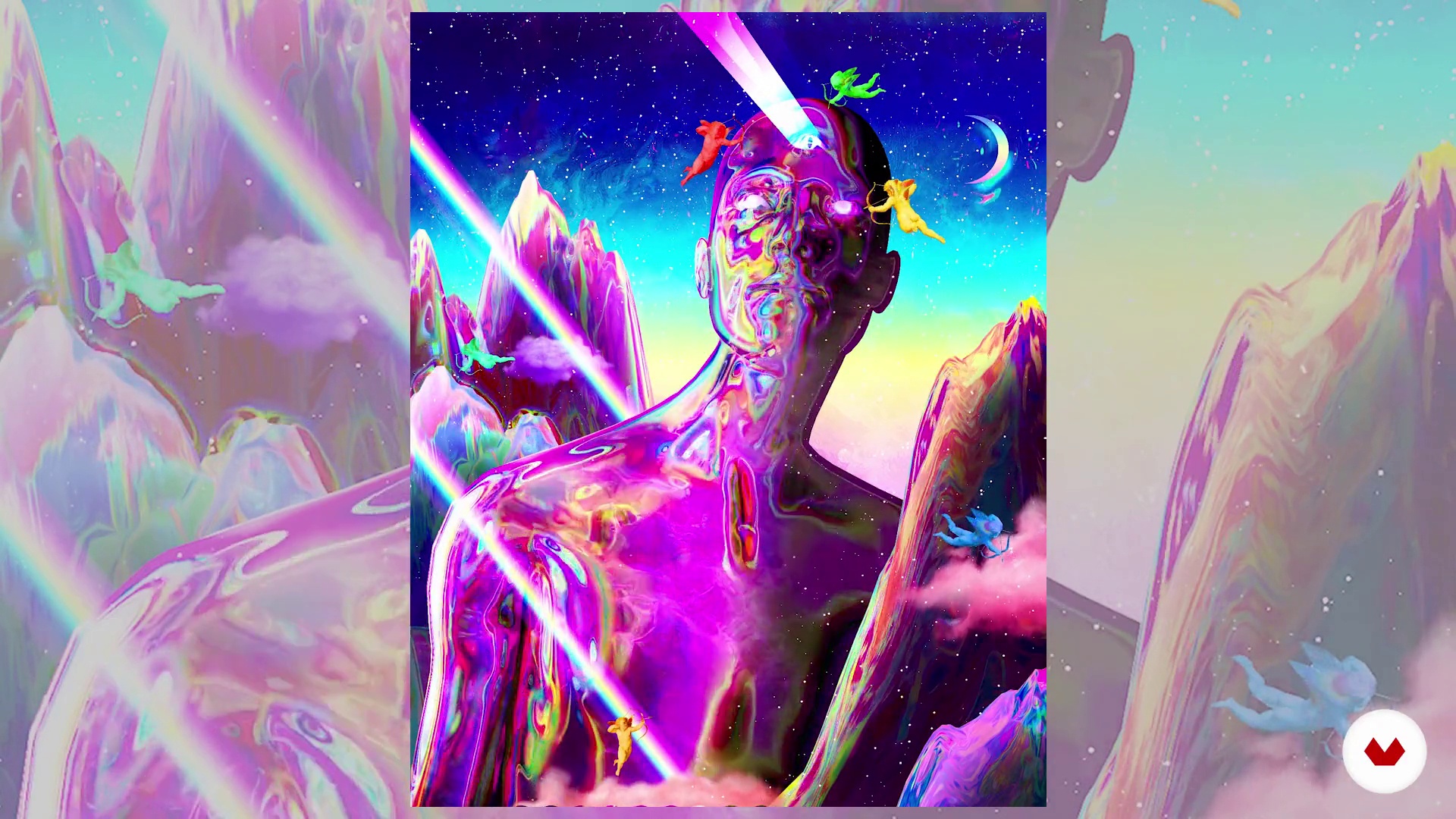
Inspirations and Lessons
5 minutes, 45 seconds
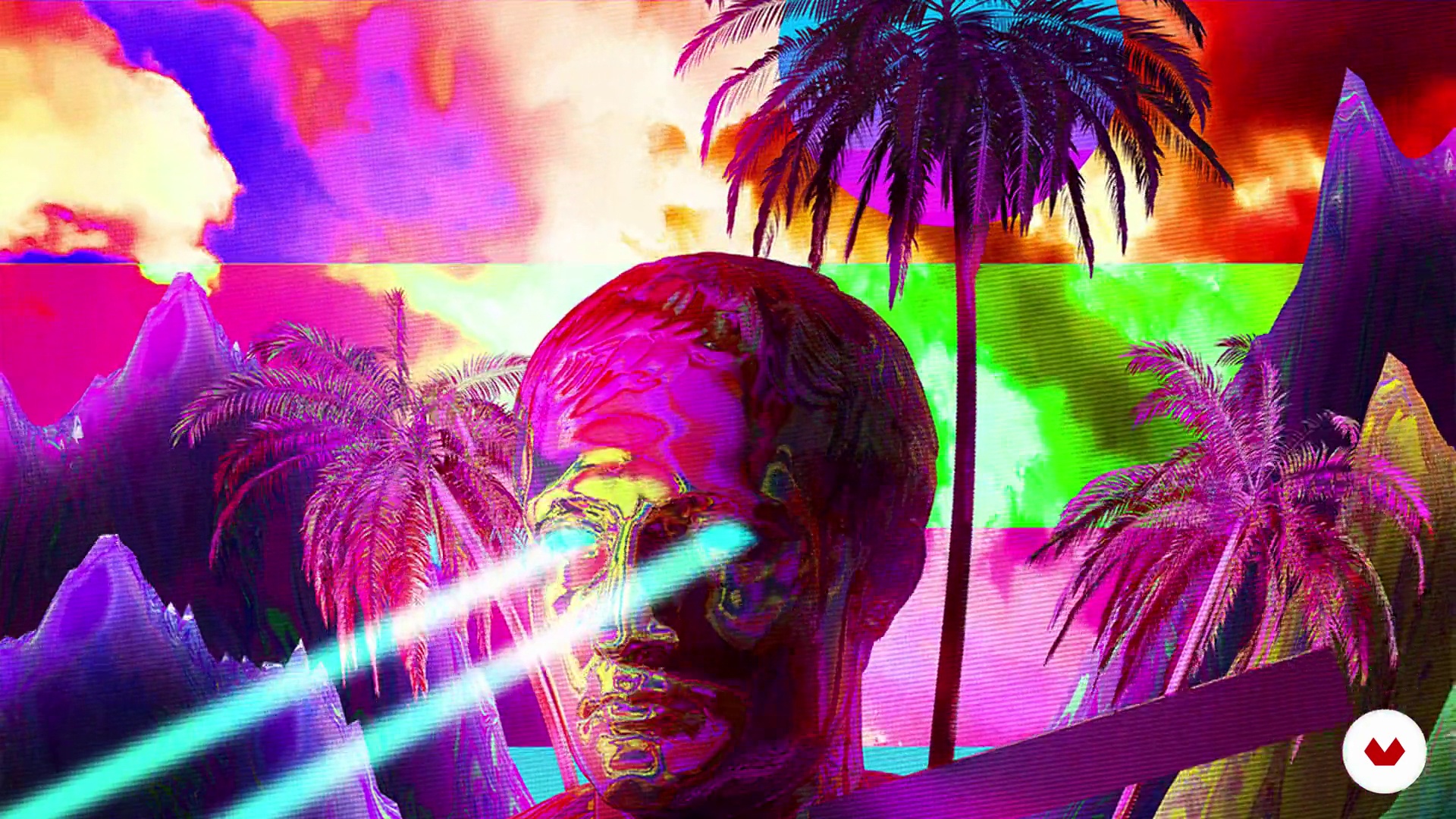
Decoding Trippy Visuals
6 minutes, 1 second
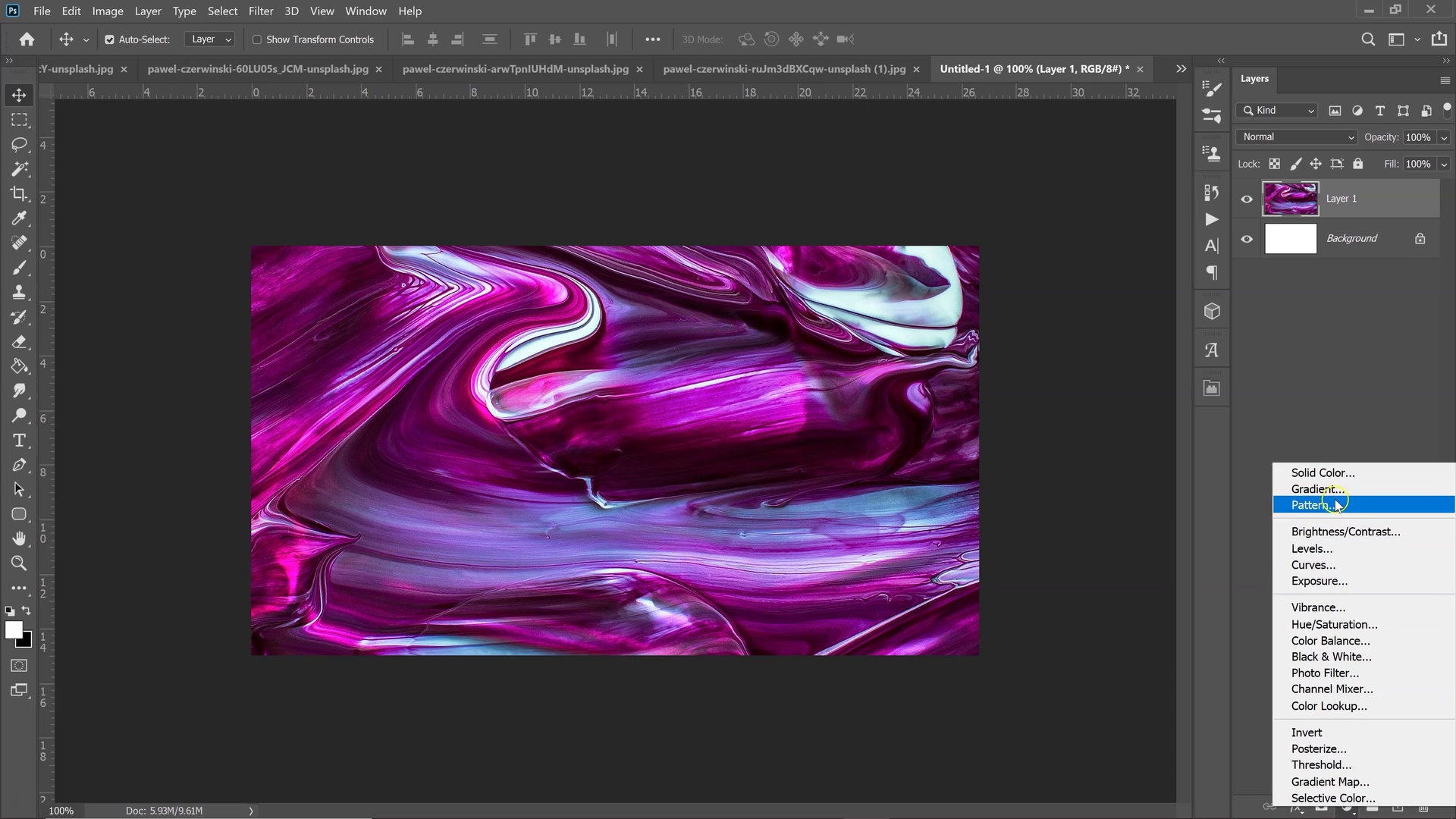
Editing and Creating Textures 1
13 minutes, 13 seconds
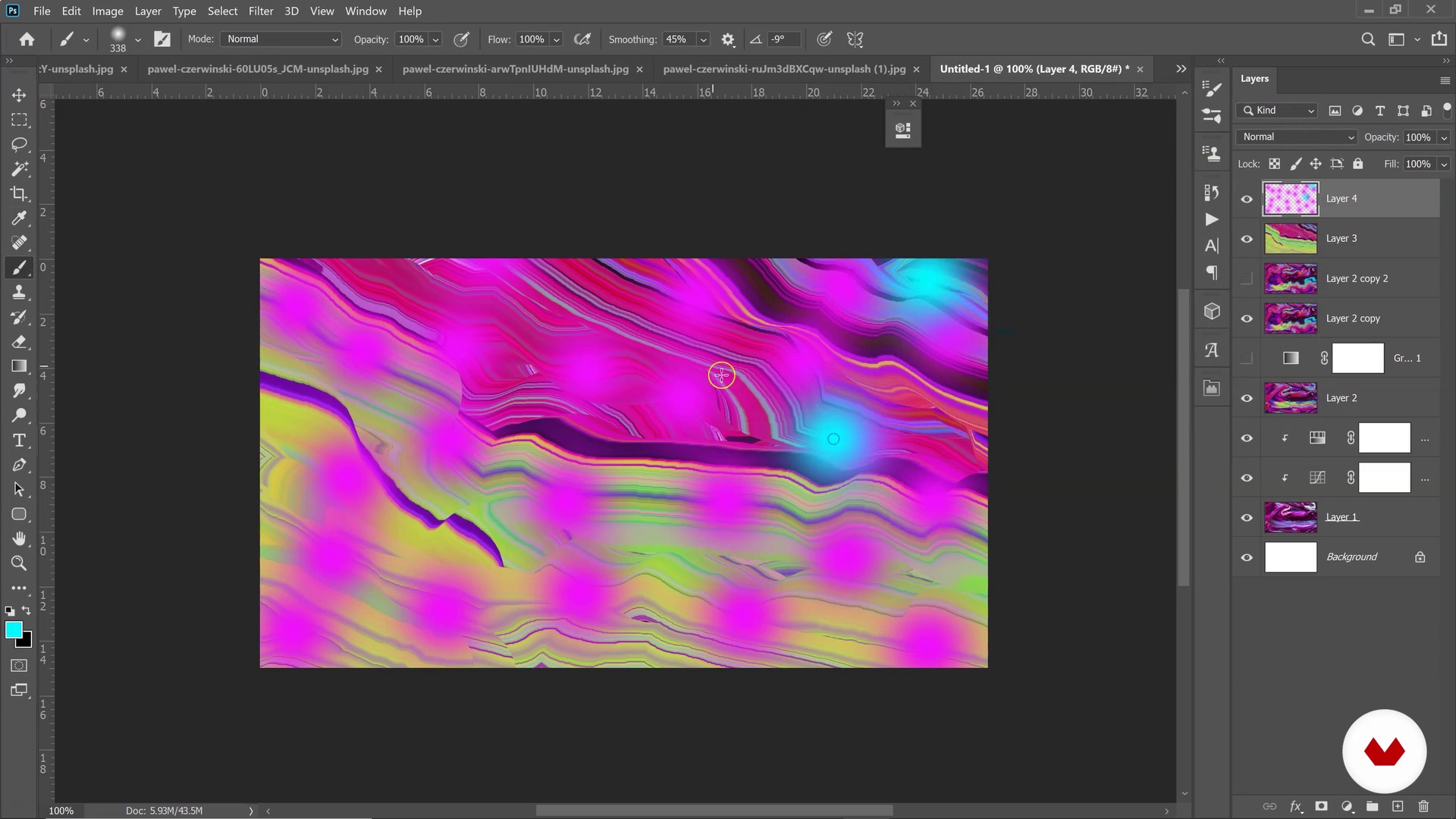
Editing and Creating Textures 2
14 minutes, 8 seconds
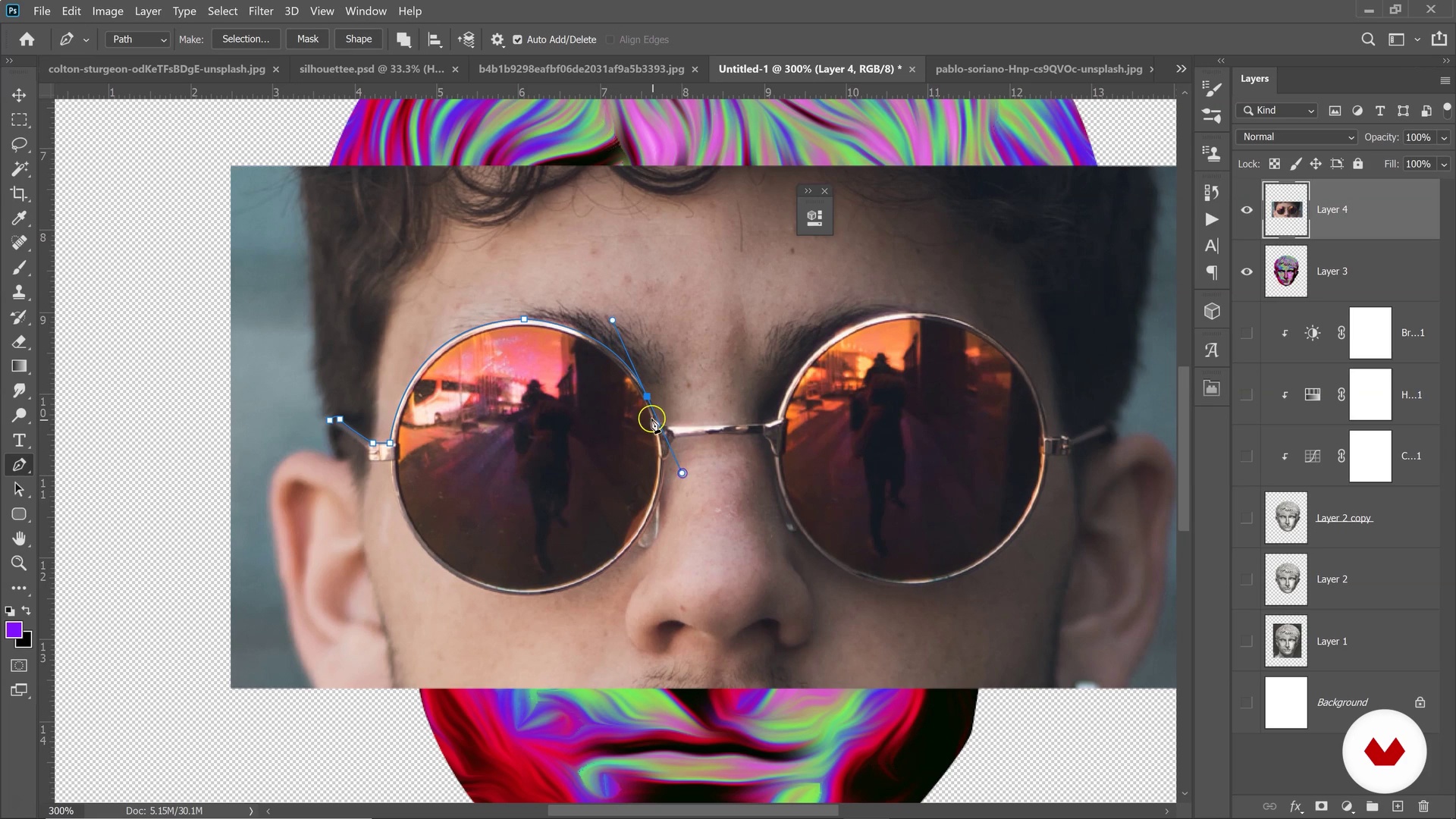
Blending Pictures
4 minutes, 23 seconds
What's included in this course?
Start your course by getting to know your teacher, Klarens Malluta. He explains how he began illustrating, why he started creating artwork every day, and some different artists who influence his work. Then, briefly go through the different topics that are covered in this course.
Klarens explains the different aspects of his trippy style. He shows you its origins and how you can use it in your work to develop your own unique aesthetic. Learn the best ways to begin with creating daily and where to find images for getting started.
Start editing the texture of your images in Photoshop. Learn how to create textures, work with silhouettes, and blend pictures. Export your images from Photoshop to begin your final project in After Effects.
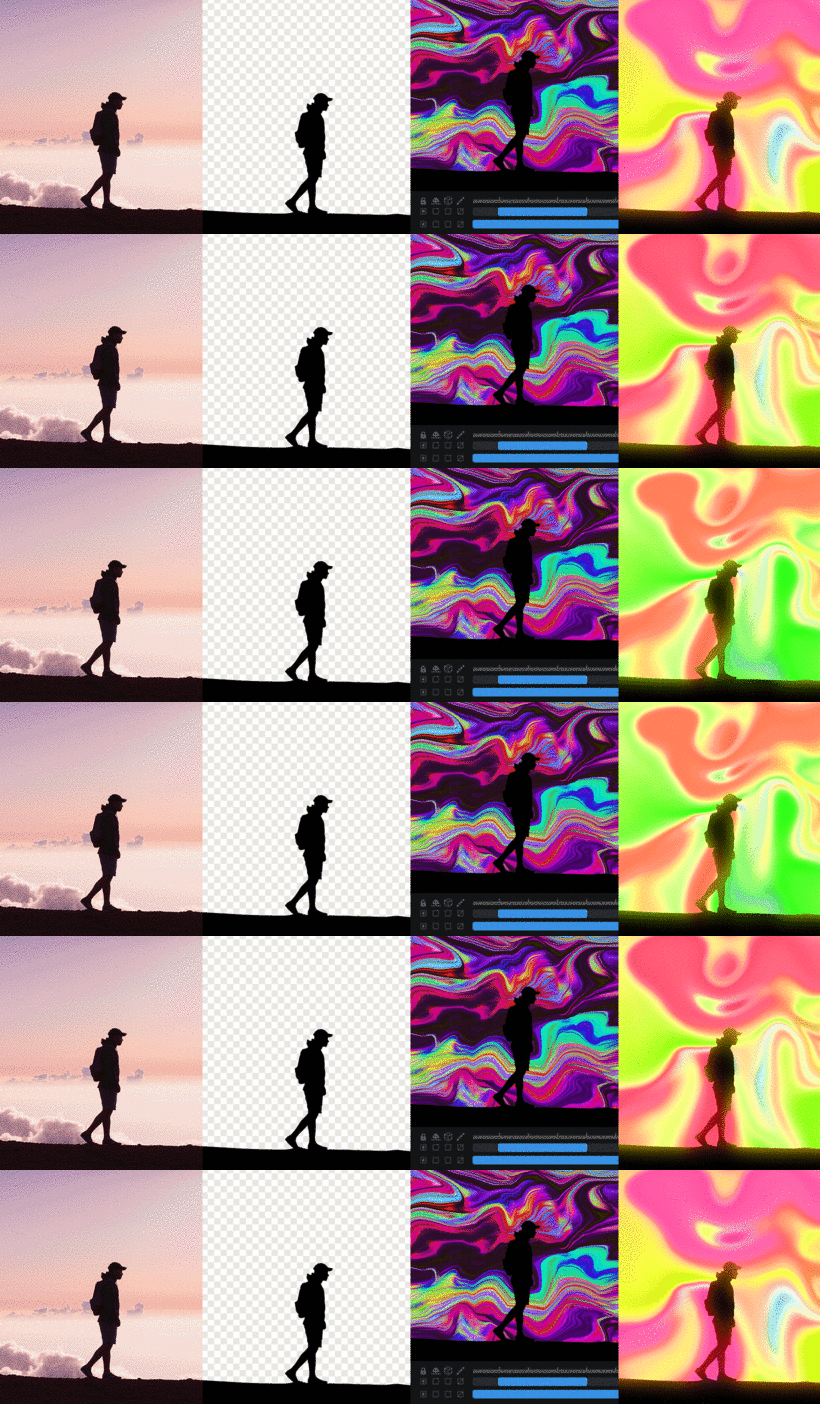
Discover the world of After Effects and learn to animate the textures you created in Photoshop. Try creating your own textures in After Effects and start experimenting with effects like Card Dance, Turbulent Displace, Wave Warp, Liquify, and Colorama.
Now it’s time to bring it all together. Learn three different techniques for making types of trippy animations: glowing, liquid, and animated overlays. Finally, make some fine adjustments and export your animation to share online or in your portfolio.
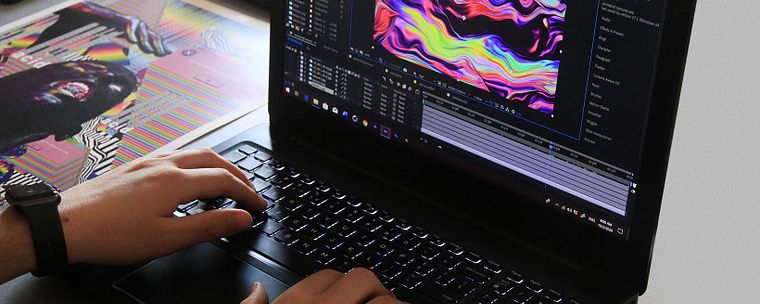
Recommended software & tools for this course
What is this course's project?
Create an original animated illustration based on a picture, using Photoshop and After Effects to achieve a playful style full of color.
Projects by course students


Who is this online course for?
This course is for anyone who would like to create original visual content with a psychedelic or trippy style.
Requirements and materials
You will need a computer with Adobe Photoshop and After Effects installed to take this course. Some basic knowledge of the software is nice to have, but not necessary.
Reviews
- 6 months ago
awesome!
- 7 months ago
If you are beyond basic user of Photoshop then this course if not for you. It is extremely beginner level.
- 7 months ago
I really enjoyed Klarens' soft way of explaining and everything and all the useful resources. I learnt more than I expected! Thank you!
- 1 year ago
Halo.... I cannot see the video course. Everything is empty. Do you have any suggestions for being able to view the video course?
- 1 year ago
Belíssimo curso!!

With an aesthetic often described as trippy, psychedelic, or futuristic, Klarens work creating cover art and other visuals has led him to collaborate with several musicians and labels, including DJ Snake, Ultra Music, The Galantis, Jackboy, Adobe, and Empire Records. You can find his work online on Instagram and Behance.
Content
- U1
Introduction
- About Me
- Influences
- What We Will Do in the Course?
- U2
The Trippy Effect
- Inspirations and Lessons
- Decoding Trippy Visuals
- Let’s Get Our Resources!
- U3
Production: Preparing Colorful Textures in Photoshop
- Editing and Creating Textures 1
- Editing and Creating Textures 2
- Working with Silhouettes
- Blending Pictures
- Exporting Images. Differences between JPEG and PNG
- U4
Working with After Effects
- Animating Textures 1
- Animating Textures 2
- Creating Animated Textures from Scratch
- Showcasing Various Trippy Effects 1
- Showcasing Various Trippy Effects 2
- U5
Final Animations
- Creating the first Glowing Trippy Animation
- Creating the Liquid Trippy Animation
- Statue with Animated Overlays
- U6
Post Production: Finalizing & Exporting
- Tips to Make Your Videos More Retro/Trippy Looking 1
- Tips to Make Your Videos More Retro/Trippy Looking 2
- How to Export Your Videos
- FP
Final project
- Psychedelic Animation with Photoshop and After Effects
What to expect from a Domestika course
Learn at your own pace
Enjoy learning from home without a set schedule and with an easy-to-follow method. You set your own pace.
Learn from the best professionals
Learn valuable methods and techniques explained by top experts in the creative sector.
Meet expert teachers
Each expert teaches what they do best, with clear guidelines, true passion, and professional insight in every lesson.
Certificates
PLUSIf you're a Plus member, get a custom certificate signed by your teacher for every course. Share it on your portfolio, social media, or wherever you like.
Get front-row seats
Videos of the highest quality, so you don't miss a single detail. With unlimited access, you can watch them as many times as you need to perfect your technique.
Share knowledge and ideas
Ask questions, request feedback, or offer solutions. Share your learning experience with other students in the community who are as passionate about creativity as you are.
Connect with a global creative community
The community is home to millions of people from around the world who are curious and passionate about exploring and expressing their creativity.
Watch professionally produced courses
Domestika curates its teacher roster and produces every course in-house to ensure a high-quality online learning experience.
FAQs
This course is best for those with some basic experience in Photoshop and After Effects. While core concepts are explained, beginners may find it more accessible if they have prior familiarity with digital art or design software.
You’ll need Adobe Photoshop, After Effects, and Illustrator for this course. A computer capable of running these programs and access to royalty-free image resources will help you complete the projects.
You’ll learn to create music cover art, trippy visuals, vaporwave animations, blend 3D with Photoshop, apply abstract art techniques, and animate textures in After Effects, ready for sharing on platforms like Instagram.
The course teaches you how to leverage your daily art practice, share work on social media, and transition personal projects into paid client work, using real-world workflows and case studies.
Yes, the course covers strategies for consistently sharing your art on Instagram and building an audience to attract potential clients.
Absolutely. You’ll explore vaporwave, glitch, trippy, and Memphis design styles, learning how to create and animate them using Photoshop and After Effects.
You should be comfortable with basic Photoshop features. The course introduces After Effects fundamentals, so beginners can start, but prior exposure will help you progress faster.