
Dynamic Animation with 2D and 3D Illustration
A course by Advntr StudioAnimation Studio
A course by Advntr Studio, Animation Studio

Learn to create original animations by combining different formats of digital illustration
Digital illustration allows you to express your inner artistic world. Combining illustration with animation, allows you to bring that world to life! Willie and Jill from Advntr Studio are here to teach you how to do just that by creating engaging animations.
Uncover the secrets behind animation and learn how to use editing software to tell your own unique story. Get a complete step-by-step walkthrough from creating your illustration on paper to digitizing and animating it in software like After Effects, Cinema 4D and Octane Render.
What will you learn in this online course?
39 lessons & 12 downloads
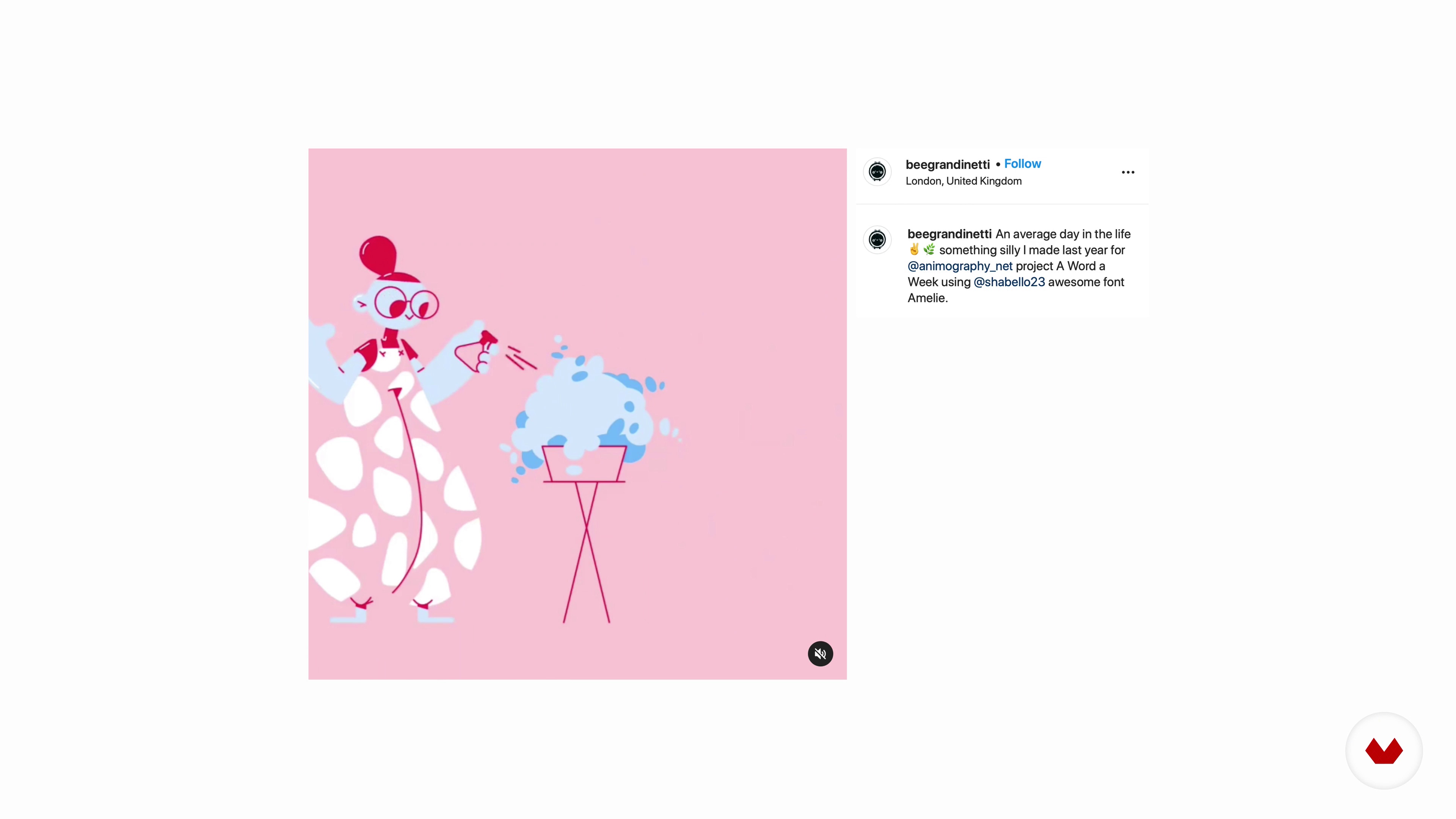
Inspiration for a Story
8 minutes, 40 seconds
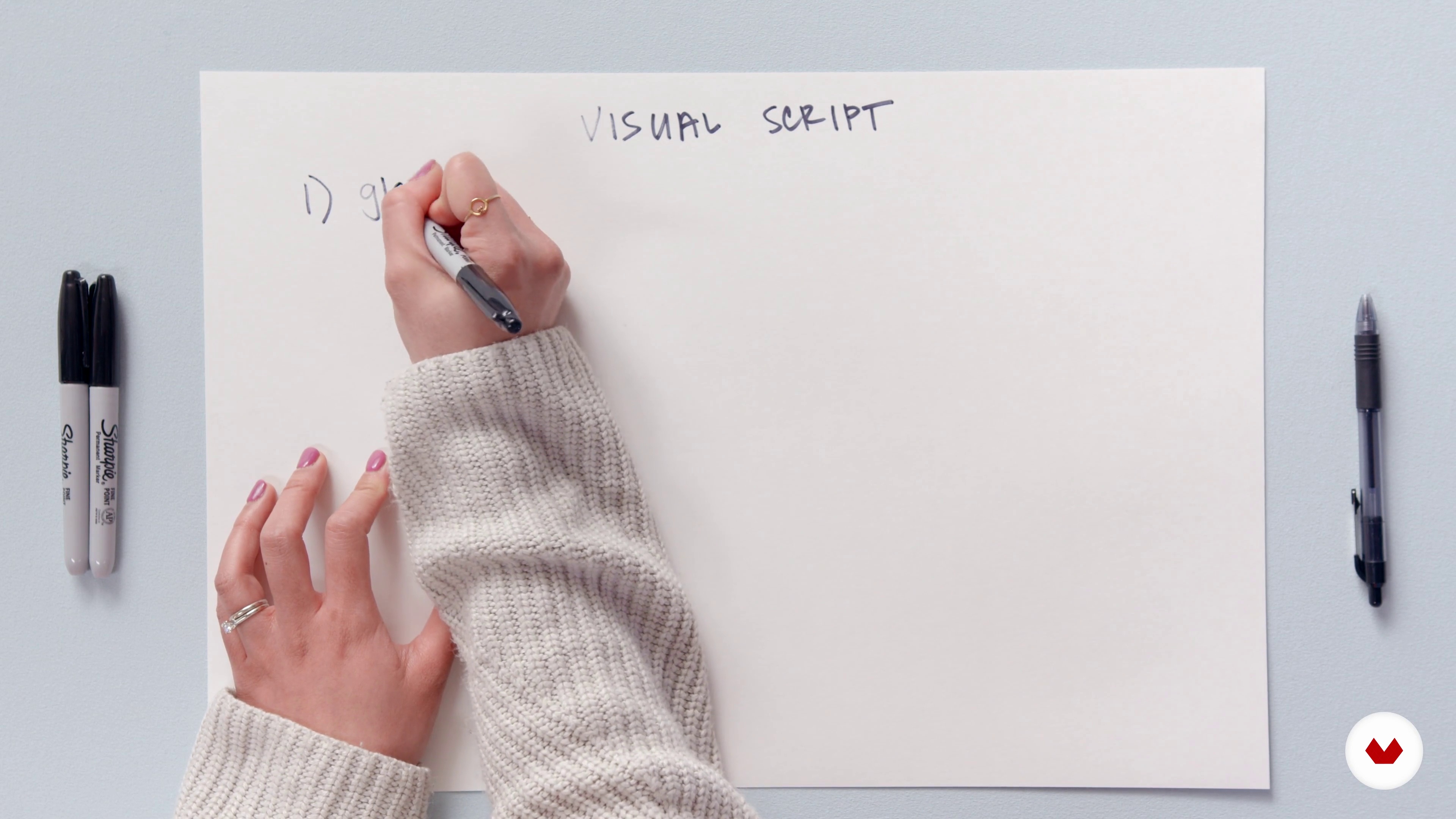
Writing the Visual Script
5 minutes, 15 seconds
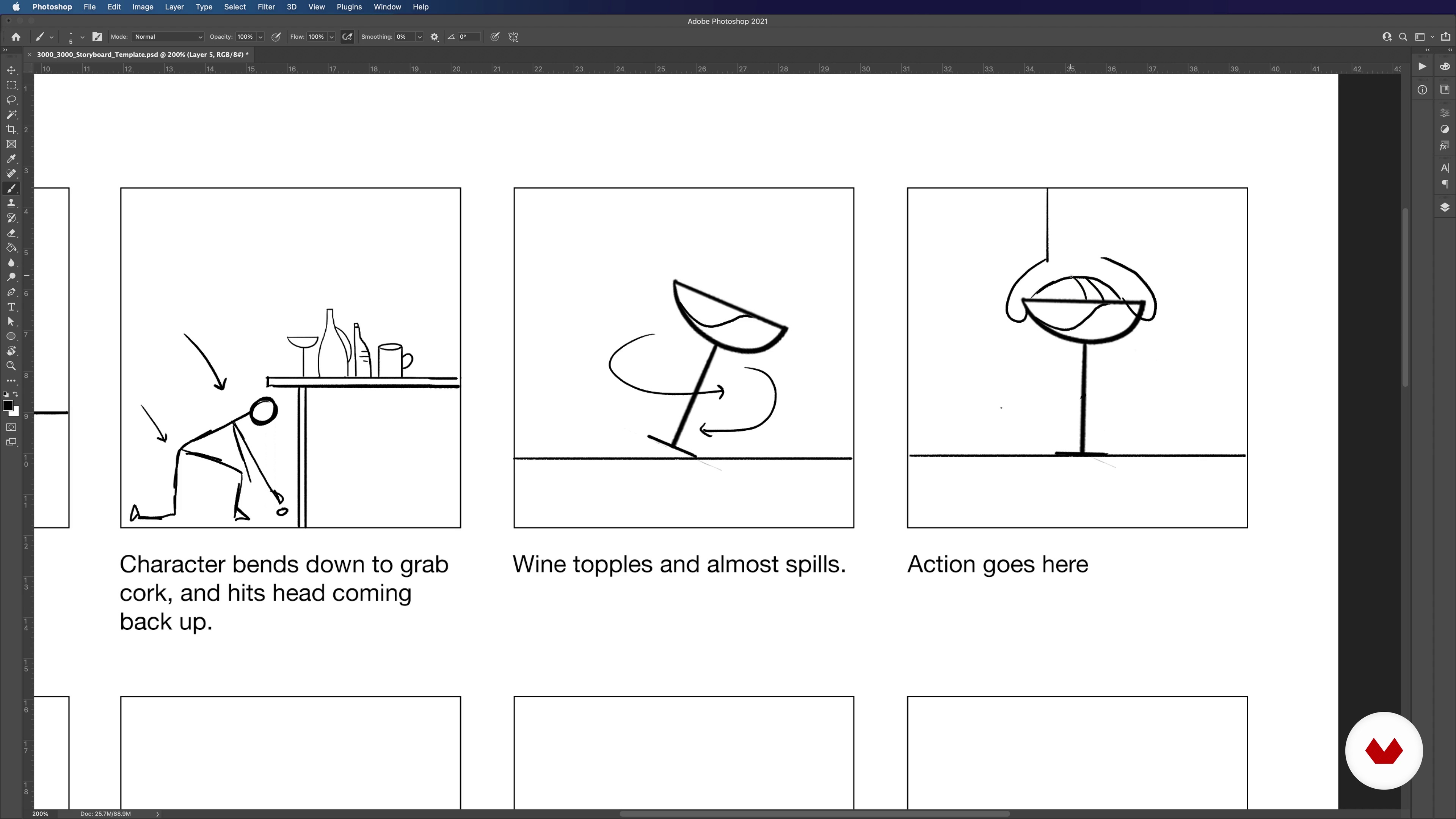
Starting Storyboarding
17 minutes, 52 seconds
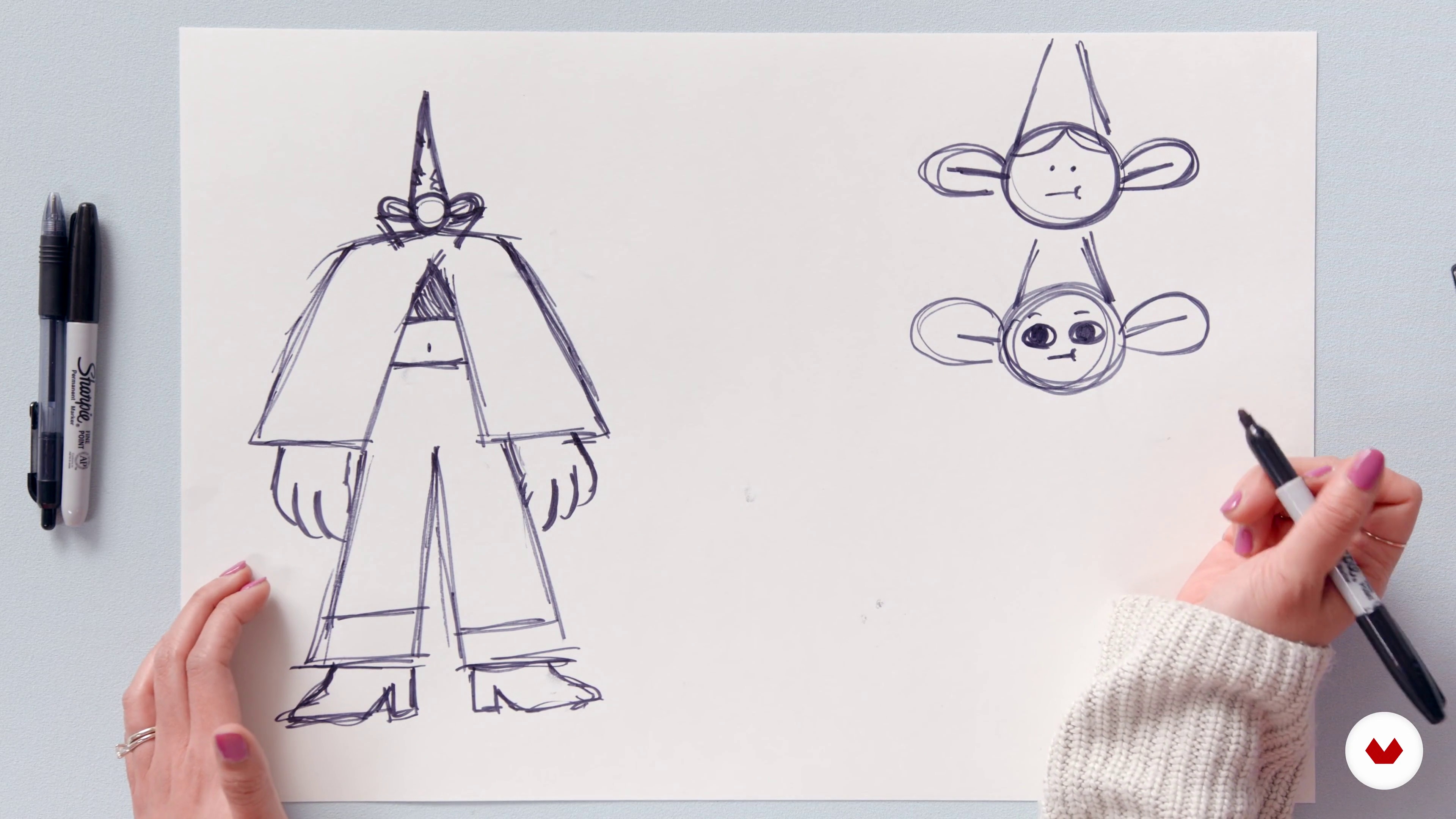
Designing Your Protagonist
6 minutes, 50 seconds
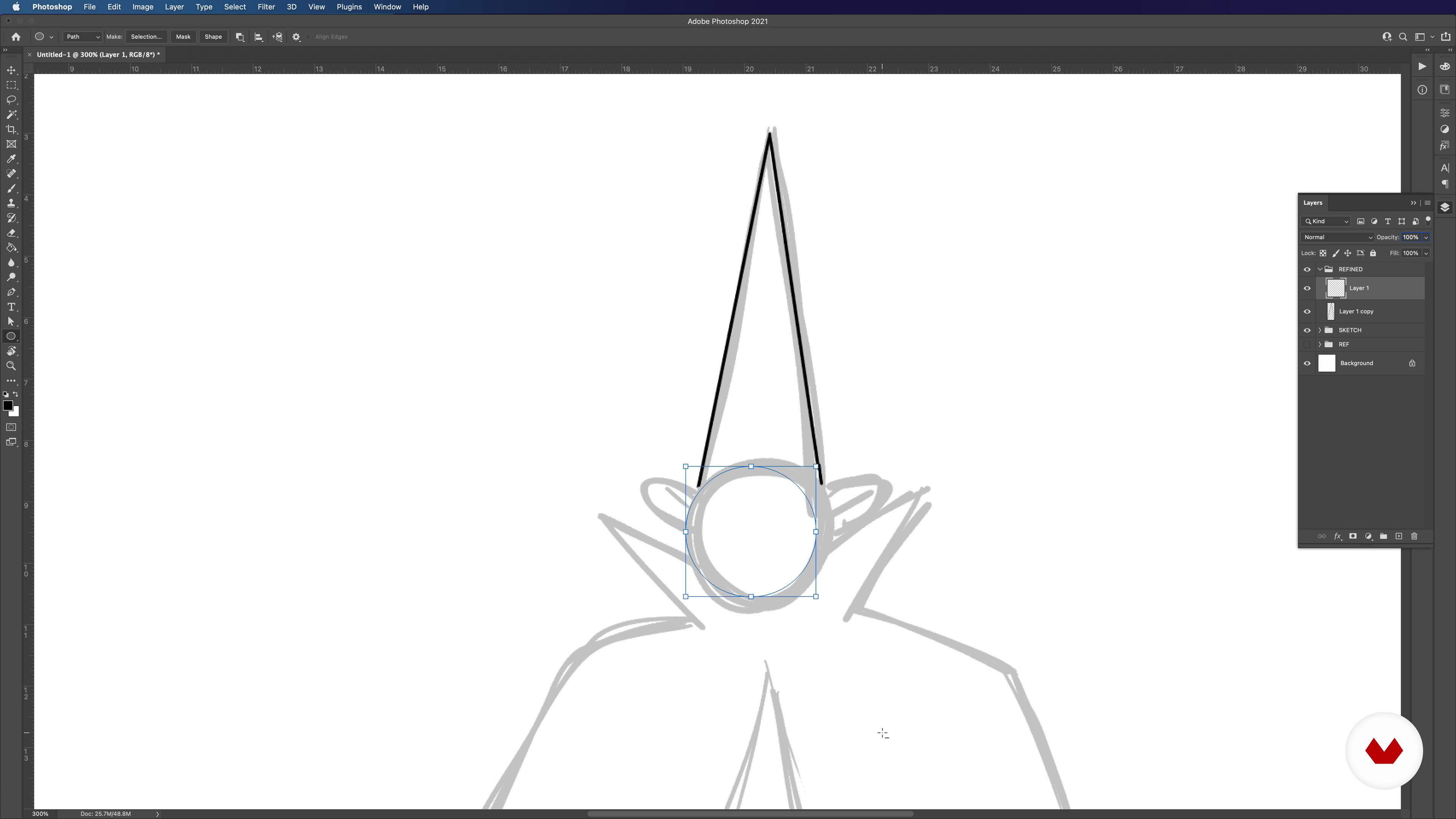
Refining Your Sketch in Photoshop 1
20 minutes, 3 seconds
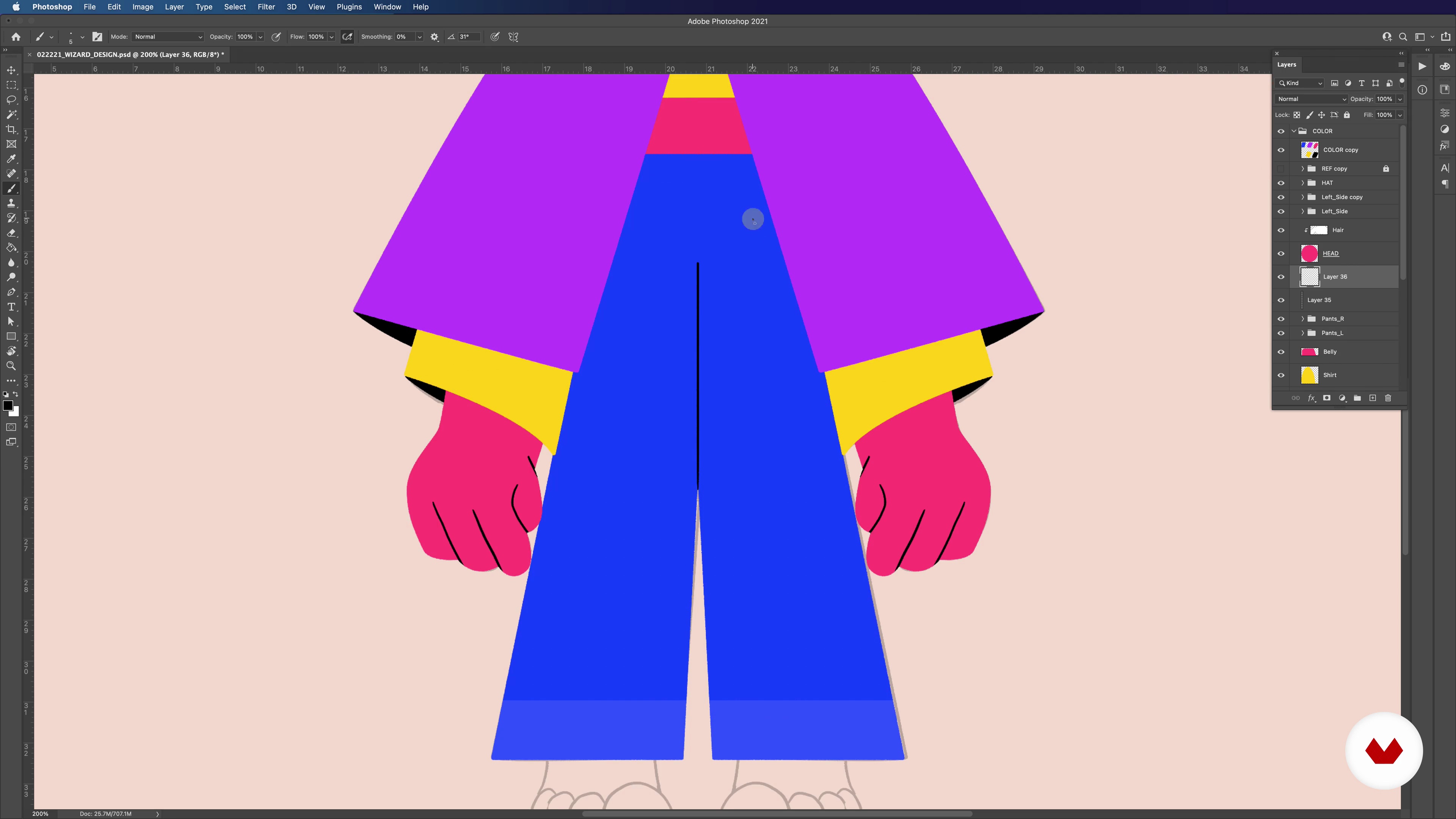
Refining Your Sketch in Photoshop 2
16 minutes, 48 seconds
What's included in this course?
Meet Willie and Jill Russell, founders of Advntr Studio. Hear about their creative journey and how the couple combined their talents to form their studio. They share their inspirations and the artists who influence their work.
Get inspired by exploring references of your favorite artists, studios, and websites. Think of the story you want to tell by coming up with a concept and writing a visual script. Then, take your visual script to the storyboard and start creating your scenes frame by frame in Photoshop. Willie and Jill provide a template to facilitate the process.
Dive into the production phase and start designing the protagonist of your animation. Willie and Jill guide you step-by-step from the initial sketches of your character to the finalized illustration in Photoshop. Bring your storyboard and character together to complete your frame. Next, explore the different elements of your design and decide which pieces should be 2D or 3D.
Explore Cinema 4D’s powerful digital tools by learning different techniques such as box-modeling and poly-modeling. Willie and Jill give you a walkthrough of some software essentials before demonstrating how to model a 2D design into a 3D one. Then, learn how to model the most important element of your character: the face.
Time to start animating in 3D! Begin by understanding how to pace your animation in After Effects. Jump back into Cinema 4D and learn how to keyframe movement in your work. Learn how to use pose morph tag, which animates the face of your character. Discover how to make the movement in your animation look more realistic through physics simulation techniques.
Move on to 2D animation and learn how to build and rig your character to move throughout every frame. Explore basic animation principles and apply them to your work. Then, add some flourishes to enhance your work.
Bring your animation to life by learning how to add lighting and texture. Learn how to use Octane Render to create unique textures and natural-looking light in your scene. Finally, learn how to render and composite your piece before sharing your work with the world.
Recommended software & tools for this course
What is this course's project?
Create an original 20-second animation that tells a story using editing software.

Projects by course students


Who is this online course for?
The course is great for designers and animators, or anyone who wants to learn animation techniques.
Requirements and materials
Basic knowledge of Photoshop and After Effects is recommended. Knowledge in Cinema 4D is helpful but not necessary since your teachers give you an in-depth run through of the software.
To take this course, you need access to a computer with Photoshop, After Effects, Cinema 4D, and Octane Render, or similar software.

Reviews
- 3 months ago
Muy bien
- 3 months ago
Wspaniały kurs! Dużo wiedzy i fantastyczni nauczyciele. Polecam bardzo.
- 2 years ago
Good course and it is aimed at beginners
- 2 years ago
Curso perfeito para organizar o processo de criação e execução de uma animação curtinha, Ótima pra Reels de Motion
- 2 years ago
An excellent course because it combines the two most famous and luxurious programs in the field of motion graphics and the world of dimensional 3D. The explanation was clear. Honestly, I benefited a lot from this course.

Willie has worked with renowned animation studios like Buck, Imaginary Forces, Perception, Ready Set Rocket, First Born, and more. Jill has freelanced for agencies such as AKQA, Havas Worldwide, HUGE, Method, and Loyal Kaspar. Together, they've collaborated for brands like Google, Dell, JP Morgan, Verizon, and Marvel Studios.
Content
- U1
Introduction
- About Us
- Influences
- U2
Inspiration, Concepting and Storyboarding
- Inspiration for a Story
- Writing the Visual Script
- Starting Storyboarding
- U3
2D Design
- Designing Your Protagonist
- Refining Your Sketch in Photoshop 1
- Refining Your Sketch in Photoshop 2
- Refining Your Sketch in Photoshop 3
- Designing Styleframes
- Deciding Between 2D and 3D
- U4
3D Design
- Model Tabletop Items Using Box-Modeling 1
- Model Tabletop Items Using Box-Modeling 2
- Model Tabletop Items Using Box-Modeling 3
- Modelling the Character's Face and Skull 1
- Modelling the Character's Face and Skull 2
- U5
3D Animation
- Figuring Out Pacing: Making Your Animatic
- 3D Animation: Begin Animating in Cinema 4D 1
- 3D Animation: Begin Animating in Cinema 4D 2
- 3D Animation: Pose Morph Tag 1
- 3D Animation: Pose Morph Tag 2
- 3D Animation: Physics Simulation
- U6
2D Animation
- Starting 2D Animation: Building Your Character in After Effects 1
- Starting 2D Animation: Building Your Character in After Effects 2
- Starting 2D Animation: Building Your Character in After Effects 3
- Starting 2D Animation: Animating Your Character 1
- Starting 2D Animation: Animating Your Character 2
- Starting 2D Animation: Animating Your Character 3
- Starting 2D Animation: Animating Your Character 4
- Starting 2D Animation: Animating Your Character 5
- Starting 2D Animation: Animating Your Character 6
- Starting 2D Animation: Animating Your Character 7
- Finishing Your 2D Animation: Animating Flourishes 1
- Finishing Your 2D Animation: Animating Flourishes 2
- U7
Lighting, Texturing and Rendering
- Texturing Our 3D Scenes 1
- Texturing Our 3D Scenes 2
- Lighting Our 3D Scenes
- Rendering and Compositing
- The Importance of Social Media and Your Career
- FP
Final project
- Dynamic Animation with 2D and 3D Illustration
What to expect from a Domestika course
Learn at your own pace
Enjoy learning from home without a set schedule and with an easy-to-follow method. You set your own pace.
Learn from the best professionals
Learn valuable methods and techniques explained by top experts in the creative sector.
Meet expert teachers
Each expert teaches what they do best, with clear guidelines, true passion, and professional insight in every lesson.
Certificates
PLUSIf you're a Plus member, get a custom certificate signed by your teacher for every course. Share it on your portfolio, social media, or wherever you like.
Get front-row seats
Videos of the highest quality, so you don't miss a single detail. With unlimited access, you can watch them as many times as you need to perfect your technique.
Share knowledge and ideas
Ask questions, request feedback, or offer solutions. Share your learning experience with other students in the community who are as passionate about creativity as you are.
Connect with a global creative community
The community is home to millions of people from around the world who are curious and passionate about exploring and expressing their creativity.
Watch professionally produced courses
Domestika curates its teacher roster and produces every course in-house to ensure a high-quality online learning experience.
FAQs
This course is designed for intermediate artists with some experience in illustration or animation. Advanced expertise is not required, but familiarity with basic creative software and workflows will help you make the most of the content.
You'll need access to Adobe Photoshop, After Effects, and Cinema 4D, plus a Wacom tablet for sketching. These tools are essential for hands-on practice in 2D and 3D animation, illustration, and storyboarding techniques covered in the course.
You will learn storyboarding, character concept sketching, visual storytelling, animating in After Effects, illustrating in Photoshop, 3D animation in Cinema 4D, and integrating 2D and 3D elements to create unique, character-driven animated stories.
Yes, the course covers both 2D and 3D animation techniques, including workflows for combining them to create visually cohesive and expressive animated projects.
Yes, as long as you have a basic understanding of illustration or drawing, you can follow the course. The lessons build on foundational skills and progressively introduce more advanced animation concepts.
The course teaches storyboarding and visual scripting through hands-on exercises, showing you how to sketch story ideas, plan shot breakdowns, and organize visual narratives using templates and digital tools like Photoshop.
Yes, you'll learn how to brainstorm, sketch, and refine quirky character designs, blending fantasy and real-life inspiration to create memorable, relatable animated characters.