Motion Graphics for Instagram
A course by Darwin PachecoDesigner and Animator
A course by Darwin Pacheco, Designer and Animator

Create templates and animated pieces for IG Stories, IGTV, or feed
Motion graphics is a multi-disciplinary technique that offers infinite communicational possibilities. The combination of design and animation allows you to create a new visual language with a multitude of uses and applications. Darwin Pacheco—a Peruvian animator and designer—specializes in motion graphics and uses it to create powerful content that catches the eye and mind of an audience.
In this course, discover motion graphics techniques alongside Darwin, to create attractive visual propositions that attract new followers to your Instagram account. Learn how to create modular or template animations that you can easily modify. Although this course is focused on visual content for Instagram, the techniques you learn to master can be easily adapted to any other format.
What will you learn in this online course?
27 lessons & 8 downloads
What will we do in the course?
54 seconds
After Effects Essentials
16 minutes, 30 seconds
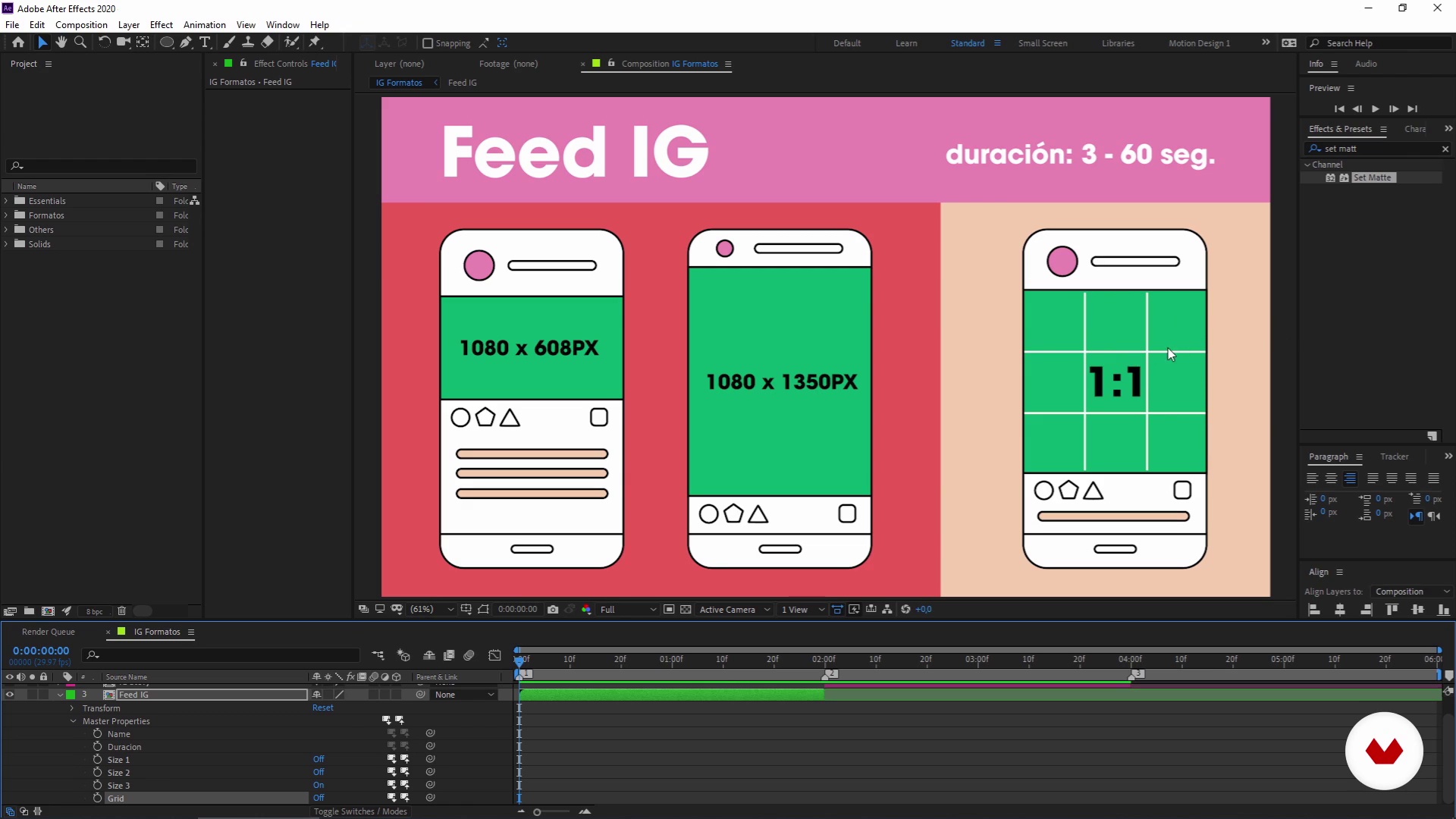
About Instagram formats
4 minutes, 38 seconds
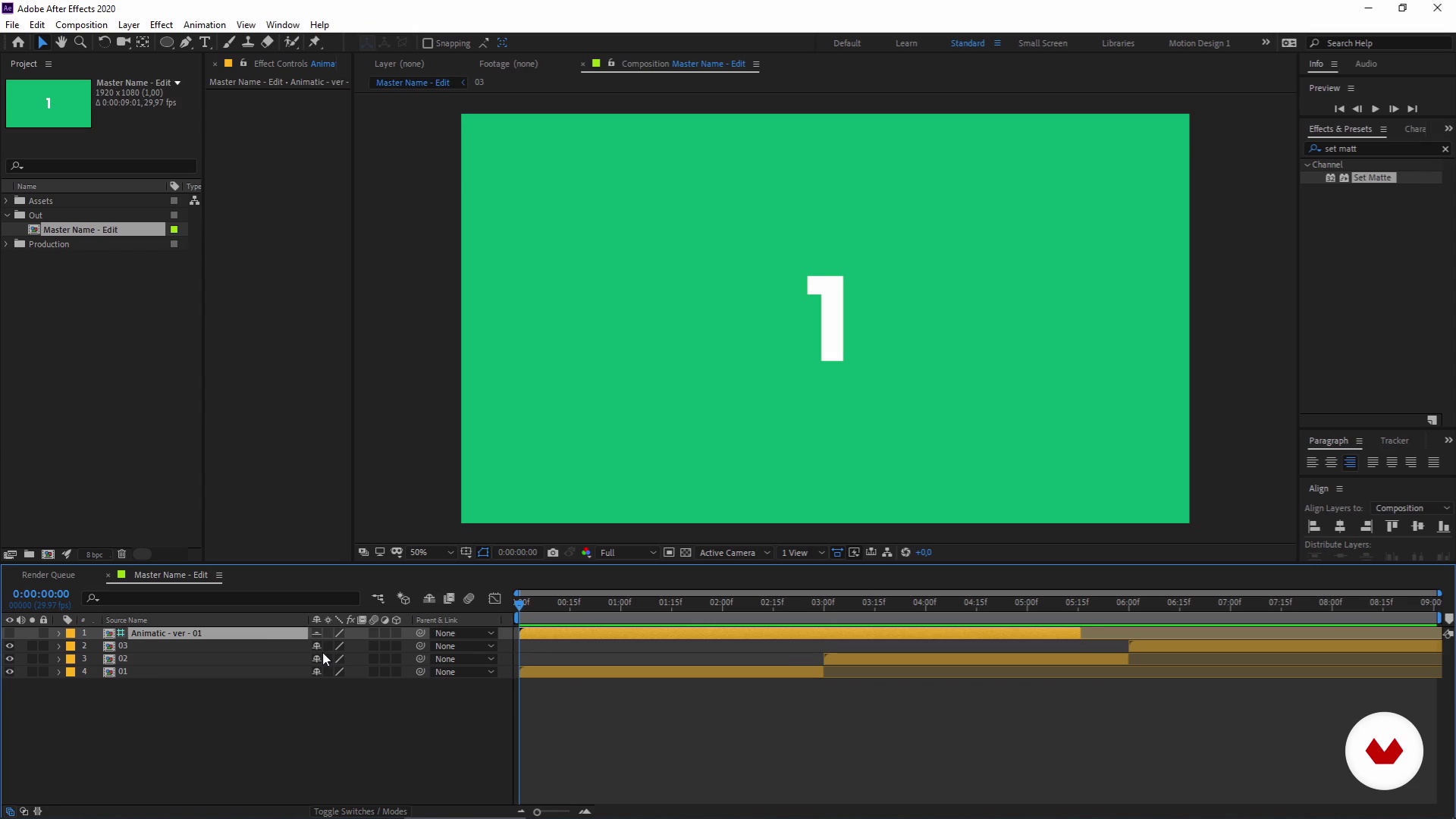
Previous recommendations
10 minutes, 27 seconds
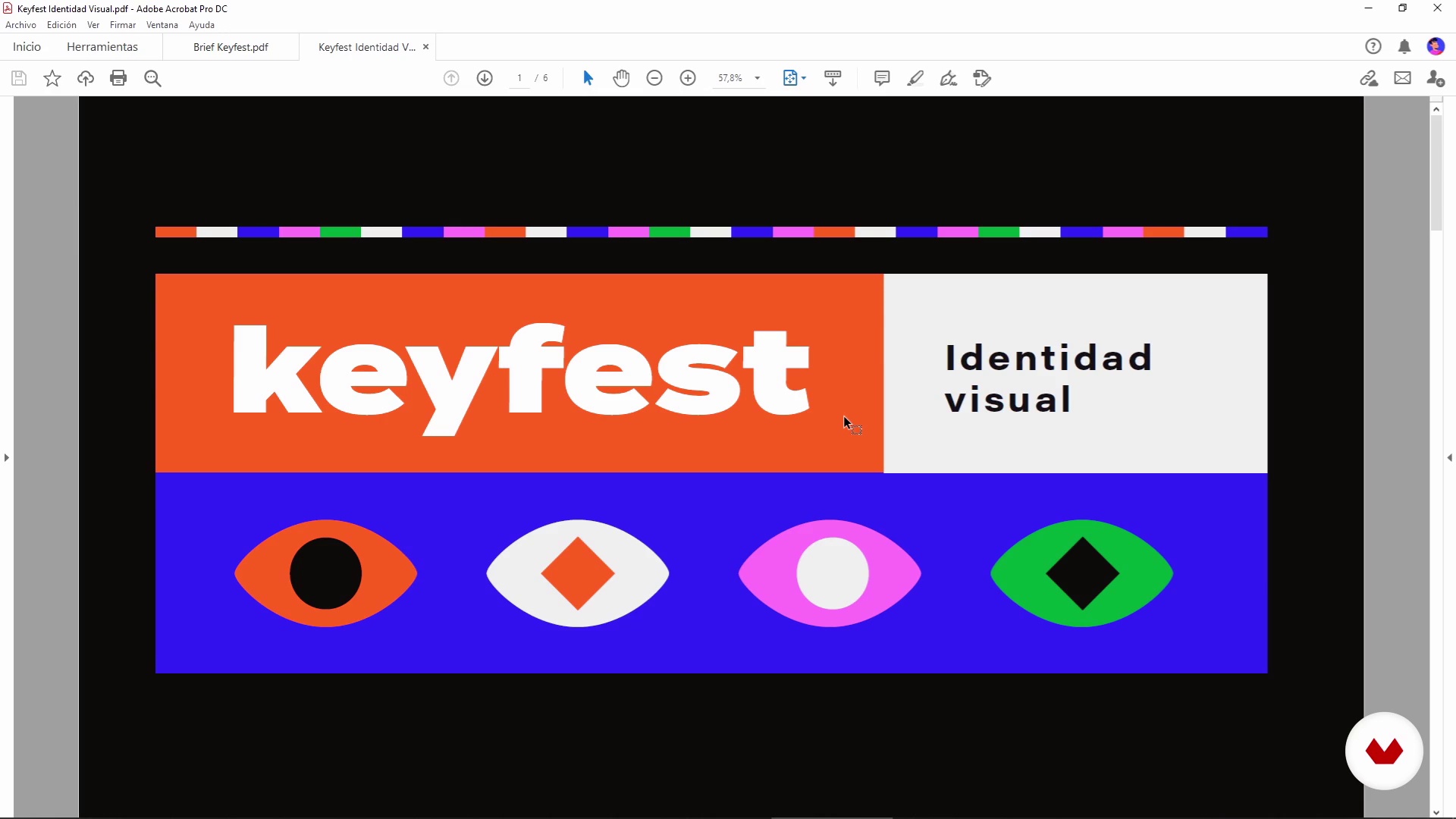
Client brief
3 minutes, 28 seconds
Tips to create style frames
7 minutes, 41 seconds
What's included in this course?
First, Darwin tells you about his career and how he got into the world of motion graphics. He then talks about useful books, his influences in the motion design space, and more specifically about motion design applied to Instagram.
Next, get familiar with Adobe After Effects, its most useful tools, and plugins. Go over the formats for Instagram Stories, IGTV, and feed, then get started on the concept and mood board of your project.
The time to give shape to your idea has come. Using your client’s visual identity or concept, learn how to use Styleframes and modular animation. Then, import your designs on After Effects and give shape to them using the formats for Instagram.
Before finishing the course, Darwin gives you tips on how to optimize your workflow and teaches you how to create and use templates. Finally, learn how to export your projects in the right format for Instagram. Then, all you need to do is post your creations!
Recommended software & tools for this course
What is this course's project?
Create a modular animation and graphic content for Instagram, for your feed, Instagram Stories, and IGTV.
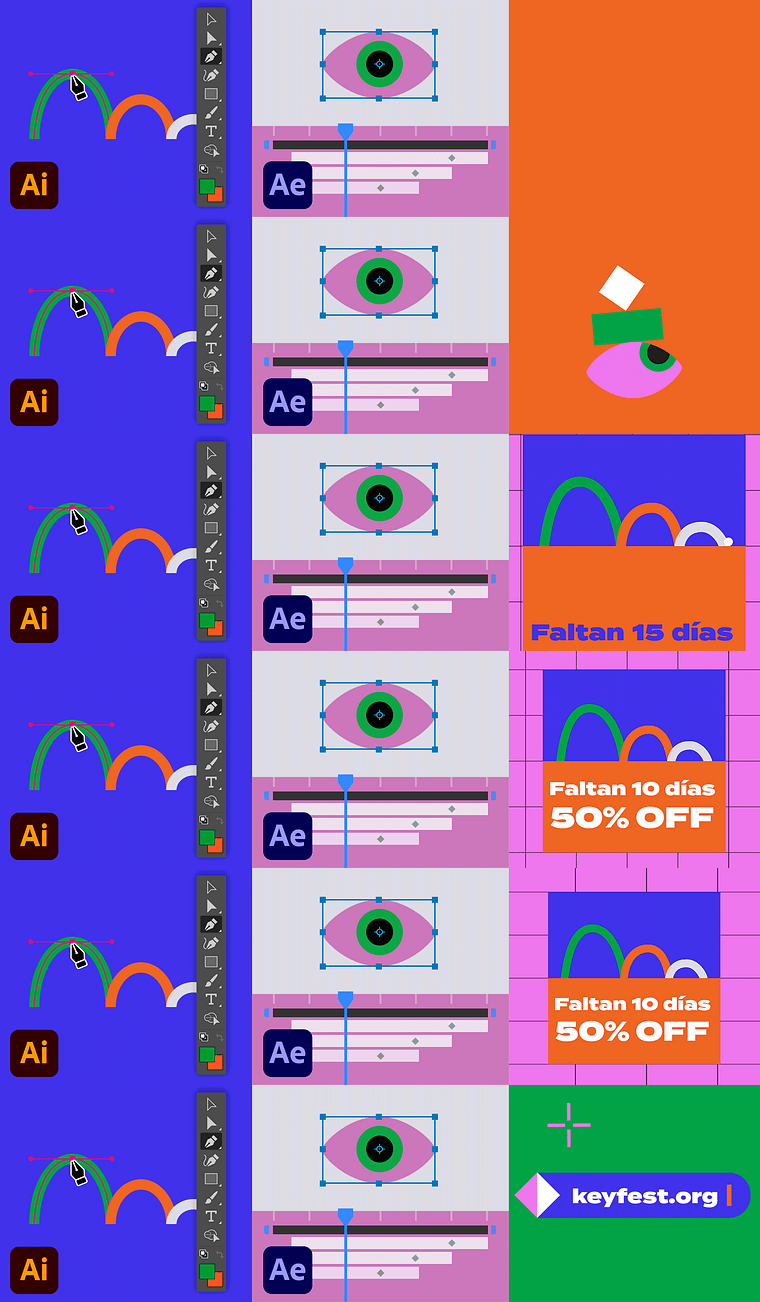
Projects by course students


Who is this online course for?
For professionals in design and animation, content creators, and all those interested in creating motion graphics projects for Instagram.
Requirements and materials
To take this course, you need basic knowledge of how to use Adobe Illustrator and After Effects, as well as a computer with both these programs installed.
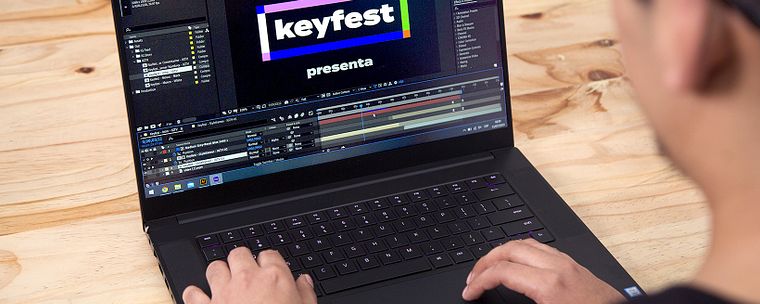
Reviews
- 5 months ago
Muy bueno.
- 6 months ago
Me encantó, aprendí mucho!
- 6 months ago
Excelente curso, justo y preciso!
- 7 months ago
Muy buen curso, muy completo y tiene enseñanzas muy útiles. Lo recomiendo.
- 7 months ago
Bien actualizado al panorama actual del diseño y motion

One of Darwin’s great passions is creating a visual language through design and animation. He hasn’t stopped investigating the subject since he discovered it. Since making the shift to freelance, he dedicates most of his time exploring the realm of visual communication possibilities with this creative discipline.
Content
- U1
Introduction
- Presentation
- Influences
- What will we do in the course?
- U2
Preparation before everything
- After Effects Essentials
- About Instagram formats
- Previous recommendations
- Client brief
- U3
Animation
- Tips to create style frames
- Animating Instagram Stories 1
- Animating Instagram Stories 2
- Animating Instagram Stories 3
- Animating Instagram Stories 4
- Animating Instagram Stories 5
- Animating for IGTV 1
- Animating for IGTV 2
- Animating for IGTV 3
- Animating for IGTV 4
- Animating for IGTV 5
- Animating for IGTV 6
- Animating for the Instagram feed 1
- Animating for the Instagram feed 2
- Animating for the Instagram feed 3
- Animating for the Instagram feed 4
- Animating for the Instagram feed 5
- Animating for the Instagram feed 6
- U4
Project export and workflow optimization
- The Power of Essentials Graphics
- Let's export it now!
- FP
Final project
- Motion Graphics for Instagram
What to expect from a Domestika course
Learn at your own pace
Enjoy learning from home without a set schedule and with an easy-to-follow method. You set your own pace.
Learn from the best professionals
Learn valuable methods and techniques explained by top experts in the creative sector.
Meet expert teachers
Each expert teaches what they do best, with clear guidelines, true passion, and professional insight in every lesson.
Certificates
PLUSIf you're a Plus member, get a custom certificate signed by your teacher for every course. Share it on your portfolio, social media, or wherever you like.
Get front-row seats
Videos of the highest quality, so you don't miss a single detail. With unlimited access, you can watch them as many times as you need to perfect your technique.
Share knowledge and ideas
Ask questions, request feedback, or offer solutions. Share your learning experience with other students in the community who are as passionate about creativity as you are.
Connect with a global creative community
The community is home to millions of people from around the world who are curious and passionate about exploring and expressing their creativity.
Watch professionally produced courses
Domestika curates its teacher roster and produces every course in-house to ensure a high-quality online learning experience.
FAQs
Motion graphics is a digital animation technique that blends graphic design and movement to create eye-catching visual content. On Instagram, it’s used for Stories, IGTV, and posts to enhance visual communication on social media.
This course is designed for intermediate users—perfect for those who already have basic knowledge of Illustrator and After Effects and want to specialize in social media animation.
You should have basic skills in Adobe Illustrator and After Effects, and have both programs installed on your computer. Familiarity with social media platforms like Instagram is also recommended.
You’ll learn how to create engaging animations for Instagram, use expressions in After Effects, design and customize templates, adapt content to various formats, and apply digital animation and motion graphics principles.
Yes, the motion graphics and digital animation techniques you learn can easily be adapted for Facebook, TikTok, and other platforms that use audiovisual content.
You’ll need Adobe Illustrator and After Effects installed on your computer. Having Adobe Premiere for video editing and internet access to download resources and templates is also recommended.
Style frames are images that establish the visual look of an animation before production. Animatics help you preview the timing and sequence. You’ll learn how to create and use both to plan your projects.