Creating Characters for Children's Stories with Procreate
A course by Jimena S. SarquizIllustrator
A course by Jimena S. Sarquiz, Illustrator

Learn how to tell stories and convey emotions through children's illustration with your iPad
The most emotional and expressive characters are also the ones who bring out the most smiles. Since her childhood, Jimena S. Sarquiz has been comforted by animation and illustrated stories. Now she tries to bring that same happiness to others through her playful illustrations for children. After working with a range of tools and techniques, Procreate has become her favorite design tool by allowing her to create on-the-go.
In this course, learn to design characters for children's stories from scratch and integrate them into a scene using your iPad Pro. Work with different methods to compose figures and bring them to life with multiple expressions. Finally, discover how to tell your unique story through illustration.
What will you learn in this online course?
18 lessons & 15 downloads
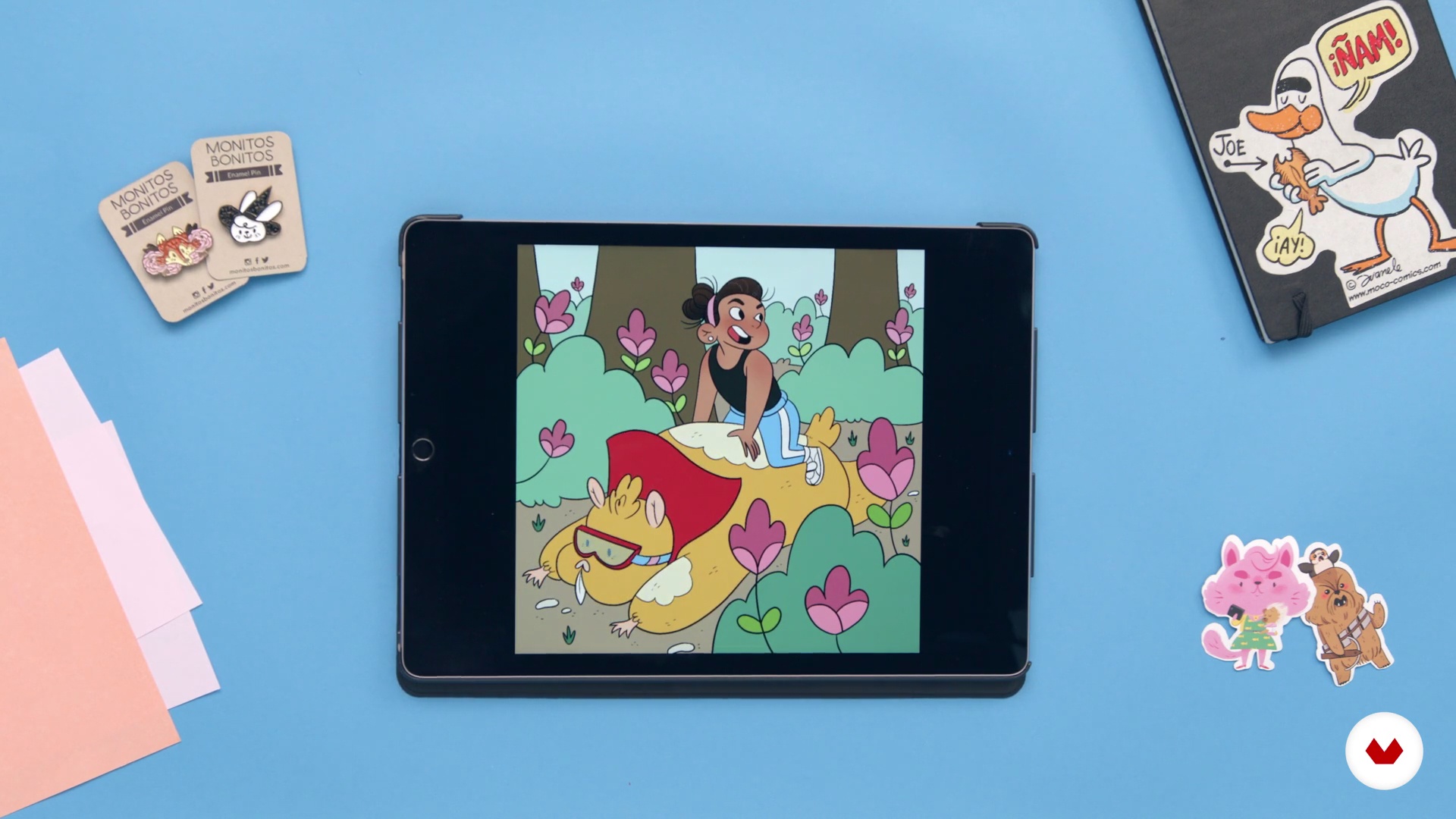
What will we do in the course?
5 minutes, 12 seconds
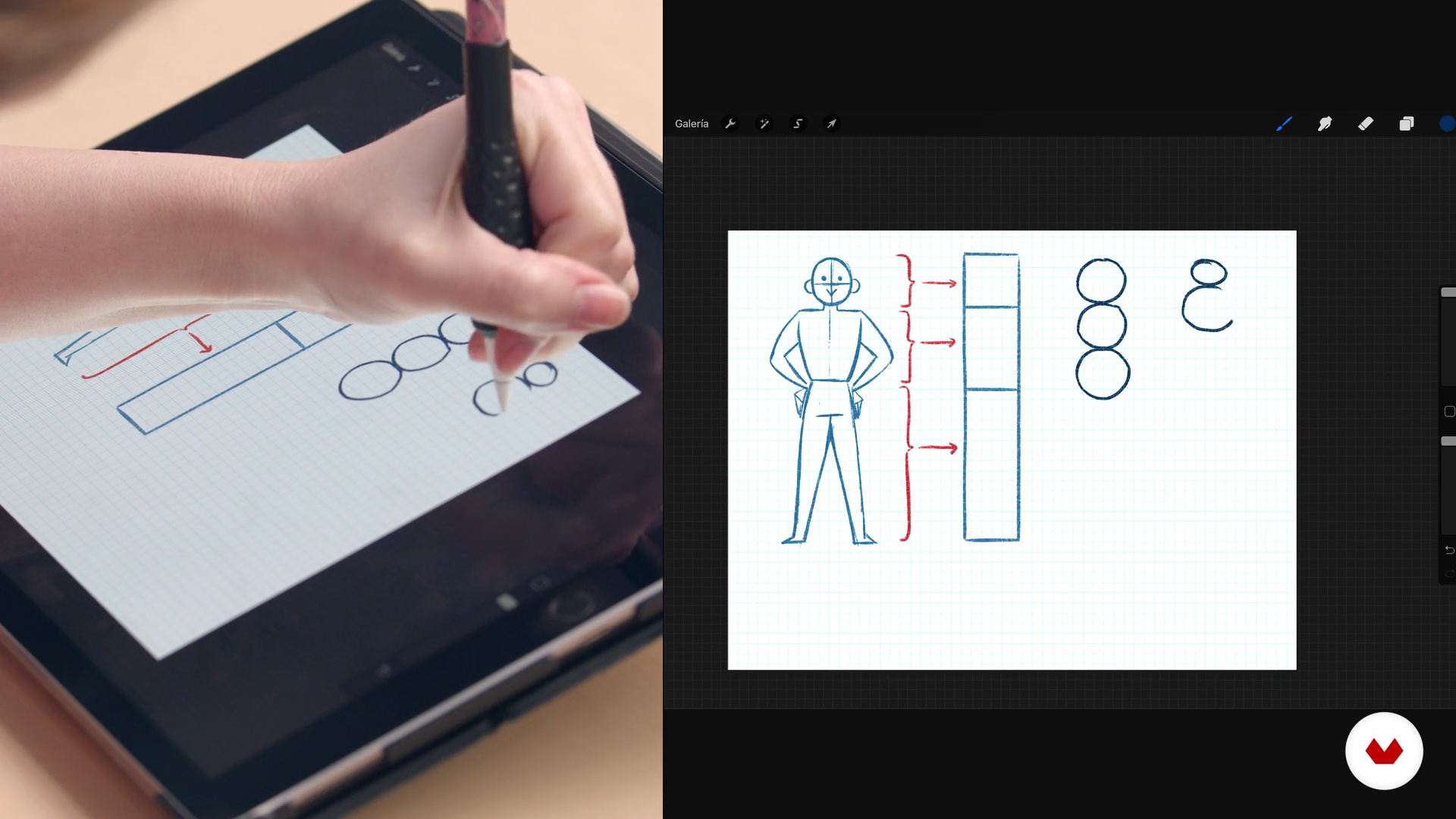
Drawing with basic shapes
13 minutes, 13 seconds
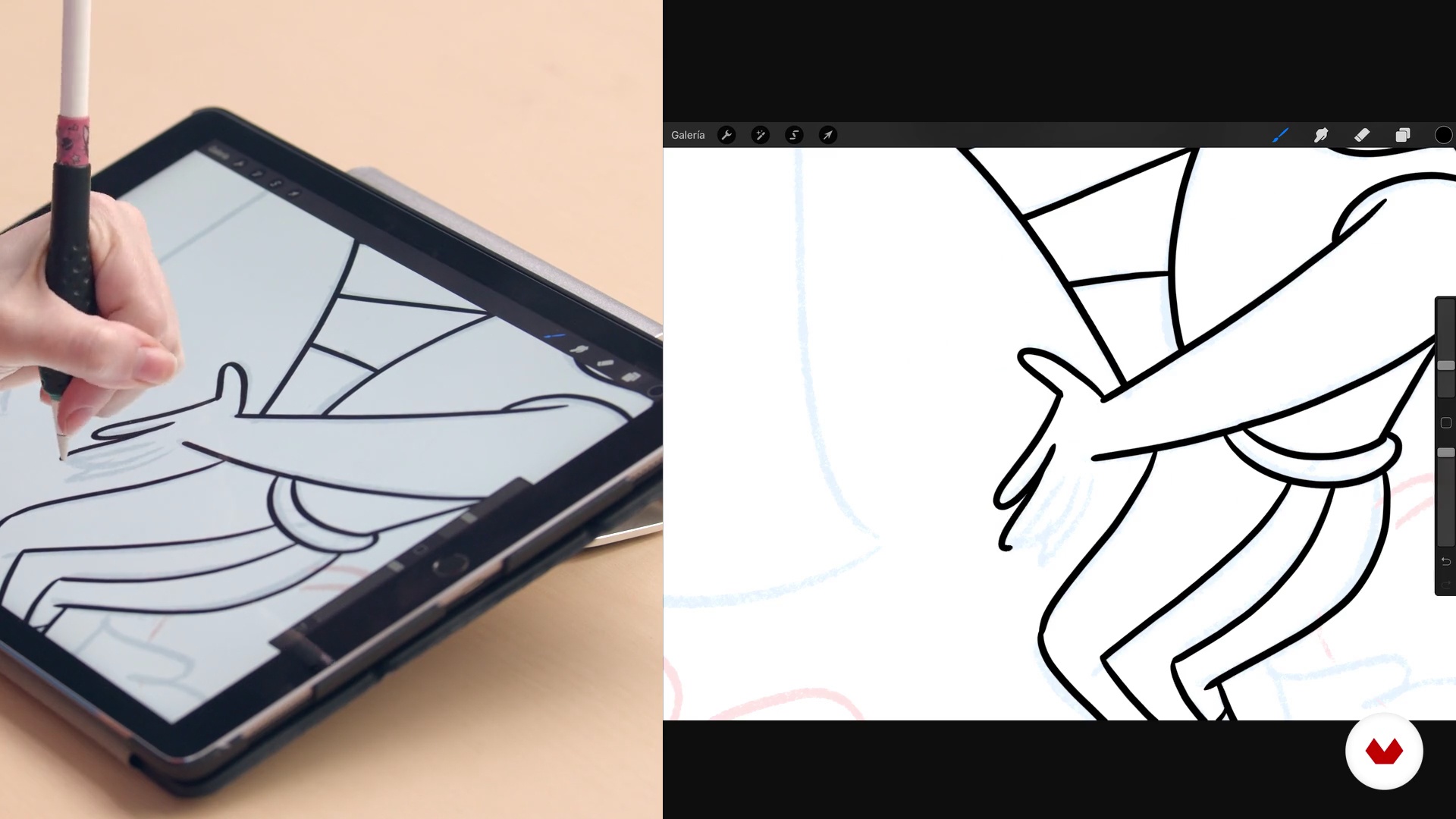
Inked
13 minutes, 58 seconds
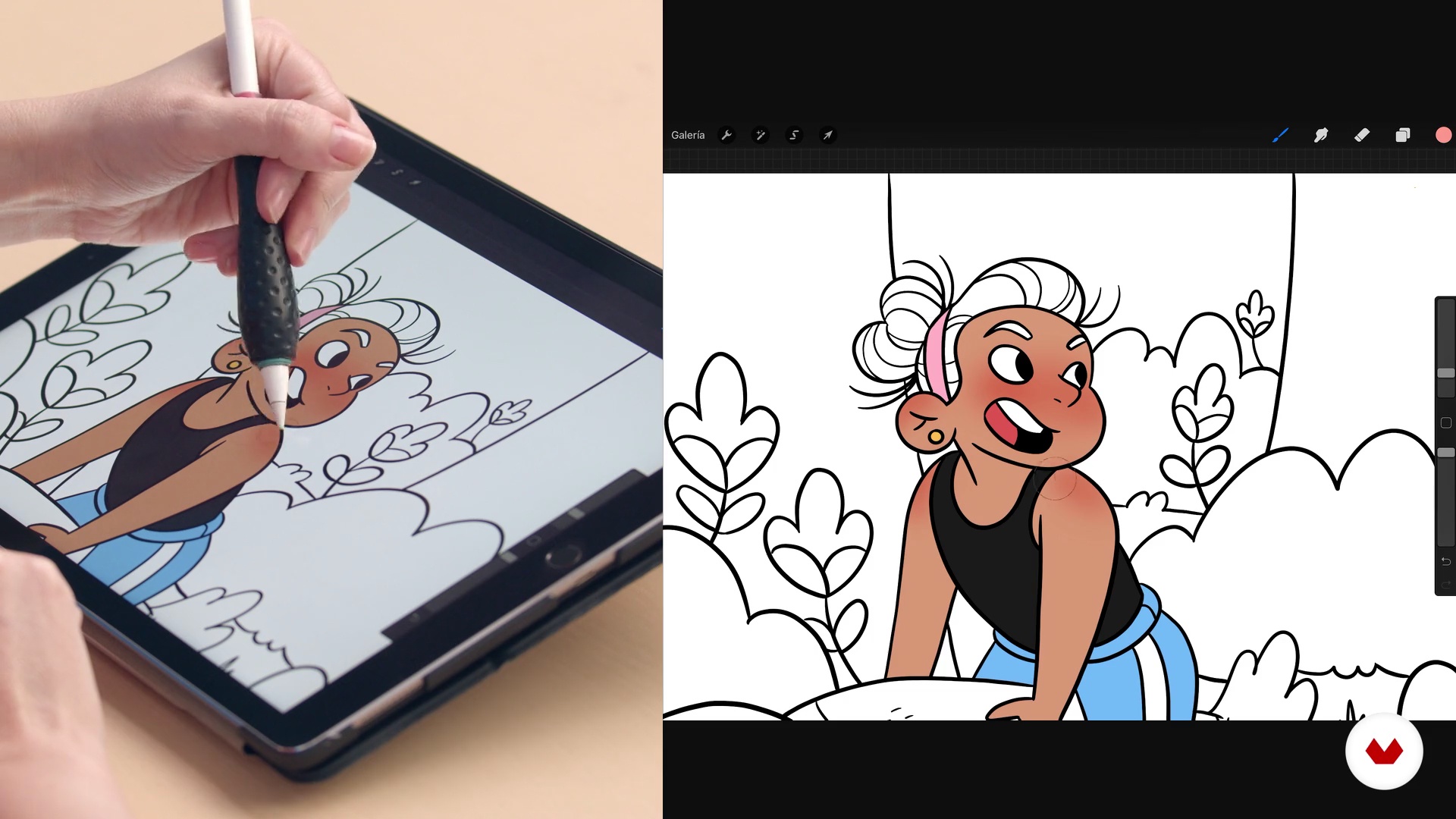
Color 1
16 minutes, 8 seconds
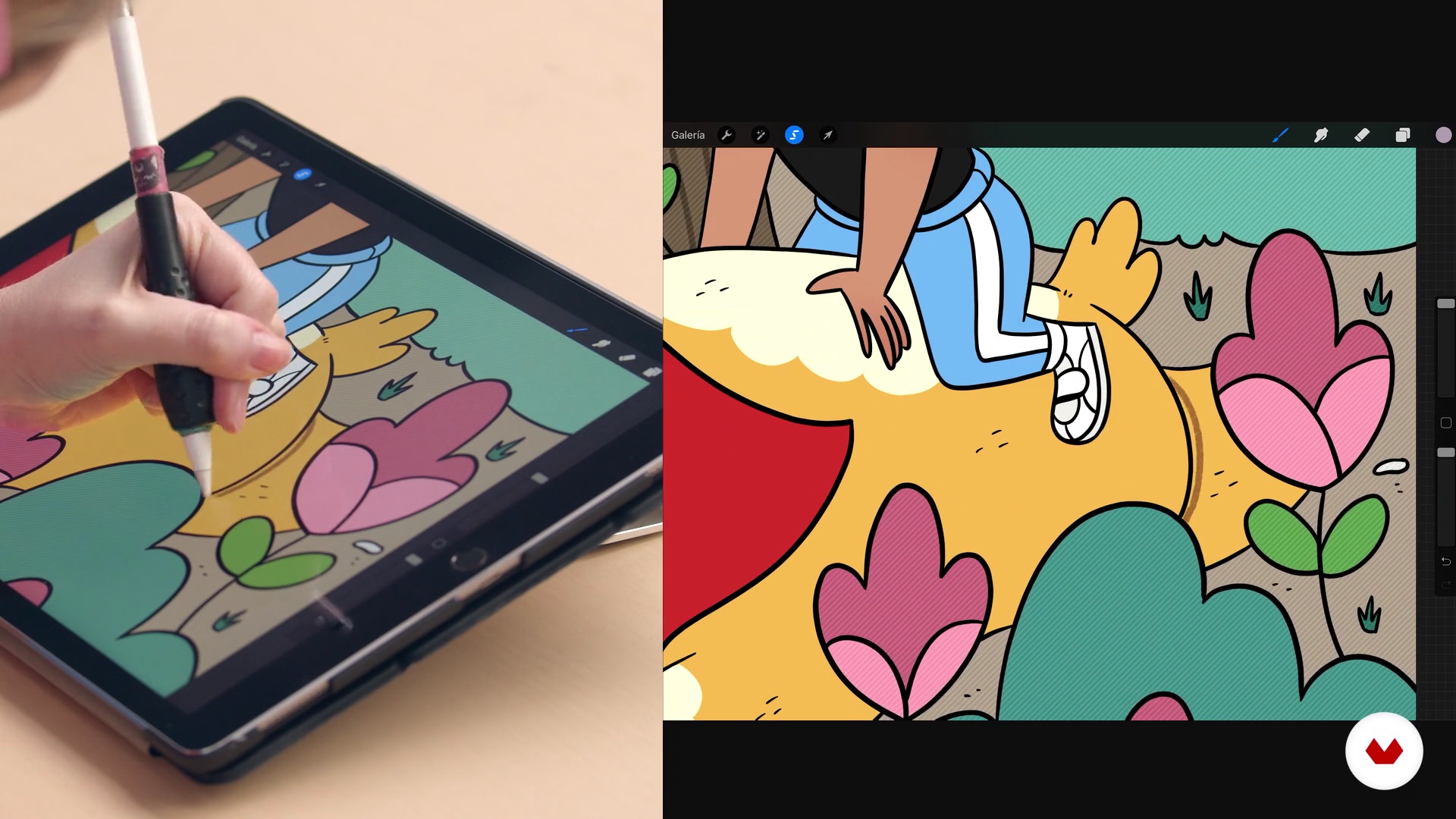
Lights and shadows 1
18 minutes, 9 seconds
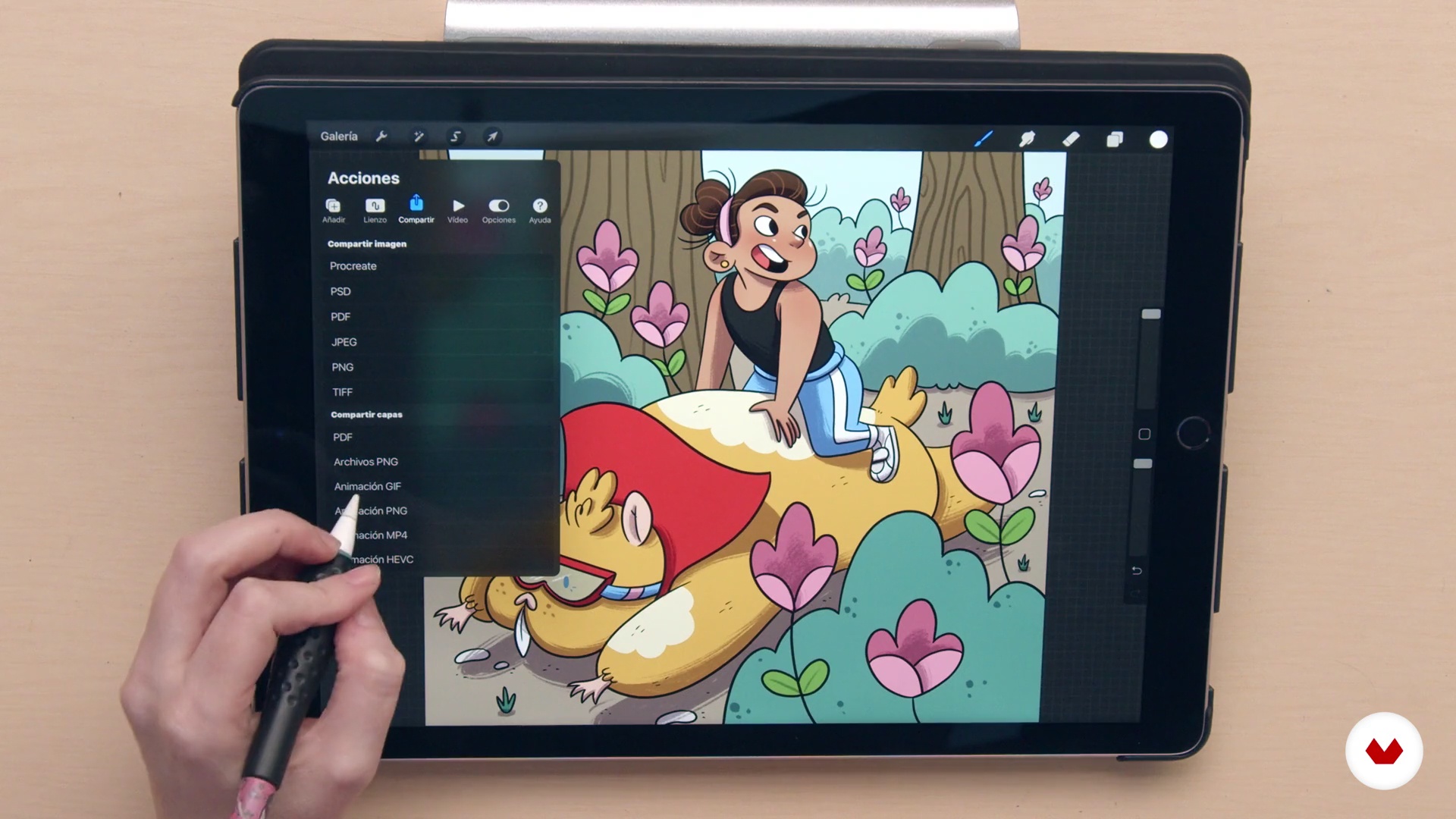
And now what do I do with my illustration?
10 minutes, 9 seconds
What's included in this course?
To begin, explore Jimena's career and influences. Discover how her passion for drawing and love for picture books led her to become a children's illustrator. Learn about her experience with Procreate and the reasons why it’s become her tool of choice. From there, discover her different techniques so you can draw alongside her throughout the course.
Start designing your character using a sentence or phrase which sparks your creativity. Continue by creating a mood board and gathering visual references for your project. Then, learn to draw bodies by creating basic shapes to achieve more variety in your designs. These same figures will become three-dimensional objects and compose the skeleton of your character. Experiment with different facial expressions and body postures to help bring your character to life.
Once you’ve defined your character, use it to start creating your illustration in Procreate. First, use the drawing guides to create a perspective grid that serves as a reference for drawing your background image. Next, Jimena shows you the tools for inking and coloring. Finally, add details with highlights and shadows to make it really shine.
To wrap up your project, discover the best way to export your illustration depending on your purpose. You can export it and continue working in another program, prepare it for final delivery to a client, or start sharing it on social media.
Recommended software & tools for this course
What is this course's project?
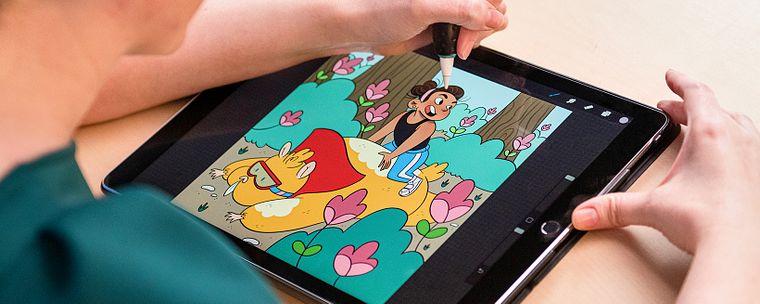
In this course, create a colorful children's illustration of a character and their imaginary friend using Procreate.
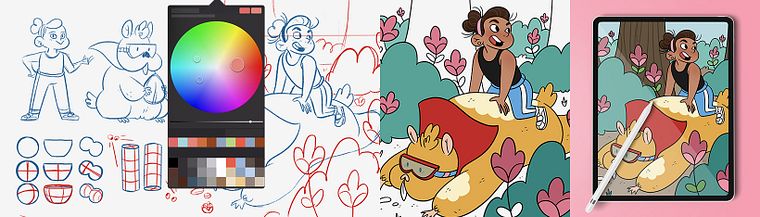
Projects by course students

Who is this online course for?
Illustrators, designers, or anyone with notions of drawing who wants to learn how to tell stories with their images.
Requirements and materials
For this course, you will need basic drawing knowledge.
You will also need an iPad or iPad Pro (iOS 11.1 or newer), an Apple Pencil, and the Procreate drawing app installed.
Reviews
- 1 month ago
Muy buen curso!
- 5 months ago
Não terminei ainda, mas estou gostando bastante até agora.
- 5 months ago
Me encantó, es muy útil
- 6 months ago
Great teacher and great course, thank you!
- 6 months ago
Jimena é super carismática e o curso é ótimo para quem ainda está aprendendo a desenhar. Ensina o basico de proporção, cores, luz e sombra.

Jimena is an active participant in comic events and design fairs, where she sells her illustrations. Her work can be found on social media under the name Monitos Bonitos.
Content
- U1
Introduction
- Presentation
- Influences
- What will we do in the course?
- U2
The bases of the character
- Know your workspace
- Where do ideas come from?
- Mood boards
- Drawing with basic shapes
- Thinking in 3 dimensions
- U3
From sketch to character
- First sketches
- An emotional face
- An expressive body
- U4
Create an illustration
- The final sketch
- Inked
- Color 1
- Color 2
- Lights and shadows 1
- Lights and shadows 2
- And now what do I do with my illustration?
- FP
Final project
- Creating Characters for Children's Stories with Procreate
What to expect from a Domestika course
Learn at your own pace
Enjoy learning from home without a set schedule and with an easy-to-follow method. You set your own pace.
Learn from the best professionals
Learn valuable methods and techniques explained by top experts in the creative sector.
Meet expert teachers
Each expert teaches what they do best, with clear guidelines, true passion, and professional insight in every lesson.
Certificates
PLUSIf you're a Plus member, get a custom certificate signed by your teacher for every course. Share it on your portfolio, social media, or wherever you like.
Get front-row seats
Videos of the highest quality, so you don't miss a single detail. With unlimited access, you can watch them as many times as you need to perfect your technique.
Share knowledge and ideas
Ask questions, request feedback, or offer solutions. Share your learning experience with other students in the community who are as passionate about creativity as you are.
Connect with a global creative community
The community is home to millions of people from around the world who are curious and passionate about exploring and expressing their creativity.
Watch professionally produced courses
Domestika curates its teacher roster and produces every course in-house to ensure a high-quality online learning experience.
FAQs
You’ll learn how to create children’s characters, use Procreate for digital illustration, build portfolios, pitch to editors, sell your artwork, and manage your professional presence on social media.
This is an intermediate-level course, perfect for those with basic traditional or digital illustration skills who want to deepen their professional techniques and workflow in Procreate.
You don’t need to be a Procreate expert before starting, but basic digital drawing skills are recommended. The course covers everything from core tools to advanced Procreate techniques.
You’ll need an iPad with Procreate installed and an Apple Pencil or compatible stylus. Having internet access and apps like Pinterest for mood boards is also helpful.
The course teaches you how to conceptualize and build children’s characters based on personal experiences, visual references, and geometric shapes, plus techniques for expression and movement.
Yes, you’ll learn how to select, organize, and showcase your best work in a professional portfolio, along with strategies for presenting it to clients and editors.
The course includes strategies for marketing your illustrations, from creating printed products to managing posts and sales on social media and creative markets.