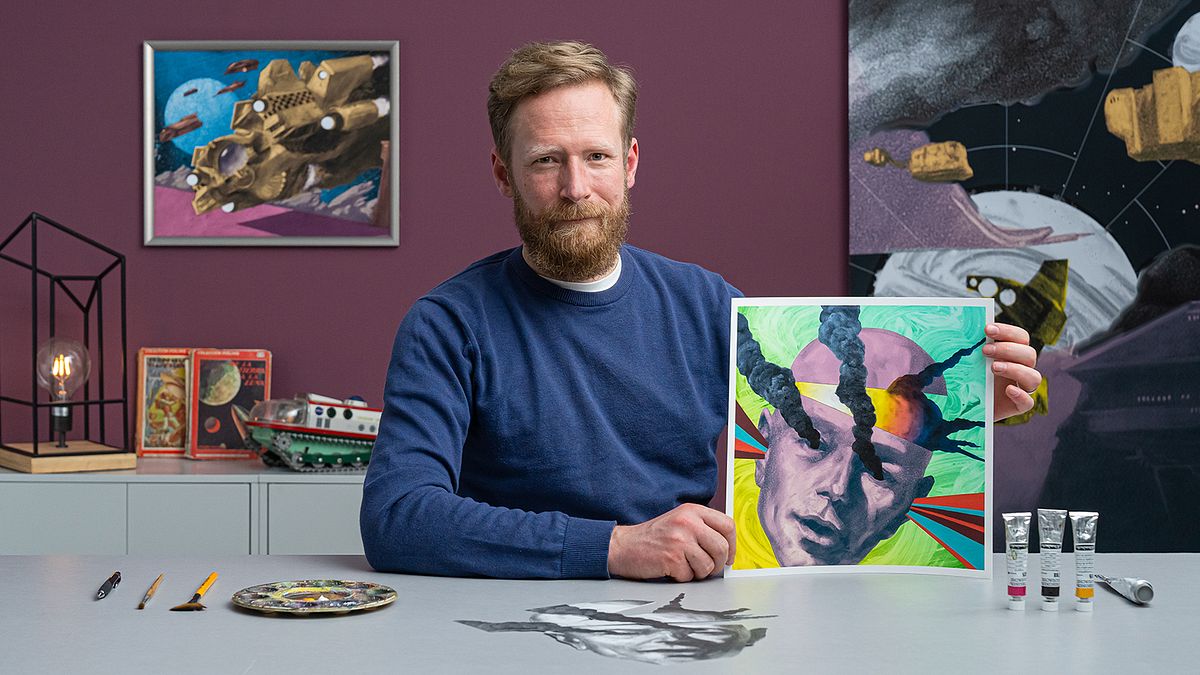
Artistic Illustration: From Drawing to Digital
A course by Paul ScheruebelPainter, Illustrator, and Graphic Designer
A course by Paul Scheruebel, Painter, Illustrator, and Graphic Designer

Experiment with illustration by creating artwork with charcoal and gouache paint then digitizing it on Photoshop to create striking images
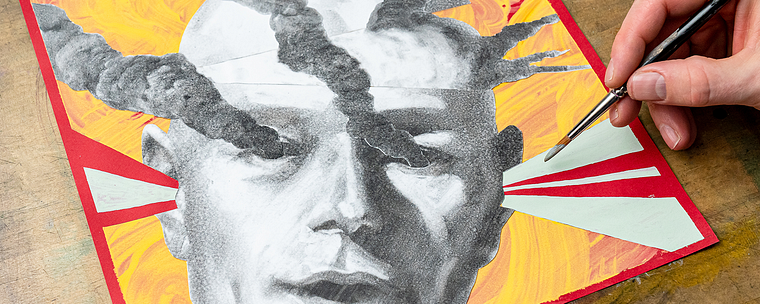
Experimentation in illustration is a journey to discovery. Painter and graphic designer Paul Scherübel brings together two worlds in his experimental art. Starting with traditional charcoal drawing combined with vivid gouache paint, he then transforms his work digitally in Photoshop.
Learn how to explore your creativity and make illustrations that both communicate and fascinate. Stir your viewer’s imagination by creating intriguing mixed media artwork of your own design.
What will you learn in this online course?
16 lessons & 11 downloads
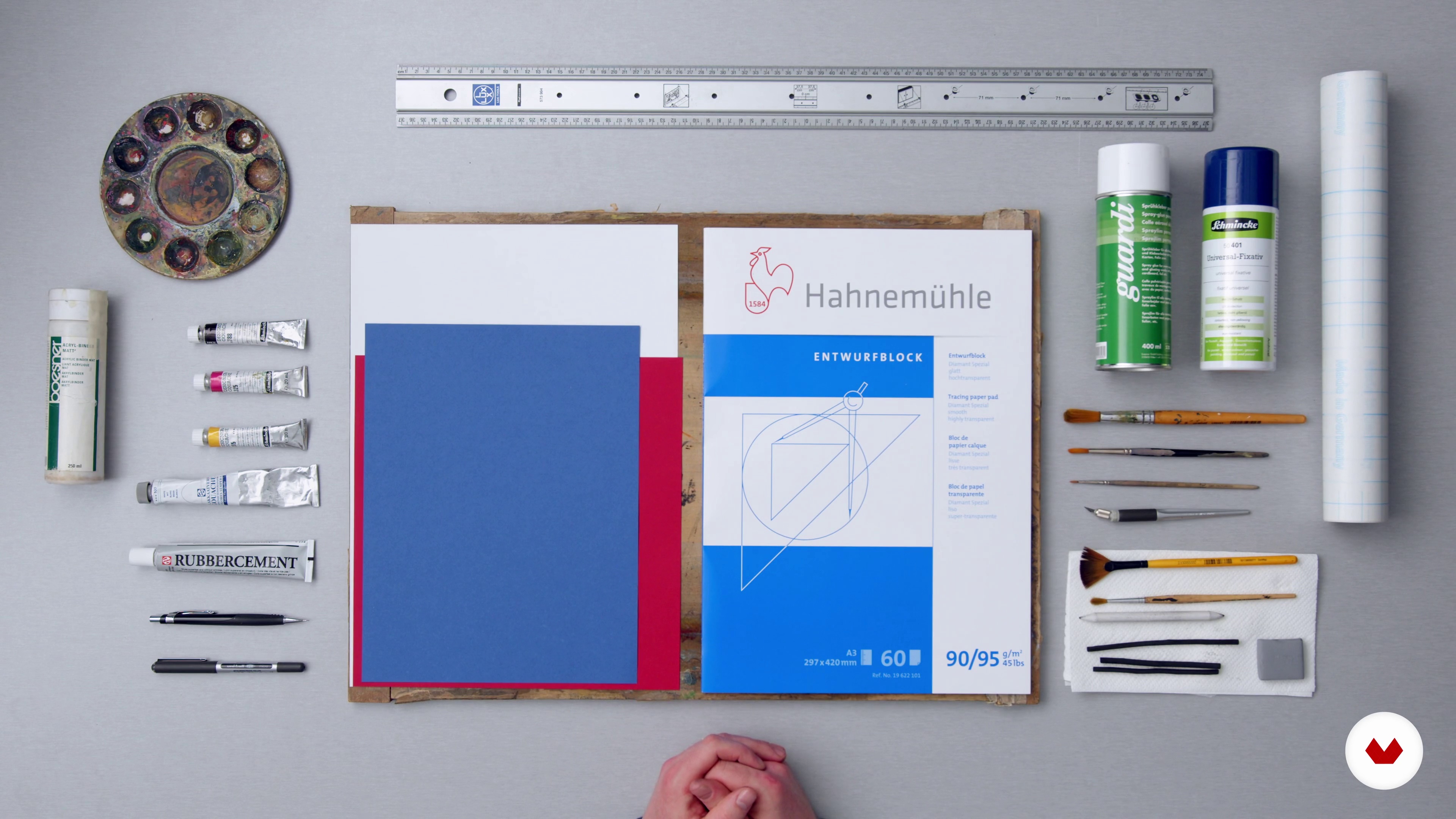
The Materials
5 minutes, 51 seconds
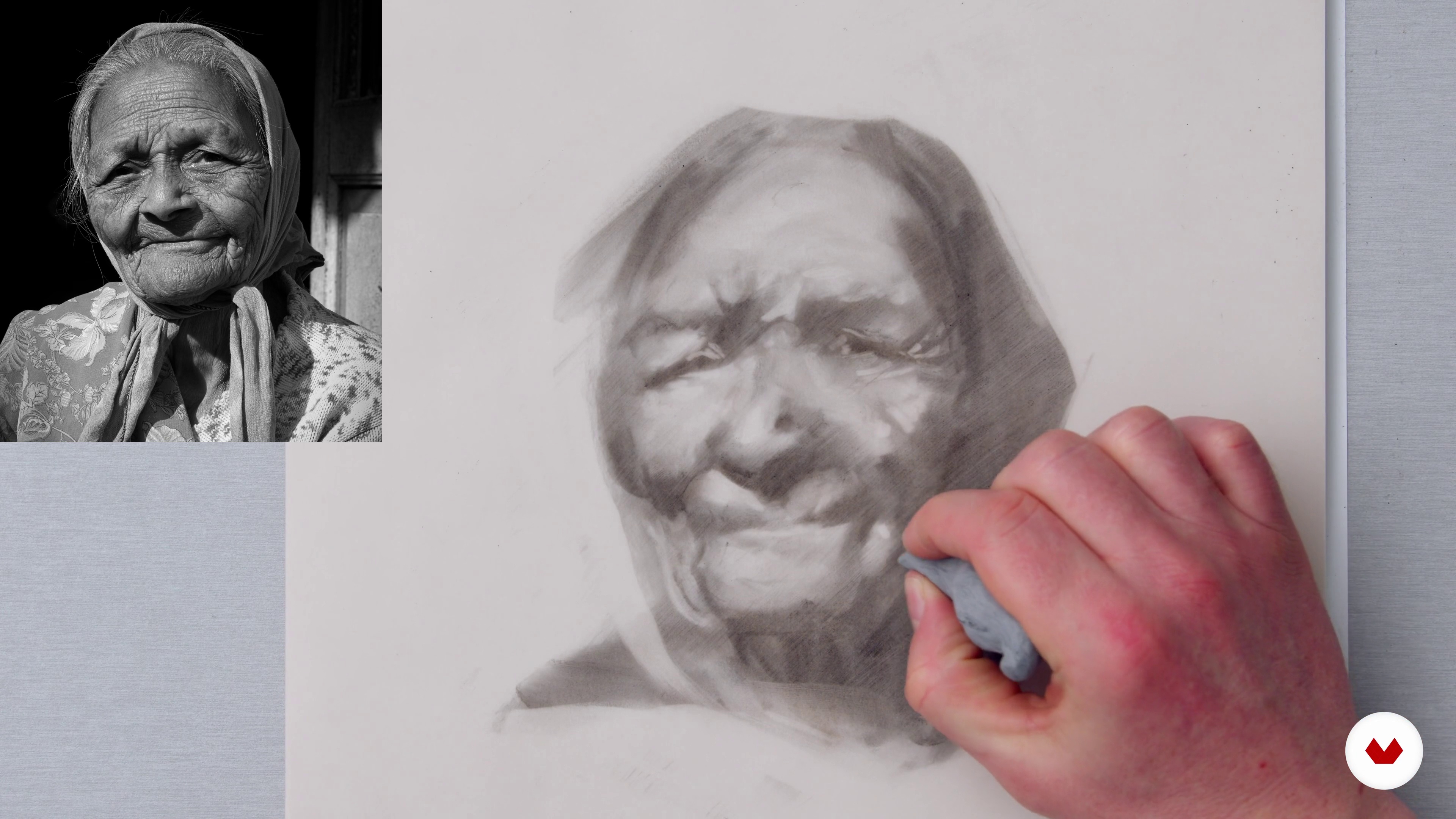
Using Charcoal in a Painterly Manner
19 minutes, 11 seconds
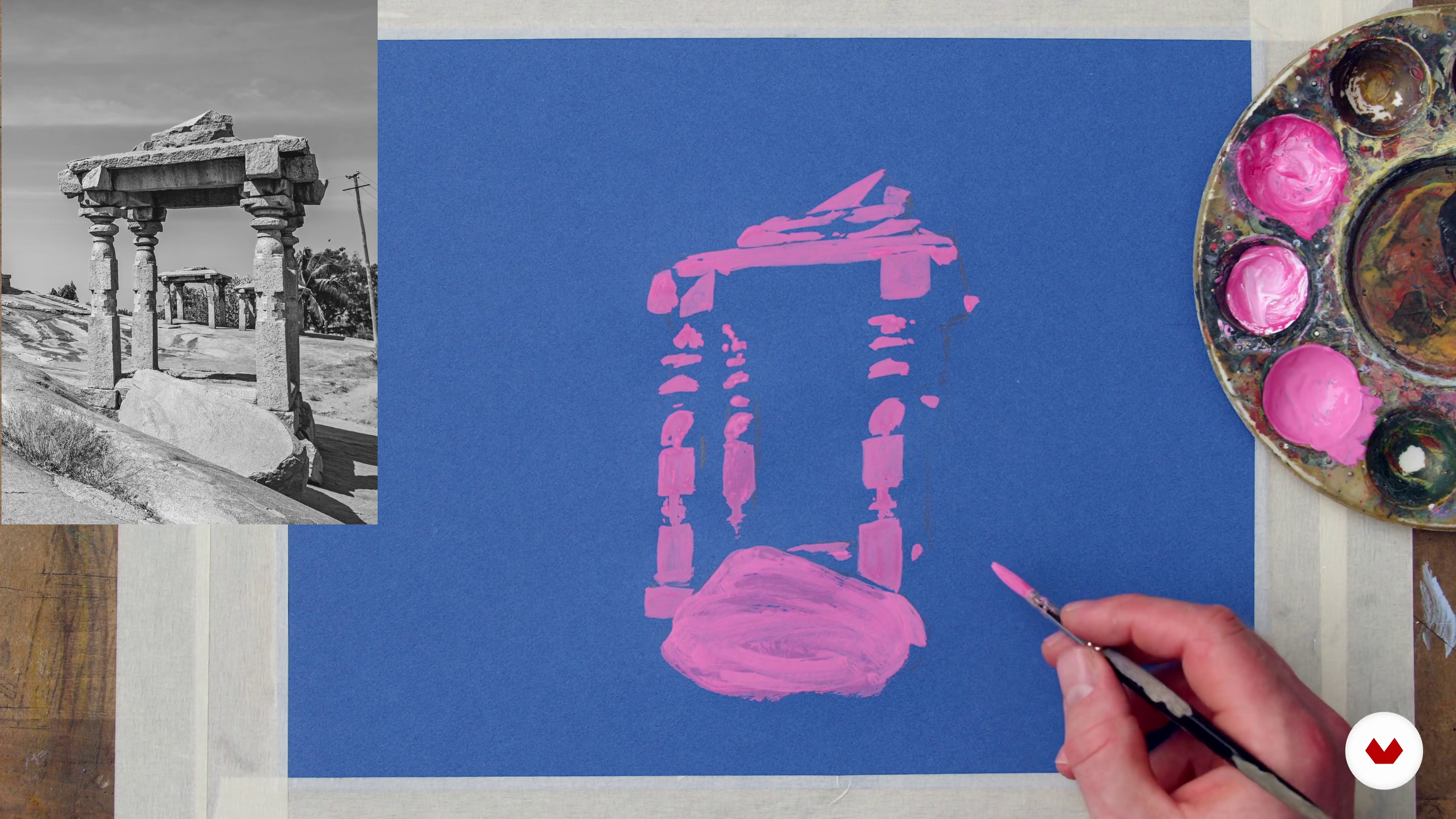
Gouache on Toned Paper
19 minutes, 17 seconds
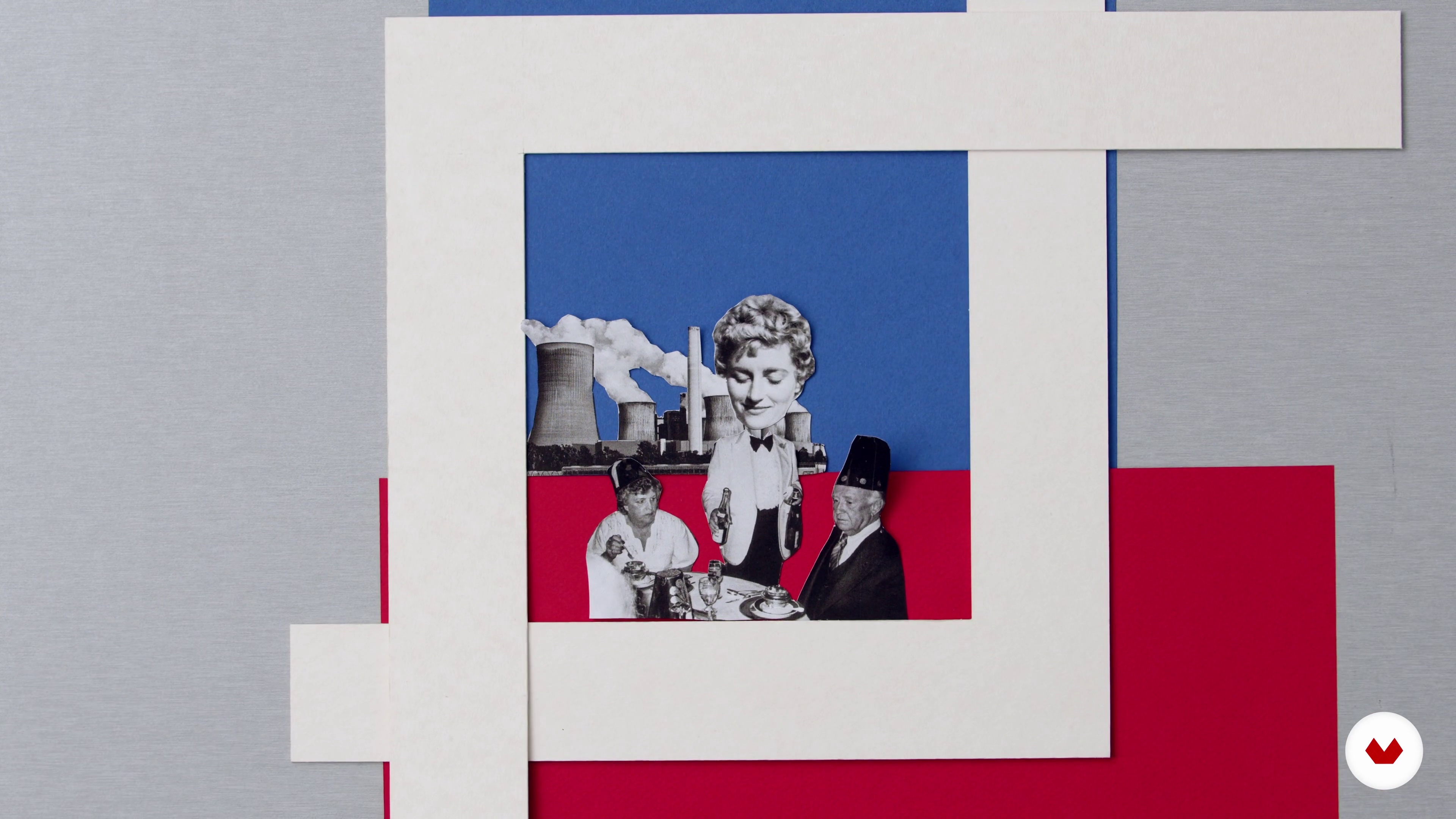
Generating Creative Ideas
11 minutes, 8 seconds
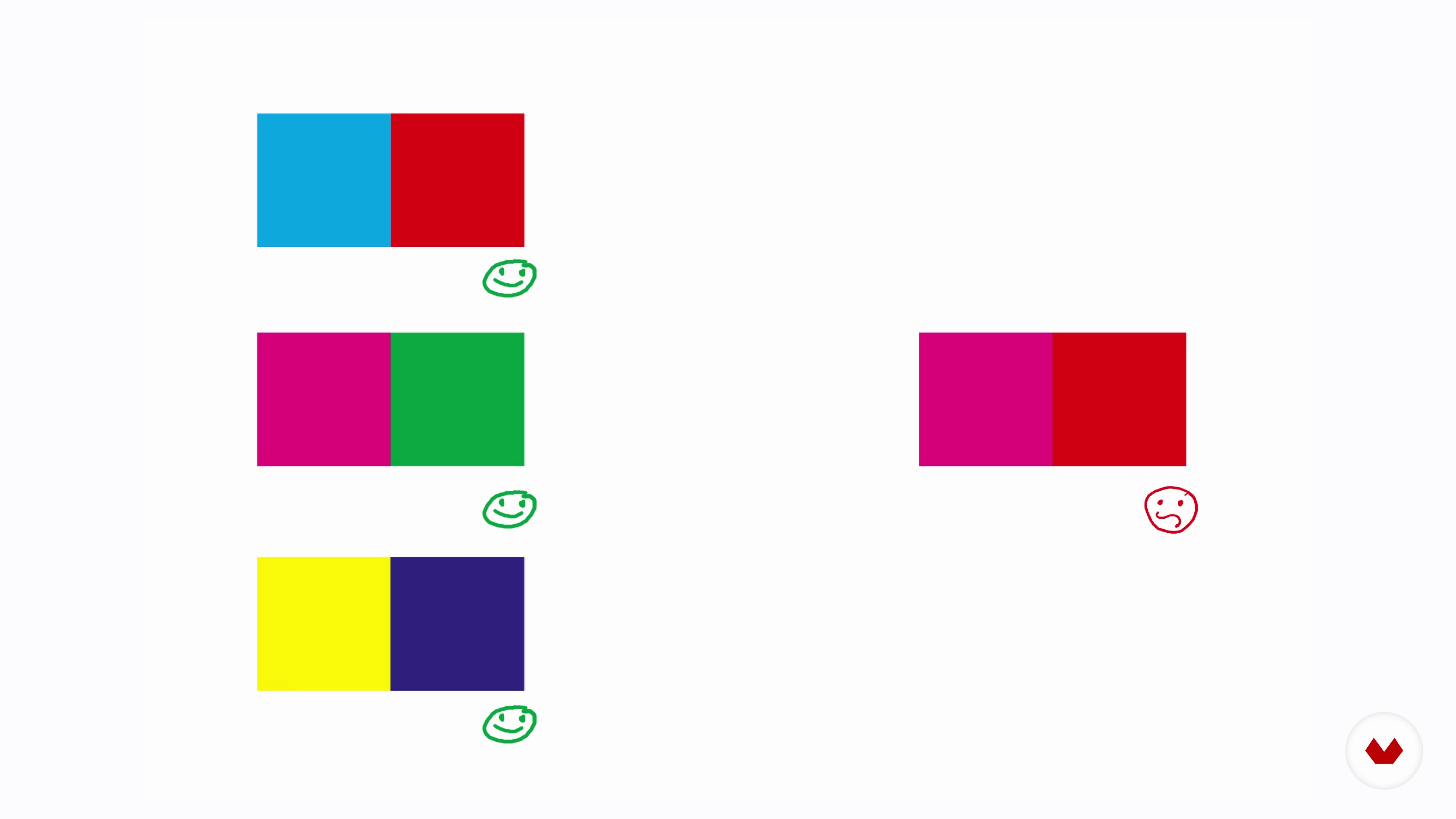
Colour and Composition
10 minutes, 1 second
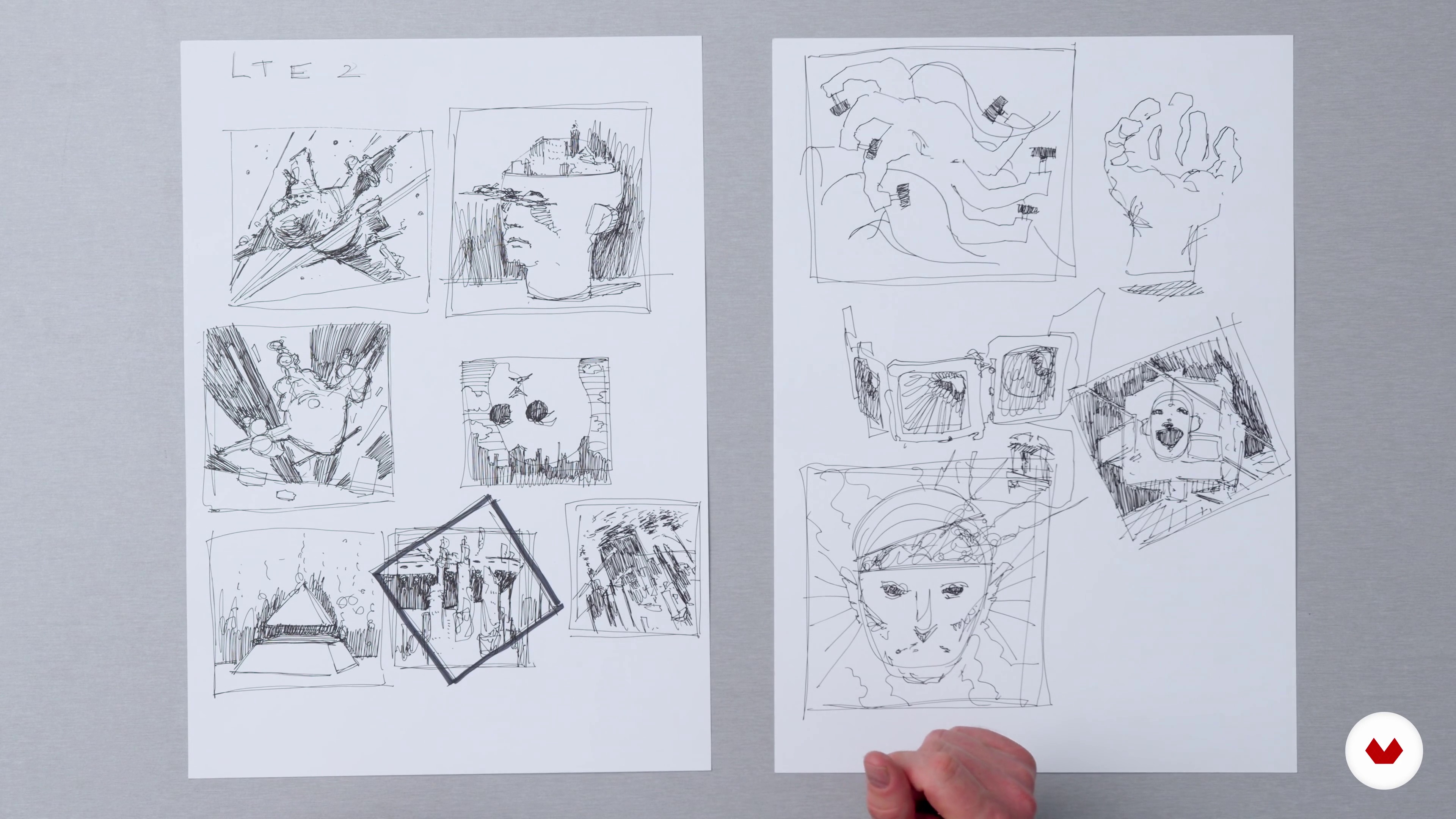
The Initial Sketch
4 minutes, 1 second
What's included in this course?
Start by getting to know Paul. Hear about his artistic journey that led him from jazz music to graphic design. He also shares his inspirations and the influences that have shaped his work.
Paul goes through the kind of materials he uses and gives recommendations on what to get. Learn how to use charcoal as a versatile tool for shading in your sketches. Discover how to play with the viscosity of gouache paints and how it blends on toned paper. Paul gives insight on how to get your creativity flowing before explaining color and composition.
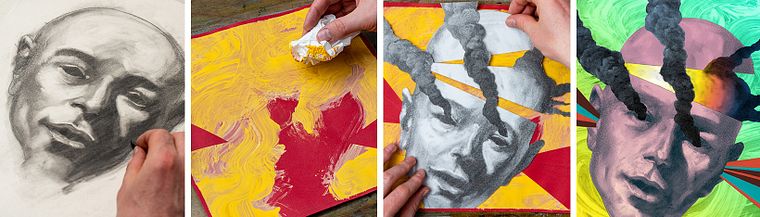
Begin with the initial sketches of your illustration before moving on to the final drawing. Paul shares his charcoal techniques to fine tune your drawing when transferring your final sketch onto tracing paper. Then, paint your background on toned paper, and bring it all together by cutting and pasting the two layers of paper.
Explore the post-production process to turn your artwork into a digital illustration and learn about digital coloring and tonal adjustments. Scan and import your work before working with value corrections and adjusting color. Learn how to correctly save your image to maximize its quality. Finally, compare the two versions of your artwork: your original artwork with paint and the digitized copy which allows experimentation with colors schemes.
Recommended software & tools for this course
What is this course's project?
Create an illustration with charcoal and gouache paint, then digitize it and experiment with color schemes on Photoshop to produce two versions of your artwork.
Who is this online course for?
The course is suitable for illustrators, artists, and anyone wanting to learn or improve their mixed media illustration techniques.
Requirements and materials
For this course, you will need charcoal sticks, a kneaded eraser, gouache paints, paint brushes, tracing paper, toned paper, spraymount, fixative, a scalpel, masking film or frisket, and access to image editing software like Adobe Photoshop.
Reviews
- 2 years ago
It was a very instructive and creative course. i first watched it with plus but then decided i wanted to own the course.
- 2 years ago
I appreciate this course so much 'cause I'm discovering new techniques and rediscovering other media which I used before. The teacher is honest and engaging.
- 3 years ago
I am only half a way through the course but I already like the creativity and the enthusiasm of the teacher.
- 3 years ago
This is one of my favourite courses in mixed media illustration, love the artist's style and also discovering new materials))
- 3 years ago
I really loved this course, it is well taught, has informative content and is very inspirational!! I would love to see more from this artist, especially a more intermediate to advanced level course on this same topic.

He has since done illustrations for magazines, theater productions, and companies like The Folio Society, Austria Microsystems, and the Swiss Engineering Institute. He has also been featured in Images: Best of British Illustration, Spectrum 26: The Best in Contemporary Fantastic Art, and 3×3: The Magazine of Contemporary Illustration.
Content
- U1
Introduction
- About Me
- Influences
- U2
Using Materials Creatively
- The Materials
- Using Charcoal in a Painterly Manner
- Gouache on Toned Paper
- Generating Creative Ideas
- Colour and Composition
- U3
Making the Illustration
- The Initial Sketch
- The Final Drawing
- Execution in Charcoal
- Gouache and Pasting 1
- Gouache and Pasting 2
- U4
Adding Colour and Finishing Touches
- Scanning
- Value Corrections and Colour
- Saving Your Image
- Two Versions of an Image
- FP
Final project
- Artistic Illustration: From Drawing to Digital
What to expect from a Domestika course
Learn at your own pace
Enjoy learning from home without a set schedule and with an easy-to-follow method. You set your own pace.
Learn from the best professionals
Learn valuable methods and techniques explained by top experts in the creative sector.
Meet expert teachers
Each expert teaches what they do best, with clear guidelines, true passion, and professional insight in every lesson.
Certificates
PLUSIf you're a Plus member, get a custom certificate signed by your teacher for every course. Share it on your portfolio, social media, or wherever you like.
Get front-row seats
Videos of the highest quality, so you don't miss a single detail. With unlimited access, you can watch them as many times as you need to perfect your technique.
Share knowledge and ideas
Ask questions, request feedback, or offer solutions. Share your learning experience with other students in the community who are as passionate about creativity as you are.
Connect with a global creative community
The community is home to millions of people from around the world who are curious and passionate about exploring and expressing their creativity.
Watch professionally produced courses
Domestika curates its teacher roster and produces every course in-house to ensure a high-quality online learning experience.
FAQs
This course is designed for intermediate artists who have some foundational drawing or painting skills and want to expand their illustration techniques using both traditional and digital media.
You'll need basic drawing supplies, charcoal, gouache, toned paper, masking film, collage materials, adhesives, a rotating scalpel, a fan brush, fixative spray, and access to Photoshop for digital work.
You’ll learn advanced charcoal and gouache techniques, media exploration, composition strategies, portfolio development, and how to blend traditional and digital processes for creating original illustrations.
The course covers oilpainting basics, painterly variations, media experimentation, motion studies, composition, color palettes, texture juxtaposition, using references, collage, digital color application, and portfolio projects.
Basic familiarity with Photoshop is helpful, but the course guides you through essential digital techniques, making it accessible even if you are new to digital illustration.
Through guided experimentation with materials, techniques, and references, you’ll learn how to incorporate influences and personal interests to create a unique illustration style for your portfolio.
Yes, the course includes portfolio development and personal projects designed to help you create professional-quality pieces for your illustration portfolio.