Professional Illustration Techniques: From Sketches to Vectors
A course by ProfeDesigner and Illustrator
A course by Profe, Designer and Illustrator

Learn to maximize the potential of your projects by transforming your drafts into professional vector illustrations
The key to making progress and achieving results you're proud of is identifying processes that can lighten your workload and make it more enjoyable. That is the philosophy of the designer, illustrator, and co-founder of the "Wild Fontana" brand, Alfredo Ríos, better known as El Profe.
In this course, learn analog and digital techniques to transform a simple draft into an expressive editorial illustration with a professional look.
What will you learn in this online course?
14 lessons & 25 downloads
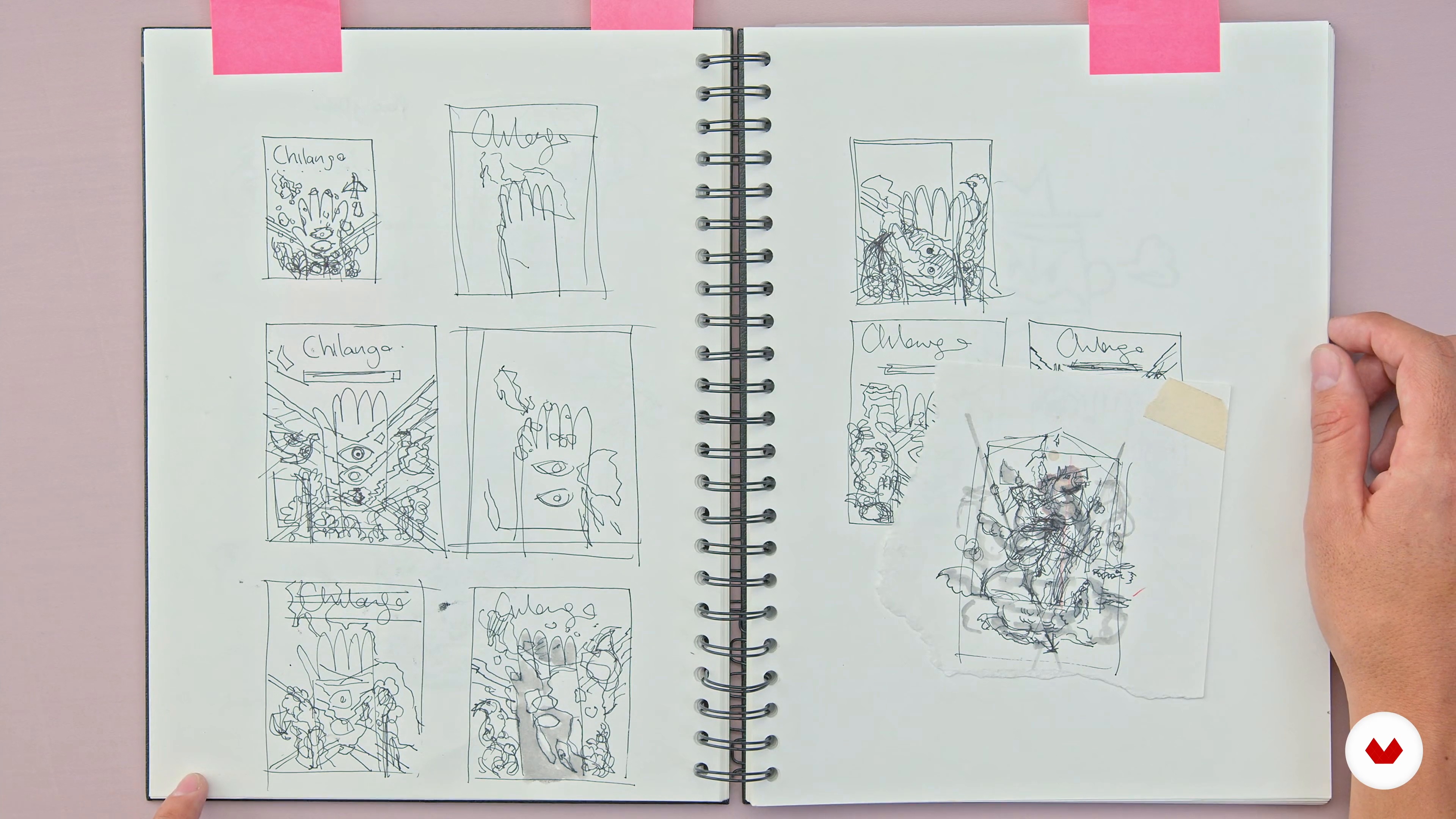
The clarity of illustrating
2 minutes, 59 seconds
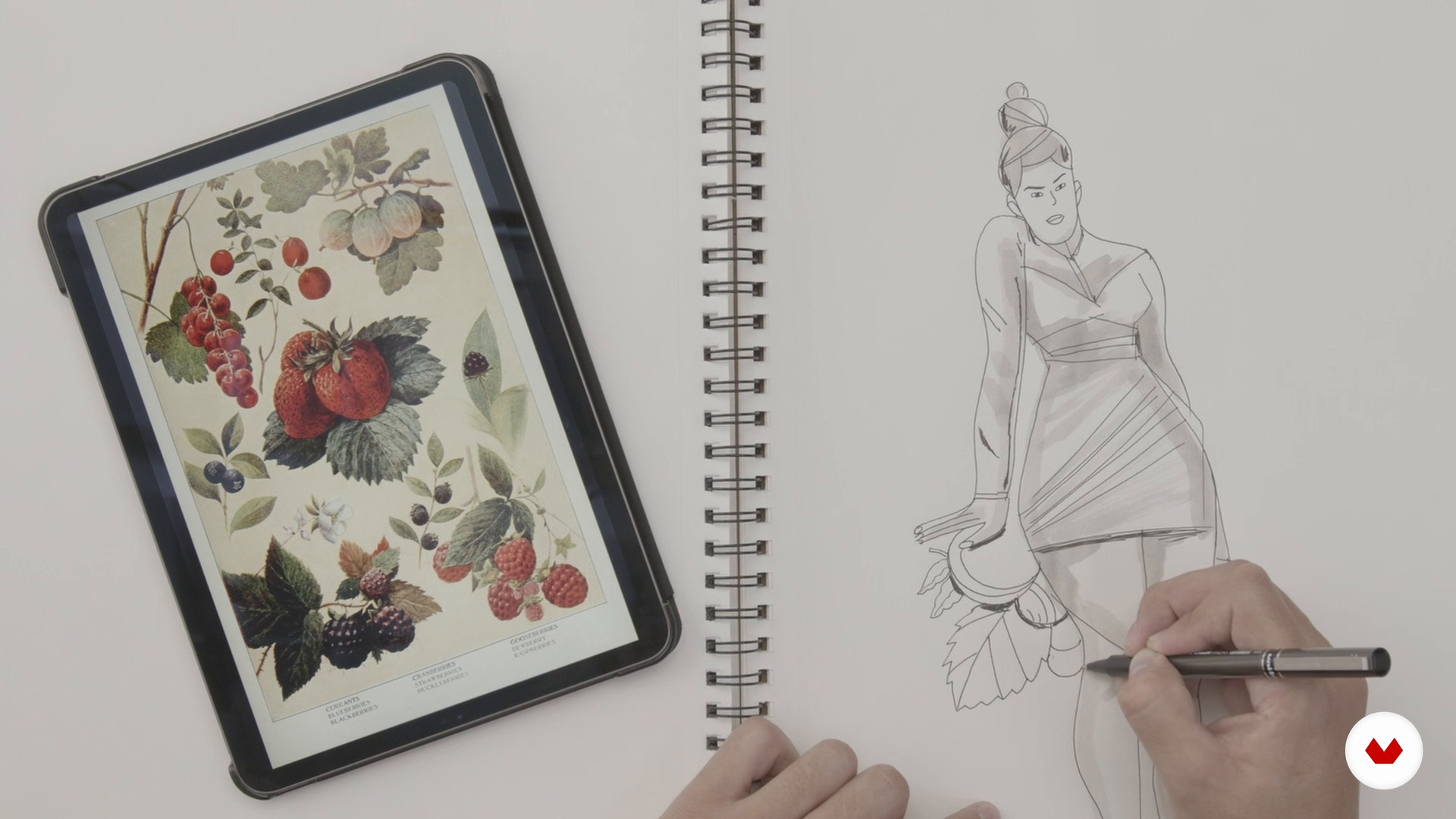
Lose the fear of being wrong
9 minutes, 54 seconds
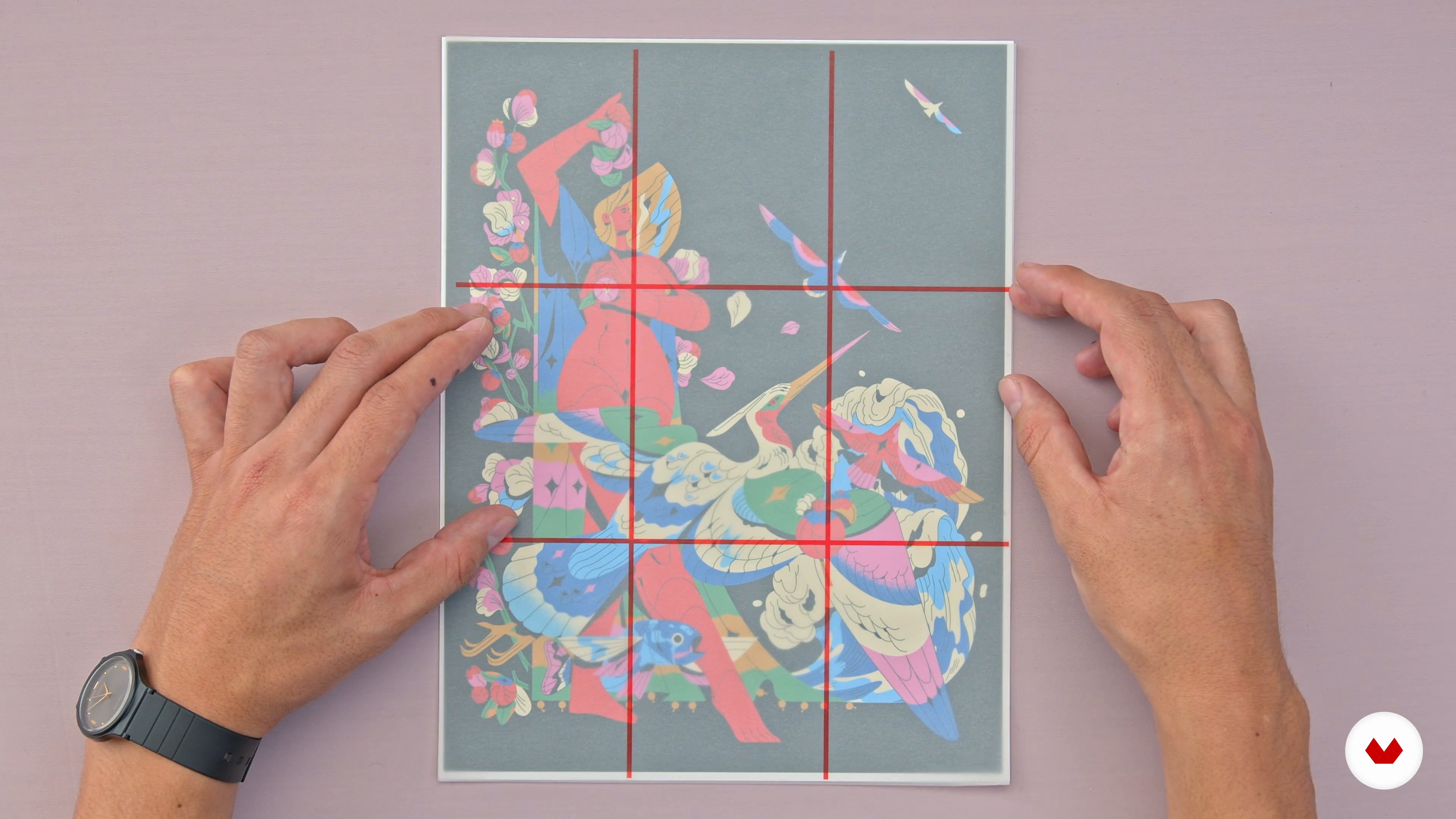
Interesting compositions
10 minutes, 22 seconds
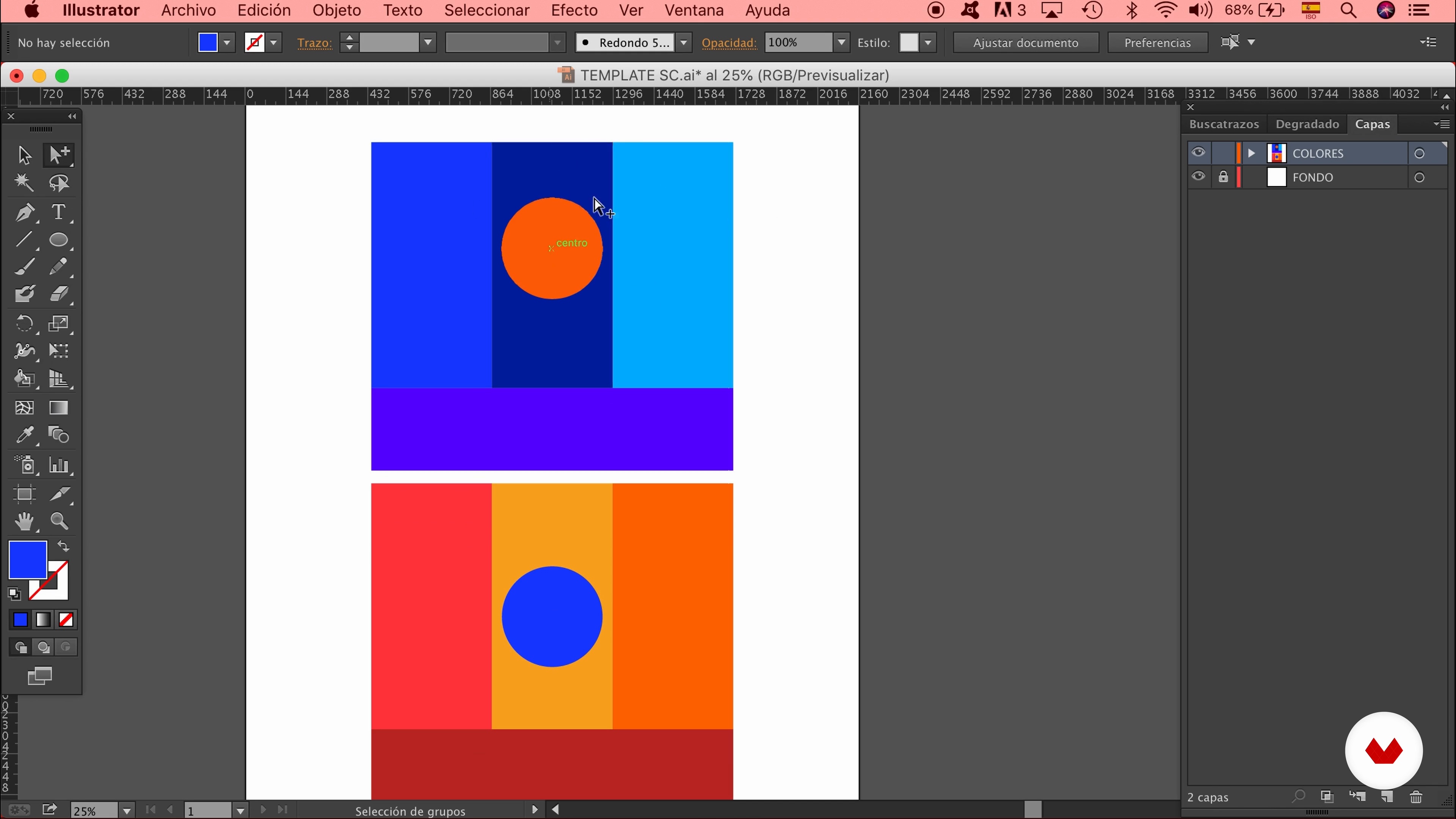
The colors that are friends and where to find them
10 minutes, 0 seconds
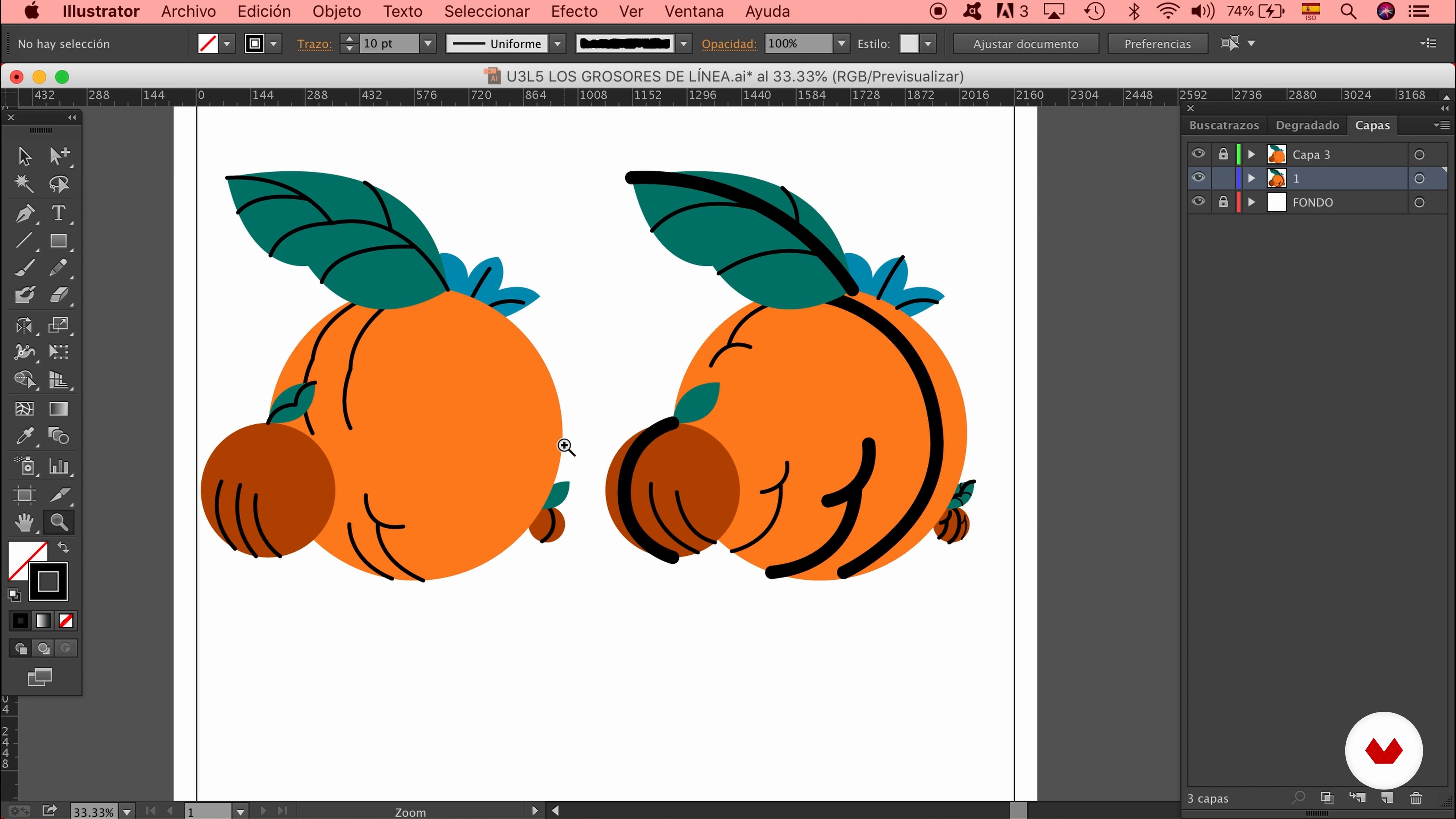
Line weights
9 minutes, 16 seconds
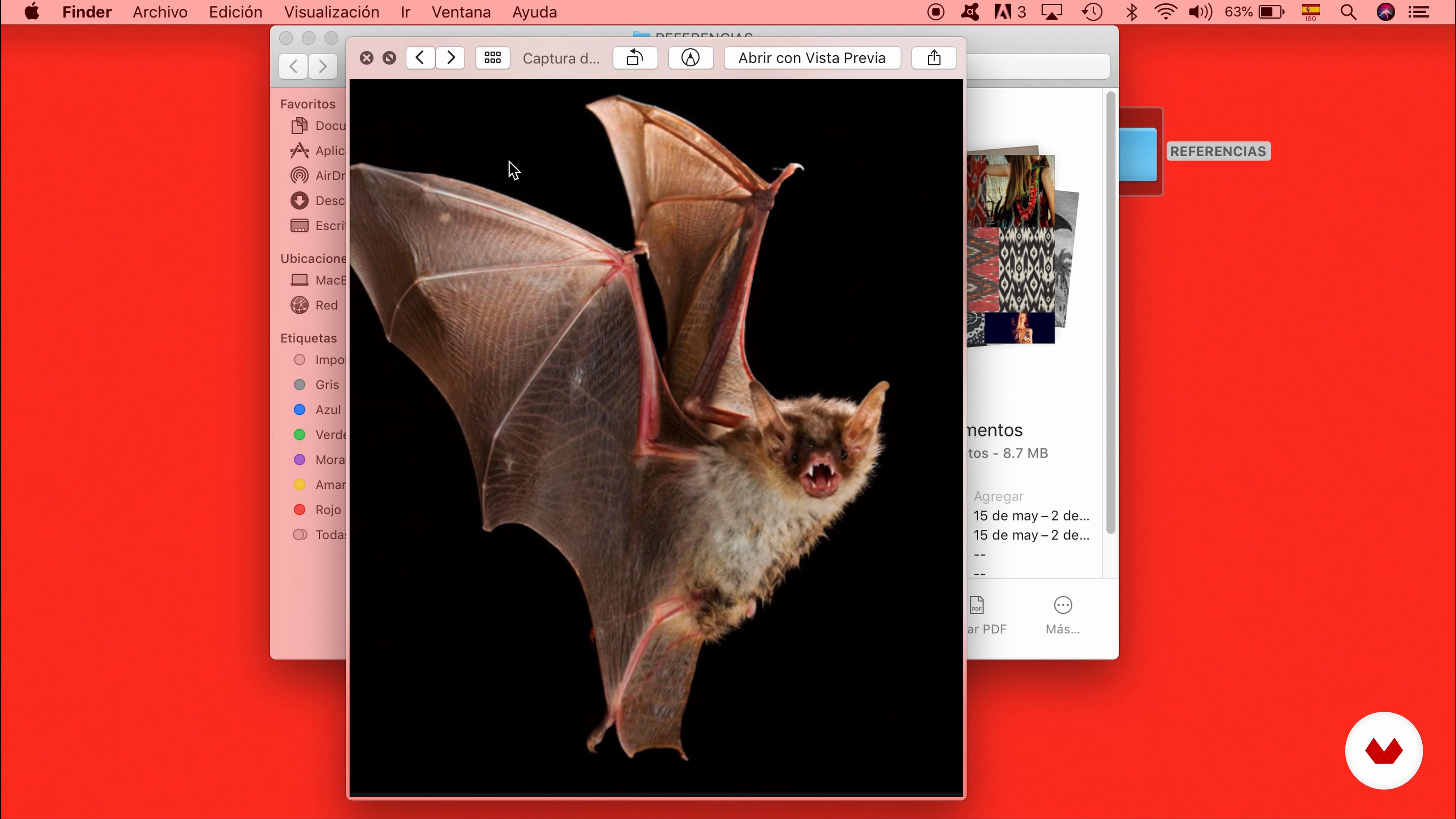
Inspiration: think visually
2 minutes, 24 seconds
What's included in this course?
Start the course by getting to know Alfredo Ríos, El Profe, who shows you some of his work and tells you more about what inspires him day to day.
Look at how to build a library of inspirational resources that you can also use to overcome any fear of the blank page. El Profe then gives you some tips on composition to help you define your project.
It’s time to get to work! Start shaping your illustration by drawing up different sketches, then choose the perfect color palette and line type to enhance your piece.
Digitize your final drawing and add some finishing touches with gradients and shadows to give it a professional finish. To round off the course, learn how to export your illustration in the highest quality to share on social media.
Recommended software & tools for this course
What is this course's project?
Create an editorial illustration mixing analog and digital techniques with a limited palette of six colors in Adobe Illustrator.
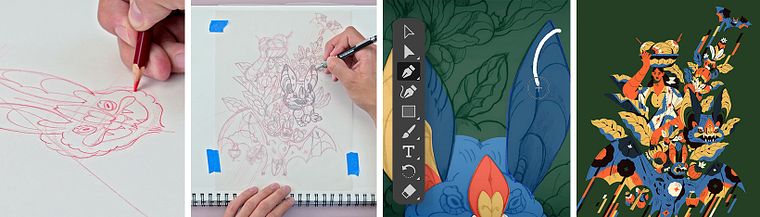
Projects by course students


Who is this online course for?
Illustrators and designers who want to discover a new technique for creating editorial illustrations.
Requirements and materials
Basic notions of Adobe Illustrator are needed for this course.
As for materials, you need a computer with the software installed, a notebook, pencils, tracing paper, Indian ink, tape, and a graphics tablet with Procreate, if that is your standard working tool.
Reviews
- 2 months ago
Curso muito bom, conseguir aprender muitas coisas novas no processo de ilustração que quero colocar em pratica, Super recomendo. O processo de ilustração é muito bom!
- 6 months ago
This was a great class! I loved Profe's art and teaching style.
- 7 months ago
Really great course! I enjoyed his process and all the steps. Definitely helps me on my path.
- yopiwibowoPLUS8 months ago
bagus sekali
- 11 months ago
Voy a la mitad de este curso y me está gustando mucho la manera de explicar. Yo ya he hecho ilustraciones desde hace tiempo, pero llevo semanas un poco estancada creativamente por eso recurrí a este curso para tener un desbloqueo y creo que me será súper útil.

He is currently an illustrator at Pictoline, where he has learned how to produce complete, high-quality illustrations in very little time. This process has taught him how to optimize basic tools while always pursuing the best results.
In 2020, he teamed up with Maga Rey and cofounded "Wild Fontana," a brand where they experiment with illustration and its application on textiles to create decorative pieces for the home.
Content
- U1
Introduction
- Presentation
- Influences
- U2
Big projects start small
- The clarity of illustrating
- Lose the fear of being wrong
- Interesting compositions
- The colors that are friends and where to find them
- Line weights
- U3
Making the Illustration
- Inspiration: think visually
- The draft: the first drawings
- The sketch: what stays and what goes
- U4
Finishing the Illustration
- Vectorize
- Masks: textures and patterns
- Gradients
- Show your work to the world
- FP
Final project
- Professional Illustration Techniques: From Sketches to Vectors
What to expect from a Domestika course
Learn at your own pace
Enjoy learning from home without a set schedule and with an easy-to-follow method. You set your own pace.
Learn from the best professionals
Learn valuable methods and techniques explained by top experts in the creative sector.
Meet expert teachers
Each expert teaches what they do best, with clear guidelines, true passion, and professional insight in every lesson.
Certificates
PLUSIf you're a Plus member, get a custom certificate signed by your teacher for every course. Share it on your portfolio, social media, or wherever you like.
Get front-row seats
Videos of the highest quality, so you don't miss a single detail. With unlimited access, you can watch them as many times as you need to perfect your technique.
Share knowledge and ideas
Ask questions, request feedback, or offer solutions. Share your learning experience with other students in the community who are as passionate about creativity as you are.
Connect with a global creative community
The community is home to millions of people from around the world who are curious and passionate about exploring and expressing their creativity.
Watch professionally produced courses
Domestika curates its teacher roster and produces every course in-house to ensure a high-quality online learning experience.
FAQs
You’ll learn how to turn sketches into professional illustrations, manage balanced compositions, experiment with styles and techniques, apply color theory, and optimize resources to create striking visuals in both traditional and digital formats.
This course is aimed at those with basic illustration skills who want to deepen their professional techniques and develop a unique style. You don’t need to be an expert, but some basic drawing experience is recommended.
You’ll need drawing materials like fineliners, Aqua Brushes, paper, pencils, and access to Adobe Illustrator or similar software for the digital parts. Having internet access and visual references is also recommended.
Yes, the course covers preparing sketches and vectorizing them in Adobe Illustrator, along with tips on organizing layers, using masks, gradients, textures, and exporting high-quality files.
The course guides you through exploring different styles, experimenting with techniques, and blending artistic influences so you can discover and strengthen your own distinctive style.
Yes, you’ll learn composition techniques such as the rule of thirds, balancing visual weight and breathing space, color theory, selecting limited palettes, and highlighting elements with complementary colors.
The course includes exercises using ink and permanent materials, quick sketching practices, confident line work, and creating moodboards to build your graphic confidence and fluidity.