Beauty Retouching for Beginners
A course by Xi ChenPhoto Retoucher
A course by Xi Chen, Photo Retoucher

Learn the basics of professional image retouching and color correction for beauty and product photography
Having worked with some of the world's top technology and fashion brands, Xi Chen has developed a fast and effective creative workflow that helps transform the images of iconic campaigns and editorials. Born and raised in China, Xi is a NYC-based freelance photo retoucher who helps photographers and brands create flawless photographs with a clear intention.
In this course, learn how to retouch a beauty portrait or still-life image using Adobe Photoshop. Explore the software, define the look and feel, and correct imperfections in light, color, and composition. Develop your own unique retouching style and learn how to attract clients by following Xi’s step-by-step process for creating high impact commercial images.
What will you learn in this online course?
18 lessons & 13 downloads
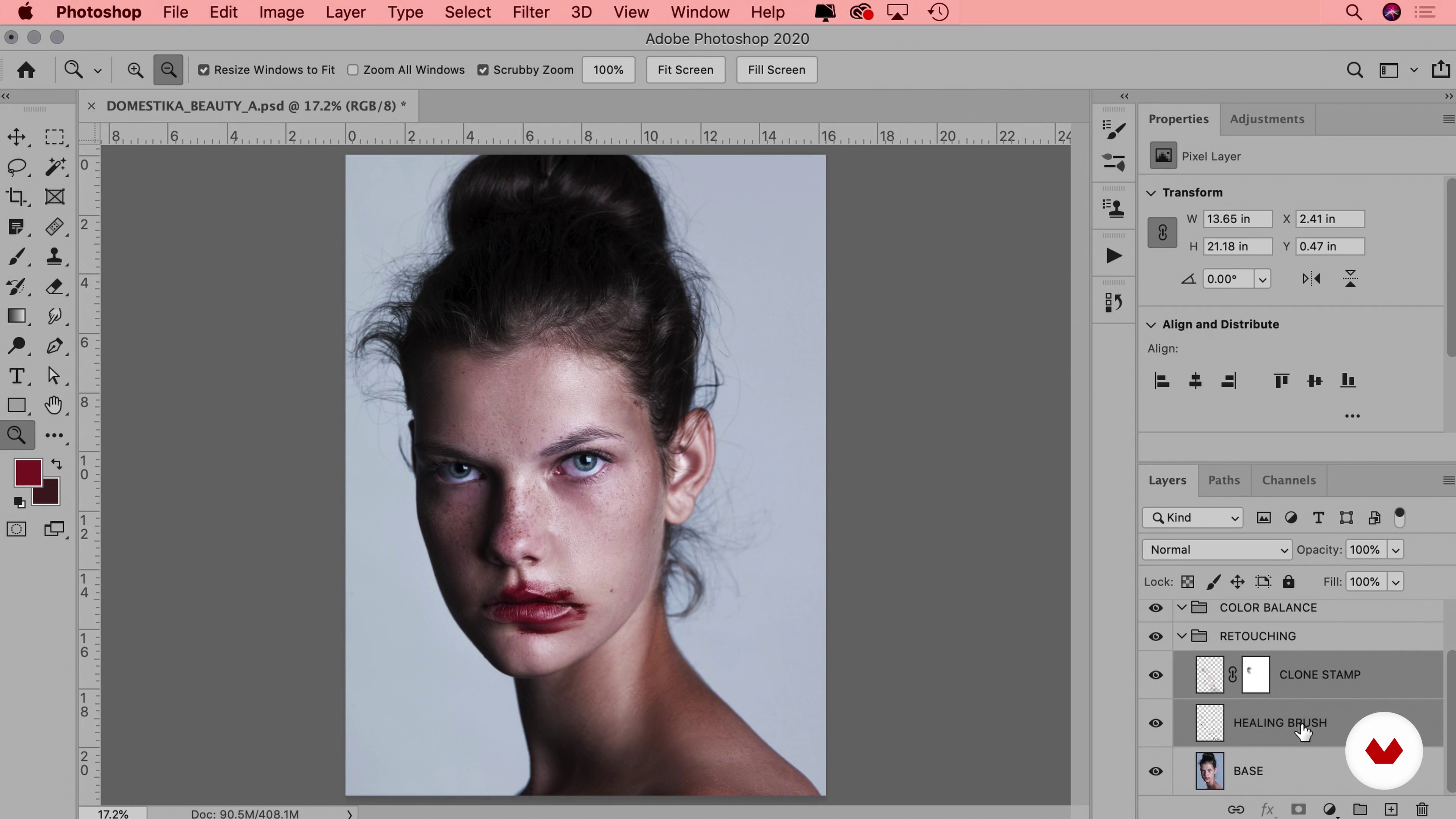
What Will We Do in This Course?
5 minutes, 35 seconds

How to Set up Photoshop
6 minutes, 41 seconds
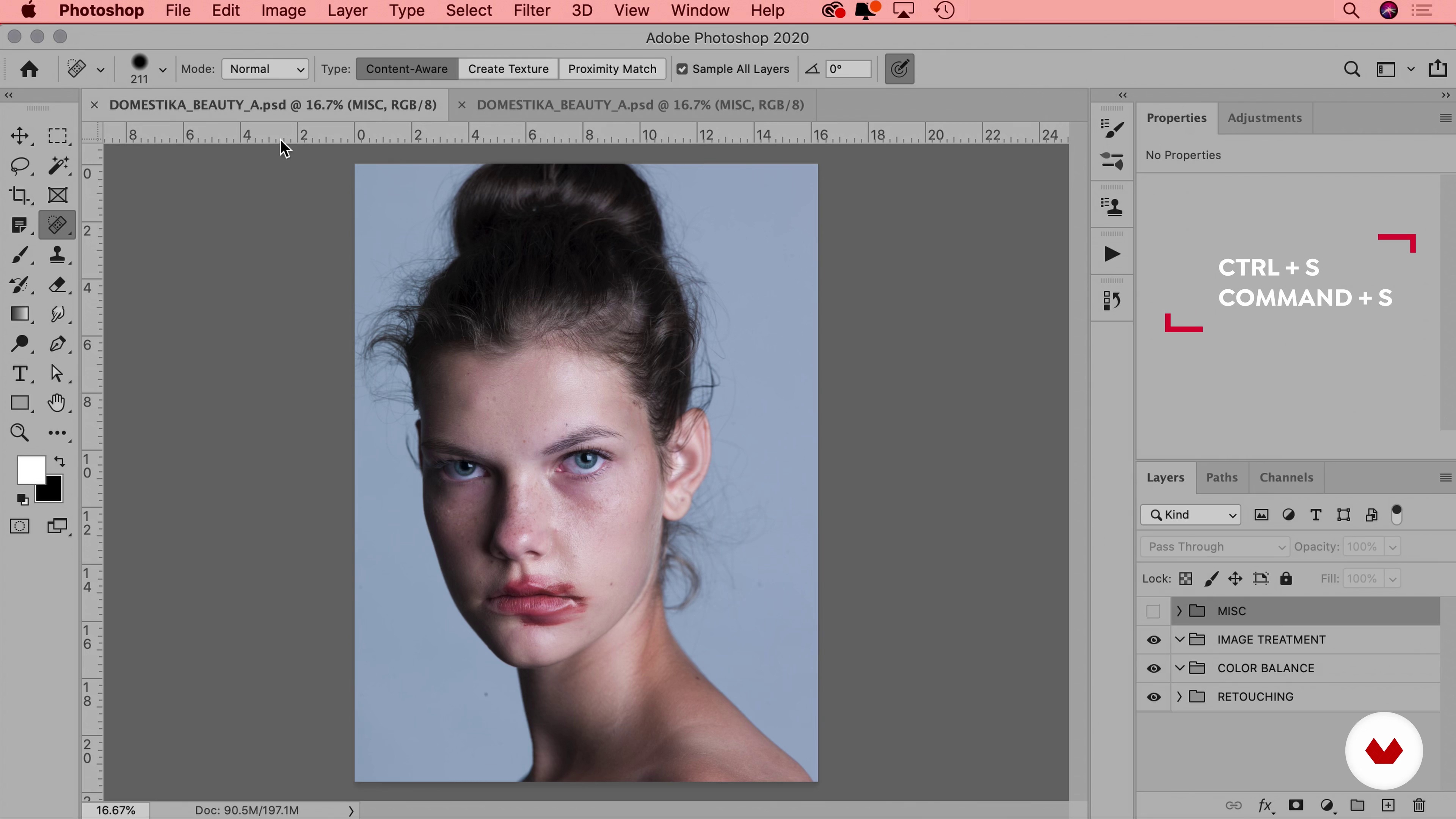
Workflow & File
12 minutes, 24 seconds
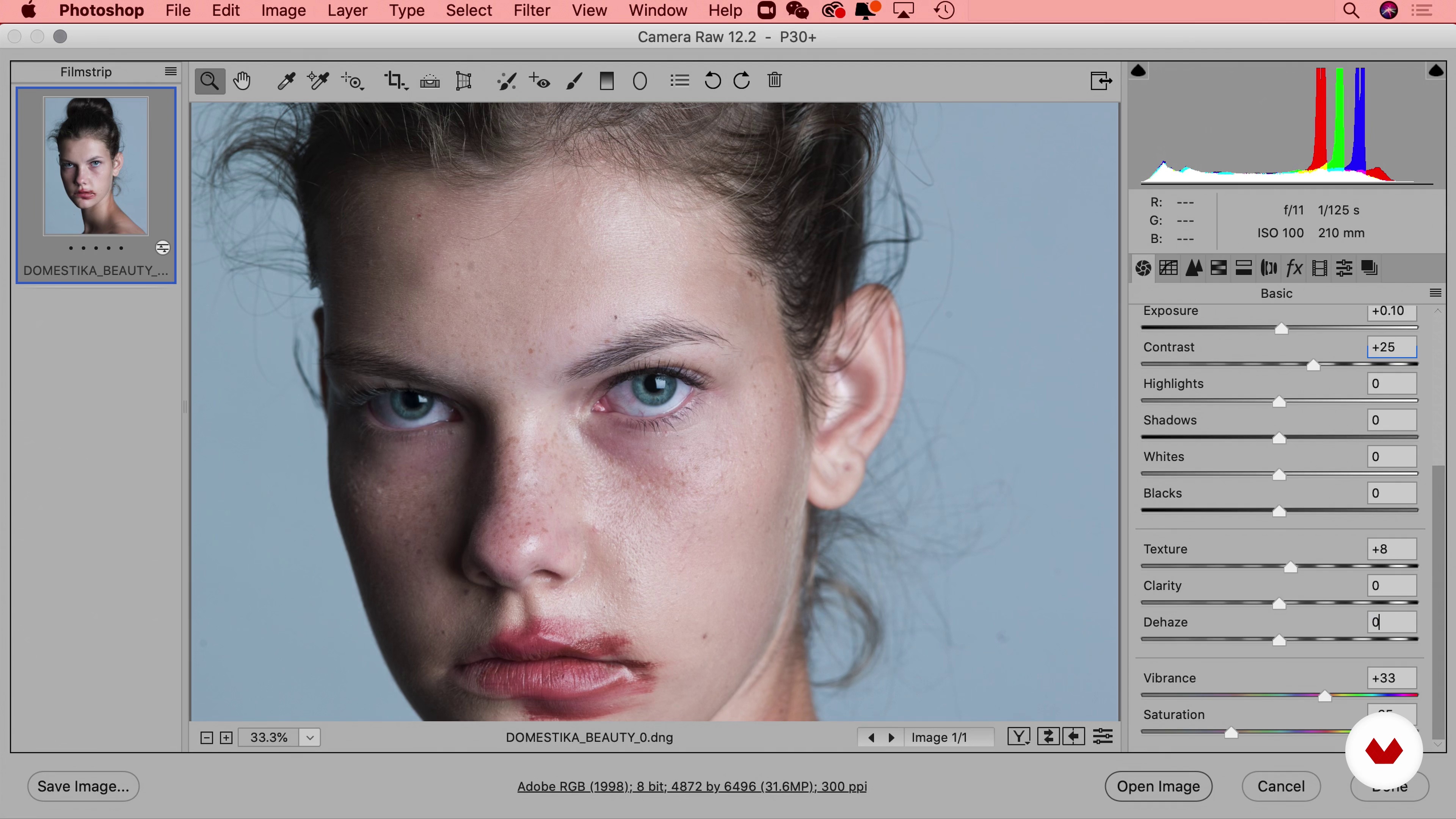
Using RAW Files for Photos
11 minutes, 47 seconds
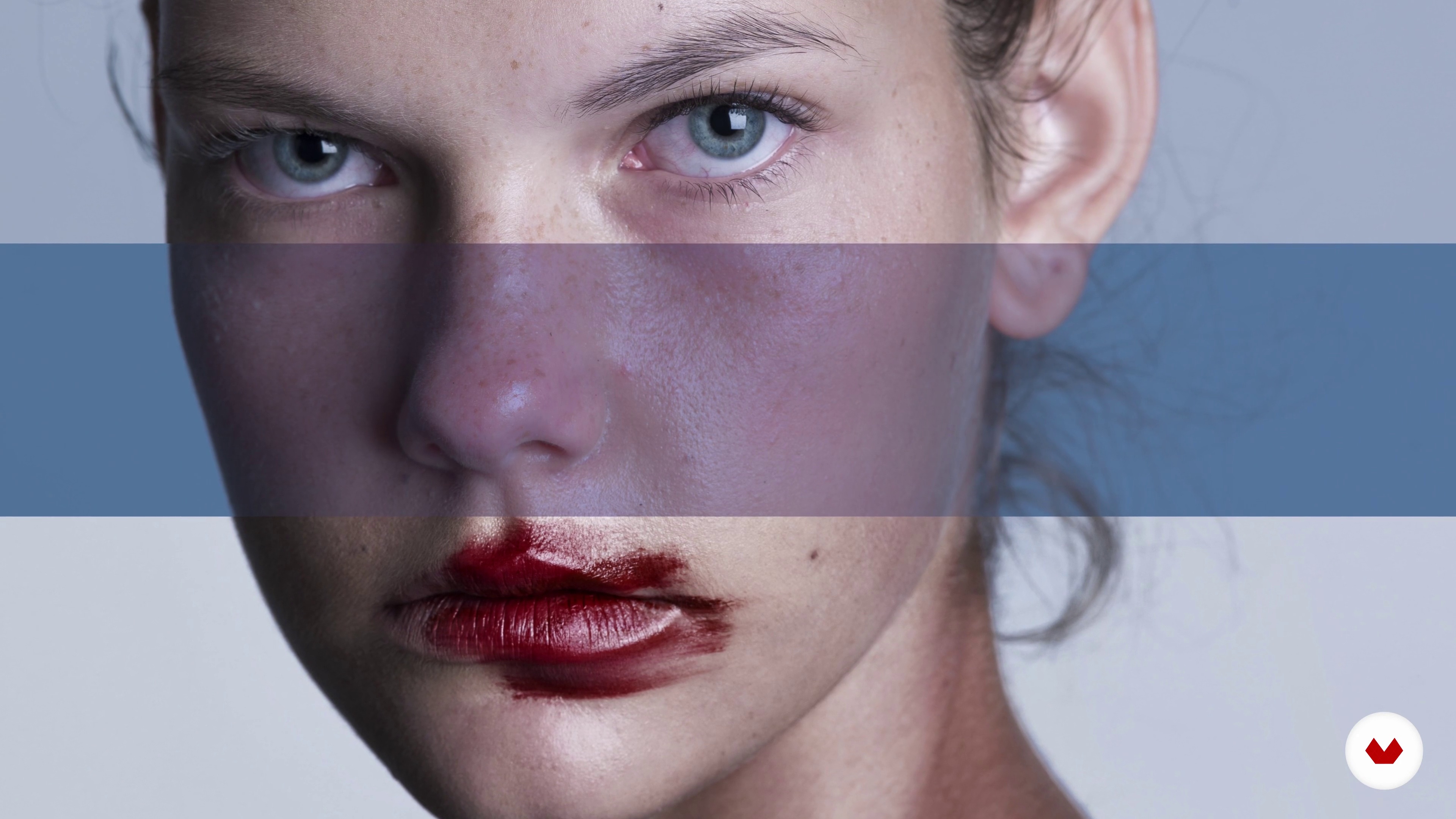
How to Approach an Image
5 minutes, 19 seconds
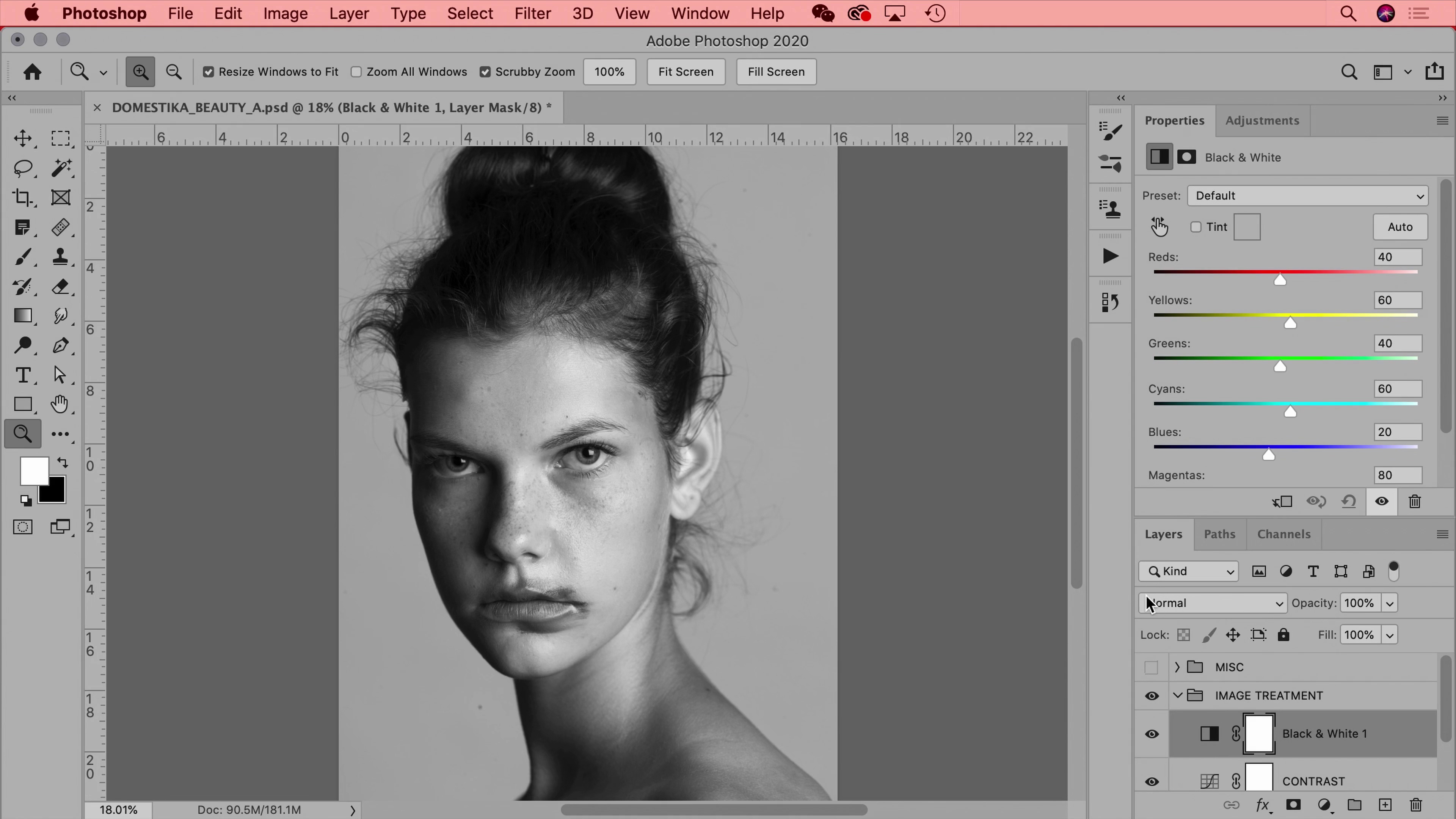
Image Treatment
18 minutes, 14 seconds
What's included in this course?
Start your course by meeting Xi Chen, a professional photo retoucher based in NYC. Discover how she got started with retouching, learn about her influences, and take a look at what this course entails.
Open Adobe Photoshop and start exploring the ideal layout for color correction. Explore color settings and profiles,then take a look at your workspace and essential keyboard shortcuts. Set up your project and get familiar with the tools, windows, and file formats frequently used for fast and efficient retouching. Learn how to process RAW images and adjust settings in Adobe Camera Raw before importing your images to Photoshop.
Xi shows you her approach to beauty portraits, which mainly consists of retouching hair, skin, makeup, or jewelry. See how to define the overall mood and tone with color balance, tone curves, and hue and saturation. Using the clone stamp and healing brush, learn how to remove blemishes, dust, and other imperfections. Then adjust the color, lighting, and shadows.
Move on to retouching product images by learning about focus stacking, composition, masking, cleaning, and color correction. Dive into tools like the dust and scratches filter, layer masks, and more.
Wrap up your final image by implementing stop motion techniques to create an animated GIF learning how to export it for different online platforms. Finally, discover Xi’s tricks and tips for working in the photography industry and growing strong client relationships.
What is this course's project?
Retouch a beauty portrait or a still-life image and learn how to turn it into a GIF.
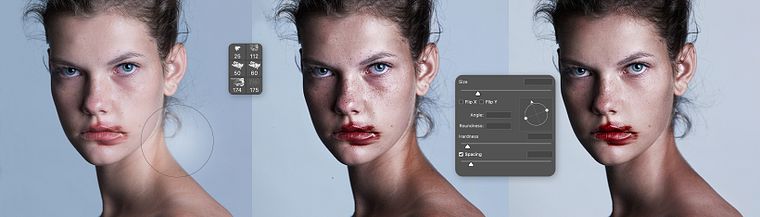
Projects by course students


Who is this online course for?
Anyone who wants to learn retouching techniques for beauty portraits and still-life images.
Requirements and materials
To take this course, you should have some basic notions of photography and a computer with Adobe Photoshop.
Reviews
- 6 months ago
muito bom
- 2 years ago
muy interesante, recomendado
- 2 years ago
molto interessante e impari
- 3 years ago
Super
- 3 years ago
super genial me encanto

Xi has worked with luxury fashion brands like Chanel, Prada, Alexander Wang, Balenciaga, Calvin Klein, Hermes, Valentino, Bobbi Brown, Vera Wang, and more. Her client list also includes Google, Samsung, Nike, and Adidas, as well as editorials like GQ, Harper’s Bazaar, Vanity Fair, and Vogue.
Content
- U1
Presentation
- About Me
- Influences
- What Will We Do in This Course?
- U2
Setup and Preparation
- How to Set up Photoshop
- Workflow & File
- Using RAW Files for Photos
- U3
Beauty Portrait
- How to Approach an Image
- Image Treatment
- Natural Beauty Retouching Soft Lighting, Dodge and Burn
- Color Balancing, Light, and Shadows
- U4
Still-Life Image Retouching
- How to Approach an Image
- Masking
- Image Treatment
- Clean Up
- Color Balancing
- U5
Creating a GIF and Professional Tips
- Understanding a GIF
- GIF, Beyond the First Step
- Final Tips and behind the Scenes
- FP
Final project
- Beauty Retouching for Beginners
What to expect from a Domestika course
Learn at your own pace
Enjoy learning from home without a set schedule and with an easy-to-follow method. You set your own pace.
Learn from the best professionals
Learn valuable methods and techniques explained by top experts in the creative sector.
Meet expert teachers
Each expert teaches what they do best, with clear guidelines, true passion, and professional insight in every lesson.
Certificates
PLUSIf you're a Plus member, get a custom certificate signed by your teacher for every course. Share it on your portfolio, social media, or wherever you like.
Get front-row seats
Videos of the highest quality, so you don't miss a single detail. With unlimited access, you can watch them as many times as you need to perfect your technique.
Share knowledge and ideas
Ask questions, request feedback, or offer solutions. Share your learning experience with other students in the community who are as passionate about creativity as you are.
Connect with a global creative community
The community is home to millions of people from around the world who are curious and passionate about exploring and expressing their creativity.
Watch professionally produced courses
Domestika curates its teacher roster and produces every course in-house to ensure a high-quality online learning experience.
FAQs
Yes, this course is designed for intermediate users who already have basic Photoshop skills and want to advance their retouching techniques for beauty, portrait, and product photography.
You’ll need access to Adobe Photoshop (preferably the latest version), a computer capable of running it smoothly, and a foundational understanding of basic photo editing tools and concepts.
You’ll learn advanced techniques for skin and hair retouching, color correction, lighting adjustments, non-destructive editing, file organization, animated GIF creation, and efficient Photoshop workflows for both freelance and professional settings.
Yes, the course teaches skin cleaning techniques using the Healing Brush, Clone Stamp, and other Photoshop tools to achieve natural-looking results in beauty portraits.
Absolutely. The course includes detailed lessons on color correction, skin tone balancing, and using adjustment layers for natural and professional portrait edits.
Yes, you’ll master non-destructive editing using masks, layer groups, and adjustment layers to keep your workflow flexible and reversible.
Yes, the course covers workflows and techniques applicable to beauty portraits as well as still life and product images.