Digital 3D Lettering with Mixed Media
A course by José BernabéGraphic Designer and Lettering Artist
A course by José Bernabé, Graphic Designer and Lettering Artist

Create bold and colorful typographic compositions by combining the digital tools of Photoshop, Illustrator, and Cinema 4D with painting techniques
The art of lettering is where the written word comes to life through illustration. By combining illustration with typography, graphic designer and lettering artist José Bernabé has created striking lettering artwork for clients like Nike, adidas, Nickelodeon, and Old Spice.
In this course, José teaches you how to create striking lettering compositions using both digital tools and real acrylic paint. Learn how to create vibrant typographic artwork from scratch and apply your designs to an album cover mockup.
What will you learn in this online course?
11 lessons & 15 downloads
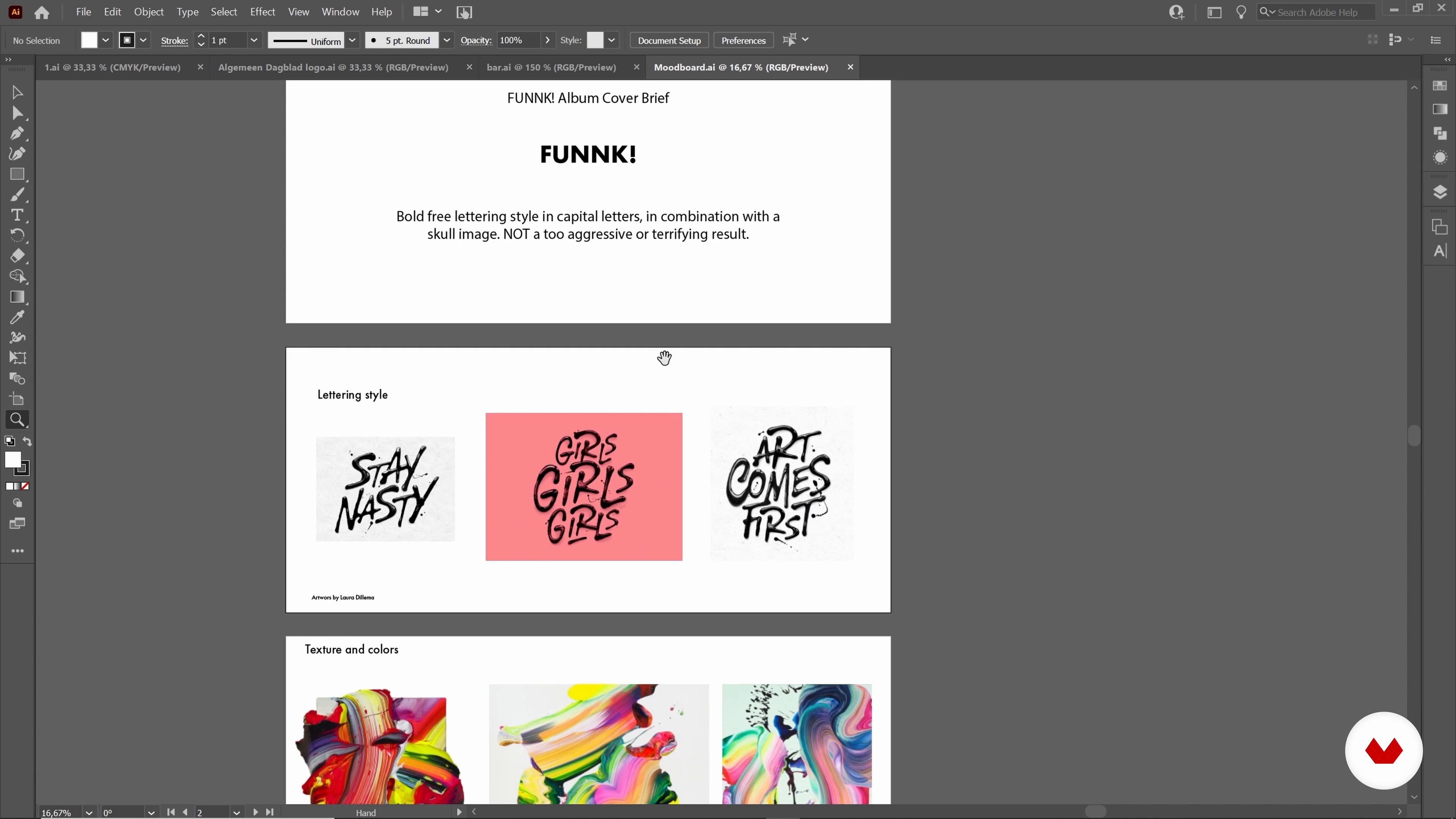
Project Brief and Mood Board
4 minutes, 45 seconds
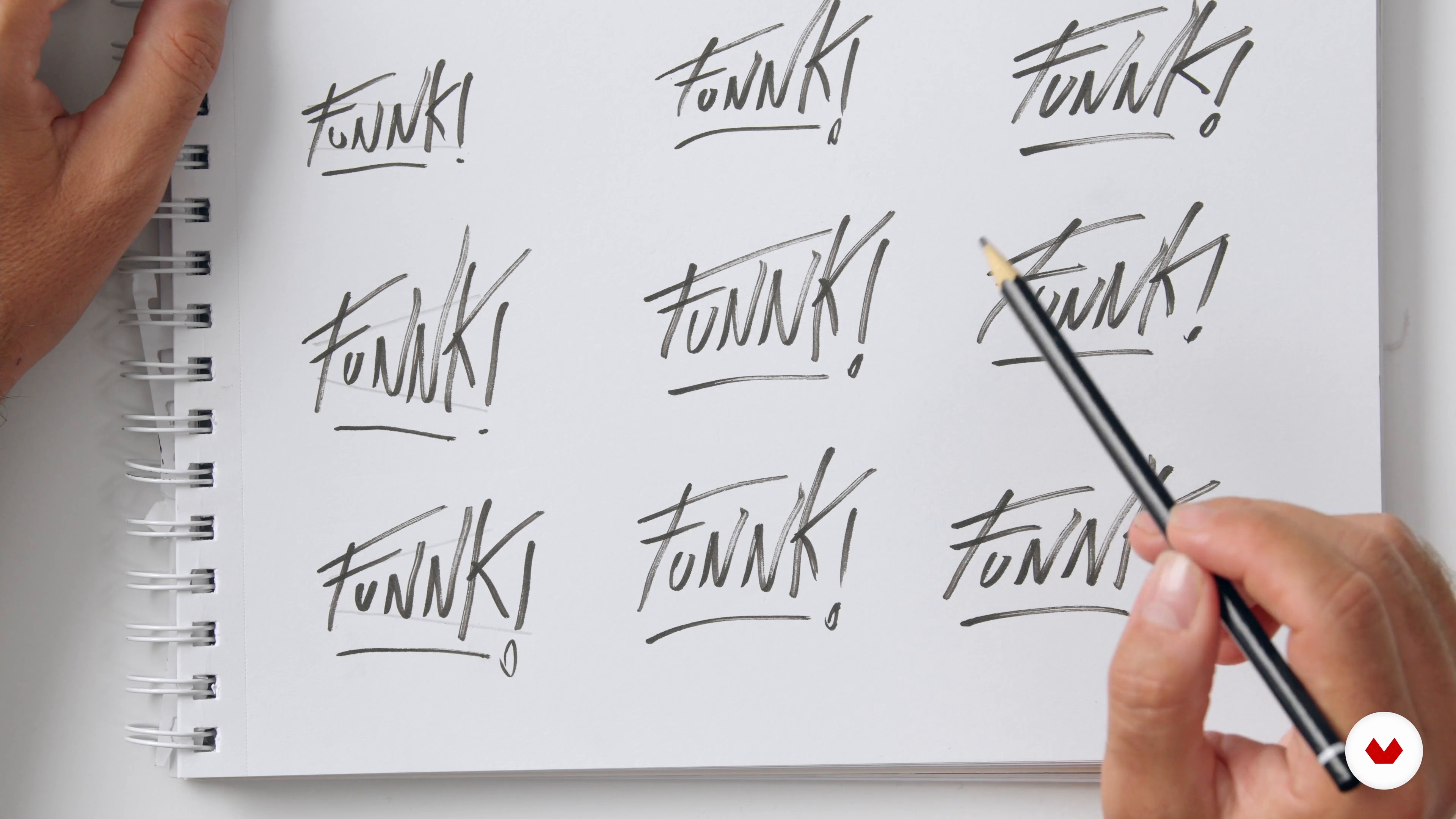
Sketching the Composition on Paper
11 minutes, 2 seconds
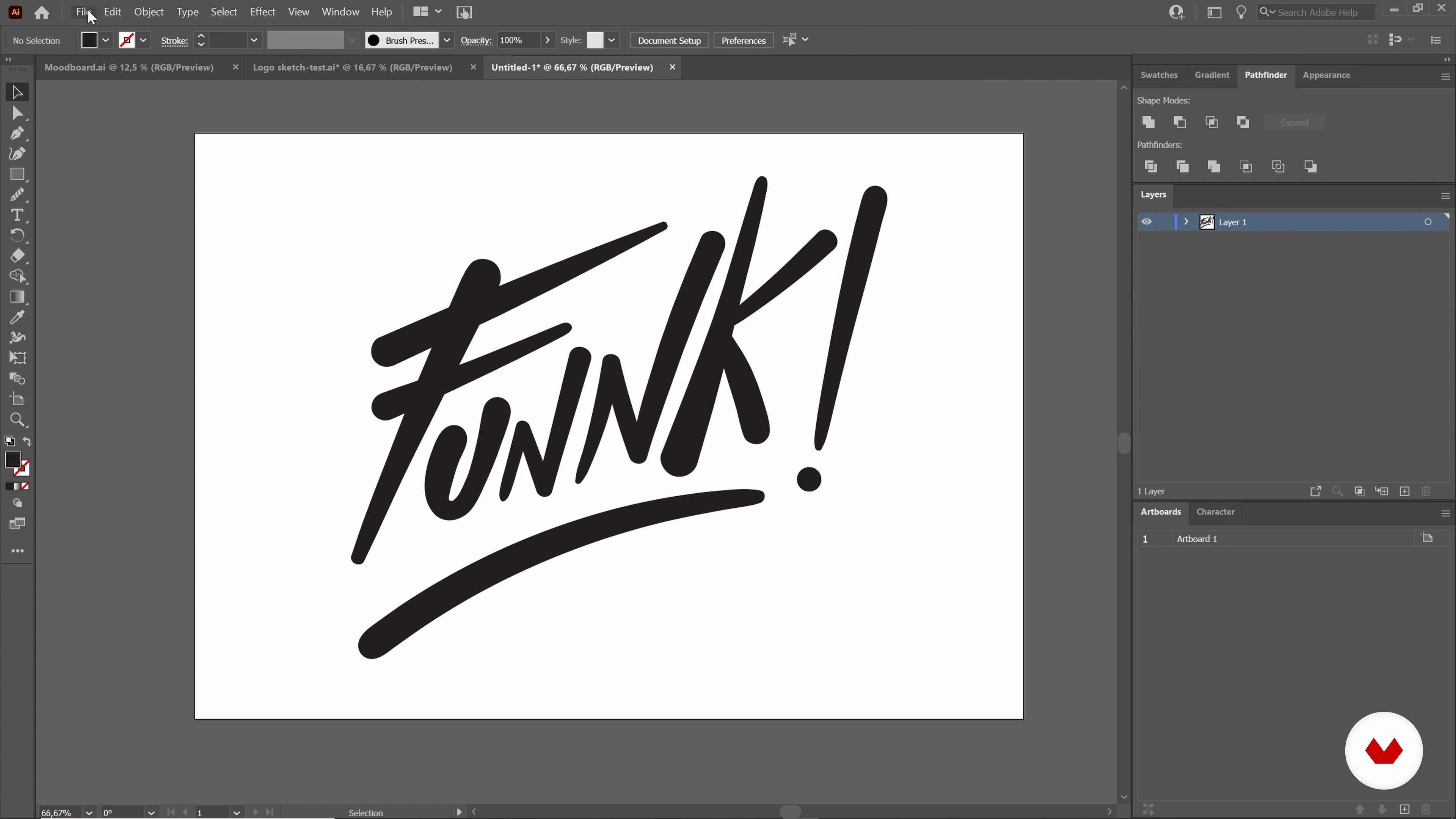
Moving to Illustrator
11 minutes, 15 seconds
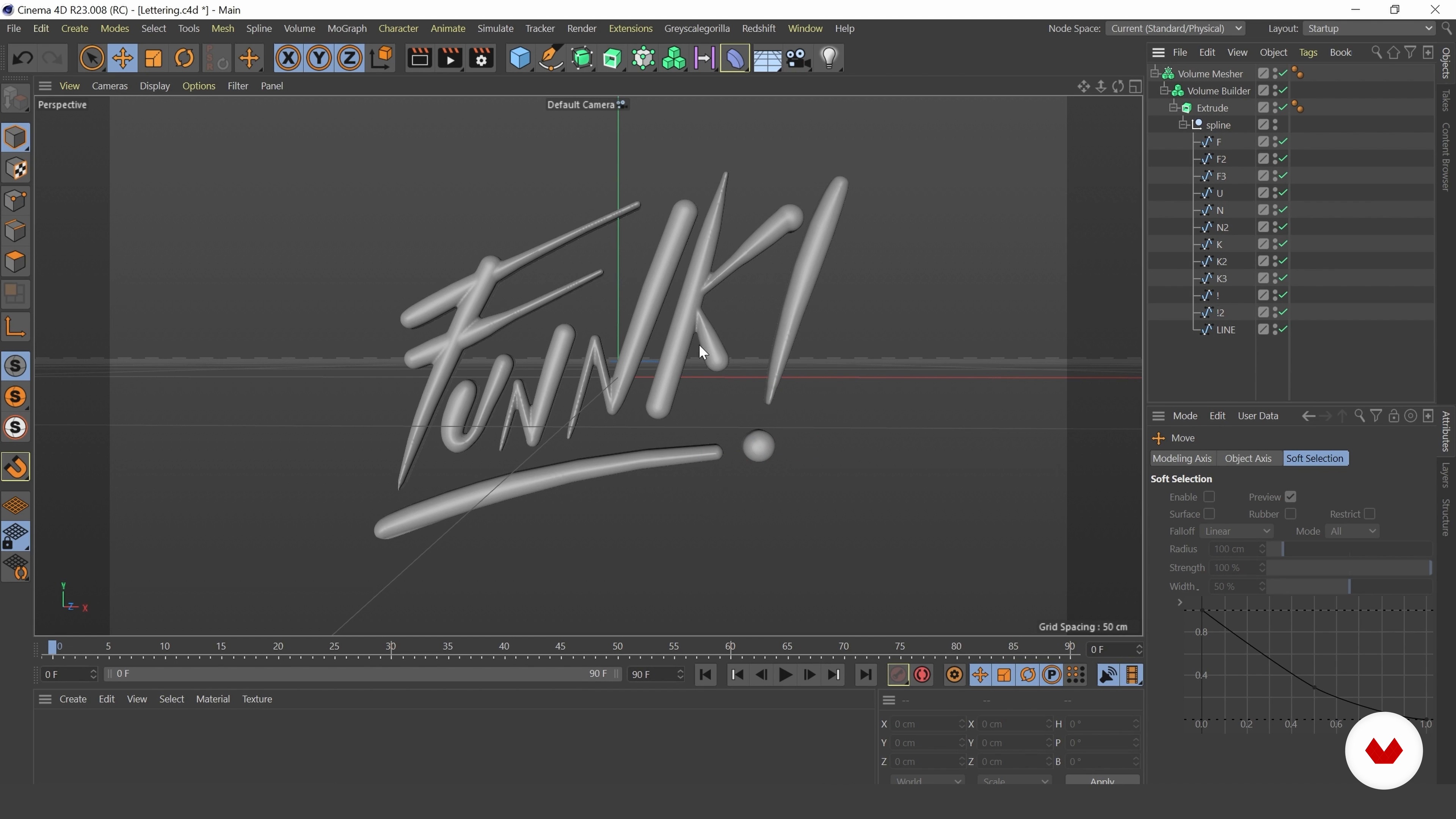
Basic Modelling
5 minutes, 48 seconds

Basic Lighting and Materials
10 minutes, 46 seconds
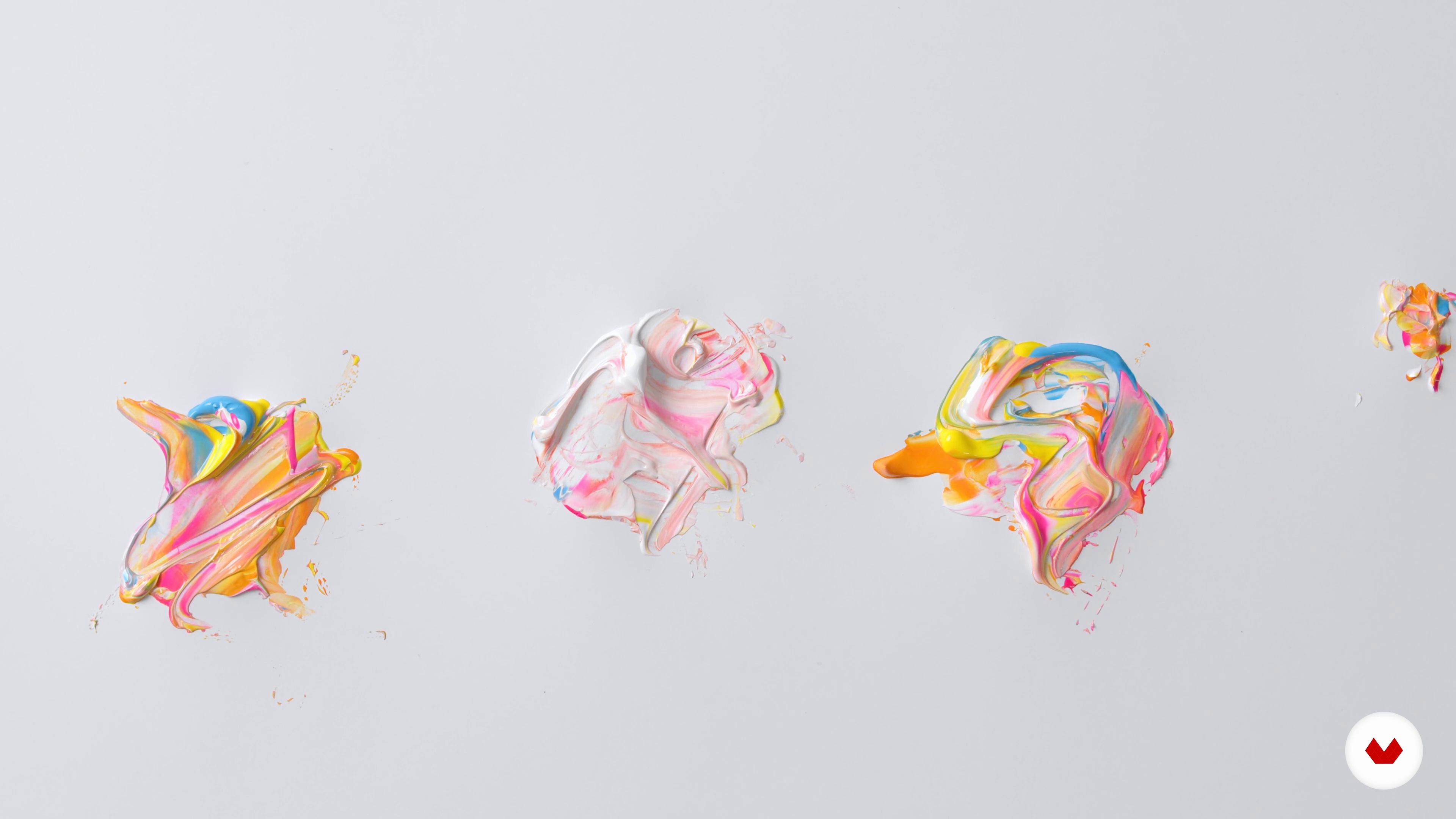
Creating Textured Material Using Real Acrylic Paint
6 minutes, 19 seconds
What's included in this course?
Meet José, graphic designer, lettering artist, and your teacher for this course. He shares his creative journey that led him to work with clients like Nickelodeon. Hear about the artists and artwork that have inspired his designs.
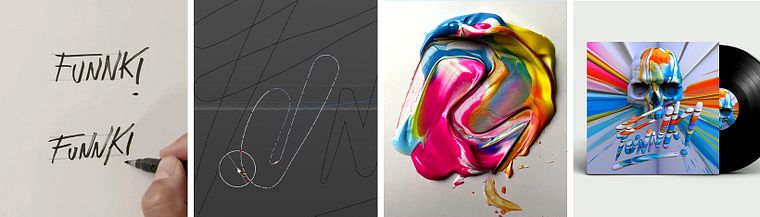
Next, José guides you through a client brief and how to visualize a client’s needs by making a moodboard. Learn how to sketch the initial design on paper by making lettering compositions in capital letters. See how to import your sketch to Illustrator to give your design an organic look using the PaintBrush tool.
Then, José shows you how to import your vector lettering composition into Cinema 4D to create a 3D model using the Extrude and Volume tools. Learn how to incorporate lighting and other visual effects to your scene. José then shows you how to create striking textured material by mixing real acrylic paint and adding it to your digital 3D design before rendering it with Redshift.
To wrap up the course, learn how to add the final touches to your design in Photoshop. José shares with you his tips and advice on building a portfolio and sharing your work professionally.
Recommended software & tools for this course
What is this course's project?
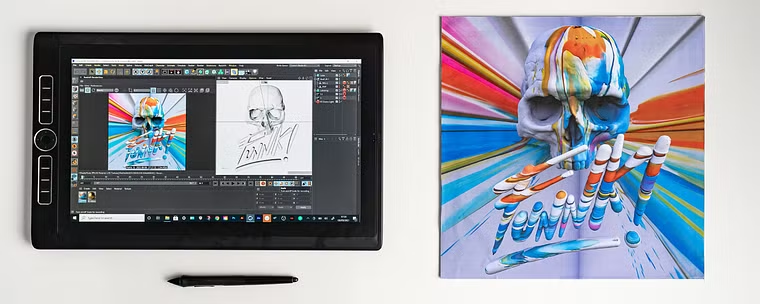
Create a music album cover mockup with a 3D lettering composition and another central image.
Who is this online course for?
This course is great for artists, designers, or anyone interested in exploring digital lettering with mixed media.
Requirements and materials
Basic knowledge of Illustrator, Cinema 4D and Photoshop is required.
In terms of materials, you will need a computer or tablet with the mentioned software installed. To render the illustration, José uses Redshift, but you can use any other render engine. You will also need paper, a pen, a pencil and eraser, a paint palette, some acrylic paint, and a small spatula.
Reviews
- 3 years ago
Easy to follow, Nice simple steps and easy to understand. Amazing
- 4 years ago
Amazing course
- 4 years ago
Very complete course
- 4 years ago
Great course.
- 4 years ago
Muy buen curso, me gustó bastante

Throughout his career, José has created artwork for brands like Nike, Adobe, Nickelodeon, adidas, Amazon, Unilever, Old Spice, KLM, Citroën, Nutricia, and Dalí Speakers, among others. His work has been published on Adobe, Inspiration Now, Design Taxi, TrendHunter, Photoshop Creative Magazine, Fahrenheit Magazine, Index Books, Betype, Graffica, and more. José has given workshops and lectures for Elements Talks (Warsaw), Festival de Antigua (Guatemala), Let’s Talk Design (Amsterdam) and Core 77 (New York).
Content
- U1
Introduction
- About Me
- Influences
- U2
Mood Board and Sketching
- Project Brief and Mood Board
- Sketching the Composition on Paper
- Moving to Illustrator
- U3
Working on Cinema 4D
- Basic Modelling
- Basic Lighting and Materials
- Creating Textured Material Using Real Acrylic Paint
- Applying Acrylic Material and Rendering
- U4
Final Touches
- Final Touches in Photoshop and Album Cover Mock-up
- Final Tips
- FP
Final project
- Digital 3D Lettering with Mixed Media
What to expect from a Domestika course
Learn at your own pace
Enjoy learning from home without a set schedule and with an easy-to-follow method. You set your own pace.
Learn from the best professionals
Learn valuable methods and techniques explained by top experts in the creative sector.
Meet expert teachers
Each expert teaches what they do best, with clear guidelines, true passion, and professional insight in every lesson.
Certificates
PLUSIf you're a Plus member, get a custom certificate signed by your teacher for every course. Share it on your portfolio, social media, or wherever you like.
Get front-row seats
Videos of the highest quality, so you don't miss a single detail. With unlimited access, you can watch them as many times as you need to perfect your technique.
Share knowledge and ideas
Ask questions, request feedback, or offer solutions. Share your learning experience with other students in the community who are as passionate about creativity as you are.
Connect with a global creative community
The community is home to millions of people from around the world who are curious and passionate about exploring and expressing their creativity.
Watch professionally produced courses
Domestika curates its teacher roster and produces every course in-house to ensure a high-quality online learning experience.
FAQs
You will learn how to create expressive 3D lettering using both traditional and digital techniques, combine illustration with typography, apply textures, and render professional visuals using tools like Illustrator, Cinema 4D, Photoshop, and Redshift.
This course is designed for intermediate-level students with some prior experience in design or digital illustration. Basic familiarity with Adobe software and digital art is recommended.
You’ll need access to Adobe Illustrator, Cinema 4D, Adobe Photoshop, and Redshift. These programs are essential for vector work, 3D modeling, rendering, and post-production in the course.
Yes, traditional materials like brush pens, acrylic paints, and sketching tools are used to create textures and sketches that are later digitized and integrated into your 3D lettering projects.
You’ll digitize your hand-drawn sketches in Illustrator, convert them into vector paths, export them to Cinema 4D, and use modeling tools like extrusion and volume builder to create 3D letterforms.
Yes, you’ll learn to create acrylic textures with traditional media, digitize them, and map these textures onto your 3D lettering in Cinema 4D using Redshift for realistic effects.
By the end, you’ll be able to create portfolio-ready 3D lettering art, apply creative workflows combining traditional and digital techniques, and present your work in professional contexts like album covers or web designs.