Newspaper Design: Bring Stories to Life
A course by Harry HepburnGraphic Designer
A course by Harry Hepburn, Graphic Designer

Transform editorial content into a compelling visual story that both intrigues and informs readers
For graphic designer Harry Hepburn, a printed newspaper is a beautiful, tactile, creative, and rewarding experience – both to read and design. He has worked for publications including The Sunday Times and The Daily Telegraph, helping them to tell stories in a compelling way through innovative layout design.
In this course, he teaches you how to bring stories to life with editorial design techniques. Design your own publication for print, experimenting with everything from typography to column layout. Are you ready to turn words and images into designs that captivate and intrigue readers?
What will you learn in this online course?
14 lessons & 14 downloads
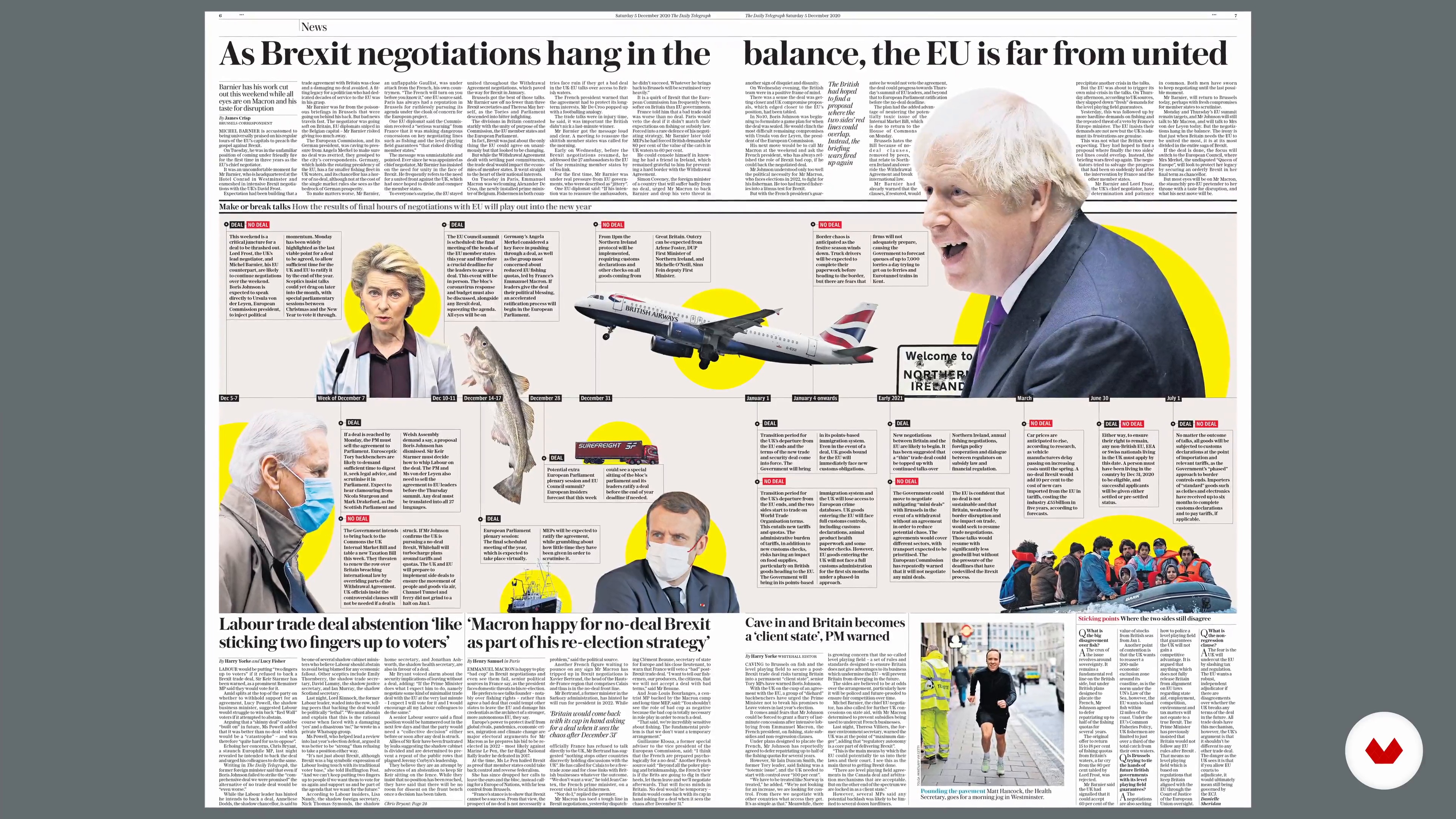
Introduction to Newspaper Design
3 minutes, 14 seconds
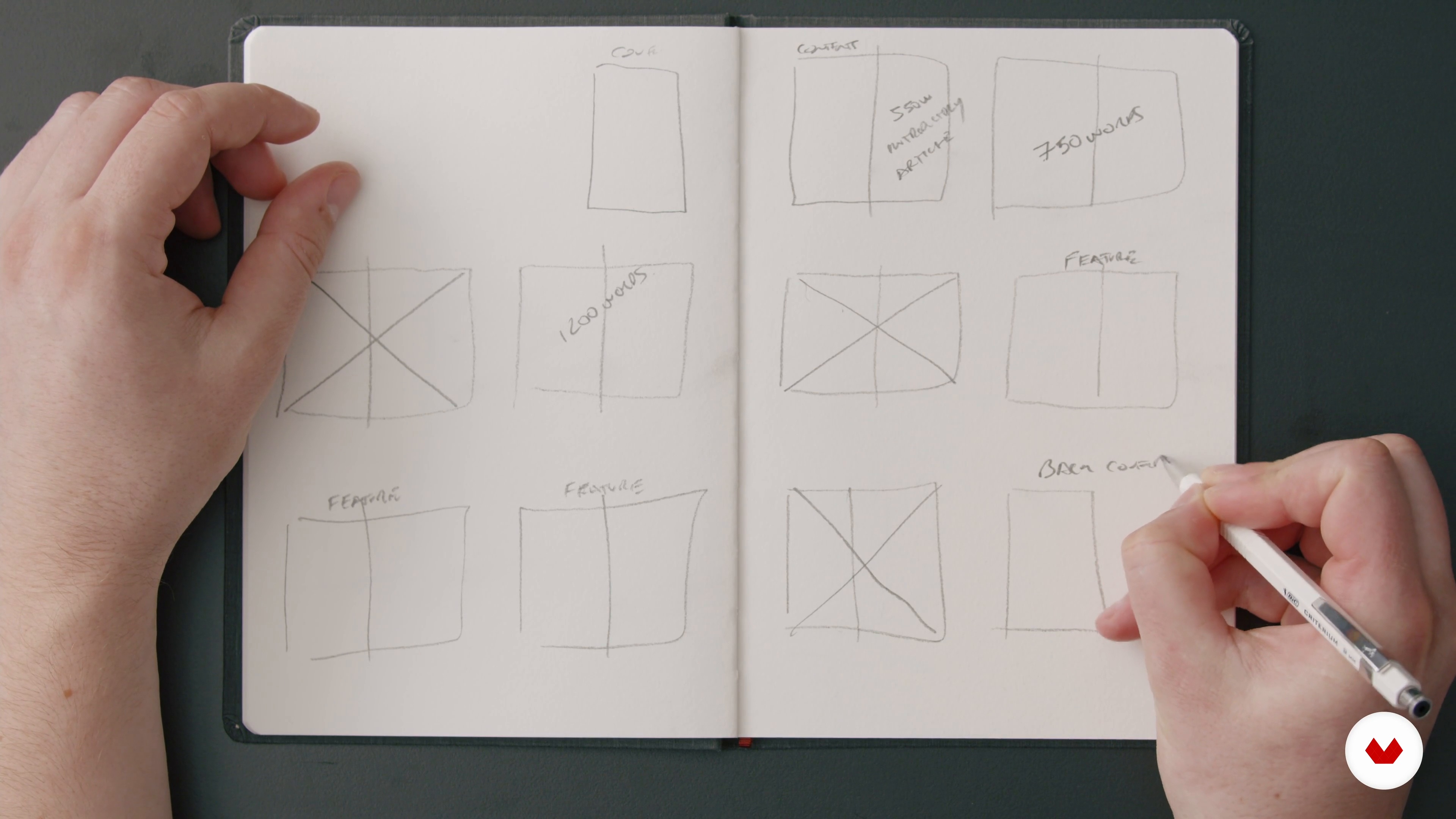
The Brief and Planning Our Pages
6 minutes, 4 seconds
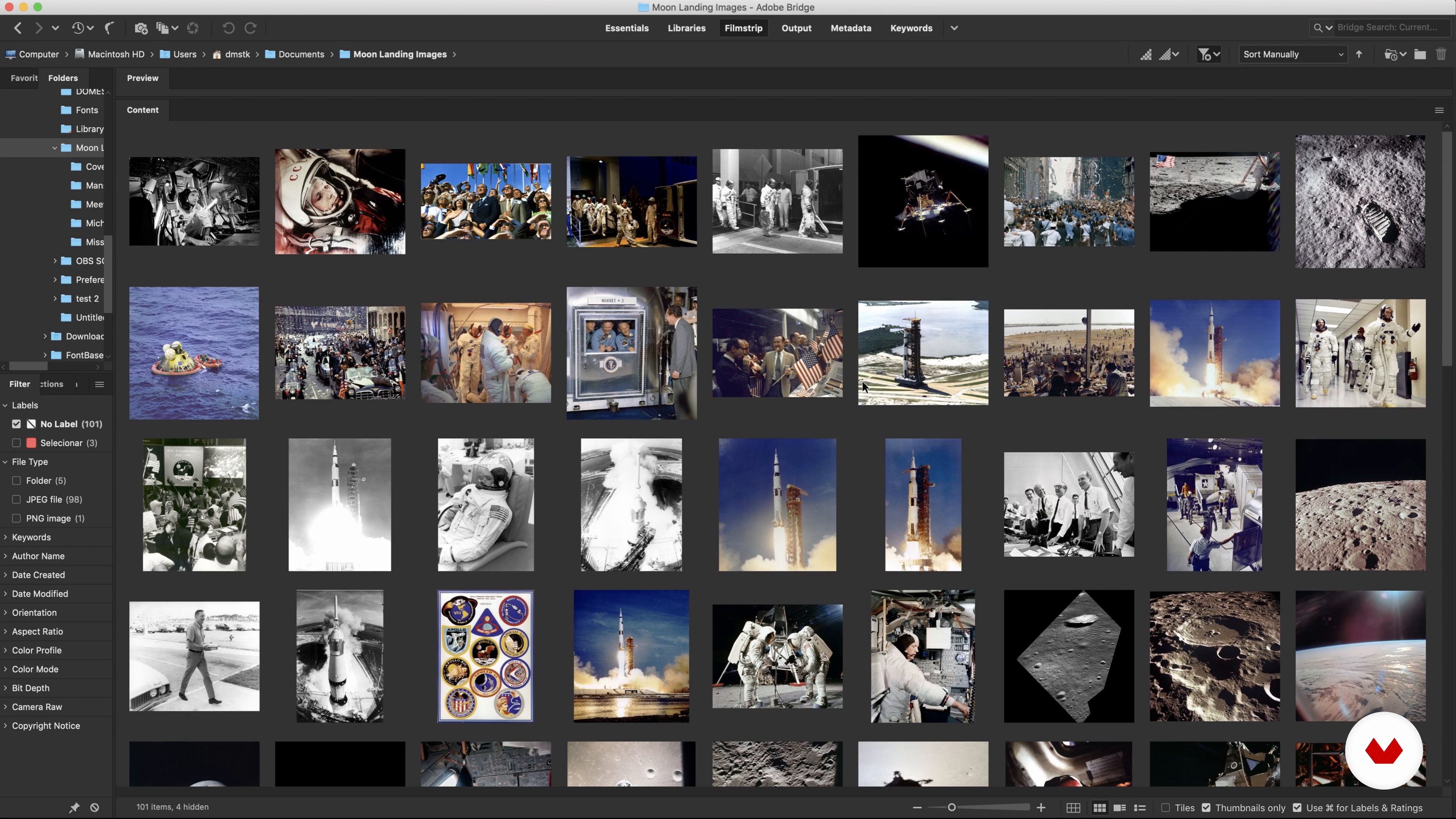
Available Assets
8 minutes, 29 seconds
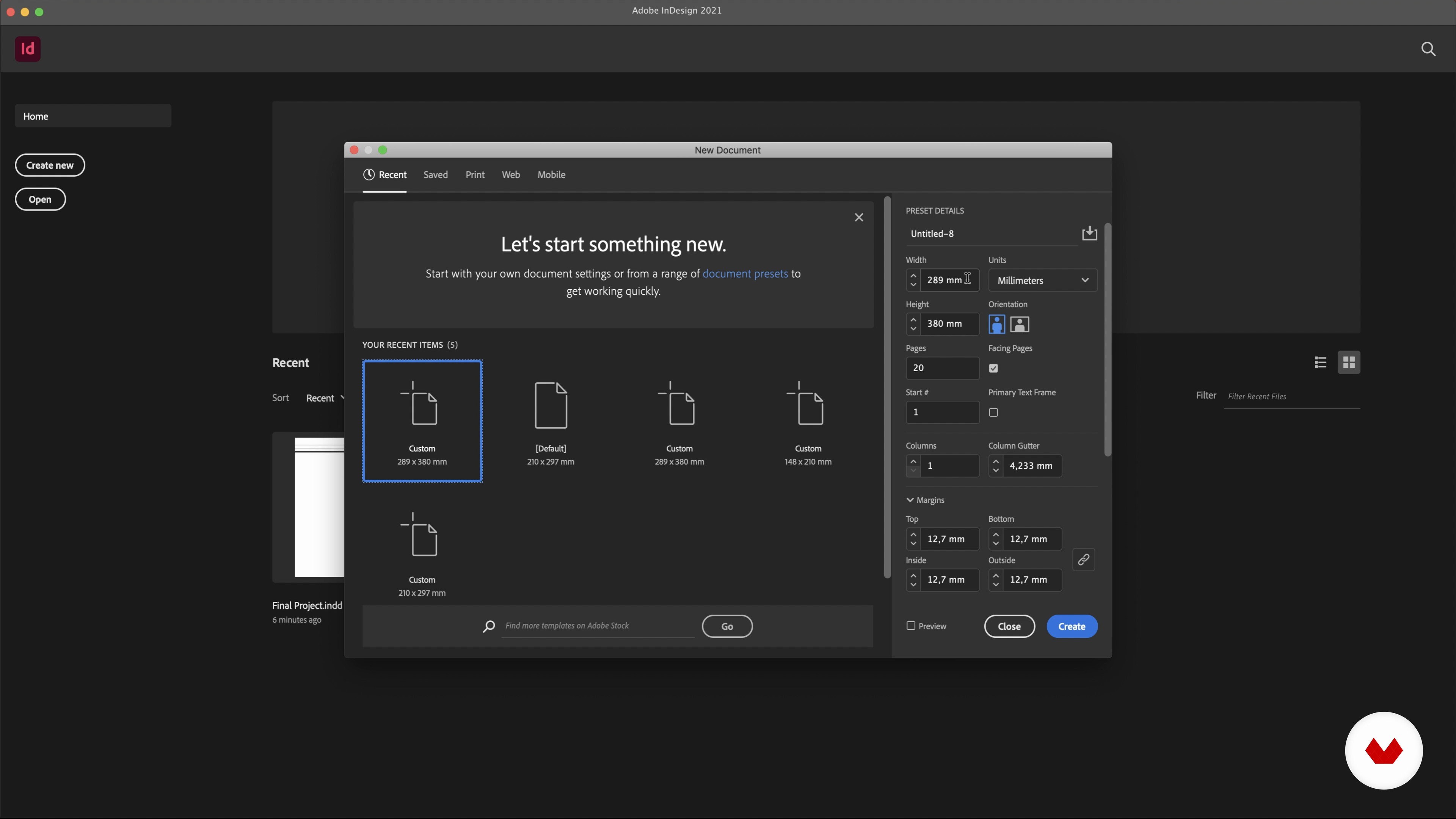
Setting up Our Pages
2 minutes, 17 seconds
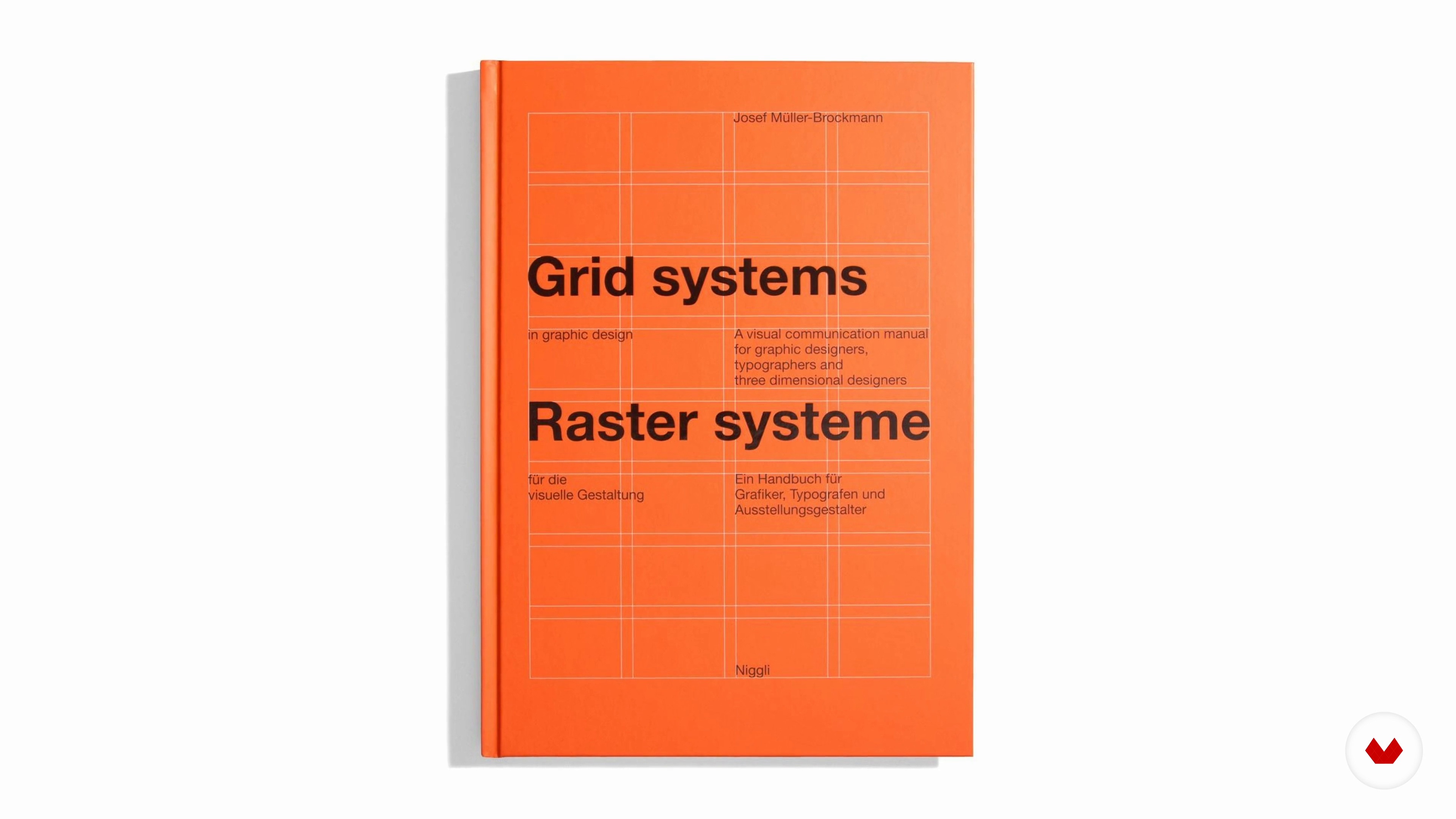
Grids
7 minutes, 5 seconds
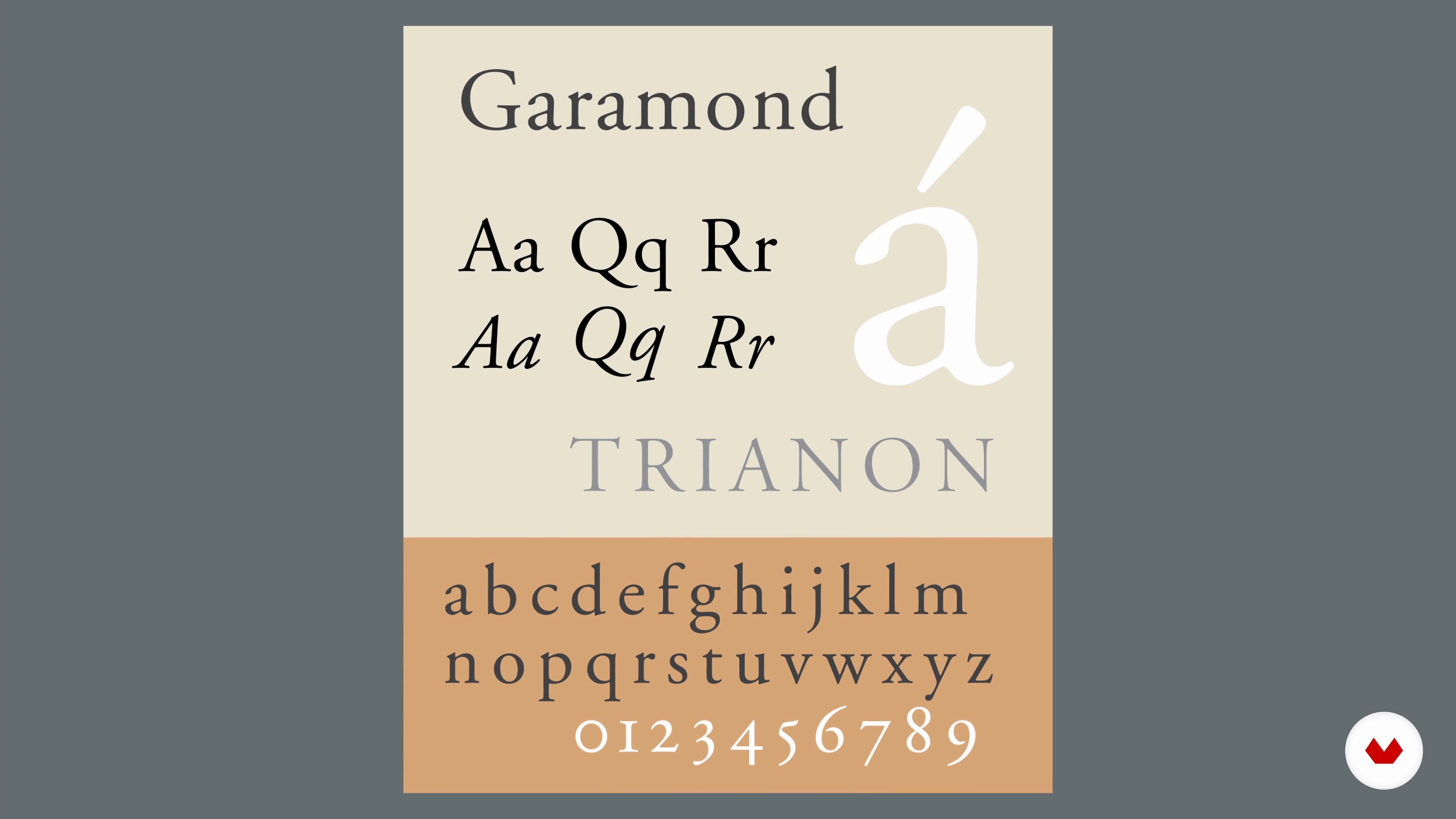
Typography
19 minutes, 47 seconds
What's included in this course?
Begin the course by getting to know graphic designer Harry Hepburn. He talks through his journey to becoming a designer for some of the biggest publications in the UK, along with the influences that inspire his designs, from music to fellow artists.
Dive into the history of editorial design before taking a look at a brief and how to create a plan for your pages. Explore the importance of having a wide variety of images and how to use them legally. Then decide which images to place on each page, taking into consideration the stories they tell, and their scale in relation to one another.
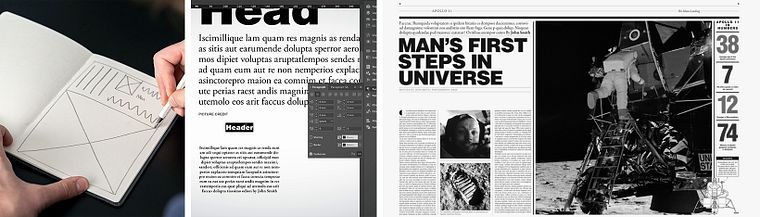
Set up the pages of your tabloid with the correct size and bleed in mind. Look at using a grid for structure and how to create one. Dive into typography styles, and which ones to use. Then sketch your layout page by page and design your spread digitally in InDesign. Make any final adjustments to your tabloid before referring back to the brief to ensure your design meets the requirements.
Prepare your file for print in line with your printer’s specifications. To finish the course, Harry guides you through some basic photo editing techniques to ensure the best outcome when your pages are sent to print.
Recommended software & tools for this course
What is this course's project?
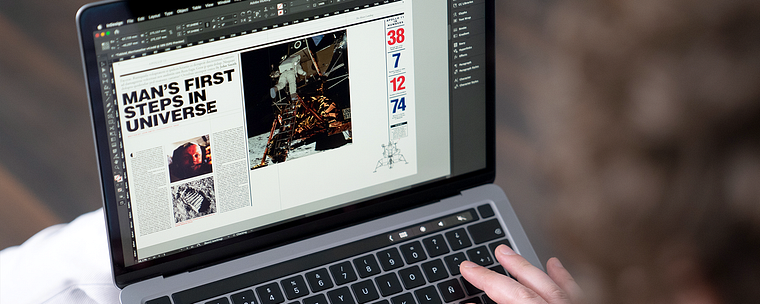
Design your own tabloid-sized publication for print using Adobe InDesign.
Who is this online course for?
This course is for anyone with an interest in learning to design newspapers using digital software.
Requirements and materials
Basic knowledge of layout software is recommended.
You will need sketching materials as well as a computer with access to Adobe InDesign or a similar program, and photo editing software.
Reviews
- 9 months ago
Breve pero conciso con los que explica
- 1 year ago
Está bien si nunca has maquetado un periódico te da mucha info valiosa. Desde cómo elegir la foto de portada hasta el acabado final.
- 2 years ago
un curso muy interesante con información muy valiosa!
- 2 years ago
Amazing course
- 2 years ago
I got this course due to nostalgia. I used to be a newspaper editor and reporter, and designing newspaper pages by arranging articles and illustrations on a template was a fun part of my job. It's so nice to experience this again! Like a time machine travel. I am going to apply this course to webdesign projects.

Since then, Harry has worked for publications like The Telegraph, as well as The Sunday Times, helping them to tell important stories with his clean, concise, but punchy style. He’s also won several awards including the Society of Publication Designers Merit Award and the World’s Best Designed Newspaper along with his team in 2019.
Content
- U1
Introduction
- About Me
- Influences
- U2
The Brief
- Introduction to Newspaper Design
- The Brief and Planning Our Pages
- Available Assets
- U3
Creating Our Pages
- Setting up Our Pages
- Grids
- Typography
- Layout 1
- Layout 2
- Layout 3
- Layout 4
- Balancing and Revising All the Elements
- U4
Finalising the Project
- Preparing Your Files for Print
- FP
Final project
- Typographic hierarchies for newspapers
What to expect from a Domestika course
Learn at your own pace
Enjoy learning from home without a set schedule and with an easy-to-follow method. You set your own pace.
Learn from the best professionals
Learn valuable methods and techniques explained by top experts in the creative sector.
Meet expert teachers
Each expert teaches what they do best, with clear guidelines, true passion, and professional insight in every lesson.
Certificates
PLUSIf you're a Plus member, get a custom certificate signed by your teacher for every course. Share it on your portfolio, social media, or wherever you like.
Get front-row seats
Videos of the highest quality, so you don't miss a single detail. With unlimited access, you can watch them as many times as you need to perfect your technique.
Share knowledge and ideas
Ask questions, request feedback, or offer solutions. Share your learning experience with other students in the community who are as passionate about creativity as you are.
Connect with a global creative community
The community is home to millions of people from around the world who are curious and passionate about exploring and expressing their creativity.
Watch professionally produced courses
Domestika curates its teacher roster and produces every course in-house to ensure a high-quality online learning experience.
FAQs
Yes, this course is designed for those with some experience in graphic design, focusing on advanced editorial, publication, and print layout techniques.
You'll need Adobe InDesign and Bridge for layout and image management, plus basic design tools for sketching and prototyping publication layouts.
You'll learn advanced typography, grid systems, art direction, image selection, magazine and book cover design, and how to prepare print-ready files for professional publishing.
Yes, the course includes in-depth modules on book cover creation, magazine cover design, and editorial layout for print publications.
Yes, you will practice newspaper page redesign, infographics creation, and layout techniques tailored for modern print media.
Absolutely, you'll learn to set up and use grids, margins, columns, and baseline grids in InDesign for professional editorial layouts.
Yes, the course covers print-ready document setup, including bleed settings, color modes, and exporting PDFs with all necessary printer marks.