Lettering for Perfectionists
A course by Martina FlorLettering Artist
A course by Martina Flor, Lettering Artist

Learn to enrich and add character to your lettering
Ready to discover how the forms and drawing styles behind your letters can convey a message? Look no further than lettering artist and designer Martina Flor, an expert on the communicative power of letters.
In this online course, dive into complex typesettings and learn to make your piece stand out and take on its own personality using embellishments, textures, colors, and digital treatments. This course is the perfect complement to The Golden Secrets of Lettering, another of Martina's Domestika courses where she introduces the fundamentals of lettering.
What will you learn in this online course?
12 lessons & 17 downloads
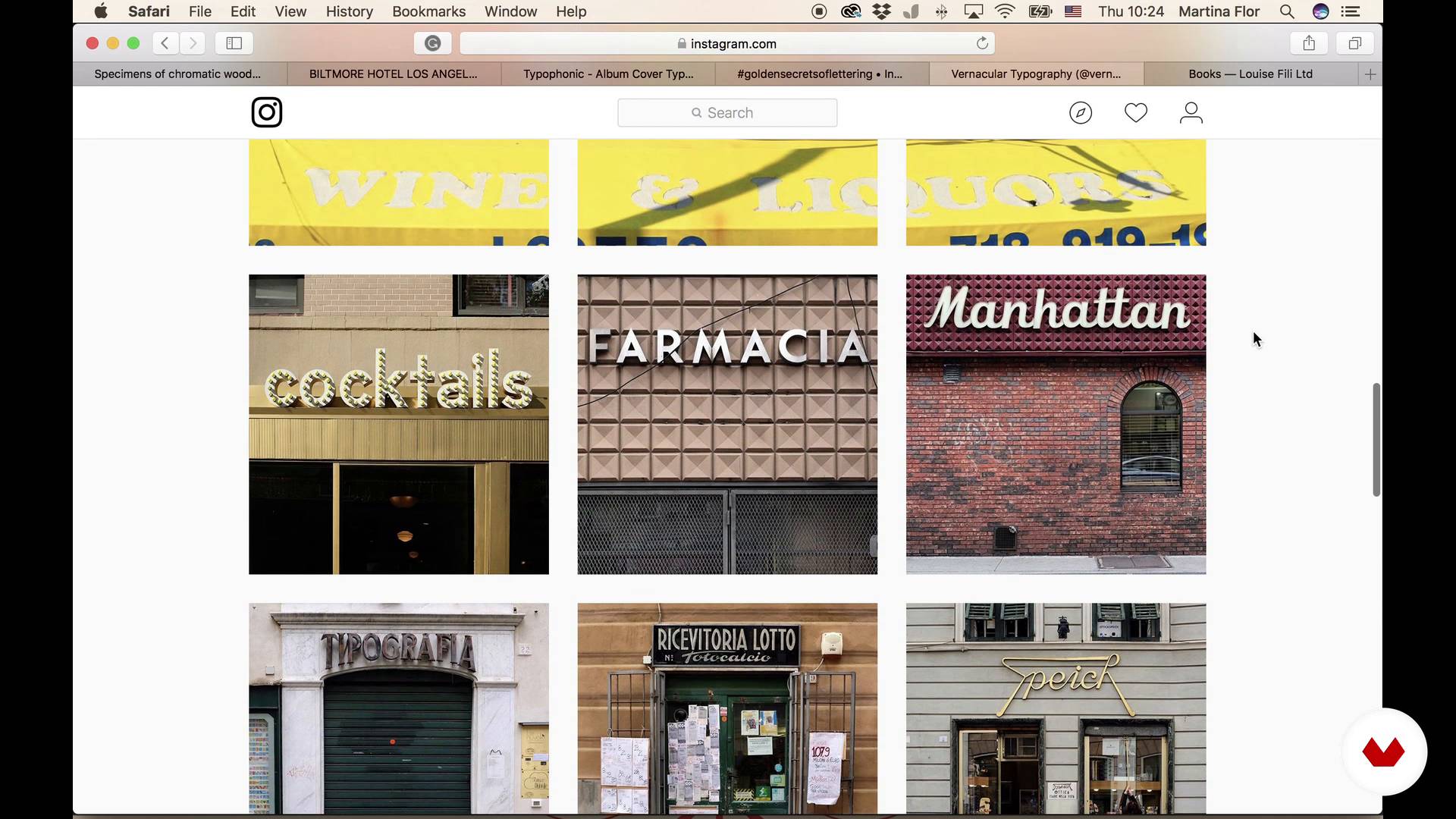
Looking for inspiration
11 minutes, 26 seconds
Hierarchy and structure. Small sketches
9 minutes, 35 seconds
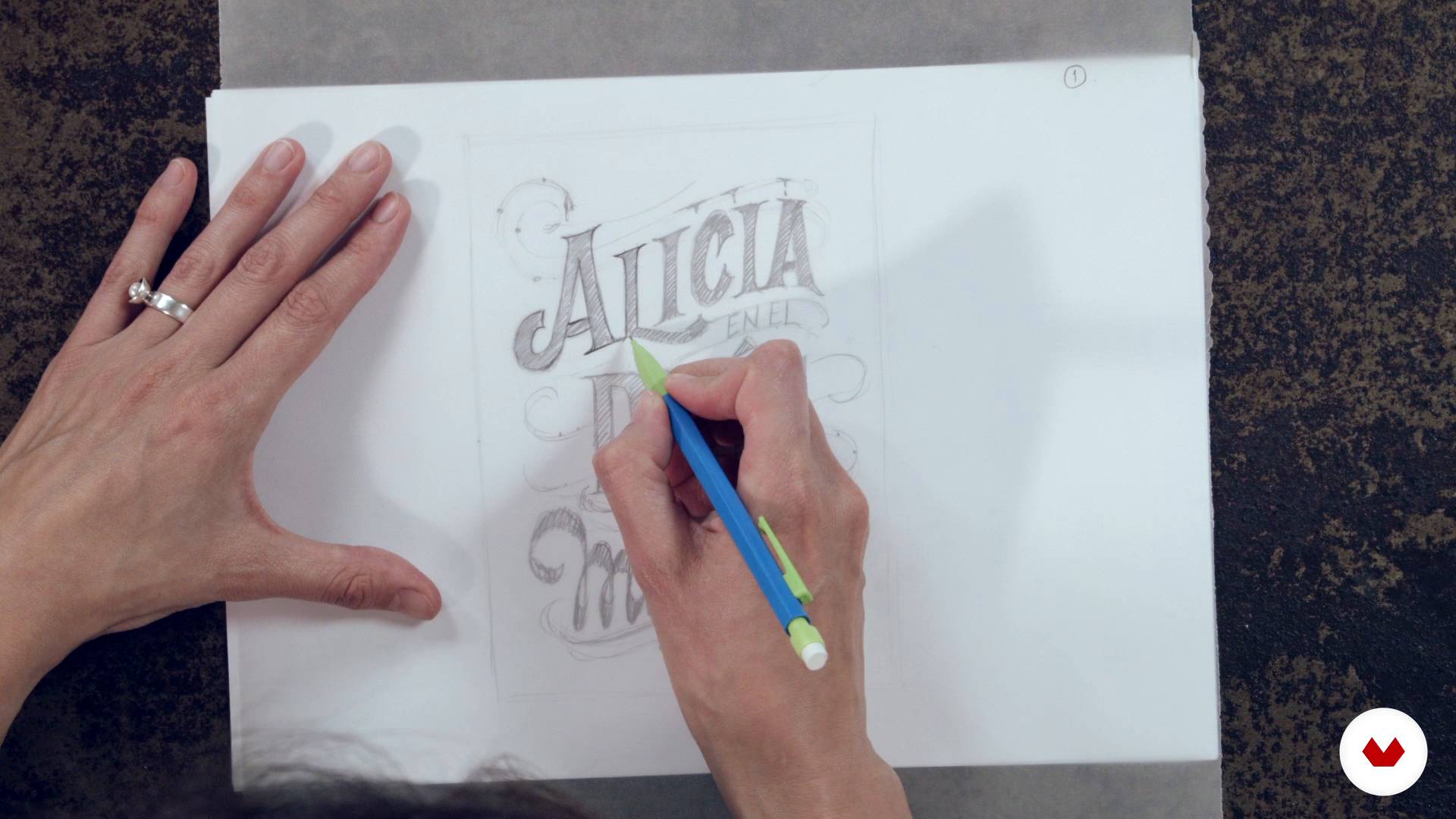
Big Sketch
18 minutes, 51 seconds
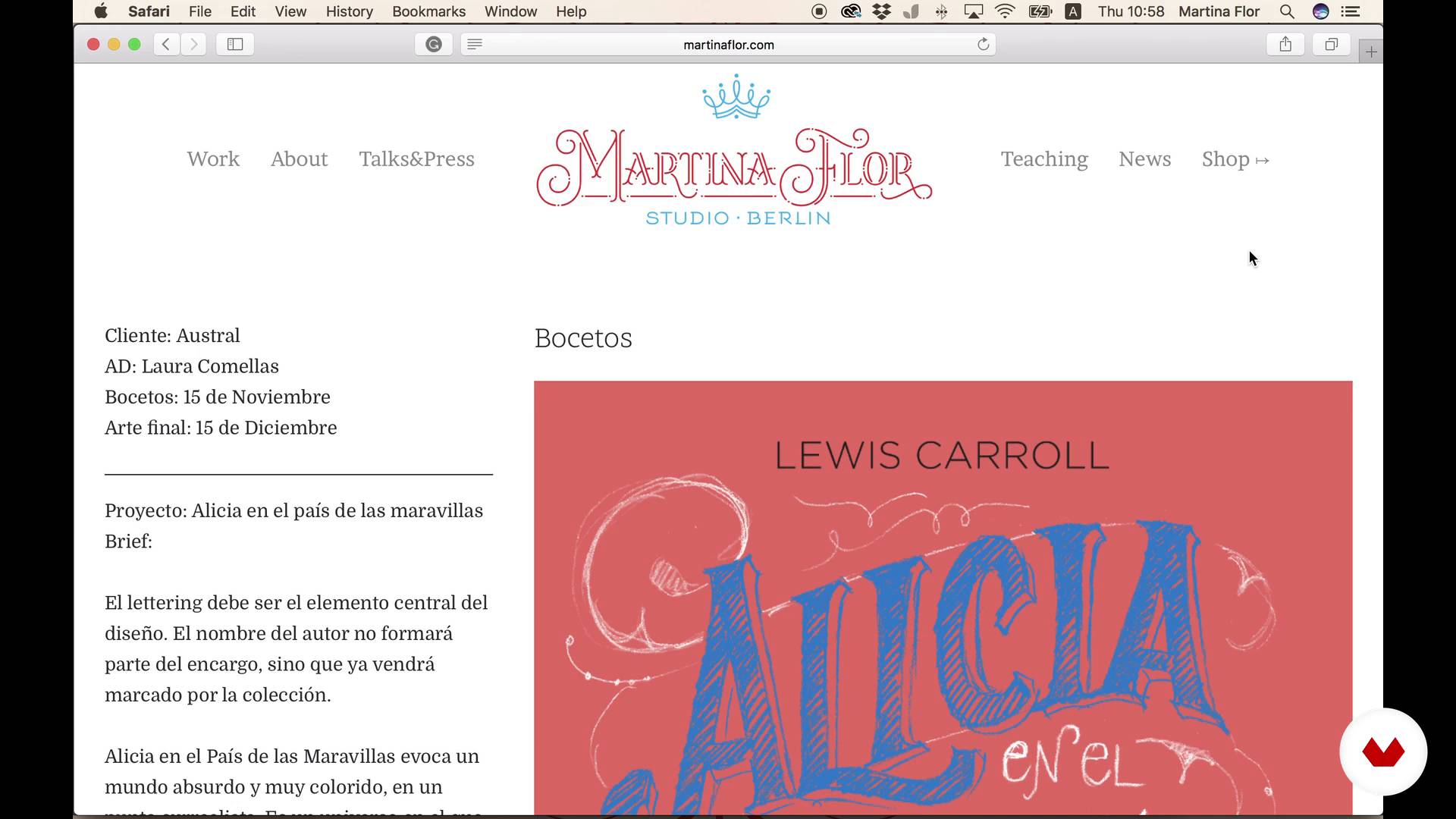
Send the sketch to the art director
5 minutes, 1 second
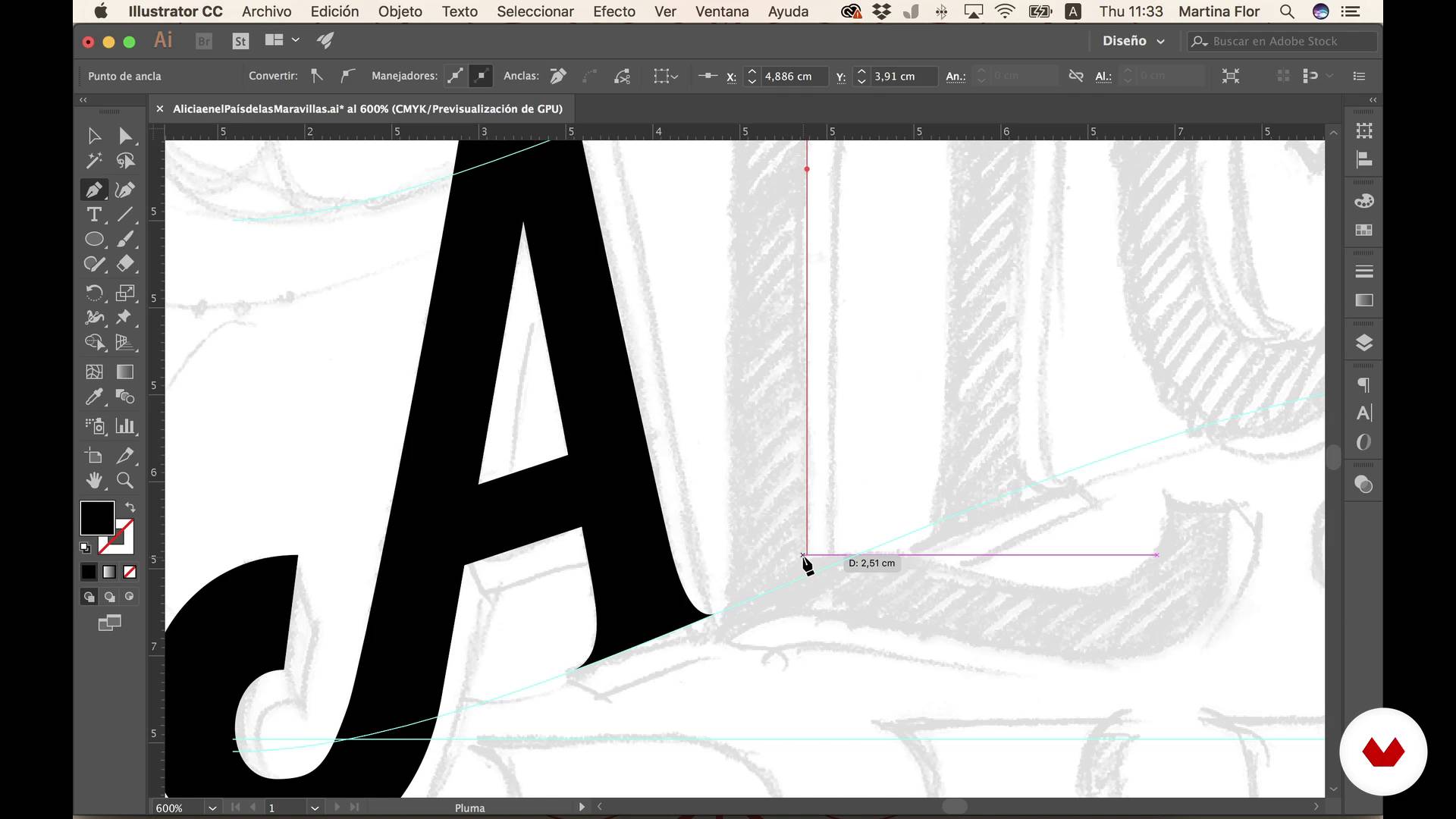
Draw with vectors
21 minutes, 8 seconds
Add color
10 minutes, 13 seconds
What's included in this course?
Kick off the course by learning to read and correctly interpret a brief to gain a clear idea of the client's needs and how to carry out the assignment.
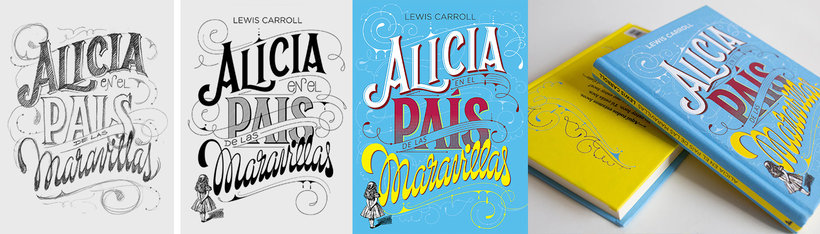
Next, prepare a mood board to help you gather inspiration before creating the first sketches, developing the first compositions, and defining the hierarchy of the text. Once the client is satisfied with your design sketch, Martina will show you a specific technique for drawing letters with vectors so you can work digitally.
After that, add layers of decoration, color, and textures to your lettering and designs to enhance their character and personality. Lastly, prepare your file to be sent to the client.
Recommended software & tools for this course
What is this course's project?
Prepare the lettering for the cover of your favorite book using specific methods to apply color and texture.

Projects by course students


Who is this online course for?
Designers, illustrators, and anyone with some lettering experience looking to learn new techniques for improving the composition and finishes for their designs.
Requirements and materials
Basic knowledge of Adobe Illustrator is required. In terms of materials, you need a pencil, paper, tracing paper, and a computer with Adobe Illustrator.

Reviews
- 10 months ago
Sim, recomendo muito bem o curso. Fiz toda a parte teórica, agora me falta ainda é a prática. Não se pode esperar excelência em qualquer coisa, sem muita prática, seja o curso que for!
- 2 years ago
Martina offers comprehensive notions that helped me set up a more fluid workflow and to better understand how to go from analog to digital. Very helpful course!
- 2 years ago
Me encantó el curso! Ya llevo muchos anios utilizando Illustrator, pero aqui se mencionan muy buenos tips para hacer el trabajo mas eficiente. Definitivamente un gran complemento para mi trabajo. Martin aexplica muy bien y lo hace muy interesante.
- 2 years ago
Me gusto mucho este curso! La profesora explica muy bien todos los aspectos a realizar! Muchas gracias
- 2 years ago
muy interesante.

Martina is cofounder of the popular online battle "Lettering vs Calligraphy" and founder of "Letter Collections." When she's not drawing letters, she travels to present her work at conferences and universities. She is the author of the book The Golden Secrets of Lettering, originally published in German and later translated into English, Spanish, French, Portuguese, and Japanese.
She also teaches the Domestika lettering courses The Golden Secrets of Lettering and Lettering for Perfectionists, as well as Freelance: Keys and Tools to Find Success as Your Own Boss , in which she reveals the secrets to the self-employed essentials.
Content
- U1
Introduction
- Presentation and introduction to the course project
- Interpreting a briefing
- Looking for inspiration
- U2
Draw and improve the composition
- Hierarchy and structure. Small sketches
- Big Sketch
- Send the sketch to the art director
- U3
Digitization
- Draw with vectors
- Add color
- Decoration layers
- U4
Add Texture
- How to generate your own textures
- How to add textures
- How to deliver the final file and tips
- FP
Final project
- Lettering for perfectionists
What to expect from a Domestika course
Learn at your own pace
Enjoy learning from home without a set schedule and with an easy-to-follow method. You set your own pace.
Learn from the best professionals
Learn valuable methods and techniques explained by top experts in the creative sector.
Meet expert teachers
Each expert teaches what they do best, with clear guidelines, true passion, and professional insight in every lesson.
Certificates
PLUSIf you're a Plus member, get a custom certificate signed by your teacher for every course. Share it on your portfolio, social media, or wherever you like.
Get front-row seats
Videos of the highest quality, so you don't miss a single detail. With unlimited access, you can watch them as many times as you need to perfect your technique.
Share knowledge and ideas
Ask questions, request feedback, or offer solutions. Share your learning experience with other students in the community who are as passionate about creativity as you are.
Connect with a global creative community
The community is home to millions of people from around the world who are curious and passionate about exploring and expressing their creativity.
Watch professionally produced courses
Domestika curates its teacher roster and produces every course in-house to ensure a high-quality online learning experience.
FAQs
You’ll learn how to interpret briefs, create both hand-drawn and digital sketches, apply typographic composition techniques, use color and textures, and prepare professional final files for book and magazine covers.
This course is aimed at intermediate learners, ideally those with basic graphic design or illustration skills who want to deepen their knowledge of lettering and editorial covers.
You need basic design or illustration skills and access to programs like Photoshop and Illustrator. A digital drawing tablet and hand-sketching materials are recommended.
You’ll need paper, pencils, tracing paper for sketching, a computer with Photoshop and Illustrator, and preferably a digital tablet to digitize and vectorize your designs.
You’ll learn how to analyze historical references, interpret vintage wood type, and adapt Victorian decorative elements to enrich your cover’s typographic composition.
Yes, the course covers techniques for importing sketches into Illustrator, vectorizing letters, adjusting curves, and optimizing typographic structure to produce editable, professional files.
Yes, it includes technical procedures for exporting final files with bleed, ensuring compatibility, and meeting industry standards for editorial printing.