Illustration of Characters with Style
A course by Alberto MonttIllustrator
A course by Alberto Montt, Illustrator

Learn an efficient method for creating characters with Illustrator and Photoshop
The ability to quickly and efficiently create characters with personality is a game changer for any professional illustrator, even Alberto Montt. Alberto is best known for his famous blog Dosis Diarias, where he has posted a humorous cartoon with unique characters every day since 2006. He has also published more than 20 books and illustrated another 40, as well as magazines, advertising campaigns, and limited-edition products for brands like Puma or Kross.
In this online course, Alberto shares his formula for creating characters: a quick and easy method that he has developed after many years of work. Learn how to draw with style and humor through playful experimentation, as well as how to digitize your illustration and create a functional color palette using Adobe Illustrator and Photoshop.
What will you learn in this online course?
9 lessons & 6 downloads
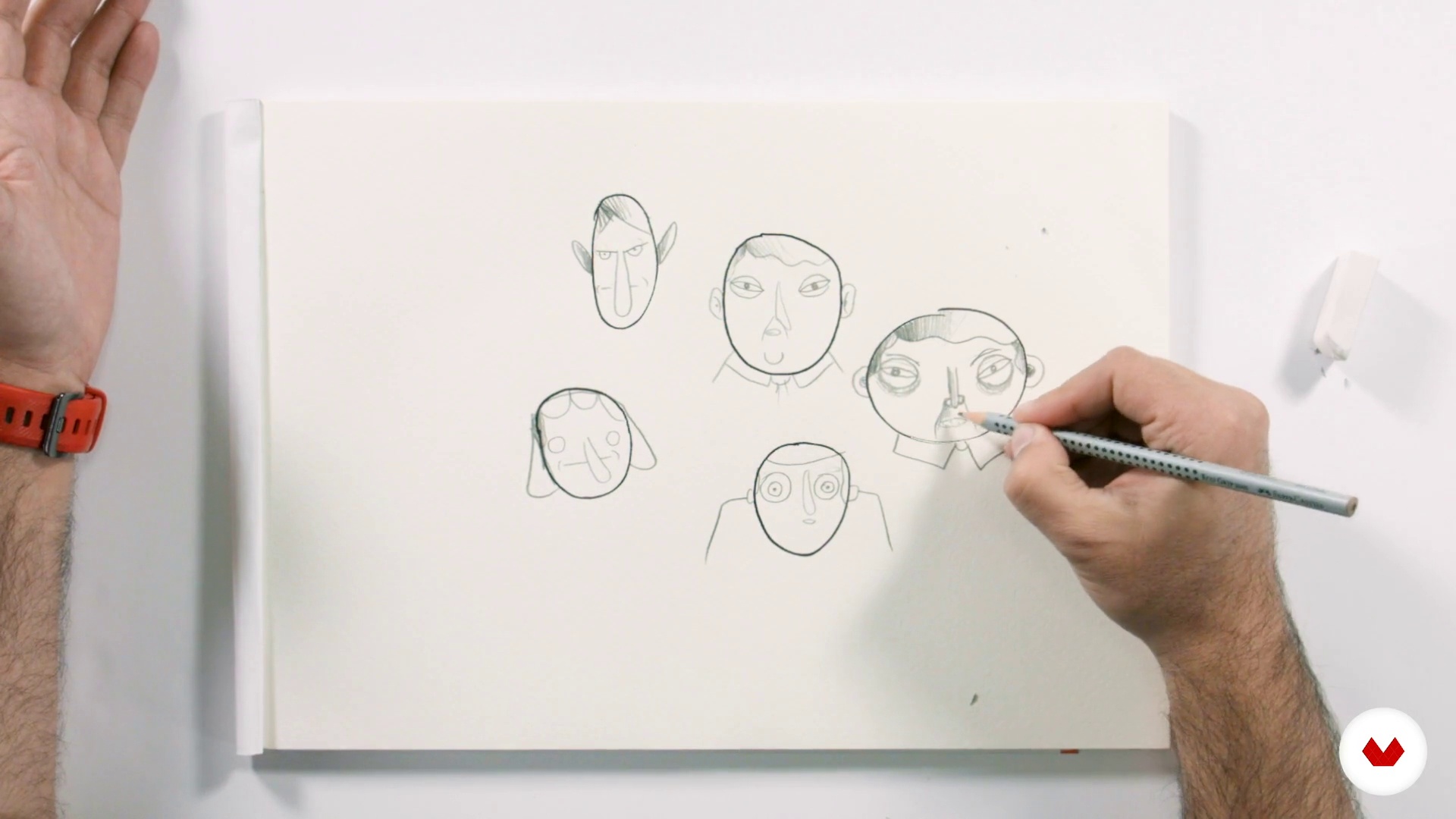
The game as a meeting space
6 minutes, 55 seconds
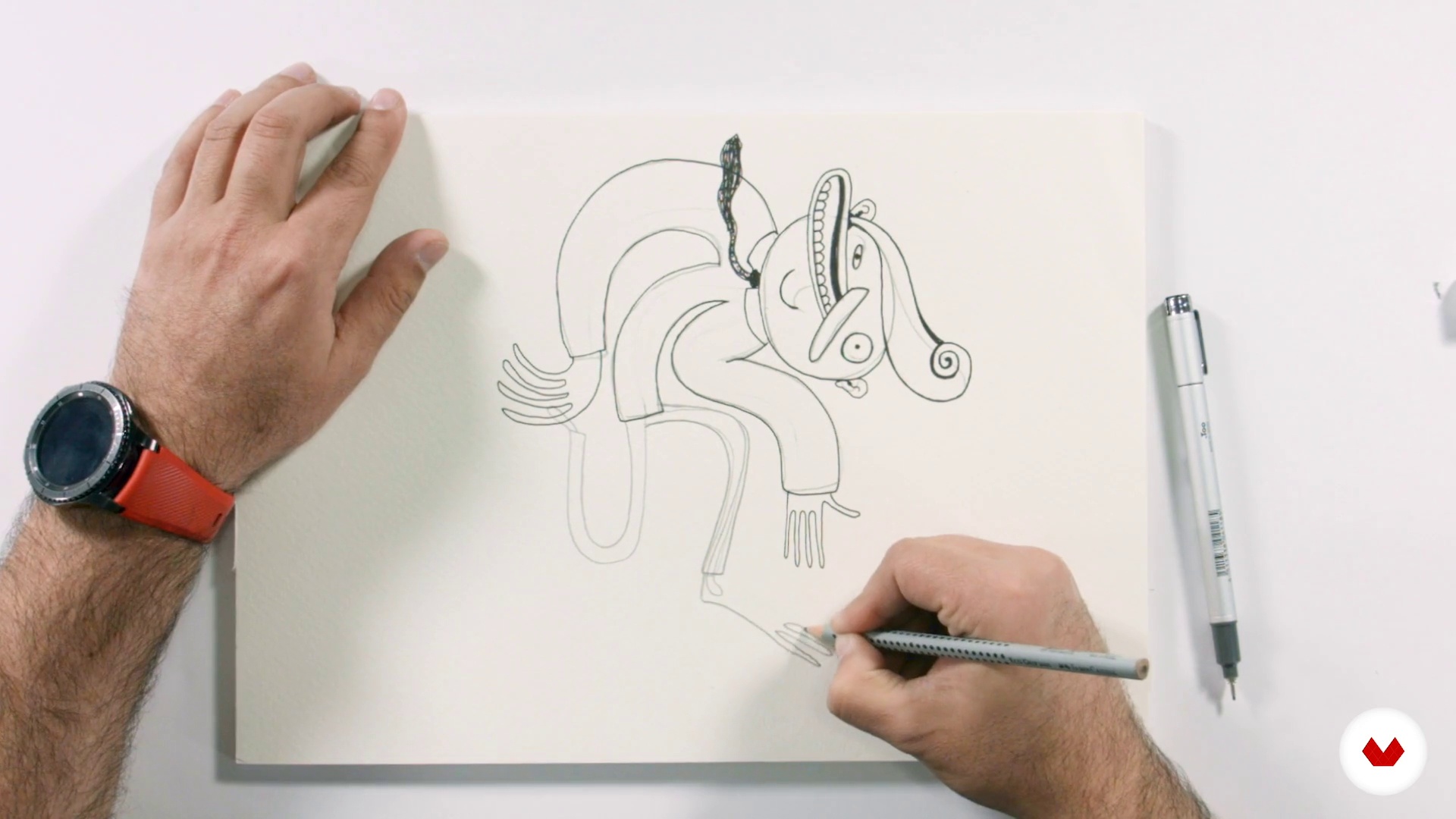
The base structure lines
12 minutes, 27 seconds
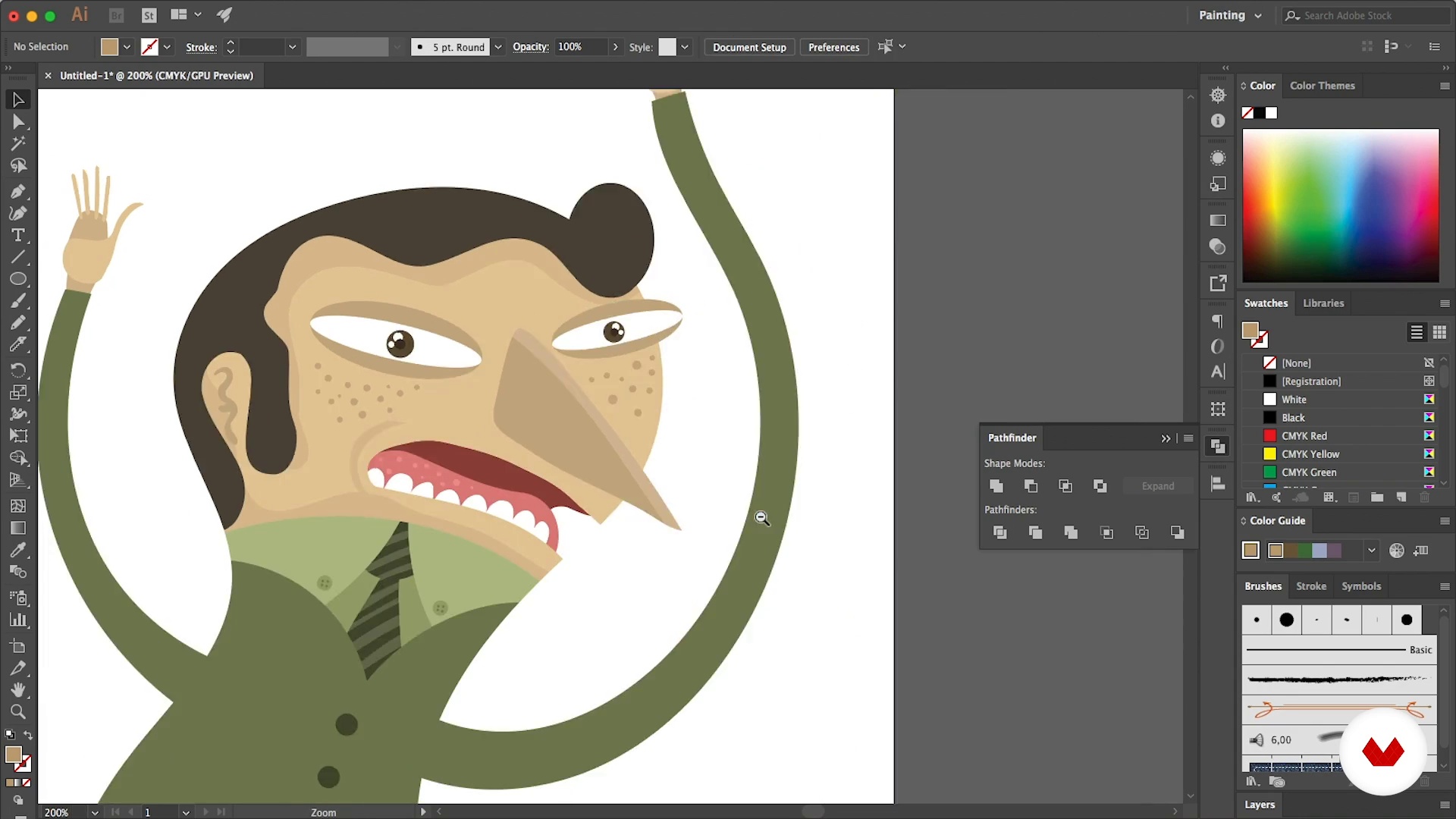
The vectors as an extension of the hand
17 minutes, 34 seconds
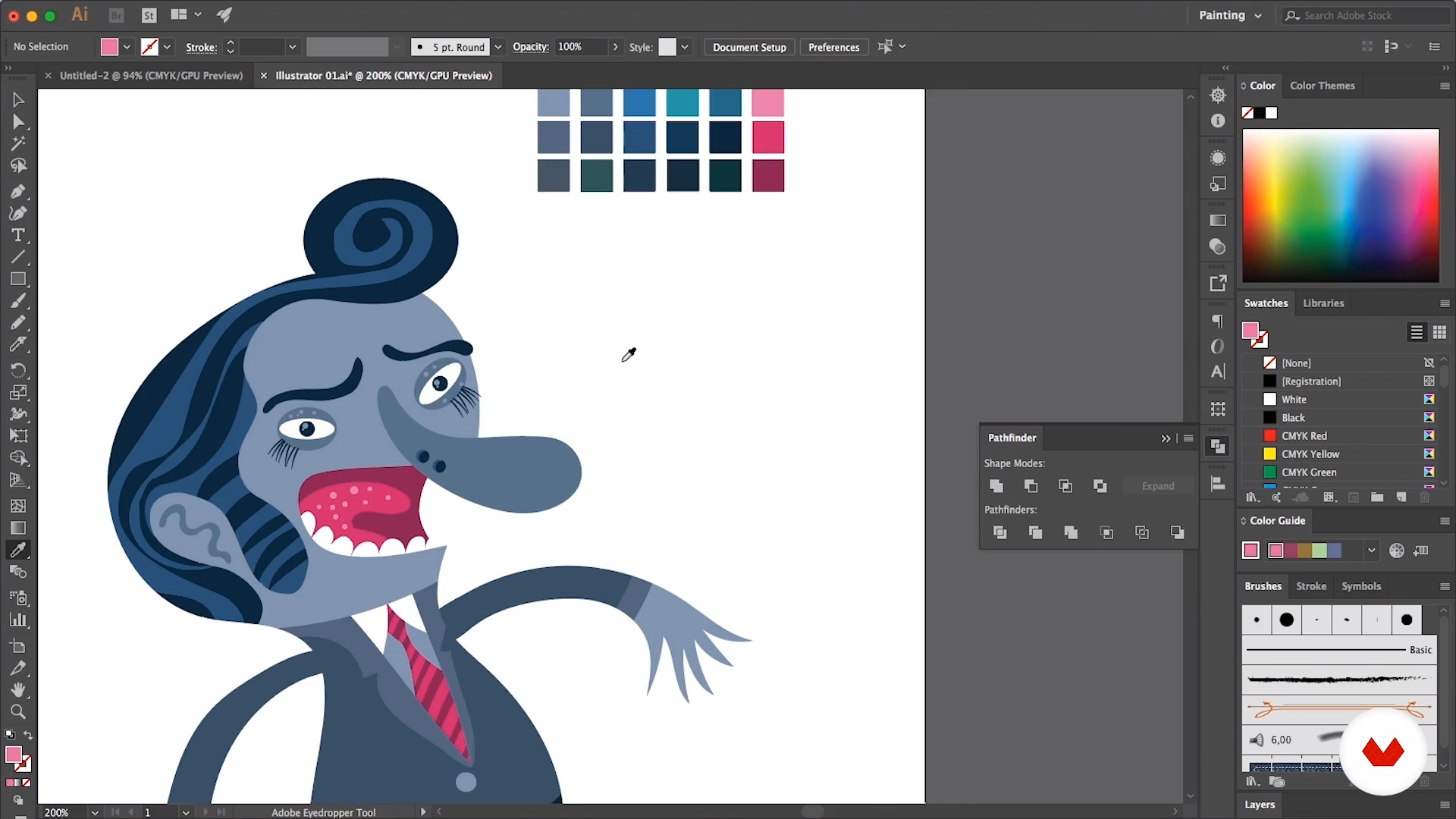
The color is 50%
8 minutes, 53 seconds
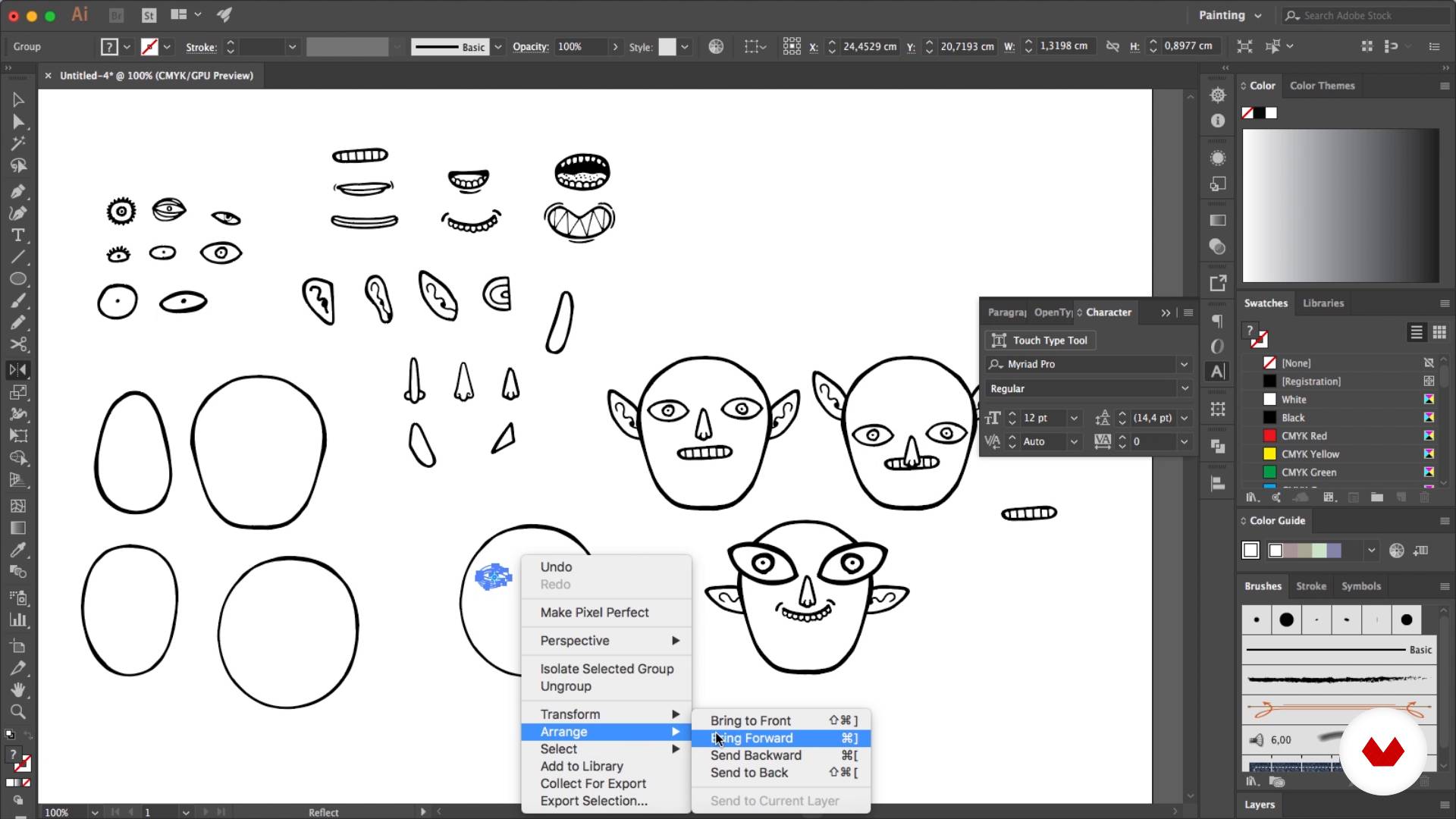
Character modification exercise
6 minutes, 49 seconds
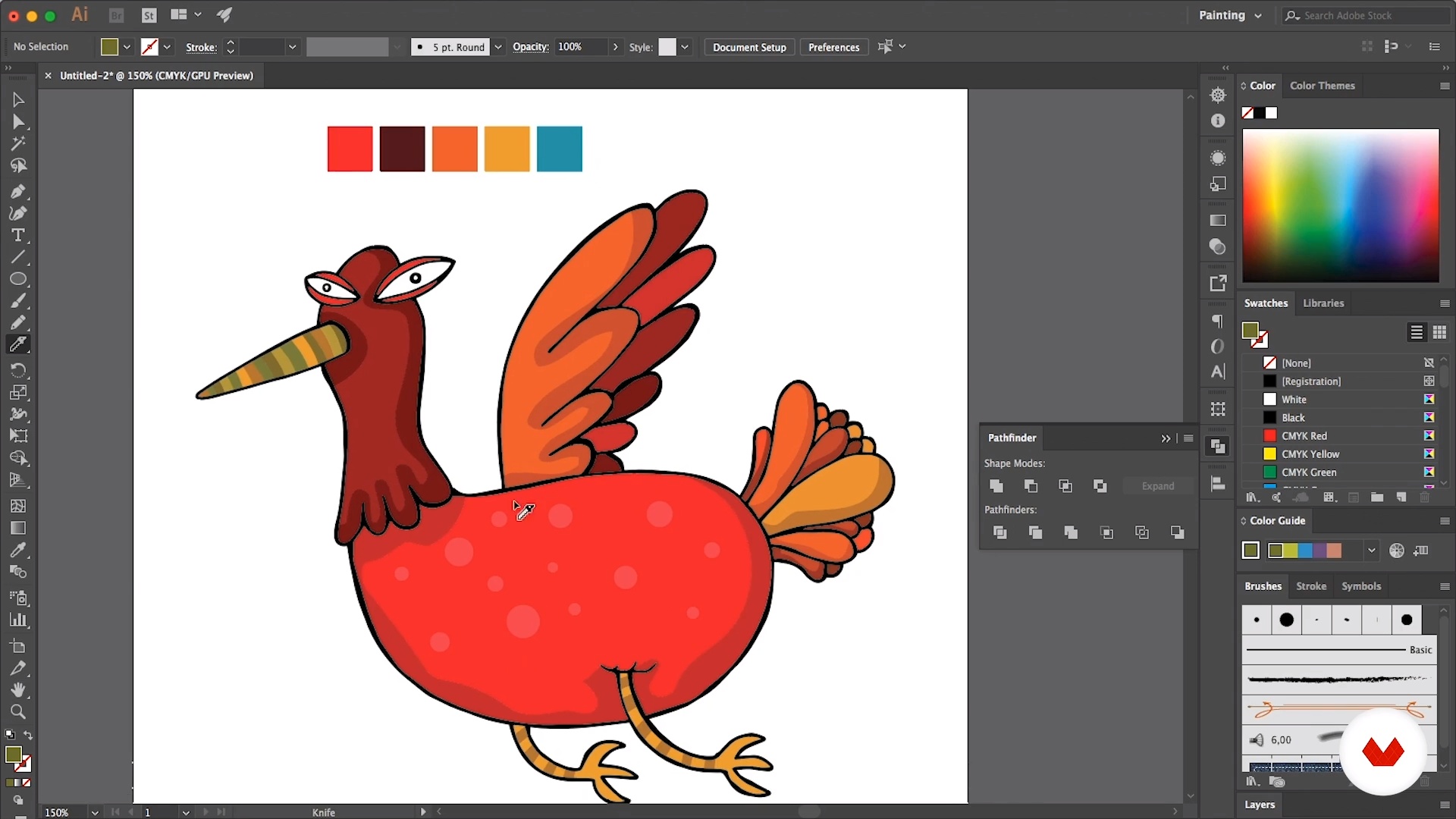
From Photoshop to Illustrator
13 minutes, 9 seconds
What's included in this course?
Begin by meeting Alberto Montt, who tells you about what led him to become an illustrator and how he developed his signature style. He also shares some of his greatest influences.
Discover why playful exploration is an integral part of creating characters. Then, get back to basics and draw a stick figure to build the base structure of your character.
Move on to Illustrator and see how to work with vectors. Alberto also teaches you how to put together a basic color palette.
Digitize your sketch once it's ready and find out how to migrate your work between Photoshop and Illustrator, exploring how both programs complement each other to make your life easier.
Finish up by experimenting with your design, creating new characters and elements you can develop in future projects.
To round out the course, Montt walks you through his creative process for drawing the cartoons he posts on his famous blog Dosis Diarias, sharing insights to help you in your illustration journey.
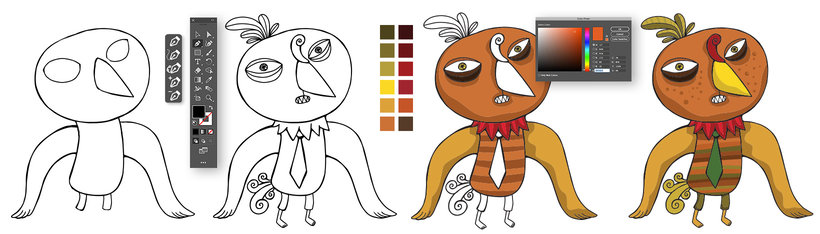
Recommended software & tools for this course
What is this course's project?
Illustrate a group of characters with style to start building your personal illustration library.
Projects by course students


Who is this online course for?
Illustrators, cartoonists, designers, and anyone who wants to learn or perfect their character creation techniques.
Requirements and materials
Basic notions of Adobe Illustrator and Photoshop are necessary to take this course.
As for materials, you need a pencil, paper, an eraser, and a computer with access to both programs. A graphics tablet is also recommended.

Reviews
- 2 months ago
Excelente curso, lo recomiendo
- kmilocaricaturasPLUS6 months ago
El surso está genial, ofrece herramientas muy interesantes para crear un mundo infinito de posibilidades creativas.
- 10 months ago
Me ha parecido muy inspirador y bastante útil
- 1 year ago
Very good
- 1 year ago
Excelente, es inspirador y habla con una pasión que te contagia.

His work is well-known throughout Latin America thanks to his blog, Dosis Diarias, where he has published a cartoon every day since 2006. With more than 120K visits, his blog has received multiple recognitions, including the award for best Spanish-language blog by Deutsche Welle. This success has led him to illustrate more than 45 books, collaborate with major brands, participate in live shows with singer Kevin Johansen and, above all, be one of the authors of the Argentine publishing house Ediciones de la flor, known for publishing cartoonists like Quino, Fontanarrosa, and Liniers.
Content
- U1
Introduction
- Presentation
- Influences
- U2
The illustration through the game
- The game as a meeting space
- The base structure lines
- U3
The vectors and the color
- The vectors as an extension of the hand
- The color is 50%
- Character modification exercise
- U4
Photoshop to Illustrator roundtrip
- From Photoshop to Illustrator
- From Photoshop to Illustrator and back to Photoshop
- FP
Final project
- Illustration of stylish characters
What to expect from a Domestika course
Learn at your own pace
Enjoy learning from home without a set schedule and with an easy-to-follow method. You set your own pace.
Learn from the best professionals
Learn valuable methods and techniques explained by top experts in the creative sector.
Meet expert teachers
Each expert teaches what they do best, with clear guidelines, true passion, and professional insight in every lesson.
Certificates
PLUSIf you're a Plus member, get a custom certificate signed by your teacher for every course. Share it on your portfolio, social media, or wherever you like.
Get front-row seats
Videos of the highest quality, so you don't miss a single detail. With unlimited access, you can watch them as many times as you need to perfect your technique.
Share knowledge and ideas
Ask questions, request feedback, or offer solutions. Share your learning experience with other students in the community who are as passionate about creativity as you are.
Connect with a global creative community
The community is home to millions of people from around the world who are curious and passionate about exploring and expressing their creativity.
Watch professionally produced courses
Domestika curates its teacher roster and produces every course in-house to ensure a high-quality online learning experience.
FAQs
The course is aimed at people with basic drawing skills but is also accessible to motivated beginners who want to learn mixed traditional and digital illustration techniques.
You'll need a sketchbook or paper, pencils, markers, and access to programs like Photoshop and Illustrator. A graphics tablet is recommended for digital work but not essential.
You'll learn how to combine traditional and digital techniques to create original characters, develop your personal style, digitize sketches, manage color palettes, and apply graphic humor in comic strips.
The course covers character creation, traditional and digital illustration techniques, developing your own style, color use, graphic humor, and optimizing workflows between Photoshop and Illustrator.
You'll learn how to scan or photograph your sketches, vectorize them in Illustrator, add details and color, and refine the digital finish while keeping the expressiveness of your hand-drawn lines.
Yes, it includes techniques for inventing stories, applying absurdist and graphic humor, and creating comic strips and characters with funny expressions and situations.
Tools like Pathfinder, knife tool, grouping elements, vectorization, creating and adjusting color palettes, and texturizing in Photoshop and Illustrator are taught.