Creative Retouching in Photoshop: Create Fantasy Images
A course by Ramon SaroldiIllustrator and Creative Retouching Specialist
A course by Ramon Saroldi, Illustrator and Creative Retouching Specialist

Learn to create hyperrealistic visual compositions using professional creative retouching techniques in Photoshop and transform reality
The line between reality and fiction is rapidly disappearing with the magic of creative retouching and image manipulation. Specializing in creating extraordinary visual stories in Photoshop, Ramon Saroldi pushes the boundaries of realism in his compositions, which have been featured in campaigns for brands such as Adobe, Volkswagen, Fiat, and many others.
In this course, learn to create a hyperrealistic image using the main tools in Photoshop, including curves, crop, and transform. Ramon shows you how to masterfully tell a visual story by teaching you composition, color, and perspective techniques.
What will you learn in this online course?
15 lessons & 11 downloads
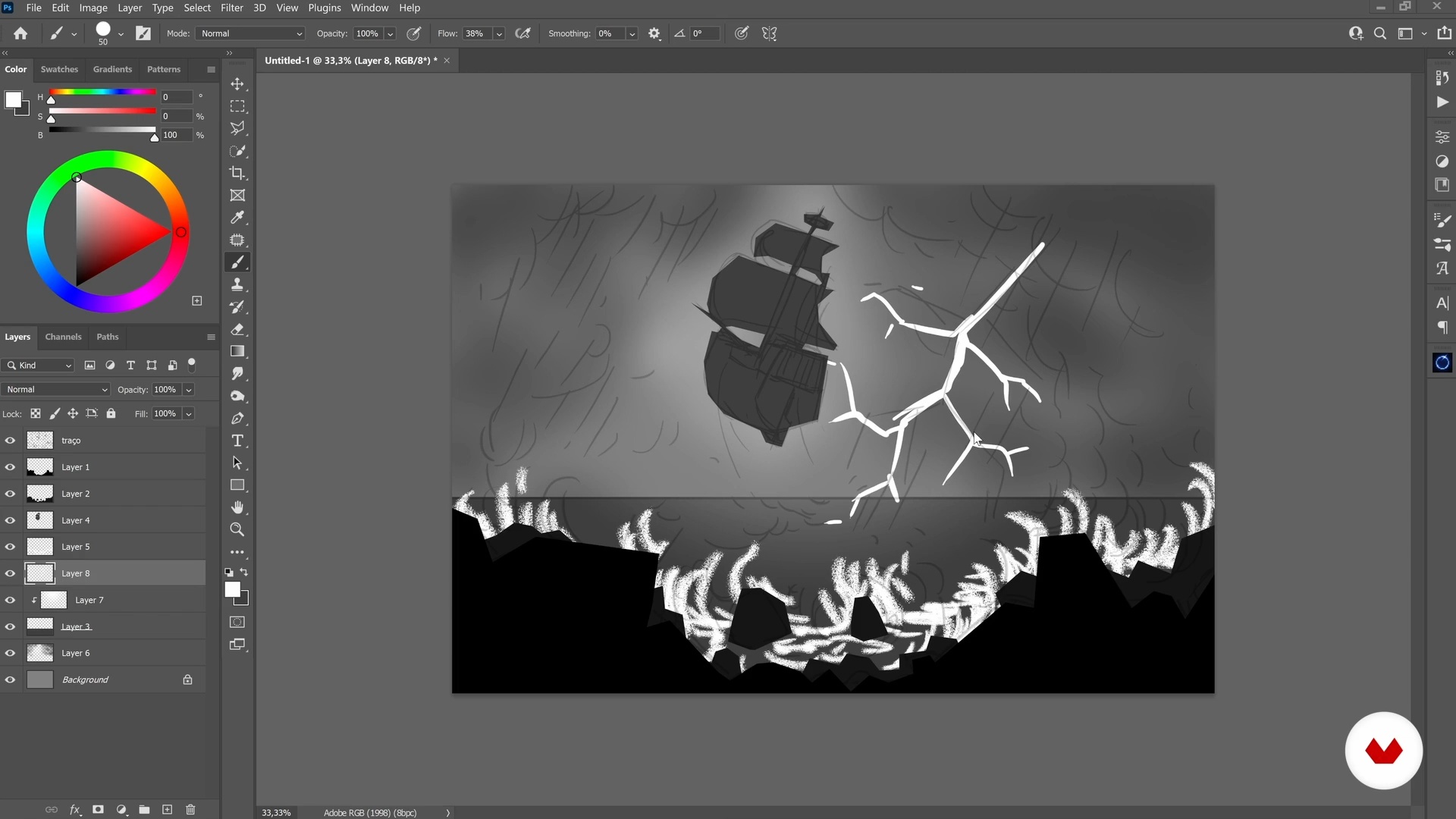
Image design
13 minutes, 32 seconds
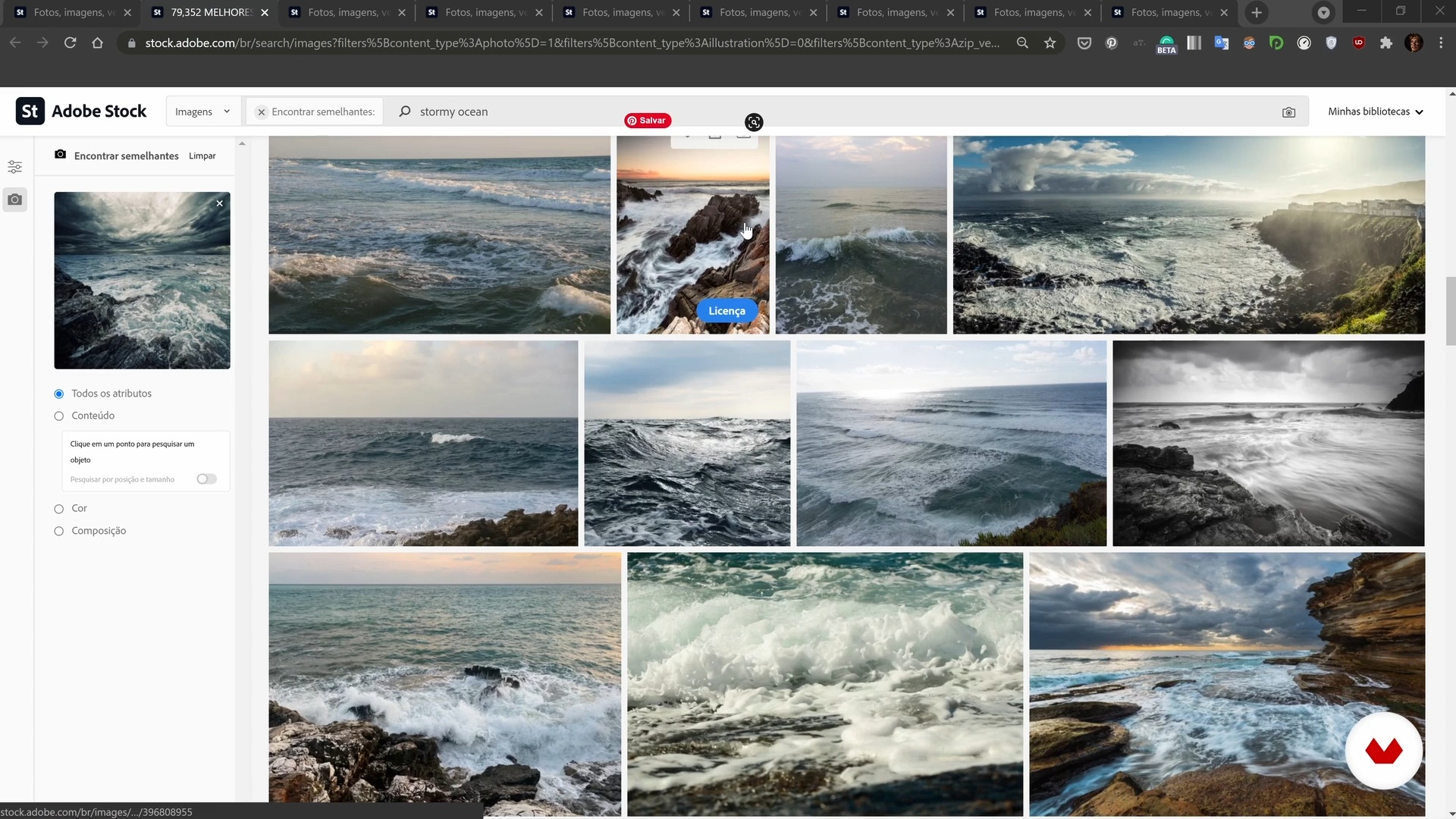
Asset Search
7 minutes, 45 seconds
Blocking: composition
10 minutes, 25 seconds
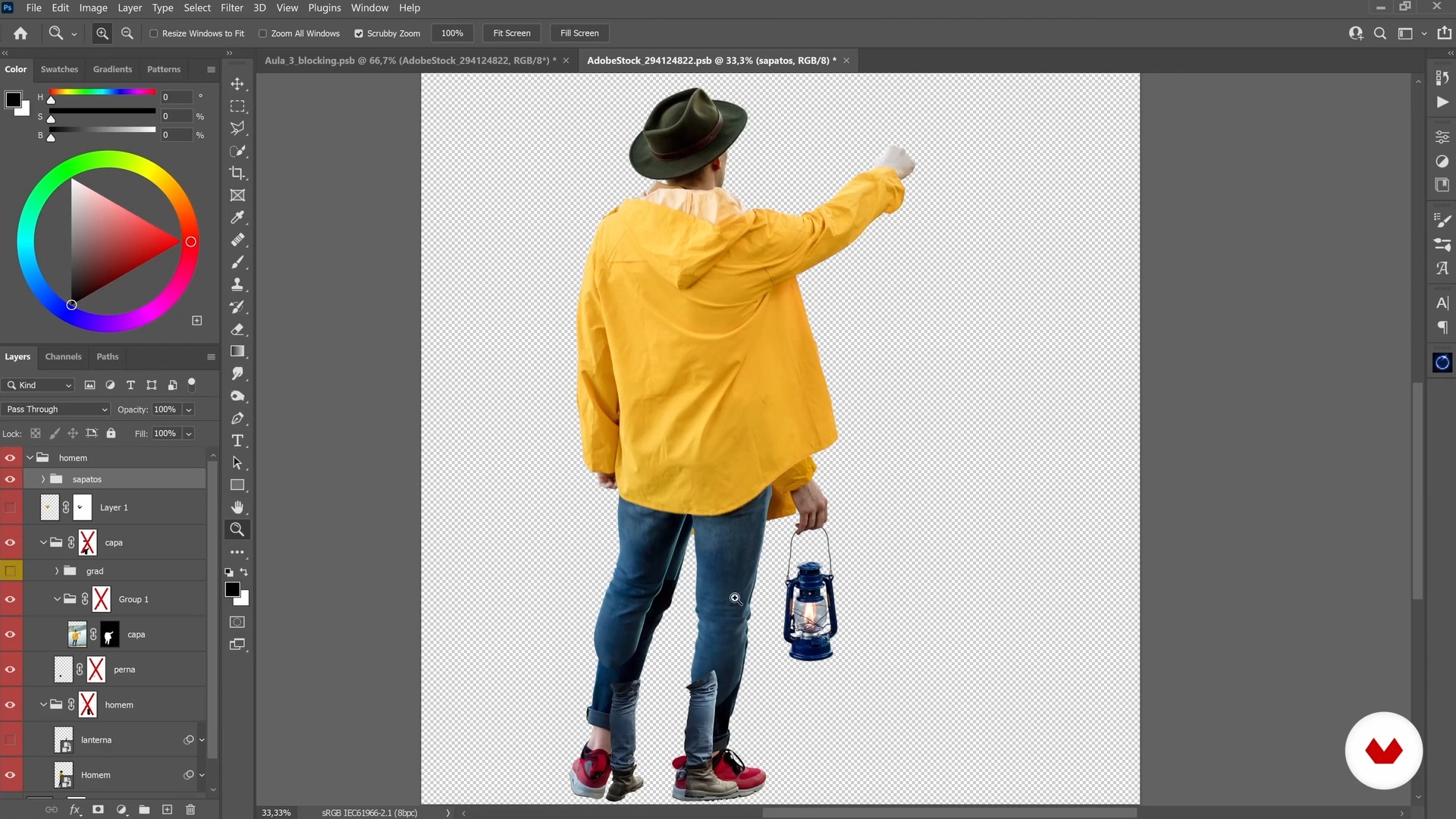
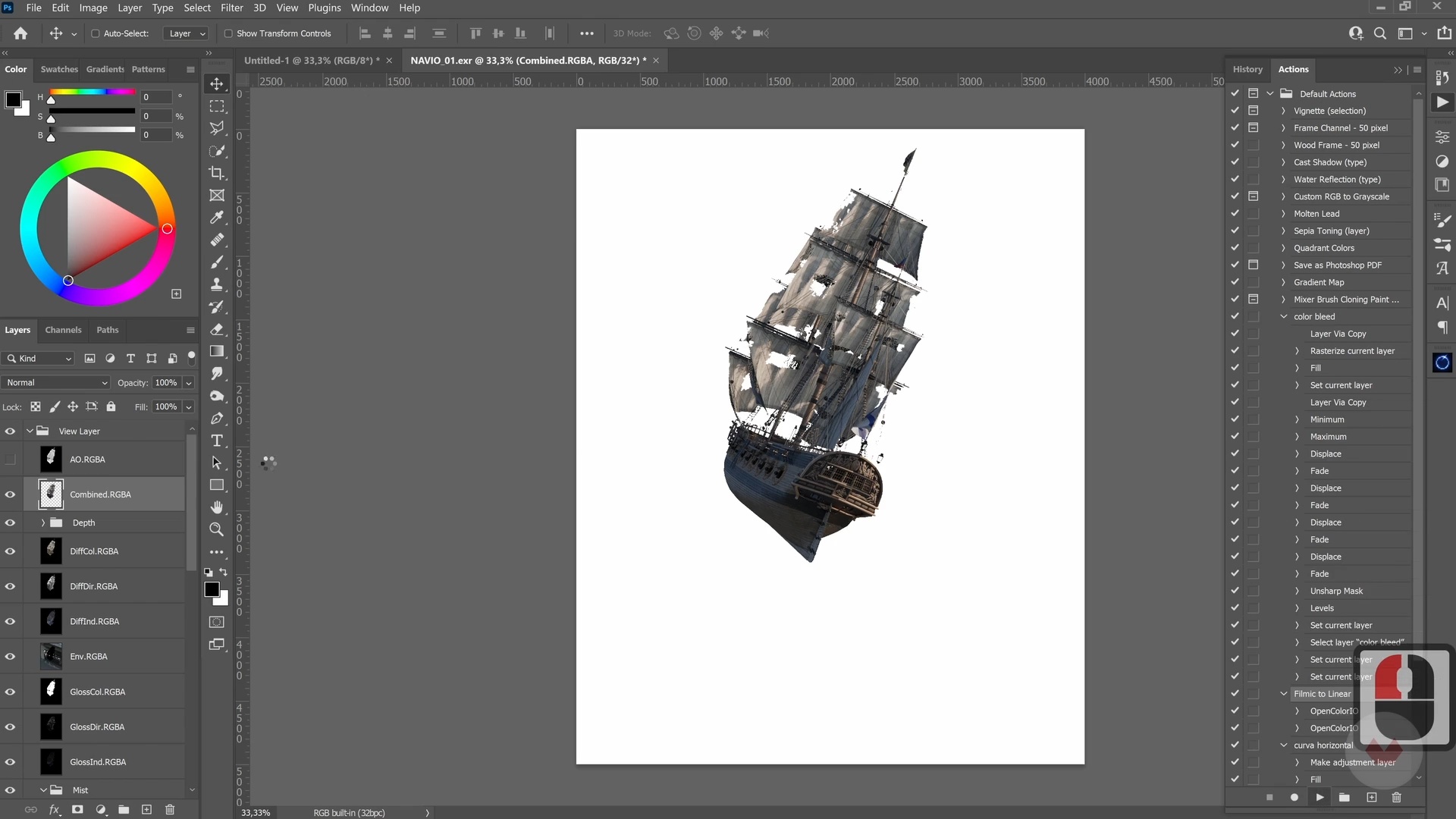
cutout
12 minutes, 33 seconds
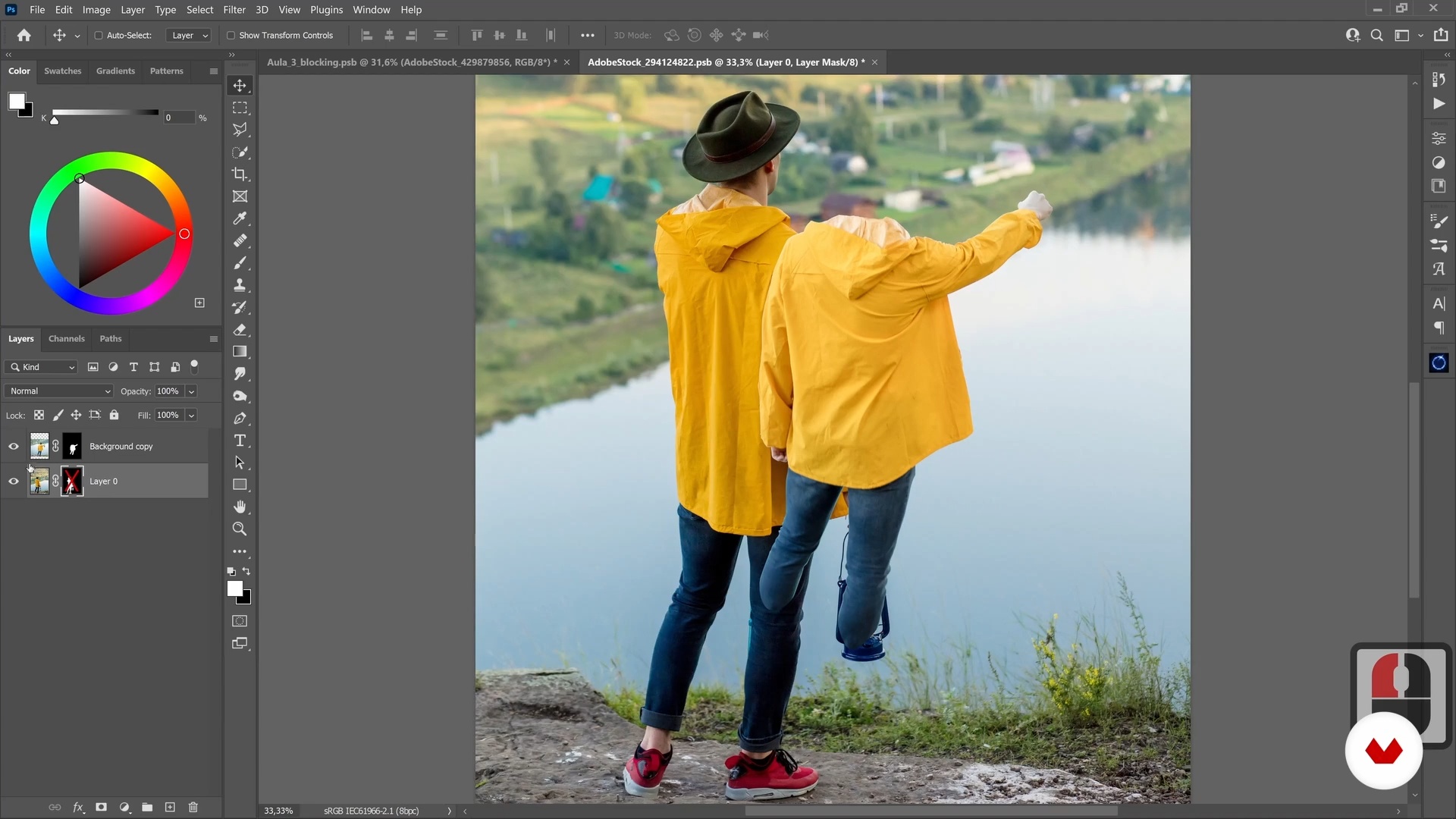
Manipulation and retouching: elements
9 minutes, 5 seconds
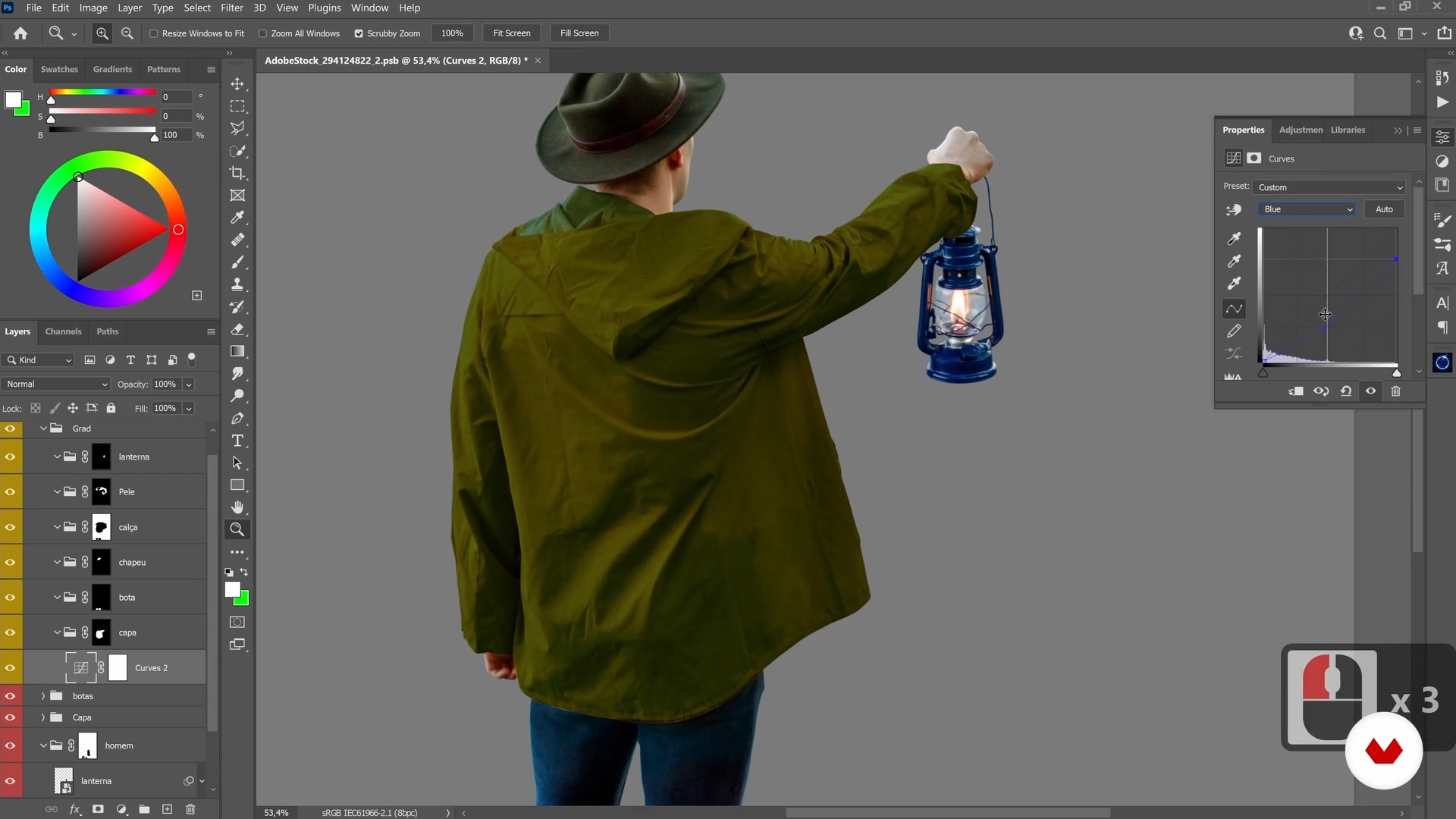
Handling and retouching: color
12 minutes, 5 seconds
What's included in this course?
Begin by getting to know Ramon Saroldi and how he started working in image editing and postproduction for the advertising market. He shares some of his distinguishing projects and shows you the artists who have influenced him along his journey.
Search for references, create a mood board, and decide which elements are best suited to your composition. Learn how to structure your image using the transform tool and different cropping techniques in Adobe Photoshop.
Next, Ramon explains fundamental techniques for image manipulation, color retouching, and integrating elements into a scene by editing temperature, saturation, contrast, and perspective. Learn how to use color grading and add effects to give the image an even more realistic feel.
Finally, discover how to put the finishing touches on your project using Camera Raw and how to prepare the file for export to share on social media. Ramon also gives you some tips on how to add your composition to portfolio platforms such as Behance.
Recommended software & tools for this course
What is this course's project?
Create a hyperrealistic fantasy composition, integrating elements from an image bank and using creative retouching techniques in Photoshop.
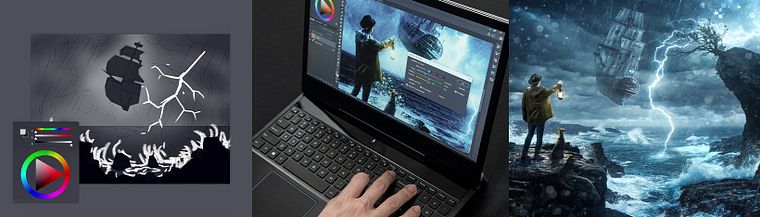
Projects by course students


Who is this online course for?
Anyone interested in learning more about creative retouching in Photoshop.
Requirements and materials
All you need for this course is a basic knowledge of Photoshop and a desire to learn.
In terms of materials, you need a computer with access to the software.
Reviews
- 11 months ago
Me encanto
- 1 year ago
me ha encantado
- 1 year ago
Metodologia muito boa!
- 2 years ago
Excelente curso parabéns
- 2 years ago
Excelente curso. Assisti todas as aulas em um único dia. Estou ansioso para fazer meu projeto final e postar aqui no forum.

With more than 15 years of experience in post-production, image manipulation, and creative retouching, he currently collaborates with Lightfarm Studios, working with clients such as Adobe, Volkswagen, Fiat, and more. In addition to creative retouching, he continues to develop his skills as a 2D and 3D illustrator, which has helped in many projects by enhancing his artistic and technical ability.
Content
- U1
Introduction
- Presentation
- influences
- U2
The retouch starts to come alive
- Image design
- Asset Search
- Blocking: composition
- cutout
- U3
Production and completion of retouching
- Manipulation and retouching: elements
- Handling and retouching: color
- Element Integration 1
- Element Integration 2
- color grading
- Effects
- U4
Finishing and Tips
- File completion
- How to export the image
- Tips for a good portfolio
- FP
Final project
- Creative Retouch: Telling a Visual Story
What to expect from a Domestika course
Learn at your own pace
Enjoy learning from home without a set schedule and with an easy-to-follow method. You set your own pace.
Learn from the best professionals
Learn valuable methods and techniques explained by top experts in the creative sector.
Meet expert teachers
Each expert teaches what they do best, with clear guidelines, true passion, and professional insight in every lesson.
Certificates
PLUSIf you're a Plus member, get a custom certificate signed by your teacher for every course. Share it on your portfolio, social media, or wherever you like.
Get front-row seats
Videos of the highest quality, so you don't miss a single detail. With unlimited access, you can watch them as many times as you need to perfect your technique.
Share knowledge and ideas
Ask questions, request feedback, or offer solutions. Share your learning experience with other students in the community who are as passionate about creativity as you are.
Connect with a global creative community
The community is home to millions of people from around the world who are curious and passionate about exploring and expressing their creativity.
Watch professionally produced courses
Domestika curates its teacher roster and produces every course in-house to ensure a high-quality online learning experience.
FAQs
This is an intermediate-level course designed for those with basic Photoshop knowledge who want to deepen their skills in cutouts, composition, and post-production of advertising images.
You should have basic Photoshop skills, access to the installed software, and a compatible computer. A graphics tablet is recommended for advanced practice but not required.
You will learn cutout techniques, photographic composition, layer organization, color correction, visual concept creation, photobashing, creative retouching, 3D integration, and assembling advertising campaigns.
The course teaches how to use tools like the Lasso Tool, Quick Mask, Paths, Blend If, and Feather to make precise, professional cutouts, as well as how to efficiently organize the cut elements.
Yes, the course covers everything from visual planning to assembling and finishing realistic compositions, applying visual integration techniques, color adjustments, and producing campaigns for various media.
Advanced drawing skills are not required. The course includes sketches and digital illustration using references, photobashing techniques, and photo manipulation to create scenes and characters.
You will learn how to find references on Pinterest and stock sites like Adobe Stock, filter images, create boards in PureRef, and organize assets in Photoshop’s library for cohesive, creative projects.