Retrofuturistic Illustration with Procreate
A course by Ada ZielinskaIllustrator and Graphic Designer
A course by Ada Zielinska, Illustrator and Graphic Designer

Explore composition, color, contrast, and texture to create contemporary illustrations inspired by the past
“I work in different styles, combining modernity with the nostalgia of the 60s and 70s.”
Her retrofuturistic style is what graphic designer and illustrator Ada Zielińska is known for. She runs a design studio in collaboration with a fellow artist and has worked with brands including Adobe, Netflix, Levi’s, and the National Museum in Gdańsk.
In this course, Ada teaches you how to create unique digital illustrations of your own, from the initial sketch to the finished artwork in Procreate. Explore digital illustration techniques to find your artistic style and create contemporary art inspired by the past. Imagine a colorful future, then design it.
What will you learn in this online course?
14 lessons & 11 downloads
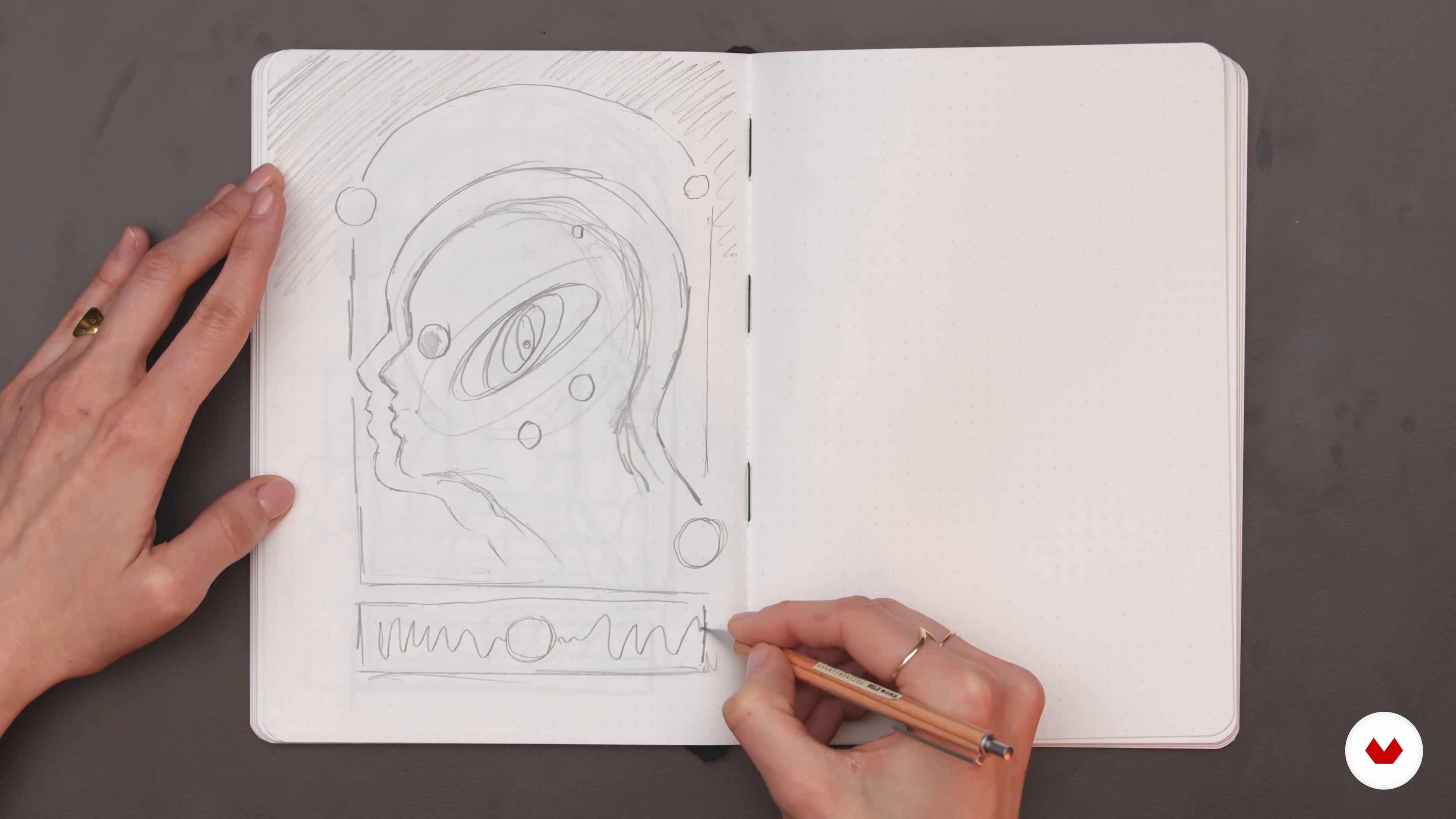
Quick Concept Sketches
9 minutes, 14 seconds
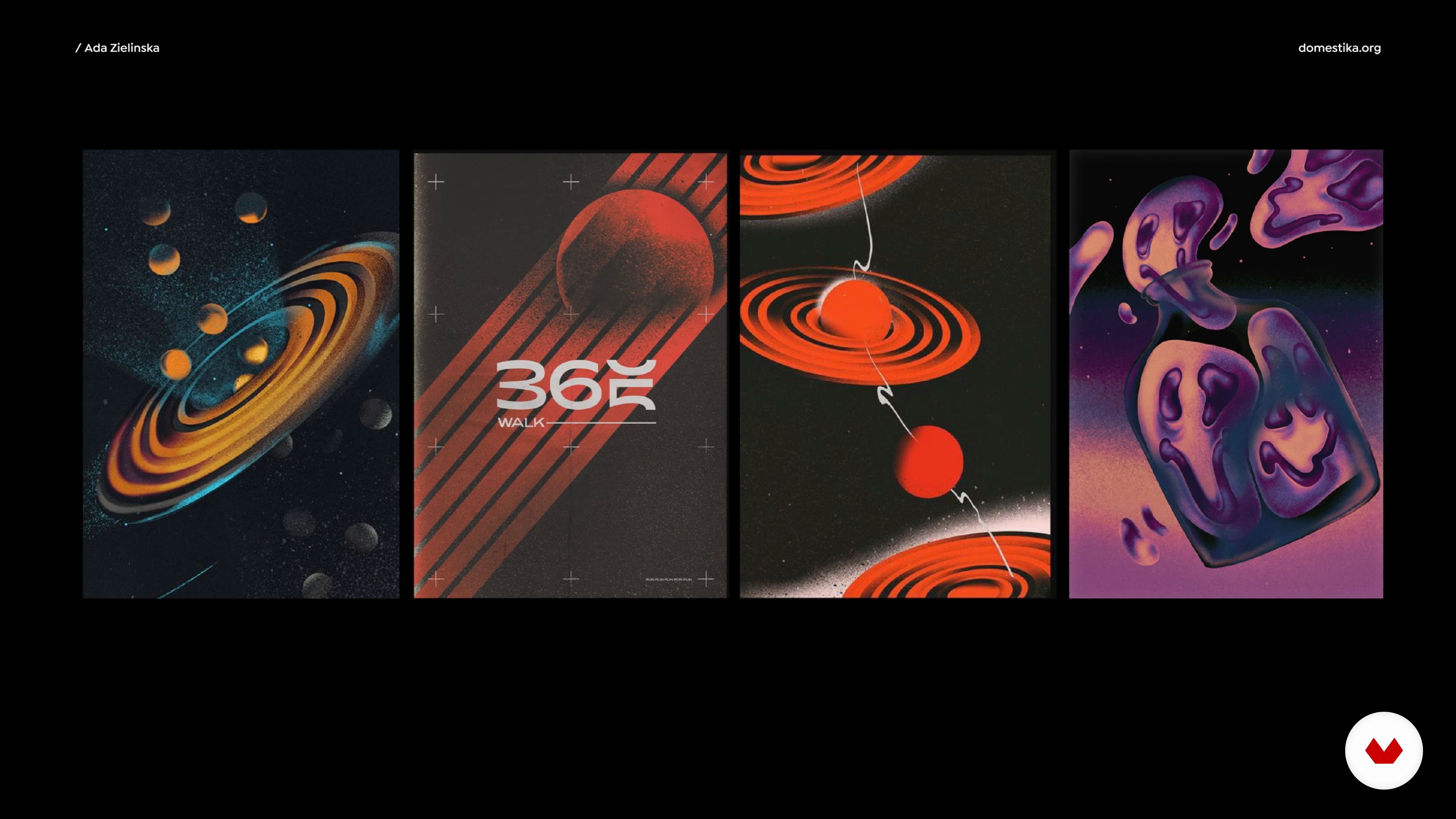
Composition
4 minutes, 2 seconds
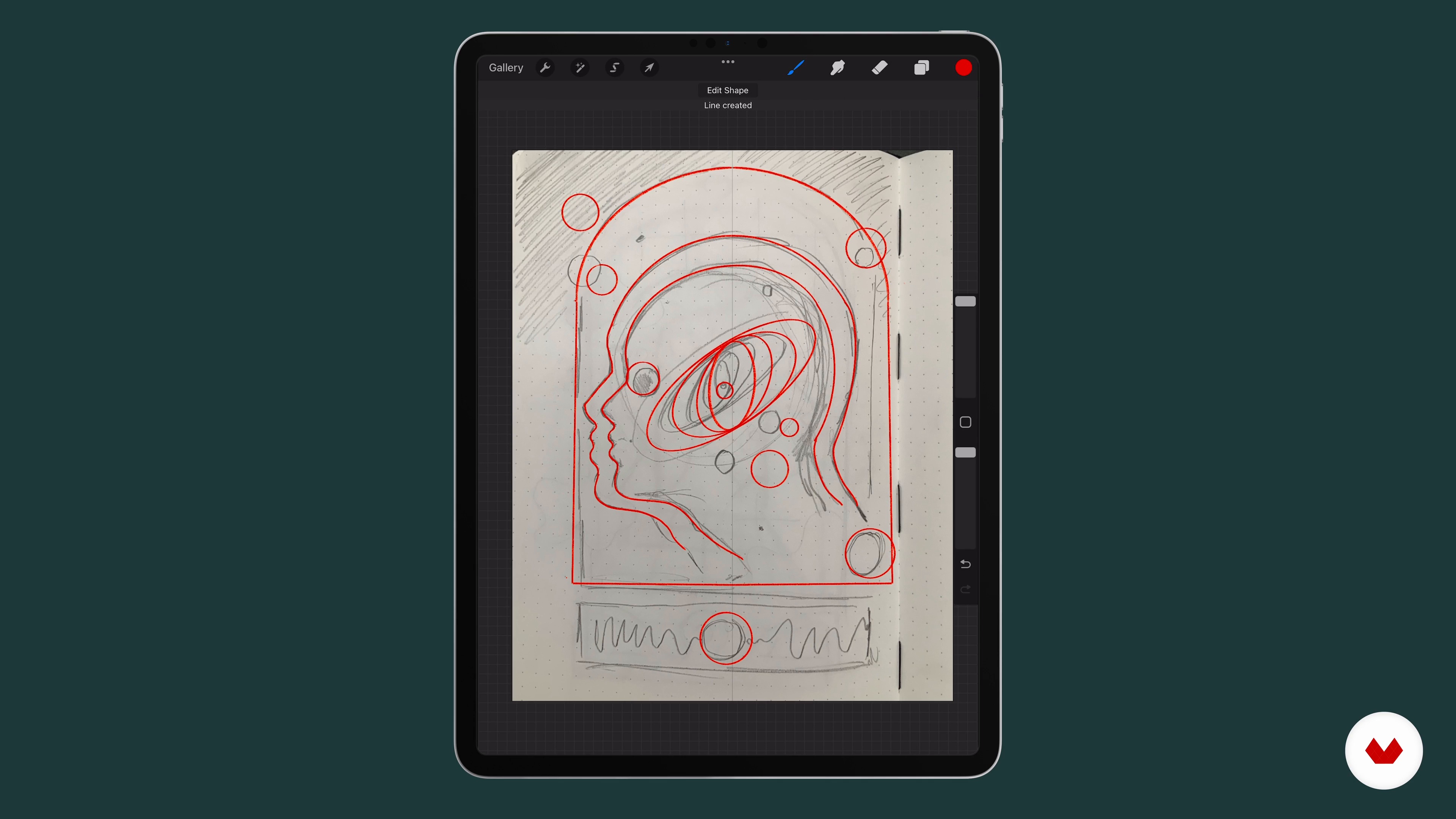
From a Paper Sketch to Procreate
9 minutes, 21 seconds
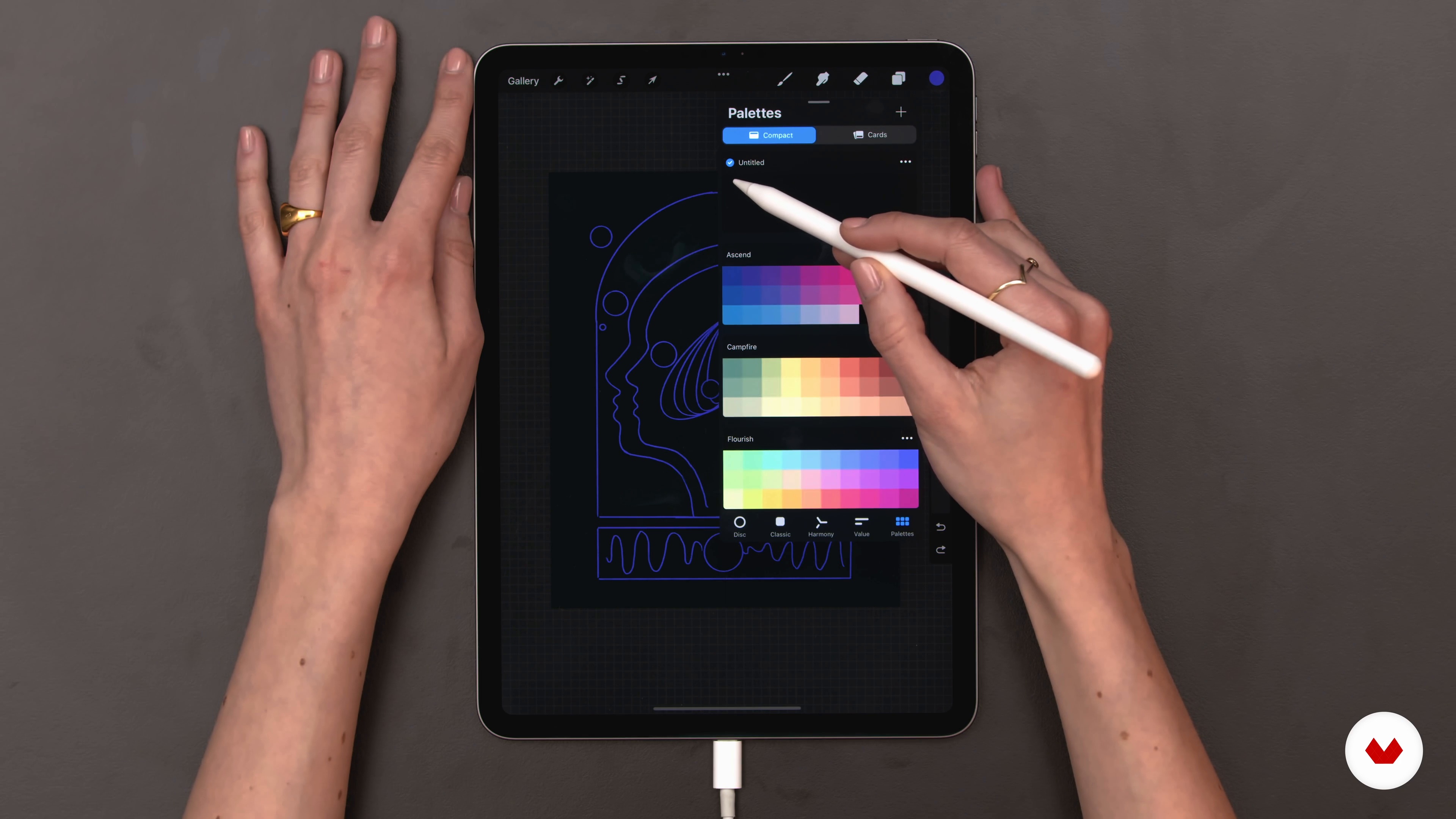
Choice of Colours
5 minutes, 7 seconds
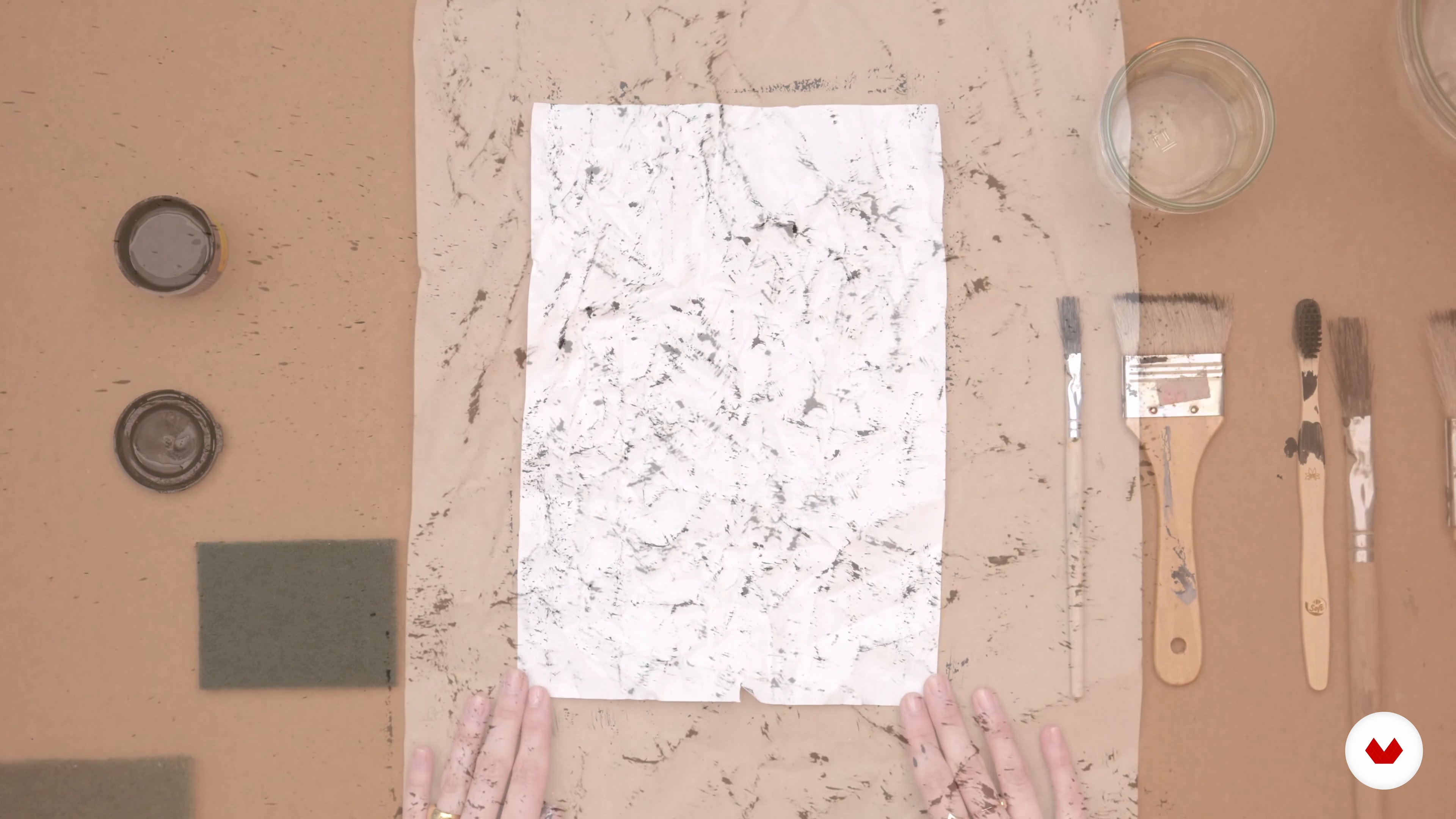
Preparing Textures Manually
7 minutes, 51 seconds
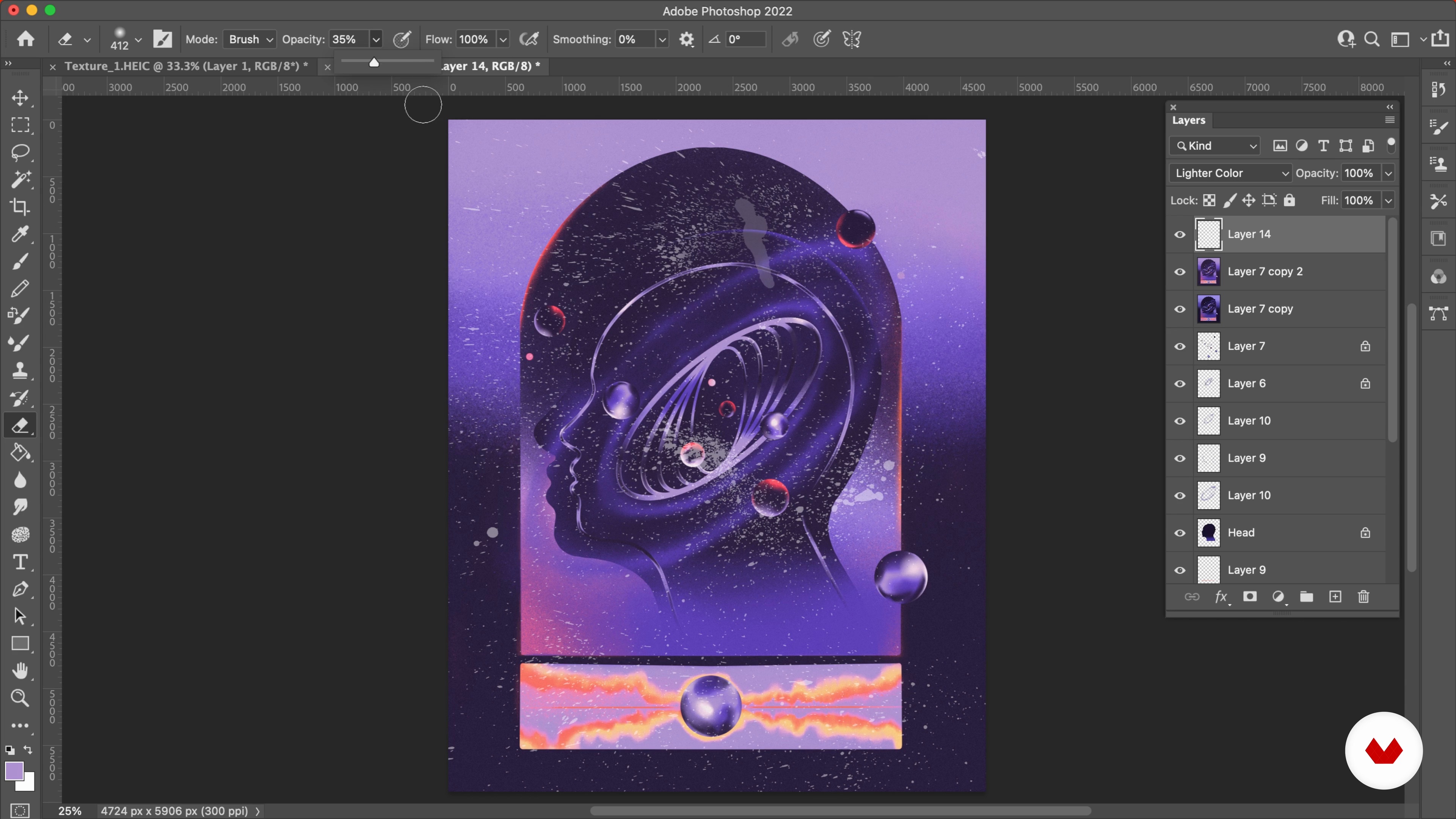
Adding Textures and Final Touches
9 minutes, 7 seconds
What's included in this course?
Begin the course by getting to know illustrator and graphic designer Ada Zielińska. Discover how she turned her artistic hobby into a full-time career along with the influences that inspire her and the work she creates.
Discover where to find inspiration for your design projects and create a mood board. Use your references to draw some initial concept sketches that act as a base for your finished artwork.
Explore composition principles and apply them to create a more advanced digital sketch in Procreate. Ada then guides you through how to choose the best color combinations for your illustration.
See how to work with layers in Procreate as Ada guides you step by step through her creative process. Create manual textures using tools like brushes and sponges. Then put the finishing touches to your work by adjusting color and contrast.
Create a pattern based on the different elements of your illustration. To wrap up the course, Ada shows you how to prepare your final illustration for print and social media.
Recommended software & tools for this course
What is this course's project?
Create a unique illustration that combines both contemporary and traditional elements of design using Procreate.
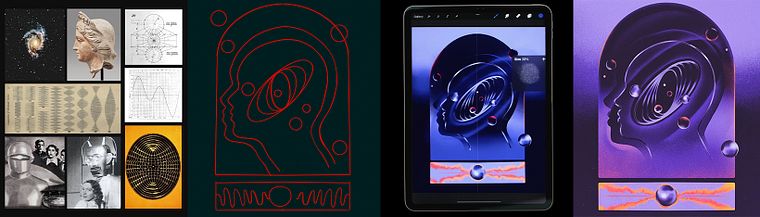
Projects by course students


Who is this online course for?
This course is for anyone interested in learning how to create unique retrofuturistic artwork using digital tools.
Requirements and materials
Basic knowledge of Photoshop and Procreate is recommended.
In terms of materials, you will need access to a device with Photoshop and Procreate, a camera, scanner, paper, a pencil, ink, and a brush.
Reviews
- 2 months ago
La valoración es rotundamente POSITIVA! claridad, calidez y profesionalismo. Un placer. Saludos!!
- 6 months ago
inspiring to see the process from influences, mood board, sketches to creating in your own style
- 9 months ago
There are full of tips from bottom to top At the end, you will have a clean project which makes you satisfied in all senses Thank you Ada!
- 9 months ago
Inspiring!
- 10 months ago
What a teacher! What a course! Awesome! Perfect Art.

Since then Ada has collaborated with brands including Adobe, Netflix, Levi’s, the National Museum in Gdańsk, and Fast Company Magazine. She also runs a graphic studio alongside a fellow illustrator where she designs album covers, visual identities, books, exhibitions, and more. She shares her work, which combines modernity with the nostalgia of the 60s and 70s with over 18K followers on Instagram.
Content
- U1
Introduction
- About Me
- Influences
- U2
Preparation
- Where to Find Inspiration
- Mood Board
- Quick Concept Sketches
- U3
Choosing a Path
- Composition
- From a Paper Sketch to Procreate
- Choice of Colours
- U4
Production
- Starting to Work on Layers in Procreate 1
- Starting to Work on Layers in Procreate 2
- Preparing Textures Manually
- Adding Textures and Final Touches
- U5
Presenting the Illustration
- Creating a Pattern with Elements from the Illustration
- Preparing the Final Illustration for Print and Social Media
- FP
Final project
- Retrofuturistic Illustration with Procreate
What to expect from a Domestika course
Learn at your own pace
Enjoy learning from home without a set schedule and with an easy-to-follow method. You set your own pace.
Learn from the best professionals
Learn valuable methods and techniques explained by top experts in the creative sector.
Meet expert teachers
Each expert teaches what they do best, with clear guidelines, true passion, and professional insight in every lesson.
Certificates
PLUSIf you're a Plus member, get a custom certificate signed by your teacher for every course. Share it on your portfolio, social media, or wherever you like.
Get front-row seats
Videos of the highest quality, so you don't miss a single detail. With unlimited access, you can watch them as many times as you need to perfect your technique.
Share knowledge and ideas
Ask questions, request feedback, or offer solutions. Share your learning experience with other students in the community who are as passionate about creativity as you are.
Connect with a global creative community
The community is home to millions of people from around the world who are curious and passionate about exploring and expressing their creativity.
Watch professionally produced courses
Domestika curates its teacher roster and produces every course in-house to ensure a high-quality online learning experience.
FAQs
Yes, this course is designed for beginners and covers foundational techniques in illustration and graphic design, including both analog and digital methods.
You’ll need basic drawing tools, a sketchbook, and access to Procreate or Photoshop for digital lessons. Some lessons may also use household tools for creating textures.
You’ll learn how to combine analog and digital illustration techniques, create mood boards, master composition, use color theory, work with Procreate, and design posters, album covers, and logotypes.
The course covers collage, digital drawing, typography, composition, mood board creation, analog illustration, poster and album cover design, inspiration sourcing, and integrating textures into digital art.
No prior experience is required. The course starts with the basics and guides you step-by-step through essential illustration and design processes.
This course uniquely blends analog and digital techniques, emphasizes sourcing inspiration from films, music, and vintage materials, and teaches both creative workflow and professional presentation for print and digital media.
Yes, the course includes detailed lessons on using Procreate and Photoshop for sketching, texture integration, color management, and exporting your art for various platforms.