Traditional Techniques for Digital Illustration
A course by Débora IslasDesigner and Illustrator
A course by Débora Islas, Designer and Illustrator

Learn to complement the charm and texture of traditional illustration techniques with practical digital tools
Traditional illustration techniques give way to a whole host of approaches and styles that can be enriched with an interesting twist when complemented with digital tools. Designer and illustrator Débora Islas, who's collaborated with names like Disney, O Boticário, and Nestlé, specializes in bringing these two worlds together.
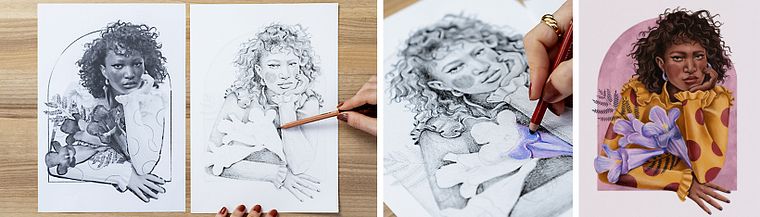
In this online course, learn to compose illustrations using both manual and digital techniques. With Débora's help, draw a pencil composition inspired by photographic references and then add texture, effects, and color in Photoshop.
What will you learn in this online course?
14 lessons & 24 downloads
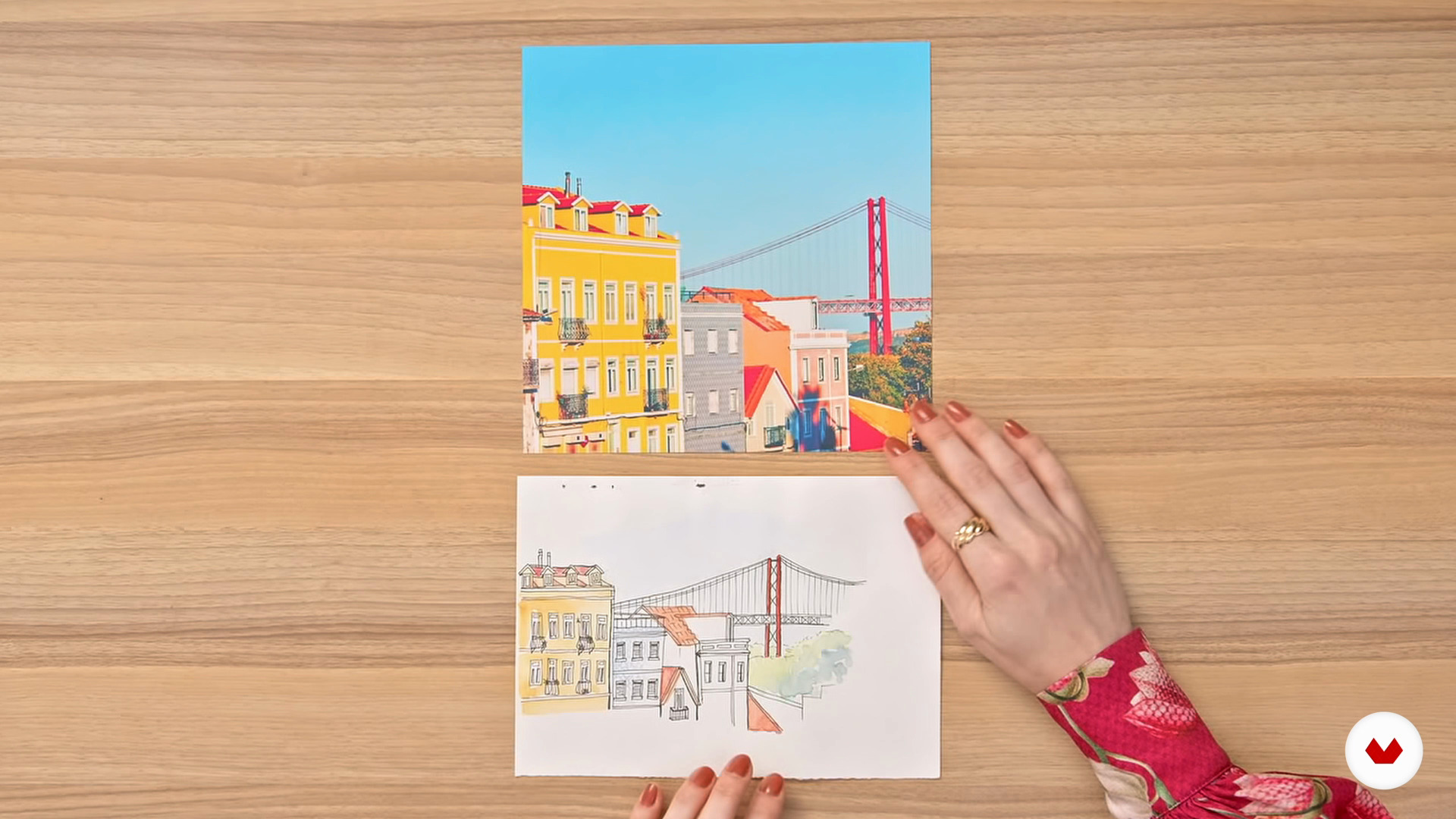
Inspiration is everywhere
8 minutes, 17 seconds
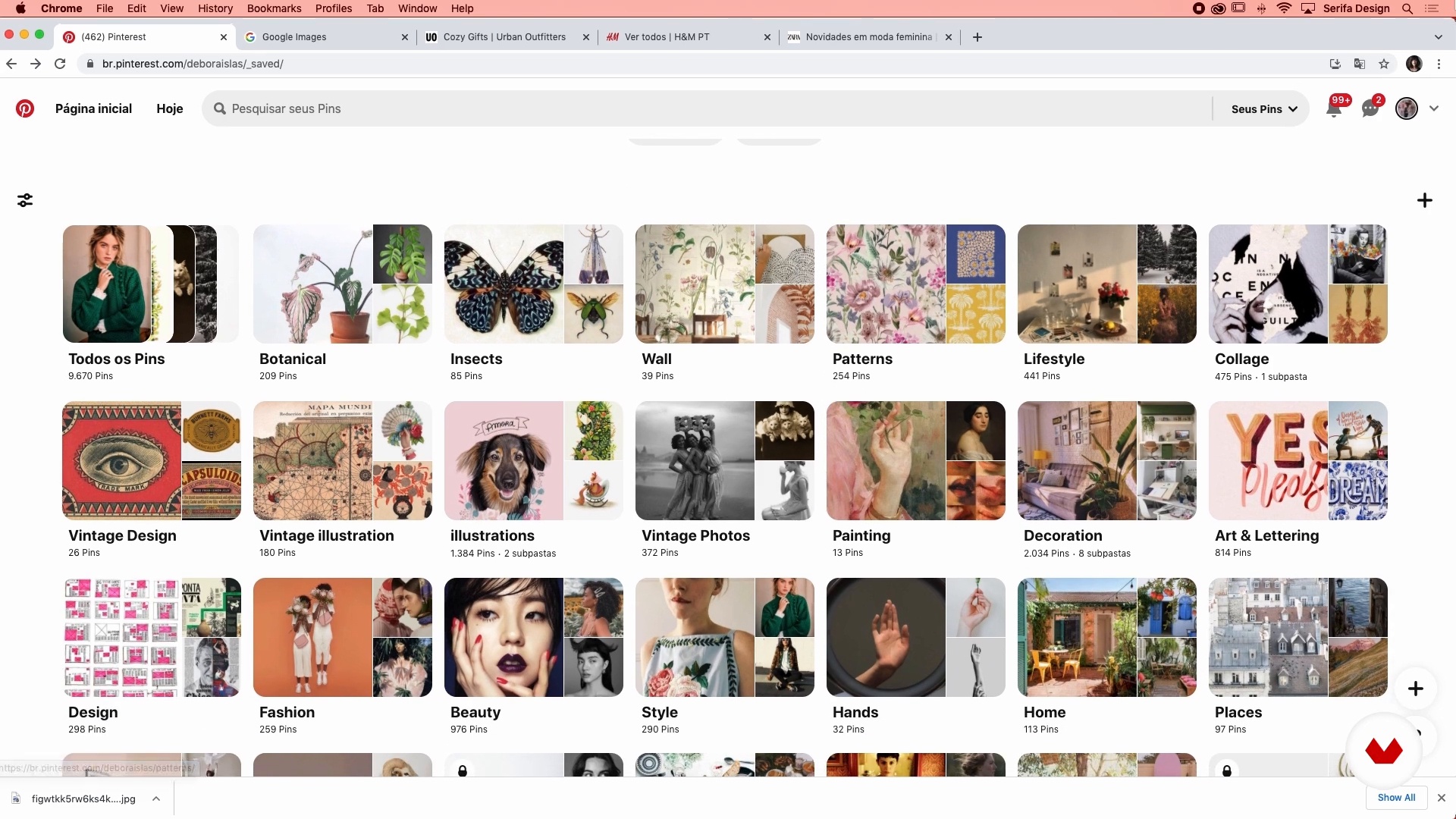
Create your own image bank
8 minutes, 38 seconds
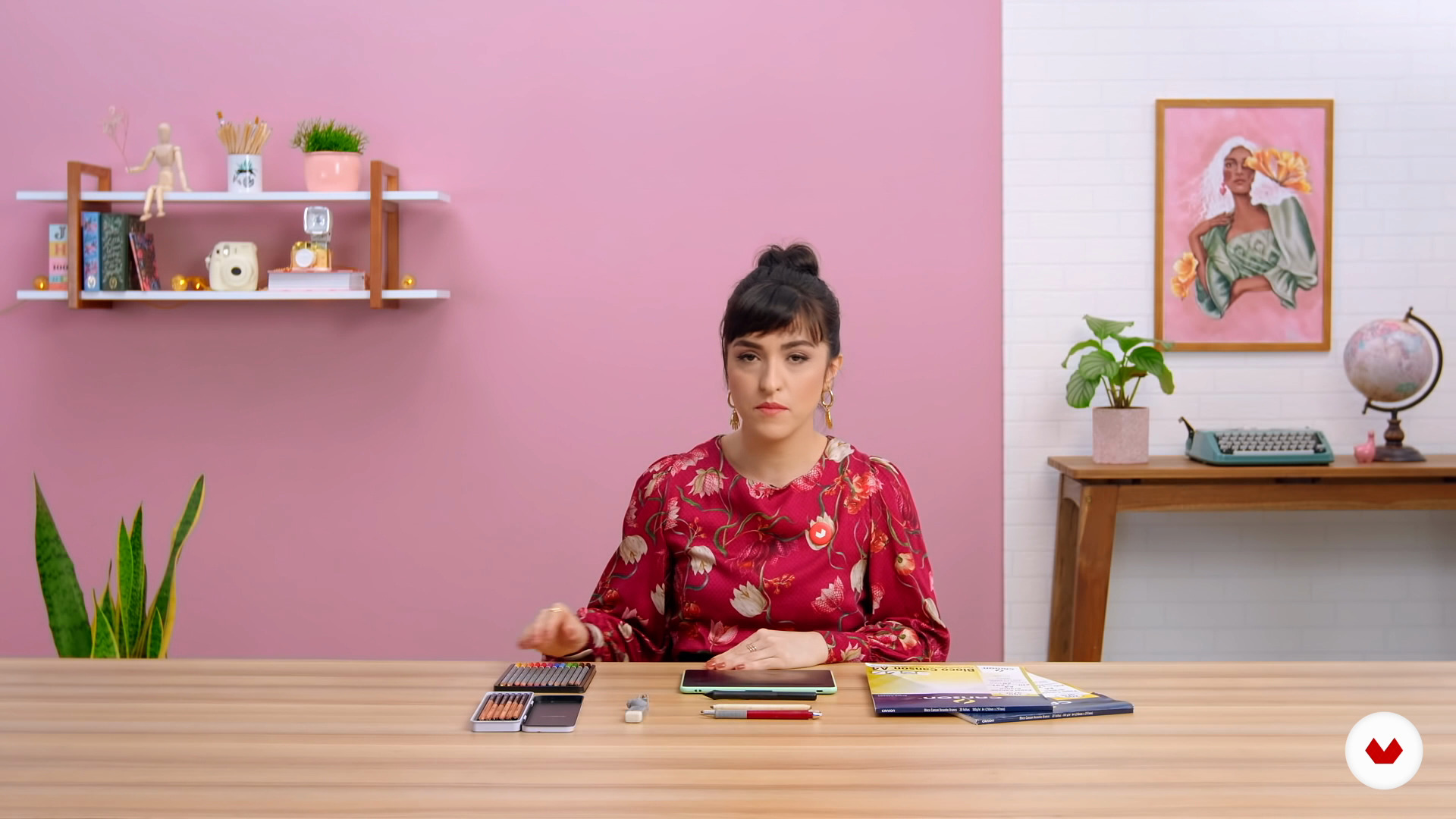
From analogue to digital: the necessary materials
2 minutes, 43 seconds
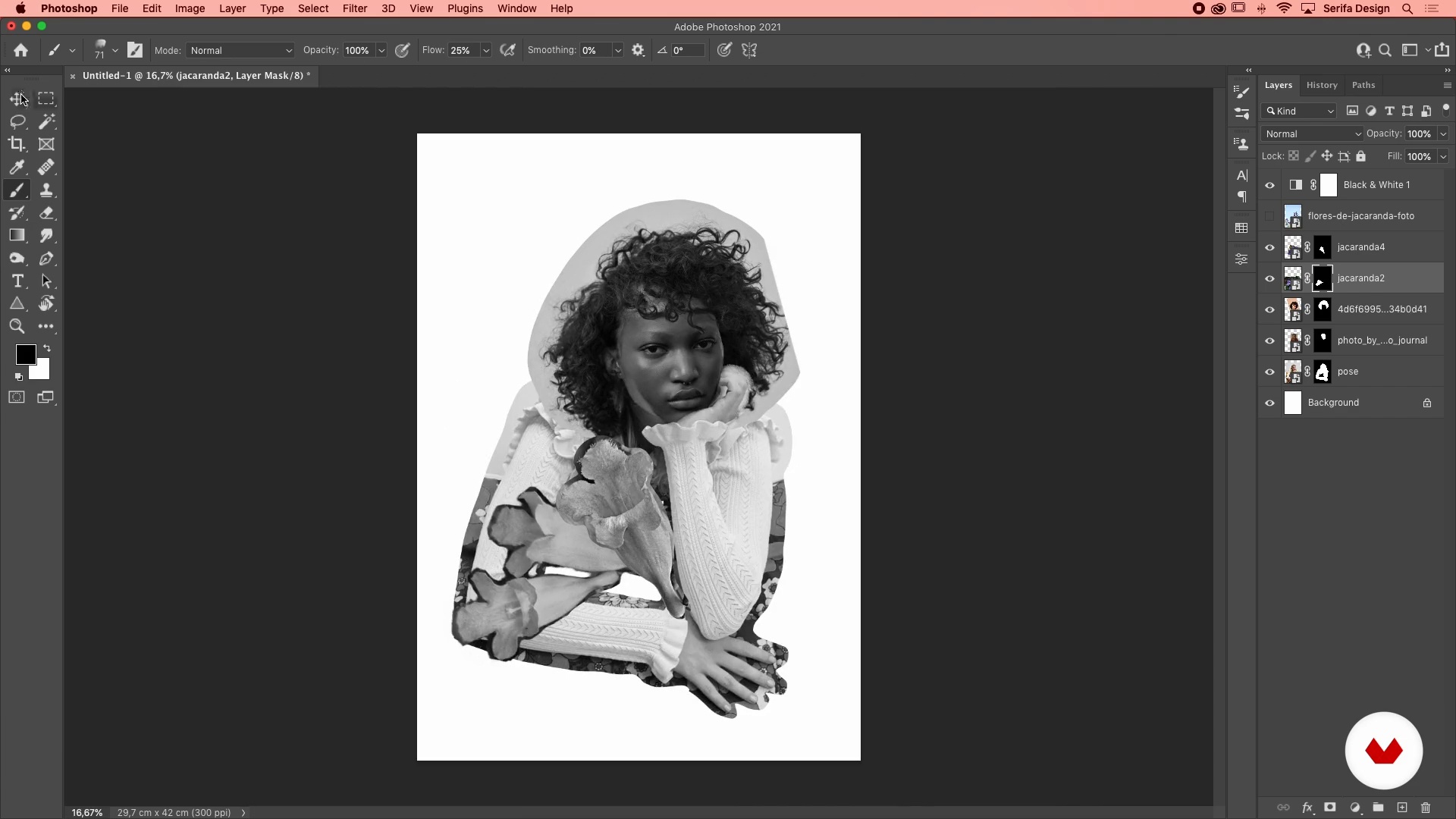
Cut and paste
20 minutes, 55 seconds
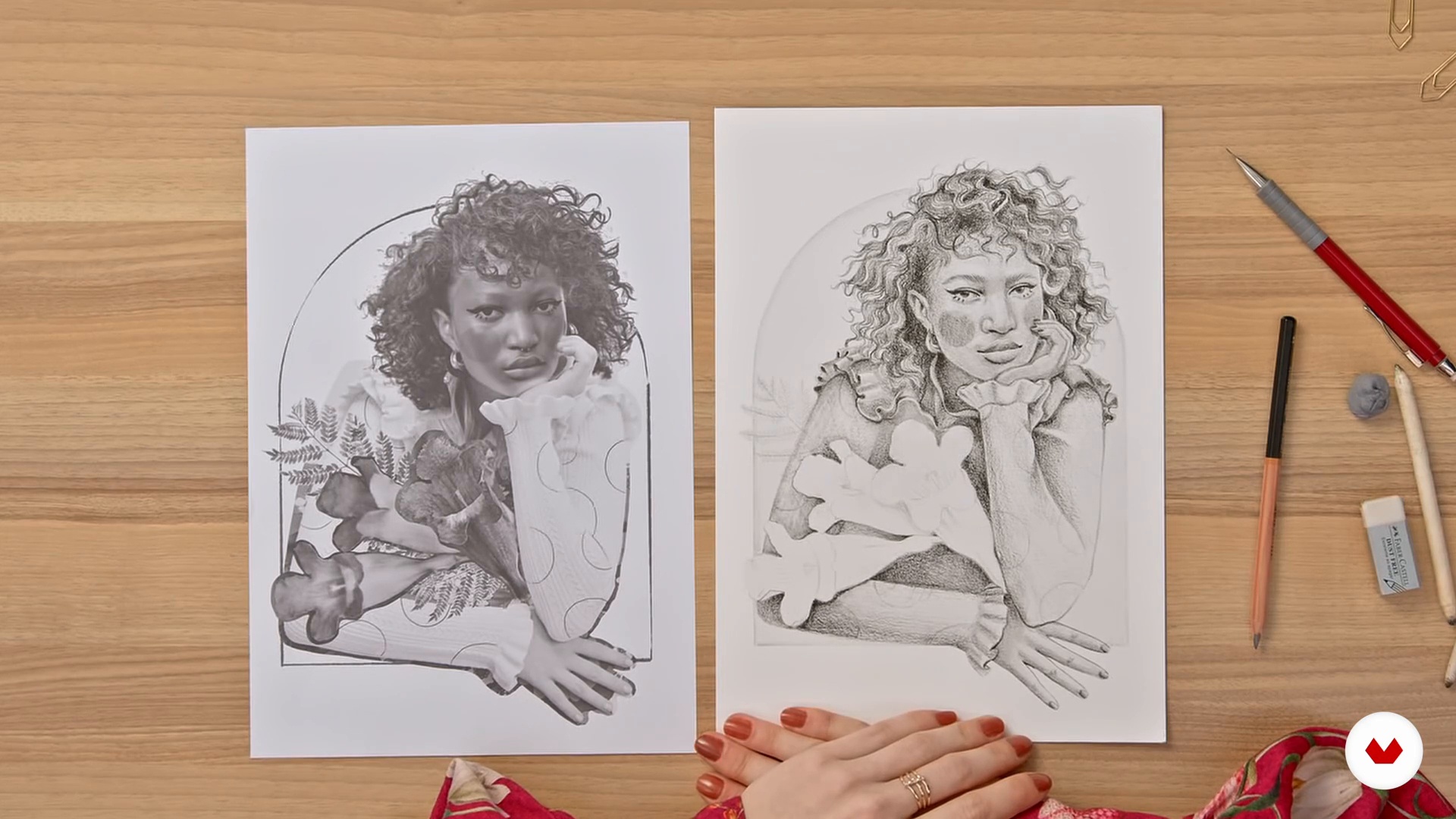
Outline: your guideline
16 minutes, 13 seconds
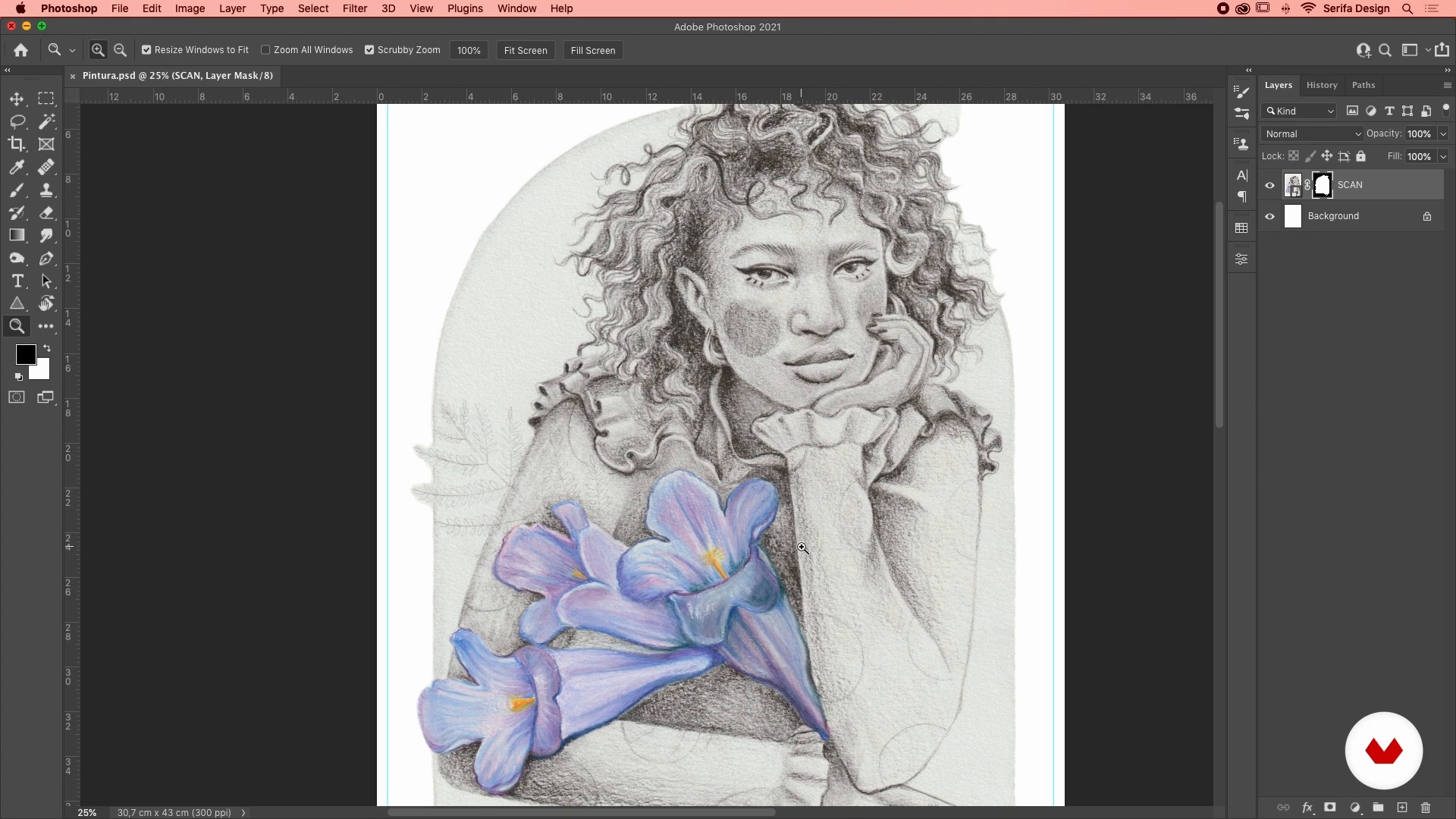
Scanning and layers
8 minutes, 20 seconds
What's included in this course?
Begin by meeting your teacher, Débora Islas. She talks about her passion for drawing and how her ten-year journey through the world of book and magazine publishing was fundamental for her career as an illustrator, along with the artists that have most inspired her.
First, learn a few tricks to search for a variety of analog and digital references. Then take a look at the materials Débora normally uses and put together some digital collages to help compose your pencil sketches.
Once you've finalized the freehand version of your illustration, digitize your piece and retouch any final details using layers in Photoshop. Before painting and adding any textures or effects, familiarize yourself with the different brushes the software has to offer and learn to import extras ones to give your work an even more original touch.
To bring the course to a close, Débora gives you some tips for the final retouching as well as how to present your work professionally. Now you have everything you need to create illustrations that combine the charm of traditional techniques with the ease of digital processes.
Recommended software & tools for this course
What is this course's project?
Create an illustration by combining traditional drawing techniques with digital painting in Photoshop.
Who is this online course for?
Anyone interested in exploring new illustration styles.
Requirements and materials
A working knowledge of Adobe Photoshop is essential for this course.
For materials, all you need is a pencil and paper as well as access to Photoshop.
Reviews
- 7 months ago
Excelente curso para quem quer explorar novas técnicas digitais nos seus desenhos. Acho que seria interessante ter um conhecimento bem iniciante de PS porque ela usa alguns recursos avançados no tratamento das imagens. Achei muito interessante e profissional.
- 1 year ago
Adorei muito bem explicado.
- 1 year ago
O curso da Débora é excelente para quem pretende conciliar a praticidade do digital sem perder a beleza e encanto da ilustração manual. Ela é muito didática e tem um conhecimento amplo sobre ilustração. Adorei o curso, ainda estou concluindo.
- 1 year ago
perfeito, muito didática e criativa, curso fácil de realizar
- 2 years ago
Adorei o curso! Super inspirador e fácil de entender!

She worked for more than ten years at a publishing house for books and magazines before dedicating herself full-time to her childhood passion of illustration. Since then, she has collaborated with both national and international brands including Disney, O Boticário, and Nestlé, to name just a few.
Content
- U1
Introduction
- About Me
- Influences
- U2
Discover your motivation
- Inspiration is everywhere
- Create your own image bank
- From analogue to digital: the necessary materials
- U3
Turn your idea into a project
- Cut and paste
- Outline: your guideline
- Scanning and layers
- Digital brushstrokes
- Colors at your fingertips
- Digital painting with analog language 1
- Digital painting with analog language 2
- U4
Putting the finishing touches on and setting up your showcase
- Contrast and texture
- Composition and mock-up
- FP
Final project
- Traditional Techniques for Digital Illustration
What to expect from a Domestika course
Learn at your own pace
Enjoy learning from home without a set schedule and with an easy-to-follow method. You set your own pace.
Learn from the best professionals
Learn valuable methods and techniques explained by top experts in the creative sector.
Meet expert teachers
Each expert teaches what they do best, with clear guidelines, true passion, and professional insight in every lesson.
Certificates
PLUSIf you're a Plus member, get a custom certificate signed by your teacher for every course. Share it on your portfolio, social media, or wherever you like.
Get front-row seats
Videos of the highest quality, so you don't miss a single detail. With unlimited access, you can watch them as many times as you need to perfect your technique.
Share knowledge and ideas
Ask questions, request feedback, or offer solutions. Share your learning experience with other students in the community who are as passionate about creativity as you are.
Connect with a global creative community
The community is home to millions of people from around the world who are curious and passionate about exploring and expressing their creativity.
Watch professionally produced courses
Domestika curates its teacher roster and produces every course in-house to ensure a high-quality online learning experience.
FAQs
The course is intermediate level, ideal for those with some basic drawing or illustration experience who want to deepen their skills in combining analog and digital techniques.
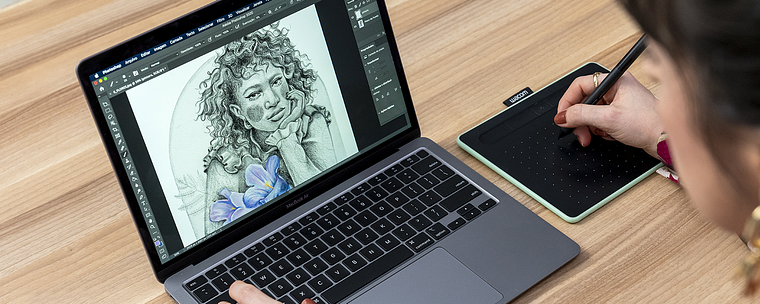
You’ll need traditional drawing supplies (pencils, paper, eraser), a computer with Photoshop installed, and ideally a graphics tablet to get the most out of the digital techniques taught.
You’ll learn how to blend traditional and digital methods, build and organize reference libraries, use Photoshop for cutting, painting, and texturing, and create original compositions focused on portraits and botanical elements.
The course teaches how to scan hand-drawn sketches into digital form, plus how to blend textures, adjust colors, and apply effects in Photoshop to enhance your illustrations.
Basic Photoshop skills are recommended, as lessons cover layers, masks, cutouts, digital brushes, and color adjustments for painting and finishing your artwork.
Yes, the course includes creating illustrated female portraits that explore themes of empowerment and representation, with practical examples featuring digital illustrations and botanical compositions.
You’ll learn how to build a personal image library, organize files on your computer, manage references on Pinterest, and create digital mood boards to inspire and support your artwork.