Volume and Texture in Cinema 4D: Transform Objects
A course by Marius Visual Arts3D Artist and Motion Designer
A course by Marius Visual Arts, 3D Artist and Motion Designer

Immerse yourself in playful experimentation by having fun modeling an original 3D object with Cinema 4D and OctaneRender
Ever thought it would be impossible to turn a game console into a microwave, toaster, or hamburger? Marius Longo, from Marius Visual Arts Studio, is here to prove you wrong!
In this online course, learn to walk the line between what's real and what's not in Cinema 4D by transforming an everyday object, from the initial concept to rendering in OctaneRender. Work on lights and textures inspired by pop culture, retro objects, and even toys from your childhood. By the end of the course, you'll have created an amazing 3D-modeled object with a touch of humor and quirkiness!
What will you learn in this online course?
21 lessons & 14 downloads
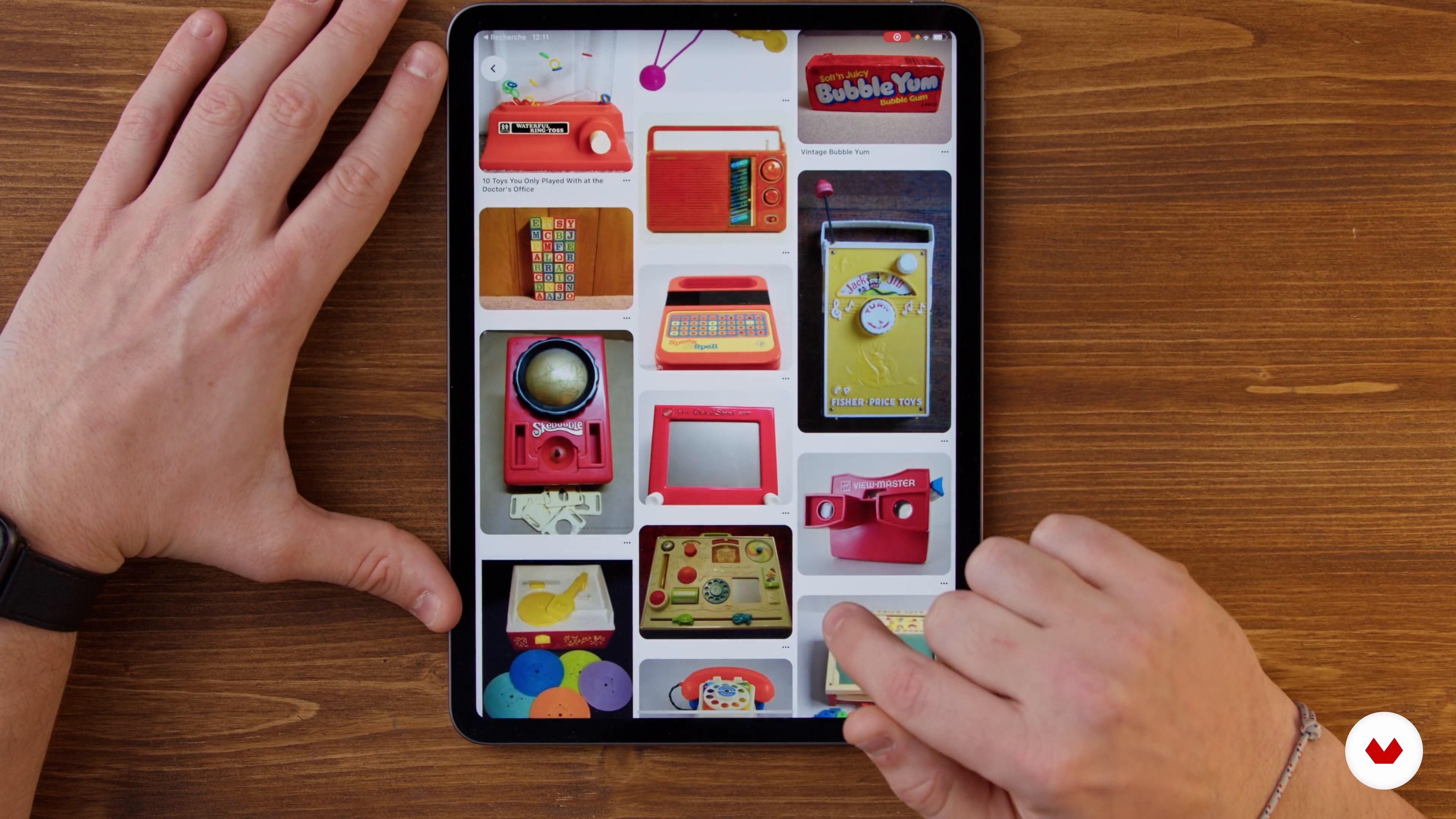
Searching for Inspiration
3 minutes, 17 seconds
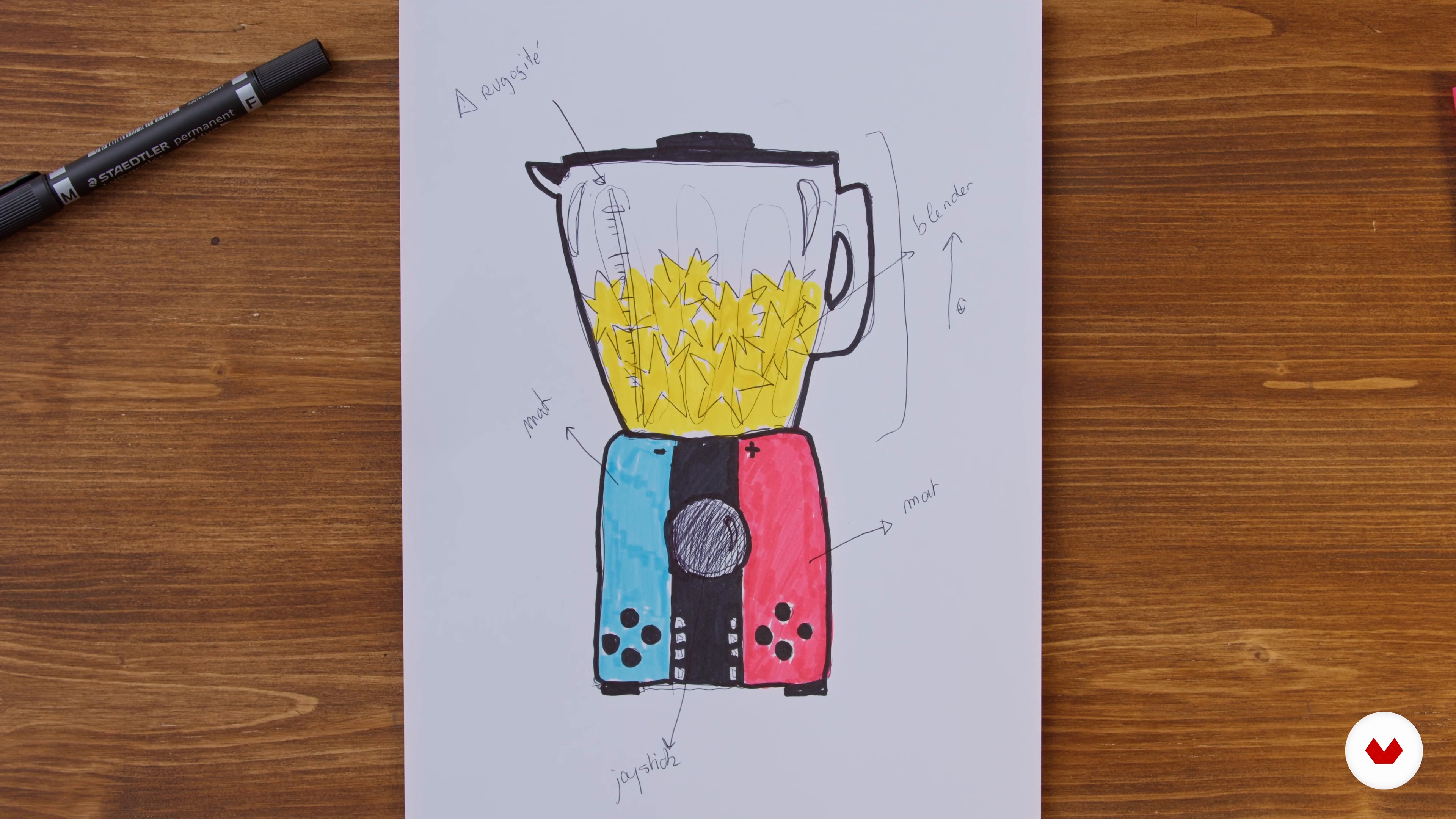
First Pencil Sketch
10 minutes, 47 seconds
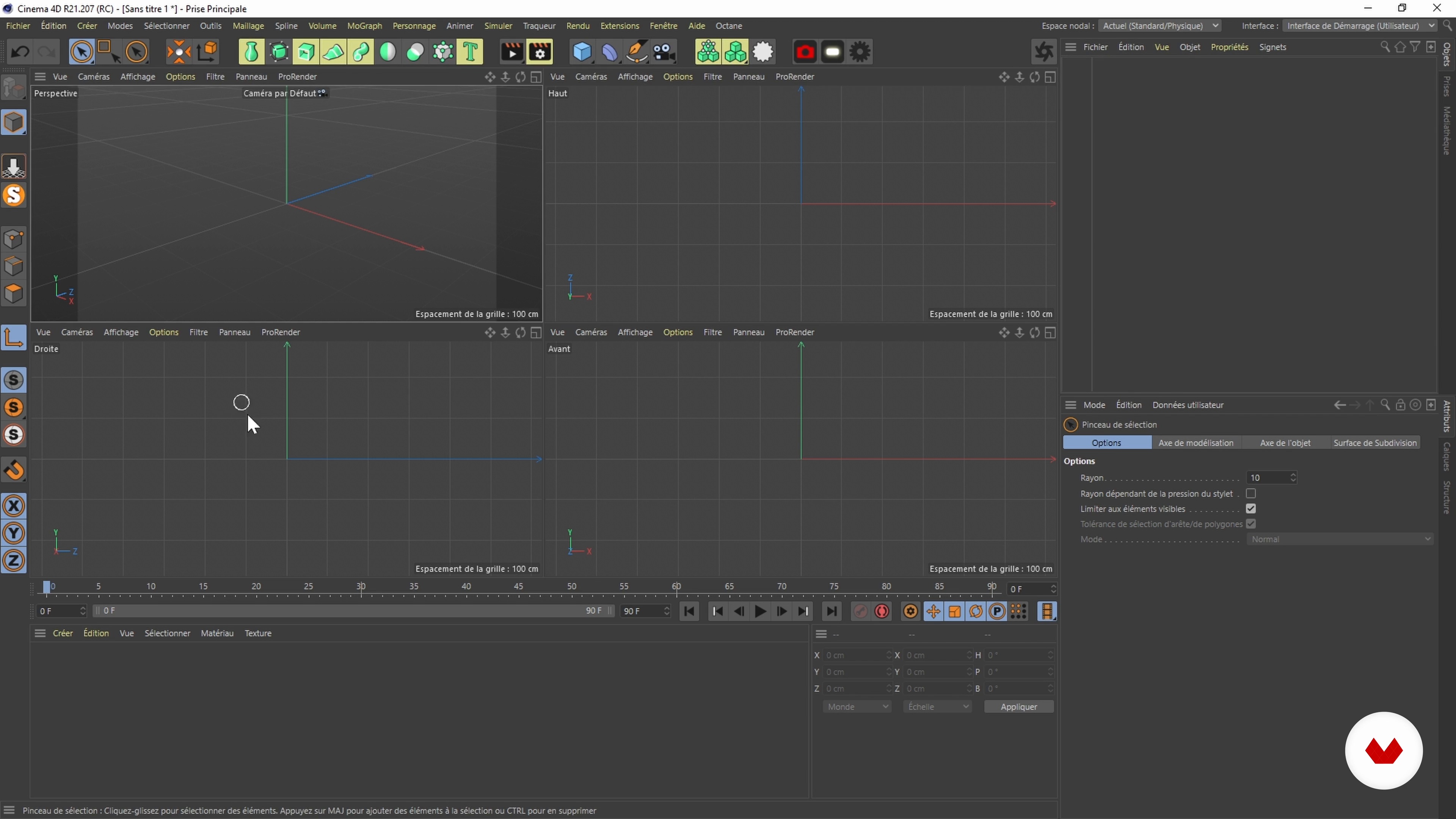
Presentation of the oSftware
4 minutes, 32 seconds
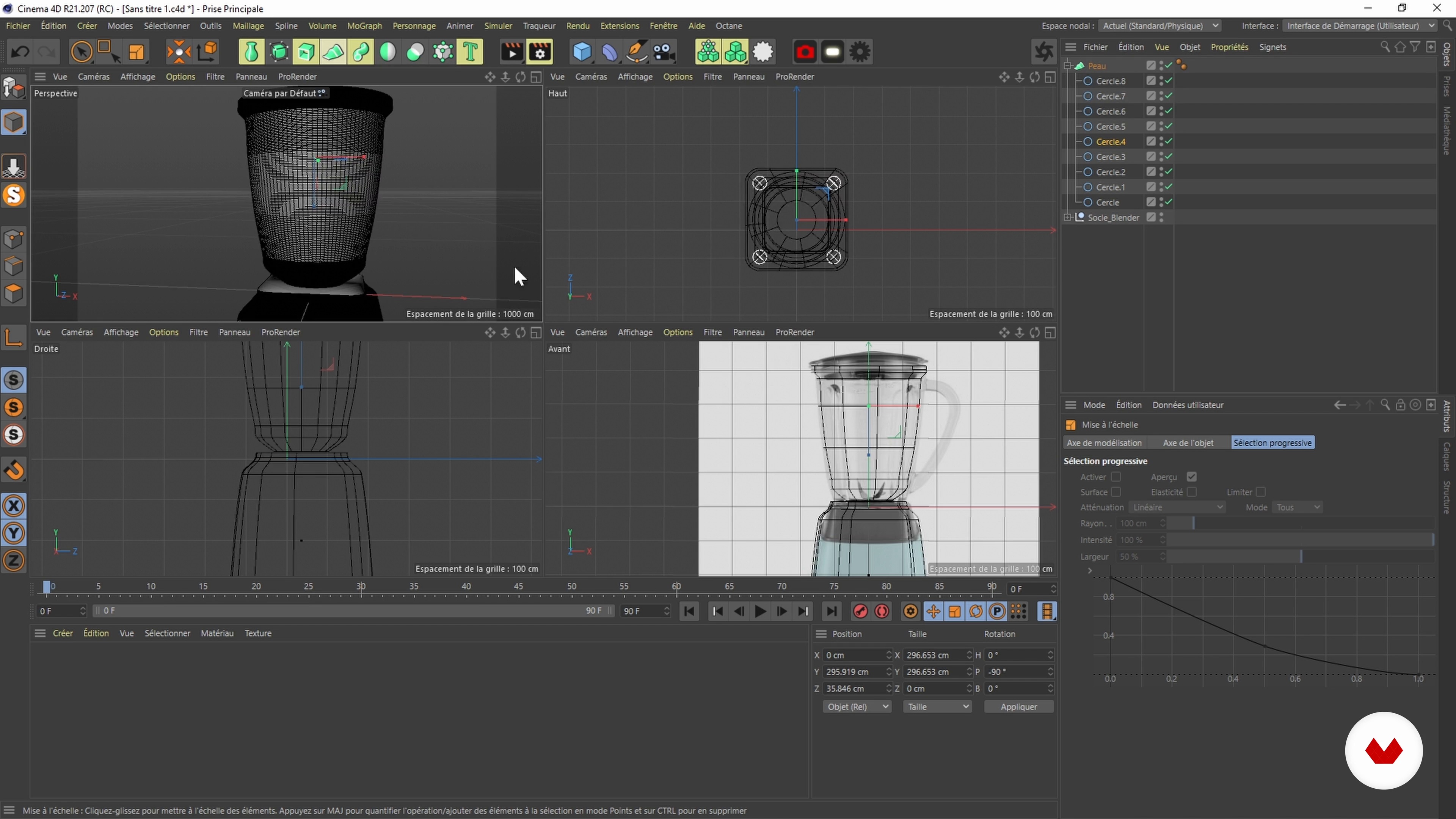
The First Shapes 1
16 minutes, 40 seconds
The First Shapes 2
13 minutes, 3 seconds
Give Volume 1
17 minutes, 59 seconds
What's included in this course?
Meet your teacher for the course, Marius Longo, who tells you about his family of artists, his first steps in 3D modeling, and his self-taught training in the field. Discover the artists who inspire him, such as Patrick Foley, Peter Tarka, and Filip Hodas.
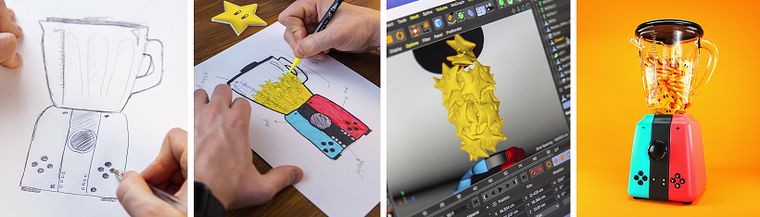
Dive into the first phase of the creative process: the search for inspiration. Put your ideas down on paper with a pencil sketch before moving on to Cinema 4D. Marius introduces you to the interface of the software and its main features.
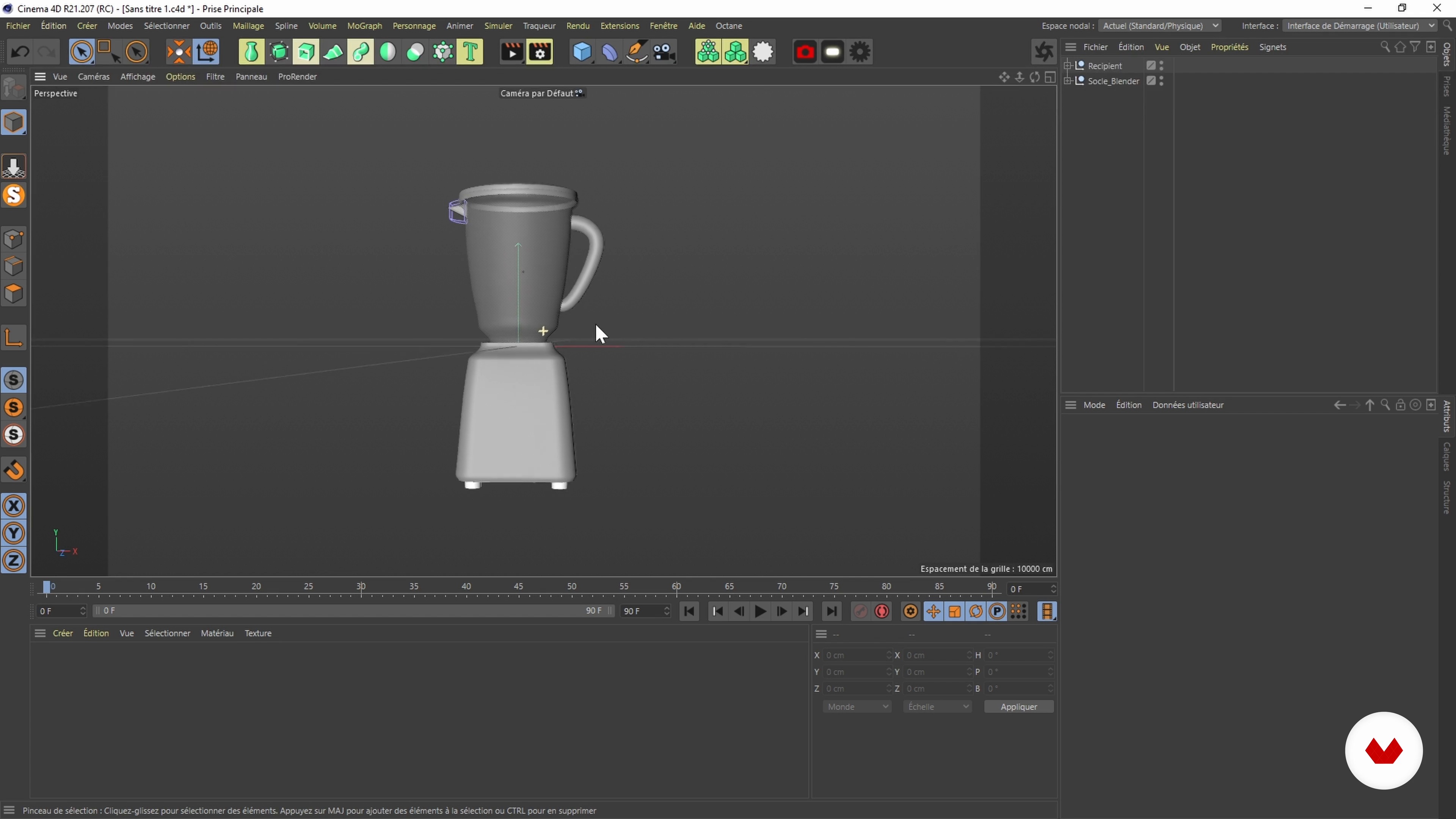
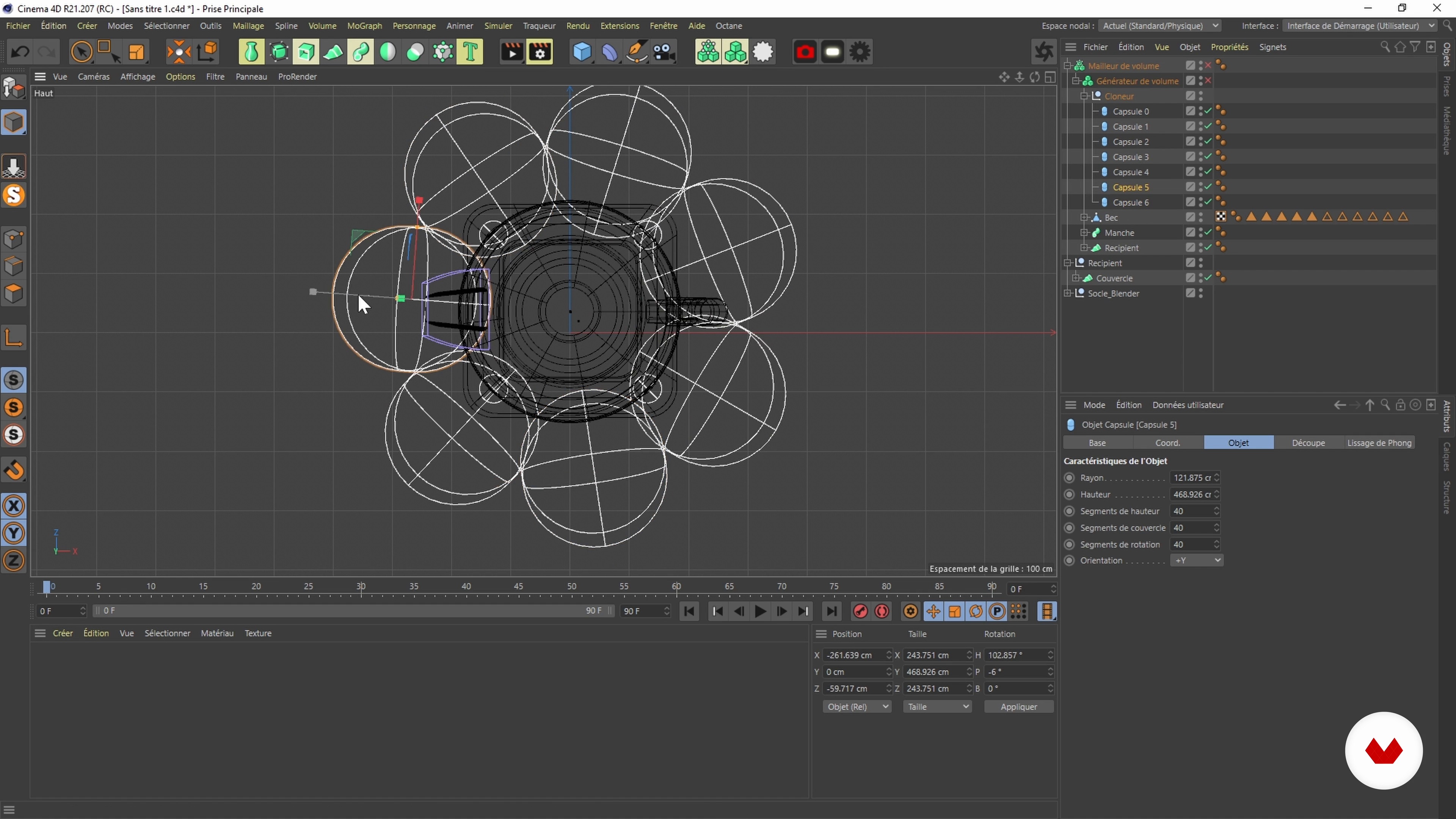
Next, get to work on modeling your object. Start with the basic shapes and then refine their volumes with the Volume Builder and Volume Mesher tools. Continue with the smaller elements and details.
Once your object is modeled, work on the environment with OctaneRender and HDRI. Marius explains how to fine-tune the color and apply material effects like Glossy and Specular to get unique textures. All that's left are some final tweaks to the image in Photoshop and you're done!
To round out the course, Marius gives you some tips on how to share your work on social media and other platforms such as Behance, ArtStation, and Dribbble. Get ready to have fun distorting reality!
Recommended software & tools for this course
What is this course's project?
For the final project, model one or more everyday objects by playing around with real and unreal elements.
Projects by course students


Who is this online course for?
Anyone can take this course, although a basic understanding of 3D modeling and Cinema 4D will come in handy.
Requirements and materials
To take this course, you only need Cinema 4D, Adobe Photoshop, and the OctaneRender plugin.
Reviews
- 1 year ago
Muy buen curso y buen profesor. Ideal tener conocimientos básicos de Cinema para entender como es el espacio, en especial si no hablan francés. Aún así, es muy guiado el proceso y se entiende perfecto.
- 2 years ago
Excellent course. Had a lot of fun and great learning experience because of the video lessons. Aiming to go deeper into the world of 3D now.
- 3 years ago
Muy útil tanto para personas con experiencia pero más aún para aquellos que no, es fácil de seguir a pesar de estar en francés.
- 3 years ago
Excelente curso
- eduardojocumPLUS3 years ago
Excelente treinamento

The studio has collaborated with many brands in the creation of animations and unusual 3D objects. Whether it's for clients like Anex, eToro, One Plus, Wilson, or EDF, the result is always amazing.
Content
- U1
Introduction
- About Me
- Influences
- U2
Research and Creative Explorations
- Searching for Inspiration
- First Pencil Sketch
- Presentation of the oSftware
- U3
Object Modeling
- The First Shapes 1
- The First Shapes 2
- Give Volume 1
- Give Volume 2
- Modeling of Elements 1
- Modelling of Elements 2
- Discovery of Collision between Objects
- U4
Staging
- Creating the Scene Environment
- Realism Effects with HDRI
- The Lights
- Colors
- Textures
- Rendering and Finishes
- To Learn More: Textures
- U5
Sharing the Work Online
- Tips for Social Media
- Other Dissemination Tools
- FP
Final project
- Volume and Texture in Cinema 4D: Transform Objects
What to expect from a Domestika course
Learn at your own pace
Enjoy learning from home without a set schedule and with an easy-to-follow method. You set your own pace.
Learn from the best professionals
Learn valuable methods and techniques explained by top experts in the creative sector.
Meet expert teachers
Each expert teaches what they do best, with clear guidelines, true passion, and professional insight in every lesson.
Certificates
PLUSIf you're a Plus member, get a custom certificate signed by your teacher for every course. Share it on your portfolio, social media, or wherever you like.
Get front-row seats
Videos of the highest quality, so you don't miss a single detail. With unlimited access, you can watch them as many times as you need to perfect your technique.
Share knowledge and ideas
Ask questions, request feedback, or offer solutions. Share your learning experience with other students in the community who are as passionate about creativity as you are.
Connect with a global creative community
The community is home to millions of people from around the world who are curious and passionate about exploring and expressing their creativity.
Watch professionally produced courses
Domestika curates its teacher roster and produces every course in-house to ensure a high-quality online learning experience.
FAQs
Yes, this course is designed for self-taught learners with some initial 3D experience or intermediate level who want to deepen their skills in modeling, texturing, and realistic rendering.
You’ll mainly need Cinema 4D, OctaneRender, and ideally ZBrush. Basic Photoshop knowledge is recommended for post-processing your renders.
You’ll learn to model complex objects, apply realistic textures, manage HDRI lighting, create professional renders, and optimize how you showcase your work on Instagram.
The course covers creating transparent materials, adding roughness, imperfections, glossy effects, and fine-tuning settings in Octane and Cinema 4D.
You’ll learn how to adjust light intensity, color, visibility, and use HDRI to create a consistent atmosphere and photorealistic renders.
Yes, there’s a section dedicated to Photoshop post-production to enhance contrast, color, and the final shine of your 3D images.
Yes, the course includes exercises on creatively repurposing retro or iconic objects and blending different worlds to spark your 3D creativity.