3D Lettering with Photoshop and Illustrator
A course by Jonathan OrtizGraphic Designer
A course by Jonathan Ortiz, Graphic Designer

Learn to create lettering art with different special effects using Photoshop and Illustrator, then apply it to the medium or format of your choice
Want to make lettering art that jumps out of the screen? In this online course, learn to create 3D letters using digital tools alongside graphic designer Jonathan Ortiz. He's a specialist in branding, lettering, and illustration and has collaborated with international brands such as Affinity Designer, Sweet & Coffee, Vectornator, and Bakanes.
Discover the fundamentals of lettering and how to develop your own designs. See where to find inspiration, how to conceptualize your ideas, and how to bring them to life in Photoshop and Illustrator, as well as the different uses you can give your final artwork. By the end, you'll know how to create bold lettering compositions with a unique personality to share with the world.
What will you learn in this online course?
24 lessons & 32 downloads
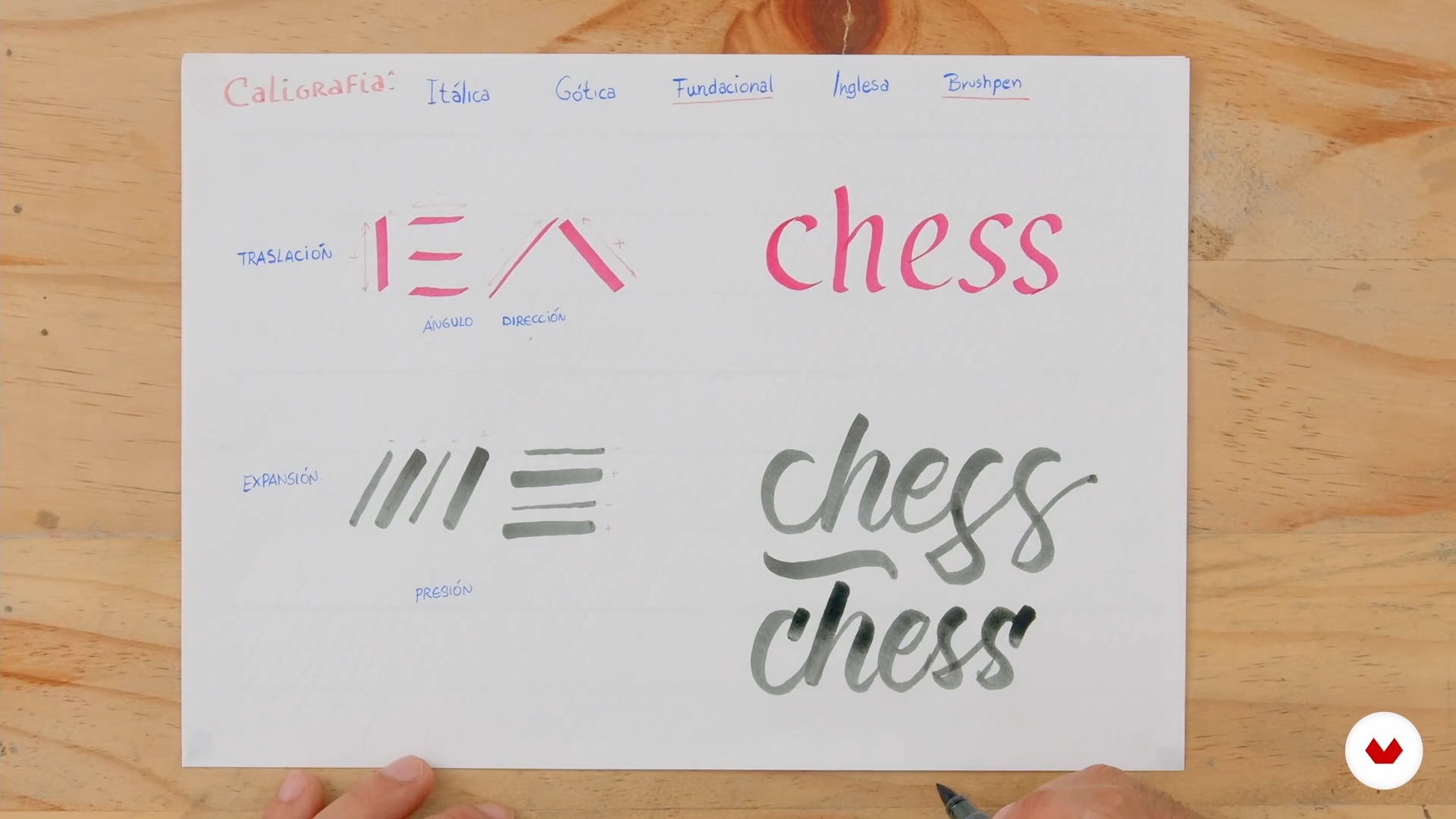
Lettering vs. Calligraphy
10 minutes, 0 seconds
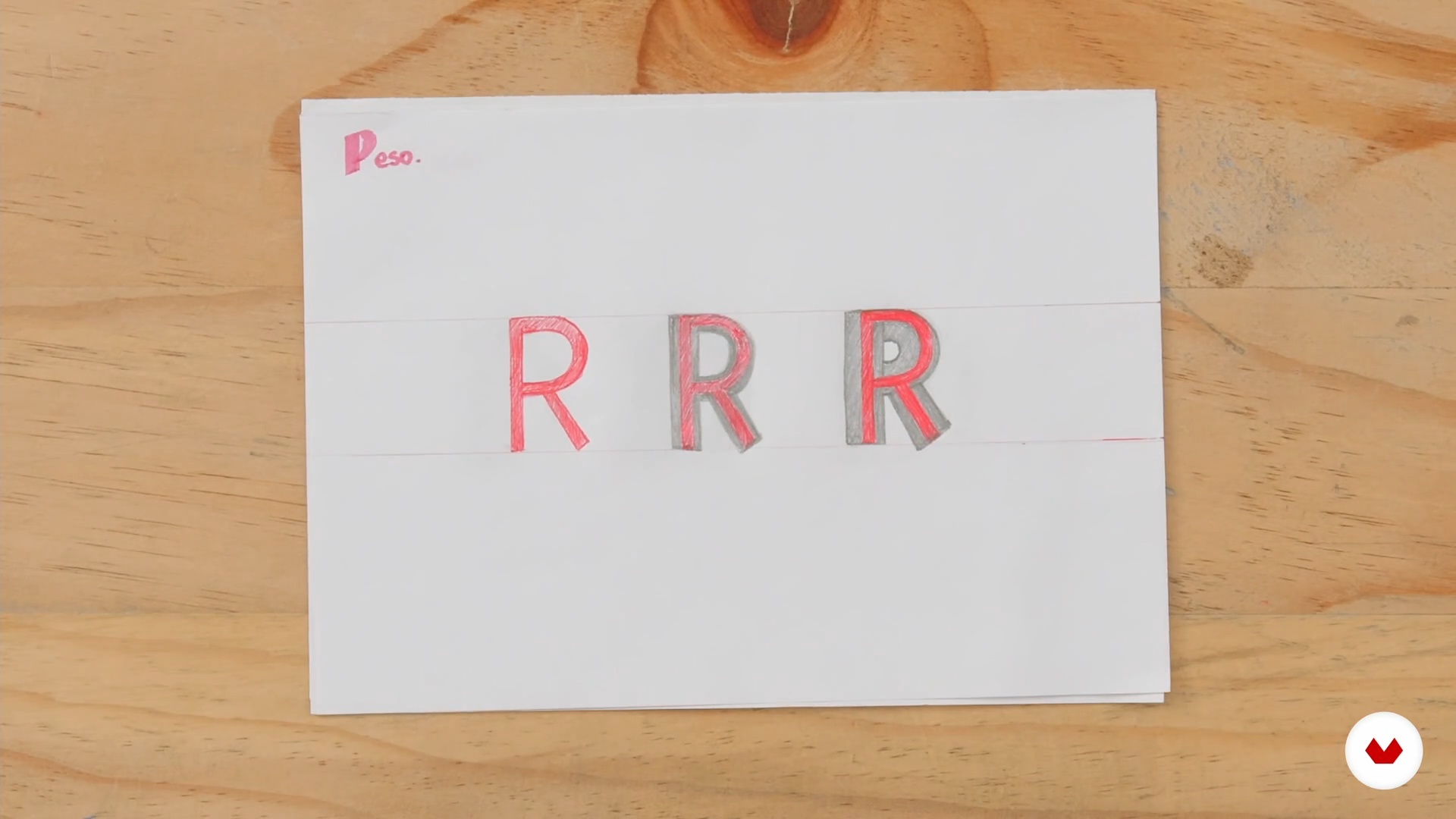
Basic Principles of Lettering
8 minutes, 12 seconds
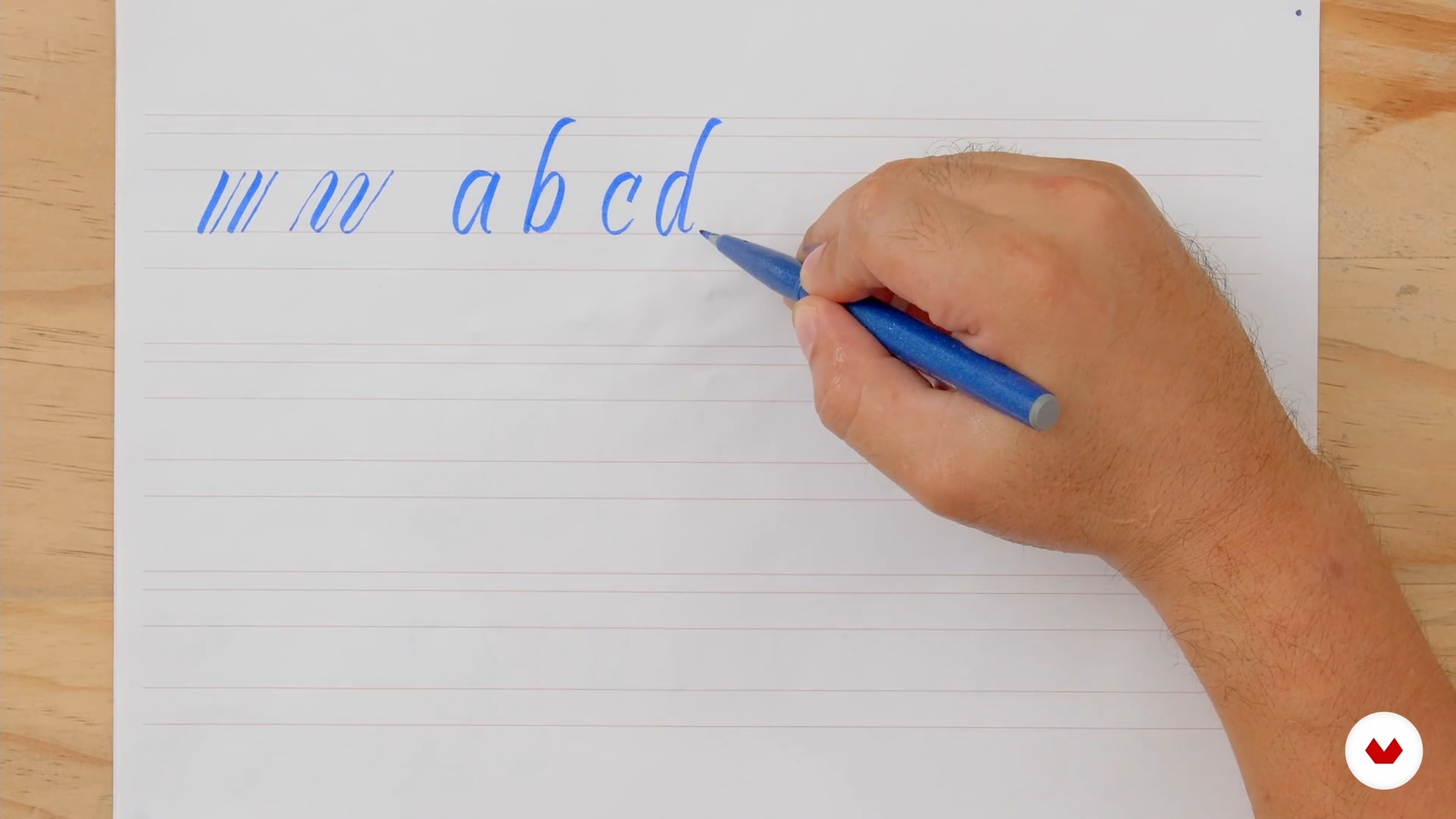
Basic Principles of Brush Calligraphy
6 minutes, 41 seconds
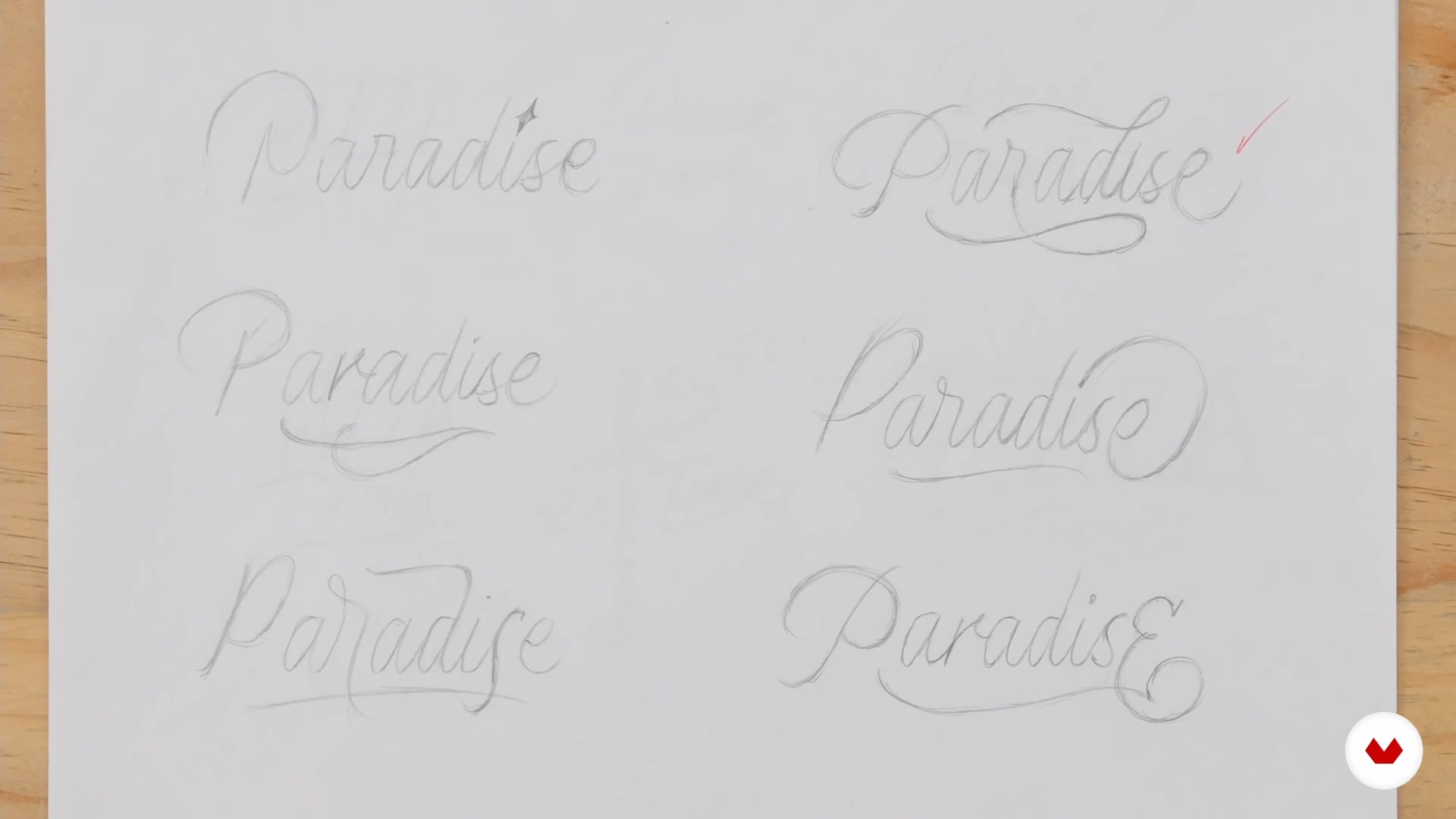
How to Generate Ideas
5 minutes, 57 seconds
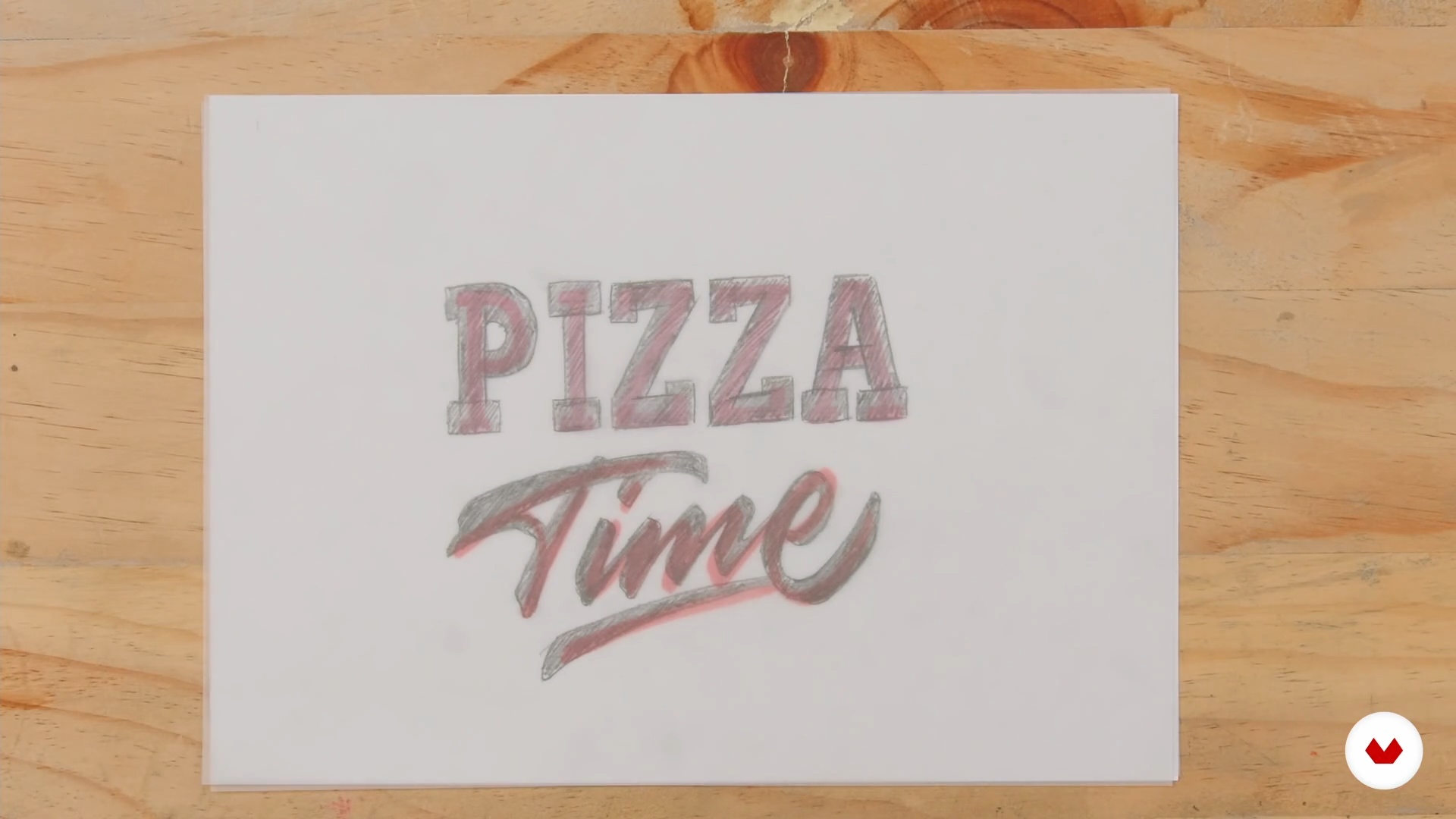
Final Sketch
13 minutes, 27 seconds
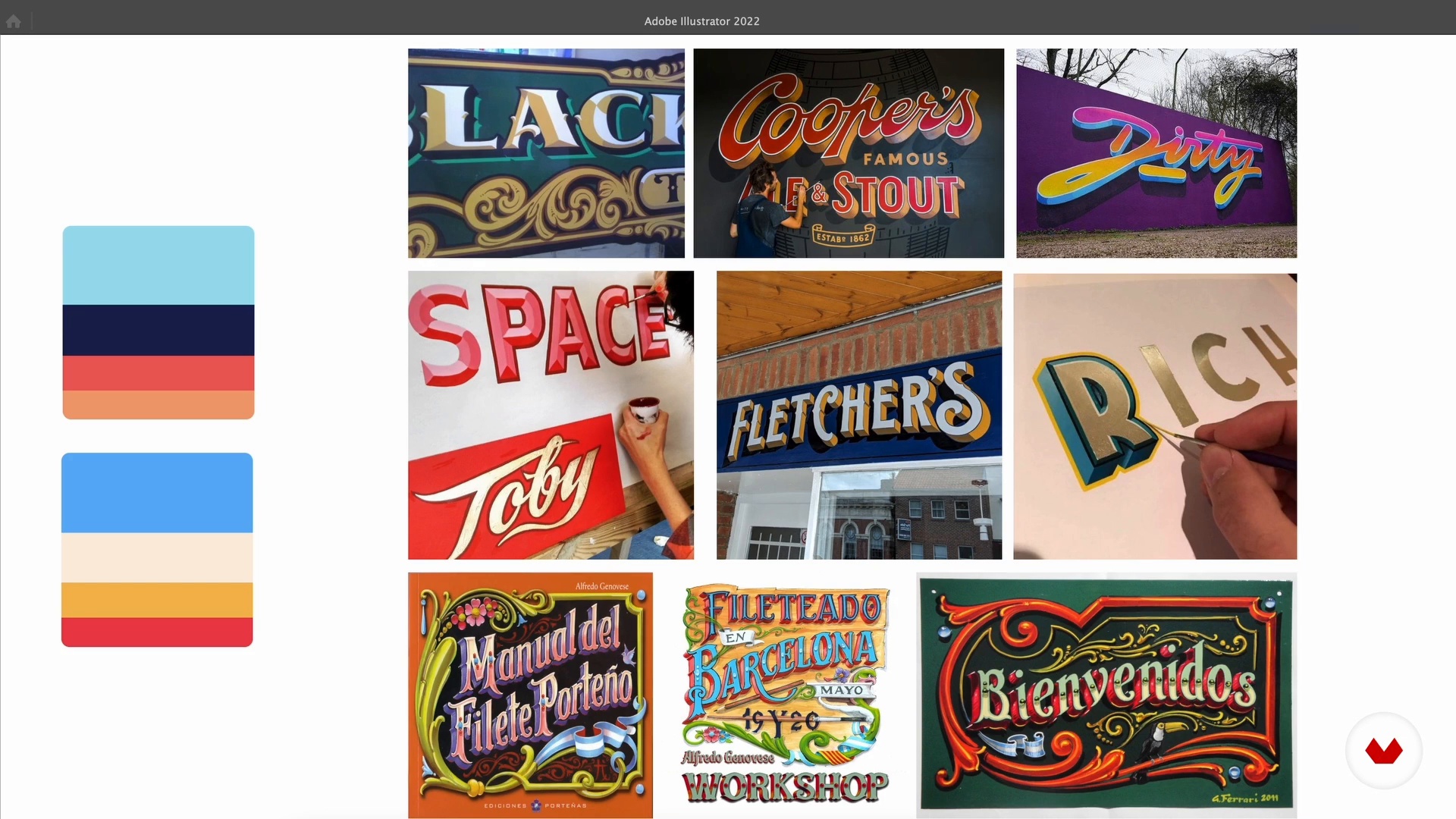
Color Palette
3 minutes, 36 seconds
What's included in this course?
Start the course by getting to know Jonathan Ortiz, who talks about how he got his start as a professional designer and shares the artists that have influenced his work. He also gives you an overview of the course as well as the tools and programs you need to complete it.
Dive into the world of letters by discovering the difference between calligraphy and lettering and learn the basics of drawing letters with some simple exercises.
With these new concepts in mind, select the words or phrases you want to use for your final project, which consists of creating three distinct designs. Put together a mood board, sketch out your letters and compositions, and then decide on a color palette for each.
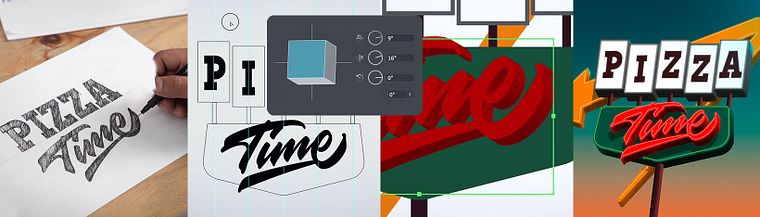
Next, vectorize your sketches using different tools and start adding a third dimension to them in Illustrator. Transfer your pieces to Photoshop and incorporate shadows, light, and texture to create your final artwork.
To wrap up the course, Jonathan gives you some tips on how to showcase your lettering designs and share them with the world.
Recommended software & tools for this course
What is this course's project?
Design three lettering compositions with distinct visual effects for a range of applications, such as a logo, a CD cover, packaging, your personal brand, or to share on social media.
Who is this online course for?
Letter lovers as well as design and illustration students and professionals who want to broaden their skill set for creative projects.
Requirements and materials
No previous knowledge of lettering is necessary for this course, although basic notions of Adobe Photoshop and Illustrator would be extremely useful for the later stages of the final project.
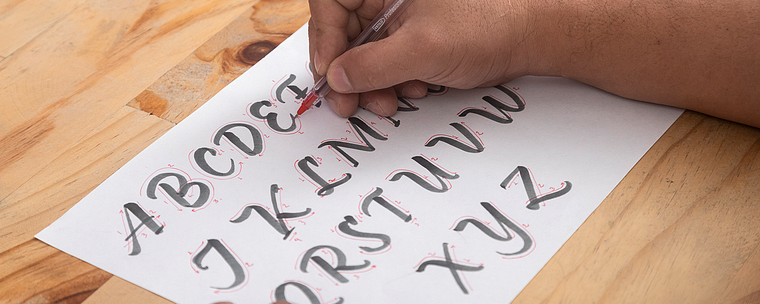
As for materials, you need a mechanical pencil, an eraser, markers, a brush pen, paper tape, bond paper, tracing paper, a ruler, a scanner, and a computer with the previously mentioned programs.
Reviews
- 11 months ago
Good Course
- matheusvalente_qPLUS1 year ago
Um ótimo curso!!
- 2 years ago
Super Kurs, in Ruhe und präzise erklärt.
- 2 years ago
Muy Bueno...
- 2 years ago
Muy Bueno!!!!

He has worked with individual clients and collaborated with brands like Affinity Designer, Sweet & Coffee, Vectornator, and Bakanes.
Content
- U1
Introduction
- About Me
- Influences
- U2
The Essentials of Lettering
- Lettering vs. Calligraphy
- Basic Principles of Lettering
- Basic Principles of Brush Calligraphy
- U3
Composition
- How to Generate Ideas
- Final Sketch
- Color Palette
- U4
Vectorization
- First Composition 1
- First Composition 2
- First Composition 3
- First Composition 4
- First Composition 5
- First Composition 6
- Second Composition 1
- Second Composition 2
- Second Composition 3
- Second Composition 4
- Second Composition 5
- Third Composition 1
- Third Composition 2
- Third Composition 3
- Third Composition 4
- Publishing and Social Media
- FP
Final project
- 3D Lettering with Photoshop and Illustrator
What to expect from a Domestika course
Learn at your own pace
Enjoy learning from home without a set schedule and with an easy-to-follow method. You set your own pace.
Learn from the best professionals
Learn valuable methods and techniques explained by top experts in the creative sector.
Meet expert teachers
Each expert teaches what they do best, with clear guidelines, true passion, and professional insight in every lesson.
Certificates
PLUSIf you're a Plus member, get a custom certificate signed by your teacher for every course. Share it on your portfolio, social media, or wherever you like.
Get front-row seats
Videos of the highest quality, so you don't miss a single detail. With unlimited access, you can watch them as many times as you need to perfect your technique.
Share knowledge and ideas
Ask questions, request feedback, or offer solutions. Share your learning experience with other students in the community who are as passionate about creativity as you are.
Connect with a global creative community
The community is home to millions of people from around the world who are curious and passionate about exploring and expressing their creativity.
Watch professionally produced courses
Domestika curates its teacher roster and produces every course in-house to ensure a high-quality online learning experience.
FAQs
You’ll start with the basics of hand lettering and brush pen calligraphy, then move on to advanced techniques like vectorization, typographic composition, volume effects, shadows, gradients, and layer management in Illustrator and Photoshop.
The course is aimed at people with intermediate design or calligraphy skills, but it’s also accessible if you have basic drawing or design software experience.
It’s recommended to have a basic understanding of Illustrator and Photoshop since many techniques and projects use these programs.
You’ll need tracing paper, a pencil, brush pen, thick marker, a computer with Illustrator and Photoshop installed, and internet access.
The course helps you distinguish between calligraphy (written strokes) and lettering (drawn letter design), explaining the processes and uses of both.
You’ll learn to create shadows, gradients, bevels, and 3D effects on letters using digital tools and manual techniques like Blend and custom brushes.
Yes, the course includes techniques for designing and applying decorative elements like flourishes, swashes, and ligatures to create expressive compositions.