Introduction to Screen Printing for Illustration
A course by Charlotte FarmerScreen Printer and Illustrator
A course by Charlotte Farmer, Screen Printer and Illustrator

Learn to make a 4-color screen print illustration using your own stencils, and discover how to scale your designs to fit a variety of stationery products
Screen printing is a hands-on and creative way to create vibrant artwork. For screen printer and illustrator Charlotte Farmer, it allows her to experiment with bright colors and create cheerful illustrations. She’s collaborated with clients like Boden Clothing, Red Valentino, and Clinique, and has been featured in the Affordable Art Fair in London, New York, Hong Kong, and Melbourne.
In this online course, Charlotte teaches you how to create bold and playful screen-printed illustrations. Learn how to produce a striking 4-color print of a subject of your choice using **your own stencils. **
What will you learn in this online course?
14 lessons & 18 downloads
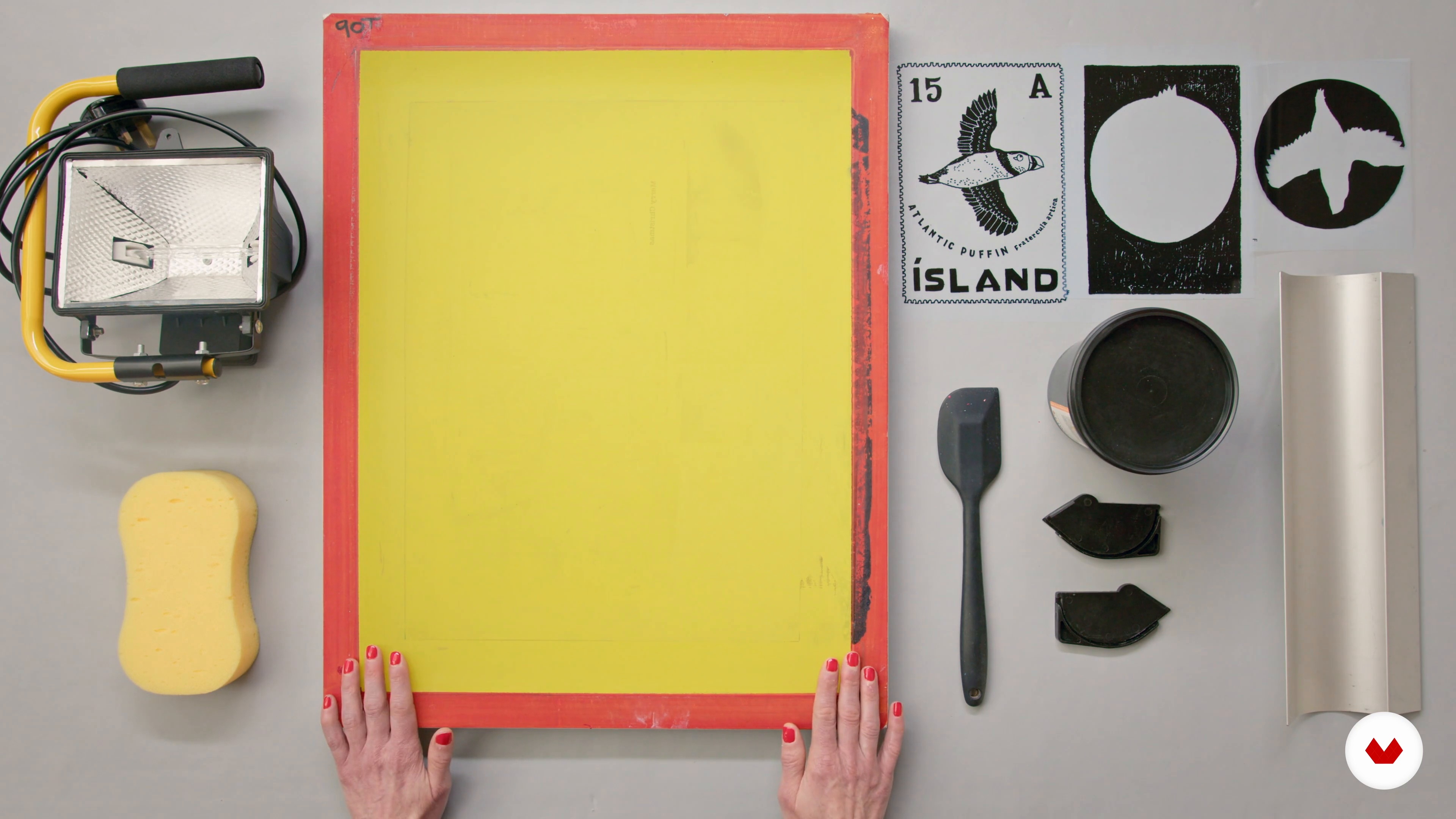
Materials
5 minutes, 59 seconds
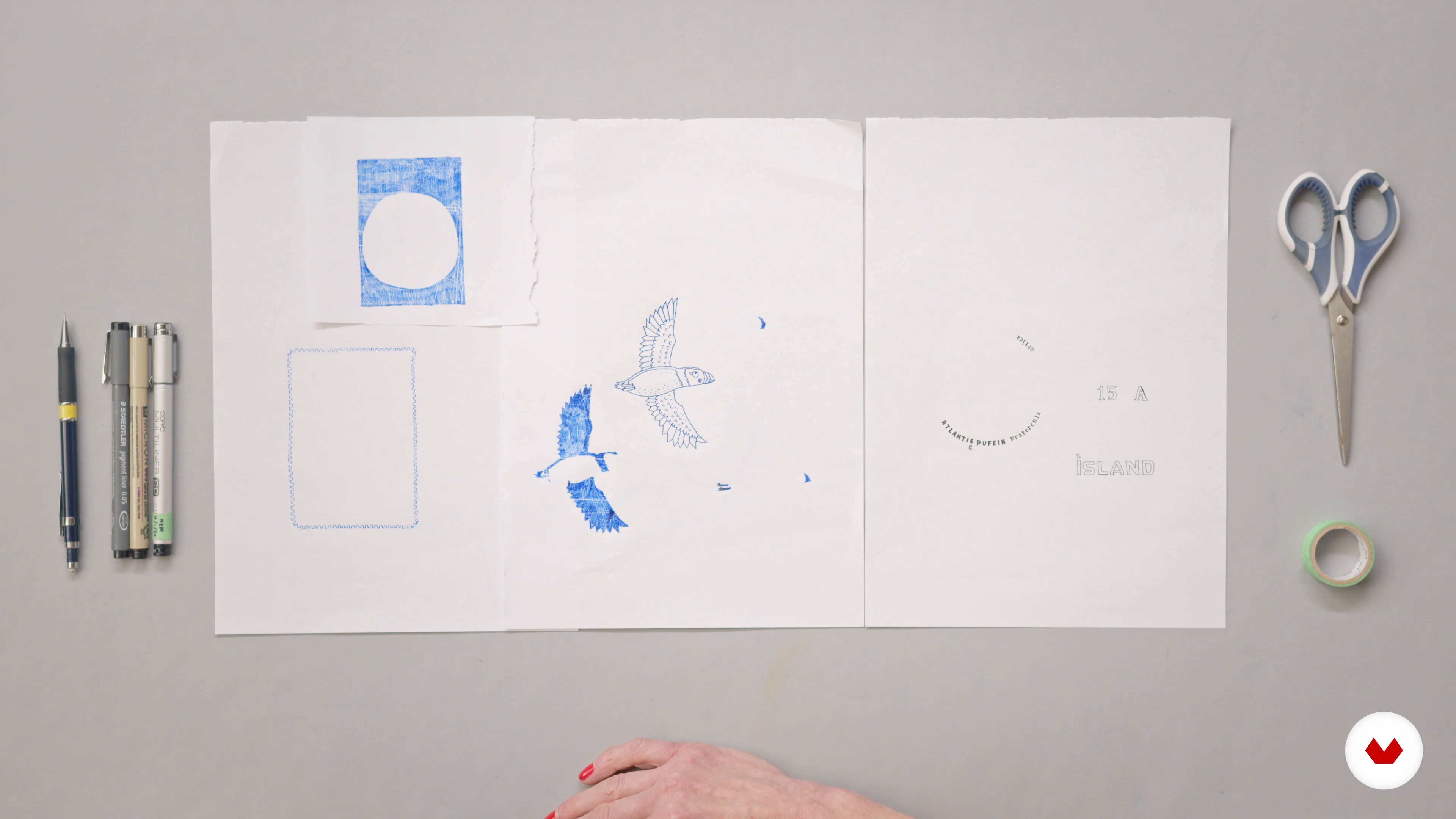
Drawing for Print
20 minutes, 33 seconds

Photoshop: Screen Stencils 1
19 minutes, 7 seconds
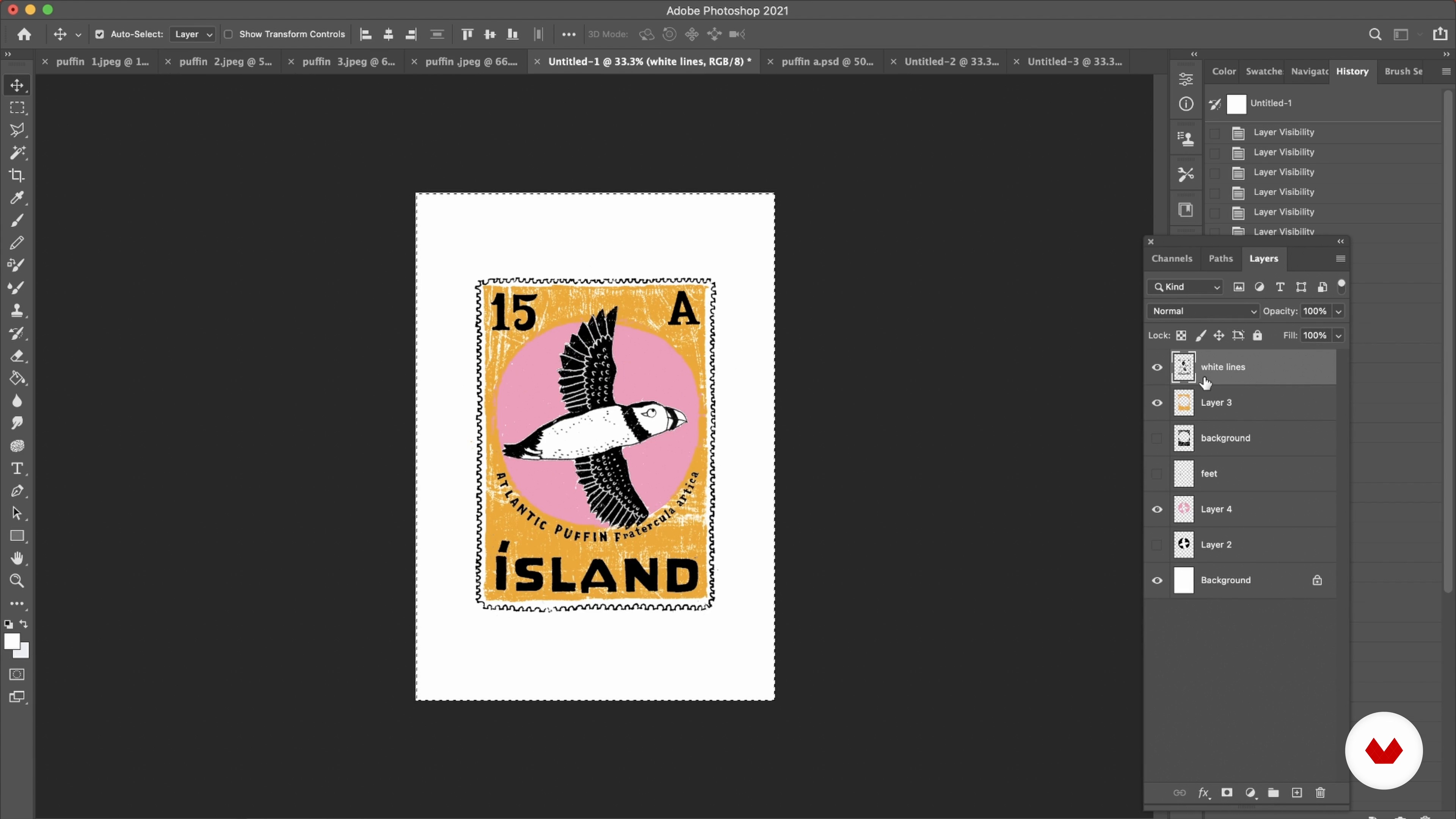
Photoshop: Screen Stencils 2
18 minutes, 54 seconds
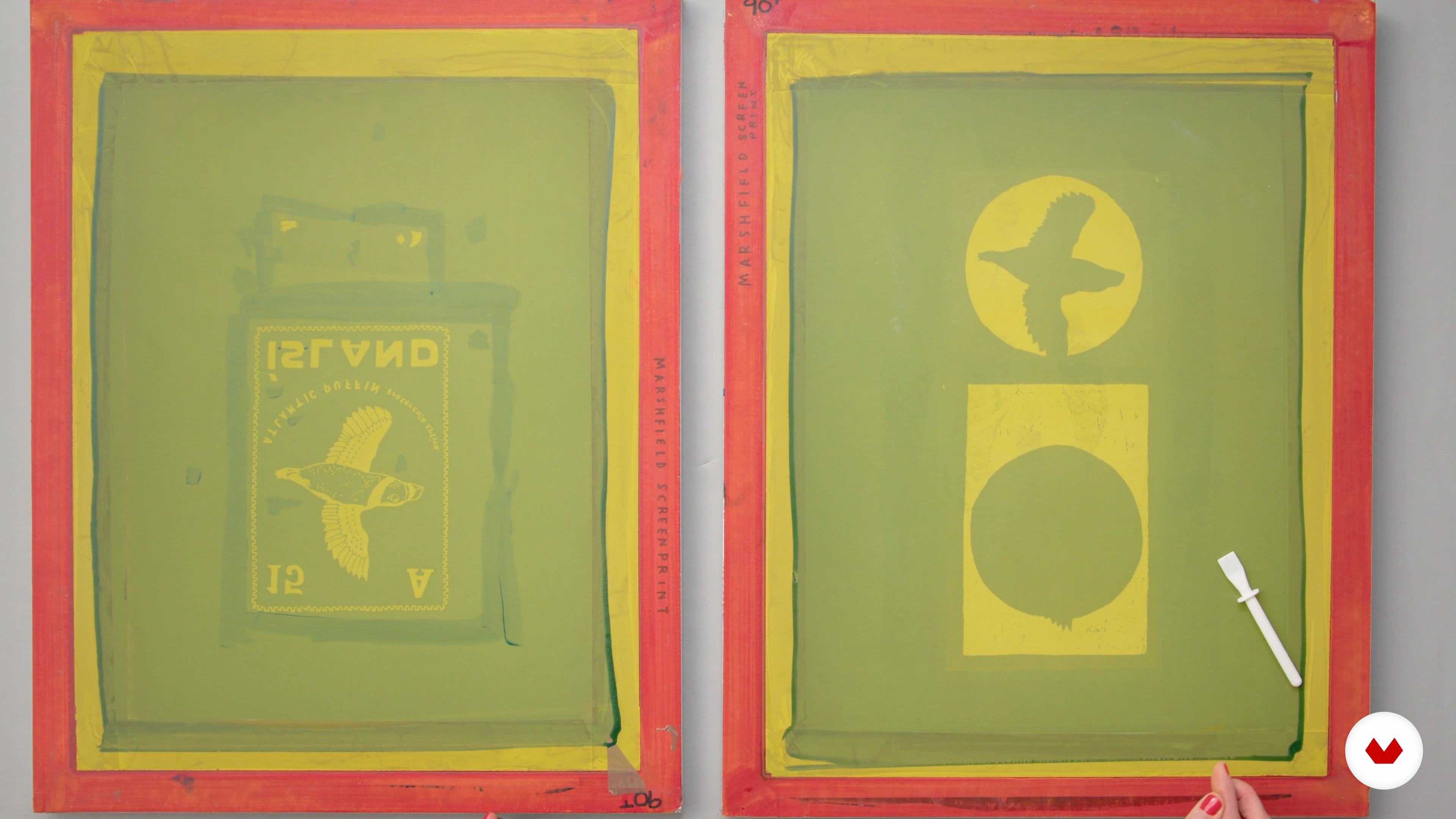
Preparing the Screen
7 minutes, 55 seconds
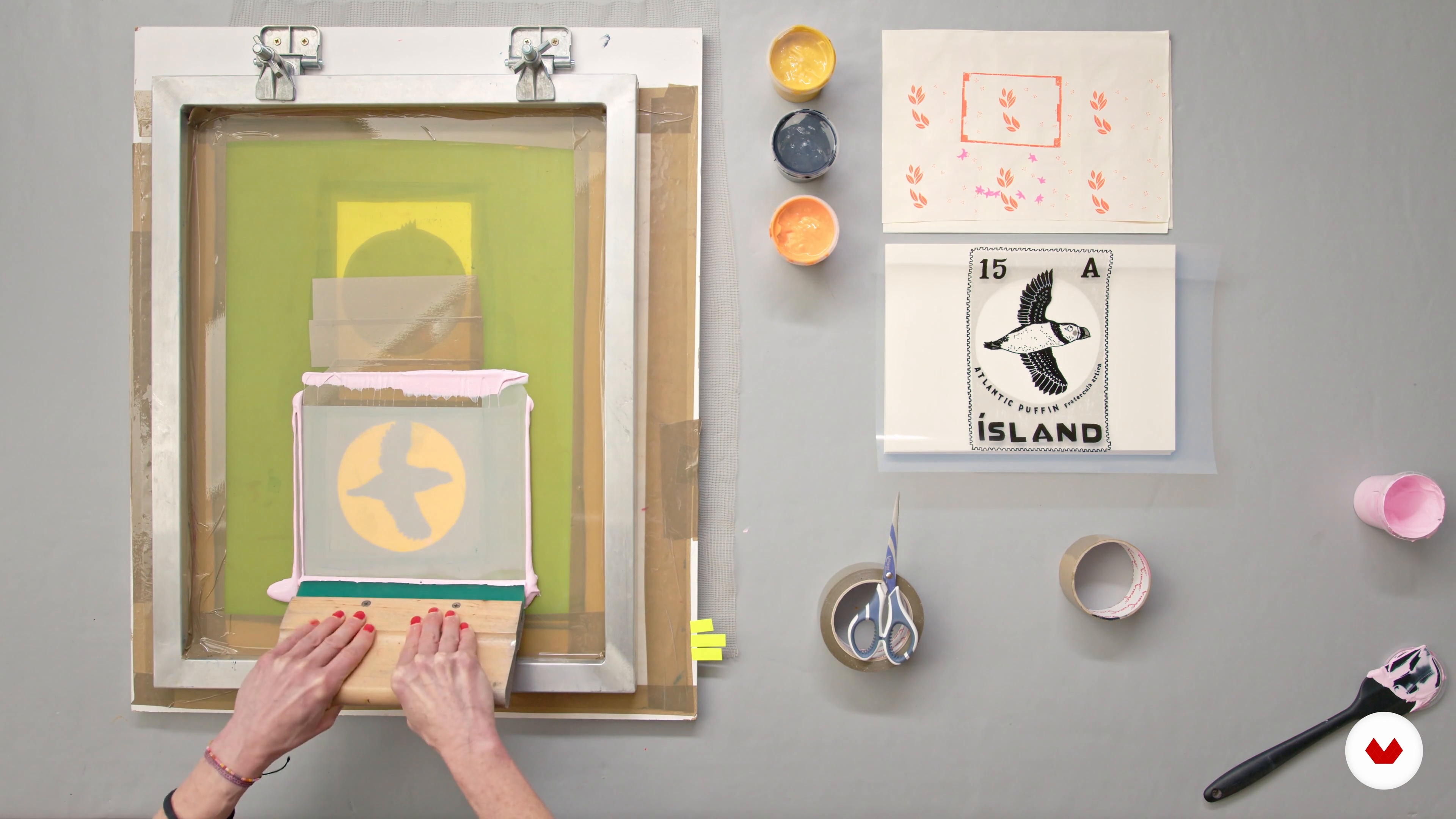
Printing First Colour
10 minutes, 9 seconds
What's included in this course?
Begin by getting to know Charlotte. She walks you through her creative background, and how she became an illustrator and screen printer. Hear about her influences and sources of inspiration.
Get an overview of screen printing and the materials needed for this course. Charlotte then goes more in-depth about color inspiration, and how to draw your illustration especially for screen printing.
Learn how to make your stencils in Photoshop, and prepare both your screen and your workspace, so you can proceed without making a mess. Then it’s time to start printing! Begin with one color, and then gradually add the rest.
Charlotte shares some advice on titling and editioning your work. Wrap up the course by learning how to scale your illustration to fit cards, notebooks, envelopes, and other stationery products.
Recommended software & tools for this course
What is this course's project?
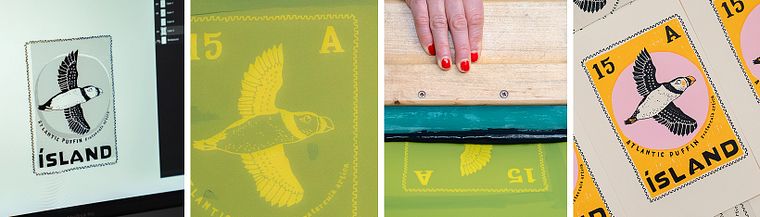
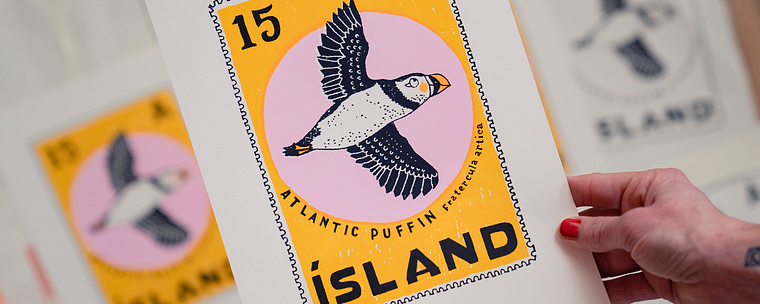
Make a 4-color screen printed illustration using your own stencils.
Who is this online course for?
This course is for anyone with an interest in illustration or screen printing.
Requirements and materials
Basic knowledge of Photoshop is helpful, but not essential.
In terms of materials, you need:
⦁a screen ⦁emulsion and coating trough ⦁UV light or similar ⦁space to dry screen in dark room ⦁clamps for holding the screen in place. ⦁squeegee ⦁the inks and printing medium ⦁paper ⦁tape ⦁a lightbox ⦁Photoshop ⦁acetate or similar
Charlotte gives her recommendations for each item in the second unit.
Reviews
- 5 months ago
A lovely course for beginner
- 8 months ago
This is a good basic course on screen printing. It could be improved with further discussion of mesh sizes as it relate to different types of media (ink, enamel etc). Some discussion of different types of photo emulsion would be useful.
- 10 months ago
muito bom e bem introdutorio para quem não conhece sobre serigrafia.
- 1 year ago
Very clear and concise. A great resource to keep forever. I also really enjoyed learning Charlottes technique with the blue paper Facinating! Im a a big fan of her style, it is very beautiful and feels very English and reprents herself which I love.
- 1 year ago
The course was great. The instructor was very meticulous and explained everything very well. I have never done screen printing and needed an introduction and a little more. This lesson was perfect.

Charlotte has created illustrations for clients including Red Valentino, The Washington Post, Air France, Boden, Waitrose, New York University, Billboard, The Sunday Times Style Magazine, New House Textiles, Clinique, Superdrug, Tatler, Jamie Magazine and Elle. She also designed and created three books for Ilex press: The Hipster Colouring Book, The Passive Aggressive Colouring Book, and The Museum of Me Activity Book.
Content
- U1
Introduction
- About Me
- Influences
- U2
Getting Ready to Print
- Screen Printing
- Materials
- Colour Inspiration
- Drawing for Print
- U3
Time to Print
- Photoshop: Screen Stencils 1
- Photoshop: Screen Stencils 2
- Preparing the Screen
- Preparing Your Workspace
- Printing First Colour
- Printing Other Colours
- U4
Final Details
- Giving Titles and Editioning Your Work
- Making the Most of an Image
- FP
Final project
- Introduction to Screen Printing for Illustration
What to expect from a Domestika course
Learn at your own pace
Enjoy learning from home without a set schedule and with an easy-to-follow method. You set your own pace.
Learn from the best professionals
Learn valuable methods and techniques explained by top experts in the creative sector.
Meet expert teachers
Each expert teaches what they do best, with clear guidelines, true passion, and professional insight in every lesson.
Certificates
PLUSIf you're a Plus member, get a custom certificate signed by your teacher for every course. Share it on your portfolio, social media, or wherever you like.
Get front-row seats
Videos of the highest quality, so you don't miss a single detail. With unlimited access, you can watch them as many times as you need to perfect your technique.
Share knowledge and ideas
Ask questions, request feedback, or offer solutions. Share your learning experience with other students in the community who are as passionate about creativity as you are.
Connect with a global creative community
The community is home to millions of people from around the world who are curious and passionate about exploring and expressing their creativity.
Watch professionally produced courses
Domestika curates its teacher roster and produces every course in-house to ensure a high-quality online learning experience.
FAQs
Yes, this course is designed for beginners and covers foundational screen printing techniques, color selection, and workspace setup. No prior experience is required.
You'll need a screen, squeegee, inks, emulsion, light source for exposure, stencils, acetate, masking tape, and a workspace. The course includes a detailed materials list and setup guide.
You'll learn how to create and prepare artwork, make stencils both by hand and digitally, mix and layer colors, print on various surfaces, and develop a professional illustration portfolio.
The course guides you through scanning, cleaning, and separating your artwork into layers using Photoshop, ensuring your designs are print-ready and high quality.
Yes, you'll learn how to create and edit stencils in Photoshop, including cleaning scanned artwork, separating colors, and exporting files for screen exposure.
You'll explore techniques for choosing harmonious colors, building digital and physical mood boards, and applying color theory specifically for impactful, limited-palette screen prints.
This course covers printing on paper, fabric, and objects like notebooks, stickers, and more, expanding your creative possibilities.