Experimental Mock-Ups: Creating Modular Presets
A course by Mauro JaurenaGraphic Designer and Visual Artist
A course by Mauro Jaurena, Graphic Designer and Visual Artist

Create a modular mock-up of a CD and its box from scratch. Learn to bring your designs to life.
Discover the art of creating modular mockups with a modern and dark approach. Learn to design a CD mockup and its case from scratch, exploring various customization options for each layer. From a flawless presentation to a grunge and distorted aesthetic, you'll experiment with textures and reflections that will transform your projects into unique and compelling visual pieces.
Delve into the world of digital graphic design with techniques that will allow you to create versatile presets. Use Photoshop to develop smart layers and effects like frost, as well as extract textures from everyday materials. Upon completion, you'll have a battery of creative tools that will enrich your portfolio and open up new possibilities for your projects. Connect your artistic influences and transform your ideas into stunning graphic works.
What will you learn in this online course?
19 lessons & 16 downloads
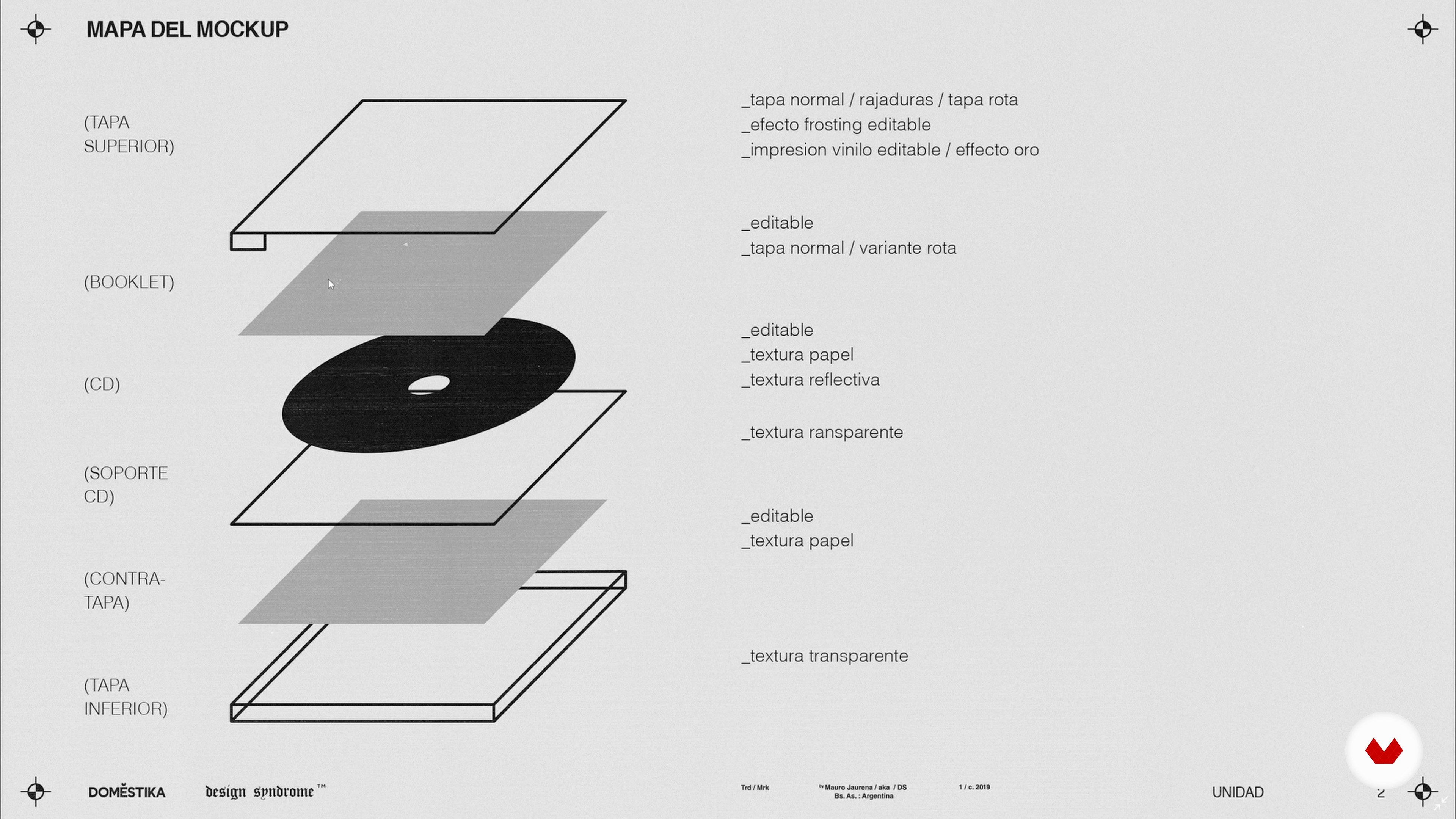
The schematization
5 minutes, 36 seconds
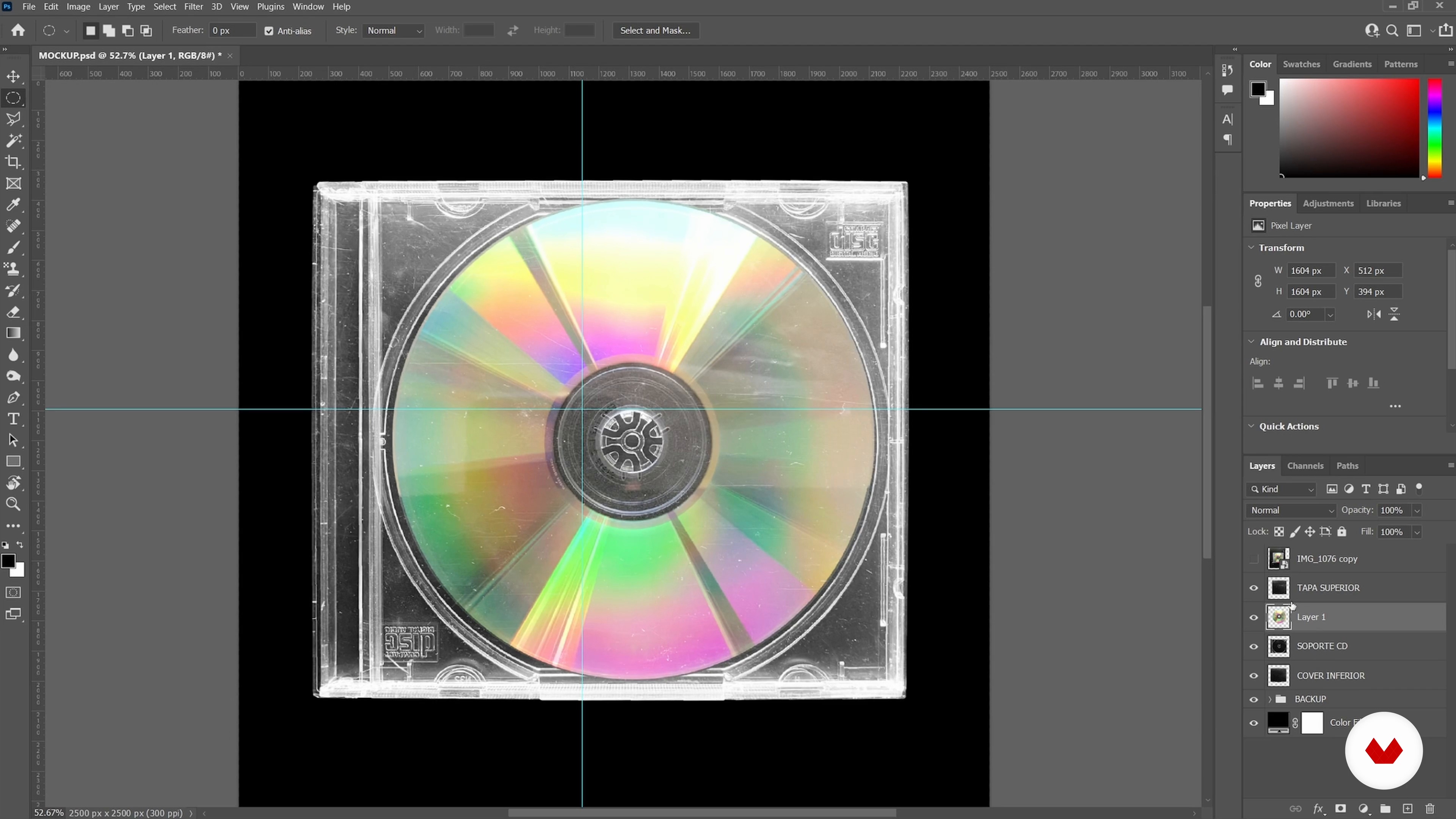
Objects with hard edges (Part 2)
14 minutes, 15 seconds
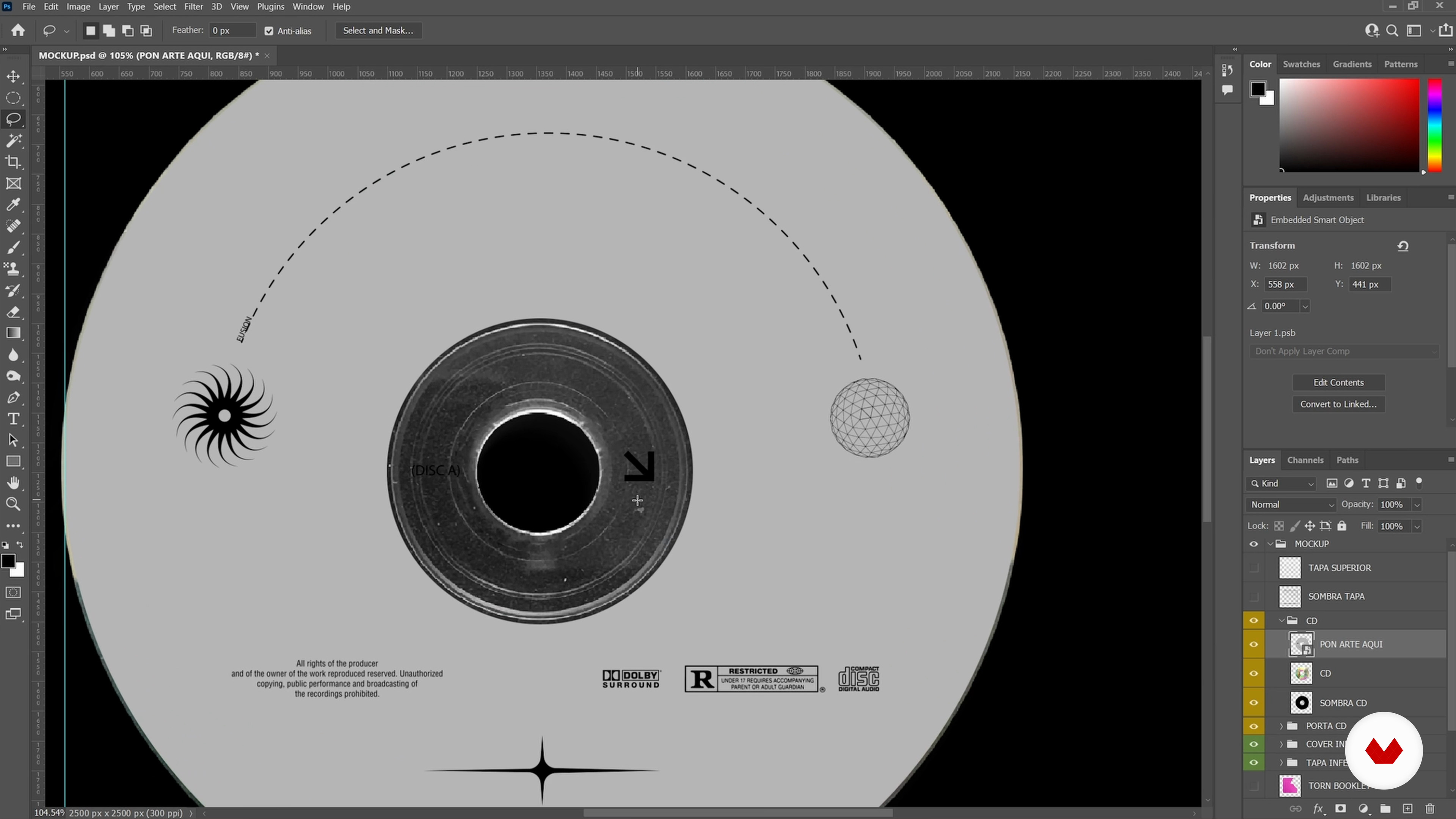
Mock-up of a CD
17 minutes, 34 seconds
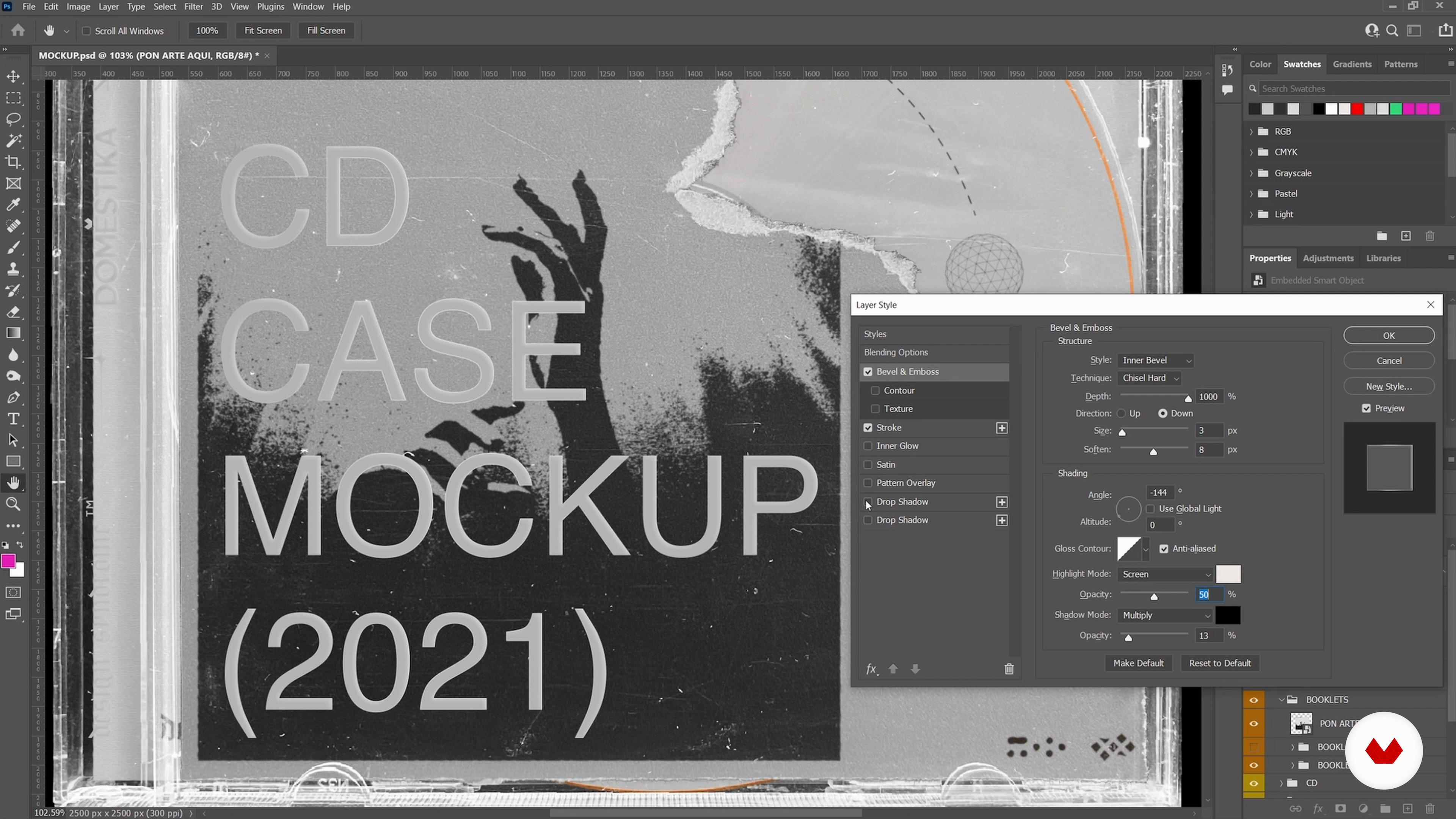
A vinyl cover
16 minutes, 6 seconds
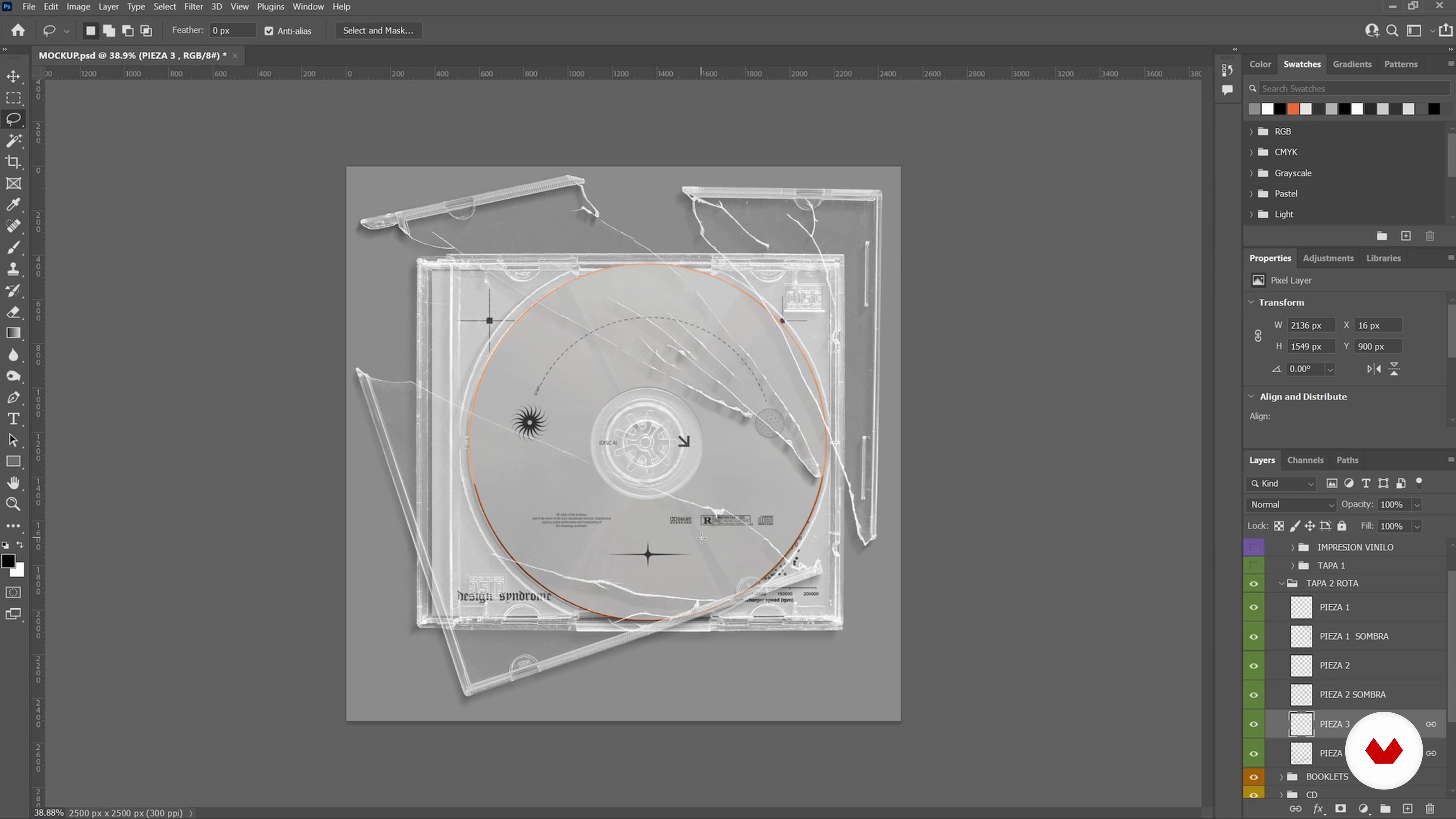
Variants: scratched and broken cover
15 minutes, 56 seconds
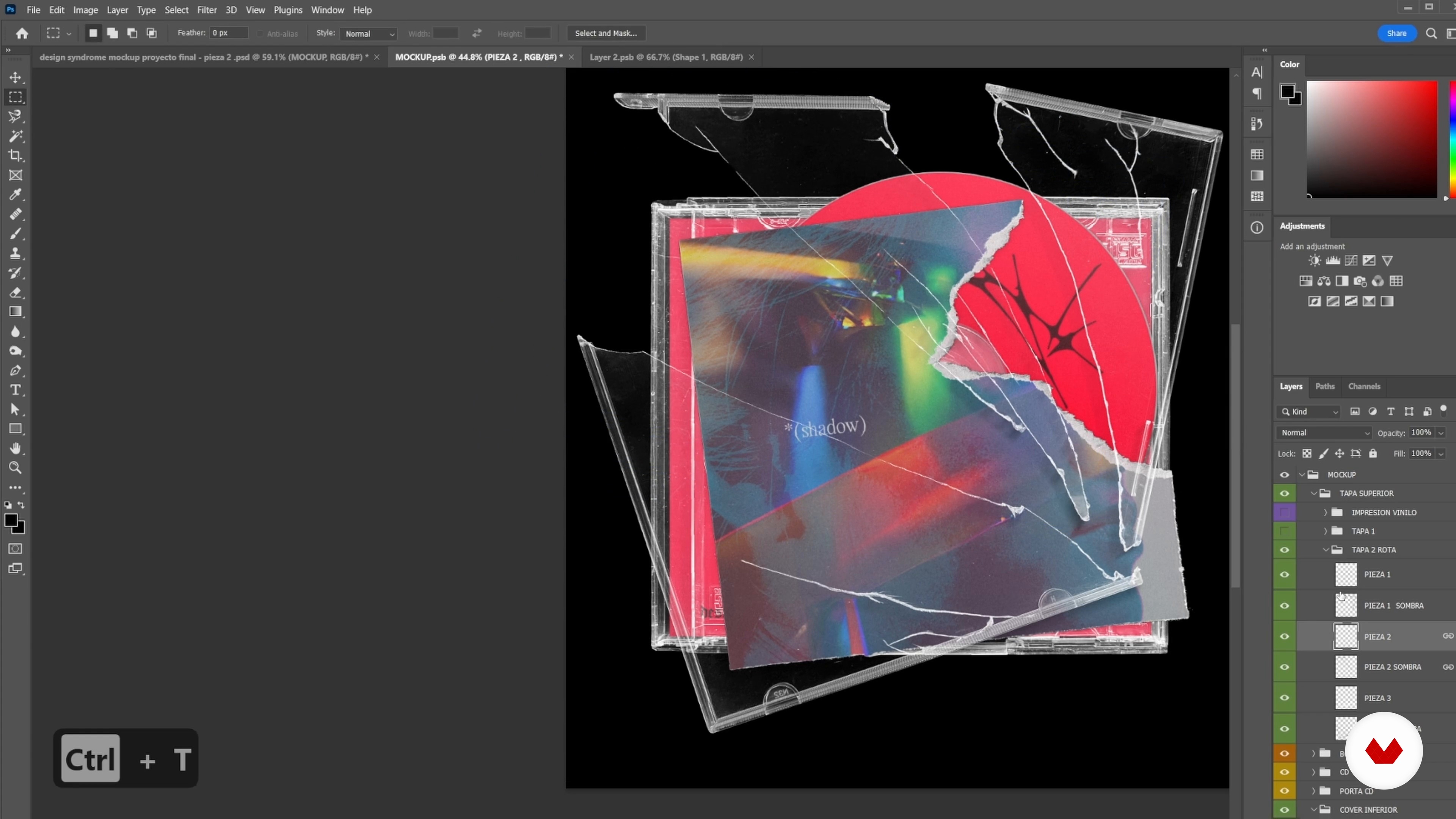
Part design
14 minutes, 41 seconds
What's included in this course?
You'll learn to create modular mockups from scratch, focusing on a specific project: the design of a CD and its case. You'll discover how to customize each layer to achieve everything from clean presentations to grunge and distorted styles. The key is to master the technical process to generate unique textures and effects, adaptable to your creative needs. This approach will allow you to experiment with different styles and expand your digital graphic design skills.
Throughout the course, you'll work with tools like Photoshop to develop smart layers, textures, and reflections. You'll learn how to select and prepare images, clean up errors, and apply advanced selections. You'll also explore generating effects like frost and texture extraction, allowing you to create interesting and authentic visual pieces. Upon completion, you'll be prepared to effectively export your creations for social media, ensuring your projects stand out in the digital world.
Recommended software & tools for this course
What is this course's project?
Students will create a modular mockup of a CD and its case, exploring customizable layers from sleek finishes to grunge elements. They will learn advanced Photoshop techniques to generate textures, effects, and reflections, enhancing their visual creativity.
Who is this online course for?
The course is designed for creatives and graphic designers looking to expand their Photoshop skills and are interested in creating modular and customizable mockups. It's also ideal for those who want to explore new digital design techniques with a modern and distinctive style.
Requirements and materials
You don't need extensive prior knowledge, but basic to intermediate Photoshop skills and access to a cell phone or scanner are required. With these tools, you can create modular CD and box mockups, customizing each layer and texture.
Reviews
- 10 months ago
Muy buen curso
- 1 year ago
Muy buen curso. El profesor es muy claro con las consignas.
- 1 year ago
Estou gostando
- 1 year ago
Muy buen curso

Through his personal brand, Design Syndrome, Mauro has perfected the creation of digital graphic pieces, including modular mockups that reflect his unique aesthetic. His experience ranges from creating album covers to creating graphic resources for other artists. Inspired by film, video games, and music, Mauro finds in these disciplines an inexhaustible source of ideas and atmospheres that nourish his creative process. His approach centers on constant experimentation, always seeking to share his knowledge to foster collective growth in the field of design.
Content
- U1
Introduction
- Presentation
- Influences
- U2
Prepare the mock-up
- Mock-ups: pieces in themselves
- The schematization
- The production of images
- U3
Selecting and cropping images
- The preselection of images
- Objects with hard edges (Part 1)
- Objects with hard edges (Part 2)
- Objects with undefined edges
- U4
Smart textures and layers
- Extracting transparent textures
- Texture generation with filters
- Mock-up of a CD
- Inner Book Mock-Up (Part 1)
- Internal Book Mock-Up (Part 2)
- A vinyl cover
- Variants: scratched and broken cover
- The "frost" effect
- U5
The design and export process
- Part design
- Files: Export Guide for Social Media
- FP
Final project
- Experimental Mockups: Creating Modular Presets
What to expect from a Domestika course
Learn at your own pace
Enjoy learning from home without a set schedule and with an easy-to-follow method. You set your own pace.
Learn from the best professionals
Learn valuable methods and techniques explained by top experts in the creative sector.
Meet expert teachers
Each expert teaches what they do best, with clear guidelines, true passion, and professional insight in every lesson.
Certificates
PLUSIf you're a Plus member, get a custom certificate signed by your teacher for every course. Share it on your portfolio, social media, or wherever you like.
Get front-row seats
Videos of the highest quality, so you don't miss a single detail. With unlimited access, you can watch them as many times as you need to perfect your technique.
Share knowledge and ideas
Ask questions, request feedback, or offer solutions. Share your learning experience with other students in the community who are as passionate about creativity as you are.
Connect with a global creative community
The community is home to millions of people from around the world who are curious and passionate about exploring and expressing their creativity.
Watch professionally produced courses
Domestika curates its teacher roster and produces every course in-house to ensure a high-quality online learning experience.
FAQs
You’ll learn how to create professional mockups, generate and apply textures, work with Photoshop and other tools, build your own digital portfolio, and manage creative assets—combining analog and digital techniques for branding, packaging, and presentation projects.
This course is designed for those with basic graphic design knowledge, ideally with some experience using tools like Photoshop. It’s perfect for anyone looking to elevate their skills and professionalize their portfolio.
You should have basic Photoshop skills and know how to handle digital files. It’s recommended to have a computer with Photoshop installed and a camera or smartphone to capture your own images and textures.
The course mainly uses Adobe Photoshop, along with resources like Behance for portfolios and digital photography tools to capture textures and objects. It also explores 3D design concepts and advanced editing.
Yes, you’ll learn how to build and organize your digital portfolio, optimize it for platforms like Behance and social media, and present your projects professionally to potential clients or employers.
You’ll be able to create mockups for CDs, packaging, business cards, album covers, and experimental pieces—applying gradients, risograph effects, frost, and digitized analog textures for realistic and creative results.
Yes, you’ll learn how to capture original textures, extract them, and apply them in Photoshop to simulate realistic materials and effects—perfect for mockups, covers, and other graphic projects.