Realistic Painting and Illustration with Procreate
A course by Jaime Sanjuan OcaboDigital Painter and Illustrator
A course by Jaime Sanjuan Ocabo, Digital Painter and Illustrator

Learn to digitally draw with your iPad and your fingers
Did you ever imagine it possible to experiment with different painting techniques without having to invest in lots of tools and materials? Digital painting with Procreate has opened up many doors for Jaime Sanjuán, whose studio space fits into the screen of his iPad. The work that he creates with just a tablet and his fingers has been exhibited in museums and galleries the world over, giving him the opportunity to work for major clients such as Apple, Pixelmator, and Frit Ravich, in addition to earning several international awards.
In this online course, learn how to realistically illustrate a completely surreal situation using only the Procreate app and your fingers. Jaime teaches you a range of traditional painting techniques such as oil and pastels, as well as how to apply them in digital compositions and elements.
What will you learn in this online course?
23 lessons & 14 downloads
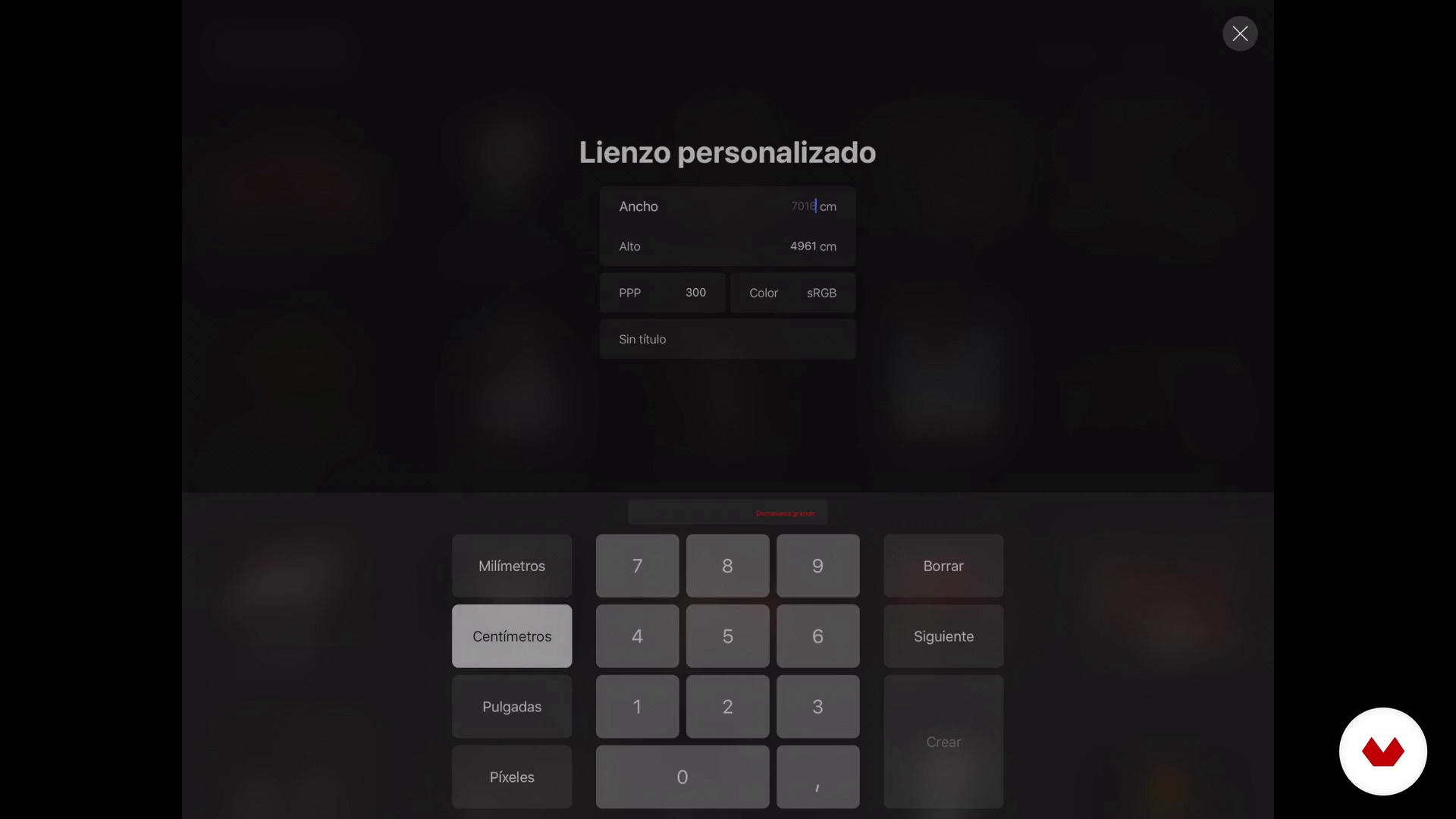
Create workspace
14 minutes, 28 seconds

Create the necessary brushes
11 minutes, 26 seconds
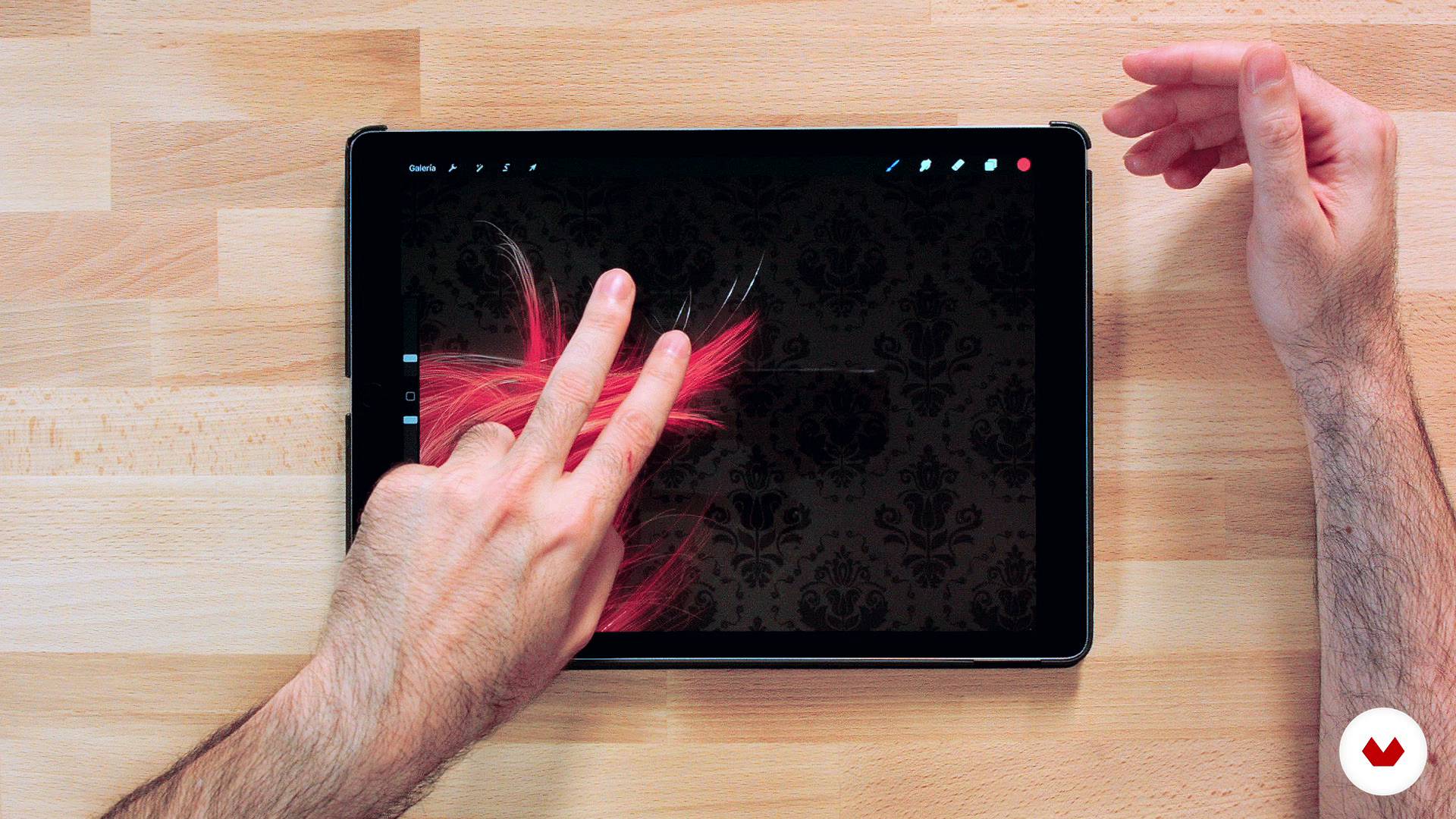
Basic gestures
3 minutes, 32 seconds
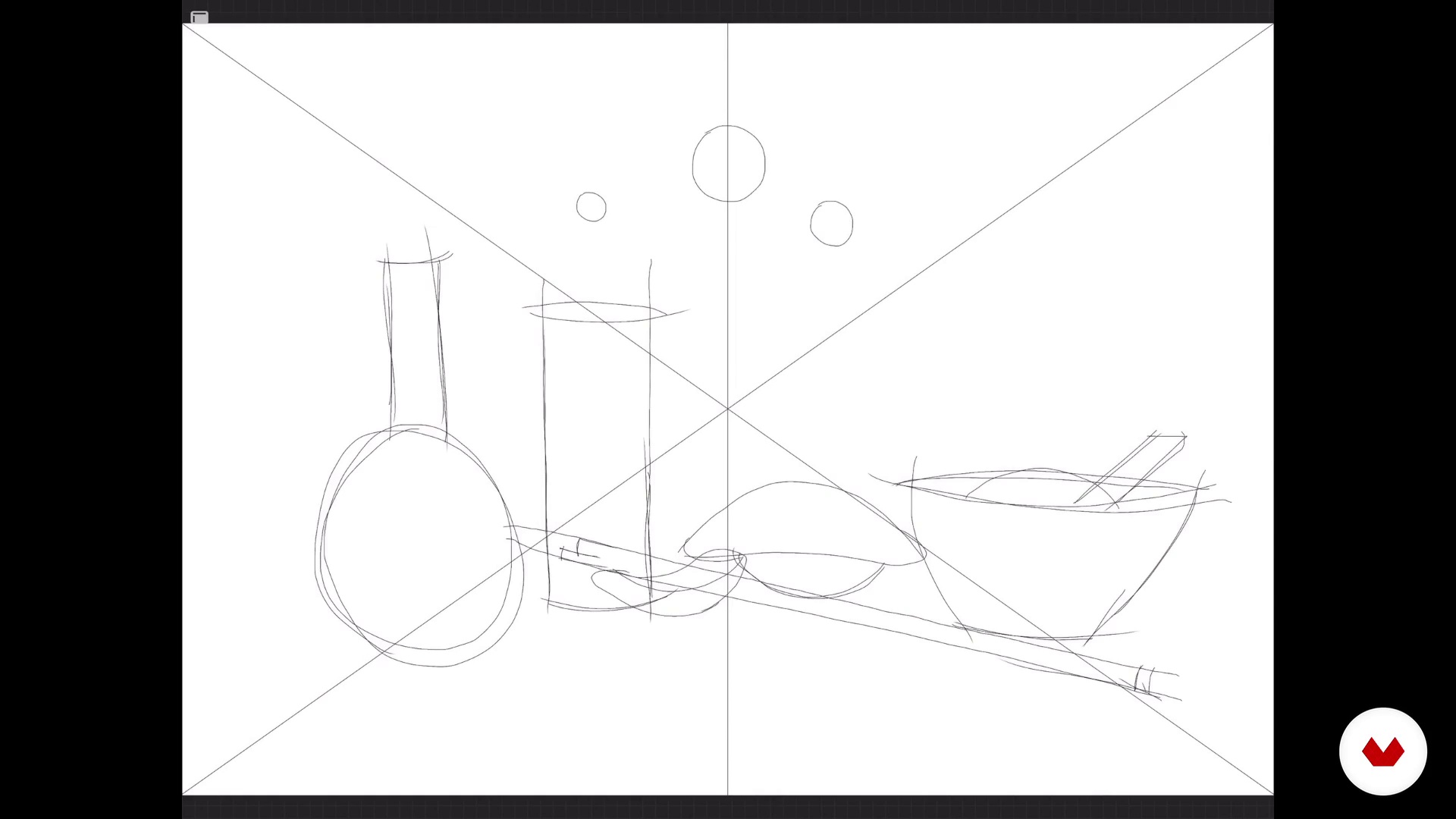
Disposition of the elements in space
11 minutes, 44 seconds
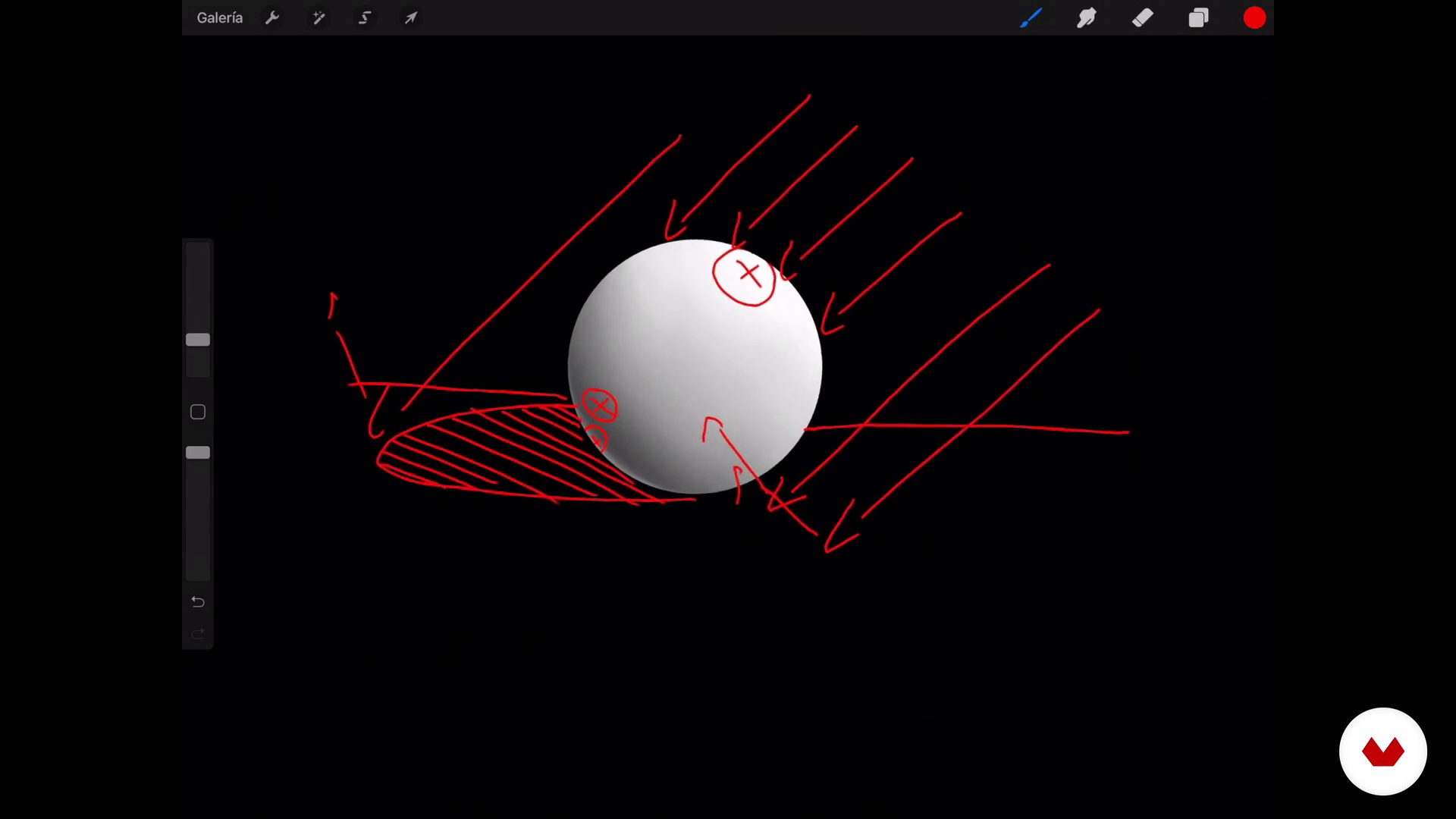
Application of base color: creation of contours
9 minutes, 5 seconds
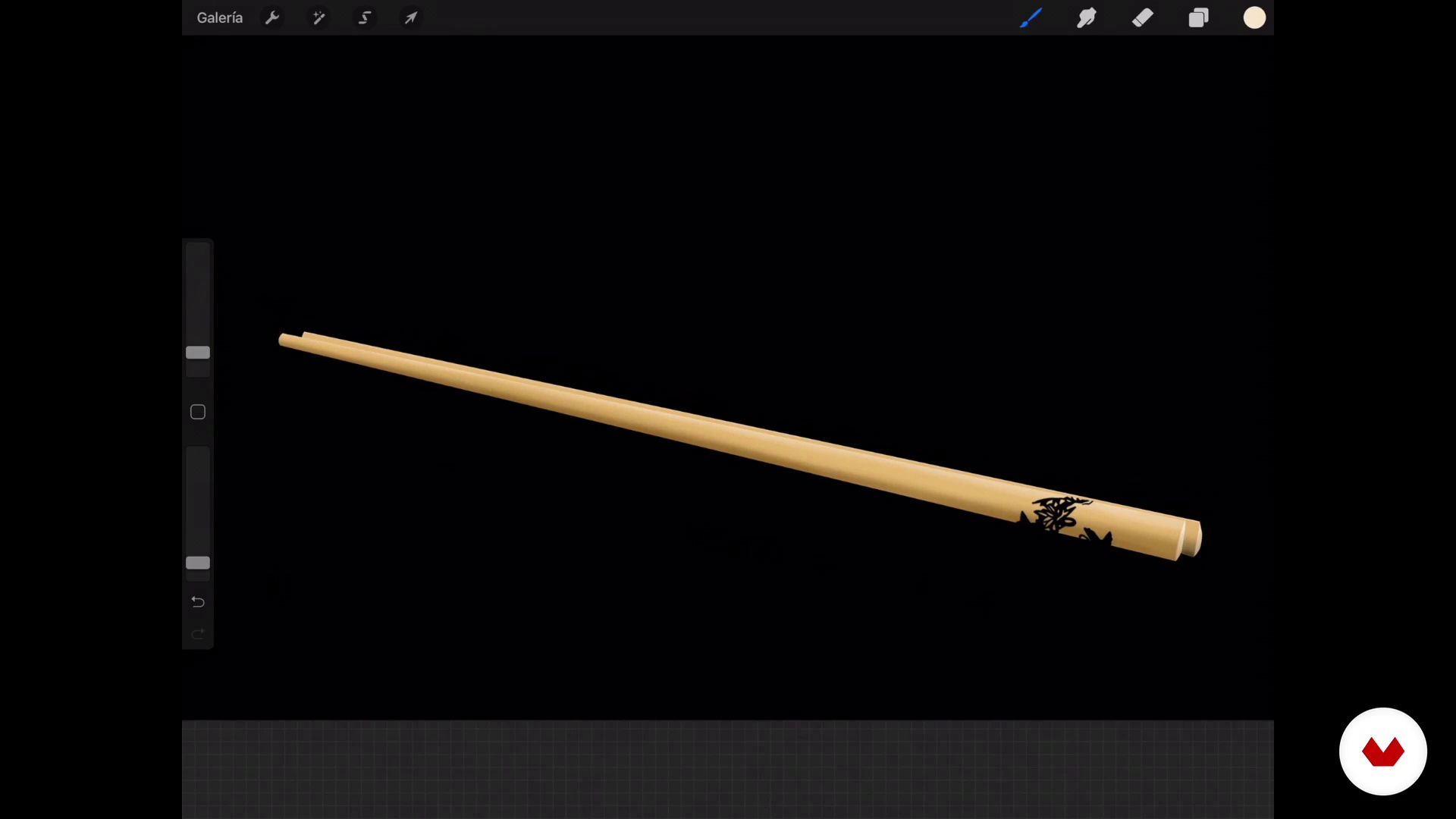
Application of own lights and shadows
10 minutes, 18 seconds
What's included in this course?
Start by getting to know Jaime Sanjuán, who tells you about himself and his professional background, from the more traditional and analog concepts of his training to the digital painting and illustration techniques he uses today. Discover some of the realist and hyperrealist artists that inspire him the most and his biggest influences who also work with Procreate.
Next, see how to configure the Procreate workspace to suit your needs. Jaime then teaches you the basic gestures for painting with your fingers on the iPad screen before guiding you through creating your own brushes.
Once you're comfortable with the software, get started on your composition by sketching all the components.
Add some details and begin the illustration process. Experiment by painting realistic objects with different finishes and textures like wood, metal, glass, ceramics, and liquids. Then Jaime gives you tips to apply lights, shadows, reflections, and all kinds of elements so that your drawings look as natural as possible.
To finish, Jaime teaches you how to properly export your work so you can use your painting or illustration in different projects.
Recommended software & tools for this course
What is this course's project?
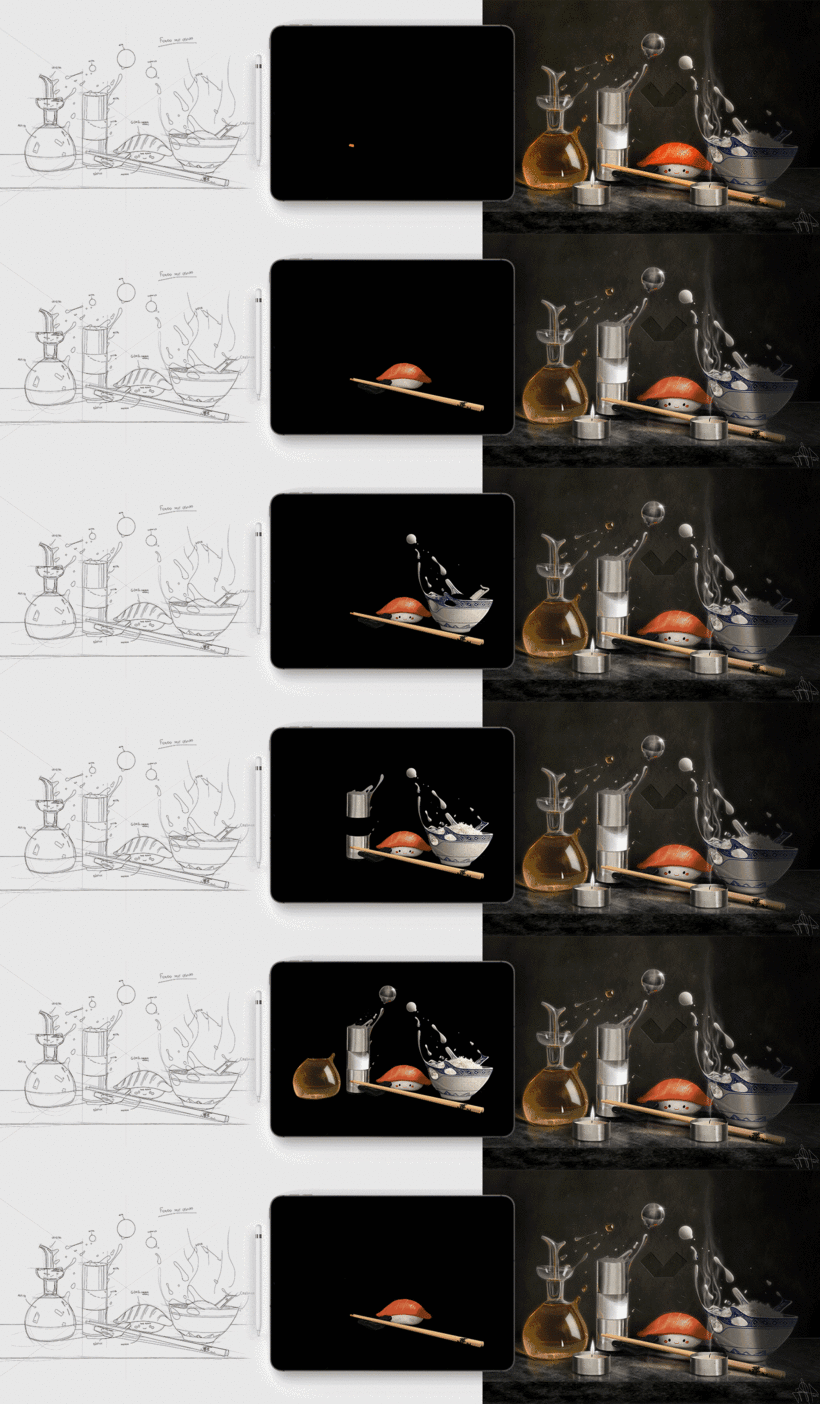
Experiment with new techniques to make a realistic still life with different textures and materials.
Projects by course students


Who is this online course for?
Illustrators, artists, cartoonists, and anyone interested in digital illustration or painting who wants to learn digital techniques to create realistic images with Procreate.
Requirements and materials
Basic drawing skills are necessary to take this course.
As for materials, you only need an iPad with Procreate and your hands.

Reviews
- 13 days ago
Amazing course - especially for people who want to make extreme realistic artwork. His explanations are very detailed and clear. Only deficit is the language - origin language is in spanish and very fast - the autotranslate works well but i had to reduce speed to 0,75 to get along with his fast speech rhytm what makes is more difficult to listen.
- 8 months ago
Molto ben fatto. Mi ha aperto un mondo sulle tecniche per dare quel tocco di pittura digitale realistica che cercavo. Davvero molto utile, anche per i pennelli messi a disposizione da scaricare.
- 9 months ago
Si no has usado procreate, que este sea de los primeros cursos que completes
- 10 months ago
Me parece un curso estupendo del que se aprende mucho porque Jaime explica muy bien todos los procesos.
- 11 months ago
Molto interessante. Ti aiuta a costruire strumenti indispensabili all:uso di procreate. Spiegato con calma e semplicita

Jaime has always been fascinated by realist and hyperrealist painting. It's this aesthetic that he always seeks in his paintings and illustrations, which are full of double meanings and impossible realities. This very particular vision and a highly refined technique have earned him international recognition such as the Communication Arts Award, the American Illustration Award, and the Latin American Illustration Award, enabling him to see his work exhibited in galleries and museums around the world.
Content
- U1
Introduction
- Presentation
- Influences
- U2
Preparing the interface for illustration
- Create workspace
- Create the necessary brushes
- Basic gestures
- Upgrade
- U3
Let's do it
- Disposition of the elements in space
- Realization of the drawing
- U4
Painting some chopsticks
- Application of base color: creation of contours
- Application of own lights and shadows
- Tricks to paint wood and painted stick holder
- U5
Painting a rubber figure
- Base color, lights and shadows
- Tricks to paint rubber and final details
- U6
Painting a porcelain bowl
- Base color, lights and shadows
- Tricks to paint porcelain and final details
- U7
Painting a metal salt shaker
- Base color, lights and shadows
- Tricks to paint metal and final details
- U8
Painting a glass oil
- Base color, lights and shadows
- Tips for painting glass and final details
- Tips for painting glass and final details II
- U9
Latest details and postproduction
- Integrate the objects to the table of the still life
- Unifying the light and final effects
- Export illustration from Procreate
- FP
Final project
- Painting and realistic illustration with Procreate
What to expect from a Domestika course
Learn at your own pace
Enjoy learning from home without a set schedule and with an easy-to-follow method. You set your own pace.
Learn from the best professionals
Learn valuable methods and techniques explained by top experts in the creative sector.
Meet expert teachers
Each expert teaches what they do best, with clear guidelines, true passion, and professional insight in every lesson.
Certificates
PLUSIf you're a Plus member, get a custom certificate signed by your teacher for every course. Share it on your portfolio, social media, or wherever you like.
Get front-row seats
Videos of the highest quality, so you don't miss a single detail. With unlimited access, you can watch them as many times as you need to perfect your technique.
Share knowledge and ideas
Ask questions, request feedback, or offer solutions. Share your learning experience with other students in the community who are as passionate about creativity as you are.
Connect with a global creative community
The community is home to millions of people from around the world who are curious and passionate about exploring and expressing their creativity.
Watch professionally produced courses
Domestika curates its teacher roster and produces every course in-house to ensure a high-quality online learning experience.
FAQs
You’ll learn how to create realistic illustrations on iPad using Procreate by setting up canvases, customizing brushes, applying light and shadow techniques, managing layers, and exporting your work for print or social media.
This course is aimed at intermediate users—perfect for those who already know the basics of Procreate and want to master advanced digital illustration techniques and tool customization.
Basic knowledge of Procreate and some digital drawing experience are recommended to fully benefit from the course’s intermediate and advanced content.
You’ll need a compatible iPad, Apple Pencil, and the Procreate app installed. Internet access is also recommended to watch lessons and export files.
You’ll learn to create custom brushes, tweak advanced settings like shape and grain, invert grain textures, and group brushes to streamline your workflow.
The course teaches you how to choose between RGB for digital art and CMYK for print, making sure your illustrations look great wherever they appear.
You’ll learn to paint realistic materials like metal, glass, wood, and ceramics by applying light, shadow, reflections, and imperfections for professional finishes.