Advanced After Effects: Coding for Motion Design
A course by Desmond DuMotion Designer
A course by Desmond Du, Motion Designer

Take your motion design skills to the next level by learning to code expressions with JavaScript to create complex animation rigs with style
Expressions are snippets of code in JavaScript that allow you to create animations that would be impossible to design manually, and they're one of the most efficient motion design tools in Adobe After Effects. Motion designer Desmond Du has been using expressions while collaborating with the NBA, Turner Classic Movies, Adobe, and Cartoon Network.
In this online course, Desmond teaches you **how to code expressions to create complex animation rigs **with style and ease. Learn to use a variety of techniques to make a series of abstract geometric animations that will be assembled and composite into the final project.
What will you learn in this online course?
20 lessons & 24 downloads
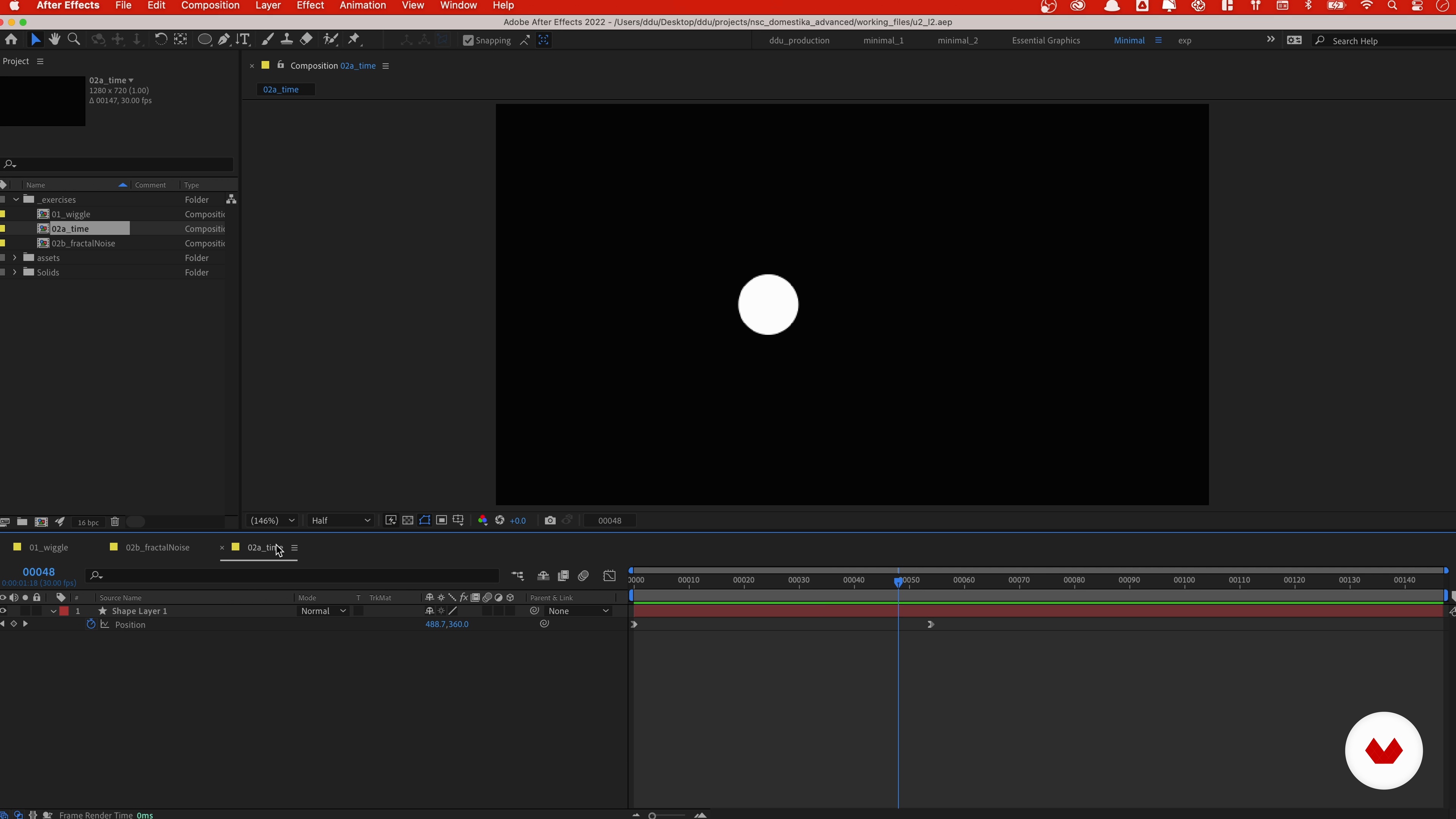
The Basics of Coding
19 minutes, 59 seconds
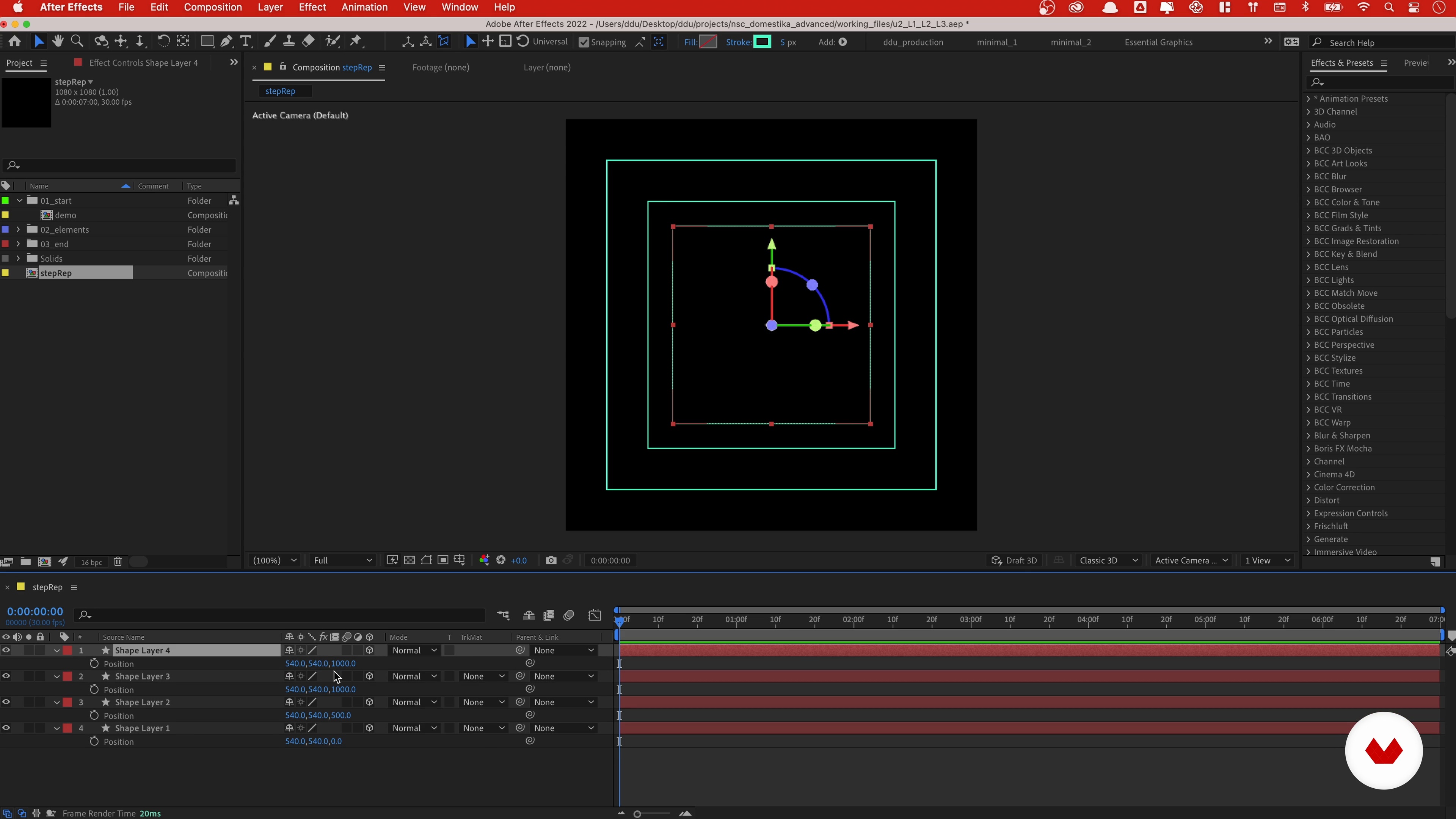
Step Repetition: Transforming Properties
16 minutes, 48 seconds
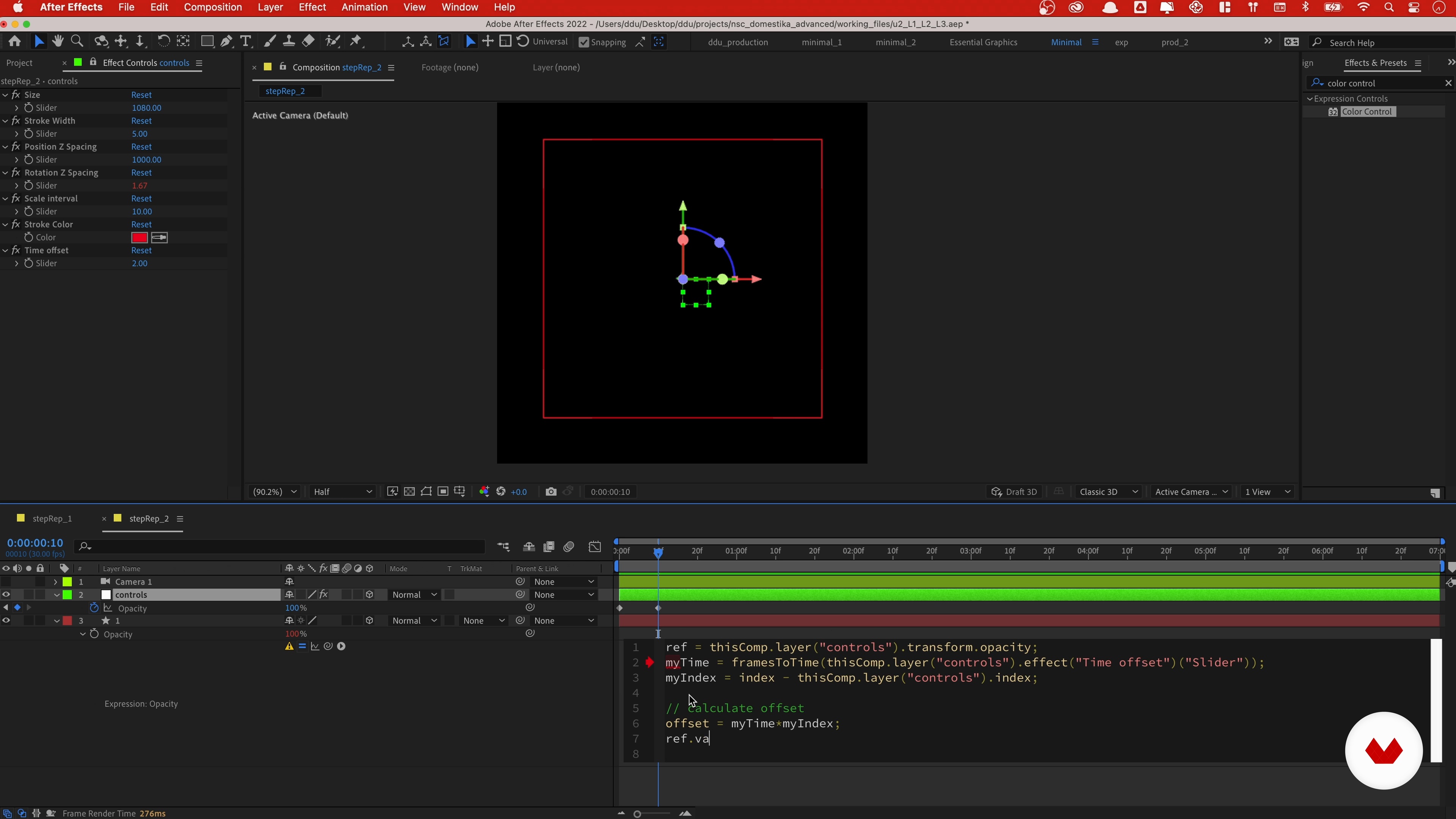
Step Repetition: Animating with “valueAtTime”
7 minutes, 41 seconds
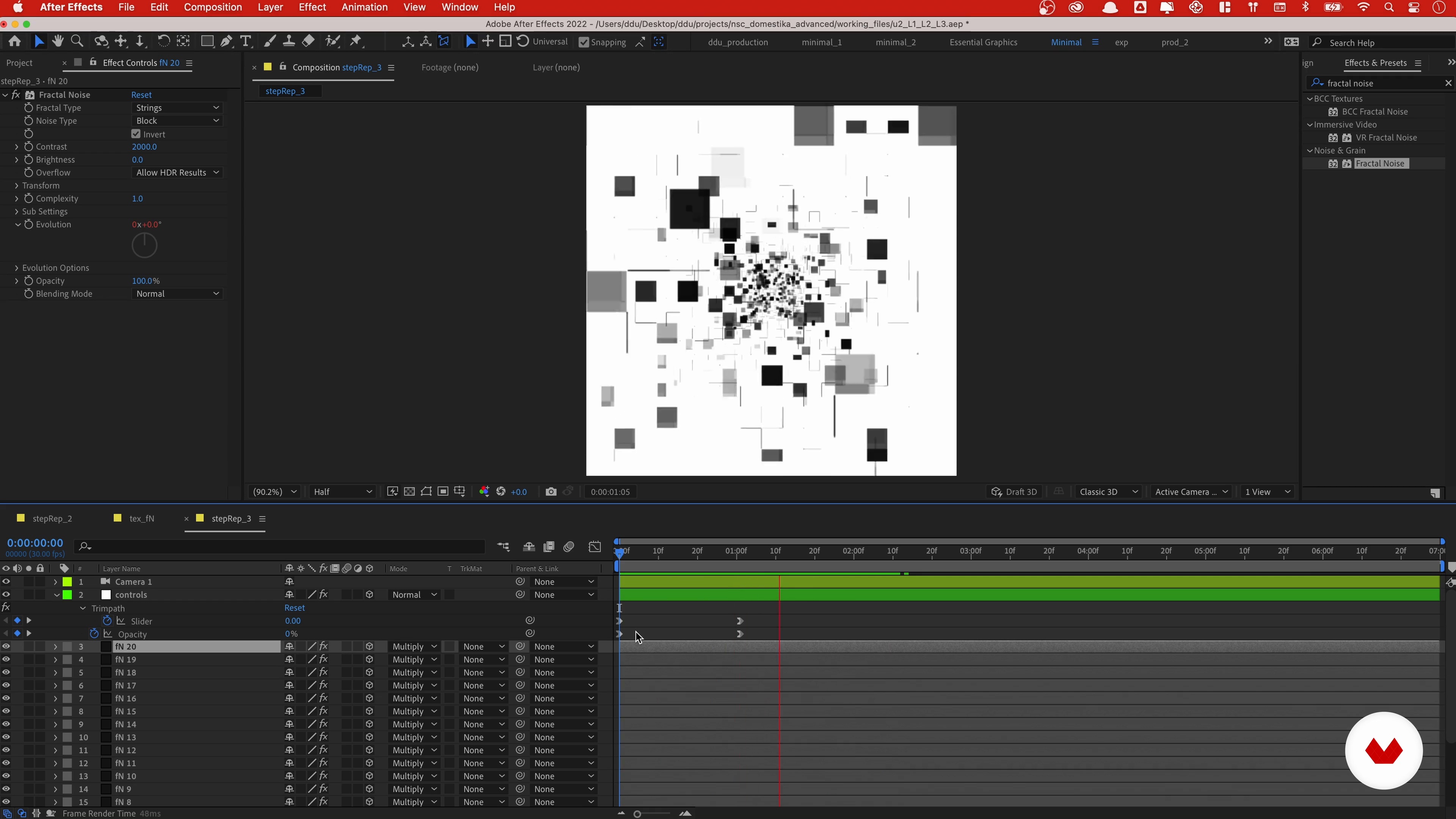
Step Repetition: Working with Effects and Layers
6 minutes, 33 seconds
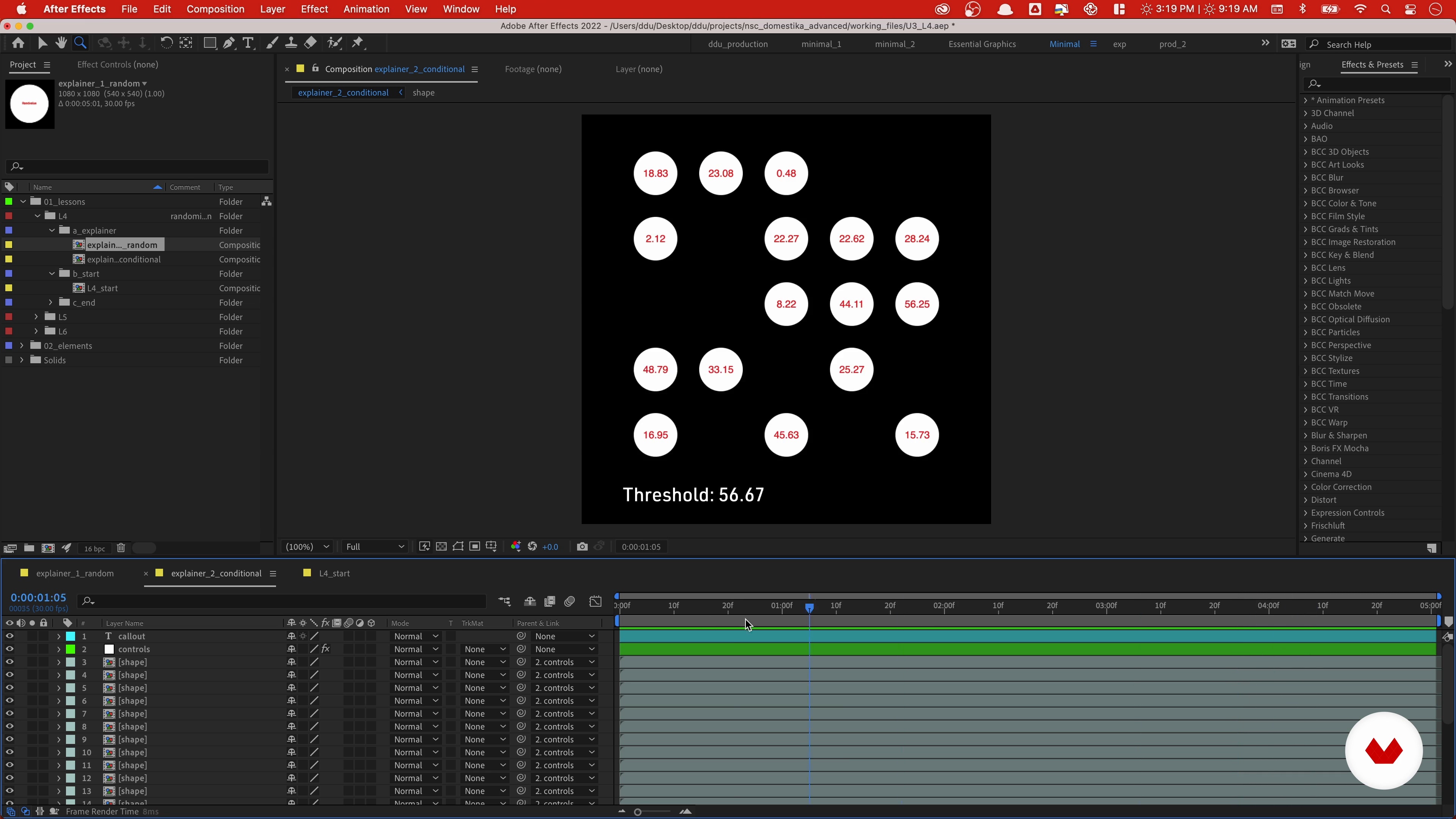
Randomization: Animating Multiple Layers
11 minutes, 10 seconds
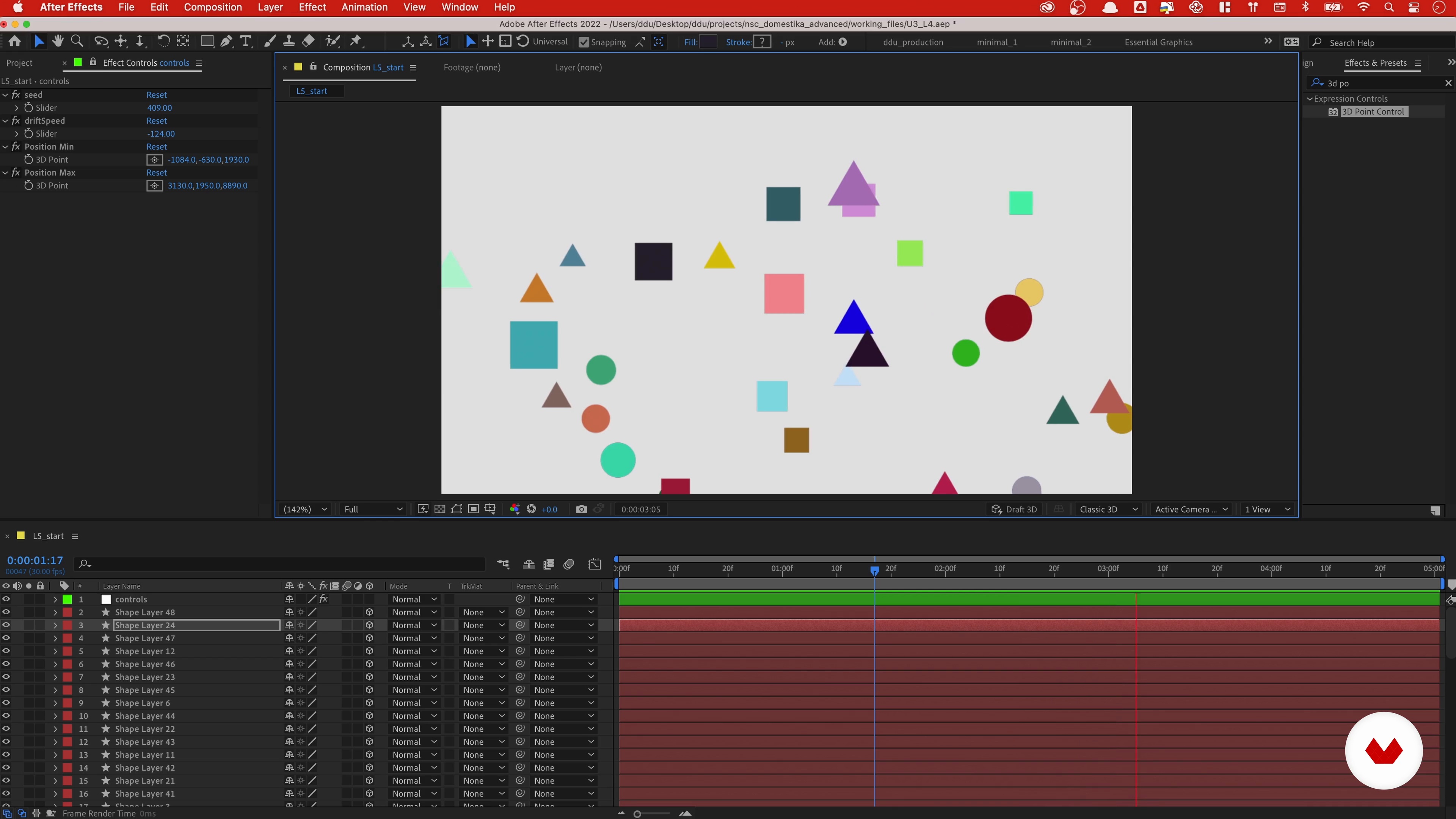
Randomization: Displacement
9 minutes, 46 seconds
What's included in this course?
Meet Desmond Du, a motion designer based in Savannah, Georgia, and your teacher for this course. Hear his creative journey that led him into the world of the motion design. He also shares his major artistic influences and their work.
Desmond starts the course by giving a detailed overview of the final project so that you understand the assignment. Get familiar with the basics of coding expressions and animation techniques.
Next, learn about procedural design. Desmond teaches you the step repetition technique for creating interesting patterns. Learn how to simplify the animation process with minimal keyframes, and implement fractal noise textures in your pieces.
Move to a higher level of coding and work on complex animations using randomization. Explore working with** 3D space, loops, and abstract compositions** based on mathematical equations.
Time to start working on the final project! See how to assemble everything you’ve built so far into a single title sequence animation. Learn to add type animation using expression selector, and enhance its scenes with a consistent look.
Finally, Desmond shows you how to speed up your workflow, and improve upon the expressions you’ve learned. Wrap up the course by hearing Desmond’s closing thoughts on the art of collaboration.
Recommended software & tools for this course
What is this course's project?
Animate a 25-second title sequence for a fictional documentary using expressions and mathematical equations to create complex animation rigs.

Projects by course students
Who is this online course for?
This course is aimed at intermediate to advanced After Effects users with basic knowledge of expressions who want to bring coding, math, and science to their creative pieces!
Requirements and materials
All you need is a computer with access to After Effects, and previous experience with the software.

Reviews
- 3 months ago
Course was really good. although it was advanced, i feel there are a lot of steps the teacher didnt explain. Like why is he writing a specific line of code, and what differenc would it make if it wasn't written. I wont recommend this course to someone who has no javascript knowledge, and just wants to learn advanced AE.
- 4 months ago
bien explicado :)
- 5 months ago
Buen curso, y bien explicado. Para adquirir un mejor nivel de After effects.
- 6 months ago
Claro e direto ao ponto .
- 8 months ago
muy bien explicado, Felicitaciones

Although he is passionate about motion design, Desmond finds immense joy and fulfillment in teaching, and believes his mission is to help everyone realize their true potential, and transform their design career for the better! Currently, he is an MFA candidate at the Savannah College of Art and Design, with the aim of teaching professionally at a college level.
Content
- U1
Introduction
- About Me
- Influences
- U2
Introduction to Coding Expressions
- Understanding the Assignment
- The Basics of Coding
- U3
Familiarizing Yourself with Procedural Design
- Step Repetition: Transforming Properties
- Step Repetition: Animating with “valueAtTime”
- Step Repetition: Working with Effects and Layers
- Randomization: Animating Multiple Layers
- Randomization: Displacement
- Generating Number Sequences with For-Loop
- Generative Design: Algorithms
- Generative Design: Procedural Cyber Lines
- U4
Creation of a Sequence Animation
- Compositing
- Adding Type
- Additional Design Assets
- Stylization and Art Direction 1
- Stylization and Art Direction 2
- Faster Workflow with Animation Proxies
- U5
Taking It to the Next Level
- Learning to Learn
- Improvement and Collaborations
- FP
Final project
- Advanced After Effects: Coding for Motion Design
What to expect from a Domestika course
Learn at your own pace
Enjoy learning from home without a set schedule and with an easy-to-follow method. You set your own pace.
Learn from the best professionals
Learn valuable methods and techniques explained by top experts in the creative sector.
Meet expert teachers
Each expert teaches what they do best, with clear guidelines, true passion, and professional insight in every lesson.
Certificates
PLUSIf you're a Plus member, get a custom certificate signed by your teacher for every course. Share it on your portfolio, social media, or wherever you like.
Get front-row seats
Videos of the highest quality, so you don't miss a single detail. With unlimited access, you can watch them as many times as you need to perfect your technique.
Share knowledge and ideas
Ask questions, request feedback, or offer solutions. Share your learning experience with other students in the community who are as passionate about creativity as you are.
Connect with a global creative community
The community is home to millions of people from around the world who are curious and passionate about exploring and expressing their creativity.
Watch professionally produced courses
Domestika curates its teacher roster and produces every course in-house to ensure a high-quality online learning experience.
FAQs
Yes, this course is designed for intermediate learners who already have basic familiarity with After Effects and want to advance their skills in procedural animation, coding expressions, and creative workflows.
You will need Adobe After Effects, as well as access to PureRef and Pinterest for organizing visual references. Familiarity with JavaScript expressions is recommended for full participation.
You’ll learn to organize references, create procedural and generative animations, use JavaScript expressions, build 3D tunnel effects, apply step repetition, manage control layers, and develop sci-fi inspired title sequences in After Effects.
Basic knowledge of JavaScript or expressions in After Effects is recommended, but the course covers essential concepts and provides tutorials for those new to coding in After Effects.
The course teaches techniques for procedural animation, geometric symbolism, fractal noise, and step repetition to achieve futuristic, technology-driven aesthetics in motion graphics projects.
Yes, the course covers automating animation using JavaScript expressions, including time-based, index-based, and randomization techniques for motion graphics.
Absolutely. The course guides you in organizing visual references using PureRef and Pinterest, helping you build cohesive mood boards and design direction for your projects.