3D Illustration: Surreal Spaces with Cinema 4D
A course by Simon KaempferArtist and 3D Designer
A course by Simon Kaempfer, Artist and 3D Designer

Learn to illustrate digital dreamscapes in Cinema 4D and retouch them in Photoshop
Have you tried to capture the surreal landscapes from your dreams in an image? Simon Kämpfer, better known as Kaeptive on social media, is a 3D artist and designer. In this online course, he teaches how to create captivating 3D scenes using simple shapes, soft hues, and a minimalist composition.
Under his expert guidance, learn to structure and build a 3D scene in Cinema 4D. See how to work with light and color, as well as how to play with materials, details, and realistic textures to create harmonious compositions. Simon also shows you how to make high-quality renders and retouch them in Photoshop. By the end, you'll know how to create stunning 3D illustrations and take your artwork to the next level with the techniques you've learned.
What will you learn in this online course?
21 lessons & 15 downloads
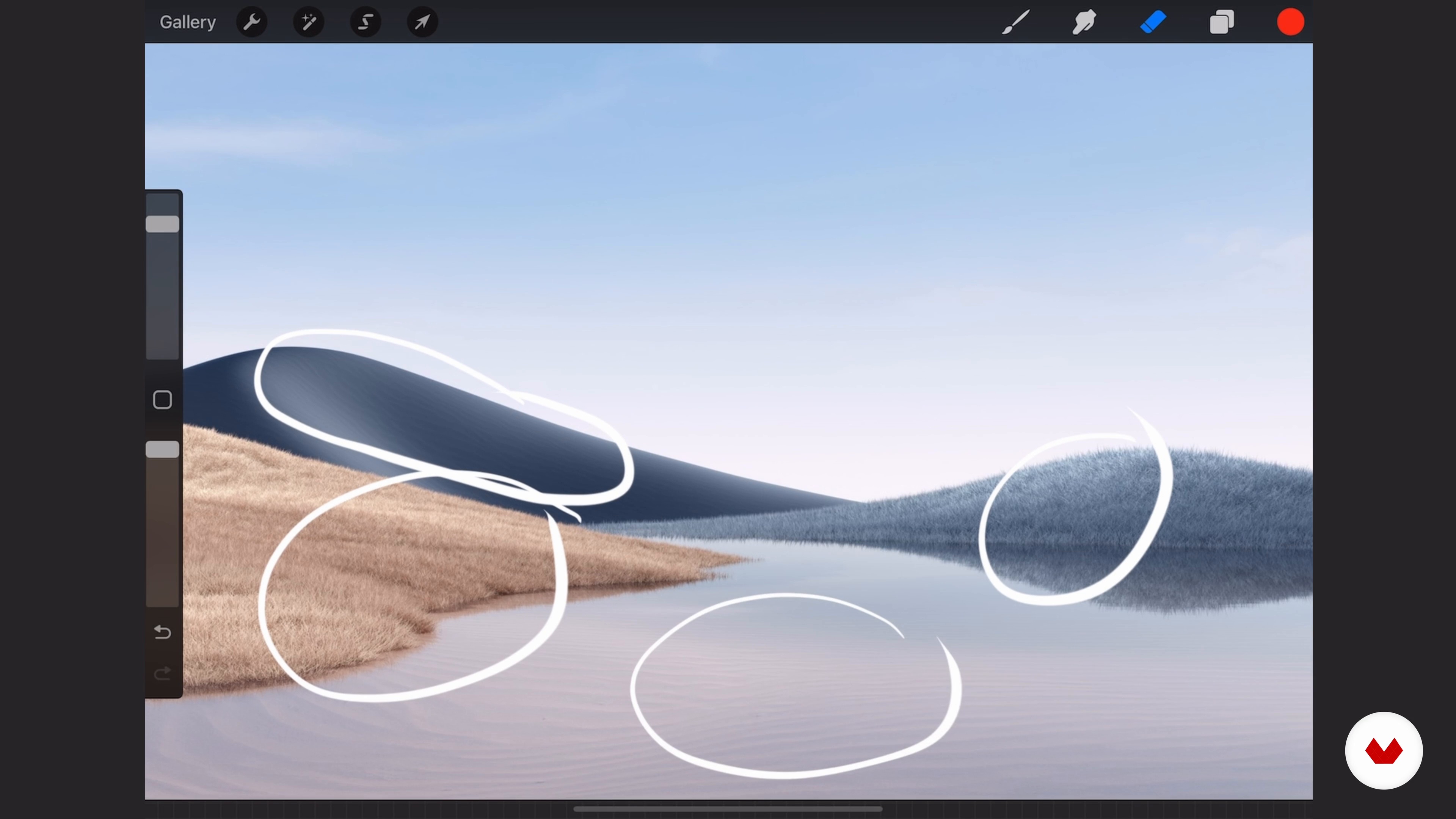
The Design of a Room or a Landscape
9 minutes, 47 seconds
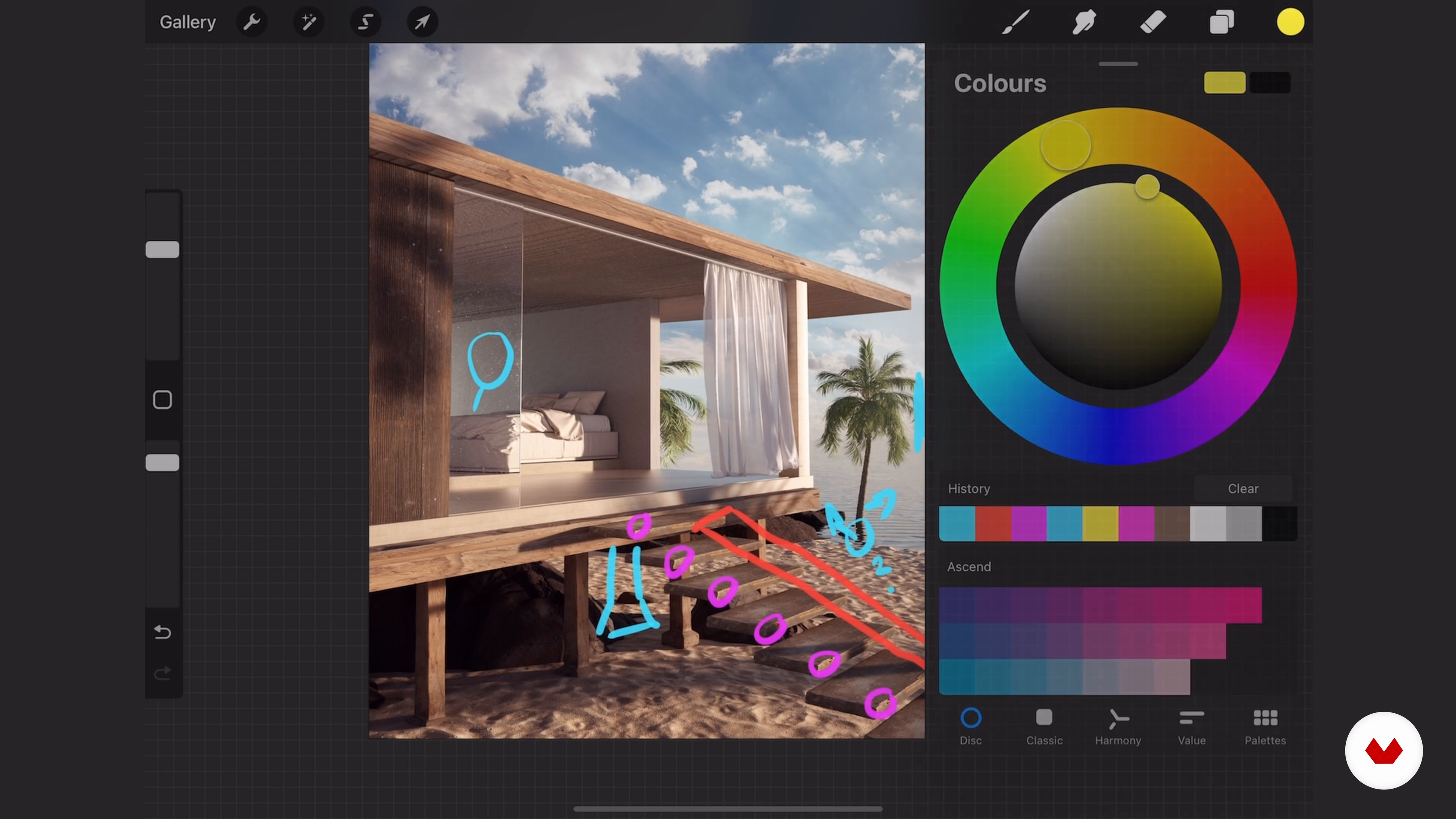
Tips for Creativity
8 minutes, 4 seconds
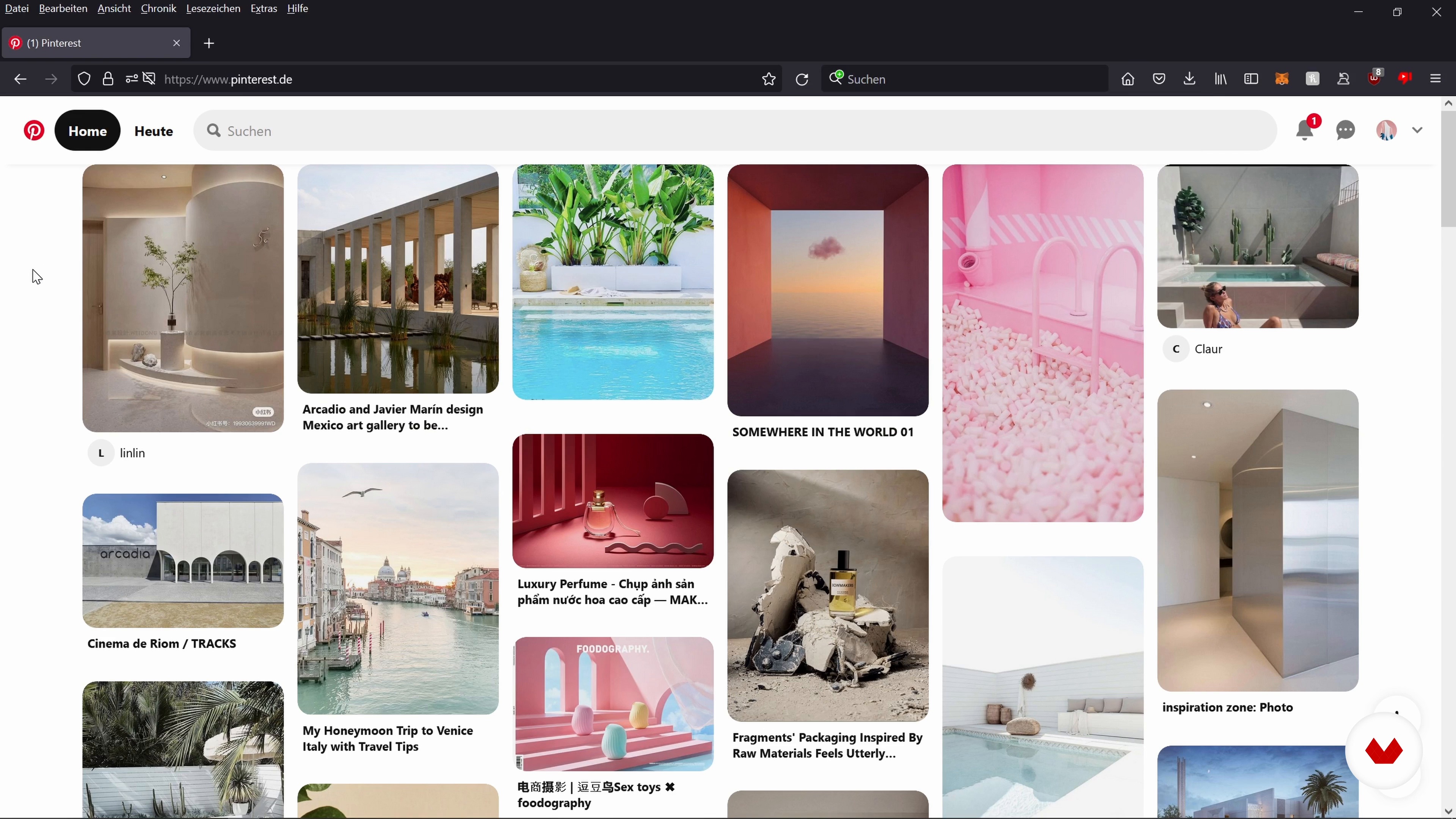
The Mood Board and the Color Palette 1
8 minutes, 37 seconds
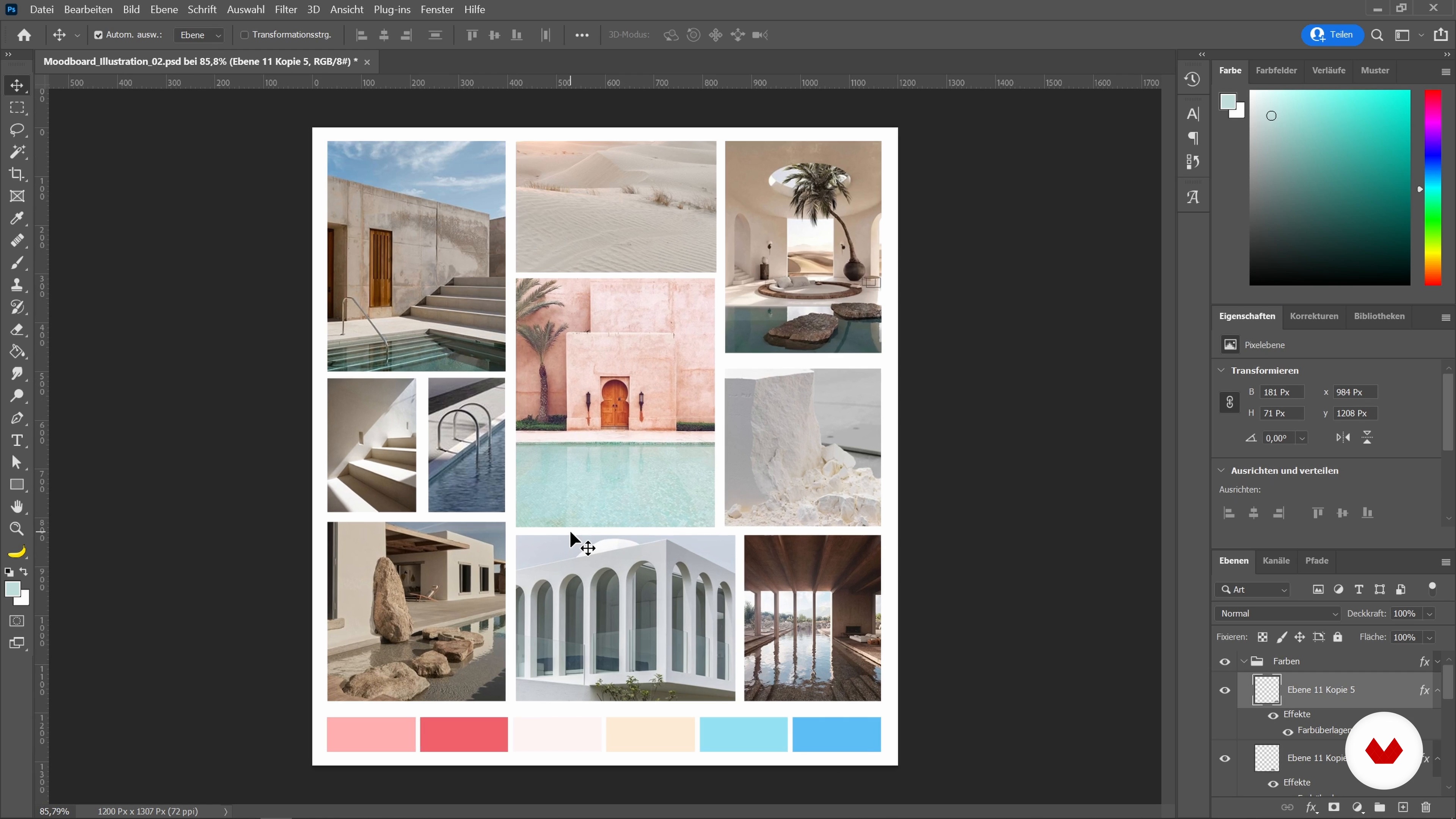
The Mood Board and the Color Palette 2
13 minutes, 11 seconds
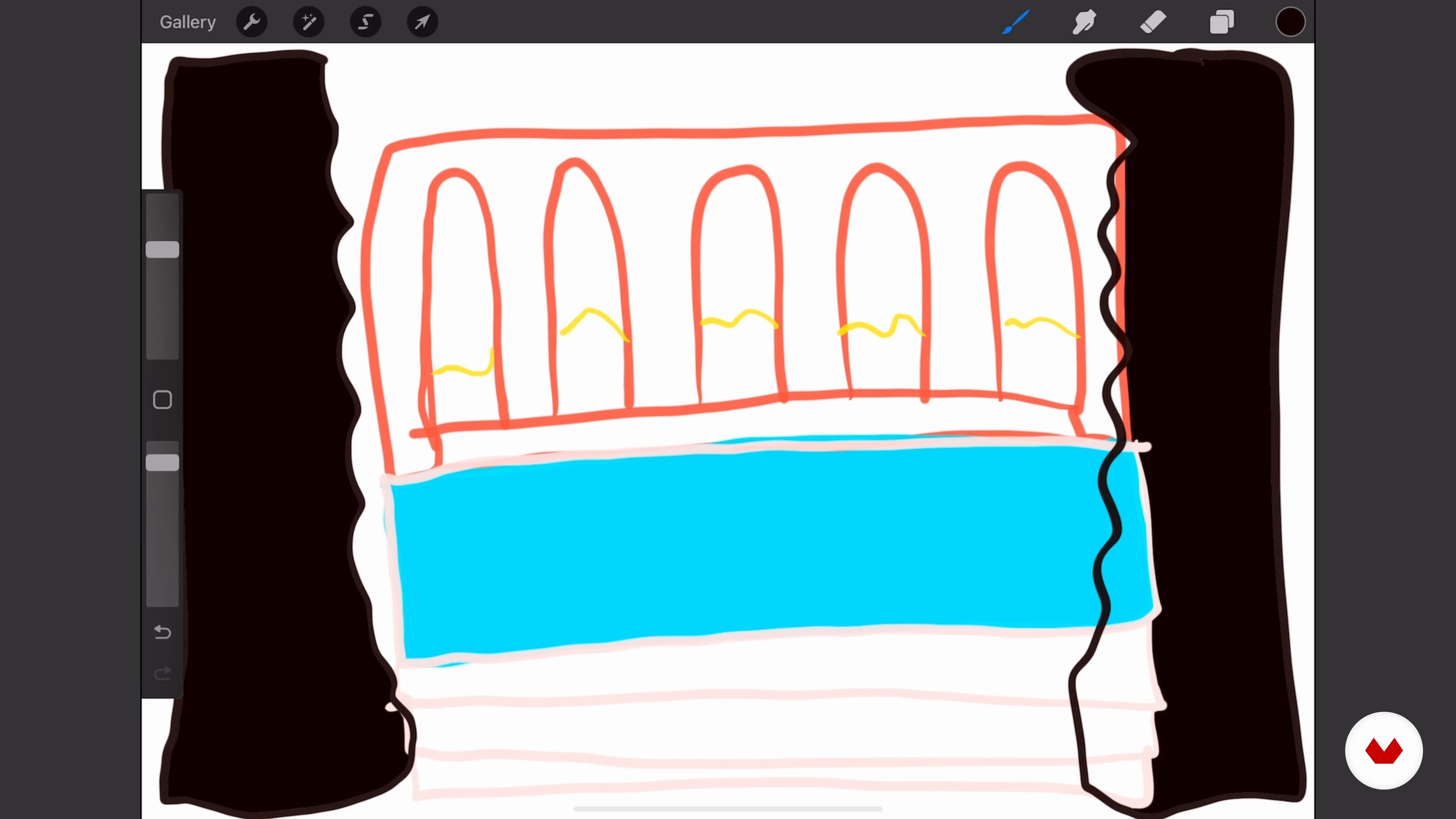
The Sketch
3 minutes, 3 seconds
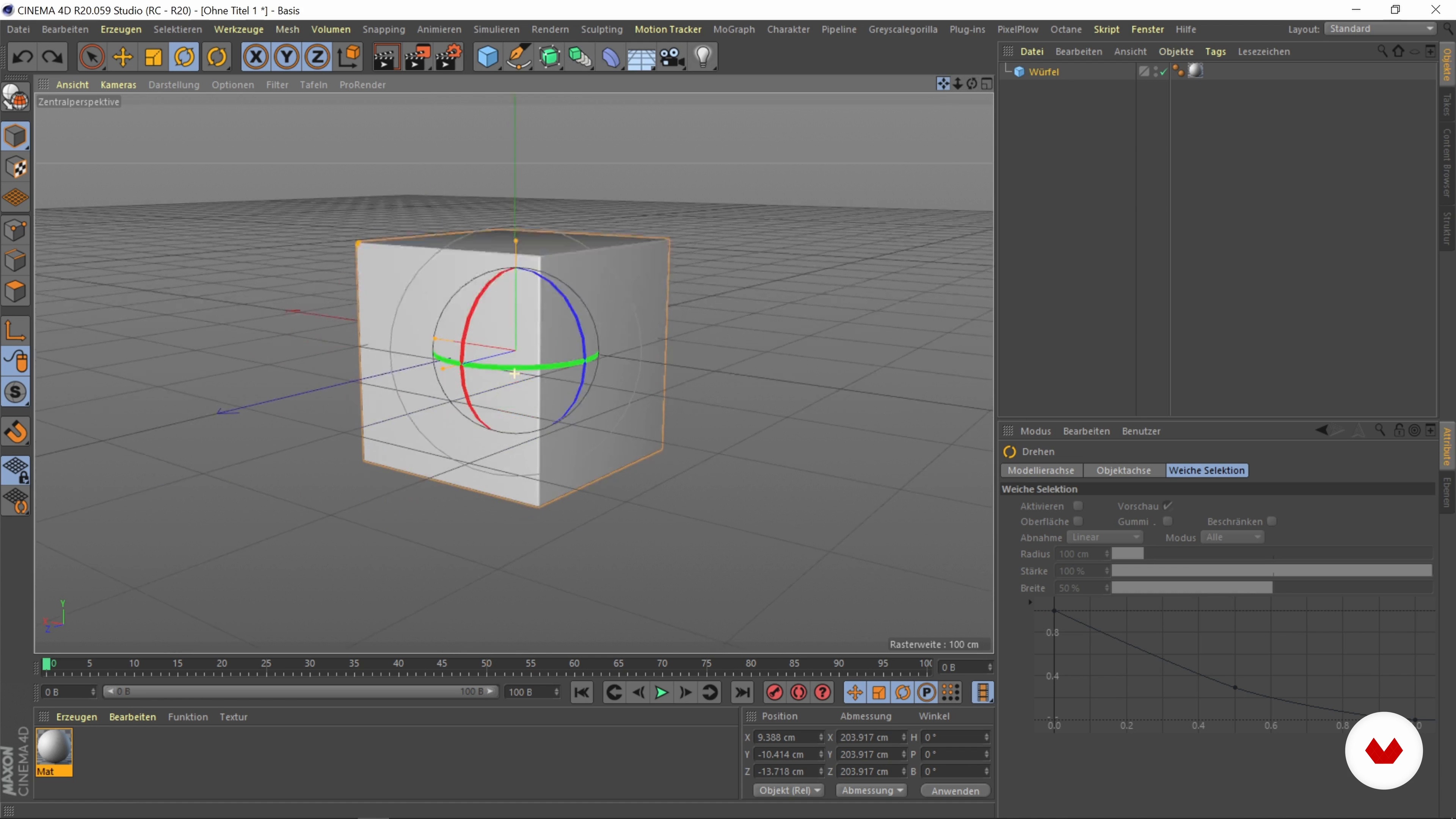
Introduction to Cinema 4D
6 minutes, 8 seconds
What's included in this course?
Meet your teacher for the course, Simon Kämpfer. He talks about his career as a graphic designer and 3D artist, as well as the influences that inspire him and the work he creates.
Begin with the basic concepts of space and landscape design. Then, get some tips to spark your creativity and put together a mood board to help you decide on a color palette for your illustration and draw a simple sketch.
Once you've laid the groundwork, jump into Cinema 4D and learn how to create basic shapes before designing your first 3D sketch. Simon then shows you how to enhance your piece by adding lighting, materials, and additional elements. He also explains where you can find 3D models to use based on your needs.
Continue working on your scene to achieve a well-balanced composition with a realistic look. See how to create and apply textures and materials, quickly produce alternate versions with some simple tweaks, and adjust the settings to get a high-quality render.
Finally, retouch your illustration in Photoshop. Simon wraps up the course by sharing his favorite Cinema 4D plug-ins and a bonus material pack you can use to enrich your compositions.
What is this course's project?
Create a fully rendered 3D illustration to share on social media and add to your portfolio.
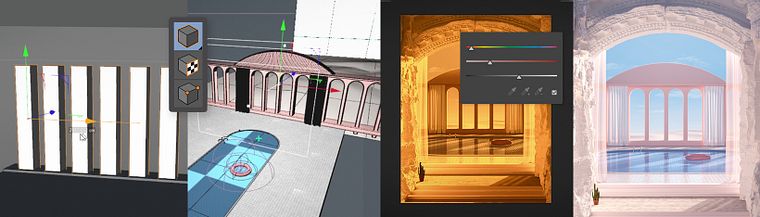
Projects by course students


Who is this online course for?
Professional designers who want to create minimalist dreamscapes and discover the possibilities of 3D illustration or broaden their knowledge of this art form.
Requirements and materials
No previous knowledge is required for this course.
For materials, you need a computer with access to Cinema 4D, Octane Render, and Adobe Photoshop to retouch your piece.
Reviews
- 8 months ago
Amazing course. You will learn a lot of valuable tips and trics!
- 2 years ago
super genial
- 2 years ago
very effective
- 3 years ago
Good and very helpful course!
- 3 years ago
Buen curso

Throughout his career in different 3D studios and as a freelance artist, he's worked with start-ups, artists, and musicians like Cro, as well as clients like The New York Times, KIA, Swatch, Burberry, Facebook, and Microsoft. His personal projects have been featured in online publications, including Elle Decor, in print media such asVogue Nederland and the book Dreamscapes from Die GestaltenVerlag, and on the TV channel Arte.
Content
- U1
Introduction
- About Me
- Inspiration
- U2
Project Preparation
- The Design of a Room or a Landscape
- Tips for Creativity
- The Mood Board and the Color Palette 1
- The Mood Board and the Color Palette 2
- The Sketch
- U3
Building a 3D Scene
- Introduction to Cinema 4D
- First 3D Sketch
- Improving the 3D Sketch and Adding Details 1
- Improving the 3D Sketch and Adding Details 2
- Lighting of the 3D Scene 1
- Lighting of the 3D Scene 2
- U4
Textures, Materials, and Rendering of the Final Image
- Creating Textures and Materials 1
- Creating Textures and Materials 2
- Creating Textures and Materials 3
- Variations
- Render Settings
- U5
Post-production
- Post-editing in Photoshop
- Creating a Personal Material Pack
- Plugins for Cinema 4D
- FP
Final project
- 3D Illustration: Surreal Spaces with Cinema 4D
What to expect from a Domestika course
Learn at your own pace
Enjoy learning from home without a set schedule and with an easy-to-follow method. You set your own pace.
Learn from the best professionals
Learn valuable methods and techniques explained by top experts in the creative sector.
Meet expert teachers
Each expert teaches what they do best, with clear guidelines, true passion, and professional insight in every lesson.
Certificates
PLUSIf you're a Plus member, get a custom certificate signed by your teacher for every course. Share it on your portfolio, social media, or wherever you like.
Get front-row seats
Videos of the highest quality, so you don't miss a single detail. With unlimited access, you can watch them as many times as you need to perfect your technique.
Share knowledge and ideas
Ask questions, request feedback, or offer solutions. Share your learning experience with other students in the community who are as passionate about creativity as you are.
Connect with a global creative community
The community is home to millions of people from around the world who are curious and passionate about exploring and expressing their creativity.
Watch professionally produced courses
Domestika curates its teacher roster and produces every course in-house to ensure a high-quality online learning experience.
FAQs
This course is designed for participants with basic knowledge of 3D design or image editing. It’s perfect for intermediate learners looking to develop their creative, technical, and conceptual skills further.
You should have access to Cinema 4D, Photoshop, and Procreate for this course. Basic familiarity with these programs is helpful since many lessons use their features and workflows.
You’ll learn how to create 3D intros and beautiful 3D scenes, work with lighting, textures, and colors, use moodboards, gather feedback, and incorporate visual effects and storytelling into your 3D projects.
The course guides you step-by-step on simulating water surfaces, using fog for depth, and realistically and artistically depicting landscapes with textures, lighting, and composition.
You’ll learn how to find seamless textures, avoid tiling, combine reflections with matte surfaces, and precisely edit and assign textures in Photoshop and Cinema 4D.
The course explains how to collect inspirational images, create moodboards using Pinterest and Photoshop, and develop and apply harmonious color palettes as the foundation for your designs.
Yes, the course shows you how to digitally showcase your art, use NFT marketing, and apply features like Instagram tags to boost the reach and visibility of your 3D work.