Illustrating Imaginary Cartoon Characters
A course by Samantha MartínezDigital Animator and Illustrator
A course by Samantha Martínez, Digital Animator and Illustrator

Learn to design imaginary characters that convey messages through gestures, poses, and unique scenes
Designer and digital animator Samantha Martínez guides you through this online course full of industry secrets for illustrating imaginary, cartoon-style characters from scratch.
Behind every great story, there's always expert character design. To illustrate your characters, learn to focus on gestures and small details, as if they were a caricature, as well as poses, clothing, and colors.
What will you learn in this online course?
15 lessons & 19 downloads
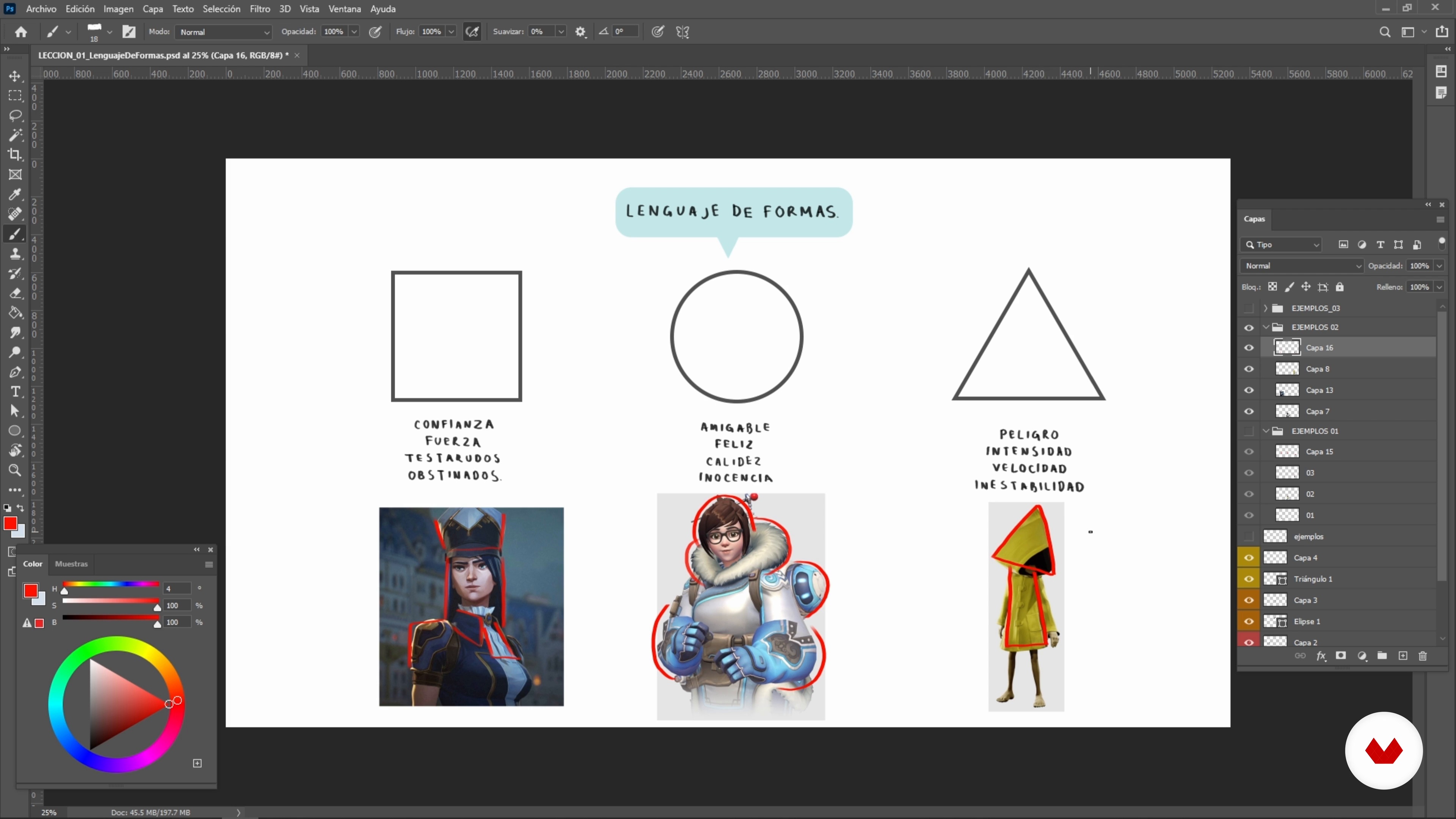
The Language of Forms
5 minutes, 31 seconds
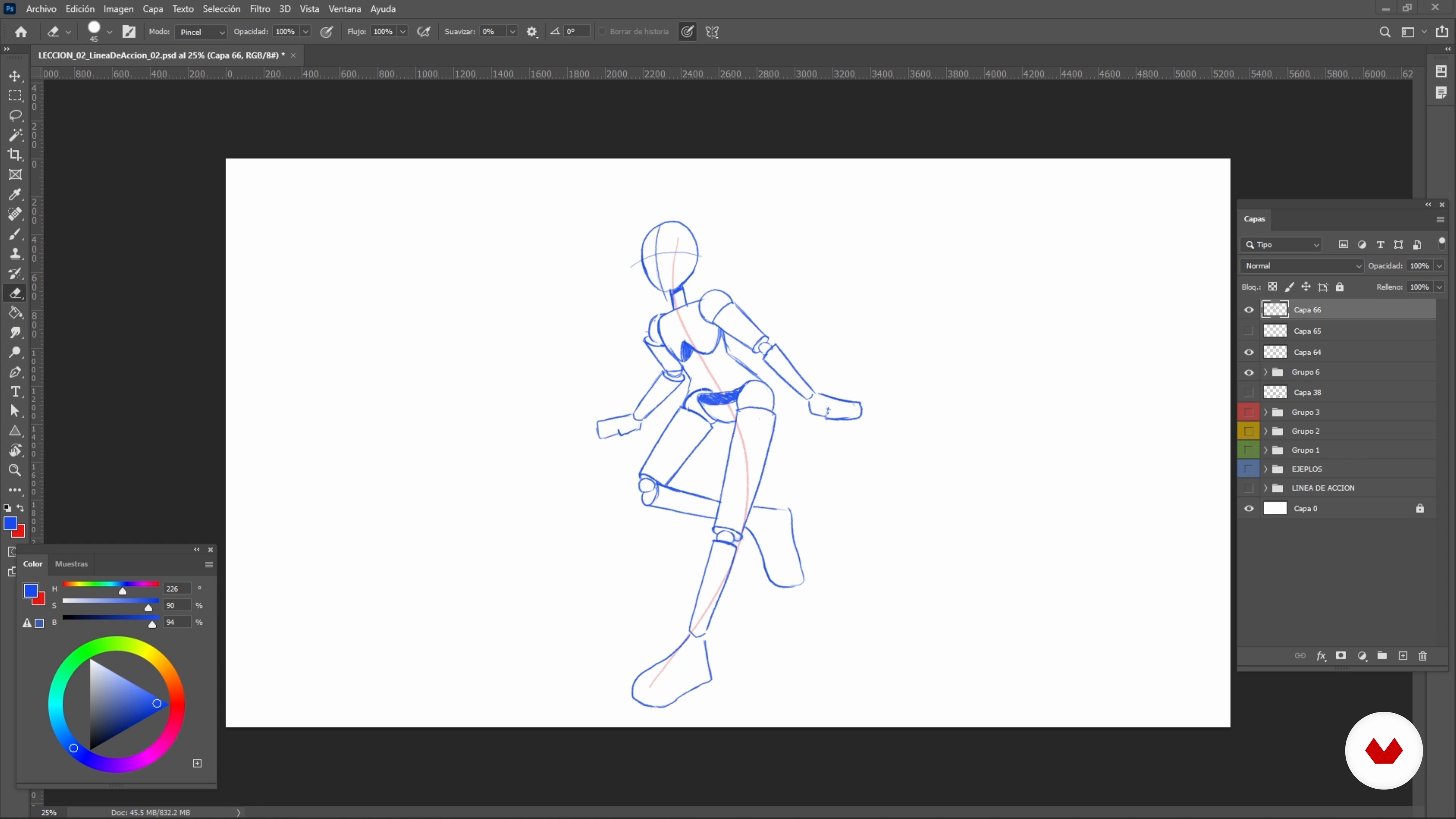
The Line of Action
6 minutes, 47 seconds
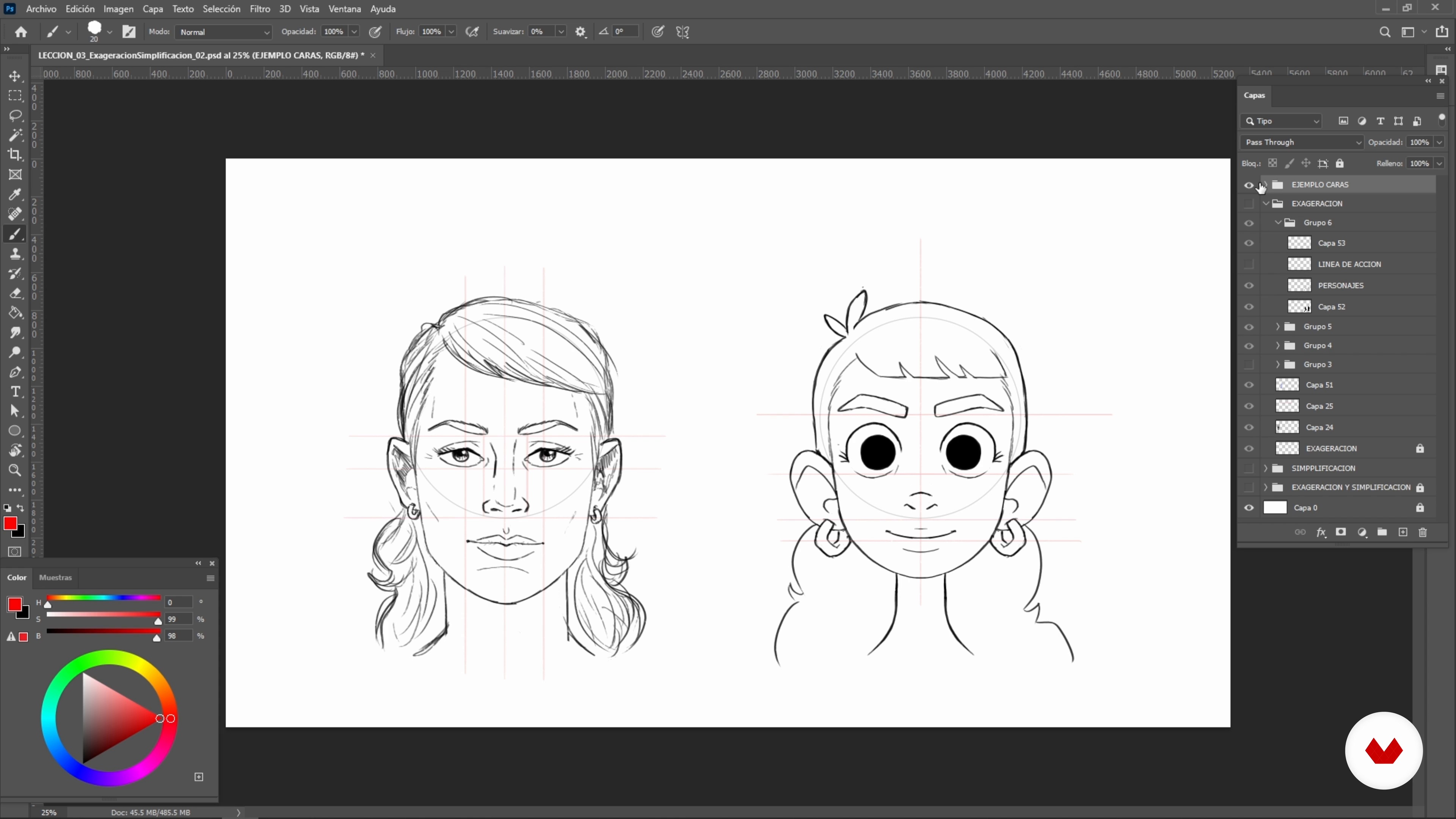
Exaggeration and Simplification
6 minutes, 9 seconds
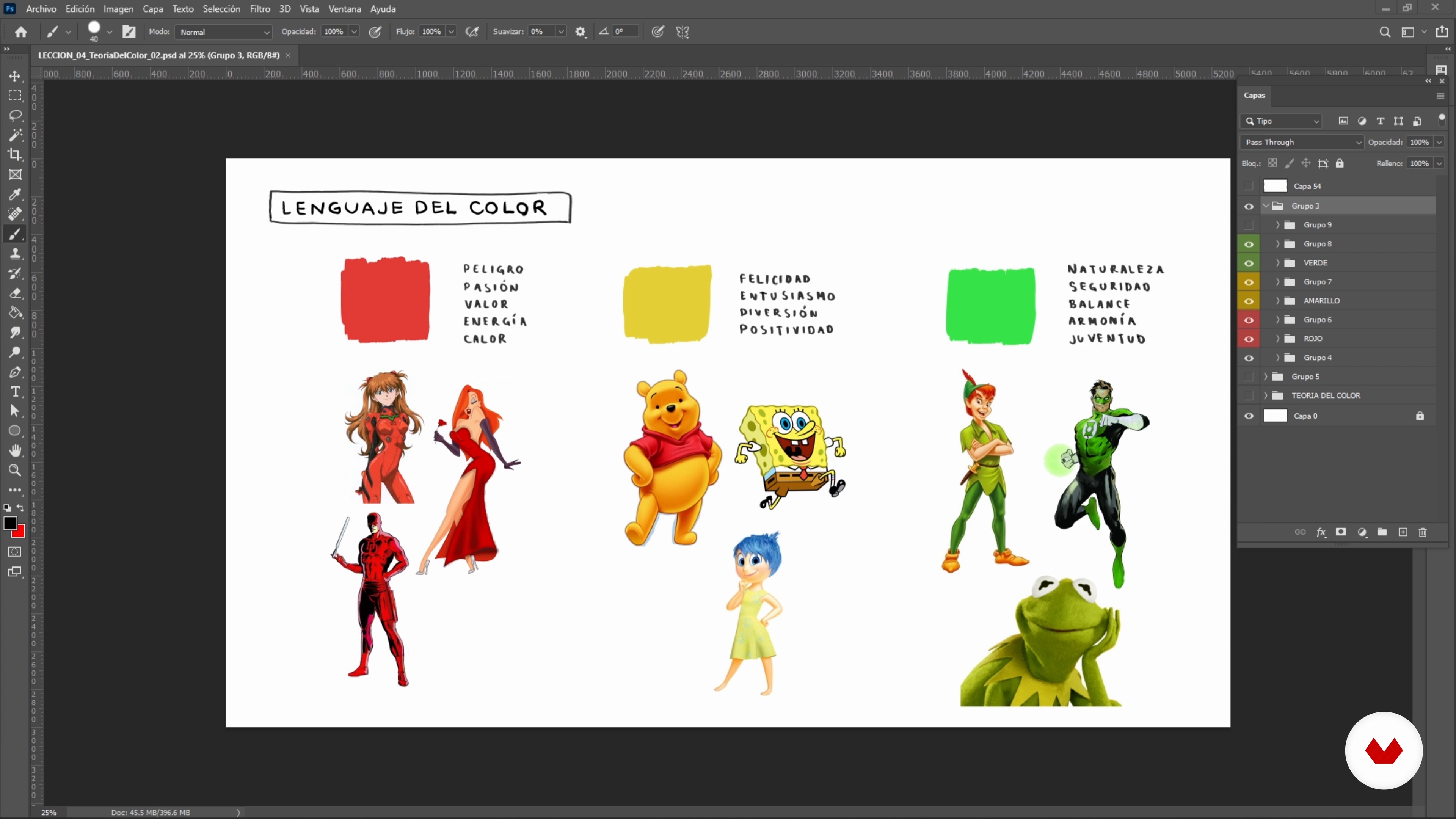
Color Theory and Application in Characters
9 minutes, 52 seconds
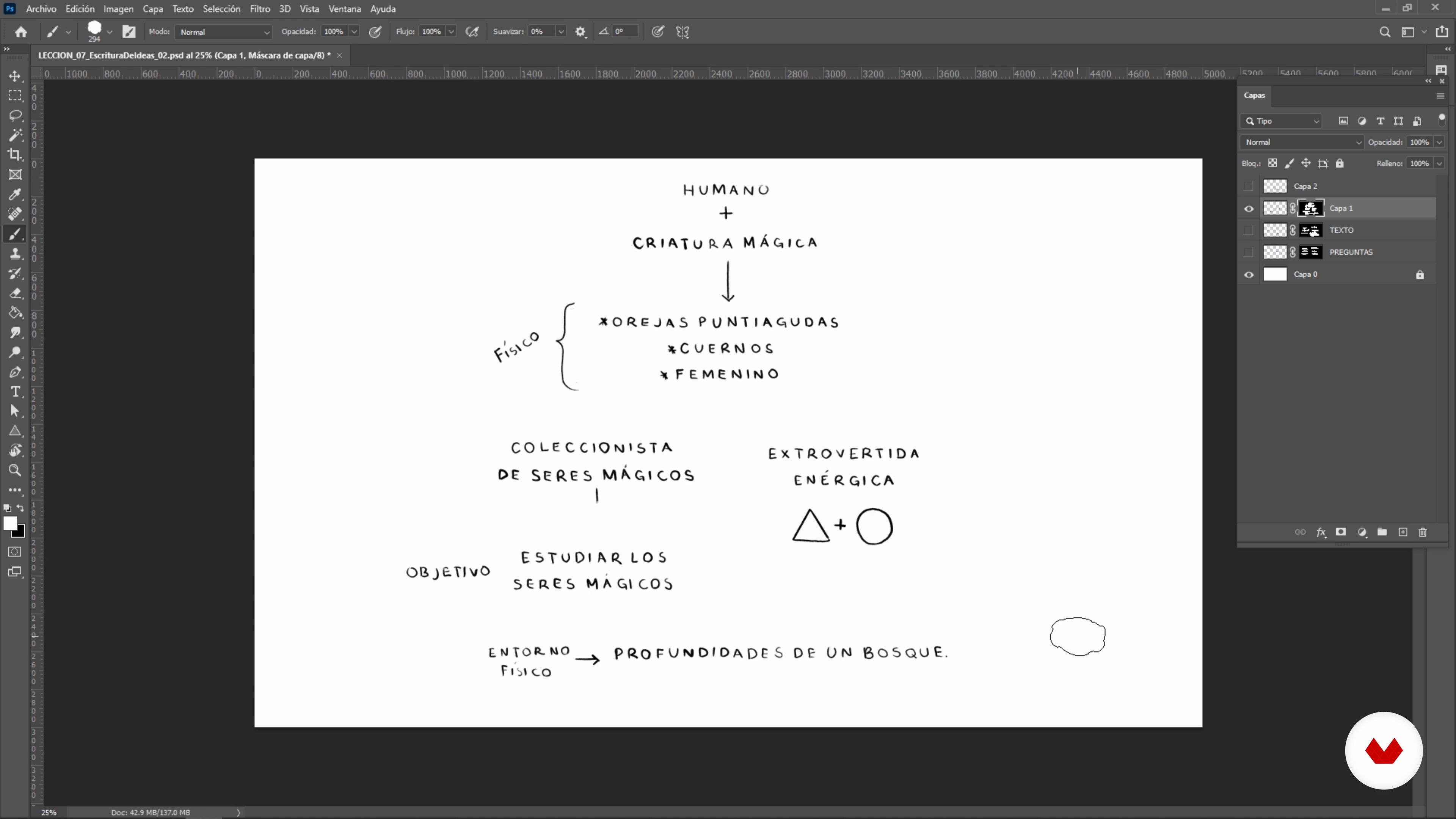
Writing Ideas for the Character
5 minutes, 17 seconds
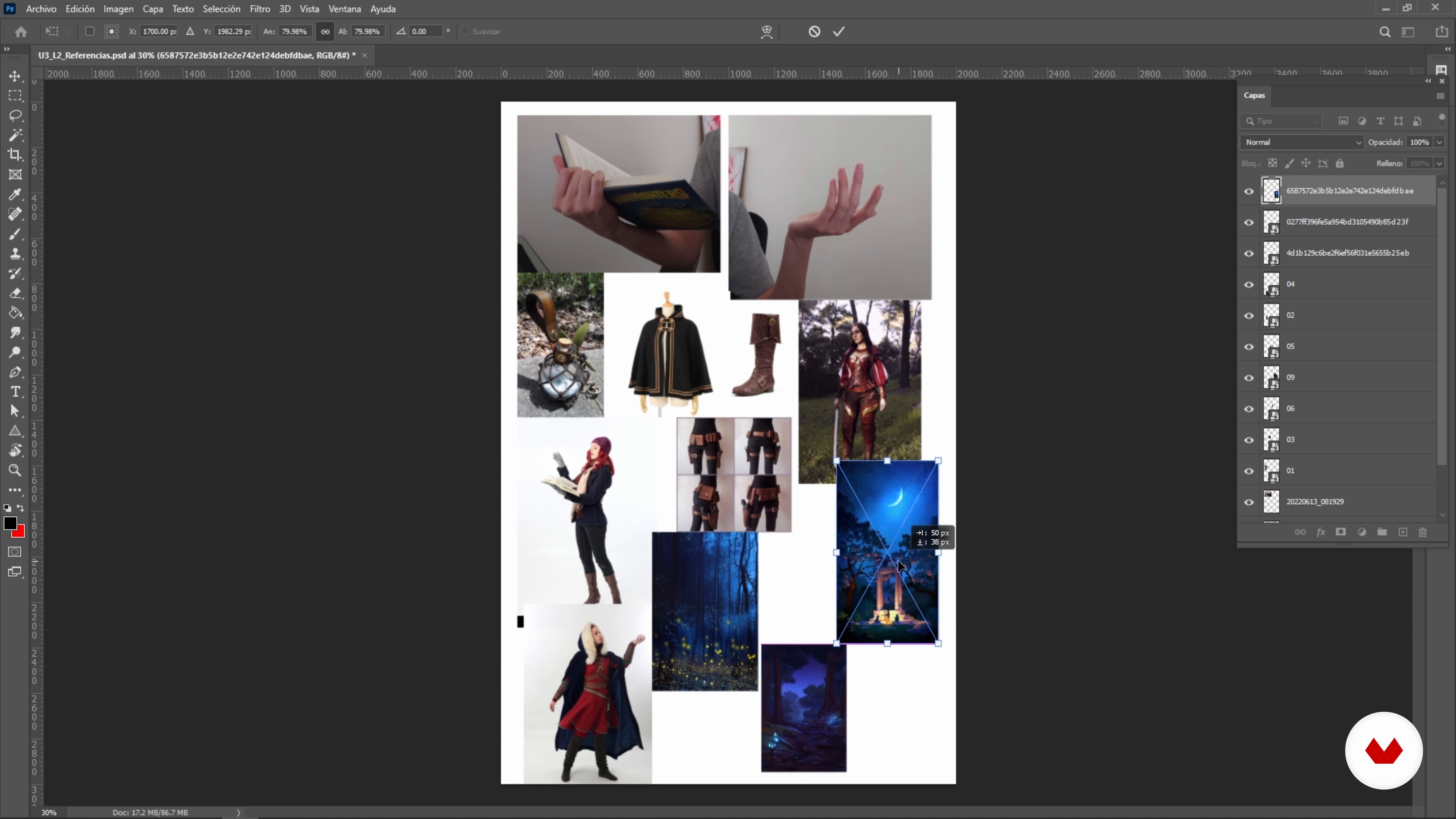
Searching for Inspiration
3 minutes, 32 seconds
What's included in this course?
Get to know your teacher for the course, Samantha Martínez, as she talks about how she got started in illustration and character design. She also shares her biggest influences and the artists that inspired her to pursue a career in what she loves.
Begin by learning the fundamentals for illustrating your own cartoon-style characters, and do a series of exercises to help decide the direction of your final project.
Next, define the story you want to tell through your design, as well as what you want to draw. Then, look for photo references to help you sketch your initial composition.
Now it's time to put everything you've learned into practice. Start with the outline of your character, followed by the silhouettes of the different elements, and finally, add color and lighting for atmosphere. To bring the course to a close, hear some final tips on the best ways to export your work.
Recommended software & tools for this course
What is this course's project?
Do an illustration of a fantastical character, depicting their personality through body language and the background scene.
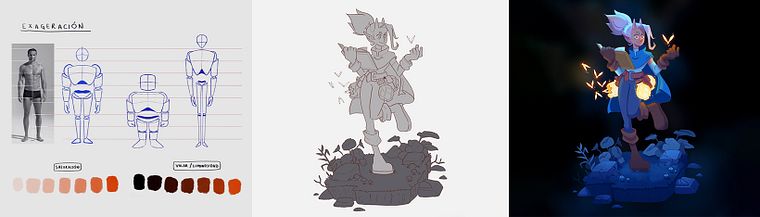
Projects by course students
Who is this online course for?
Anyone interested in learning the foundations of character design.
Requirements and materials
For this course, all you need is a computer with Photoshop installed.

Reviews
- 1 month ago
INCREIBLE
- 2 months ago
I really love this course!
- 8 months ago
excelente
- 1 year ago
I enthusiastically recommend this course for artists of all levels seeking to elevate their arts in a flexible, online environment.
- 1 year ago
Amei o Curso! Extremamente útil!

Her work is characterized by themes relating to fantasy and comedy, reminiscent of the caricature genre. Drawing characters straight from her imagination has allowed her to create an array of audiovisual content for different agencies, as well as illustrate the book El Club de las Niñas Fantasma, published by Alfaguara.
Content
- U1
Introduction
- About Me
- Influences
- U2
Preparation and Theory
- The Language of Forms
- The Line of Action
- Exaggeration and Simplification
- Color Theory and Application in Characters
- U3
Ideas and References
- Writing Ideas for the Character
- Searching for Inspiration
- Sketching and Loosing up Your Hand
- U4
The Illustration Process
- The Final Sketch
- The Layout
- Base Color Using Masks
- Test and Choice of Colors
- Volume with Shadows and Lights
- Final Details
- FP
Final project
- Illustrating Imaginary Cartoon Characters
What to expect from a Domestika course
Learn at your own pace
Enjoy learning from home without a set schedule and with an easy-to-follow method. You set your own pace.
Learn from the best professionals
Learn valuable methods and techniques explained by top experts in the creative sector.
Meet expert teachers
Each expert teaches what they do best, with clear guidelines, true passion, and professional insight in every lesson.
Certificates
PLUSIf you're a Plus member, get a custom certificate signed by your teacher for every course. Share it on your portfolio, social media, or wherever you like.
Get front-row seats
Videos of the highest quality, so you don't miss a single detail. With unlimited access, you can watch them as many times as you need to perfect your technique.
Share knowledge and ideas
Ask questions, request feedback, or offer solutions. Share your learning experience with other students in the community who are as passionate about creativity as you are.
Connect with a global creative community
The community is home to millions of people from around the world who are curious and passionate about exploring and expressing their creativity.
Watch professionally produced courses
Domestika curates its teacher roster and produces every course in-house to ensure a high-quality online learning experience.
FAQs
You’ll learn how to create original characters and fanart using digital illustration techniques, shape design, color palettes, dynamic poses, and how to share your work on social media and online portfolios.
The course is designed for people with basic digital illustration skills who want to deepen their knowledge of character design and fanart, so it’s intermediate level.
You’ll need a computer with digital illustration software (like Photoshop), a graphics tablet is recommended, and basic digital drawing skills.
The course teaches you how to build and present professional portfolios, share your illustrations on social media, and apply techniques that boost your visibility and freelance opportunities.
Yes, you’ll learn how to analyze and reinterpret video game and cartoon characters, applying your own style and digital fanart techniques.
You’ll study the psychology of geometric shapes, visual language, pose construction, manga facial expressions, color palettes, and how to create believable, expressive characters.
You’ll learn how to select and combine tones, use the color wheel, and adjust values in Photoshop to create harmonious palettes that highlight your characters’ personalities.