Creation of 3D Miniature Worlds with Procreate and Cinema 4D
A course by Santiago MorivVisual Designer and Illustrator
A course by Santiago Moriv, Visual Designer and Illustrator

Learn to design, model, and texturize a miniature 3D set beyond your wildest imagination
For visual designer and illustrator Santiago Morales, imagination is literally the only limit. His creations range from colorful shapes and memorable characters, to surreal universes in from other dimensions. Discover the techniques and creative process of a leading industry professional, who has worked for such prestigious brands as Bacánika, Beyou, Octi, Dynaudio, Dreamworks, and Procreate.
In this online course, learn a method for creating fantastic 3D encapsulated dioramas, from conceptualization and the search for inspiring reference materials, to 3D modeling and retouching with Procreate, Cinema 4D, Adobe Illustrator, and Photoshop.
What will you learn in this online course?
17 lessons & 19 downloads
What we will do during the course
1 minute, 7 seconds
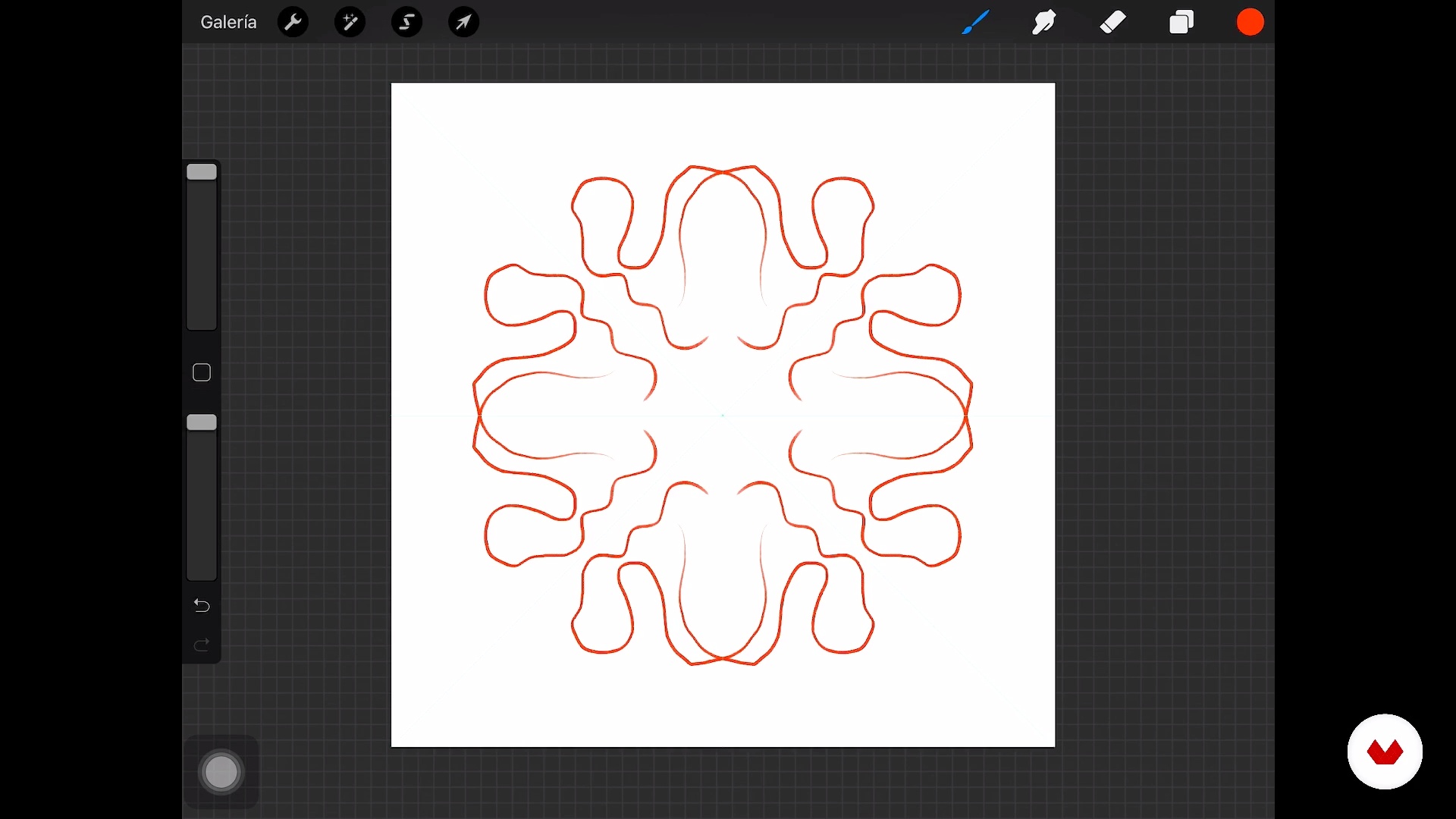
Knowing Procreate
17 minutes, 24 seconds
Search for references and inspiration, creation of the color palette
5 minutes, 45 seconds
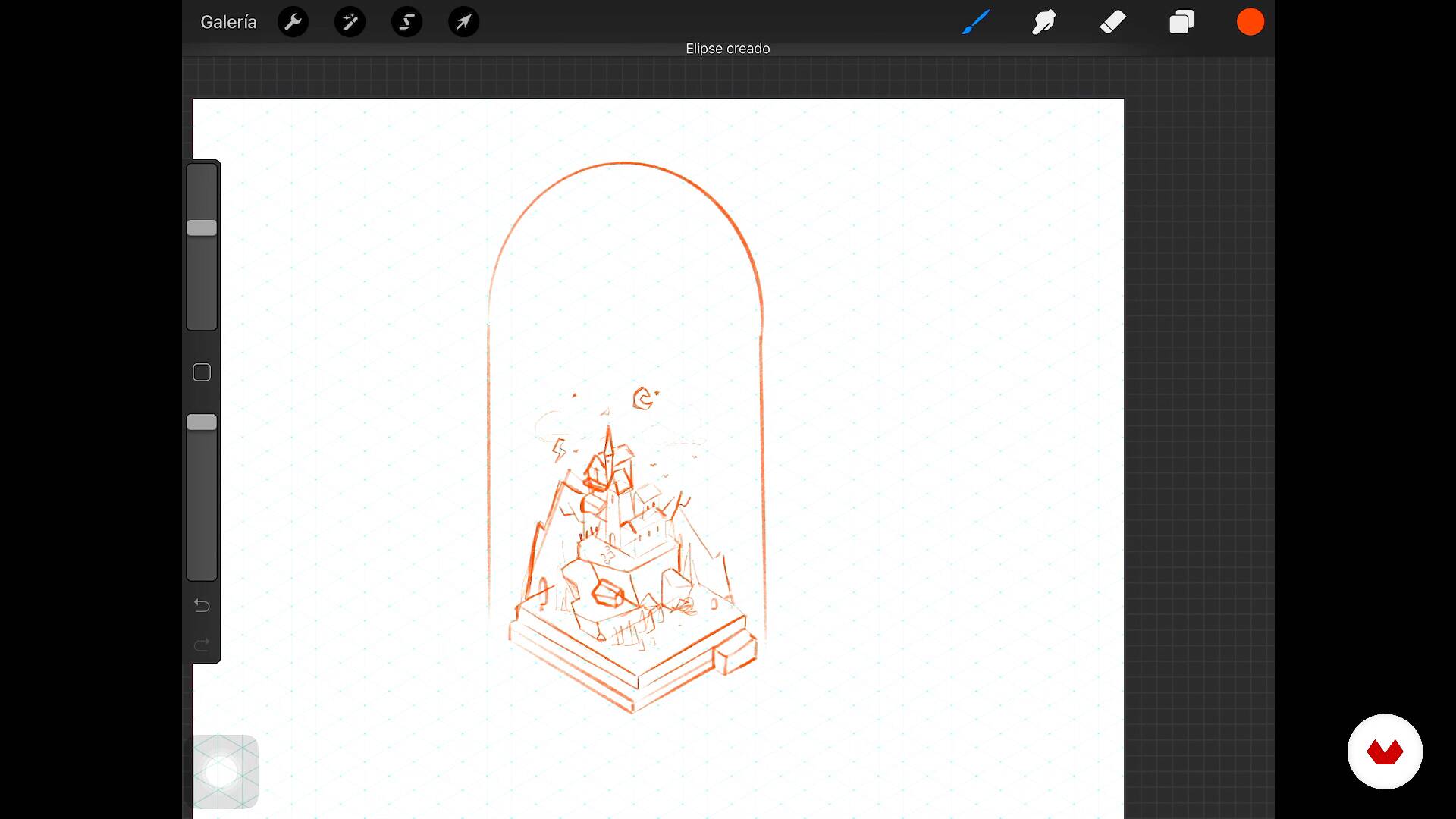
Sketch, approach to our composition (Procreate)
11 minutes, 35 seconds
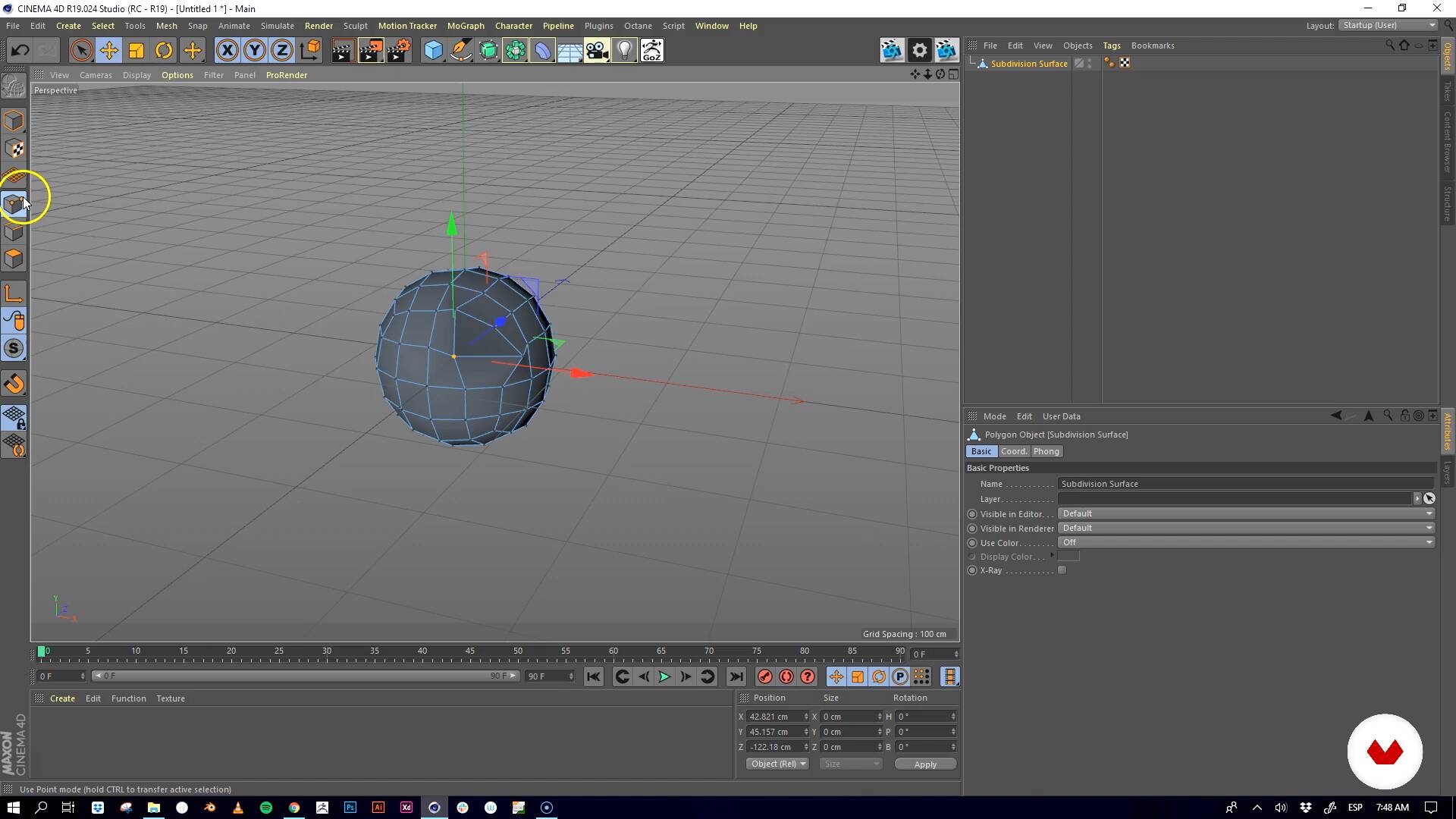
What are we going to do and what tools are we going to use
9 minutes, 31 seconds
Modeling the structure
12 minutes, 35 seconds
What's included in this course?
Get to know a little about Santiago—his beginnings as a designer and illustrator and his journey so far—and take a look at his influences and references.
Then begin to familiarize yourself with Procreate, its interface, commands, and main tools, along with some examples of final illustrations, so you can see its full potential.
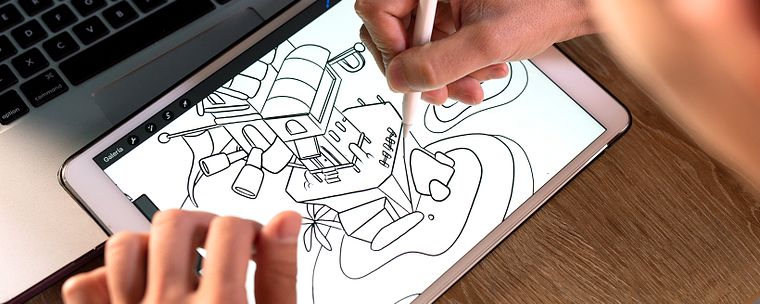
Now search for references and inspiration to create a mood board with selected images, before defining a color palette in Adobe Photoshop. Then do a series of sketches in Procreate and decide on the composition of your miniature world.
Then move on to work in Cinema 4D. Explore its interface and basic tools for building your universe. Start modeling using your sketch as a guide, and learn techniques to create complex shapes and modify them to your specific needs in any moment.
It's time to add the details to your 3D diorama! Discover how to export the UVS to Photoshop to create textures and import them back into Cinema 4D. In addition, configure the materials using the OctaneRender engine. Next, create and configure the camera, lights, and the HDRI.
Wrap up the course by learning how to configure render outputs and add ID layers to include touch-ups, brushstrokes, illustrations, and effects in Photoshop.
Recommended software & tools for this course
What is this course's project?
Model a miniature 3D world—a fantastical place that can only be found in your imagination.
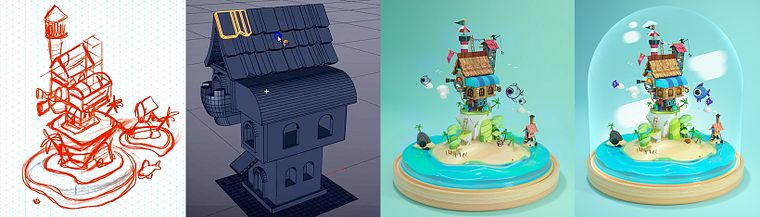
Projects by course students


Who is this online course for?
Designers, illustrators, 3D modelers, and anyone in the creative industry interested in learning how to create fantastical sets and compositions using 3D modeling and texturing techniques in Cinema 4D.
Requirements and materials
To take this course, you need basic drawing skills and a basic working knowledge of software such as Cinema 4D, Procreate, Adobe Illustrator, and Photoshop.
Regarding materials, you need a computer with Illustrator, Photoshop, Cinema 4D, and OctaneRender (although you can use the rendering engine of your choice). An iPad Pro installed with Procreate and an Apple Pencil would also be a huge advantage, but are not essential.
Reviews
- 2 years ago
I love it!
- 2 years ago
Adorei!
- 2 years ago
Este curso es increíble, muy detallado.
- 2 years ago
Even though I've just finished a few courses, but I really like this course. Especially the models in this course. I'd like to I can do it as other students as good done. I hope that day will come soon. Thanks for DOMESTIKA and Santiago Moriv's courses and help.
- 2 years ago
topo , professor direto ao ponto muito bom...super recomendo...

He is most passionate about video games because of the stories, settings, and characters that unfold within them, and he uses these worlds to create ideas, concepts, and color palettes for his personal and professional work. He is currently an art director at Makata Studio, specialized in motion graphics, 3D, and AR.
Content
- U1
Introduction, I'll tell you who I am
- Presentation
- Influences
- What we will do during the course
- U2
Creating our sketch in Procreate
- Knowing Procreate
- Search for references and inspiration, creation of the color palette
- Sketch, approach to our composition (Procreate)
- U3
Hands on, let's build our diorama
- What are we going to do and what tools are we going to use
- Modeling the structure
- Modeling 2, complex shapes
- Modeling 3, let's modify the forms
- Finished modeling, creating the UVS
- U4
Add details (textures, materials and lighting)
- From UVS to Photoshop
- Our materials
- Camera and lights
- Configuration of the render and ID'S
- U5
Retouching our render
- More expensive
- Let's finish our diorama
- FP
Final project
- Create your diorama encapsulated with Cinema 4D
What to expect from a Domestika course
Learn at your own pace
Enjoy learning from home without a set schedule and with an easy-to-follow method. You set your own pace.
Learn from the best professionals
Learn valuable methods and techniques explained by top experts in the creative sector.
Meet expert teachers
Each expert teaches what they do best, with clear guidelines, true passion, and professional insight in every lesson.
Certificates
PLUSIf you're a Plus member, get a custom certificate signed by your teacher for every course. Share it on your portfolio, social media, or wherever you like.
Get front-row seats
Videos of the highest quality, so you don't miss a single detail. With unlimited access, you can watch them as many times as you need to perfect your technique.
Share knowledge and ideas
Ask questions, request feedback, or offer solutions. Share your learning experience with other students in the community who are as passionate about creativity as you are.
Connect with a global creative community
The community is home to millions of people from around the world who are curious and passionate about exploring and expressing their creativity.
Watch professionally produced courses
Domestika curates its teacher roster and produces every course in-house to ensure a high-quality online learning experience.
FAQs
You’ll learn to create 3D characters and environments, starting from initial sketches in Procreate, then moving on to modeling, texturing, lighting with V-Ray, and post-production in Photoshop — integrating techniques for illustration, video games, and animation projects.
This is an intermediate-level course, so having basic knowledge of digital illustration, design, or 3D modeling is recommended to get the most out of the content.
You’ll need access to Procreate, Cinema 4D, Photoshop, and optionally V-Ray and Octane for lighting and rendering. A graphics tablet or iPad is also recommended for sketching and illustrating.
You’ll be able to create 3D characters and environments, apply texturing, lighting, and rendering techniques, conceptualize ideas from references and moodboards, and prepare images for digital portfolios or professional prints.
The course covers 3D modeling with Cinema 4D, texture creation in Photoshop, digital sculpting, color palettes, scene composition, art direction for video games, and advanced post-production techniques.
Yes, you’ll learn how to use Procreate for sketching, digital illustration, managing layers and brushes, and exporting animated files or various formats.
Yes, the course includes techniques for setting up realistic materials and applying professional lighting in V-Ray and Octane to enhance the visual quality of your renders.