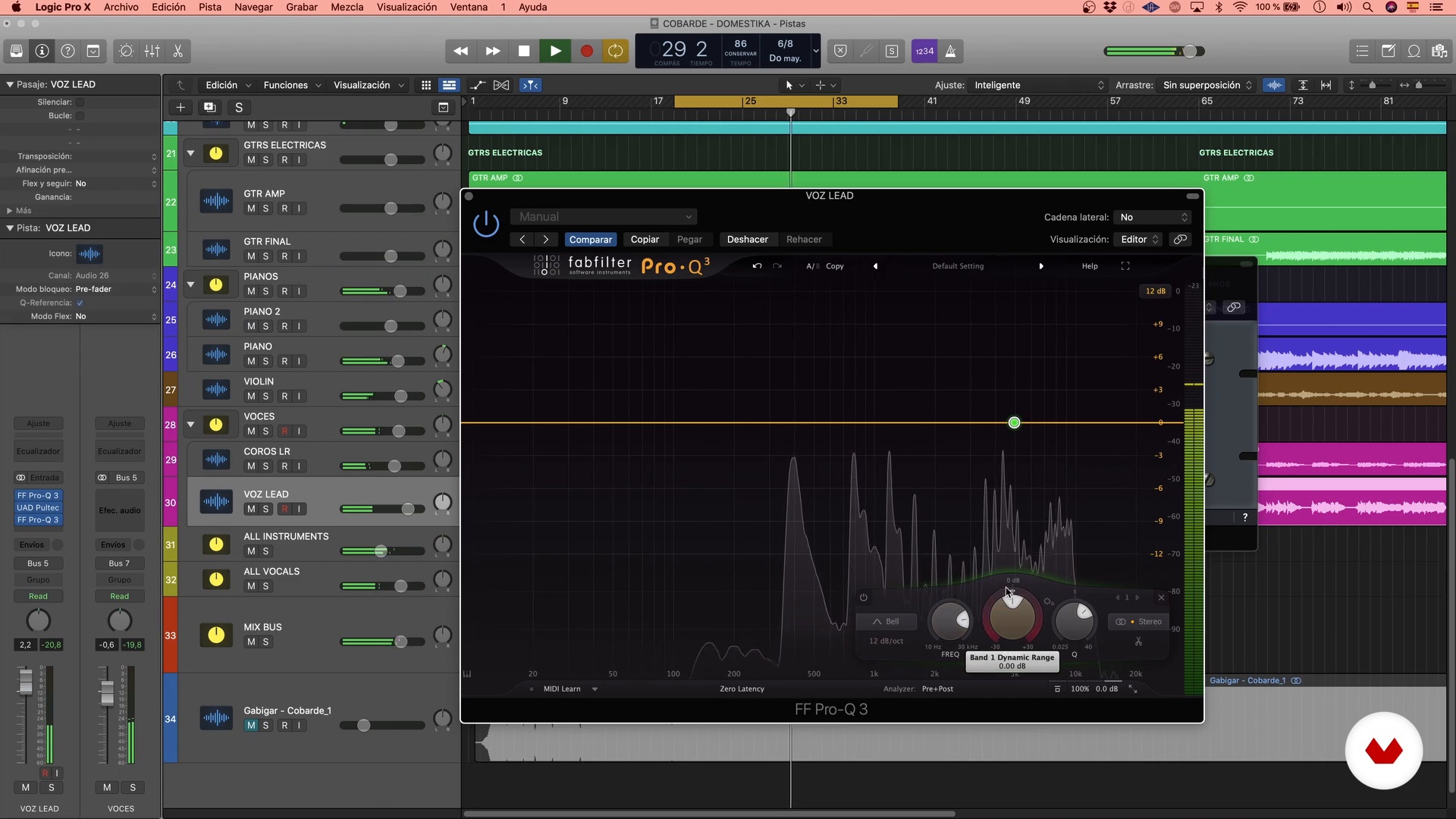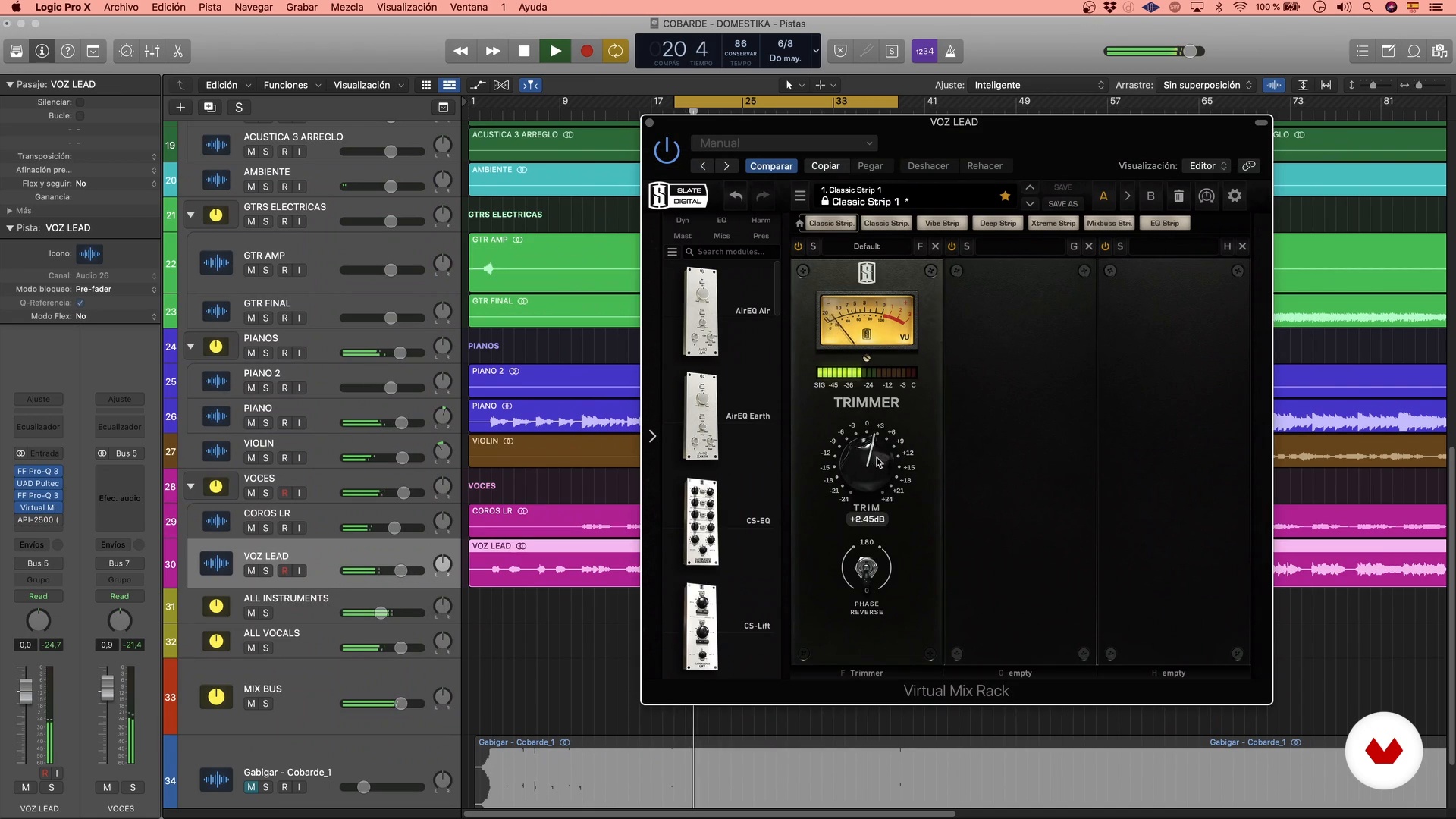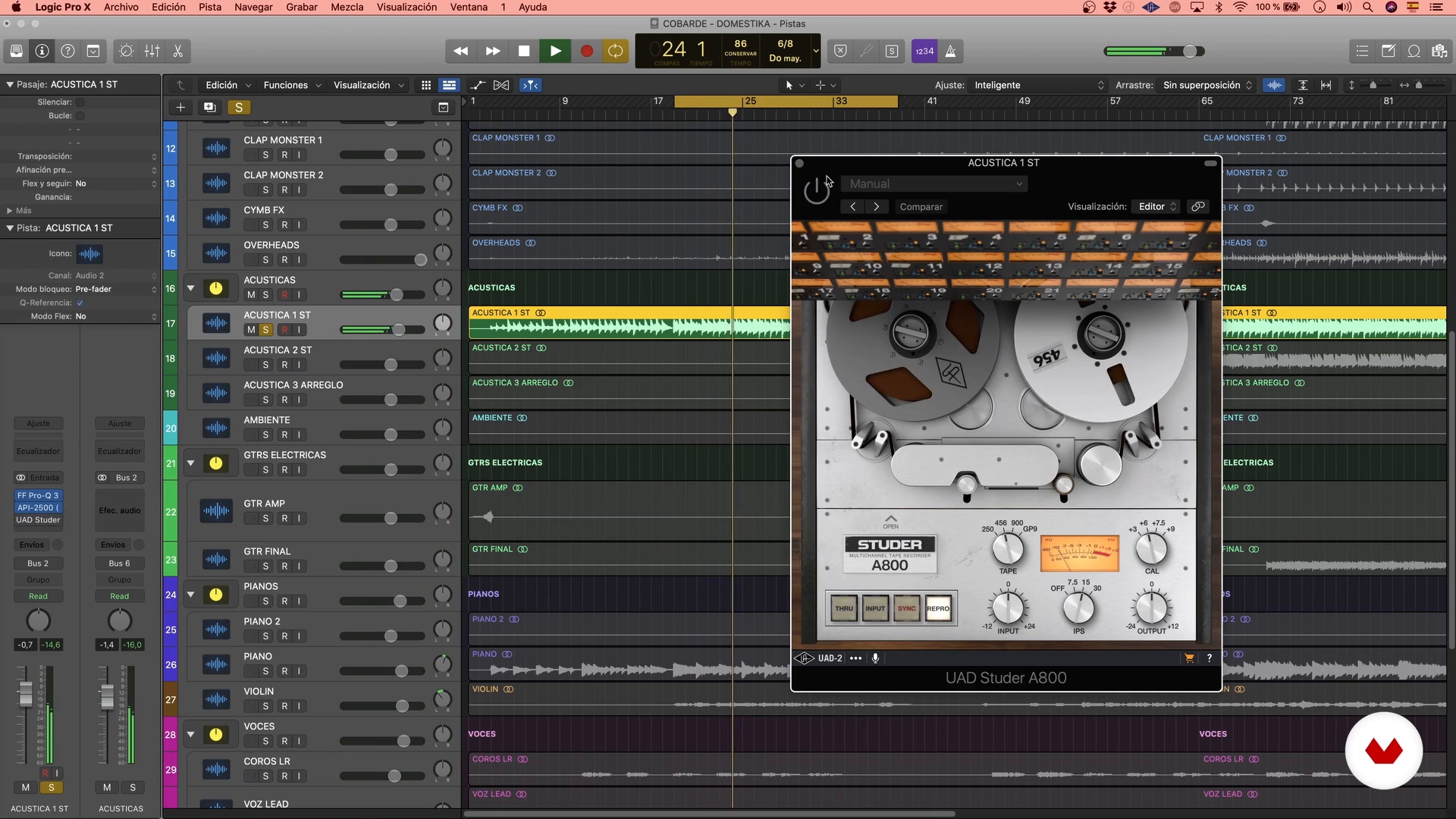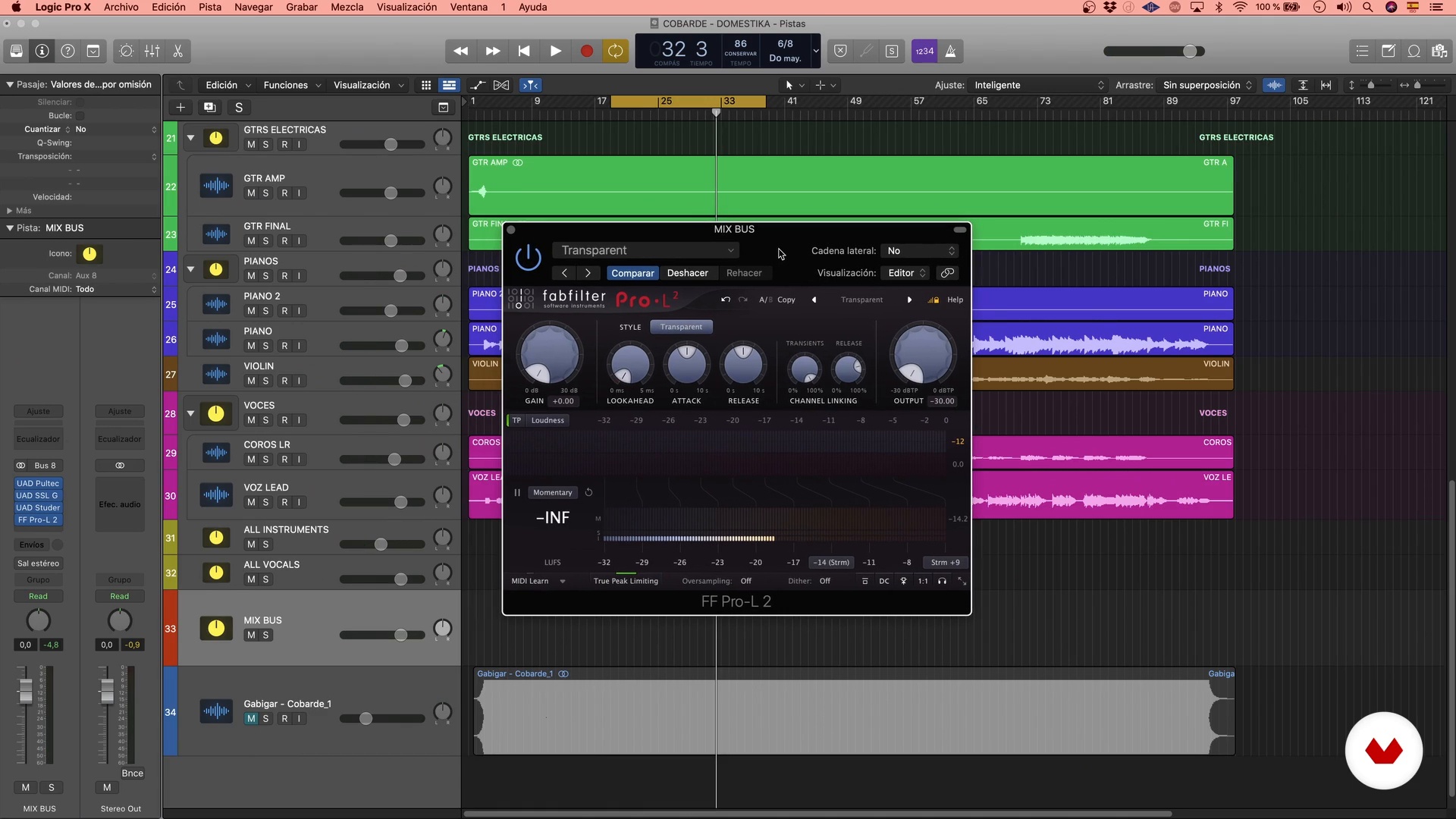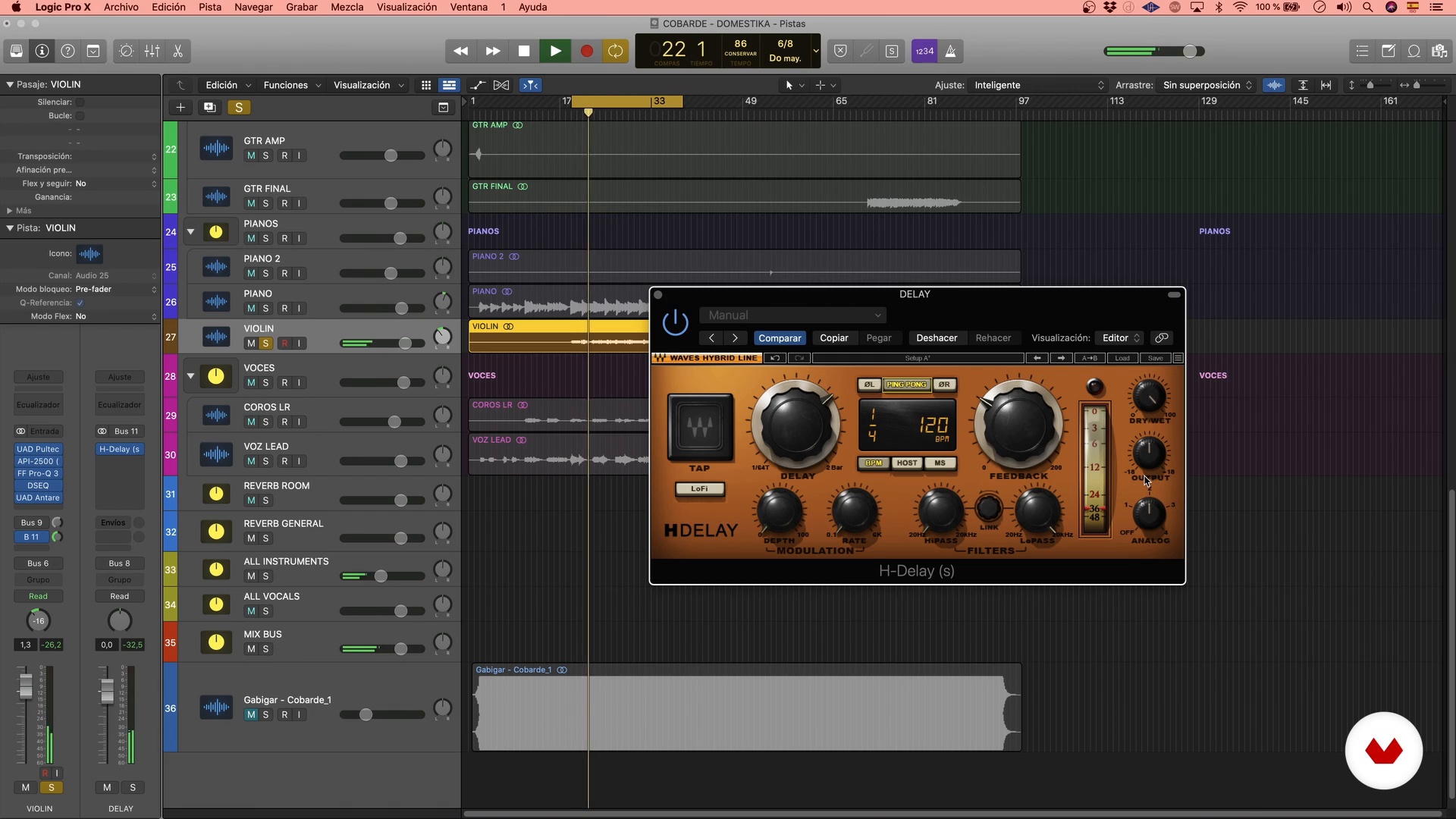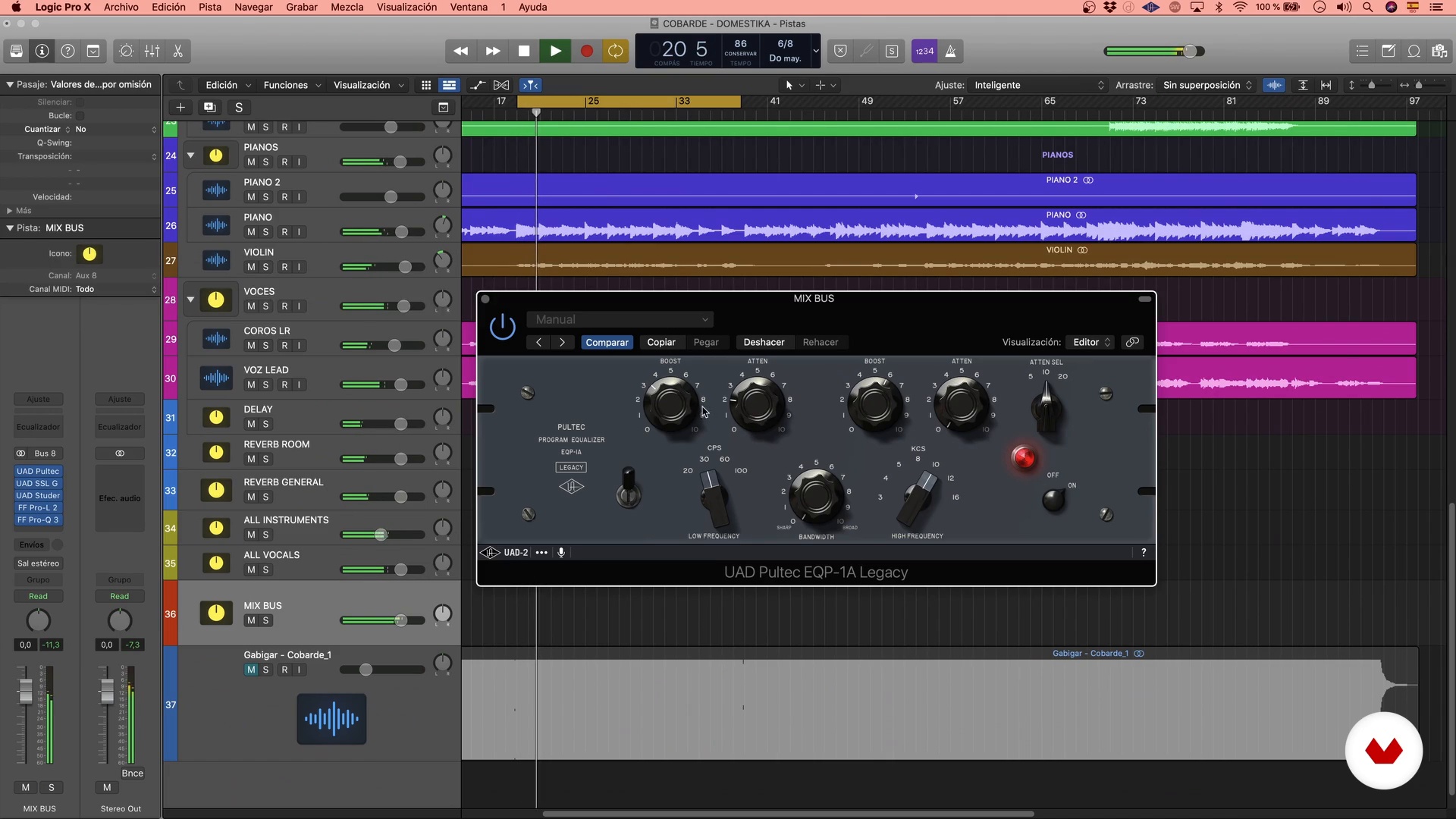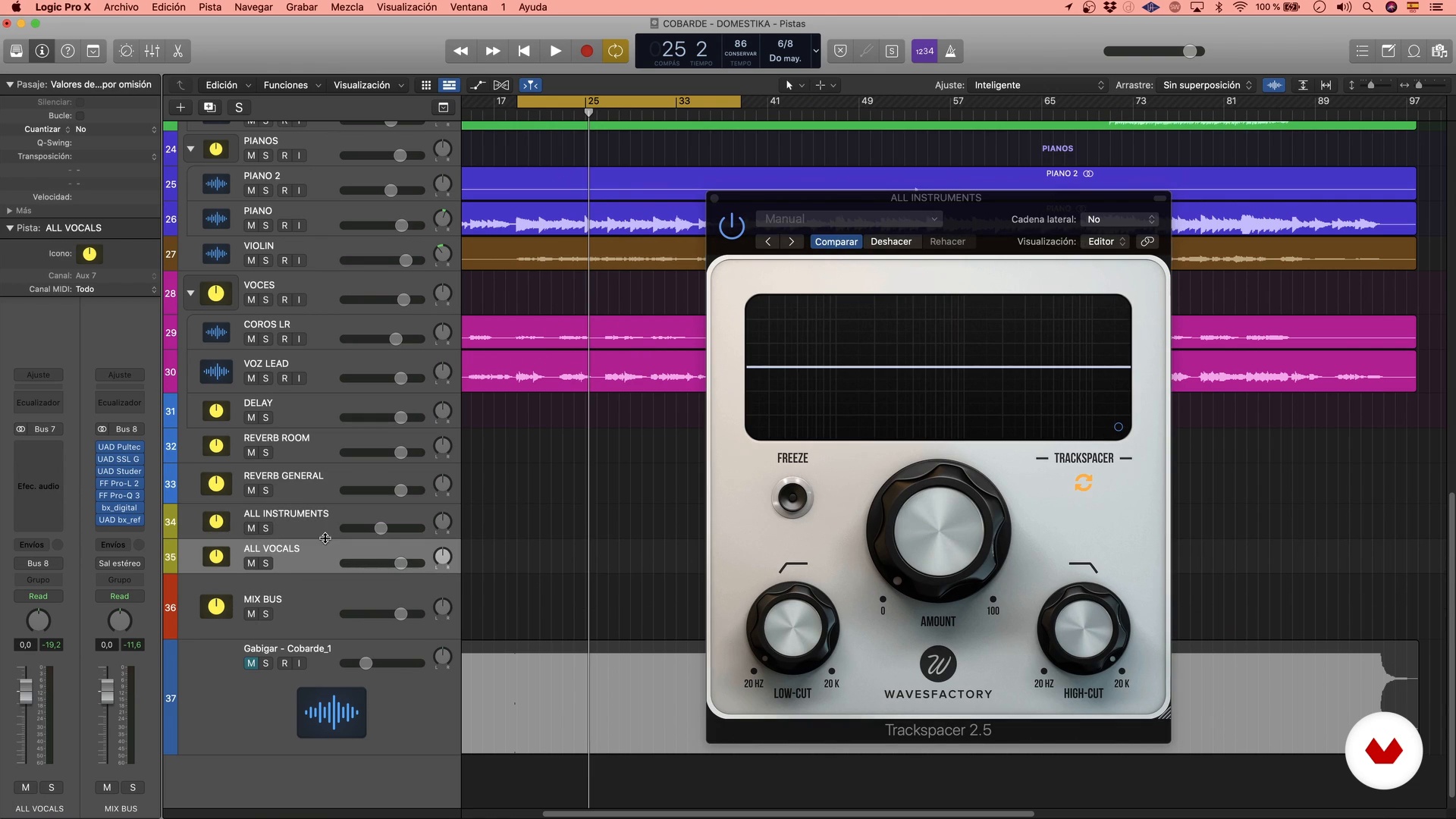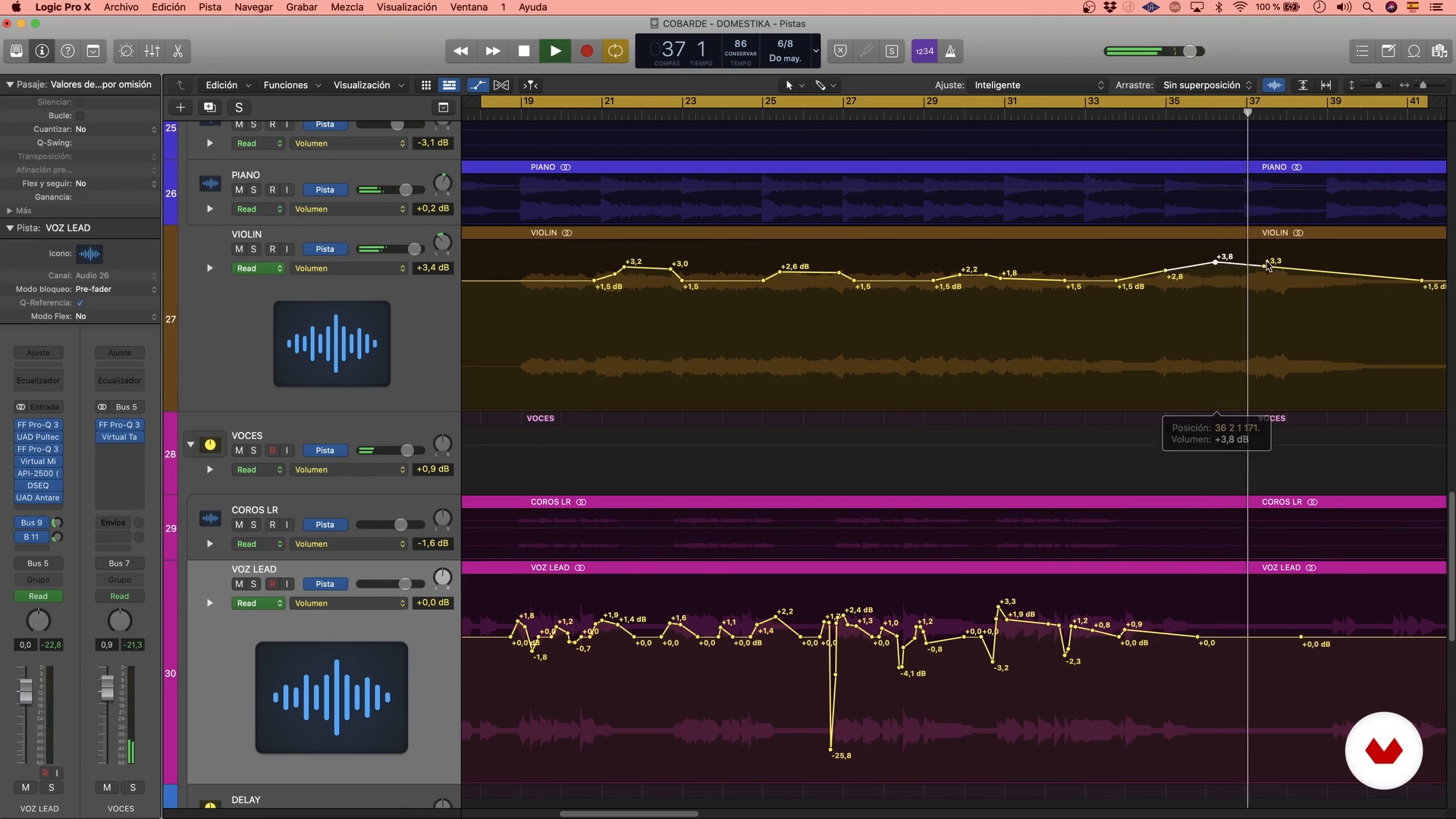
Specialization

Diseño de sonido para proyectos audiovisuales

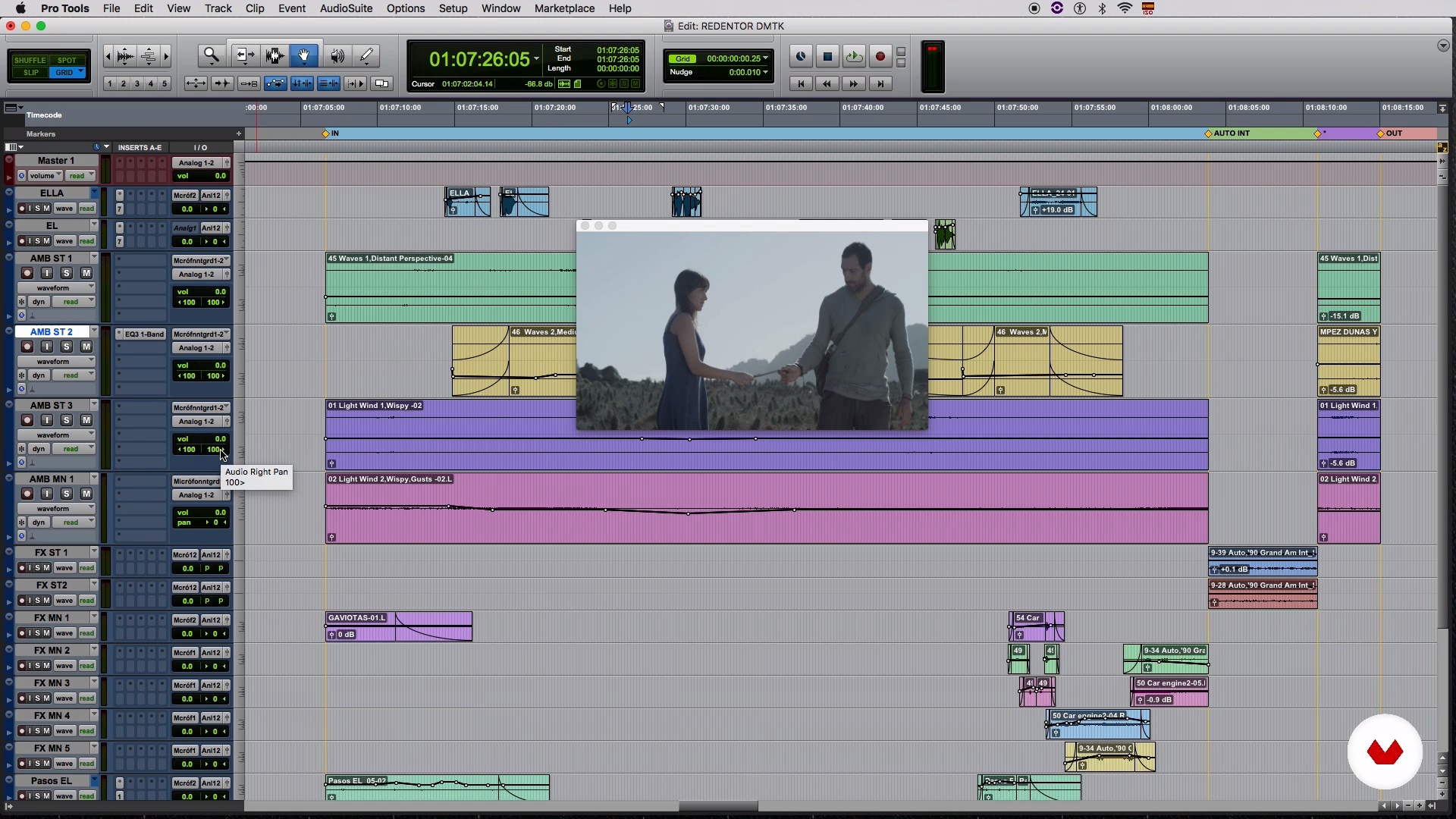
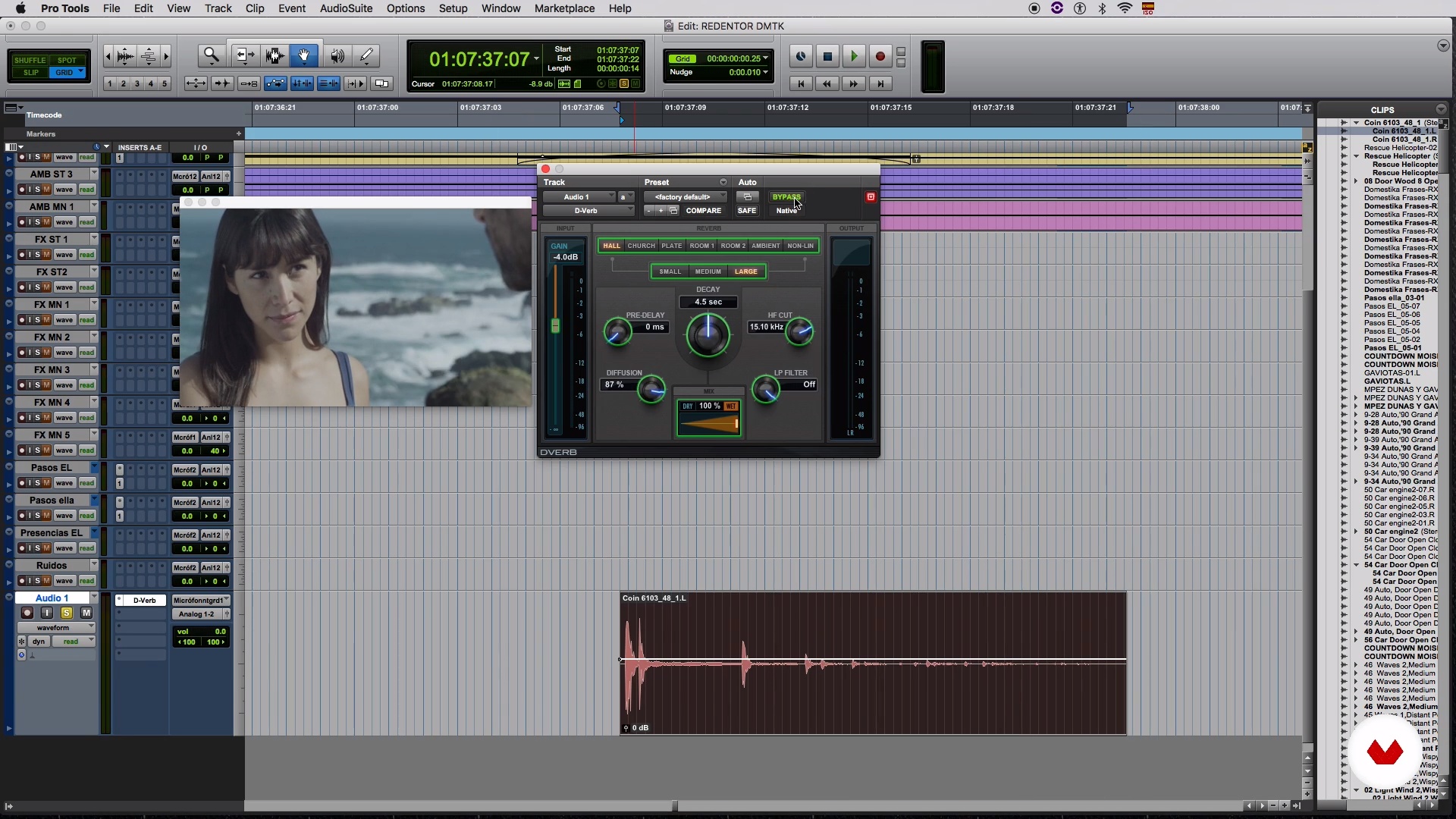
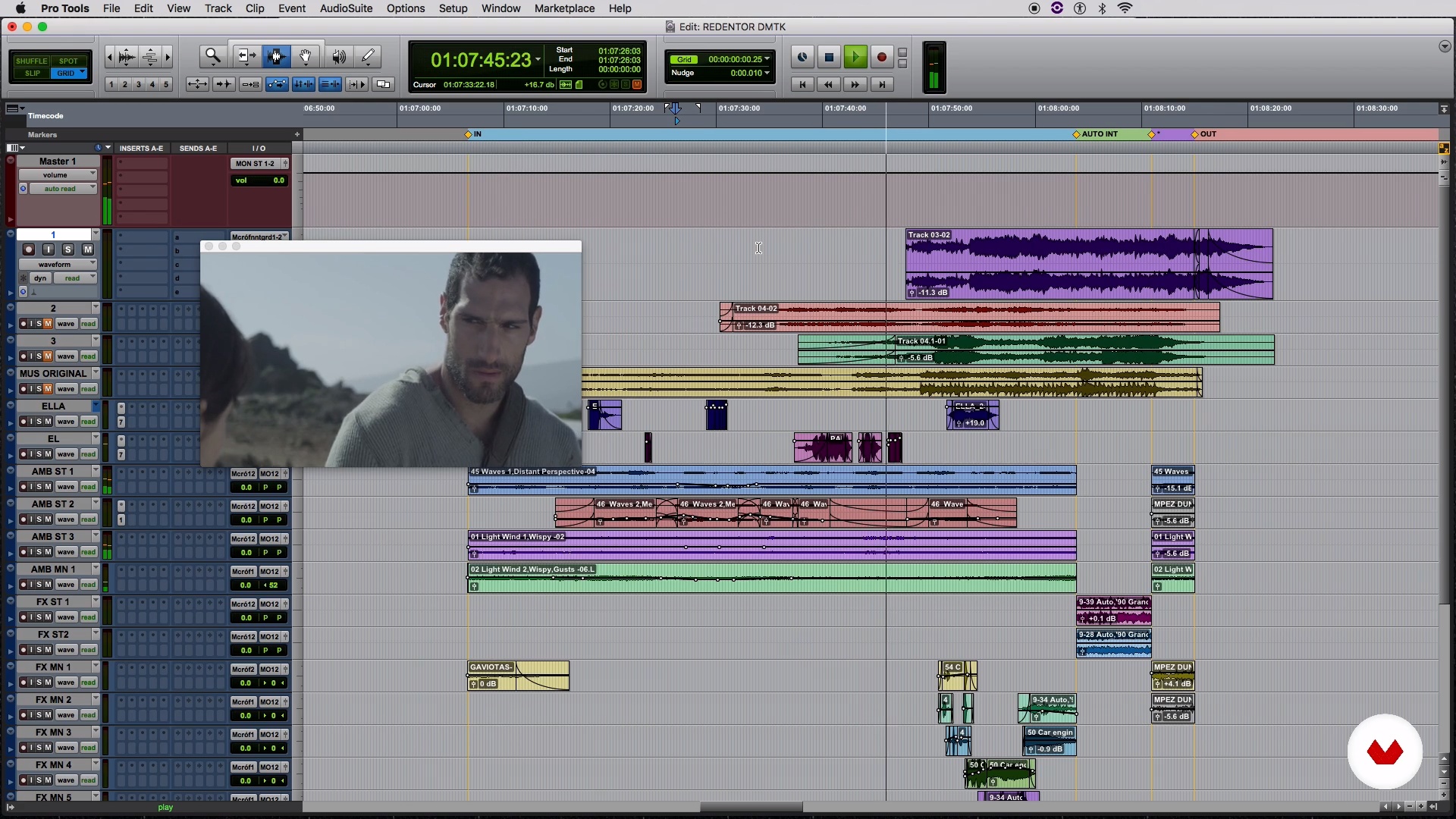
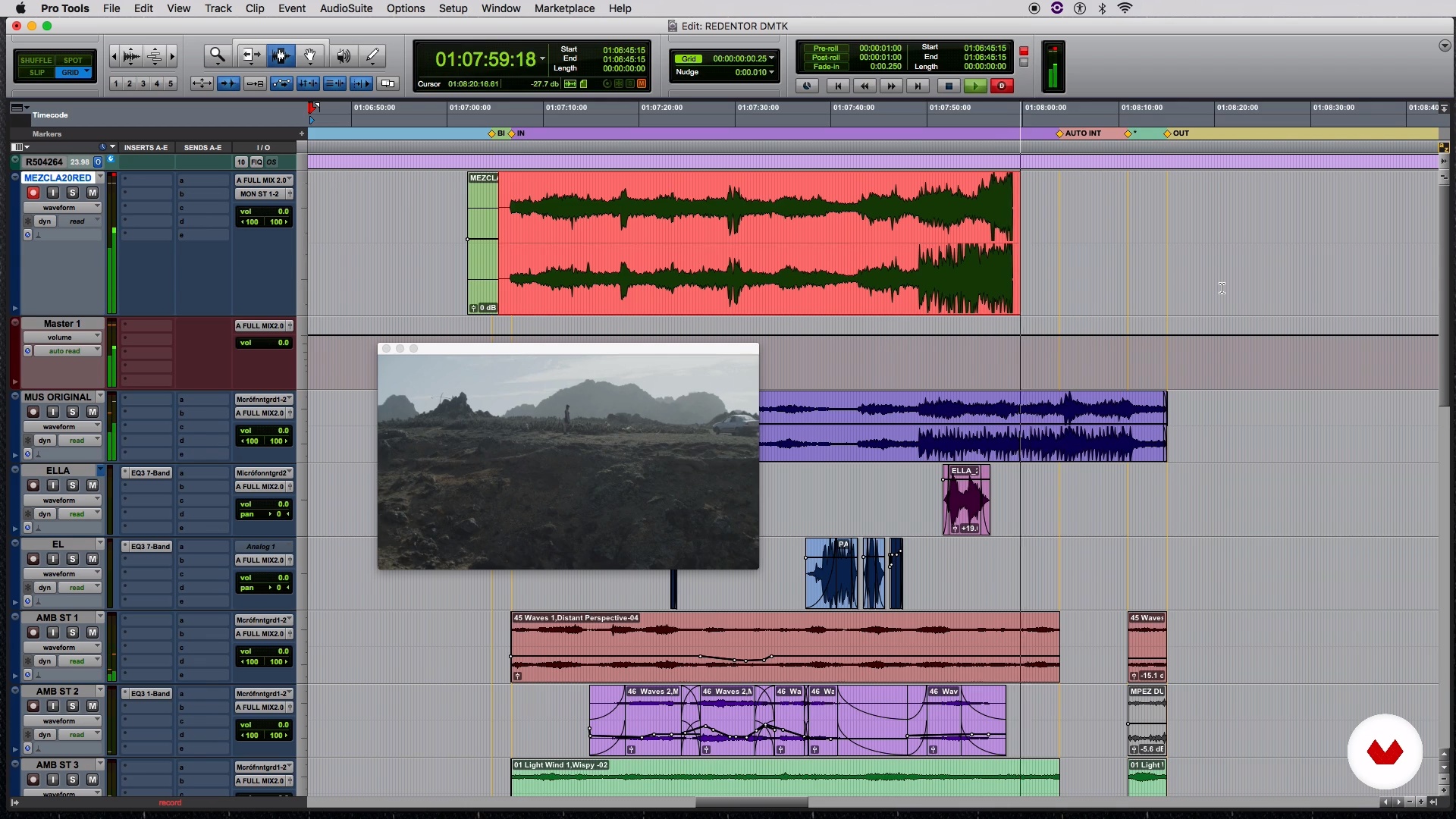
Master sound design techniques for immersive audio in film, TV, and digital content creation using Pro Tools

Specialization · 6 modules

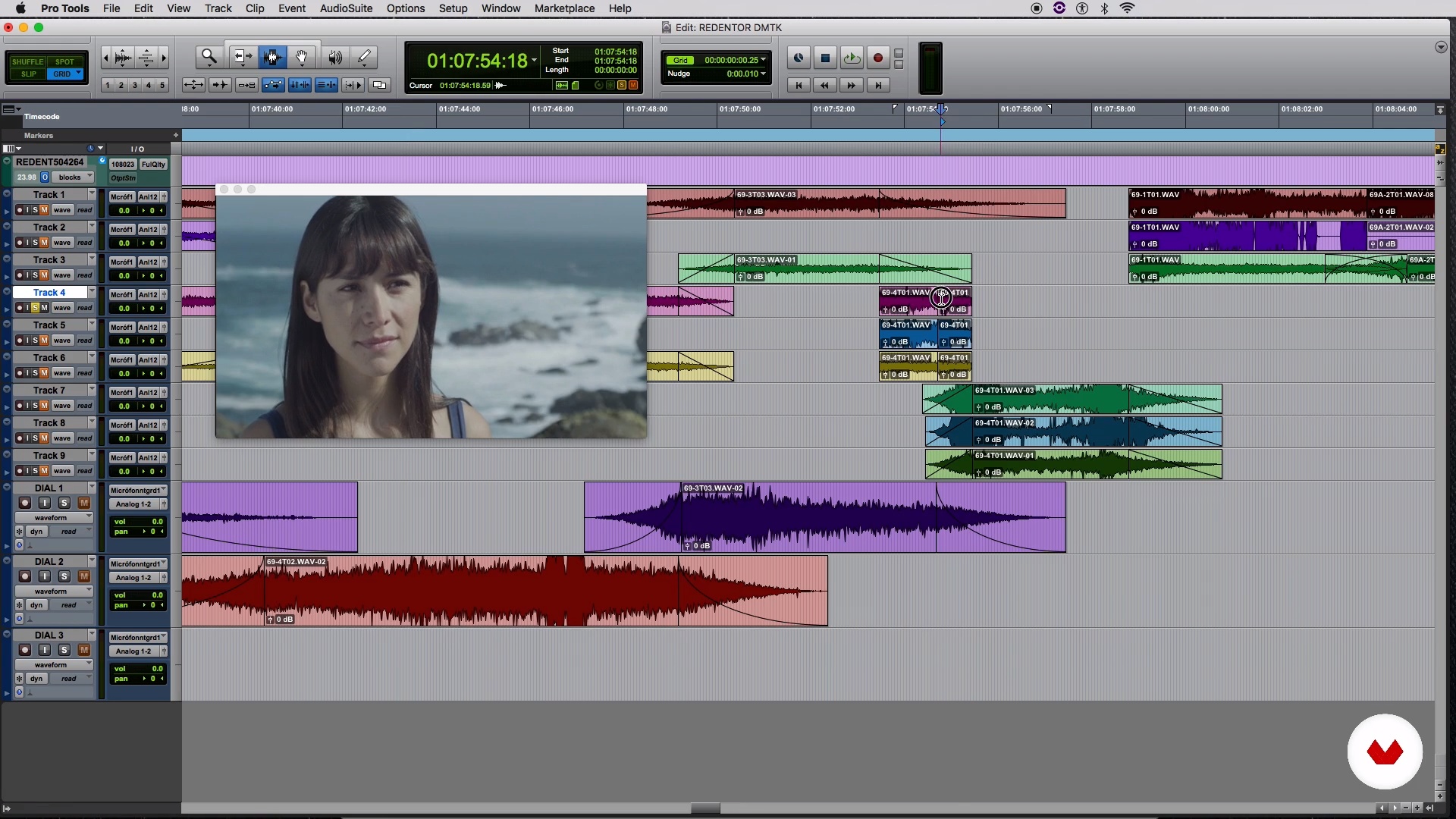
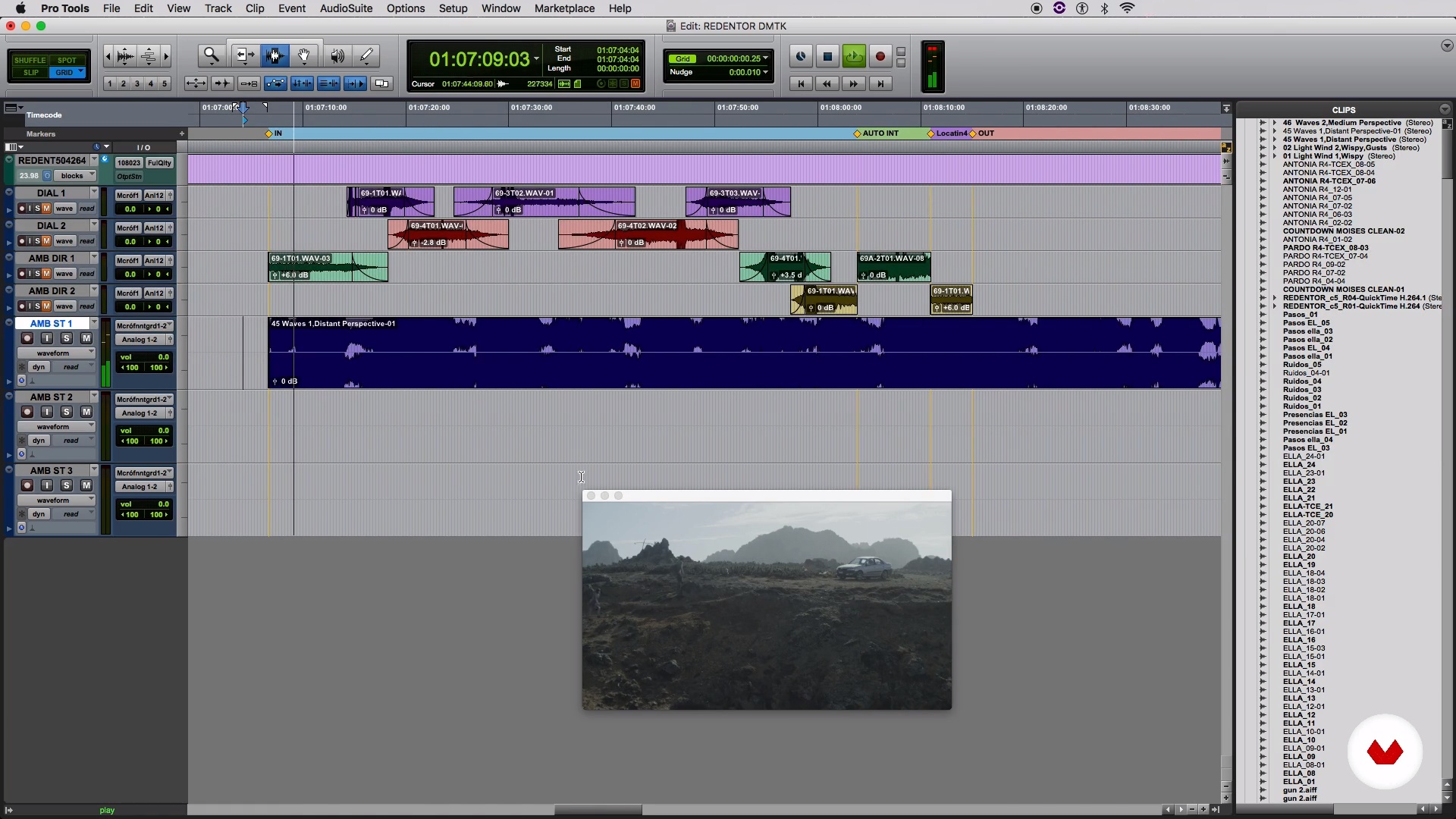
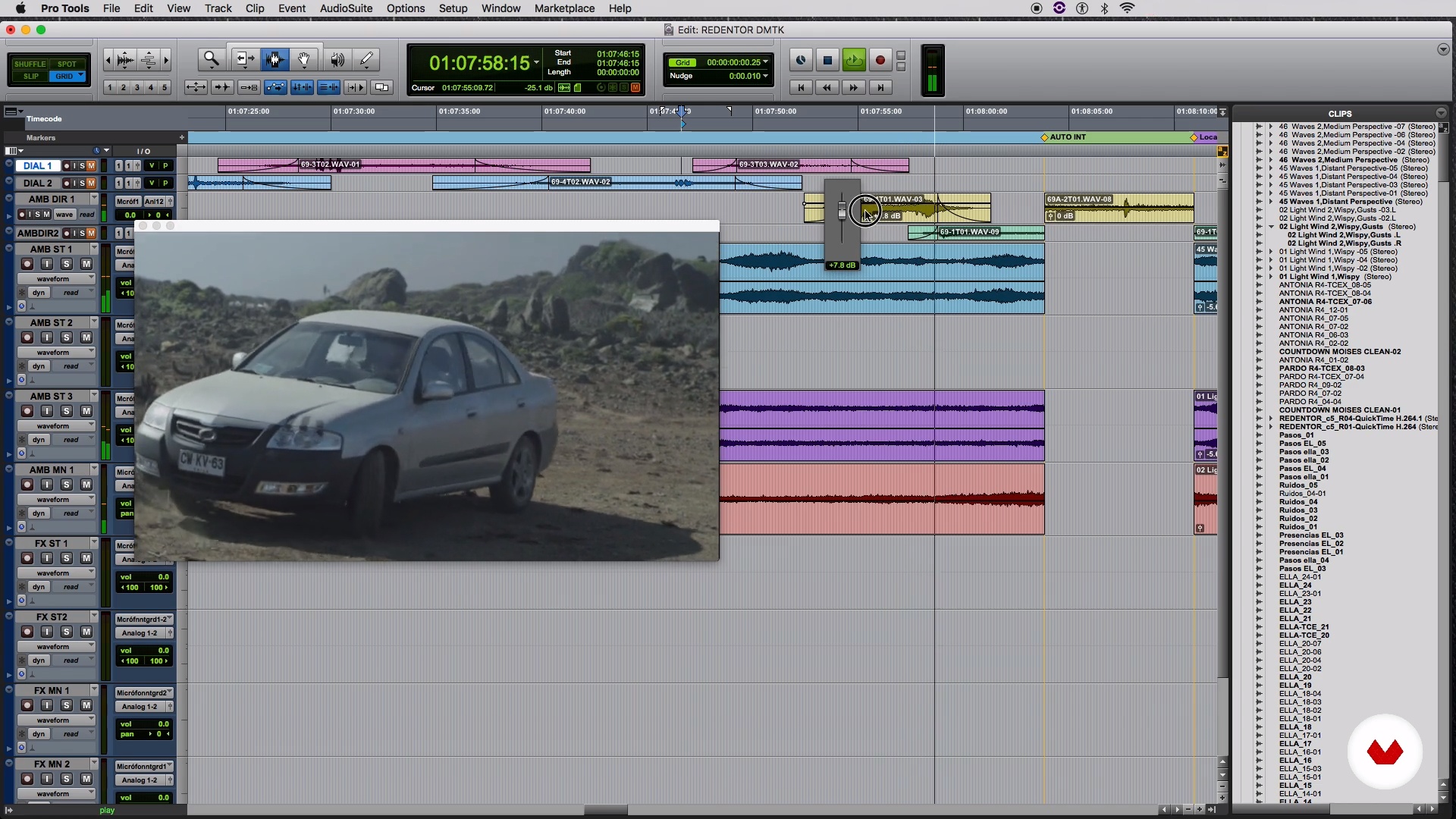
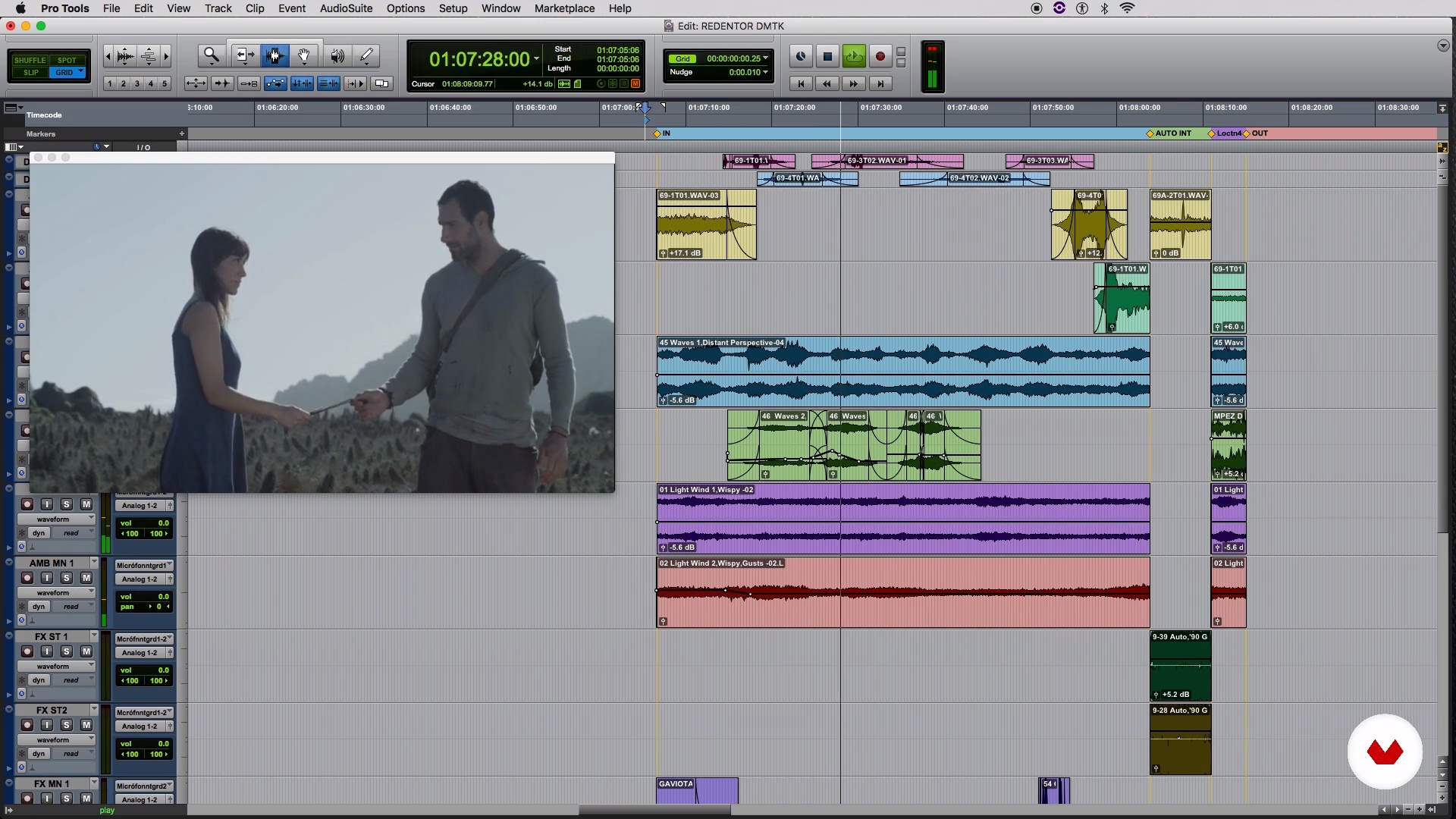
Dive into the world of sound design and unleash your creativity with this comprehensive specialization. Tailored for aspiring audio professionals, this program covers everything from recording techniques to advanced post-production. Learn the art of capturing crisp voice recordings, designing authentic foley effects, and crafting immersive audio landscapes. Explore the essentials of musical mixing and master professional tools like Pro Tools, honing skills that will elevate your sound projects to cinematic standards.

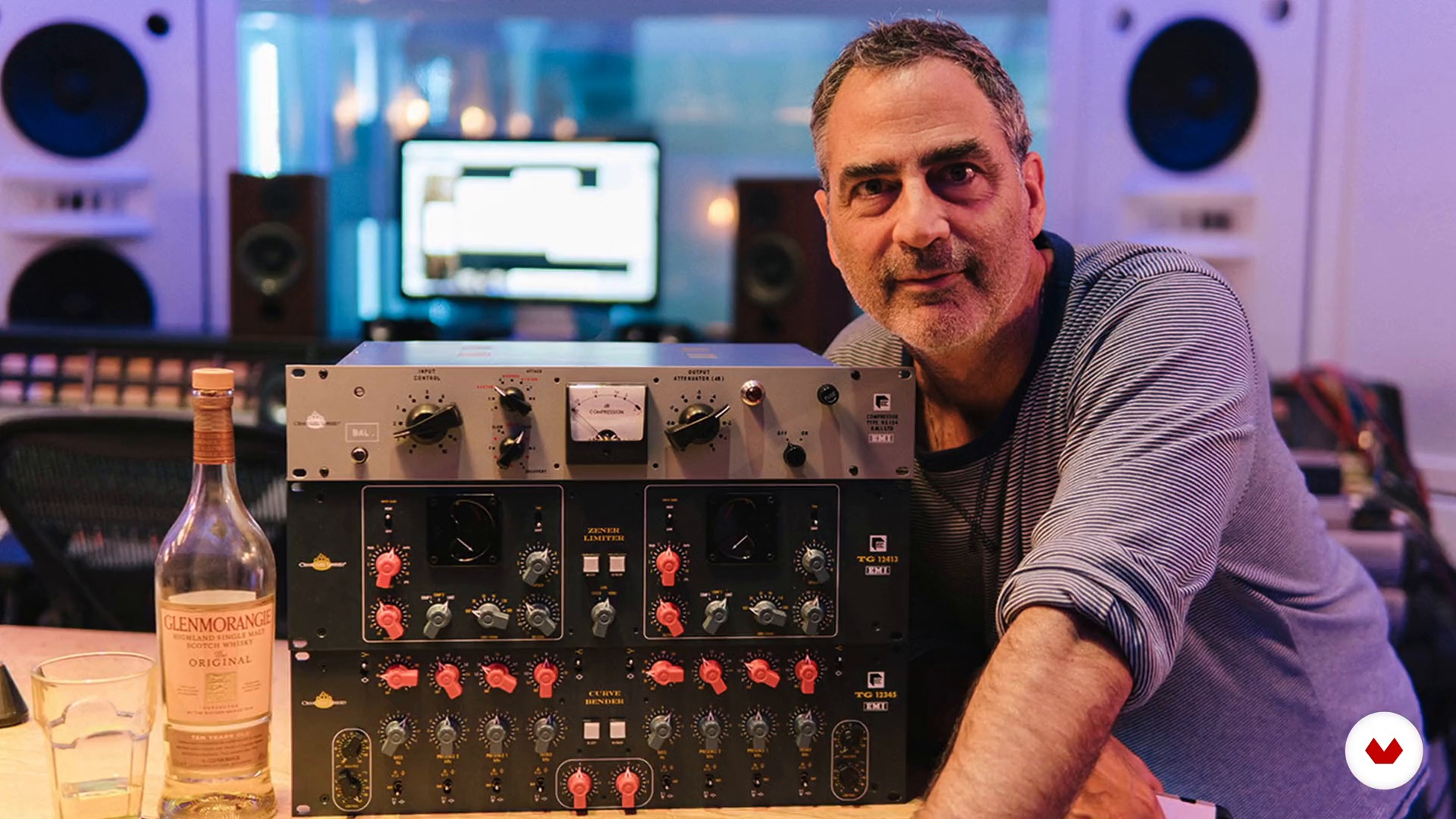
Guided by industry experts Tom Hambleton, Manuel José Gordillo, Nico Quiroga, Nadine Voullième Uteau, and Andrés Borda, you’ll gain insider knowledge and hands-on experience. Create a portfolio-ready project by designing a complete soundscape for a short film, integrating dialogue, music, and effects seamlessly. Whether you're working on film, TV, or digital content, this specialization offers the expertise needed to make your audio work stand out in any audiovisual medium.

Read more ↓

What will you learn in this specialization?
A total of 6 modules and 94 lessons
A total of 20h 39m of vídeo lessons
Taught by 5 selected expert teachers
image
3
The Amazing World of Sound
What's so fascinating about sound? To help you understand the magic that involves the sound, I will talk to you about the early performers and how their sound was captured. Next, I will explain what makes those old recordings sound like they do.
10m
image
4
Learning What Good Sound Is
In this lesson, I want to look at what are the most important things. How important is the gear? Does it matter which microphone you use? Here, you will learn about the things you should think about most when approaching your projects.
13m
image
5
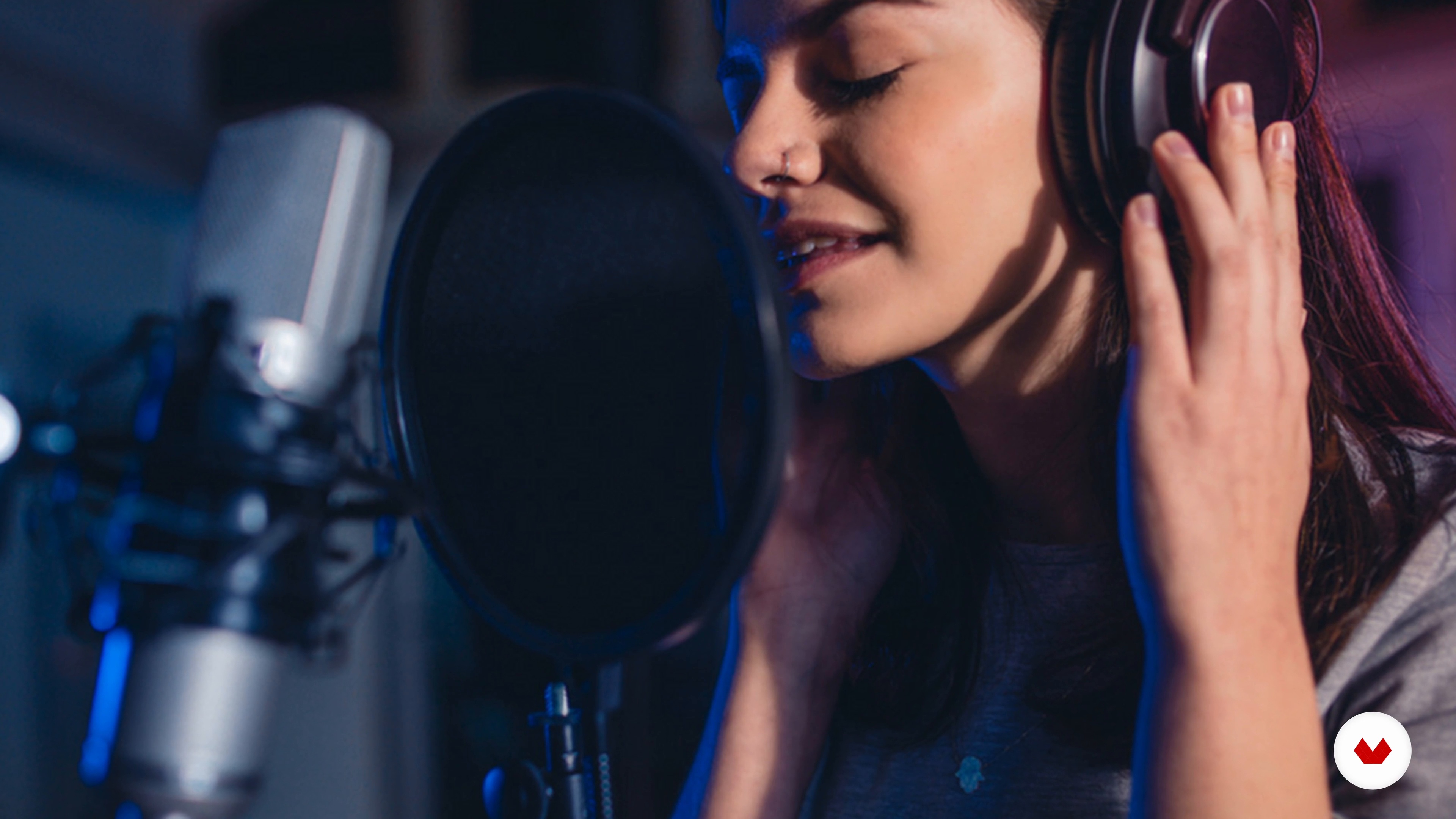
Types of Voice Recording
Now you will learn the most important things when trying to achieve a “sound” for your recording. And then, I will show you different types of voice recordings.
8m
image
6
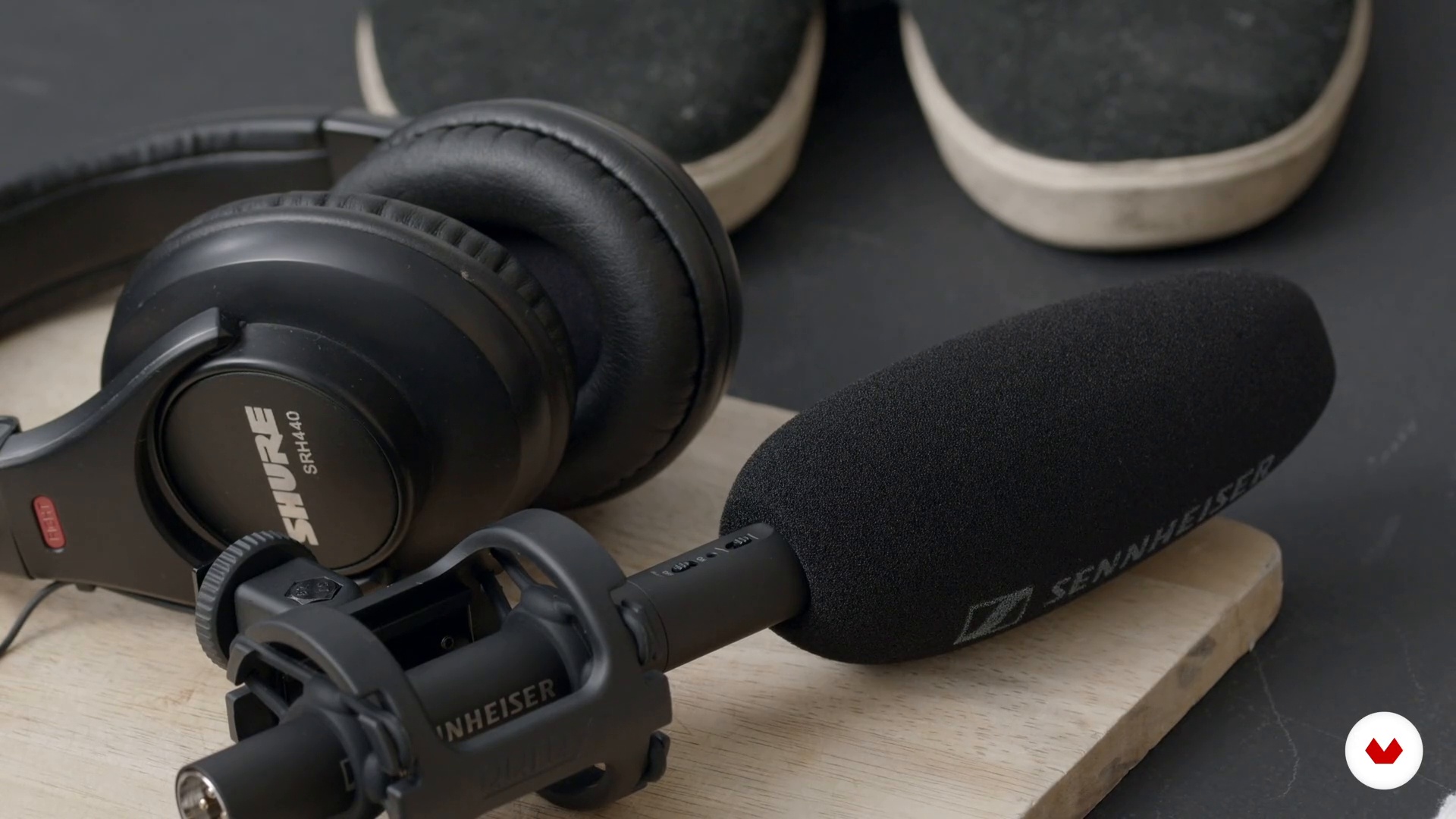
Equipment and Tools 1
You need to know that when it comes to getting quality sound, there are some basic tools you are going to need. In this lesson, I will show you the basic tools needed to record a voice.
18m
image
7
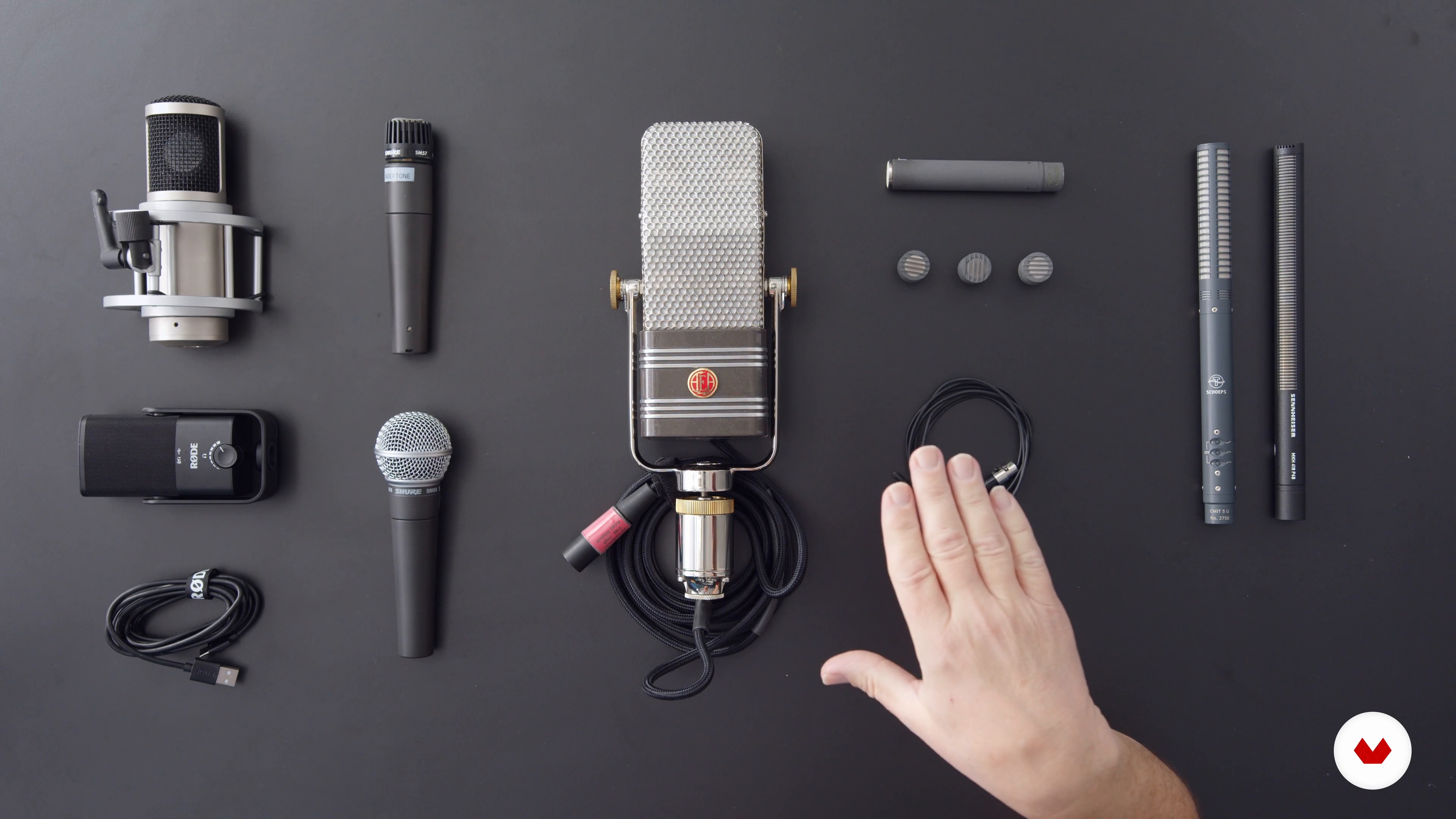
Equipment and Tools 2
You'll see that there are many types of microphones, from condensers to ribbon microphones: anyone would record a great voice, but the quality of the voice might sound a little different. Should that matter? The most important thing is what and how you're communicating.
19m
image
8
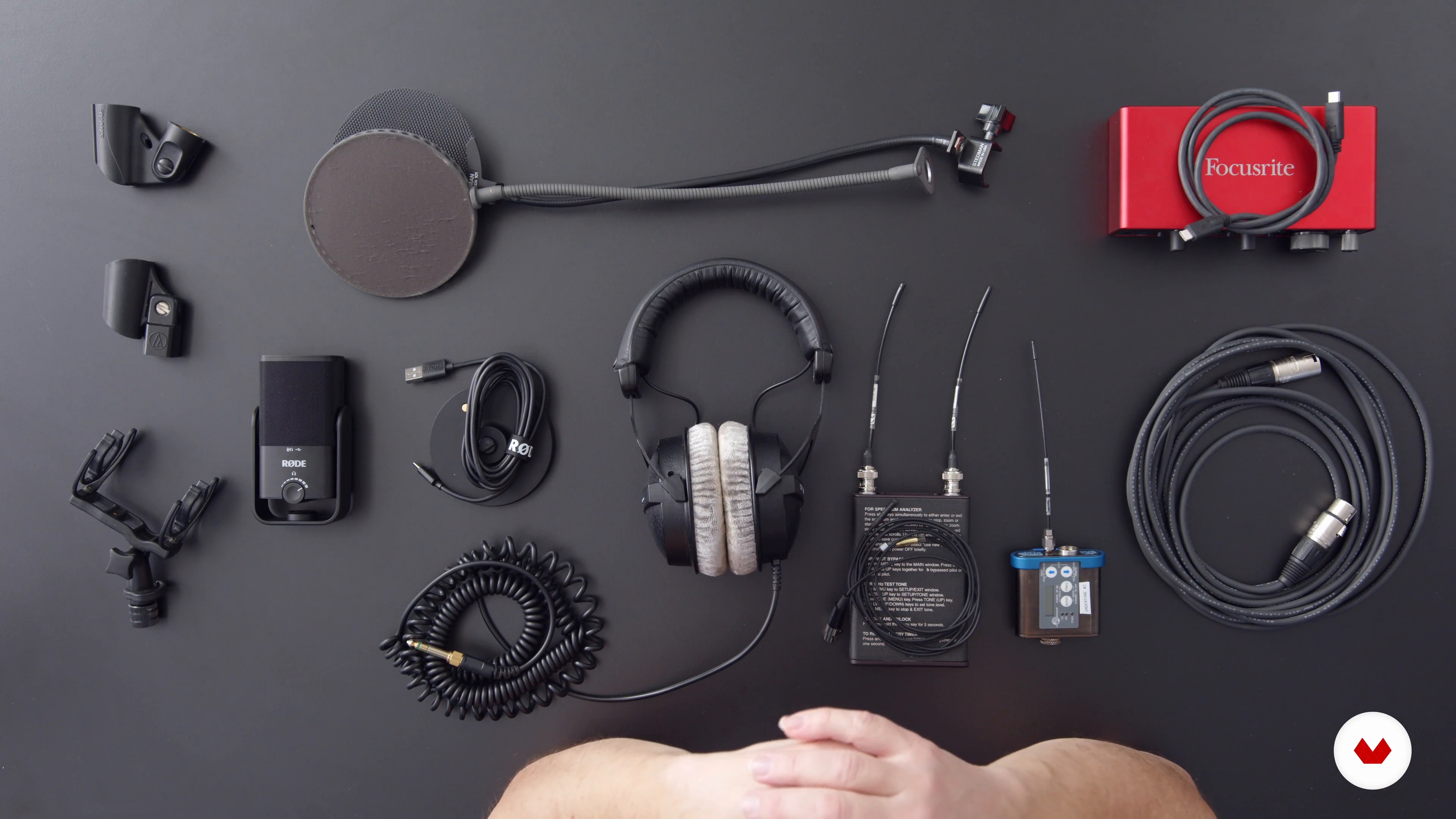
Equipment and Tools 3
To end, I will talk about the basics of hooking it all together along with an insight into their design and use so that you can make more informed decisions in your work.
15m
image
9
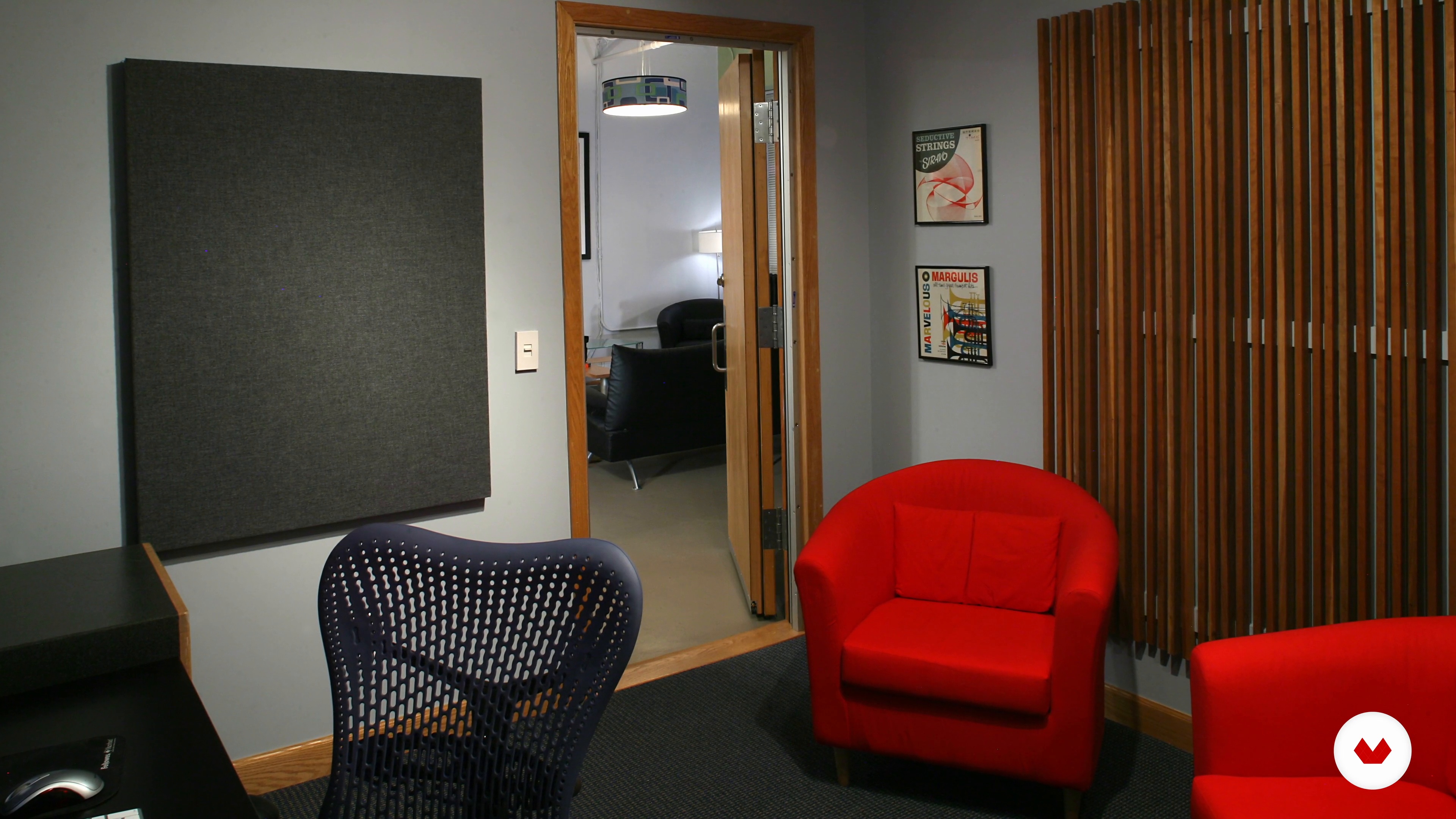
Preparing Your Recording Space 1
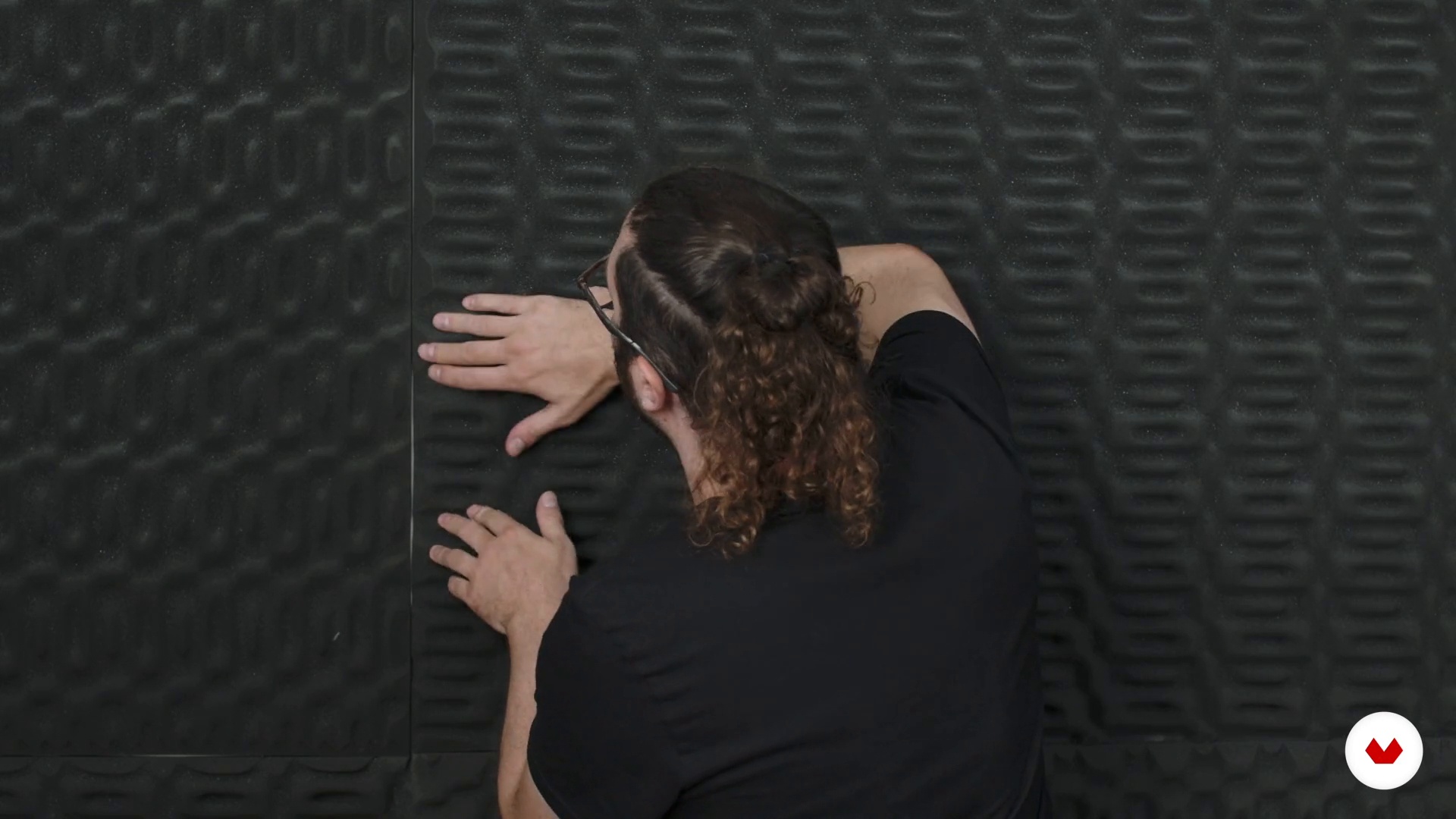
After showing you some basic ideas about acoustics, I will give you practical tips that you can do with common household items to improve the sound of your space.
15m
image
10
Preparing Your Recording Space 2
You can use sound treatment to change the geometry in your room in order to improve the sound, for example, by placing or rearranging furniture and common objects, like a bookshelf. Here I'll show you how.
13m
image
11
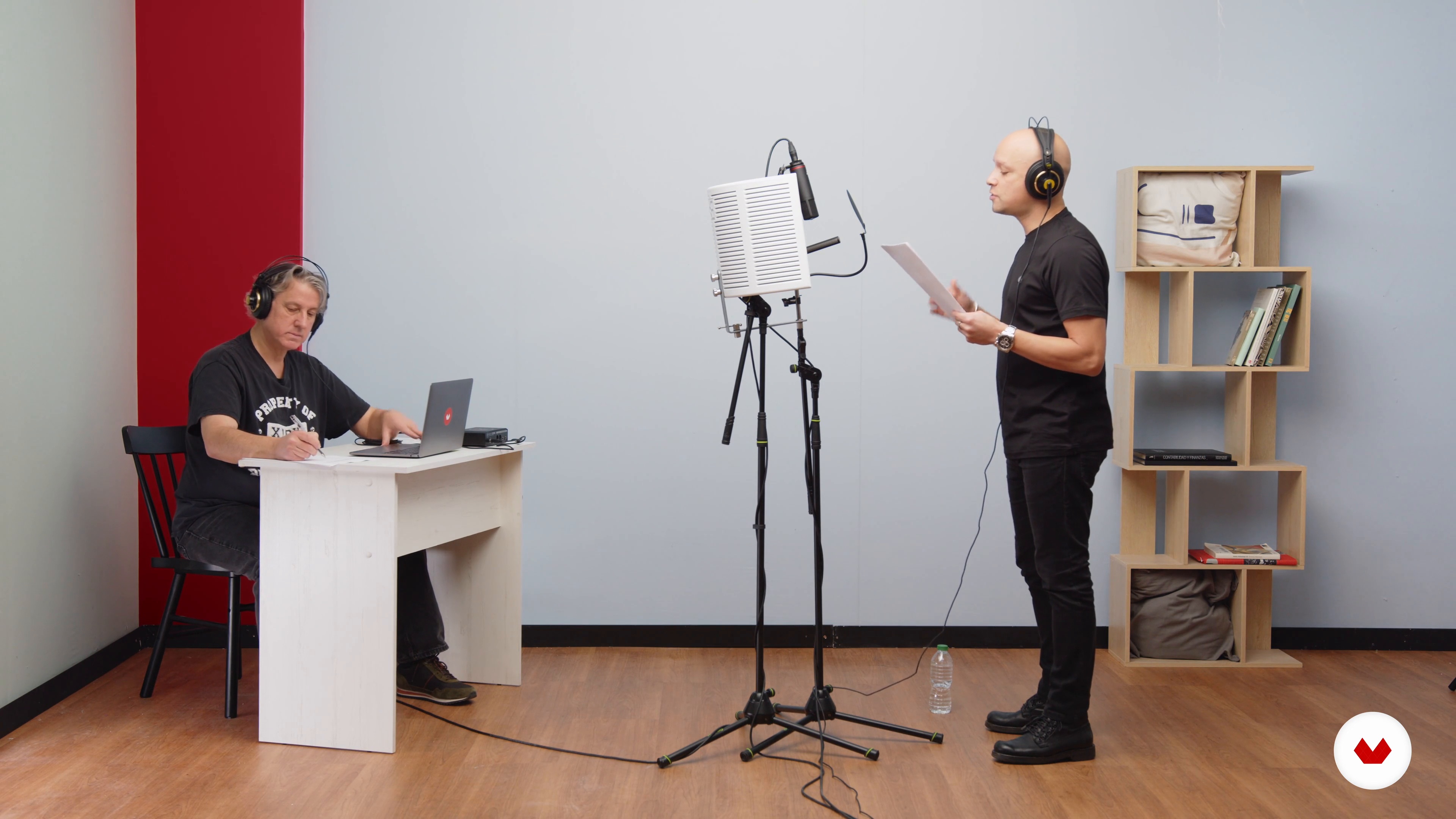
Recording 1
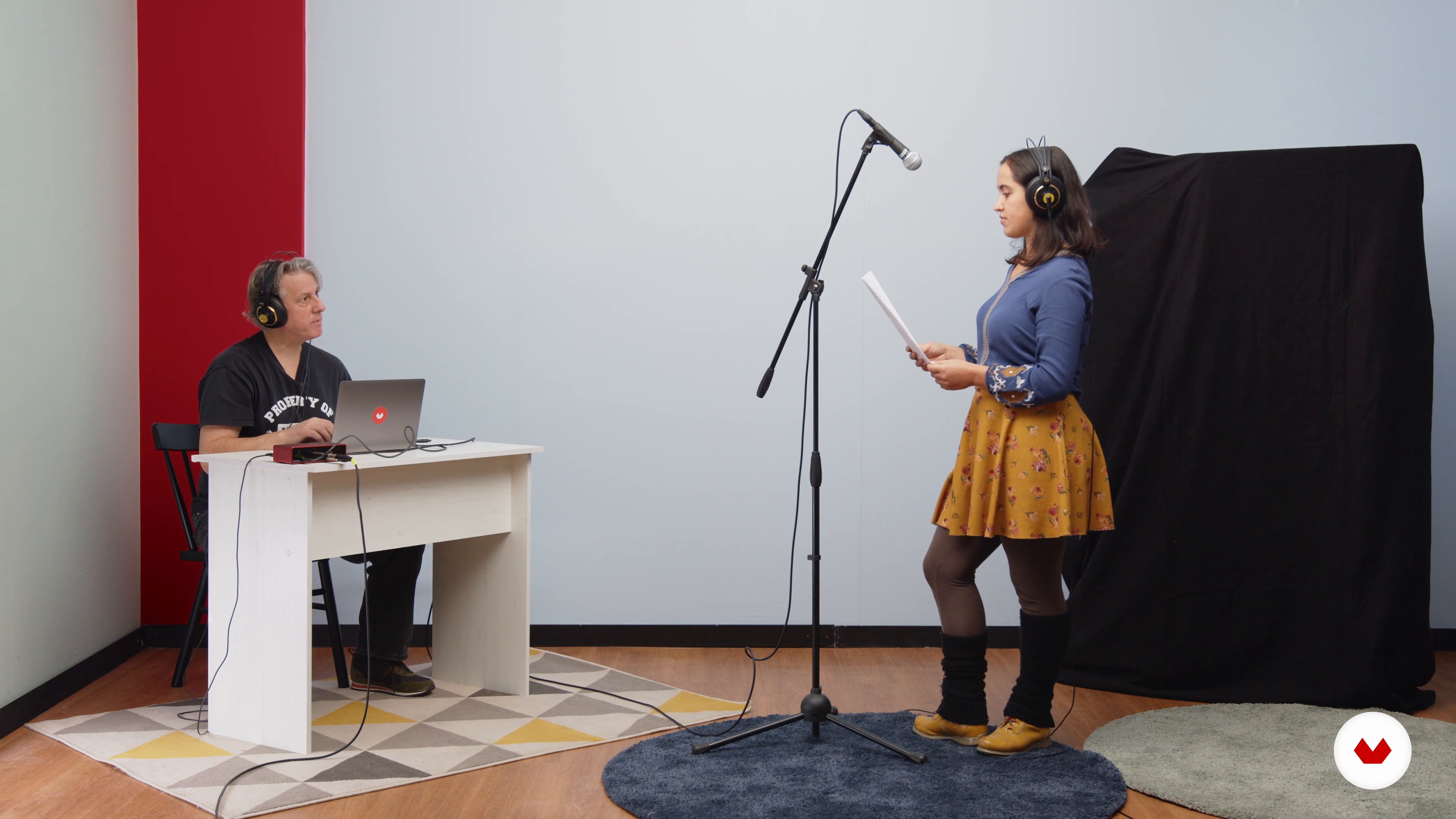
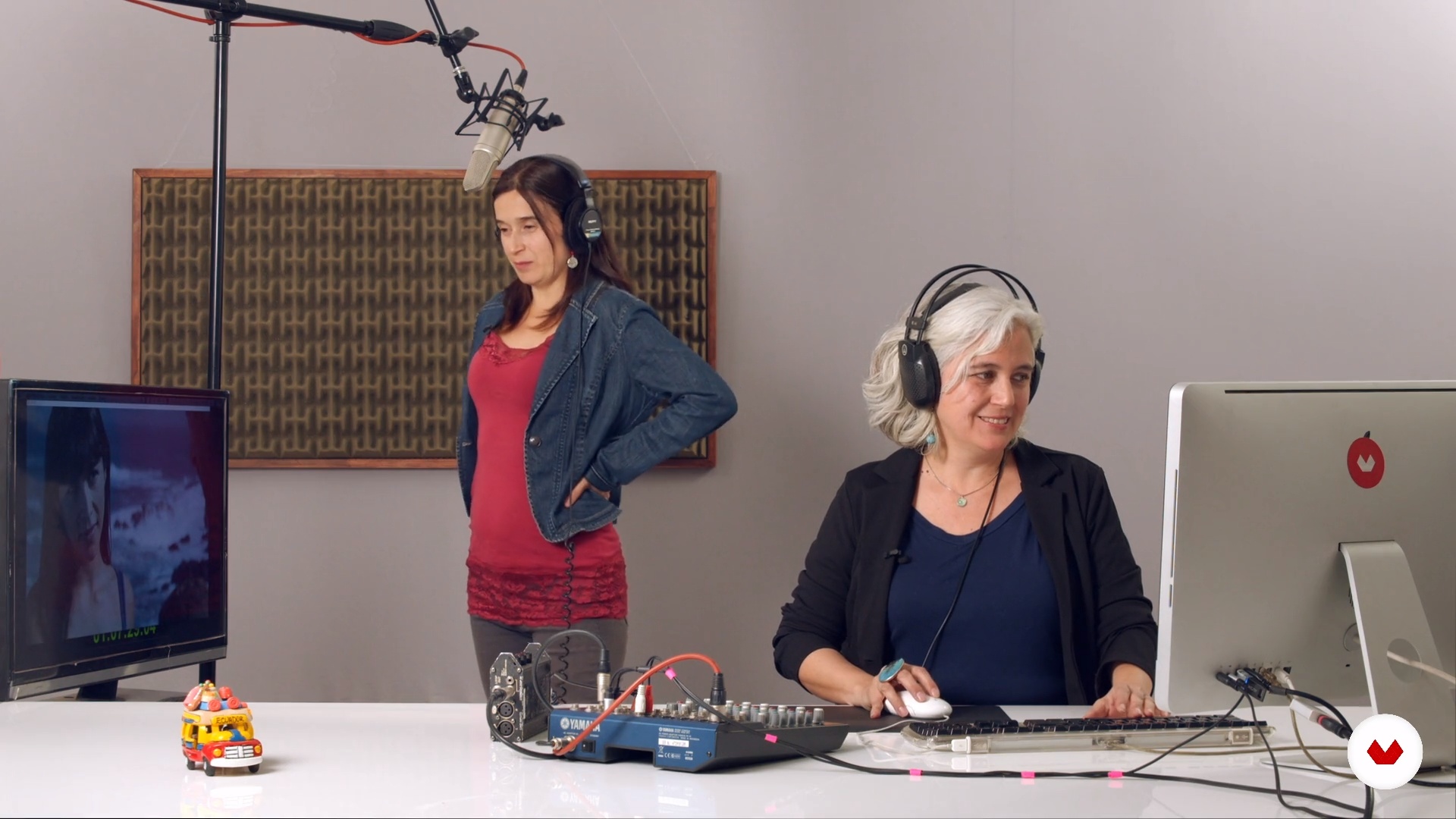
In this lesson, you will see an actual recording with a voice-over artist. But first, I will talk about the set-up of the room.
12m
image
12
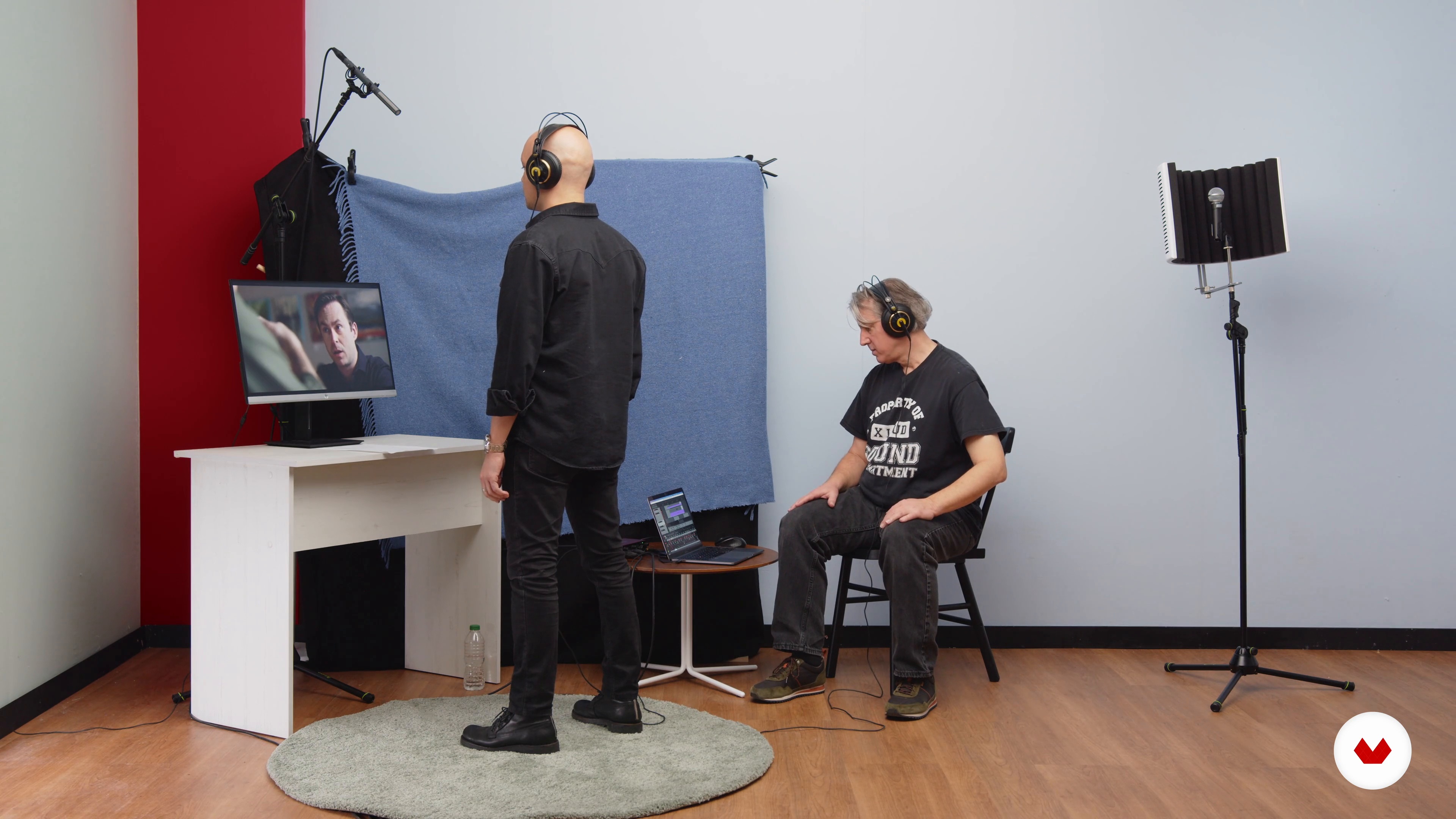
Recording 2
Now it's time to do some ADR. I will also show you, how I rearranged the room to get good acoustics for a natural sound.
12m
image
13
Recording Tips and Tricks 1
Next, you will look at the actual recording process and I will share with you basic, easy-to-understand do's and don'ts to start recording.
15m
image
14
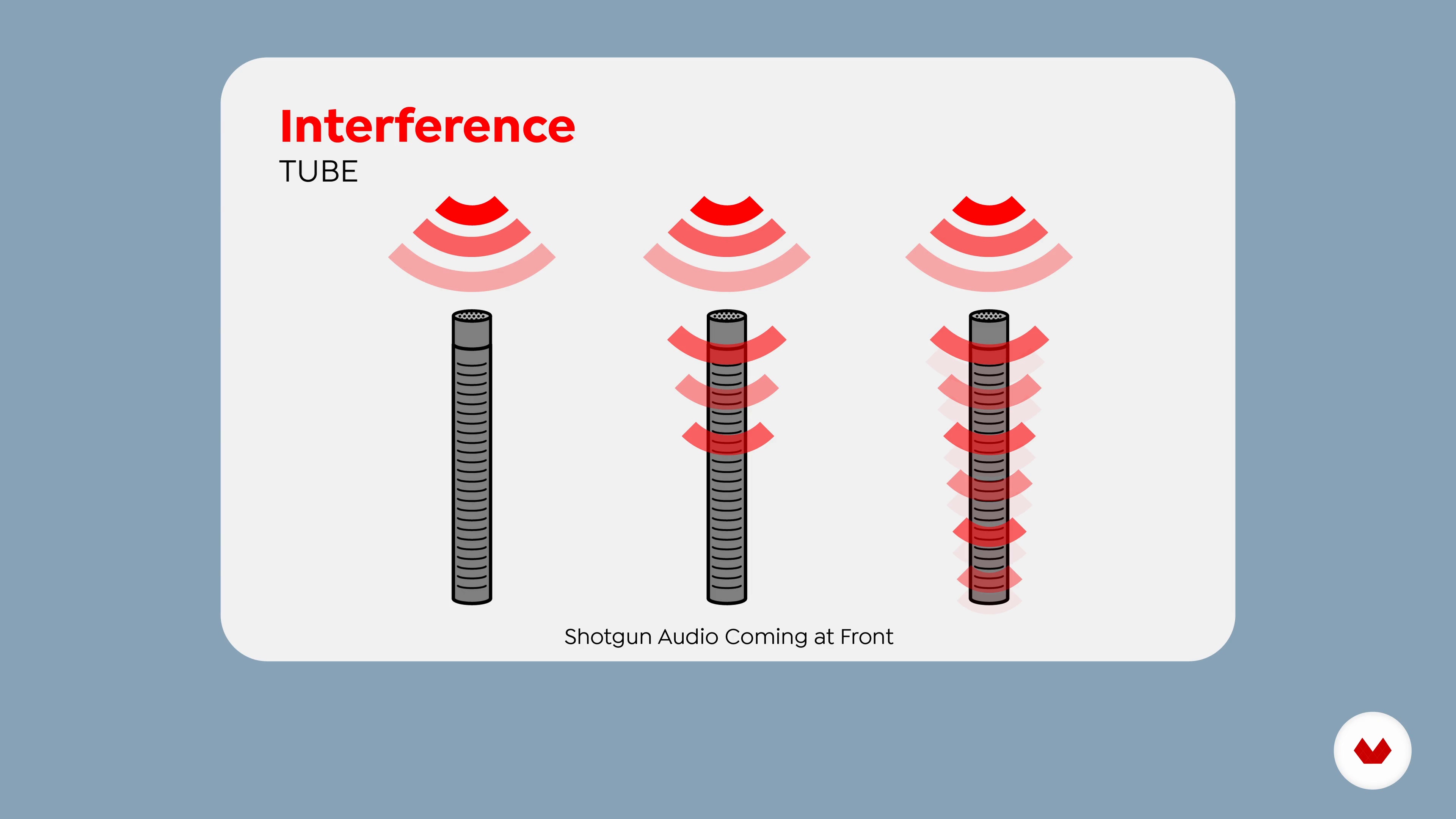
Recording Tips and Tricks 2
Here I will show you a few more tricks that you can use with microphones, and I will also go into a little more technical detail about how they work.
17m
image
15
Editing Your Recording 1
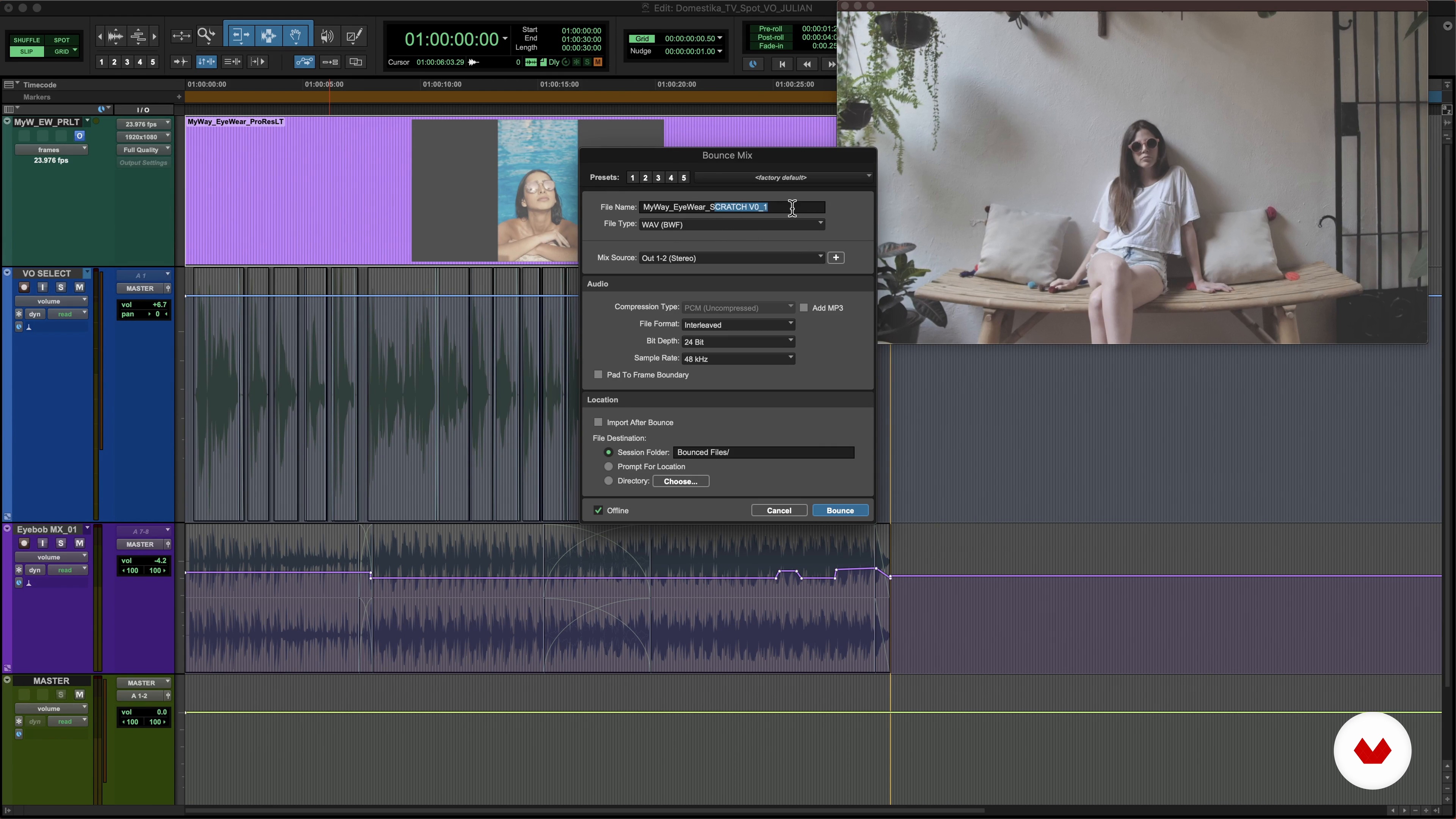
This is where the adventure begins! In this lesson, you will learn about the basics of editing and mixing. I will also share with you ideas to add other things to your recordings. Then I will talk about the basics of finishing and exporting your project.
15m
image
16
Editing Your Recording 2
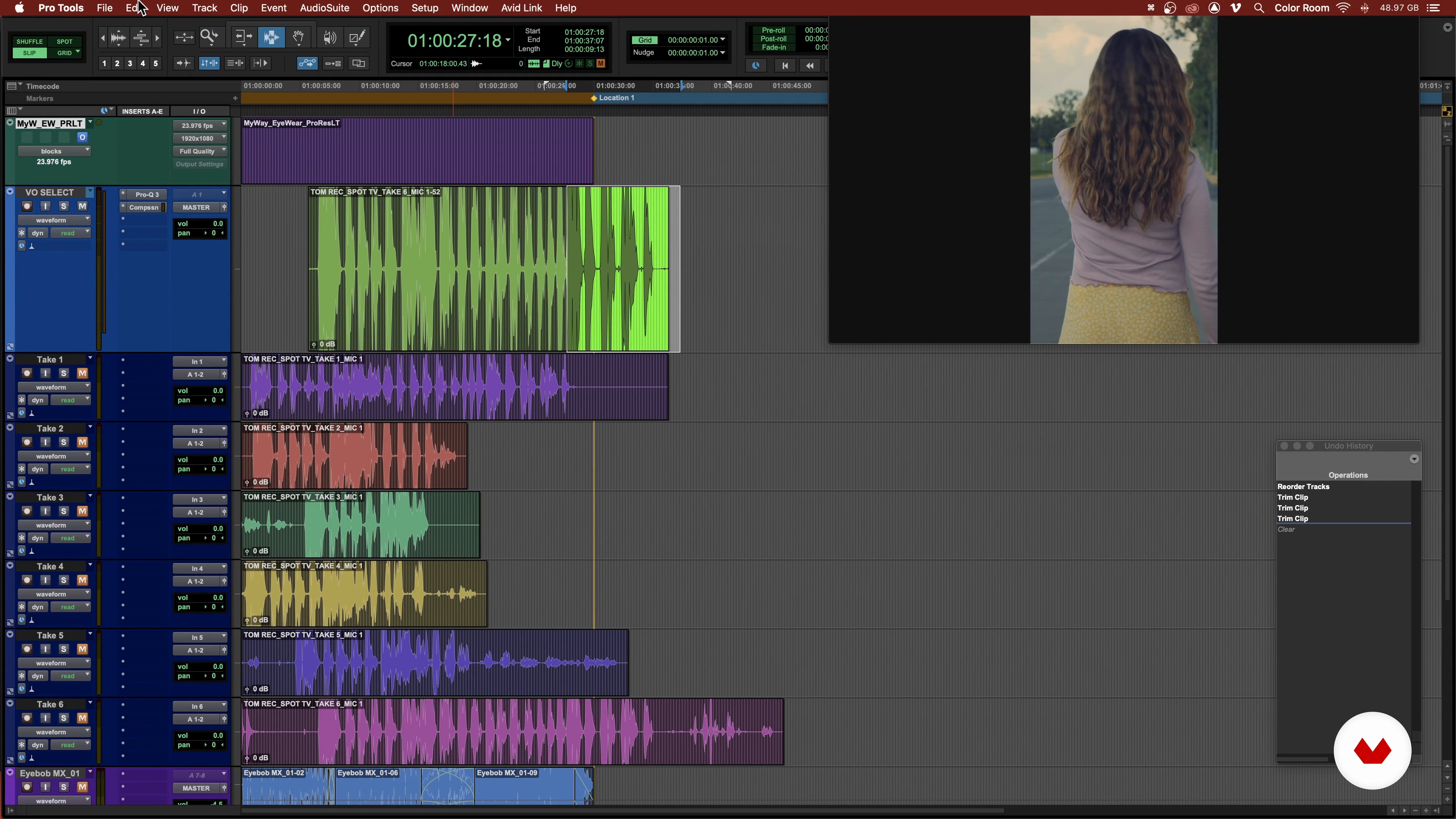
Now I will show you how I finish the TV spot we recorded while explaining some of the basic editing tools I showed you in the previous lesson, which I use to work on this project.
18m
image
17
Editing Your Recording 3
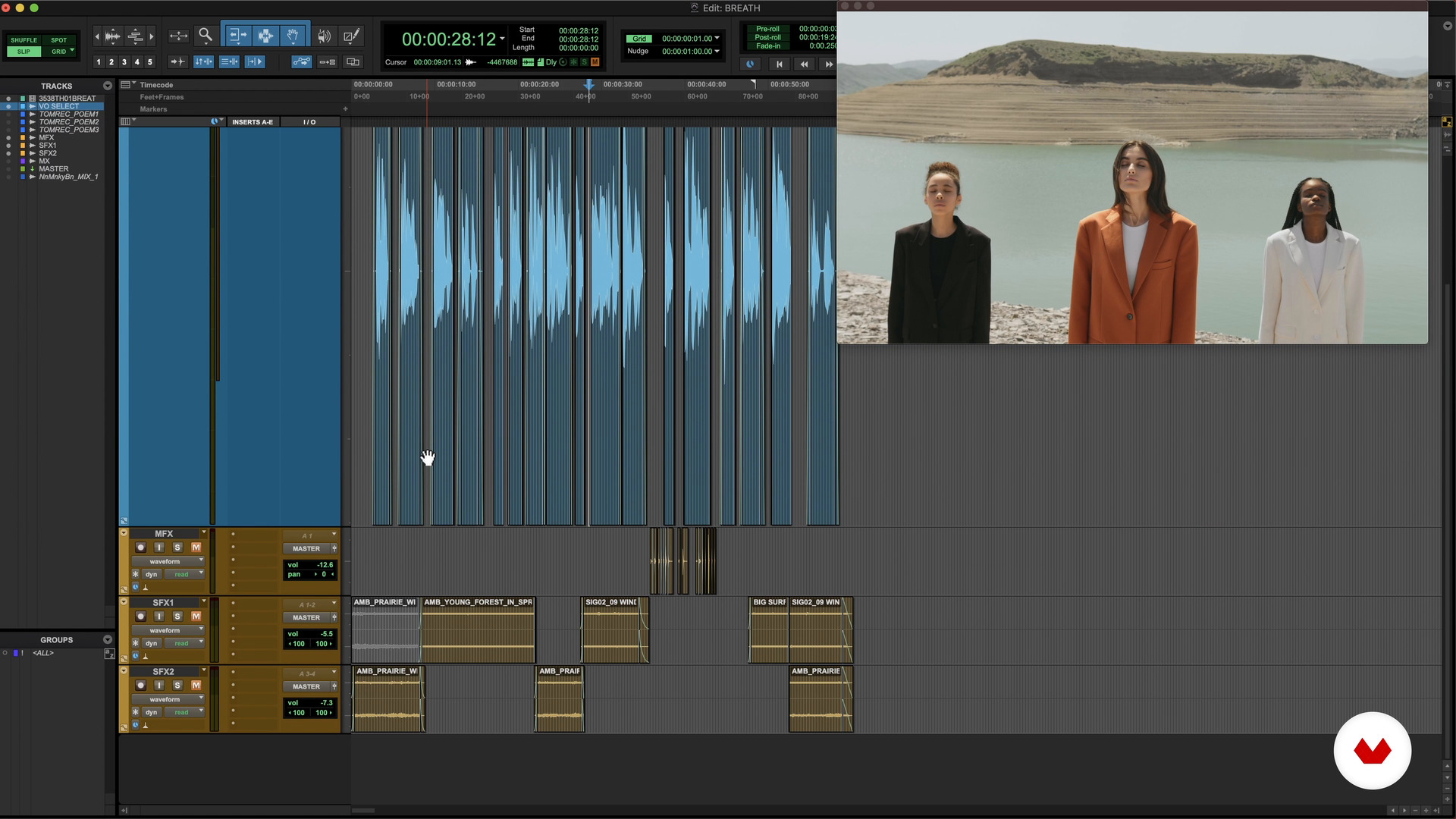
Here we will take a look at a motion poem, in which the images of the video and the read poem work together.
18m
image
18
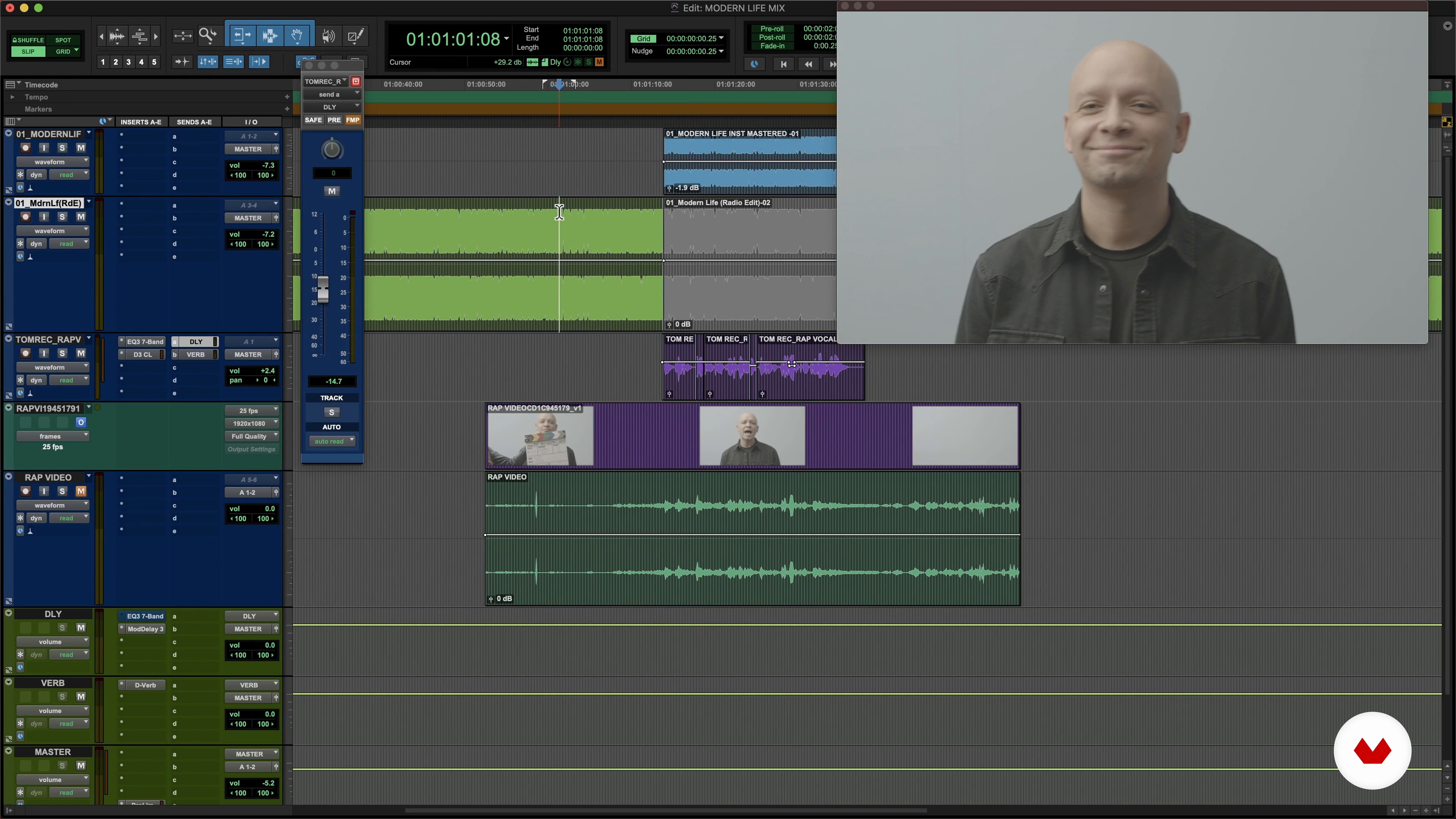
Editing Your Recording 4
Now I will show you how to edit rap vocals by lining up the track with vocals, the instrumental track, and the singer's record - you will see how it looks like the singer is actually singing live to the studio track.
15m
image
19
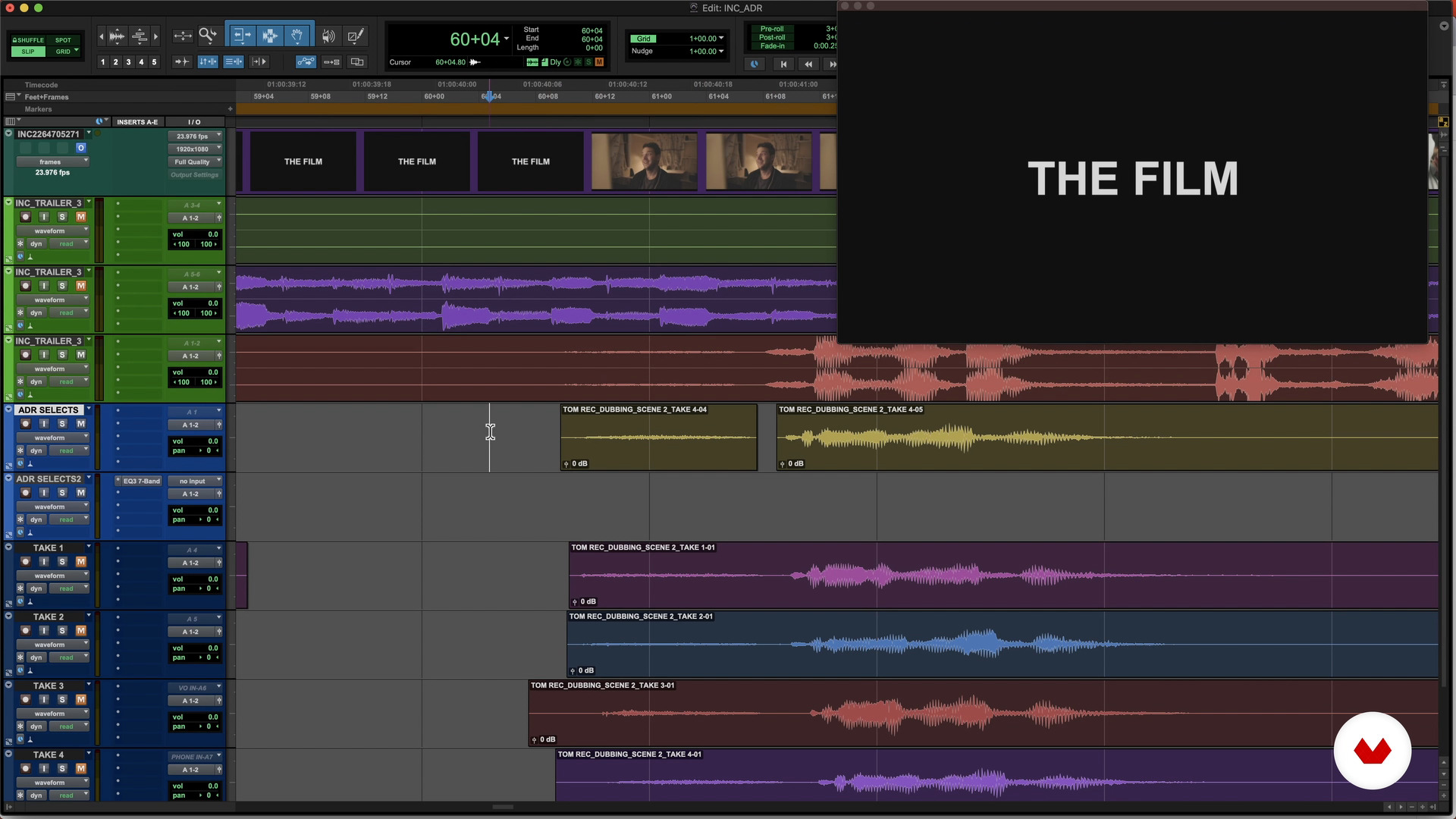
Editing Your Recording 5
Finally, we will take a look at our ADR session. I will also explain and show you how to make the "beeps".
16m
image
20
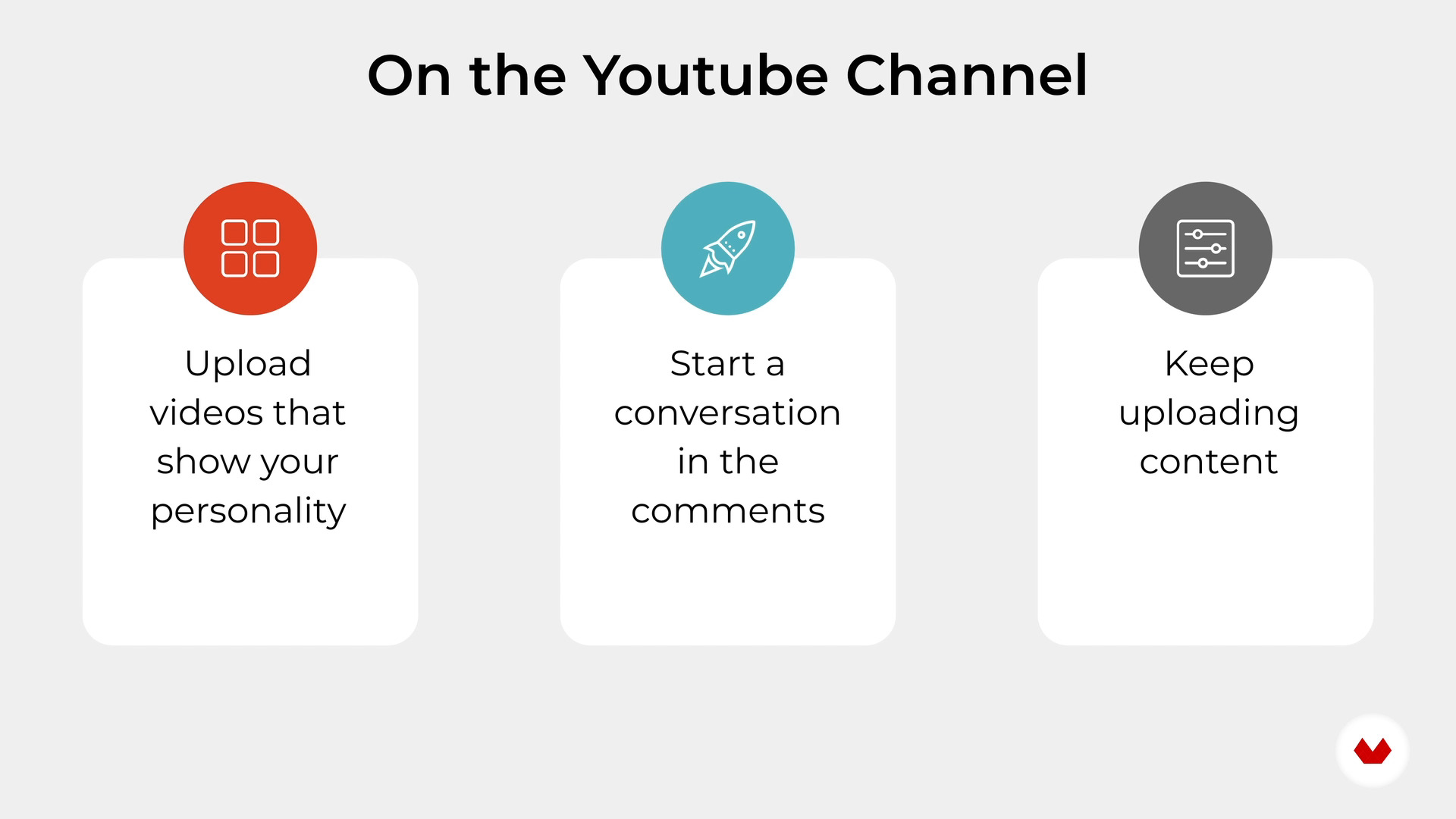
Share Your Work with the World
Finally, I will talk about some possible avenues that you can investigate to share your work with the rest of the world.
5m
image
3
Introduction to Foley
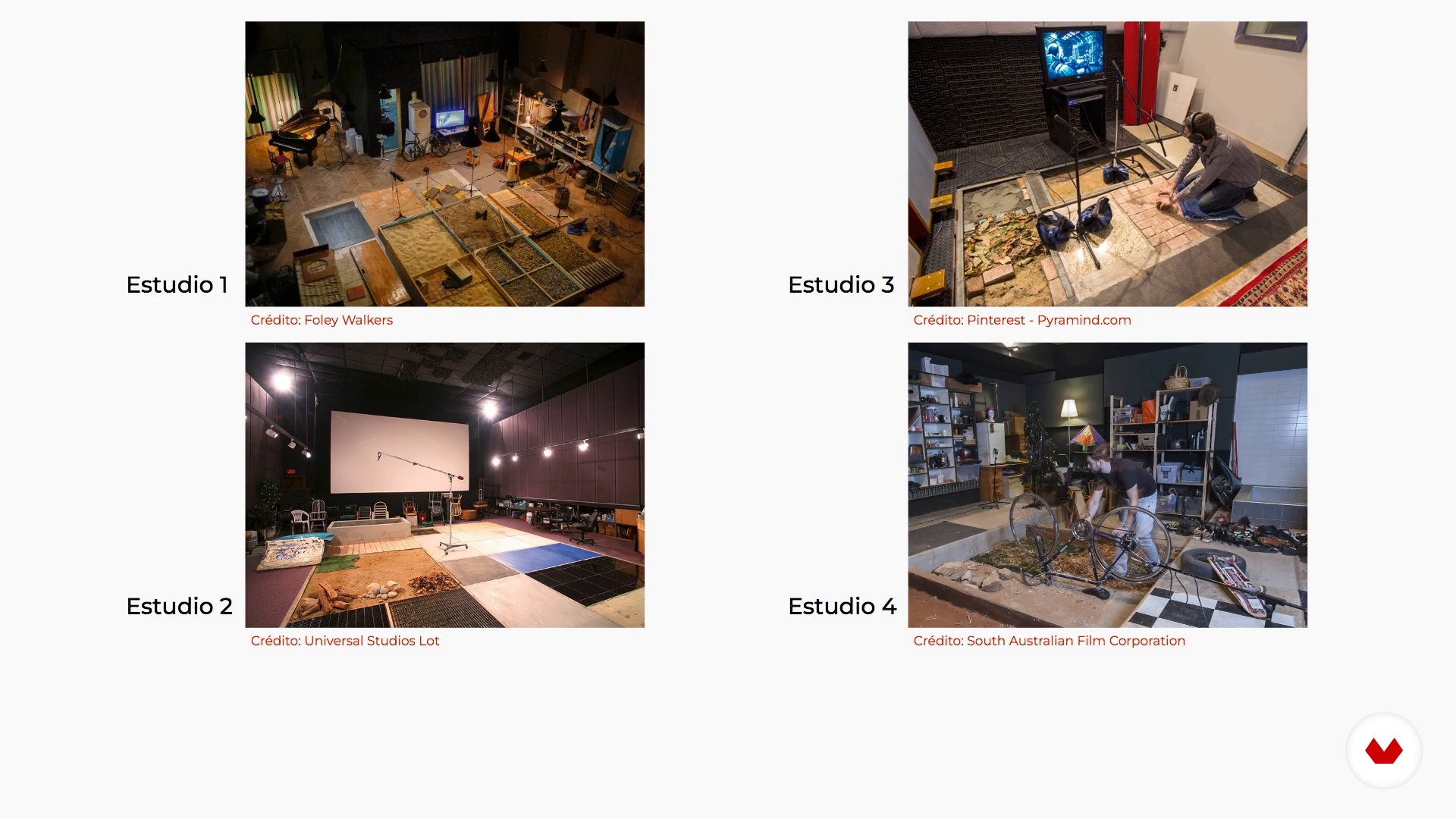
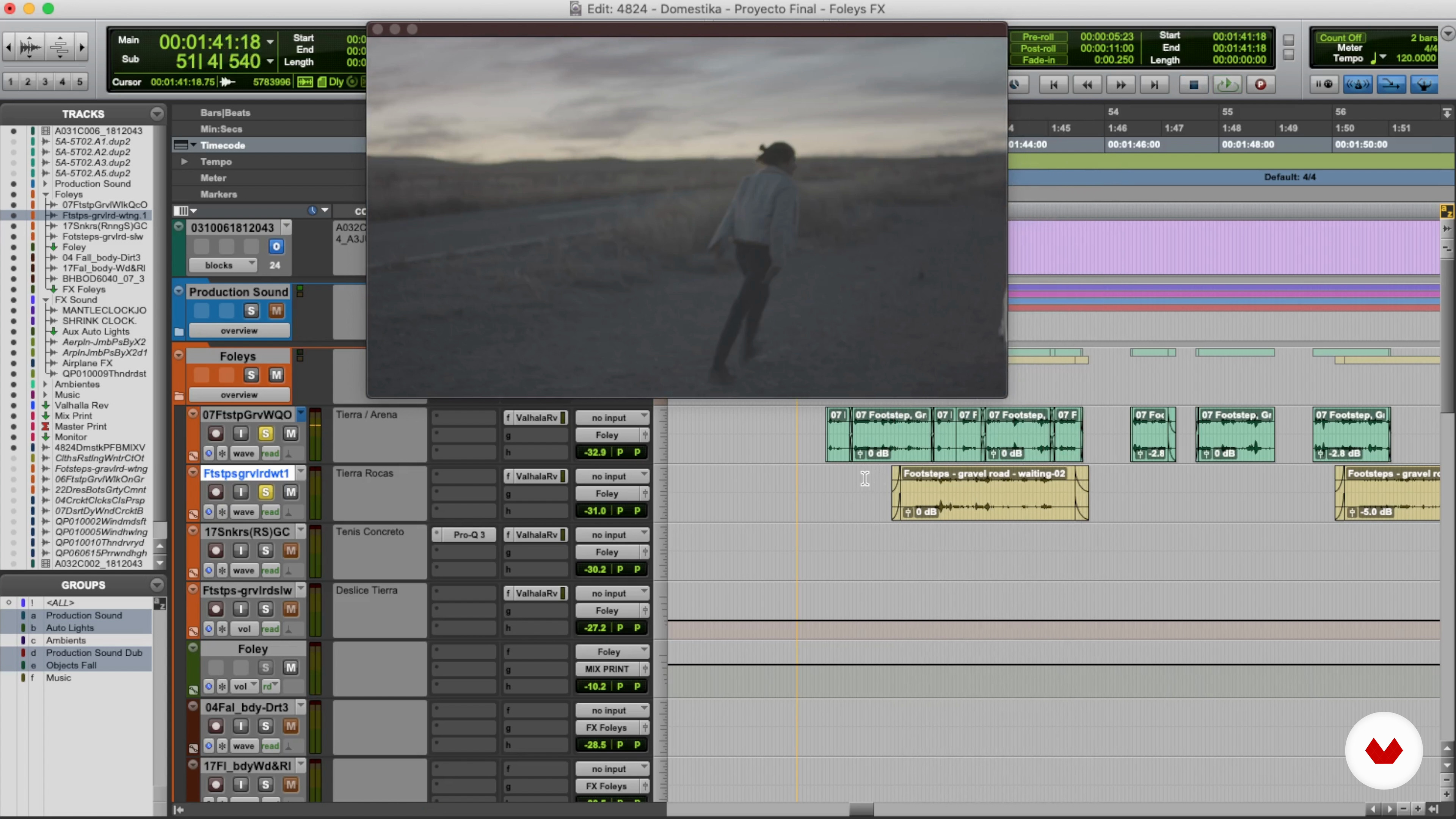
In this lesson we will get closer to foley. What role does it play in the sound post-production of a film? Why is it called that? How is it done? Let's see it!
12m
image
4
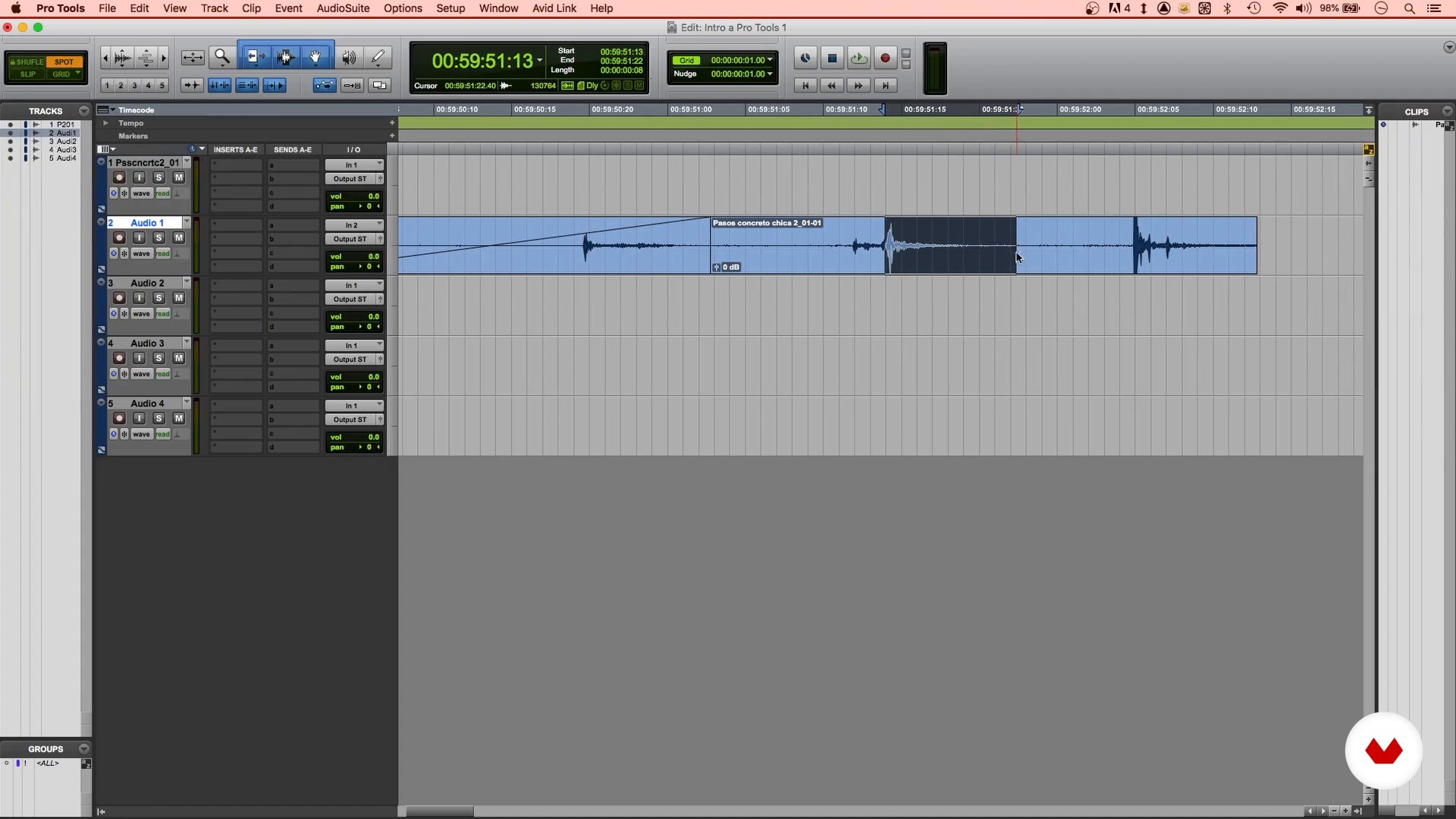
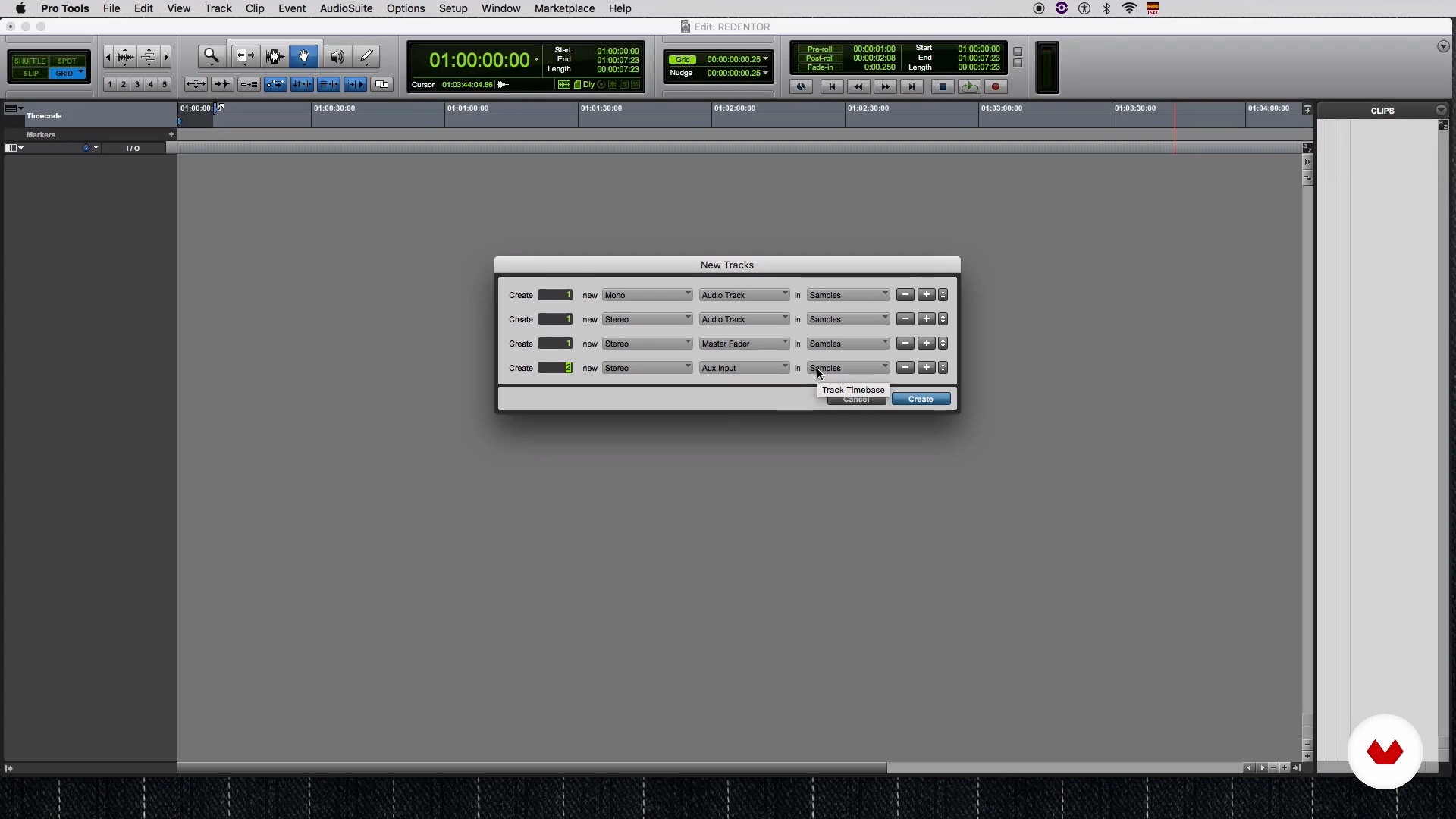
Introduction to Pro Tools
Now I will give you an introduction to the DAW and the basic tools you will need to know in order to work with digital audio.
13m
image
5
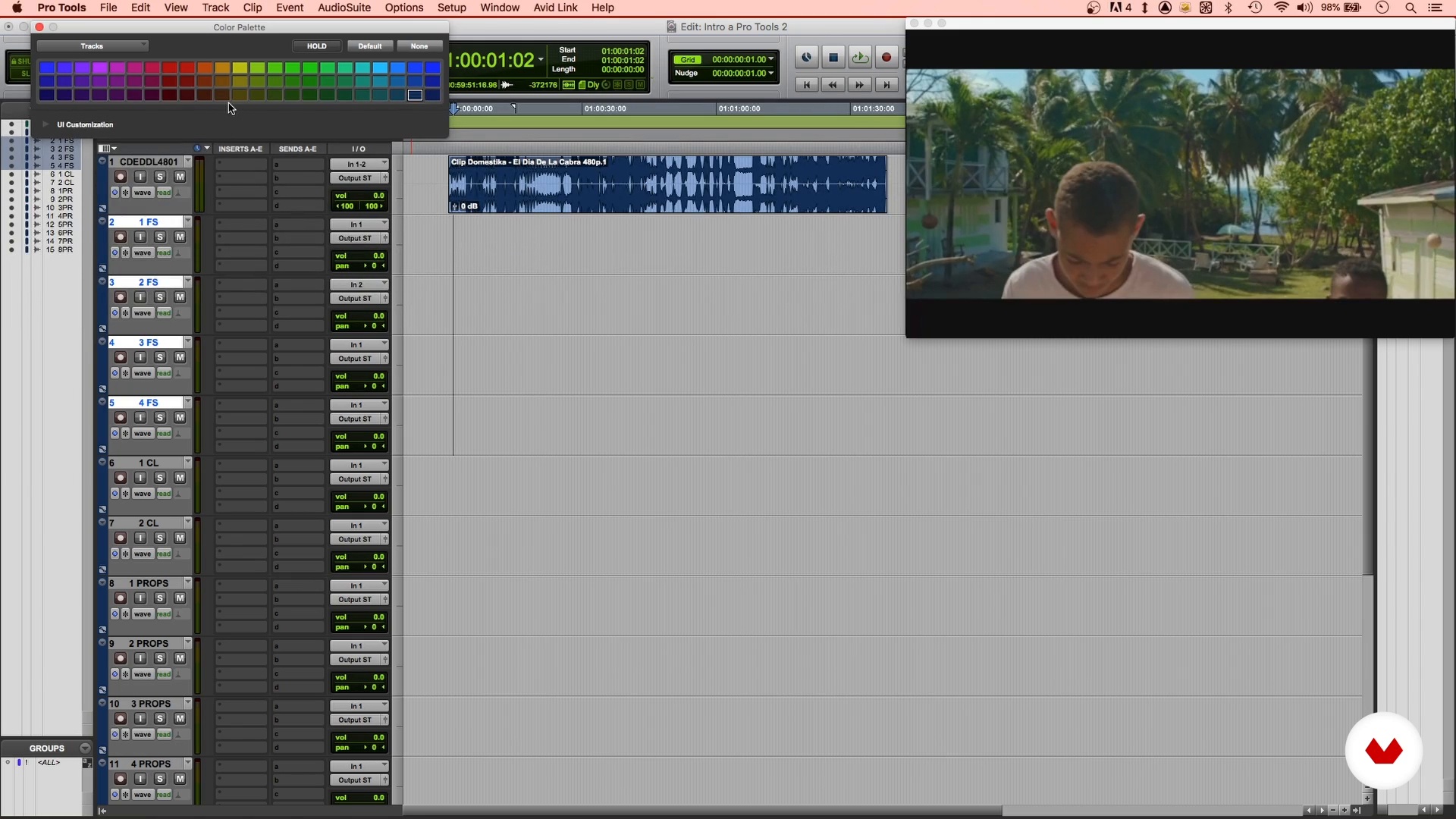
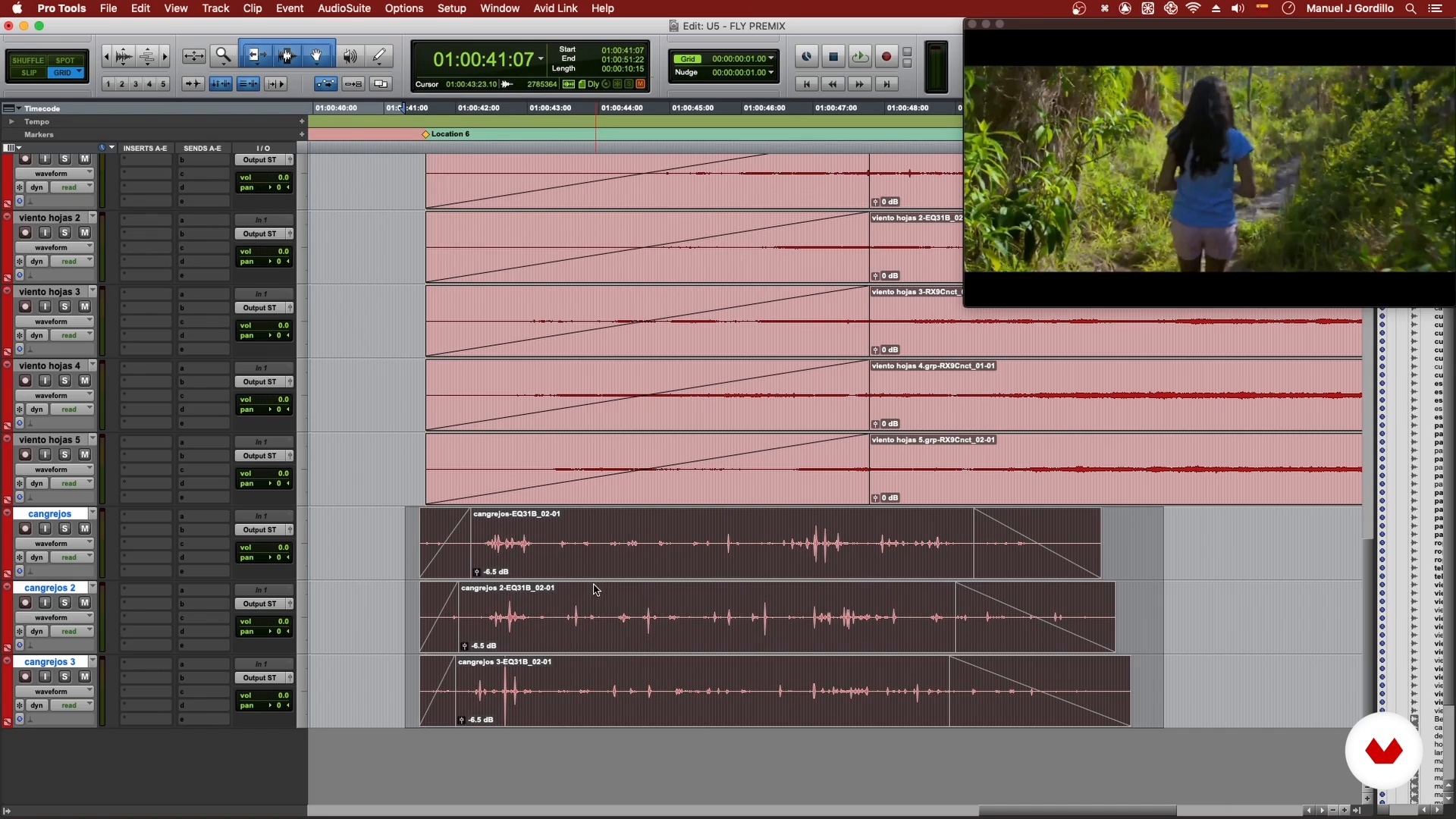
Working with Video in Pro Tools
Finally, I am going to explain how to work digital audio with video in Pro Tools to record the foley of the course project.
11m
image
6
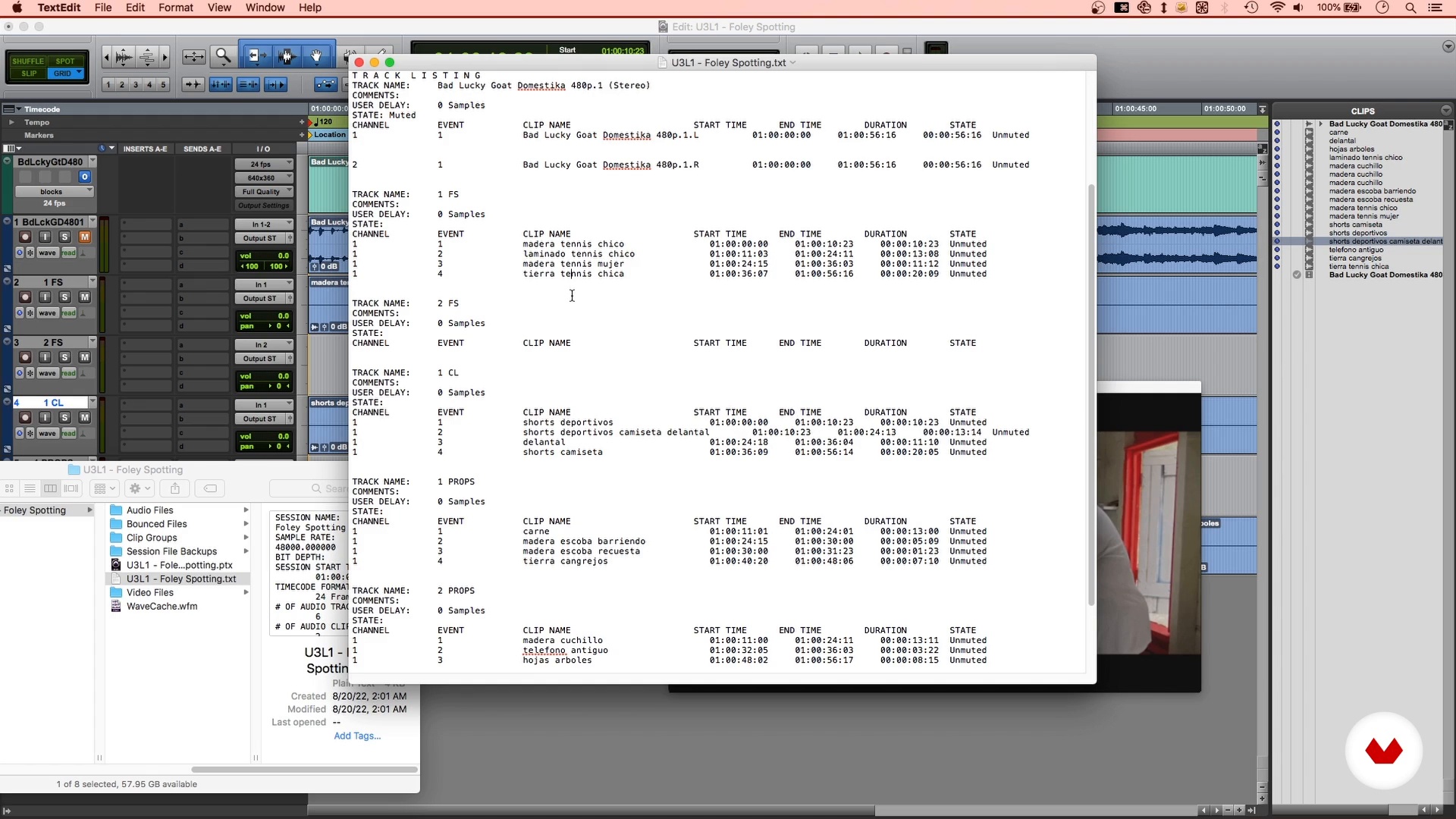
The Recording Plan
In this lesson you will learn how to make a foley spotting, which will basically be a list of the elements that you will have to record.
20m
image
7
Space Preparation
As you know, to record audio we need some minimum characteristics of the space in which we will record. Let's review them.
3m
image
8
Preparation of Materials
Before recording you need to get the materials. Some you will already have and others you will have to look for them in different places. Let's see how to prepare them.
2m
image
9
Step Recording
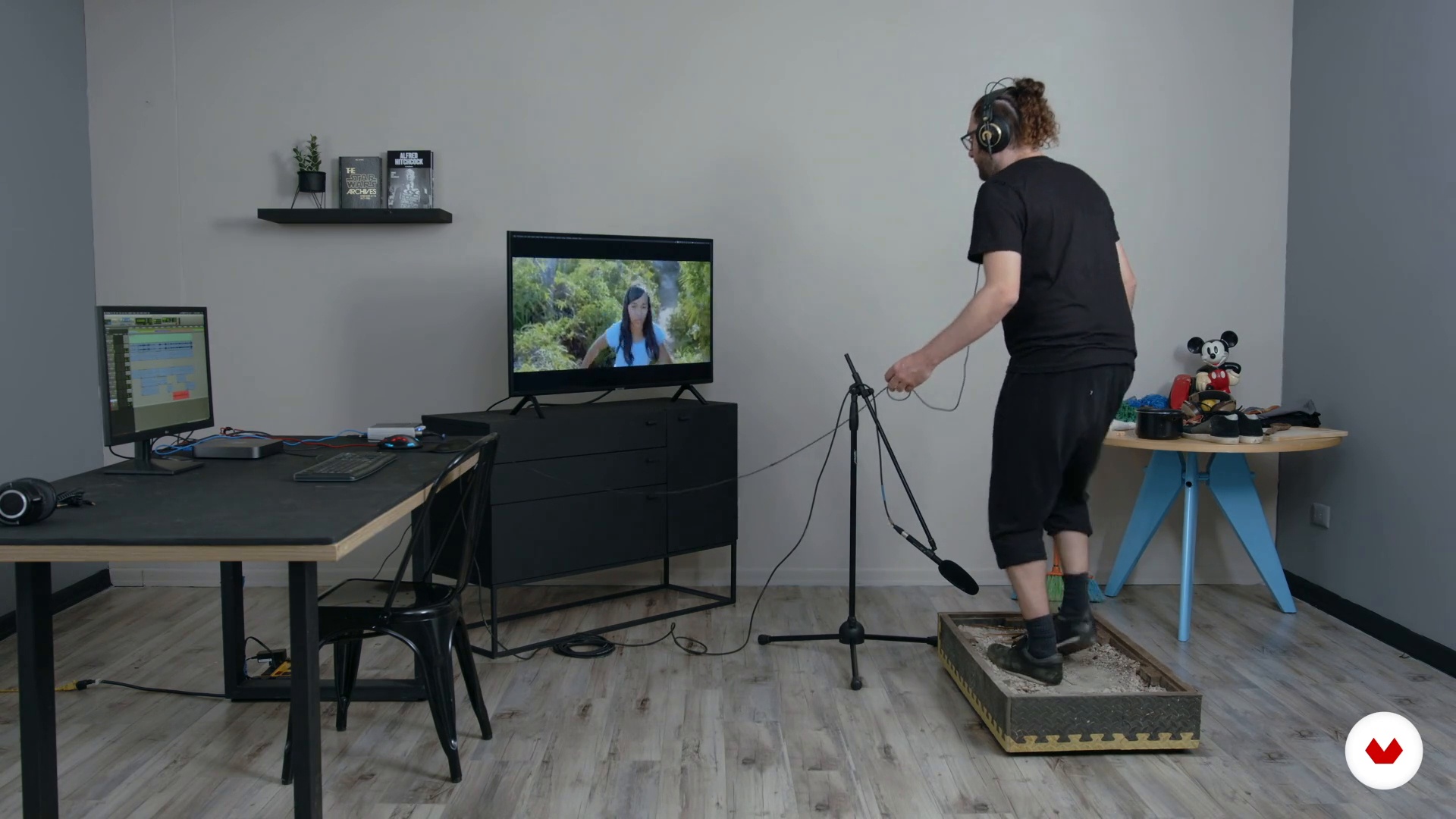
What should the footsteps of a given character sound like? What kind of shoes and surfaces should you have? Let's see it (or listen to it, rather!).
12m
image
10
Clothing Recording
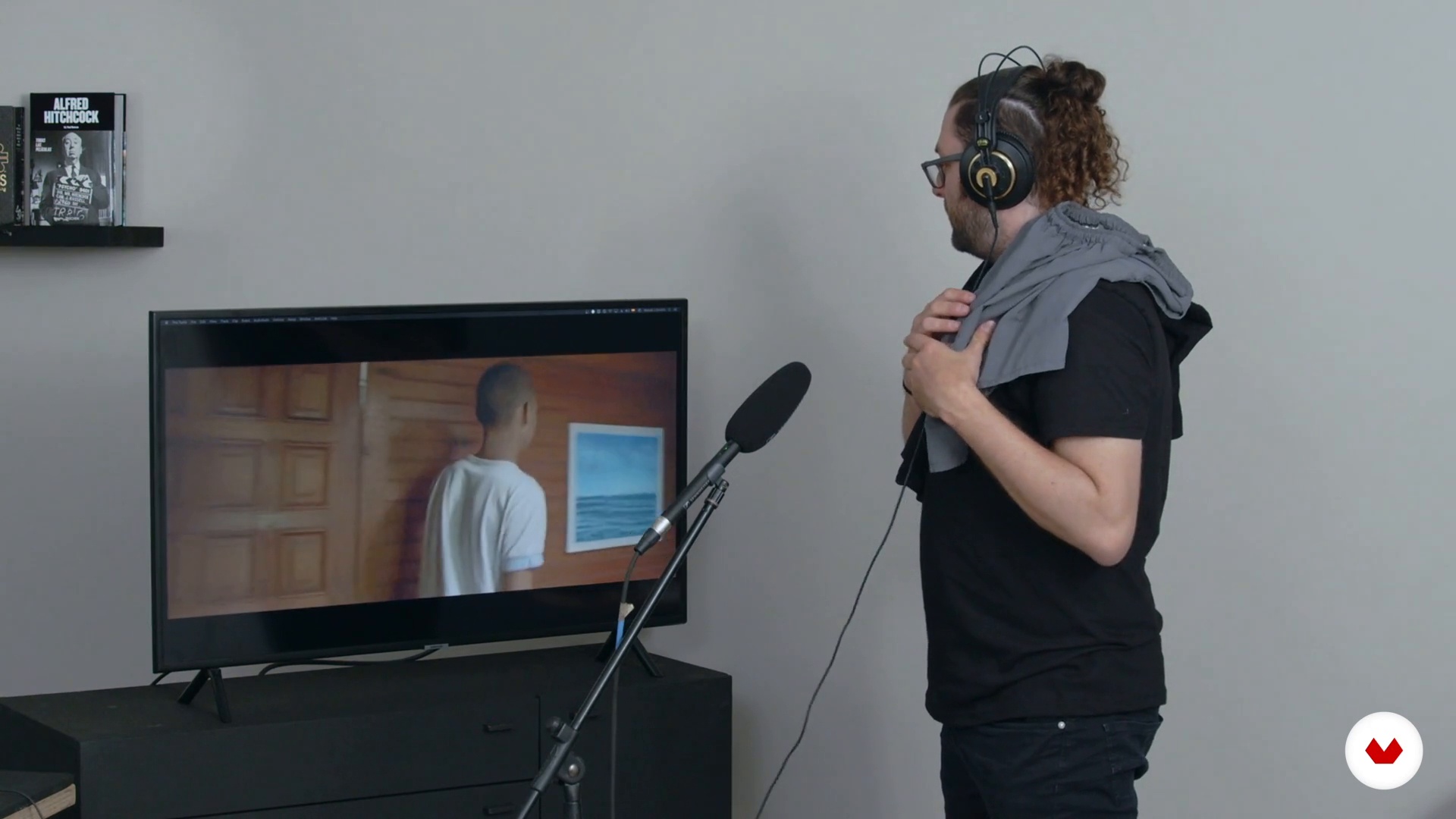
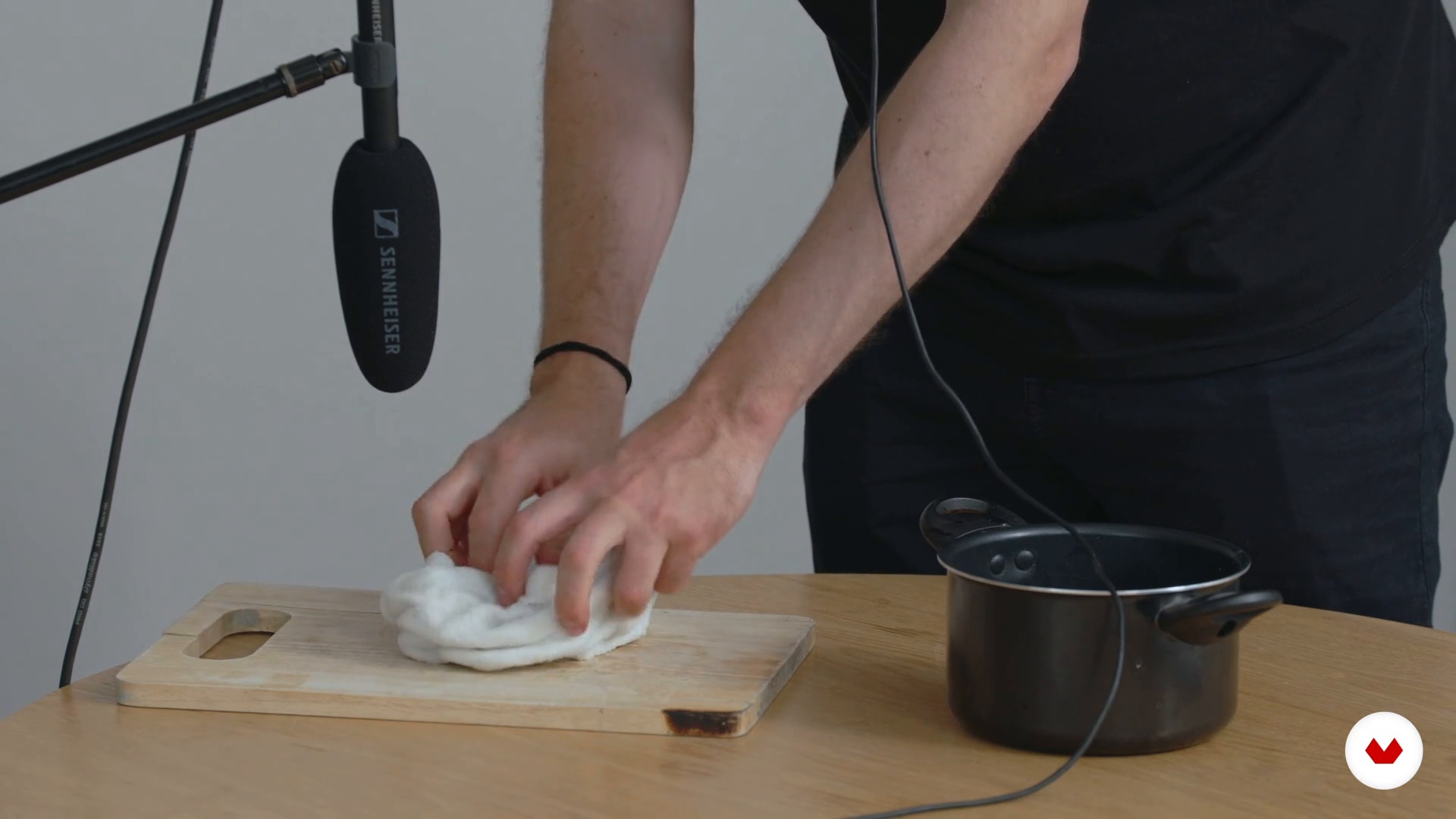
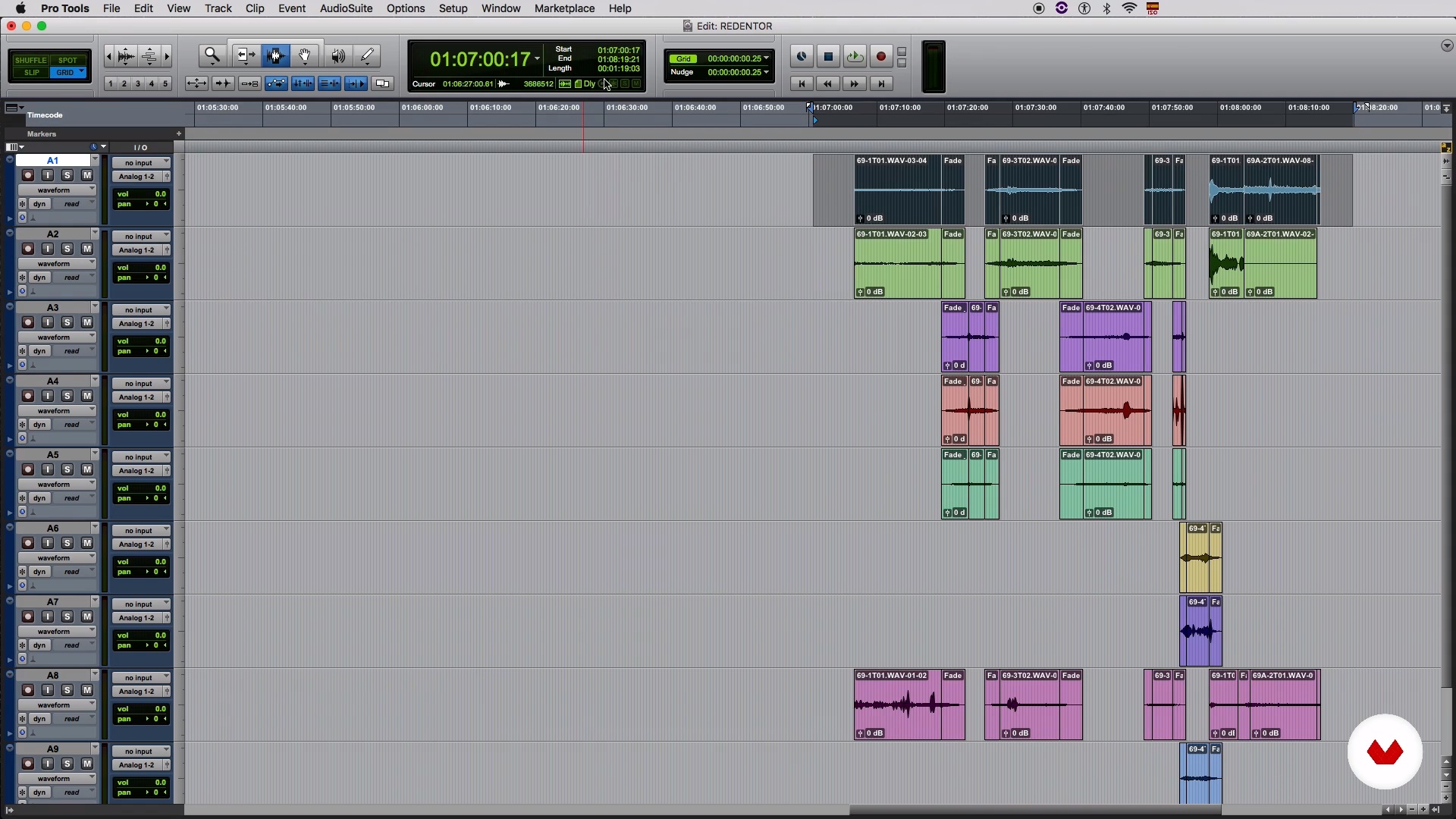
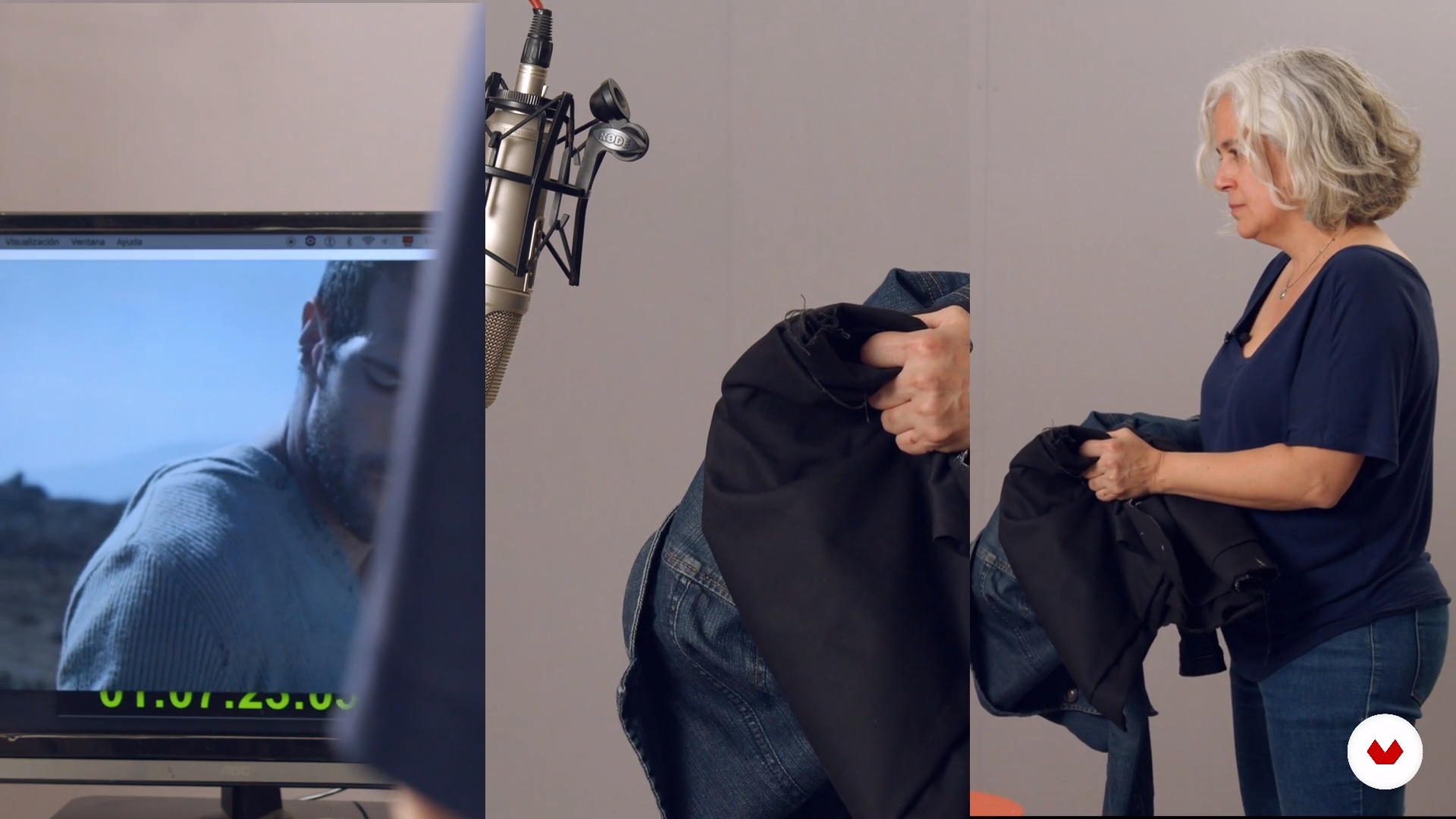
Does the clothes ring? It might not be noticeable, but your sound matters too. Let's see how to record it.
4m
image
11
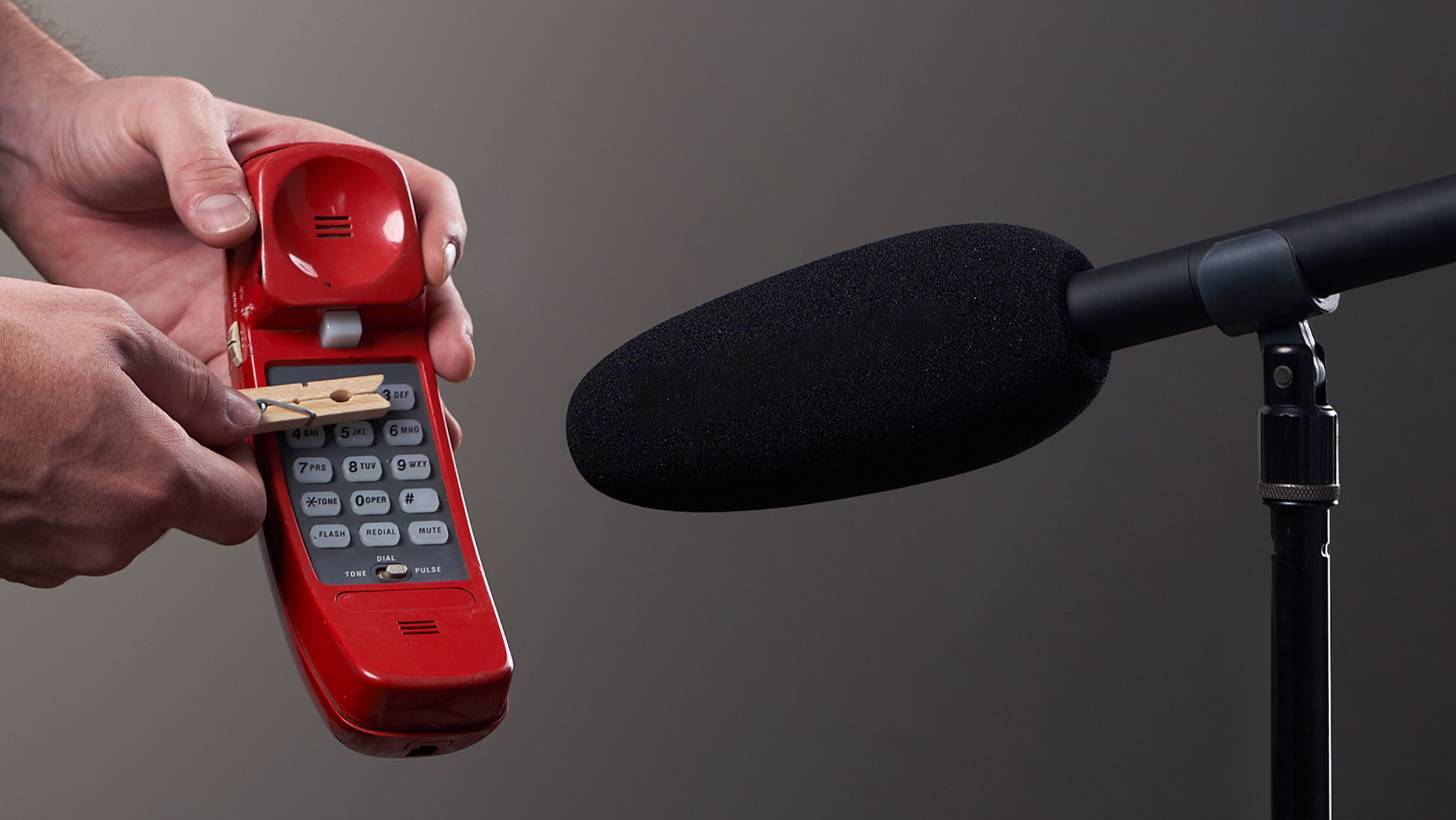
Prop Recording
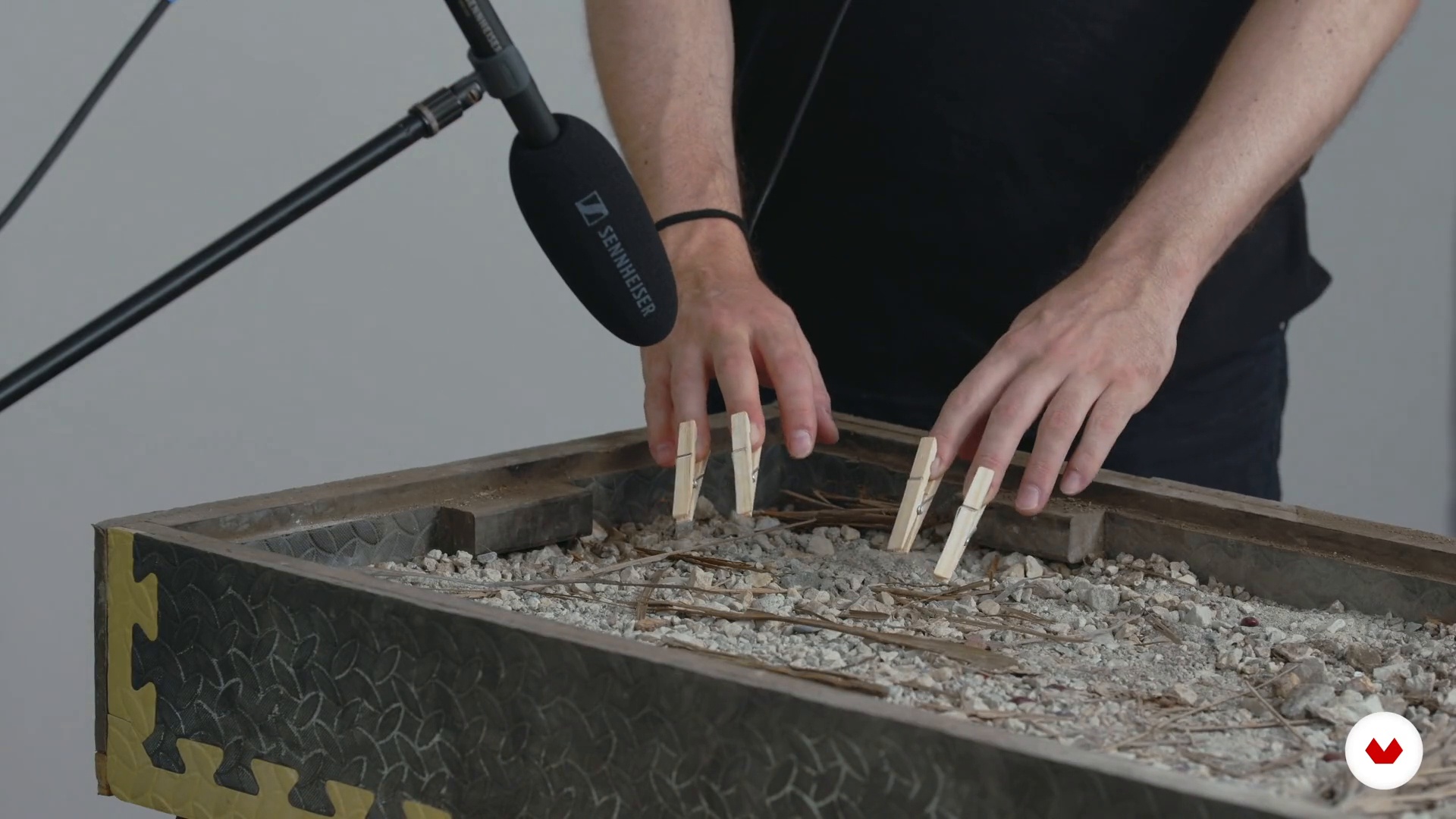
In this lesson I will teach you to work with different objects that generate very different sounds. In the studio, these objects become like musical instruments that you must learn to interpret to get their best sound.
10m
image
12
Other Props
The recording process is always a lot of fun. I continue to work with different objects to generate more sounds.
8m
image
13
Editing, Cleaning and Synchronization of Recorded Sound 1
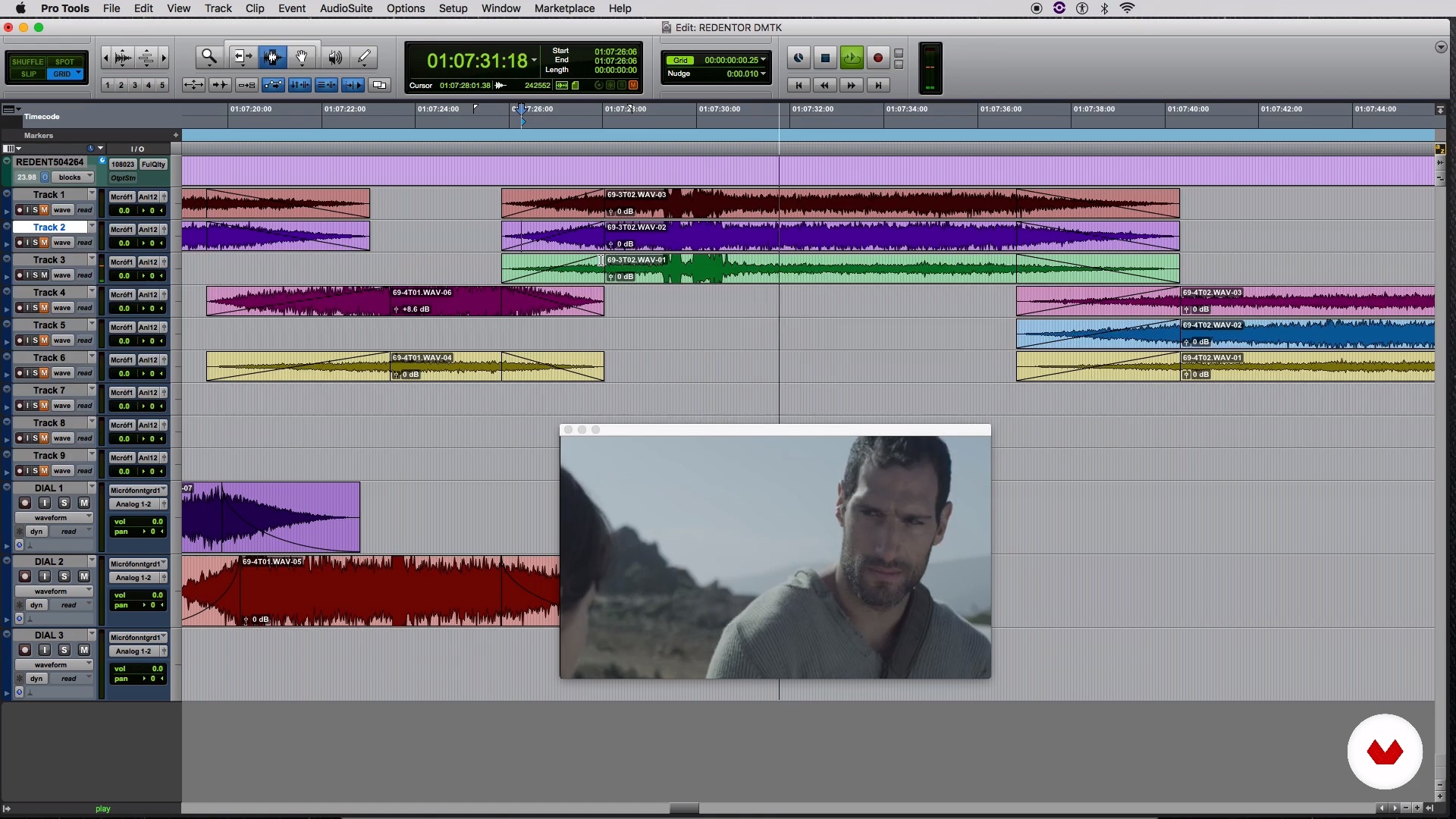
In this lesson I will teach you to clean up your recordings, synchronize them and creatively solve with editing the sounds you need. Let's go step by step, in this video we start organizing the session and editing.
20m
image
14
Editing, Cleaning and Synchronization of Recorded Sound 2
I continue editing, this time other different scenes. We keep cleaning noises, creating fades... Little by little we get closer to the result we want.
20m
image
15
Editing, Cleaning and Synchronization of Recorded Sound 3
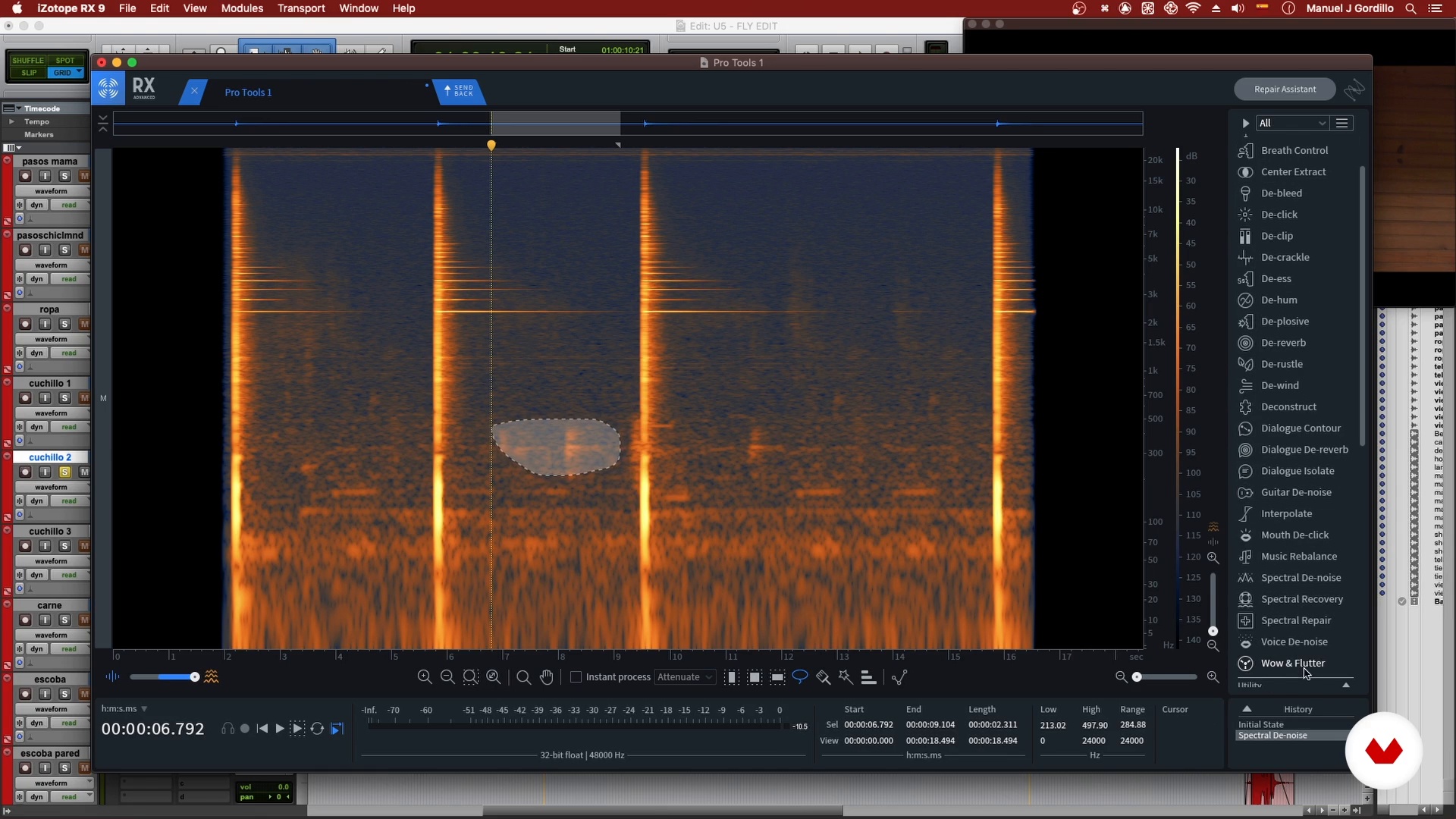
The editing process is laborious, but essential to achieve the sound we want. I continue working on the scenes of my project, as a novelty I will use a spectrogram to analyze some sounds.
20m
image
16
Editing, Cleaning and Synchronization of Recorded Sound 4
I continue cleaning up background noise and editing to leave the sound of the scene ready for the subsequent premix.
16m
image
17
The Premix
Now you will learn how to organize the session for a premix. In it we level the volume of the different sounds to pass an organized proposal to a sound supervisor or director.
10m
image
18
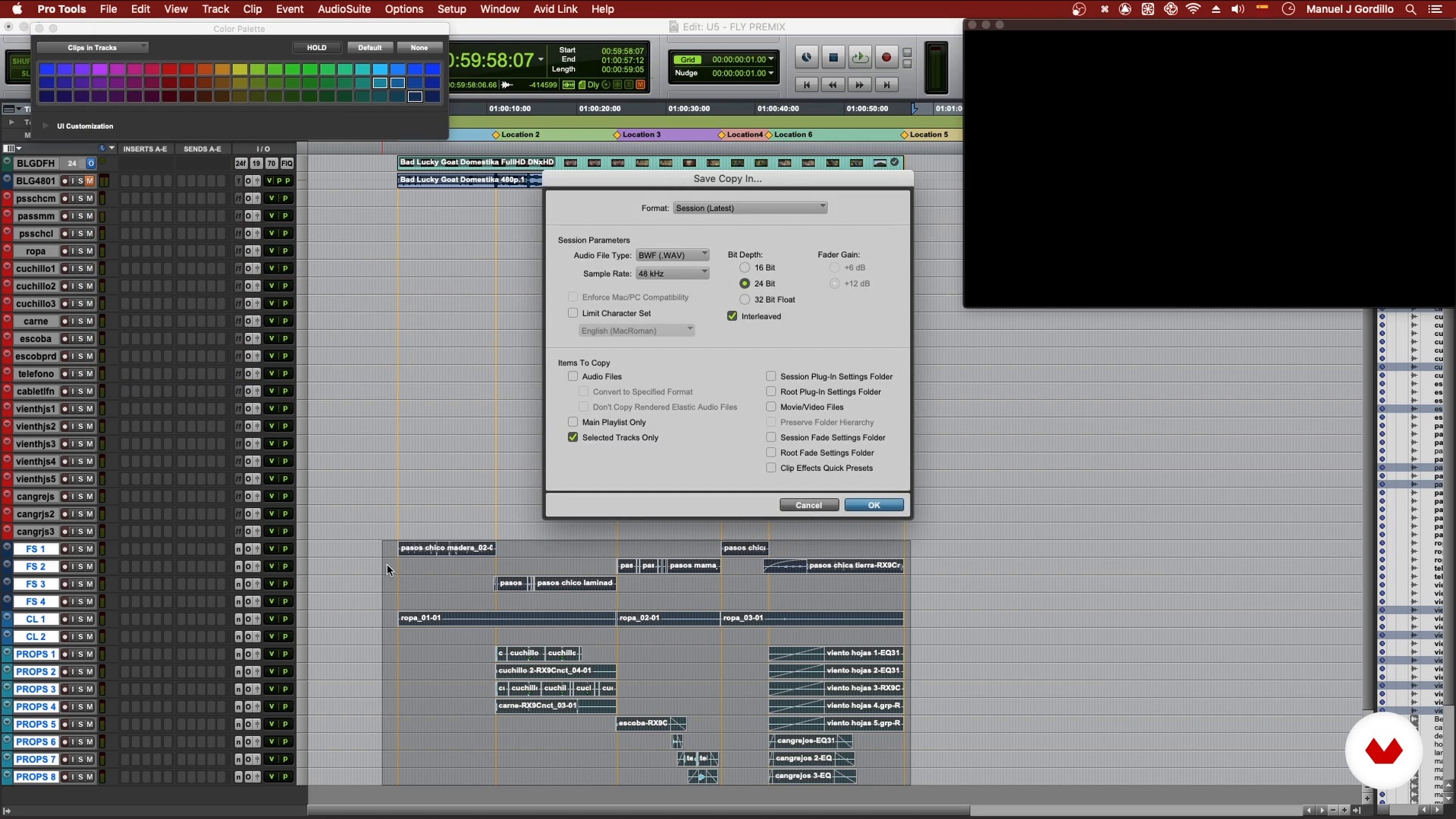
Delivery
Lastly, in this lesson I will show you how to clean up and organize your foley session to be delivered professionally.
8m
image
3
Stages of Music Production
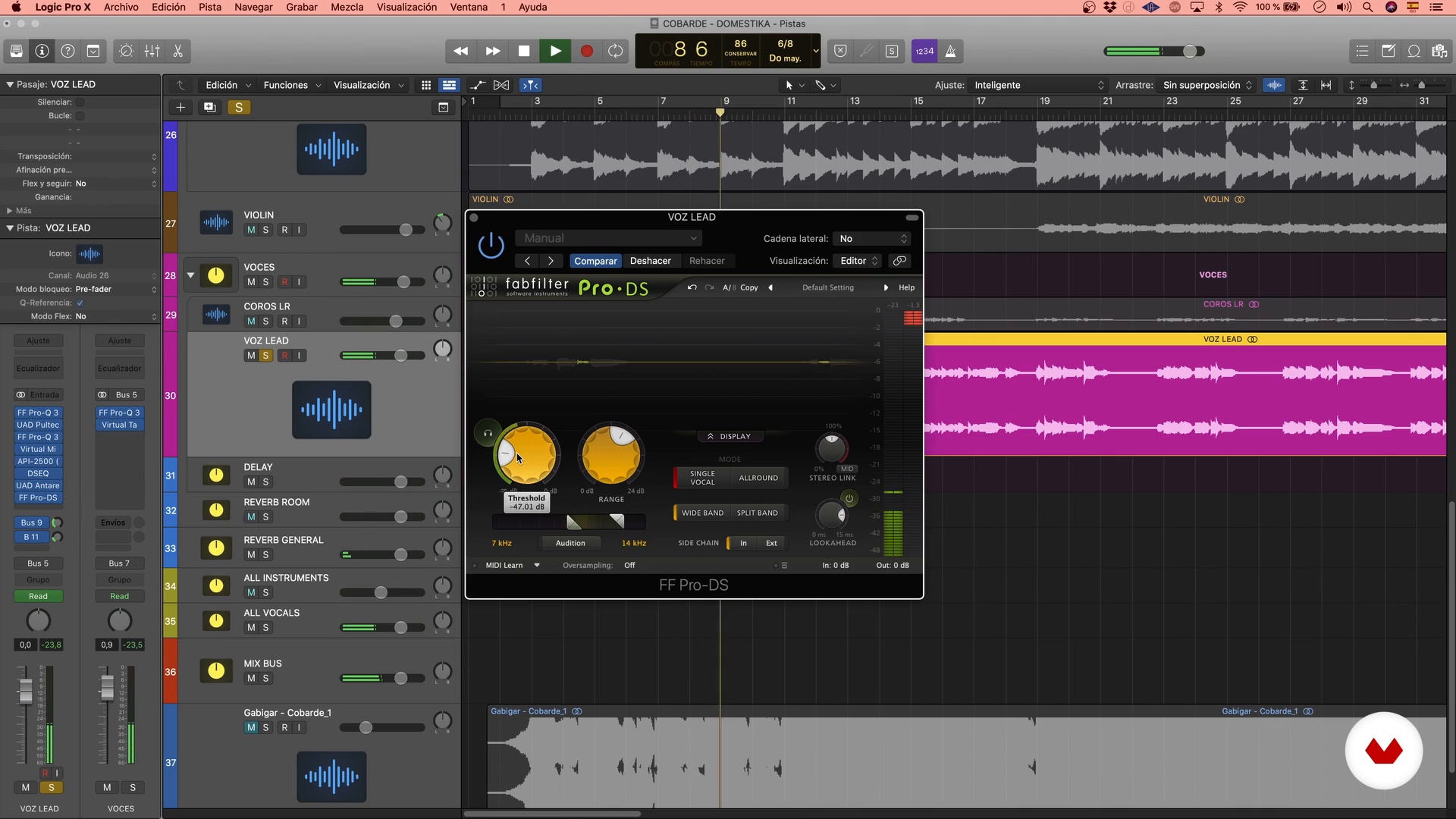
Before beginning, it is important that we know the different stages that include making a song, to later delve into the mixing stage and thus face our project with guarantees.
3m
image
4
The Role of the Mixer
Now that we know the different stages within music production, we will delve a little deeper into mixing and specifically the role of the mixer.
2m
image
5
Sound References
As you know, there are as many musical styles as there are colors in a painting, which is why it is important to know some techniques that will help us delve into the sound that we will have to work on. Go for it!
4m
image
6
Create a Work Session
In this lesson I will show you how to create a work session, import the tracks safely and get everything ready to start mixing the song.
14m
image
7
Mix in Macro
Now we will start mixing the song from the simplest, from the macro, listening to all the channels at the same time, giving it shape so that they cohere together.
10m
image
8
First Mix: Mixbus, EQ, Compression and Saturation 1
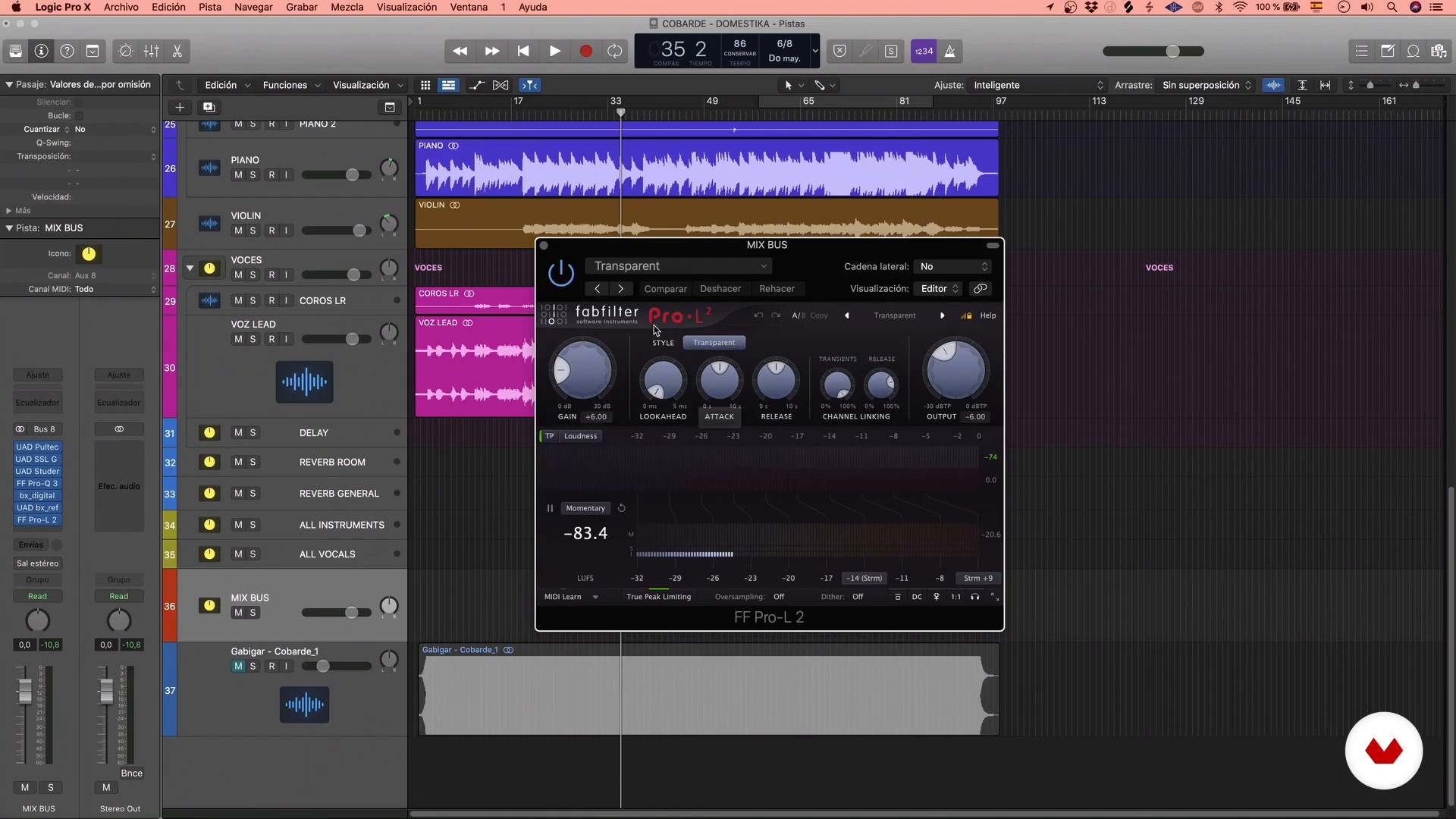
Having already worked on the macro of the song, we are going to something more specific, where we will carry out some of the main processes in the work of the audio and we will know some plugins that will allow us to carry out each of these processes digitally.
19m
image
9
First Mix: Mixbus, EQ, Compression and Saturation 2
I continue to EQ different elements so that it sits as well as possible in the mix.
15m
image
10
First Mix: Mixbus, EQ, Compression and Saturation 3
Finally, we are going to work on the compression and saturation of some instruments that are part of the song.
8m
image
11
Second Mix: Multiple Processes
Having already worked on the macro of the song, we go to the most specific, working track by track according to what is needed on a case-by-case basis. For this we will use some of the main processes for the work of the audios and some plugins that will perform each of these processes digitally.
17m
image
12
Use Effects
In this lesson we will learn about some of the main and most used effects when mixing. Do you know what reverb or delay do? Let's go for it!
15m
image
13
Deepen the Mix
In this lesson we dive a bit deeper into the total sound of the song, using different tools and processes.
8m
image
14
Sidechain and Parallel Processes
Now I am going to reveal some secrets that nobody tells you to be able to take the sound of the song to the next level.
7m
image
15
Automation and Finishing Touches 1
In this lesson we'll learn about automation and how to use it, as well as make final touches to prepare the song for the next stage.
11m
image
16
Automation and Finishing Touches 2
We are still working on the last details that will make us get the sound we are looking for for the song.
11m
image
17
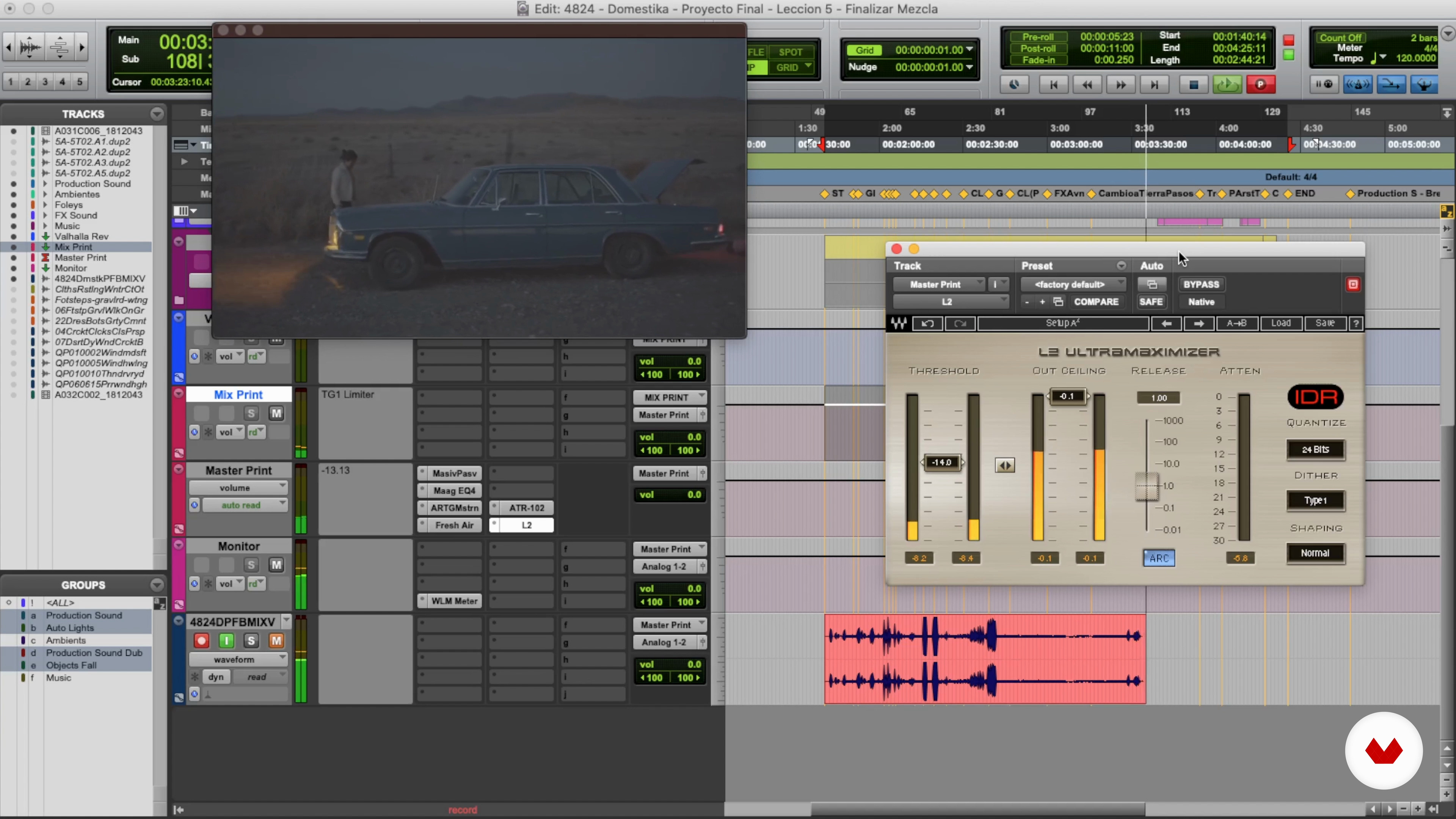
Review of the Final Volume of the Mixture
In this lesson we'll review the final volume of our song and I'll show you how to adjust it to prepare it for final export.
3m
image
18
Export the Final Mix
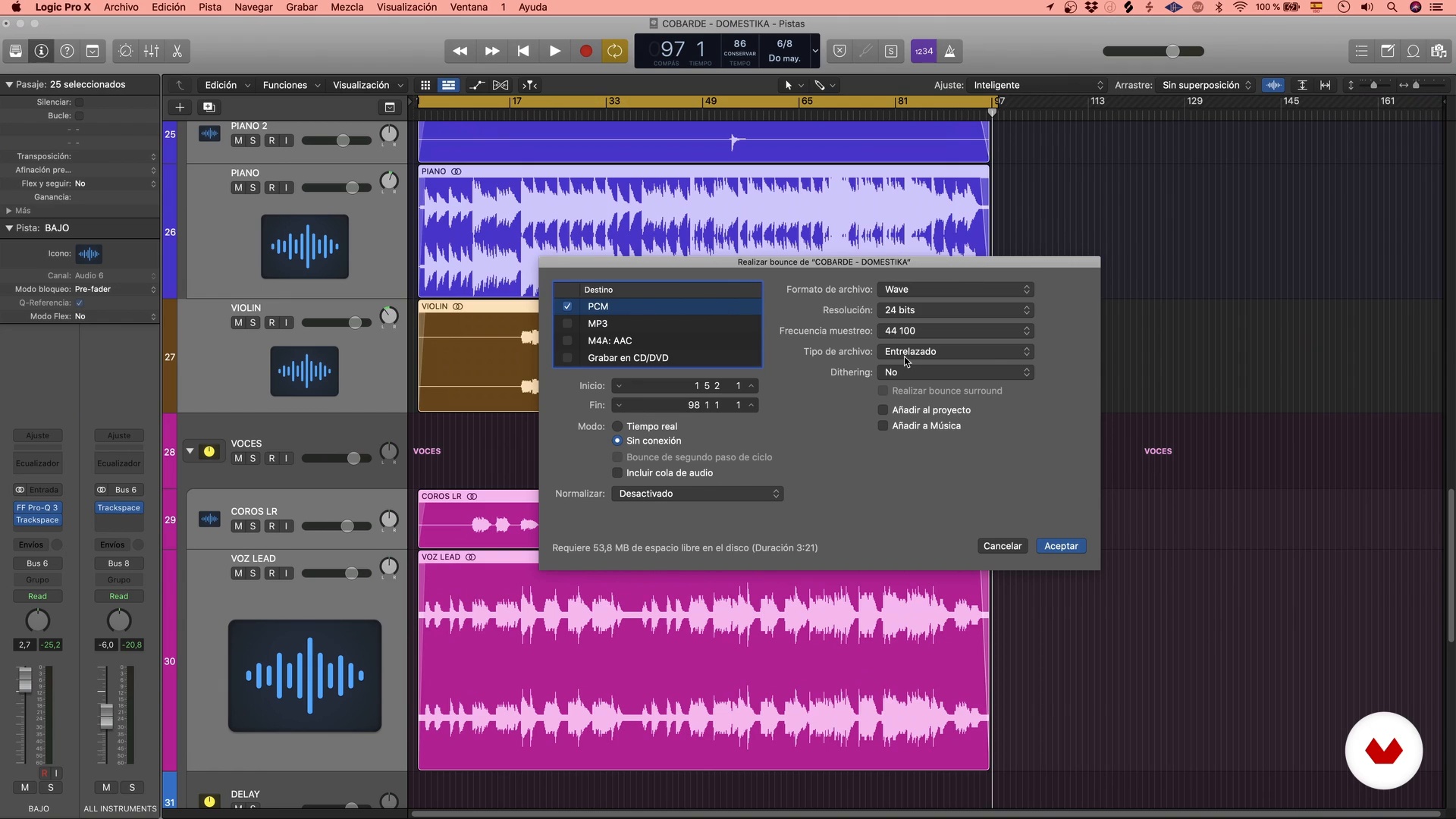
Finally, we are going to export our final work. We will carry out different types of exports that I will explain below.
6m
image
4
Introduction to Narrative Sound 1
In this lesson, I will talk to you about the relationship between sound and image, regarding content and emotional contribution.
14m
image
5
Introduction to Narrative Sound 2
Second part of the lesson, in which we are looking at the location of the sound sources in the scene, and how this can be a great solution to solve a story.
11m
image
6
Introduction to Narrative Sound 3
Third part of the lesson, in which we are looking at the location of the sound sources in the scene, and how this can be a great solution to solve a story.
18m
image
7
Search for Sounds 1
In this lesson, we will see the origin of the materials needed for the different sound families, and I will teach you some of the basic tools so that you can start working in Pro Tools.
19m
image
8
Search for Sounds 2
Second part of the lesson, in which we will continue to see how to organize the materials and tools to start working on the project.
15m
image
9
Dubbing
In this lesson, I will show you the dubbing process, teaching you some technical recording notions that I have been learning from experience. I will give you tips to position the microphone, define the space where it is recorded and the synchronization of voices and narrations.
18m
image
10
Foley Recording
In this lesson, I will teach you about the sounds that are recreated in the room, in synchronization with the moving sources in the image, the so-called foley . These have three main areas: footsteps, presences and noise in general or props , which you will learn to work technically.
8m
image
11
Dialogue Editing 1
In this lesson I will show you how to work on dialogues and their importance in any audiovisual project. You will learn about the edition of the production sound record and its main challenges.
13m
image
12
Dialogue Editing 2
Second part of the lesson, in which I am showing you how to integrate dubbing into the scene, to complement it with the direct recording that we have been working on in the project.
14m
image
13
Assembling Scene Environments
In this lesson, I am going to teach you how to set up the scene environments. We will see how this gives us the information of geographic and temporal reality, and its importance to give continuity to the planes.
16m
image
14
Setting up Specific Sound Effects 1
In this lesson, I will show you how to perform the construction of particular sound effects, their expression and materiality, as well as the necessary layers and sound sources. You will learn to build a noise based on different sounds, giving different perceptions with different layers.
16m
image
15
Setting up Specific Sound Effects 2
Second part of the lesson, in which I am showing you how to carry out the construction of particular sound effects, their expression and materiality; in addition to the necessary layers and sound sources.
14m
image
16
Sound Color 1
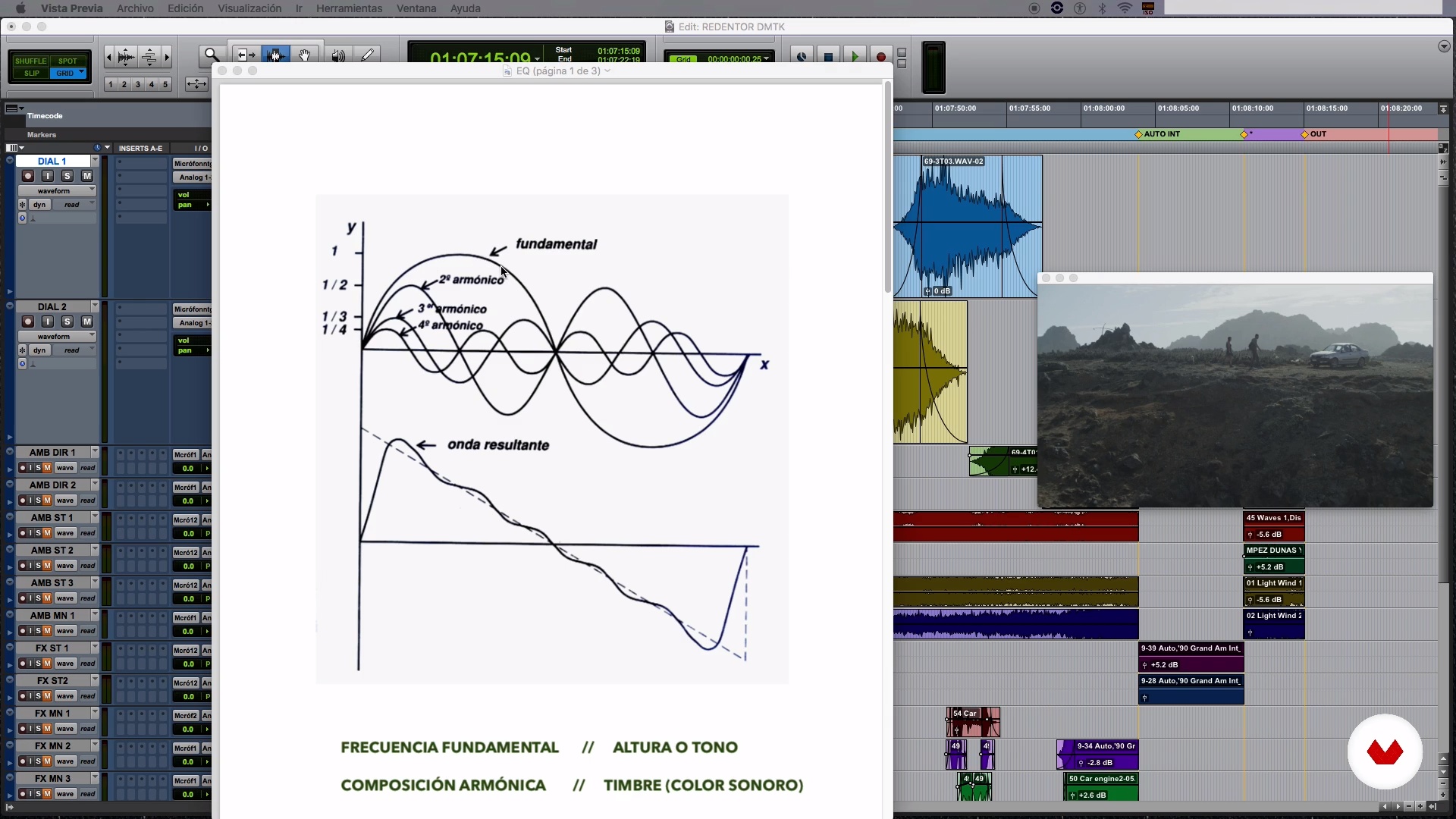
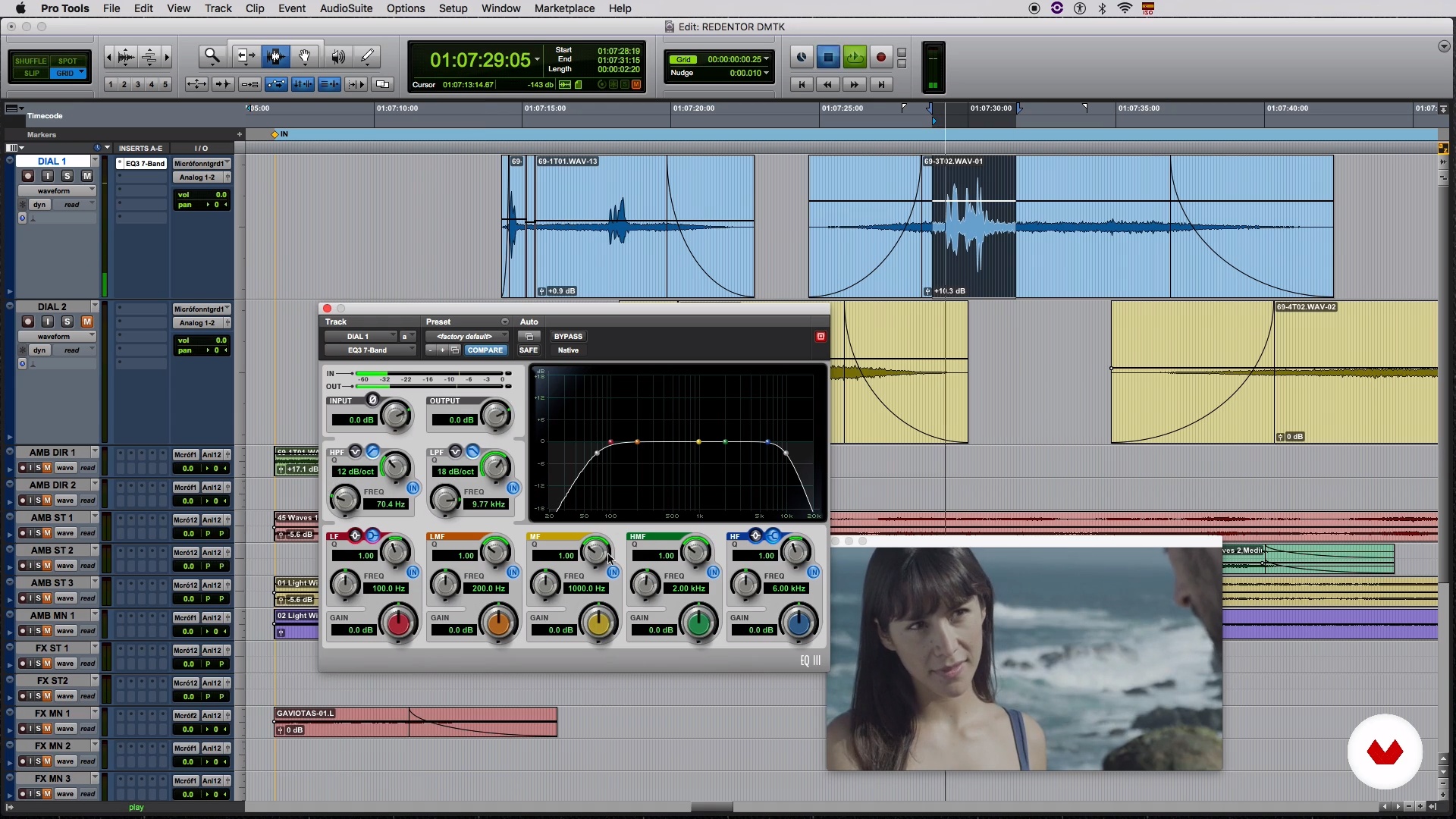
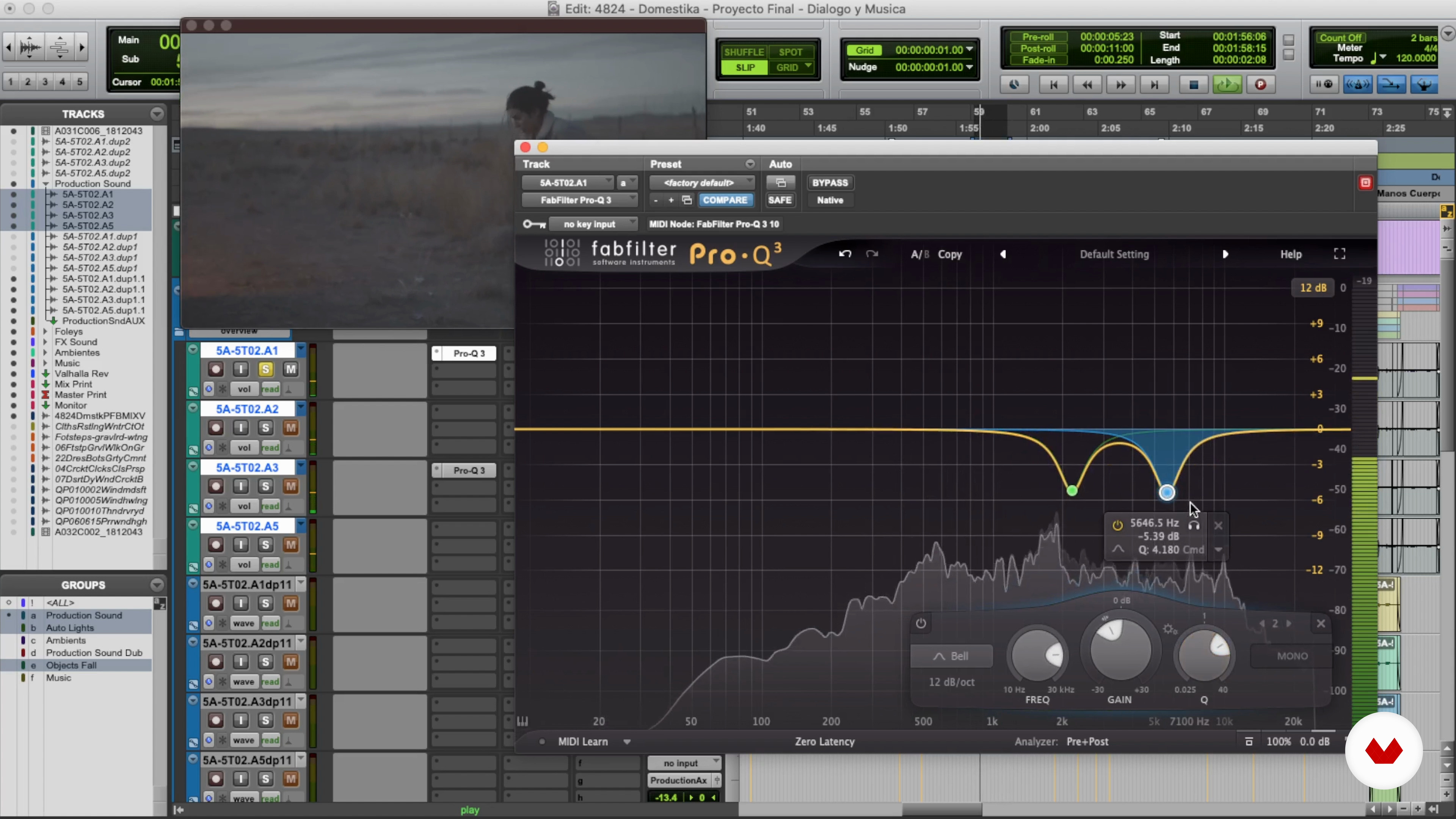
In this lesson, we will make an introduction to sound mixing. Also, I will teach you about the equalization process, a tool that will help you make your sound elements have the sound color you need.
17m
image
17
Sound Color 2
Second part of the lesson, where I am introducing you to the sound mix and the equalization process; a tool that will help you make your sound elements have the sound color you need.
10m
image
18
Sound Planes 1
In this lesson, I will teach you how to work with sound planes, and how to apply level tools on your files and tracks.
15m
image
19
Sound Planes 2
Second part of the lesson, in which we will continue to see the sound plans, and in which we will use the level tools in the editing program.
18m
image
20
Spacial Location 1
In this lesson, I will show you how to locate the edited elements in the sound spatial panorama. I will teach you how to use the pan and reverb tools.
13m
image
21
Spatial Location 2
Second part of the lesson, in which I am showing you how to locate the edited elements in the sound spatial panorama; in addition to teaching you how to use the panning and reverberation tools.
10m
image
22
Incorporation of Music and Export of the Mix 1
In this lesson, we will incorporate music alternatives, to give you some tips on how to define music that helps to narrate the scene in a better way.
7m
image
23
Incorporation of Music and Export of the Mix 2
Second part of the lesson, in which I will teach you to correctly and optimally export the sound mix of your scene. We are finishing!
17m
image
3
What Is Sound Design?
A good sound provides a level of quality that makes all the difference before the public or your competition. The sound is the direct connection of your senses with the video; you can have a great video, but the sound is what connects you to the story. By creating a good sound design, you can better guide the viewer through the story.
12m
image
4
Work Platform 1
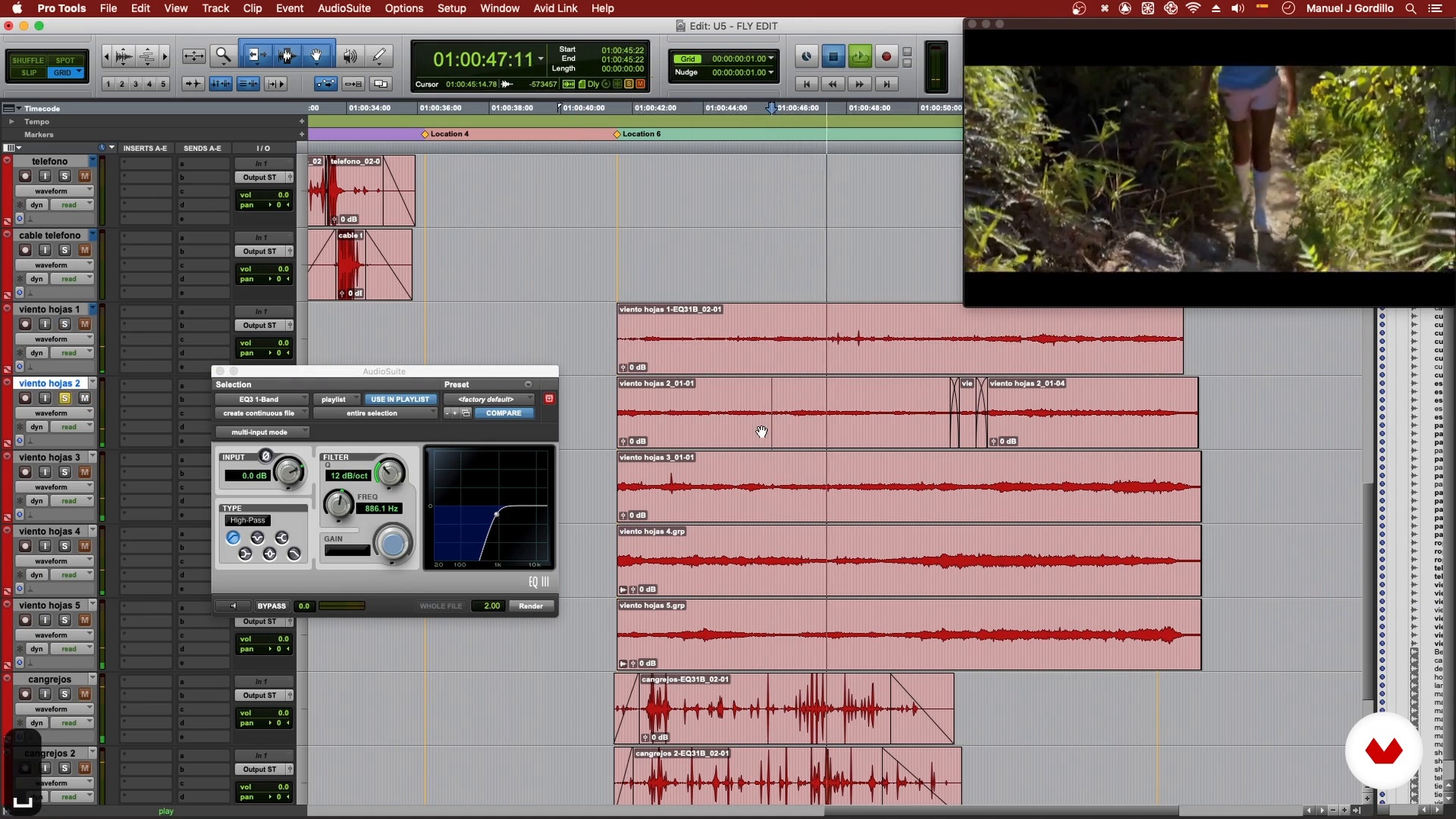
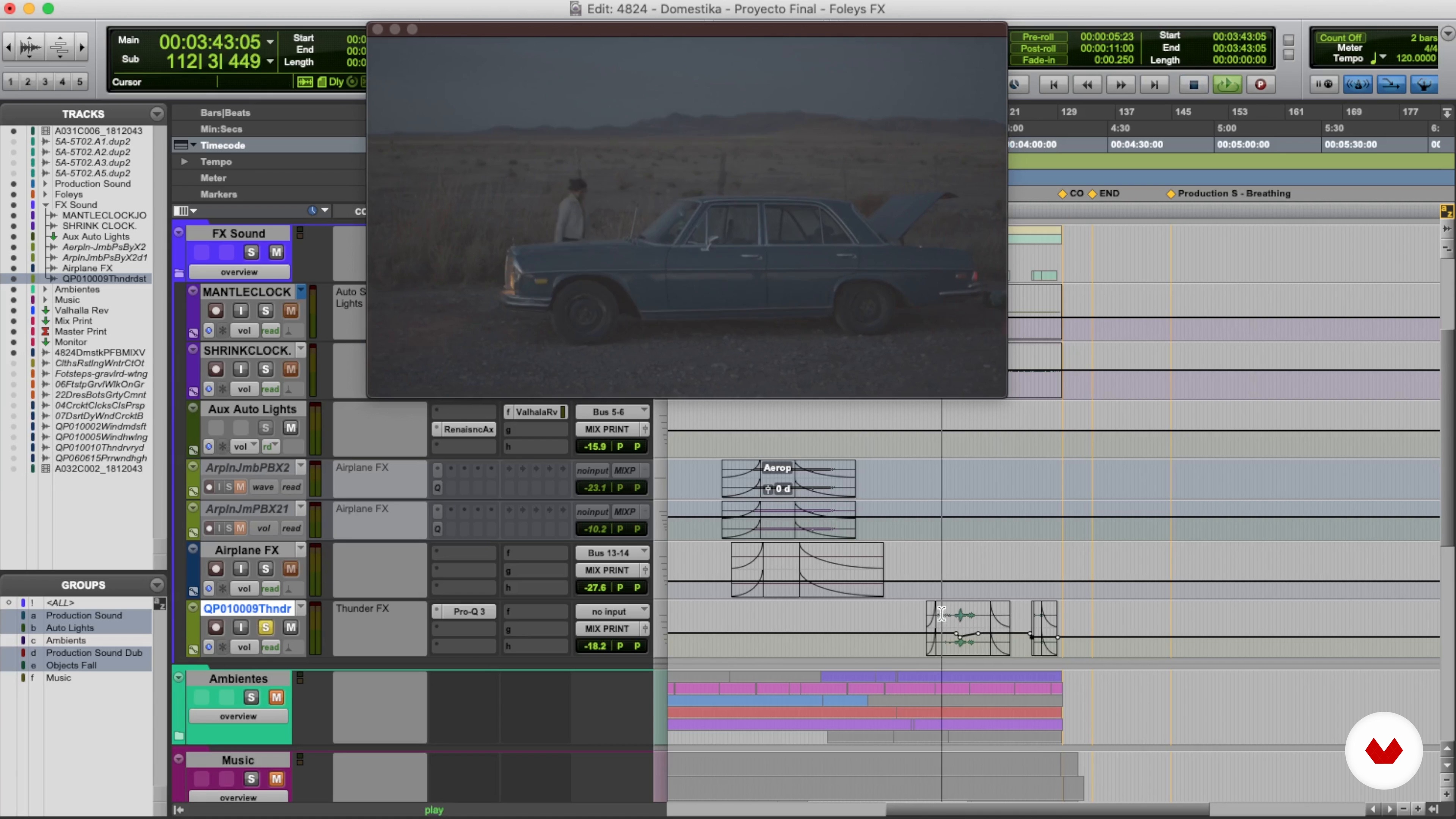
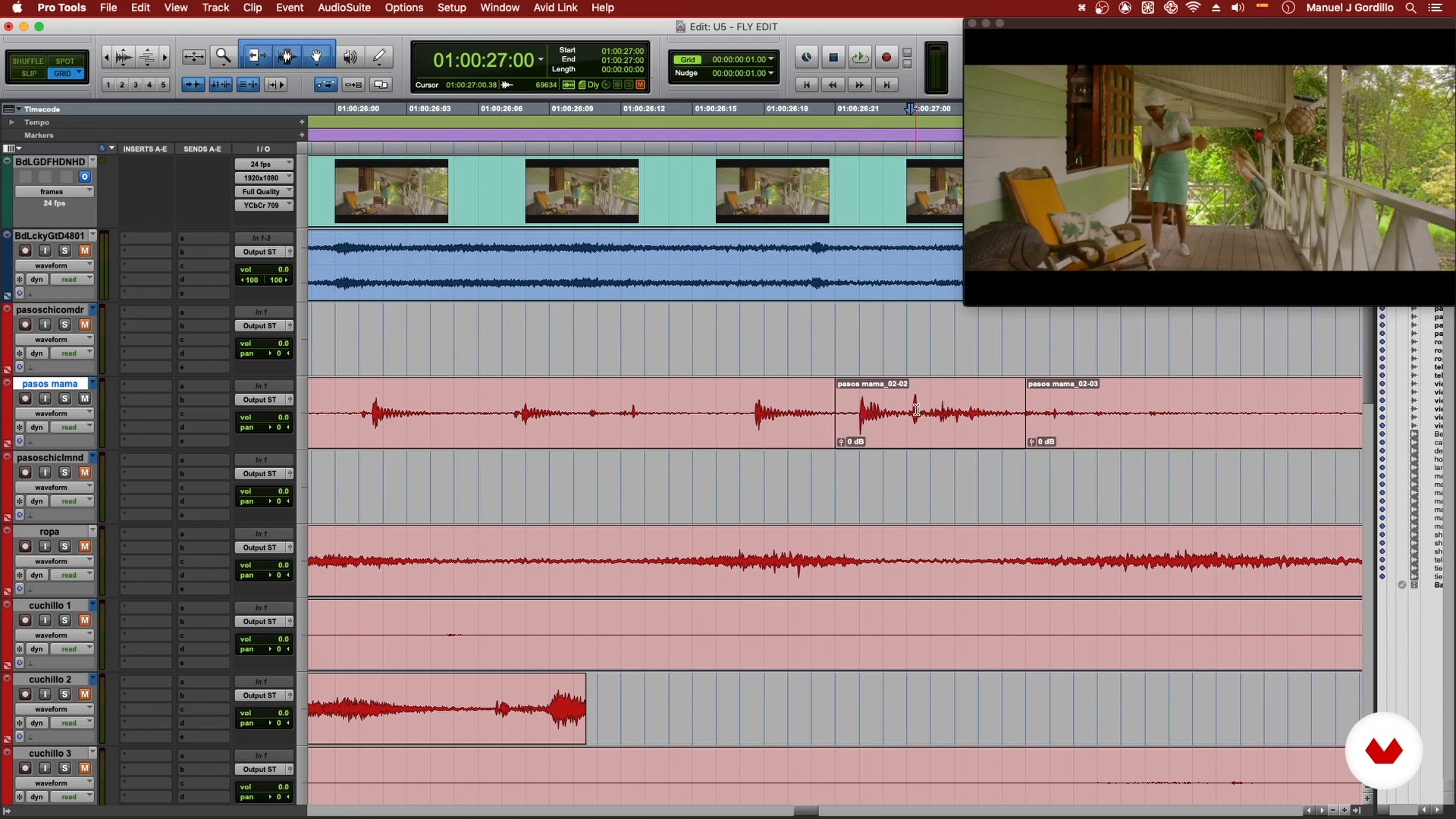
Knowing our work platform well will always help us work more efficiently and have a correct work rhythm. In this lesson we will see how to position ourselves in our DAW and I will give you a basic introduction to Pro Tools.
20m
image
5
Work Platform 2
The more you practice on your platform, the faster everything will flow. Practice makes a master! To work faster and more correctly I will also show you the editing shortcuts and how to set the mix bus.
17m
image
6
Creating a Spotting Session 1
A spotting session is one of the first steps when you work with video, since we identify all the actions that are presented in the box, the needs and what you should solve and look for. With this step you can achieve better work dynamics and order. So now it's time to design and create a big sonic impact. Let's get started!
14m
image
7
Creating a Spotting Session 2
Here I will focus more on the search for a good sound and how to take it further. With a basic example you will learn how equalizing can make a difference in your sample so that you can use it to your advantage in your production.
11m
image
8
The Power of Layering 1
The environment in which we find ourselves always has more detail than one thinks. Sound layers create a sense of depth, detail, and positioning. In this lesson you will learn how to create the necessary environment for your project.
12m
image
9
The Power of Layering 2
To give life to the spaces we use natural environments: details such as animals, atmospheric effects, climate, transportation, etc. We will continue to see how to create the first section of the sound design, that is, how to create an atmosphere or a certain environment.
11m
image
10
Giving a Sonorous Character to the Actions 1
It is vital to give each action shown in the video its sound impact, since the actions make us connect with what the actor is doing in the scene. It allows us to understand history in a more personal way and better position ourselves in what is happening. Not having this connection, we lose our sense of location and feel like we can't fully connect. Let's see this stage!
13m
image
11
Giving a Sonorous Character to the Actions 2
It is important to verify which are the necessary effects for the scene and place them in their respective place, as well as create options to have different alternatives, since the sound can generate another vision of what is happening in the scene.
9m
image
12
Working with Dialogue and Music 1
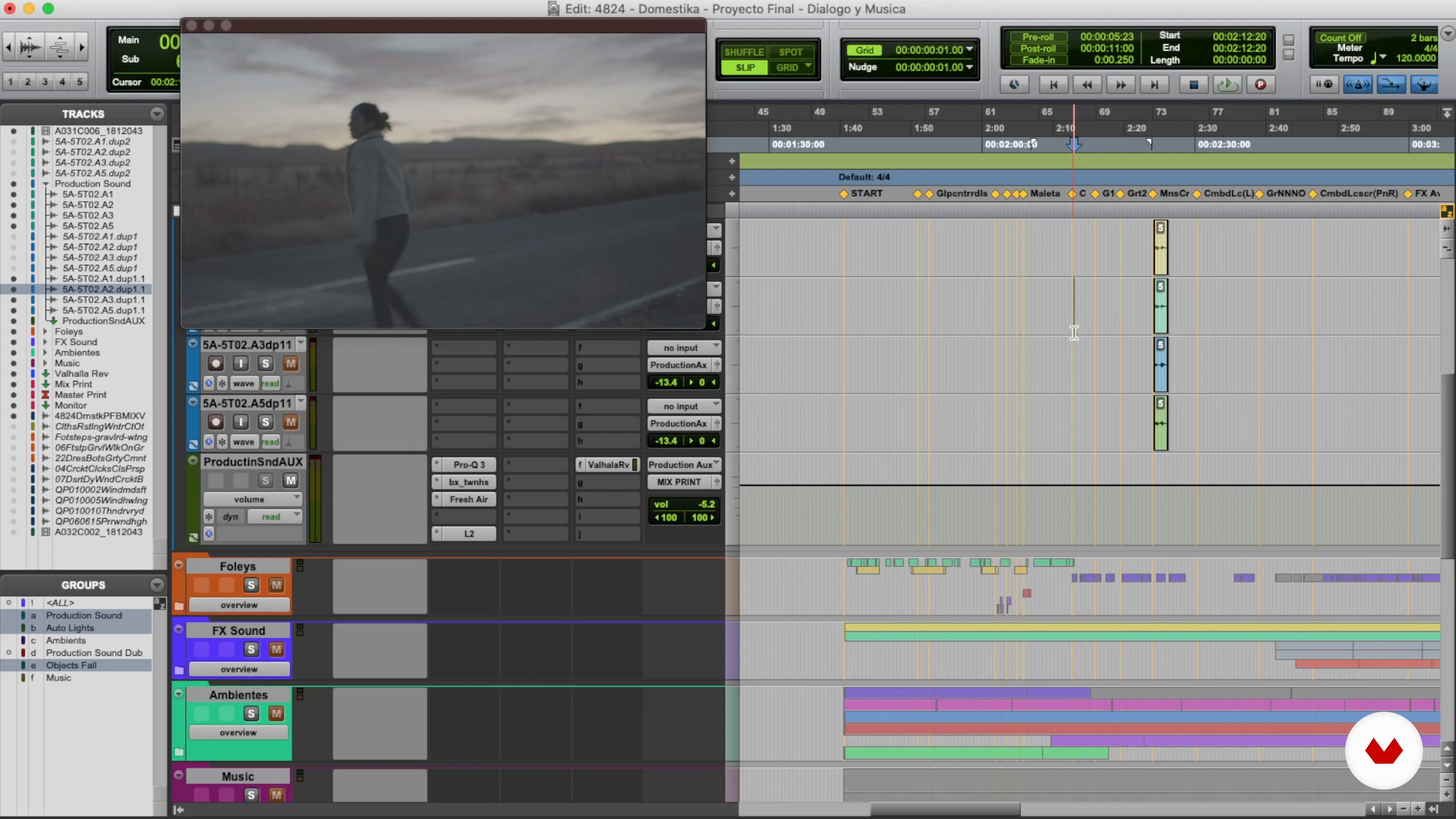
The dialogue is one of the files in which we have to focus the most to create all the sound impact around it. The dialogue tells us the story, communicates emotions and centers us, as well as the music. Let's learn more about these two factors.
21m
image
13
Working with Dialogue and Music 2
Remember that dialogue directs us in the story, regardless of the setting, effects, or actions. It is important to create a space for dialogue and the automation of dialogue channels.
12m
image
14
Working with Dialogue and Music 3
We have reached a fundamental point in the sound design process, starting to mix with more detail and precision, creating space and automation for both dialogue and music.
14m
image
15
Mixing and Repeating 1
The equalization and compression processes help us shape the dynamics when projecting the sound before the video, thus giving it better positioning and clarity. In this lesson we will focus on improving the sound, creating clarity, and giving more detail and depth.
18m
image
16
Mixing and Repeating 2
The mixture is repetition, it is to try, remove and put. It is not a process to do it the first time, since the sound has to be evaluated from several points of view and our ears also get tired; they are a muscle that must be protected. To know when a production is finished it is important to test and compare, so we can filter more steps and reach our goal faster. You will realize that the mix is to create your sound sensation and give your complete vision regarding the video.
20m
image
17
Finishing Mix 1
When reaching the end point of the project it is important to focus on the mix bus and master bus (balancing final channels) that will allow you to put all the pieces together in two final channels and export. We will see in this lesson.
19m
image
18
Finishing Mix 2
The last step is to export your work from whatever platform you're using to share it. For this, it is essential to know certain basic and necessary formats for the platforms you use.
17m
image
19
Recommendation of Plugins and Techniques
The tools we use are essential, but it is more important to know what is behind them to know how to break the rules and achieve more. Today you can achieve a lot with little. There are many plugins that can generate impressive detail, but it's also important to work with what you have at the moment. In this lesson I will give you some tips so that you can advance much more.
15m
image
20
The New World of Immersive Sound in the Face of Visual Impact
Implementing immersive sound and new sound technologies can take the user to live the audiovisual experience to another level, be it on social networks, music videos, movies, etc. Let's hear some examples!
2m
  • 10 students
  • 94 lessons (20h 39m)
  • 82 additional resources (23 files)
  • Online and at your own pace
  • Audio: English, German, Spanish, Spanish (Latam), French, Indonesian, Italian, Dutch, Polish, Portuguese, Romanian, Turkish
  • Spanish · English · Portuguese · German · French · Italian · Polish · Dutch · Turkish · Romanian · Indonesian
  • Level: Beginner
  • Unlimited access forever

What is this course's project?
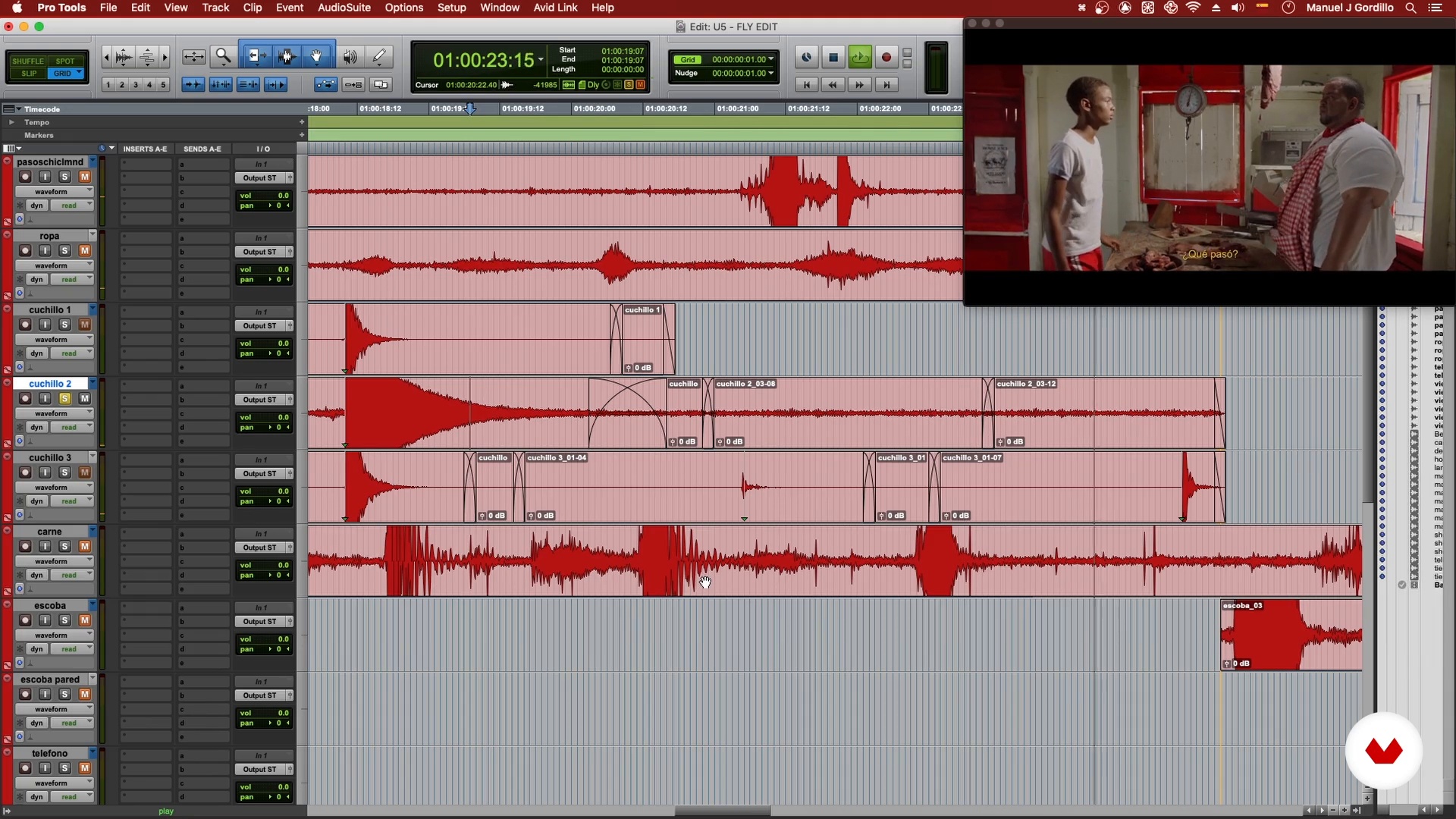
Design a complete soundscape for an audiovisual scene, crafting immersive textures and atmospheres using Pro Tools. You'll integrate dialogues, music, and effects to create a balanced and professional final mix, showcasing technical mastery and artistic creativity.

Who is this specialization for?
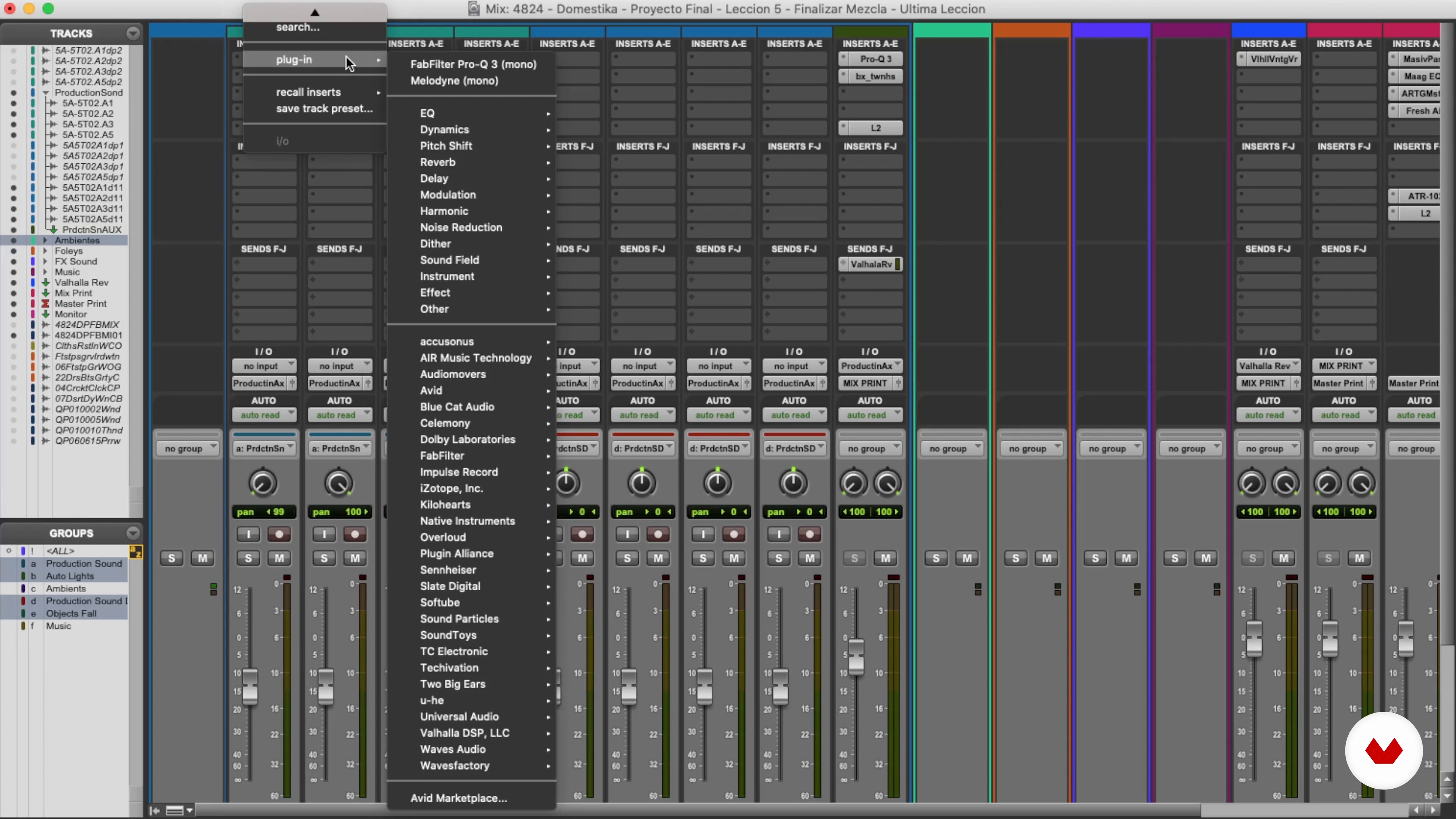
Designed for audio professionals eager to master sound design in film, television, gaming, and digital media. Perfect for those looking to enhance skills in voice recording, foley creation, mixing, and Pro Tools usage, crafting memorable auditory experiences.

Requirements and materials

No extensive prior knowledge is needed. Basic necessities include a computer, audio software like Pro Tools, and headphones. A passion for sound and a willingness to experiment will enhance your learning experience. Access to recording tools is beneficial.

Select to get to know your teachers in this specialization course
Read more ↓

What to expect from this specialization course

  • Learn at your own pace

    Enjoy learning from home without a set schedule and with an easy-to-follow method. You set your own pace.

  • Learn from the best professionals

    Learn valuable methods and techniques explained by top experts in the creative sector.

  • Meet expert teachers

    Each expert teaches what they do best, with clear guidelines, true passion, and professional insight in every lesson.

  • Certificates
    Plus

    If you're a Plus member, get a custom certificate for every specialization course. Share it on your portfolio, social media, or wherever you like.

  • Get front-row seats

    Videos of the highest quality, so you don't miss a single detail. With unlimited access, you can watch them as many times as you need to perfect your technique.

  • Share knowledge and ideas

    Ask questions, request feedback, or offer solutions. Share your learning experience with other students in the community who are as passionate about creativity as you are.

  • Connect with a global creative community

    The community is home to millions of people from around the world who are curious and passionate about exploring and expressing their creativity.

  • Watch professionally produced courses

    Domestika curates its teacher roster and produces every course in-house to ensure a high-quality online learning experience.


FAQs

Domestika courses are online classes that allow you to learn new skills and create incredible projects. All our courses include the opportunity to share your work with other students and/or teachers, creating an active learning community. We offer different formats:
Original Courses: Complete classes that combine videos, texts, and educational materials to complete a specific project from start to finish.
Basics Courses: Specialized training where you master specific software tools step by step.
Specialization Courses: Learning paths with various expert teachers on the same topic, perfect for becoming a specialist by learning from different approaches.
Guided Courses: Practical experiences ideal for directly acquiring specific skills.
Intensive Courses (Deep Dives): New creative processes based on artificial intelligence tools in an accessible format for in-depth and dynamic understanding.

All specialization courses are 100% online, so once they're published, specialization courses start and finish whenever you want. You set the pace of the class. You can go back to review what interests you most and skip what you already know, ask questions, answer questions, share your projects, and more.

The specialization courses are divided into different modules. Each one includes lessons, informational text, tasks, and practice exercises to help you carry out your project step by step, with additional complementary resources and downloads. You'll also have access to an exclusive forum where you can interact with other students, as well as share your work and your final project, creating a community around the specialization courses.

You can redeem the specialization courses you received by accessing the redeeming page and entering your gift code.

If you're a Plus member, when you complete a course you've purchased, you'll instantly get your personalized certificate. You can see all your certificates in the Certificates section of your profile. You can download your certificates as PDFs and share the link online. Learn more about certificates.
Diseño de sonido para proyectos audiovisuales. Music, and Audio course by Domestika

Diseño de sonido para proyectos audiovisuales

A specialization by multiple teachers
Berkeley, United States.
Joined April 2002
  • 10 students