


Specialization

Creative Poster Design Specialization

Master creative poster design by exploring typography, illustration, and visual communication techniques to produce impactful art

Specialization · 6 modules

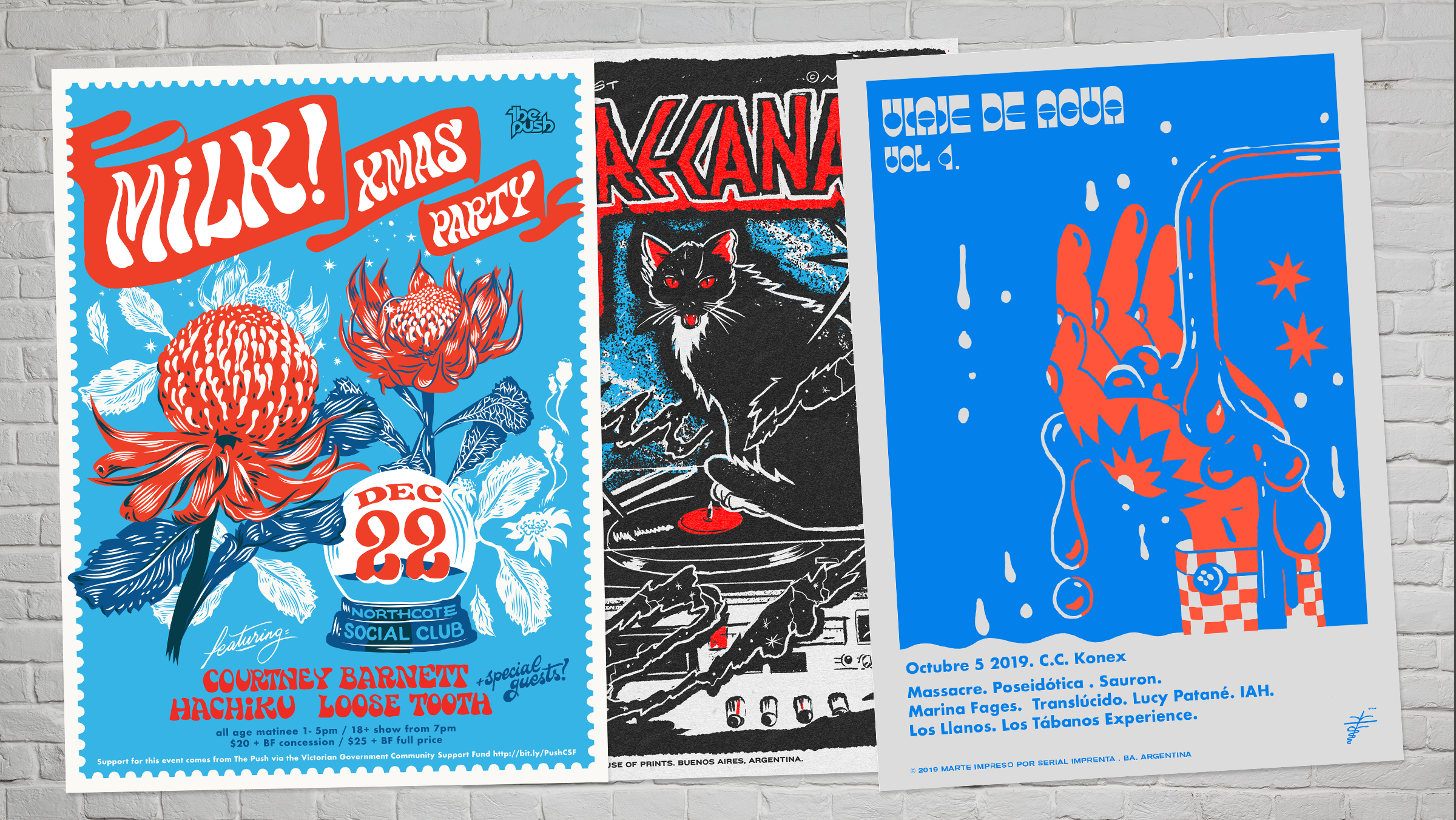
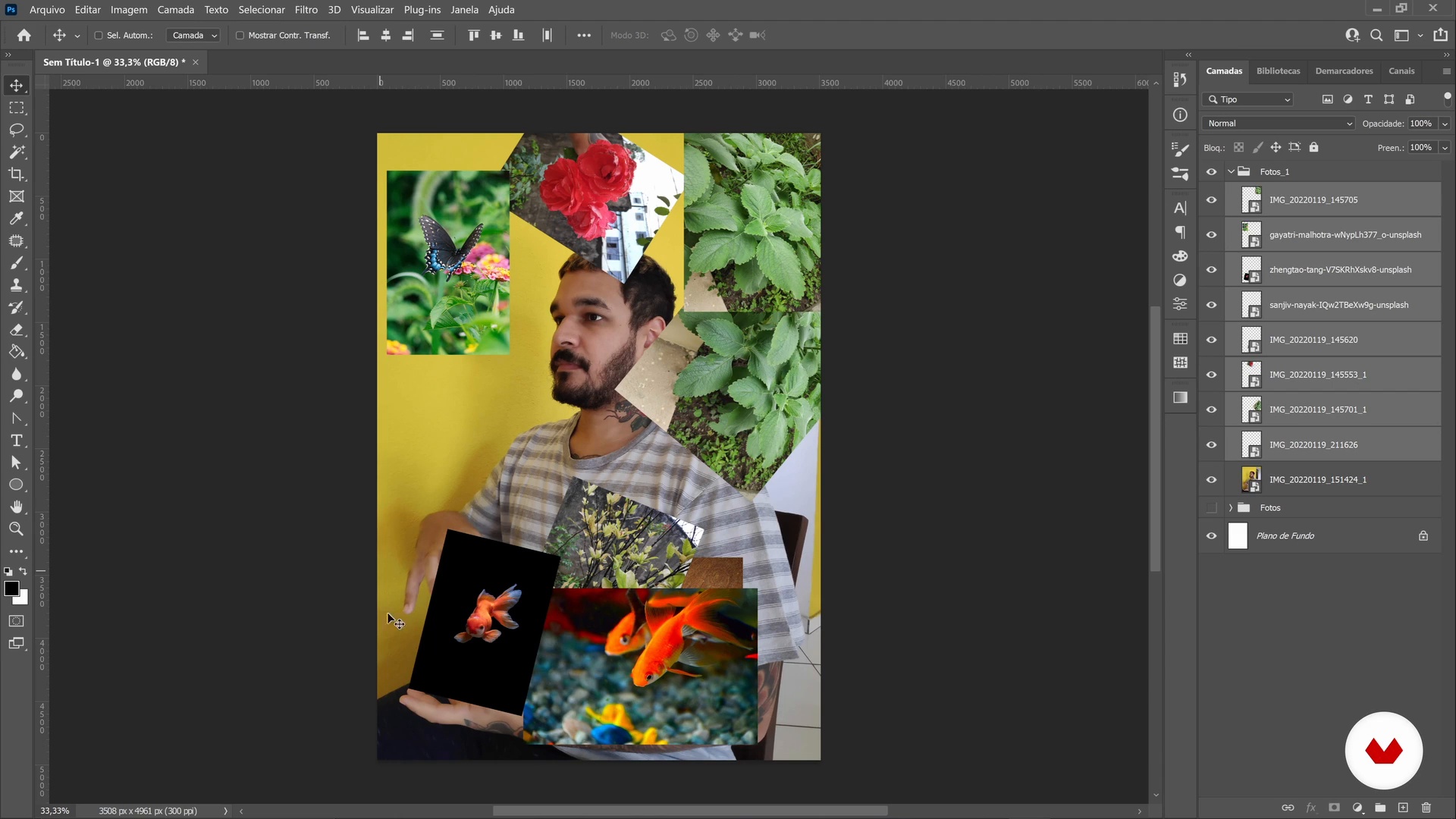
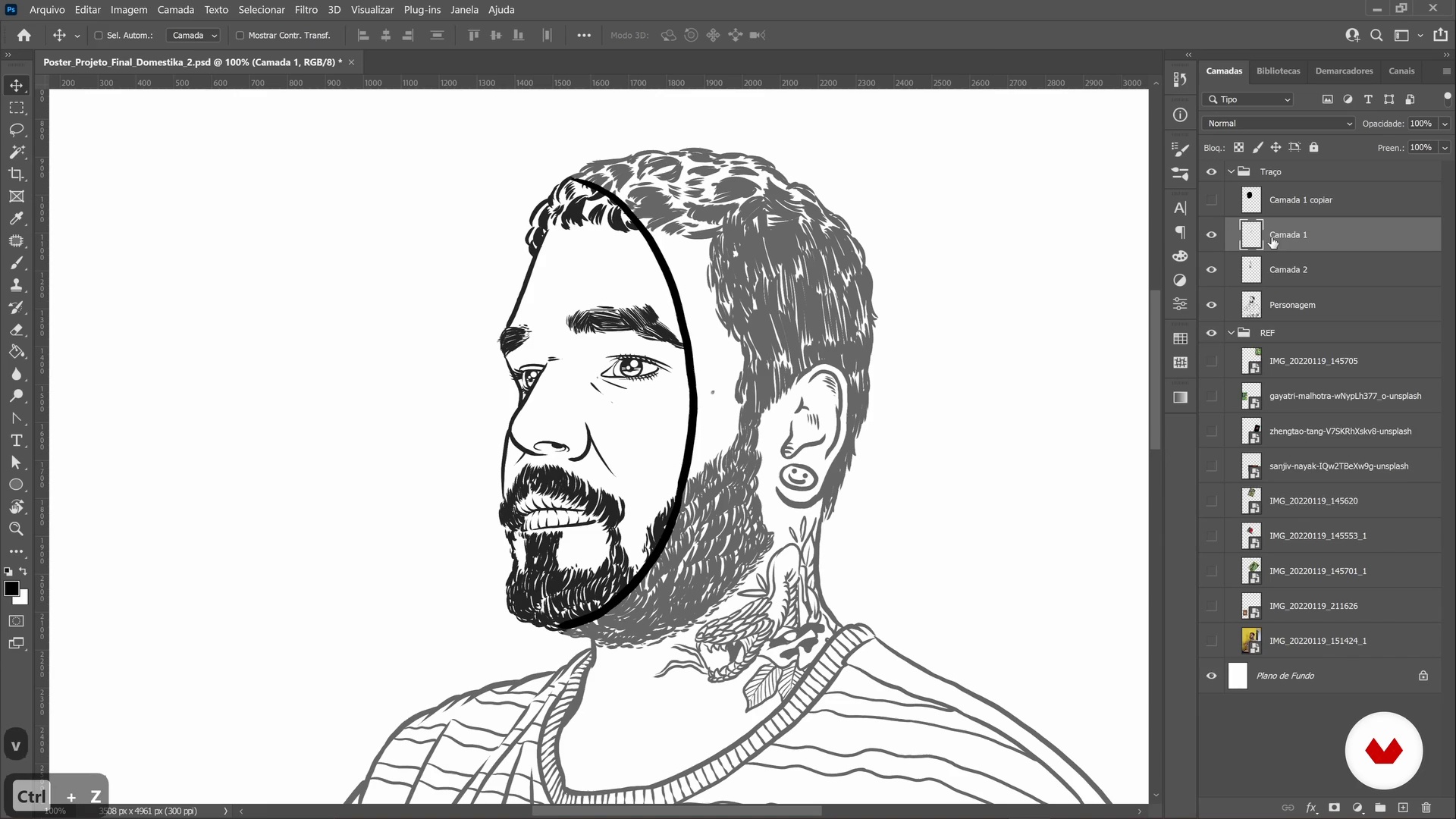
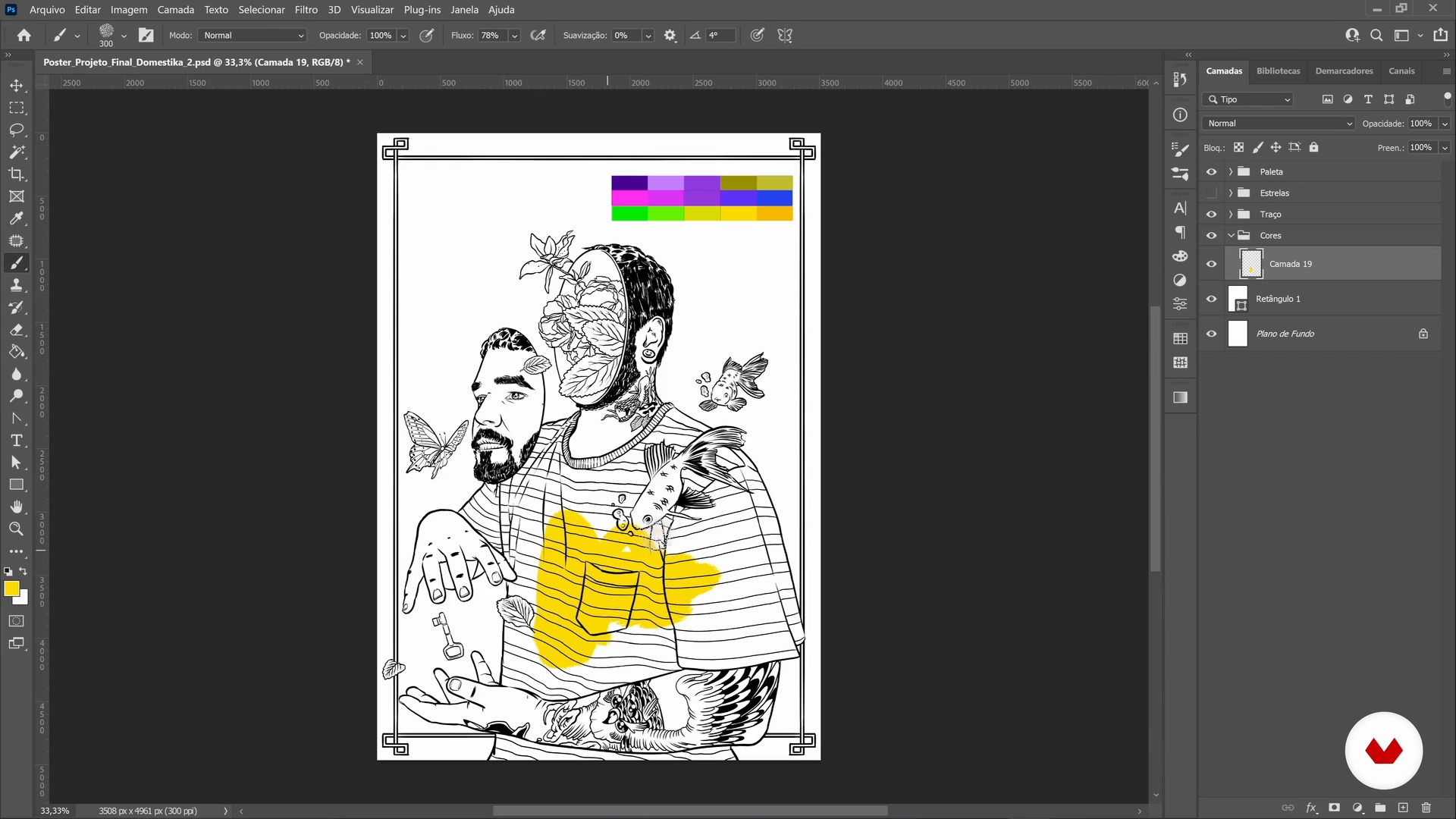
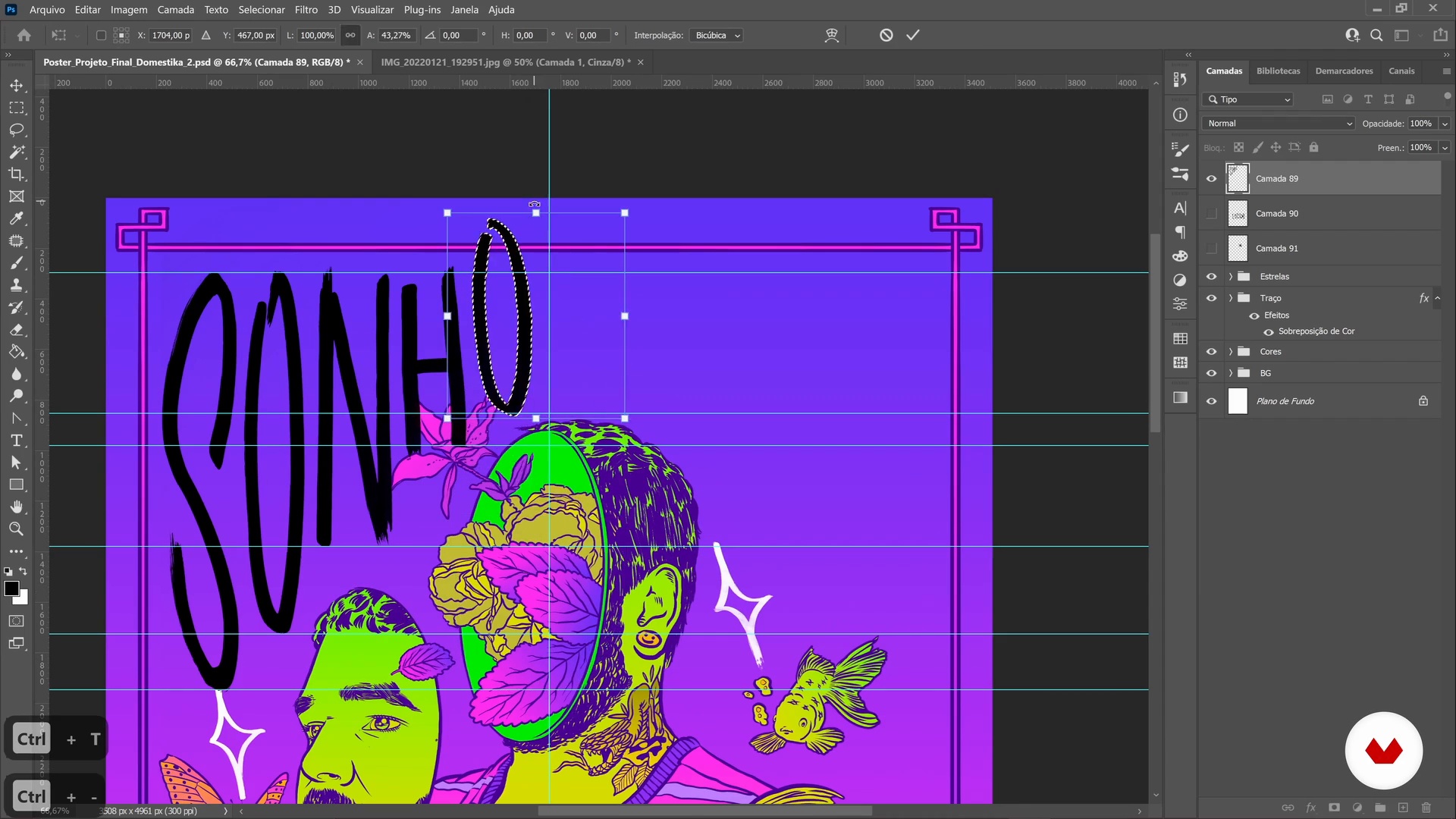
Dive into the world of poster design with our Creative Poster Design Specialization. This program offers a comprehensive journey through design fundamentals and advanced illustration techniques, guiding you to craft visually striking and communicative posters. Explore a range of styles, from experimental typography to narrative illustration, and develop a holistic approach to professional poster design. Whether you are looking to create impactful event posters or delve into the art of theater and film poster illustration, you'll find the tools and insights you need.

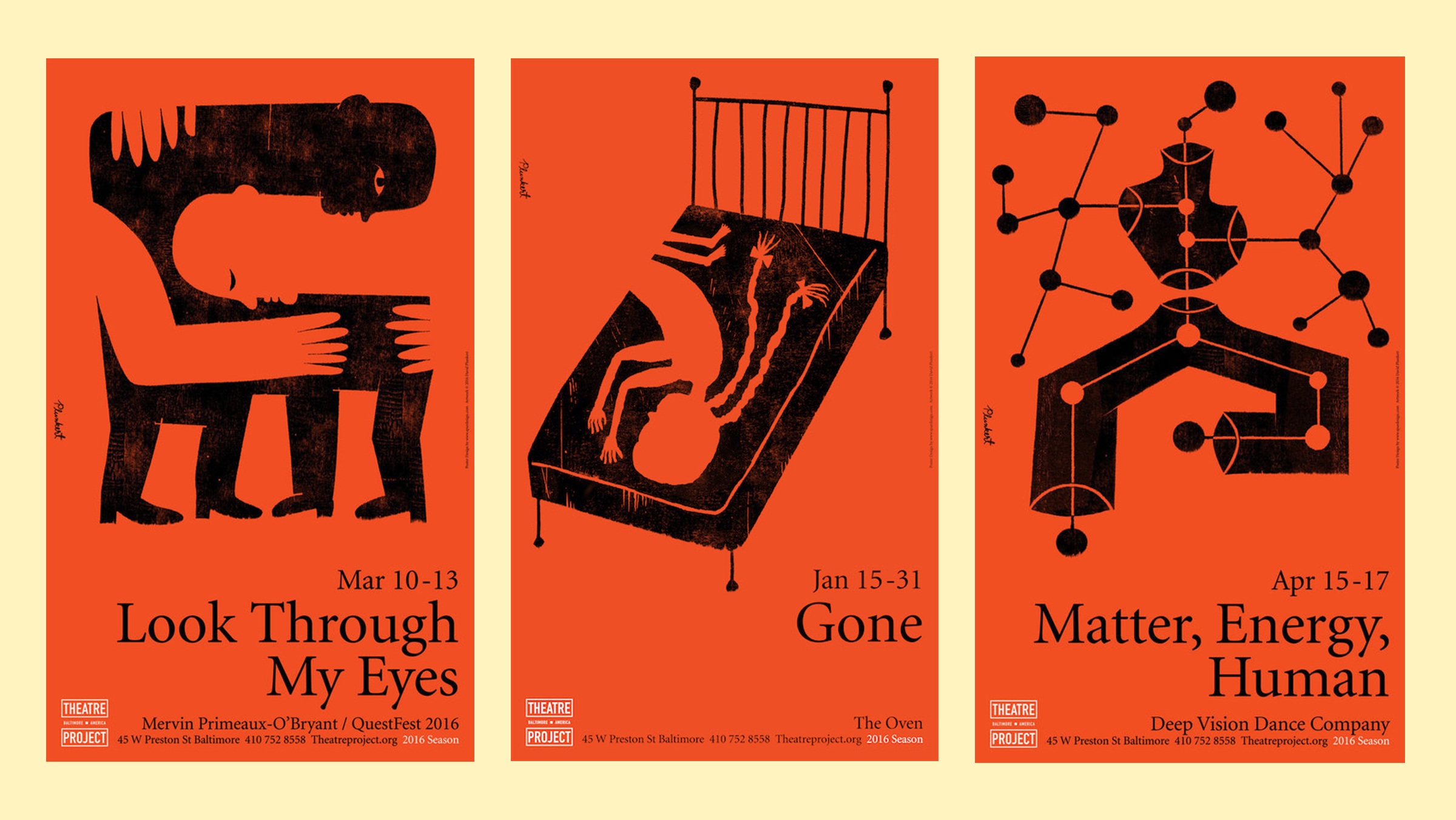
Renowned design studios and artists, including 12caracteres, BlueTypo, Marte, David Plunkert, and Bruno Miranda, share their expertise, covering topics like balancing creativity with functionality, integrating analog and digital techniques, and mastering the use of color and typography. Each course within this specialization focuses on different aspects of poster design, culminating in a professional portfolio that showcases your ability to create powerful visual communications across various contexts. Unleash your creativity and develop the skills to make a lasting impact in the world of design.

Read more ↓

What will you learn in this specialization?

A total of 6 modules and 80 lessons
A total of 9h 25m of vídeo lessons
Taught by 5 selected expert teachers
image
4
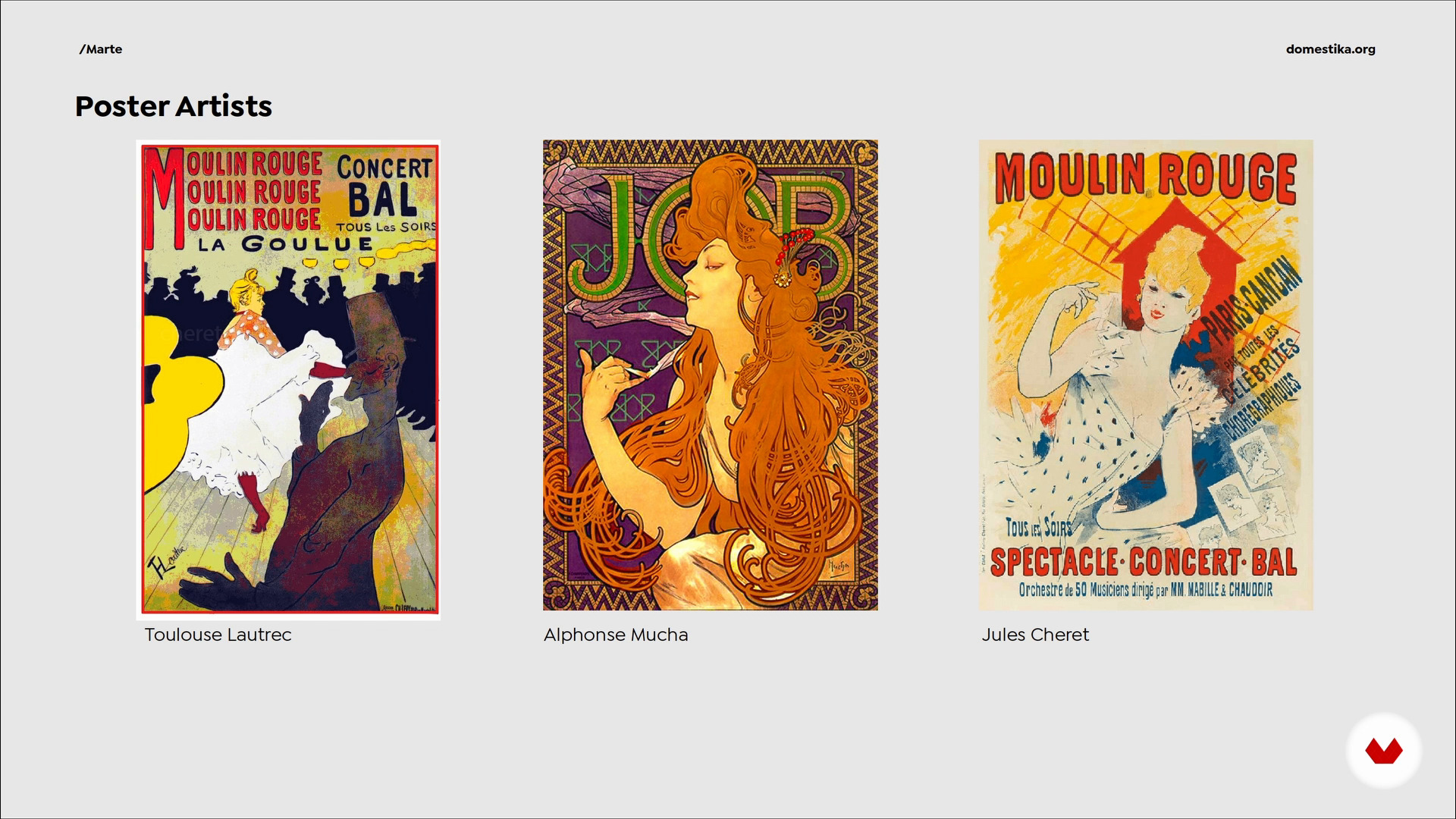
Poster history
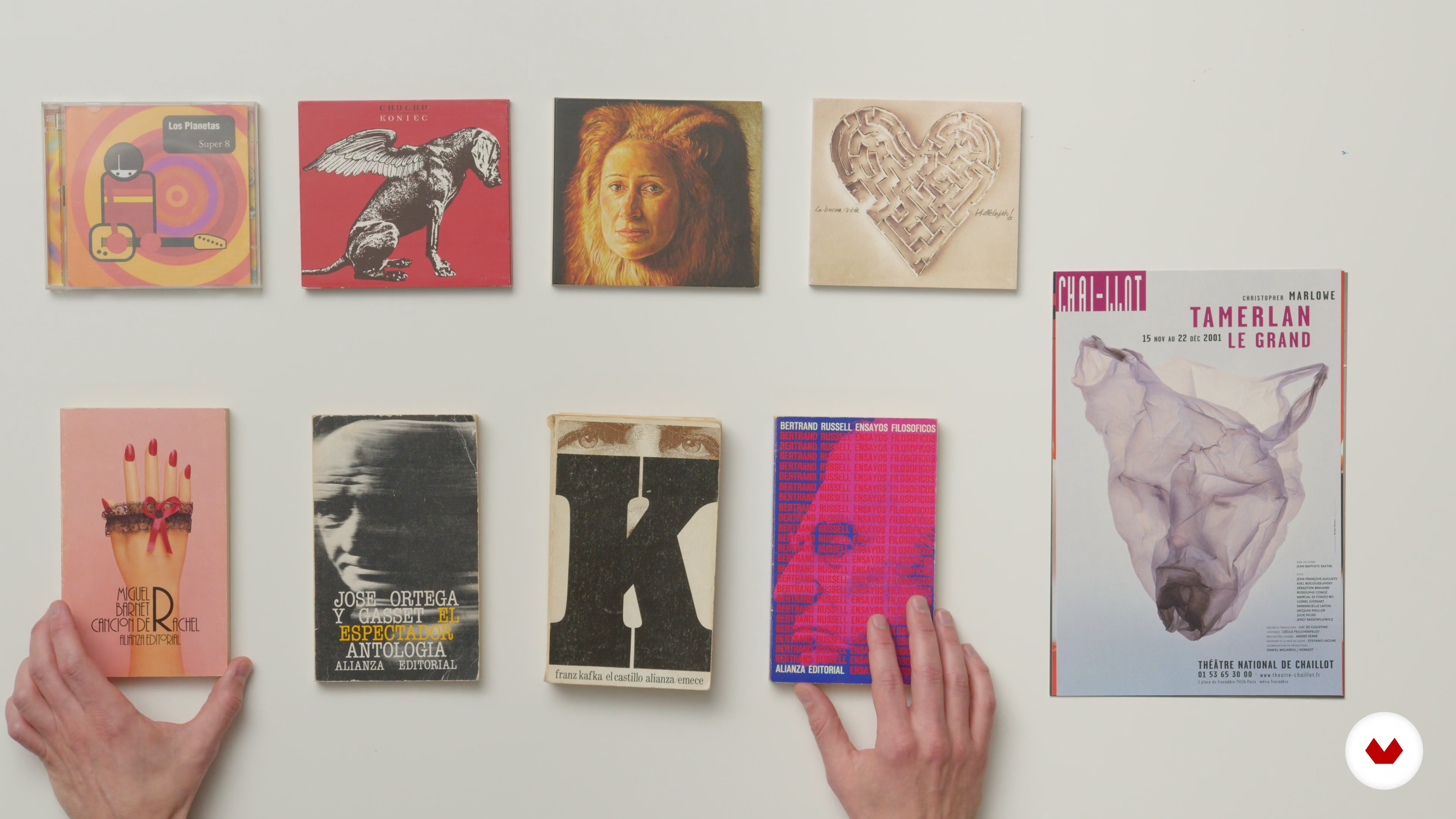
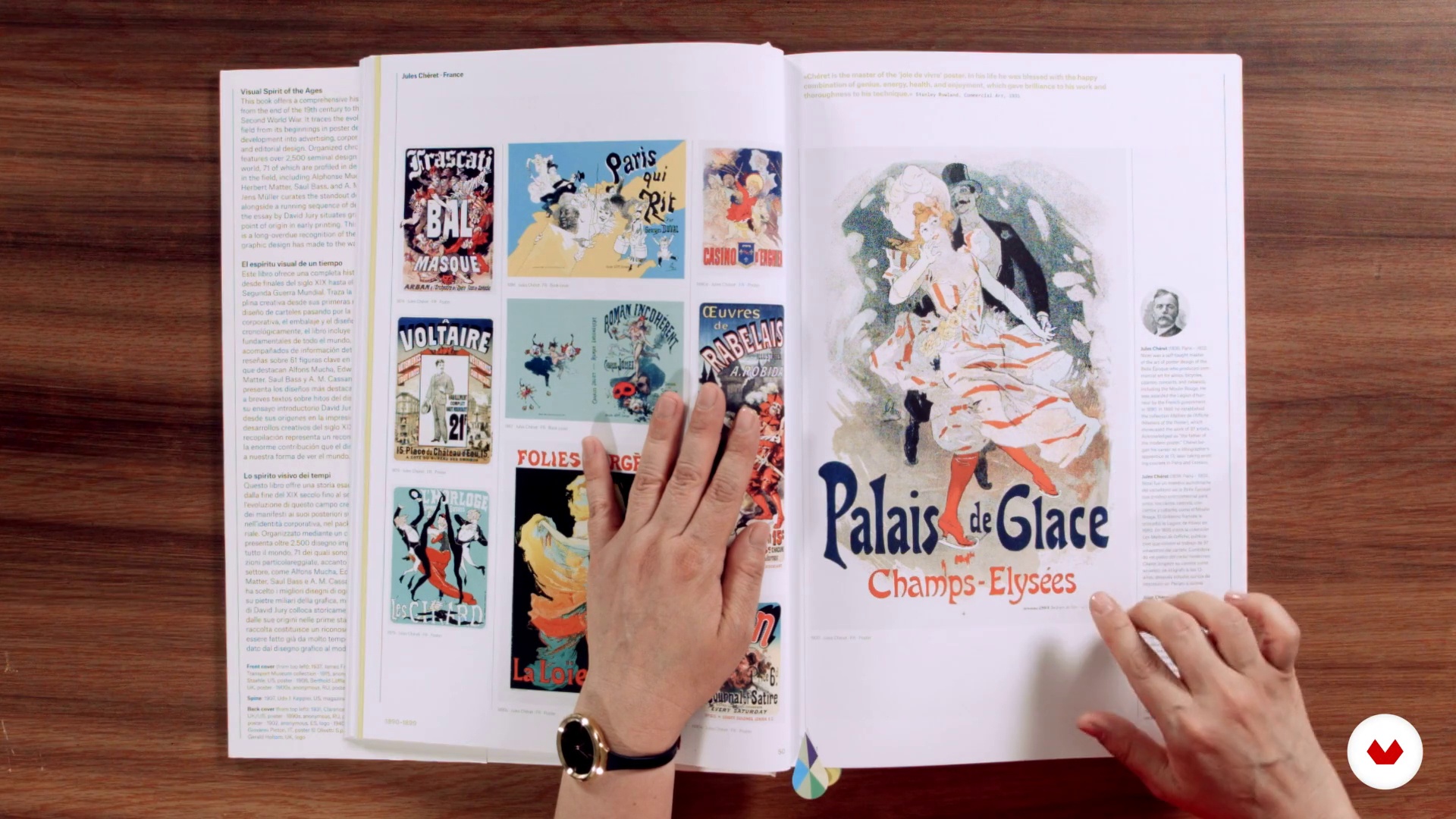
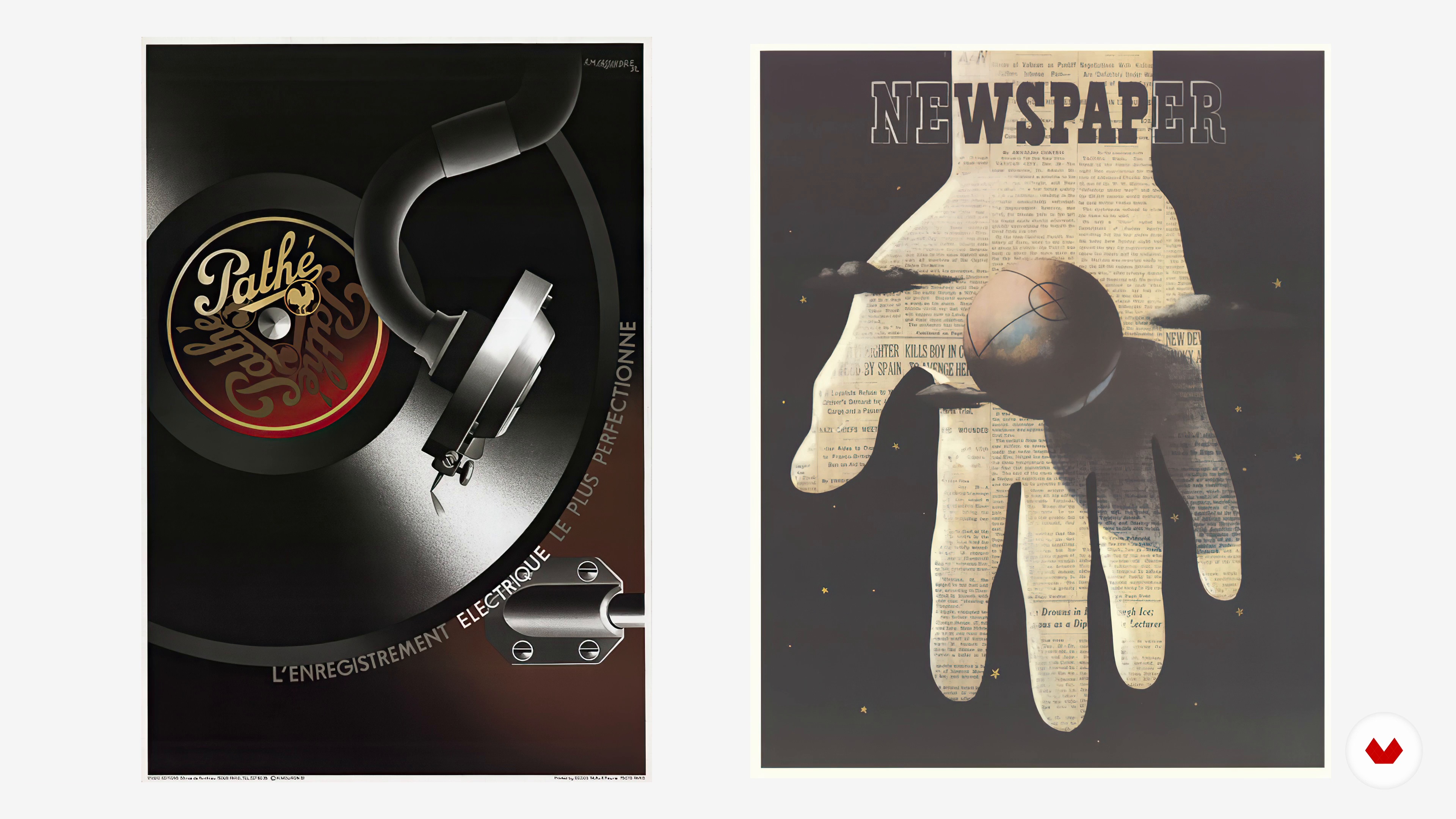
In this lesson we will do a small review of the history of the poster, seeing the great masters who were defining the modern poster and the historical events that changed communication needs.
12m
image
5
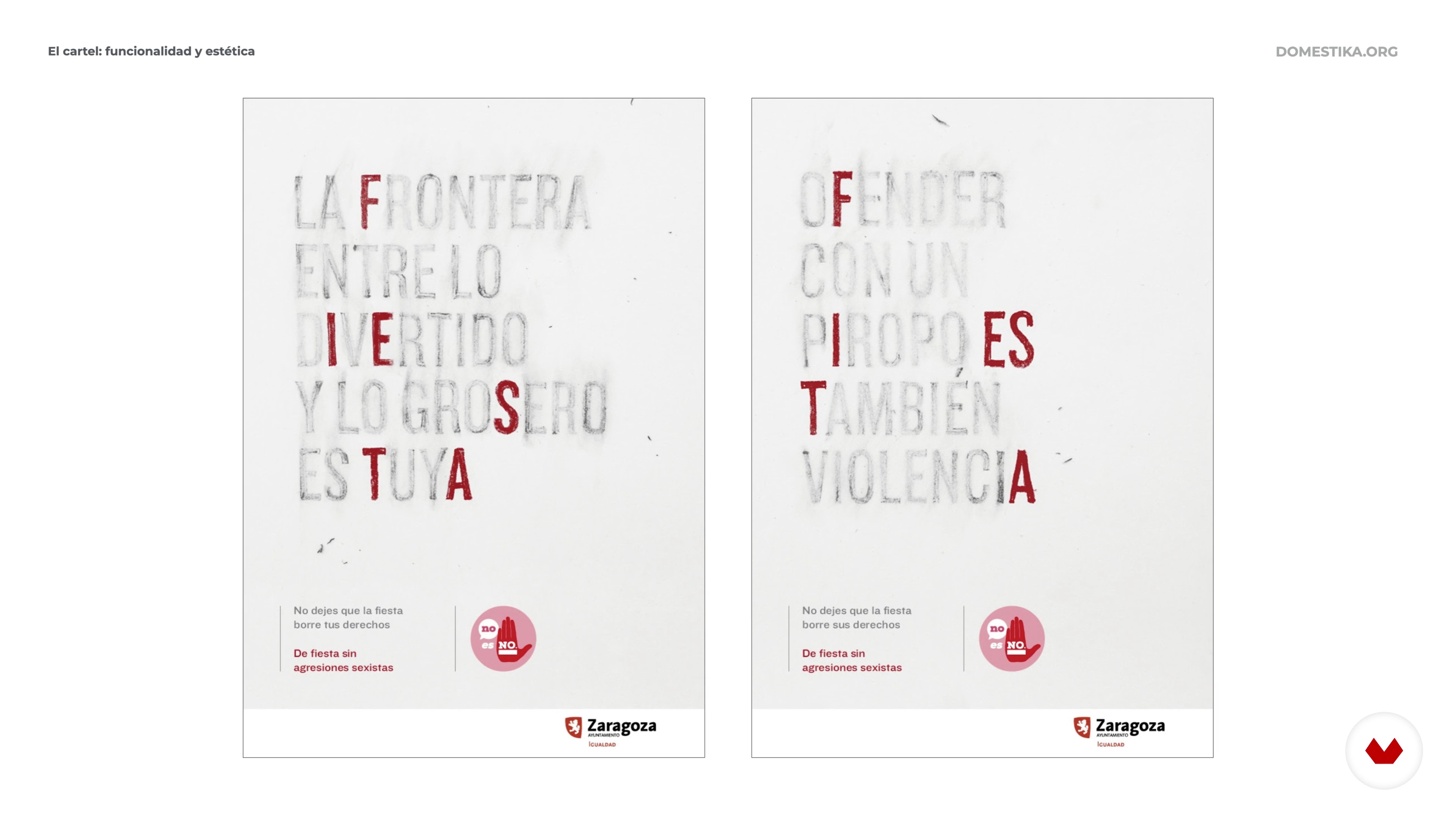
The poster: functionality and aesthetics
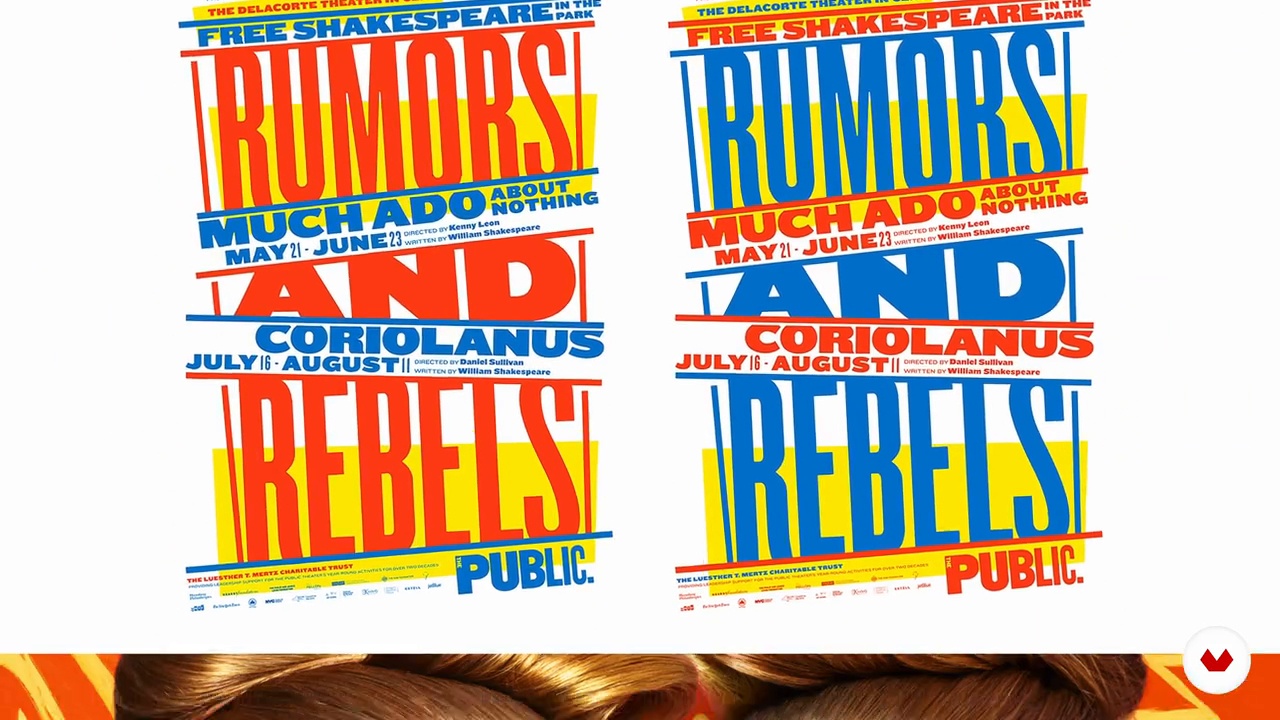
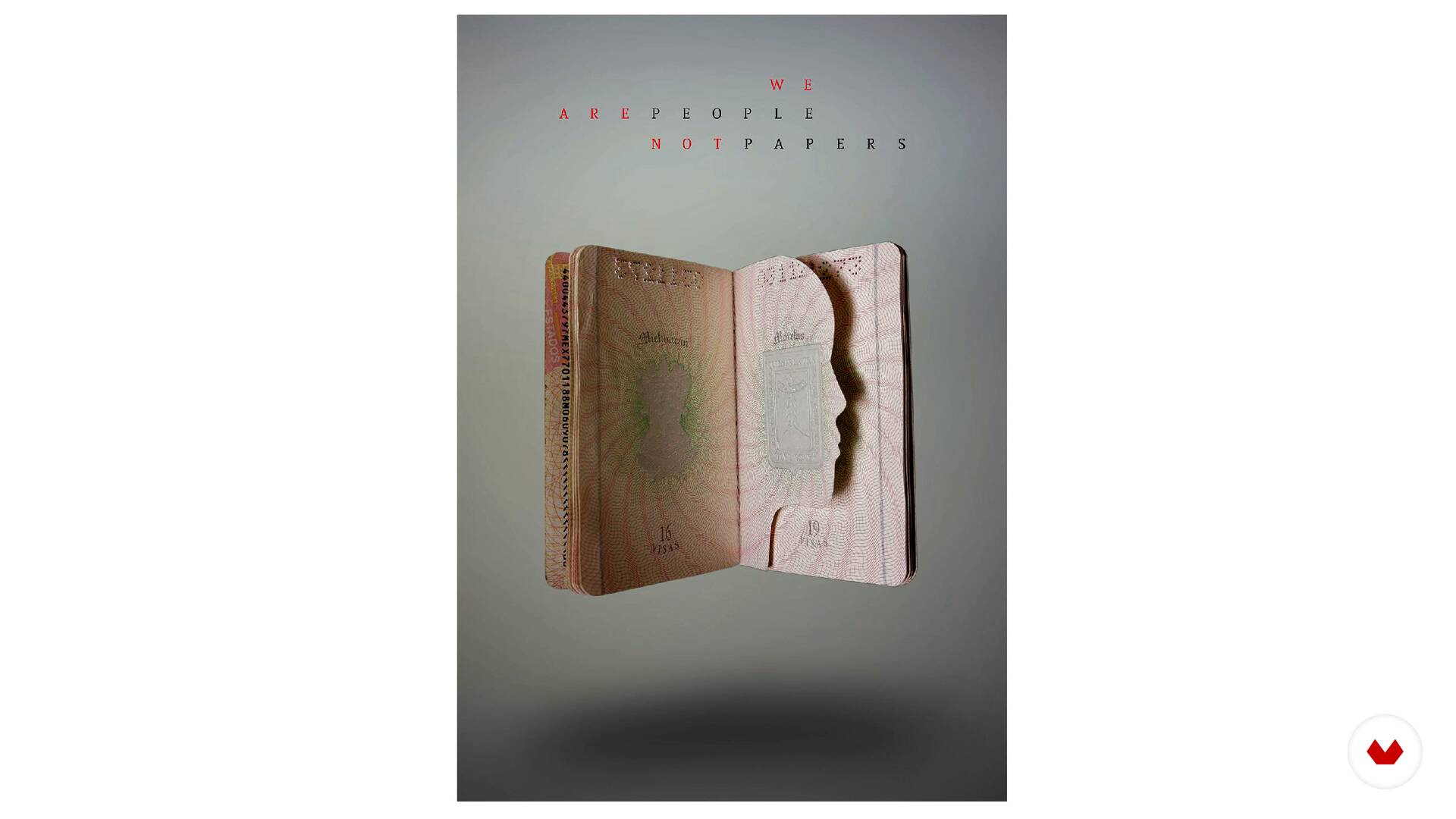
A poster must clearly and directly communicate a message. To attract attention among all the visual noise that surrounds us, it must also be aesthetically attractive. In this lesson we are going to study what are the elements that make up a poster and what functional aspects each of them must fulfill.
9m
image
6
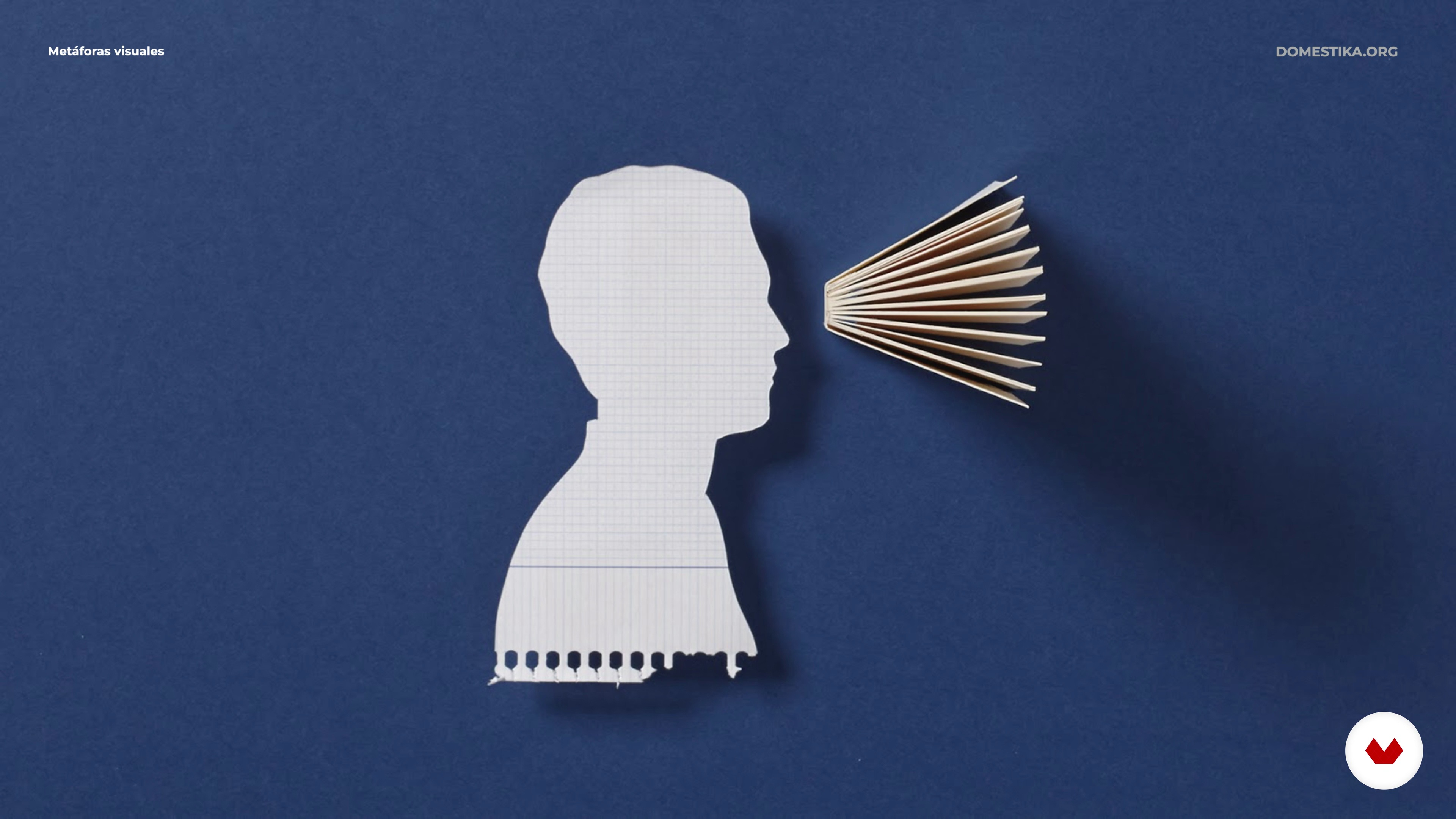
The visual metaphor
The visual metaphor is the way through which an idea is transmitted quickly and easily, making it understandable to everyone. In this lesson you will see, through examples from our study, how this technique helps us to generate layers of meanings and concepts in our posters.
4m
image
7
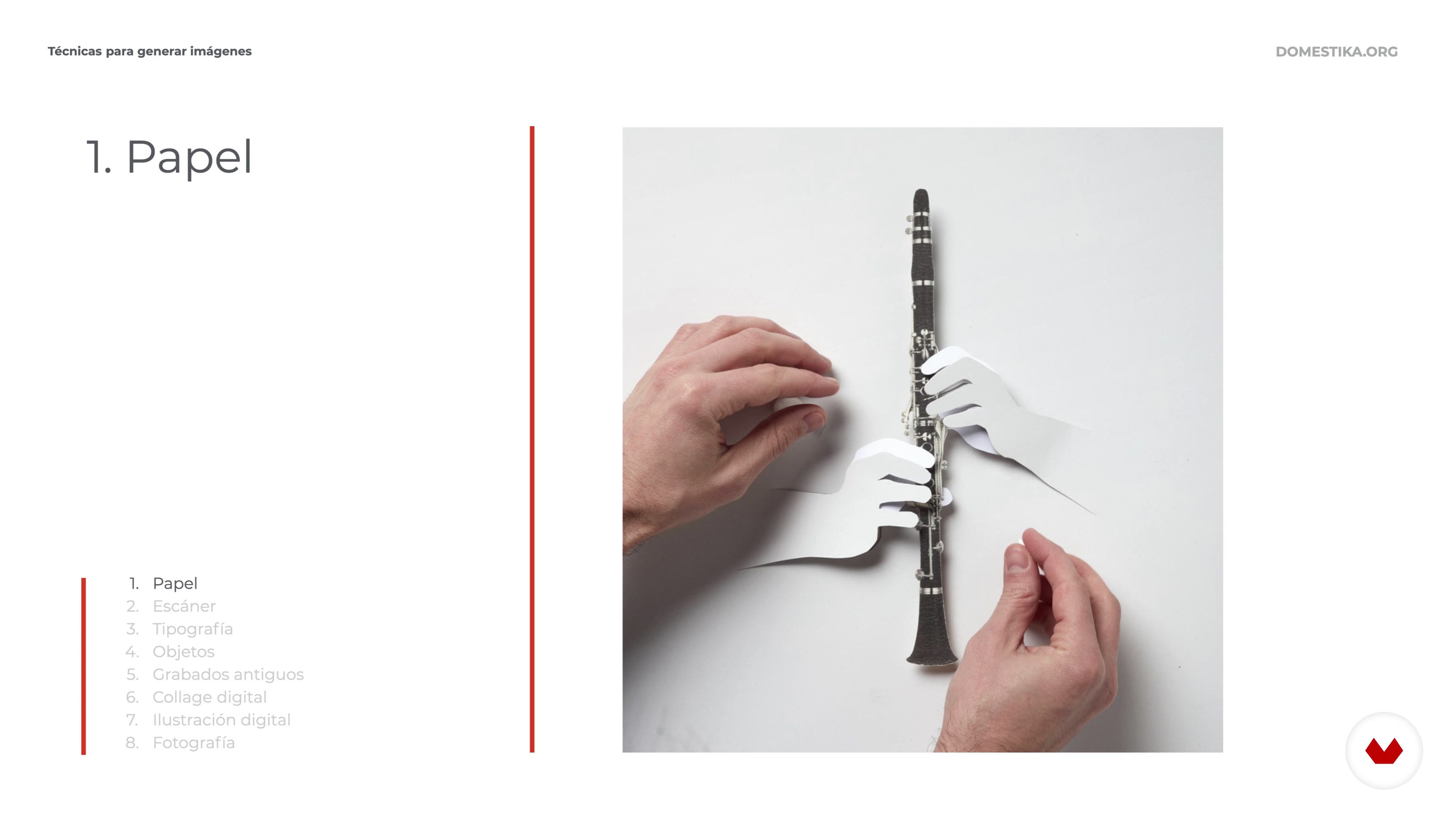
Techniques for generating images
When it comes to shaping our poster we have multiple techniques with which to materialize our ideas. In this lesson we will review the main techniques that we use explaining the possibilities of each of them.
7m
image
8
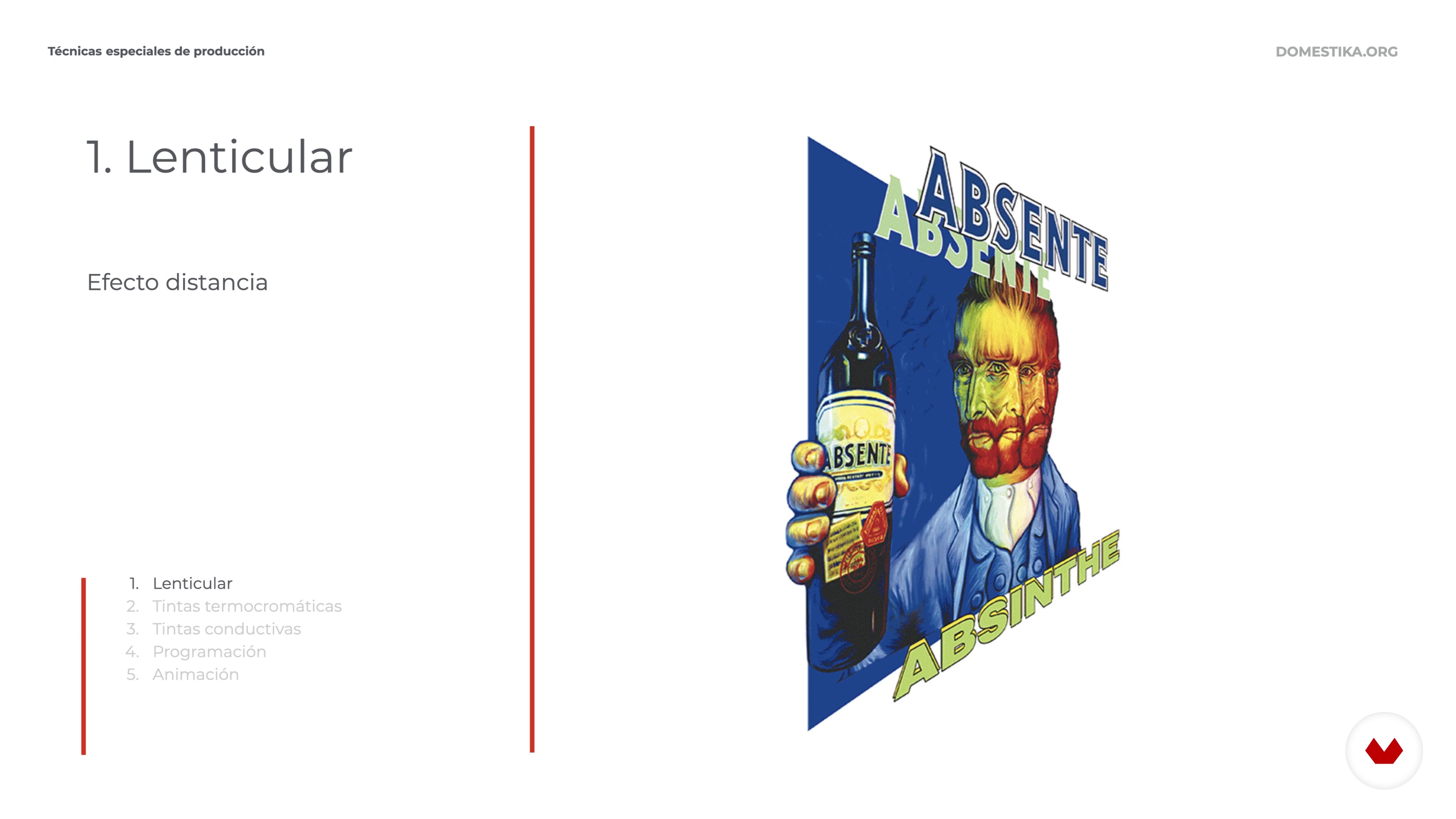
Special production techniques
In this lesson I will introduce you to some special production techniques. Posters that change color with temperature, that vary according to the perspective from which they are viewed or images created with programming. The options on the market are multiple, they can help us to promote the idea of our poster, creating a more direct link with the viewer.
3m
image
9
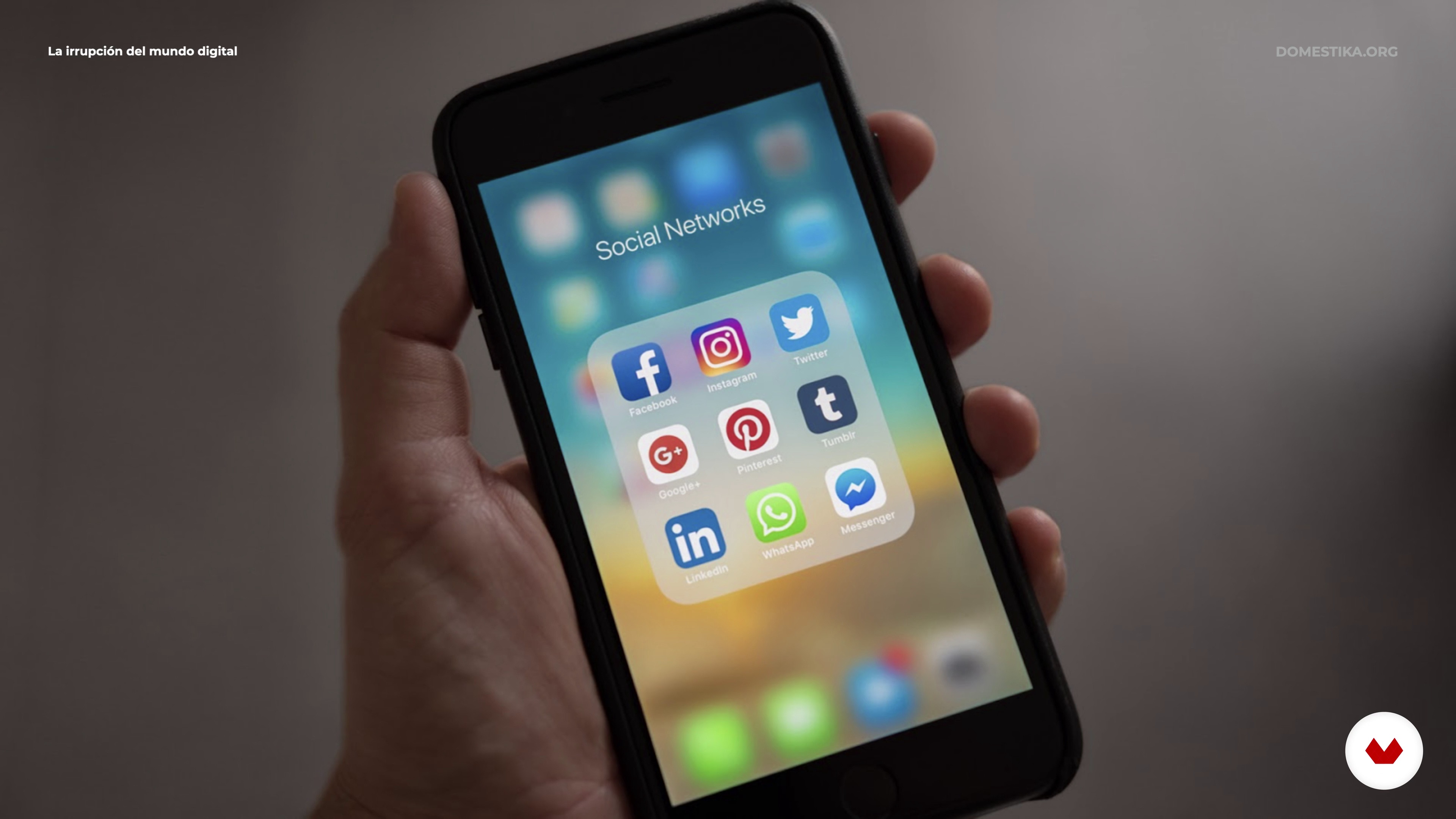
The irruption of the digital world
Social networks have changed the way we communicate and posters have had to adapt to these new environments. We will review the most common formats to which a poster is usually adapted and the aspects that we have to take into account before designing it.
2m
image
10
The assignment: development and analysis of the briefing
In this lesson we are going to define and analyze the order on which we are going to work a poster. We will do it through a briefing where we will mark what the communication objectives are, what audience we are targeting and what are the supports to which we have to apply our creativity.
2m
image
11
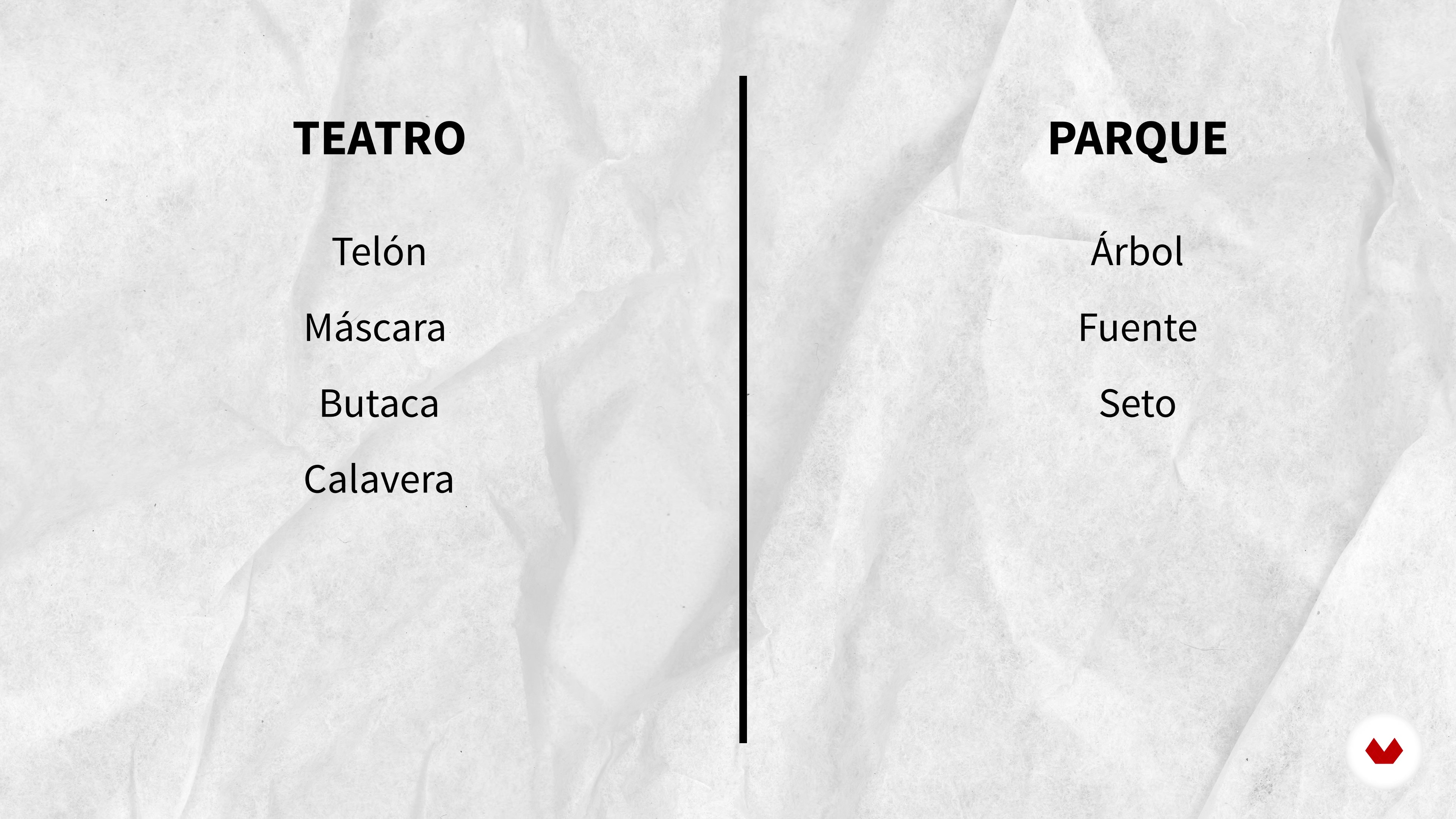
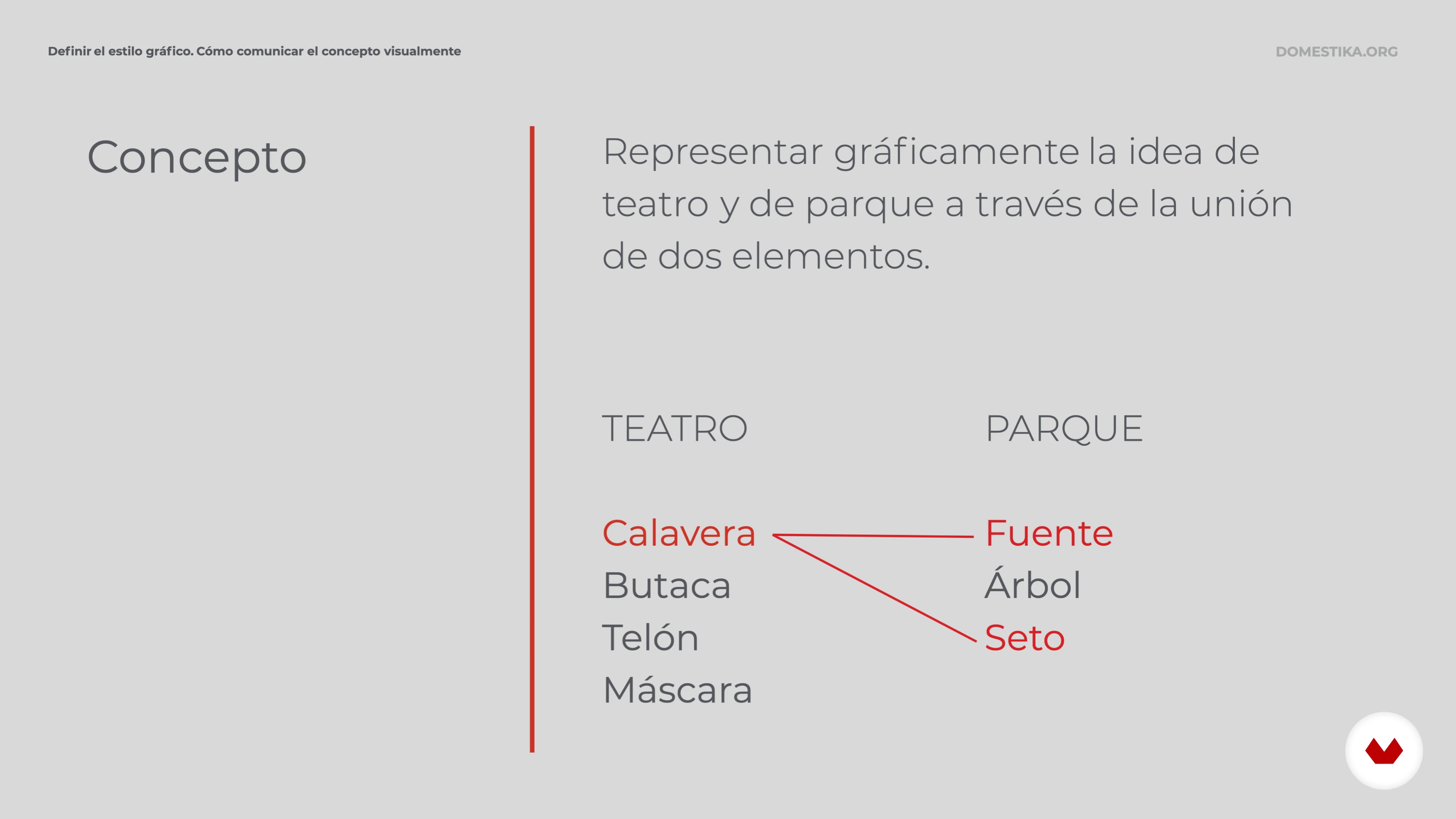
Create key concepts
To make a poster that communicates and reaches the viewer in a clean and direct way, it has to be based on a powerful and solid idea. In this lesson we will learn how to generate them.
3m
image
12
How to communicate the concept visually. Define the graphic style
Defining the graphic style with which we are going to express ourselves is key to being aligned with the communication objectives of the poster. We will define the main elements of the poster, technique, typography, color and composition. Previous considerations before starting to sketch.
3m
image
13
Sketch and define the central motif
In this lesson, we will shape the ideas raised in the previous unit. With paper and pencil we will sketch the possible graphic solutions, we will select among all of them the one that we are going to develop for our poster.
5m
image
14
Production resources
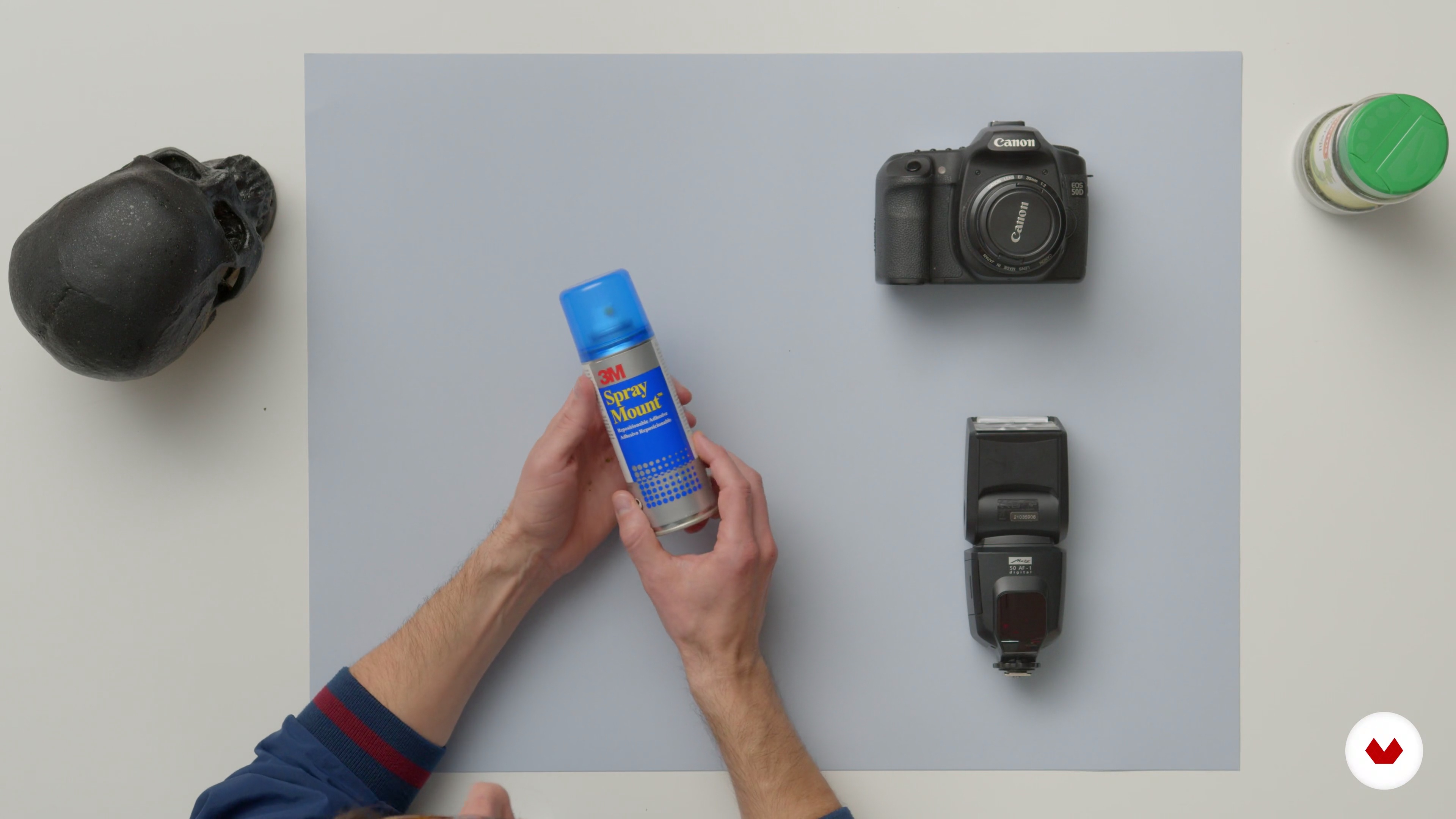
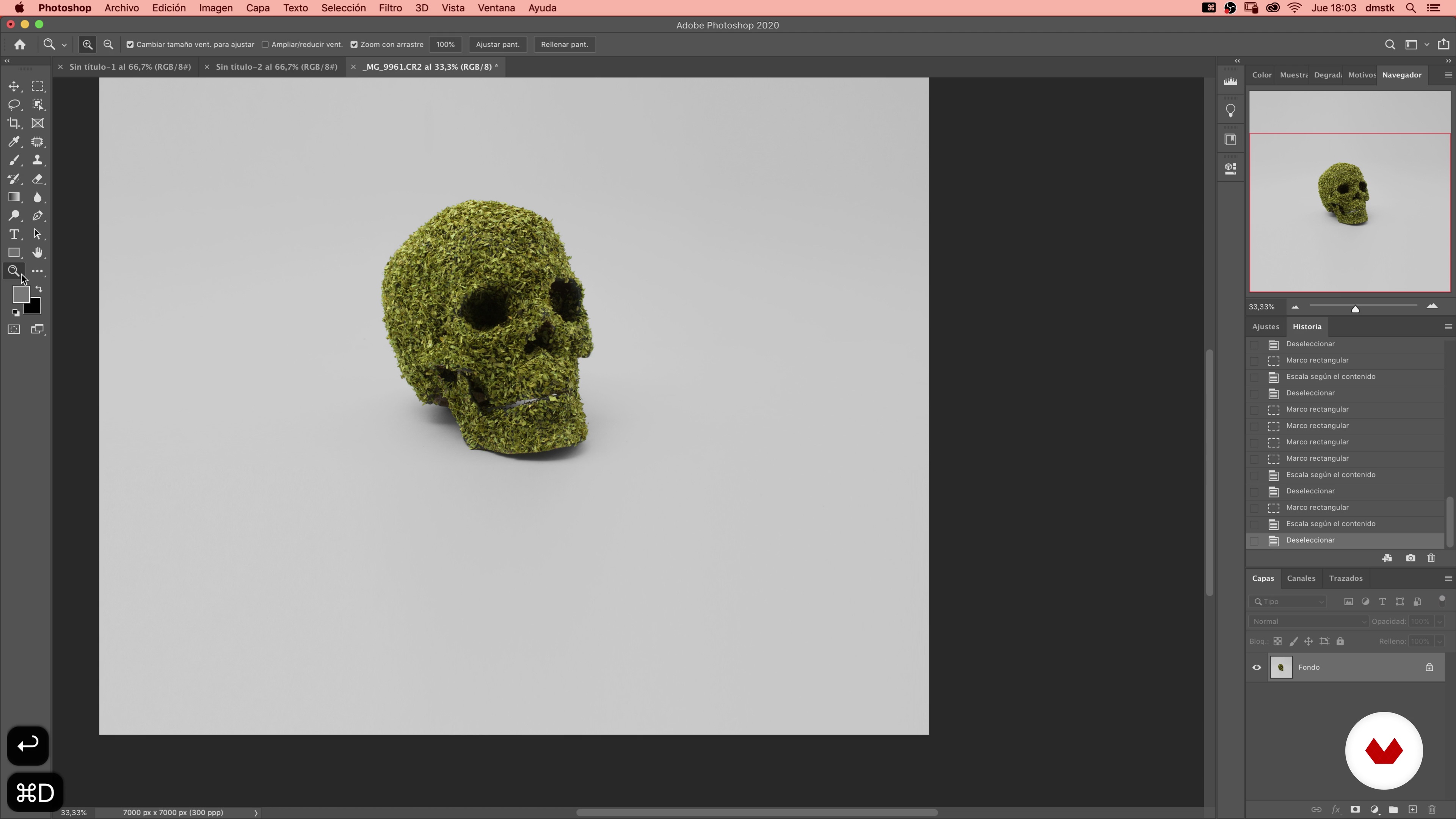
Once we have defined the final sketch, we face the execution phase, first we have to specify the production resources according to the technique with which we are going to work: • Background • Object (skull) • Glue in spray • Chopped parsley • Photographic material (camera + flash +)
2m
image
15
The creation of the central motif of the poster
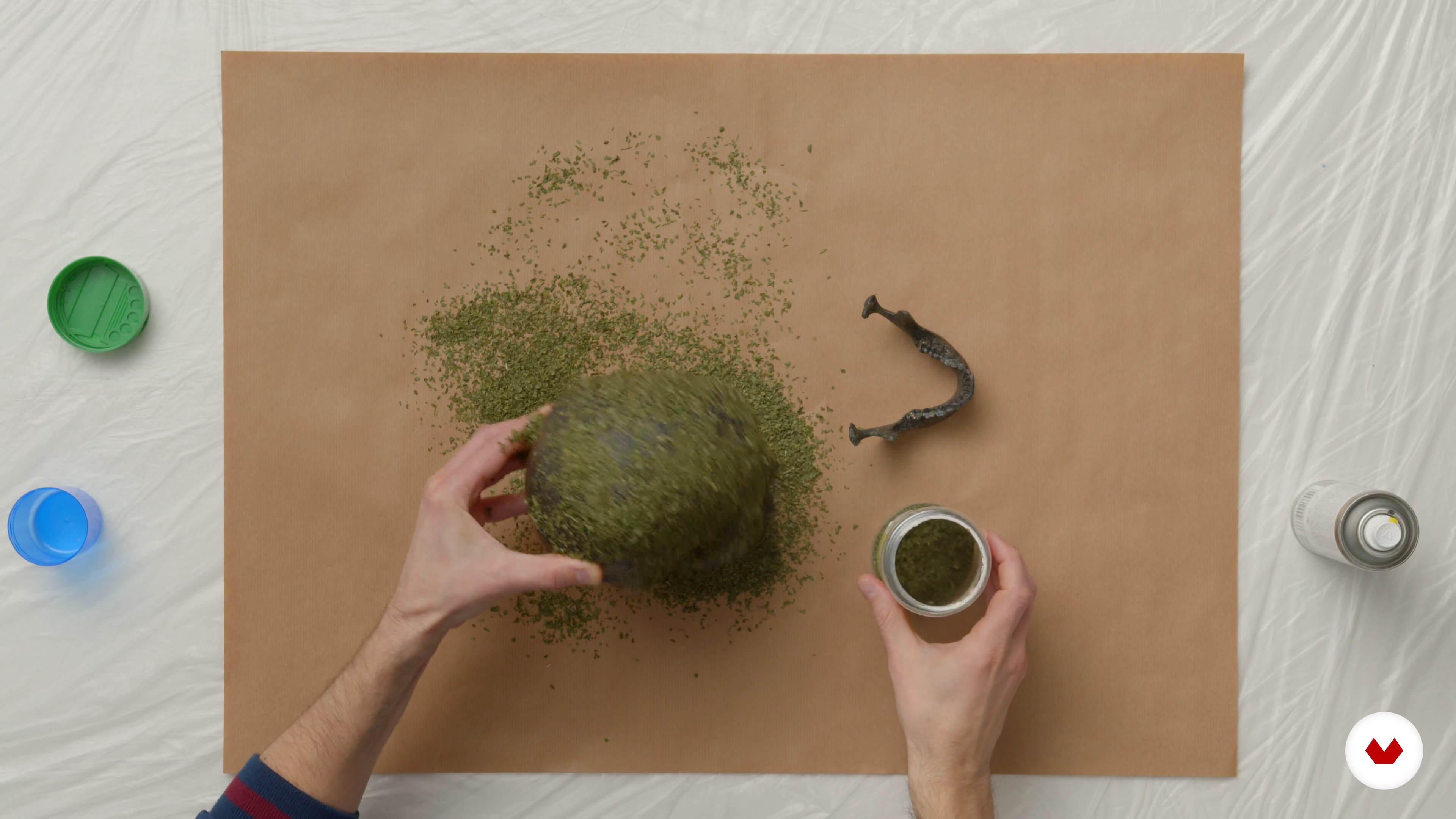
Now is the time to give shape to all the ideas and sketches. We created the central motif of the poster: see how the skull is made.
6m
image
16
Shooting
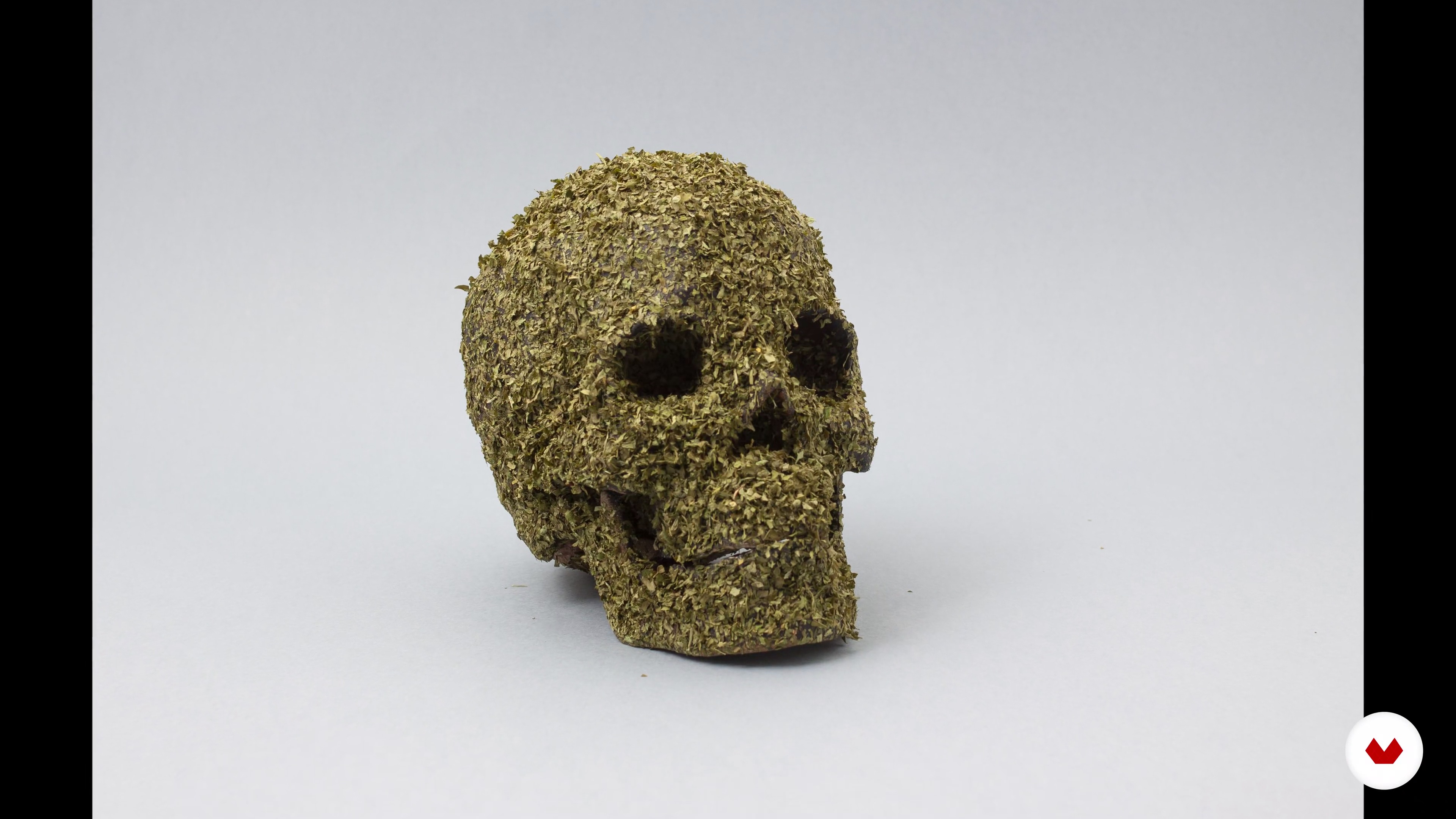
Once our object is prepared, we will see how to create a small photographic set that allows us to photograph it for its subsequent retouching and layout.
4m
image
17
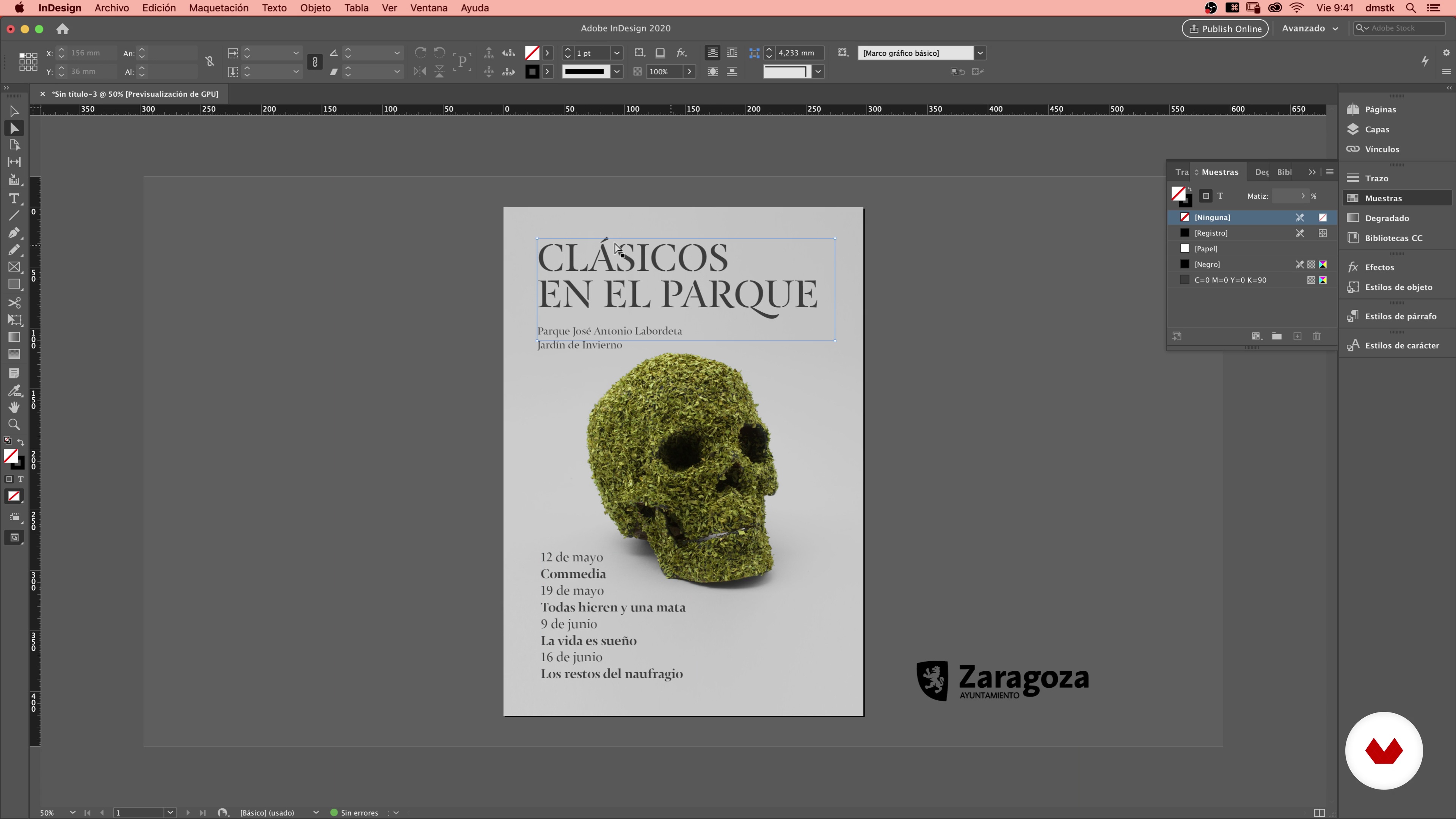
The typographic selection and layout of the main piece 1
I will show you some tools that will help us choose the fonts that have just made up our poster. A good typographic selection and its subsequent layout are basic elements to generate a complete final piece.
11m
image
18
The typographic selection and layout of the main piece 2
In this lesson you will see the layout process of our poster and the aspects of its composition.
12m
image
19
Presentation of the proposal to the client
We will prepare a presentation document for the client where we will explain all the creative phases step by step. We will rely on the briefing to justify each of our decisions.
13m
image
20
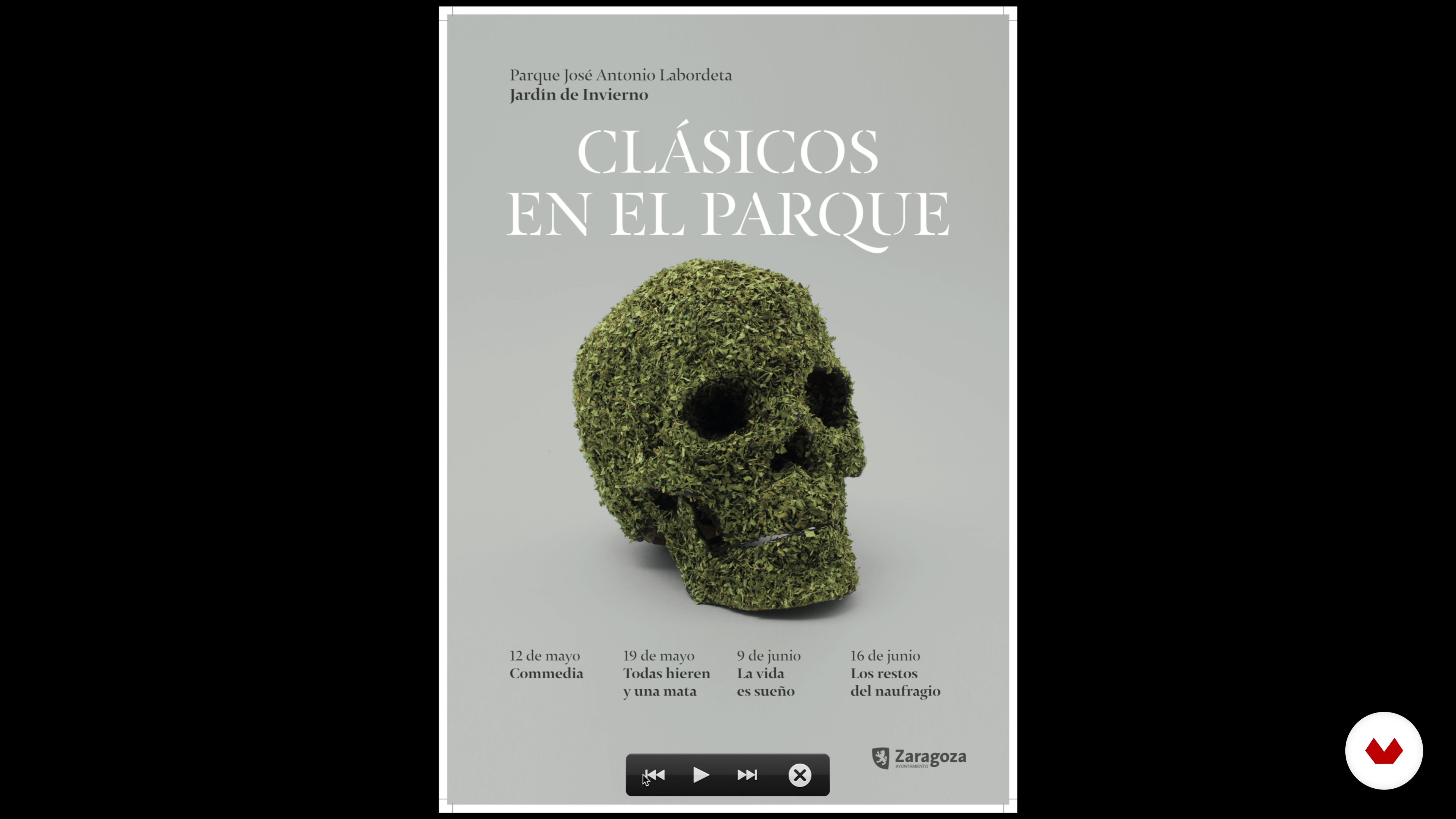
Adaptation of the poster to different printed and digital formats
We will test the versatility of our creativity by applying it to different printed formats and we will create an animated version for its application in digital contexts.
20m
image
21
Final art
Finally, we will make the final art of our main piece, checking all the technical requirements before sending it to the printer.
8m
image
3
Mental maps
Now let's see what mind maps are, what they are for, and how we use them to define the idea that we are going to work on.
4m
image
4
Design requirements
In this lesson we will see how the design requirements will help us determine the expressive and formal characteristics of our project.
3m
image
5
Analogies
In this lesson, Eréndida will show you what the analogies consist of and how we can use them in typography to, in this way, apply them to your projects.
4m
image
6
Basic rules
In this lesson, Eréndida will show you some basic rules of composition and will give you some tips, which you can take into account, when making a typographic poster.
5m
image
7
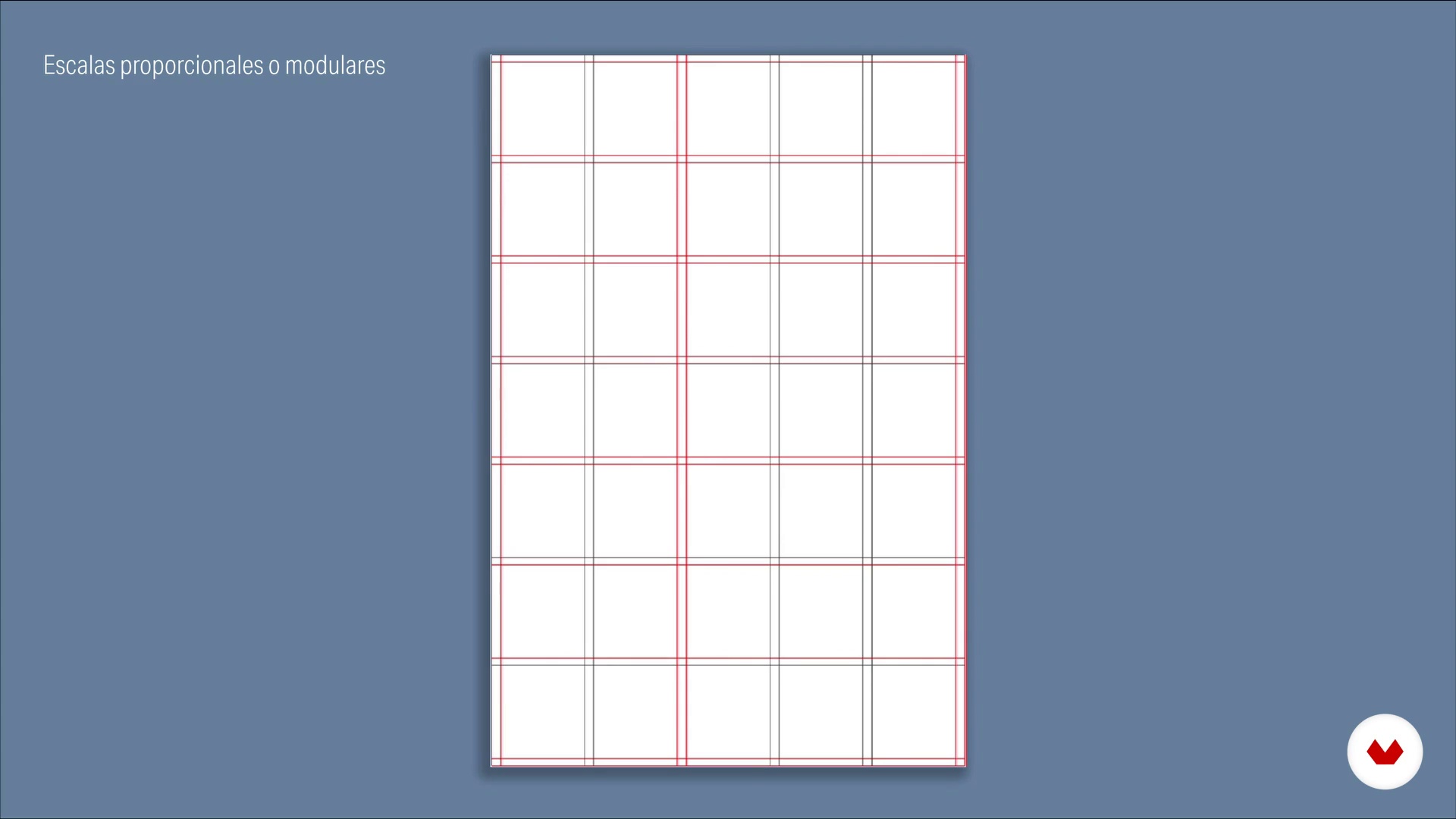
Reticles
Now, Manolo will show you some techniques that we use to order items and keep them provided.
6m
image
8
Levels of attention
To finish this unit, Eréndida will explain to you how we order the typographic elements to establish levels of importance or hierarchy of elements.
4m
image
9
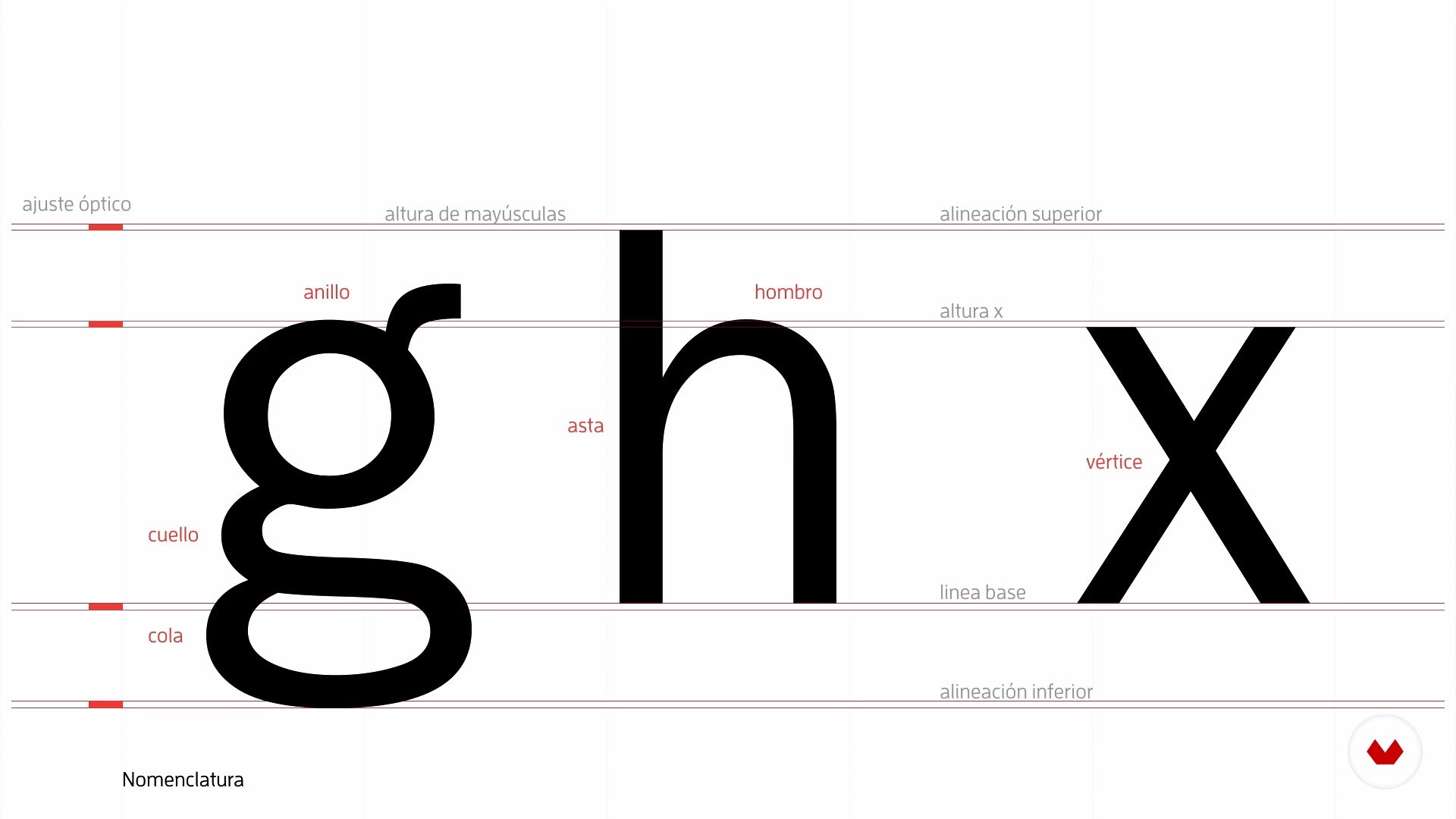
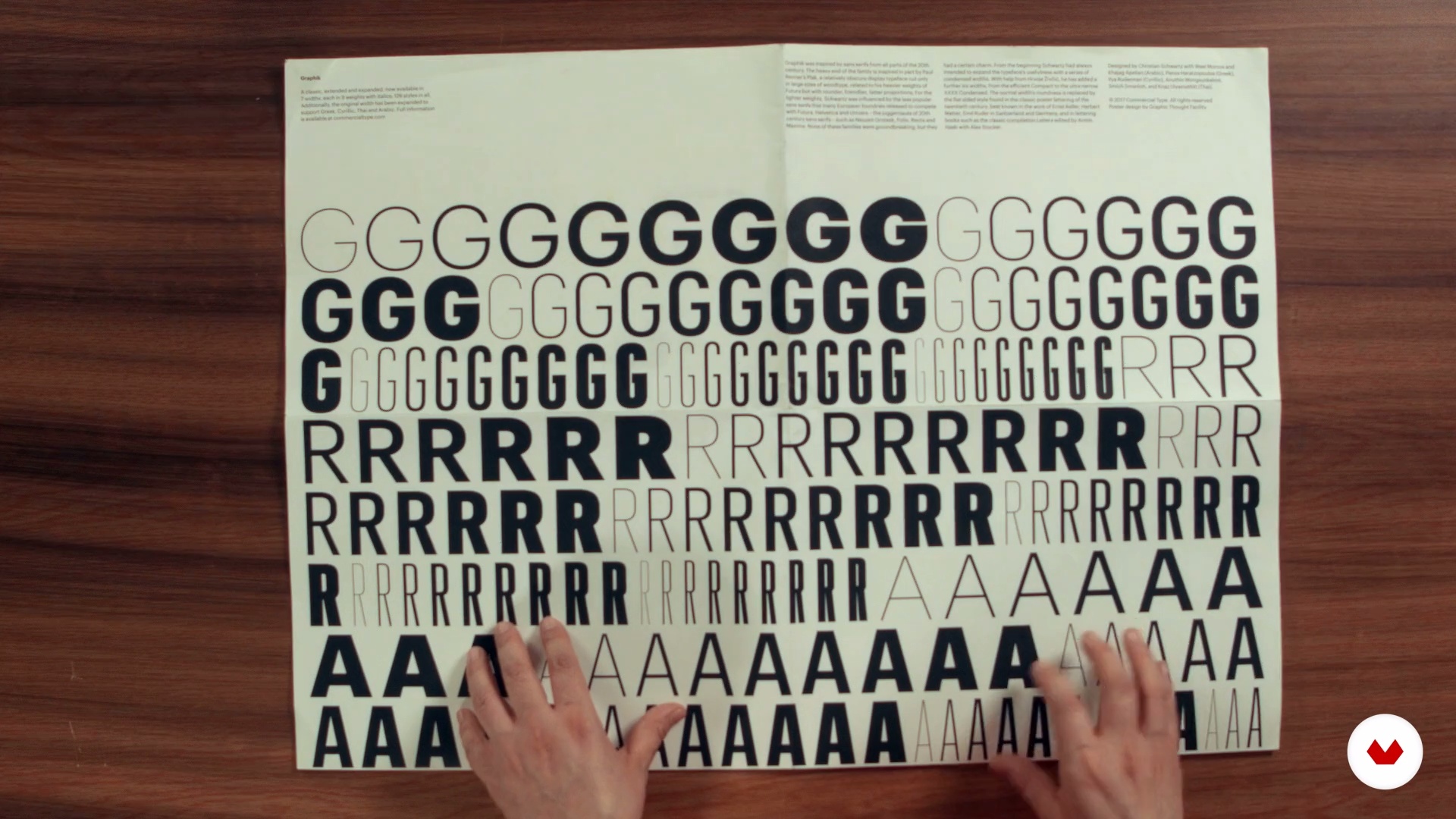
Formal attributes of typography
In this lesson we will see some basic characteristics and attributes of typography for use in poster design, such as: nomenclature, form, structure and proportion.
7m
image
10
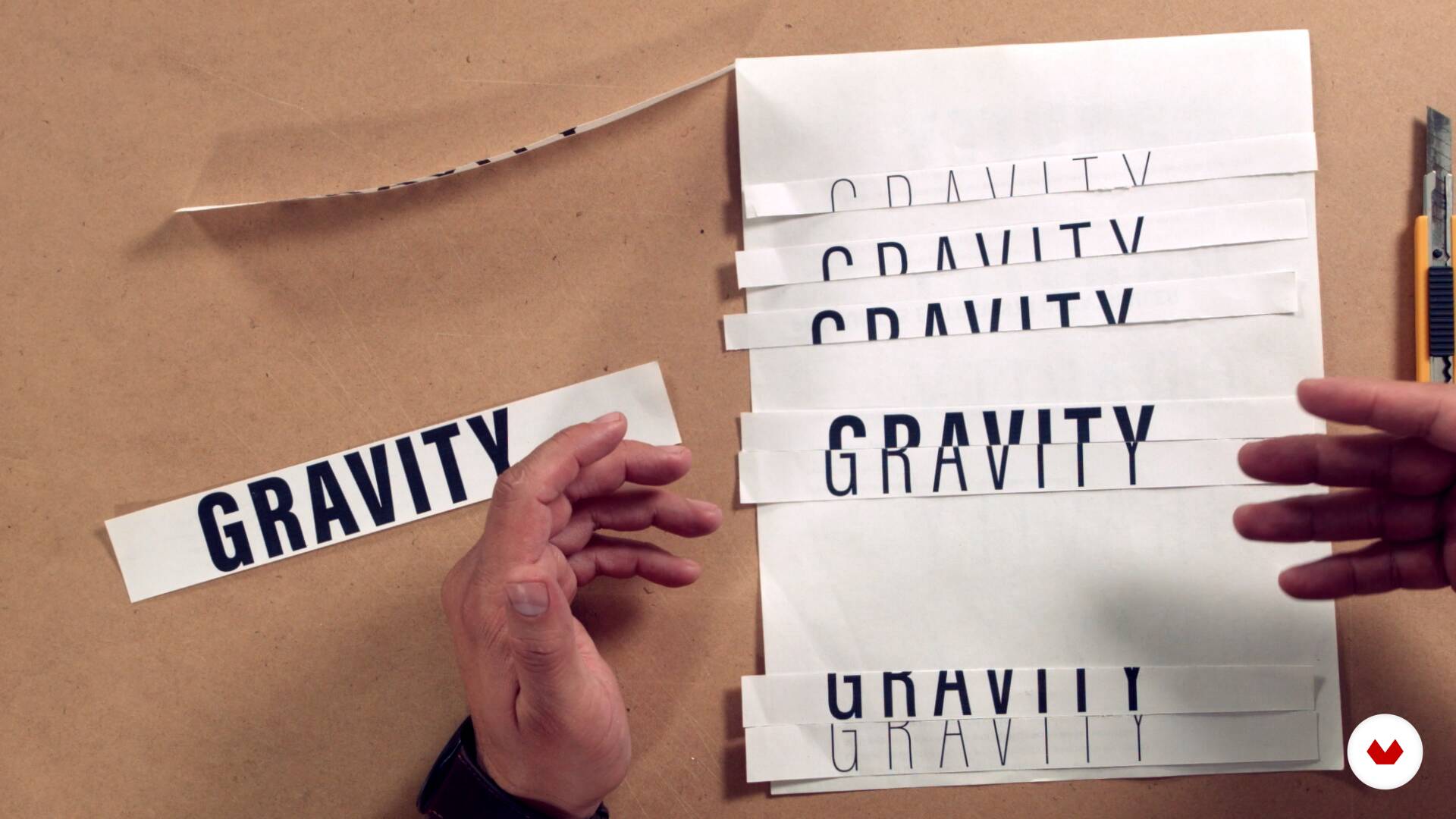
Expressive attributes of typography
Here we will focus on knowing the expressive attributes of the letter, such as: shape, color, size, weight and position, among others.
7m
image
11
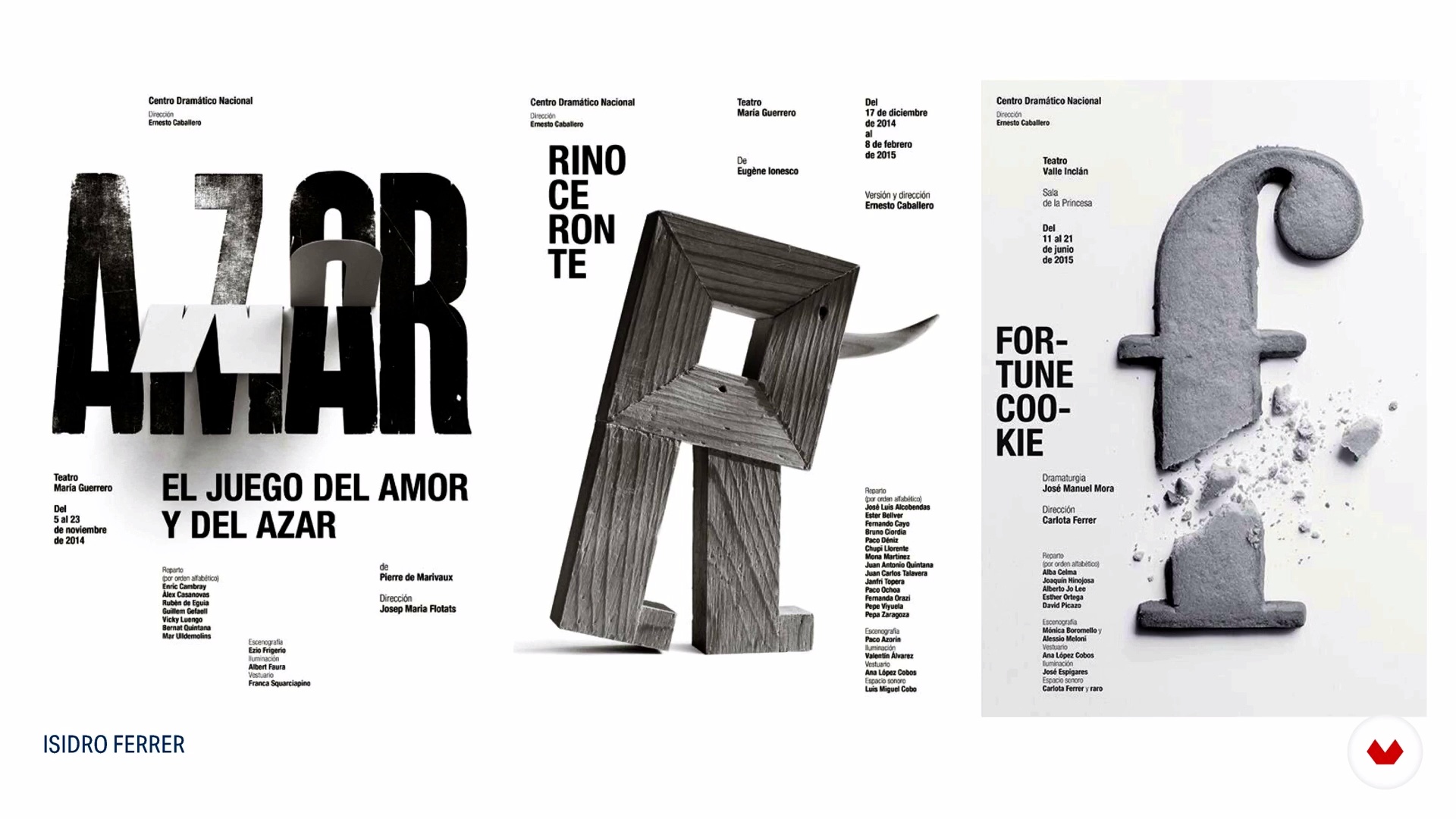
Typographic selection
Here we will show you examples of how to correctly use typographic attributes in a given project, taking into account its nature.
7m
image
12
Representation techniques
In this lesson, we will show you some techniques that you can use to create your poster.
4m
image
13
Analogous collage
Now, we will focus on the graphic representation of the chosen concept, this by developing an analog collage.
10m
image
14
Armed in Illustrator: typography
Once our elements have been digitized, we will start building the digital poster, putting into practice the knowledge acquired previously.
3m
image
15
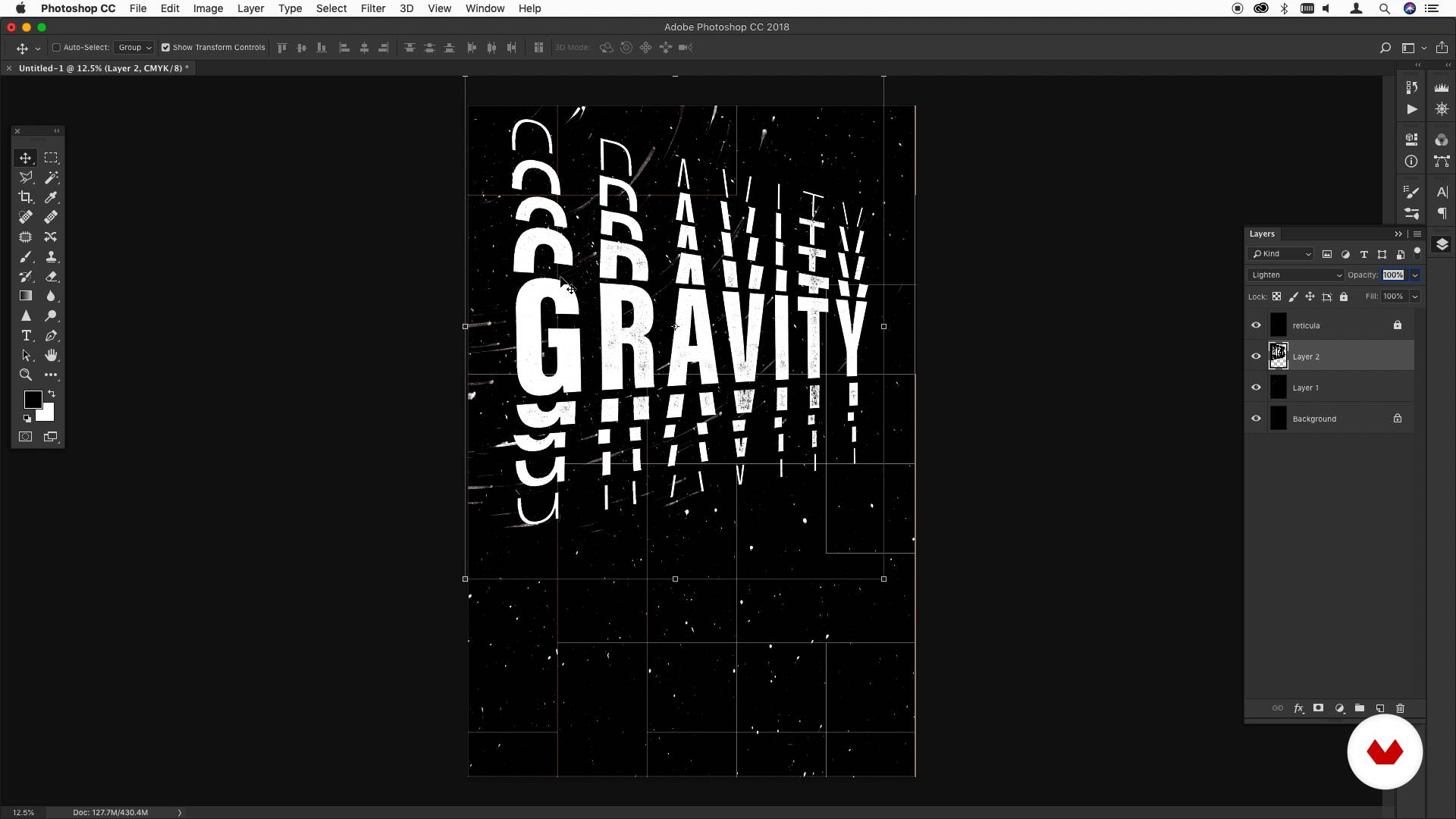
Armed in Photoshop: final composition and color
Already with the typography accommodated, we will go to Photoshop, where we will finish composing the poster and add the background, color and textures.
12m
image
16
Show your work
In this lesson we will give you some tips to present your projects through an online portfolio.
6m
image
17
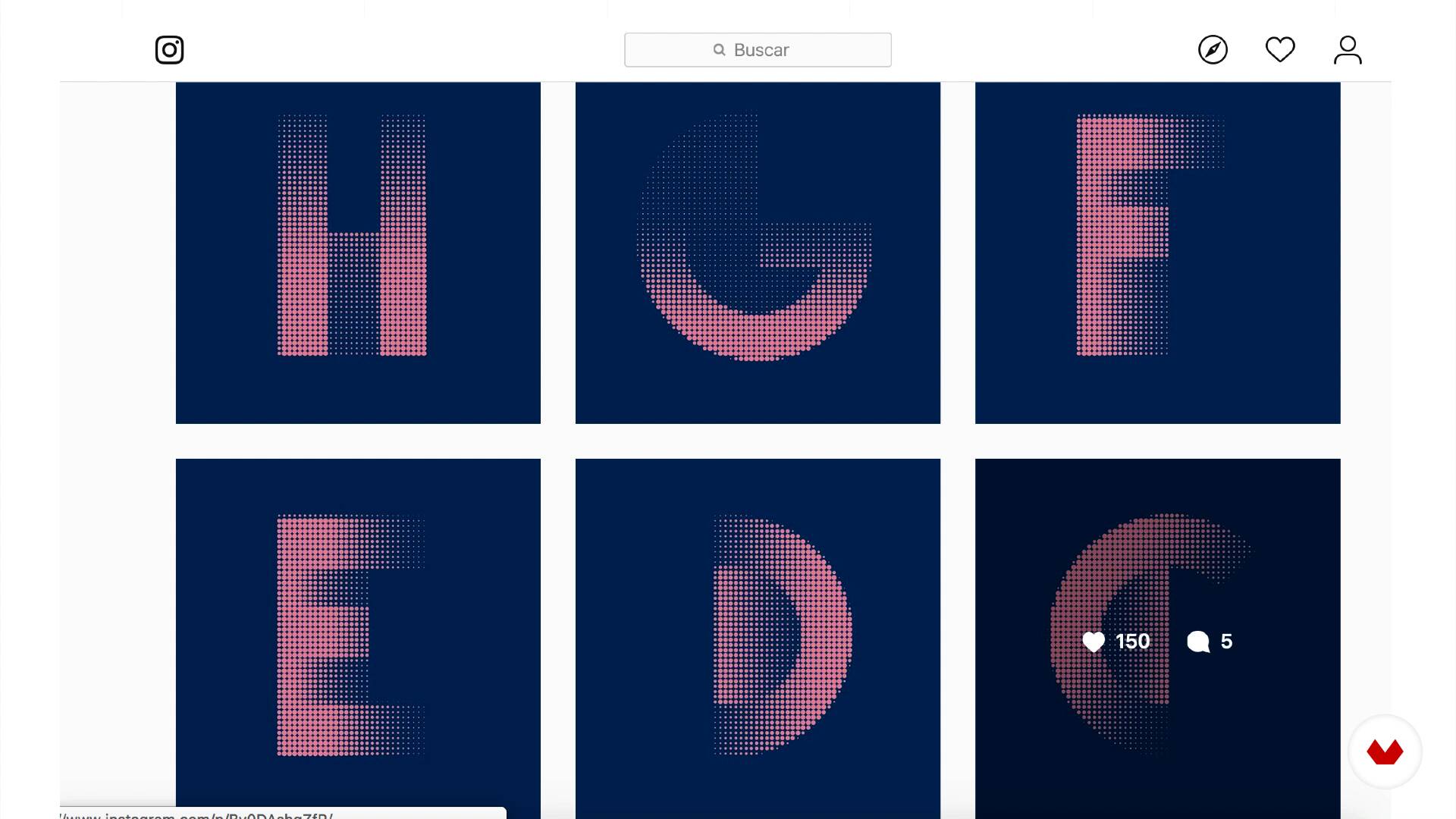
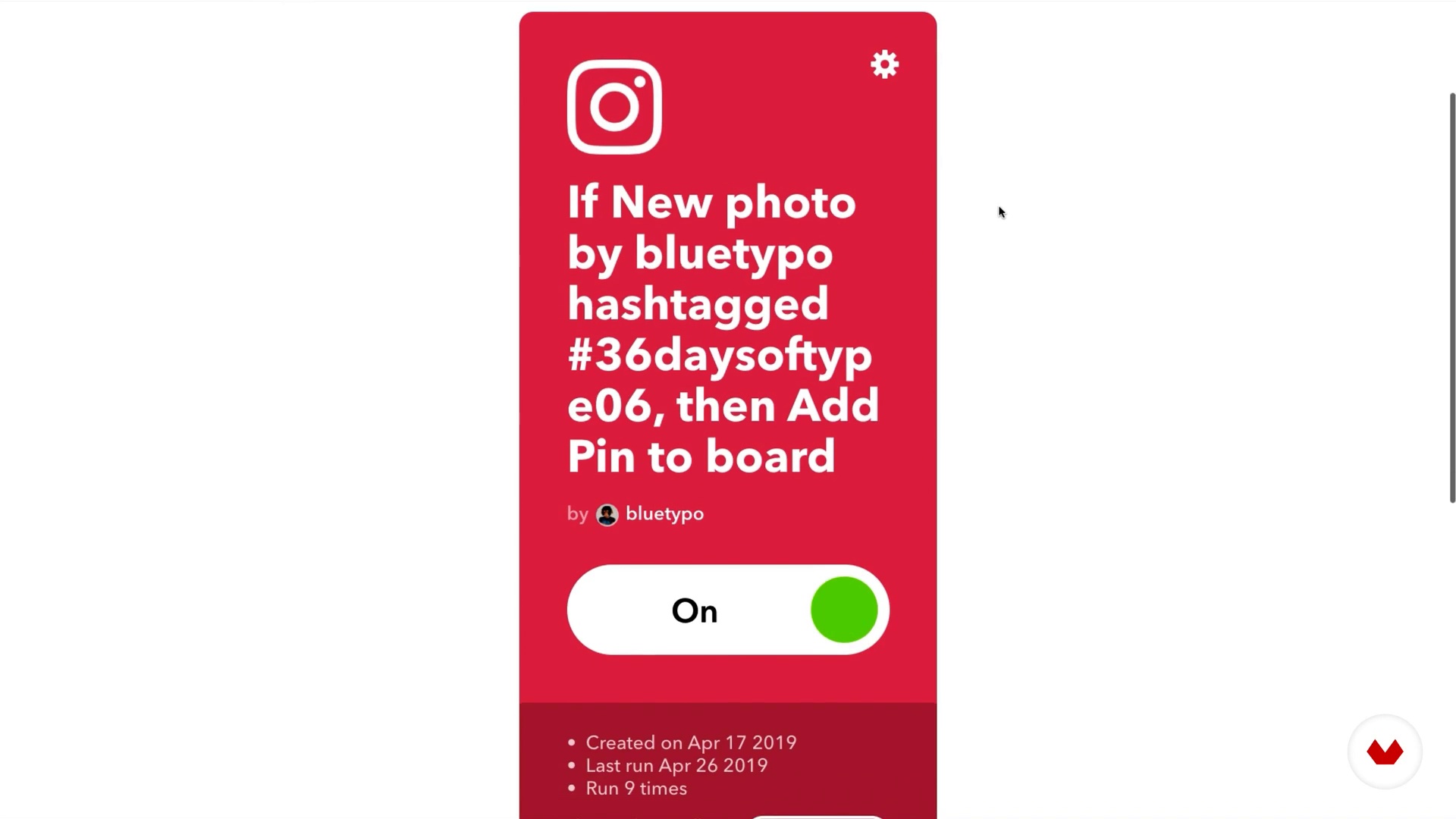
Promote your work
Finally, Manolo will show you the way we publish our work automatically, and promote it to take advantage of our social networks.
7m
image
3
What Is a Poster?
I’m going to introduce you to the origin of the posters in the late 1800s, and we’ll go over the basic features that are characteristic of them.
5m
image
4
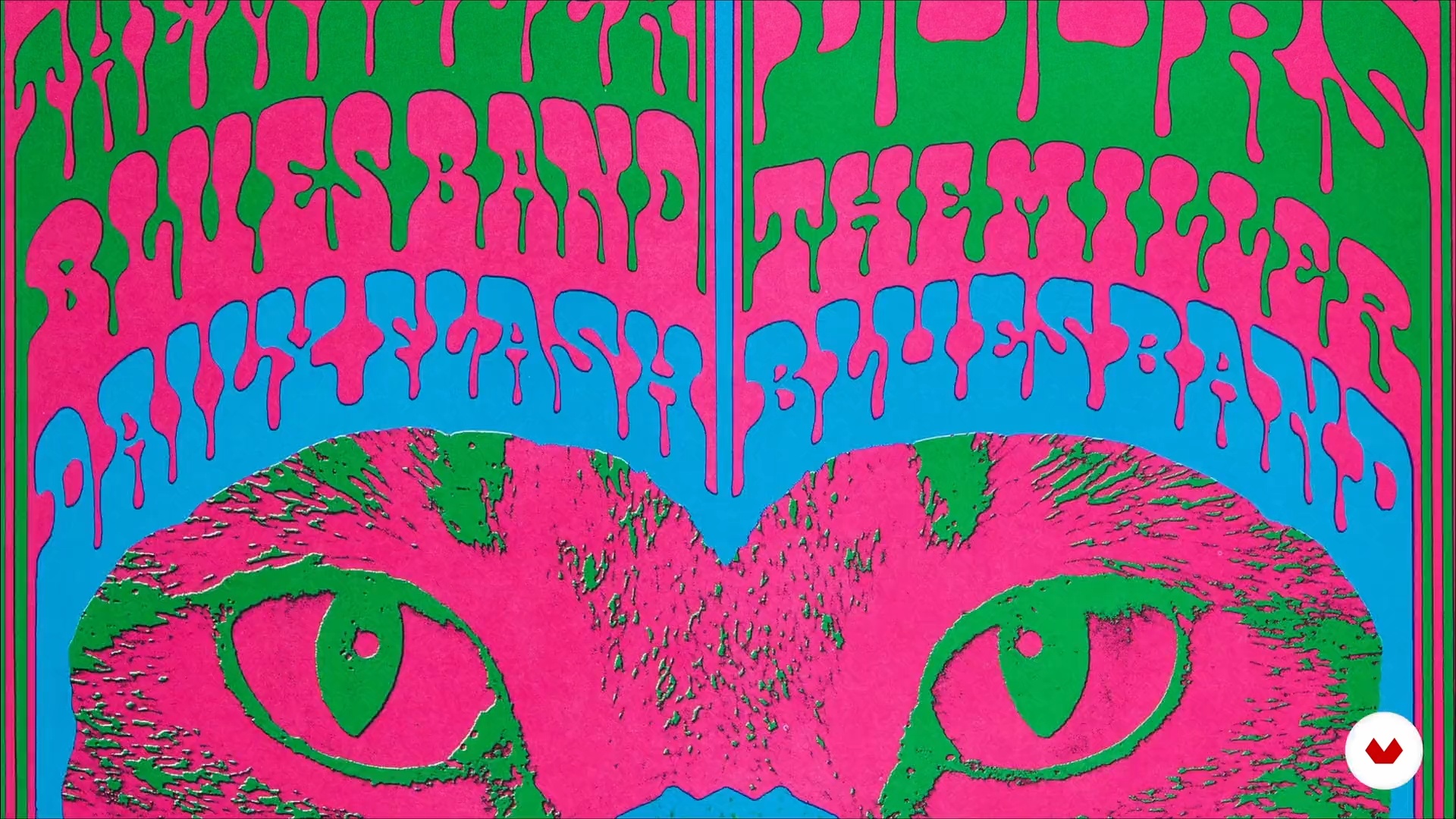
Introduction to Graphic Styles
I will show you different artistic styles for you to understand how aesthetic decisions can communicate an idea or an emotion. Also, you will realize how the letters and illustrations combined with each other are going to be very important to make a poster look solid.
9m
image
5
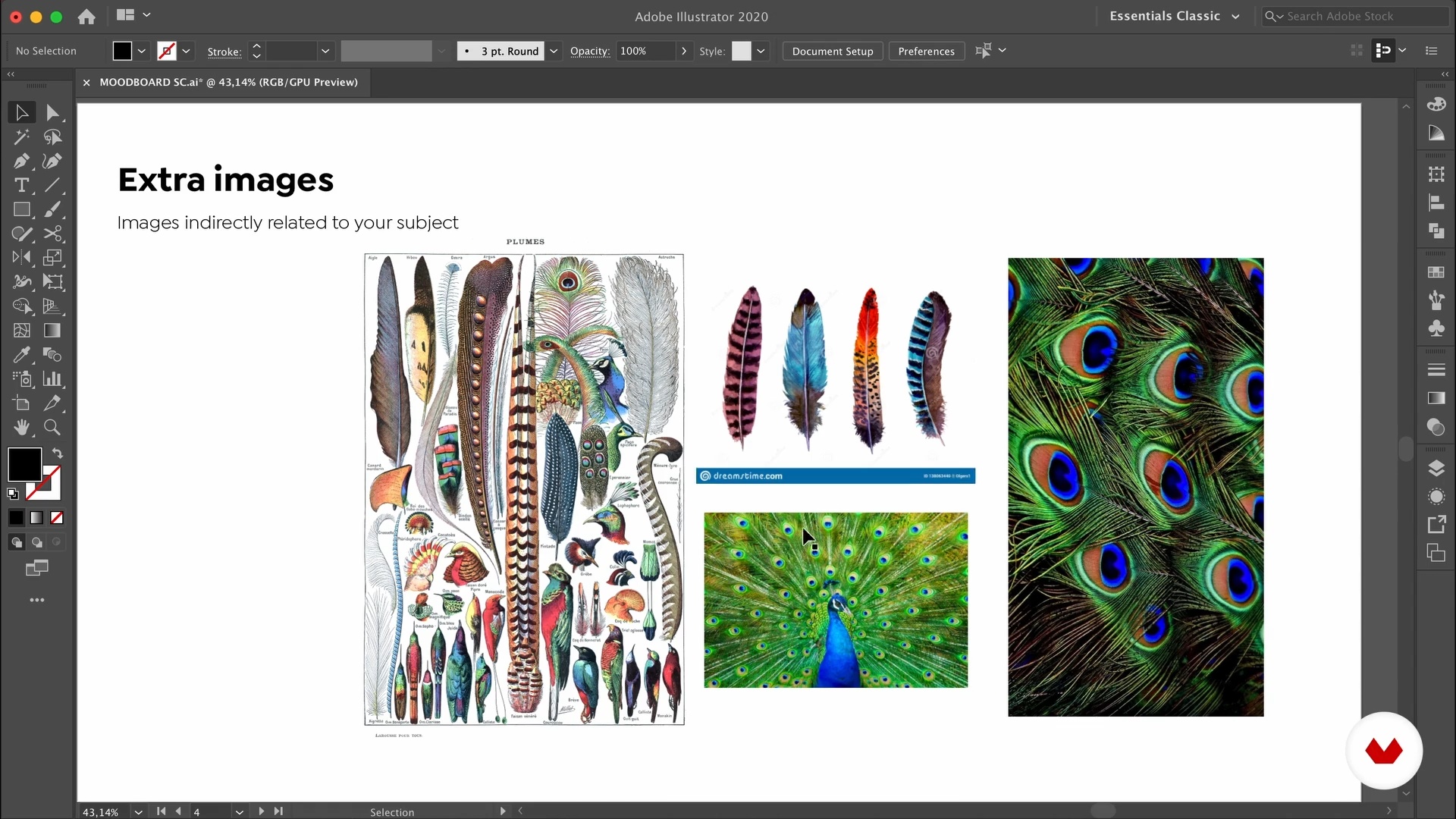
Mood Board
I will show you how to go over the research of inspiration before starting your working process. You will know what I find interesting on a mood board and how does it help me with my designs.
11m
image
6
Layout
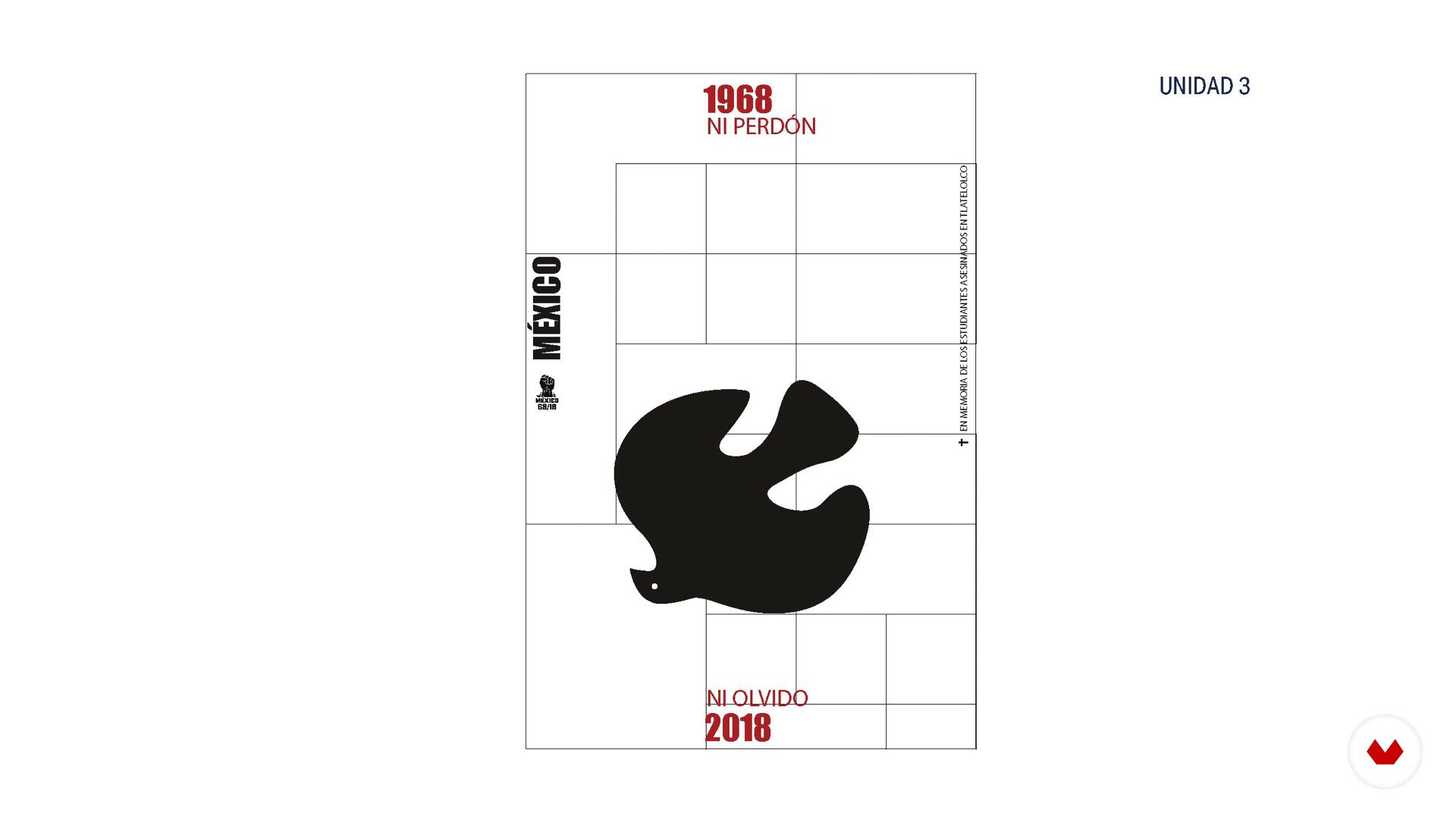
You will learn what a grid is, and how you can use it to organize the different elements of the poster to make an authentic composition.
7m
image
7
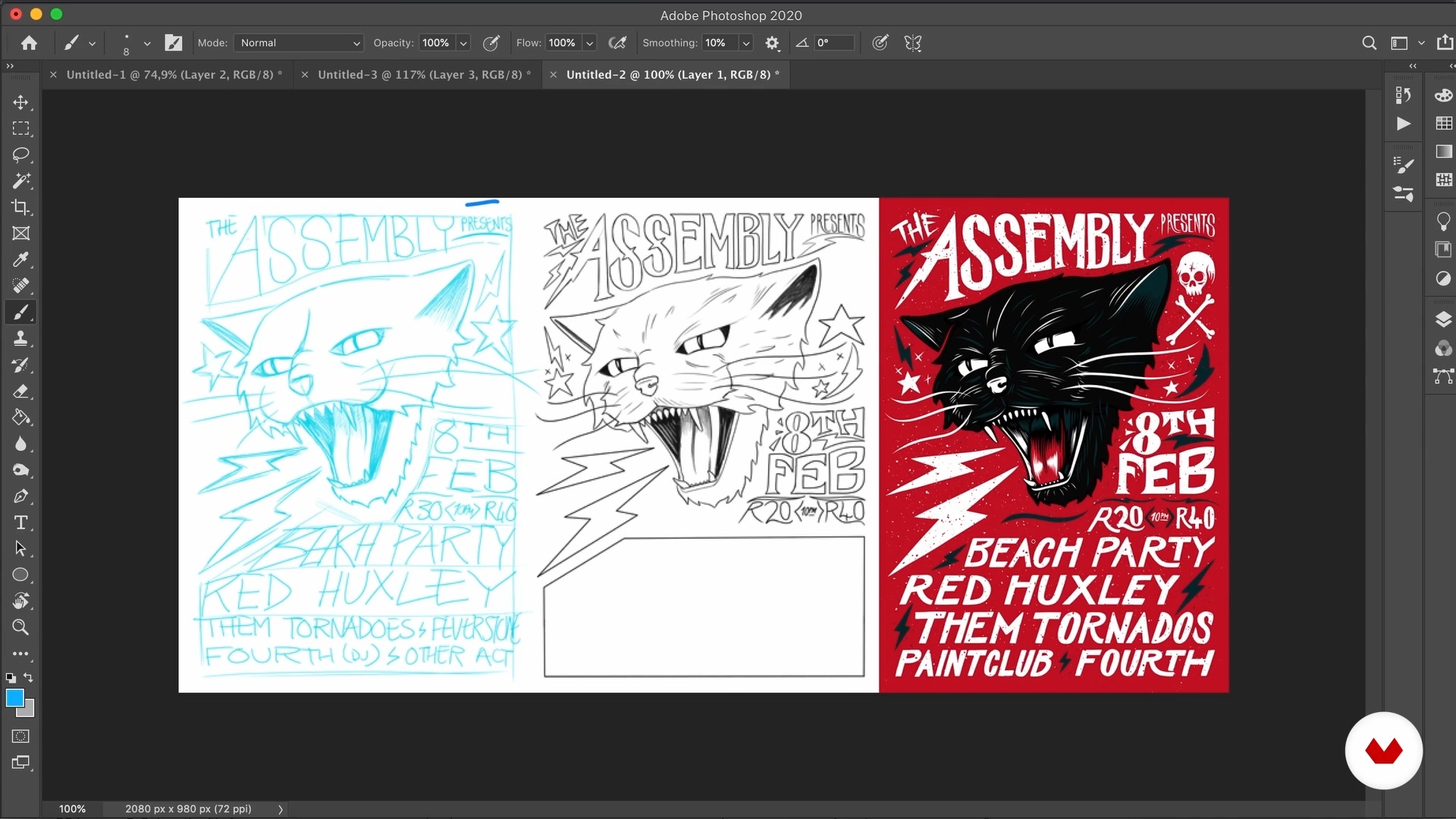
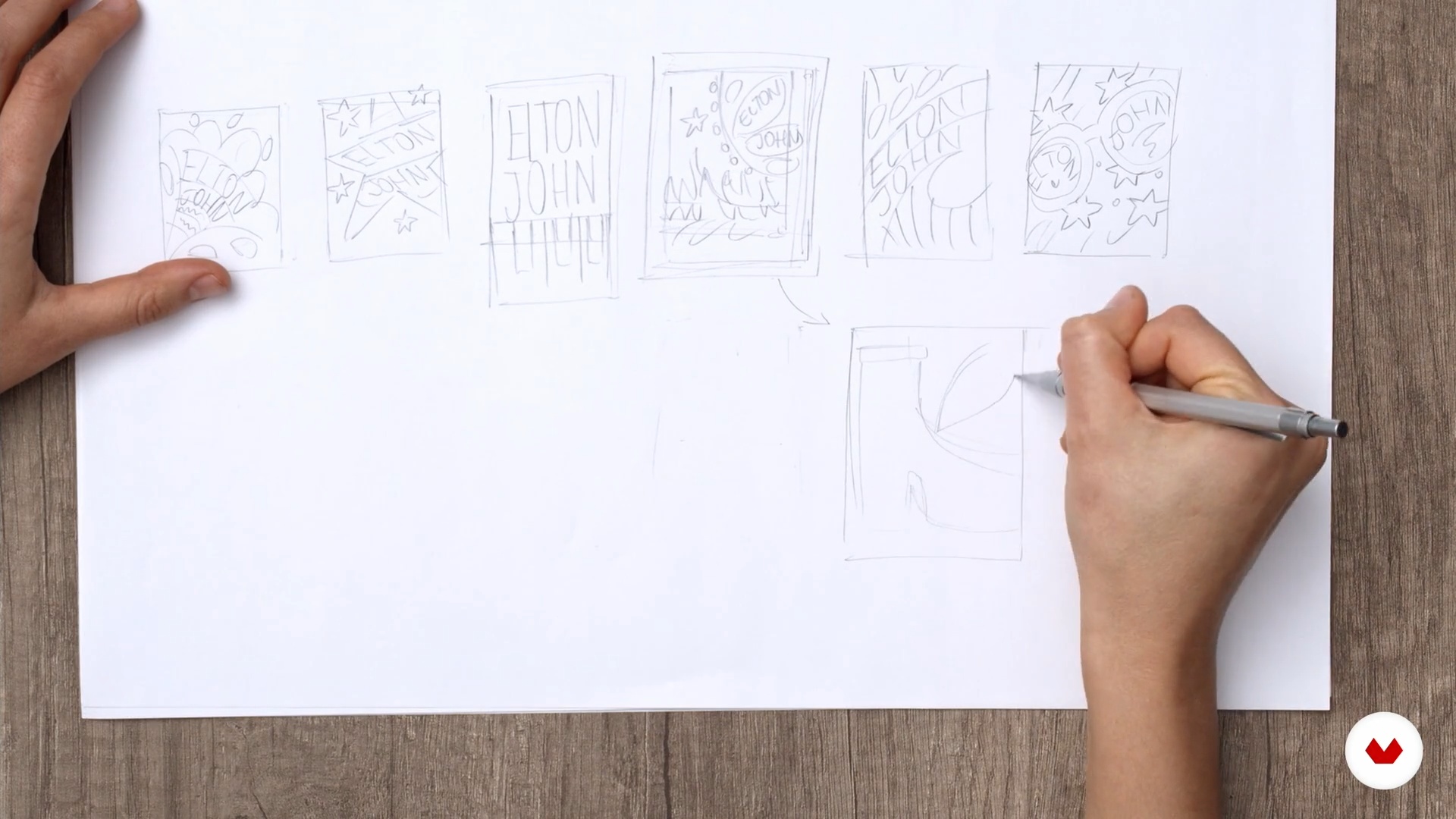
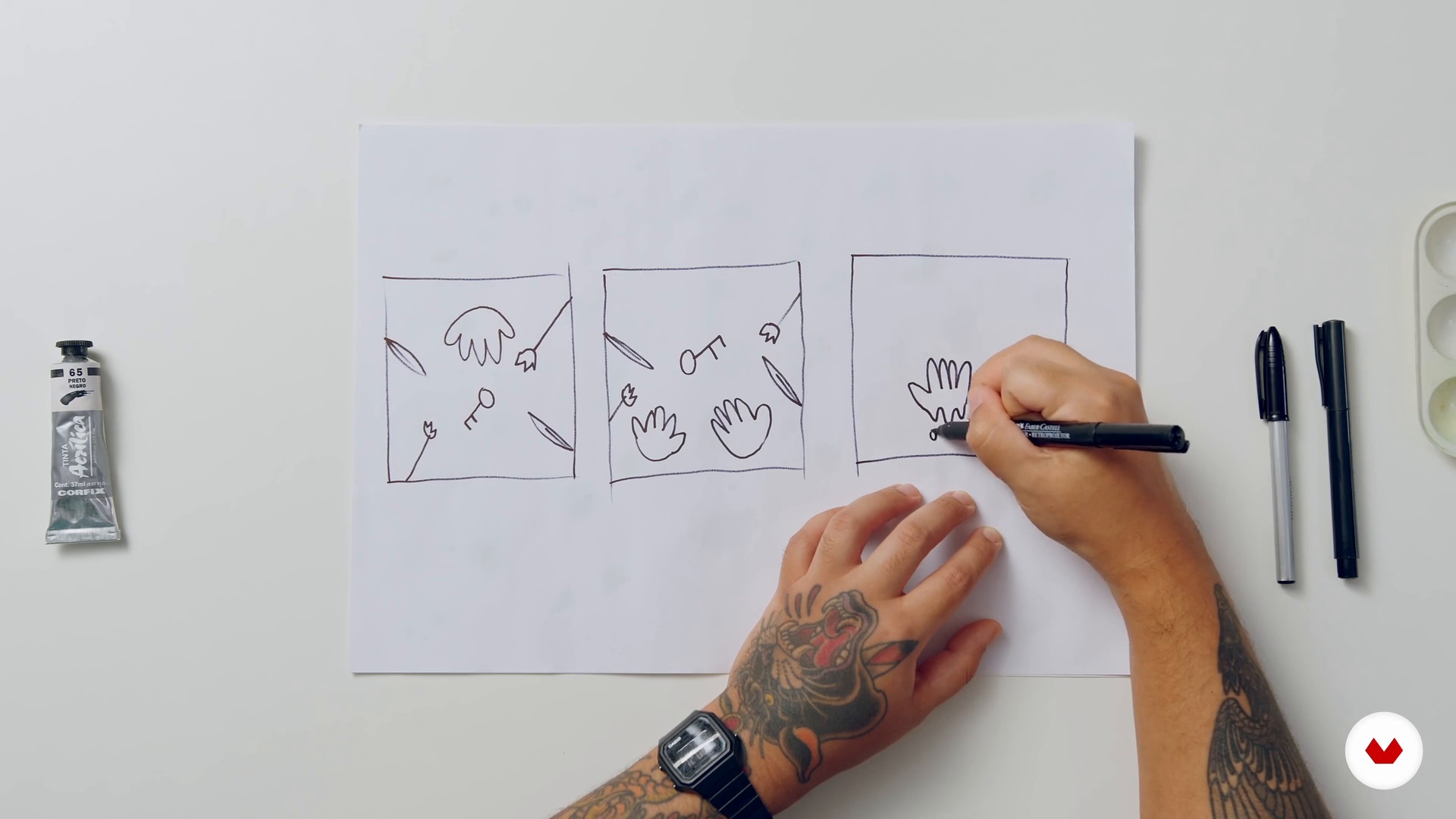
Thumbnail Sketches
I will teach you how to start drafting ideas for your posters. I’m going to show you my method, which is doing a lot of thumbnail sketches, very quickly and very roughly, until I find one interesting enough to work on.
7m
image
8
Lettering
I will introduce you to the basics of lettering, that way you can use it to add personality to the letters of the title of your poster.
10m
image
9
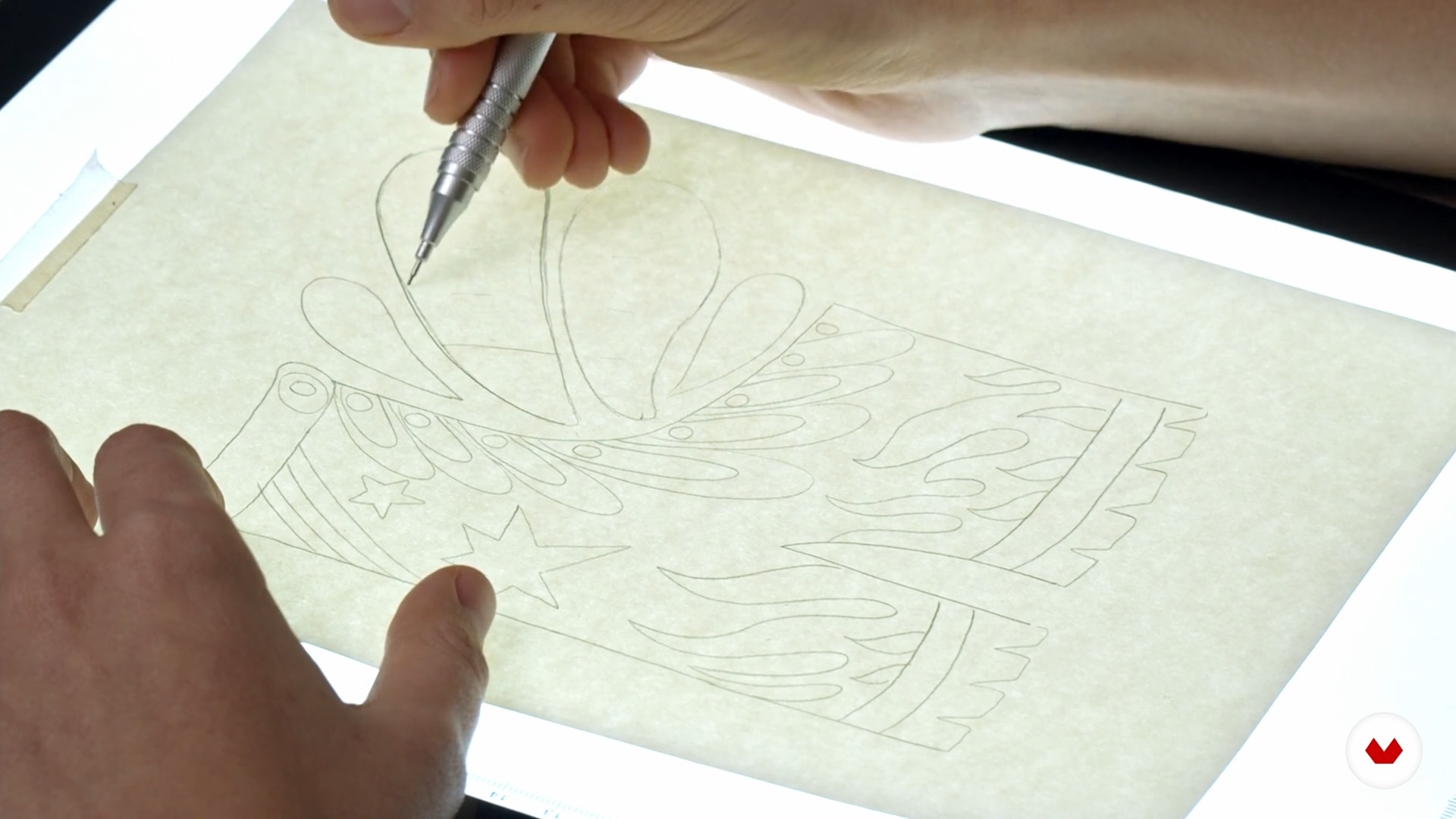
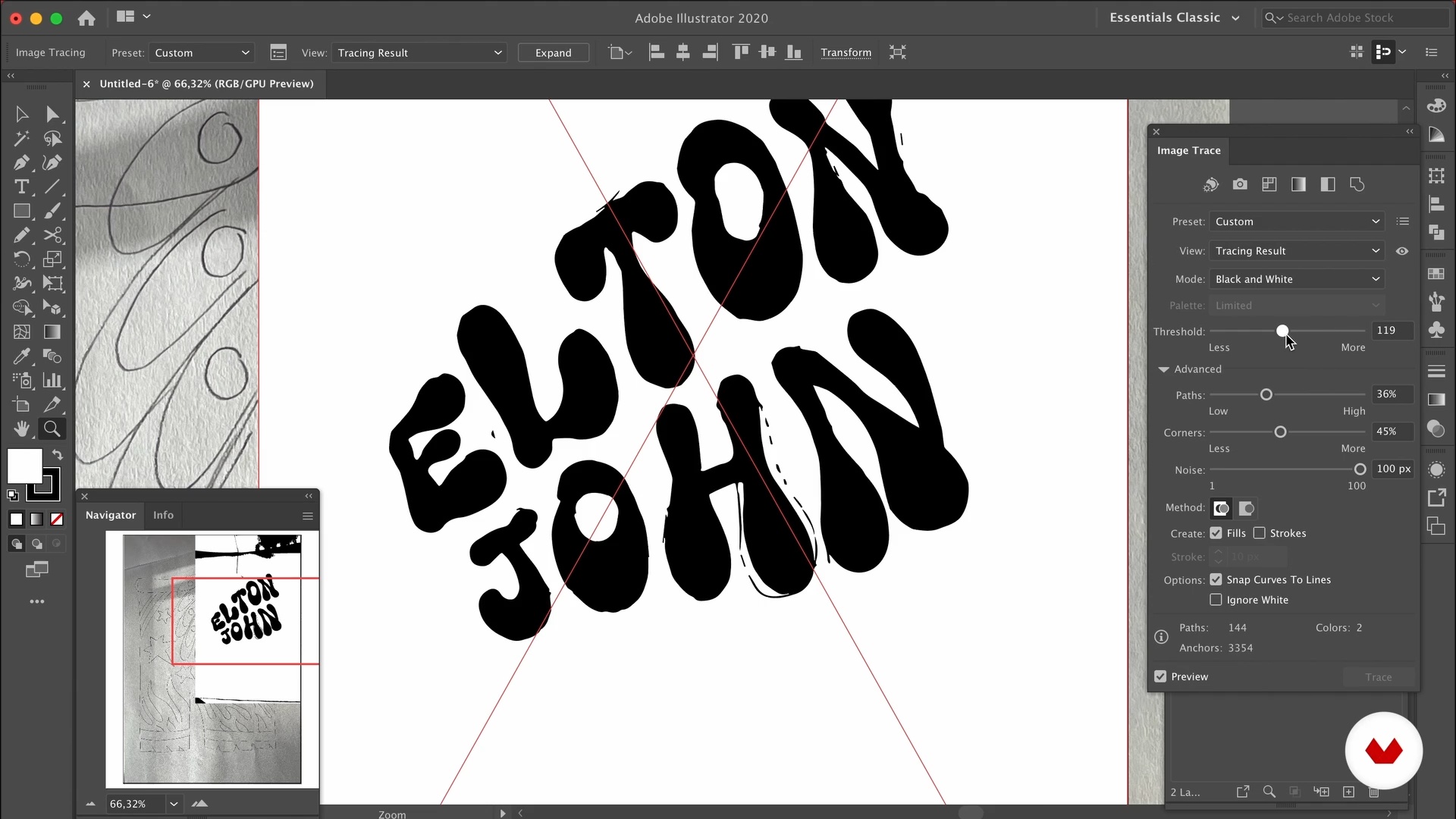
Digitize 1
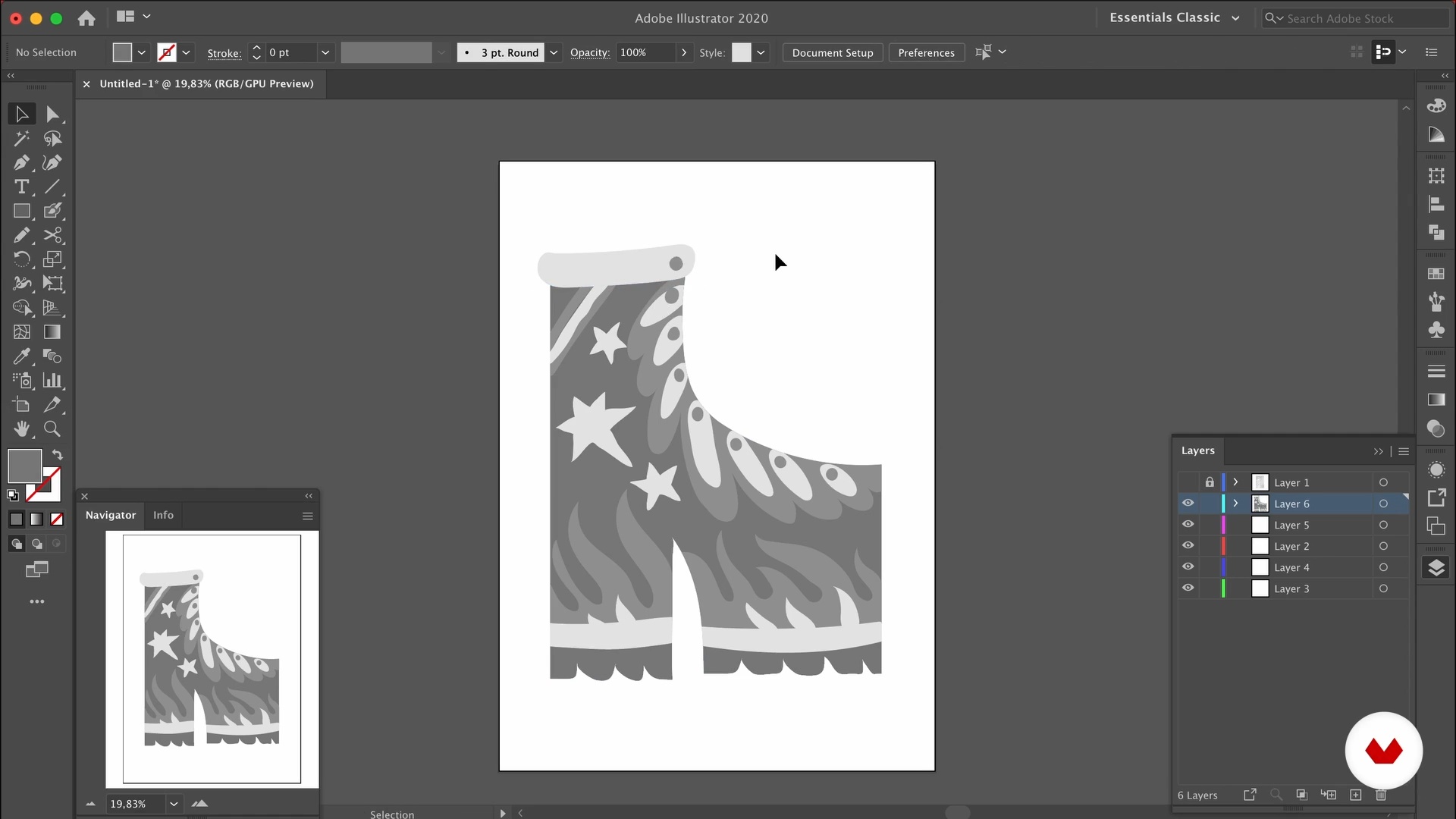
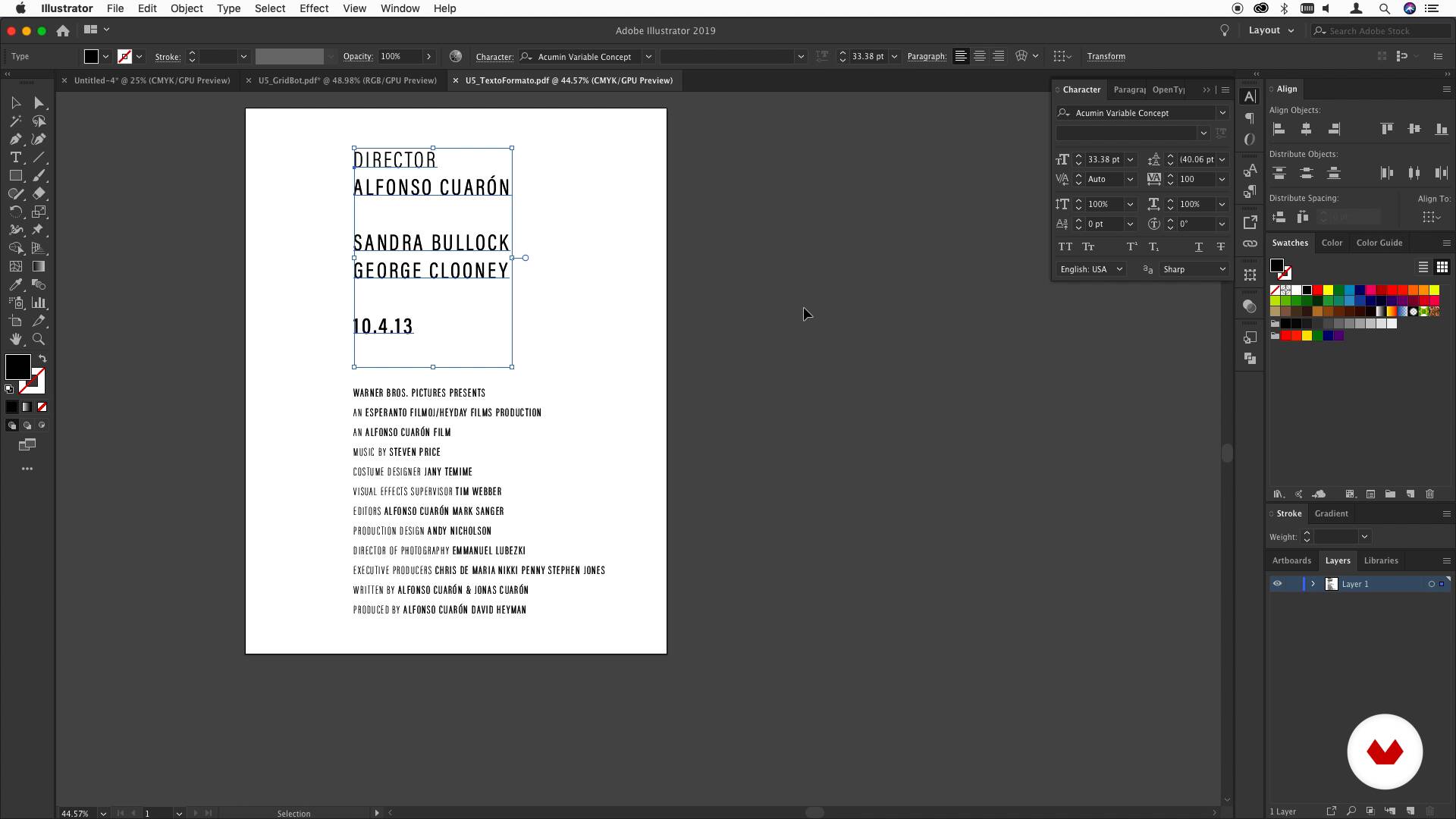
You will learn how to import a photo of your design into illustrator and convert it into a vector file on which you can work. To do this, I’ll teach you how to use the Image Trace tool and the Pencil tool. Are you ready?
10m
image
10
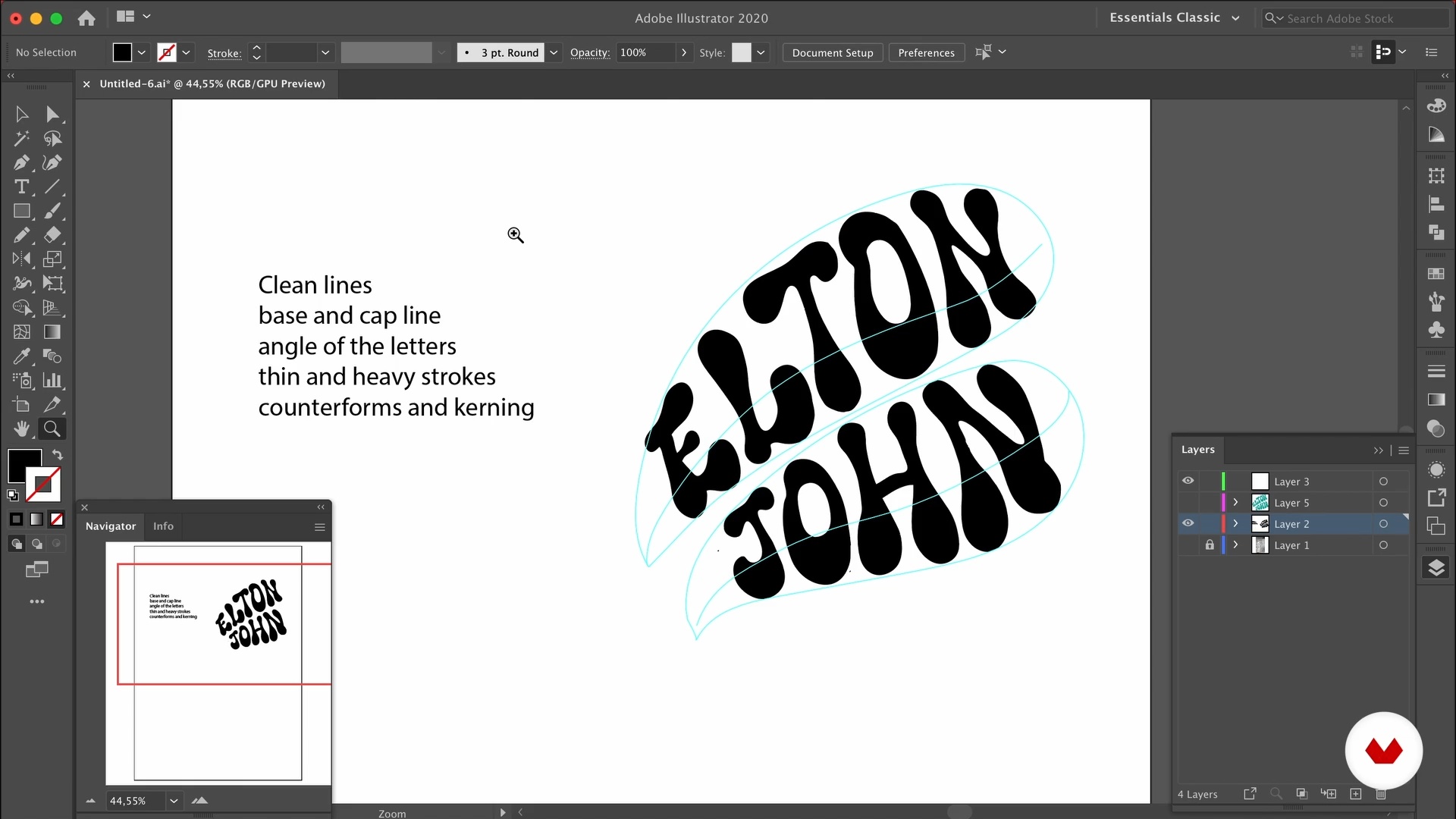
Digitize 2
I will keep showing you how to digitize your poster. I will share with you some tricks to make easier this process.
11m
image
11
Refining Illustration
I’m going to show you how to use the Pencil tool to retrace your illustration. You will learn how to set up the tool to get different stroke results.
6m
image
12
Using Typography
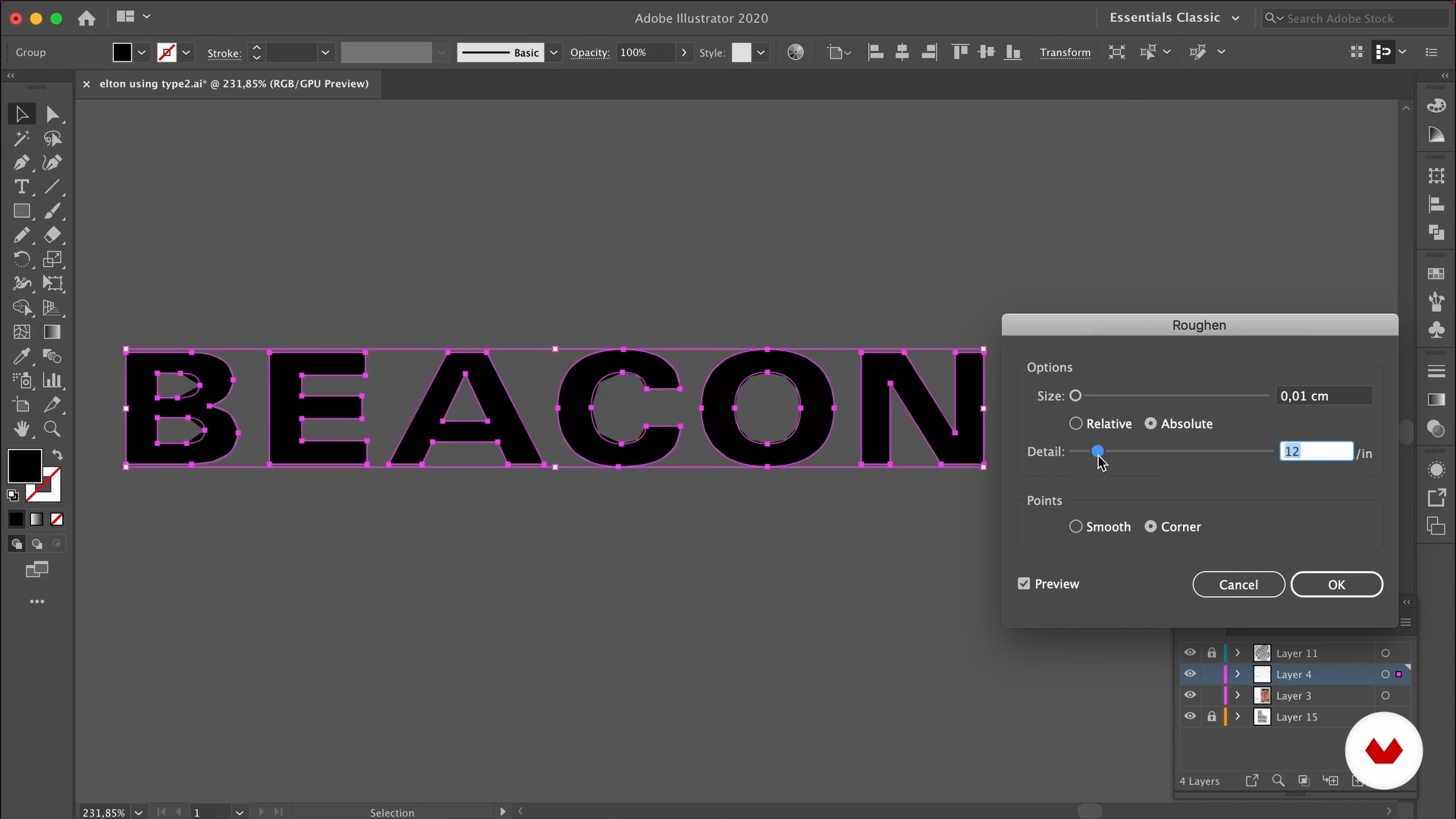
Lettering and illustration are going to be the main ingredients of your poster. But sometimes, you might still need to use typography. I’m gonna share with you some tricks to push the boundaries of what you can do with it. Also, I’ll show you how to tweak it to make it look less clean and vectorial, so it combines with the illustration and lettering.
12m
image
13
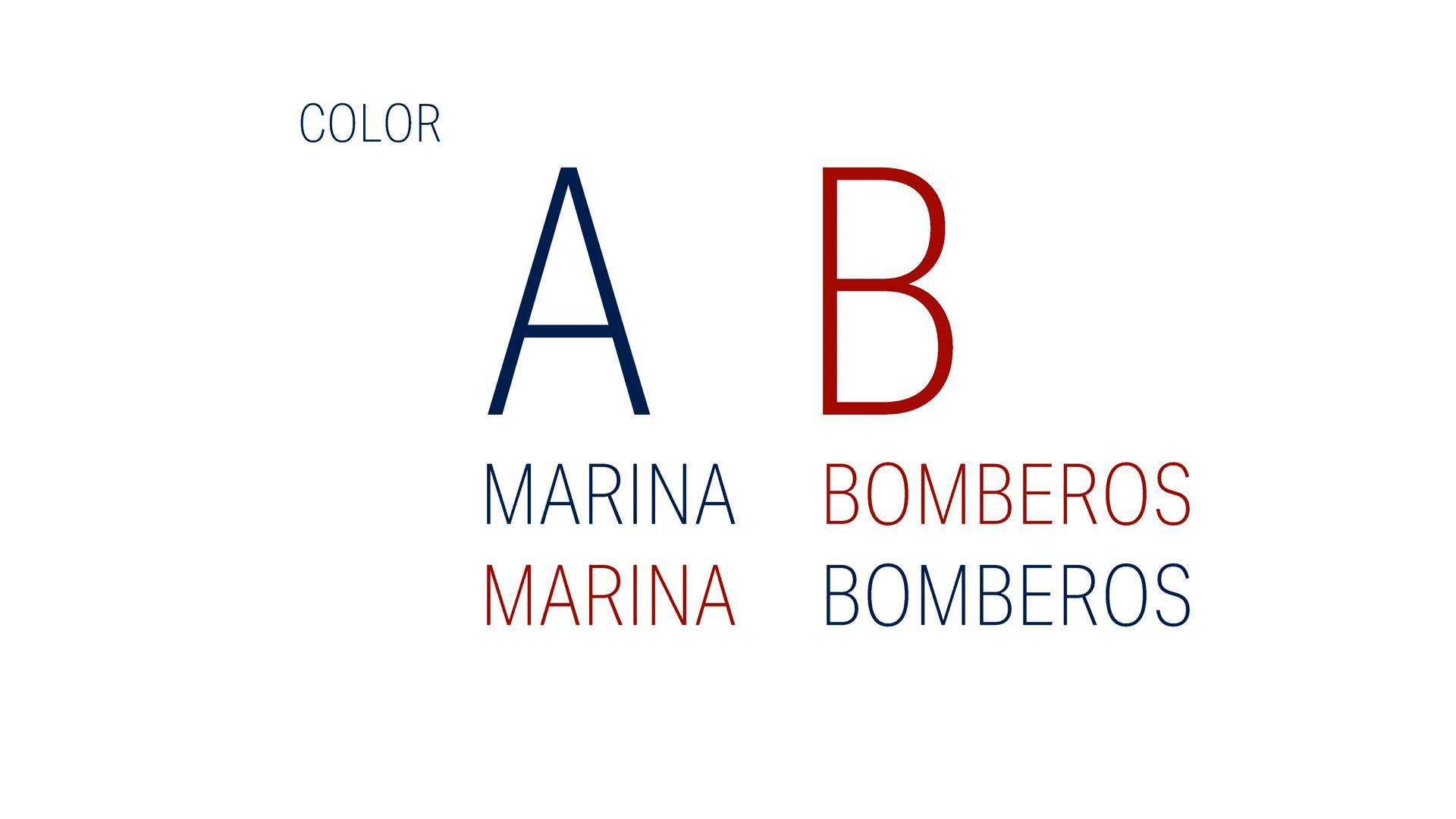
Color 1
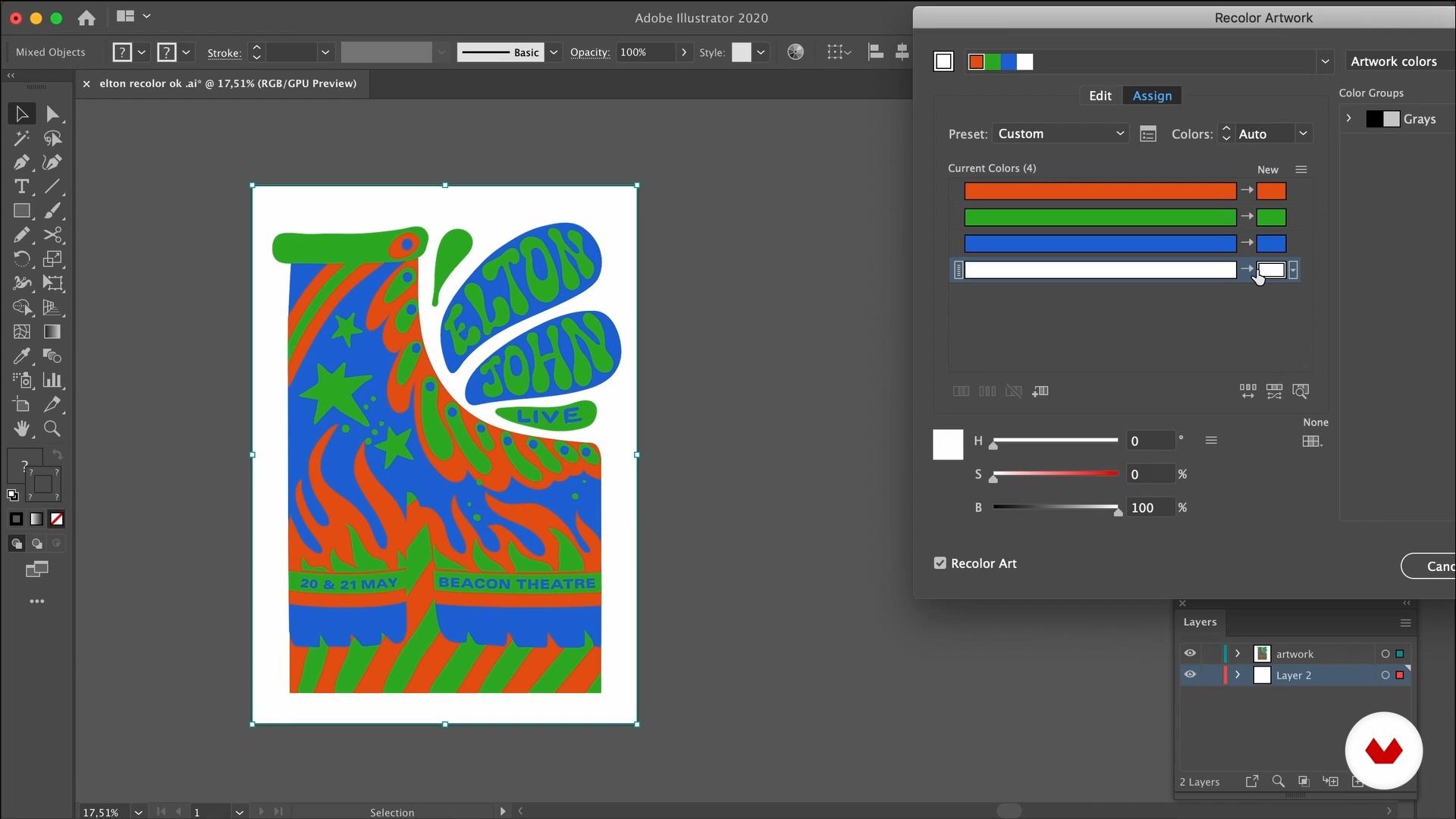
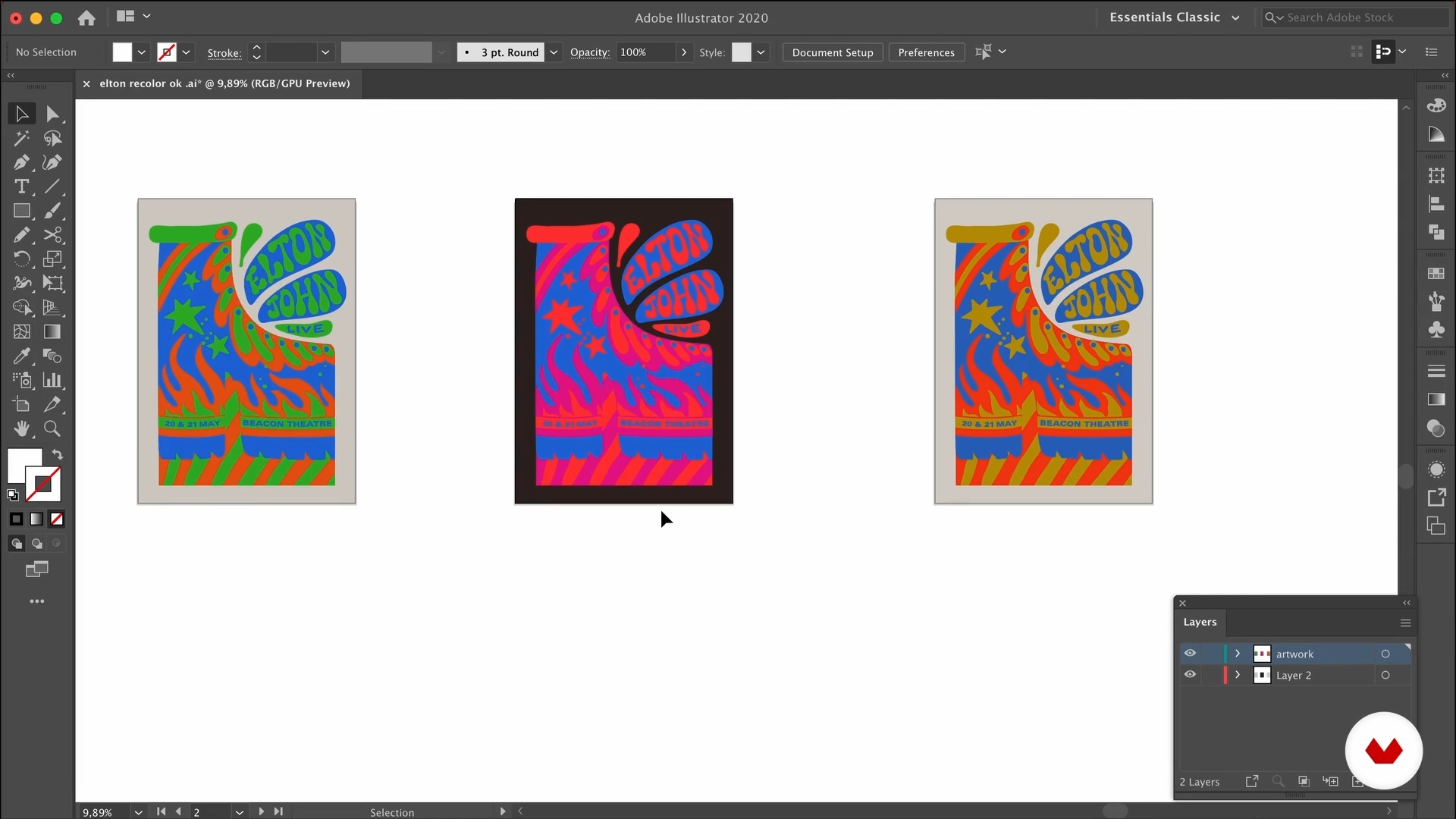
I want to share with you some tips on how to use the right color palette for your design. Besides, you will learn how to use the Recolor Artwork tool, so you can try different palettes quickly and easily!
13m
image
14
Color 2
During this second part of the lesson, I will share with you some questions I make to myself to decide which color palette I will use. In the end, you will see which is the poster I will keep using for my project.
8m
image
15
Ornamentation
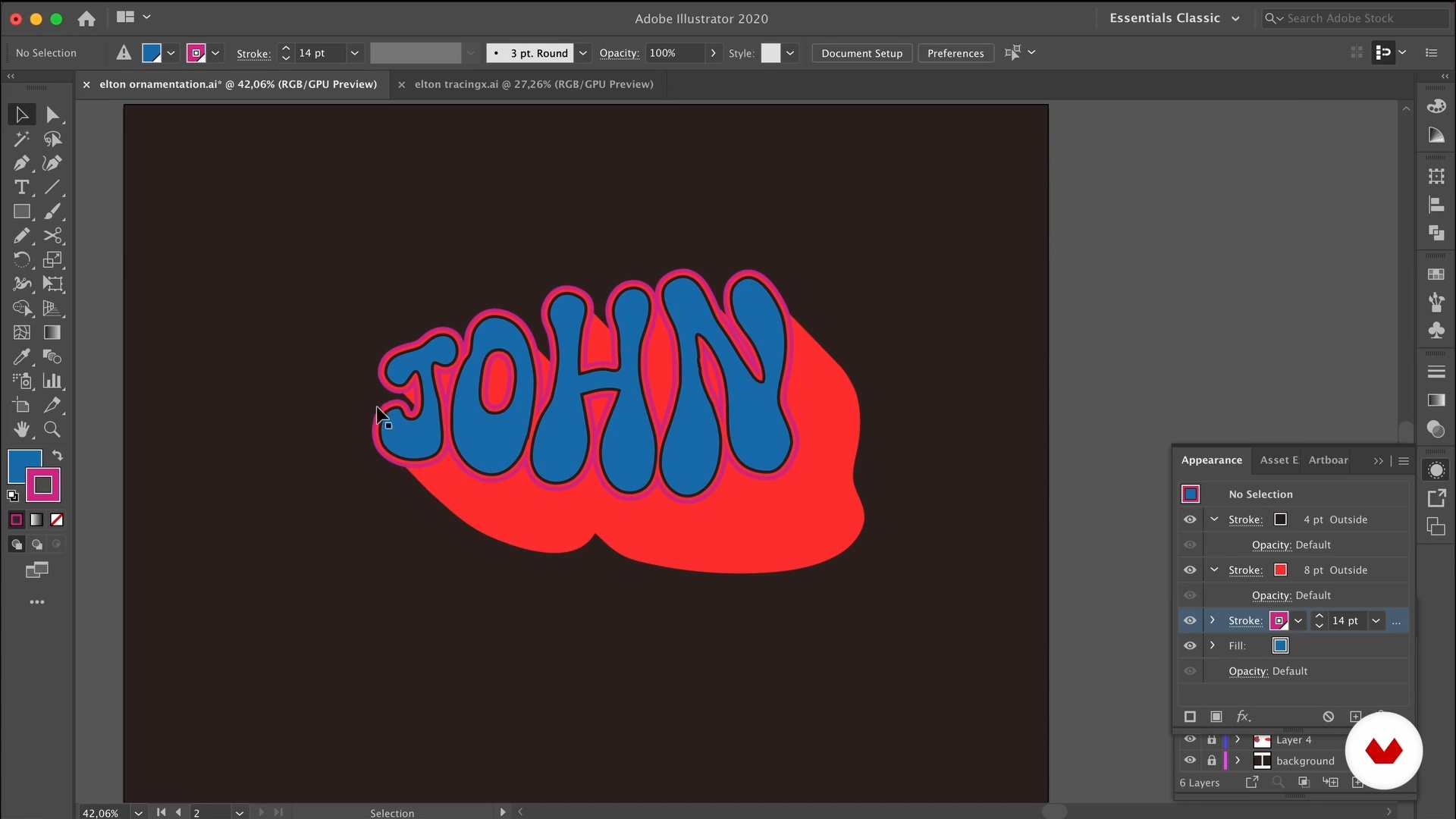
Sometimes our poster needs just a bit of decoration. I will show you techniques to create frames, outlines and add drop shadows to the lettering.
17m
image
16
Scale
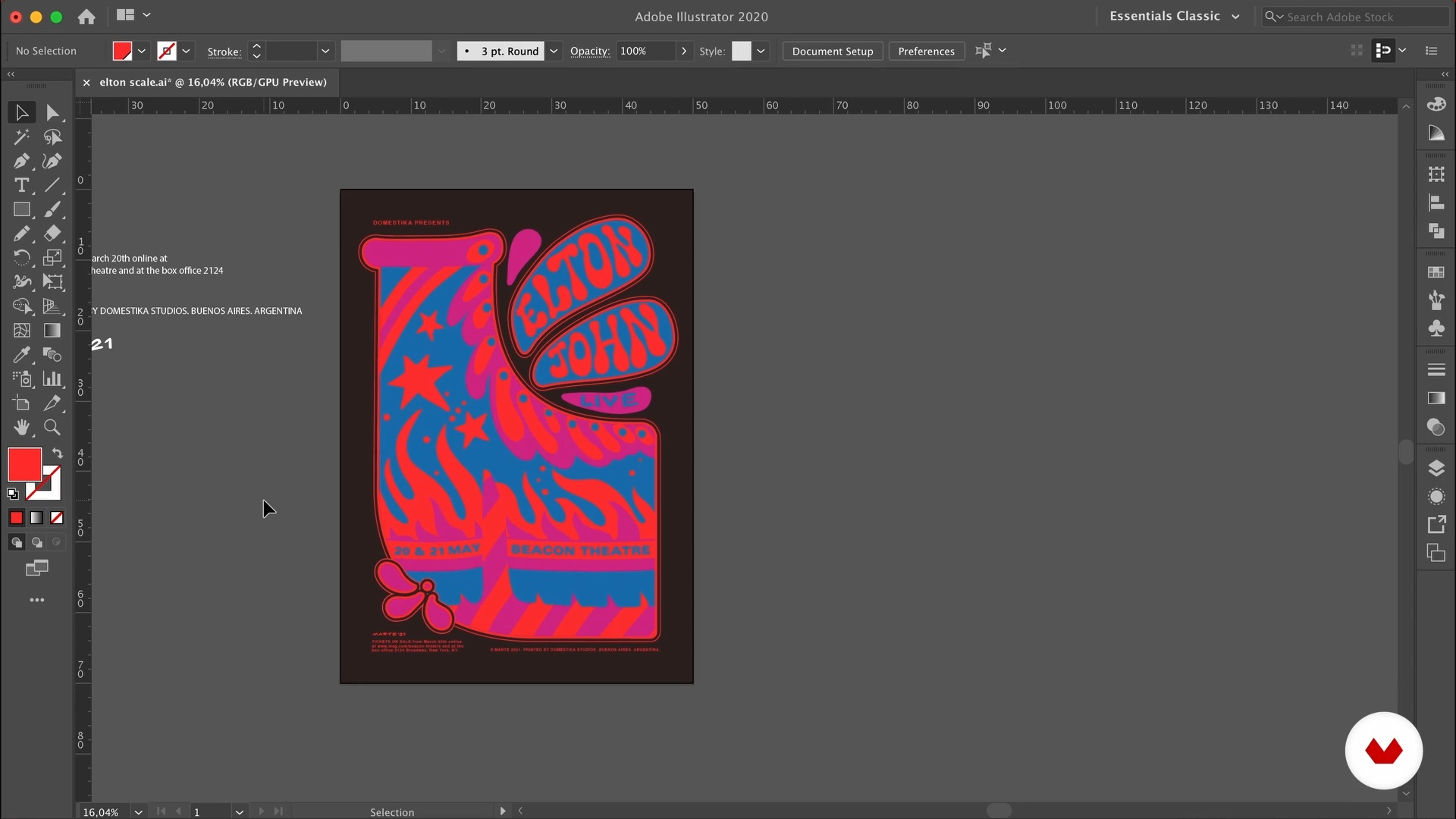
On the streets, it's easy to recognize a poster as such, but what if you see it out of context or on a post on social media? In this lesson, you will learn how to add details that will give clues of the scale for your poster.
11m
image
17
Texture
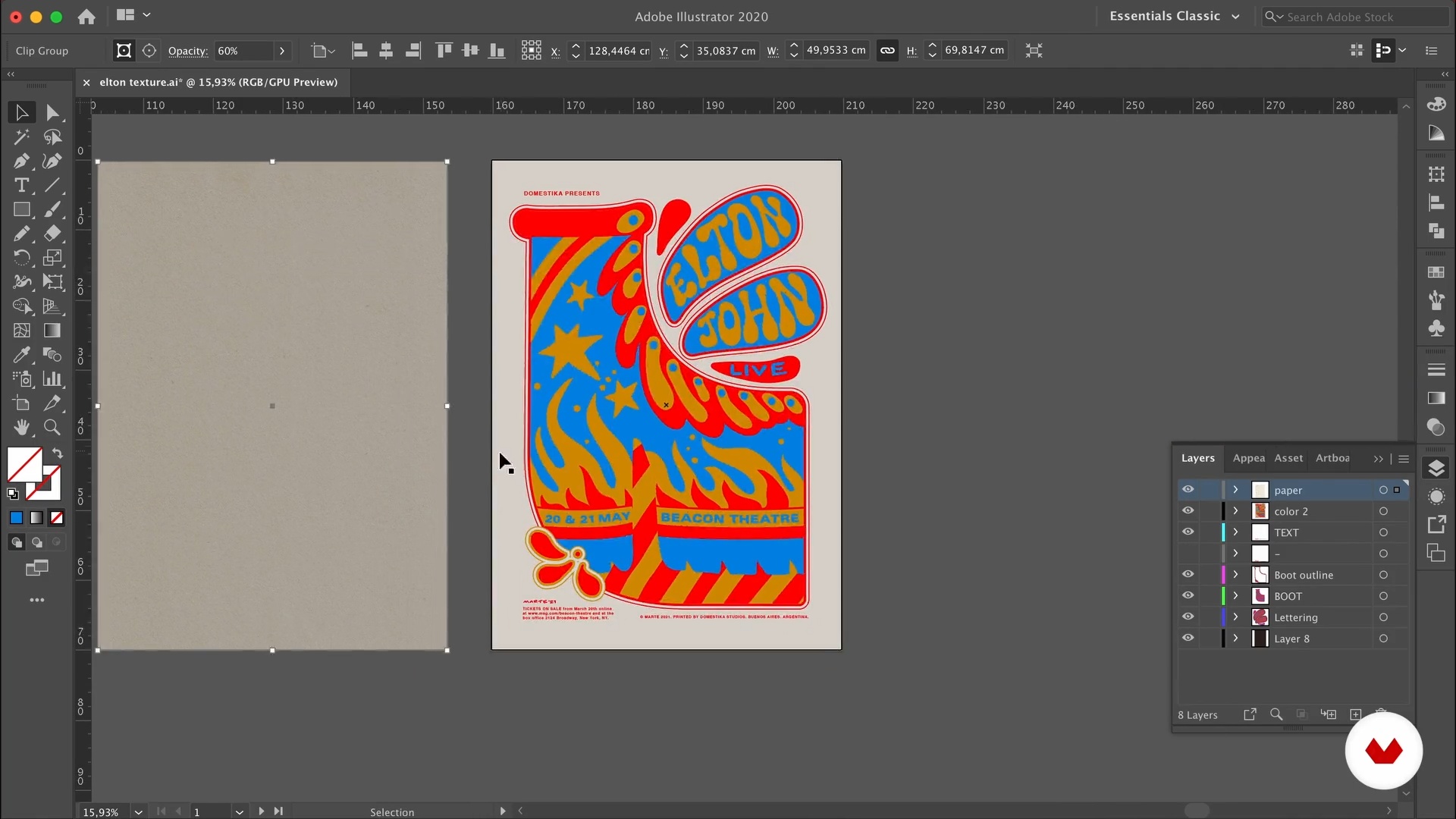
Let's make your poster more interesting! You will learn how to add paper textures to your digital file.
5m
image
18
Setting Up the File and Posting on Social Media
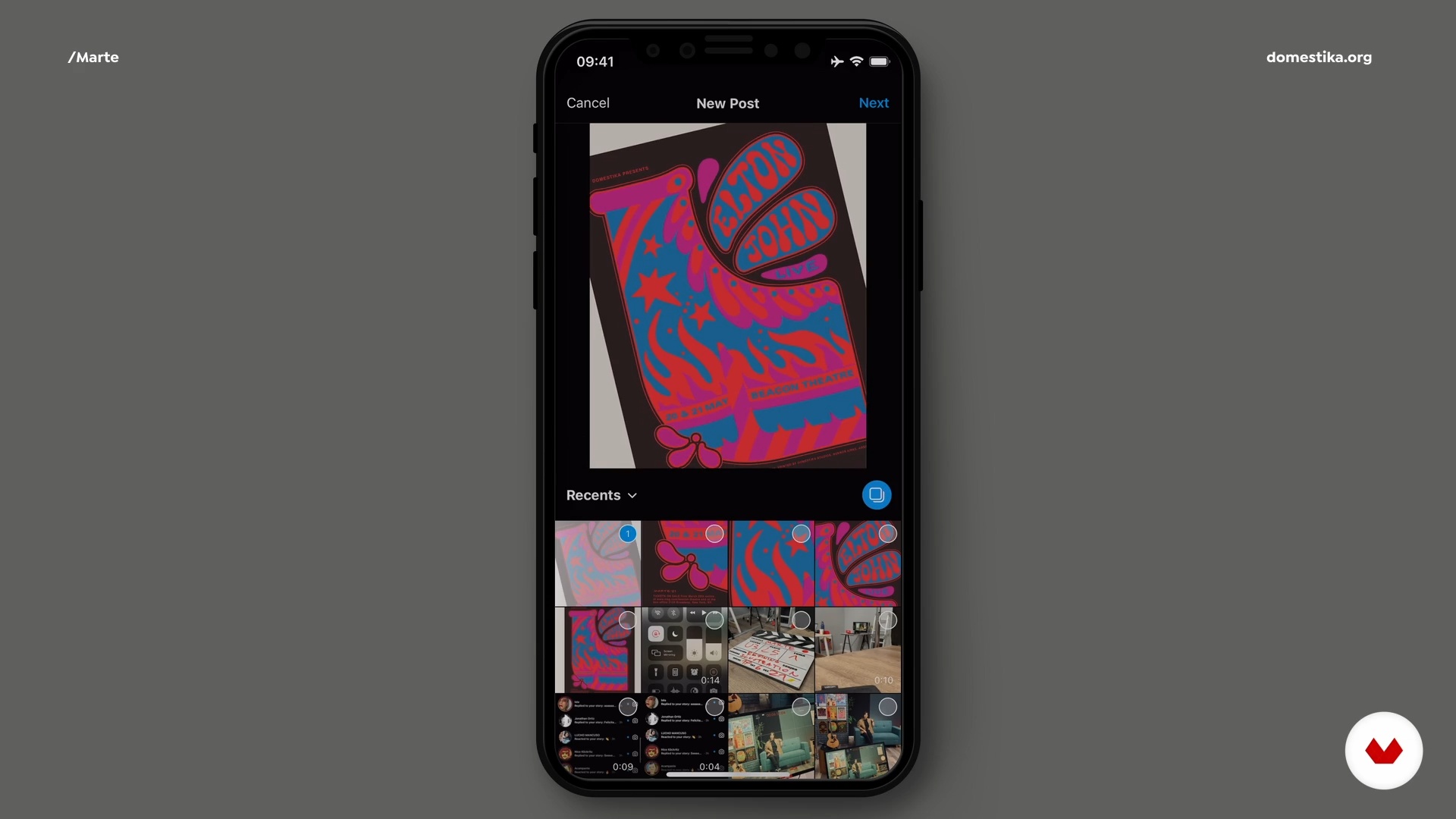
I will share with you tips on how to show your work online. In my case, I’m going to share it on Instagram to show you, but remember I will be waiting to see your own final project on the forum!
10m
image
19
Set Up the File for Screenprinting
During this lesson, you will learn how to separate the colors of your design into different layers so you can set the file for screen printing.
13m
image
3
Presentation of the Materials
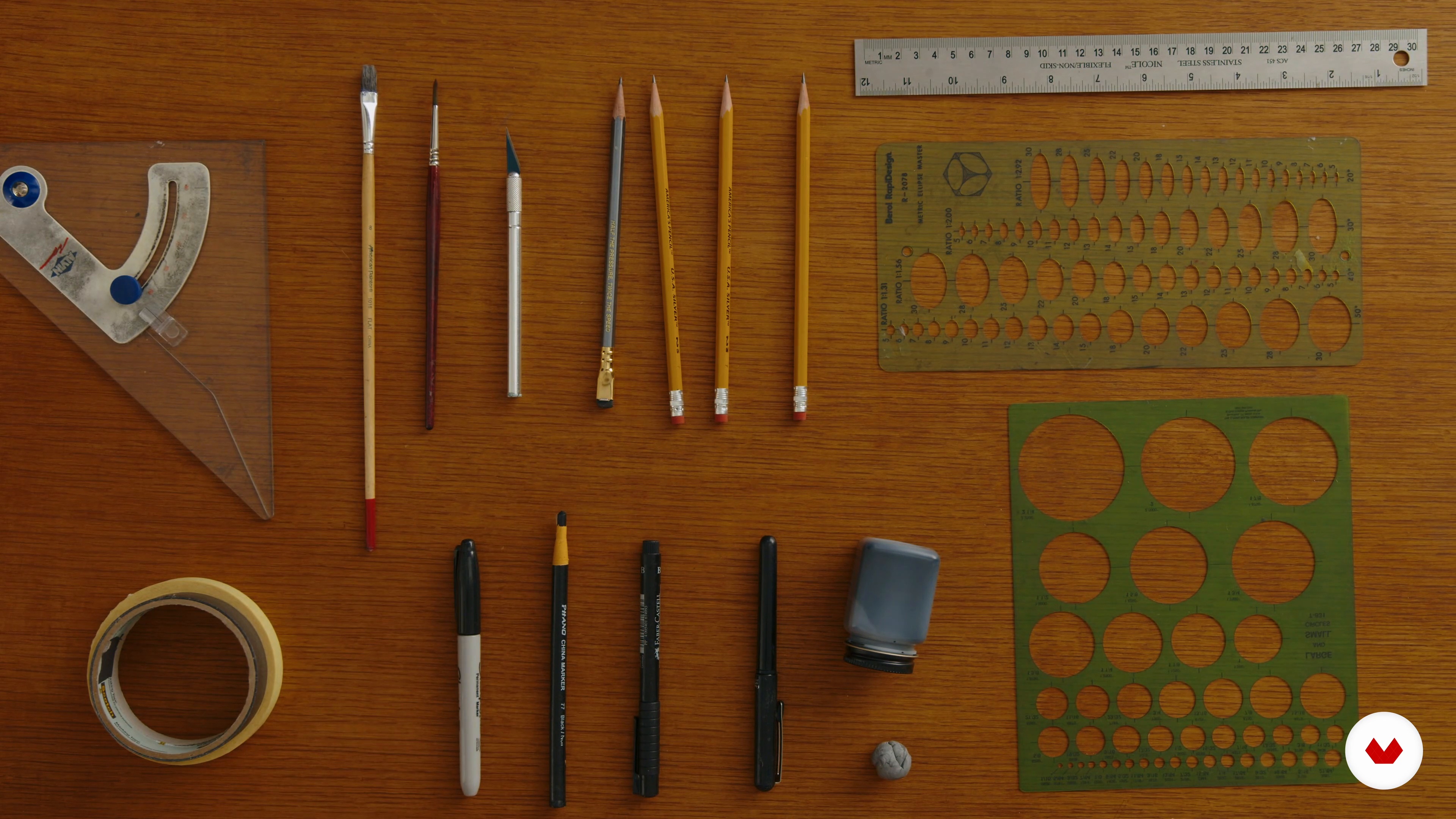
To begin with, I will show some of the materials I use to make posters and talk about how you will use them.
4m
image
4
Reading the Text to Generate Ideas and Thumbnail Sketches
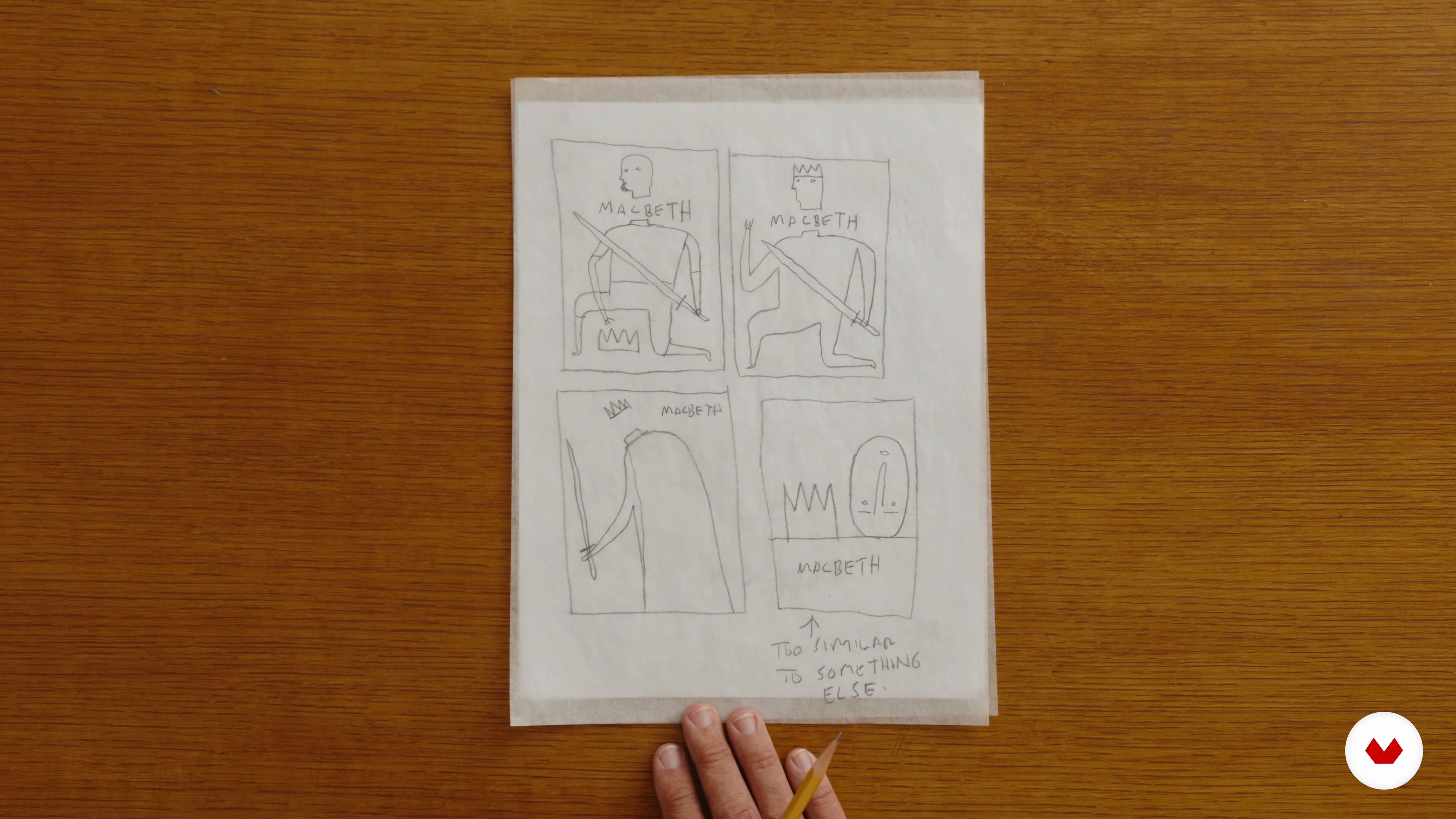
In this lesson, I will give you tips on reading a play's text to generate ideas effectively.
6m
image
5
Composing the Initial Poster Design
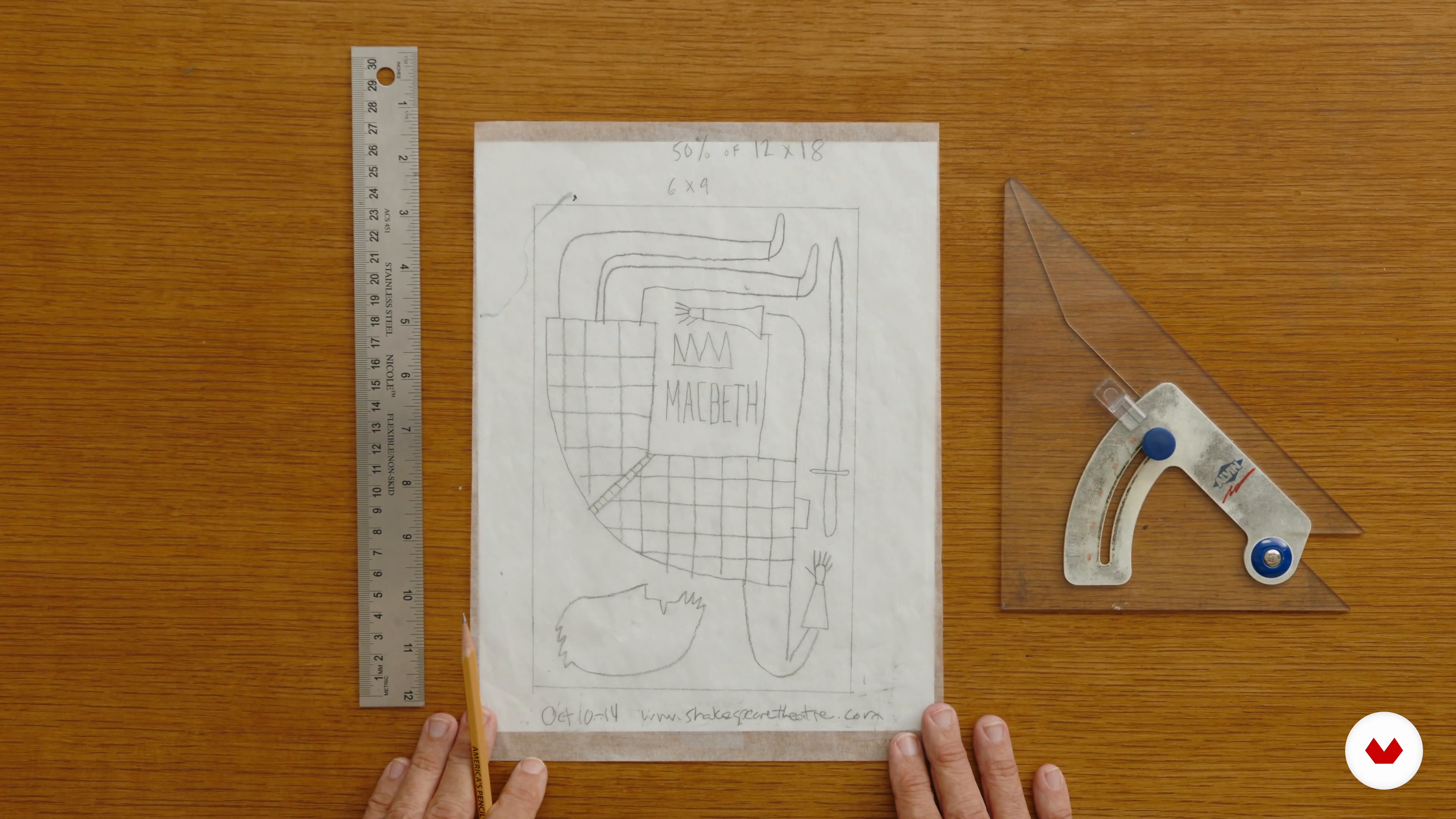
Lastly, I will show you how to refine a rough sketch and compose a poster design.
1m
image
6
Creating Poster Art Elements with Pencils, Pens, or China Markers
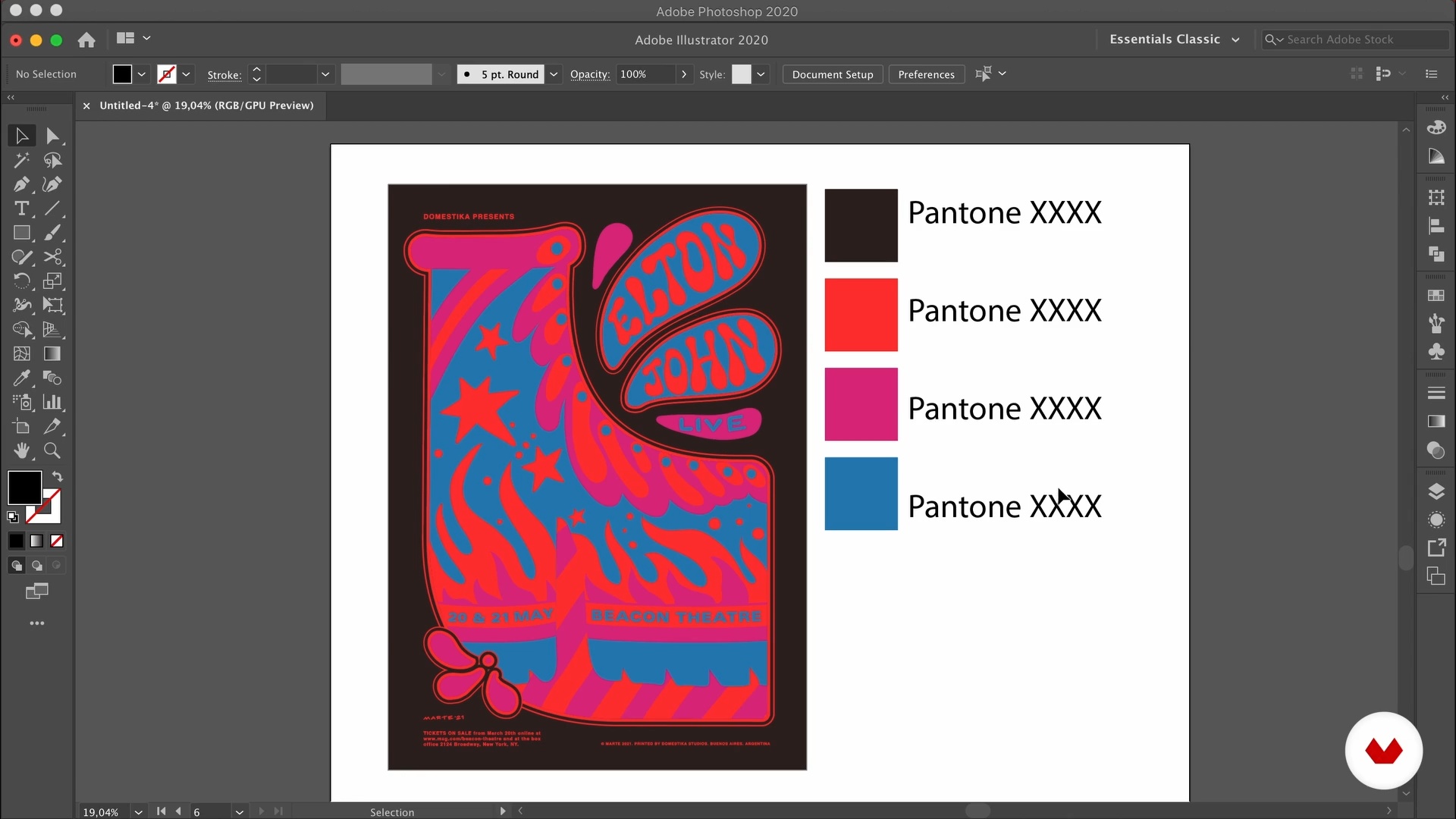
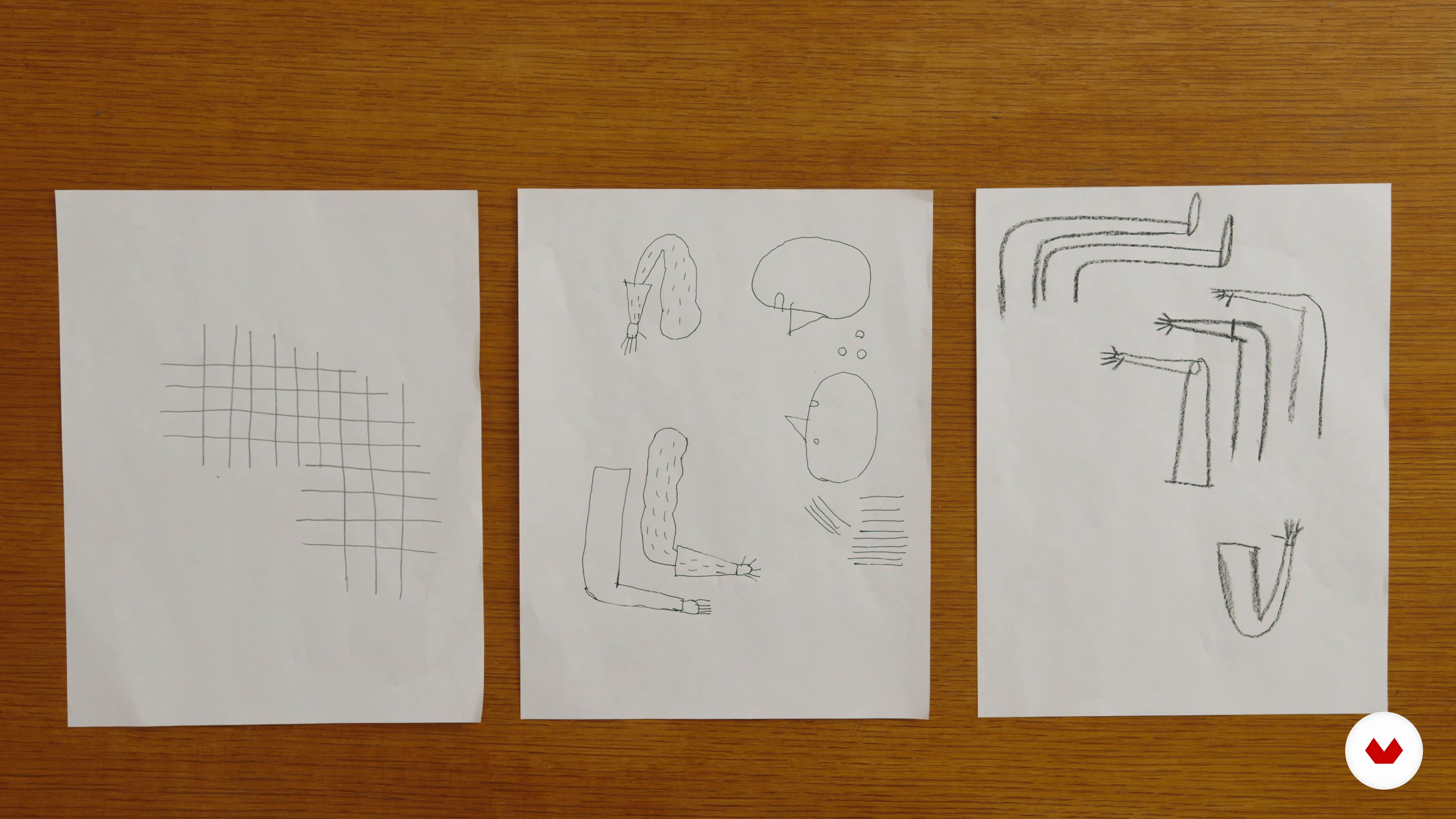
I will start by teaching you how to identify the various elements of your rough illustration and render them with pencil and china marker several times on bond paper. You will also learn to use different angles and poses.
4m
image
7
Creating Poster Art Elements with Brushes and Ink
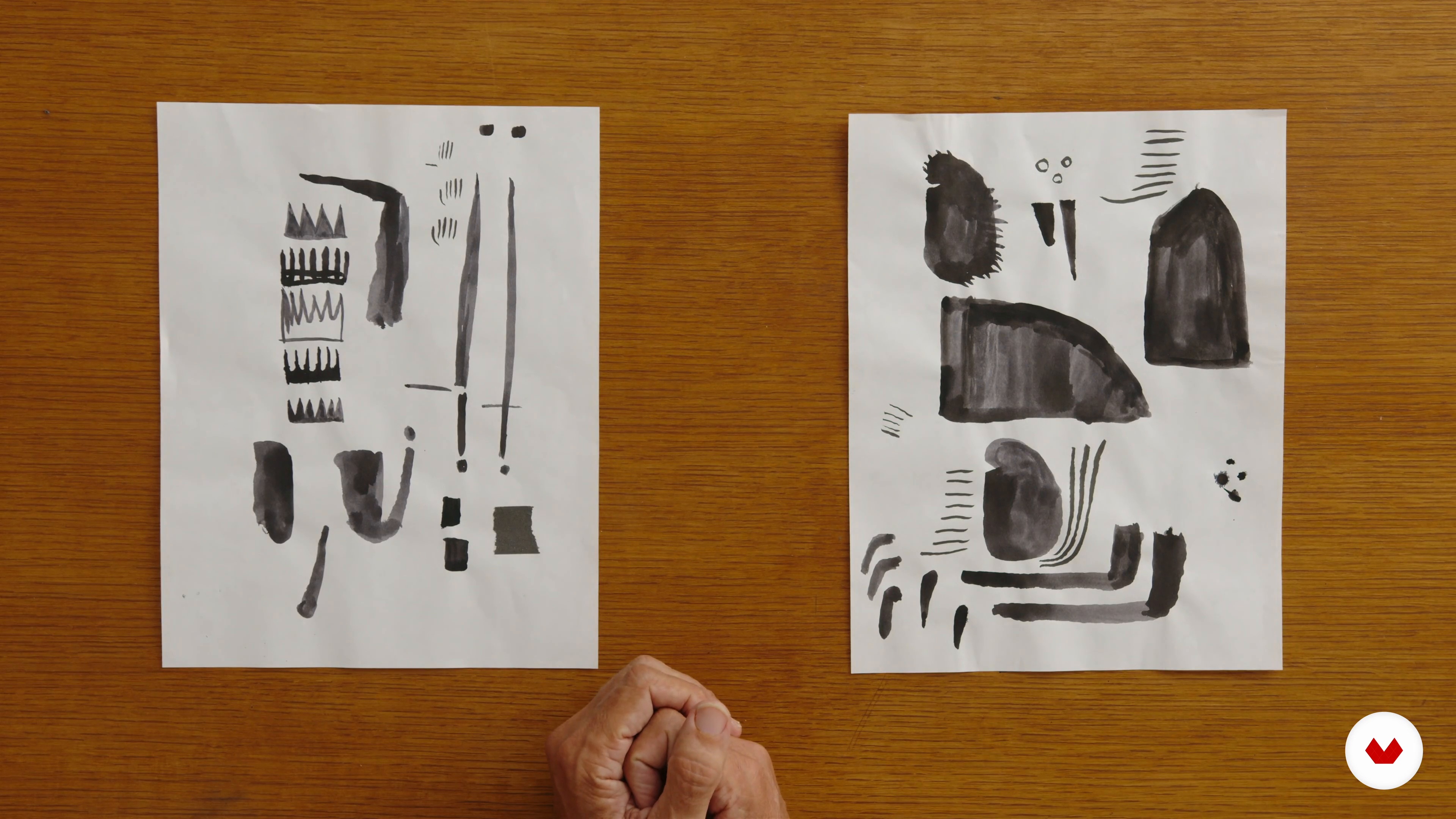
In this lesson, I will show you how to go from a rough pencil sketch to completed art using brushes and ink.
5m
image
8
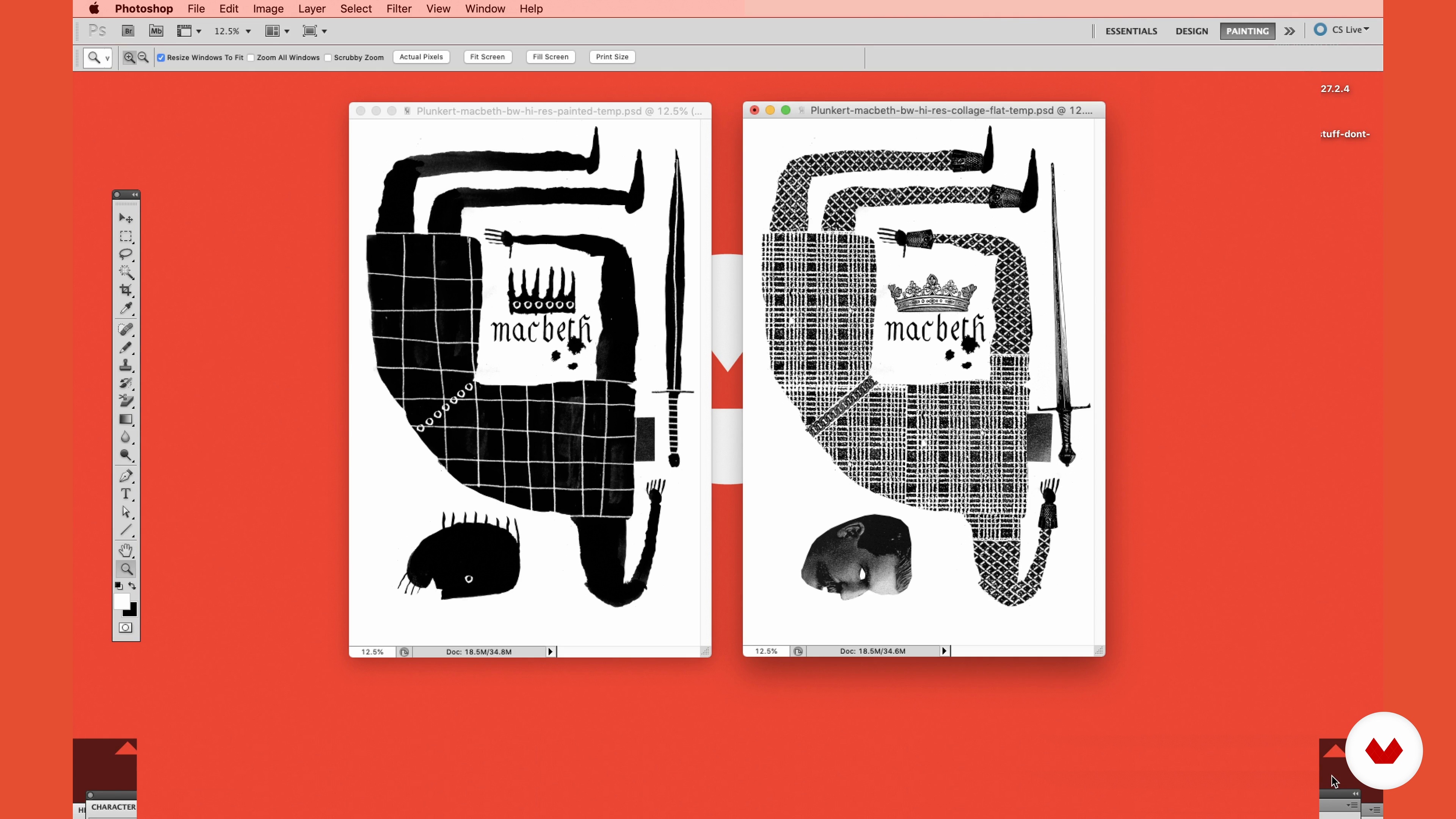
Creating Poster Art Elements with Collage
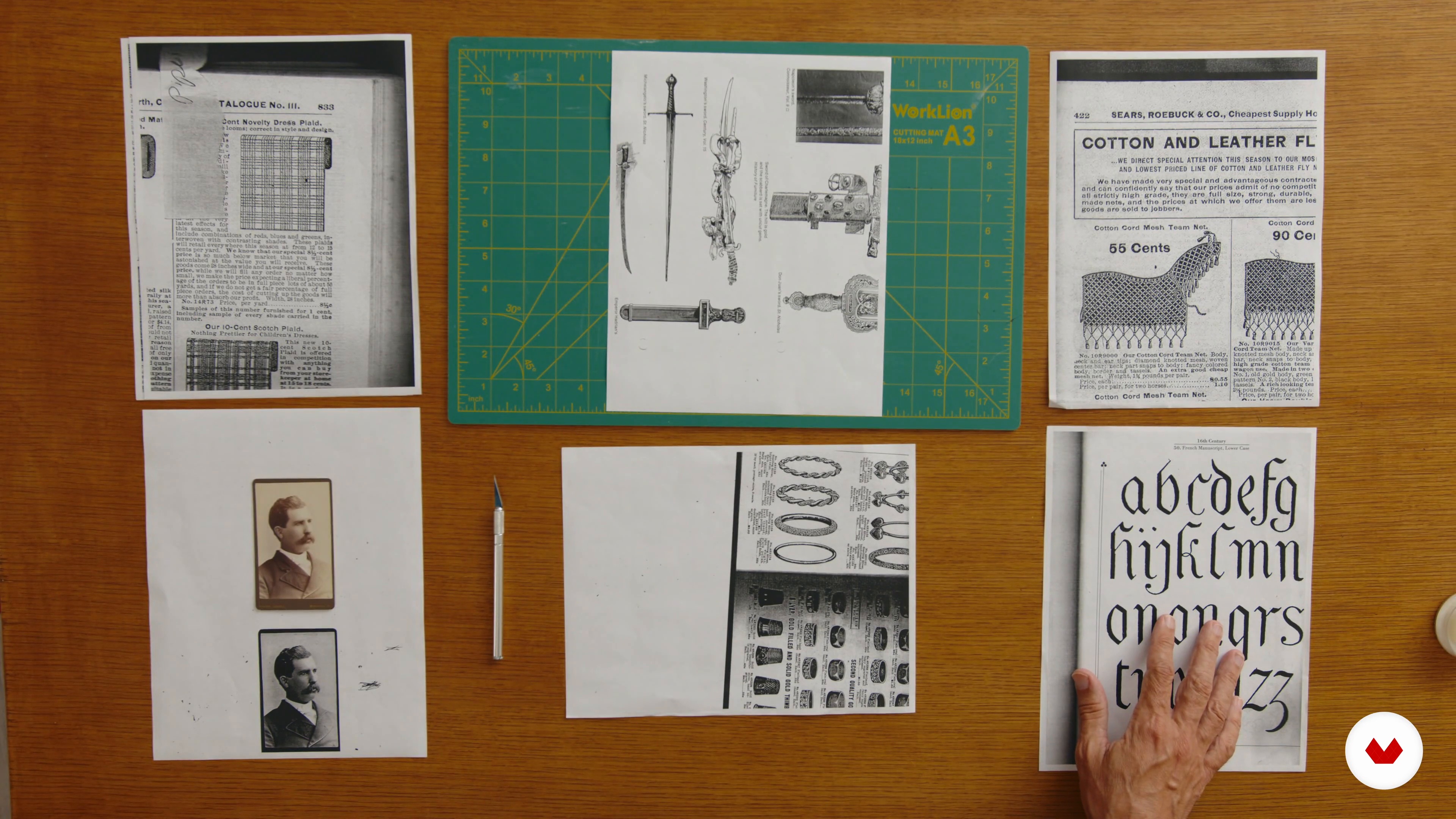
Last, but not least, in this lesson, I will show you how to go from a rough pencil sketch to completed art using collage.
1m
image
9
Putting the Elements of the Poster Art Together in Adobe Photoshop
In this lesson, I will show you how to take your scanned images and make a final illustration using Adobe Photoshop.
4m
image
10
Finalizing the Layout, Adding Color, and Preparing the File for Printing
To finish, I will show you how to complete your final poster design in Adobe InDesign. You will learn how to add text and save your file for different printing methods: 2-color offset, screen printing, 4-color offset lithography, and 4-color digital.
3m
image
3
The energy that drives
In this class, I will talk about my experience creating posters and music album covers.
2m
image
4
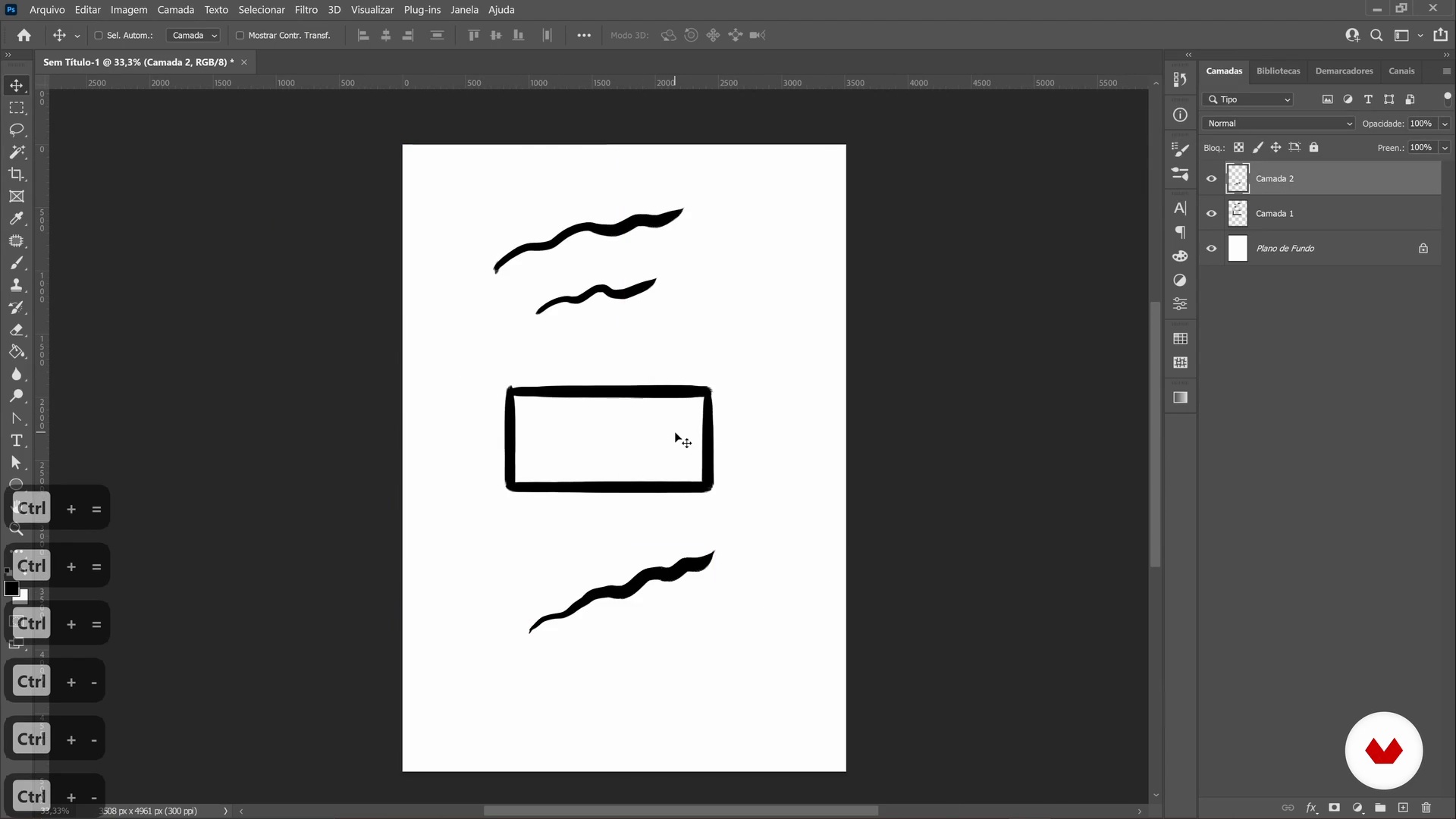
Tools
Now, you will learn about and practice the Photoshop tools that we will use in the course.
6m
image
5
Colors
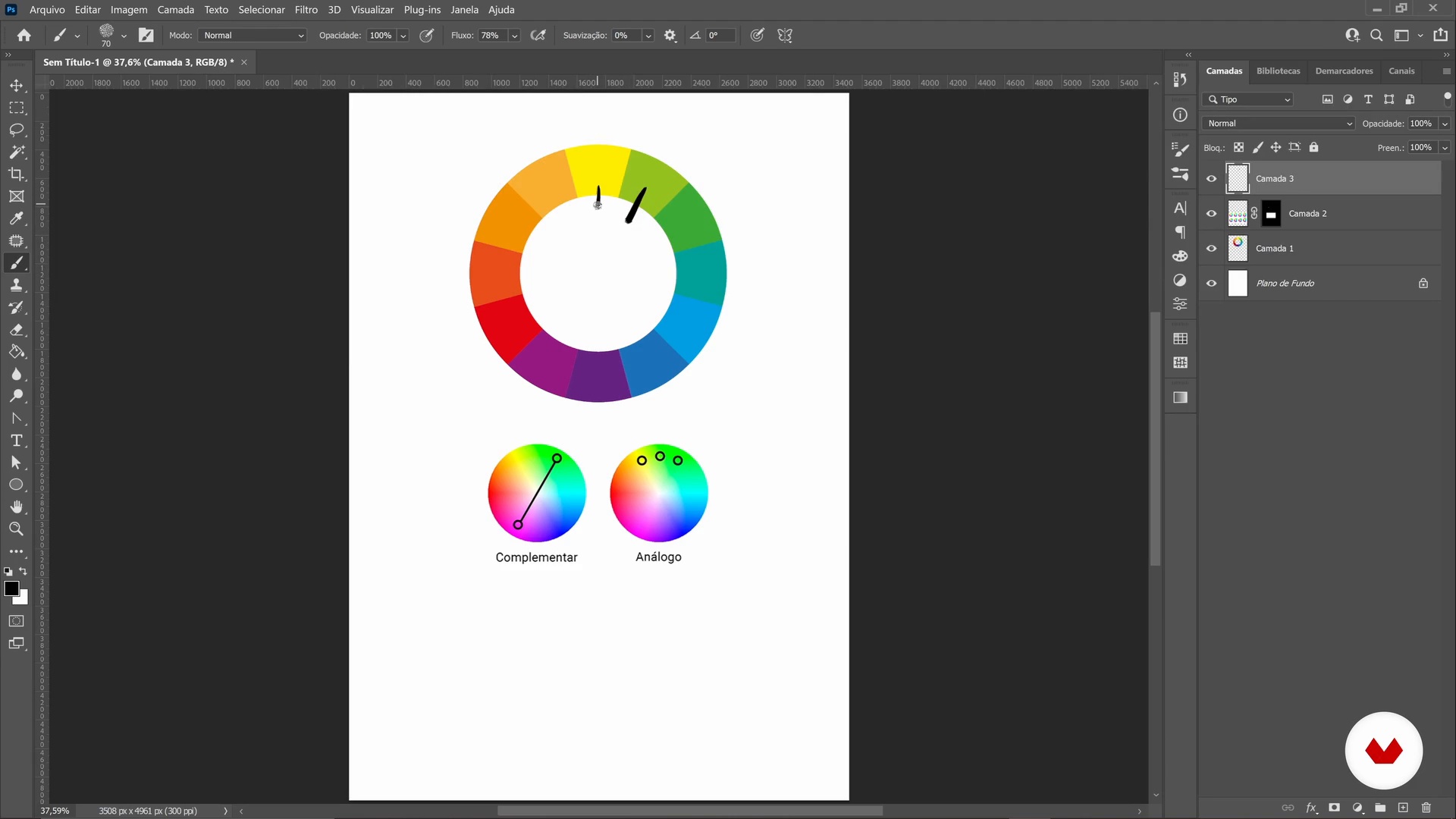
In this class, we will study the color wheel and understand some concepts about colors.
5m
image
6
Briefing
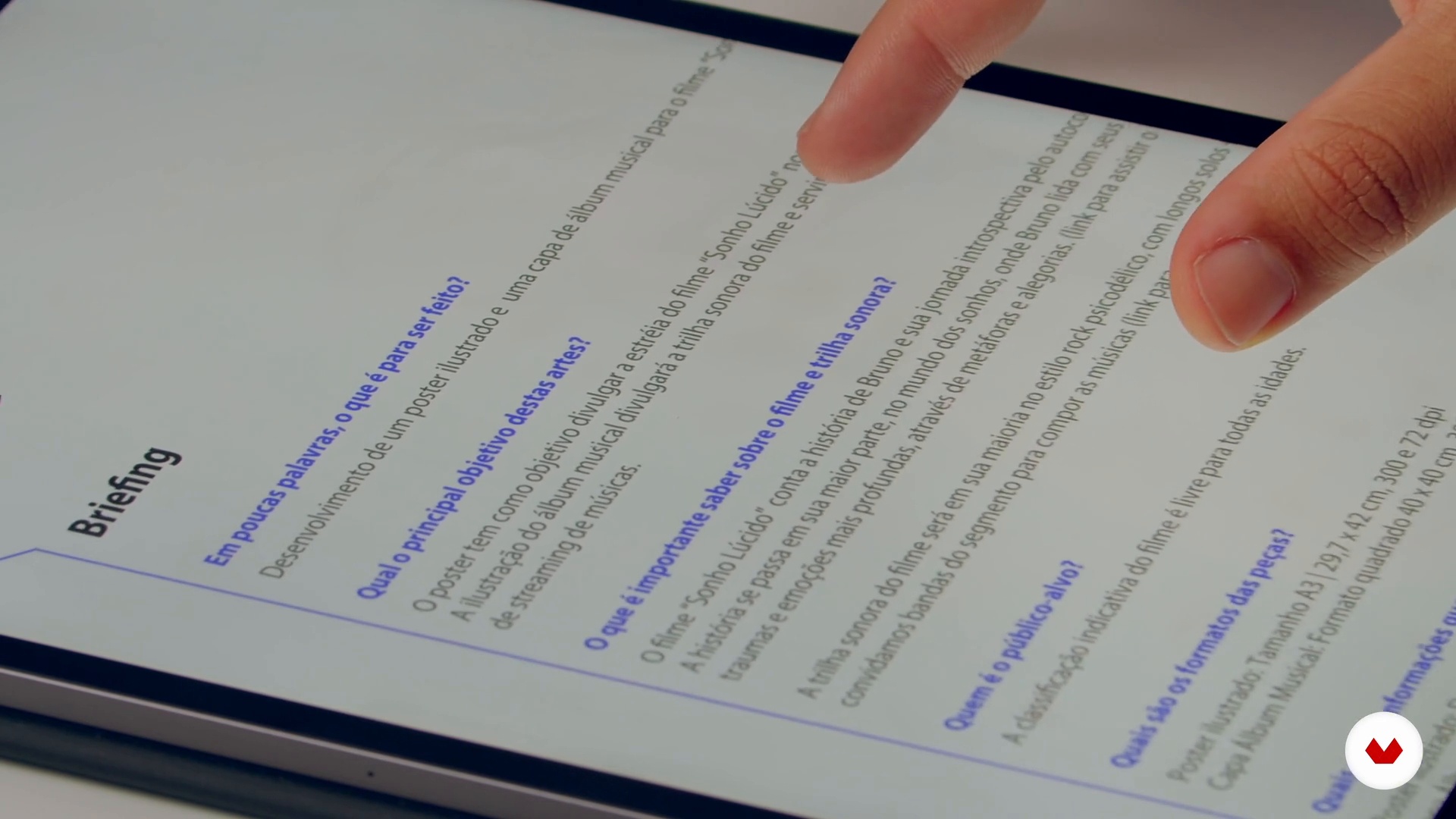
In this class, I will explain how to conceive initial ideas for the project based on the brief.
5m
image
7
mood board
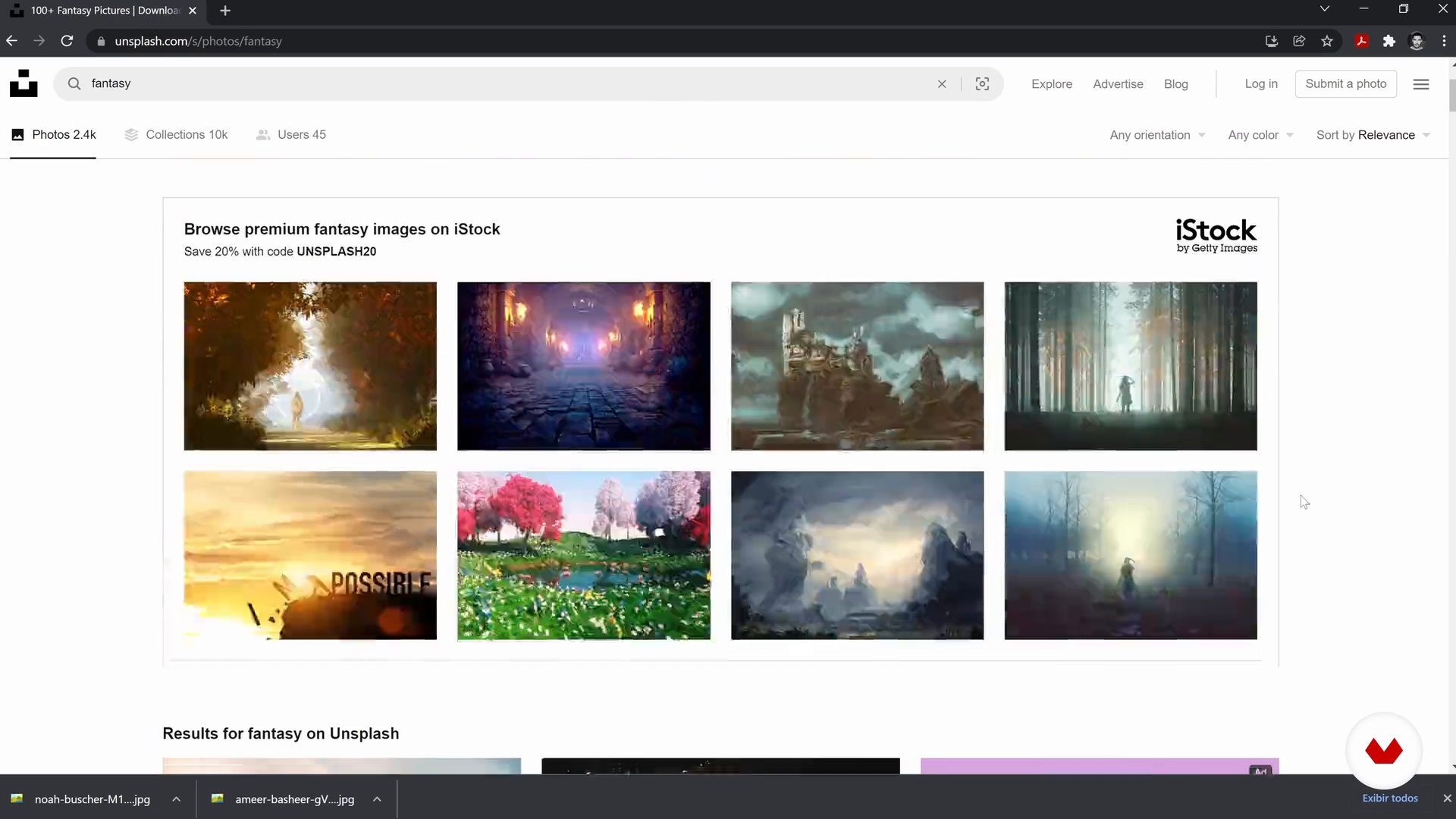
With the main concepts studied, I will now show you how you can collect references and create a mood board, which will guide and inspire the creation of the course project.
4m
image
8
Sketches and photographs
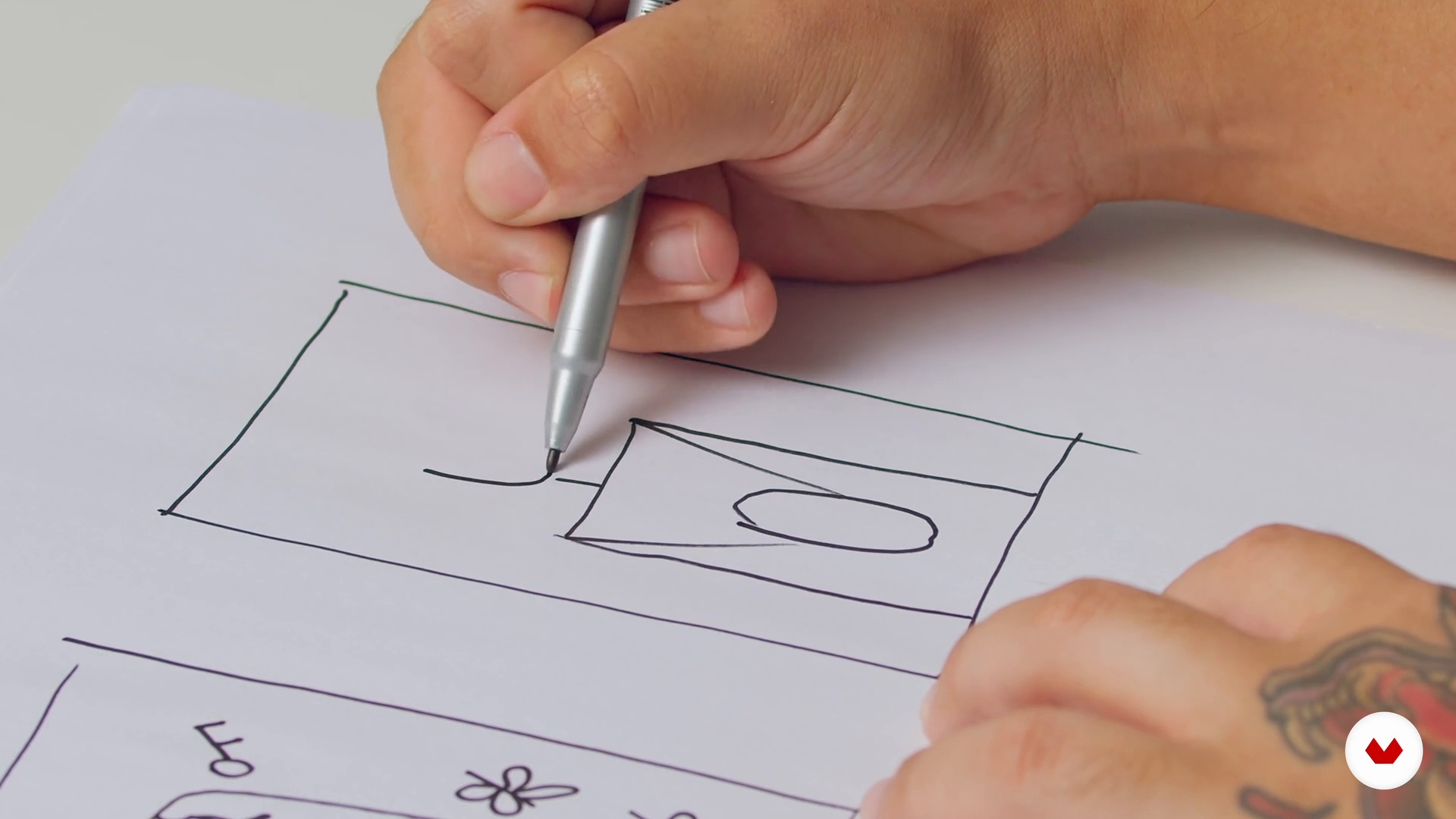
In this class, you will create the first sketches and, using your cell phone, capture some photographs that will serve as the basis for the art.
13m
image
9
Composition
In this class, I will show you how to compose the photographs you took and how to draw some elements by hand to include in the poster later.
3m
image
10
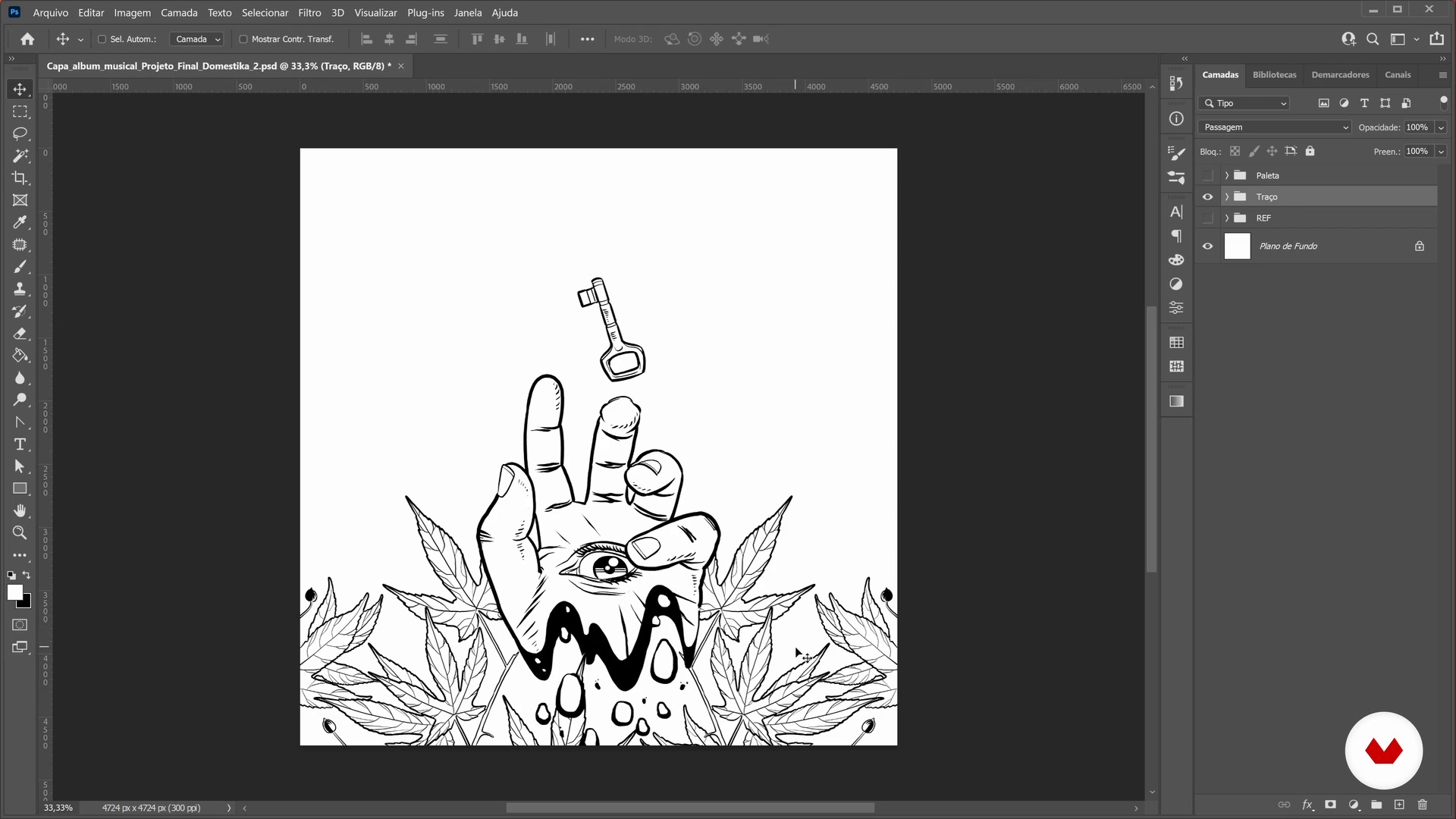
Line art
In this class, you will draw, following the composition of photographs you created as a basis, in addition to adding the handmade drawing.
11m
image
11
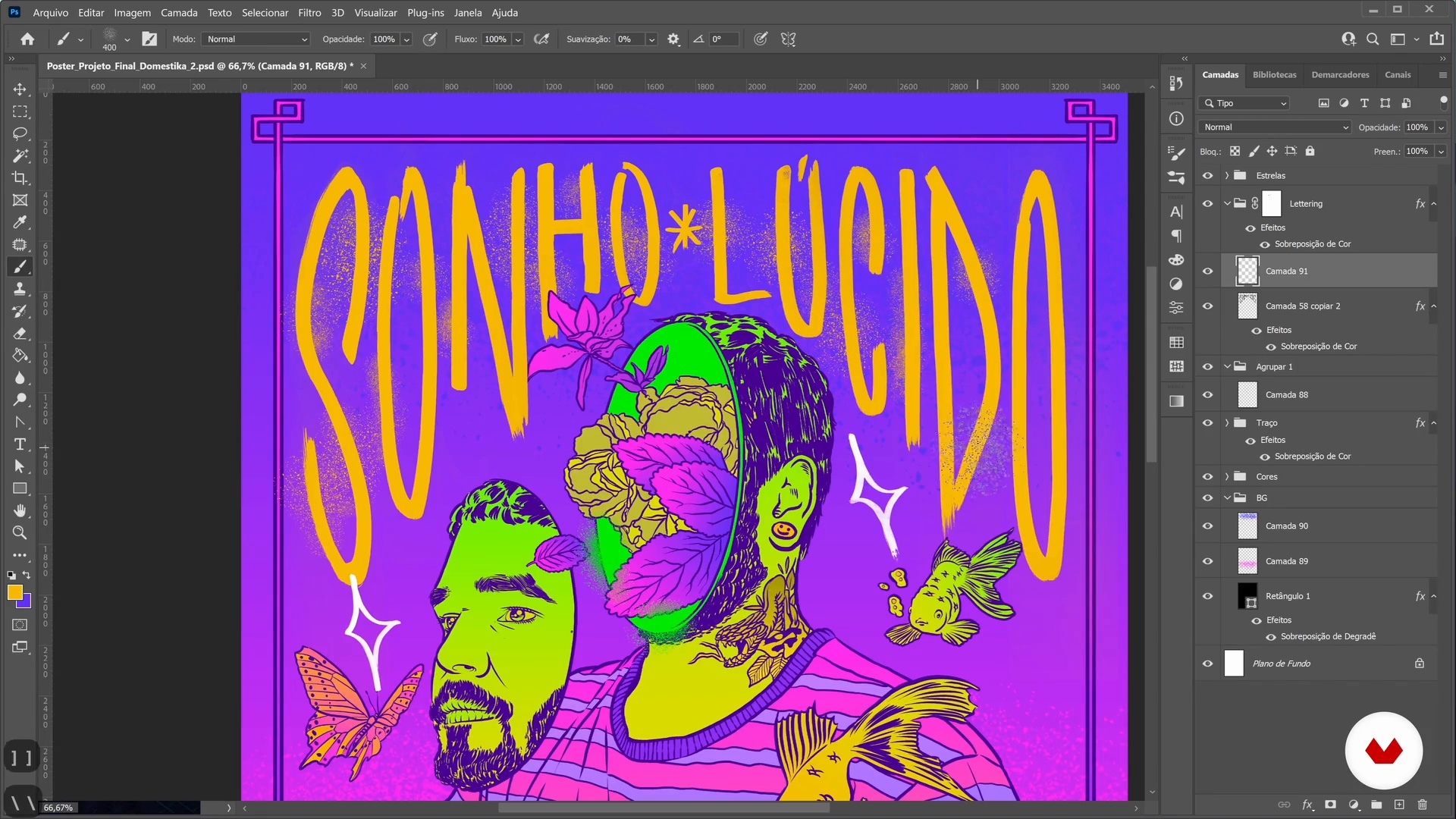
Application of colors
Time to color! Grab your favorite brush and get to work
5m
image
12
Lettering
In this class, you will design your own lettering to use in the title of the poster.
7m
image
13
Details and finishes
We are almost there! Now, let's finish the poster and include textures and particles.
3m
image
14
Start of production of the album cover
In this class, we will start producing the cover of the music album. Let's go back to the brief and create some textures too, using brush and paint to make the illustration even more original.
6m
image
15
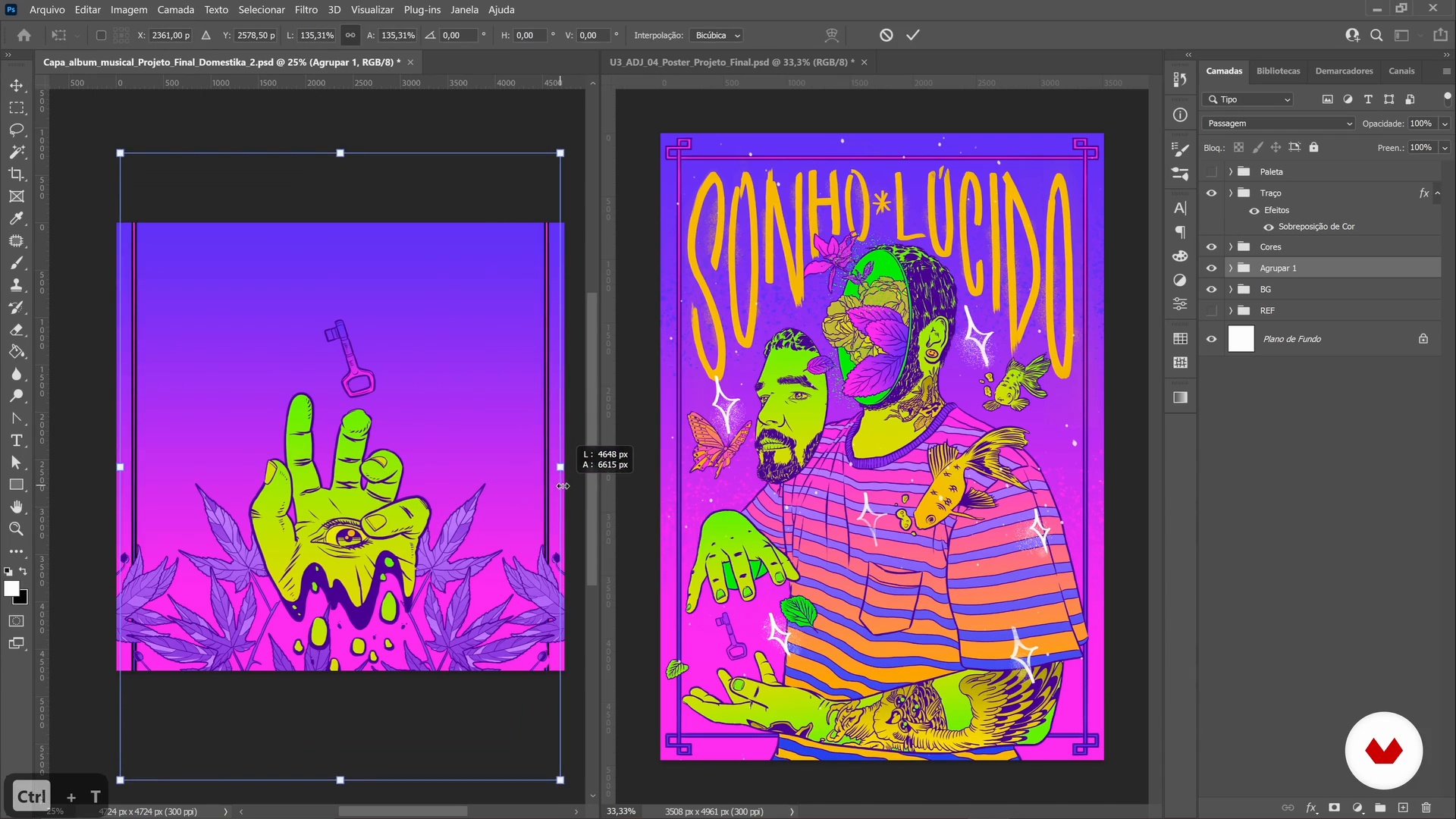
The color of sound
Now, I'm going to show you how to transform the information, sketches and other materials that were collected into a beautiful music album cover.
6m
image
16
Finalization of the album cover
In this class, we will finalize the music album cover and add details, textures and particles.
8m
image
17
Sharing your work
In this class, you will learn how to export and where to share your work, as well as tips on how to interact with the artistic community.
5m
image
18
Professionalization of your work
To conclude, in this class, I will present the types of freelance work, as well as teach you how to set up a budget and how to charge for work.
7m
  • 38 students
  • 80 lessons (9h 25m)
  • 101 additional resources (40 files)
  • Online and at your own pace
  • Audio: English, German, Spanish, Spanish (Latam), French, Indonesian, Italian, Dutch, Polish, Portuguese, Romanian, Turkish
  • Spanish · English · Portuguese · German · French · Italian · Polish · Dutch · Turkish · Romanian · Indonesian
  • Level: Beginner
  • Unlimited access forever

What is this course's project?

Create a series of impactful posters, mastering design fundamentals from conceptualization to execution. Focus on composition, color, and typography while crafting visually striking and communicative pieces that showcase creativity and precision in poster design.

Who is this specialization for?

Aspiring designers and creative professionals eager to master poster design from concept to visual communication will thrive. Perfect for those seeking to explore diverse styles, enhance their skills in typography, illustration, and create impactful designs across various contexts.

Requirements and materials

Bring a computer with design software like Adobe Photoshop or Illustrator. Familiarity with basic design principles is helpful, but not mandatory. Gather materials like pencils, pens, and sketchbooks for hands-on projects. An open mind to creativity is essential.


Select to get to know your teachers in this specialization course
Read more ↓

What to expect from this specialization course

  • Learn at your own pace

    Enjoy learning from home without a set schedule and with an easy-to-follow method. You set your own pace.

  • Learn from the best professionals

    Learn valuable methods and techniques explained by top experts in the creative sector.

  • Meet expert teachers

    Each expert teaches what they do best, with clear guidelines, true passion, and professional insight in every lesson.

  • Certificates
    Plus

    If you're a Plus member, get a custom certificate for every specialization course. Share it on your portfolio, social media, or wherever you like.

  • Get front-row seats

    Videos of the highest quality, so you don't miss a single detail. With unlimited access, you can watch them as many times as you need to perfect your technique.

  • Share knowledge and ideas

    Ask questions, request feedback, or offer solutions. Share your learning experience with other students in the community who are as passionate about creativity as you are.

  • Connect with a global creative community

    The community is home to millions of people from around the world who are curious and passionate about exploring and expressing their creativity.

  • Watch professionally produced courses

    Domestika curates its teacher roster and produces every course in-house to ensure a high-quality online learning experience.


FAQs

Domestika courses are online classes that allow you to learn new skills and create incredible projects. All our courses include the opportunity to share your work with other students and/or teachers, creating an active learning community. We offer different formats:
Original Courses: Complete classes that combine videos, texts, and educational materials to complete a specific project from start to finish.
Basics Courses: Specialized training where you master specific software tools step by step.
Specialization Courses: Learning paths with various expert teachers on the same topic, perfect for becoming a specialist by learning from different approaches.
Guided Courses: Practical experiences ideal for directly acquiring specific skills.
Intensive Courses (Deep Dives): New creative processes based on artificial intelligence tools in an accessible format for in-depth and dynamic understanding.

All specialization courses are 100% online, so once they're published, specialization courses start and finish whenever you want. You set the pace of the class. You can go back to review what interests you most and skip what you already know, ask questions, answer questions, share your projects, and more.

The specialization courses are divided into different modules. Each one includes lessons, informational text, tasks, and practice exercises to help you carry out your project step by step, with additional complementary resources and downloads. You'll also have access to an exclusive forum where you can interact with other students, as well as share your work and your final project, creating a community around the specialization courses.

You can redeem the specialization courses you received by accessing the redeeming page and entering your gift code.

If you're a Plus member, when you complete a course you've purchased, you'll instantly get your personalized certificate. You can see all your certificates in the Certificates section of your profile. You can download your certificates as PDFs and share the link online. Learn more about certificates.
Creative Poster Design Specialization. Design course by Domestika

Creative Poster Design Specialization

A specialization by multiple teachers
Berkeley, United States.
Joined April 2002
  • 38 students