Guided Course: Beauty Retouching Techniques in Photoshop
A course by Xi ChenPhoto Retoucher
A course by Xi Chen, Photo Retoucher

Master beauty retouching with Photoshop, focusing on techniques like dodge and burn, color balancing, and light correction
Unlock the secrets of professional beauty retouching and elevate your photography skills by mastering non-destructive editing techniques. Begin with setting up Photoshop and preparing your RAW files to ensure maximum image quality. Dive into analyzing your portrait to craft a strategic approach for clean and effective editing. This course guides you through essential techniques for natural beauty retouching, including cleaning up minor imperfections and utilizing dodge and burn to achieve soft lighting effects.
Enhance your images by refining color balance, light, and shadows, all while maintaining a natural and polished look. By the end of this course, you'll have a beautifully retouched beauty portrait ready to showcase in your portfolio. Whether you're aiming to improve your personal projects or step up in your professional career, these skills will empower you to transform your images with confidence and flair.
What will you learn in this online course?
8 lessons & 9 downloads
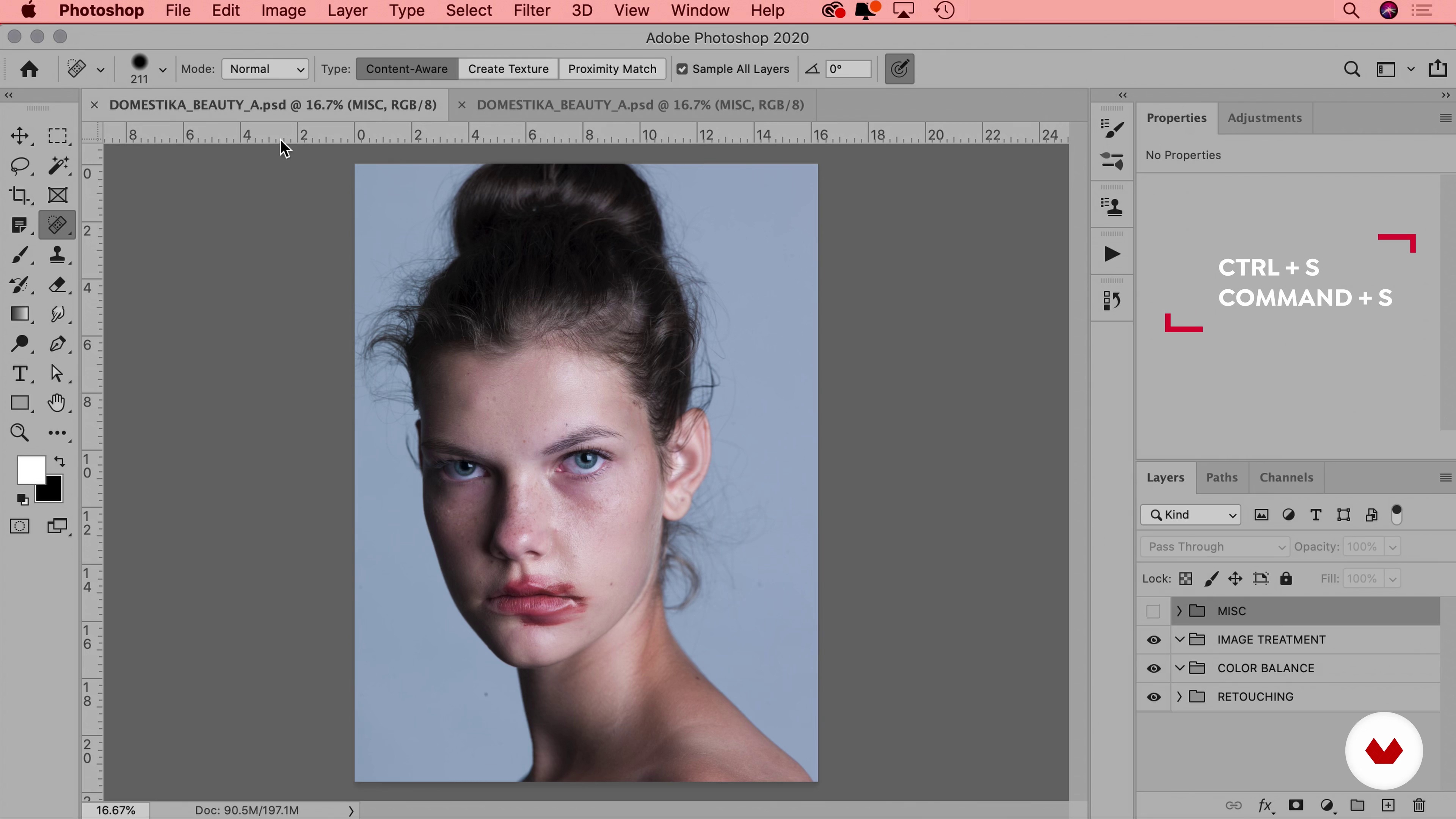
Workflow & File
12 minutes, 24 seconds
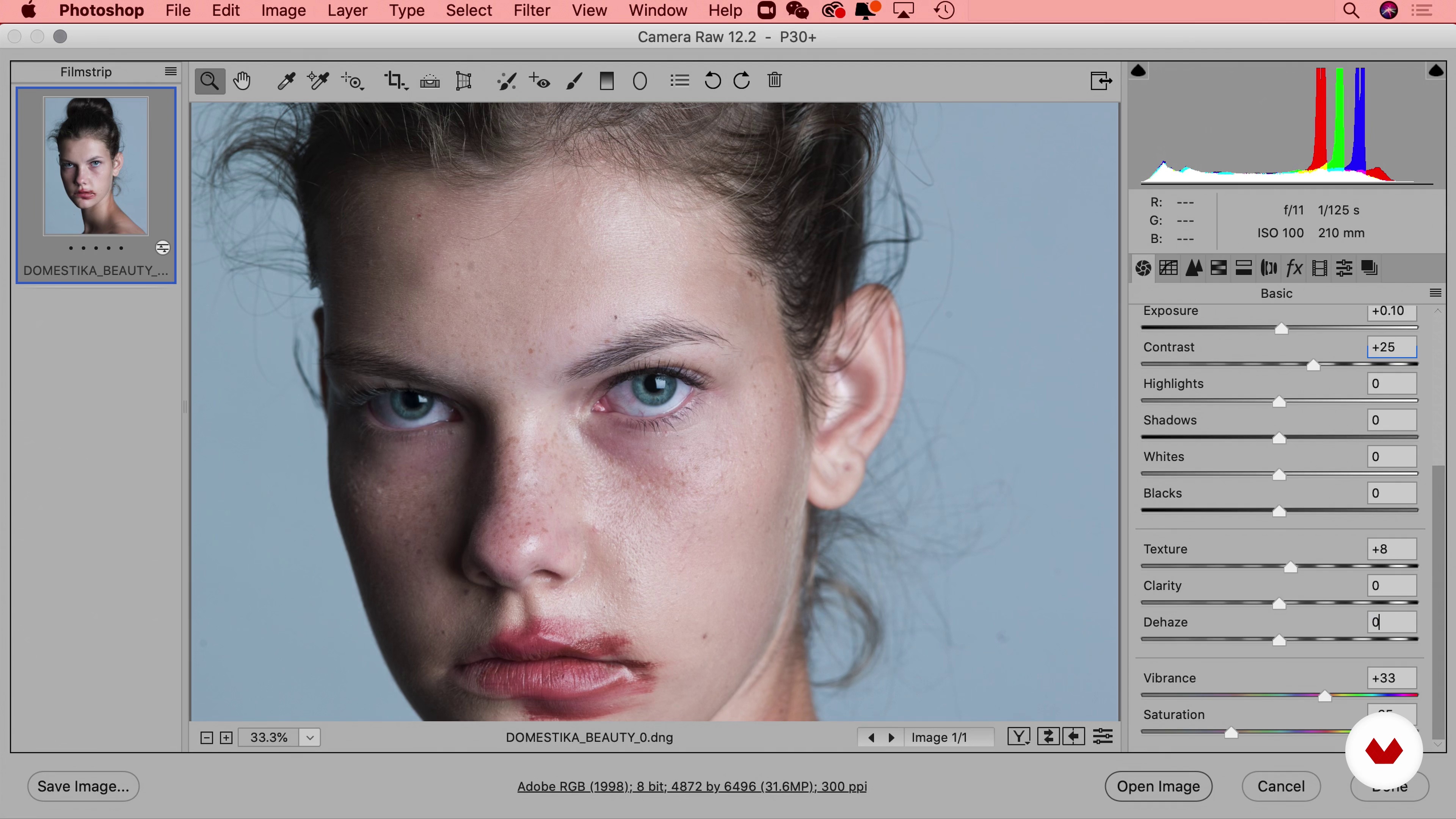
Using RAW Files for Photos
11 minutes, 47 seconds
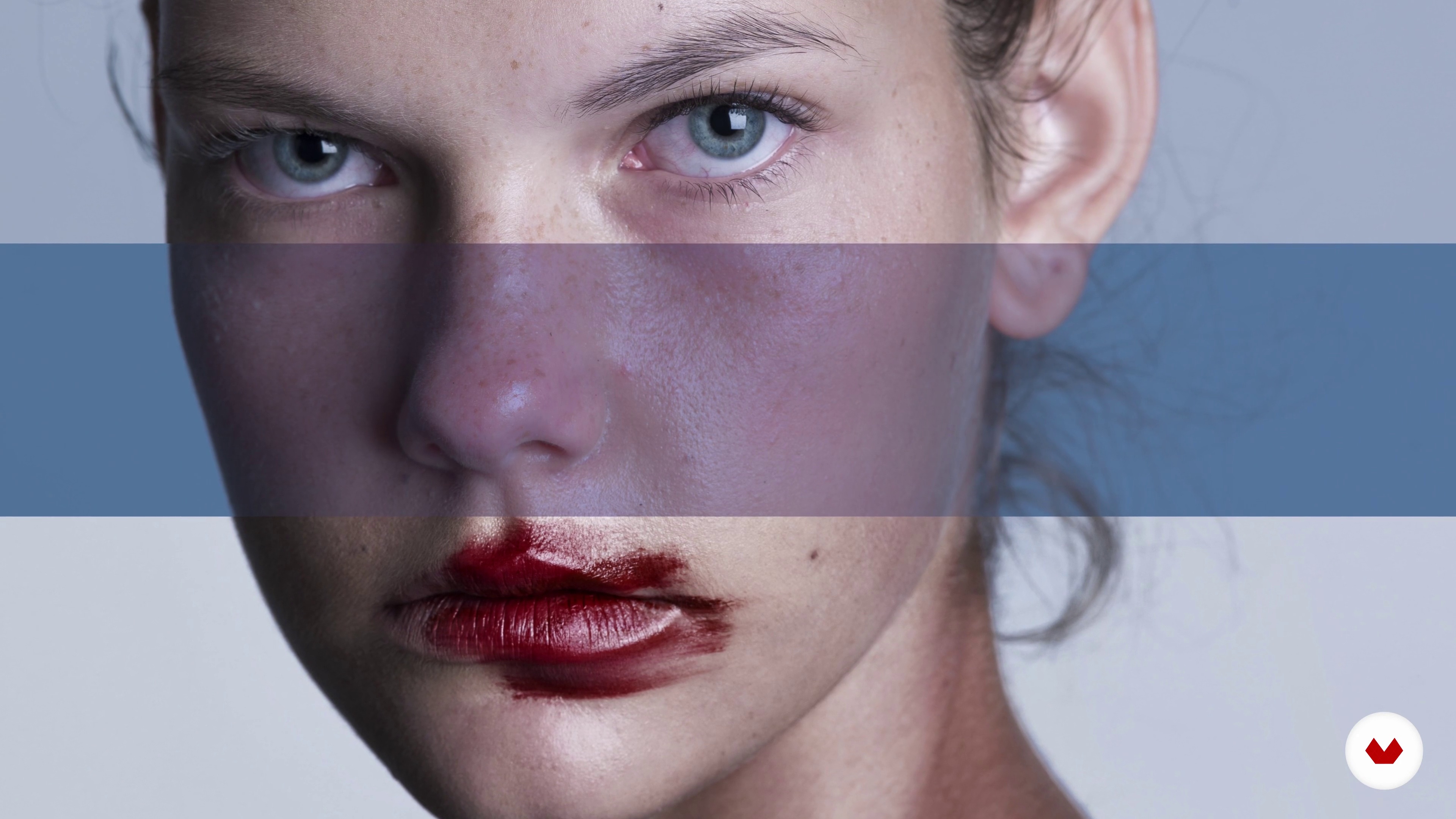
How to Approach an Image
5 minutes, 19 seconds
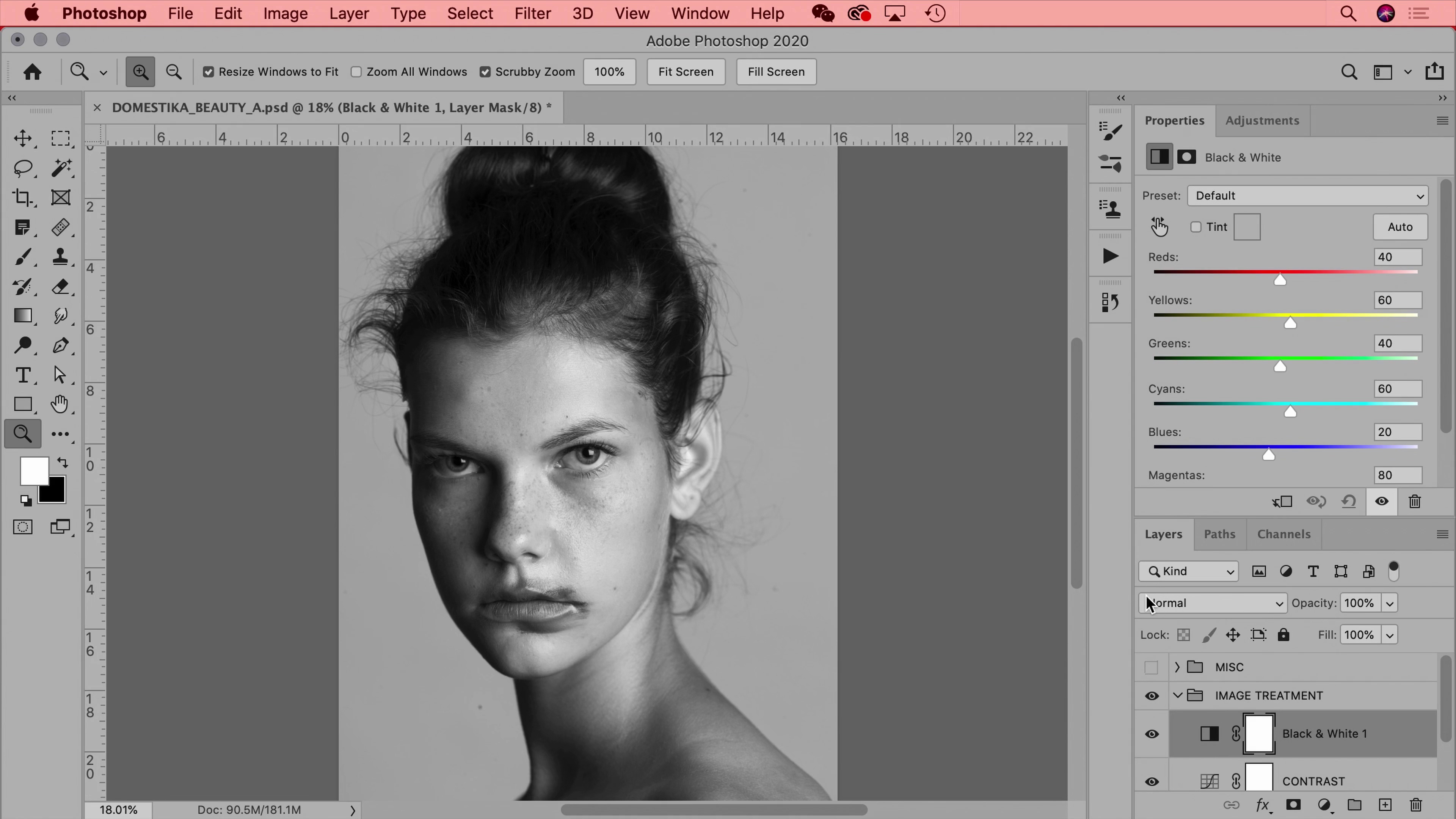
Image Treatment
18 minutes, 14 seconds
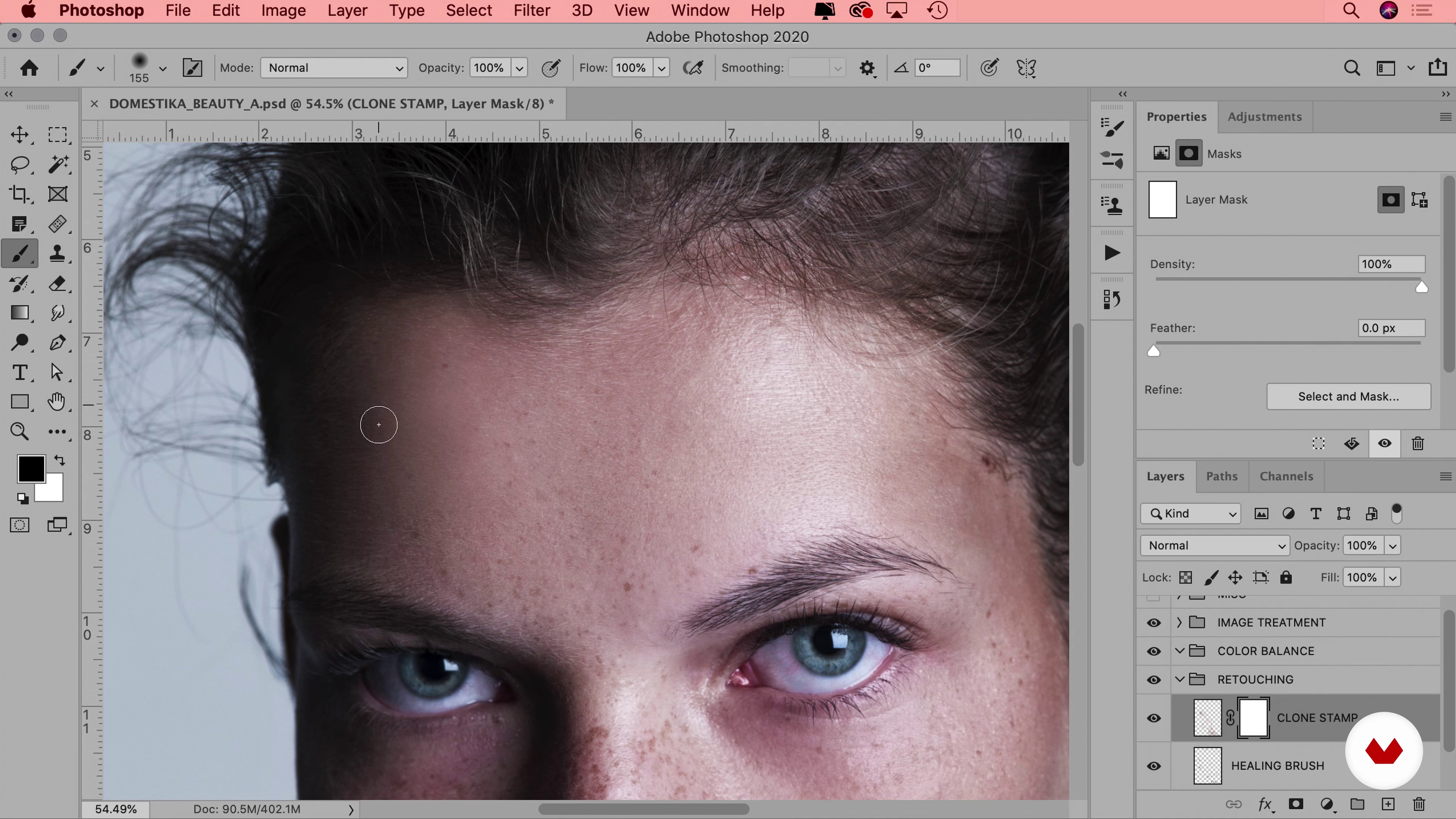
Natural Beauty Retouching Soft Lighting, Dodge and Burn
12 minutes, 31 seconds
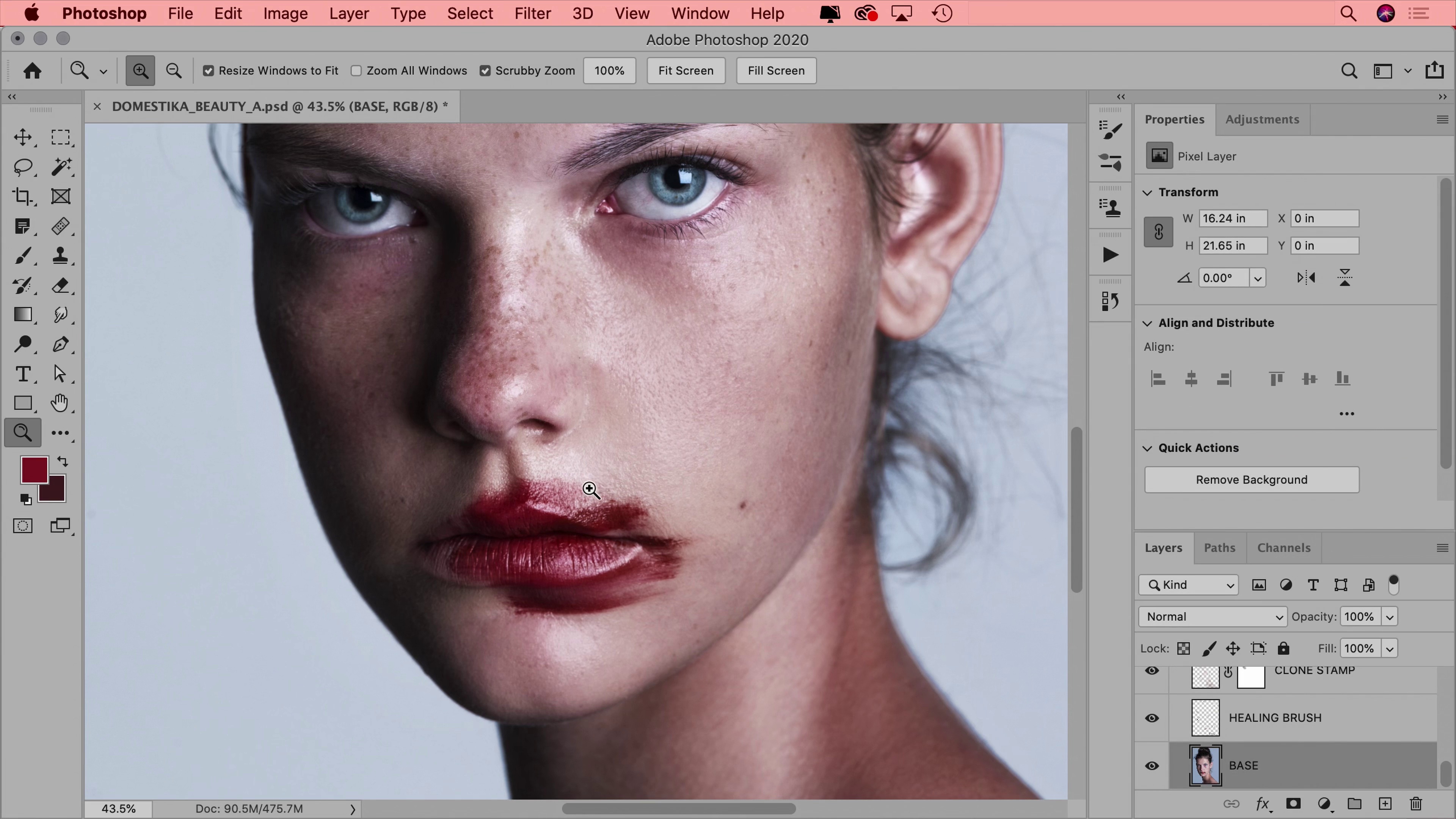
Color Balancing, Light, and Shadows
19 minutes, 17 seconds
What's included in this course?
Embark on an exciting journey into the world of beauty portrait retouching, where you'll master the non-destructive editing workflow that preserves image quality while enhancing aesthetics. Start by setting up Photoshop and learn how to work with RAW files to maintain the highest image fidelity. Dive into a comprehensive approach to analyzing photos, enabling you to define the best editing strategy for each unique portrait. By understanding the intricacies of image treatment, you'll be well-equipped to bring out the natural beauty in your subjects.
Explore foundational retouching techniques designed to clean up minor imperfections and apply subtle enhancements. Discover the art of dodge and burn to create soft lighting effects and enhance depth, all while avoiding over-editing. Gain insights into balancing color, light, and shadows, ensuring a harmonious and polished finish. With these skills, you'll create professional-grade beauty images, enriching your portfolio and enhancing your retouching proficiency. Your final result will showcase a beautifully retouched portrait, reflecting your newfound expertise.
What is this course's project?
Master non-destructive retouching techniques to transform a beauty portrait. Set up Photoshop, import RAW files, and analyze images for strategic editing. Clean imperfections, apply dodge and burn for soft lighting, and achieve perfect color balance, light, and shadows.
Who is this online course for?
Aspiring photographers, designers, and creative professionals eager to master beauty retouching will benefit from this course. Ideal for beginners seeking non-destructive editing techniques to enhance portraits, it equips learners with skills to produce polished, portfolio-ready images.
Requirements and materials
No extensive prior knowledge is required to embark on this beauty retouching journey. Basic necessities include a computer with Adobe Photoshop installed and a RAW image to work with. Participants should have an eagerness to explore creative retouching techniques.

Xi has worked with luxury fashion brands like Chanel, Prada, Alexander Wang, Balenciaga, Calvin Klein, Hermes, Valentino, Bobbi Brown, Vera Wang, and more. Her client list also includes Google, Samsung, Nike, and Adidas, as well as editorials like GQ, Harper’s Bazaar, Vanity Fair, and Vogue.
Content
Guided Course: Beauty Retouching Techniques in Photoshop
- Podcast: Beauty Photography: Between Advertising and Art
- How to Set up Photoshop
- Workflow & File
- Using RAW Files for Photos
- How to Approach an Image
- Image Treatment
- Natural Beauty Retouching Soft Lighting, Dodge and Burn
- Color Balancing, Light, and Shadows
- Final project
What to expect from a Domestika course
Learn at your own pace
Enjoy learning from home without a set schedule and with an easy-to-follow method. You set your own pace.
Learn from the best professionals
Learn valuable methods and techniques explained by top experts in the creative sector.
Meet expert teachers
Each expert teaches what they do best, with clear guidelines, true passion, and professional insight in every lesson.
Certificates
PLUSIf you're a Plus member, get a custom certificate signed by your teacher for every course. Share it on your portfolio, social media, or wherever you like.
Get front-row seats
Videos of the highest quality, so you don't miss a single detail. With unlimited access, you can watch them as many times as you need to perfect your technique.
Share knowledge and ideas
Ask questions, request feedback, or offer solutions. Share your learning experience with other students in the community who are as passionate about creativity as you are.
Connect with a global creative community
The community is home to millions of people from around the world who are curious and passionate about exploring and expressing their creativity.
Watch professionally produced courses
Domestika curates its teacher roster and produces every course in-house to ensure a high-quality online learning experience.
FAQs
Yes, this course is designed for intermediate users who already have basic Photoshop knowledge and want to deepen their photo retouching and workflow skills.
You should have a basic understanding of Photoshop tools and layers, as this course builds on fundamental concepts and focuses on advanced retouching workflows.
You'll learn to set up color spaces, manage RAW files, customize workspaces, perform non-destructive editing, and apply professional retouching techniques to portraits using advanced Photoshop tools.
You can set up a custom workspace by arranging panels and tools as preferred, then go to Window > Workspace > New Workspace to save your layout for future use.
Go to Edit > Color Settings, and under the Workspaces section, set RGB to Adobe RGB. This ensures your new documents use the Adobe RGB color space for better color management.
Adobe RGB has a wider color gamut suitable for print, while sRGB is standard for digital and web images. The course explains when to use each for optimal results.
Go to Edit > Preferences > Performance, then adjust the History States slider to increase the number of undo steps available during editing.