
Vectorial Illustration: more volume and rock and roll
A course by Juan VillamilIllustrator and graphic designer
A course by Juan Villamil, Illustrator and graphic designer

Create powerful illustrations with gradient effects from plain colors
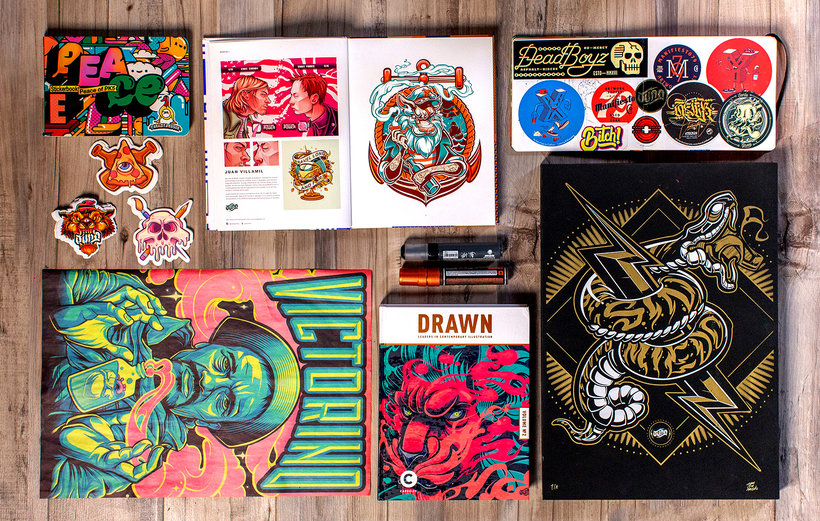
Beyond having perfect strokes, a good vector illustration is one that reflects a unique personality and style, which is only possible if you are inspired by what you really like when illustrating. Juan Villamil, better known as Juan Sin Miedo, is a professional illustrator inspired by rock, urban culture, and street art who has developed a unique style and creates full-volume illustrations for brands such as Decathlon, Bavaria, ExxonMobil, and Procter & Gamble, among others.
Learn to create impressive illustrations with the vector technique to give a unique sensation of volume using flat colors.
What will you learn in this online course?
17 lessons & 15 downloads
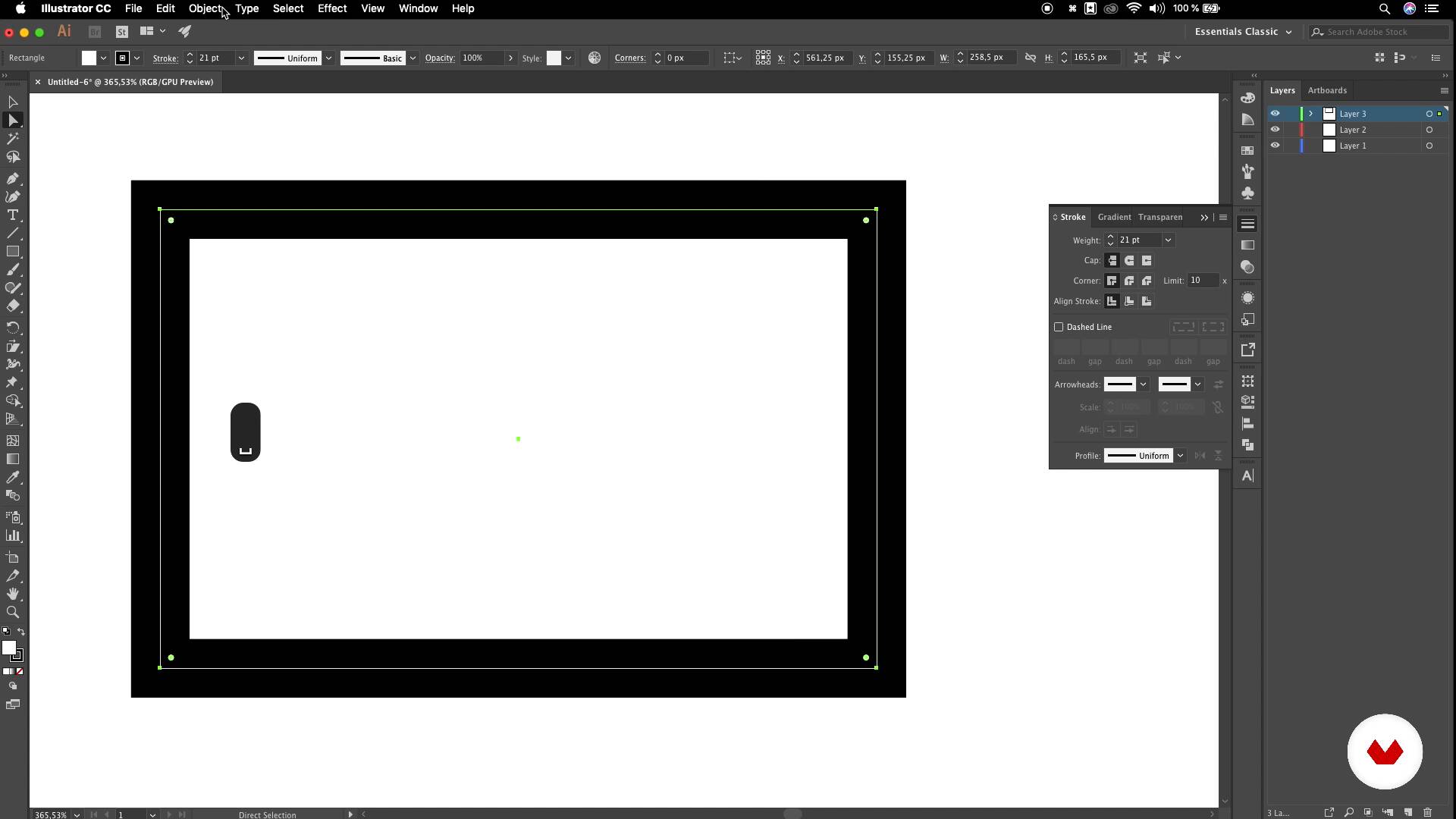
Illustrator interface
8 minutes, 4 seconds
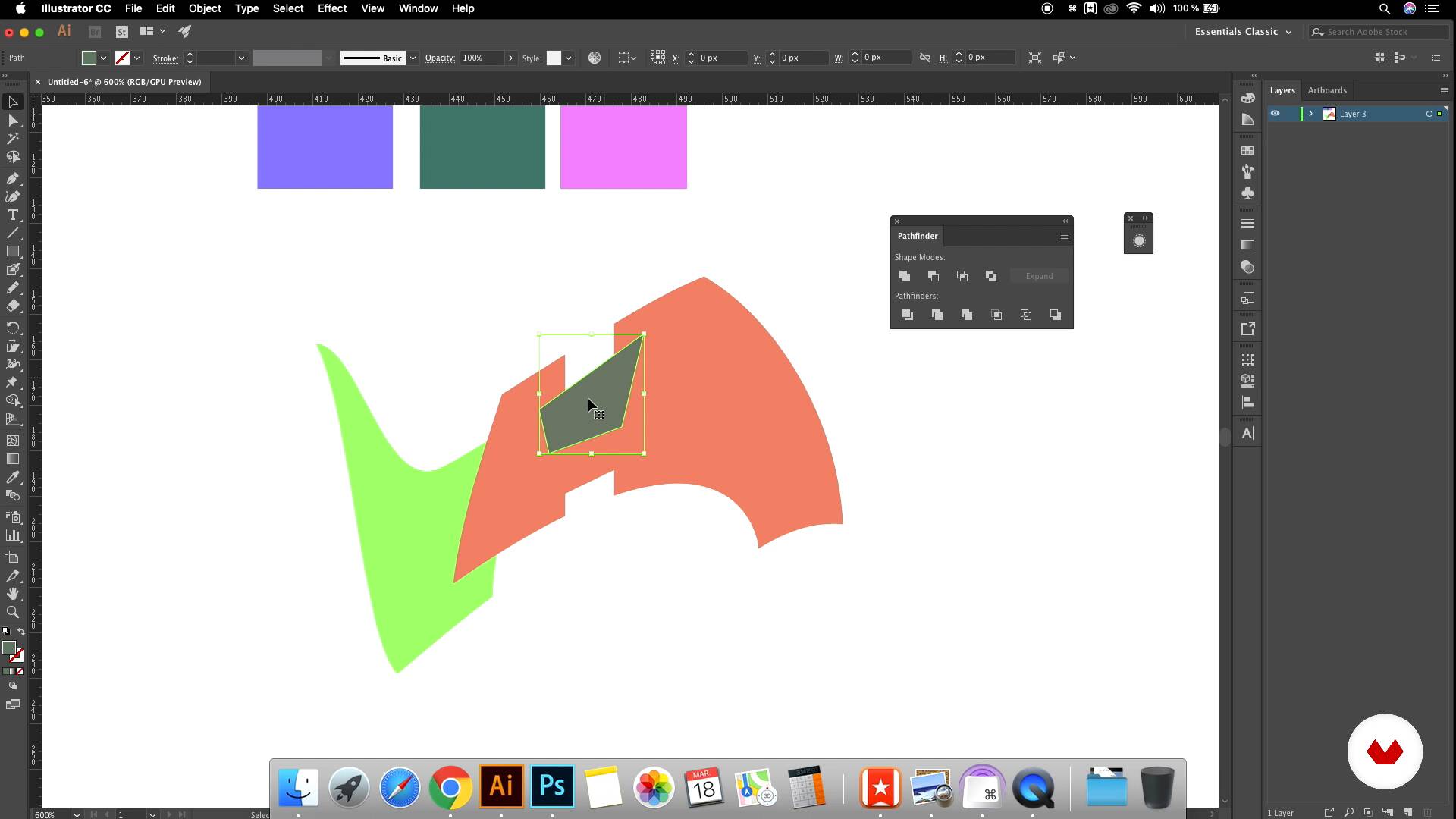
Additional tools
6 minutes, 22 seconds
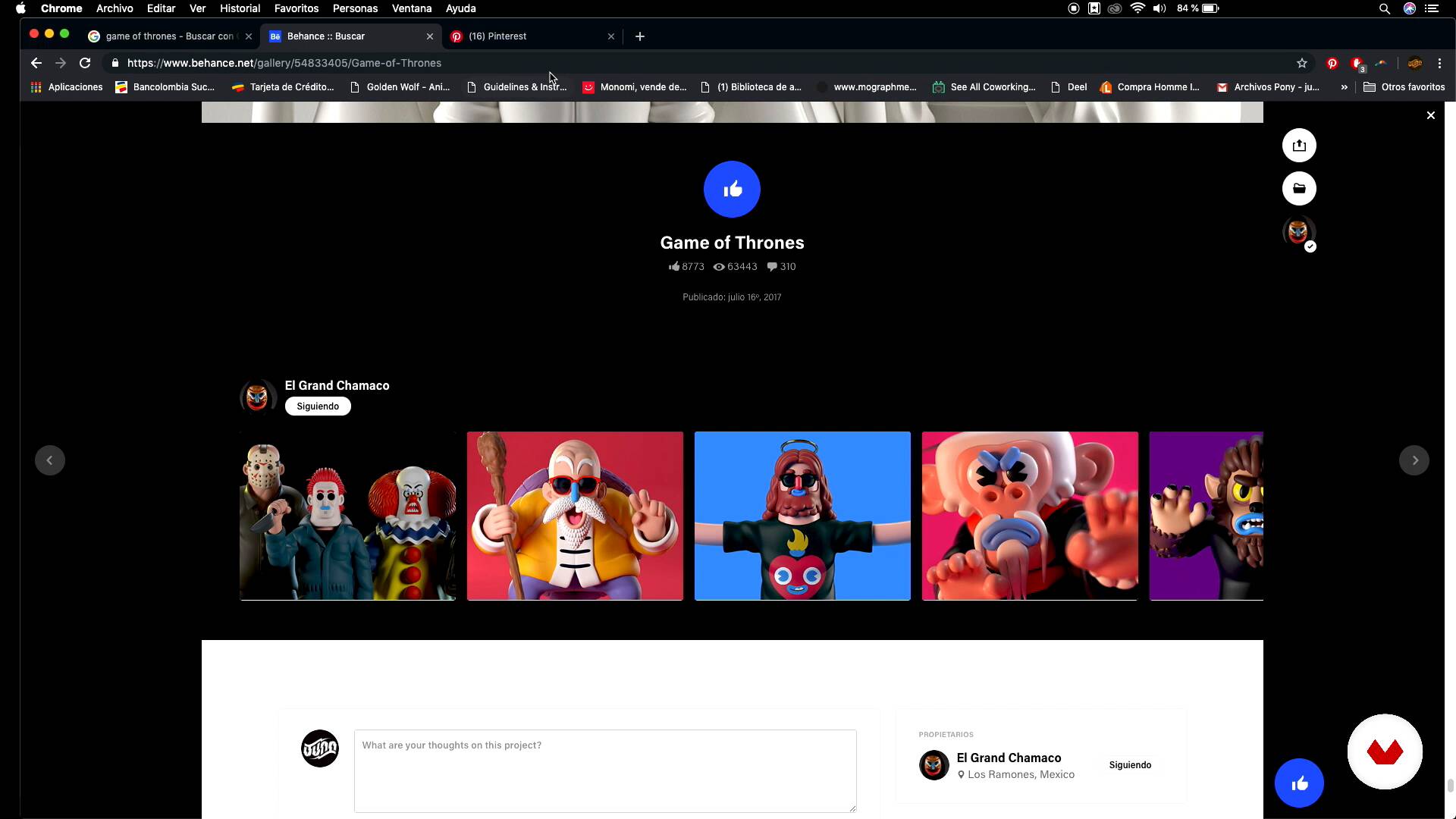
The idea
8 minutes, 25 seconds

Sketch I
10 minutes, 17 seconds
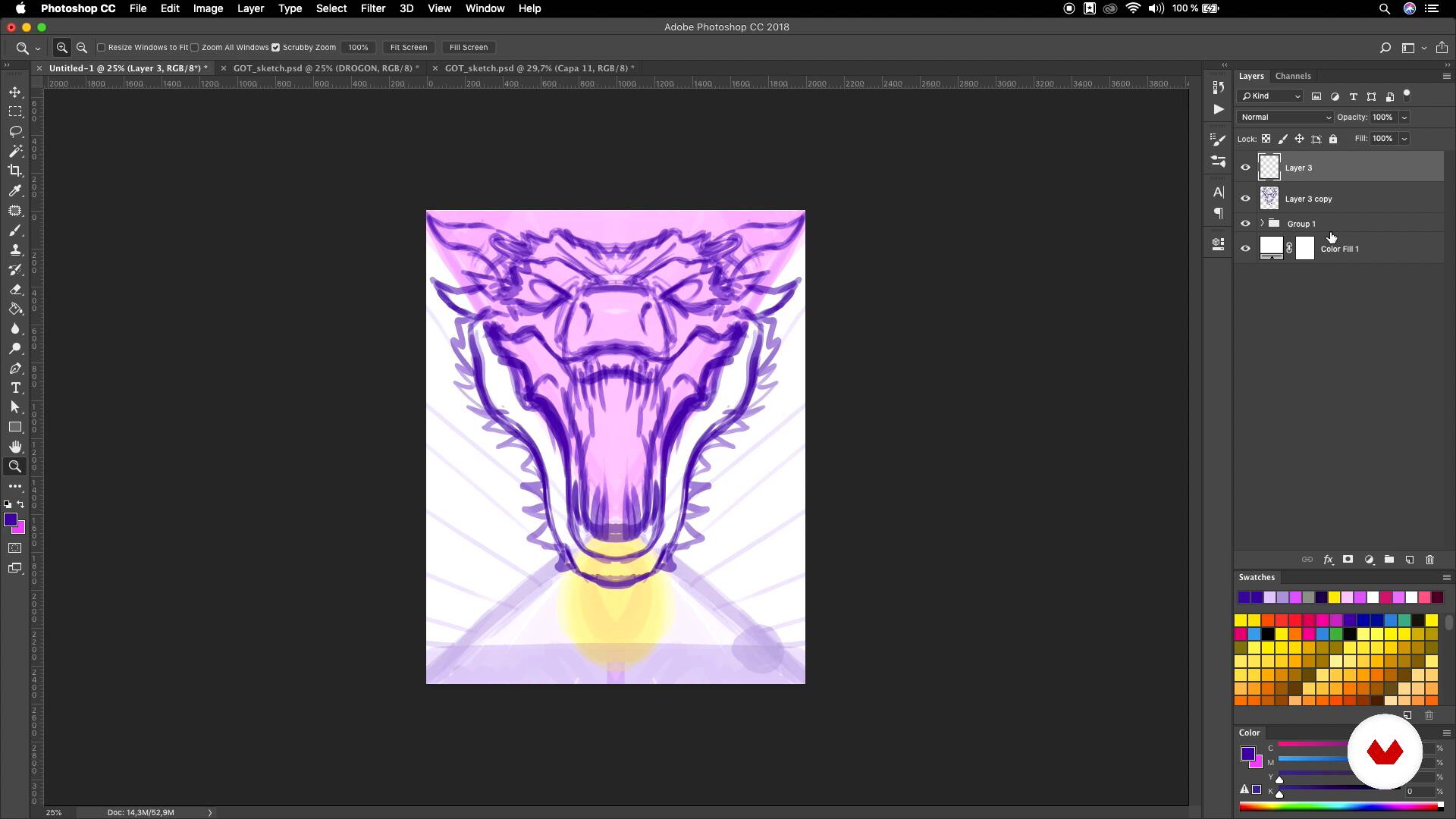
Sketch II
9 minutes, 13 seconds
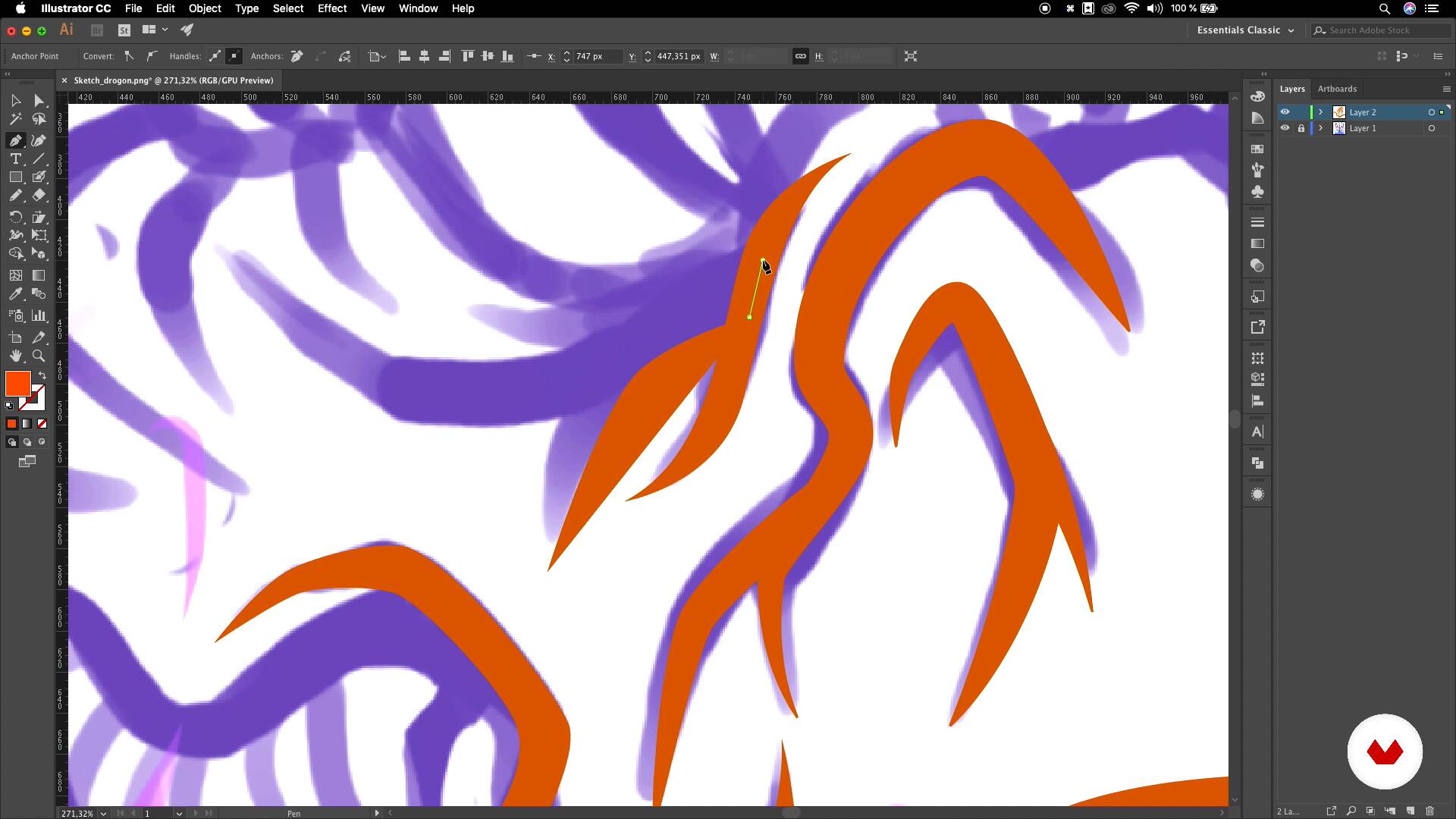
Contour line I
16 minutes, 21 seconds
What's included in this course?
Begin by learning about the work and career of Juan Sin Miedo, who tells you about his passion for music and vector illustration, as well as his main influences.
Briefly review the Adobe Illustrator interface to see the tools, commands, and settings that Juan uses the most to configure his workspace in this software.
Discover how to work optimally with curves, lines, and contours, and see some additional tools to generate very useful effects. Come up with an idea for a piece to create. Juan works on an illustration of his favorite series, but choose the theme that you like the most. Look for references and create a final mood board to make a sketch.
Learn to digitize your sketch to convert it to vectors with the contour-line tool and define a color palette for your piece. Hand in hand with Juan, convert flat colors into volumes, textures, and impressive effects, achieving unique gradients to fill your vector illustration with life.
Finally, include some accessories in your composition and add simple but powerful finishes. Learn the best way to export your illustration based on how you want to use your piece.
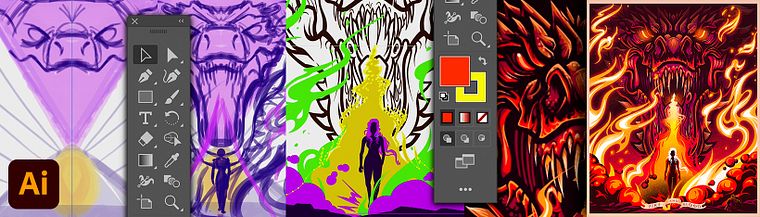
Recommended software & tools for this course
What is this course's project?
The final project consists of creating a poster based on your personal tastes by applying everything learned.
Projects by course students


Who is this online course for?
This course is for anyone interested in learning digital-illustration techniques to enhance their illustrations and polish their style.
Requirements and materials
To take this course, you need basic knowledge of drawing and Adobe Illustrator. Regarding the materials, you need a computer with Illustrator and Photoshop, and it is recommended to have a graphics tablet or mouse (it is not recommended to work with the trackpad).

Reviews
- 5 months ago
¡Buen estilo!
- 10 months ago
ESPECTACULAR.
- 10 months ago
La verdad esta muy bien explicado todo desde el concepto hasta el final, la verdad siempre quise encontrar alguien que lo explicara muy bien a detalle y esta aqui con JUAN VILLAMIL
- mr_ixraPLUS1 year ago
Se explica y transmite muy bien, te enseña diversas técnicas de vectorizar y puedes ver como realiza sus ilustraciones. A mis cursos favoritos directamente.
- 1 year ago
Me volvi a animar a crear gracias a este curso, un crack este man!!! Mas cursos de el Por fa!

He currently works as a freelance illustrator and has collaborated on different commercial projects for local and international brands such as Bavaria, ExxonMobil, P&G, Terpel, Instituto Roosevelt, and Bacanika, among many others.
Content
- U1
Introduction
- Presentation
- References
- U2
Essential aspects
- Illustrator interface
- Curves, lines and contours
- Additional tools
- U3
Illustration
- The idea
- Sketch I
- Sketch II
- Contour line I
- Contour line II
- Base colors
- Lights and shadows I
- Lights and shadows II
- Lights and shadows III
- U4
Ending
- Complementary elements
- Finishes and textures
- Export
- FP
Final project
- Gradient effects using flat colors
What to expect from a Domestika course
Learn at your own pace
Enjoy learning from home without a set schedule and with an easy-to-follow method. You set your own pace.
Learn from the best professionals
Learn valuable methods and techniques explained by top experts in the creative sector.
Meet expert teachers
Each expert teaches what they do best, with clear guidelines, true passion, and professional insight in every lesson.
Certificates
PLUSIf you're a Plus member, get a custom certificate signed by your teacher for every course. Share it on your portfolio, social media, or wherever you like.
Get front-row seats
Videos of the highest quality, so you don't miss a single detail. With unlimited access, you can watch them as many times as you need to perfect your technique.
Share knowledge and ideas
Ask questions, request feedback, or offer solutions. Share your learning experience with other students in the community who are as passionate about creativity as you are.
Connect with a global creative community
The community is home to millions of people from around the world who are curious and passionate about exploring and expressing their creativity.
Watch professionally produced courses
Domestika curates its teacher roster and produces every course in-house to ensure a high-quality online learning experience.
FAQs
You’ll learn how to create professional vector illustrations from initial sketch to final polish, applying advanced techniques in vectorizing, color management, volume, textures, and file exporting, while incorporating references and customizing your workspace.
This course is aimed at people with intermediate skills; basic experience in drawing and digital interfaces like Illustrator is recommended to get the most out of the content.
You’ll need Adobe Illustrator and Photoshop installed, a graphics tablet to take advantage of pressure sensitivity, and internet access to find references and create digital moodboards.
Yes, you’ll learn how to select and organize color palettes, apply lighting, shadows, and gradients to add volume and professional depth to your vector illustrations.
The course teaches how to use the Outline Stroke tool and the Blend tool to combine, merge, and create complex shapes, patterns, and custom silhouettes in your illustrated projects.
Yes, the course covers the full process: from gathering references and moodboards, digital sketching, line cleanup, to detailed vectorization, ensuring clean, editable results.
Yes, you’ll learn how to choose formats, optimize resolution and file size, and export illustrations from Illustrator and Photoshop for various professional uses.