Guided Course: Create Fantastic Universes
A course by CharlötteGraphic Designer and Illustrator
A course by Charlötte, Graphic Designer and Illustrator

Create fantastic digital illustrations with your own style by exploring composition, color, and texture techniques in Illustrator.
Discover the magic of creating fantastical universes with digital illustrations that reflect your unique style. Learn to find inspiration in imaginary worlds and develop compelling visual compositions. Master the art of precise tracing in Illustrator and bring your creations to life with vibrant colors, immersive textures, and nuances that add depth. Throughout the process, you'll explore creative digital techniques that will allow you to build a visual universe that showcases your artistic personality.
From the initial sketch to the final touches, each step will bring you closer to creating a unique and detailed illustration, ready to be added to your portfolio or shared with the world. Discover how to adjust contrasts and details to enhance your visual signature, while watching a timelapse of the entire creative process. Dare to design a universe where imagination knows no bounds, combining technique, creativity, and a personal touch that will make your work stand out.
What will you learn in this online course?
8 lessons & 11 downloads
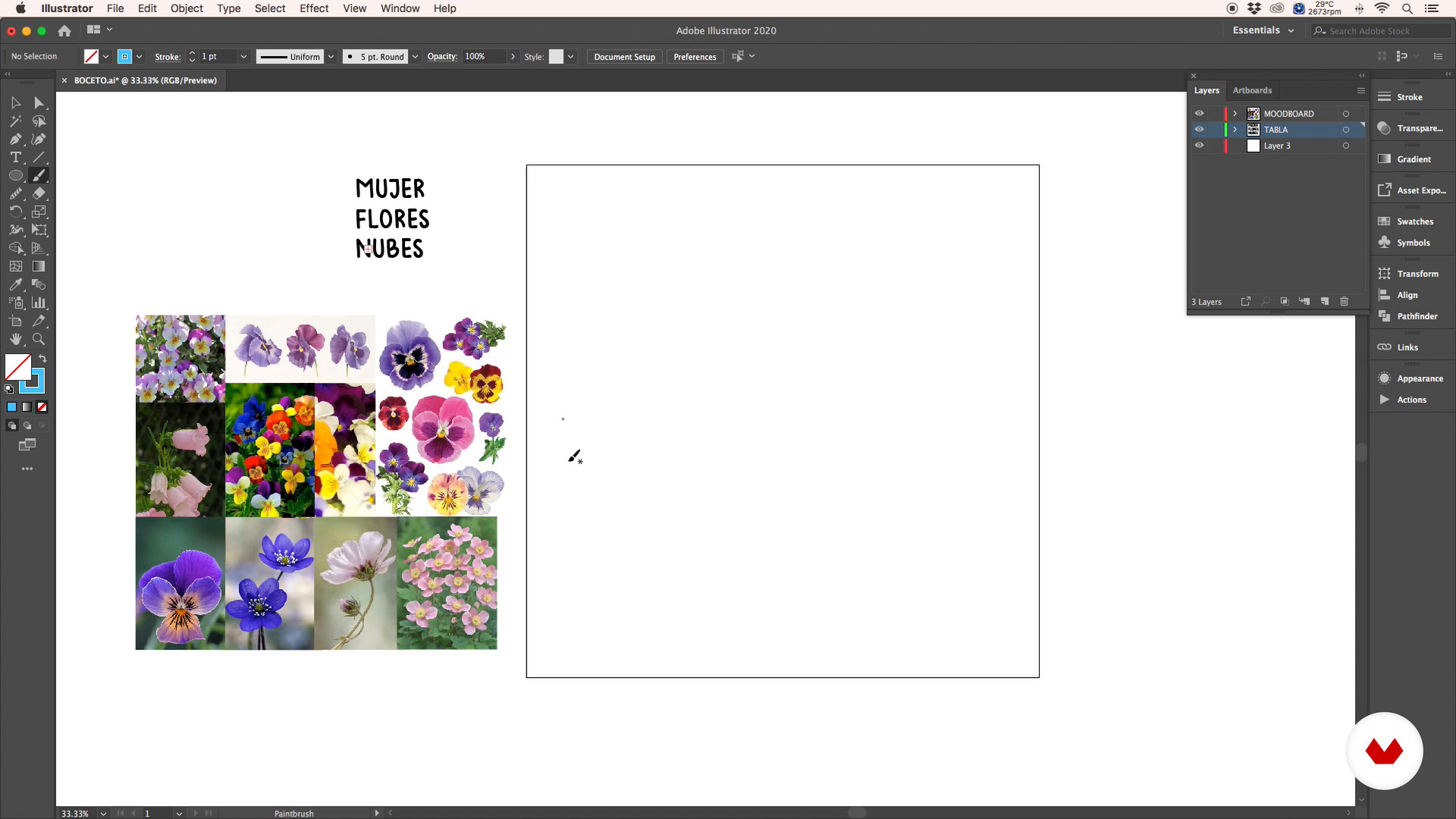
Composition and sketch
10 minutes, 53 seconds
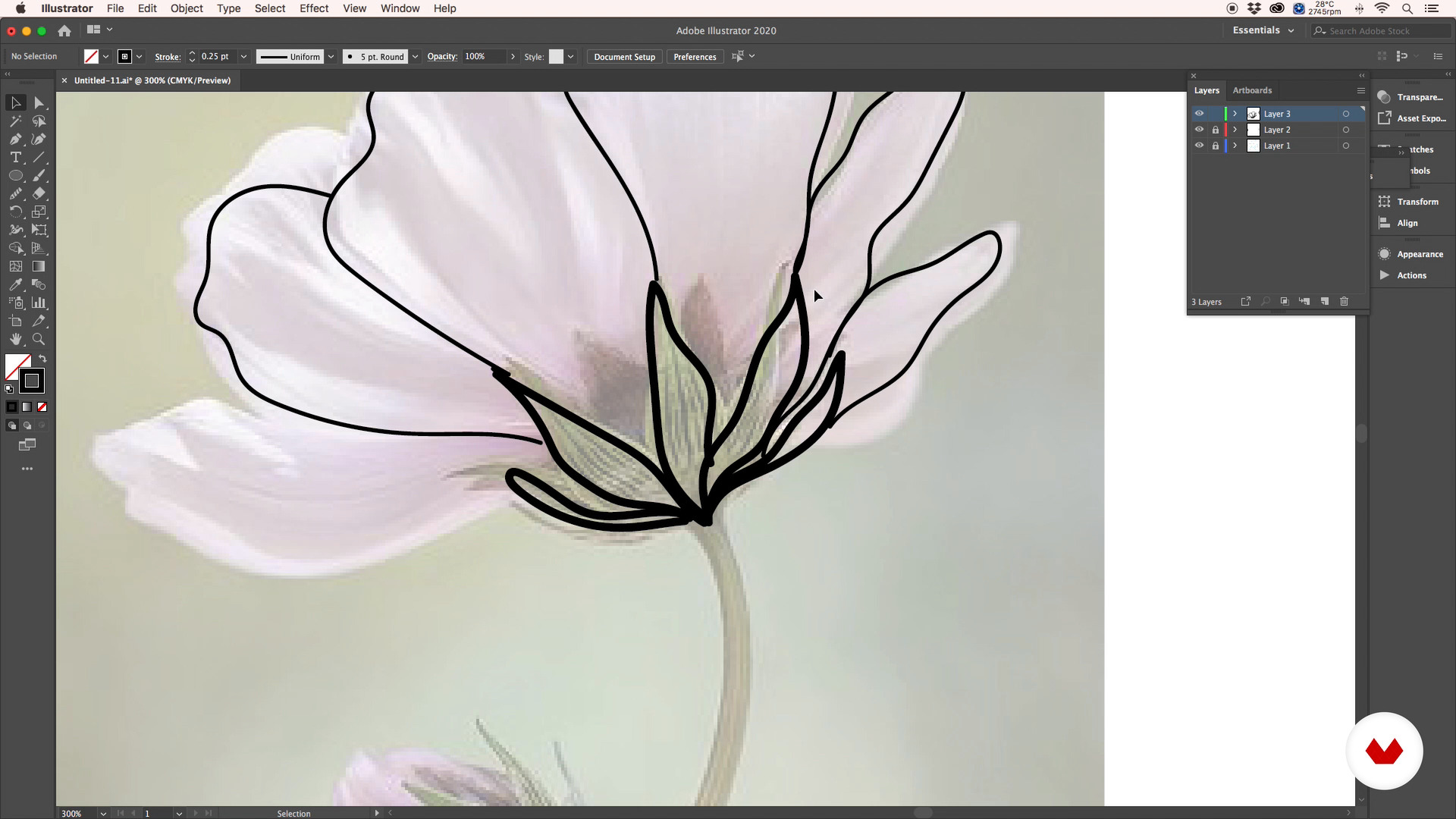
Strokes in Illustrator
20 minutes, 1 second
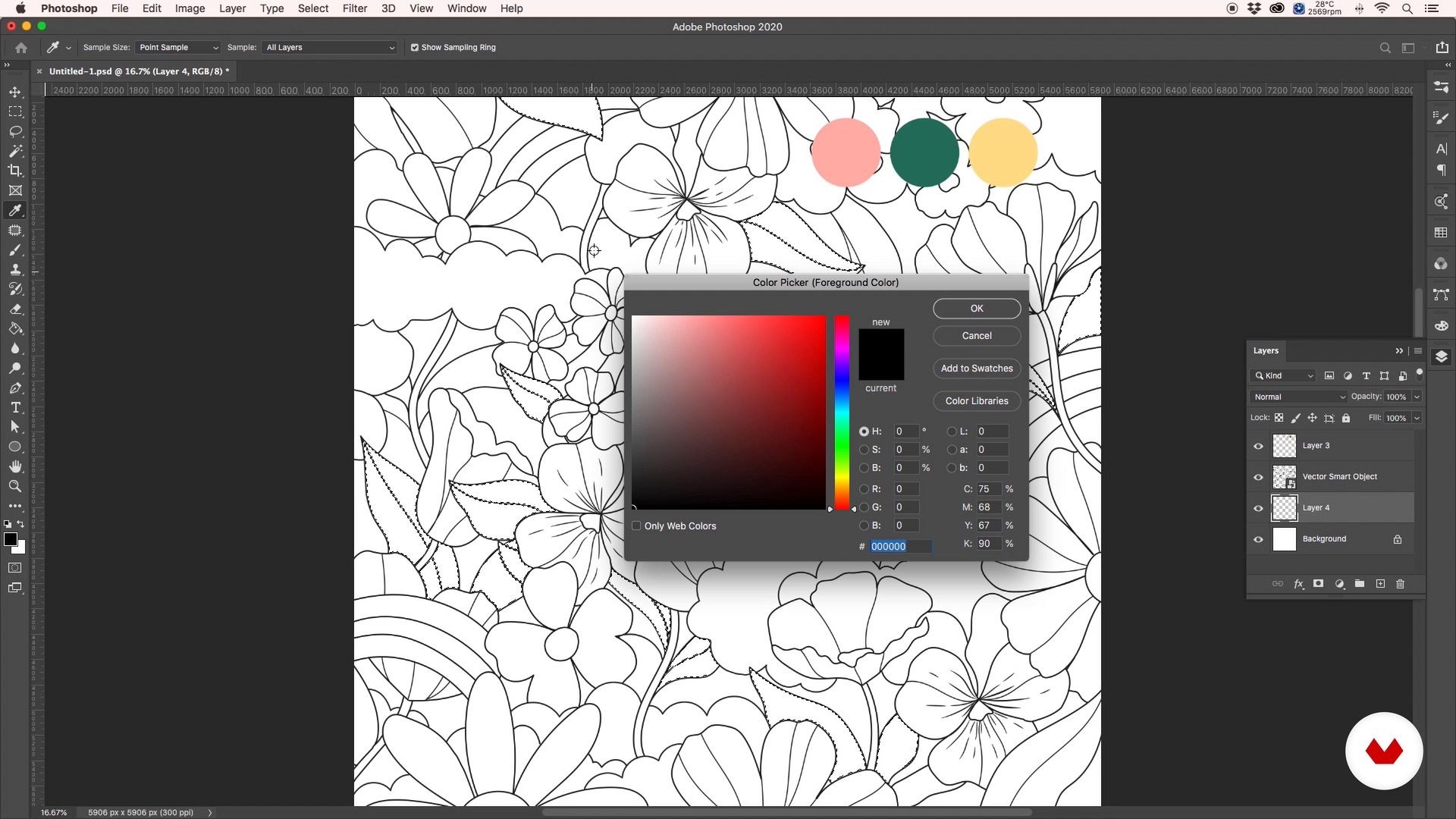
Base colors
10 minutes, 38 seconds
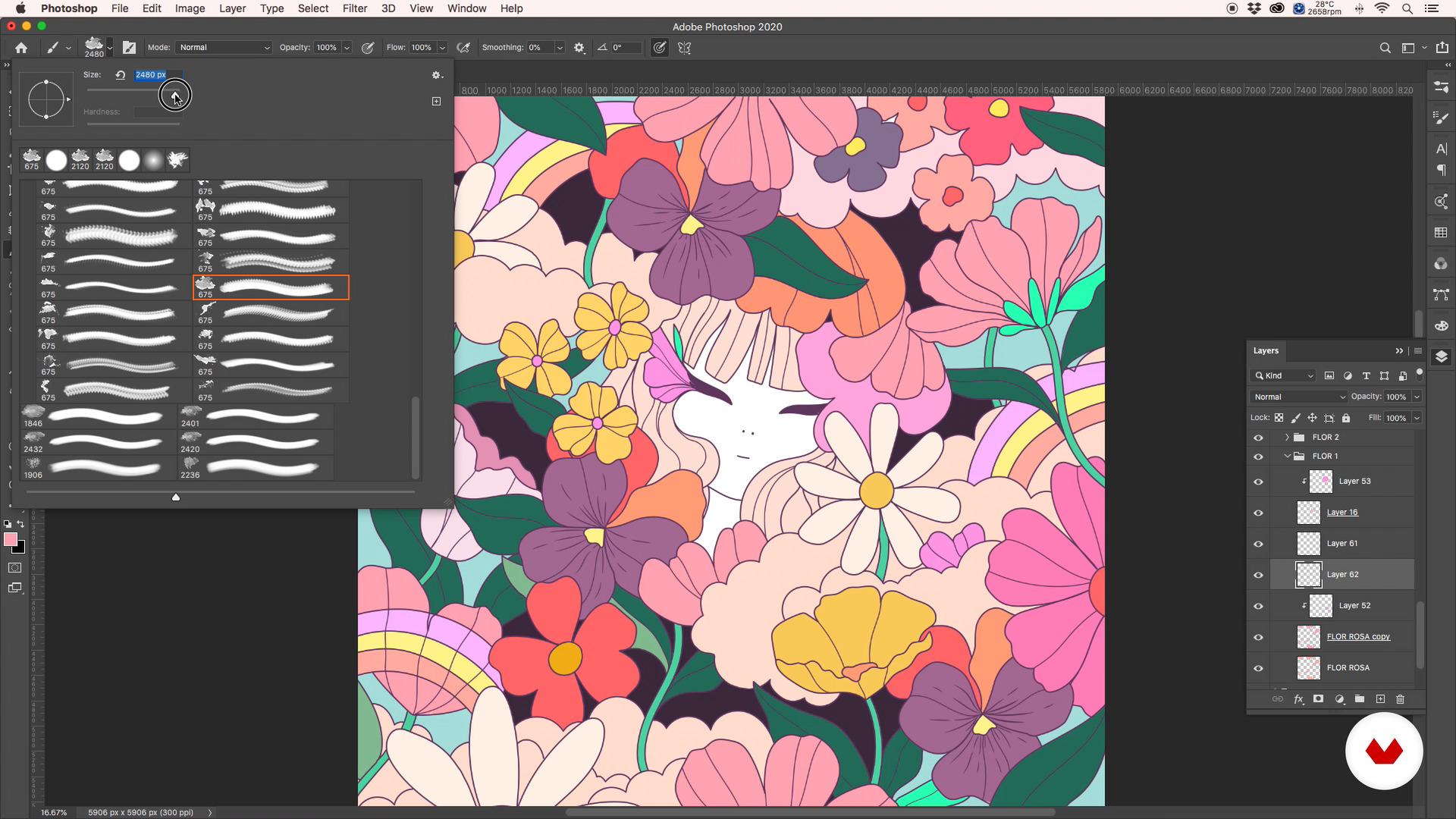
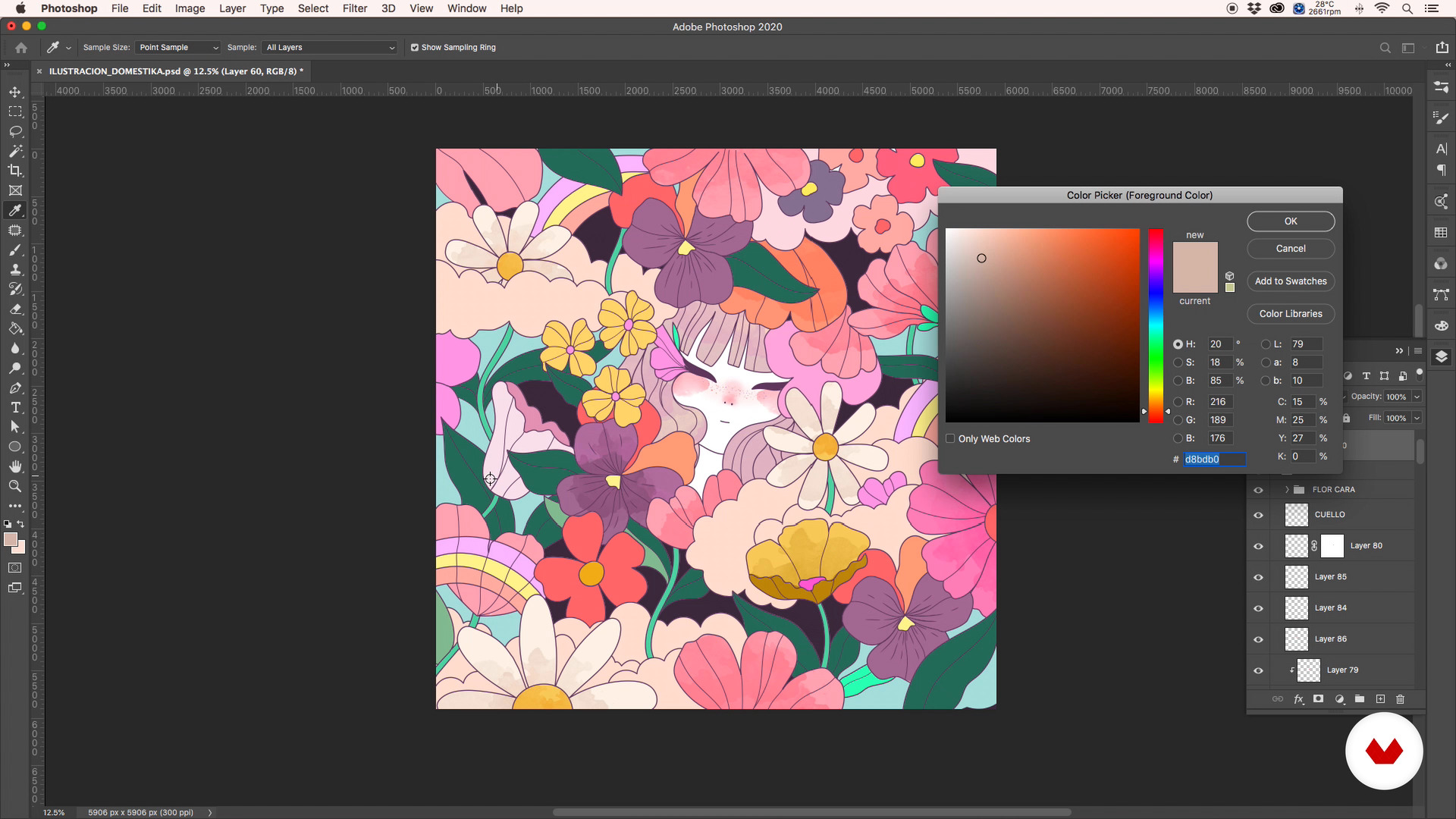
Color nuances, spots and textures
13 minutes, 43 seconds
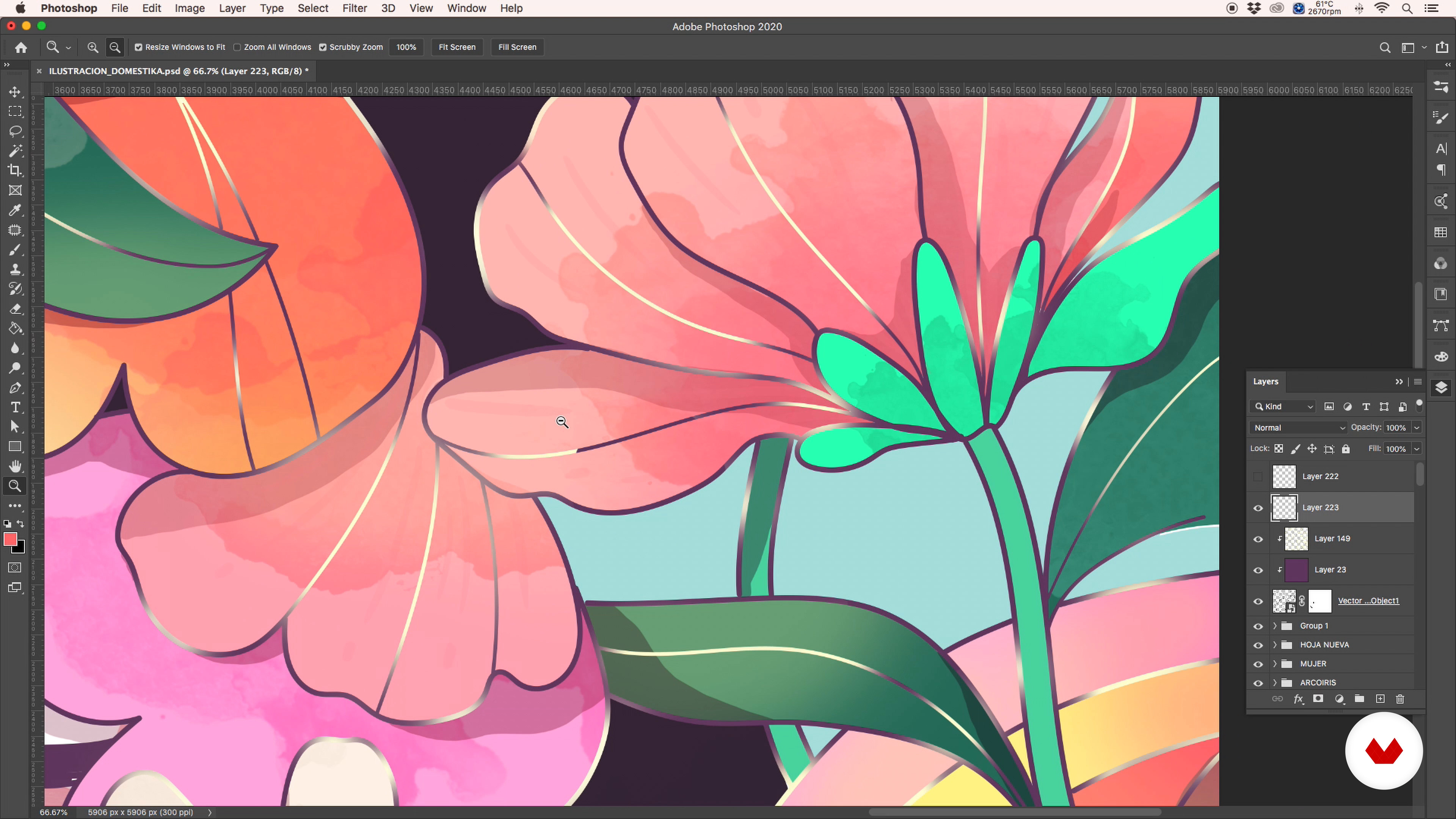
Final touches
17 minutes, 59 seconds
To know more: timelapse of my creative process
17 minutes, 9 seconds
What's included in this course?
You'll learn to create fantastic illustrations that reflect your personal style, starting by discovering sources of inspiration in imaginary worlds. You'll explore how to build a unique visual narrative by identifying symbols and references that spark your creativity. As you progress, you'll develop skills to compose and sketch compelling scenes, accurately digitizing your strokes in Illustrator. This phase will provide you with a solid foundation for structuring your creations with a color palette that captures the emotional essence of your worlds.
Subsequently, you'll delve into the use of color variations, textures, and nuances to add depth and character to your illustrations. You'll learn to apply light, shadow, and detail to enrich your work, making it more immersive and expressive. Finally, you'll make adjustments to reinforce your visual signature, ensuring that each piece has coherence and strength. Throughout the process, you'll be provided with additional content that will allow you to observe how creativity materializes from the first stroke to the last detail, thus consolidating your unique visual language.
What is this course's project?
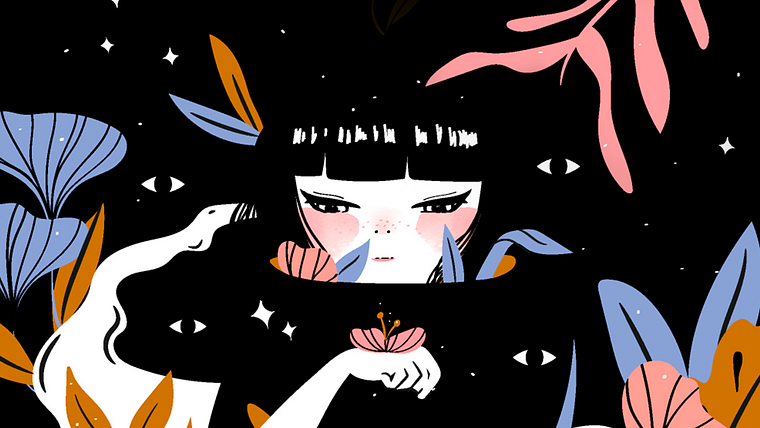
The project culminates in the creation of a unique digital illustration that represents a personal fantasy universe. Students will explore inspiration, develop a composition, define lines and colors, and enhance their work with textures and details, thus consolidating their visual style.
Who is this online course for?
Illustrators, designers, and digital artists interested in creating unique imaginary worlds will find valuable techniques in this course. Ideal for those who want to develop a personal style and explore new creative horizons in fantasy illustration.
Requirements and materials
No in-depth prior knowledge is required, but basic Illustrator skills and a computer with the software installed are essential. Paper and pencil are also needed to sketch out ideas before digitizing them.
Reviews
- 7 months ago
Muy bonito el curso guiado, lo recomiendo.
- 9 months ago
This course is easy to understand how to make digital painting
- 10 months ago
I love her style and would like to draw something cute like hers. I am on my way.
- 11 months ago
Este curso es realmente hermoso, aprendí mucho.

Through her work, she has also developed a signature illustration style that combines hand painting with watercolors and digital tools. Her main sources of inspiration are the female figure, colors, and the organic lines found in nature. Throughout her career, she has collaborated with big-name brands including Shake Shack, Nespresso, Glenmorangie, Halls, adidas, Warner Brothers, DC, and Marc Jacobs.
Content
Guided Course: Create Fantastic Universes
- Podcast: Personal Mythologies
- How to find the magic
- Composition and sketch
- Strokes in Illustrator
- Base colors
- Color nuances, spots and textures
- Final touches
- To know more: timelapse of my creative process
- Final project
What to expect from a Domestika course
Learn at your own pace
Enjoy learning from home without a set schedule and with an easy-to-follow method. You set your own pace.
Learn from the best professionals
Learn valuable methods and techniques explained by top experts in the creative sector.
Meet expert teachers
Each expert teaches what they do best, with clear guidelines, true passion, and professional insight in every lesson.
Certificates
PLUSIf you're a Plus member, get a custom certificate signed by your teacher for every course. Share it on your portfolio, social media, or wherever you like.
Get front-row seats
Videos of the highest quality, so you don't miss a single detail. With unlimited access, you can watch them as many times as you need to perfect your technique.
Share knowledge and ideas
Ask questions, request feedback, or offer solutions. Share your learning experience with other students in the community who are as passionate about creativity as you are.
Connect with a global creative community
The community is home to millions of people from around the world who are curious and passionate about exploring and expressing their creativity.
Watch professionally produced courses
Domestika curates its teacher roster and produces every course in-house to ensure a high-quality online learning experience.
FAQs
You’ll learn how to develop ideas, create moodboards, sketch compositions, define graphic styles, and apply techniques in Illustrator and Photoshop to craft digital illustrations with your own narrative and style.
The course is geared toward intermediate learners; it’s perfect if you already have basic illustration skills and know your way around digital tools like Illustrator and Photoshop.
You’ll need a computer with Adobe Illustrator and Photoshop installed, an optional graphics tablet, internet access, and accounts on platforms like Pinterest for gathering visual references.
You’ll learn how to collect reference images on platforms like Pinterest to build a moodboard that inspires and guides the look and feel of your creative project.
The course teaches you how to pick colors that convey the right mood and message, blending color theory with visual references to create a harmonious and expressive composition.
You’ll work on sketches using basic shapes, arranging elements, establishing visual hierarchy, and balancing graphic weight to plan and structure complex illustrations.
Yes, you’ll see how to create and tweak custom brushes in both programs to achieve different textures, effects, and styles in your digital artwork.