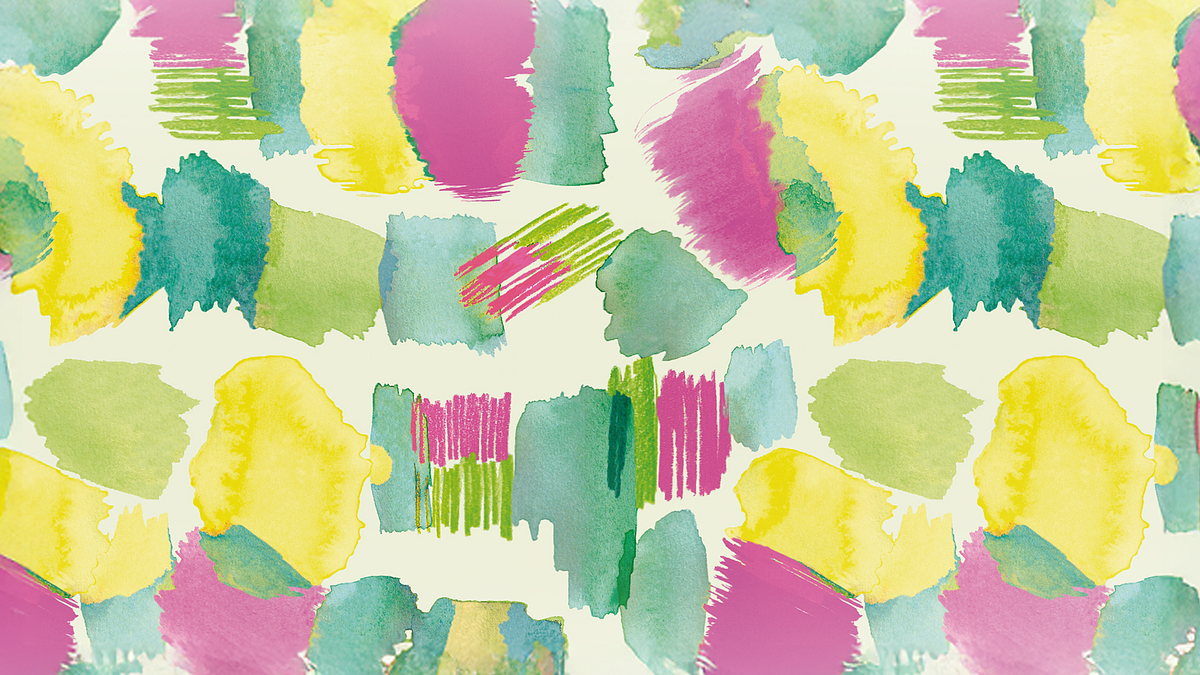
Guided course: Create a repetitive pattern from your illustrations
A course by Mónica Muñoz HernándezTextile and Surface Pattern Designer
A course by Mónica Muñoz Hernández, Textile and Surface Pattern Designer

Guided Course Description
In this guided course you will learn by Moniquilla how to create a repetitive motive from your own illustrations made with watercolors, markers or waxes. Throughout the project, you will focus on bringing your drawings from paper to the digital world, cleaning and preparing the images, giving them color and, finally, riding your final pattern ready to apply on any surface. The approach is 100% practical, from the creation of sketches to the preparation of a professional mockup.
What will you learn in this online course?
10 lessons & 8 downloads
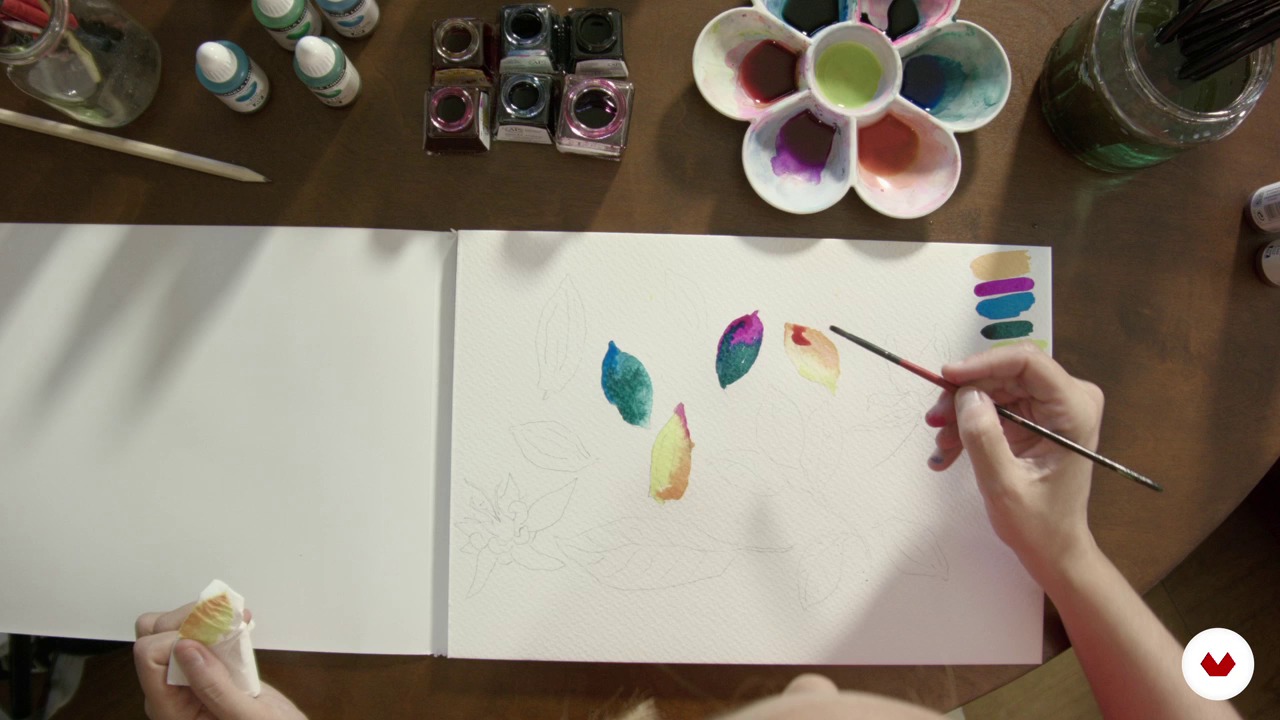
Drawings and scribbles
18 minutes, 10 seconds
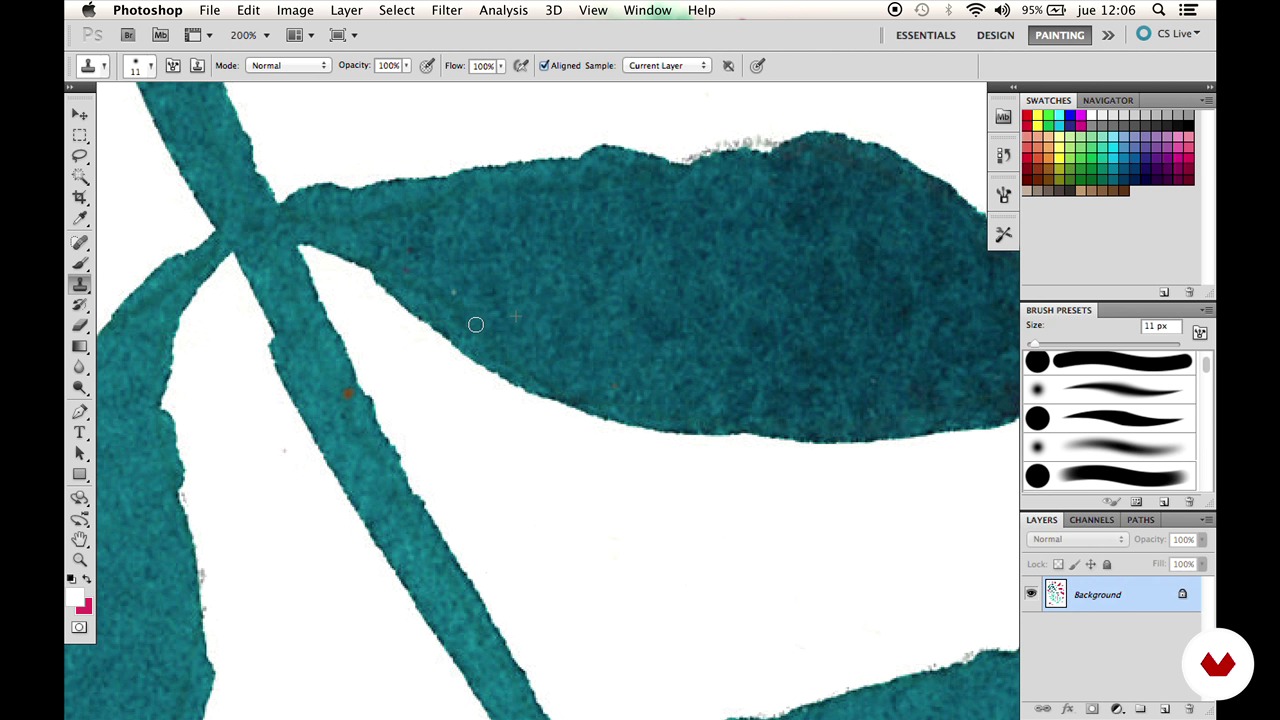
Cleaning 1
6 minutes, 1 second
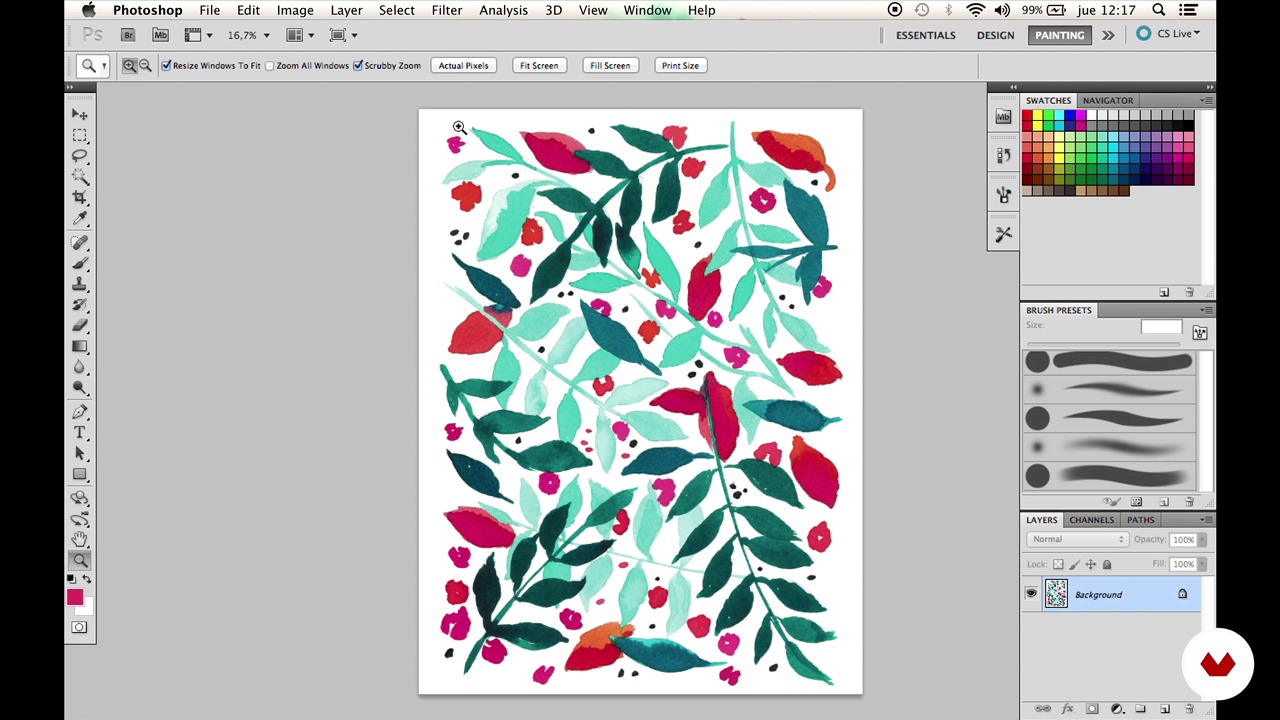
Cleaning 2
4 minutes, 13 seconds
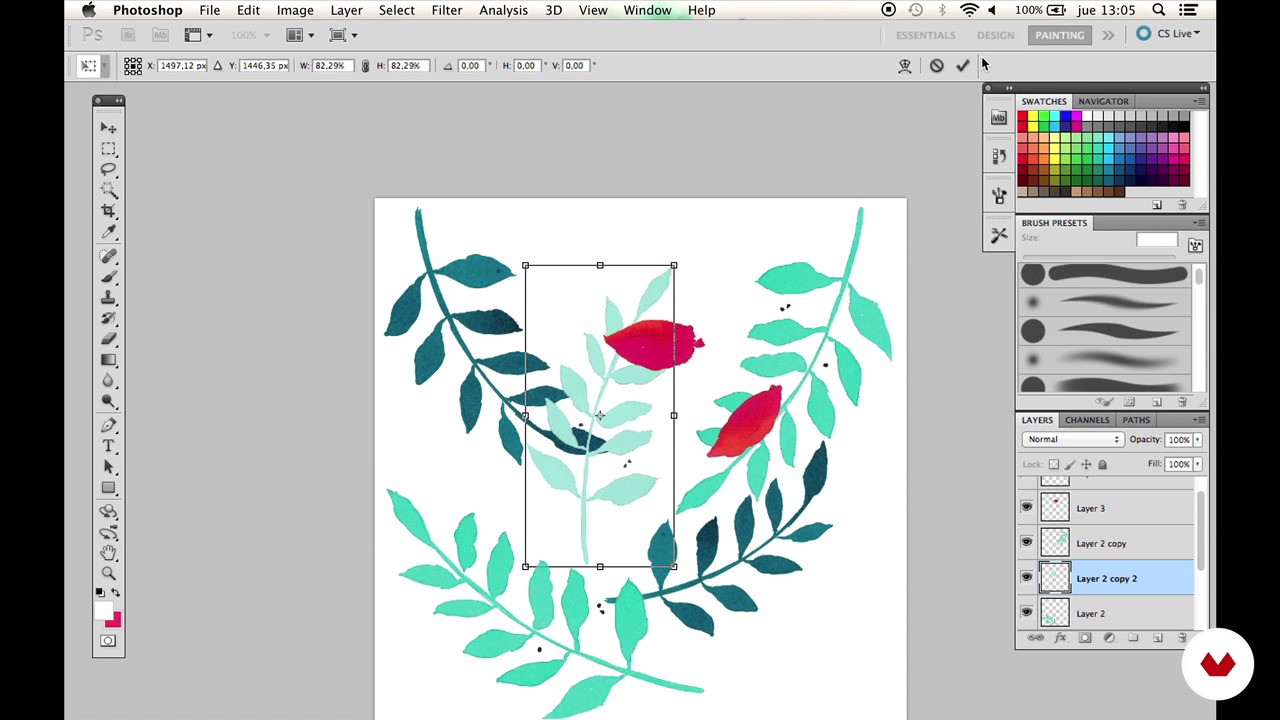
Composition
12 minutes, 12 seconds
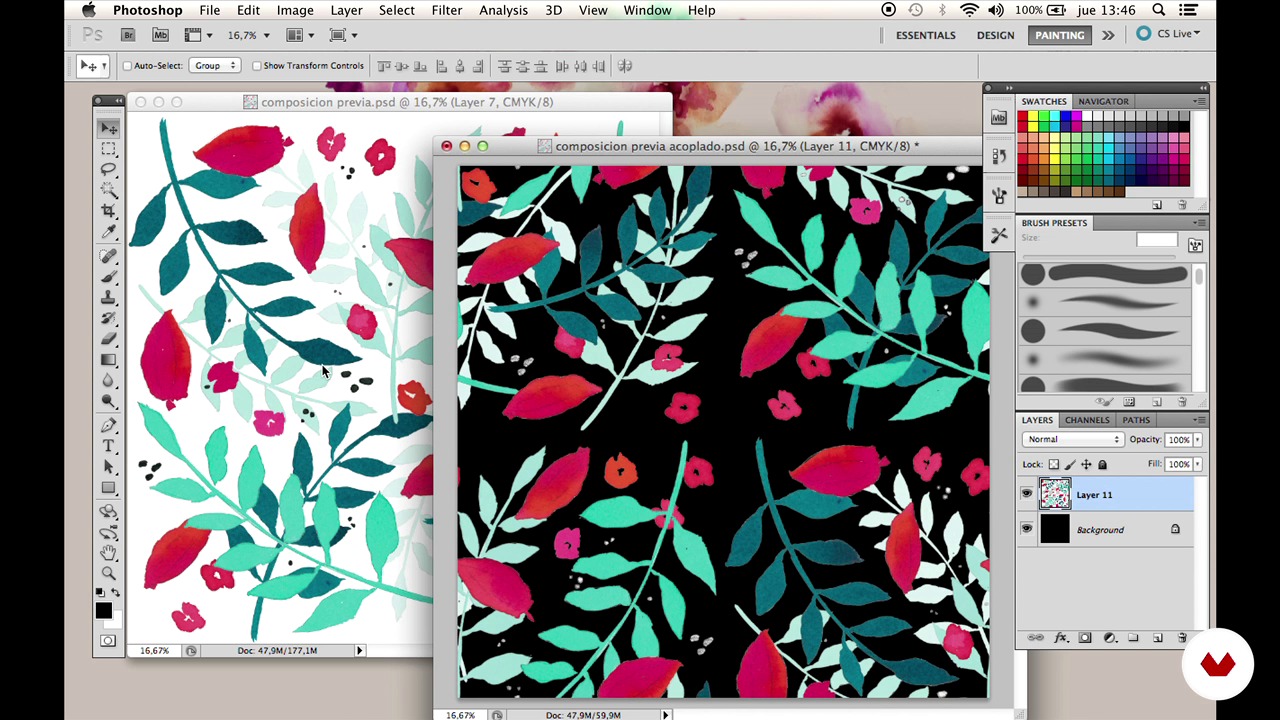
Rapport 1
13 minutes, 0 seconds
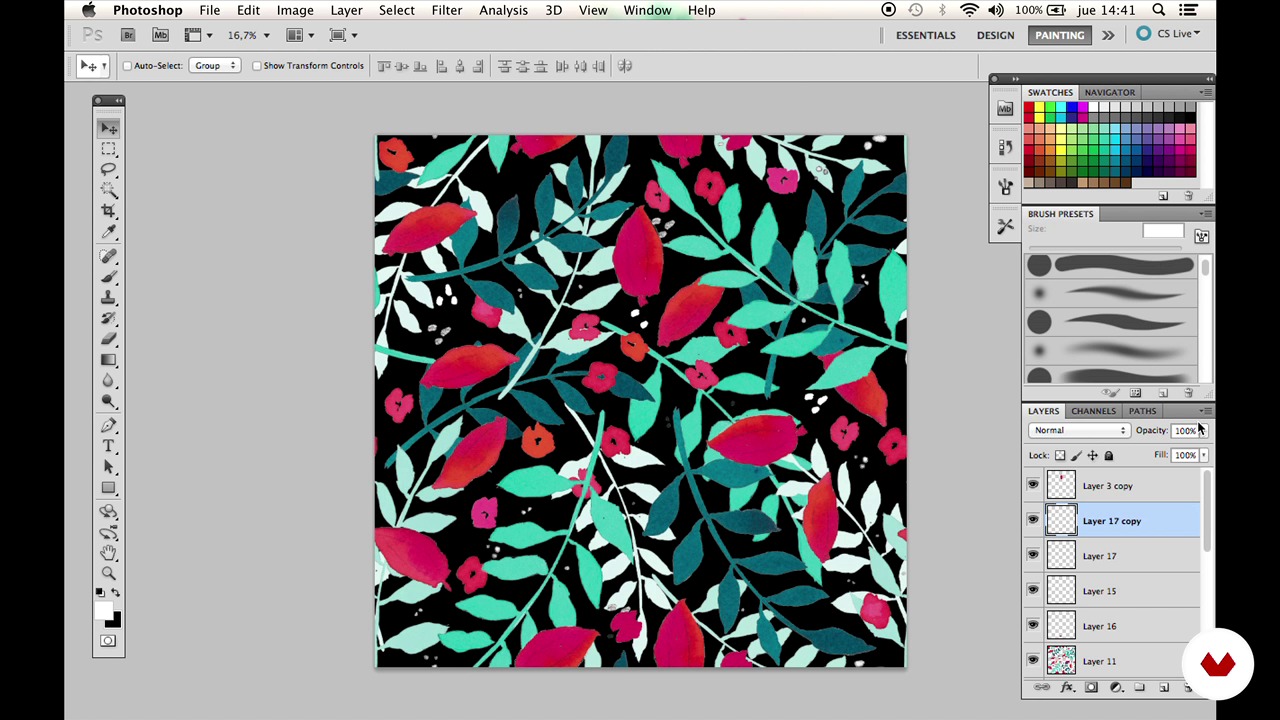
Raport 2
10 minutes, 53 seconds
What's included in this course?
You'll learn to create a unique repeating pattern starting from your own illustrations made with watercolors, markers, or crayons. From selecting materials to creating sketches, each step will guide you in bringing your drawings from paper to the digital world. You'll discover how to use digital tools to clean and prepare your images, experiment with color modification techniques, and creatively adapt your palette. Digitizing your illustrations will open up new possibilities for transforming your ideas into visually appealing patterns.
You'll delve into the process of composing and creating a repeating pattern, ensuring seamless and fluid repetition in your designs. You'll also learn to present your motifs applied to different products or surfaces, creating mockups that allow you to visualize their final application. By the end, you'll have developed a practical and versatile skill that will enable you to explore your own ideas and create unique designs that reflect your personal style. This knowledge will allow you not only to refine your techniques but also to enjoy a creative process that is both meditative and rewarding.
Recommended software & tools for this course
What is this course's project?
You'll learn to create a repeating pattern from your own illustrations, using watercolors, markers, or crayons. Digitize, clean, and color your drawings, and create a pattern ready to apply to different surfaces and products.
Who is this online course for?
Artists, illustrators, and creatives looking to transform their illustrations into digital repeating patterns. Individuals interested in exploring techniques for digitizing, cleaning, and composing patterns. Ideal for those who wish to apply their designs to visual products and mockups.
Requirements and materials
This course doesn't require extensive prior knowledge, but basic drawing skills and Photoshop proficiency are necessary. You'll need watercolors, markers or crayons, good quality paper, a scanner, and a computer with access to editing software.

She splits her time between commissions for brands and working on Moniquilla, her own brand and online store where she designs and produces printed accessories and special limited edition pieces.
Content
Guided course: Create a repetitive pattern from your illustrations
- Podcast: Reasons to repeat
- Materials
- Drawings and scribbles
- Cleaning 1
- Cleaning 2
- Composition
- Rapport 1
- Raport 2
- The reason
- Mockup
- Final project
What to expect from a Domestika course
Learn at your own pace
Enjoy learning from home without a set schedule and with an easy-to-follow method. You set your own pace.
Learn from the best professionals
Learn valuable methods and techniques explained by top experts in the creative sector.
Meet expert teachers
Each expert teaches what they do best, with clear guidelines, true passion, and professional insight in every lesson.
Certificates
PLUSIf you're a Plus member, get a custom certificate signed by your teacher for every course. Share it on your portfolio, social media, or wherever you like.
Get front-row seats
Videos of the highest quality, so you don't miss a single detail. With unlimited access, you can watch them as many times as you need to perfect your technique.
Share knowledge and ideas
Ask questions, request feedback, or offer solutions. Share your learning experience with other students in the community who are as passionate about creativity as you are.
Connect with a global creative community
The community is home to millions of people from around the world who are curious and passionate about exploring and expressing their creativity.
Watch professionally produced courses
Domestika curates its teacher roster and produces every course in-house to ensure a high-quality online learning experience.
FAQs
You’ll learn how to create botanical illustrations using mixed media (watercolor, ink, markers), digitize and clean them up in Photoshop, and turn them into seamless repeating patterns ready for print or packaging mockups.
This is an intermediate-level course, perfect for those with basic illustration or Photoshop skills who want to deepen their knowledge of mixed techniques and digital pattern creation.
You’ll need watercolor paper, markers, pencils, watercolors, India ink, wax crayons, a scanner or camera, and access to Photoshop for the digital work.
You’ll learn how to blend colors starting with light tones, layering darker shades, and using just the right amount of water with watercolors to achieve transparency and smooth gradients.
The course covers tools like the clone stamp, healing brush, white brush, and level adjustments to remove spots, unwanted backgrounds, dirt, and to enhance contrast and color in your illustrations.
Yes, you’ll learn how to turn your illustrations into motifs and create seamless rapport patterns without visible lines using Photoshop tools like Offset, layer duplication, and color adjustments.
It’s recommended to use thick, porous watercolor paper (over 200gsm, preferably cotton) and smooth, less porous paper for markers (around 70gsm) to get the best results.