Animated collages with Artificial Intelligence, Photoshop and After Effects
A course by Darwin PachecoDesigner and Animator
A course by Darwin Pacheco, Designer and Animator

Create unique animated collages with artificial intelligence using Photoshop and After Effects for digital creative projects
Discover how to create unique animated collages using artificial intelligence and digital tools. Learn to generate innovative images with AI models that facilitate the design process. Experiment with different styles and textures to bring your creative ideas to life. From creating images on platforms like Freepik to editing them in Photoshop, this course will guide you step by step. Develop skills in cropping, enhancing resolutions, and applying visual effects that will make your compositions more attractive.
Take your projects to the next level by animating your collages in After Effects. Learn techniques for adding movement and depth, creating attention-grabbing animations. Explore concepts like using layers and masks to enhance your work. Throughout the course, you'll receive practical tips for organizing your resources and optimizing your workflow. Transform your ideas into reality and leverage digital tools to create stunning animations that you can apply to a variety of future projects.
What will you learn in this online course?
11 lessons & 1 download
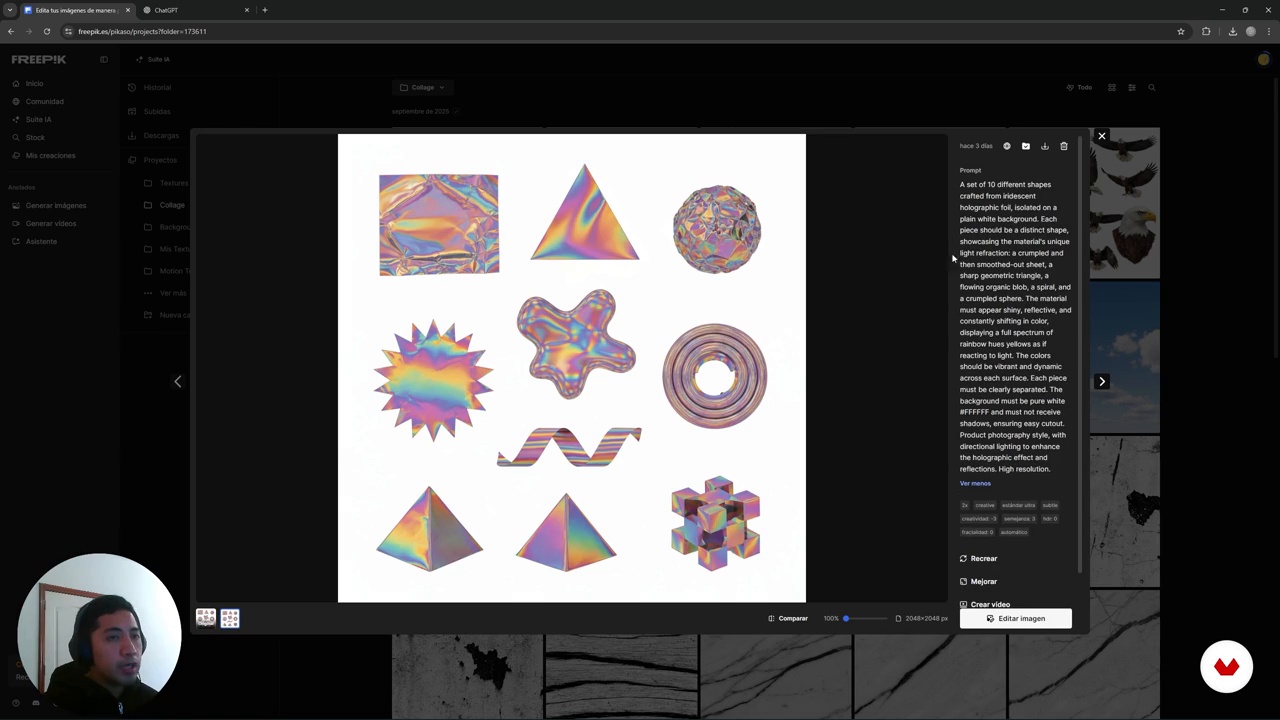
Conceptual exploration: Collage as an expression of freedom
4 minutes, 19 seconds
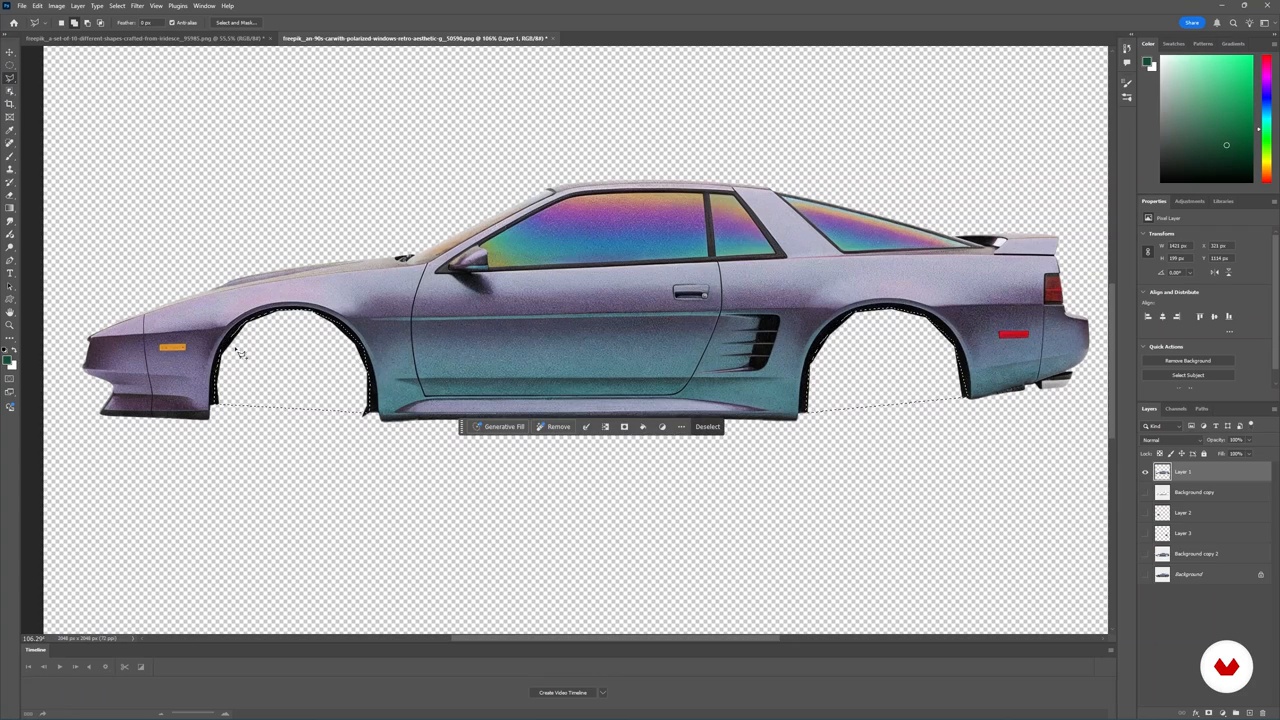
Clipping and Masking Techniques in Photoshop
9 minutes, 7 seconds
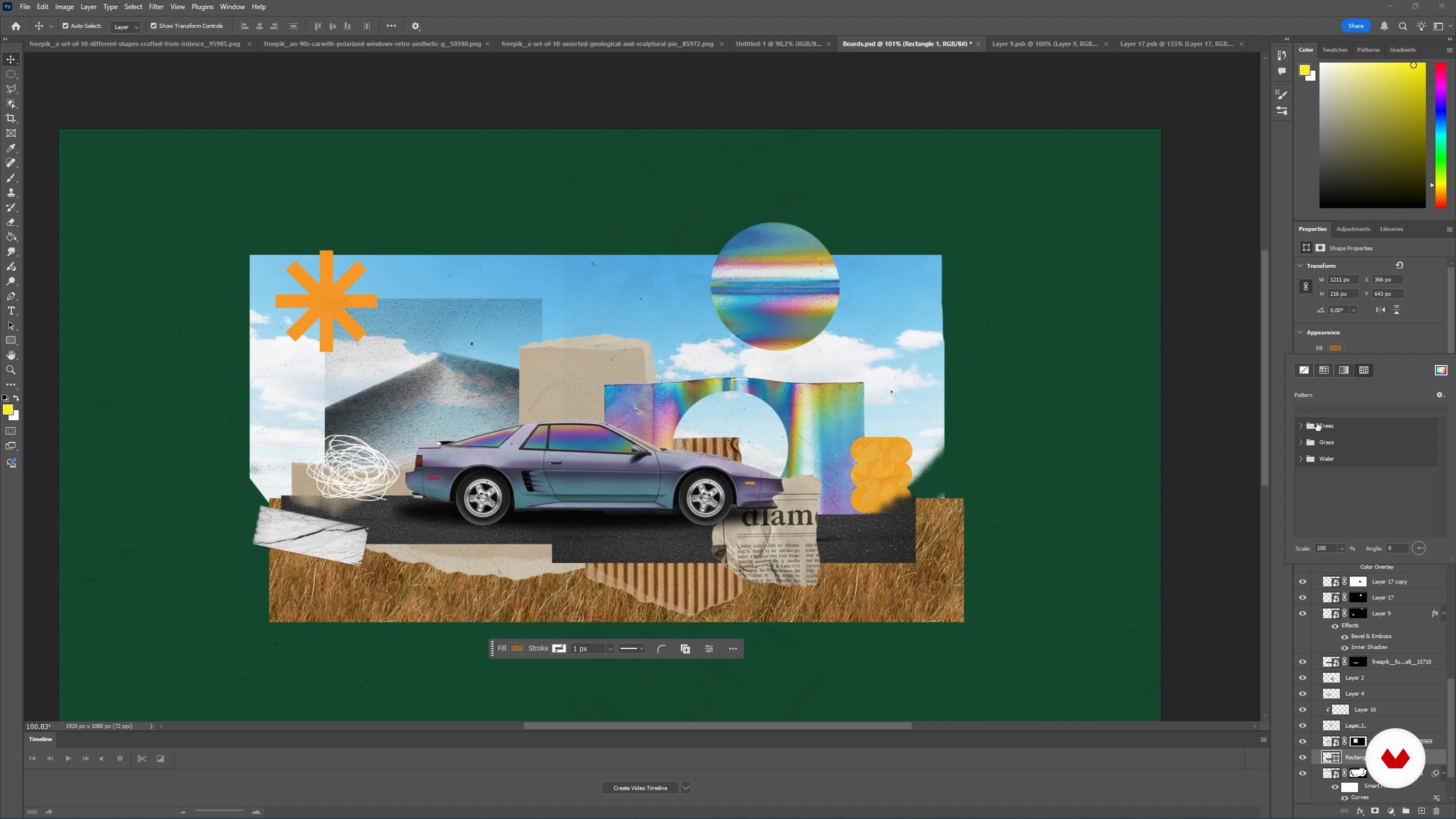
Compositing and preparing files in Photoshop for animation
13 minutes, 0 seconds
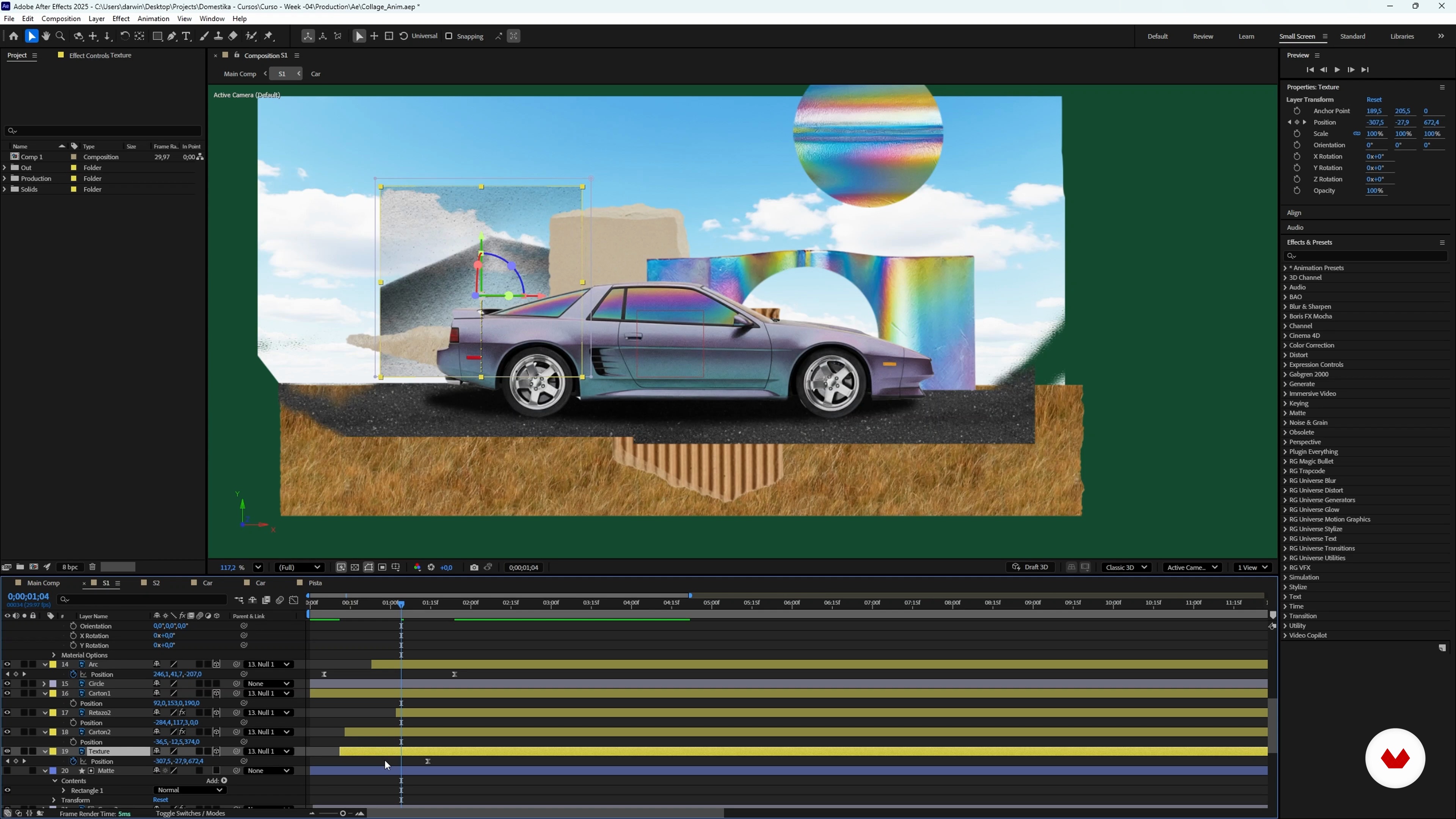
Complete scene animation with advanced techniques in After Effects
35 minutes, 3 seconds
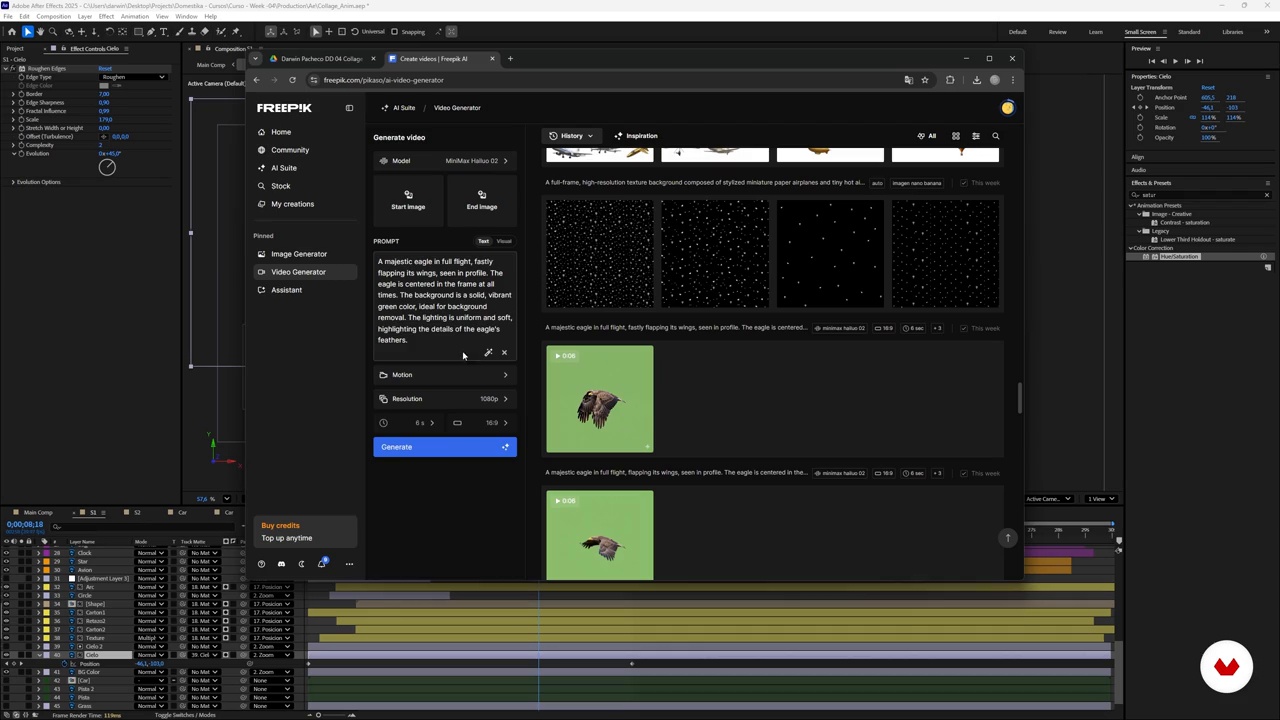
Animation completion and moving collage style
8 minutes, 49 seconds
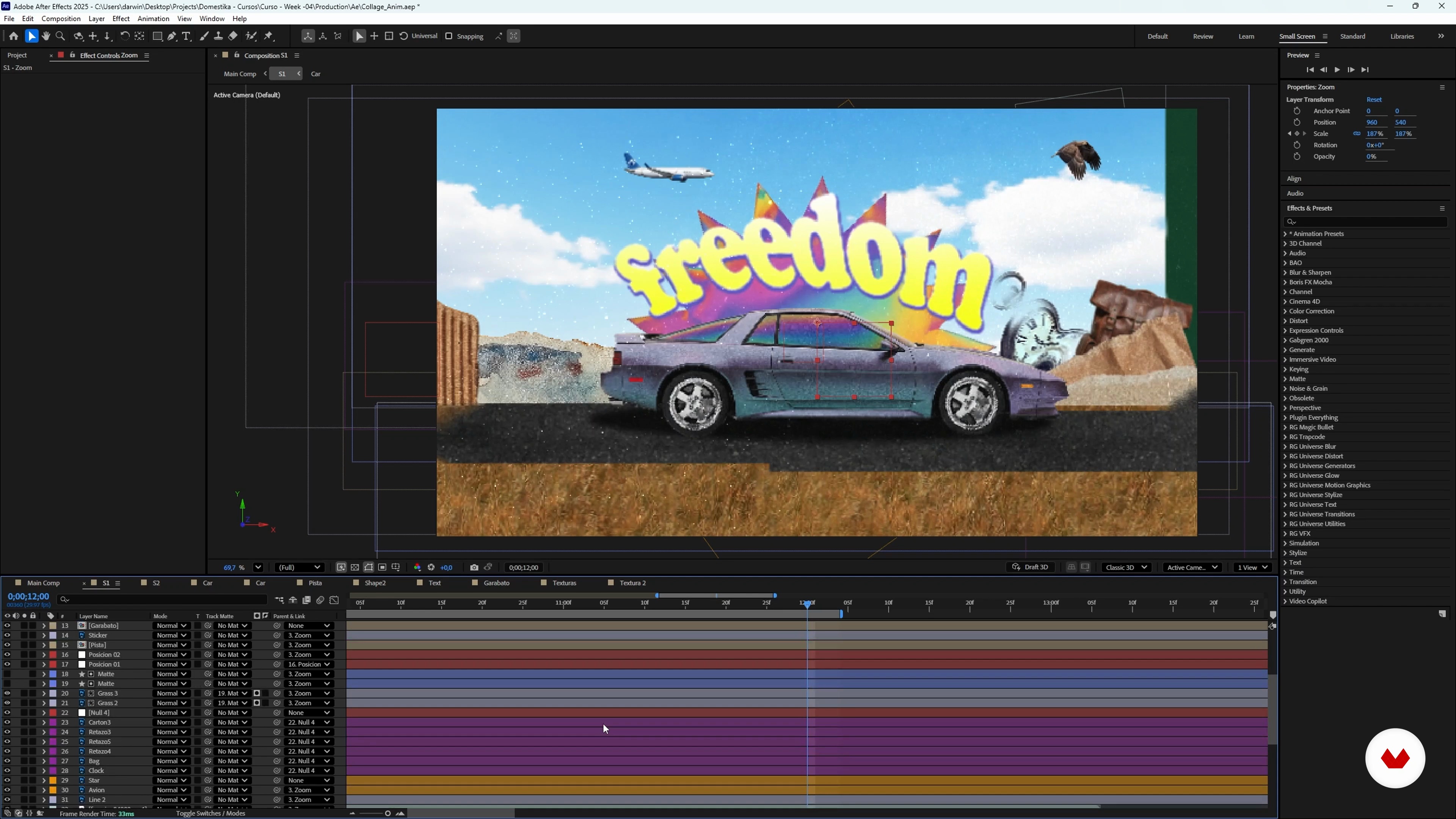
Final adjustments and project export
2 minutes, 43 seconds
What's included in this course?
You'll learn to create animated collages using artificial intelligence and graphic design tools. You'll begin by generating images with AI, adjusting details to achieve unique results. You'll master cropping techniques in Photoshop, facilitating the integration of different visual elements. You'll learn how to optimize and scale images to maintain quality in larger projects. You'll become familiar with using prompts to generate design variations, exploring different styles and textures that will enrich your compositions.
You'll then take your creations to After Effects, where you'll learn to animate them with a distinctive style. You'll discover how to apply effects to give movement to your collages, achieving fluid and eye-catching animation. You'll also learn how to apply the time posterization effect, achieving a stop-motion aesthetic that adds a handcrafted touch to your projects. You'll finish with an animated product that you can use as a reference for future projects, expanding your creative and technical skills in graphic design and animation.
Recommended software & tools for this course
What is this course's project?
You'll learn how to create an animated collage using artificial intelligence to generate images that you'll later edit in Photoshop. You'll export these pieces to After Effects, where you'll animate them using techniques that will add a unique style to your project.
Who is this online course for?
This course is designed for creatives who want to explore the intersection of digital art and technology, especially those interested in using artificial intelligence to create animated collages. Ideal for Photoshop and After Effects users looking to innovate their visual work.
Requirements and materials
To fully enjoy the program, you'll need a basic understanding of Photoshop and After Effects. A computer with internet access and these programs installed is required. You don't need advanced knowledge, but you do need a curiosity to explore and experiment with digital tools.
Reviews
- 6 months ago
Muy buena pinta
- 6 months ago
Es bastante básico, pero para comenzar a explorar es adecuado.
- 10 months ago
Ce cours est une bonne entrée dans l'animation. Bien structuré et facile à suivre. Par contre la voix de doublage IA en français est horrible.

One of Darwin’s great passions is creating a visual language through design and animation. He hasn’t stopped investigating the subject since he discovered it. Since making the shift to freelance, he dedicates most of his time exploring the realm of visual communication possibilities with this creative discipline.
Content
Animated collages with Artificial Intelligence, Photoshop and After Effects
- Introduction to AI Animated Collage
- AI Image Generation for Digital Collage
- Creating Collage Textures with AI
- Improve resolution with the image scaler
- Conceptual exploration: Collage as an expression of freedom
- Clipping and Masking Techniques in Photoshop
- Compositing and preparing files in Photoshop for animation
- Introduction to After Effects and animation techniques for collage
- Complete scene animation with advanced techniques in After Effects
- Animation completion and moving collage style
- Final adjustments and project export
- Final project
What to expect from a Domestika course
Learn at your own pace
Enjoy learning from home without a set schedule and with an easy-to-follow method. You set your own pace.
Learn from the best professionals
Learn valuable methods and techniques explained by top experts in the creative sector.
Meet expert teachers
Each expert teaches what they do best, with clear guidelines, true passion, and professional insight in every lesson.
Certificates
PLUSIf you're a Plus member, get a custom certificate signed by your teacher for every course. Share it on your portfolio, social media, or wherever you like.
Get front-row seats
Videos of the highest quality, so you don't miss a single detail. With unlimited access, you can watch them as many times as you need to perfect your technique.
Share knowledge and ideas
Ask questions, request feedback, or offer solutions. Share your learning experience with other students in the community who are as passionate about creativity as you are.
Connect with a global creative community
The community is home to millions of people from around the world who are curious and passionate about exploring and expressing their creativity.
Watch professionally produced courses
Domestika curates its teacher roster and produces every course in-house to ensure a high-quality online learning experience.
FAQs
You’ll learn how to generate images with AI, cut and retouch them in Photoshop, organize your resources, and animate digital collages in After Effects using creative techniques and styles.
This is an intermediate-level course; basic knowledge of Photoshop and After Effects is recommended, but key concepts are explained so you can follow the workflow.
You’ll need access to Photoshop, After Effects, and AI image-generation platforms like Freepik, plus an internet connection to download resources and work in the cloud.
You’ll learn how to craft effective AI prompts, use platforms like Freepik and ChatGPT, and generate custom images and textures for your animated collage projects.
The course covers tools like the polygonal lasso, quick selection, automatic cutout, and layer masks to isolate and prepare visual elements for your collage.
Photoshop is used to prepare and organize images in layers, which are then imported into After Effects to animate each element and bring your digital collage to life.
You’ll explore animations with keyframes, digital stop-motion effects, animated masks, blending modes, and creating depth with 3D layers and advanced effects.