Reinvent your illustrations: transform light and composition with AI
A course by Jaime Sanjuan OcaboDigital Painter and Illustrator
A course by Jaime Sanjuan Ocabo, Digital Painter and Illustrator

Transform your illustrations with artificial intelligence, optimize lighting and composition, and enhance your digital artwork with Freepik and ChatGTP
Discover how artificial intelligence becomes your creative ally to transform the lighting and composition of your digital artwork. During this intensive course, you'll learn to rethink every visual element of your pieces, from dramatic lighting to style variations and color palettes. Using tools like ChatGTP and Freepik, you'll develop the ability to generate custom reference images that will enhance your creations. The experience focuses not only on theory but also on practice, allowing you to achieve spectacular results that reflect your unique artistic vision.
Throughout the lessons, you'll explore how to apply advanced techniques to enhance finished works, creating optimized and visually stunning versions. Practical examples will illustrate the relighting and composition process, demonstrating how small adjustments can transform a flat piece into a vibrant and three-dimensional work. By the end, you'll have an enhanced mood board and the ability to implement these changes in your own creations, elevating the quality and expressiveness of your digital art.
What will you learn in this online course?
6 lessons & 2 downloads
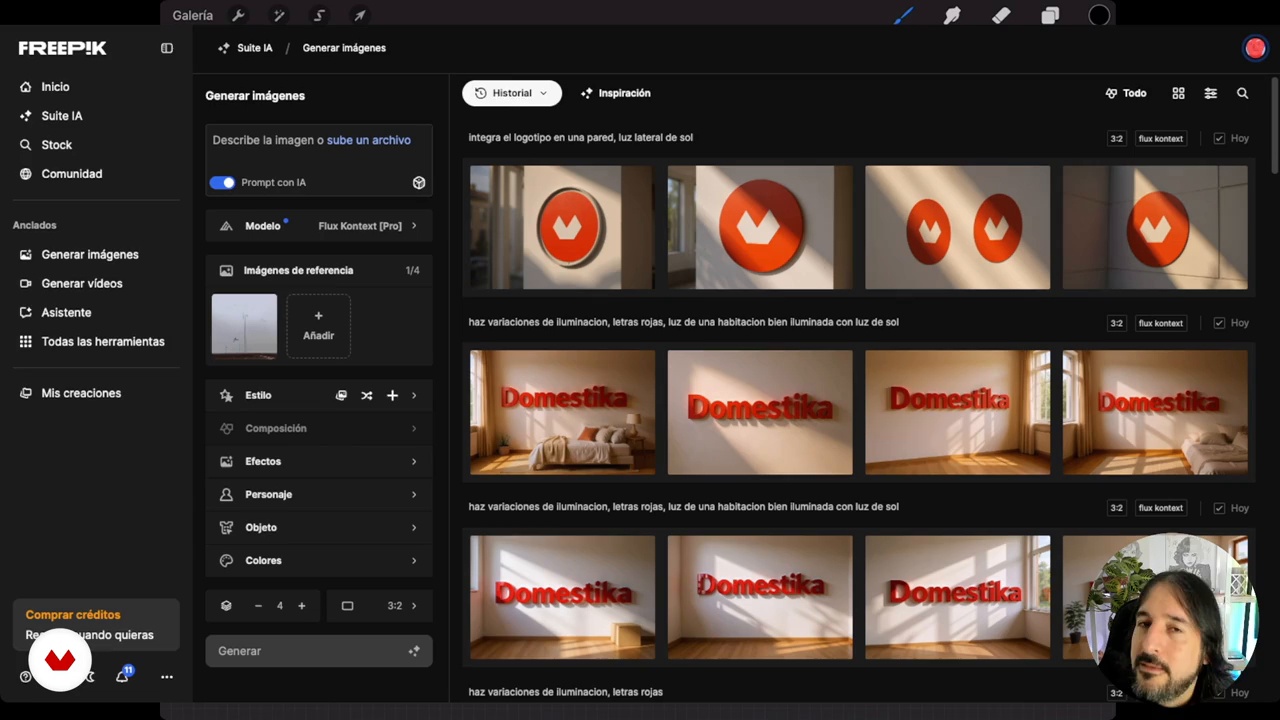
Generate AI-powered images from your own work
18 minutes, 3 seconds
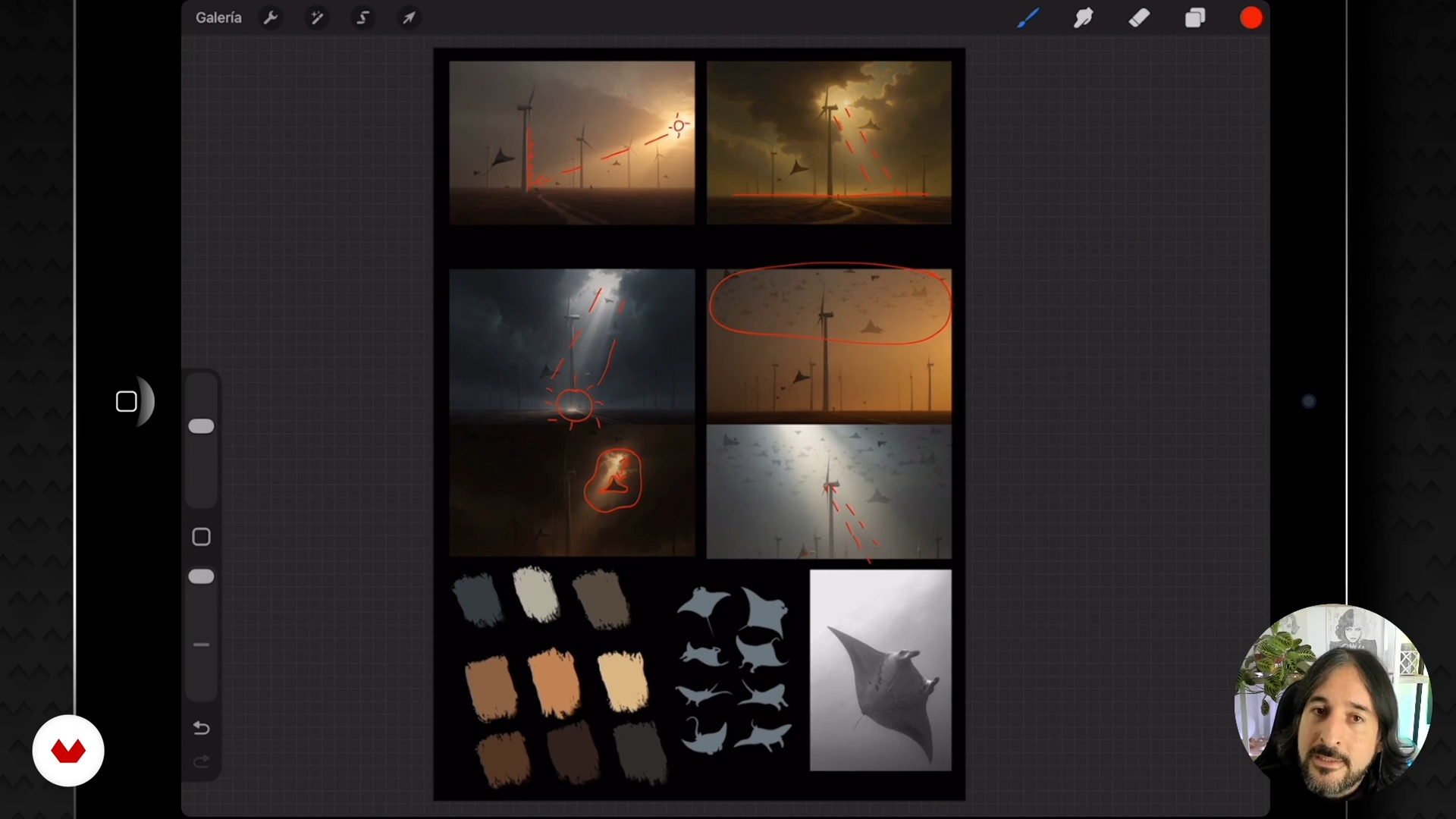
Build an effective mood board
5 minutes, 23 seconds
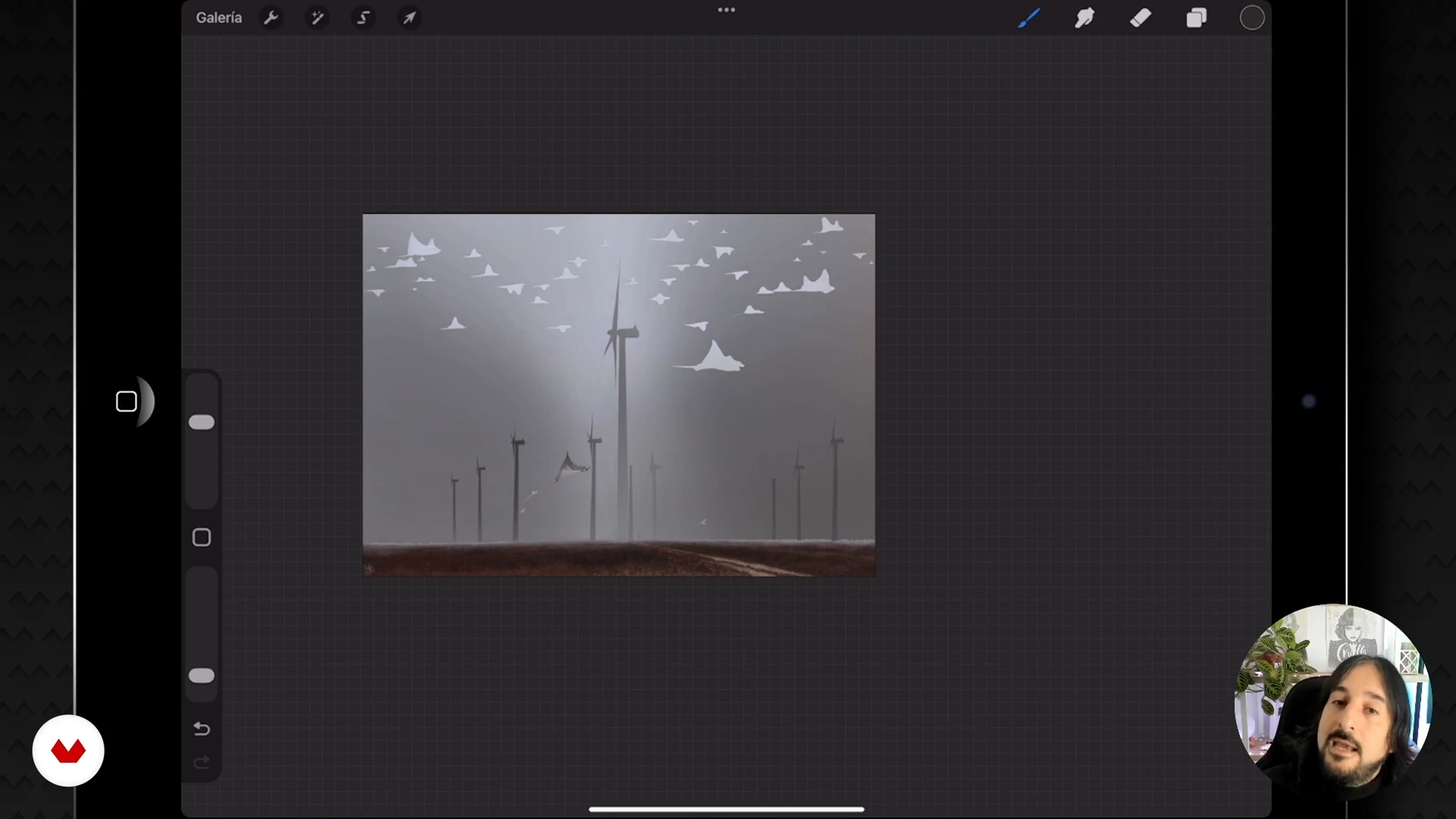
Prepare the image for AI painting
15 minutes, 5 seconds
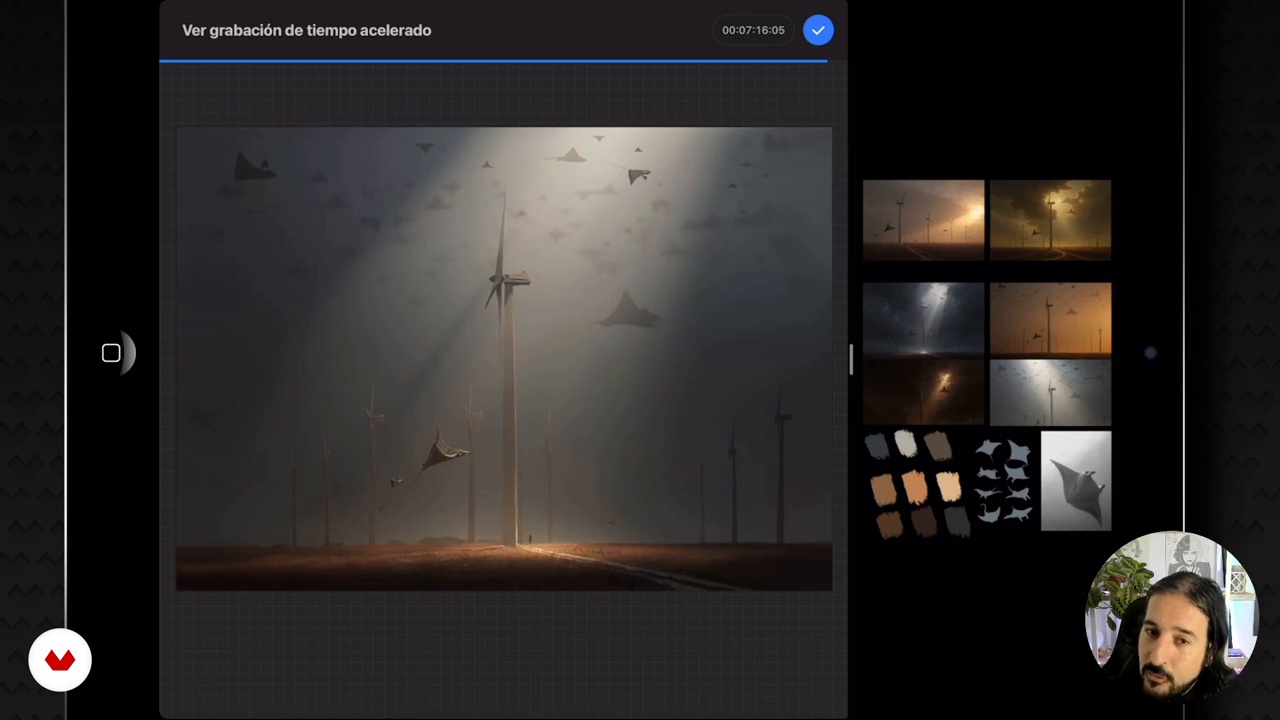
Apply the mood board to the final illustration
6 minutes, 55 seconds
What's included in this course?
You'll learn to completely transform the lighting and composition of your artwork using artificial intelligence as a creative tool. You'll discover how to rethink your paintings, achieving improved and optimized versions. You'll explore the use of innovative tools to generate new ideas for dramatic lighting and background changes that bring a fresh perspective to your creations. Furthermore, you'll experiment with variations in style and color palettes, enriching them with unique and personal nuances.
As you progress, you'll become familiar with creating a mood board to gather visual ideas that inspire your projects. Through practical examples, you'll learn to apply everything you've learned to enhance a piece you've already completed. You'll discover how to give precise instructions to artificial intelligence to achieve stunning results. The magic of side lighting and cinematic atmosphere will become your allies, giving your paintings a volume and depth you've only imagined before.
Recommended software & tools for this course
What is this course's project?
The course project involves transforming the lighting and composition of your artwork using artificial intelligence, resulting in improved and optimized versions. You will learn to generate new ideas for dramatic lighting, background changes, and stylistic variations.
Who is this online course for?
Digital artists and painters who want to improve their works, creative explorers interested in merging artificial intelligence with traditional techniques, illustrators curious about optimizing lighting and composition, and creators looking to give a new visual approach to their artistic projects.
Requirements and materials
Extensive prior knowledge is not required, but basic understanding of digital illustration is recommended. A computer or tablet, internet access, and programs like Freepik and ChatGPT are essential. Participants are encouraged to create their own artwork to experiment with the concepts learned, and to be willing to explore new creative techniques using artificial intelligence.

Jaime has always been fascinated by realist and hyperrealist painting. It's this aesthetic that he always seeks in his paintings and illustrations, which are full of double meanings and impossible realities. This very particular vision and a highly refined technique have earned him international recognition such as the Communication Arts Award, the American Illustration Award, and the Latin American Illustration Award, enabling him to see his work exhibited in galleries and museums around the world.
Content
Reinvent your illustrations: transform light and composition with AI
- Introduction to the intensive course
- Generate AI-powered images from your own work
- Build an effective mood board
- Prepare the image for AI painting
- Apply the mood board to the final illustration
- Course conclusions and farewell
- Final project
What to expect from a Domestika course
Learn at your own pace
Enjoy learning from home without a set schedule and with an easy-to-follow method. You set your own pace.
Learn from the best professionals
Learn valuable methods and techniques explained by top experts in the creative sector.
Meet expert teachers
Each expert teaches what they do best, with clear guidelines, true passion, and professional insight in every lesson.
Certificates
PLUSIf you're a Plus member, get a custom certificate signed by your teacher for every course. Share it on your portfolio, social media, or wherever you like.
Get front-row seats
Videos of the highest quality, so you don't miss a single detail. With unlimited access, you can watch them as many times as you need to perfect your technique.
Share knowledge and ideas
Ask questions, request feedback, or offer solutions. Share your learning experience with other students in the community who are as passionate about creativity as you are.
Connect with a global creative community
The community is home to millions of people from around the world who are curious and passionate about exploring and expressing their creativity.
Watch professionally produced courses
Domestika curates its teacher roster and produces every course in-house to ensure a high-quality online learning experience.
FAQs
You’ll learn how to generate and enhance digital illustrations with artificial intelligence, create mood boards, adjust lighting and composition, and use tools like Freepik and Procreate to streamline your creative workflow.
Yes, this course is designed for those with intermediate digital illustration skills who want to integrate artificial intelligence into their creative process.
You’ll need access to Procreate, Photoshop, Freepik, and a compatible device like an iPad or computer. Having an internet connection and basic knowledge of these apps is also helpful.
You’ll learn how to craft custom prompts that let AI generate different lighting and mood variations, and how to apply these results to visually enrich your artwork.
The course teaches you how to write detailed prompts in English for Freepik, select the right model, and adjust the aspect ratio to get relevant, personalized visual references.
A digital mood board is a visual collage of references, styles, and color palettes that helps you define your artistic direction and make informed decisions in your projects.
Yes, the course covers techniques for separating elements into layers, using clipping masks, and blending modes to make editing and lighting control easier.