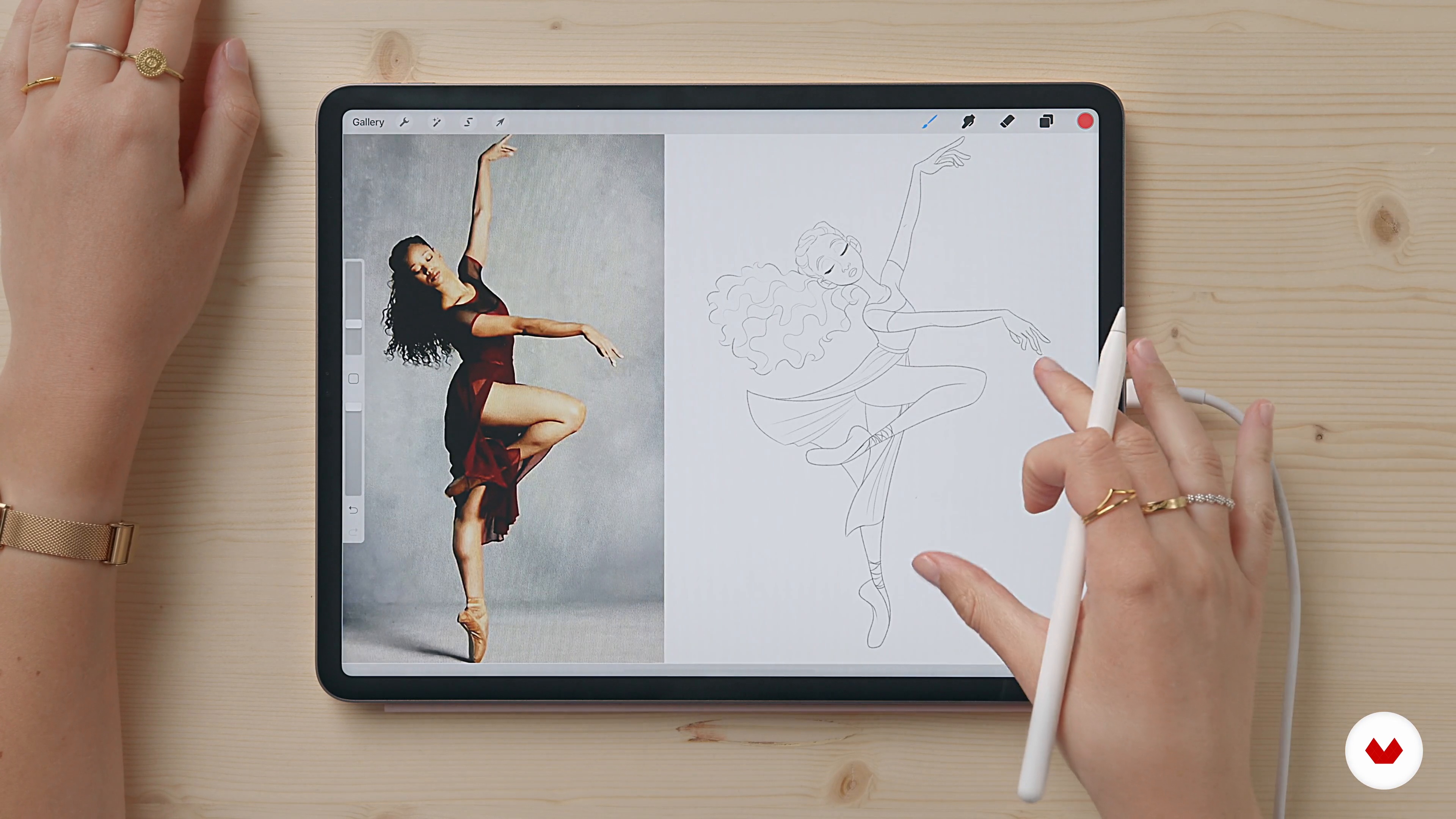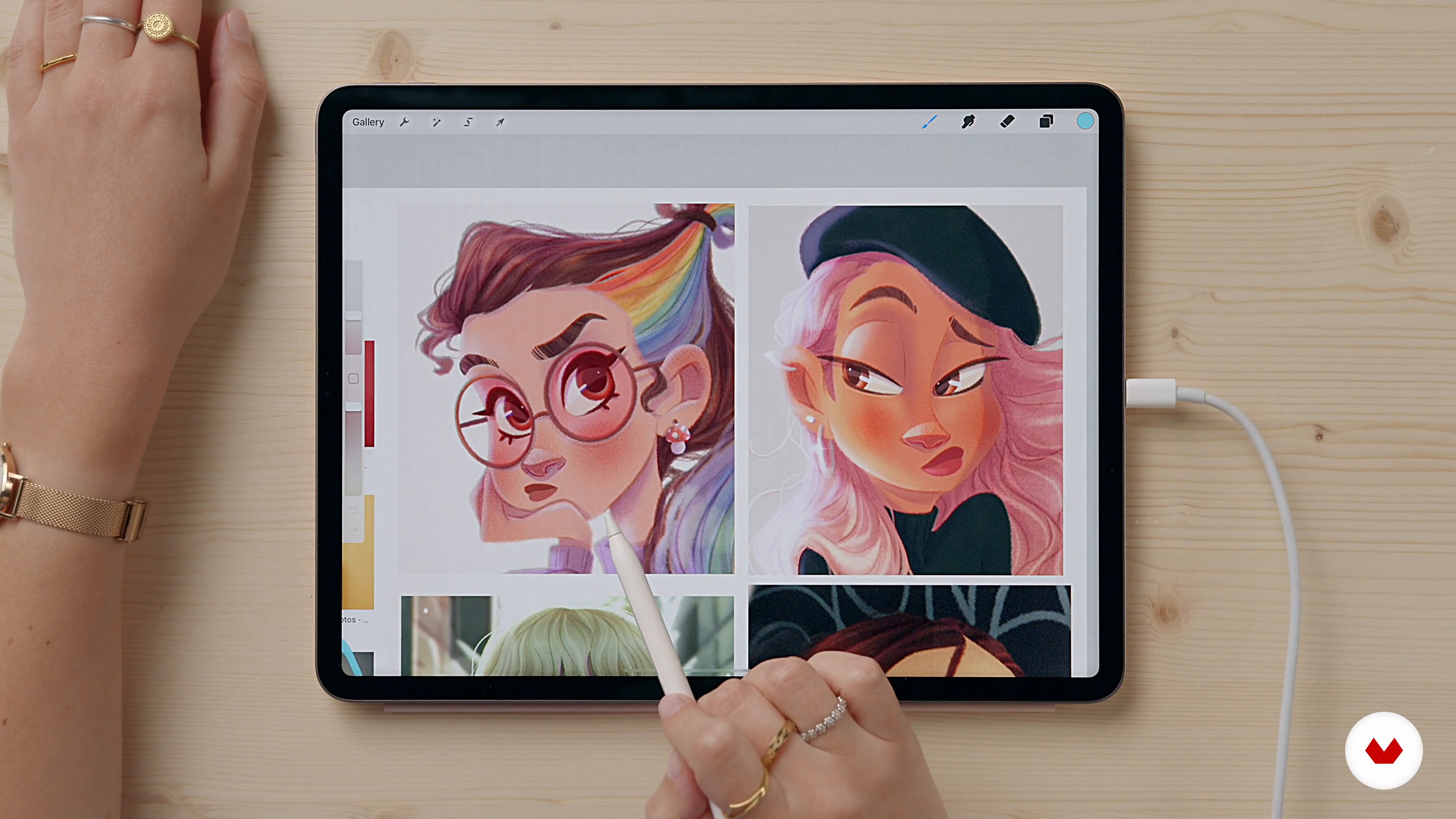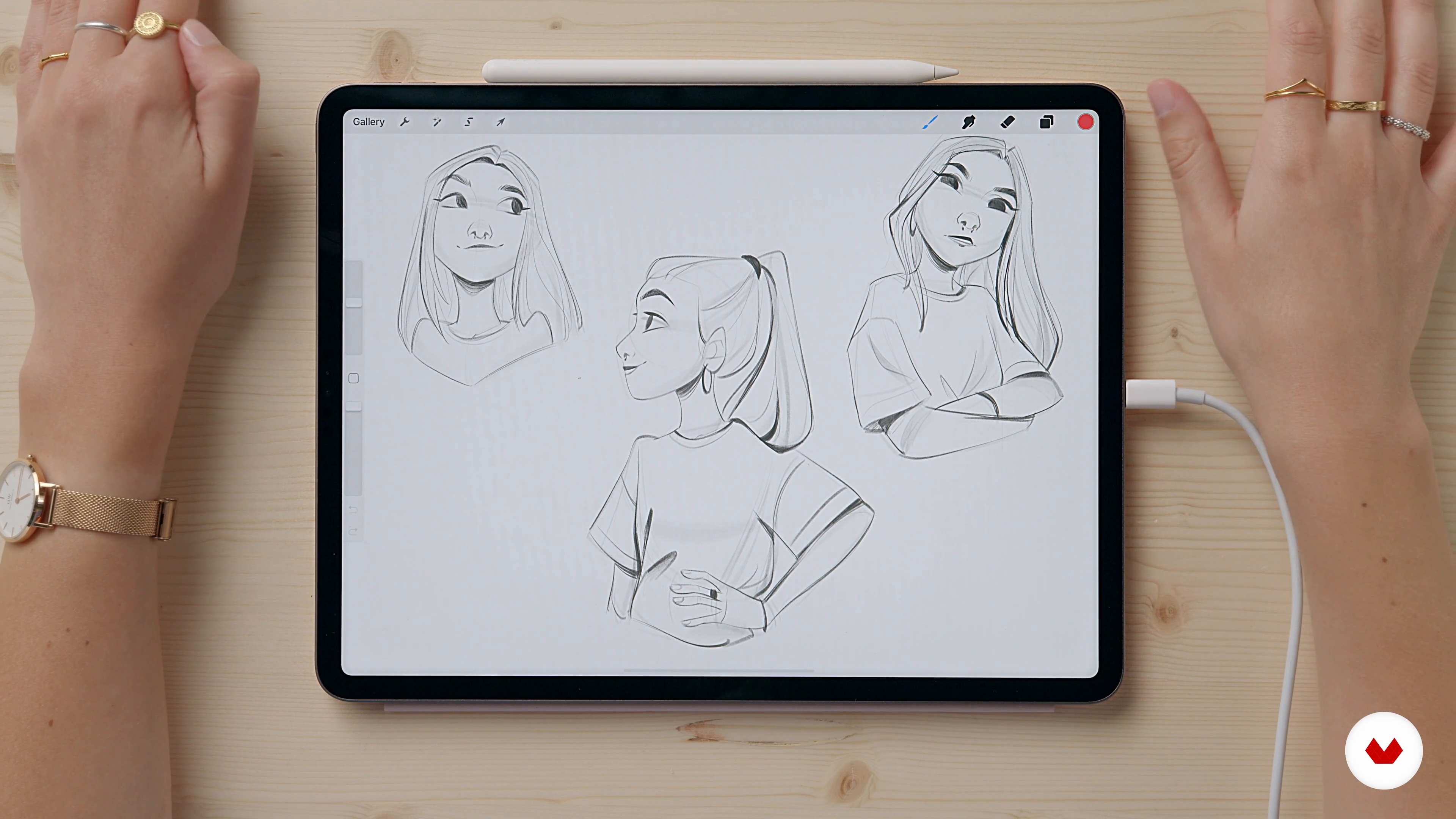
Specialization

Especialización en Ilustración de personajes femeninos

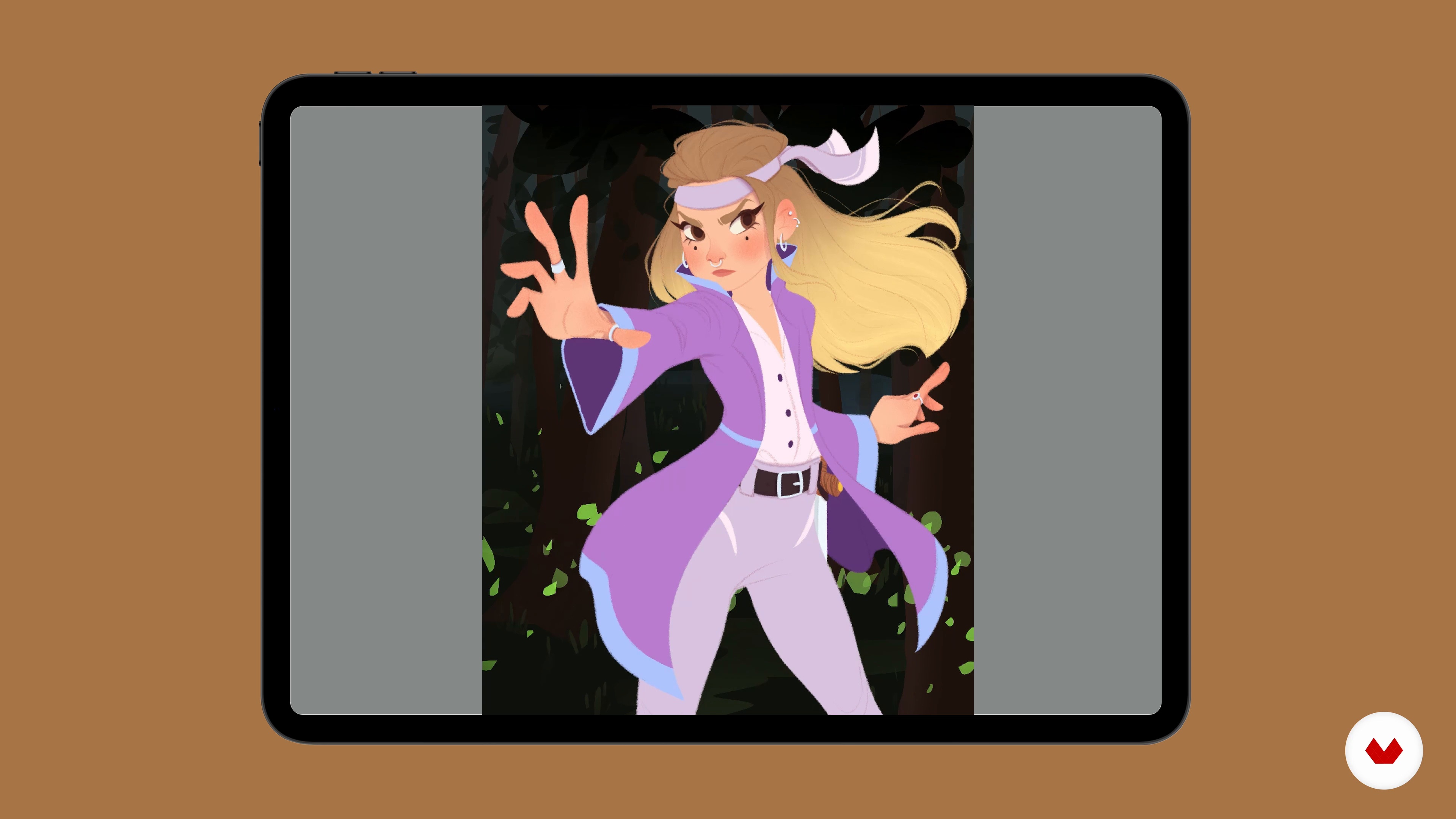
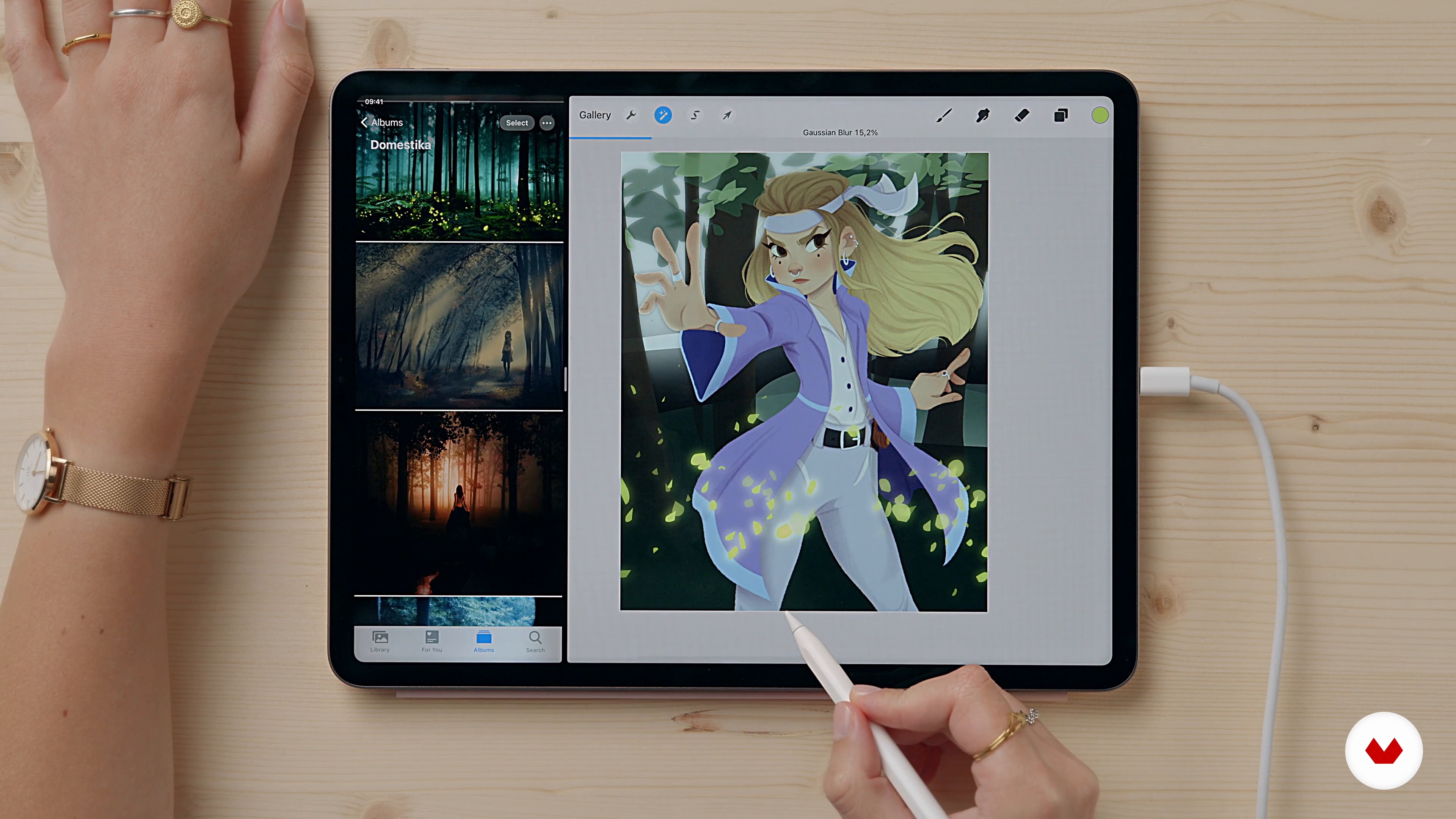
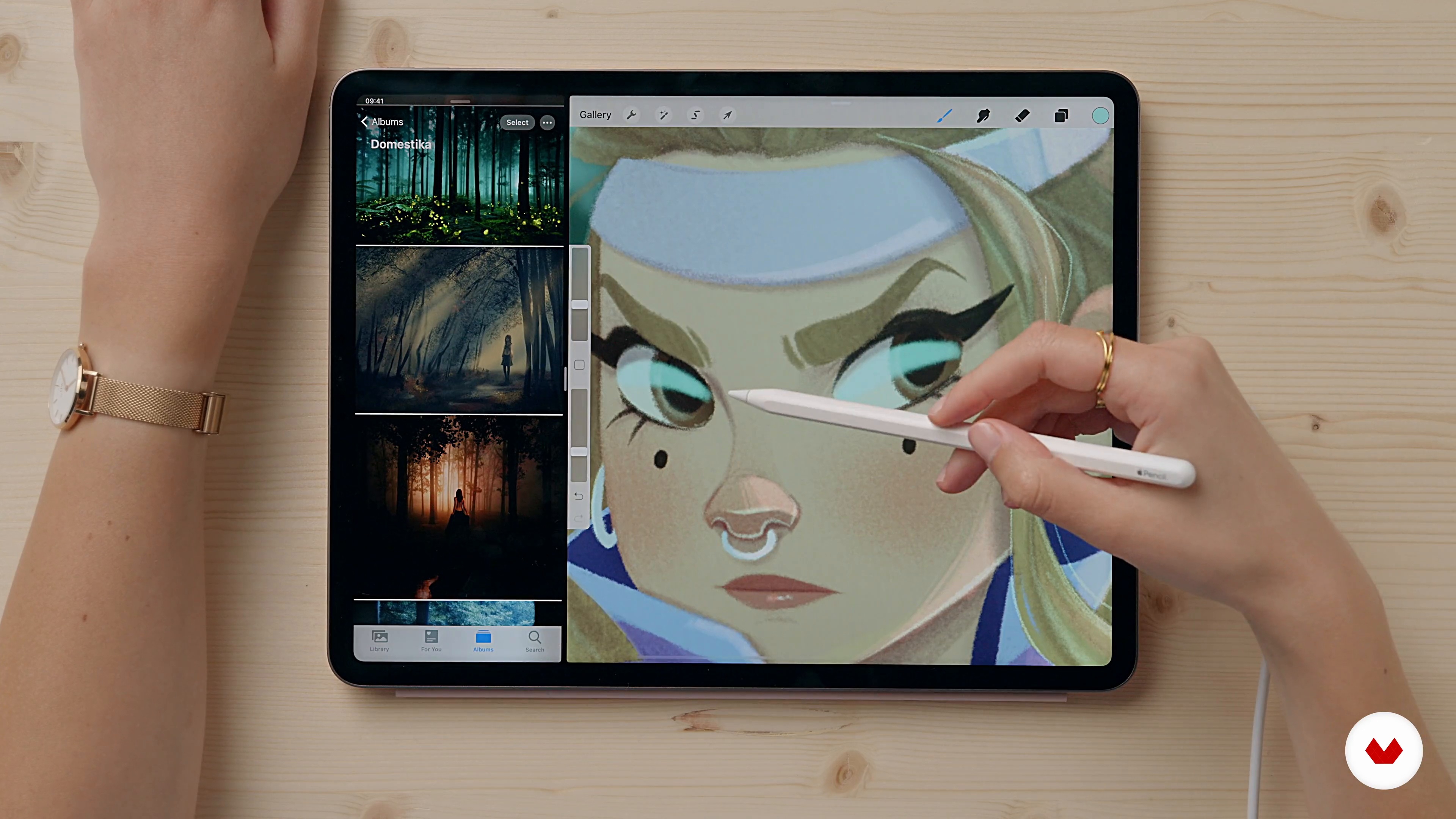
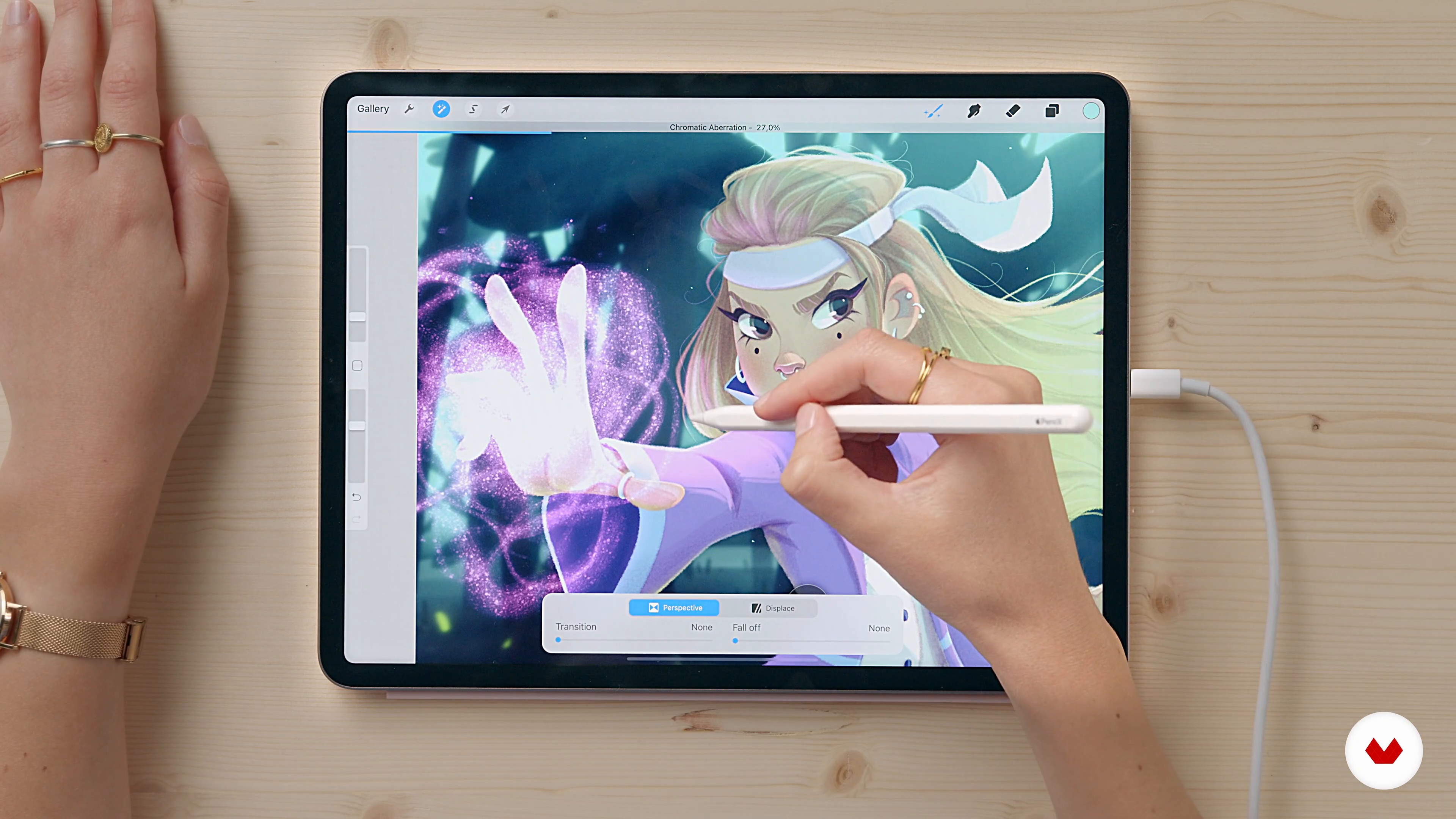
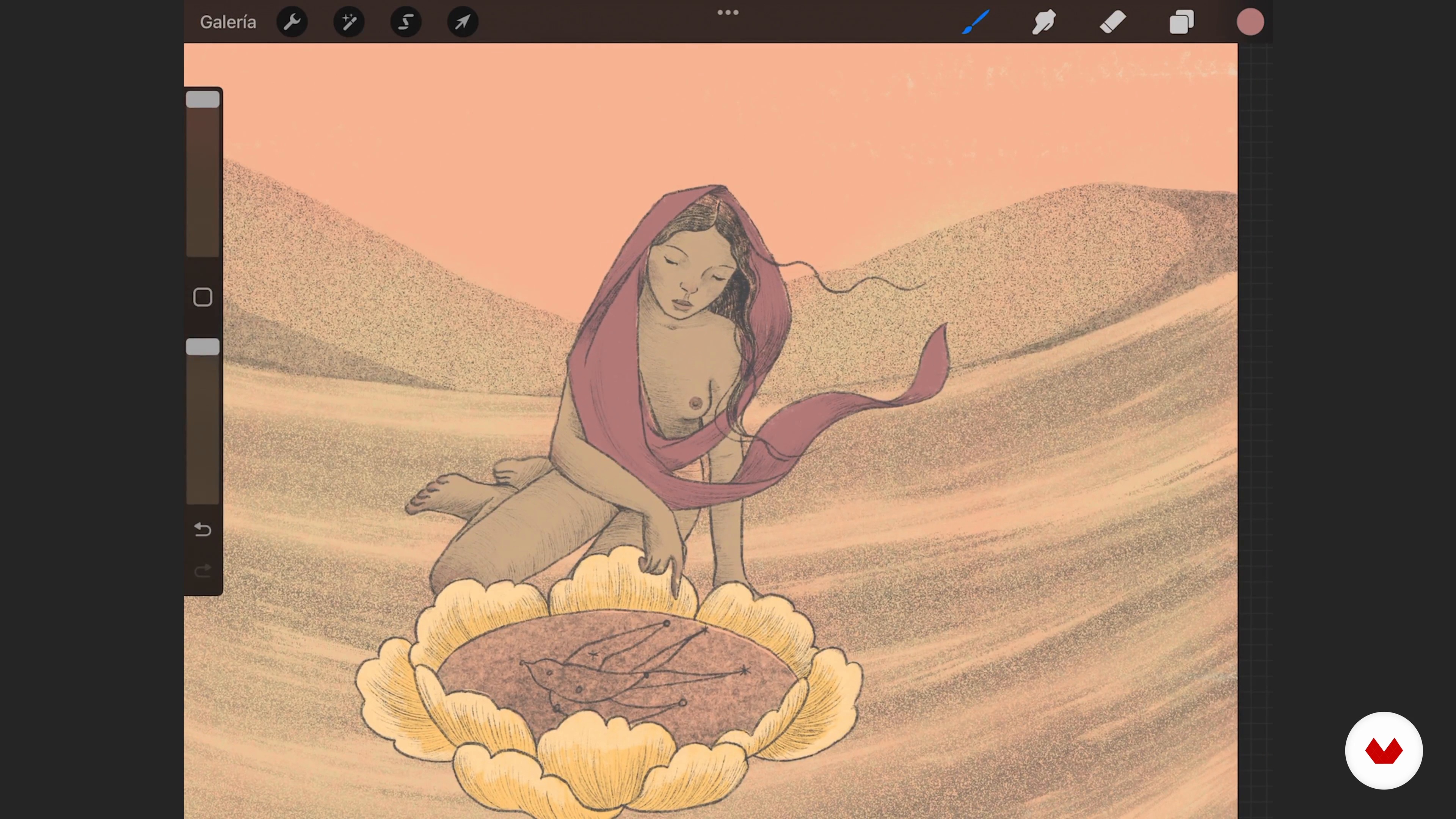
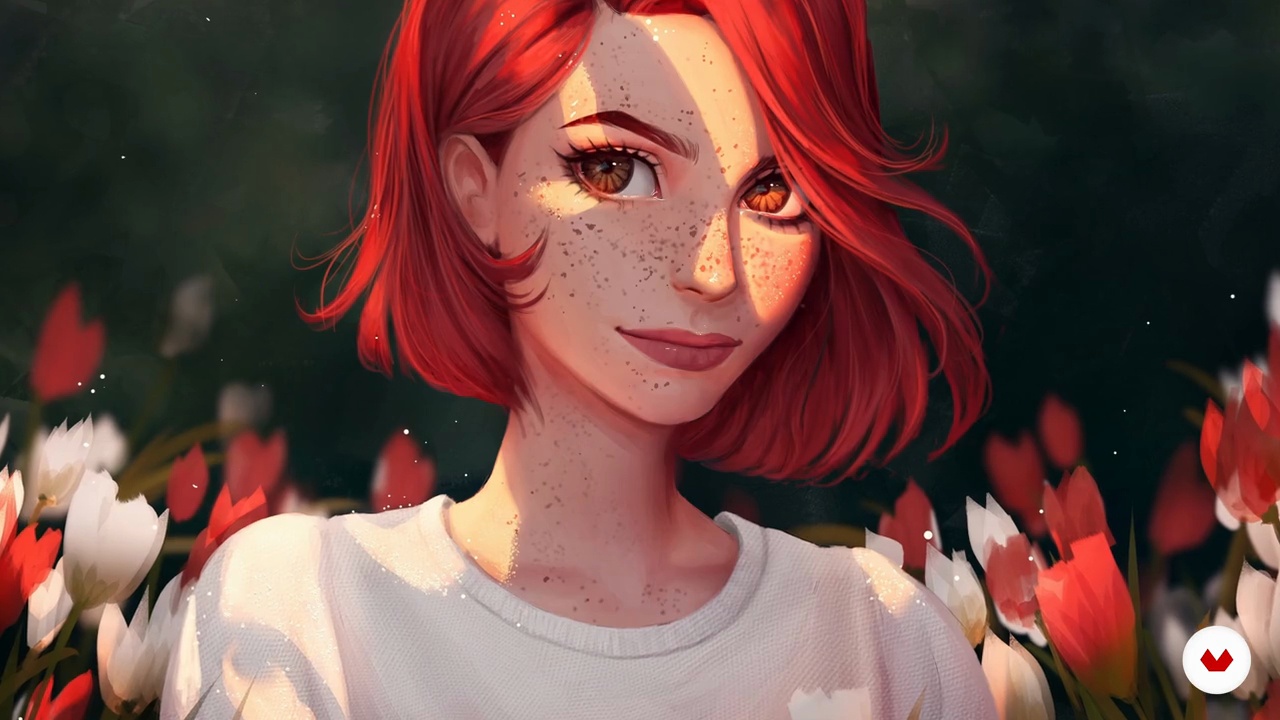
Master cartoon-style female character illustration using Procreate, focusing on anatomy, expressions, color, and digital techniques

Specialization · 6 modules

Dive into the vibrant world of female character illustration with our comprehensive specialization. This program guides you through the art of creating digital characters with personality, expression, and style. From cartoon figures to fantastical portraits, you'll explore diverse techniques and approaches. You'll learn to master facial anatomy, lighting, color palettes, and symbolism while developing a unique visual language that celebrates the diversity and strength of femininity.

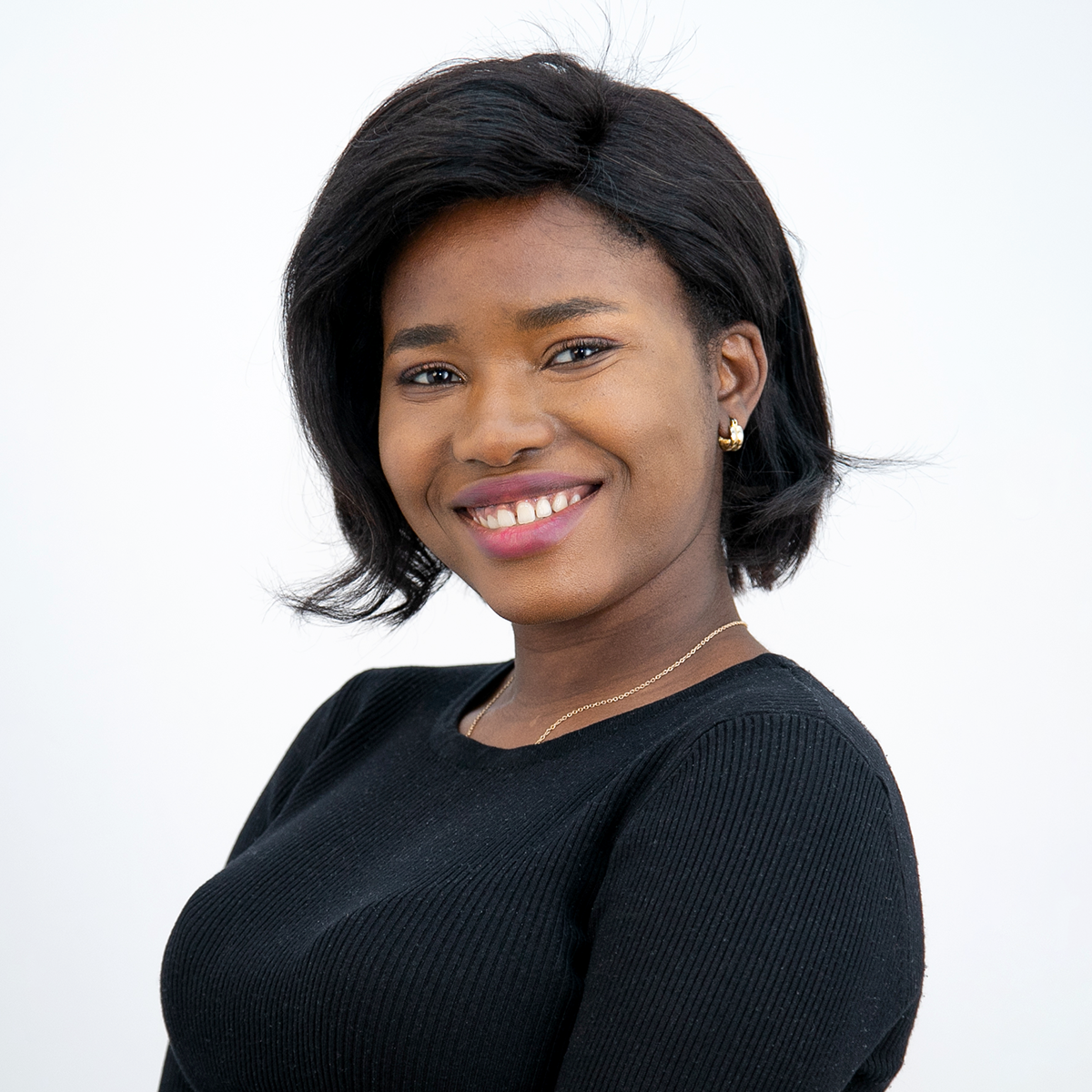
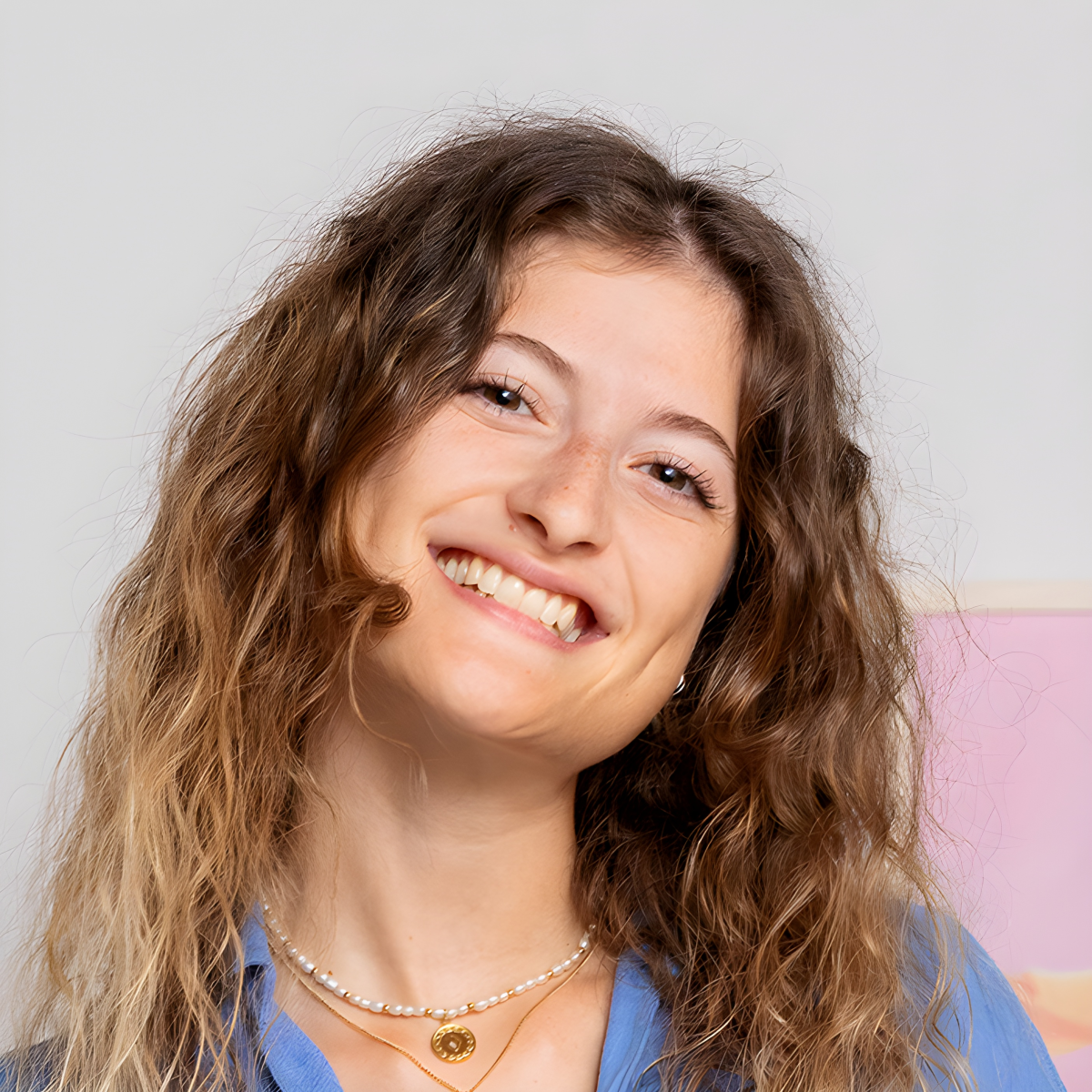
Guided by expert illustrators Isabella Agosti, Eunice Adeyi, Valeria Hipocampo, RaidesArt, and Fernanda Maya, this journey starts with the basics of digital drawing and progresses to advanced painting techniques. Each course is designed to build on the last, helping you create compelling female characters that capture emotion and narrative depth. The end goal is to equip you with a versatile portfolio showcasing your ability to work in multiple styles, ready for editorial illustration, character design, concept art, and personal artistic projects.

Read more ↓

What will you learn in this specialization?
A total of 6 modules and 82 lessons
A total of 16h 51m of vídeo lessons
Taught by 5 selected expert teachers
image
3
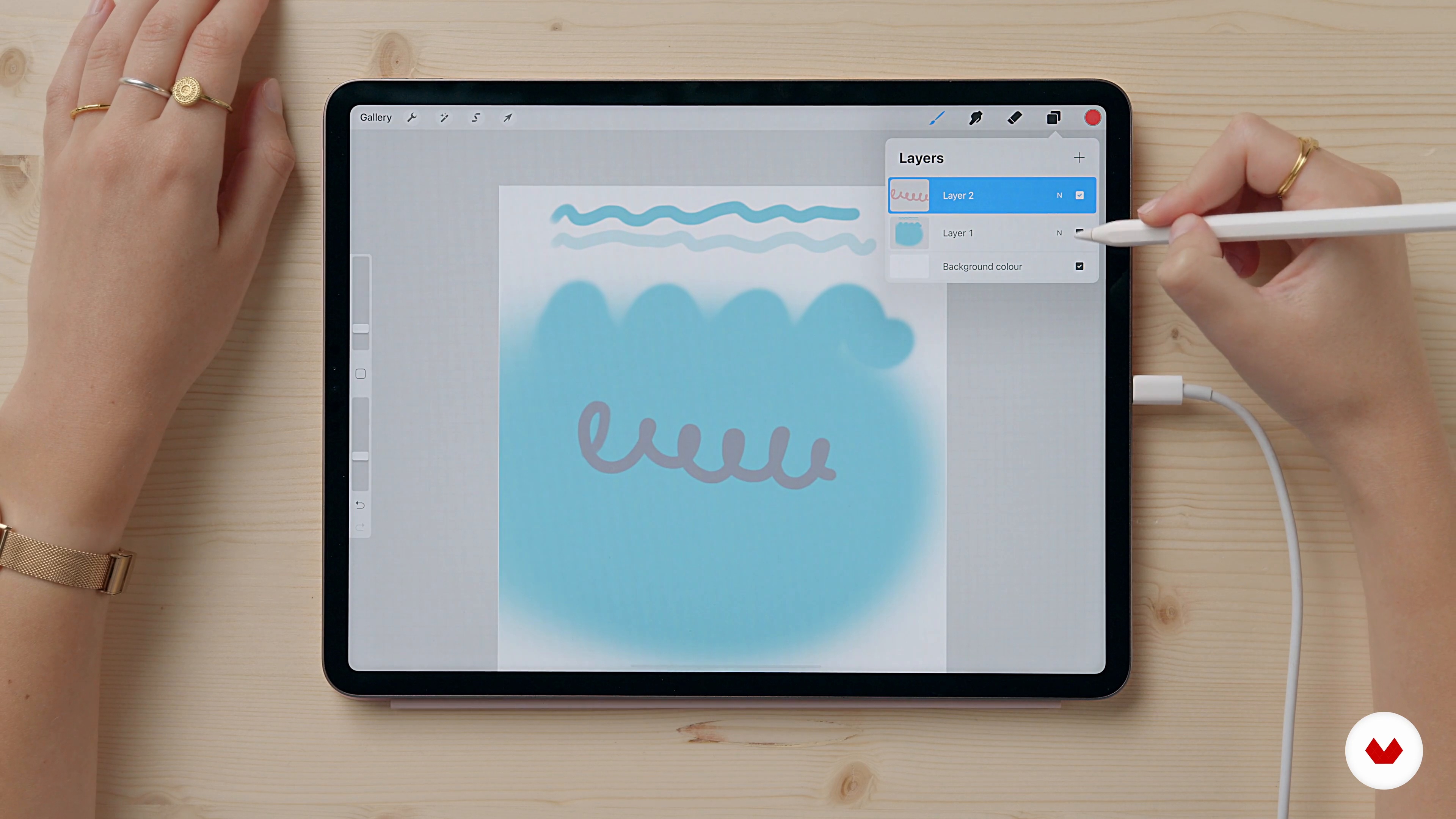
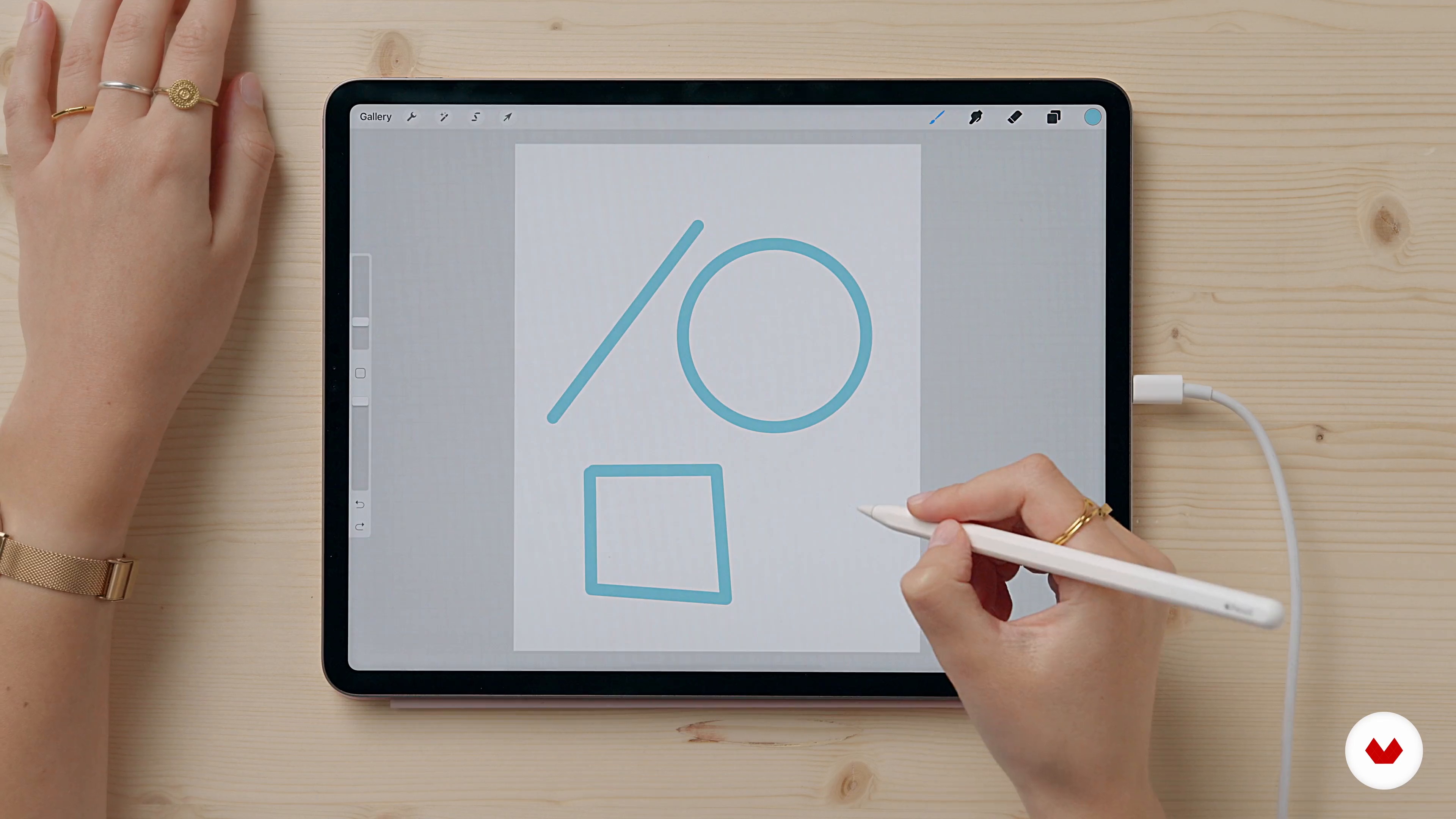
Introduction to Procreate 1
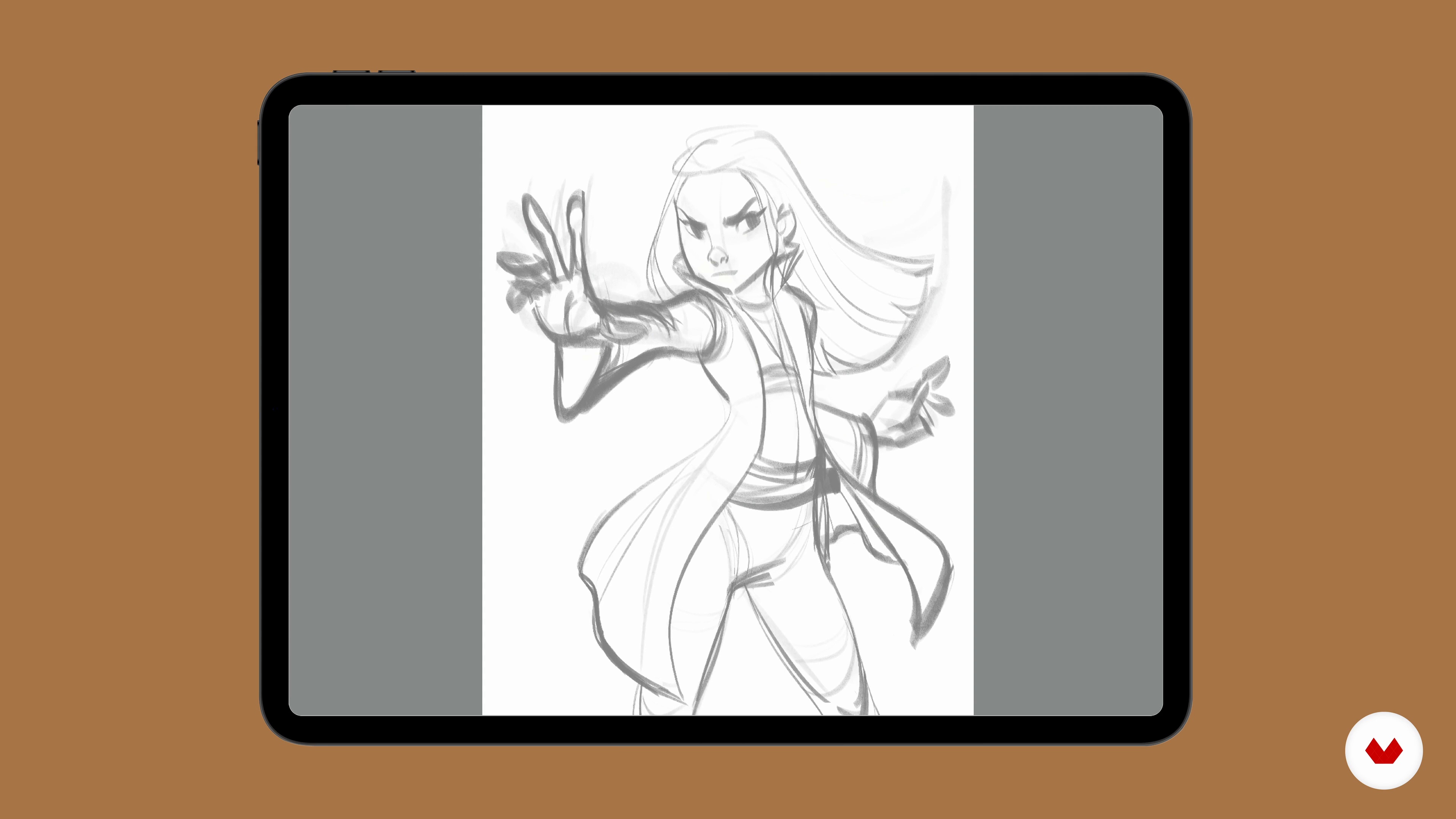
Let's start this lesson by seeing what the final project consists of. Then I will show you the main tools I use within Procreate that you will need for the development of the project. I will also explain their properties and peculiarities.
13m
image
4
Introduction to Procreate 2
We continue to discover Procreate's features and tools.
12m
image
5
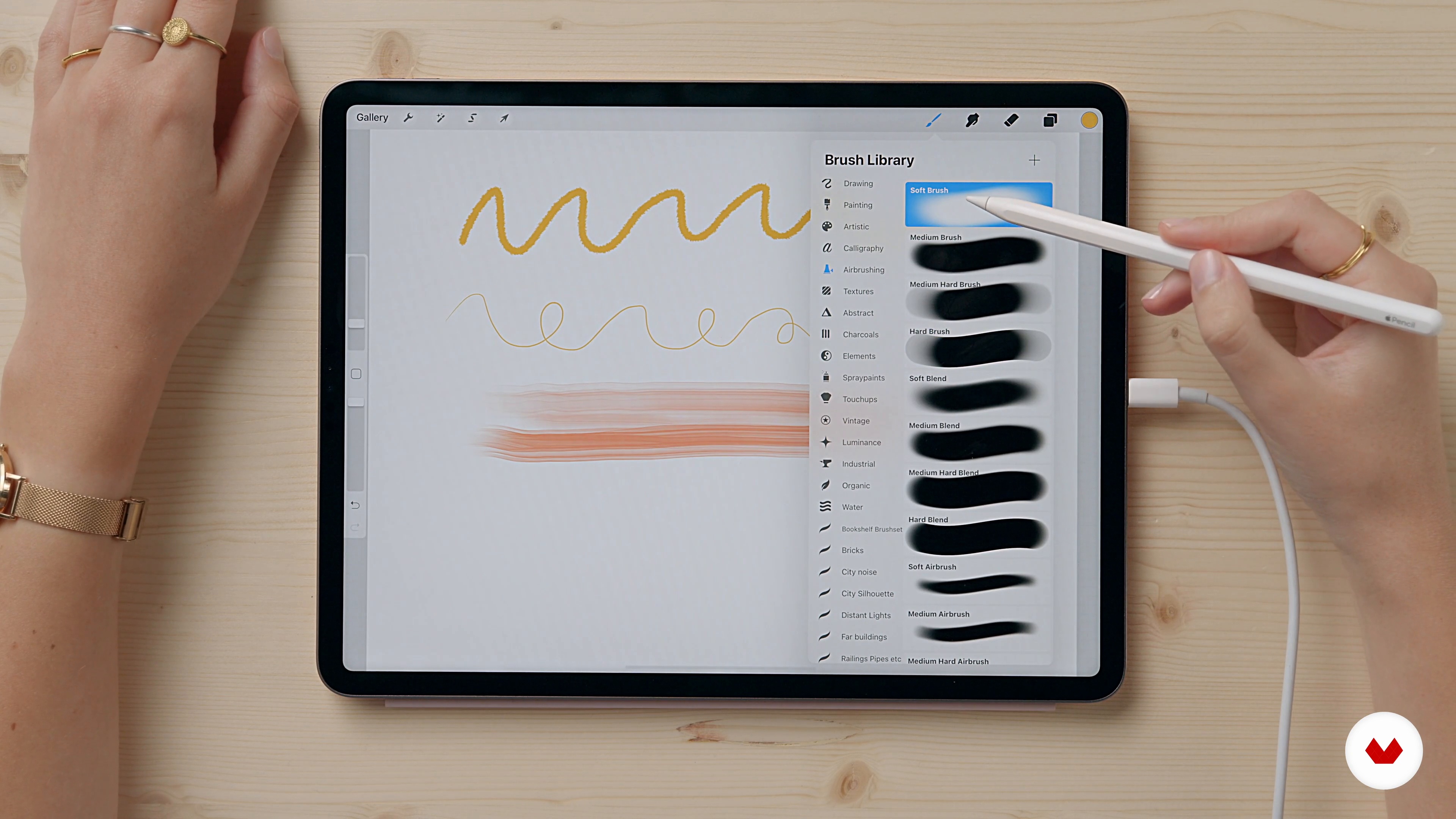
Brushes and their effects on the drawing
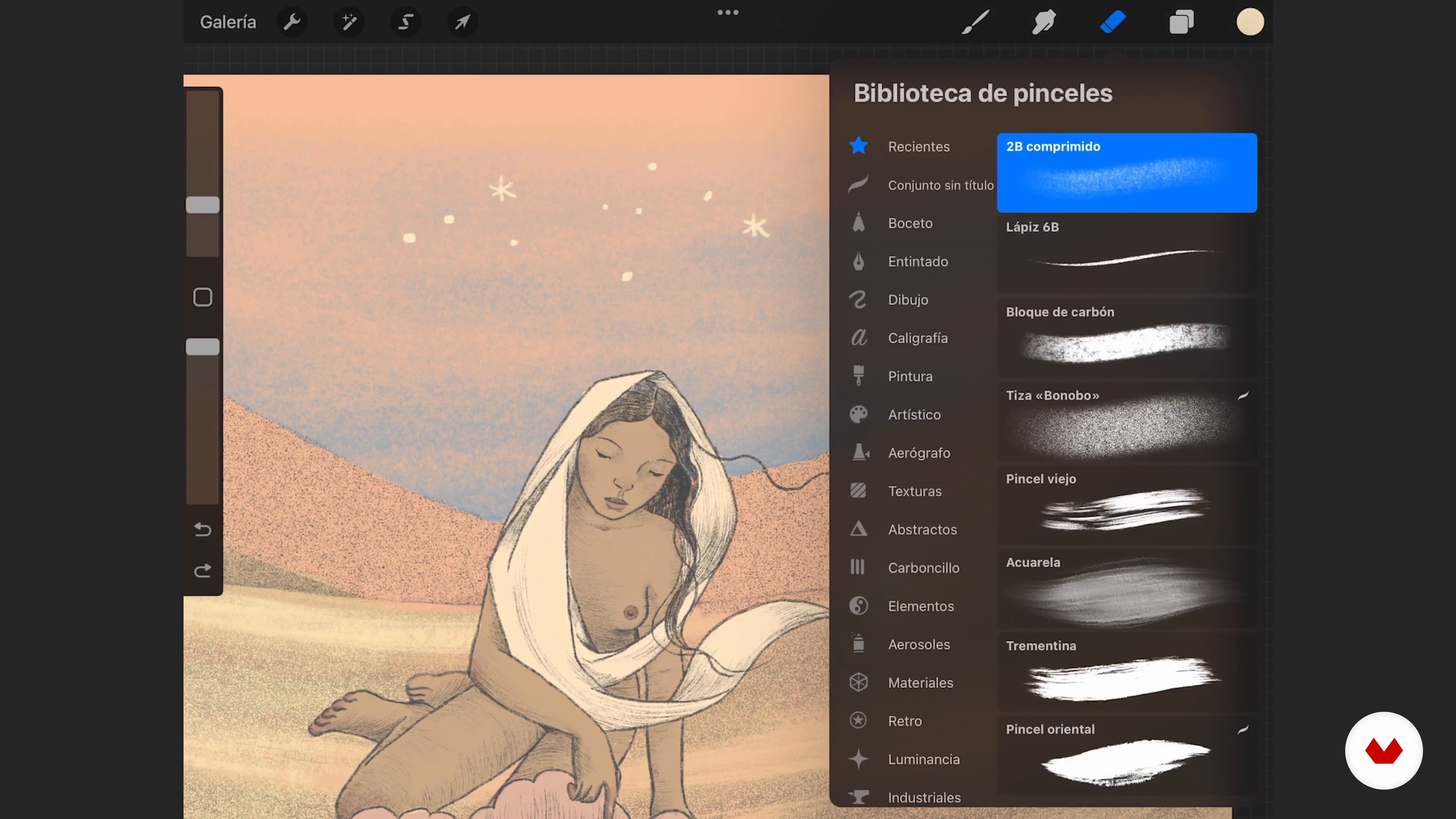
Now, I show you all the brushes I will use for the final project and the different effects they generate on the drawing pad.
14m
image
6
Characteristics of the cartoon style
Let's see the basic characteristics of a cartoon style drawing.
10m
image
7
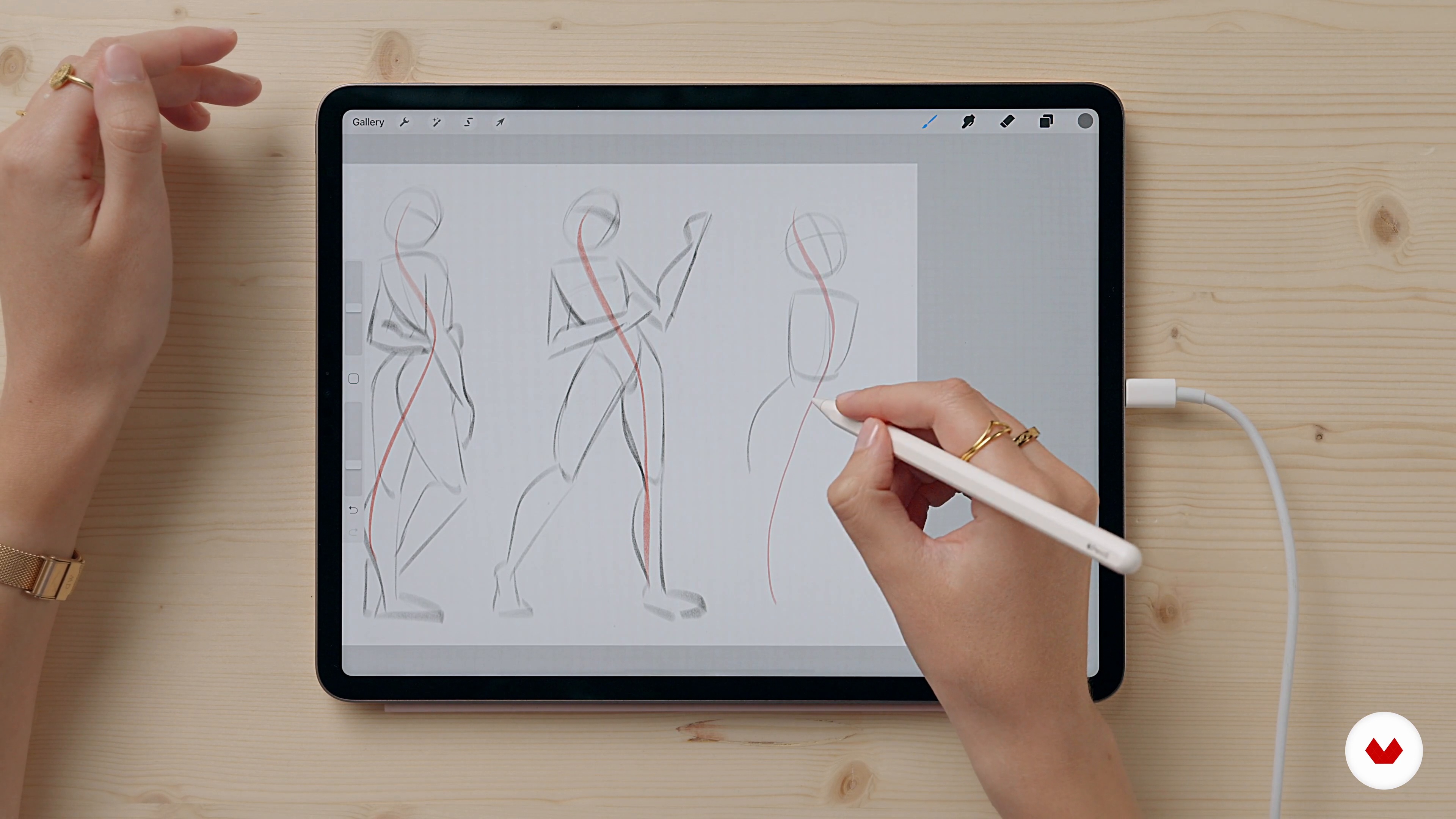
Anatomy and course of action: fundamental concepts
In this lesson, we start making our first sketch following what we have learned so far. I will also explain some fundamental concepts of female anatomy.
6m
image
8
Expression study for your illustration
In this last lesson, I show you how to reproduce facial expressions from photos. We will then do an expression study from scratch to prepare for our final project.
8m
image
9
Reference photo for the construction of the scene
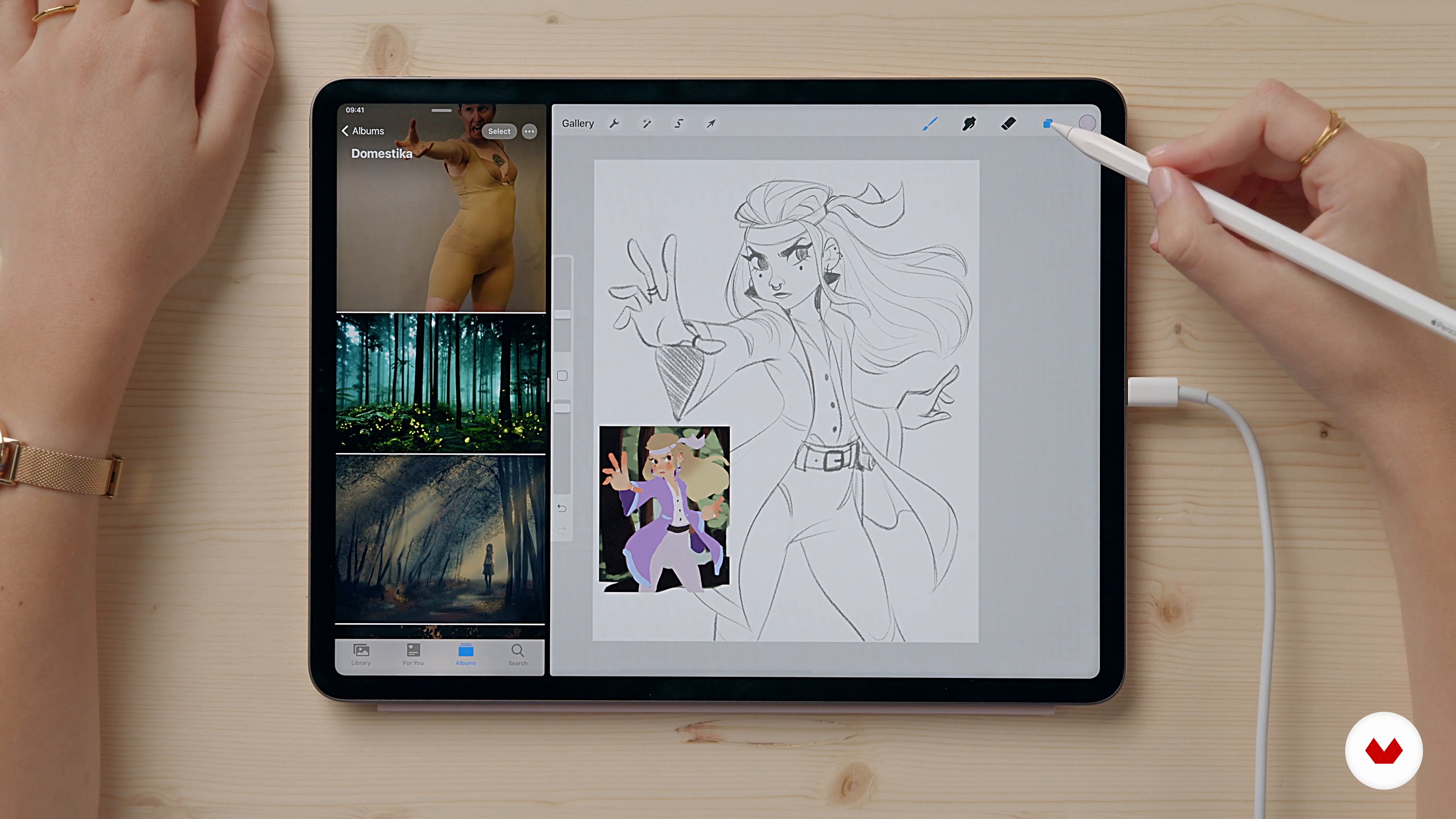
Now I'll show you how to search and select all the images to be taken as a reference for the development of the final project.
4m
image
10
The sketches
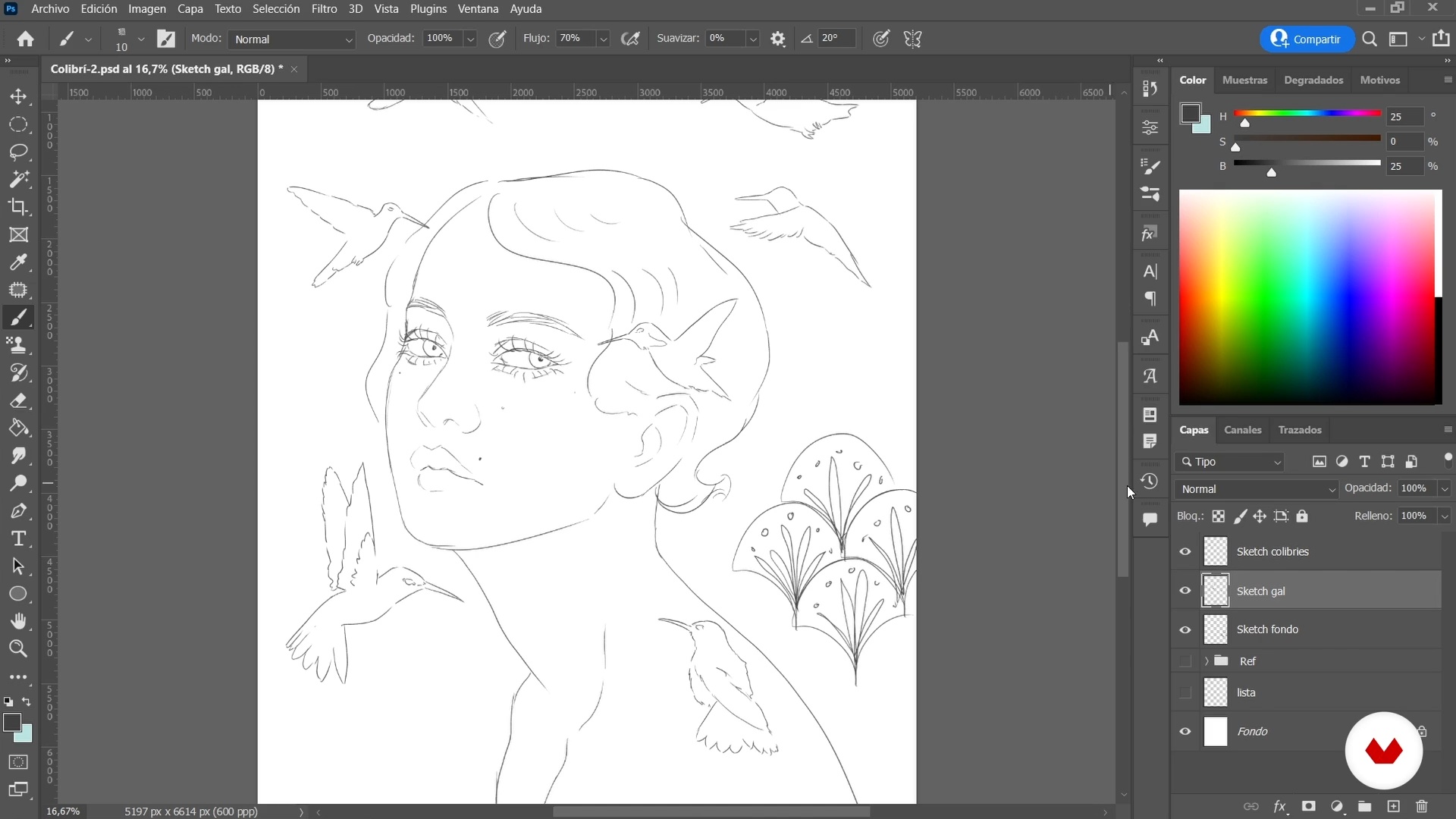
In this lesson, we will see how to create the sketches of our character starting from all the images collected as a reference in the previous lesson.
19m
image
11
Choice of palette
Now that we've finished perfecting our character sketch, let's do some color tests by creating some palettes. We will then go to choose one to use to color the drawing.
19m
image
12
Coloring the drawing 1
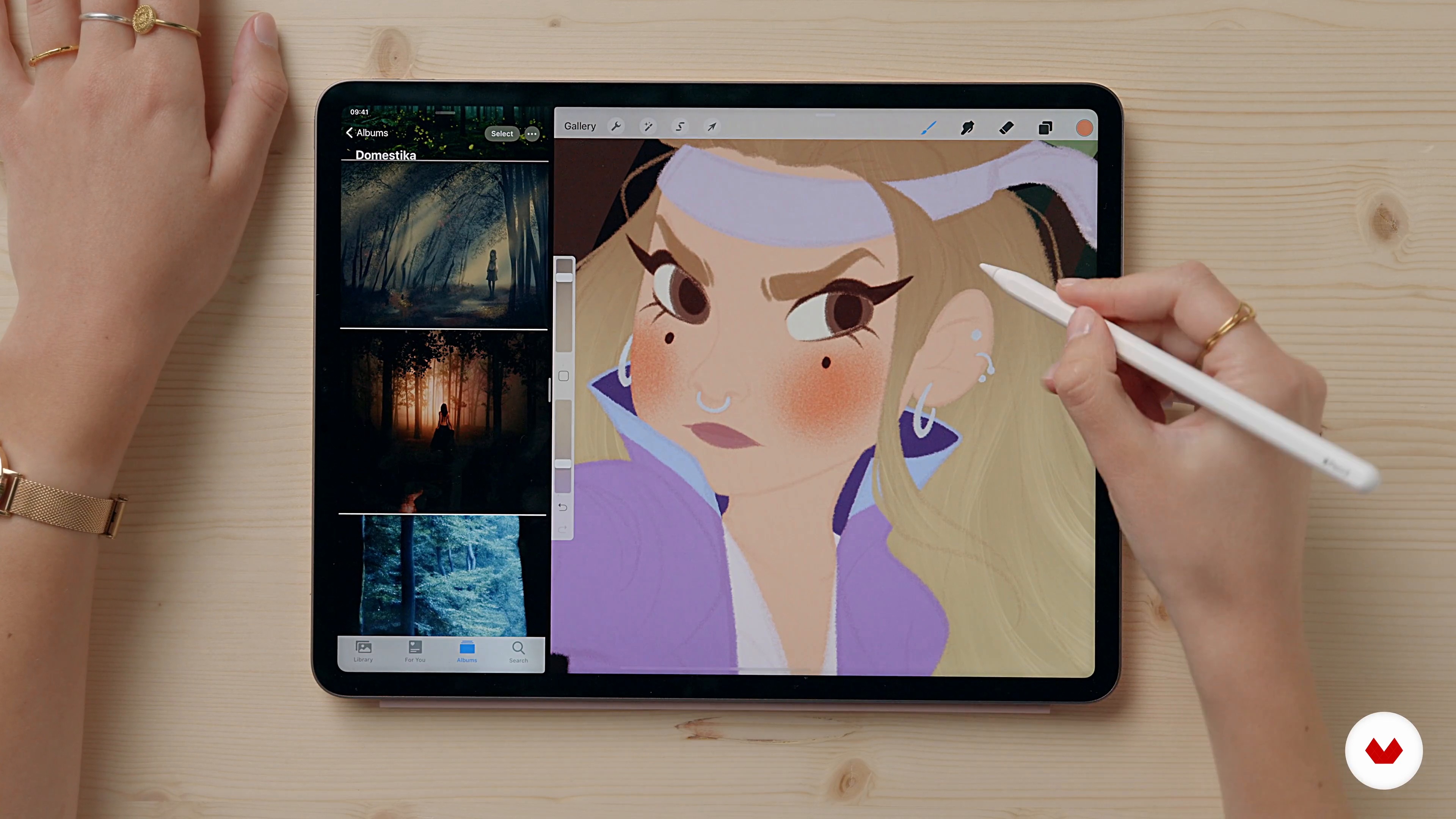
Let's move on to add the flat colors, first to the background and then to our character, using the previously chosen color palette.
13m
image
13
Coloring the drawing 2
Let's finish the color part by adding details such as the whites of the eyes and shades of the hair.
11m
image
14
Lights and shadows 1
Now, I'll show you all the steps to follow to add shadows and highlights to the drawing and add volume to the illustration.
13m
image
15
Lights and shadows 2
Let's move on to add the background lights and finish our illustration from the point of view of lights and shadows.
14m
image
16
Details to give vitality to the image
In this lesson, I'll tell you what details to add to the illustration to make it even more alive and unique.
16m
image
17
Final changes
Now, I'll show you how to apply the latest changes to the illustration to prepare it for sharing. Let's see how to adjust the colors and how to have fun with the tools that Procreate offers.
6m
image
18
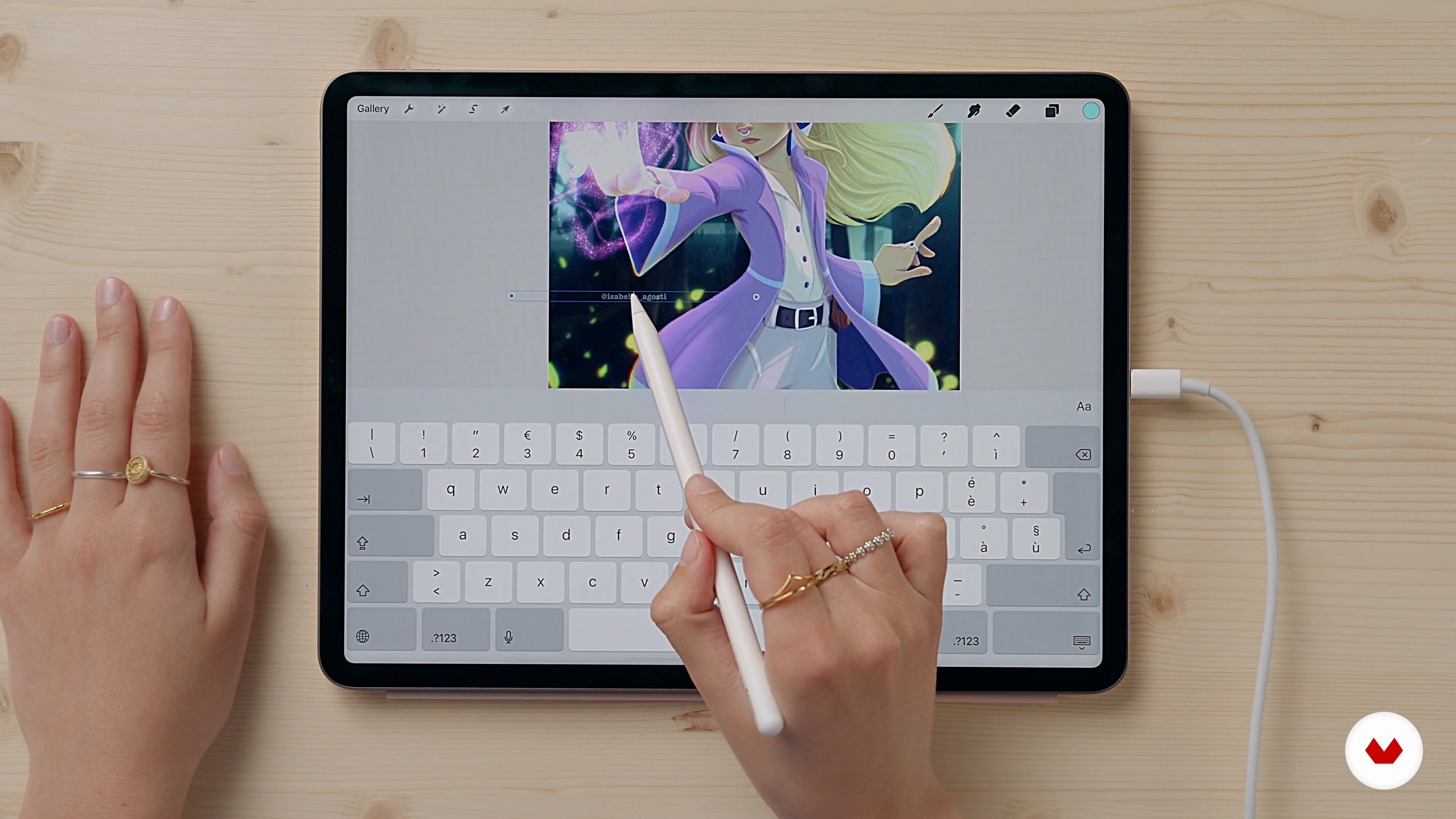
Signature and export
Finally, let's see a quick way to add your signature to the drawing. I'll also explain some ways to export the file based on the use you want to make of it.
3m
image
3
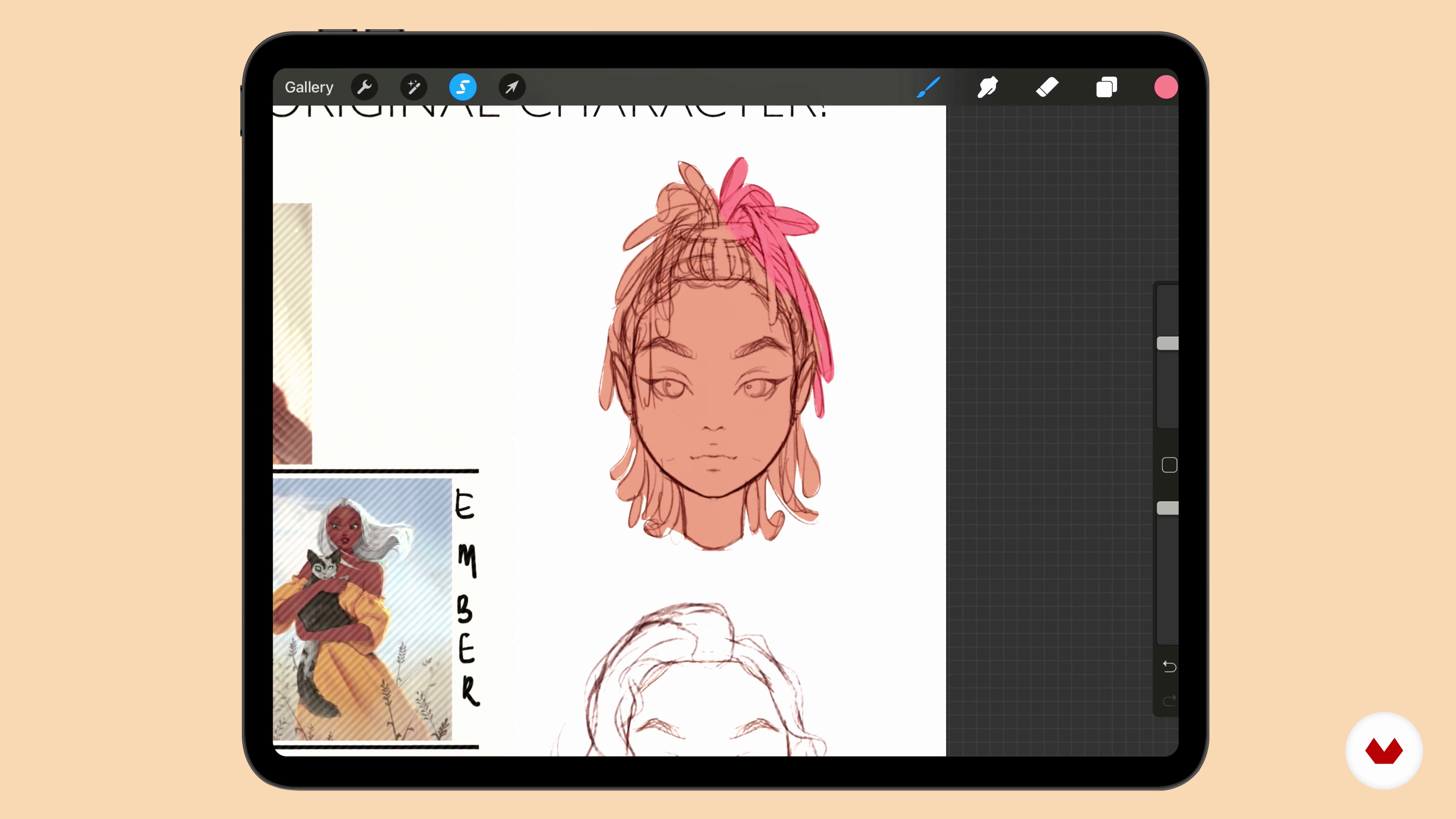
Creating an Original Character
In this lesson, I’ll give examples of great character design from tv shows and also provide a live demonstration of how you can create a strong appealing character design of your own.
16m
image
4
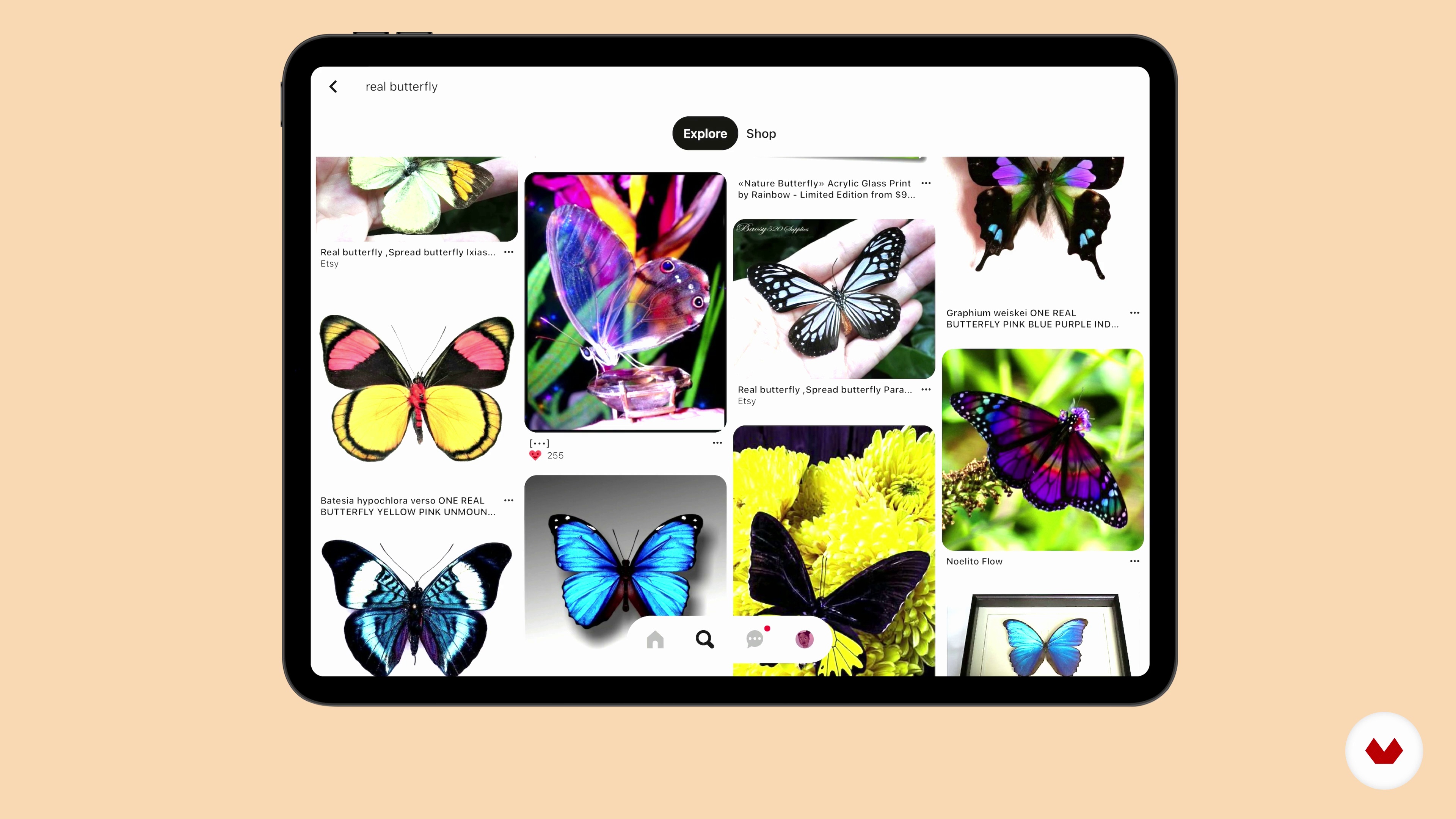
Searching for Inspiration
Here we will be going through my process when searching for references and where I search for them.
15m
image
5
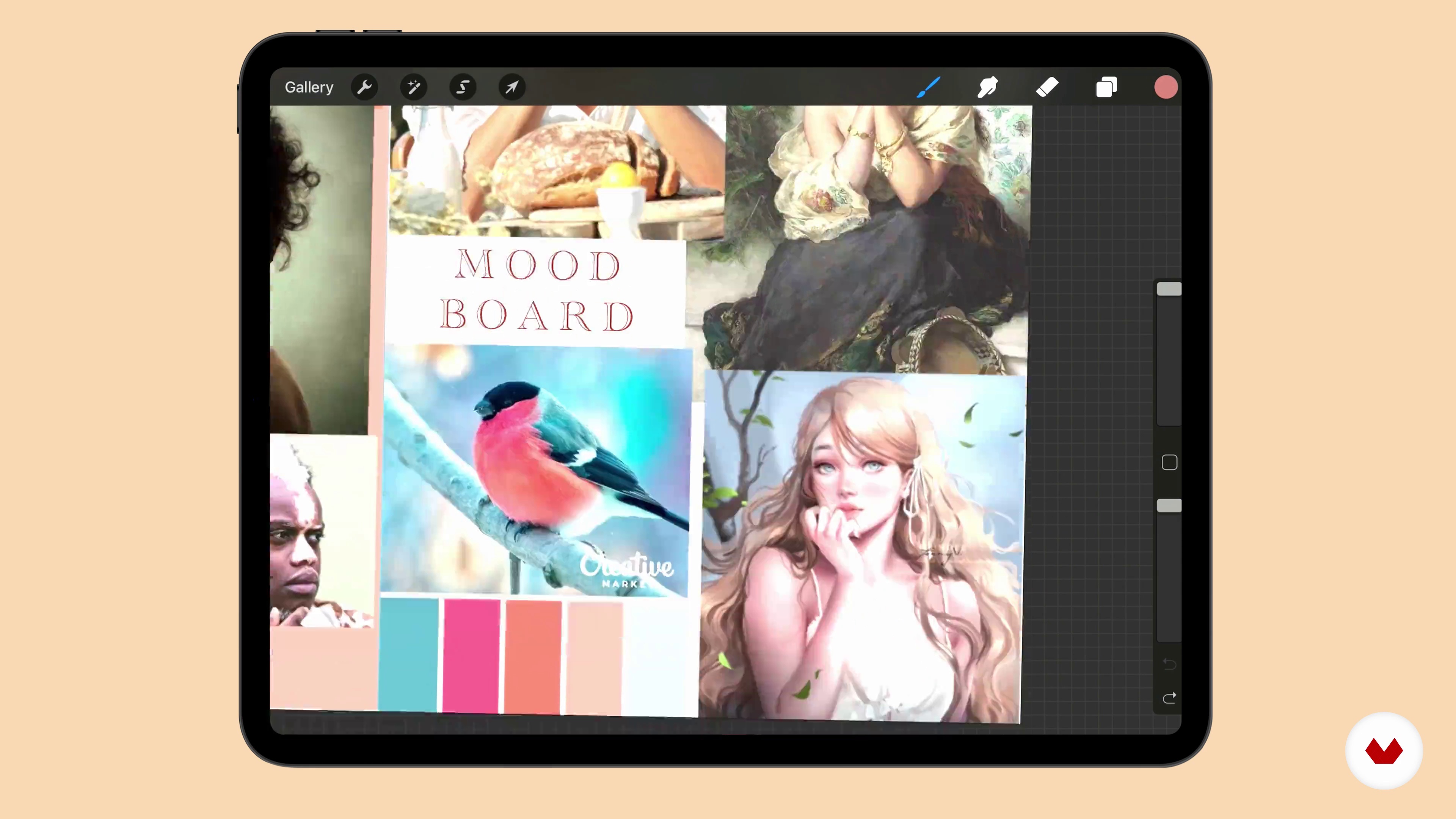
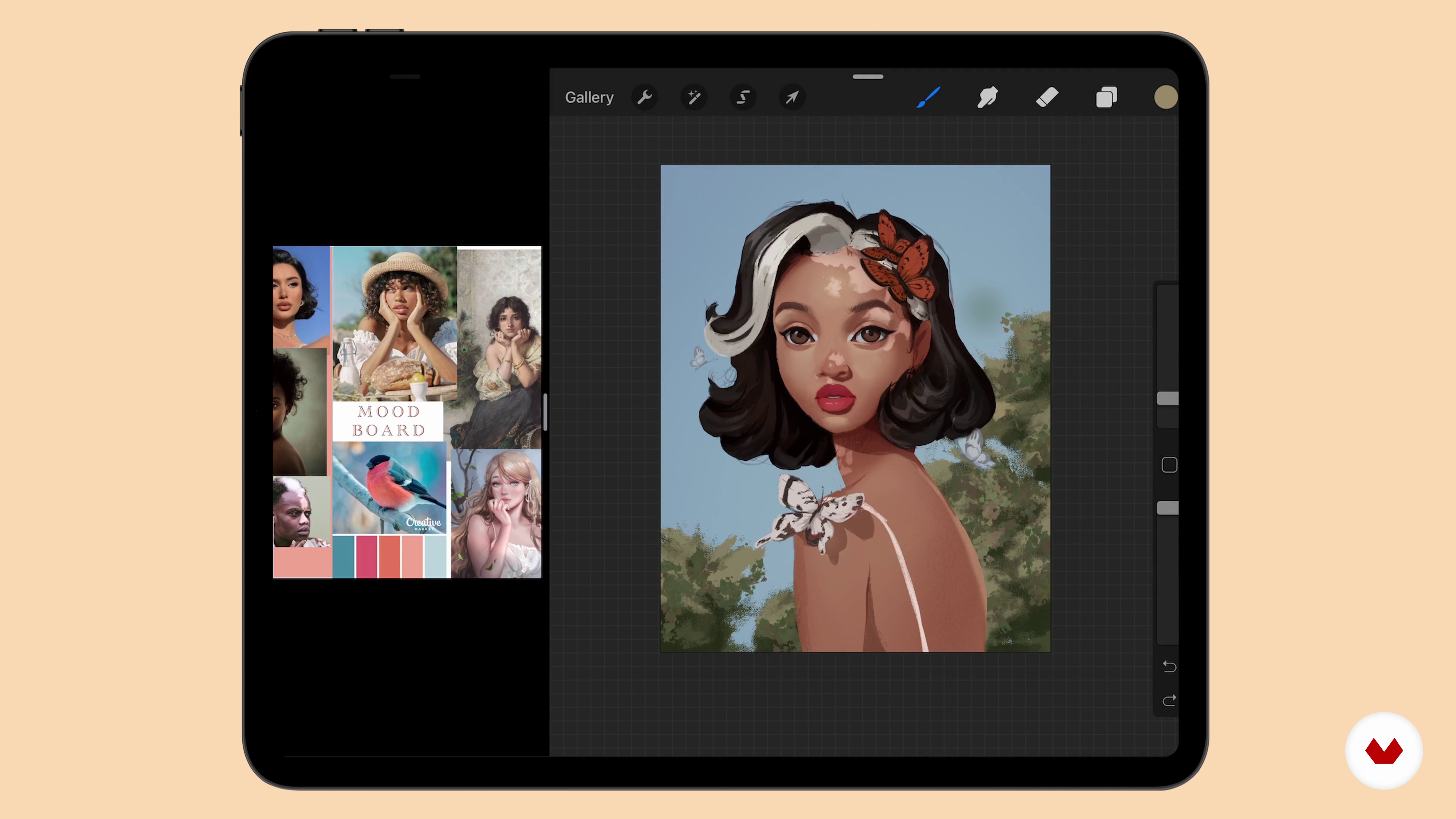
Creating a Mood Board and Colour Scheme
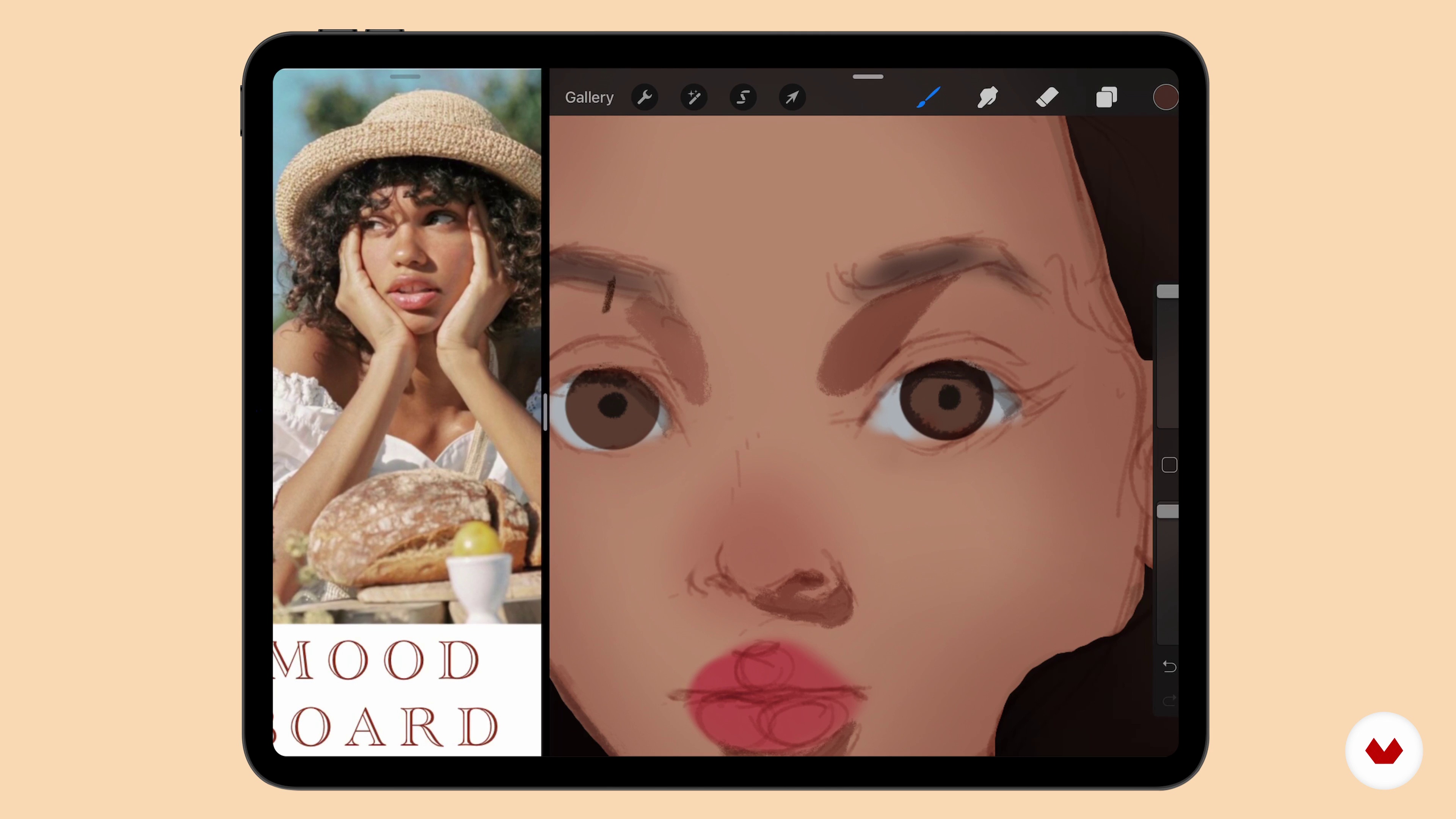
In this lesson, I will explain to you how to use your character to develop a theme or vice-versa.
7m
image
6
Composition
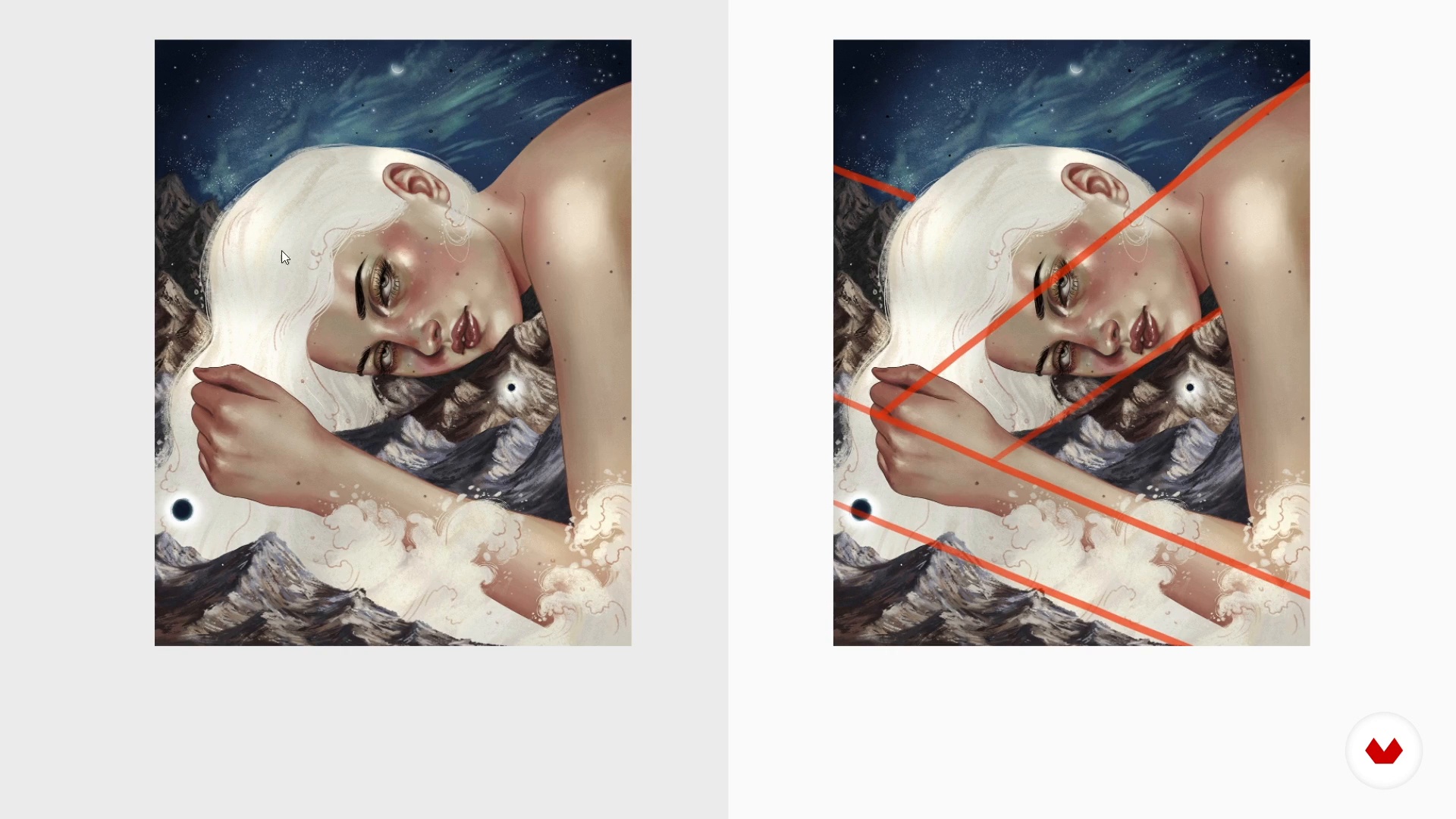
I’ll give an explanation of what composition is and how it can be used to effectively communicate a story or mood in your portraits.
15m
image
7
Sketching Ideas and Refining
This lesson will show the sketching stage.
14m
image
8
Basic Fundamentals and Laying Down Colour
In this lesson, I’ll add the base colours and discuss key fundamentals to know when trying to create realistic rendering.
18m
image
9
Rendering Hair and Skin 1
Using the knowledge we have gathered from previous lessons, in this lesson we go through the rendering process.
17m
image
10
Rendering Hair and Skin 2
We will work on the values of the skin of our portrait.
20m
image
11
Rendering Hair and Skin 3
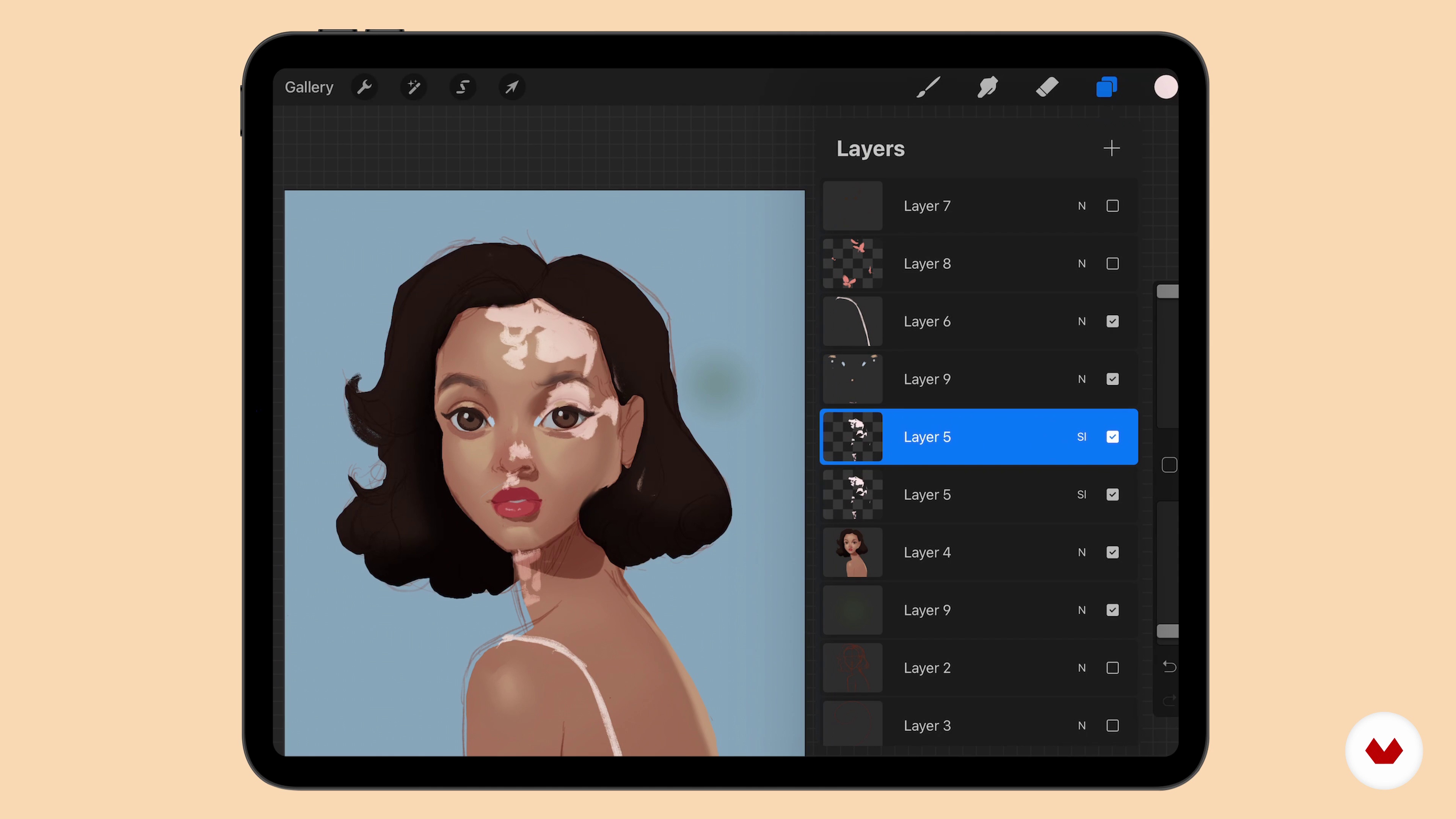
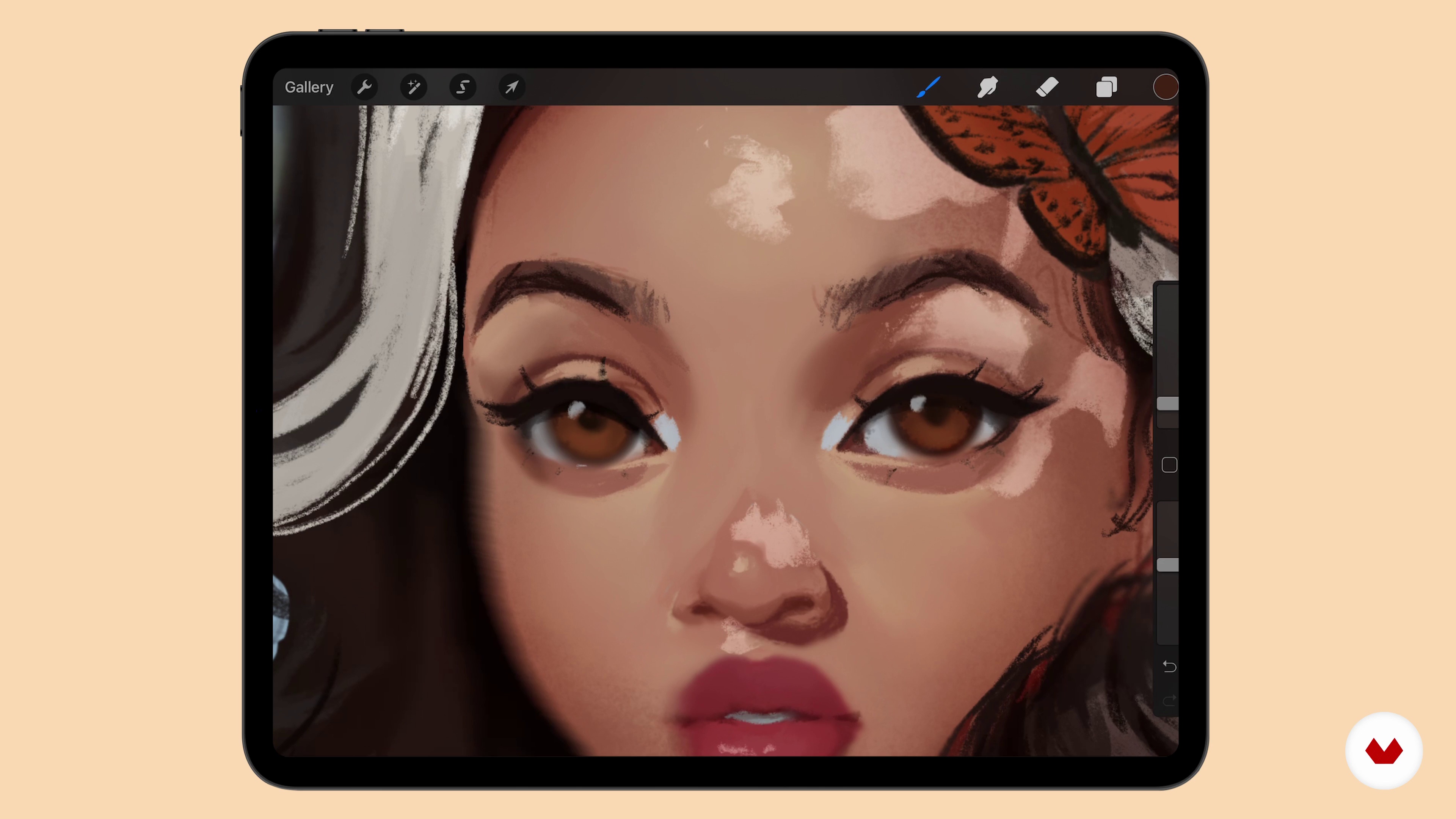
Third part of the lesson. Here we will add more detail to the eyes and start working on the layer for the vitiligo.
8m
image
12
Rendering Hair and Skin 4
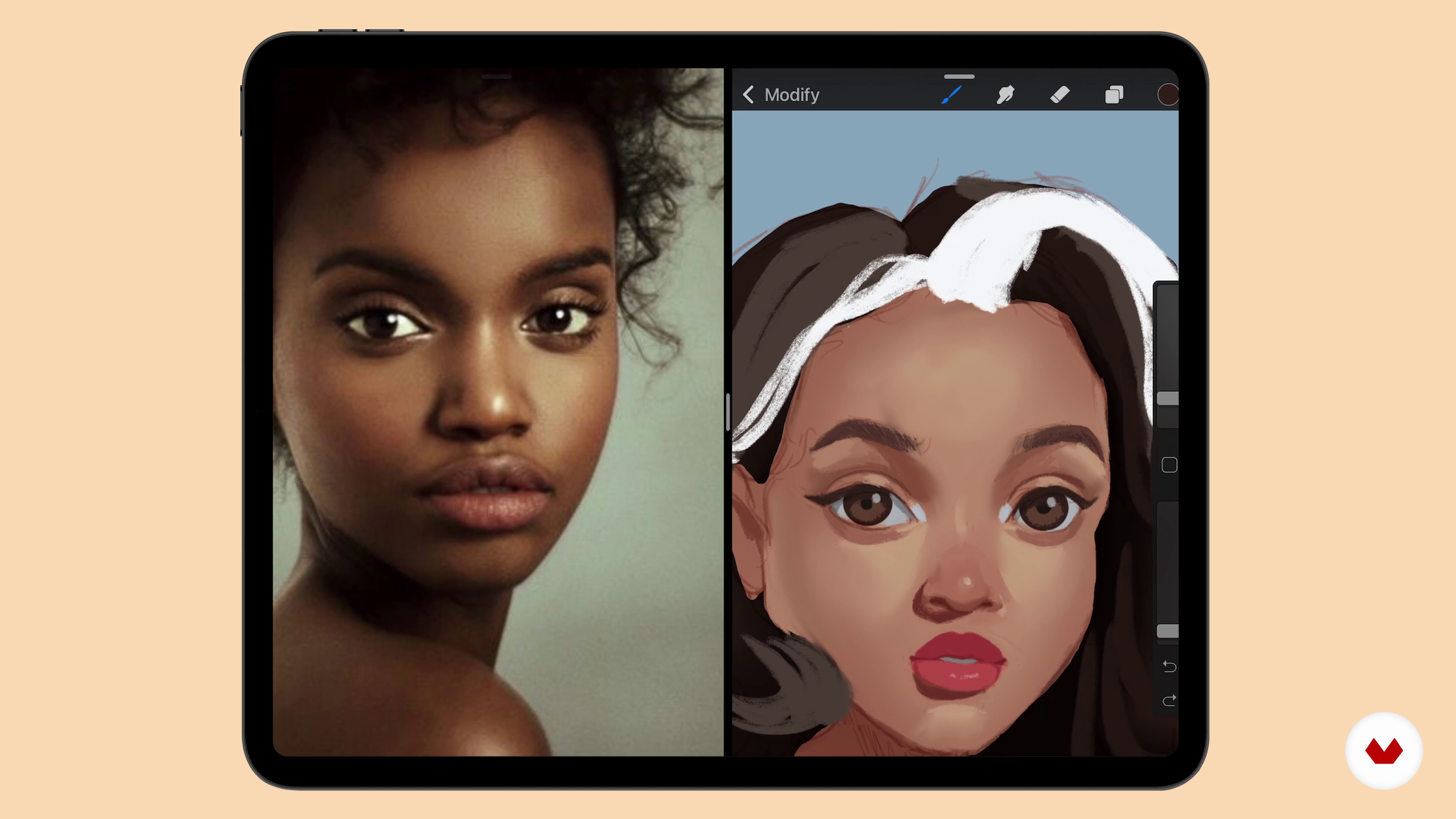
Let's continue to add more details to the portrait and the white strand of hair.
15m
image
13
Butterflies and Background 1
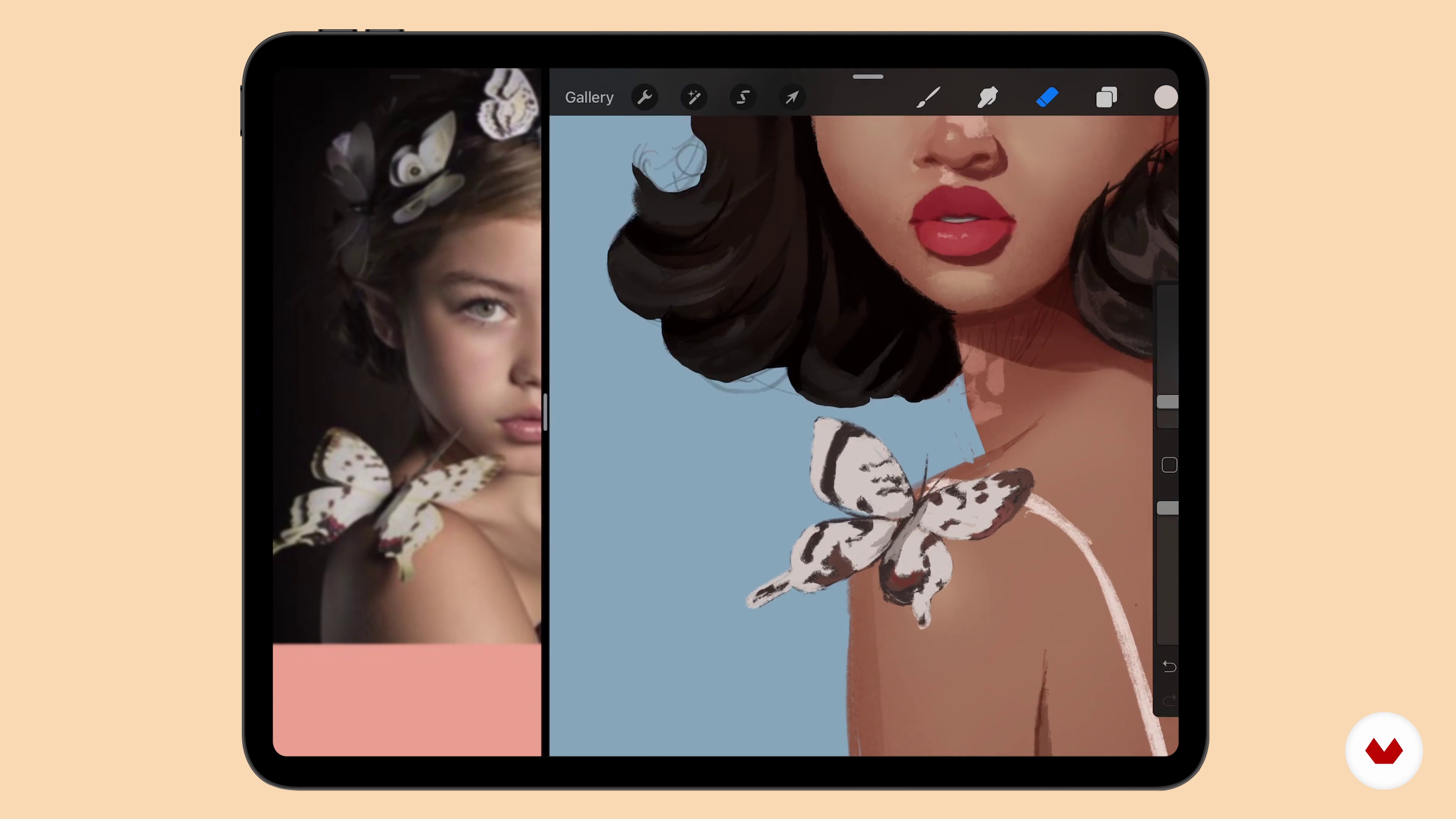
In this lesson, the portrait would be about 90% finished at this point, and I would be reviewing my composition sketch to know where to place all the props.
18m
image
14
Butterflies and Background 2
Here I will focus on applying shadows to the portrait.
8m
image
15
Final Details
Now that the full illustration is complete, in this lesson, I’ll share some things i like to do to make my art to make it look even better.
20m
image
16
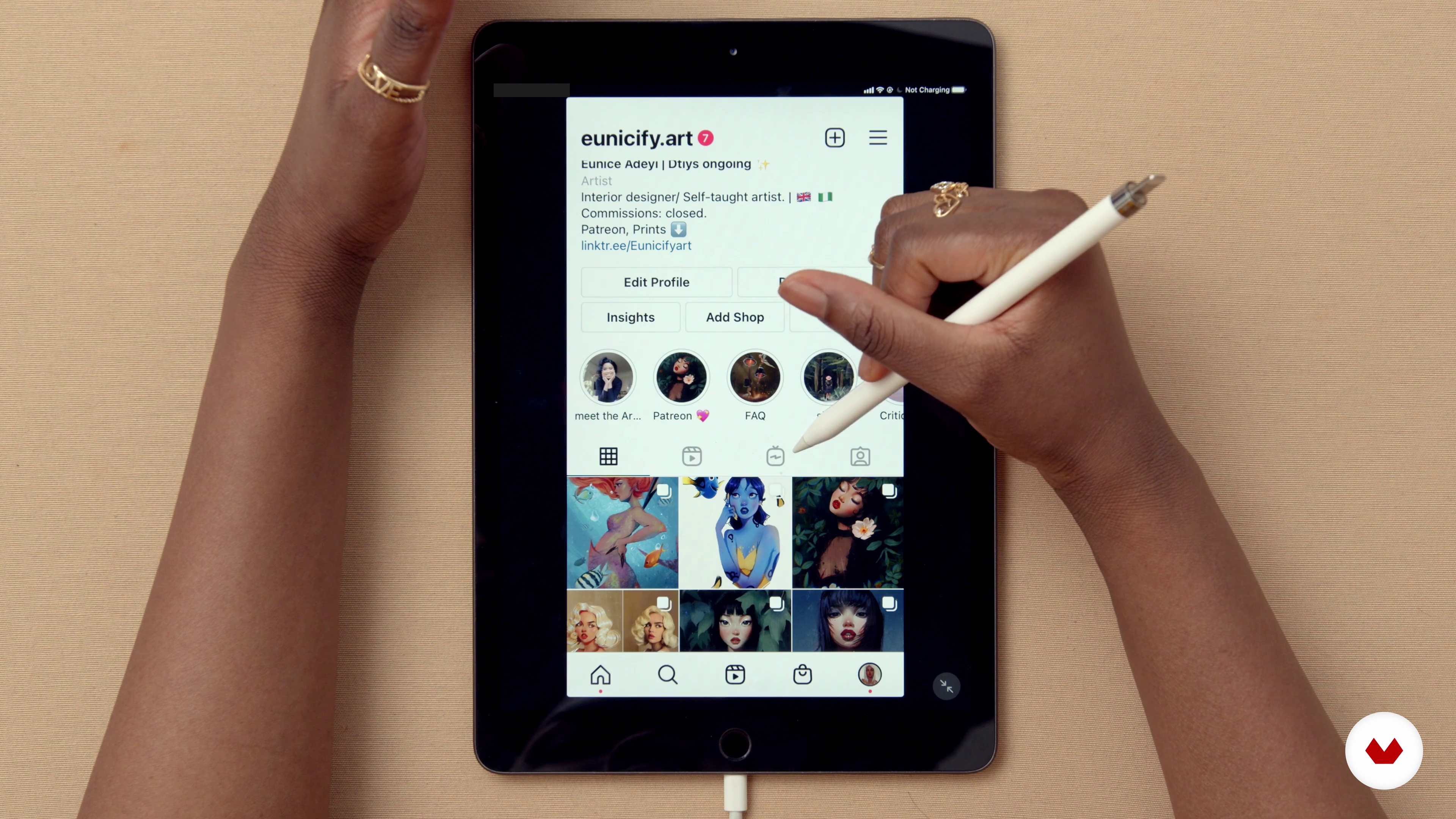
Using Social Media
In this lesson, i will discuss how to use social media as a means of promoting yourself.
6m
image
17
Getting Work
In this lesson, I will discuss different ways to get work with your skills.
4m
image
3
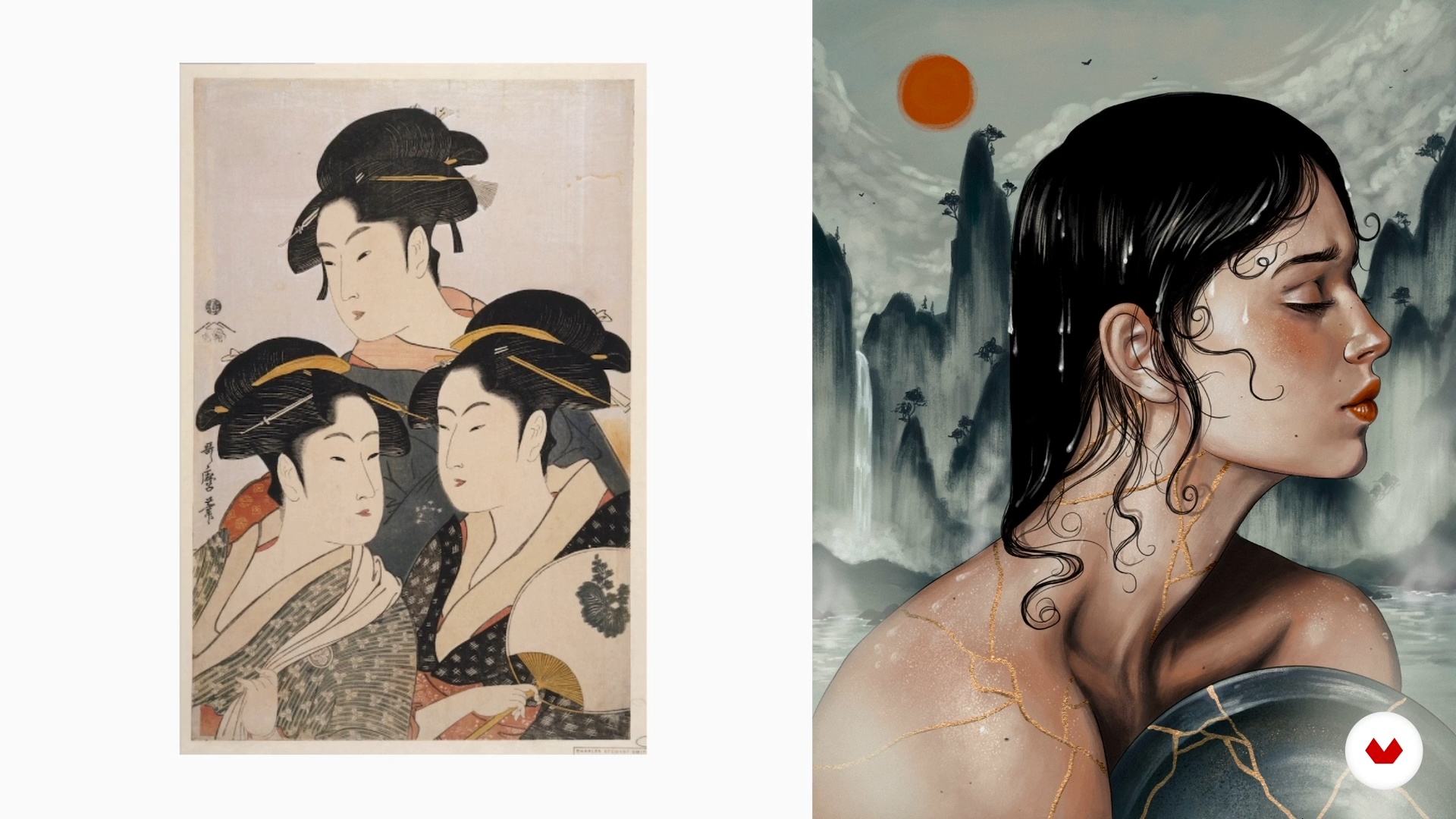
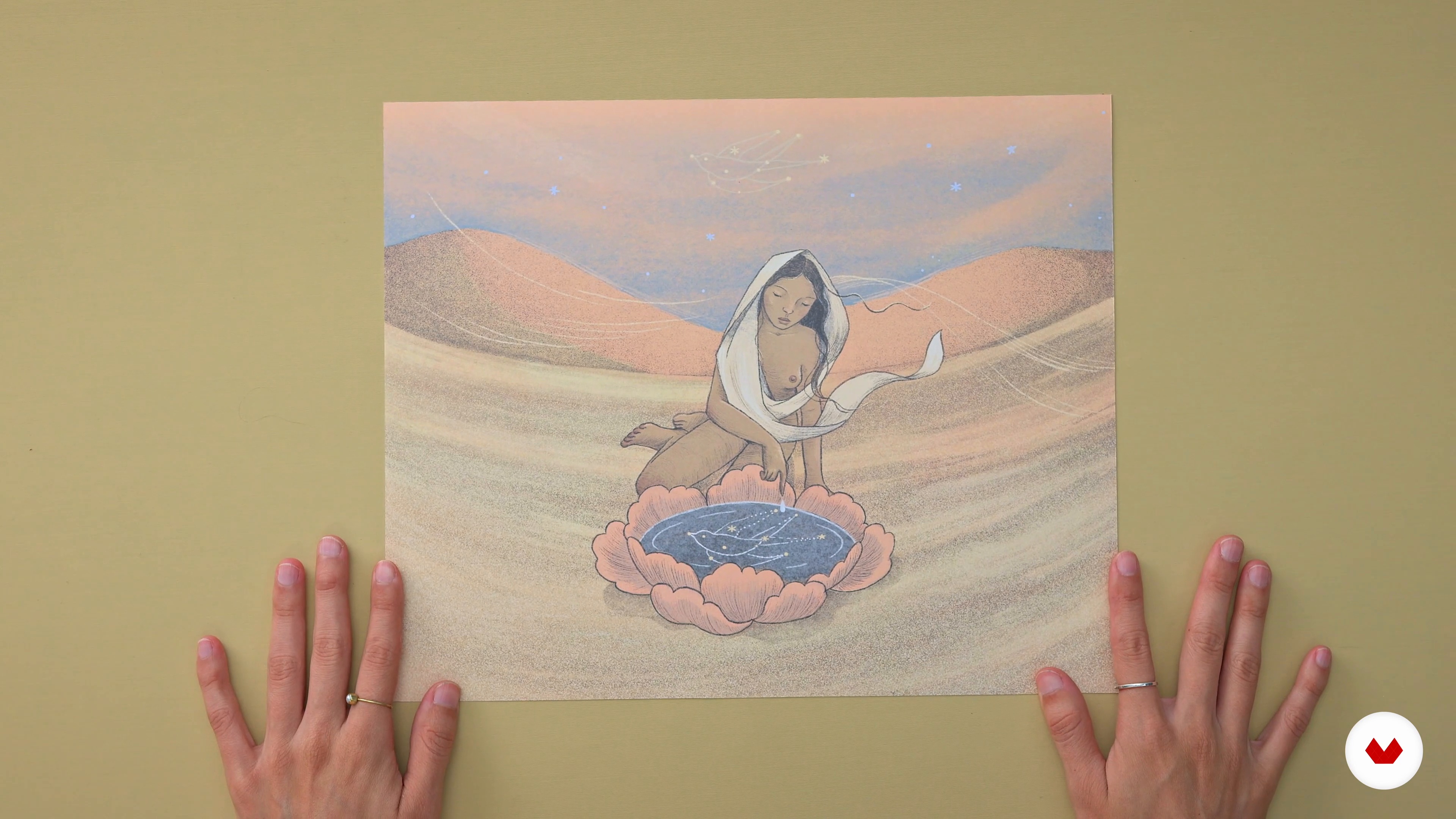
Observation of the Female Body from Illustrations and Selected Works
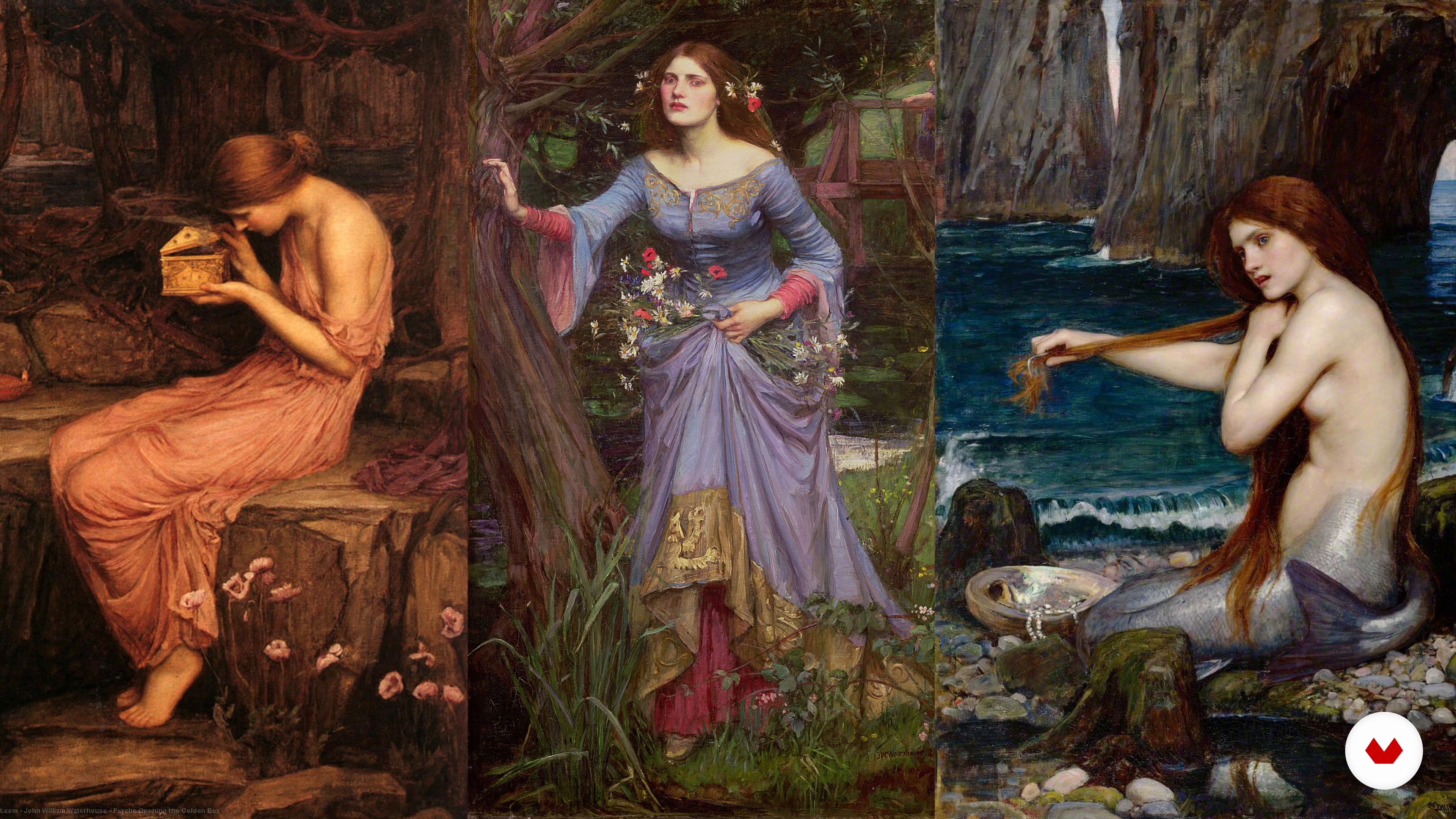
In this lesson I will analyze some iconic works that have women as their central theme and what they transmit from there to integrate these narrative forms into our own illustration.
14m
image
4
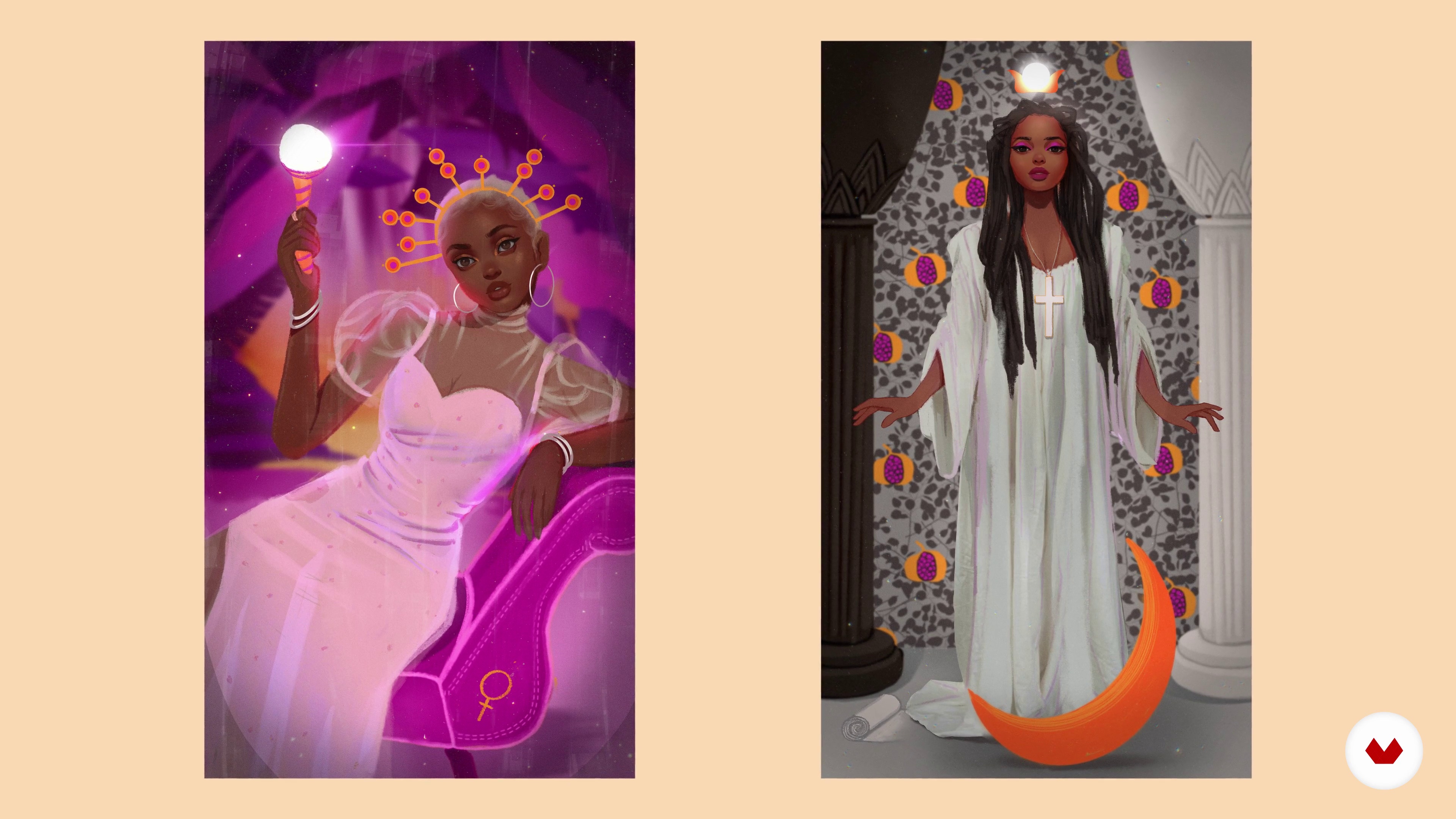
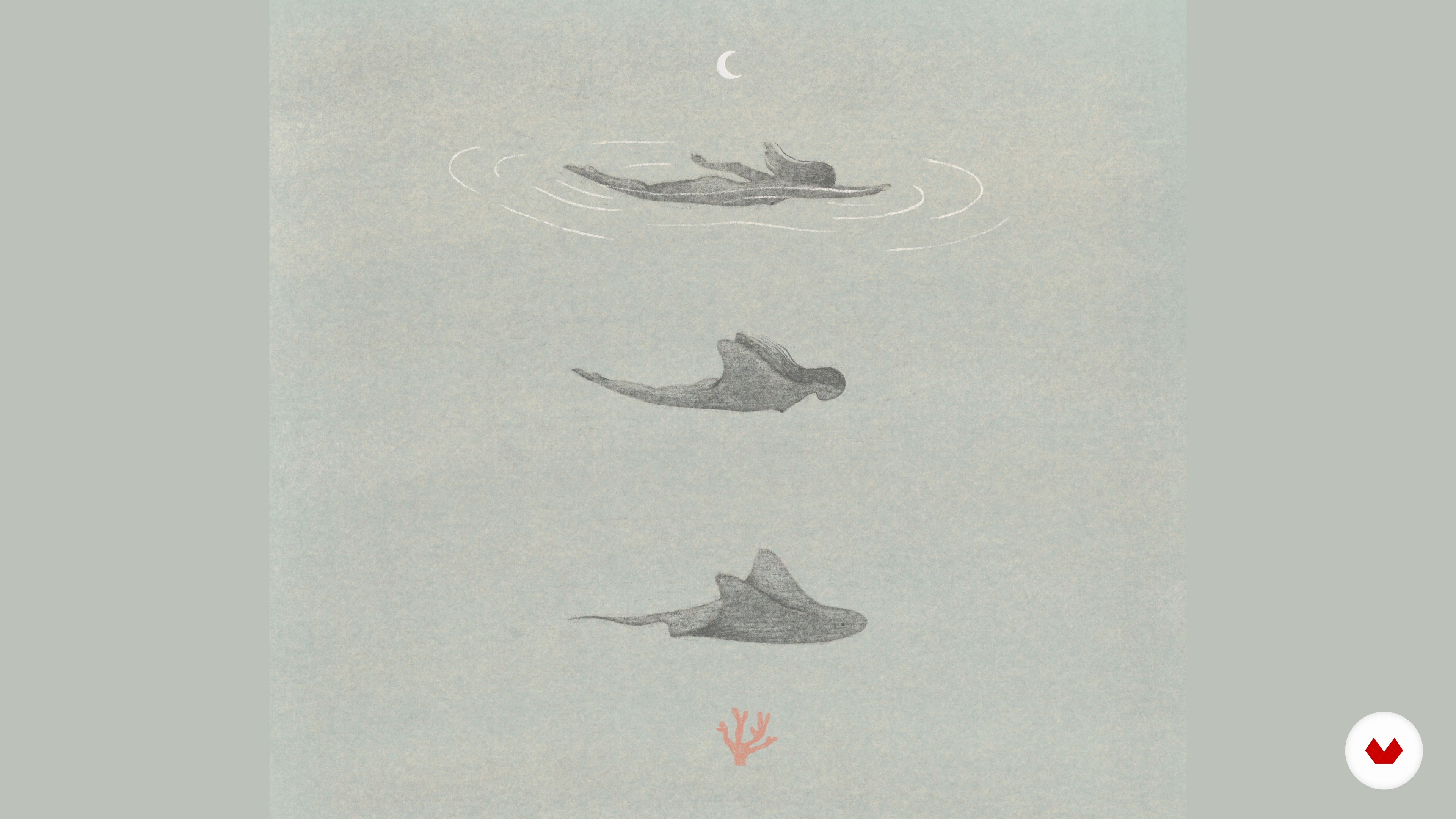
Integration of Symbols and Dream Environments in the Illustration
Next, you will learn to identify and create dream environments from a metaphorical and symbolic language.
7m
image
5
The Materials I Work With
Now that we have already covered the most theoretical part, I will talk about the importance of choosing a technique that helps to transmit our message and the possibilities of some of the techniques that I work with.
7m
image
6
Integrating the Elements
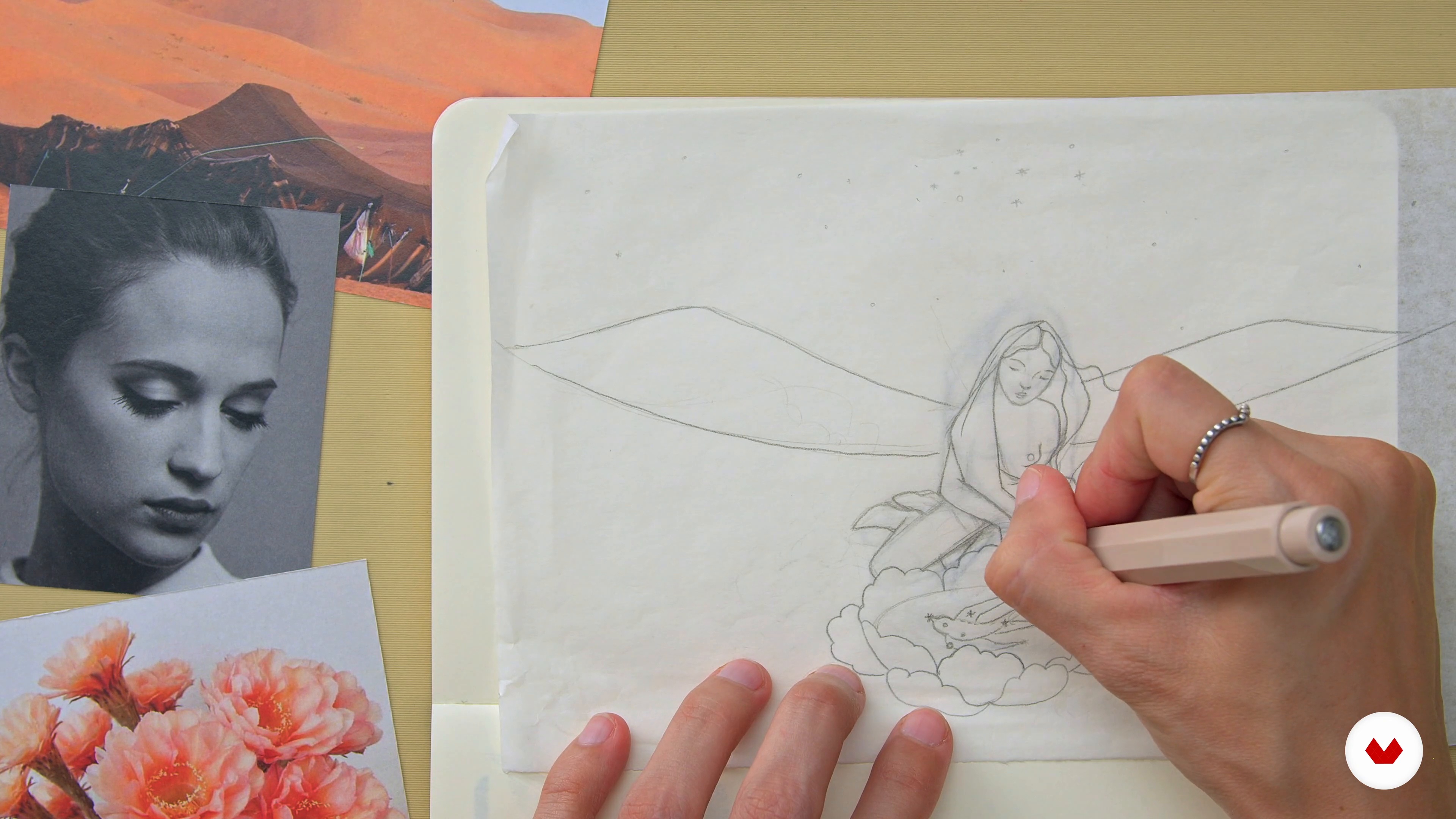
As an example, I will return to the sketch that I made earlier to develop the illustration integrating the visual elements that I have talked about so far.
5m
image
7
Working with References, Making a Mood Board
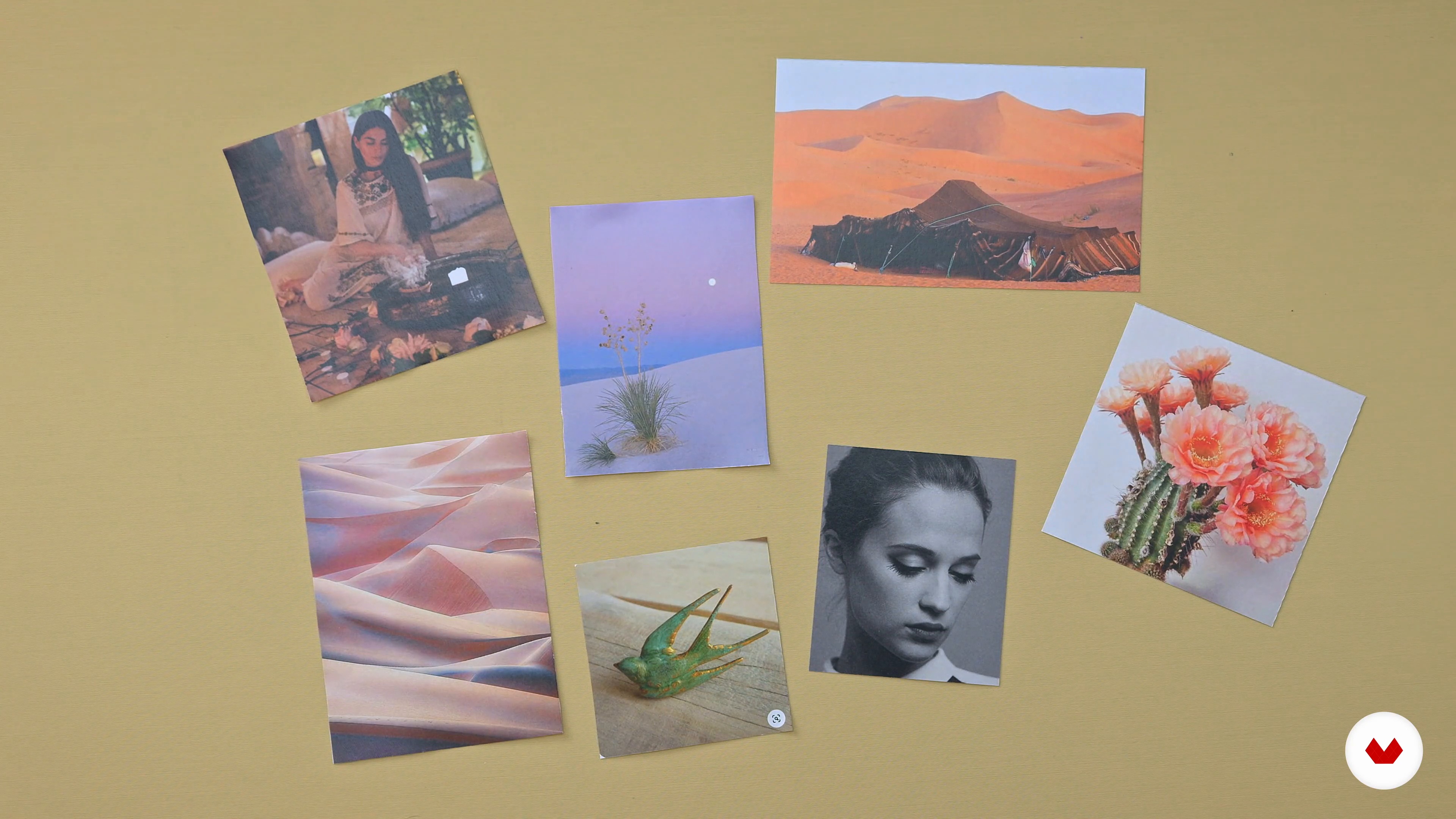
To start, I would like to talk about the importance of having good visual references and how to use them in the construction of the illustration.
6m
image
8
The Sketch
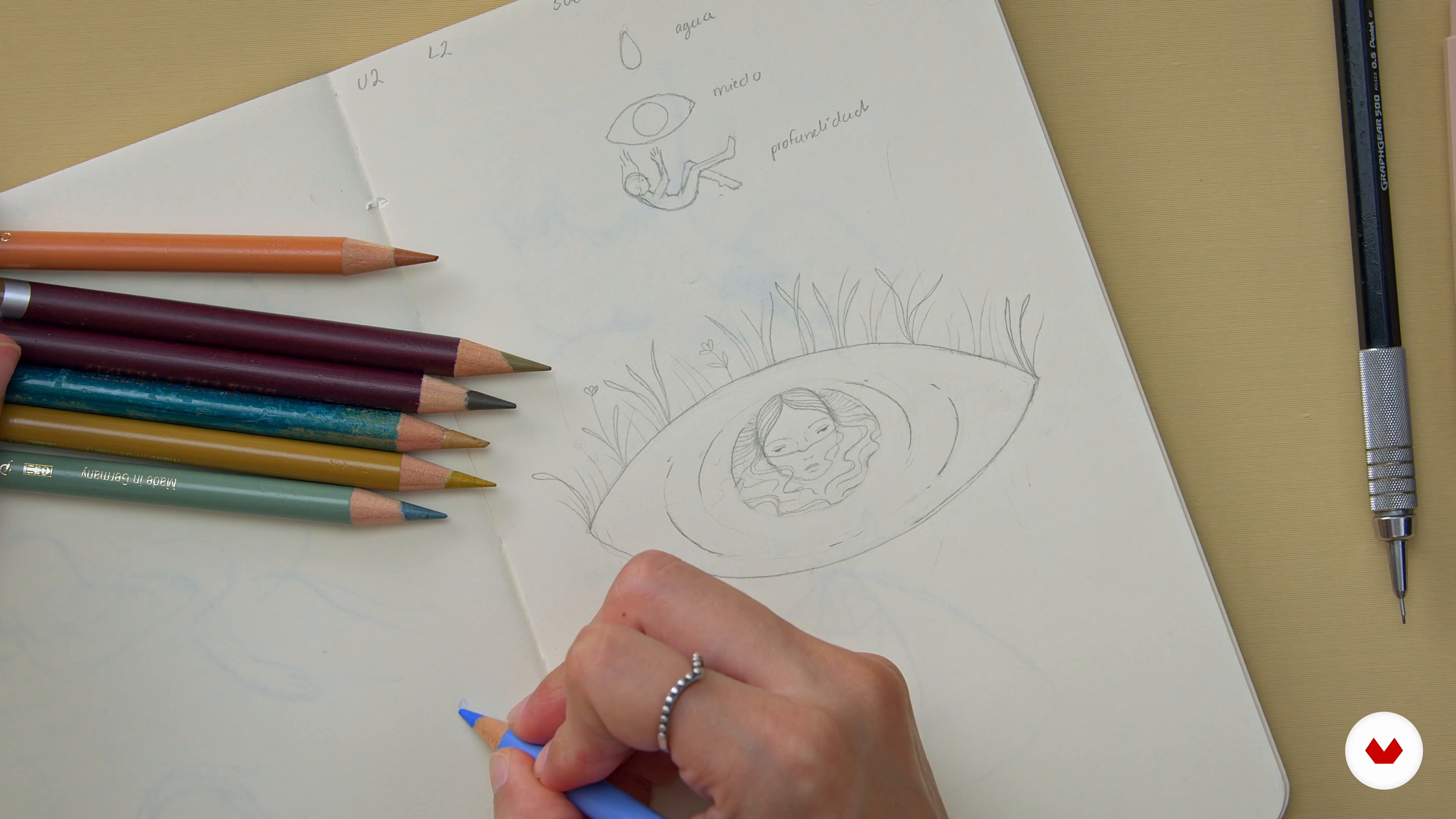
To develop the illustration we will start with a sketch, which will be the basis on which we will work and integrate the different elements. Here I show you how I do it!
7m
image
9
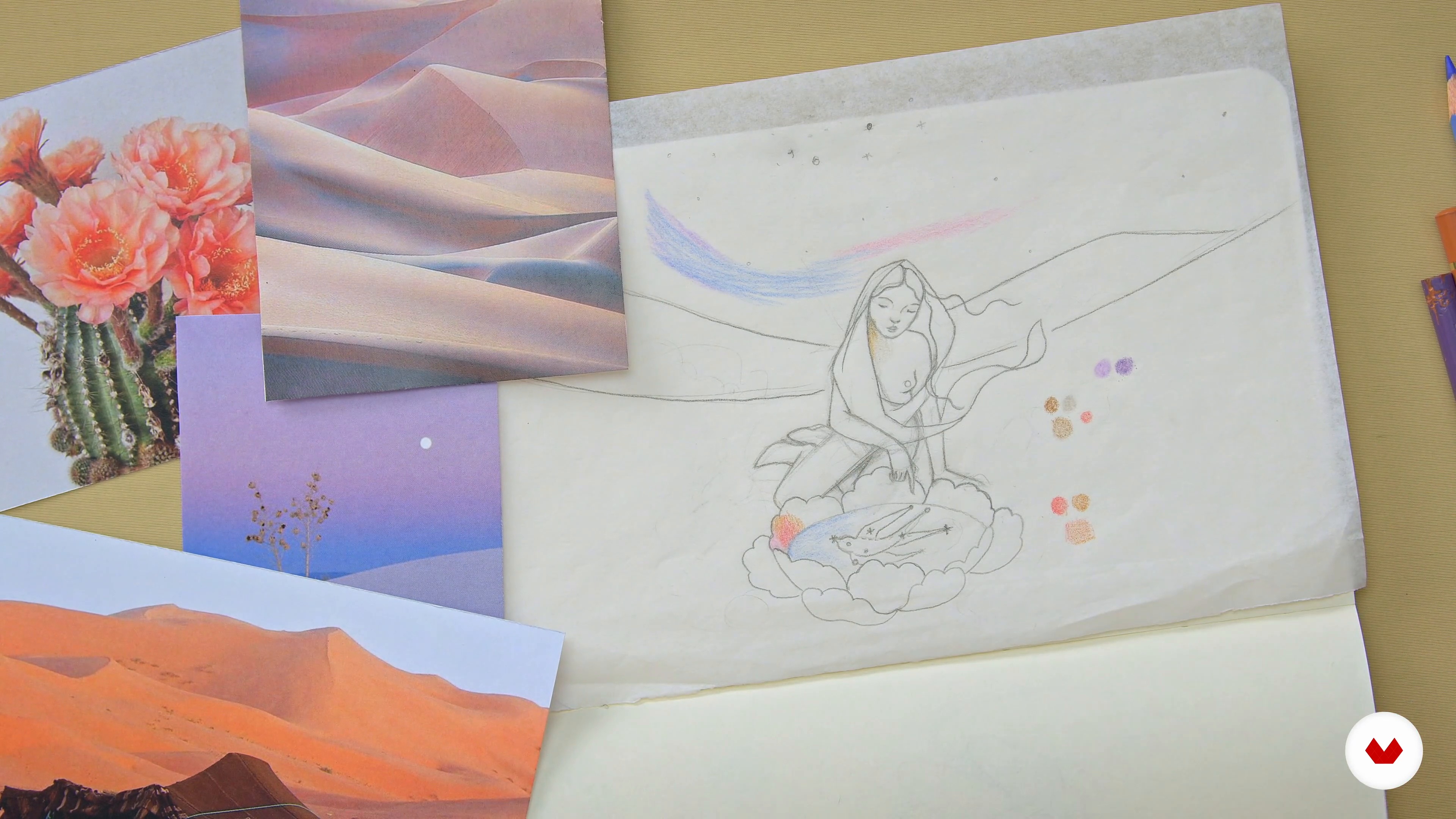
The Color Palette
Color is fundamental, since it determines the general atmosphere of a graphic work. In this lesson I will show you my process to choose the colors and tones that will make up the color palette of my illustration.
5m
image
10
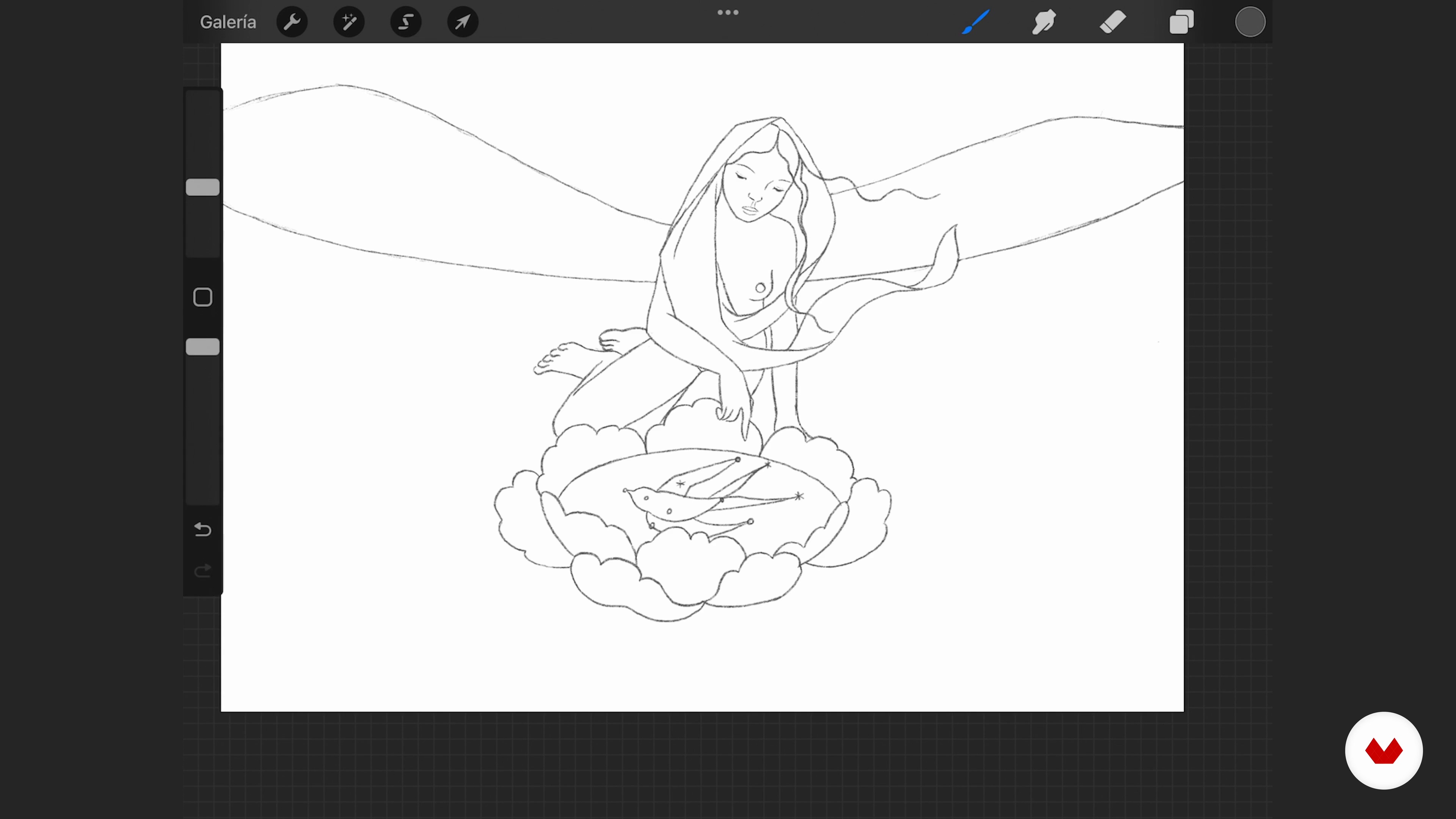
Starting to Digitize
Using the original sketch in Procreate, I'll show you which brushes to choose and their characteristics. Then you will see how to digitize the sketch from tracing and simple lines.
20m
image
11
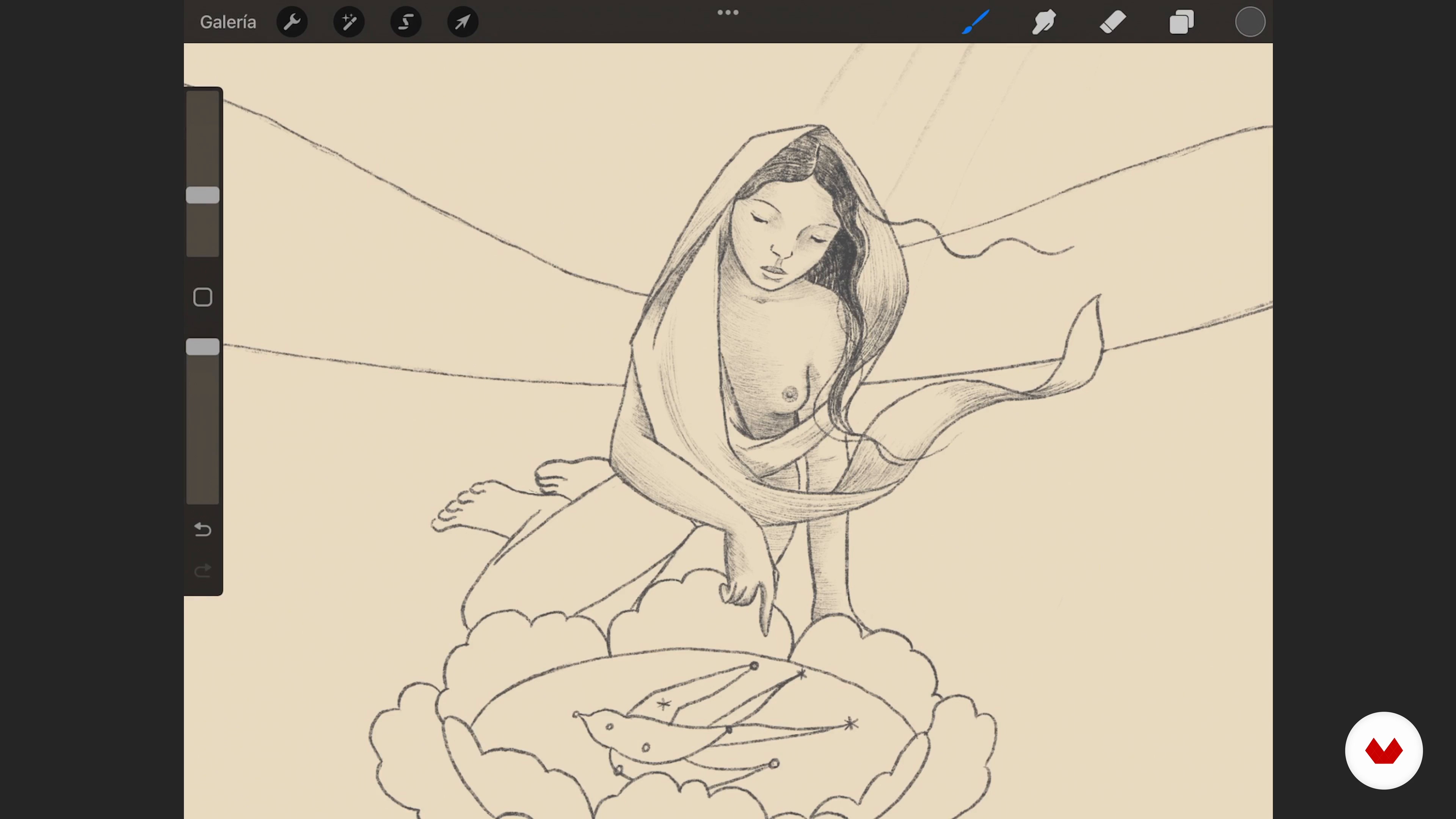
Shadows and First Textures
The next step will be to apply shadows and textures to illuminate and give volume to the illustration. You will see how it is acquiring depth!
13m
image
12
Color Application
In this lesson I'll talk about the characteristics of color and show you how I apply base tones to the whole illustration.
12m
image
13
Color Is Also Texture
Now you'll learn how to layer color for deeper ambiance and more effective contrast.
15m
image
14
Details and Final Lights 1
The next step will be to add the final details of color and light to emphasize shadows and contrasts. It is important to pay close attention to details, since, although they are not the protagonists of the illustration, they do determine the tone of the scene and the story we are telling.
19m
image
15
Details and Final Lights 2
I'll keep adding some strokes and details to define the narrative of the scene. Keep in mind that the final illustration will not be exactly as you planned because during the process we are changing elements, shapes and colors depending on how the image develops. This is part of this wonderful process!
14m
image
16
Sharing Your Work
What can you do with your finished work? You have several possibilities to share your work with the world. I will show you some types of formats to print your illustrations, as well as online platforms in which you can present them.
5m
image
3
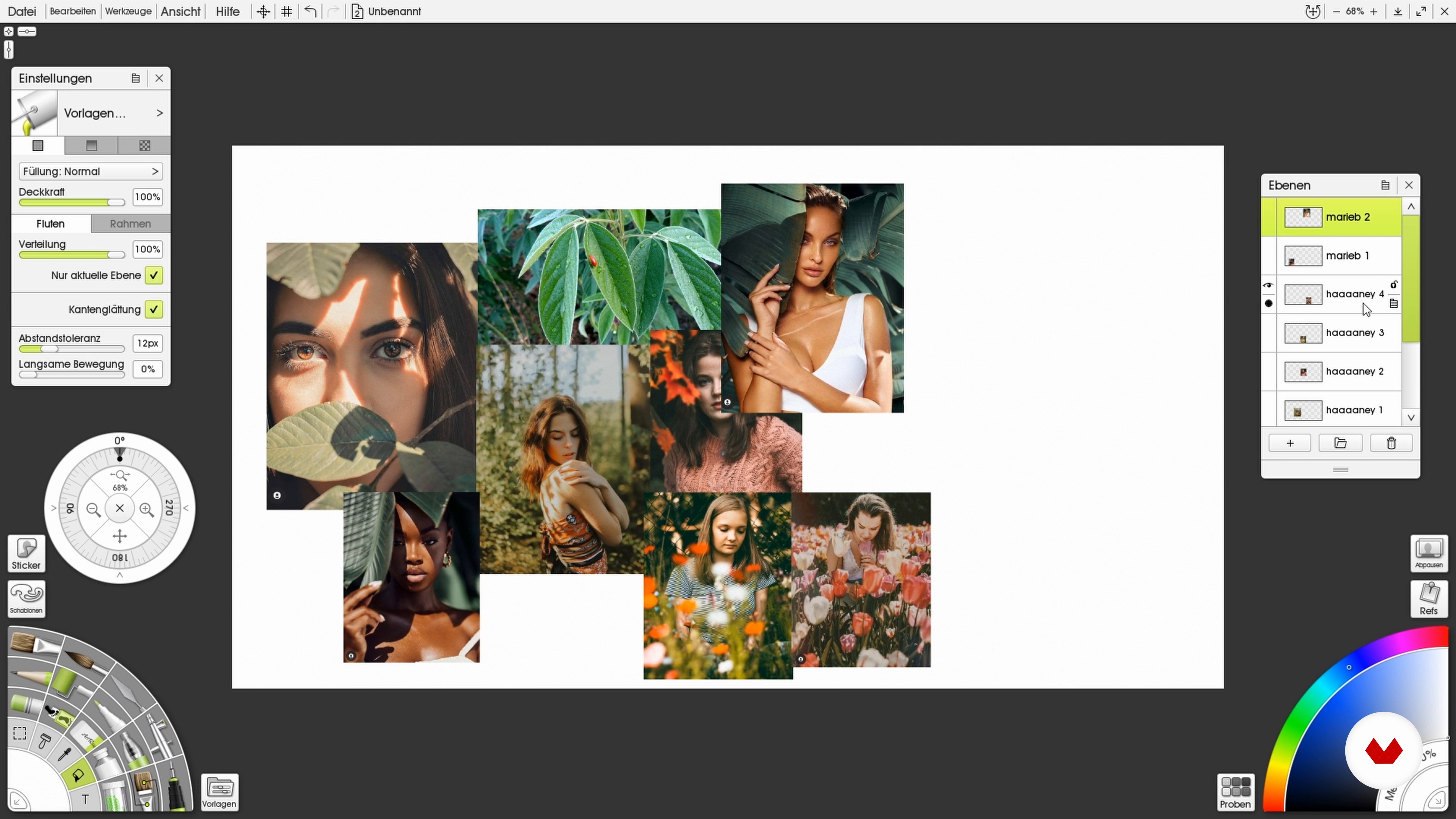
Creation of a Mood Board
Every portrait starts with an idea. In this lesson, we will look at creating a mood board to put together a collection of reference images for the course project.
3m
image
4
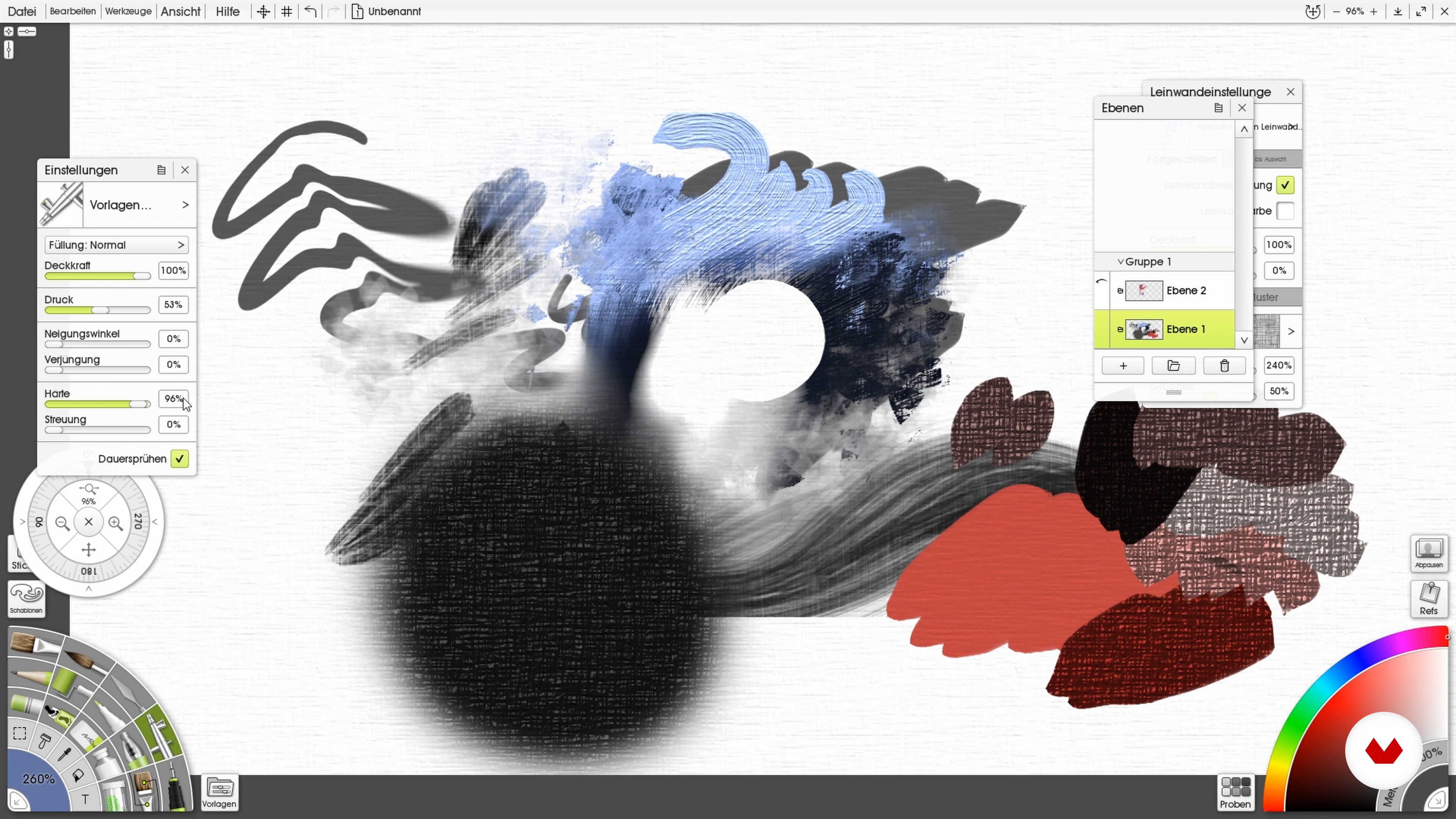
Introduction to ArtRage
In order for you to become familiar with the software that I will use in this course, I will now show you the most important basic settings and brushes in ArtRage. If you should use another program, feel free to browse for similar brushes.
12m
image
5
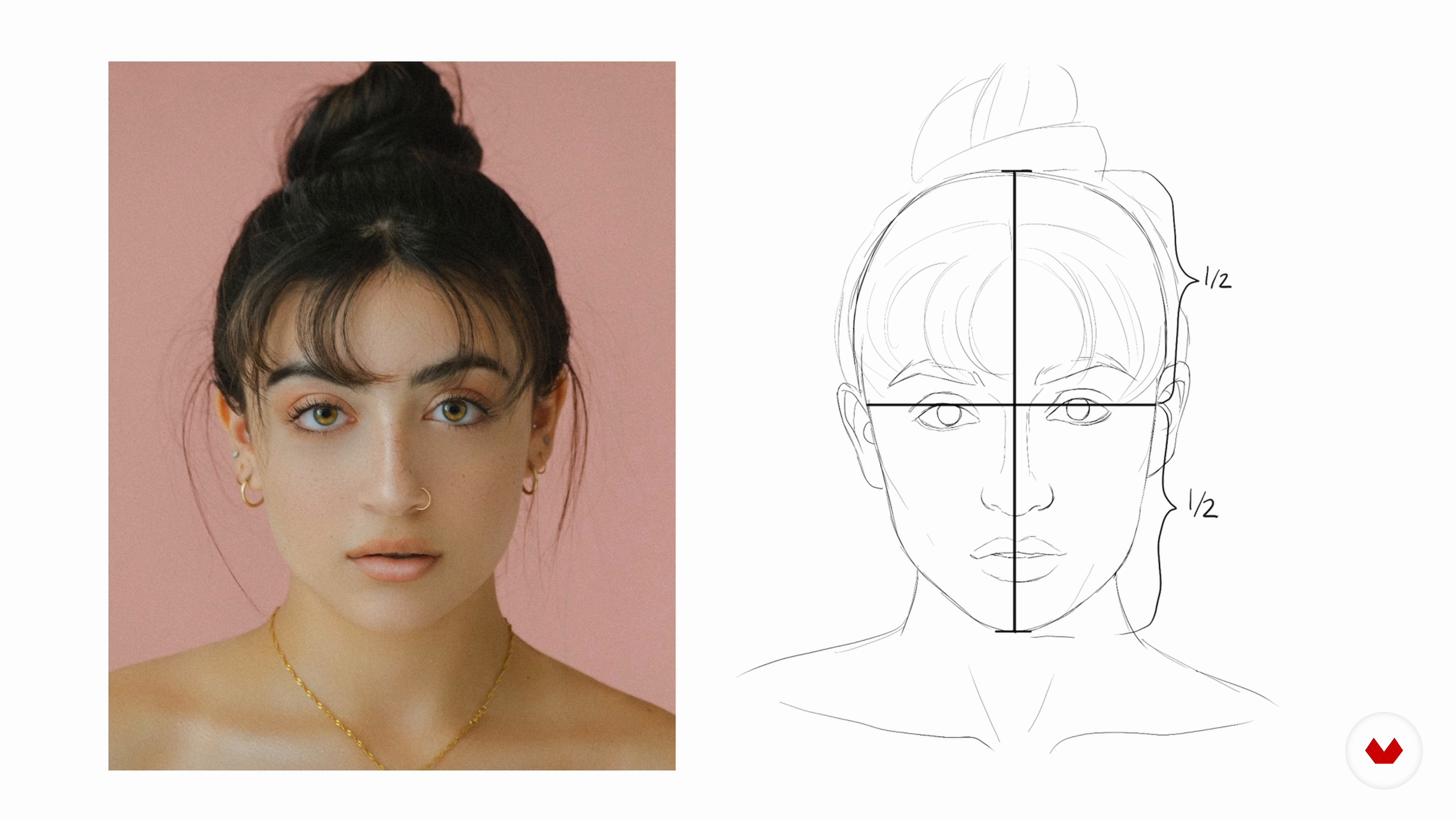
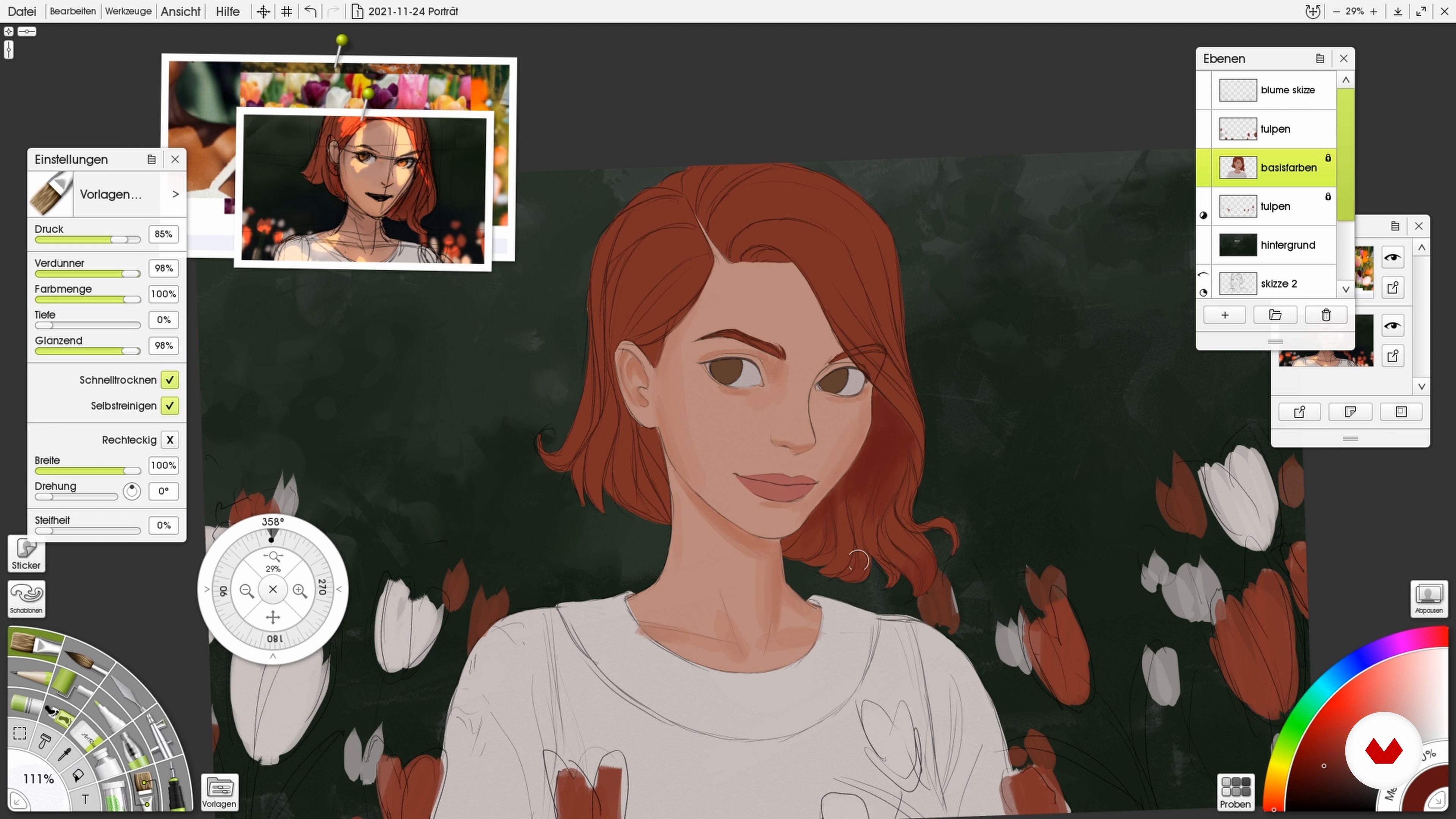
Anatomy of the Face
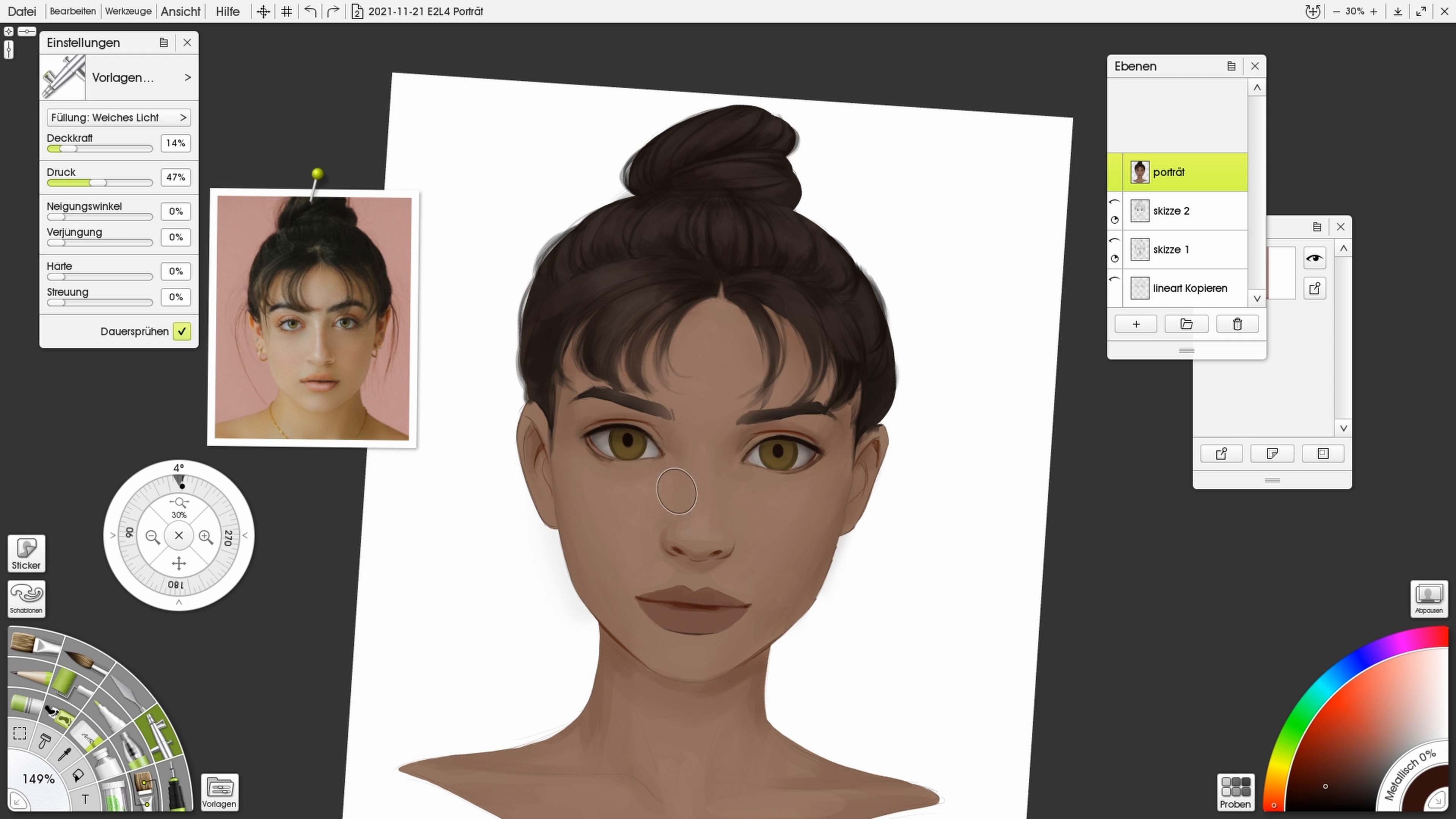
To draw a good portrait, you need a basic knowledge of anatomy. In this lesson, I will therefore provide you with a few basic rules that you should follow when drawing your portraits. You will also see how I draw a portrait based on a reference.
9m
image
6
Basic Colors: Adding Colors to the Face
Now let's look at the base colors on the face. I'm going to show you how I choose and apply subtle shadow and highlight colors.
15m
image
7
Shadows and Highlights
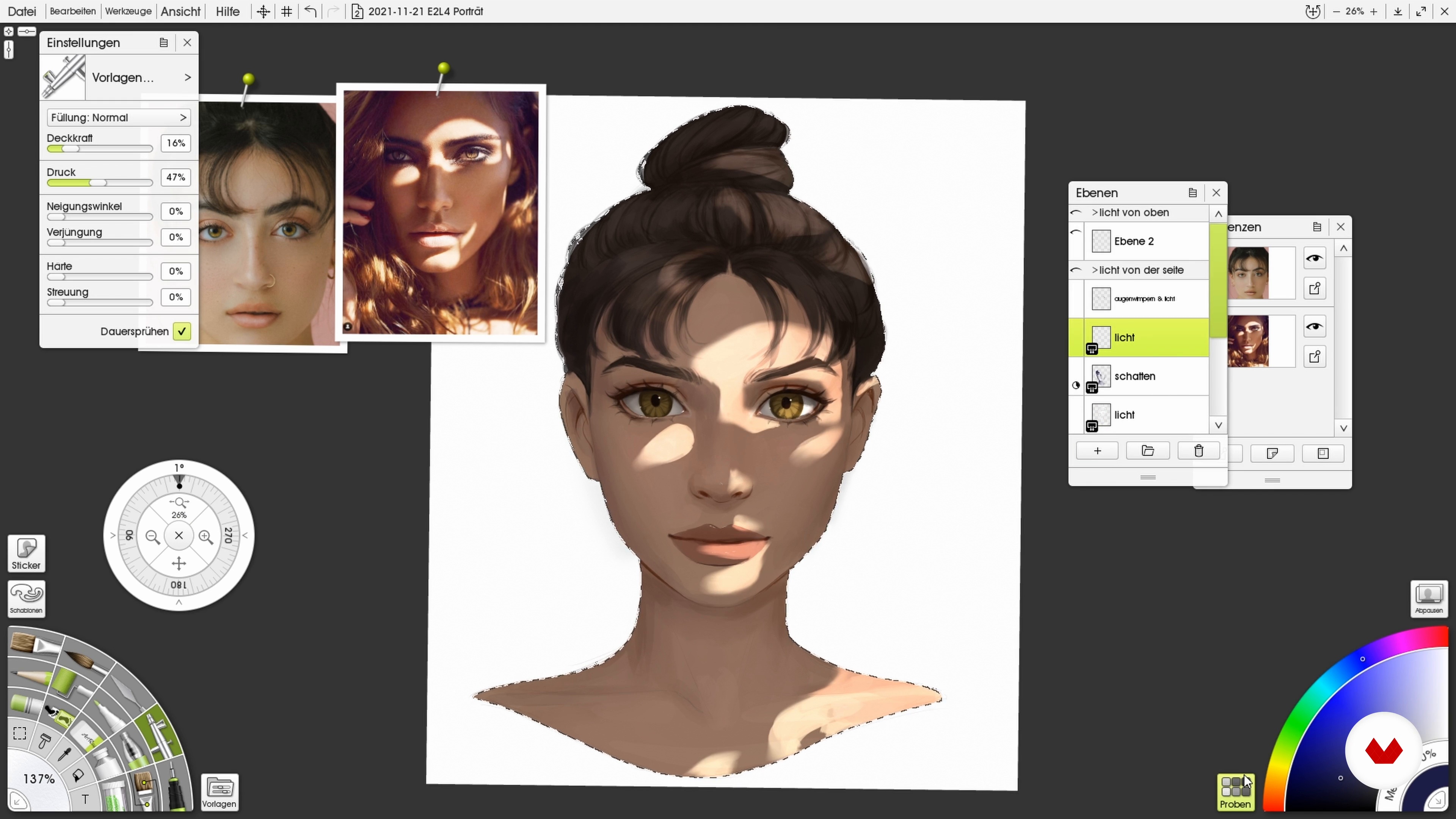
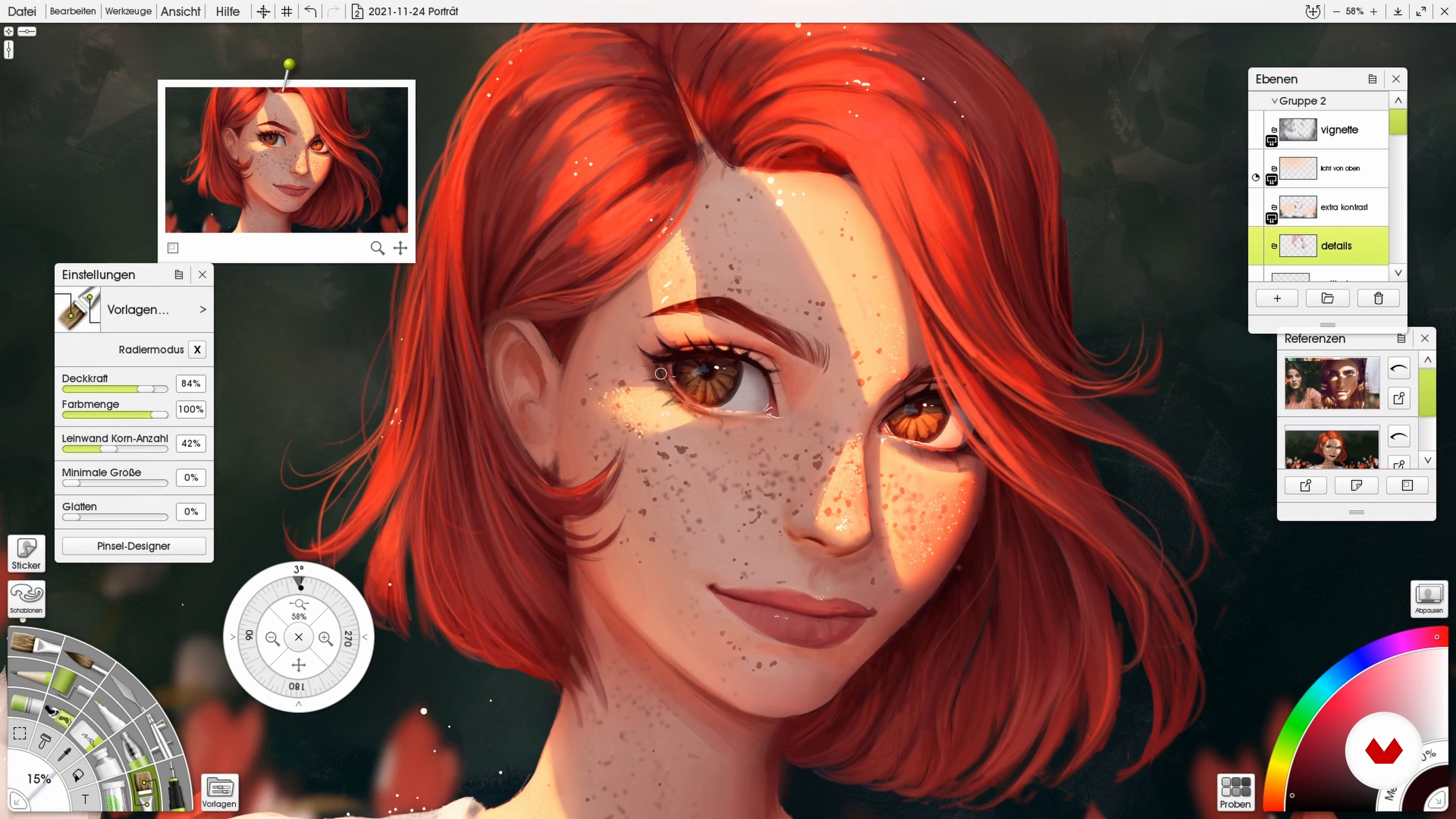
To give more life to the portrait, I'm going to show you what blending modes you can use to add an interesting pattern of light to your drawing.
9m
image
8
Sketching: Composition and Light Source
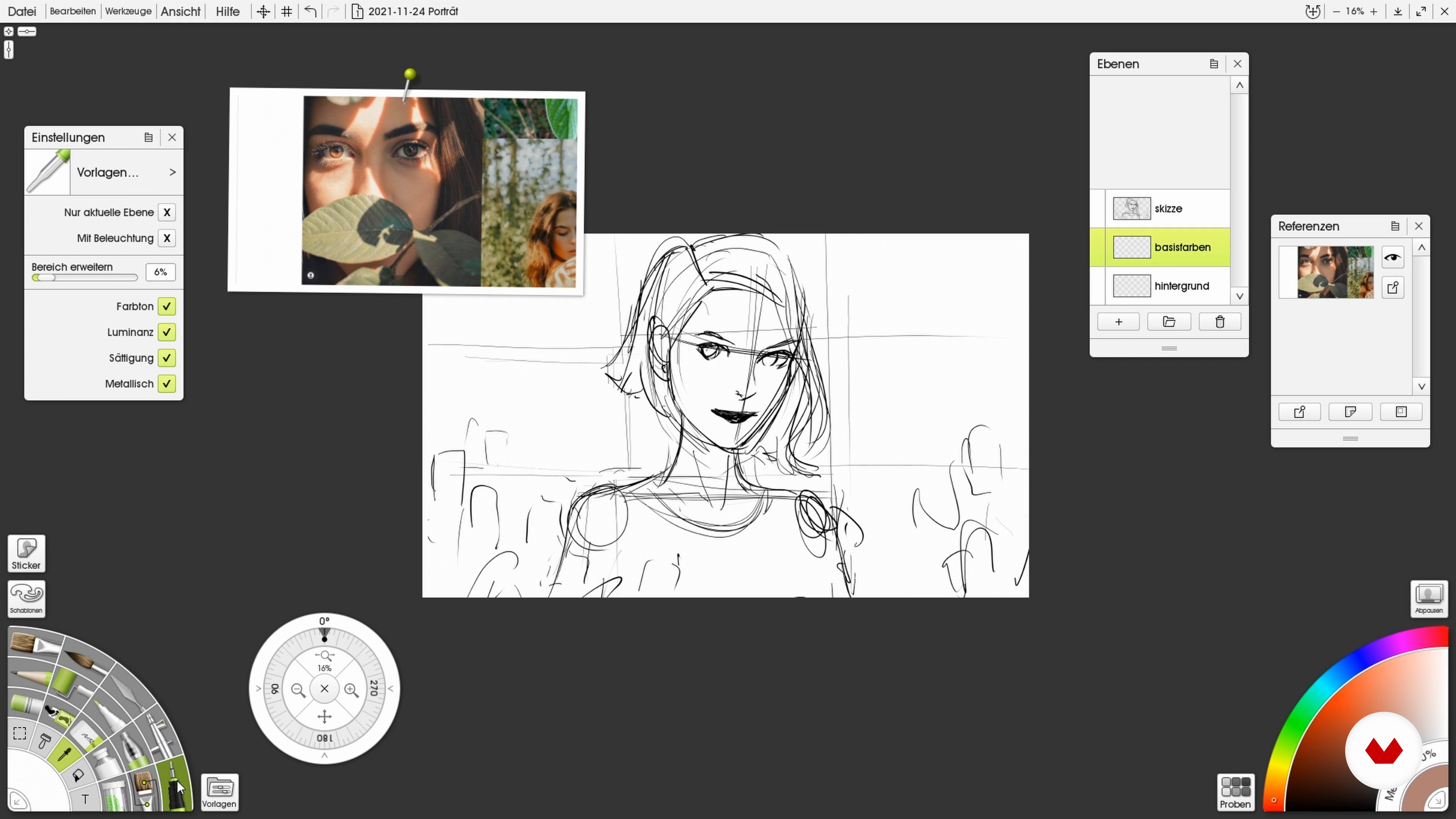
After you have dealt with the basic knowledge, you are now ready for your project! For this we start with a rough sketch, which we will color.
11m
image
9
Making the Sketch
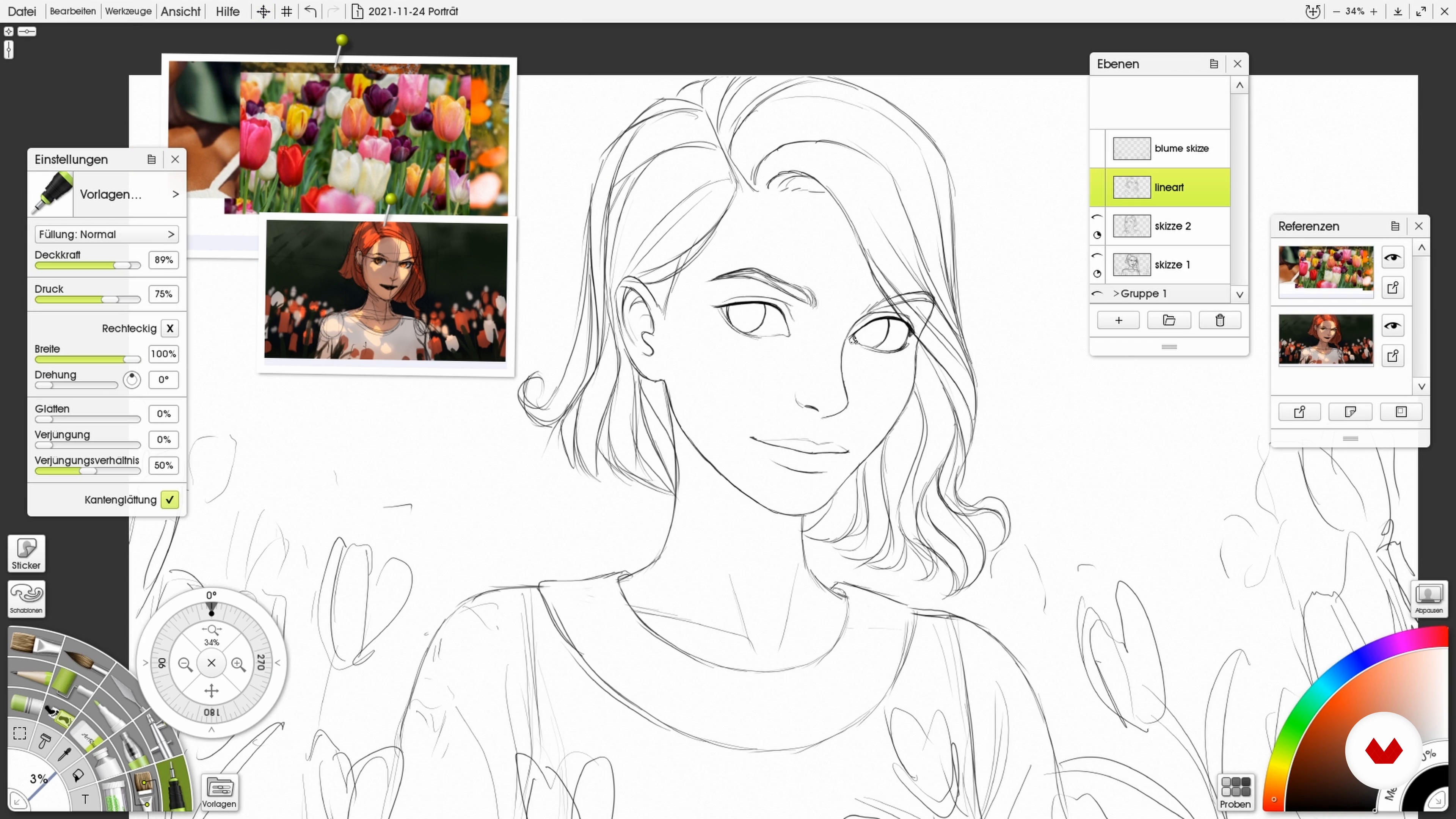
Now I'll show you how to use the quick sketch from the previous lesson as a reference to create clean line art based on it.
3m
image
10
Base Colors, Shadows, and Highlights
In this lesson you will learn how to colorize the line art of your portrait and which brushes and settings work best for the highlights and shadows.
5m
image
11
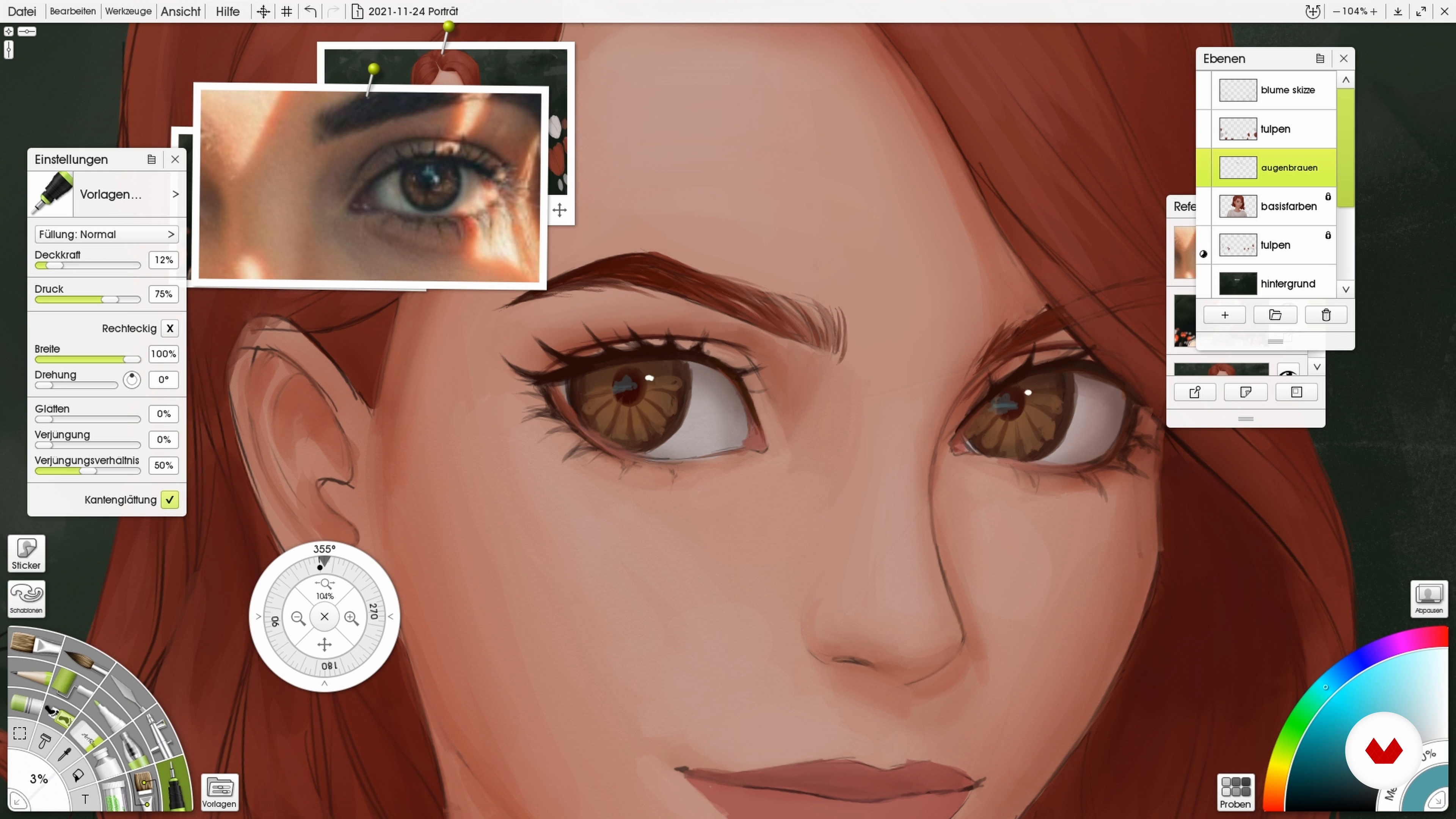
Elaborate and Render Individual Elements of the Face
Now that the base of the portrait is complete, the individual elements can be fleshed out! Here you will see the tools I use to slowly paint over the sketch and add contrast. Take a good look at how I work out the eyes, for example, to make them look relatively real.
12m
image
12
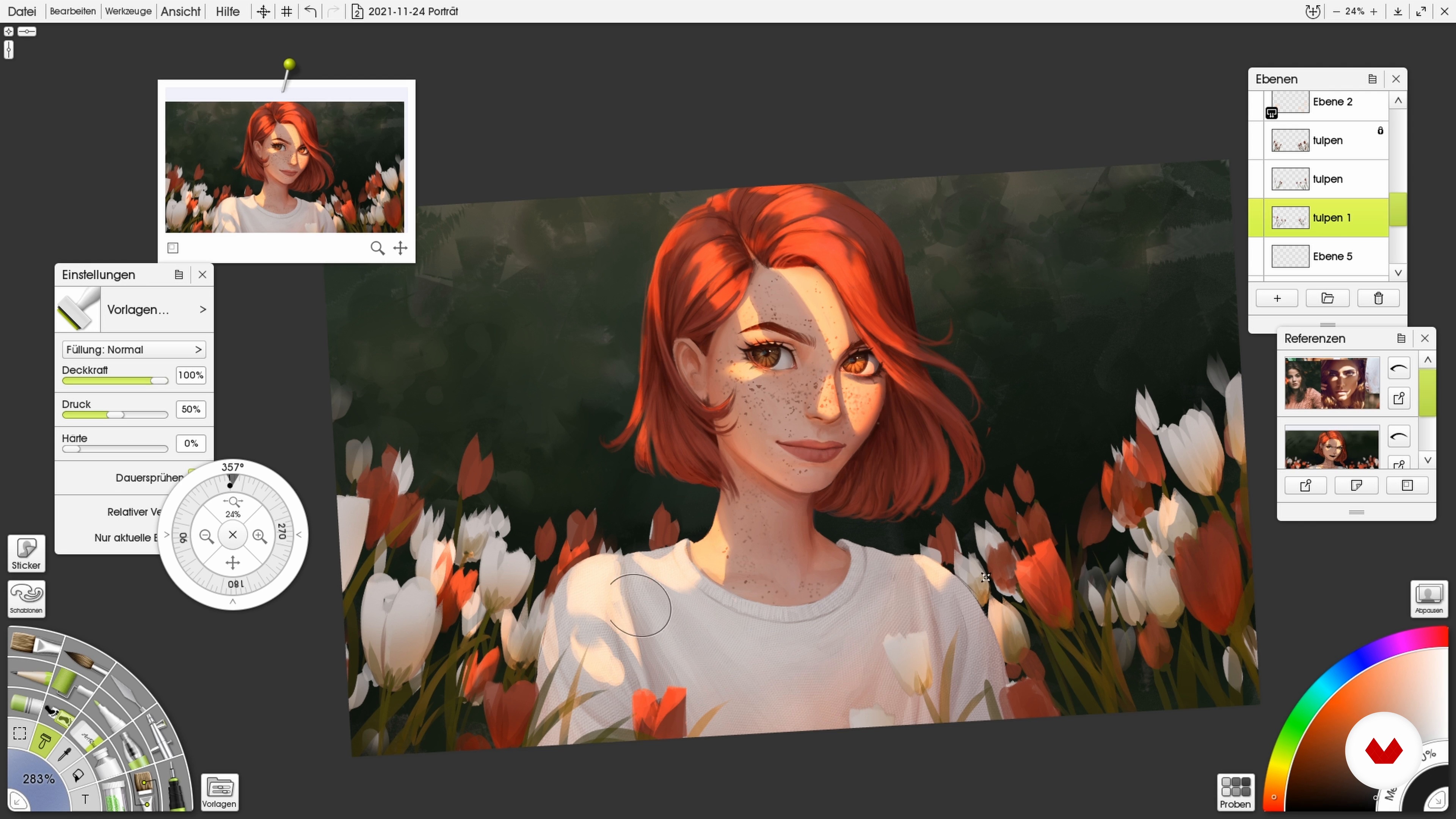
Light and Textures
This lesson is about the glow effect! For this I will show you how I add an organic sunlight pattern on the face and suggest a fabric pattern in the clothes. I will also rework individual elements.
10m
image
13
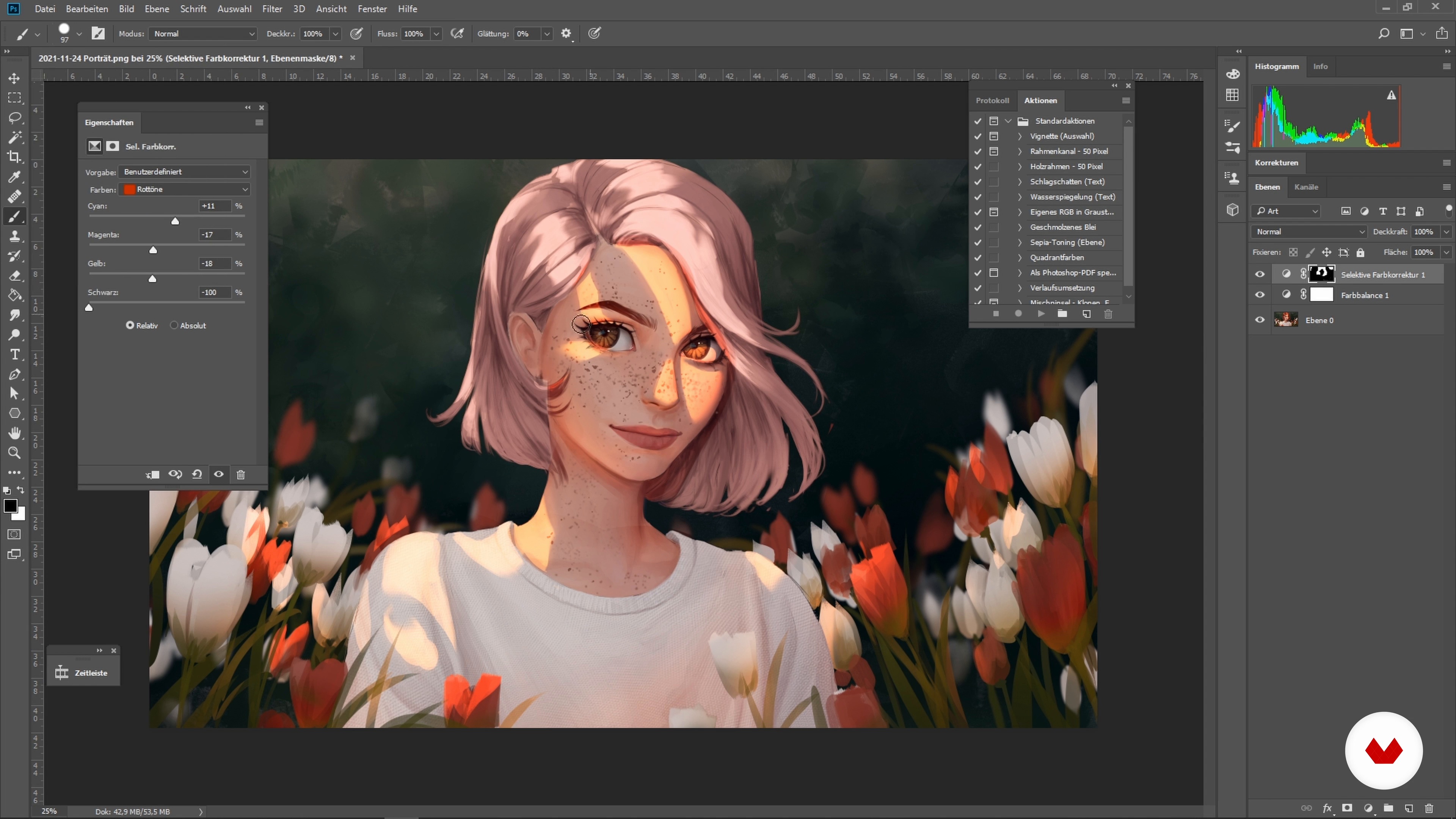
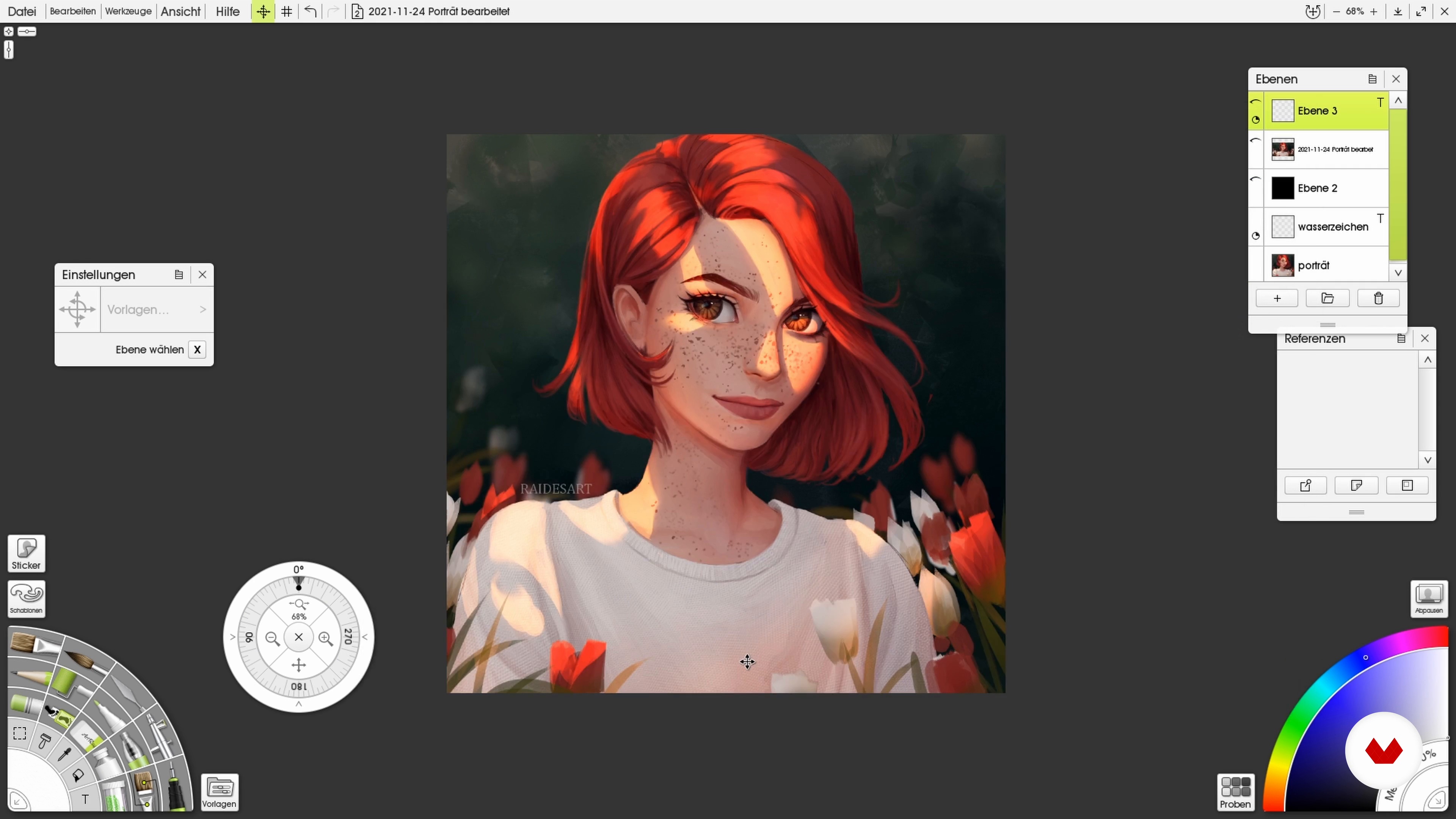
Color Editing with Photoshop
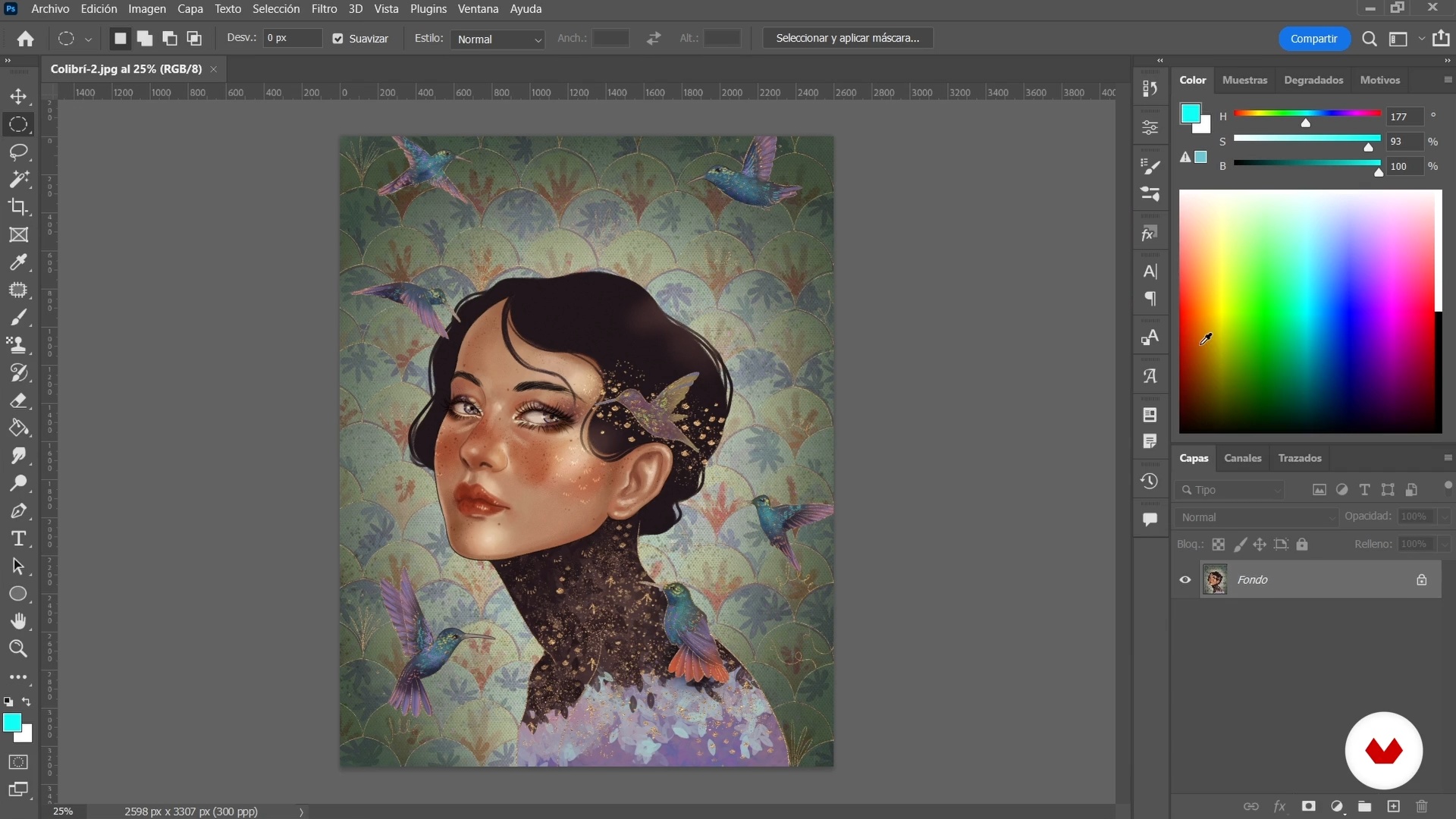
In this lesson I will show you how I color edit my drawing in Photoshop so that the colors in your portrait come out better.
5m
image
14
Final Effects and Details
To complete the drawing I will show you here how I add final details like small strands of hair or pores in my portrait.
4m
image
15
Export for Social Media
As an artist, it is important to share your work with the public. So, to finish, I'll show you how to export your portrait for your social networks. I will also give you some general tips about social media.
4m
image
3
Create the atmosphere of a portrait
In this lesson I will tell you about the course project and, in addition, you will learn about how composition and colors influence the atmosphere of a work.
17m
image
4
Illuminate the face 1
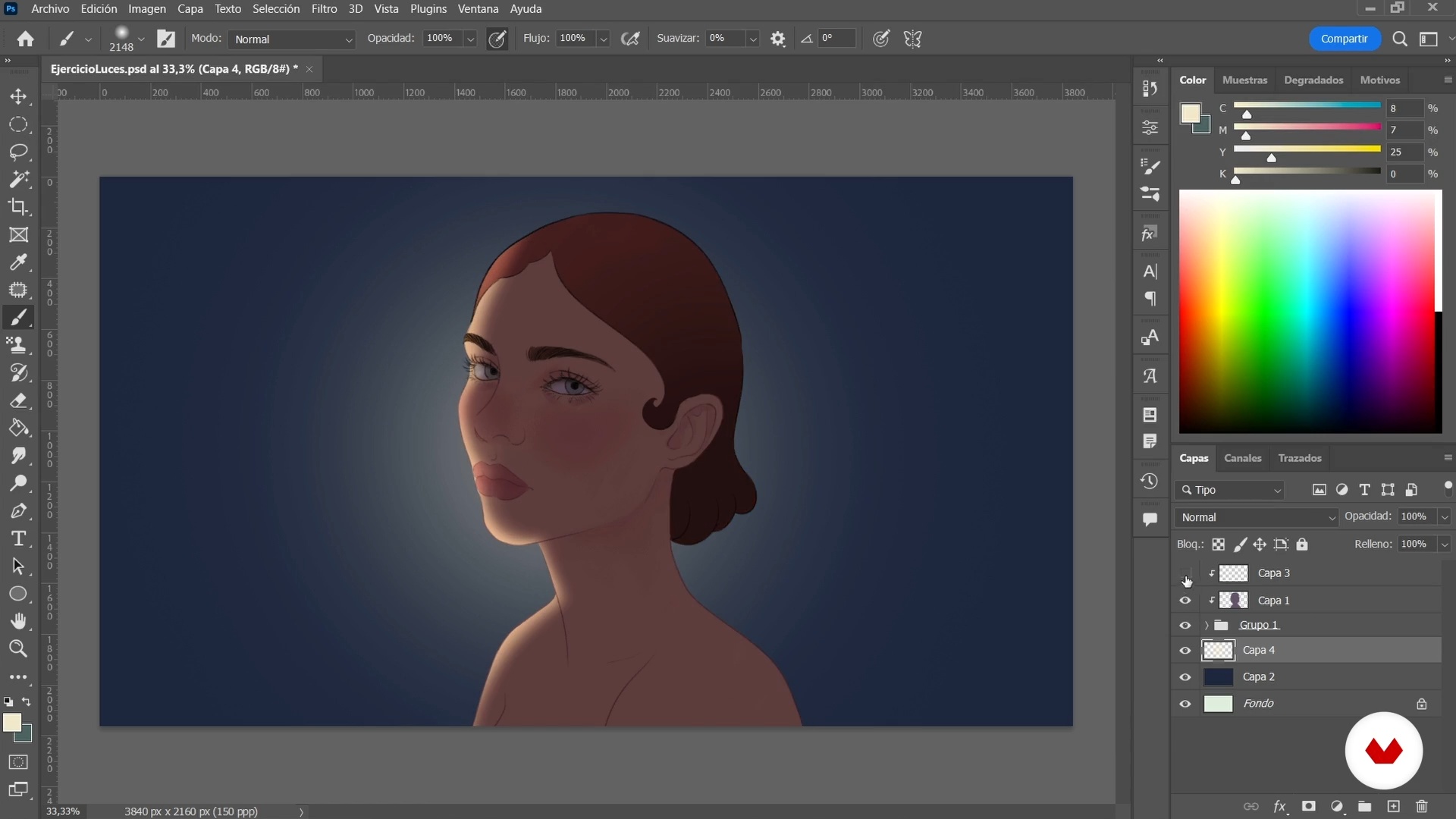
Now I will tell you about how lighting affects faces, keeping in mind the observation and studies of different anatomical elements. Then I'll show you some quick lighting exercises from three different portraits.
21m
image
5
Illuminate the face 2
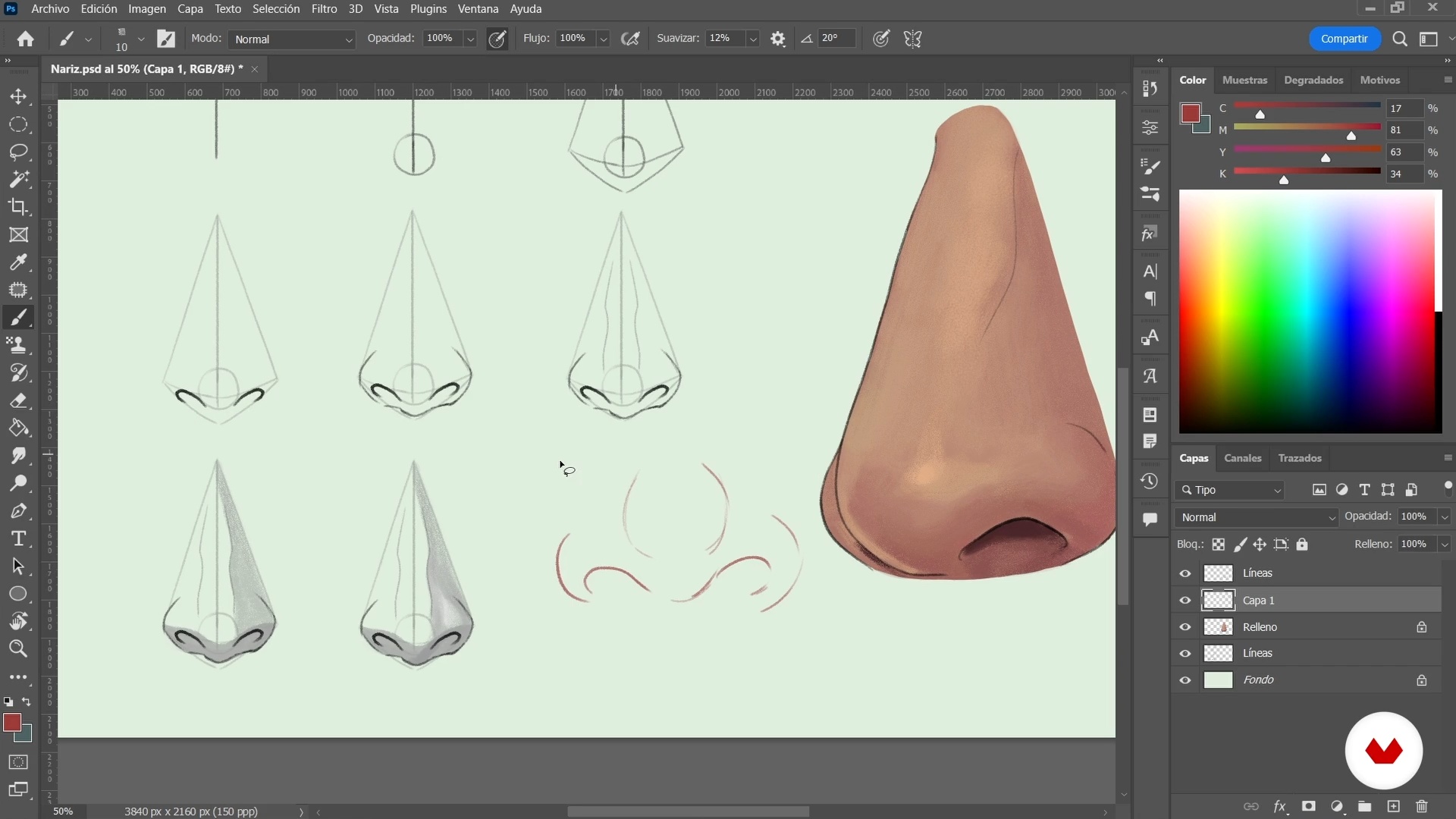
I have already shown you different exercises to exemplify three different types of lighting of the face. Now I will continue delving into this same topic, but in this case I will teach you separately and step by step how to illuminate parts of the face such as the ears, mouth, nose and hands.
17m
image
6
Brushes, patterns and textures 1
In this lesson, I'll show you a quick way to create brushes with custom settings in Photoshop. I will also show you how to create patterns that will be very useful when working on your illustrations.
17m
image
7
Brushes, patterns and textures 2
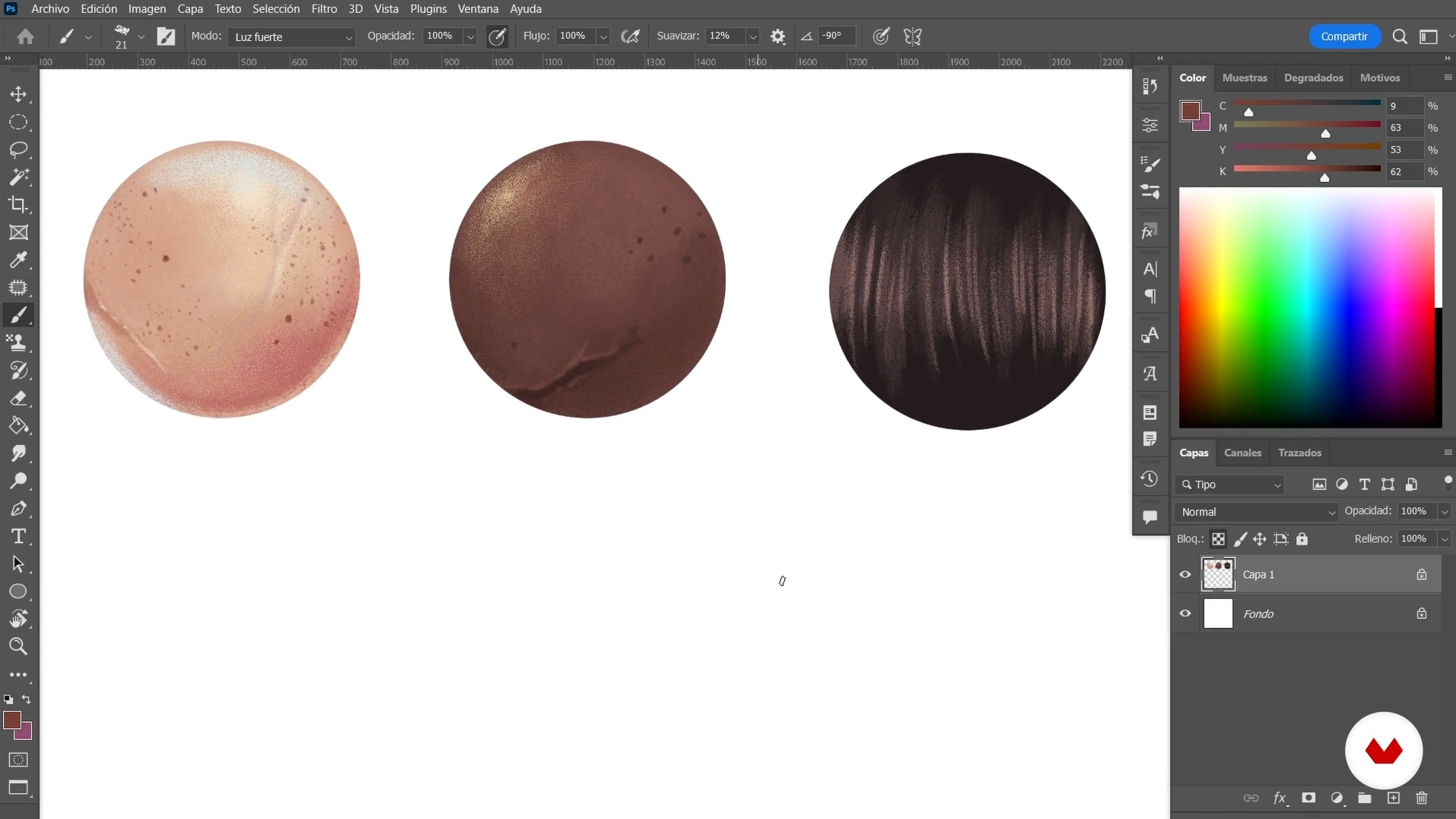
Now I will show you some exercises to simulate and create various types of textures such as skin tones and hair.
16m
image
8
Brushes, patterns and textures 3
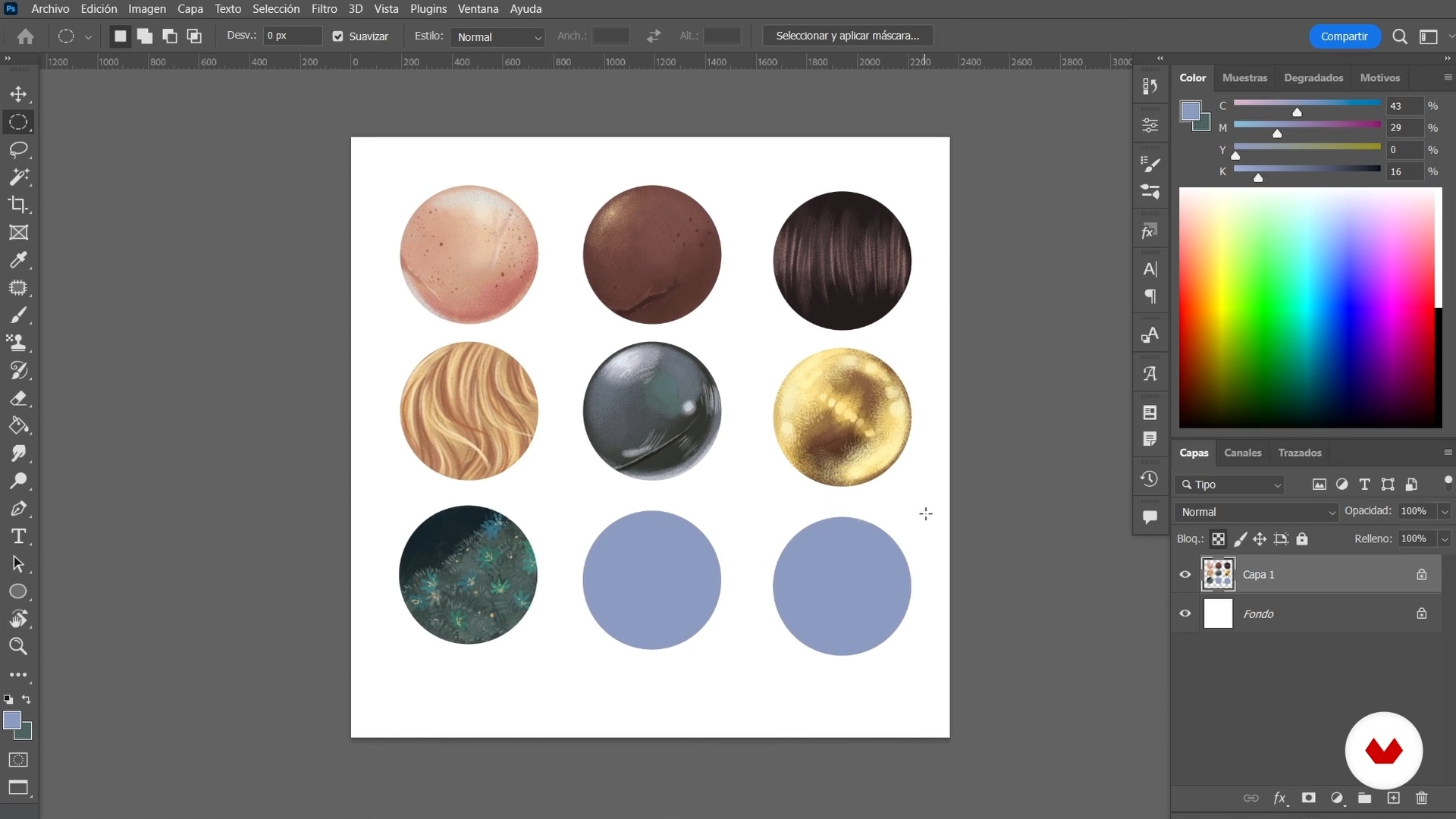
Here I will continue to show you how to generate different textures like metal, gold, and grass. I remind you that these are just examples that I have created and that you can use as a reference, but I encourage you to do your research, obtain your own references and create new textures.
14m
image
9
References, mood board and collage creation
For this lesson, I will look for images and color palettes that will help me create my course project, and then use them in a collage that will be the basis of my composition.
20m
image
10
The skit
Now I will leave the sketch of the course project ready, making use of the tracing to make the process faster. Go for it.
13m
image
11
Make the baselines
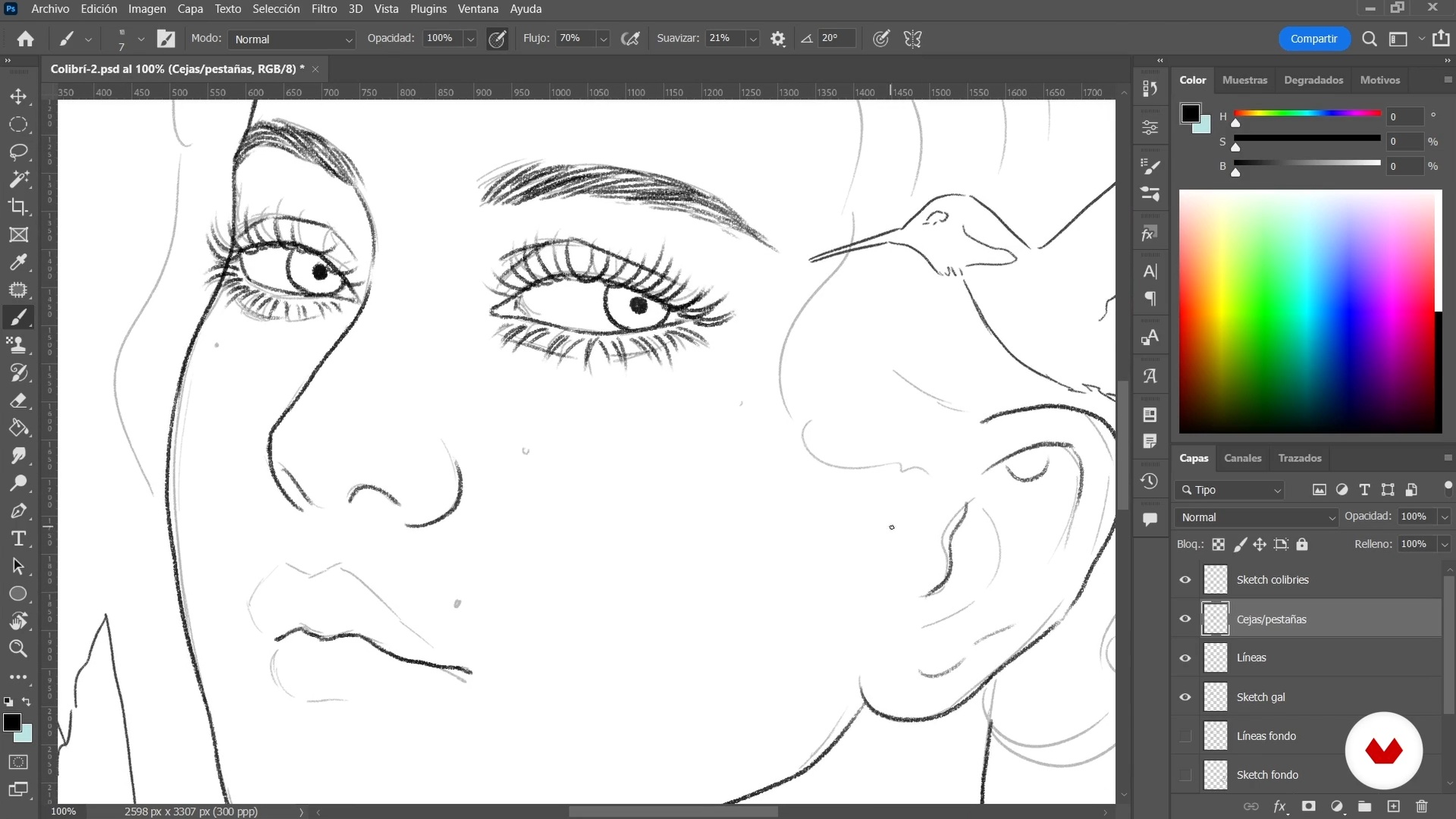
In this lesson, I will polish the lines generated in the sketch, to give a cleaner finish to the base of my project.
21m
image
12
Start with color
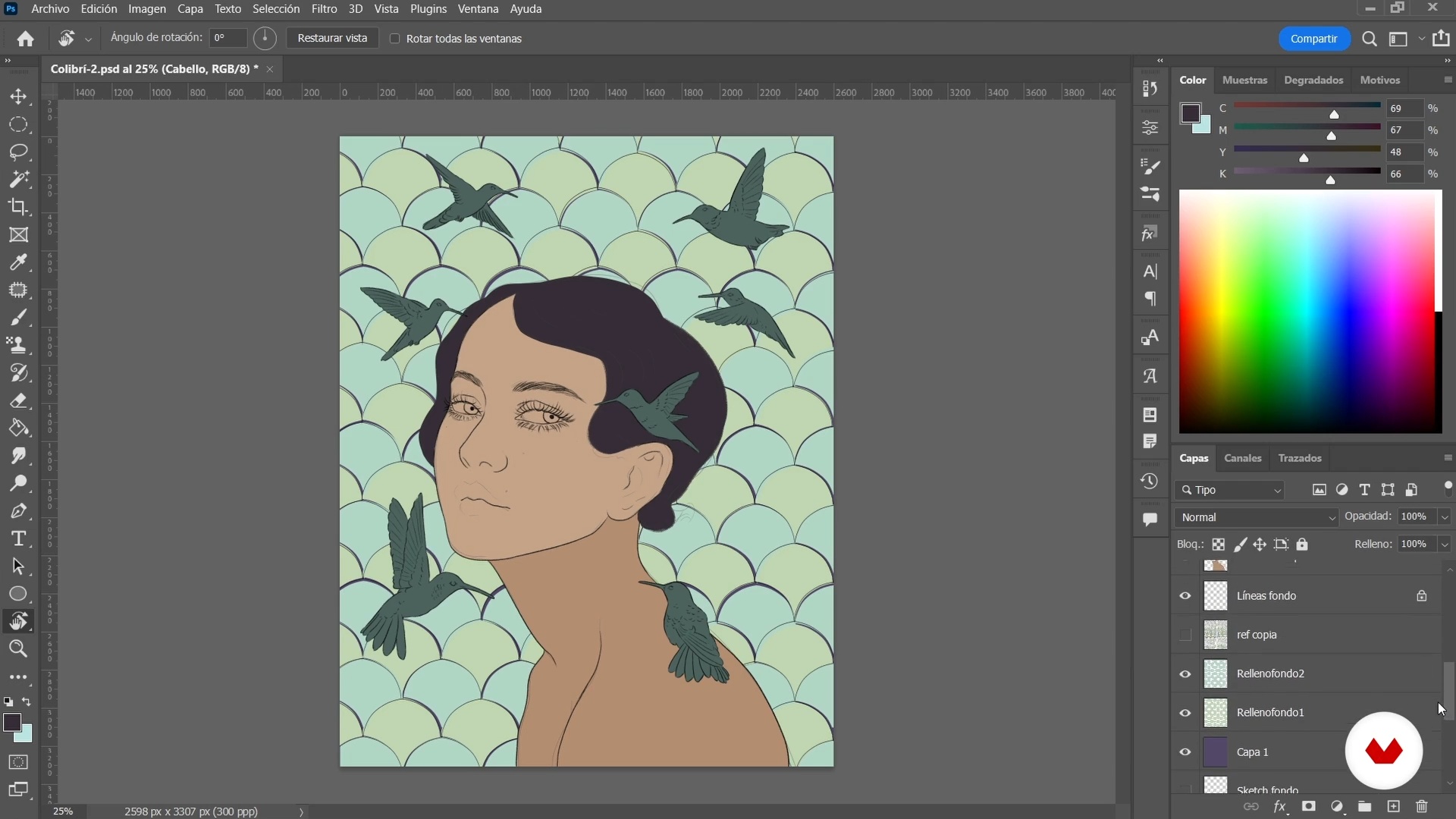
It's time to color the portrait! In this lesson, I'll separate the flat color fills from the various layered elements, as a base for later detailing.
15m
image
13
Give character detail 1
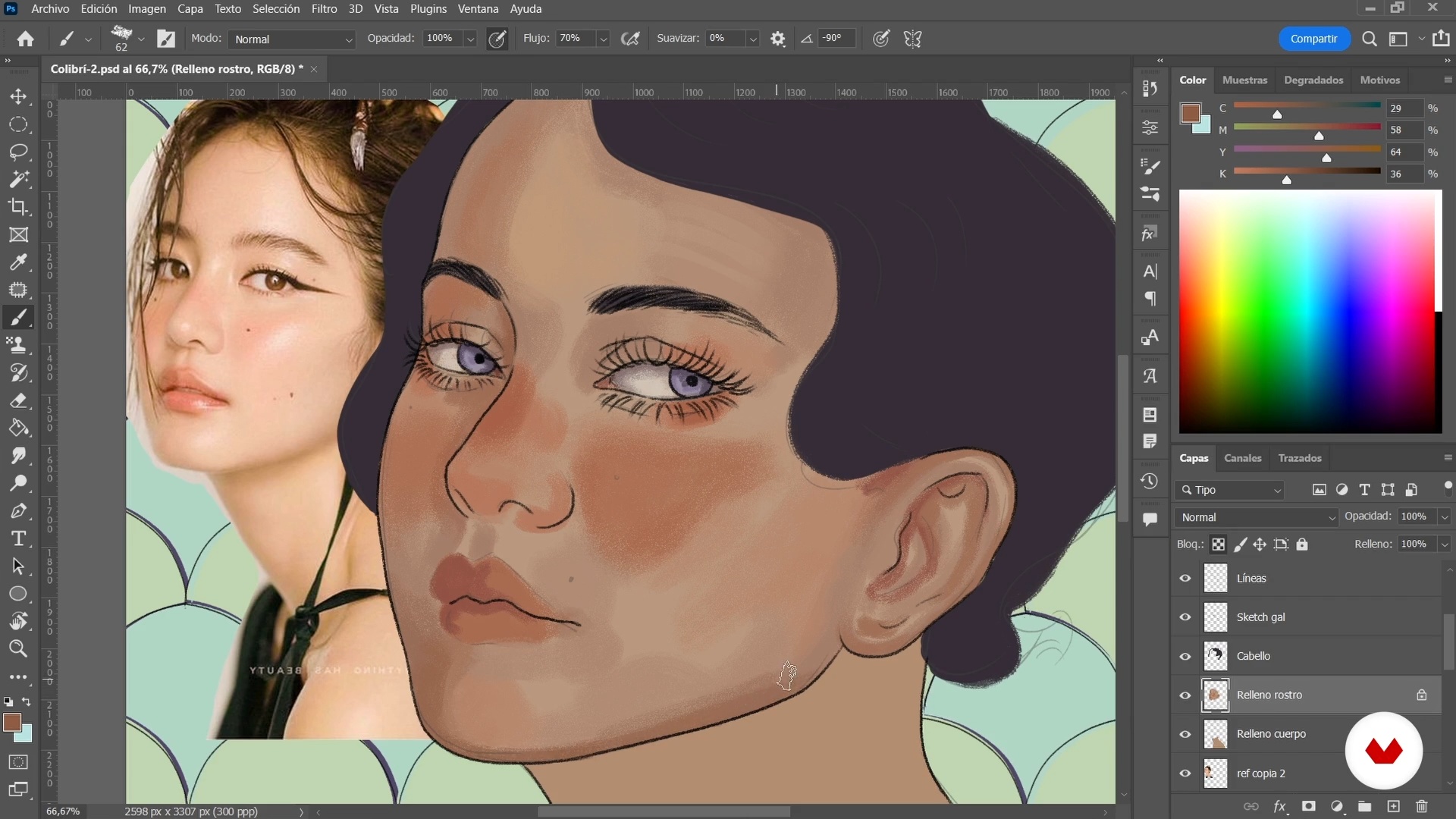
In this lesson, I'll start with the most important part of the project: my character's face. Making use of what I have learned previously, I will detail the features of the portrait. Also, I will work on extra details of the rest of the character.
19m
image
14
Give character detail 2
I have finished giving detail to the face of the female protagonist of my portrait, so now I will continue with the painting of the neck and the rest of the body. I will also add some fantastic elements and give the hair more shape.
18m
image
15
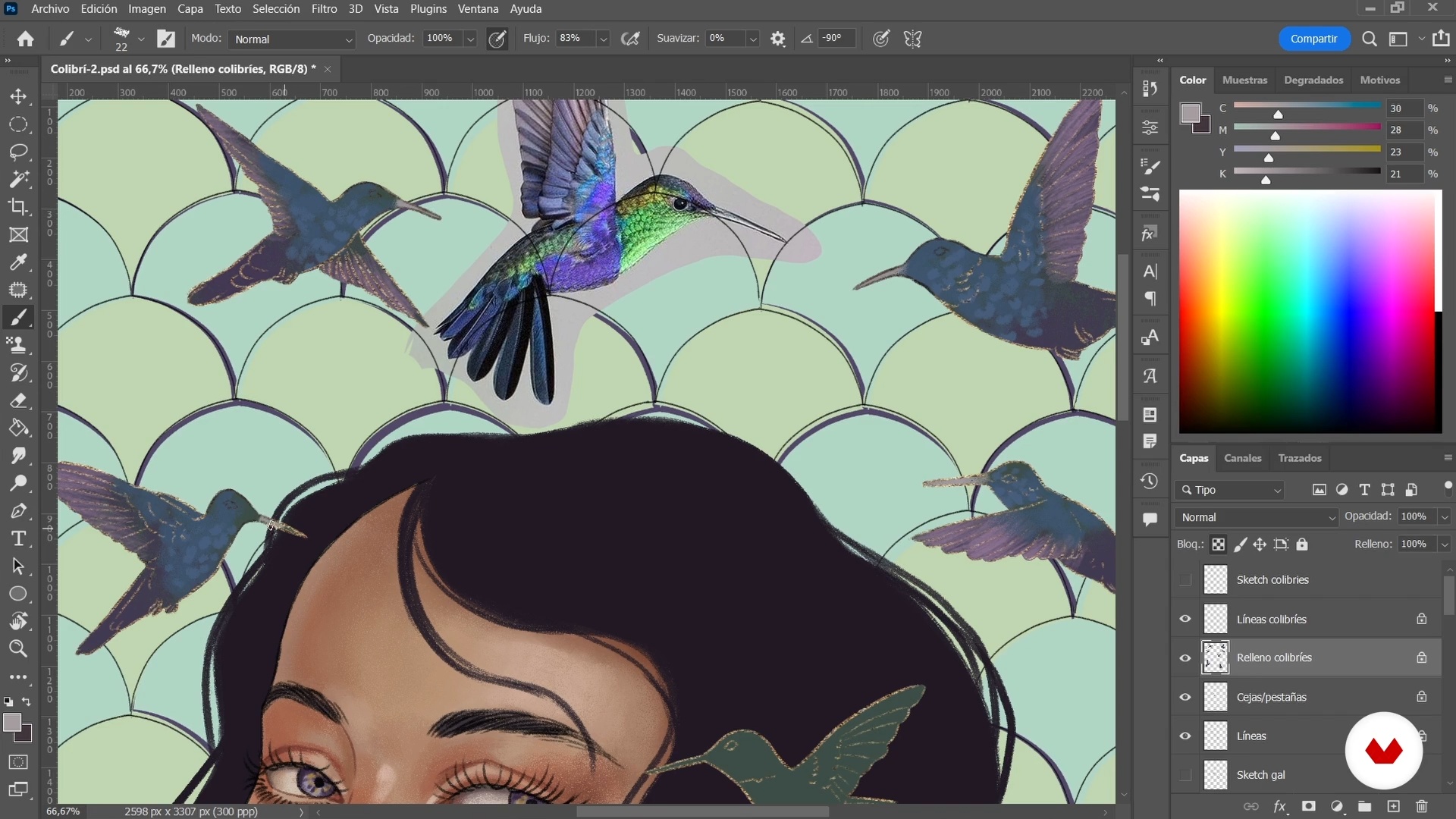
Funds 1
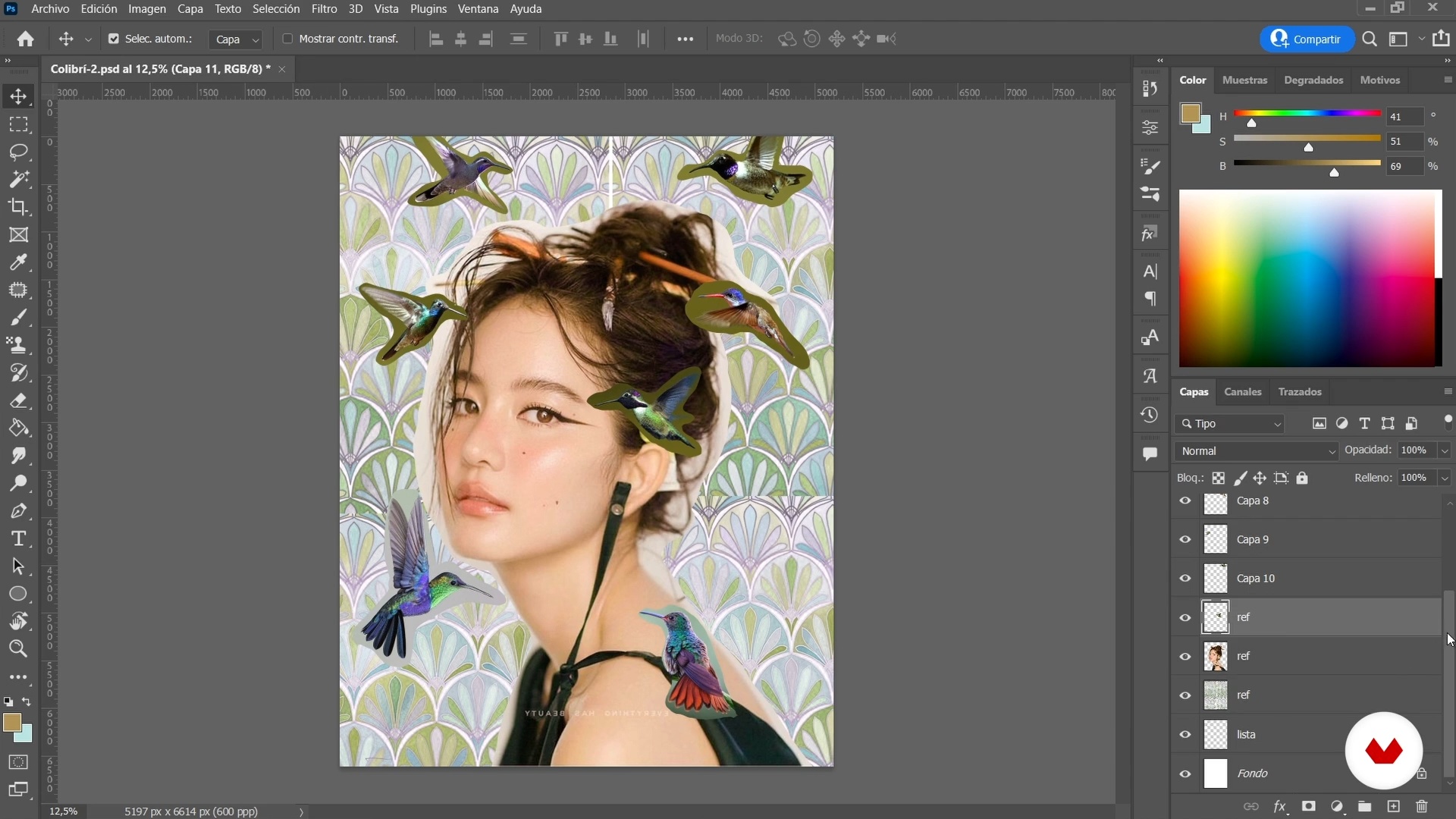
Now I'll start working on the hummingbirds which, while not strictly in the background, are external to the character. I will use the references from the mood board, but I will go further and experiment until I achieve the desired effect.
18m
image
16
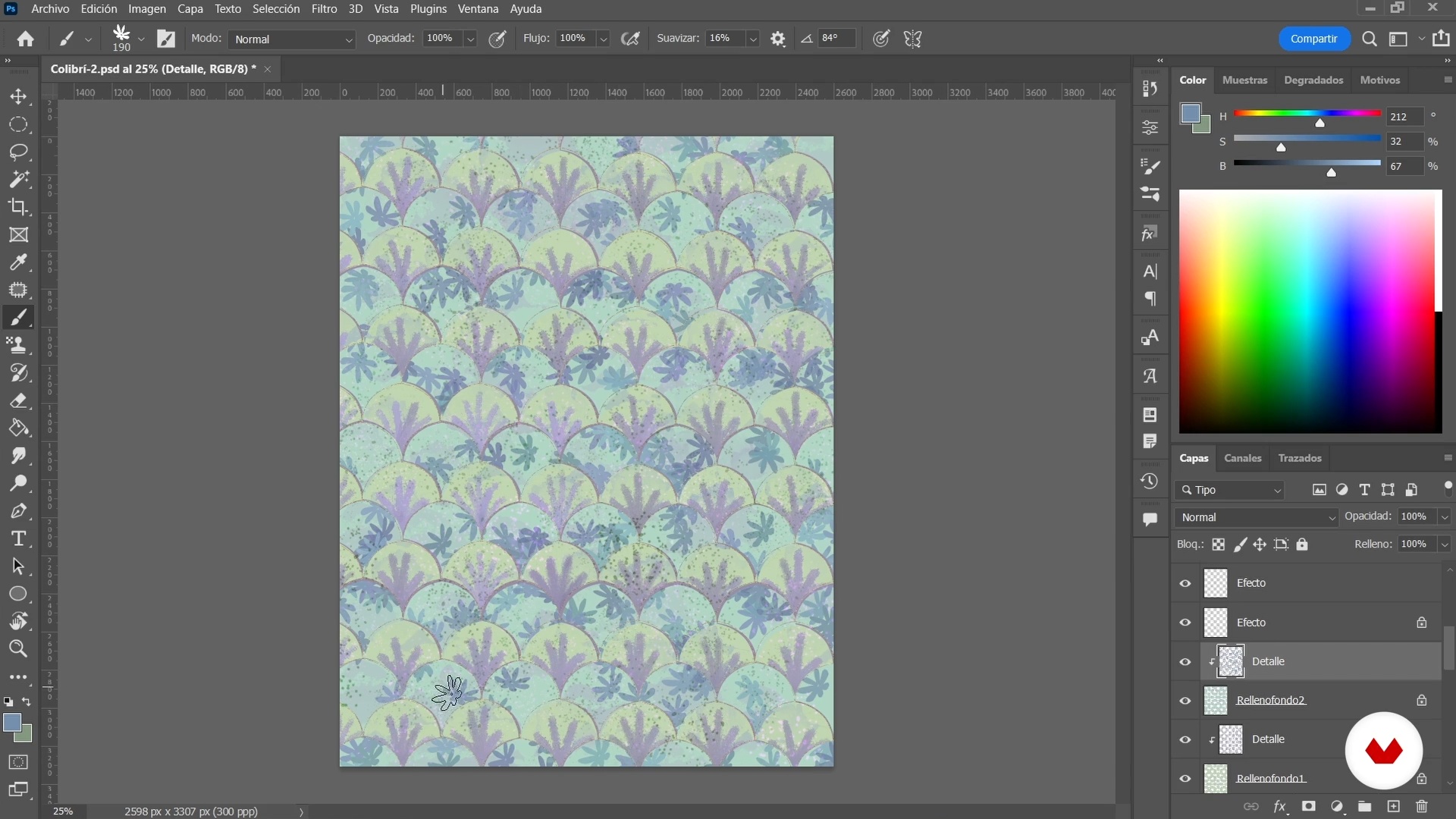
Funds 2
In this lesson, I'll show you how to detail the background to make your character pop. You will need to make use of what you previously learned about creating patterns and textures. Finally, I will also explain the concept of hierarchy and how to apply it.
16m
image
17
Corrections and finishes
In this lesson, I'll refine the details and make corrections to the structure of my course project. Additionally, I will think about the extra elements that I would like to add.
20m
image
18
Settings and filters
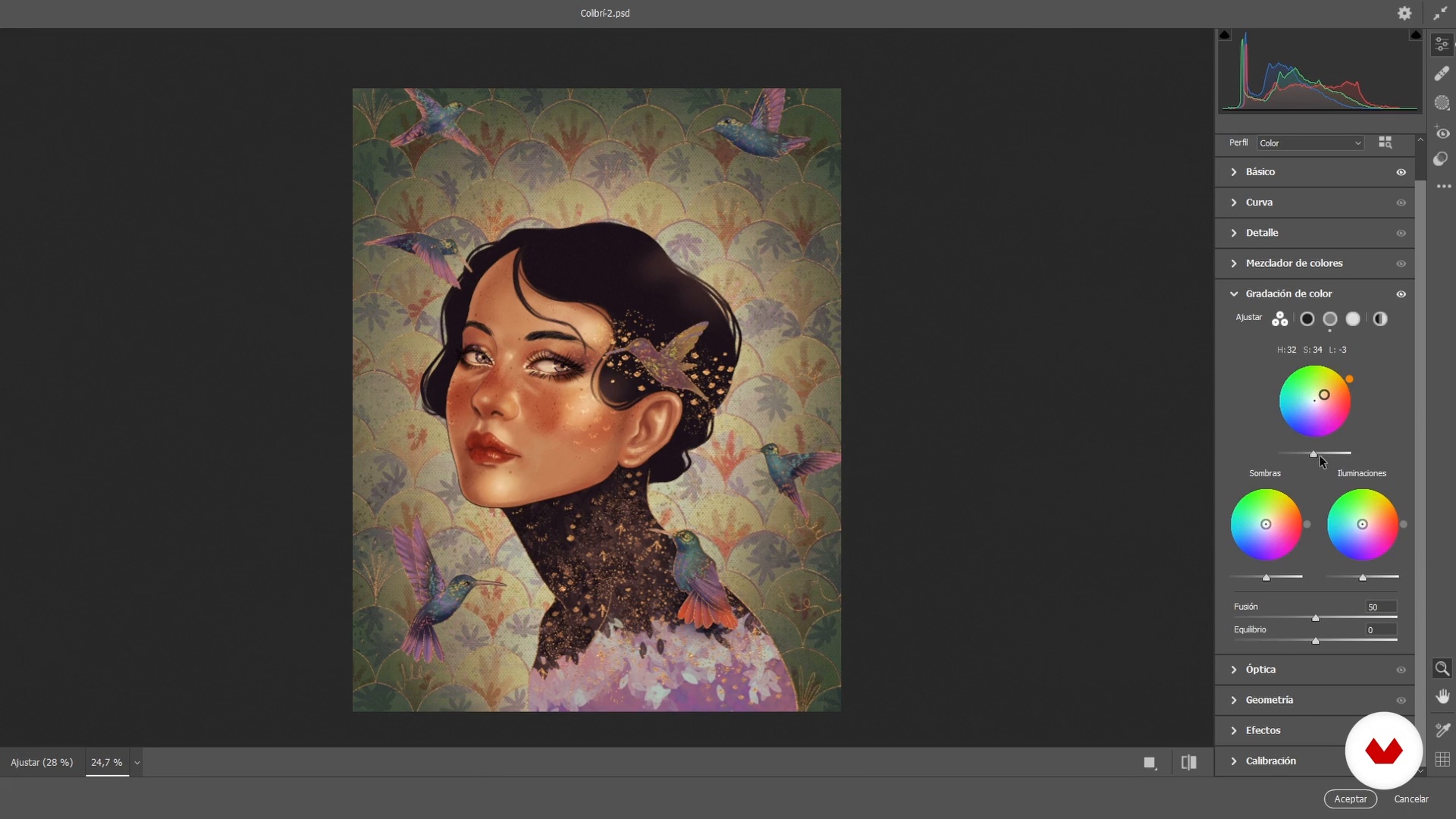
As a close to this unit, I'll put the finishing touches with adjustment masks or Camera Raw filters to balance colors and add vignetting or grain to my project.
18m
image
19
Export the file for digital or printed version
In this lesson, I will teach you how to choose the appropriate file profile for a digital and print publication. I will also show you the settings and details that you should take into account.
7m
image
20
Pro Tips
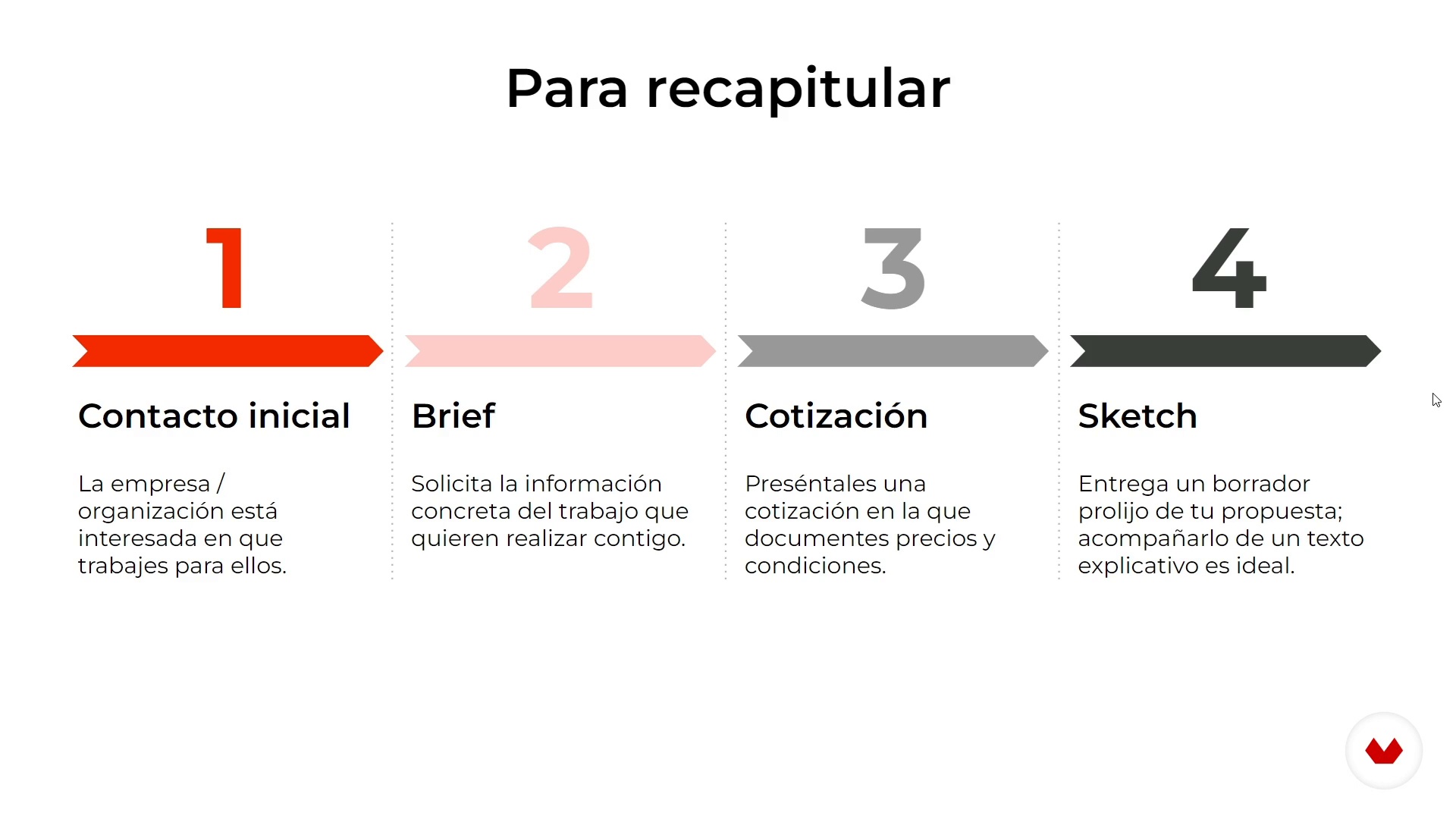
Now I would like to give you some tips from my experience working as an illustrator that will help you communicate better with potential clients.
14m
  • 8 students
  • 82 lessons (16h 51m)
  • 79 additional resources (36 files)
  • Online and at your own pace
  • Audio: English, German, Spanish, Italian, Portuguese
  • English · Spanish · Portuguese · German · Italian
  • Level: Beginner
  • Unlimited access forever

What is this course's project?

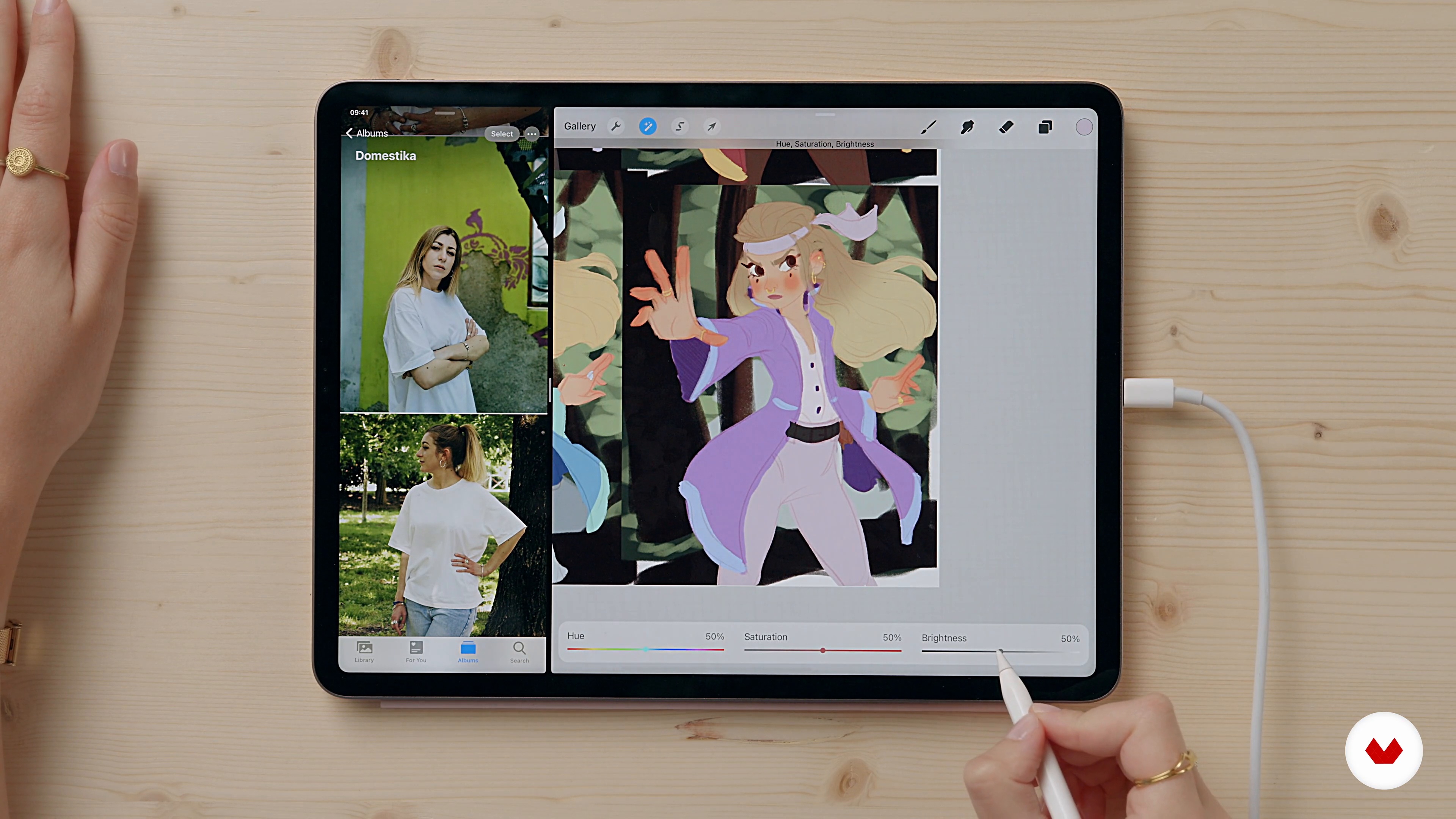
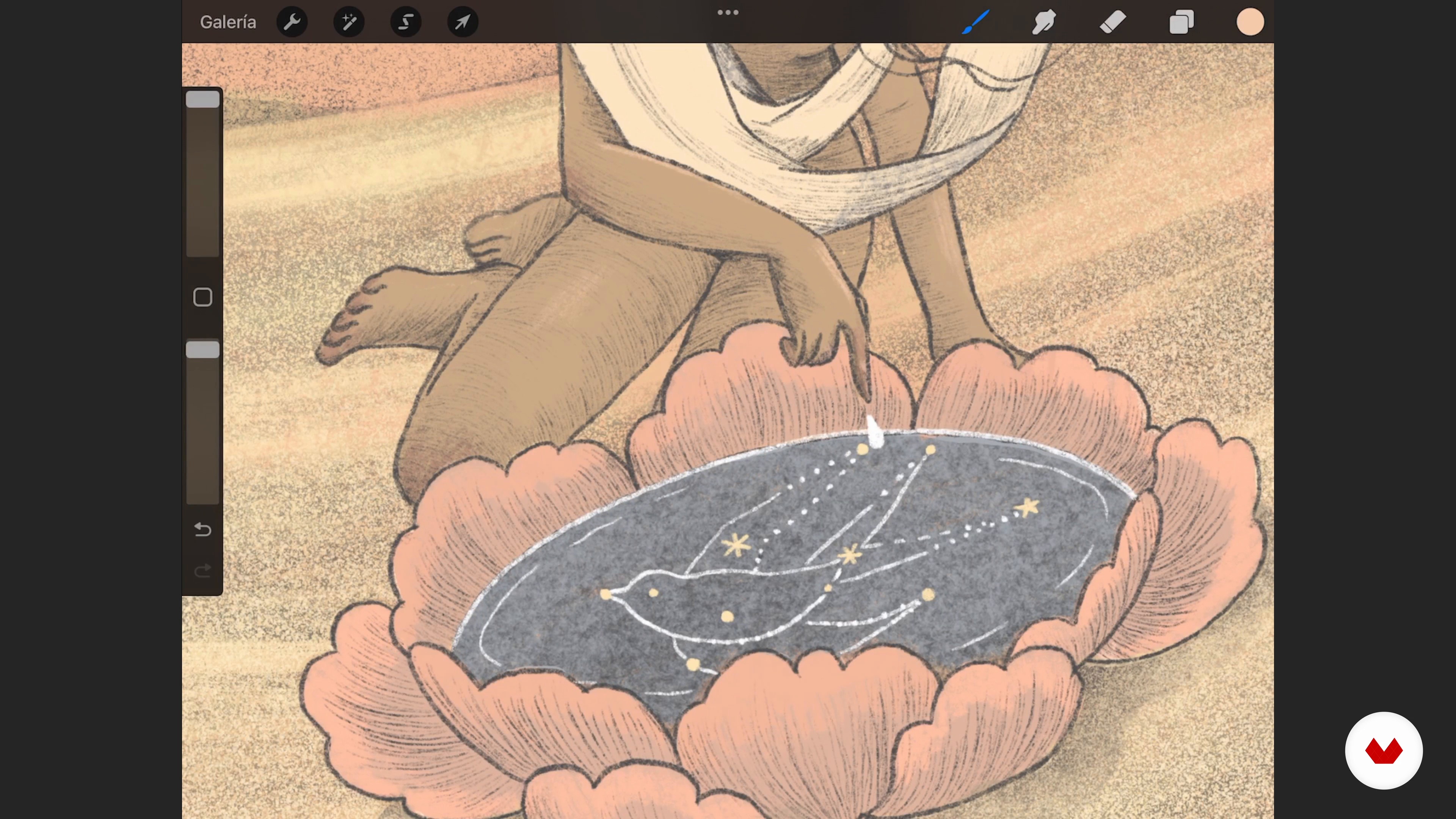
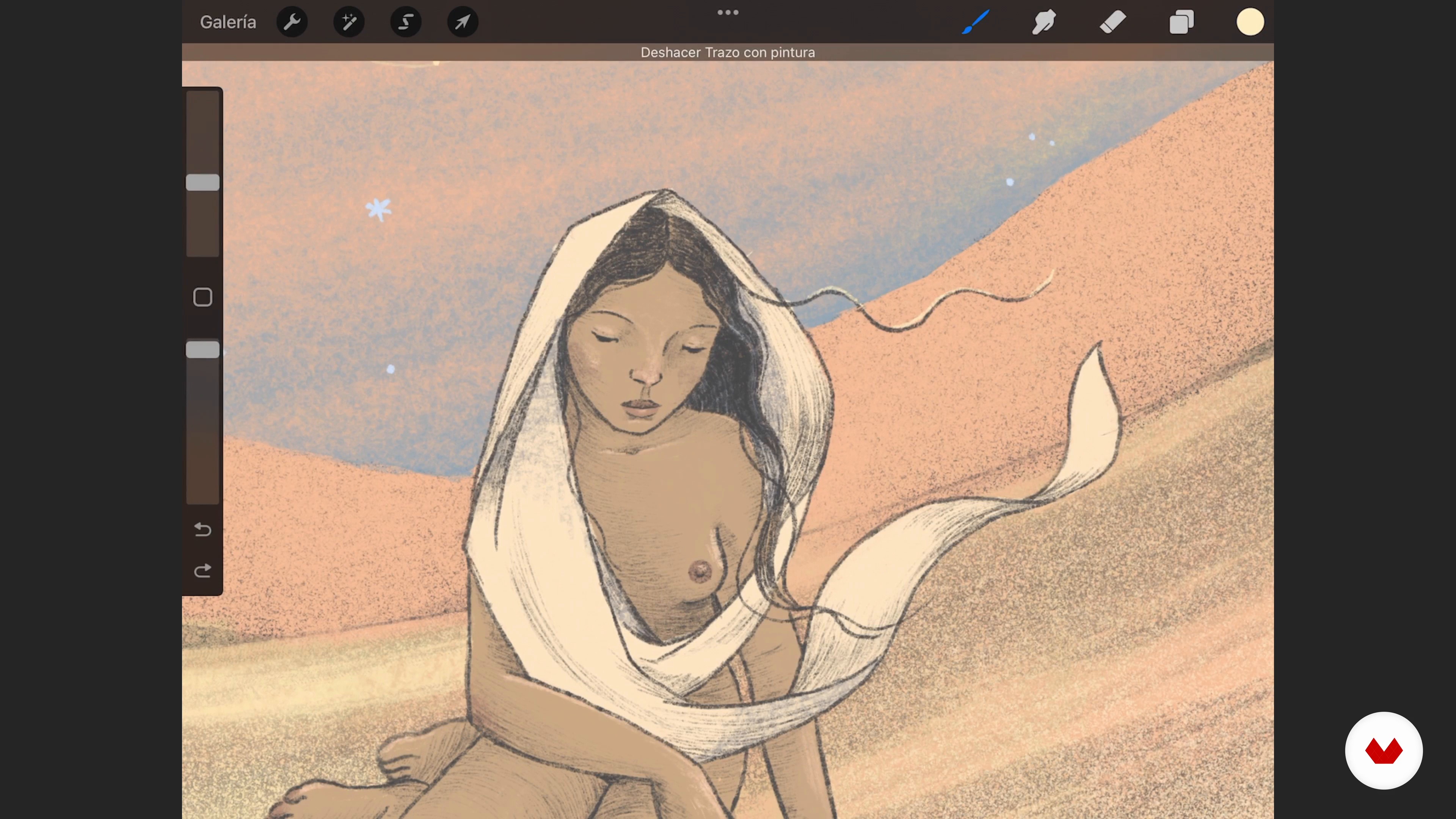
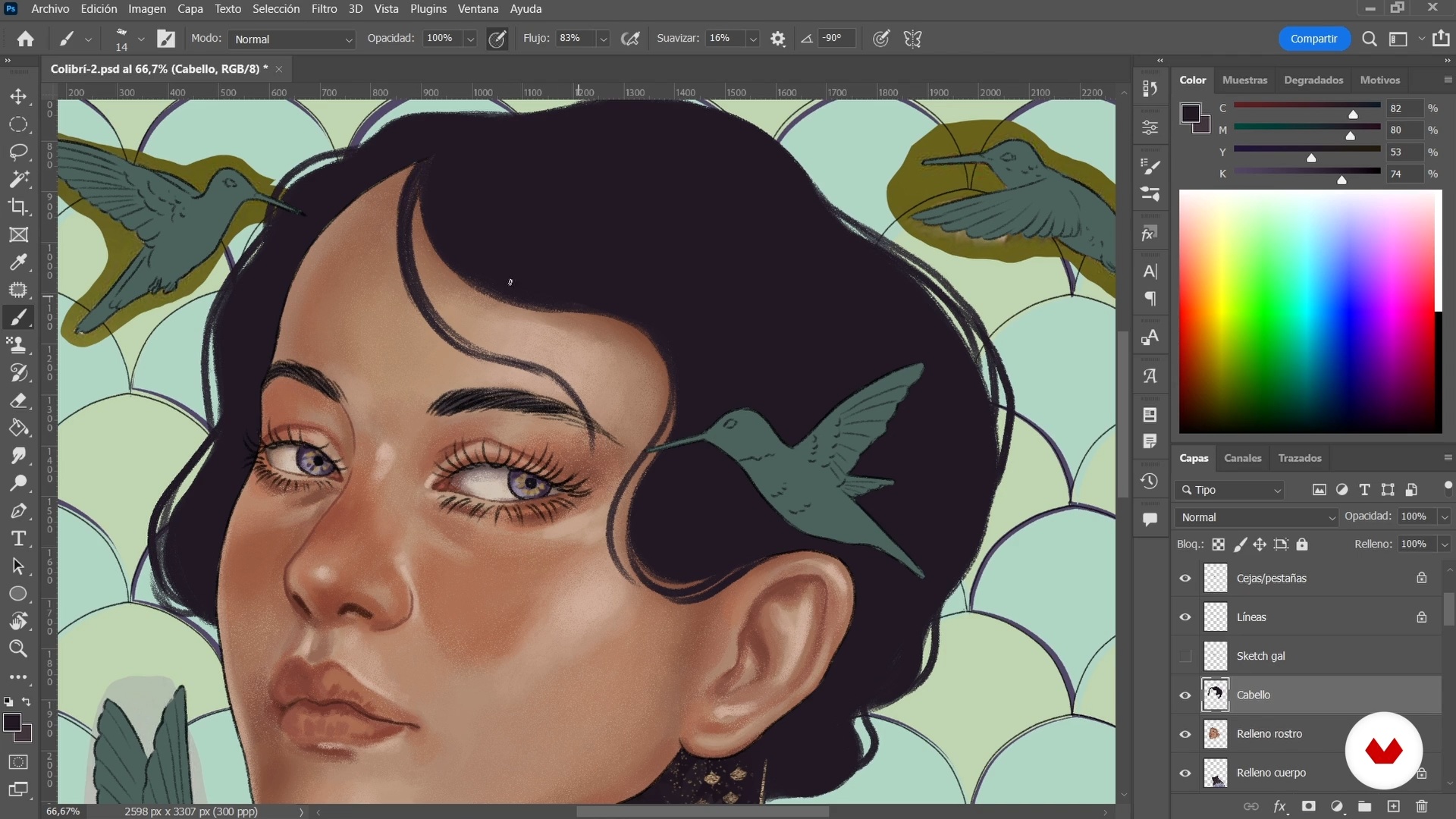
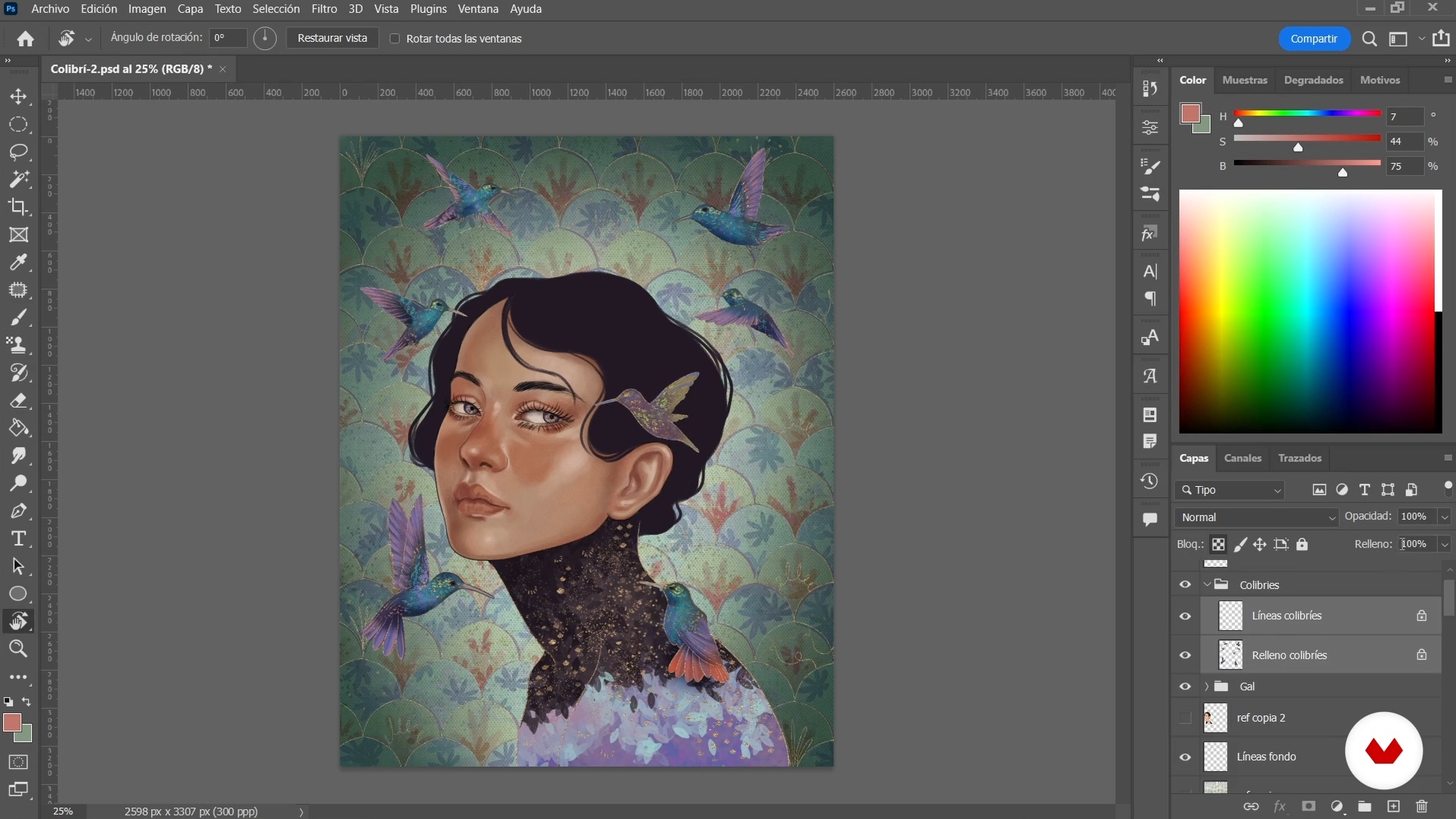
Create a complete cartoon-style female character illustration using Procreate, transforming a reference photo into a lively drawing. Master simplified anatomy, expressions, coloring techniques, and digital workflow, culminating in a vibrant character full of expression and detail.

Who is this specialization for?

Aspiring illustrators eager to master digital character creation will thrive here. This course is ideal for those passionate about exploring female character design, from cartoon styles to fantasy portraits, while developing a unique visual language that celebrates diversity and femininity.

Requirements and materials

Jump into character illustration with a basic understanding of digital drawing tools like Procreate or Photoshop and a passion for creativity. A tablet, stylus, and curiosity are your essentials. Extensive prior knowledge isn't needed, just the willingness to explore.
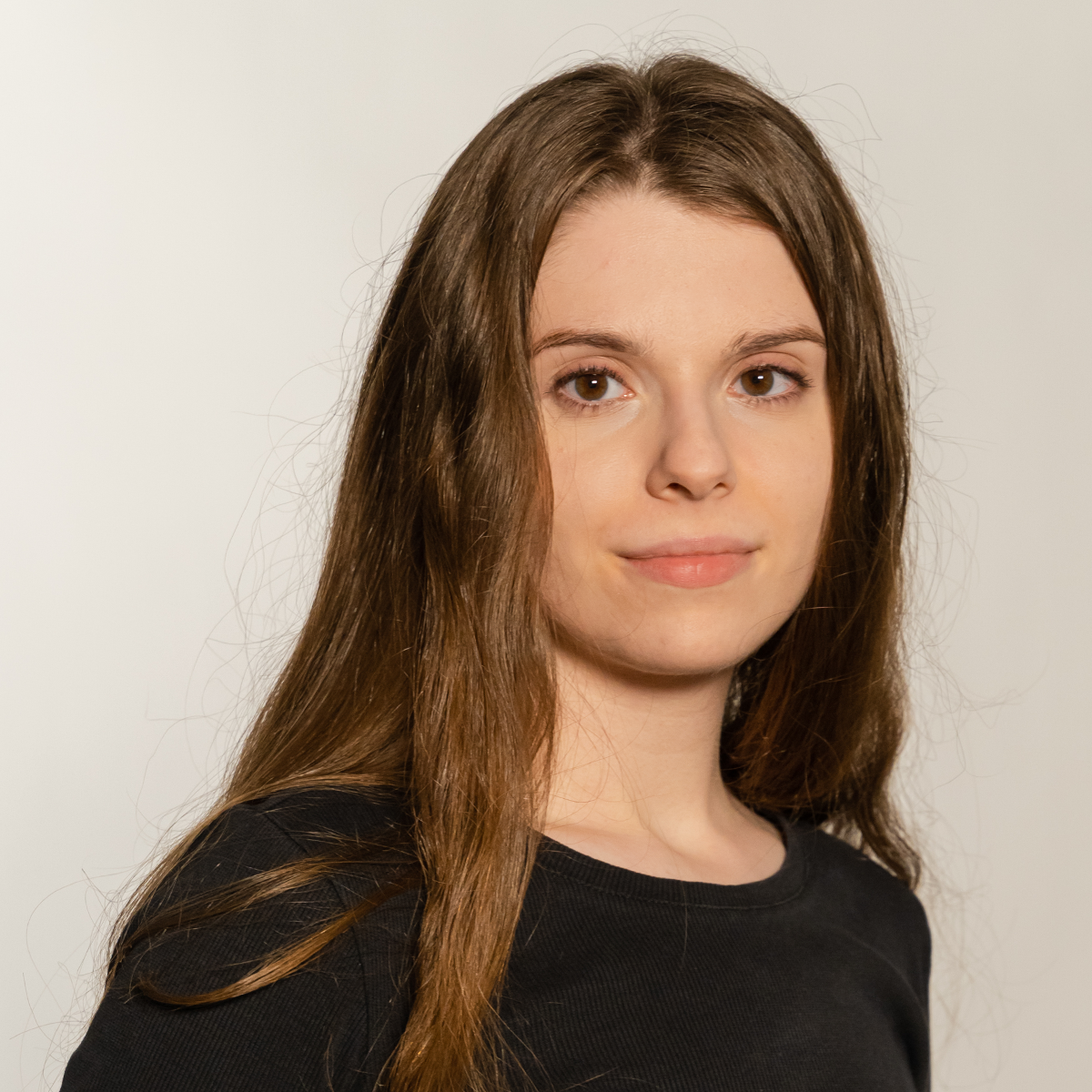
Select to get to know your teachers in this specialization course
Read more ↓

What to expect from this specialization course

  • Learn at your own pace

    Enjoy learning from home without a set schedule and with an easy-to-follow method. You set your own pace.

  • Learn from the best professionals

    Learn valuable methods and techniques explained by top experts in the creative sector.

  • Meet expert teachers

    Each expert teaches what they do best, with clear guidelines, true passion, and professional insight in every lesson.

  • Certificates
    Plus

    If you're a Plus member, get a custom certificate for every specialization course. Share it on your portfolio, social media, or wherever you like.

  • Get front-row seats

    Videos of the highest quality, so you don't miss a single detail. With unlimited access, you can watch them as many times as you need to perfect your technique.

  • Share knowledge and ideas

    Ask questions, request feedback, or offer solutions. Share your learning experience with other students in the community who are as passionate about creativity as you are.

  • Connect with a global creative community

    The community is home to millions of people from around the world who are curious and passionate about exploring and expressing their creativity.

  • Watch professionally produced courses

    Domestika curates its teacher roster and produces every course in-house to ensure a high-quality online learning experience.


FAQs

Domestika courses are online classes that allow you to learn new skills and create incredible projects. All our courses include the opportunity to share your work with other students and/or teachers, creating an active learning community. We offer different formats:
Original Courses: Complete classes that combine videos, texts, and educational materials to complete a specific project from start to finish.
Basics Courses: Specialized training where you master specific software tools step by step.
Specialization Courses: Learning paths with various expert teachers on the same topic, perfect for becoming a specialist by learning from different approaches.
Guided Courses: Practical experiences ideal for directly acquiring specific skills.
Intensive Courses (Deep Dives): New creative processes based on artificial intelligence tools in an accessible format for in-depth and dynamic understanding.

All specialization courses are 100% online, so once they're published, specialization courses start and finish whenever you want. You set the pace of the class. You can go back to review what interests you most and skip what you already know, ask questions, answer questions, share your projects, and more.

The specialization courses are divided into different modules. Each one includes lessons, informational text, tasks, and practice exercises to help you carry out your project step by step, with additional complementary resources and downloads. You'll also have access to an exclusive forum where you can interact with other students, as well as share your work and your final project, creating a community around the specialization courses.

You can redeem the specialization courses you received by accessing the redeeming page and entering your gift code.

If you're a Plus member, when you complete a course you've purchased, you'll instantly get your personalized certificate. You can see all your certificates in the Certificates section of your profile. You can download your certificates as PDFs and share the link online. Learn more about certificates.
Especialización en Ilustración de personajes femeninos. Illustration course by Domestika

Especialización en Ilustración de personajes femeninos

A specialization by multiple teachers
Berkeley, United States.
Joined April 2002
  • 8 students