2D Game Development with Claude Code
A course by Ramón IborraGenerative Artificial Intelligence Consultant and Educator
A course by Ramón Iborra, Generative Artificial Intelligence Consultant and Educator

Create a complete 2D platform video game using Claude Code, Python and Pygame without advanced programming knowledge
This course walks you through building a simple 2D game from nothing but an empty folder in Visual Studio Code. You don’t need to know much programming to follow along. You’ll sketch out a small arcade‑style platformer, figure out its rules, levels, and characters, and turn those ideas into plain‑language instructions Claude Code can turn into working code.
As you go, you’ll generate Python and Pygame scripts, keep your project organized, and add the basics every game needs: movement, collisions, scoring, game states, power‑ups, and enemies. You’ll also make your own pixel‑art sprites, backgrounds, and UI pieces directly through Claude Code, tweaking them as you refine how the game looks and plays.
By the end, you’ll have a finished 2D game, a shareable executable, and a workflow you can reuse whenever you want to try out new ideas or expand the one you built.
What will you learn in this online course?
7 lessons & 3 downloads
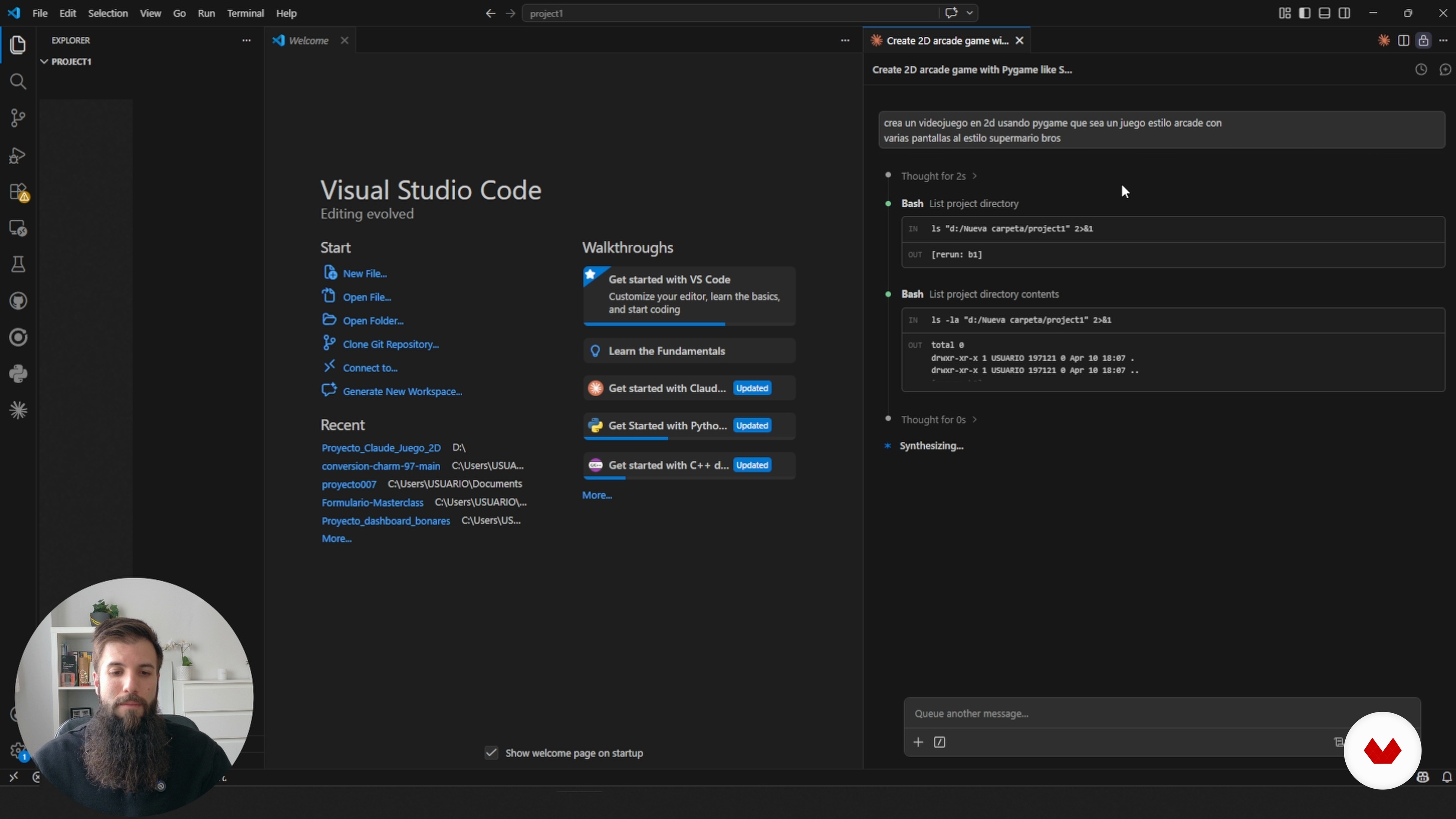
Getting started in Visual Studio Code with Claude Code
9 minutes, 4 seconds
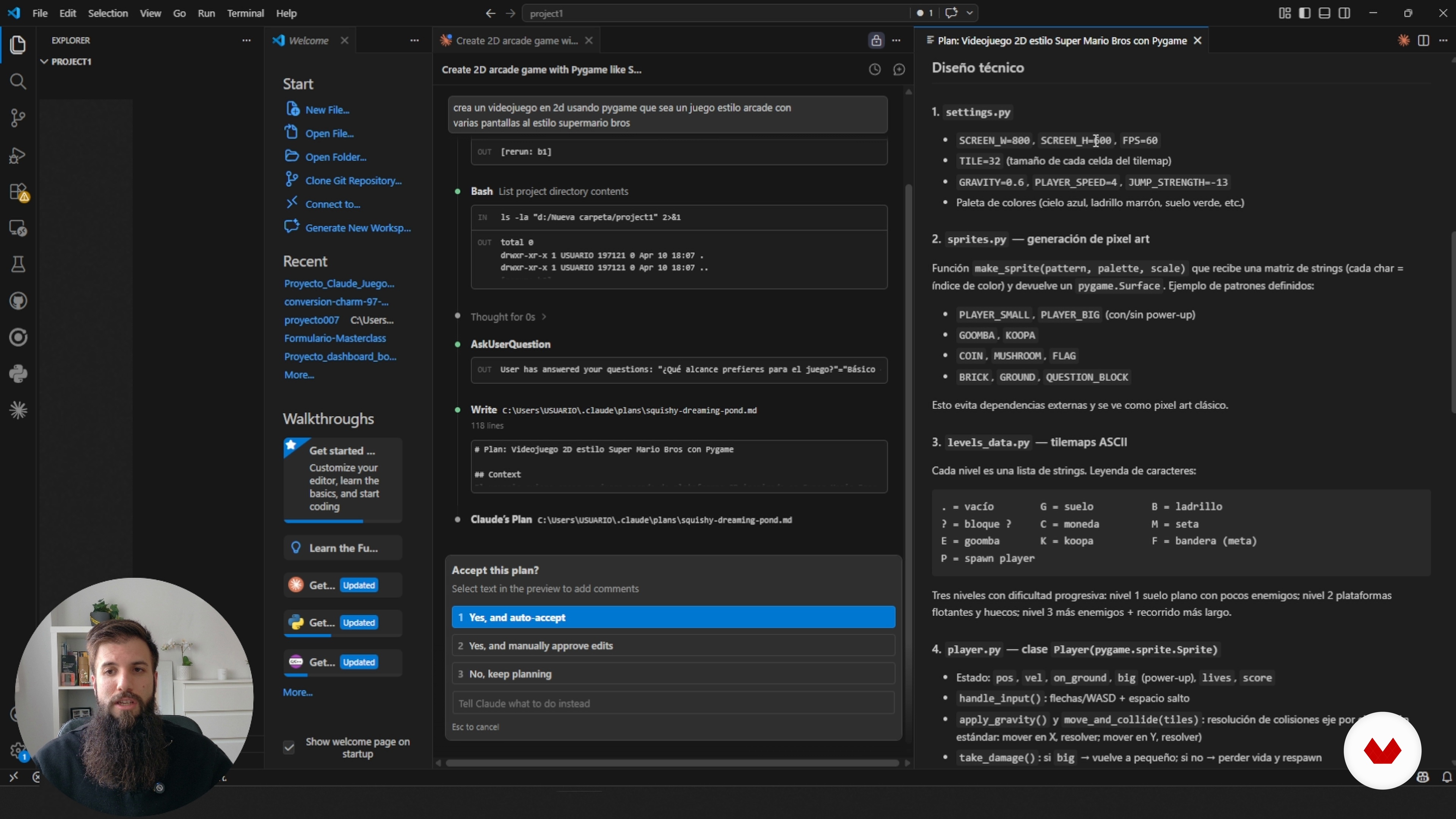
Building the Game From the Full Plan
13 minutes, 46 seconds
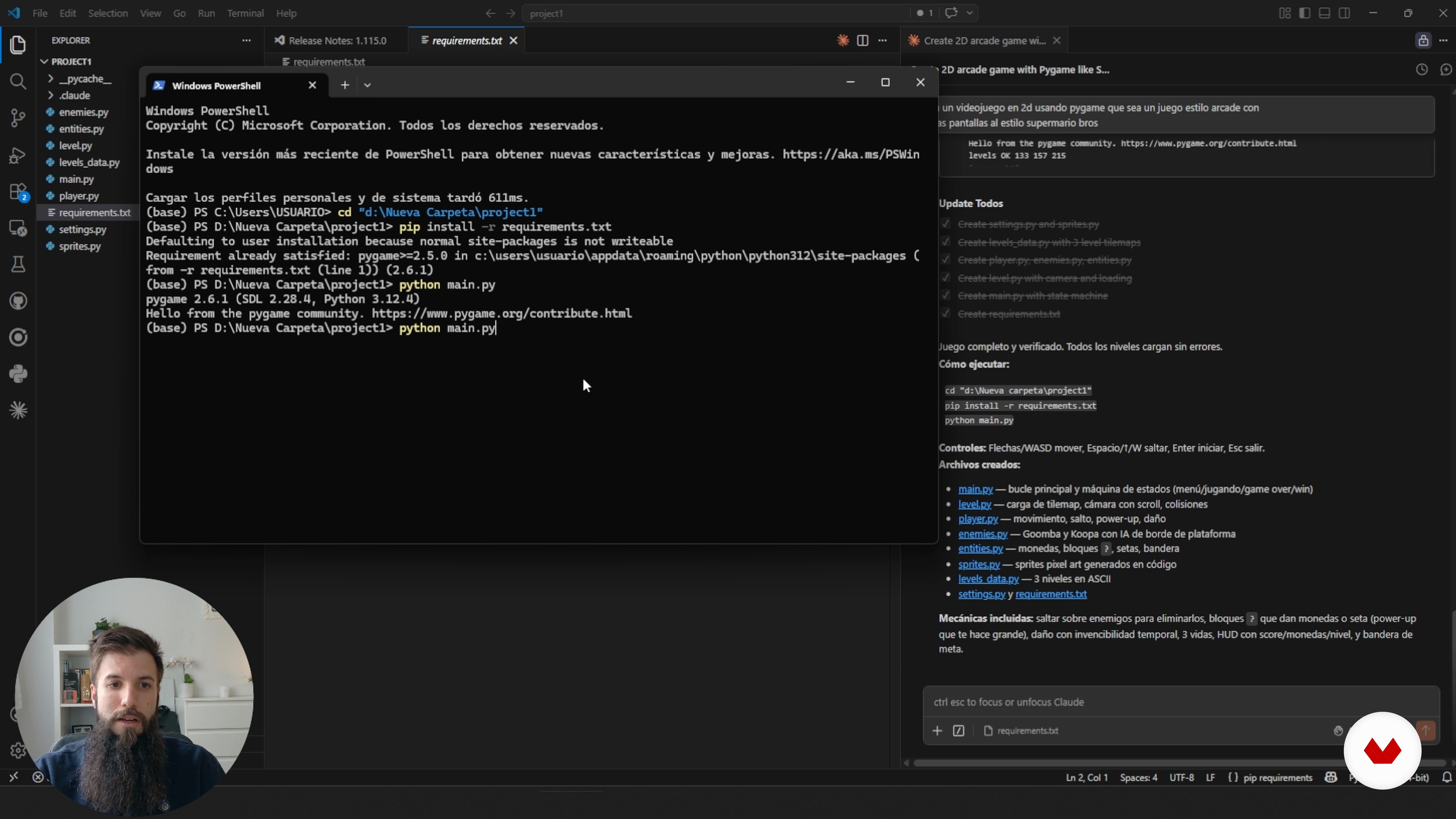
Testing and Running Your Generated Game
13 minutes, 7 seconds
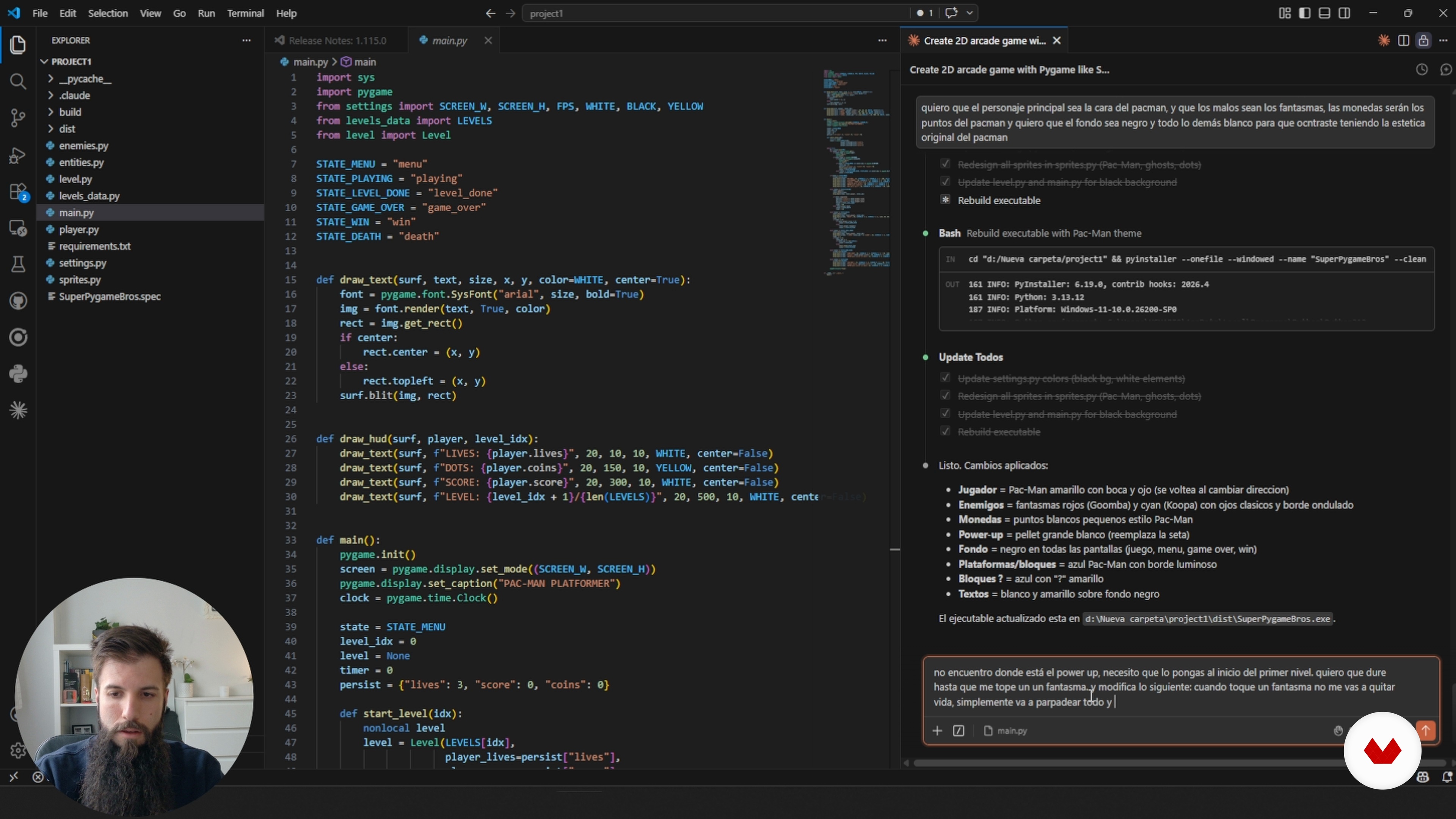
Customizing gameplay and visual style
16 minutes, 10 seconds
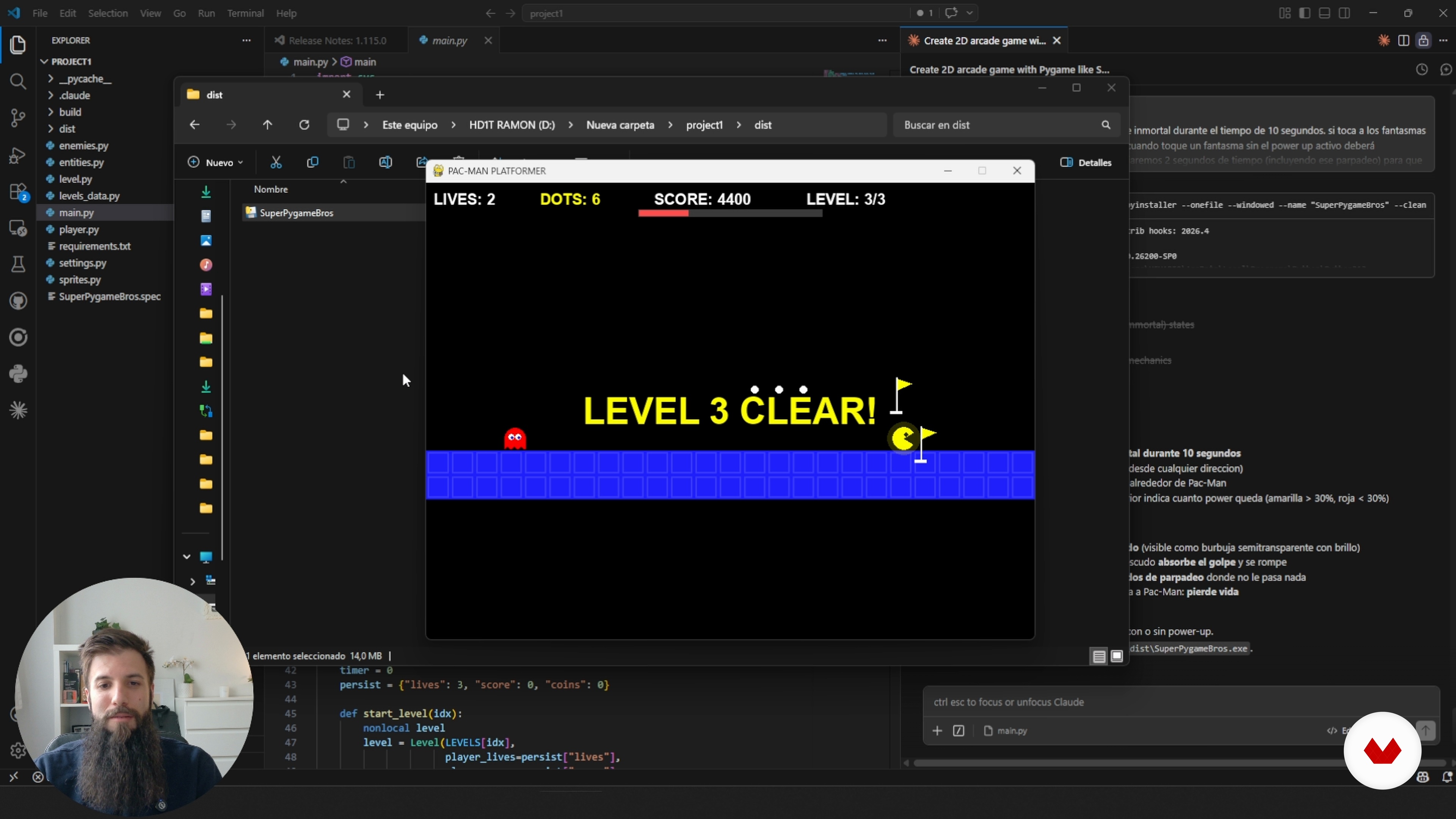
Final review and growing your game
2 minutes, 13 seconds
What's included in this course?
You’ll start with a tiny idea and turn it into a full 2D platformer. We keep it practical: how the character moves, what the player is trying to do, how the rules fit together, and how the game actually feels to play. You’ll also get comfortable talking to Claude Code in plain language, spinning up a project in Visual Studio Code, keeping your files tidy, and wiring up movement, controls, collisions, scoring, and game states.
Along the way you’ll drop in sprites, basic animations, and other visual bits, and you’ll build two small variants—one that feels a little like Mario and another with a Pac‑Man vibe. You’ll debug the usual mistakes, tweak mechanics in short loops, and tune difficulty until the game feels right. By the end you’ll have a working executable you can run or share, plus a workflow you can reuse whenever you want to spin up another 2D game with AI helping out.
Recommended software & tools for this course
What is this course's project?
You will create a 2D platform video game from scratch using Claude Code, Python, Pygame, and Visual Studio Code. You will design mechanics, levels, characters, movement, collisions, scoring, enemies, power-ups, pixel art sprites, and UI, until you obtain a playable executable.
Who is this online course for?
Anyone who’s never written a line of code but wants to make a first 2D game with some AI help, beginners trying out Claude Code, designers who like sketching quick gameplay ideas, and game fans who want to see how a full 2D project comes together.
Requirements and materials
You don’t need much experience for this. If you can use a computer, keep your files in order, get online, and run Visual Studio Code with the Claude Code extension set up from the guide, you’re good to go.

His approach combines strategy, practical application, and a critical perspective on technology, aiming to make AI a true ally in professional development. In his courses, he shares clear methodologies and real case studies to implement solutions efficiently and adapt them to each creative context.
Content
2D Game Development with Claude Code
- The Project: Create Your First 2D Game
- Get to know Claude Code before you start building
- Getting started in Visual Studio Code with Claude Code
- Building the Game From the Full Plan
- Testing and Running Your Generated Game
- Customizing gameplay and visual style
- Final review and growing your game
- Final project
What to expect from a Domestika course
Learn at your own pace
Enjoy learning from home without a set schedule and with an easy-to-follow method. You set your own pace.
Learn from the best professionals
Learn valuable methods and techniques explained by top experts in the creative sector.
Meet expert teachers
Each expert teaches what they do best, with clear guidelines, true passion, and professional insight in every lesson.
Certificates
PLUSIf you're a Plus member, get a custom certificate signed by your teacher for every course. Share it on your portfolio, social media, or wherever you like.
Get front-row seats
Videos of the highest quality, so you don't miss a single detail. With unlimited access, you can watch them as many times as you need to perfect your technique.
Share knowledge and ideas
Ask questions, request feedback, or offer solutions. Share your learning experience with other students in the community who are as passionate about creativity as you are.
Connect with a global creative community
The community is home to millions of people from around the world who are curious and passionate about exploring and expressing their creativity.
Watch professionally produced courses
Domestika curates its teacher roster and produces every course in-house to ensure a high-quality online learning experience.