Portrait Photography with Nonprofessional Models
A course by Catalina BartoloméPhotographer and portraitist
A course by Catalina Bartolomé, Photographer and portraitist

Learn the techniques to create professional portraits of people who don't know how to pose
Photographer and portraitist Catalina Bartolomé began making self-portraits covering her face to help put herself in the shoes of those she was capturing. This act prompted her to take the leap and work with people without experience in posing for photographs, fully representing their personalities and giving visibility to their stories, companies, or ventures.
In this course Catalina will teach you how to plan and execute professional portraits, exploring different possibilities depending on the subject's profile and needs. You'll learn the techniques to create practical and versatile lighting, as well as advice for directing people who are not used to posing for photographs. In addition, you'll learn basic editing in Adobe Photoshop Lightroom and how to export the photographs in the correct format for your client.
What will you learn in this online course?
15 lessons & 20 downloads
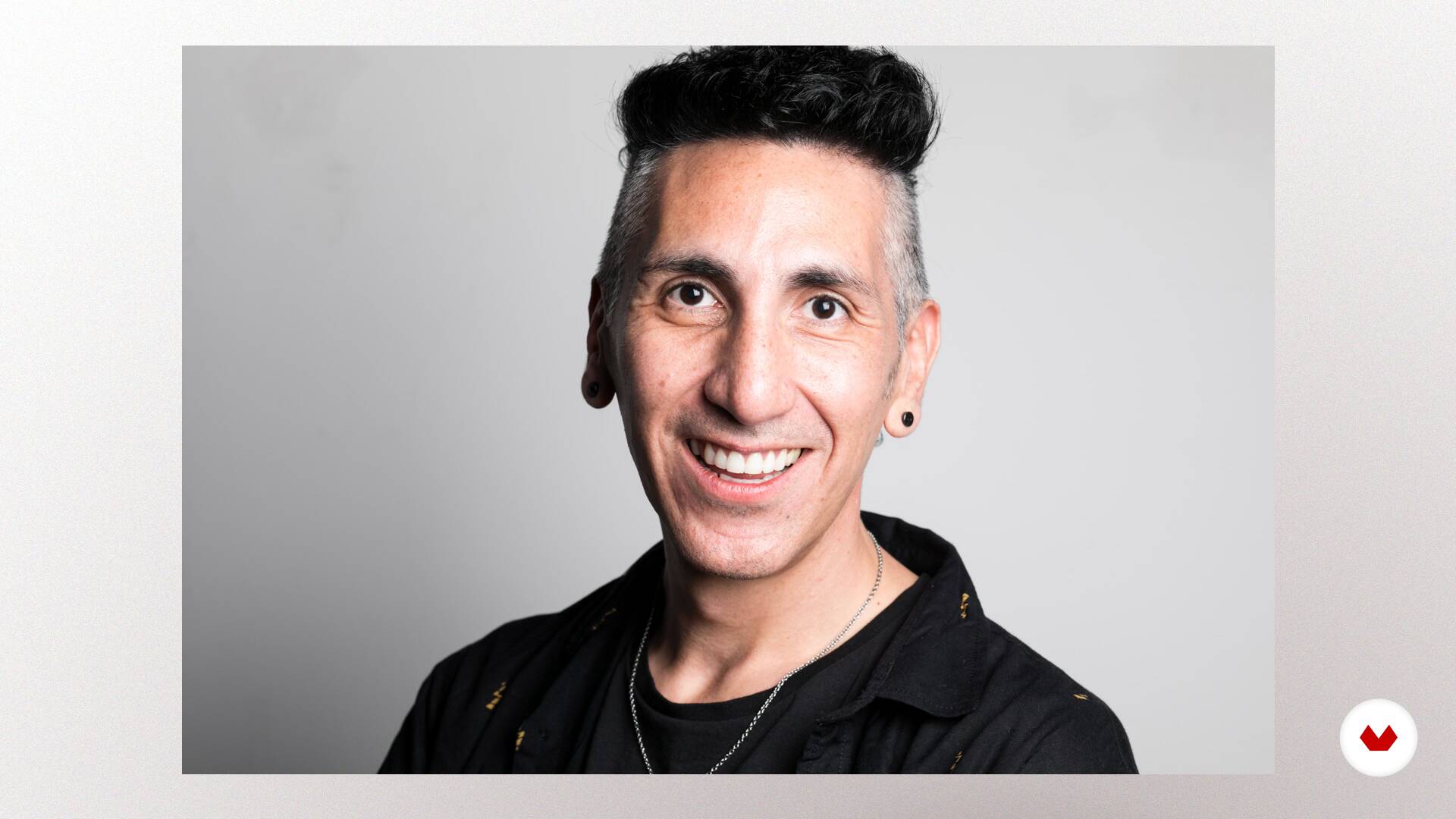
What are we going to do in this course
1 minute, 45 seconds
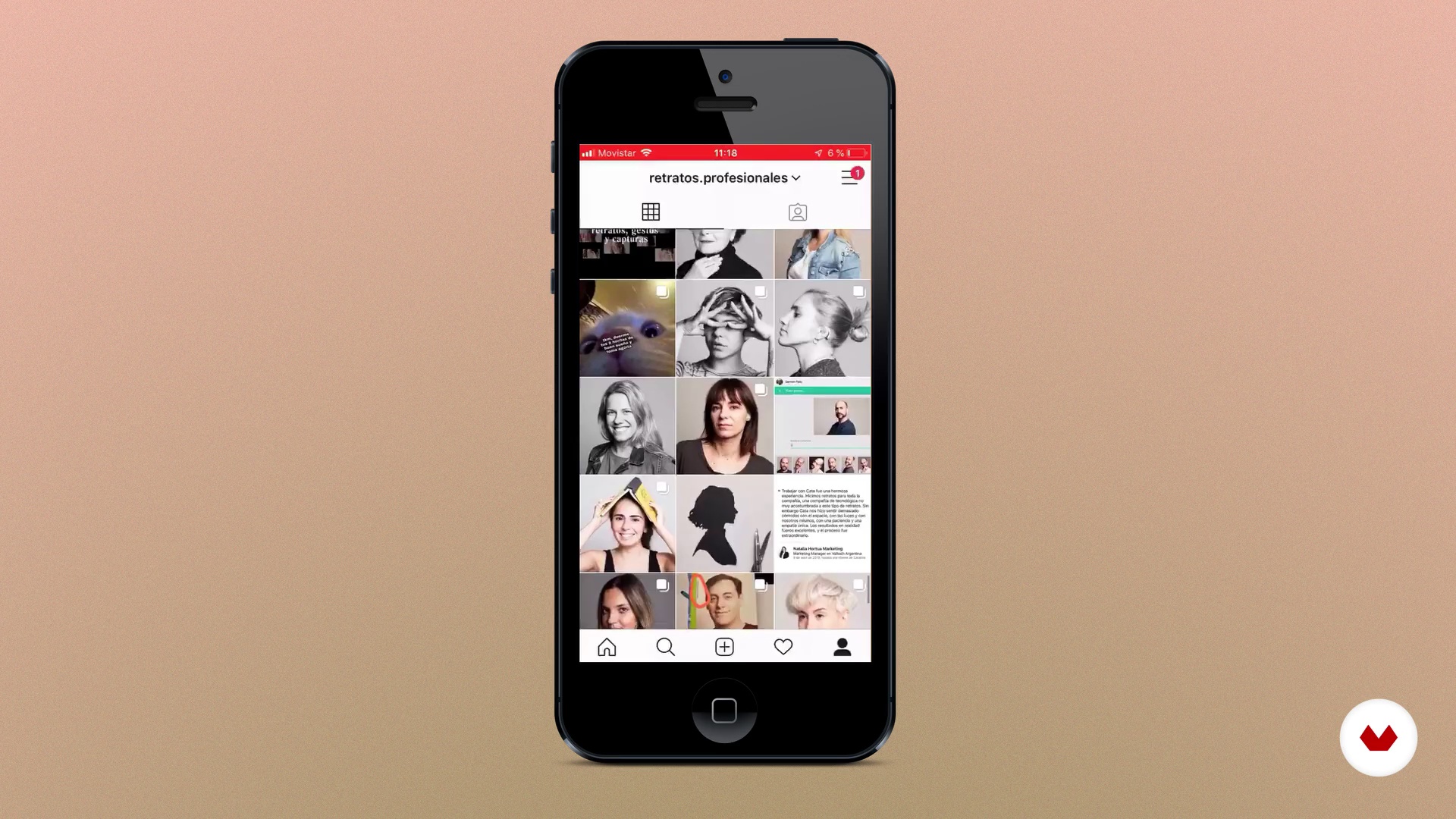
What i offer
8 minutes, 30 seconds
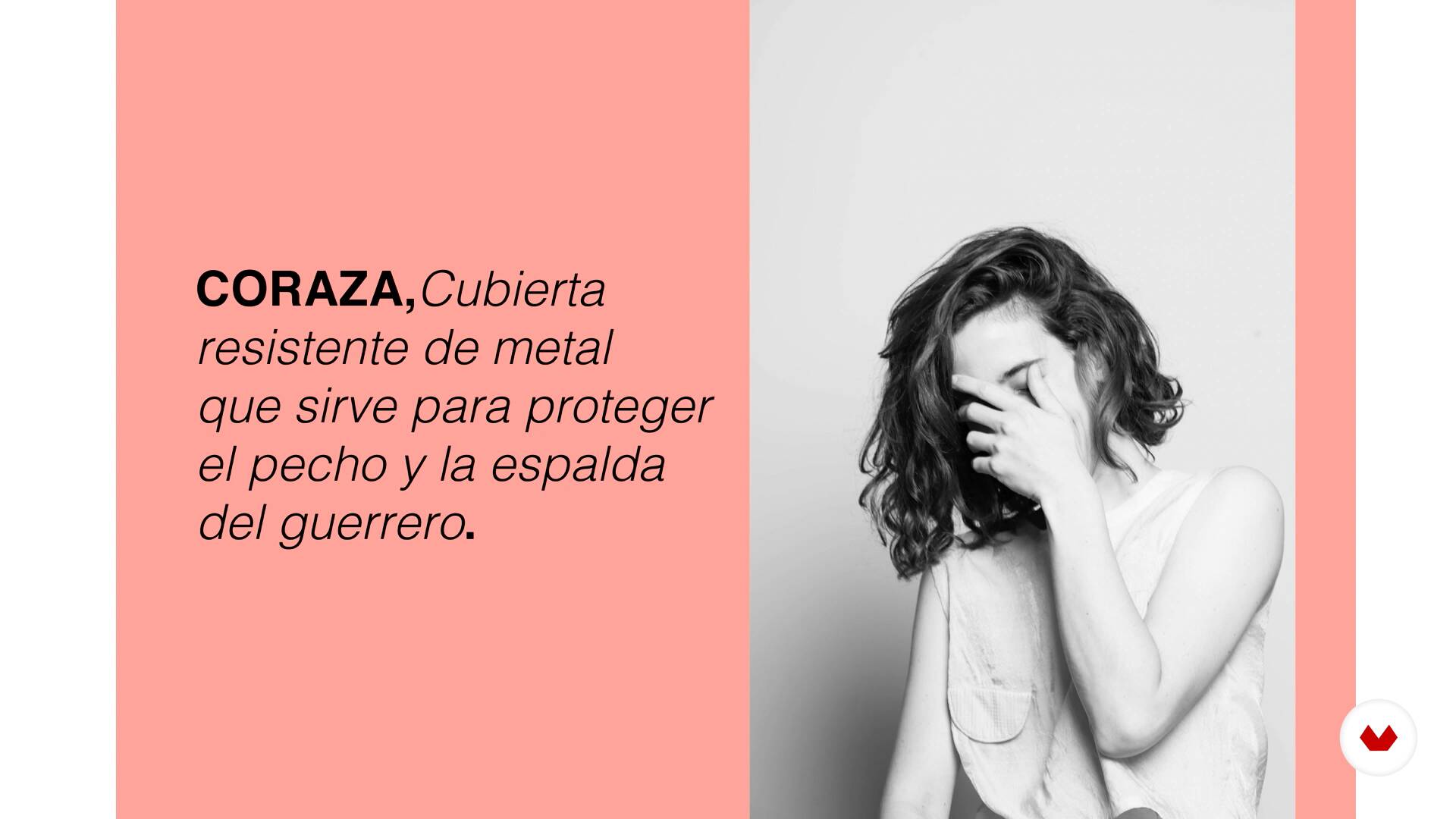
How do i offer it
17 minutes, 41 seconds
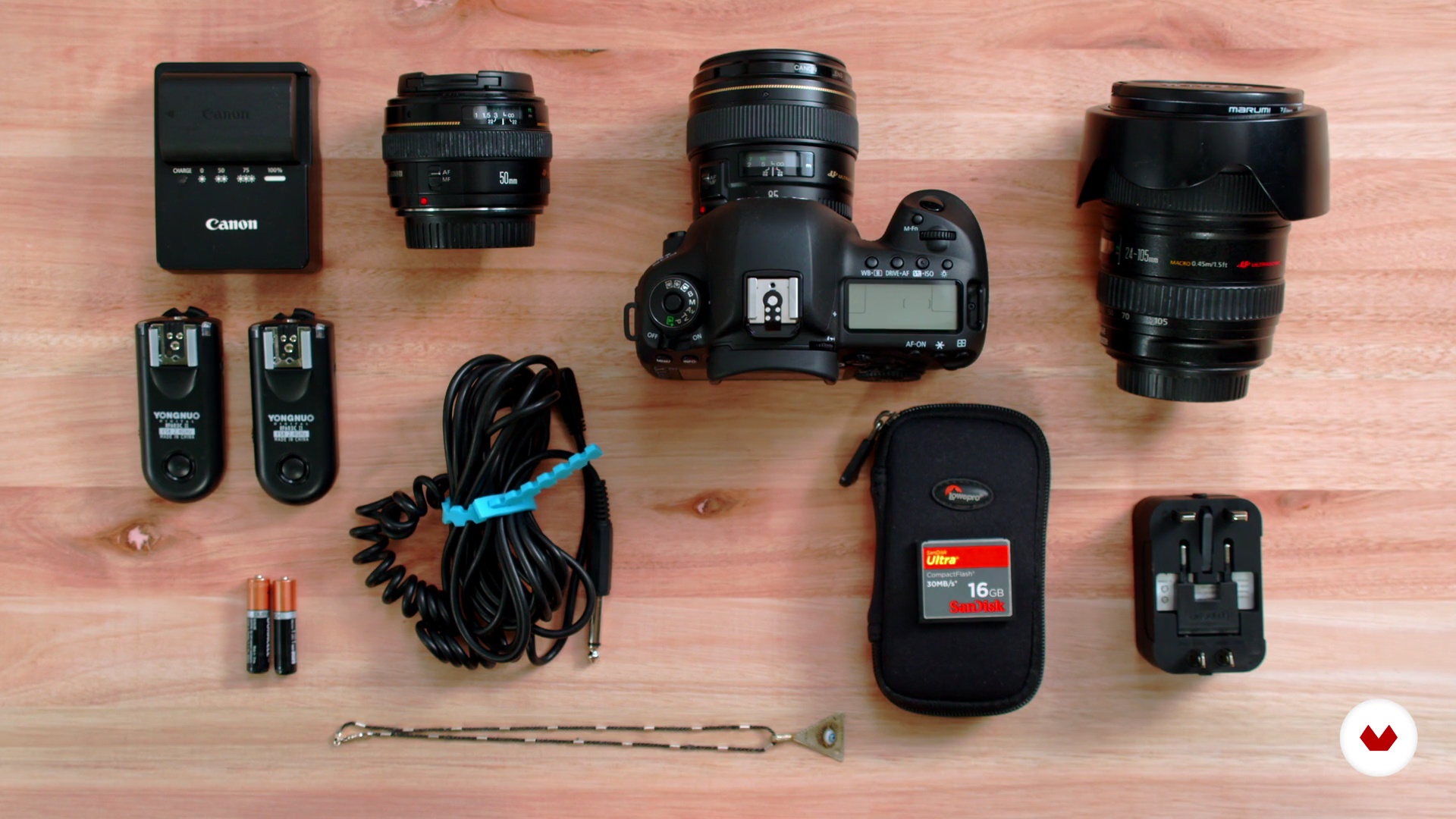
Materials I need
5 minutes, 9 seconds
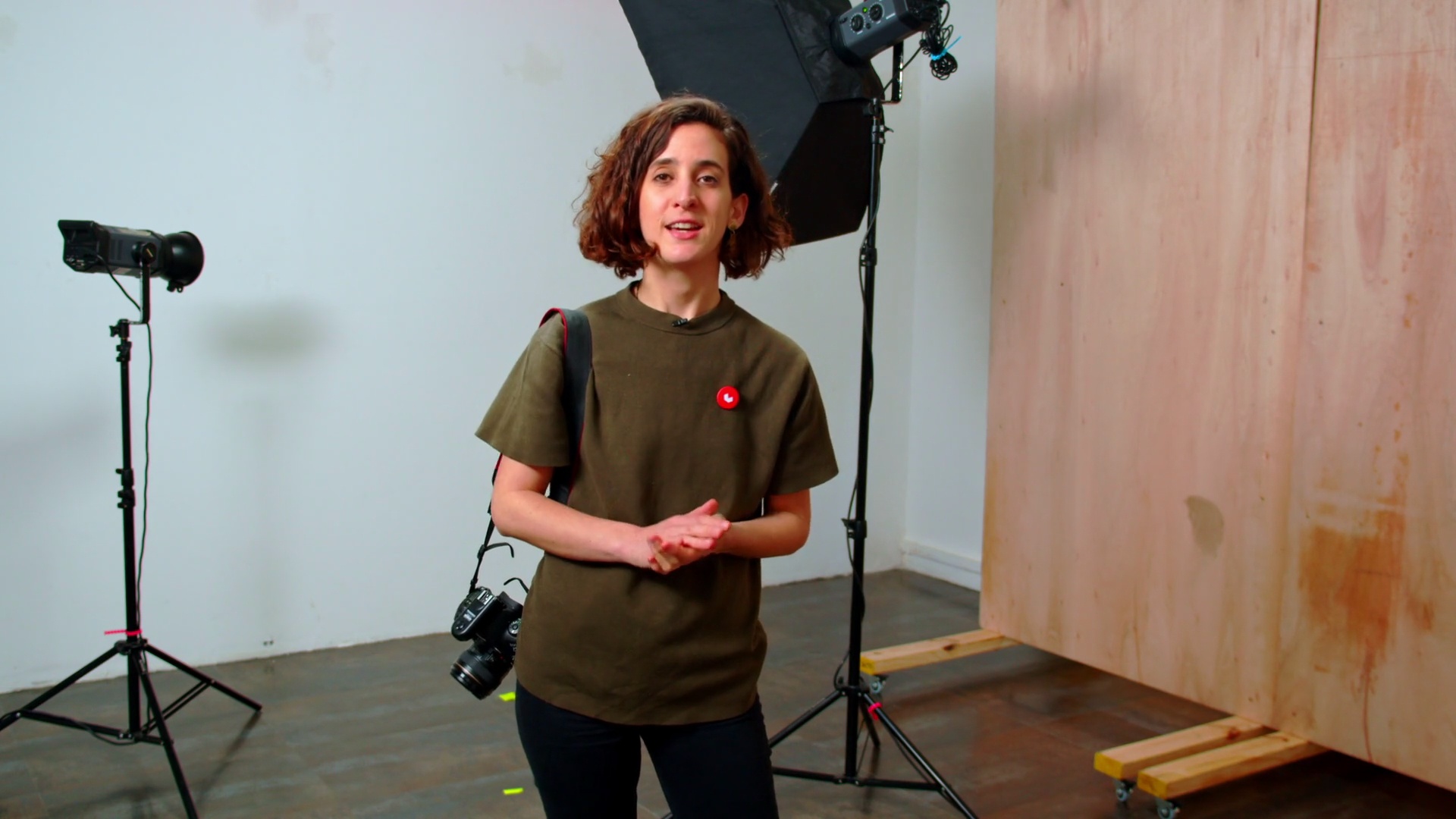
Putting together the set
6 minutes, 10 seconds
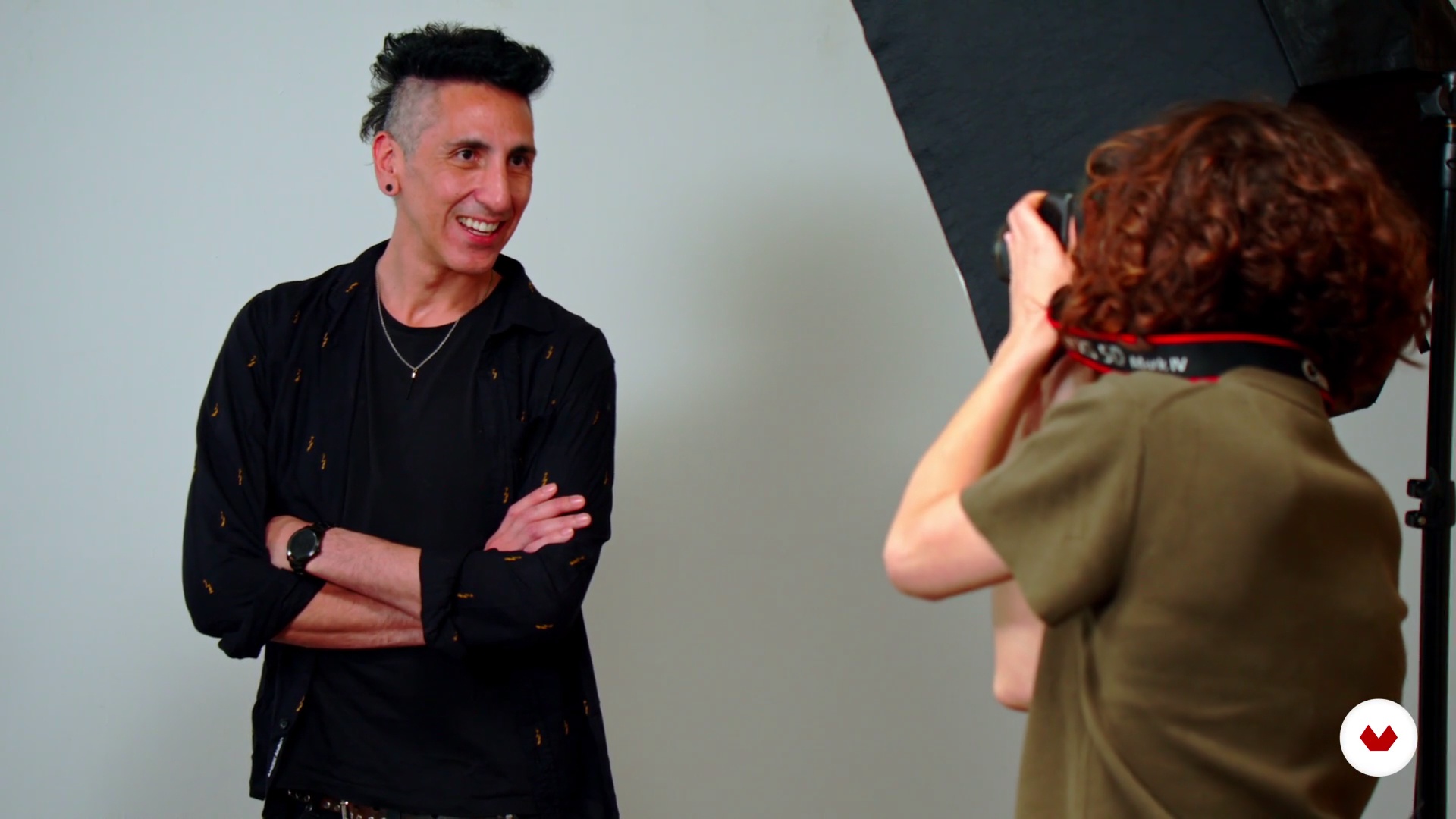
Headshot white background
13 minutes, 17 seconds
What's included in this course?
You'll start by getting to know Catalina, who will explain how she started in this profession and why she currently photographs nonprofessional models. She will also share her influences with you.
In the second unit, you'll see the different clients that exist and the types of services you can offer. In addition, you'll ask yourself some questions that will help you work on your empathy and be able to solve problems that may arise with your subjects.
On to the photoshoot! First, you'll assemble the set in an agile way in order to work comfortably. You'll see how to receive the person you are going to photograph, helping them think about wardrobe and understanding your directions. You'll see all the steps to carry out your portrait session, and discover the techniques to create practical and versatile lighting.
You'll take headshots (from the shoulders up) and a Cowboy shot on a white background, exploring various possibilities and once again on a gray background. Then you will take a creative portrait.
Once you have taken the photos, you'll select the best ones and post-produce them with Adobe Photoshop Lightroom, Bridge or any other editing program, tweaking them in Photoshop.
You'll export them both in color and in black and white, with different definitions, and you'll see what to take into account to deliver the materials to your client. Finally, you'll see the different ways to show your work online.
Recommended software & tools for this course
What is this course's project?
You'll make a set of portraits of the same person: headshots, Cowboy shot, and creative portraits.
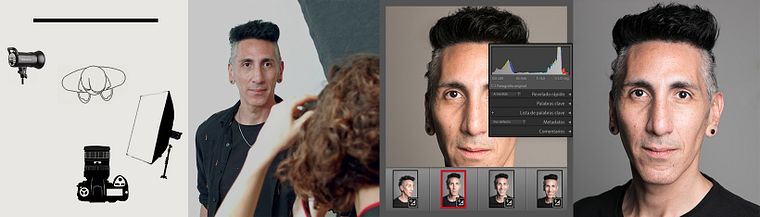
Projects by course students


Who is this online course for?
To anyone who wants to go deeper into the portrait genre, as well as professional photographers who want to explore a different way of taking portraits.
Requirements and materials
Basic photography skills required: control of the aperture, shutter speed, ISO, and lens types.
As for materials, you'll need a camera, a white wall or a photo studio, an external flash, a computer, and an editing program such as Adobe Photoshop Lightroom.
Reviews
- xanderrc2912PLUS21 days ago
Me encanta el curso, es completo y además te hace plantearte aspectos, administrativos y logicos sobre retratar personas
- 3 months ago
Gostei bastante. Como não sou um profissional da fotografia, o passo a passo ensinado me ajudou muito a melhorar minhas habilidades com fotografia. Valeu à pena!
- 9 months ago
Excelente Curso, Catalina enseña con un tono amigable y generoso.
- 1 year ago
O curso e bem simples
- 1 year ago
Es un poco básico el curso, pero la profe es simpática y muestra todo su proceso de trabajo, si estás partiendo te vendrá bien, pero para quienes llevamos algo de recorrido es básico.

In 2016 she founded her company Professional Portraits, specialized in taking portraits of inexperienced professionals. She also organizes events to give visibility to some of her interests, such as photography exhibits.
Content
- U1
Introduction
- Presentation
- Influences
- What are we going to do in this course
- U2
Preproduction
- What i offer
- How do i offer it
- Materials I need
- U3
Shooting day
- Putting together the set
- Headshot white background
- Headshot gray background
- Classic portrait
- Extra, extra, creative portrait
- U4
Postproduction
- I look - I analyze
- E edition I
- E edition II
- Portrait R
- FP
Final project
- Portrait photography with inexperienced models
What to expect from a Domestika course
Learn at your own pace
Enjoy learning from home without a set schedule and with an easy-to-follow method. You set your own pace.
Learn from the best professionals
Learn valuable methods and techniques explained by top experts in the creative sector.
Meet expert teachers
Each expert teaches what they do best, with clear guidelines, true passion, and professional insight in every lesson.
Certificates
PLUSIf you're a Plus member, get a custom certificate signed by your teacher for every course. Share it on your portfolio, social media, or wherever you like.
Get front-row seats
Videos of the highest quality, so you don't miss a single detail. With unlimited access, you can watch them as many times as you need to perfect your technique.
Share knowledge and ideas
Ask questions, request feedback, or offer solutions. Share your learning experience with other students in the community who are as passionate about creativity as you are.
Connect with a global creative community
The community is home to millions of people from around the world who are curious and passionate about exploring and expressing their creativity.
Watch professionally produced courses
Domestika curates its teacher roster and produces every course in-house to ensure a high-quality online learning experience.
FAQs
You’ll learn techniques for photographing people in various settings, managing lighting, directing models, composition, digital editing, and professional strategies to build a portfolio of authentic, expressive portraits.
The course is designed for those with basic photography knowledge who want to dive deeper into portraiture, but it also includes accessible resources and techniques for complete beginners.
You’ll need a digital camera (DSLR, mirrorless, or compact with manual controls), access to natural light or flash, a computer with basic editing software, and optionally, backdrops and reflectors.
A headshot is a close-up portrait, usually just the face and shoulders, perfect for professional profiles. A classic portrait typically shows more of the body and aims to capture the subject’s personality and context.
Yes, you’ll learn methods to relax, guide, and support people with no experience, achieving natural and genuine portraits through empathy and effective communication.
The course covers both natural lighting techniques and the use of flashes, softboxes, and reflectors, so you can adapt to different environments and portrait styles.
You’ll learn digital editing workflows, basic retouching in Photoshop, and how to select, clean up, and export images professionally while keeping the portrait’s natural feel.