Digital Illustration: Use Your Imagination to Create
A course by ValsDigital Illustrator
A course by Vals, Digital Illustrator

Discover your dreams as an infinite source of inspiration and bring your ideas to life with Photoshop
Where to find inspiration for creative work? Each person has their methods but, even so, there are general techniques that favor creativity. Music, for example, is a determining factor for the digital illustrator Valeria Álvarez—better known as Vals—since it helps her find her ideal mood to let her illustrations flow. She also finds that observing the environment and tracing common situations works well for her, to later add details that go beyond the everyday, such as elements that appear in his dreams.
In this online course, Vals shows you her process for creating personal illustrations using a technique that consists of generating ideas from the connection between things that happen in reality and in dreams. Create a mini story with characters and a background, which you summarize in a digital illustration with the option of different graphic applications, either for social networks or for printing.
What will you learn in this online course?
16 lessons & 15 downloads
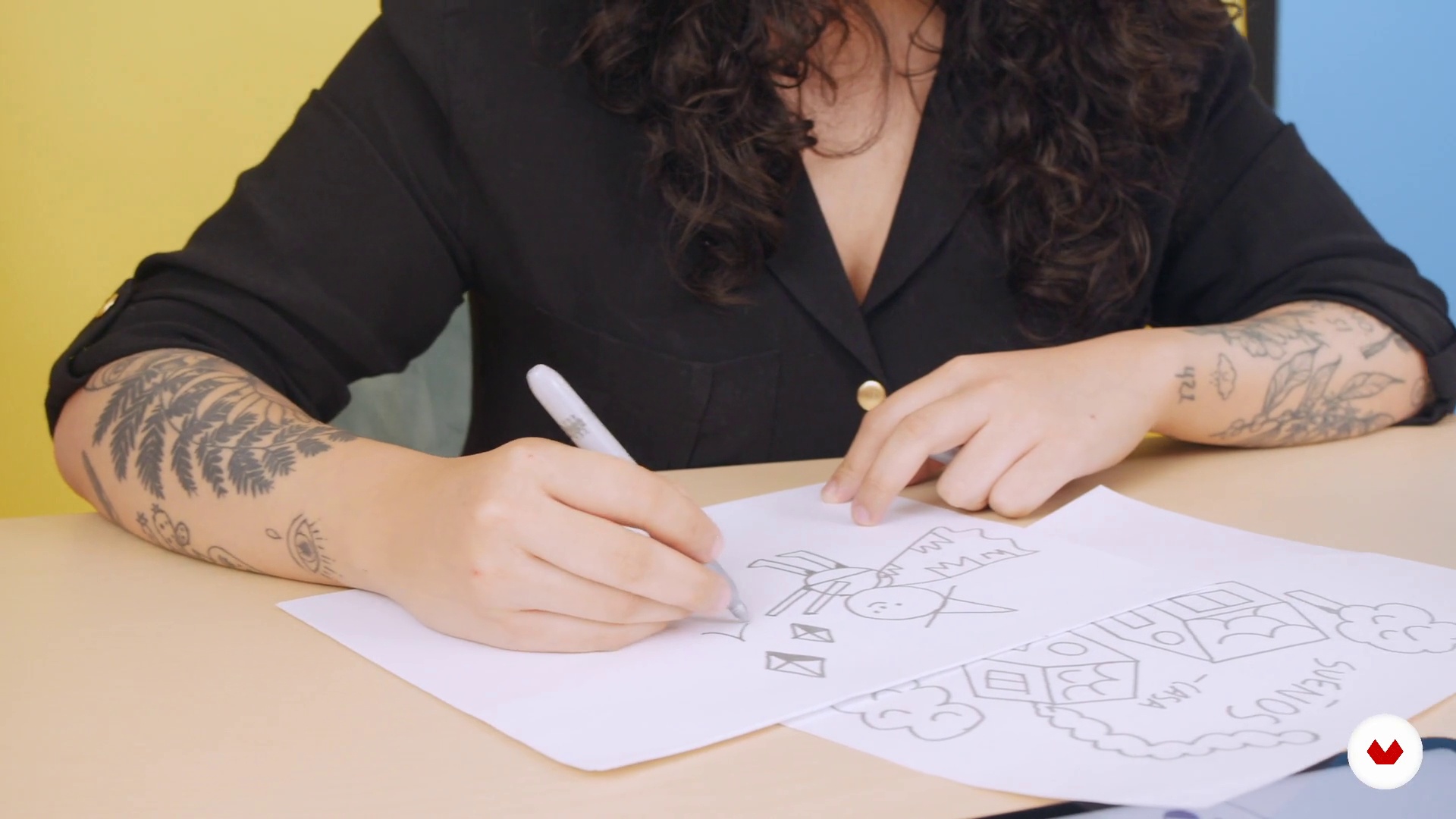
What will we do in the course
1 minute, 58 seconds
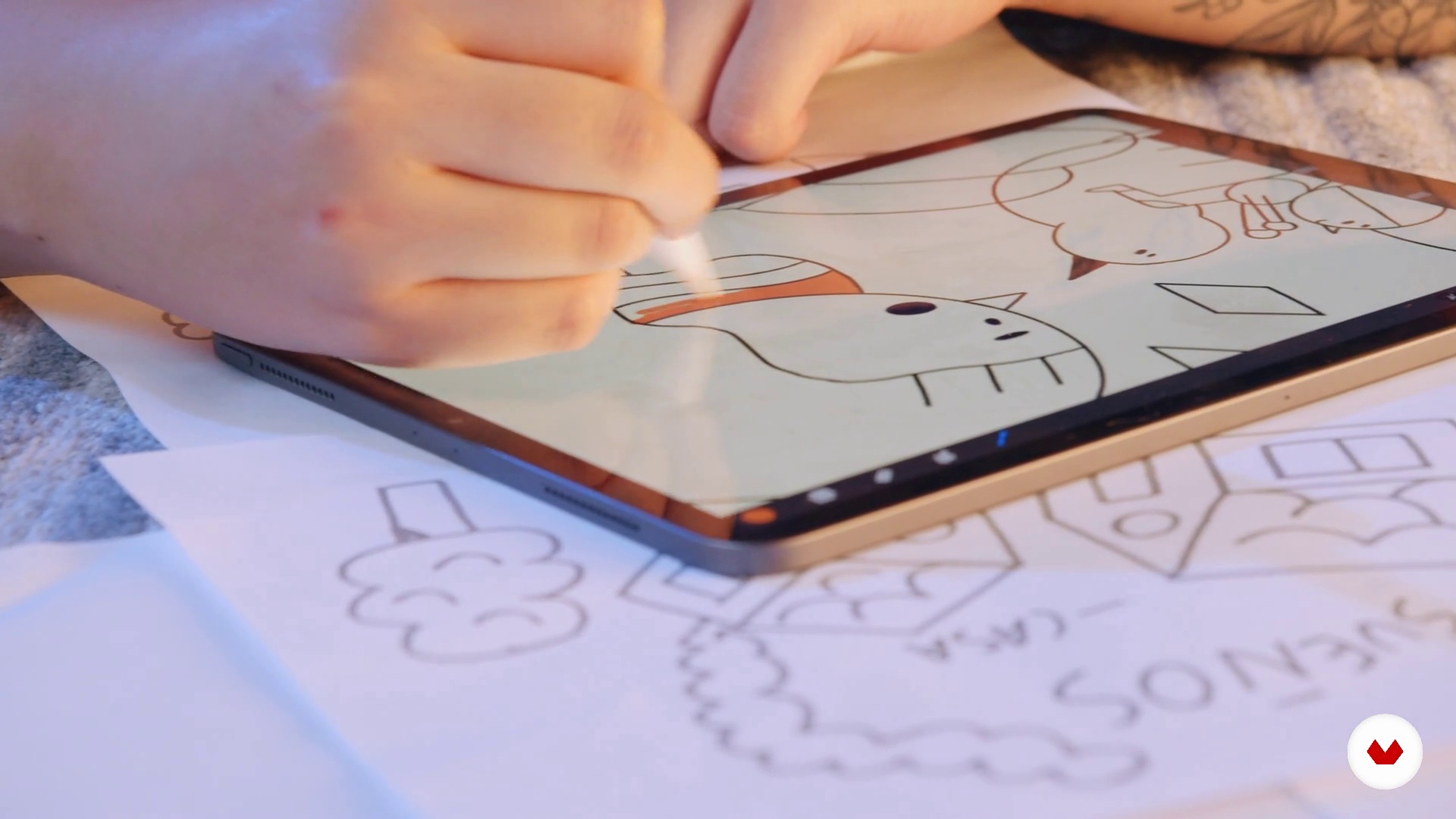
Before you start creating
4 minutes, 50 seconds
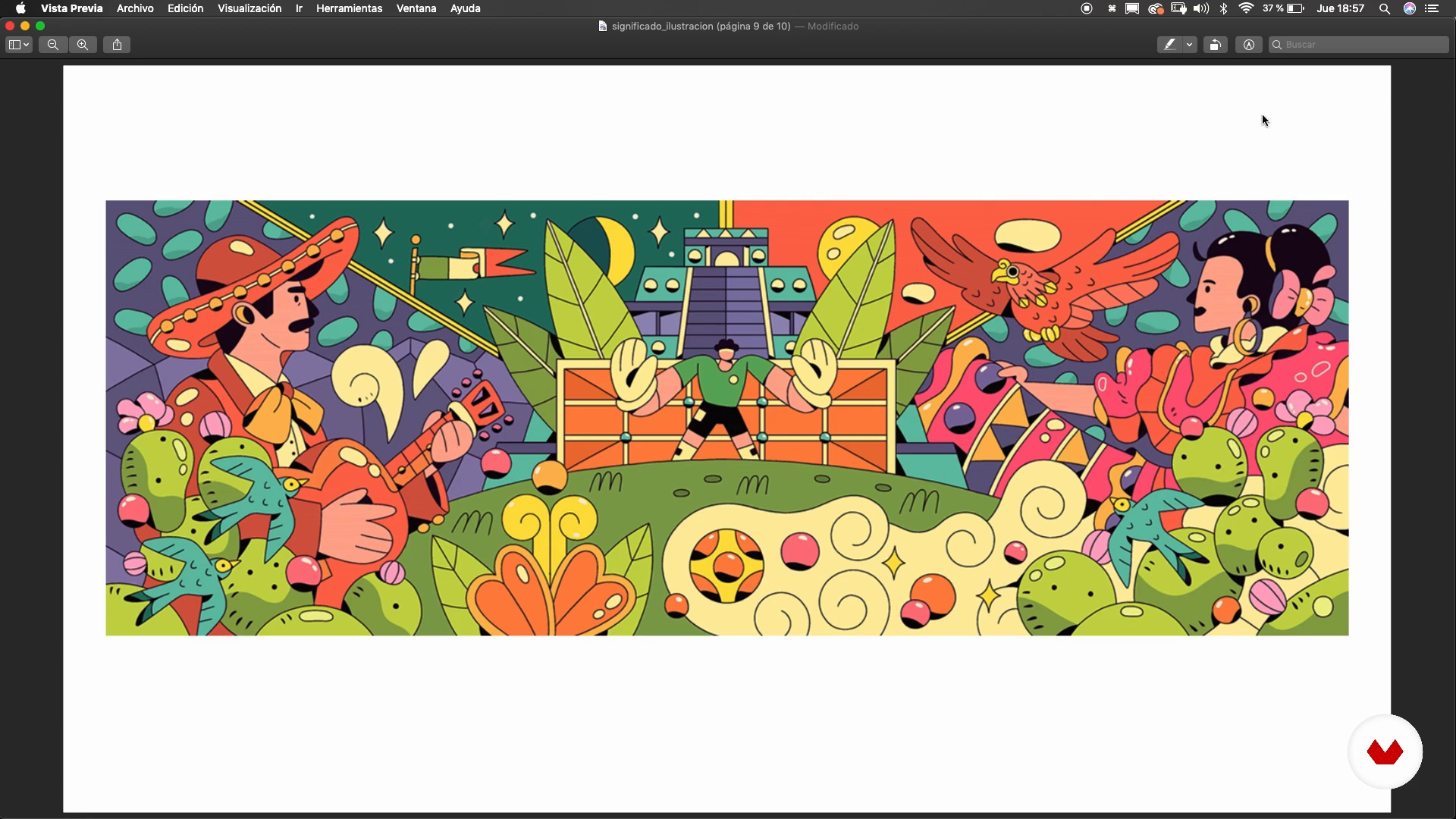
Beyond the words
5 minutes, 58 seconds
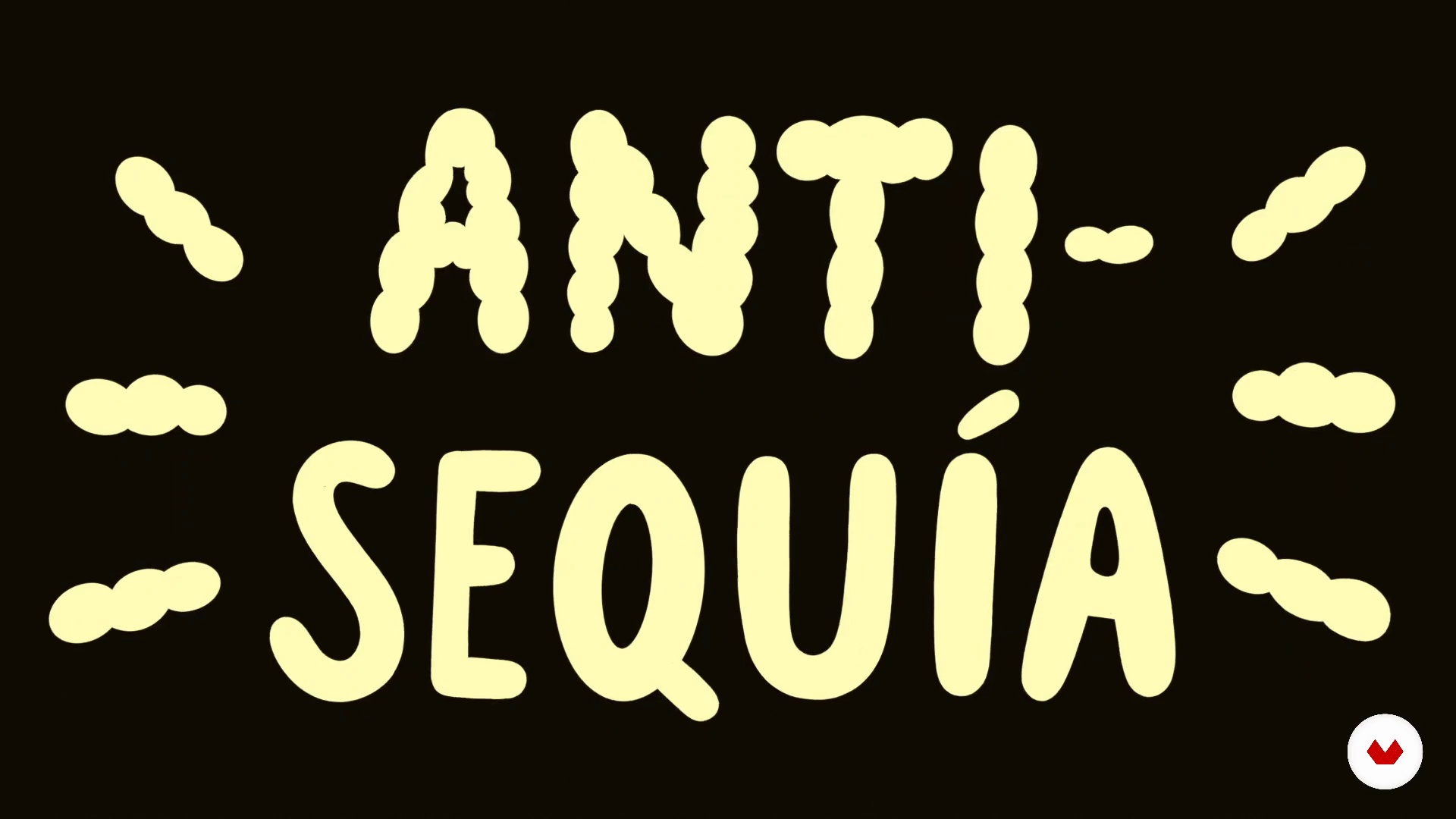
If we have no subject, we invent it (Anti-Drought Method)
12 minutes, 23 seconds
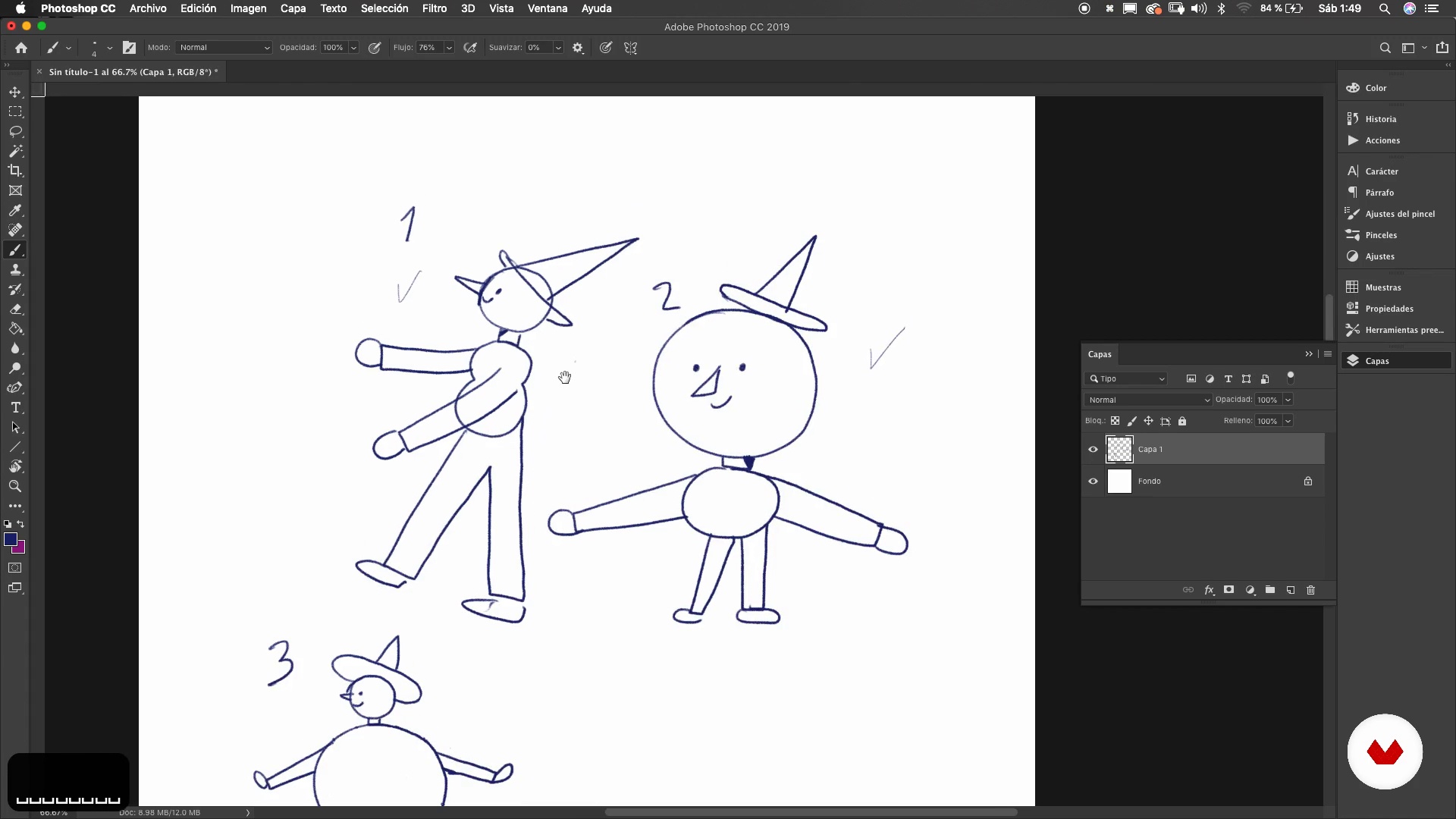
P1 character construction
10 minutes, 50 seconds
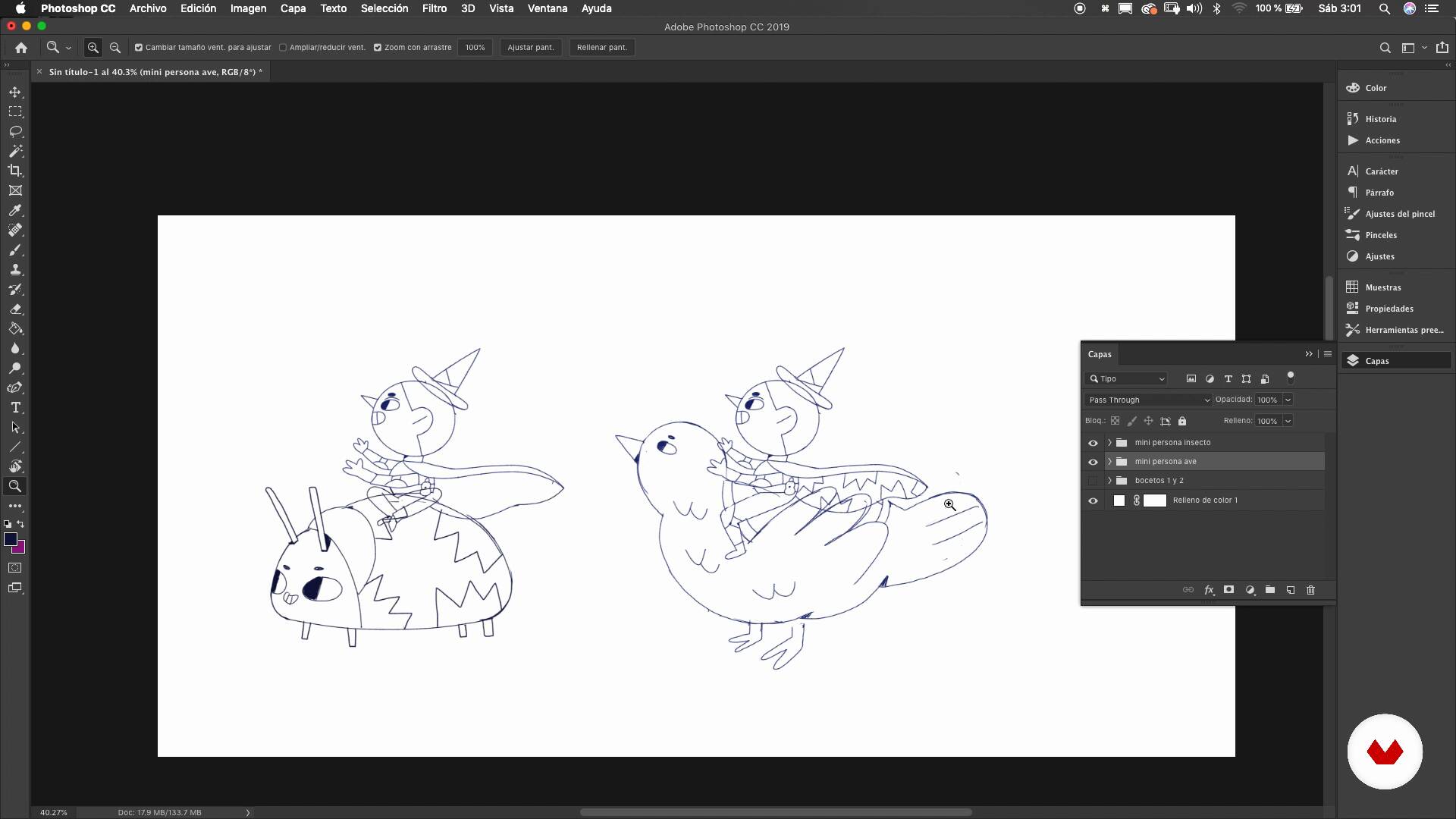
P2 character construction
18 minutes, 9 seconds
What's included in this course?
Start by meeting Vals, who explains how she came to be a digital illustrator. She shows you her artistic influences and briefly explains what the course entails.
Vals tells you about the technique she uses to always have a topic to talk about in her illustrations—the anti-drought method. This involves resorting to both elements of your daily life and your dreams. Then begin to structure the foundations of your final project.
When you have a theme or story to tell, create the characters. Do some sketches, before putting the composition together in Adobe Photoshop to match the story moment you've chosen. Then land the elements, adding more detail until you've drawn the final line.
Vals talks to you about color basics and shares some inspirational resources. Next, select a specific palette that brings harmony to your project, and you learn to use colopring software tools.
To wrap things up, see how to share your illustrations, reviewing Vals' favorite platforms and learning ways to organize your work.
Recommended software & tools for this course
What is this course's project?
Develop an illustration with its own story, which is the result of the connection between moments of your daily life and dreams.
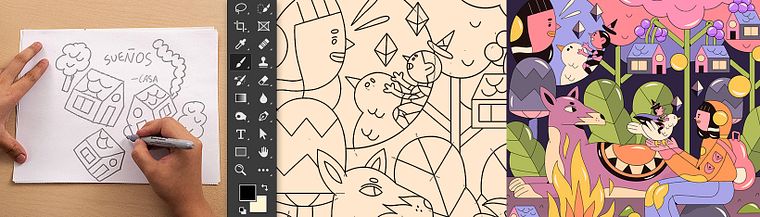
Projects by course students


Who is this online course for?
Designers, illustrators, and anyone who is interested in creating characters, settings, and narratives taken from their personal lives.
Requirements and materials
You need very basic knowledge of drawing, some means of making notes, a computer with Adobe Photoshop installed, and, as an extra but not essential, an iPad Pro for sketching.

Reviews
- 11 months ago
Muy bien explicado! súper recomendale.
- 1 year ago
Great course, very informative and nice to watch.
- 1 year ago
Lindo! El contenido muy bien organizado, y la explicación de las herramientas también
- 1 year ago
Me encanto las herramientas creativas, lo recomiendo
- 2 years ago
her style is so cute

Content
- U1
Introduction
- Cheers
- Influences
- What will we do in the course
- U2
We all have something to tell
- Before you start creating
- Beyond the words
- If we have no subject, we invent it (Anti-Drought Method)
- U3
From the sketch to the final stroke
- P1 character construction
- P2 character construction
- P1 composition
- P2 composition
- Final line P1
- Final Line P2
- U4
Color, details and publication of the project
- Selecting color
- Working color P1
- Working P2 color
- Share your work
- FP
Final project
- Digital illustration: create from your imagination
What to expect from a Domestika course
Learn at your own pace
Enjoy learning from home without a set schedule and with an easy-to-follow method. You set your own pace.
Learn from the best professionals
Learn valuable methods and techniques explained by top experts in the creative sector.
Meet expert teachers
Each expert teaches what they do best, with clear guidelines, true passion, and professional insight in every lesson.
Certificates
PLUSIf you're a Plus member, get a custom certificate signed by your teacher for every course. Share it on your portfolio, social media, or wherever you like.
Get front-row seats
Videos of the highest quality, so you don't miss a single detail. With unlimited access, you can watch them as many times as you need to perfect your technique.
Share knowledge and ideas
Ask questions, request feedback, or offer solutions. Share your learning experience with other students in the community who are as passionate about creativity as you are.
Connect with a global creative community
The community is home to millions of people from around the world who are curious and passionate about exploring and expressing their creativity.
Watch professionally produced courses
Domestika curates its teacher roster and produces every course in-house to ensure a high-quality online learning experience.
FAQs
You’ll learn to create digital illustrations from concept to final artwork, blending traditional and digital techniques, developing characters, applying color and symbolism, and streamlining your workflow in Photoshop and with a tablet.
Yes, this course is designed for those with basic illustration skills who want to deepen their digital techniques, develop their own style, and learn how to weave personal experiences into their projects.
You’ll need basic drawing skills, a graphics tablet (ideally a Wacom), and access to Photoshop or similar digital illustration software.
Yes, you’ll learn how to adapt traditional techniques like hatching and ink drawing to the digital workspace, and how to transfer your paper experience to working with a tablet and Photoshop.
The course guides you through creative experimentation, combining personal references, dreams, and everyday life to develop an authentic, recognizable style in your illustrations.
Yes, you’ll master Photoshop essentials like layers, lasso tool, digital brushes, proportions, duplicating elements, and other key features to create professional characters and compositions.
Absolutely, the course covers creating and managing color palettes, color harmonies, Hue/Saturation adjustments, and techniques to add atmosphere, meaning, and emotion to your digital art.