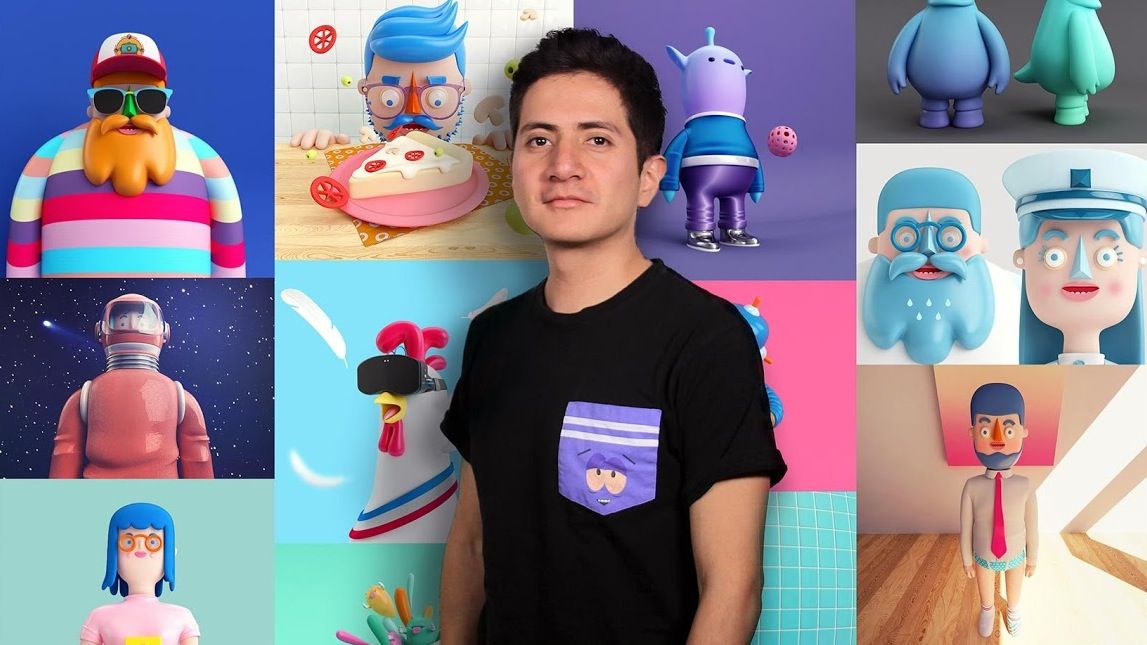
Design of Characters in Cinema 4D: from the Sketch to 3D Printing
A course by Aarón MartínezDesigner and Illustrator
A course by Aarón Martínez, Designer and Illustrator

Learn to model with Cinema 4D, Illustrator, and Photoshop
Ready to add another dimension to your illustrations? Join designer and illustrator Aarón Martínez to explore the fundamentals of designing 3D characters and the basic tools for creating a fantasy world using Cinema 4D and V-Ray rendering.
In this online course, learn to play with colors and textures to simulate all kinds of materials in the most realistic way possible before exporting all of it for print, web, and 3D printing.
What will you learn in this online course?
17 lessons & 10 downloads
Theory on 3D
5 minutes, 3 seconds
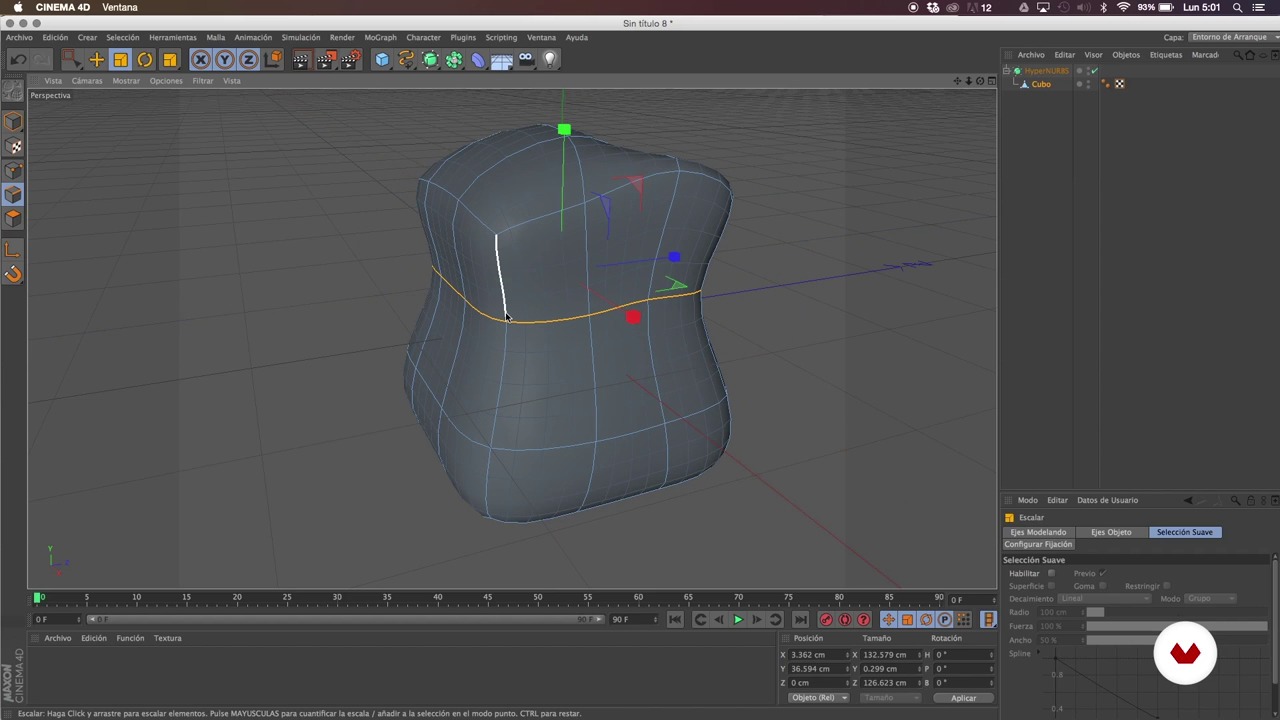
Basic Cinema 4D tools
12 minutes, 31 seconds
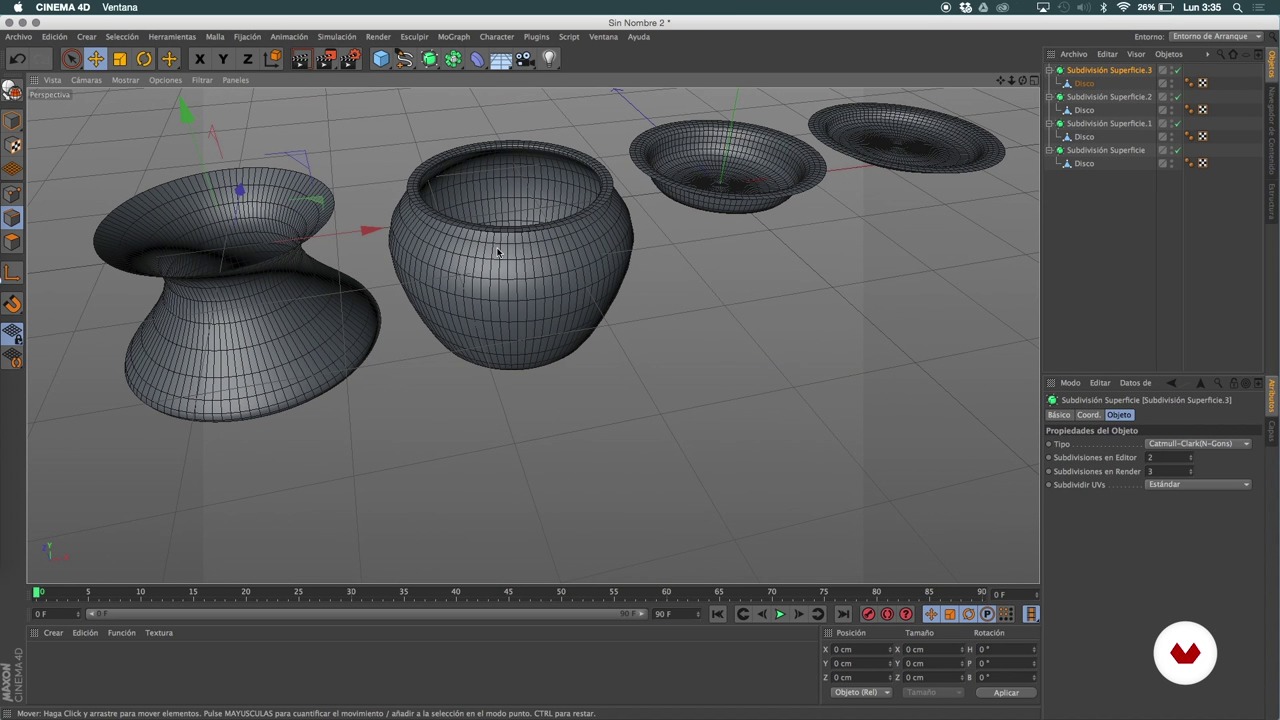
Creation of simple elements or families of objects
18 minutes, 15 seconds

Sketch in pencil
5 minutes, 22 seconds
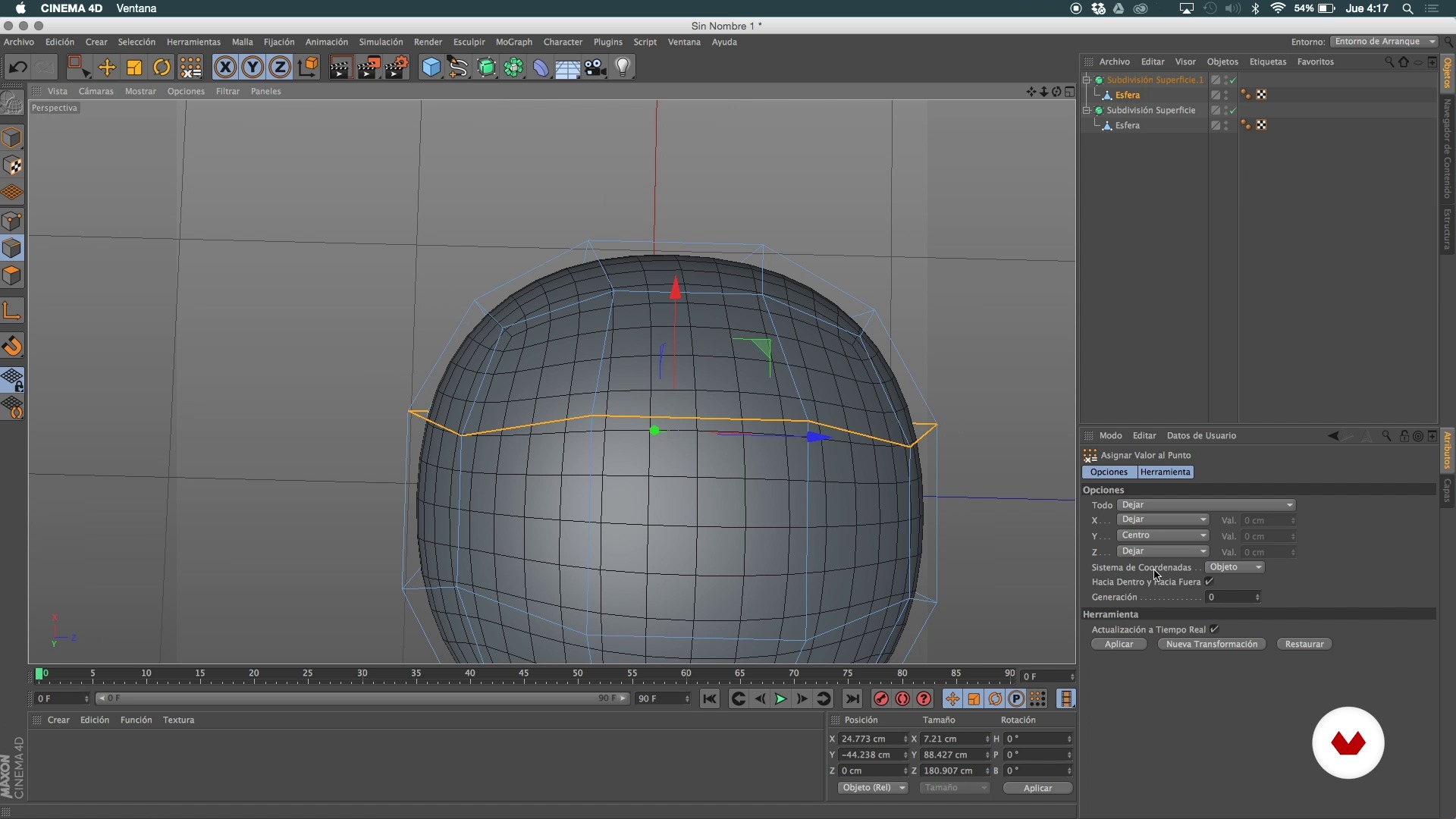
General structure I
25 minutes, 55 seconds
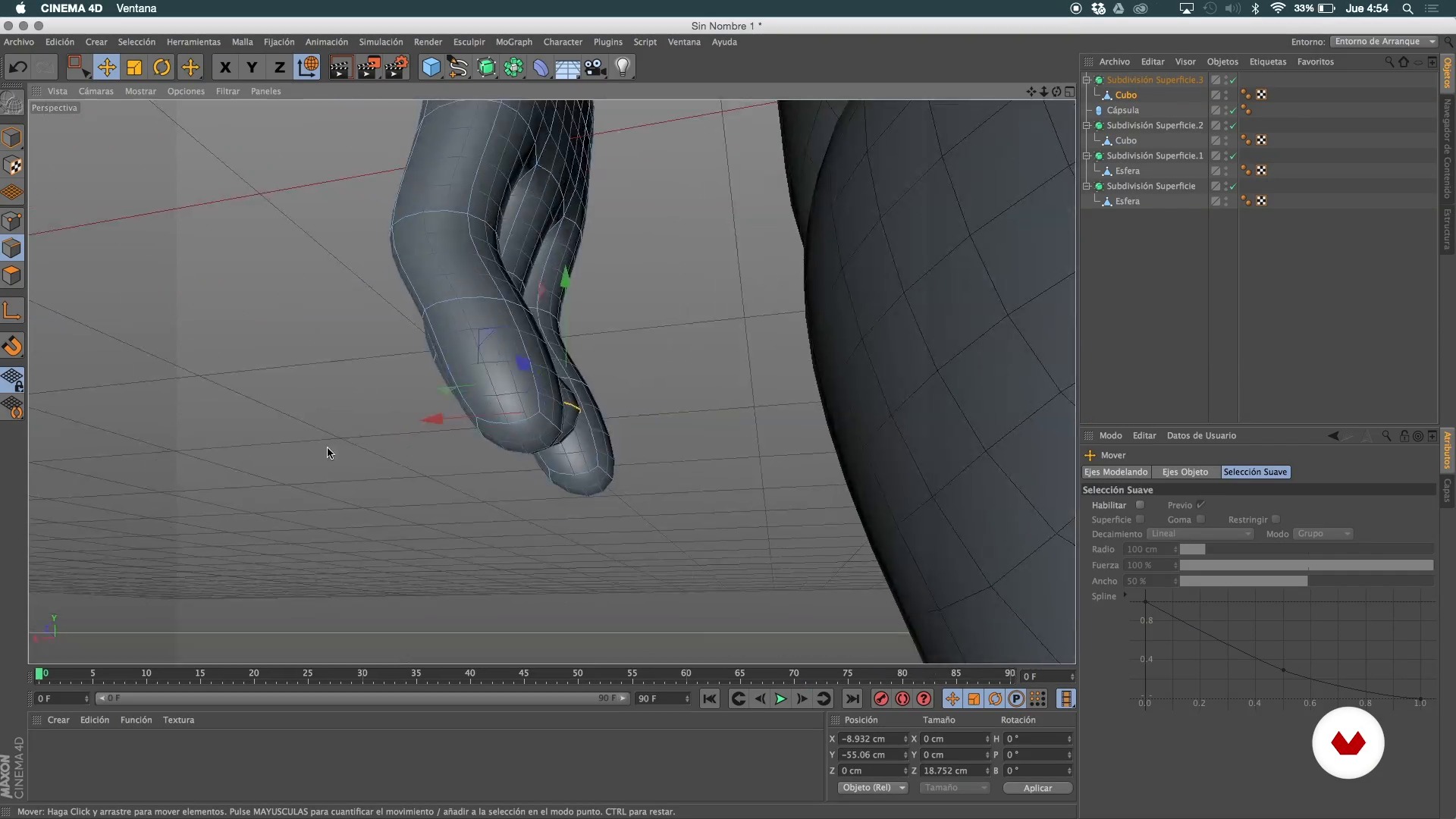
General structure II
22 minutes, 1 second
What's included in this course?
Start the course by learning more about Aarón Martínez and his characters, the fantasy worlds he creates, and his most important influences.
Next, take a look at the basic, introductory concepts behind 3D illustration before exploring Cinema 4D's range of tools and creating simple elements as families of objects.
With a better understanding of how the program works, grab a pencil and paper and start defining the main features of the model for your own character. Once you have that ready, switch over to Cinema 4D to create its basic structure. Then, add the final details to your illustration such as wrinkles, buttons, and glasses.
After that, move on to Illustrator and Photoshop to work with color and textures before learning to create materials from scratch and to simulate wood and metal finishes. In addition, design an environment where your character can live and set up the scene to be rendered with V-Ray.
Aarón wraps up the course by showing you how to export your project to different formats: digital printing, optimization for web, or for a 3D printer.

Recommended software & tools for this course
What is this course's project?
Model a 3D character and its environment and optimize it for print, web, or 3D printing.
Projects by course students


Who is this online course for?
Designers, animators, illustrators, and 3D enthusiasts looking to learn more about character and setting development with Cinema 4D.
Requirements and materials
You need a computer with Cinema 4D (v13 or higher), the V-Ray rendering engine, Illustrator, and Photoshop.

Reviews
- 6 months ago
Excelente!
- 2 years ago
Deberían actualizar este curso usando alguna versión mas nueva. Sinceramente tuve que recurrir a youtube para buscar "opciones y menús" que se utilizan porque la versión que usan es una anterior y la 2024 es muy distinta en algunos apartados.
- 2 years ago
Excelnete curso
- 3 years ago
Genial todo el contenido
- 3 years ago
Ya había tomado cursos con este maestro y por eso confío en la calidad del contenido. Lo recomiendo.
In his spare time, he enjoys creating characters and their worlds, basing his ideas on the question, "What do they do when no one is watching?" He enjoys playing with words and contradictions and always tries to add a surreal touch to his storytelling.
Aarón also enjoys observing the small details of things because it helps him understand how to model. Although most of his projects are destined for print or web, he treats each piece as if it were going to be physically reproduced in 3 dimensions.
He has worked for Coca-Cola, Nike, Miroculus, and Aquacific, among others.
Content
- U1
Introduction
- Presentation
- Influences
- U2
Introduction to 3D and Cinema 4D
- Theory on 3D
- Basic Cinema 4D tools
- Creation of simple elements or families of objects
- U3
First sketches
- Sketch in pencil
- General structure I
- General structure II
- General structure III
- Details
- U4
Last finishes
- Color and texture
- Creation of context I
- Creation of context II
- Render
- U5
Export to different formats
- Different formats
- Format for 3D printing
- Printing in the workshop
- FP
Final project
- Design of characters in Cinema 4D: from sketch to 3D printing
What to expect from a Domestika course
Learn at your own pace
Enjoy learning from home without a set schedule and with an easy-to-follow method. You set your own pace.
Learn from the best professionals
Learn valuable methods and techniques explained by top experts in the creative sector.
Meet expert teachers
Each expert teaches what they do best, with clear guidelines, true passion, and professional insight in every lesson.
Certificates
PLUSIf you're a Plus member, get a custom certificate signed by your teacher for every course. Share it on your portfolio, social media, or wherever you like.
Get front-row seats
Videos of the highest quality, so you don't miss a single detail. With unlimited access, you can watch them as many times as you need to perfect your technique.
Share knowledge and ideas
Ask questions, request feedback, or offer solutions. Share your learning experience with other students in the community who are as passionate about creativity as you are.
Connect with a global creative community
The community is home to millions of people from around the world who are curious and passionate about exploring and expressing their creativity.
Watch professionally produced courses
Domestika curates its teacher roster and produces every course in-house to ensure a high-quality online learning experience.
FAQs
You’ll learn how to create 3D characters and objects from sketch to print, visualize for branding, optimize elements for the web, apply realistic textures and materials, export vectors, and create basic animations using Cinema 4D, Maya, Blender, and Illustrator.
This course is designed for intermediate learners who already have basic knowledge of digital design or 3D modeling. You don’t need to be an expert, but some prior experience with design software is recommended.
You’ll need access to Cinema 4D, Illustrator, Maya, Blender, SolidWorks, Inventor, and Photoshop, plus a computer capable of handling 3D modeling and rendering. A 3D printer is also helpful if you want to print your models.
You’ll learn how to create 2D sketches and turn them into 3D models, using visual references and vector export techniques from Illustrator to Cinema 4D to smoothly bridge the creative process.
You’ll develop skills to prepare, optimize, and export 3D models ready for printing, including adjusting topology, scaling correctly, and understanding the workflow from digital design to physical print.
Yes, the course teaches how to optimize geometry and textures to create 3D visuals that won’t slow down websites, focusing on balancing visual quality with performance.
Yes, you’ll learn how to apply materials, textures, lighting, and realistic rendering with Vray in Cinema 4D, including simulating plastics and surface finishes that look true to life.