Introduction to Pictogram Design
A course by Andrés ÁvilaGraphic Designer
A course by Andrés Ávila, Graphic Designer

Learn how to develop the iconic part of a brand, from the concept to the client presentation
Behind each pictogram lies a complex creative process, well thought out, and consciously developed so that it is coherent and manages to transmit the real values of the brand it represents. The graphic designer Andrés Ávila, known as Andrés Ilustra, is an expert in the creation of brand identities. His passion for brands and his experience in projects for clients such as Top Roller, Mamba Rosa, Hait, or Digiland, have made him a key figure in communication, who enjoys connecting brands with people.
In this course, Andrés teaches you the fundamental theoretical and practical bases when designing a pictogram. Learn how to conceptualize the idea and how to build pictograms according to the needs of the brand.
What will you learn in this online course?
16 lessons & 19 downloads
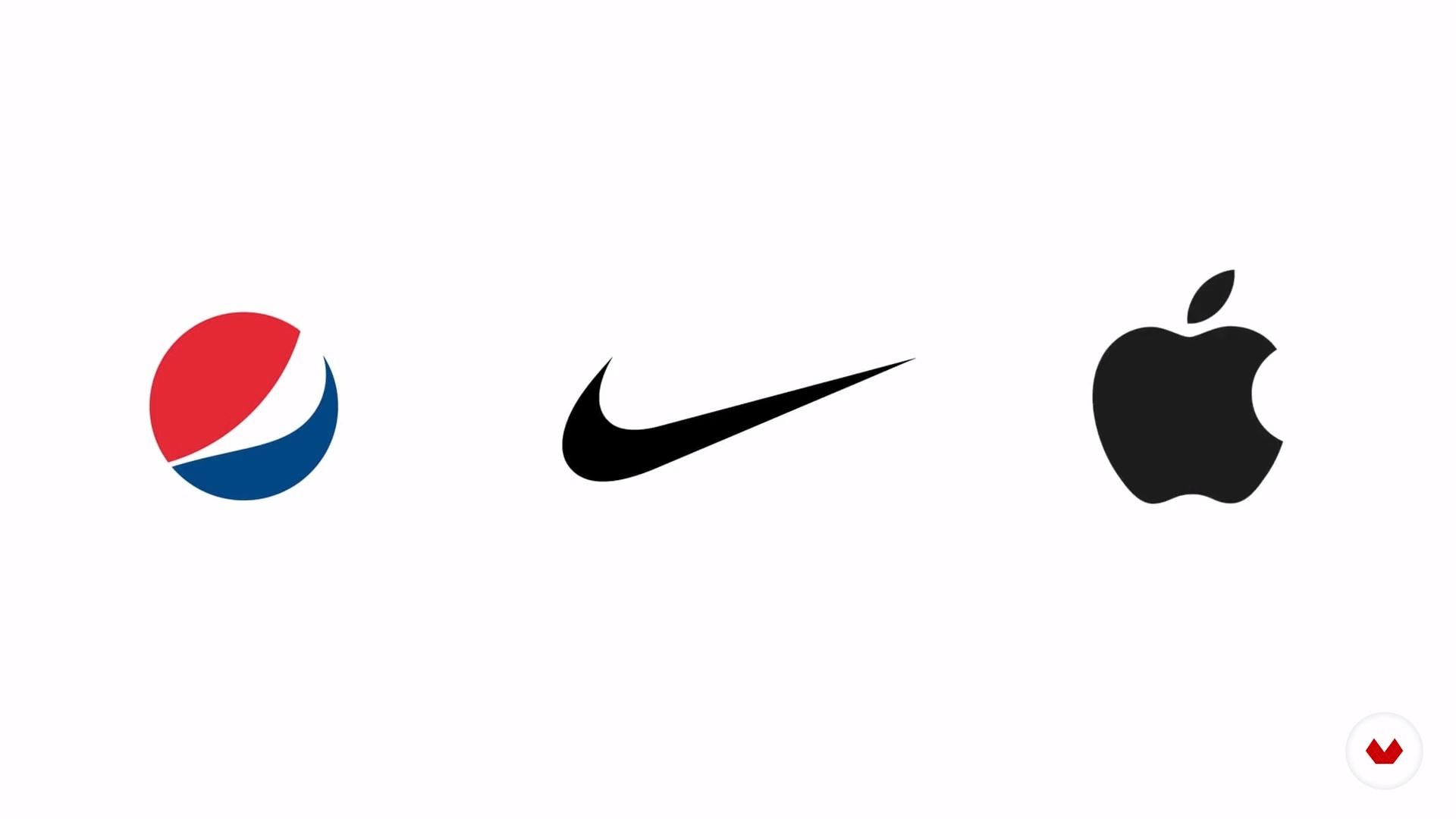
What will we do in this course?
2 minutes, 3 seconds
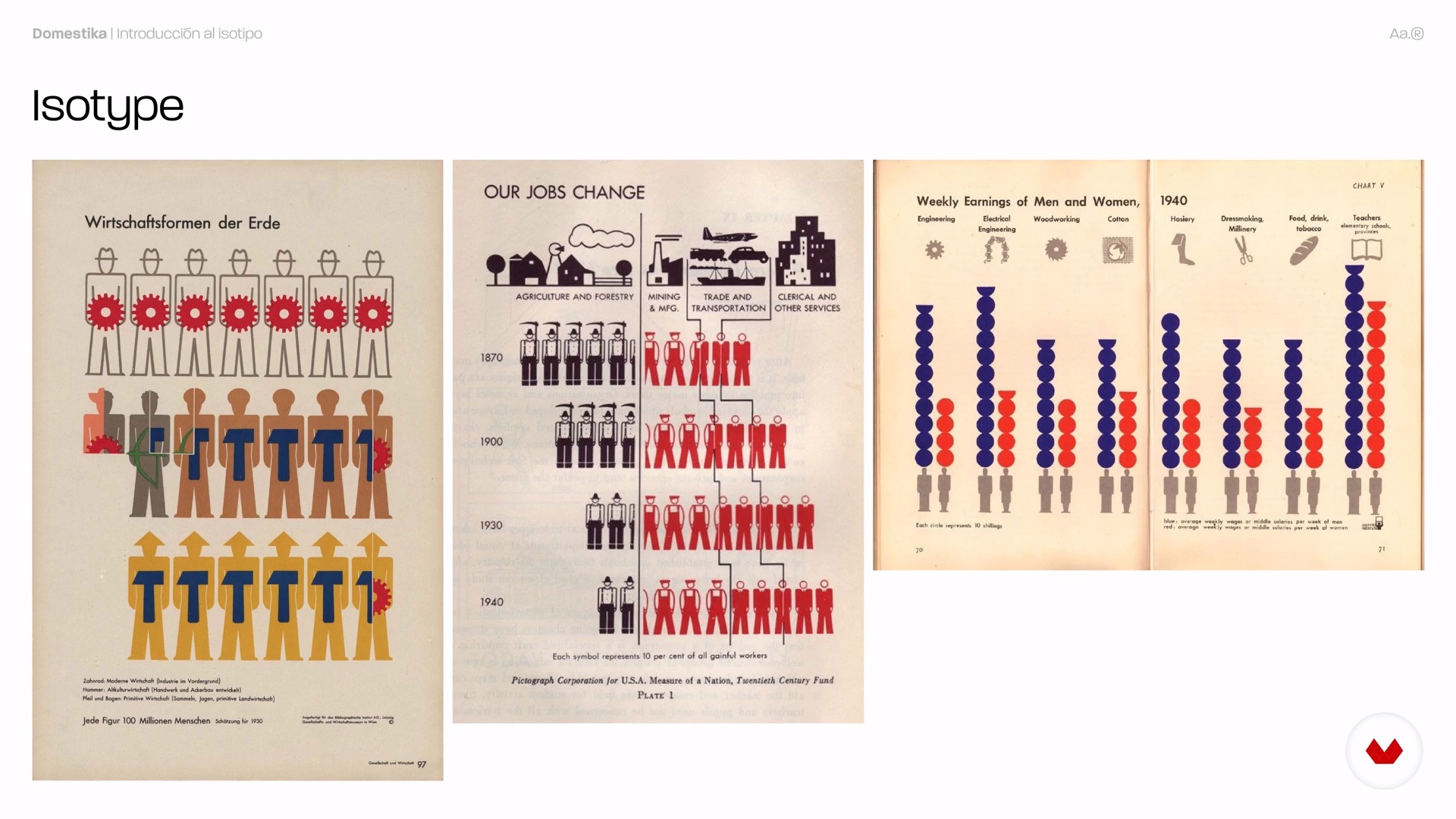
Introduction to the isotype
4 minutes, 43 seconds
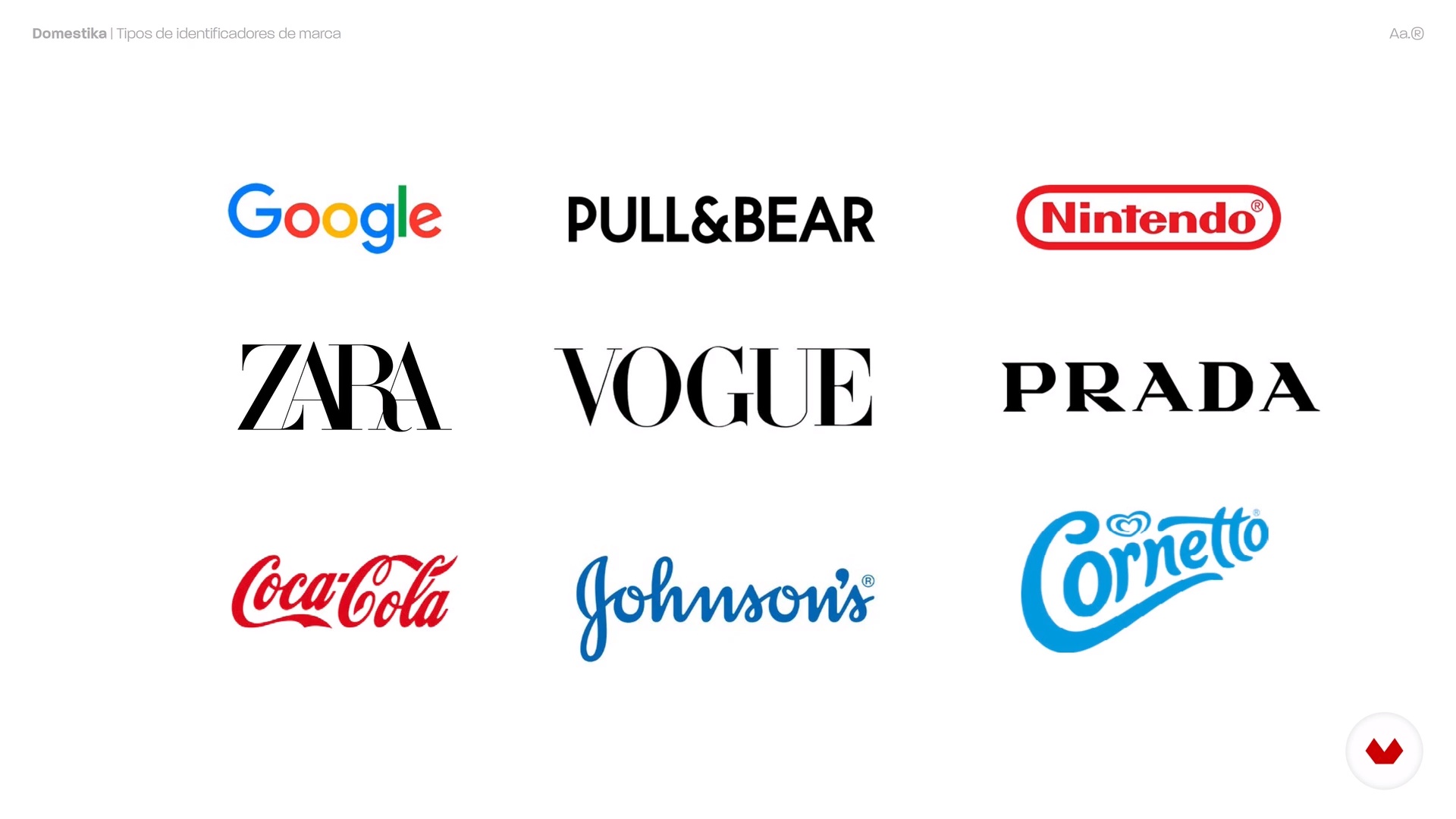
Identifier types
3 minutes, 44 seconds
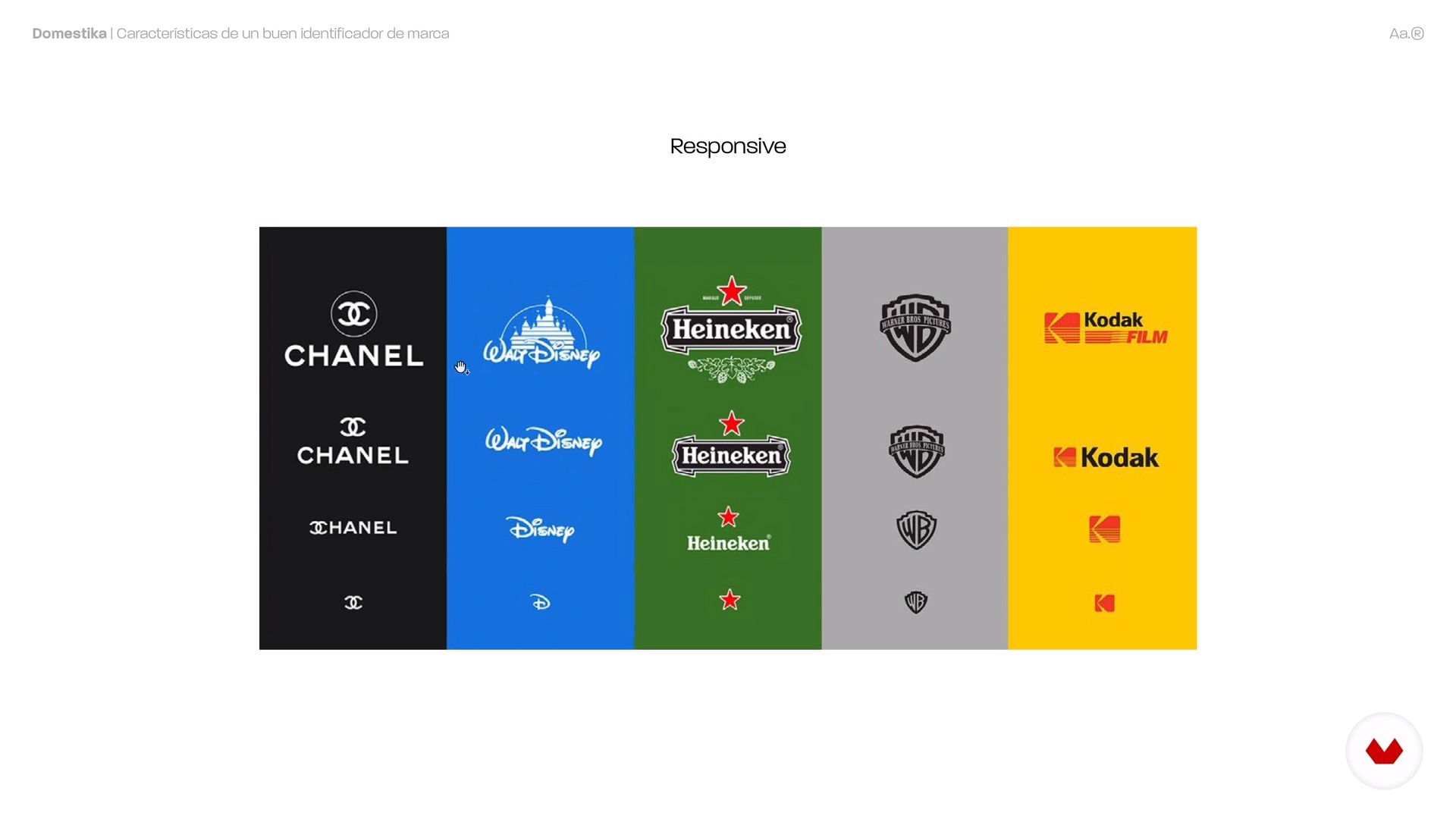
Characteristics of a good brand identifier
7 minutes, 25 seconds
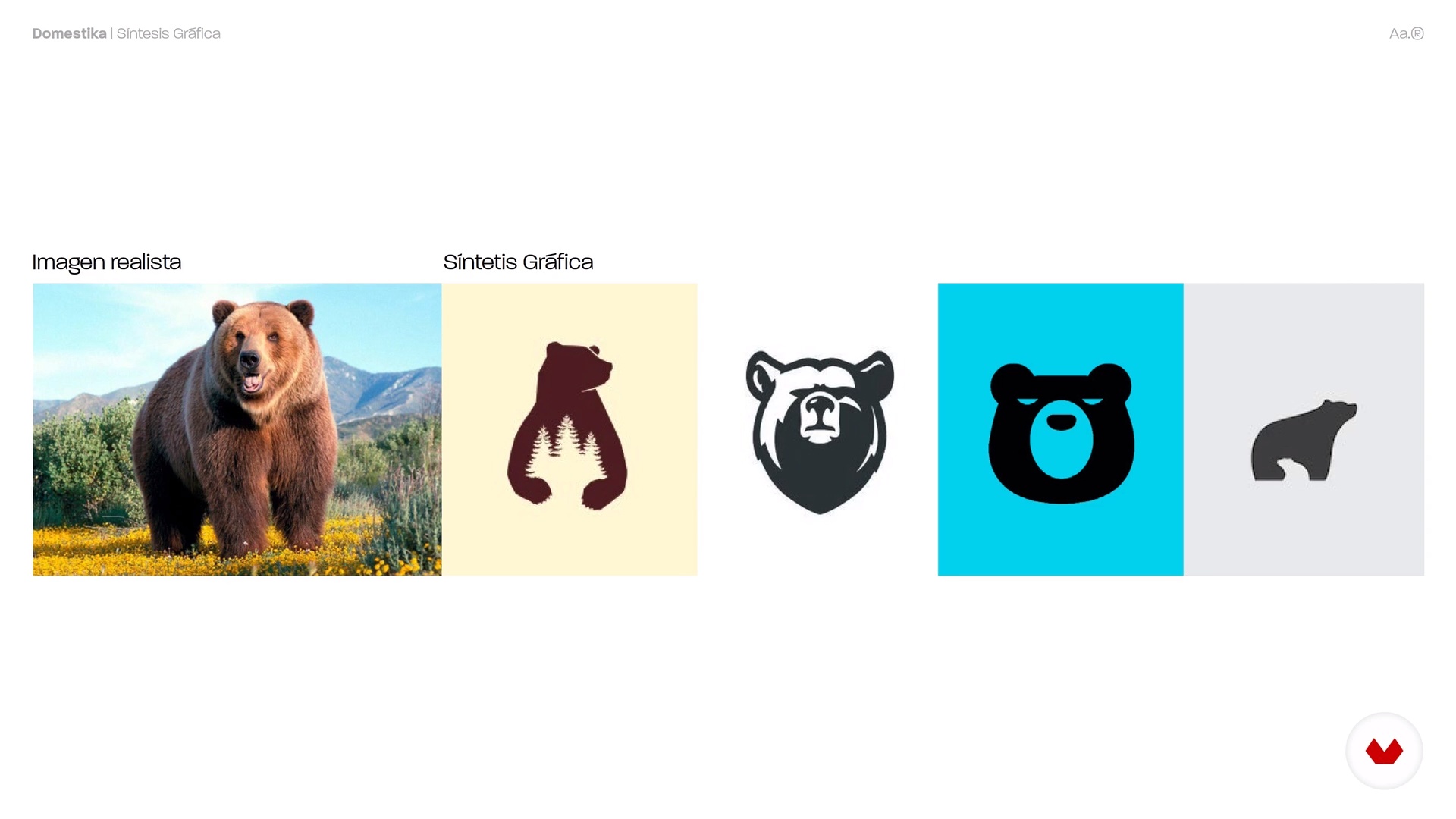
Graphic synthesis
4 minutes, 59 seconds

Brief and conceptualization
8 minutes, 19 seconds
What's included in this course?
Andrés introduces himself, tells you about his beginnings as a designer, and how he specialized in branding when he was working at Brnd Consulting. He reviews his references showing you who inspires him and briefly explains what you will be doing during the course.
See the main characteristics of a pictogram and the different brand identifiers that exist, the idea is that you can become able to differentiate which are effective and which are not. Also, see the importance of graphic synthesis when visualizing an idea.
In the third unit, carry out the initial stages in the creation of a pictogram, adjusting to the client's needs: the reception of the brief and conceptualization of an idea, the creation of a mood board with your references, and the sketching phase of your first designs.
Andrés shows you the digital processes: from the digitalization and cleaning of the sketch in Photoshop to the creation and vectorization of the pictogram, based on your sketch; then, test your design in negative and positive, making printing tests and finally, make the color selection that is aligned with the brand values.
To conclude, learn how to effectively combine the pictogram with the wordmark of the brand, which will help you prepare your project and, most importantly, show it to your clients! See how to create a formal presentation document that enhances your work.
Recommended software & tools for this course
What is this course's project?
Design the pictogram of a coherent brand that you can present to the client.
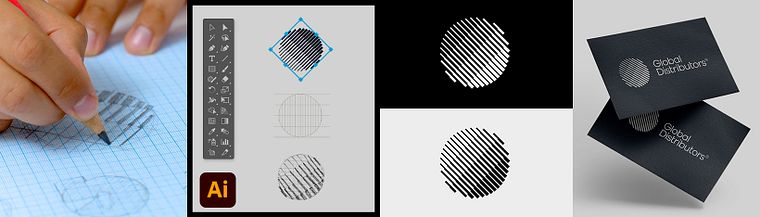
Projects by course students


Who is this online course for?
Designers, students, design enthusiasts, or anyone with basic knowledge of design who wants to learn how to create a pictogram and hone their skills.
Requirements and materials
You will need basic knowledge of graphic design and basic handling of Adobe Illustrator and Adobe Photoshop.
Regarding the materials, you will need to have tools such as pencils, an eraser, sketch paper (white or graph paper), a ruler, a computer with Adobe Illustrator and Photoshop installed, and a scanner or a mobile phone with a camera.
Reviews
- 11 months ago
Este curso te enseña a como crear una marca armónica. Te explica muy bien como mejorar las reducciones de un logotipo y las modificaciones que hay que tener en cuenta para que se vea bien. Incluso hace ajustes tipográficos para que concuerde con el Isotipo. Gracias!
- 1 year ago
This was a great course!!
- 2 years ago
Excelente, me esta gustando mucho el curso
- brandingconbeluPLUS2 years ago
Excelente curso! Me costaba un montón encaminarme a la hora de diseñar el isotipo de mis proyectos, entendí a la perfección cada concepto y gracias a eso, ahora me siento más segura para buscar posibles clientes. Lo recomiendo al 1005.
- 3 years ago
Buen curso con tips para ser más resolutivo a la hora de disseñar logos, isotipos e imagotipos.

His projects have been highlighted in Behance in 4 different occasions, in the category of Logo Design and also in Typography; also, his work has been published in websites such as We and The Color and in the book New 3D Effects in Graphic Design.
Content
- U1
Introduction
- Presentation
- Influences
- What will we do in this course?
- U2
Introduction to brand concepts
- Introduction to the isotype
- Identifier types
- Characteristics of a good brand identifier
- Graphic synthesis
- U3
The first steps
- Brief and conceptualization
- Moodboard creation
- Making the sketch
- U4
Digital work
- Digital cleaning
- Creation of the isotype in vector
- Testing and corrections
- Colour selection
- U5
Presentation to the client
- Creation of the imagotype
- Preparing the presentation
- FP
Final project
- Introduction to isotype design
What to expect from a Domestika course
Learn at your own pace
Enjoy learning from home without a set schedule and with an easy-to-follow method. You set your own pace.
Learn from the best professionals
Learn valuable methods and techniques explained by top experts in the creative sector.
Meet expert teachers
Each expert teaches what they do best, with clear guidelines, true passion, and professional insight in every lesson.
Certificates
PLUSIf you're a Plus member, get a custom certificate signed by your teacher for every course. Share it on your portfolio, social media, or wherever you like.
Get front-row seats
Videos of the highest quality, so you don't miss a single detail. With unlimited access, you can watch them as many times as you need to perfect your technique.
Share knowledge and ideas
Ask questions, request feedback, or offer solutions. Share your learning experience with other students in the community who are as passionate about creativity as you are.
Connect with a global creative community
The community is home to millions of people from around the world who are curious and passionate about exploring and expressing their creativity.
Watch professionally produced courses
Domestika curates its teacher roster and produces every course in-house to ensure a high-quality online learning experience.
FAQs
You’ll learn how to conceptualize, design, and present logo symbols and other brand visual identifiers, applying graphic simplification, geometry, typography, and digital tools to create strong, consistent visual identities.
This course is aimed at people with intermediate graphic design skills—perfect if you already know the basics and want to deepen your knowledge of visual identity and professional logo symbol creation.
You’ll need access to graphic design software like Adobe Illustrator and Photoshop, plus an internet connection, sketching materials, and accounts on platforms like Behance to showcase your portfolio.
A logo symbol is just the visual icon; a logotype is the text with the brand name; an imagotype combines symbol and text separately; and an isologo merges both into a single visual element.
Graphic simplification means stripping down shapes and visual elements to their essentials to clearly communicate the brand’s idea or values, creating logo symbols that are easy to remember and versatile.
A brief is a document that gathers key info about the brand, its values, and goals. It guides you in conceptualizing and designing a visual identity that aligns with the client’s needs.
You’ll learn how to create clear, visually appealing presentations that conceptually justify your design, show variations and real-world applications, and use mockups for greater impact.