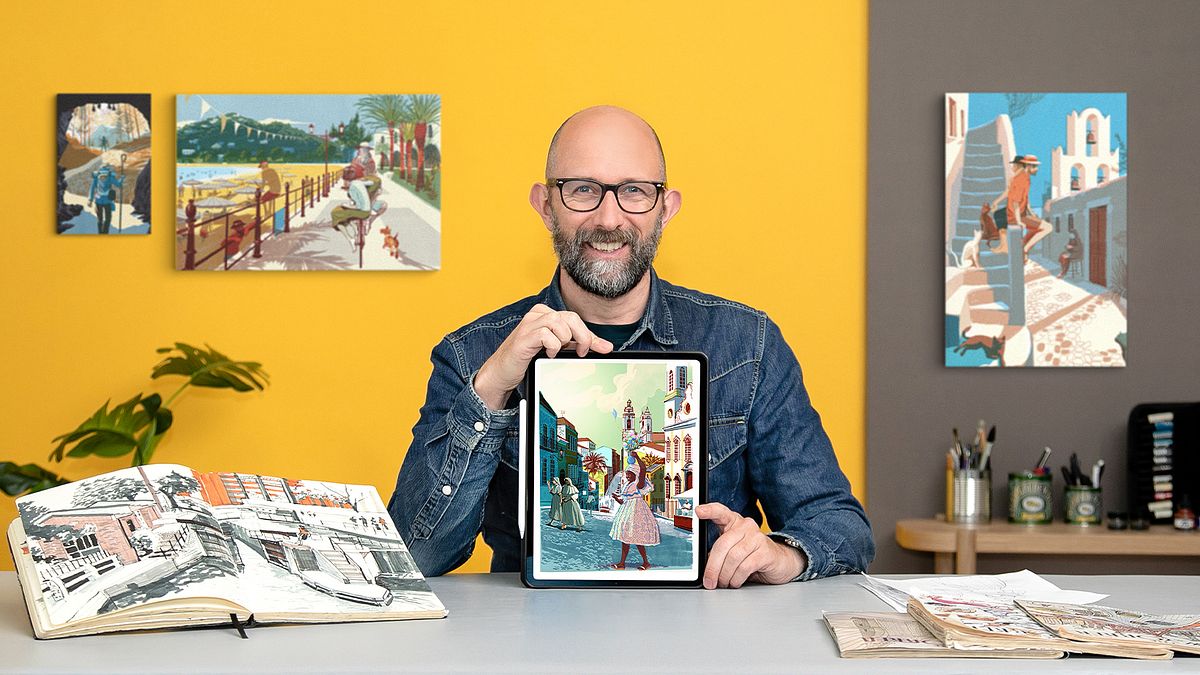
Travel Illustration: Recreate Your Favorite Place
A course by Alex GreenIllustrator
A course by Alex Green, Illustrator

Learn digital illustration techniques with a splash of acrylic paint to create artwork inspired by a photograph of a place you love
The beauty of recreating a photograph through illustration is that you can add your own touch of magic to the real world. Illustrator Alex Green has been creating original illustrations for clients like The Times, BBC, and the Elton John AIDS Foundation through his unique approach that combines digital and analog techniques.
In this course, create a captivating travel illustration of your favorite place using traditional drawing techniques, the digital tools of Photoshop, and vibrant acrylic paint. Reimagine your favorite place from photographic reference, but also from your imagination.
What will you learn in this online course?
23 lessons & 11 downloads
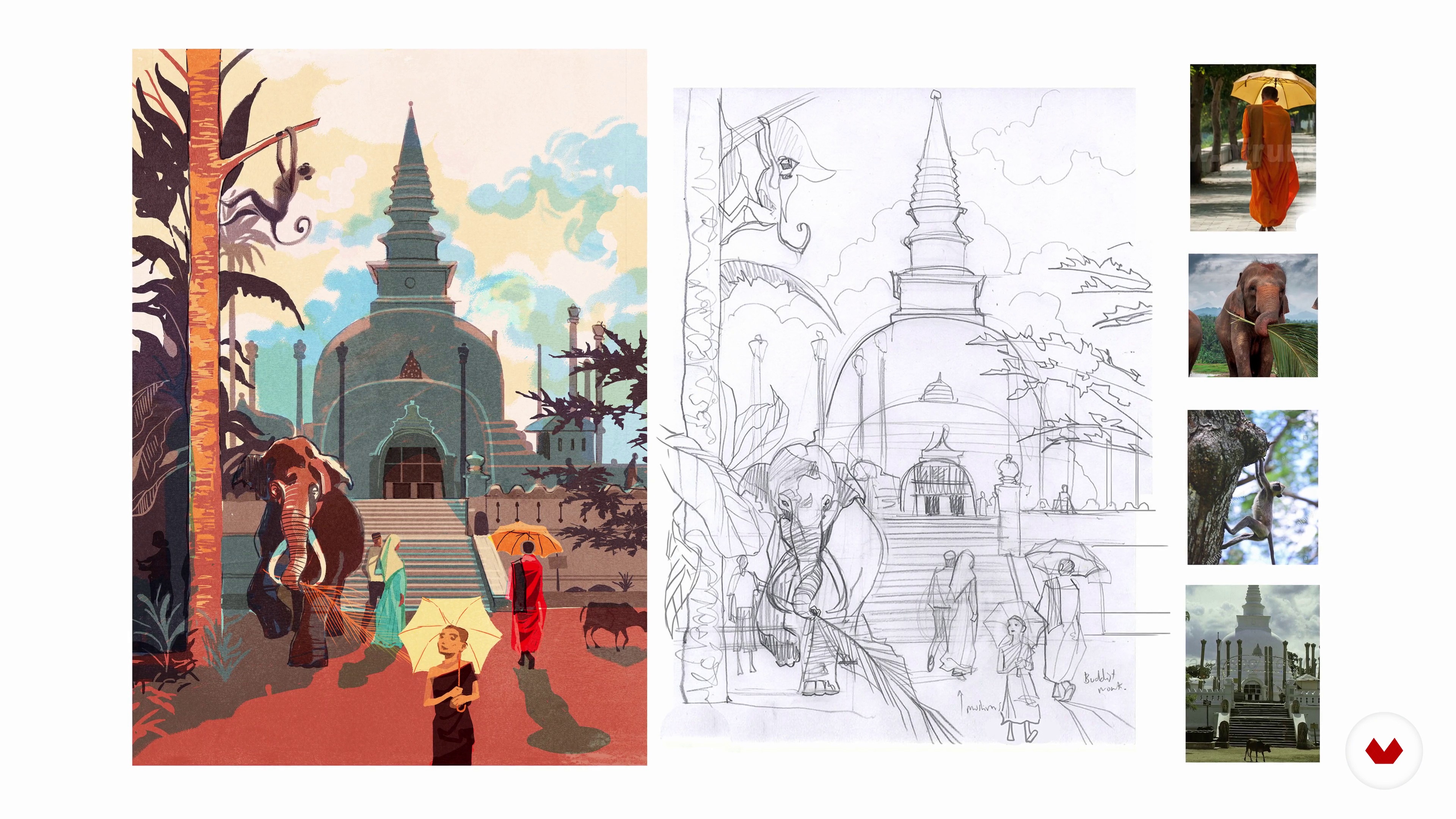
Introduction to Editorial Travel Illustration
7 minutes, 48 seconds
Materials and Software
5 minutes, 11 seconds
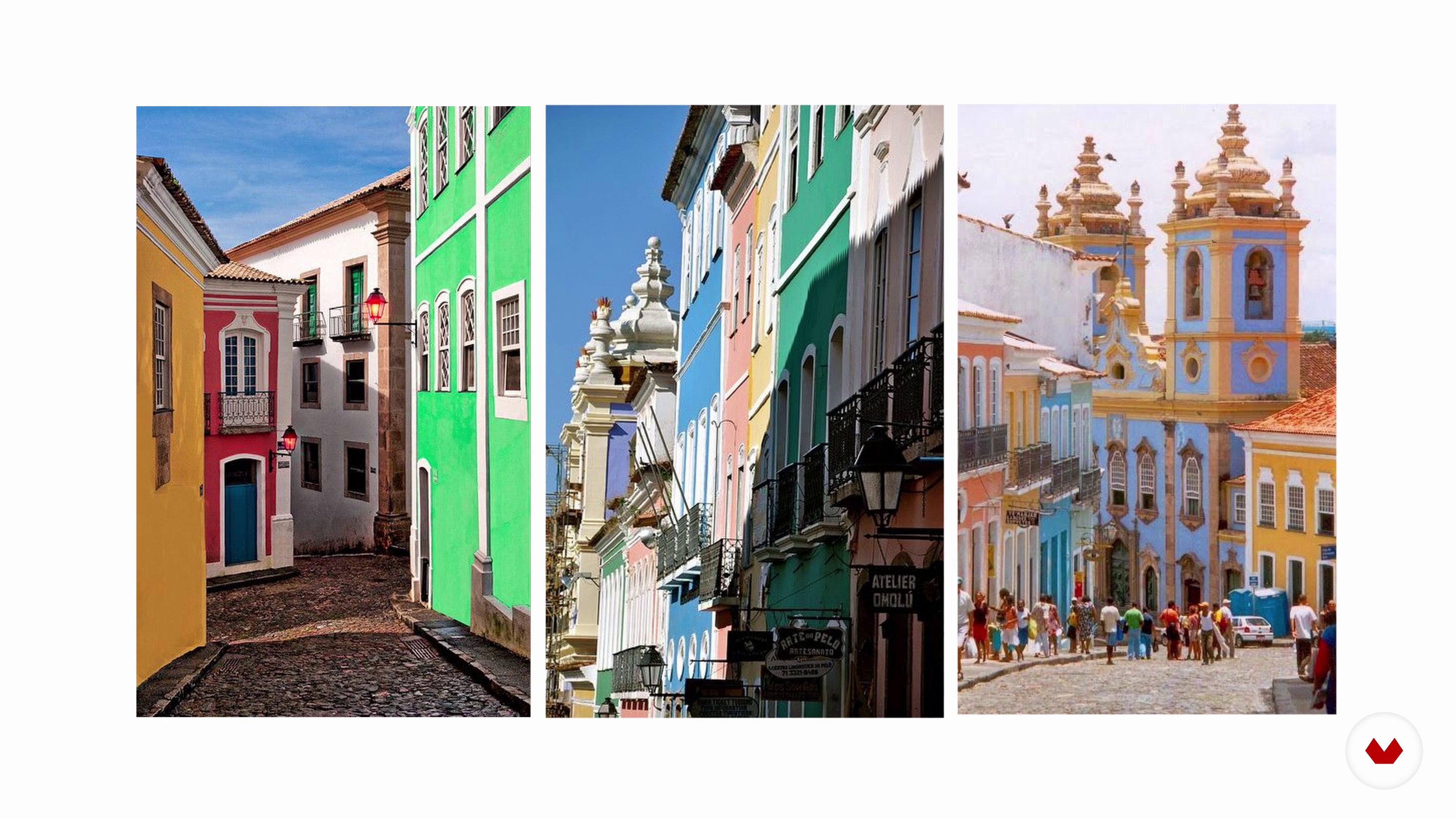
Traveling While Sitting Still
7 minutes, 16 seconds
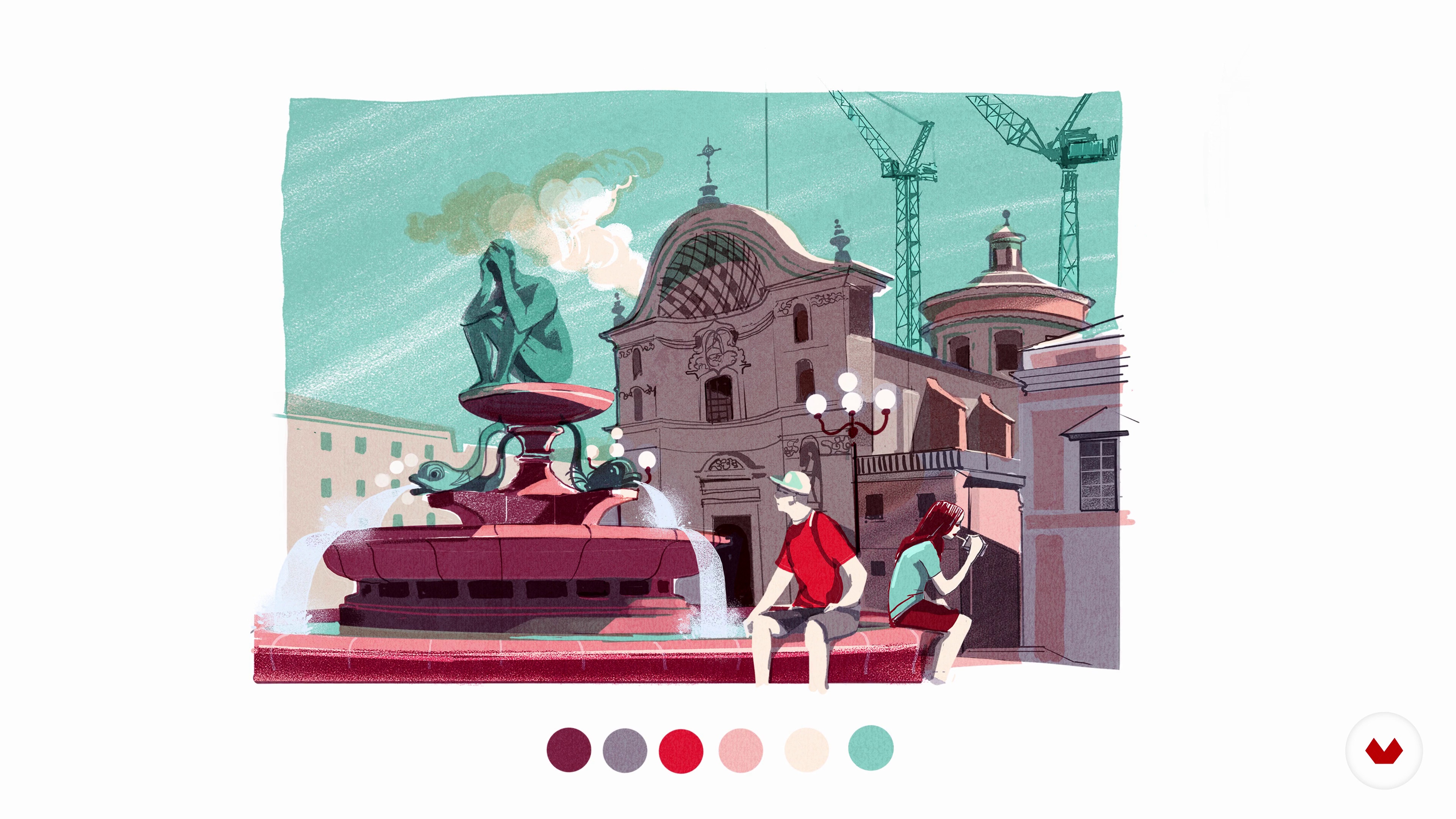
Drawing from Multiple Reference Sources
9 minutes, 1 second
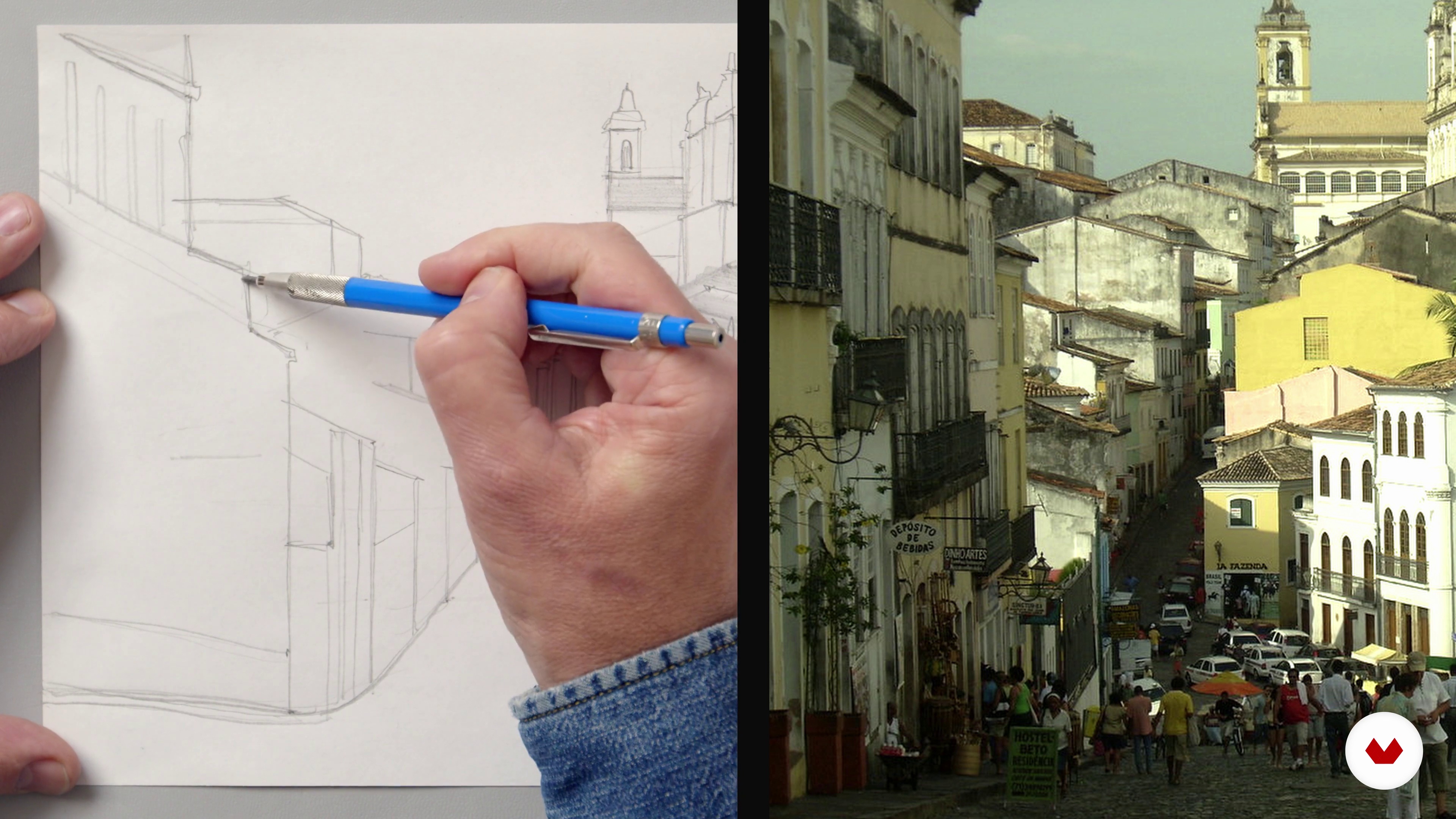
Making a Mental Map and Thumbnail Sketches 1
17 minutes, 0 seconds
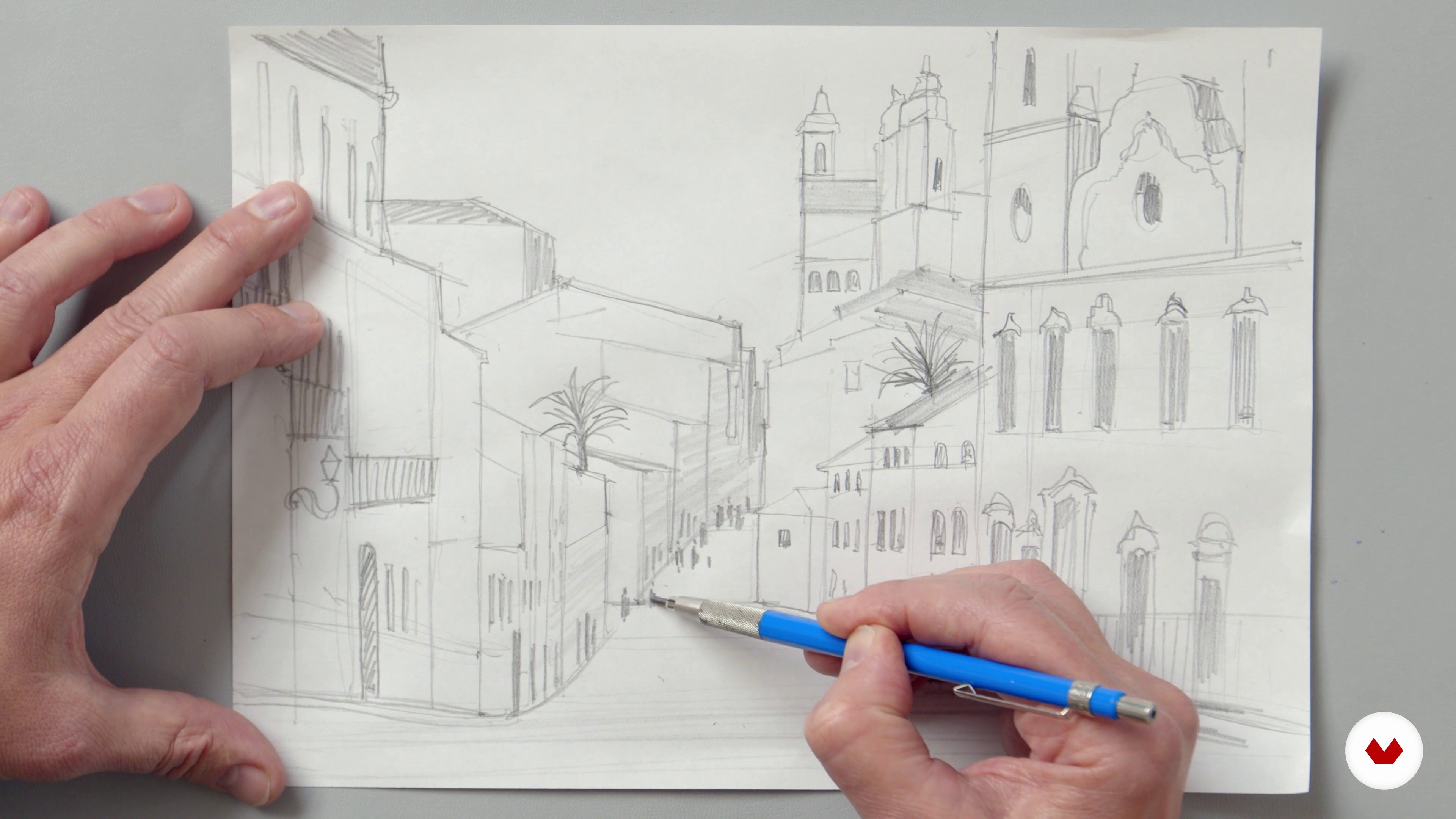
Making a Mental Map and Thumbnail Sketches 2
6 minutes, 21 seconds
What's included in this course?
Meet Alex Green, illustrator of almost three decades and your teacher for this course. He shares his artistic journey and shows some of his work from over the years. Hear about the artists who have influenced his illustrations and techniques.
Dive into editorial travel illustration by hearing Alex’s creative process when capturing the atmosphere of places in his artwork. Then, get an overview of the materials needed for your illustration. Get inspired by collecting references of the place you want to illustrate from different angles. Alex encourages you to draw not only from reference, but from imagination by adding imaginary landmarks or embellishing current ones.
Begin drafting your sketch on paper as Alex guides you through his methodology. Learn how to digitize your analog sketch on Photoshop and explore its digital tools to enhance your work. Discover how to choose a color palette that conveys the mood you want to illustrate. Experiment with digital brushes and practice line work techniques. Then, see how to use editing tools to create different layers of soft and hard light.
Wrap up your design by learning how to balance color and retouch the finer details. Create a lithographic layer by applying ink textures with a lino printing roller and acrylic paint to add an extra dimension. Finally, see how to save your work in various formats to share in different platforms like social media or your portfolio.
Recommended software & tools for this course
What is this course's project?
Create a travel illustration based on photographic reference through freehand drawing, Photoshop, and acrylic paint.
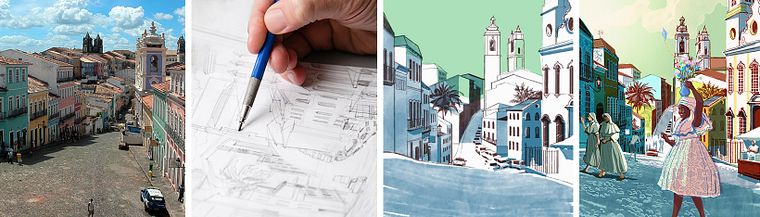
Projects by course students


Who is this online course for?
Anyone interested in creating digital travel illustration or expanding their illustration techniques with analog tools.
Requirements and materials
Basic knowledge in Photoshop and drawing abilities are required.
To take this course, you need a pencil, a sketchbook or paper, an eraser, and a tablet or computer with Photoshop or similar software installed. Optionally, you can use a lino printing roller and acrylic paint to create extra texture.
Reviews
- 8 months ago
Corso completo e stile molto interessante ! Grazie Alex Green
- 11 months ago
Corso interessante e ben strutturato, spiegazioni chiare e facile da seguire.
- 1 year ago
Muy interesante!
- 1 year ago
amazing technique!
- 1 year ago
This is a brilliant course – clear, detailed, and well organised. Alex is a fantastic teacher who explains everything thoroughly and doesn't miss a thing. I’d highly recommend it to anyone wanting to learn digital drawing in a structured and in-depth way.

Since then, he’s done freelance work creating architectural, editorial and travel illustrations for clients like Airbnb, Apple, Audi, BBC, Elton John AIDS Foundation, Emirates Airlines, The Ritz, Gucci, Guinness, Pfizer, Prada, Harrods, Nespresso, and universities such as Oxford, Cambridge, and Yale. His work has also been featured in publications like The Telegraph, The Financial Times, The Guardian, The Independent, The Times, G.Q Magazine, and Le Parisien and has also collaborated with Penguin Random House.
Content
- U1
Introduction
- About Me
- Influences
- U2
Research
- Introduction to Editorial Travel Illustration
- Materials and Software
- Traveling While Sitting Still
- Drawing from Multiple Reference Sources
- U3
Drawing While Sitting Still
- Making a Mental Map and Thumbnail Sketches 1
- Making a Mental Map and Thumbnail Sketches 2
- Scan into Photoshop and Start Composition
- Colour Palette
- Line Work and Basic Tone 1
- Line Work and Basic Tone 2
- Line Work and Basic Tone 3
- Creating the Drawing in Separate Layers 1
- Creating the Drawing in Separate Layers 2
- Creating the Drawing in Separate Layers 3
- Creating the Drawing in Separate Layers 4
- Creating the Drawing in Separate Layers 5
- Creating the Drawing in Separate Layers 6
- Creating the Drawing in Separate Layers 7
- Creating the Drawing in Separate Layers 8
- U4
Balance Colour and Final Details
- Lithographic Layer
- Formatting Your Final Project
- FP
Final project
- Travel Illustration: Recreate Your Favorite Place
What to expect from a Domestika course
Learn at your own pace
Enjoy learning from home without a set schedule and with an easy-to-follow method. You set your own pace.
Learn from the best professionals
Learn valuable methods and techniques explained by top experts in the creative sector.
Meet expert teachers
Each expert teaches what they do best, with clear guidelines, true passion, and professional insight in every lesson.
Certificates
PLUSIf you're a Plus member, get a custom certificate signed by your teacher for every course. Share it on your portfolio, social media, or wherever you like.
Get front-row seats
Videos of the highest quality, so you don't miss a single detail. With unlimited access, you can watch them as many times as you need to perfect your technique.
Share knowledge and ideas
Ask questions, request feedback, or offer solutions. Share your learning experience with other students in the community who are as passionate about creativity as you are.
Connect with a global creative community
The community is home to millions of people from around the world who are curious and passionate about exploring and expressing their creativity.
Watch professionally produced courses
Domestika curates its teacher roster and produces every course in-house to ensure a high-quality online learning experience.
FAQs
You’ll learn how to create professional illustrations using both traditional and digital techniques, including etching, gouache, acrylic, Photoshop workflows, reference sourcing, narrative development, and architectural drawing. The course covers editorial, book cover, and mural illustration processes.
Yes, this course is designed for intermediate-level students who already have basic drawing skills and want to deepen their understanding of illustration techniques and workflows.
A basic familiarity with digital tools like Photoshop is helpful but not required. The course includes step-by-step guidance on scanning, importing, and editing artwork digitally.
You’ll need sketching pencils, paper, traditional art supplies (like gouache and acrylics), a scanner or good camera, and access to Photoshop or similar digital illustration software. A Wacom tablet or Apple Pencil is recommended for digital work.
The course demonstrates how to scan or photograph analog sketches, import them into Photoshop, and use layers, blending modes, and digital brushes to enhance or complete your artwork.
Yes, the course covers the entire workflow for editorial and book cover illustration, from interpreting briefs to developing concepts, using references, and delivering print-ready files.
Yes, you’ll learn effective strategies for finding, selecting, and combining photo references from online sources, Google Maps, and personal archives, as well as organizing them for efficient creative workflows.