Animated Portrait Illustration with Photoshop
A course by Martina HoffmannFreelance Illustrator, Art Director, and Producer
A course by Martina Hoffmann, Freelance Illustrator, Art Director, and Producer

Discover how to draw creative characters and bring portraits to life with animated elements
Moving audiences through art in motion is the expertise of illustrator, art director, and animation producer Martina Hoffmann. In this online course, she teaches how to draw a creative portrait in Photoshop and make it come alive with animated elements.
Under her guidance, learn the fundamentals of portrait illustration and how to produce animated projects from start to finish. Warm up with some exercises using pencil and paper, then design, illustrate, and animate your own character in Photoshop, retouching key details to give your piece a professional look. By the end, you'll know how to transform your drawings into multilayered living works of art.
What will you learn in this online course?
24 lessons & 14 downloads
Creation of a Mood Board and a Color Palette
15 minutes, 51 seconds
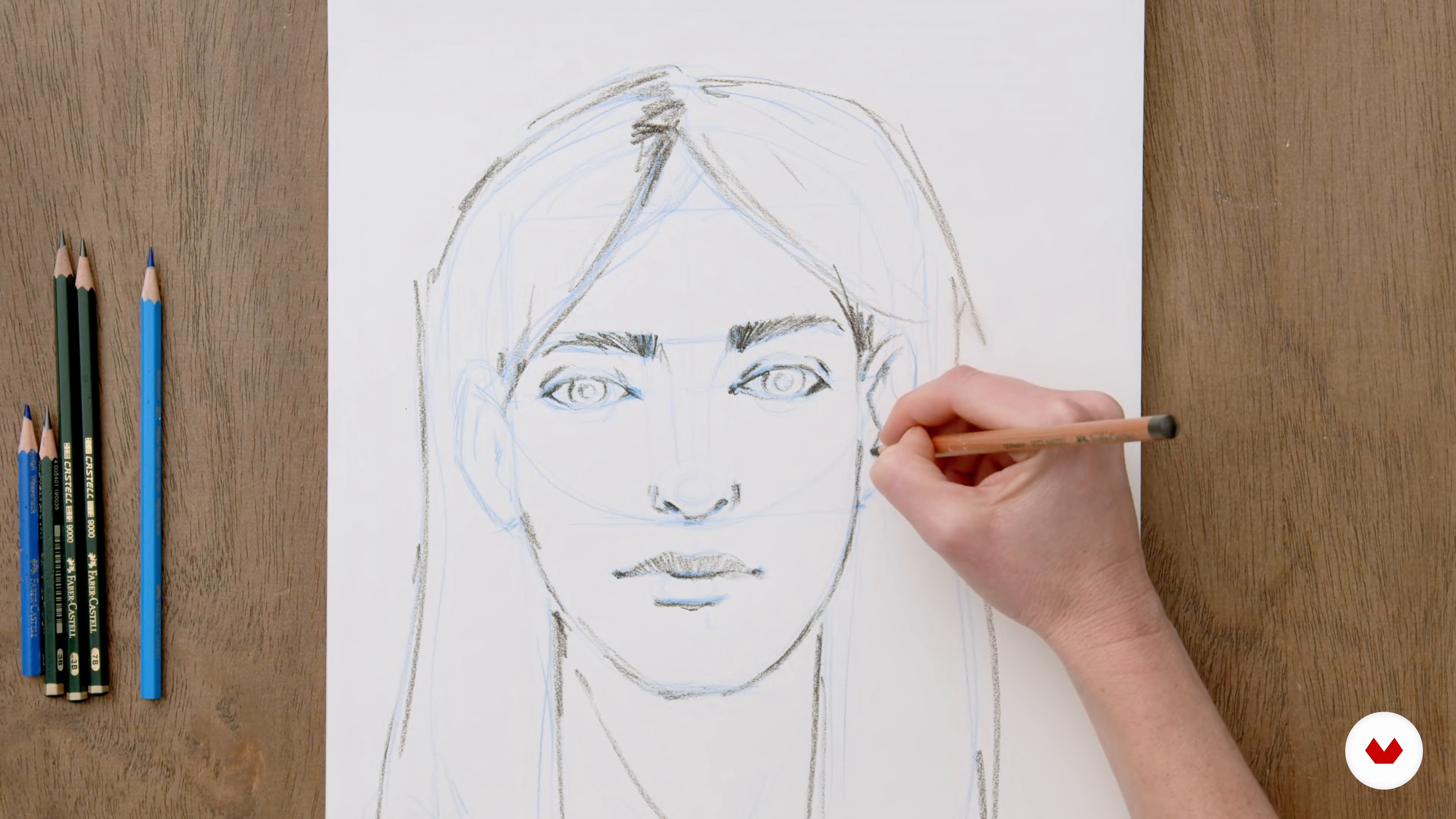
How to Draw a Portrait
12 minutes, 47 seconds
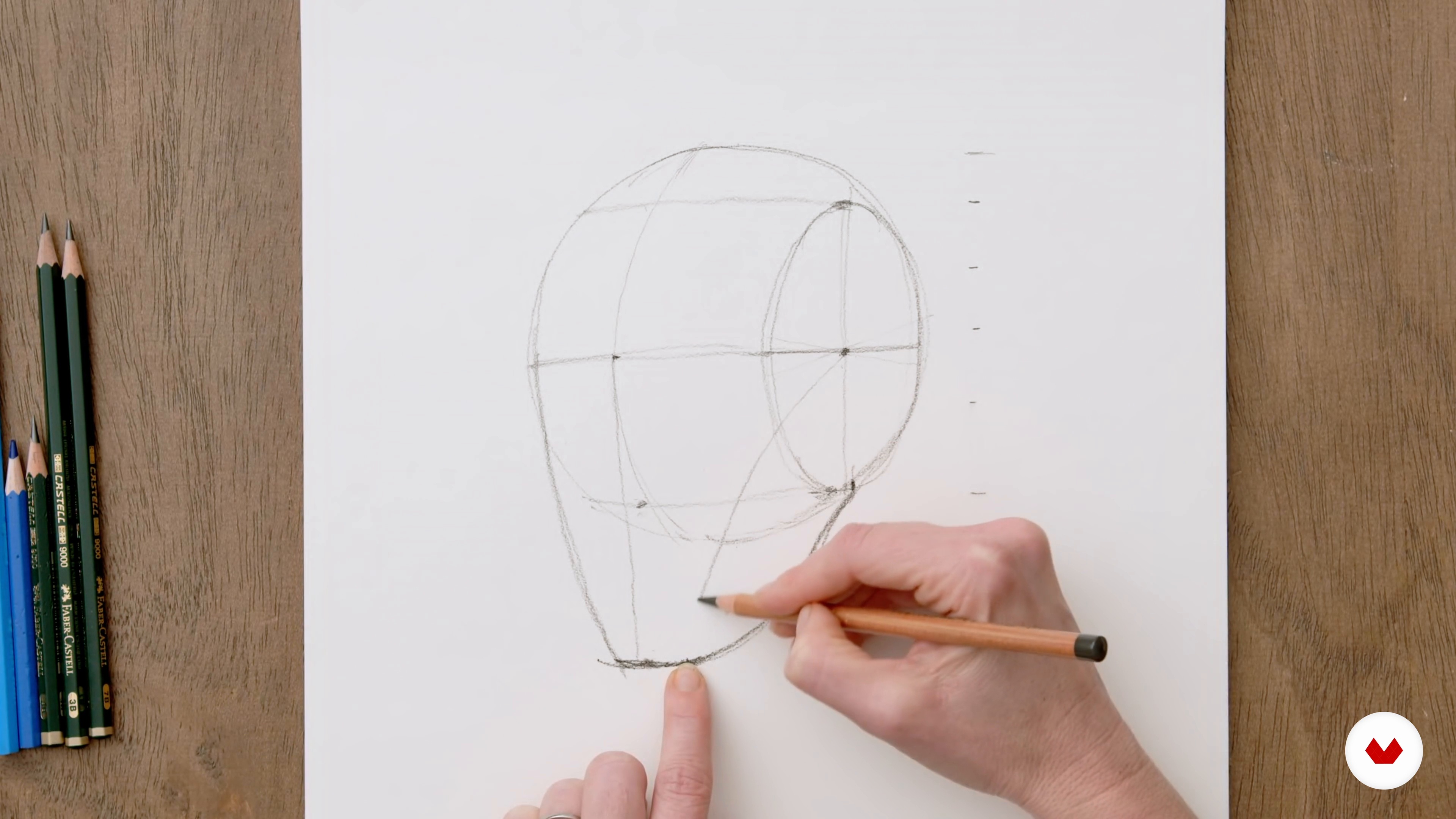
Drawing a Head in Perspective
8 minutes, 59 seconds
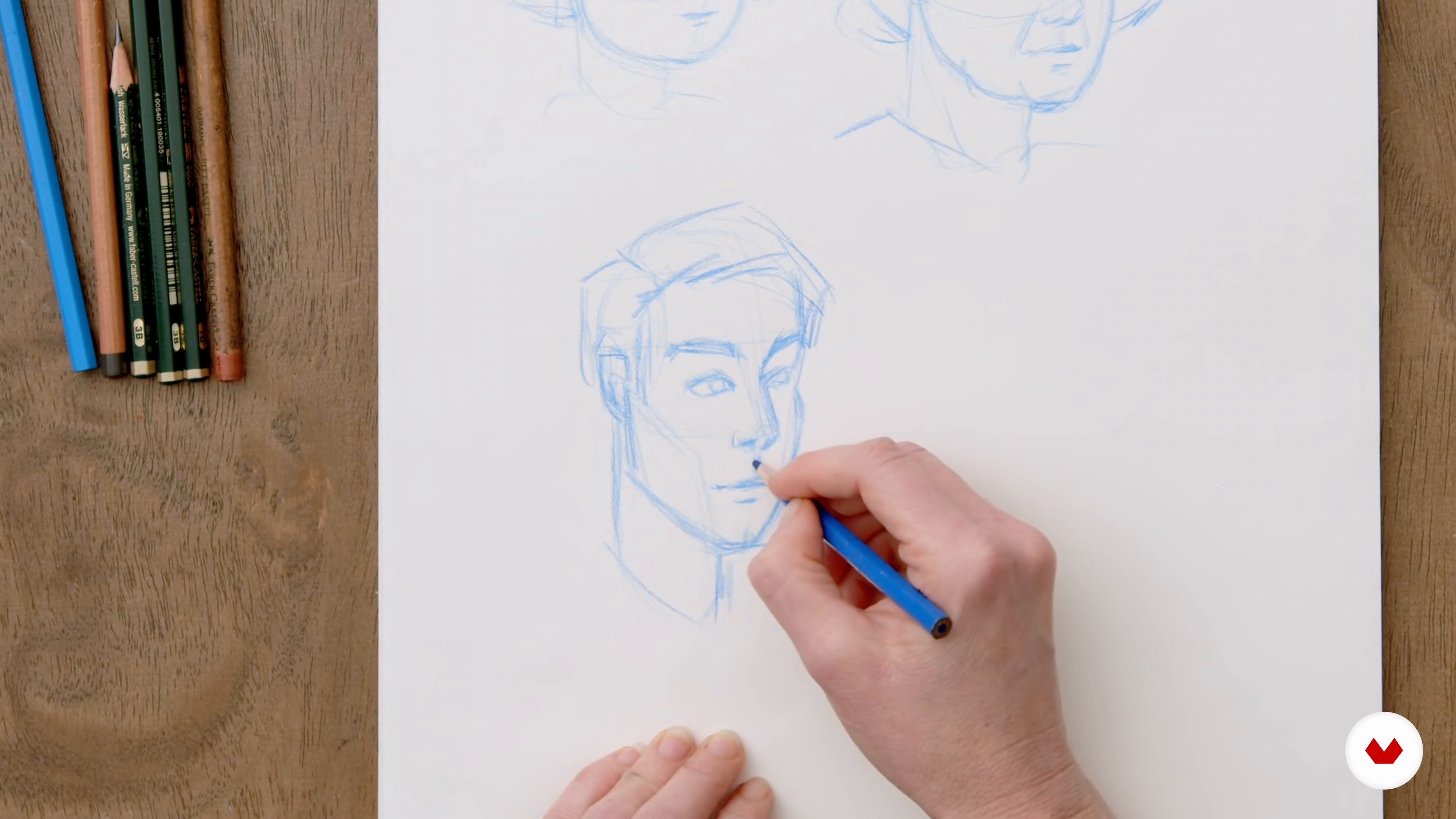
How Can I Characterize the Face?
11 minutes, 40 seconds
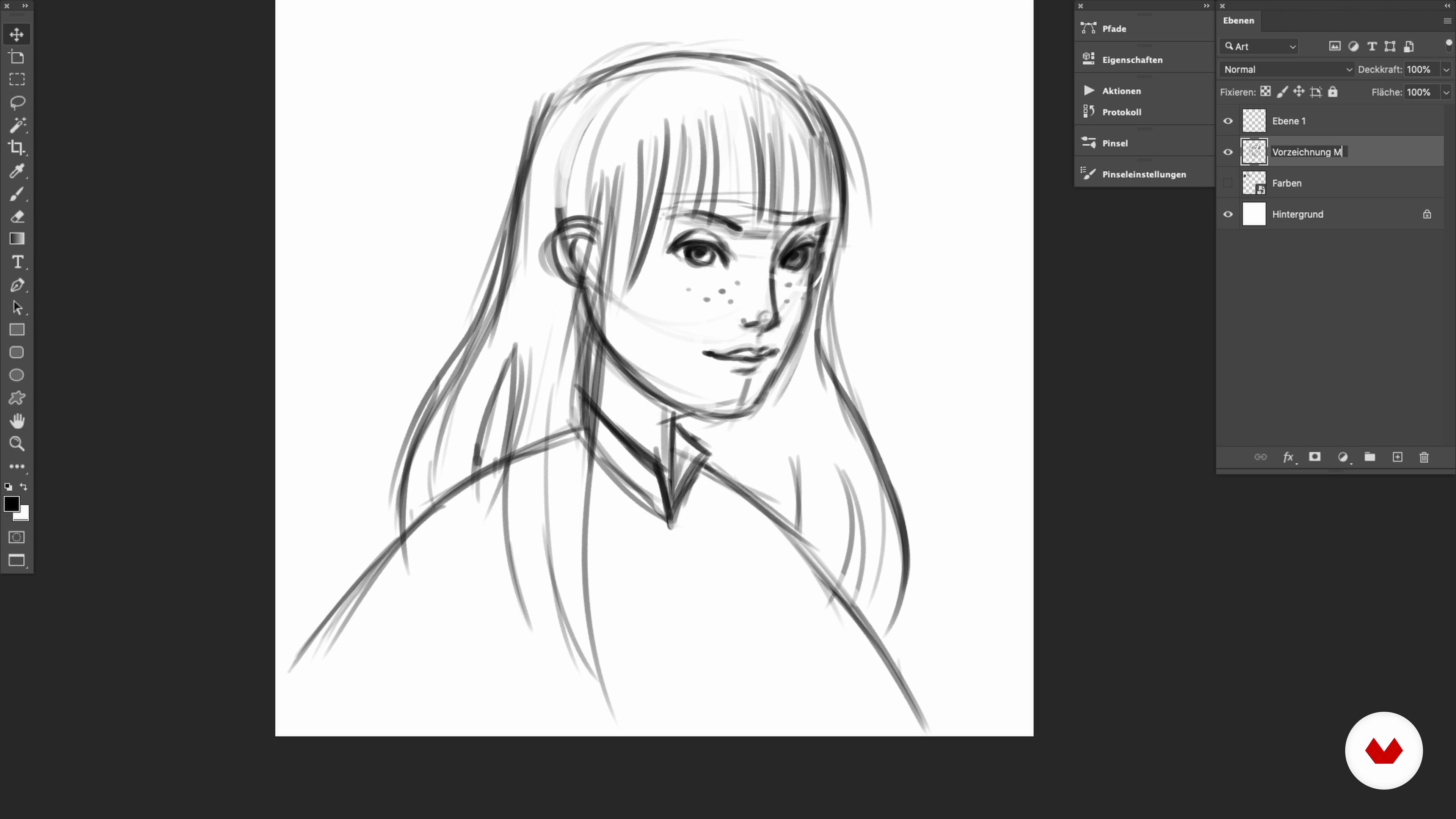
Sketch of a Character for the Portrait
10 minutes, 34 seconds
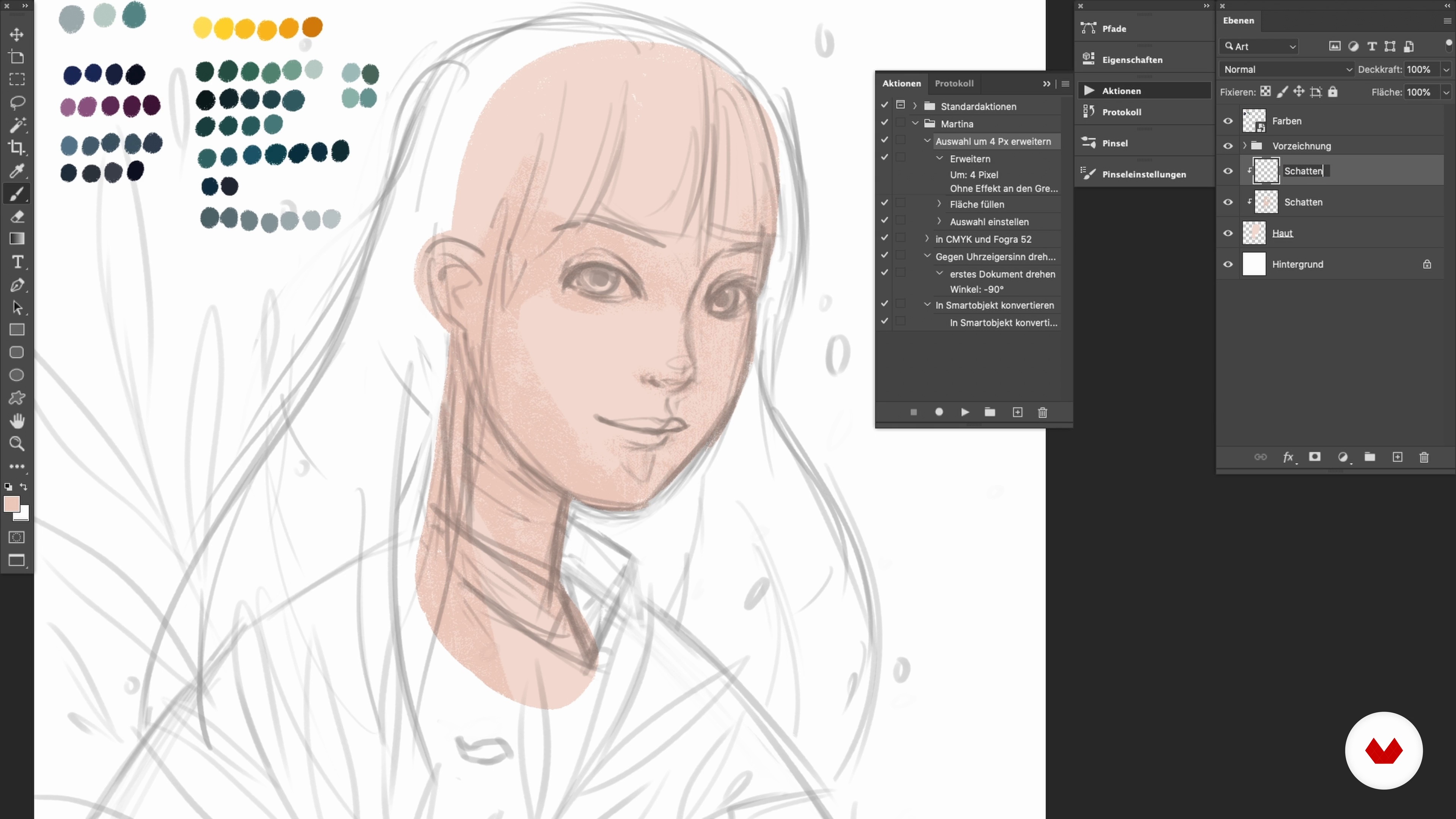
Making the Portrait: The Head 1
14 minutes, 46 seconds
What's included in this course?
Begin this online course by getting to know your teacher, Martina Hoffmann. She tells you about her professional career, including why she didn't become a molecular biologist, and shares her biggest artistic influences.
Martina continues by showing you her go-to work materials, where she finds inspiration for her drawings, and how to put together a color palette. Then, learn the fundamentals of portrait illustration through practice. Hand draw several sketches of heads using different proportions and perspectives and discover how to give each one a unique personality.
Move to the digital realm and create your character in Photoshop. Martina teaches you how to draw the head, hair, clothing, and accessories, as well as the secrets to working with layers and applying textures.
Once you're done with the character design, add a background and decorative elements to give your portrait depth. Take a look at your final artwork and touch up any areas that may need it.
Now it's time to bring your character to life! Learn how to create an animation in Photoshop, from the rough draft to the clean version, and make it flow seamlessly. Round out the course by seeing how to export your work as a video file.
Recommended software & tools for this course
What is this course's project?
Create an animated portrait by drawing a realistic or creative character and animating secondary elements.
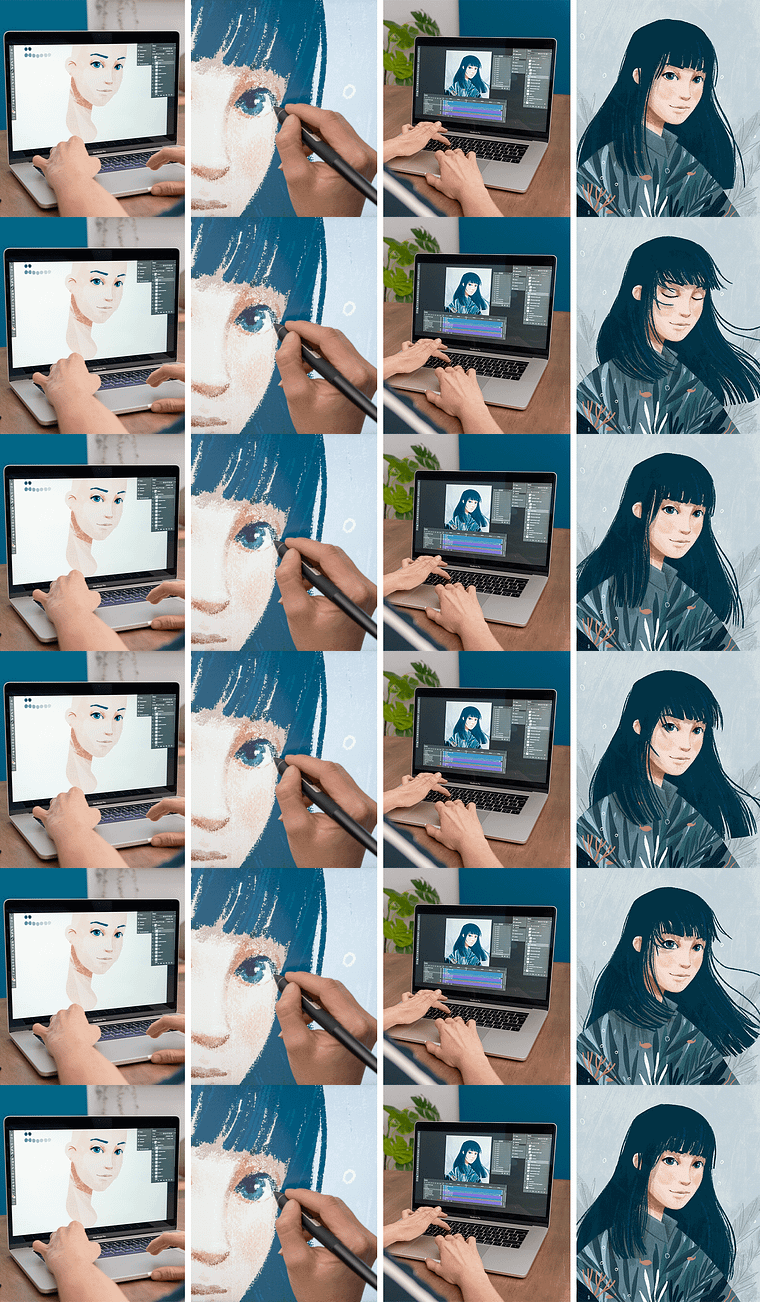
Projects by course students

Who is this online course for?
Anyone who wants to animate their drawing in Photoshop, whether they're just starting out or already have some experience.
Requirements and materials
Basic notions of a drawing program such as Photoshop, Adobe Fresco, or Procreate would be useful for this course.
In terms of materials, you need wax pastels, charcoal, graphite and colored pencils, drawing paper, an eraser, and a pencil sharpener, as well as a graphics tablet (Wacom Cintiq or iPad) and Photoshop.
Reviews
- 1 year ago
As a painter, this course introduced me to a brand new method of activating my artwork, and introducing it to a broader audience through incorporating animation!
- 1 year ago
Rewelacja!
- 1 year ago
Muy bueno
- 2 years ago
The instruction is very clear. I enjoyed this class.
- 2 years ago
That's just great

She has collaborated with advertising agencies, children's publishers, and organizations in the scientific, educational, and social fields. Her animated productions are fully independent, meaning she designs and animates each piece from start to finish. Since 2005, she has been promoting her illustrations as self-published postcards, prints, and calendars through the organization Stift & Papier.
Content
- U1
Introduction
- About Me
- Inspirations
- U2
Creating a Mood Board and Color Palette for the Illustration
- Creation of a Mood Board and a Color Palette
- How to Draw a Portrait
- Drawing a Head in Perspective
- How Can I Characterize the Face?
- U3
Digital Process: The Figure
- Sketch of a Character for the Portrait
- Making the Portrait: The Head 1
- Making the Portrait: The Head 2
- The Hair
- Clothing and Accessories: What Does the Character Wear?
- U4
Digital Process: The Details
- The Background
- Decorative Elements and Secondary Figures 1
- Decorative Elements and Secondary Figures 2
- The Last Examining Look
- U5
The Animation
- Animation with Photoshop: The Most Important Settings
- Working with Video Layers
- The Rough Animation 1
- The Rough Animation 2
- The Clean Animation 1
- The Clean Animation 2
- The Clean Animation 3
- The Clean Animation 4
- The Export of the Finished Animation
- FP
Final project
- Animated Portrait Illustration with Photoshop
What to expect from a Domestika course
Learn at your own pace
Enjoy learning from home without a set schedule and with an easy-to-follow method. You set your own pace.
Learn from the best professionals
Learn valuable methods and techniques explained by top experts in the creative sector.
Meet expert teachers
Each expert teaches what they do best, with clear guidelines, true passion, and professional insight in every lesson.
Certificates
PLUSIf you're a Plus member, get a custom certificate signed by your teacher for every course. Share it on your portfolio, social media, or wherever you like.
Get front-row seats
Videos of the highest quality, so you don't miss a single detail. With unlimited access, you can watch them as many times as you need to perfect your technique.
Share knowledge and ideas
Ask questions, request feedback, or offer solutions. Share your learning experience with other students in the community who are as passionate about creativity as you are.
Connect with a global creative community
The community is home to millions of people from around the world who are curious and passionate about exploring and expressing their creativity.
Watch professionally produced courses
Domestika curates its teacher roster and produces every course in-house to ensure a high-quality online learning experience.
FAQs
This course is aimed at people with basic drawing skills who want to specifically enhance their abilities in digital portrait drawing and animation techniques using Photoshop.
Basic familiarity with drawing software and some initial drawing experience are helpful but not required. The course guides you step-by-step through the essential tools and techniques.
You will learn all the key techniques to create realistic and personalized digital portraits—from constructing the head to facial features, proportions, shading, and using modern layer techniques in Photoshop.
The course teaches you how to animate portraits, create frame-by-frame animations, work with onion skinning and video layers, and export finished animations precisely.
You will need a computer with the latest version of Photoshop installed, plus a graphics tablet or a mouse for drawing.
Yes, the course covers specific techniques for children's book illustrations, storyboard creation, and the basics of cartoon animation in Photoshop.
You will learn how to create your own color palettes and moodboards, use textures strategically with clipping masks, and combine these elements to produce cohesive, atmospheric illustrations.