Powerful Logo Design: Enhance Your Workflow on Illustrator
A course by Friendhood StudioBrand and Design Studio
A course by Friendhood Studio, Brand and Design Studio

Discover how to use Adobe Illustrator to create impactful logos that resonate with a brand's audience
Making great logos involves two central elements: a powerful concept that resonates with a company, and the technical design skills to execute it. For designers Izzy Bunnell and Alex Reece, Adobe Illustrator plays a key part in the design process. They are the founders of Friendhood, a creative studio specialized in purposeful brands and impactful design, where they have worked with clients including the Edinburgh Book Festival, The NHS, and the Royal Society of Arts.
In this course, they teach you how to use the essential tools of Adobe Illustrator to create outstanding logo designs. Discover how to experiment with vectors to bring finesse to your logos and learn how to use successful branding to help companies grow.
This is the creative duo’s second course with Domestika. In their first, Editorial Design 101, they teach you the fundamentals of designing editorial pieces for books, magazines, and more.
What will you learn in this online course?
15 lessons & 21 downloads
Defining a Logo
3 minutes, 33 seconds
What Makes a Logo Work?
4 minutes, 59 seconds
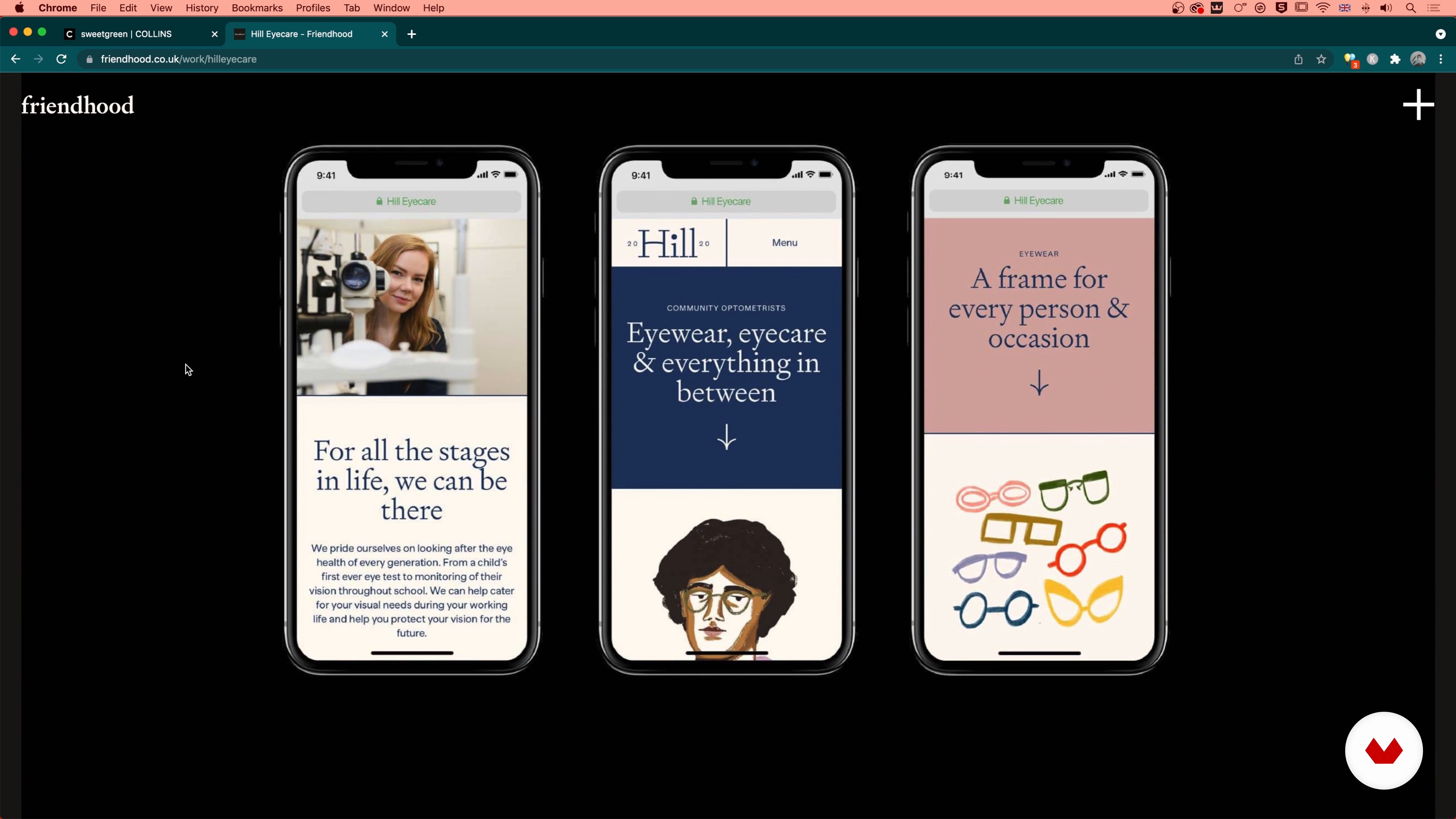
Logos in Modern Branding Systems
3 minutes, 34 seconds
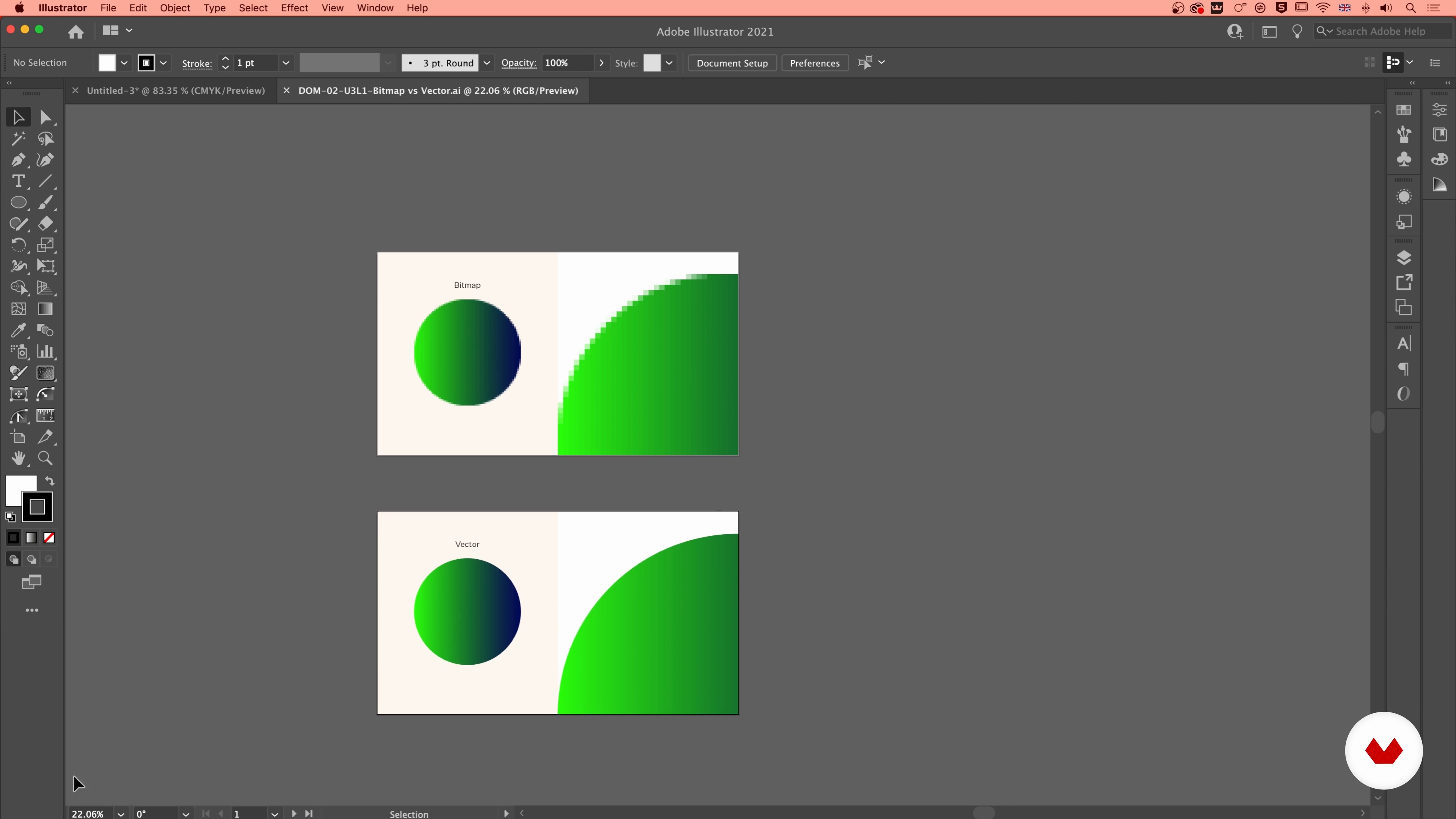
The Advantages of Illustrator
8 minutes, 2 seconds
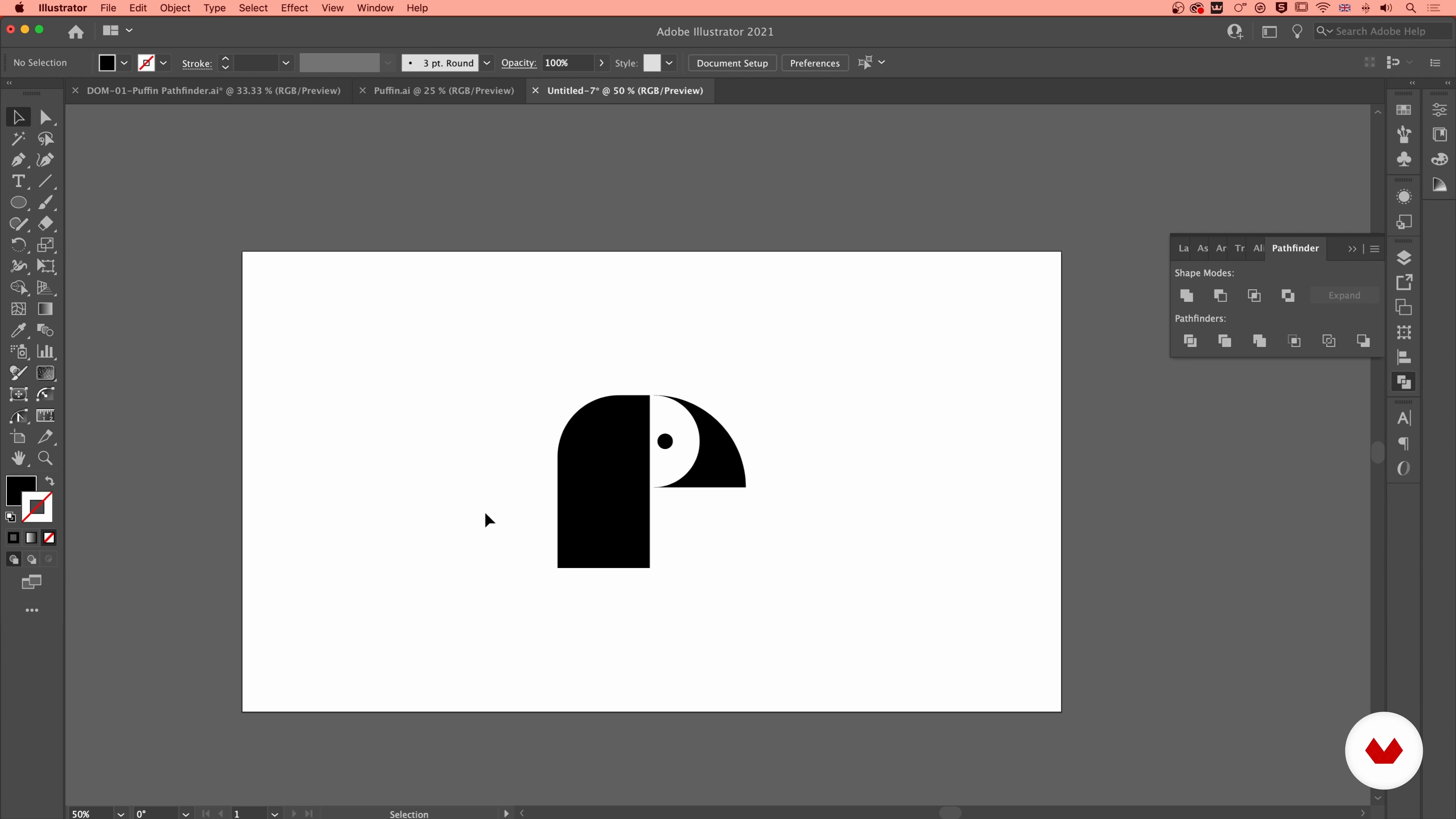
Essential Tools
19 minutes, 15 seconds
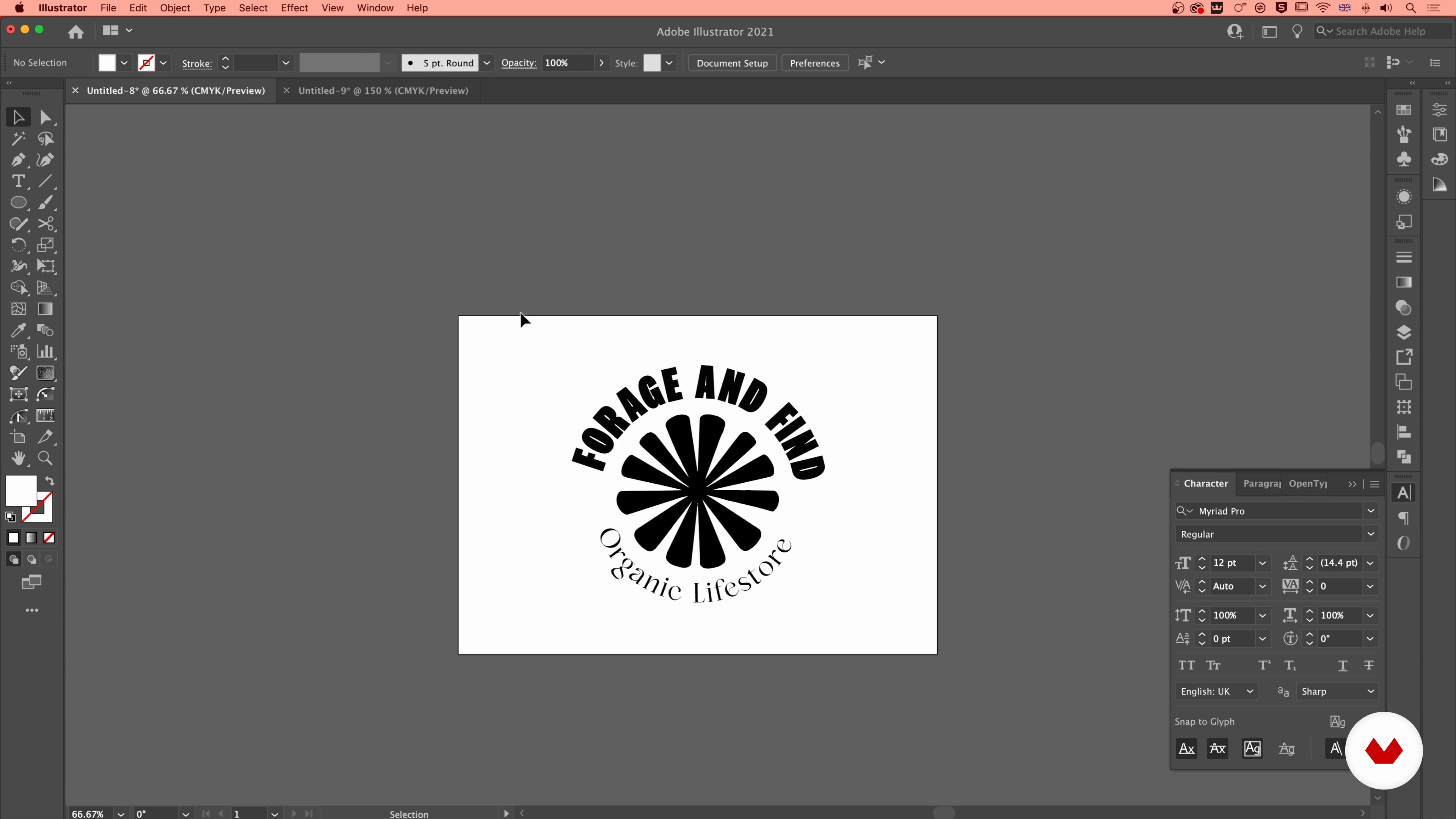
Typography: What’s It All About?
14 minutes, 10 seconds
What's included in this course?
Begin the course by getting to know the creatives behind Friendhood Studio, Izzy and Alex. They talk through their careers and how they came to establish a branding and design studio together, along with the influences that inspire the work they create.
Dive into what a logo is and what makes one successful by analyzing real-world examples. Then explore how logos work in modern branding systems in combination with other design elements to create a consistent brand personality.
Delve into Adobe Illustrator and the advantages of using it for logo design, before experimenting with the different digital tools it offers. Izzy and Reece discuss the different ways to look at typography from a designer’s point of view, and where to access different fonts. They then show you how to work with things like spacing and alignment of text in your designs.
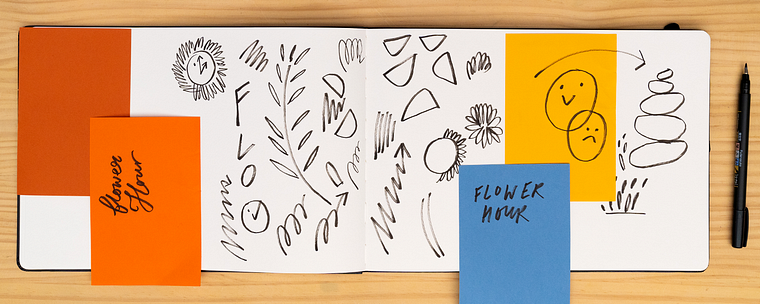
See Izzy and Reece’s process for logo creation, starting with a strong foundation based on brand research. Create a mood board to establish a visual direction for your project, before using it to sketch your ideas. Transfer your sketches to Illustrator and bring them to life using the tools and techniques from earlier in the course.
Learn how to refine your logo and add the finishing touches, such as typography and color, to ensure it looks professional. To finish the course, Izzy and Reece share tips on how to create a case study that showcases your work.
Recommended software & tools for this course
What is this course's project?
Design a professional logo for either personal or commercial use with Adobe Illustrator.
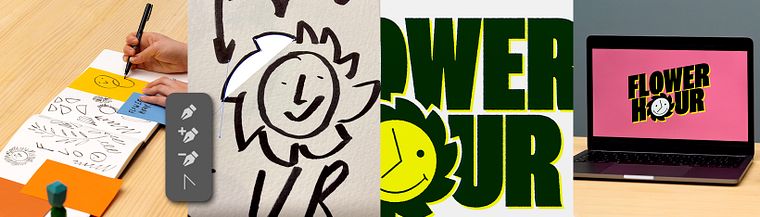
Projects by course students


Who is this online course for?
This course is for anyone with an interest in learning how to use Adobe Illustrator for logo design.
Requirements and materials
No previous experience is required.
In terms of materials, you will need a computer with Adobe Illustrator, as well as pens, pencils, and paper.
Reviews
- 10 months ago
Great course!
- 1 year ago
Cours très intéressant aussi bien dans la démarche de réflexion créative que dans la technique
- 1 year ago
I love this! Thank you!
- 1 year ago
Excelente curso!
- 2 years ago
Excelente curso

Friendhood Studio has been featured in Graphik, Creative Review, It's Nice That, Osso Magazine, Mag Culture, The Skinny, The Guardian Culture Guide, and Central Station. Their client list includes Penguin Random House India, Hush Womenswear, Anatomy Brands, among others.
Content
- U1
Introduction
- About Us
- Our Influences
- U2
What Is a Logo? Connecting Skills and Meaning
- Defining a Logo
- What Makes a Logo Work?
- Logos in Modern Branding Systems
- U3
Creating Logos in Illustrator
- The Advantages of Illustrator
- Essential Tools
- Typography: What’s It All About?
- U4
Discovery and Ideation
- Creating a Foundation
- Look and Feel
- Defining a Direction
- Bringing Concepts to Life
- U5
Finalising the Logo: Skills and Finessing
- The “Flower Hour” Logo
- Typography, Colour and Final Touches
- Our Case Study
- FP
Final project
- Powerful Logo Design: Enhance Your Workflow on Illustrator
What to expect from a Domestika course
Learn at your own pace
Enjoy learning from home without a set schedule and with an easy-to-follow method. You set your own pace.
Learn from the best professionals
Learn valuable methods and techniques explained by top experts in the creative sector.
Meet expert teachers
Each expert teaches what they do best, with clear guidelines, true passion, and professional insight in every lesson.
Certificates
PLUSIf you're a Plus member, get a custom certificate signed by your teacher for every course. Share it on your portfolio, social media, or wherever you like.
Get front-row seats
Videos of the highest quality, so you don't miss a single detail. With unlimited access, you can watch them as many times as you need to perfect your technique.
Share knowledge and ideas
Ask questions, request feedback, or offer solutions. Share your learning experience with other students in the community who are as passionate about creativity as you are.
Connect with a global creative community
The community is home to millions of people from around the world who are curious and passionate about exploring and expressing their creativity.
Watch professionally produced courses
Domestika curates its teacher roster and produces every course in-house to ensure a high-quality online learning experience.
FAQs
Yes, this course is designed for beginners and guides you through the essentials of logo design and branding using Adobe Illustrator, with step-by-step instructions and practical examples.
You will need access to Adobe Illustrator and a computer capable of running it. A sketchbook and basic drawing tools are helpful for idea development, but no advanced equipment is required.
You’ll learn how to create professional, scalable logos in Illustrator, develop cohesive branding systems, apply typography and color workflows, and integrate illustration and strategy into your branding projects.
No, strong drawing skills aren’t required. The course emphasizes digital design techniques and strategic thinking, making it accessible to those with any level of traditional art experience.
The course covers a step-by-step workflow: from sketching ideas and digitizing them in Illustrator, to refining vector artwork, adding typography, and preparing final logo files for print or web.
You’ll learn to design various logo types, including marque, wordmark, monogram, lockup, and flexible branding marks, along with dynamic and playful logo systems.
Yes, the course teaches you how to extend your logo into a full branding system, including color palettes, typography, brand assets, and guidelines for consistent visual identity.