Guided Course: Learn to Edit and Perfect Product Photos in Photoshop
A course by Xi ChenPhoto Retoucher
A course by Xi Chen, Photo Retoucher

Learn Photoshop techniques for product photo retouching: setup, RAW import, masking, cleaning, and color balancing
Master the art of refining product photos with a streamlined Photoshop workflow. Begin by setting up your workspace for optimal efficiency and quality. Dive into importing RAW files, ensuring a strong foundation for your retouching journey. Analyze your still-life image to define clear retouching goals that align with the product's unique characteristics. This step-by-step approach will guide you through creating masks, isolating areas for precise adjustments, and enhancing your images with targeted techniques.
Transform your product shots by expertly removing dust, blemishes, and distractions. Achieve a harmonious color balance to present your images in a natural and consistent manner. Follow each step to produce a vibrant and professional retouched product image, perfect for showcasing or marketing purposes. With these techniques, your photography skills will elevate, delivering polished images ready for any portfolio or commercial use.
What will you learn in this online course?
9 lessons & 8 downloads
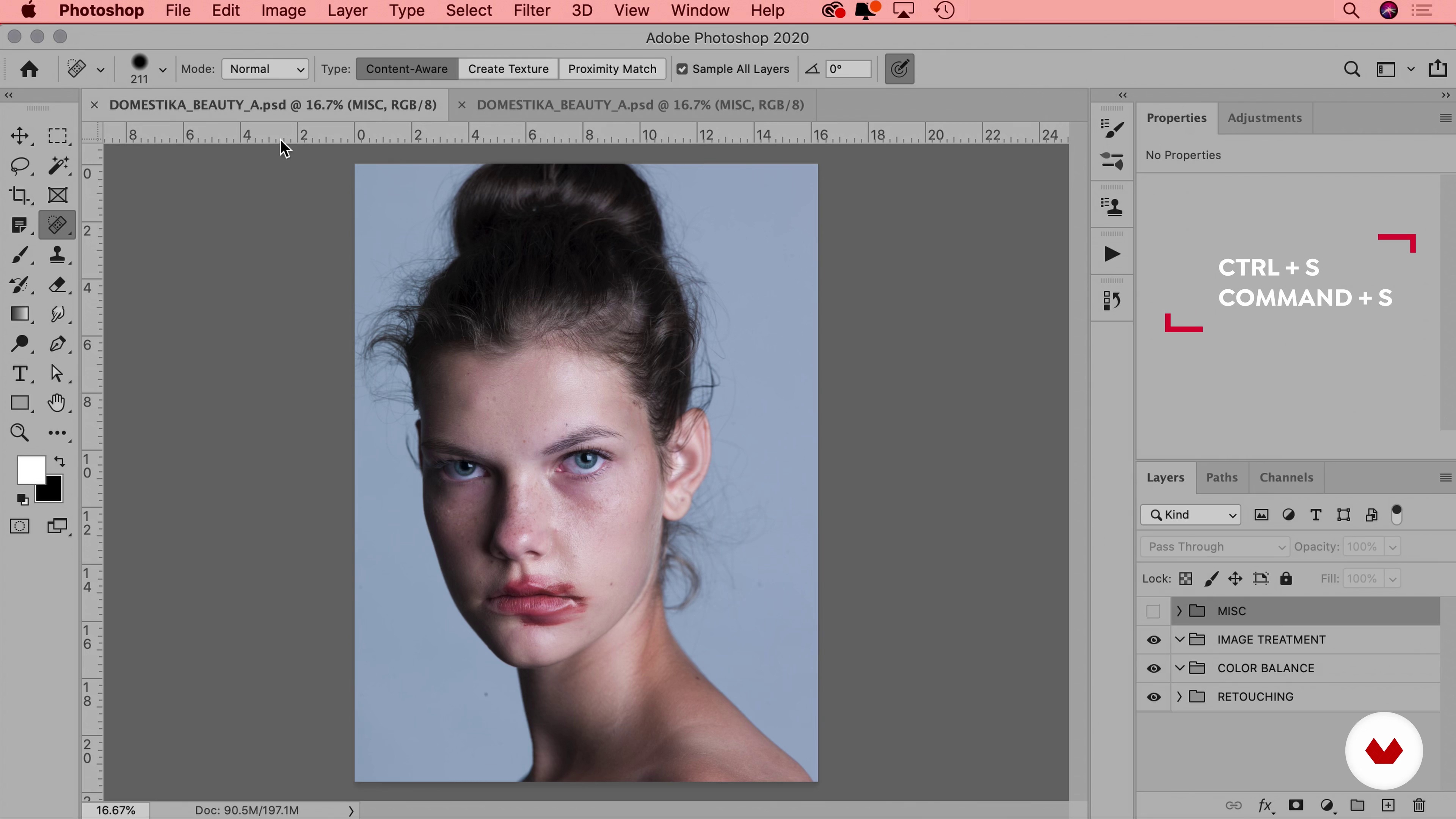
Workflow & File
12 minutes, 24 seconds
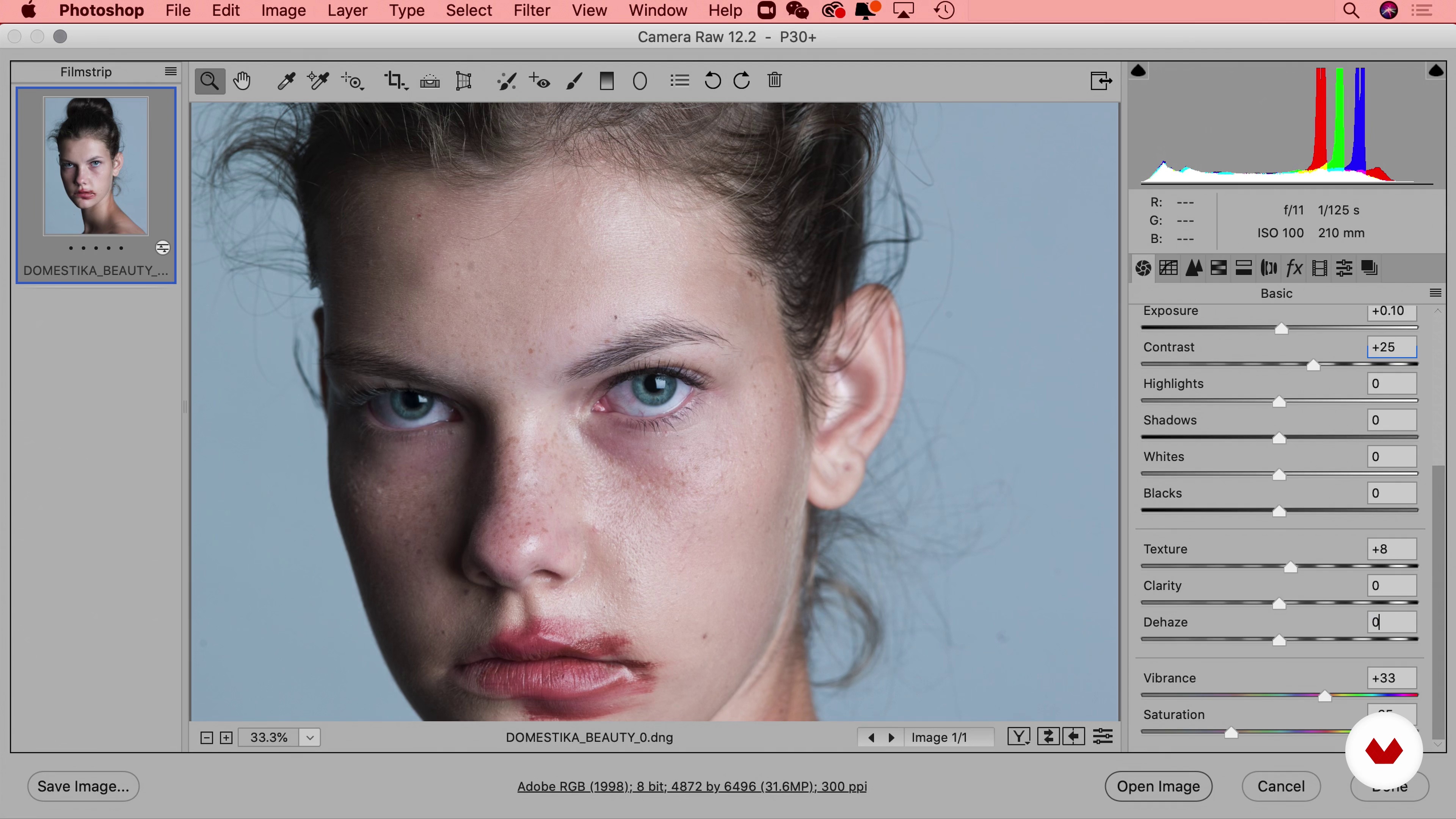
Using RAW Files for Photos
11 minutes, 47 seconds
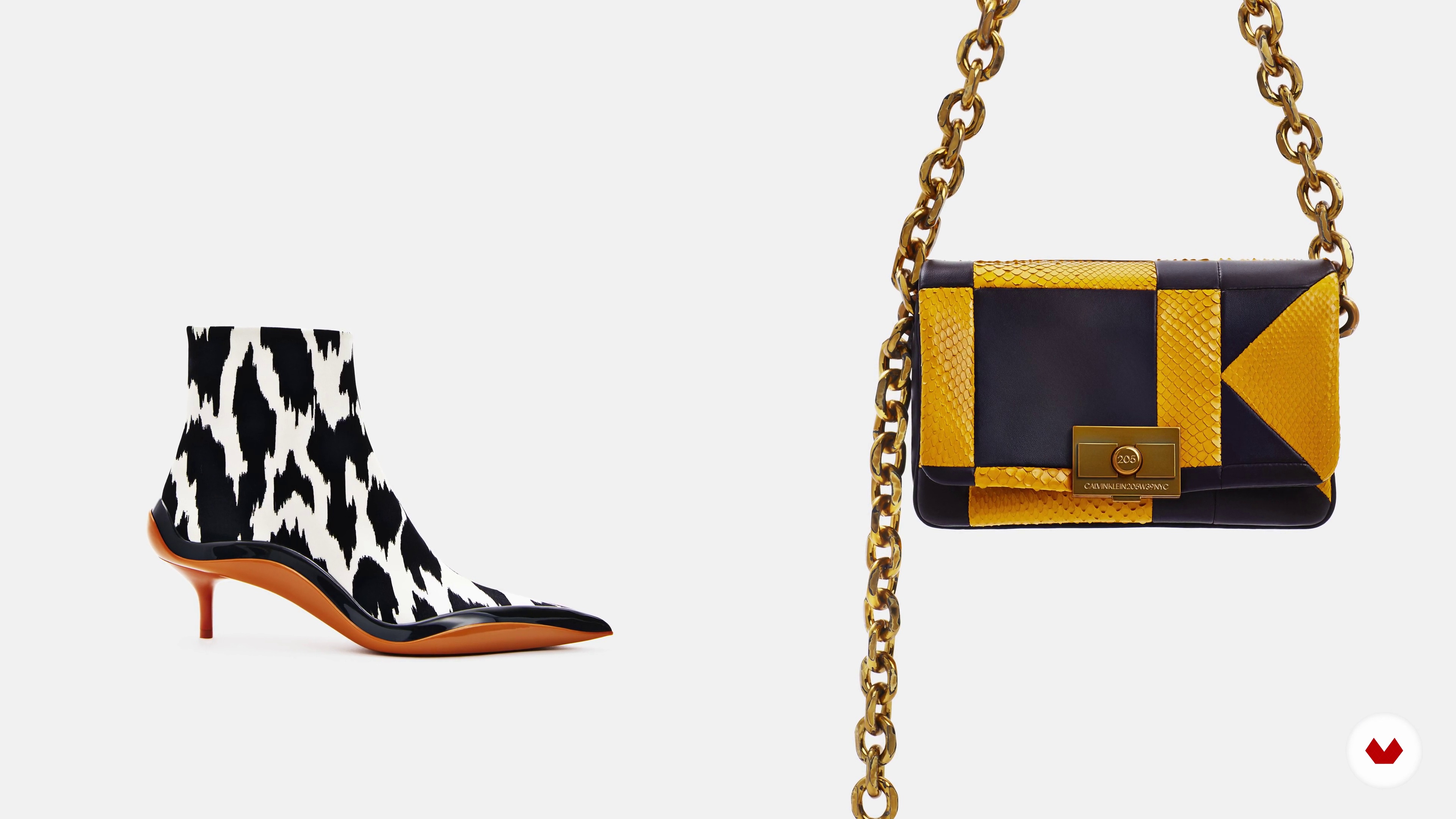
How to Approach an Image
4 minutes, 48 seconds
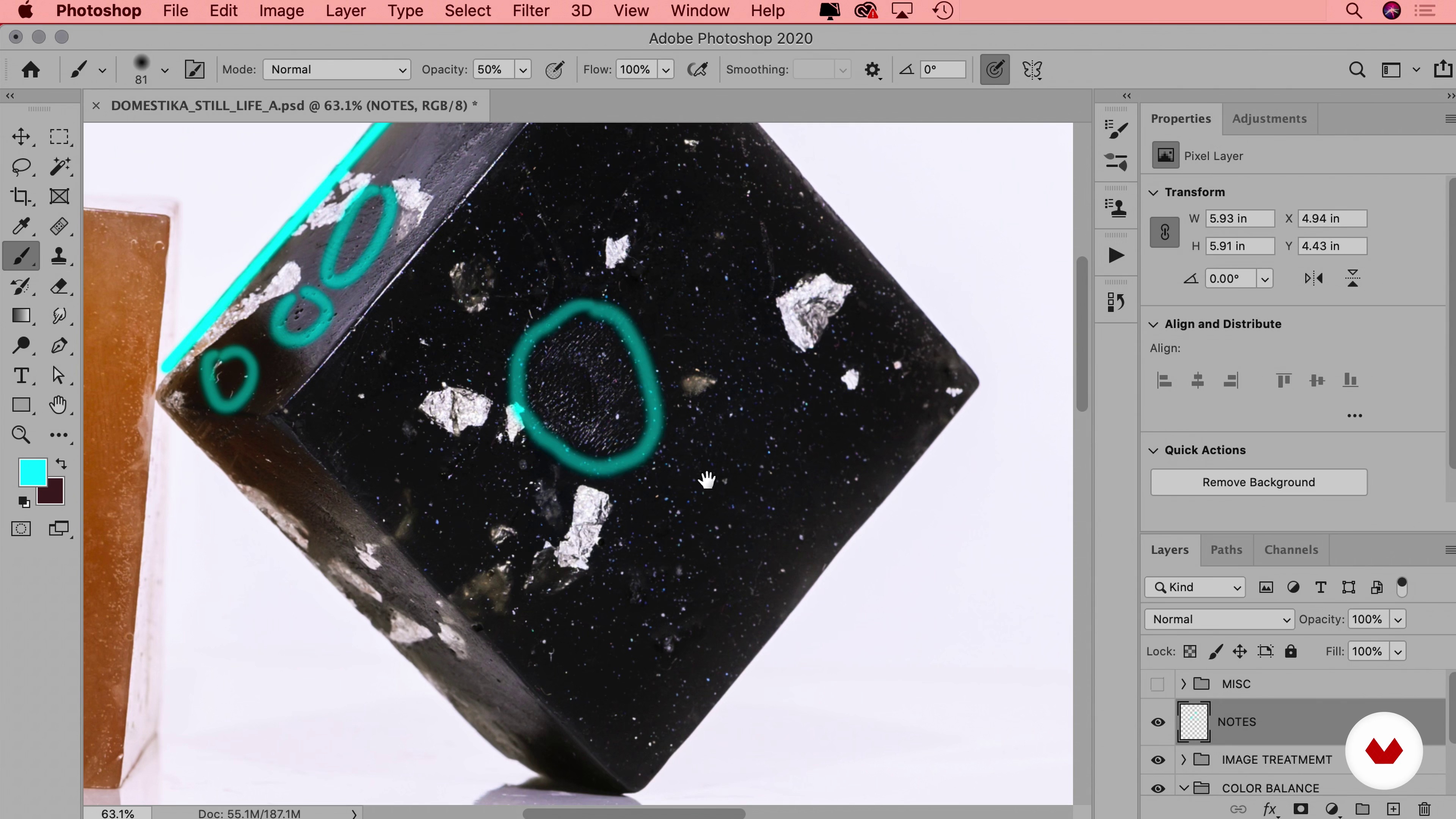
Masking
6 minutes, 19 seconds
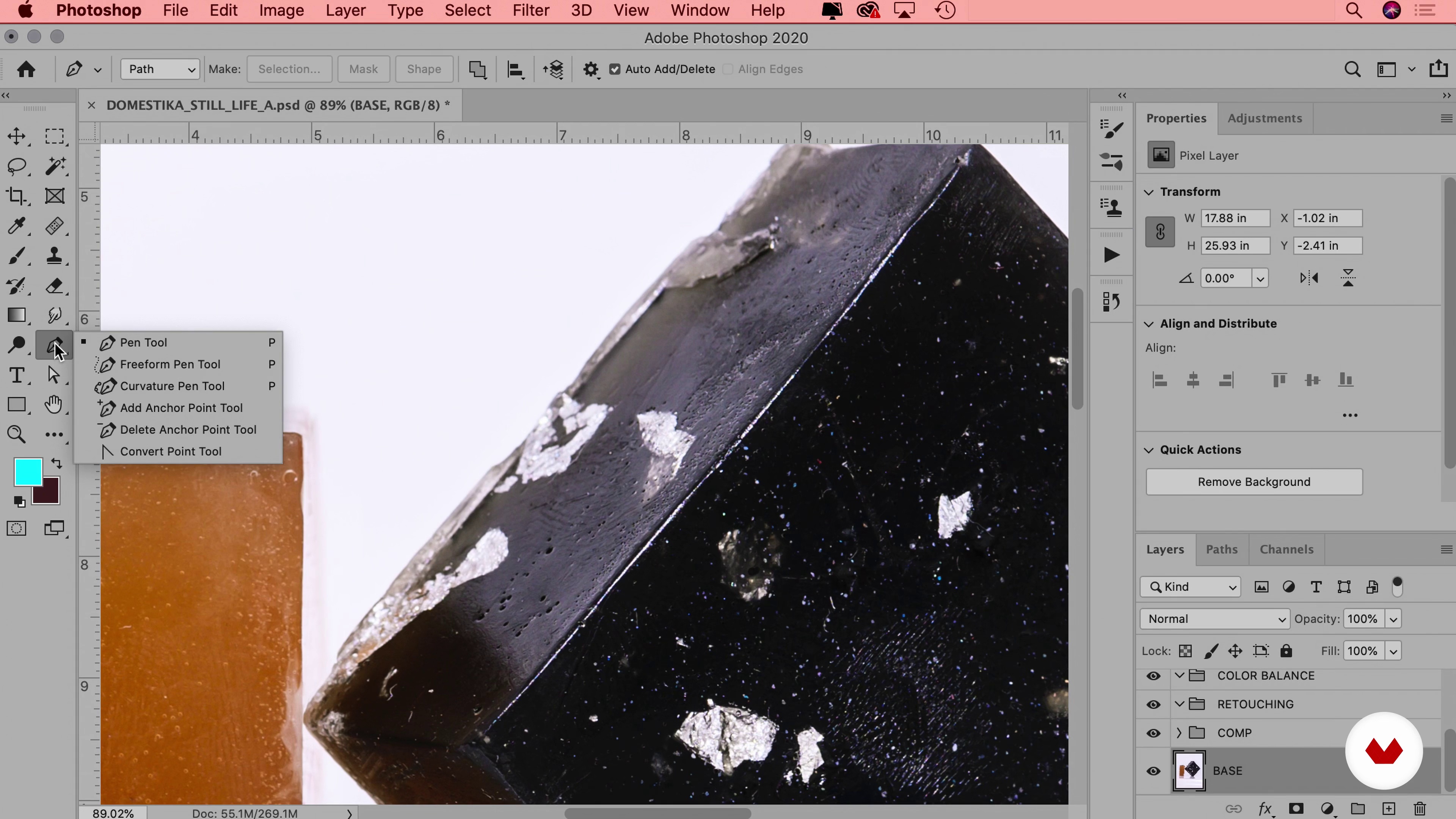
Image Treatment
16 minutes, 42 seconds
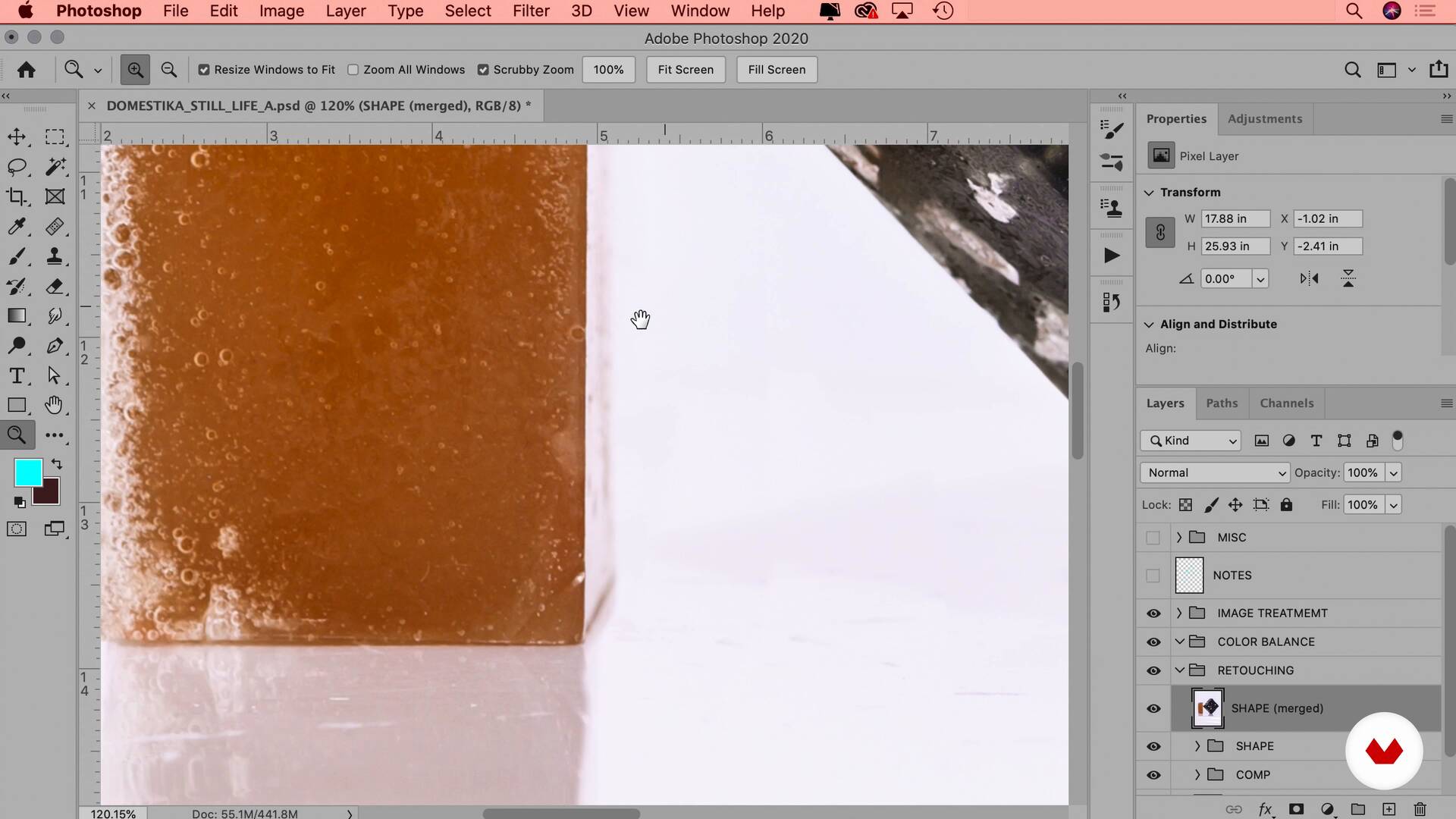
Clean Up
12 minutes, 39 seconds
What's included in this course?
Discover the art of perfecting product photos with a streamlined Photoshop workflow. Start by setting up your working environment and importing RAW files to ensure optimal quality for your images. You'll learn to systematically analyze still-life images, defining retouching goals based on the unique characteristics of each product. By mastering the use of masks, you'll isolate specific areas for targeted adjustments, ensuring precision in your work.
Dive into techniques for cleaning up imperfections, such as removing dust and distractions, to create a flawless final image. Color balancing is a key focus, teaching you to harmonize tones for a natural and consistent presentation. Through these steps, you'll produce product images that are clean, vibrant, and professional, ready for showcasing or marketing use. This guided project equips you with the skills to elevate your photography and make your product shots stand out.
Recommended software & tools for this course
What is this course's project?
Students will master product photo retouching using Photoshop by setting up their workspace, importing RAW files, analyzing images, creating masks, cleaning imperfections, and adjusting color balance, resulting in polished, professional-quality product shots ready for showcasing or marketing.
Who is this online course for?
Aspiring photographers, graphic designers, and marketing professionals looking to enhance product presentation skills will benefit from this course. Beginners eager to master Photoshop's tools for retouching product photos will find the step-by-step guidance invaluable for achieving professional results.
Requirements and materials
No extensive prior knowledge is required for this guided project. Basic necessities include a computer with Adobe Photoshop installed and access to RAW files. Familiarity with Photoshop's interface and basic editing tools will enhance your experience.

Xi has worked with luxury fashion brands like Chanel, Prada, Alexander Wang, Balenciaga, Calvin Klein, Hermes, Valentino, Bobbi Brown, Vera Wang, and more. Her client list also includes Google, Samsung, Nike, and Adidas, as well as editorials like GQ, Harper’s Bazaar, Vanity Fair, and Vogue.
Content
Guided Course: Learn to Edit and Perfect Product Photos in Photoshop
- Podcast: It’s Not Magic... It’s Professional Retouching!
- How to Set up Photoshop
- Workflow & File
- Using RAW Files for Photos
- How to Approach an Image
- Masking
- Image Treatment
- Clean Up
- Color Balancing
- Final project
What to expect from a Domestika course
Learn at your own pace
Enjoy learning from home without a set schedule and with an easy-to-follow method. You set your own pace.
Learn from the best professionals
Learn valuable methods and techniques explained by top experts in the creative sector.
Meet expert teachers
Each expert teaches what they do best, with clear guidelines, true passion, and professional insight in every lesson.
Certificates
PLUSIf you're a Plus member, get a custom certificate signed by your teacher for every course. Share it on your portfolio, social media, or wherever you like.
Get front-row seats
Videos of the highest quality, so you don't miss a single detail. With unlimited access, you can watch them as many times as you need to perfect your technique.
Share knowledge and ideas
Ask questions, request feedback, or offer solutions. Share your learning experience with other students in the community who are as passionate about creativity as you are.
Connect with a global creative community
The community is home to millions of people from around the world who are curious and passionate about exploring and expressing their creativity.
Watch professionally produced courses
Domestika curates its teacher roster and produces every course in-house to ensure a high-quality online learning experience.
FAQs
Yes, this course is designed for intermediate users with some basic Photoshop experience who want to advance their skills in color management, retouching, and product image workflows.
You’ll need access to Adobe Photoshop, preferably the latest version, and a computer capable of running it efficiently. Familiarity with basic Photoshop tools is recommended.
You’ll learn how to customize workspaces, manage color profiles, work with RAW files, organize layers, retouch images, create masks, and execute professional workflows for product photography and e-commerce images.
Yes, the course includes step-by-step instructions for configuring Adobe RGB color space, explaining the benefits and how to use it for print and digital projects.
The course teaches you how to rearrange panels, save new workspaces, and optimize your Photoshop layout for greater efficiency and a tailored workflow.
Yes, you’ll learn how to adjust performance preferences, increase history states for more undo steps, and customize keyboard shortcuts for a faster editing process.
Yes, you’ll gain a clear understanding of RAW, JPEG, and TIFF formats, when to use each, and how file types impact editing workflows and final image quality.