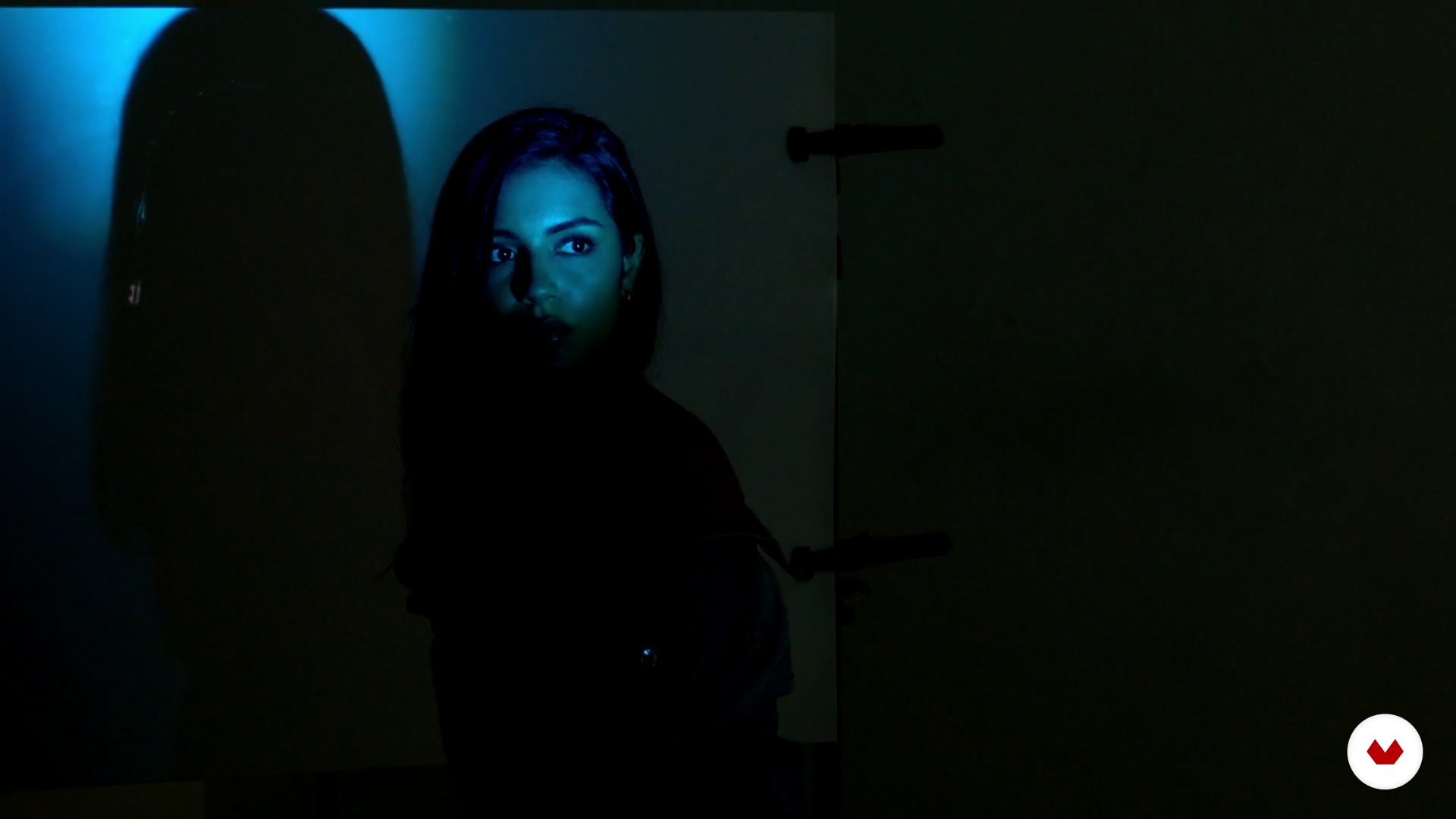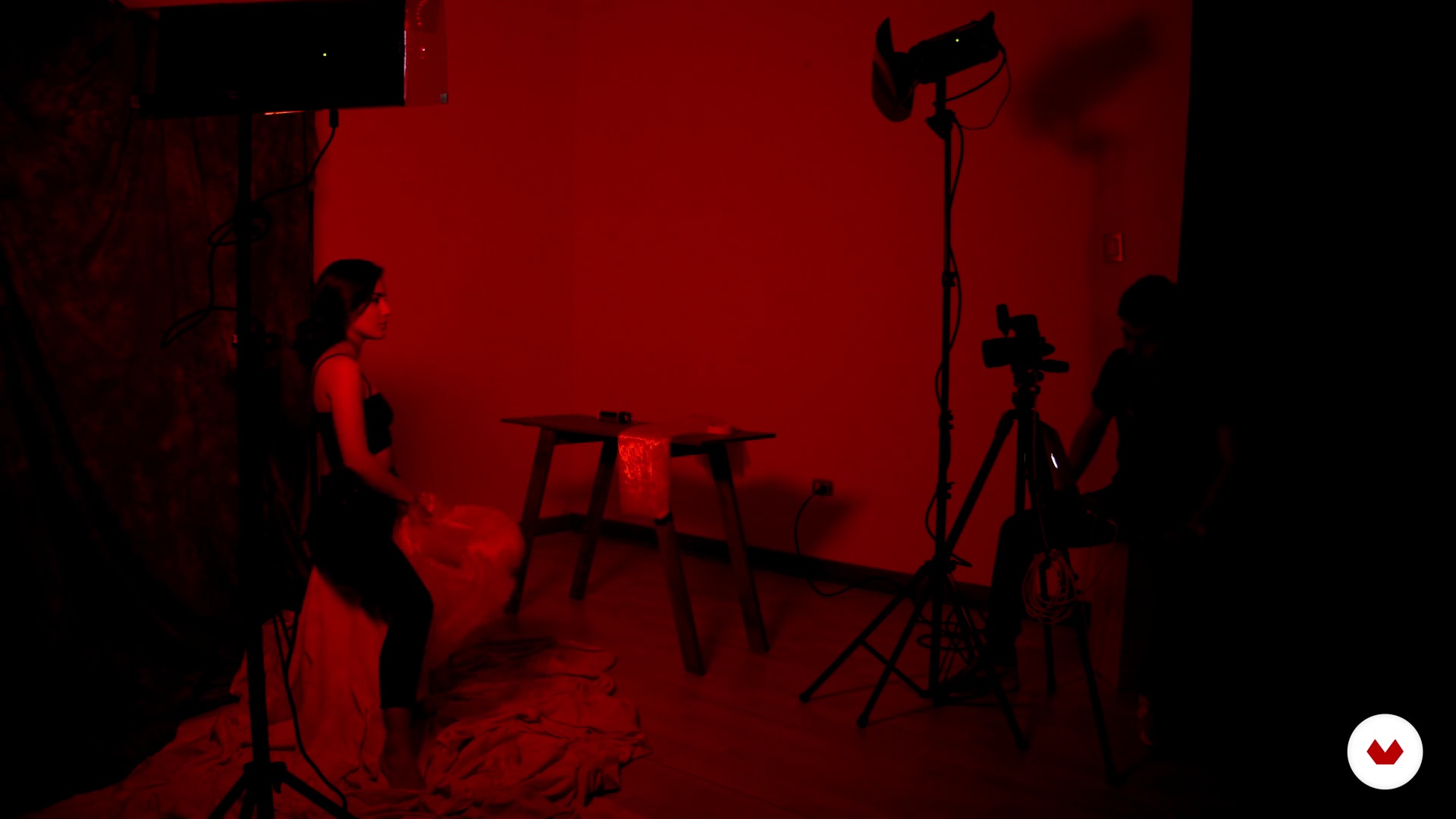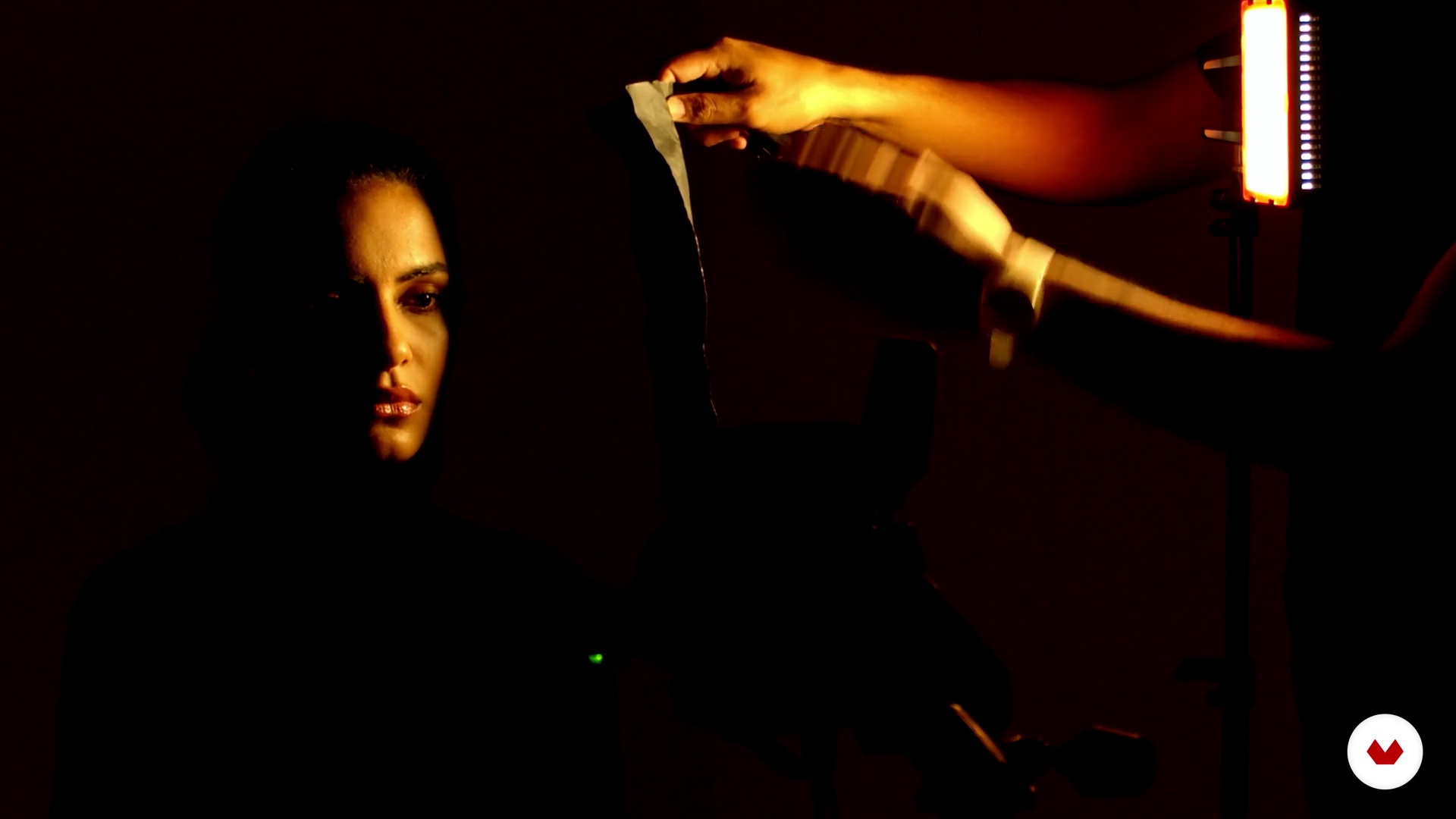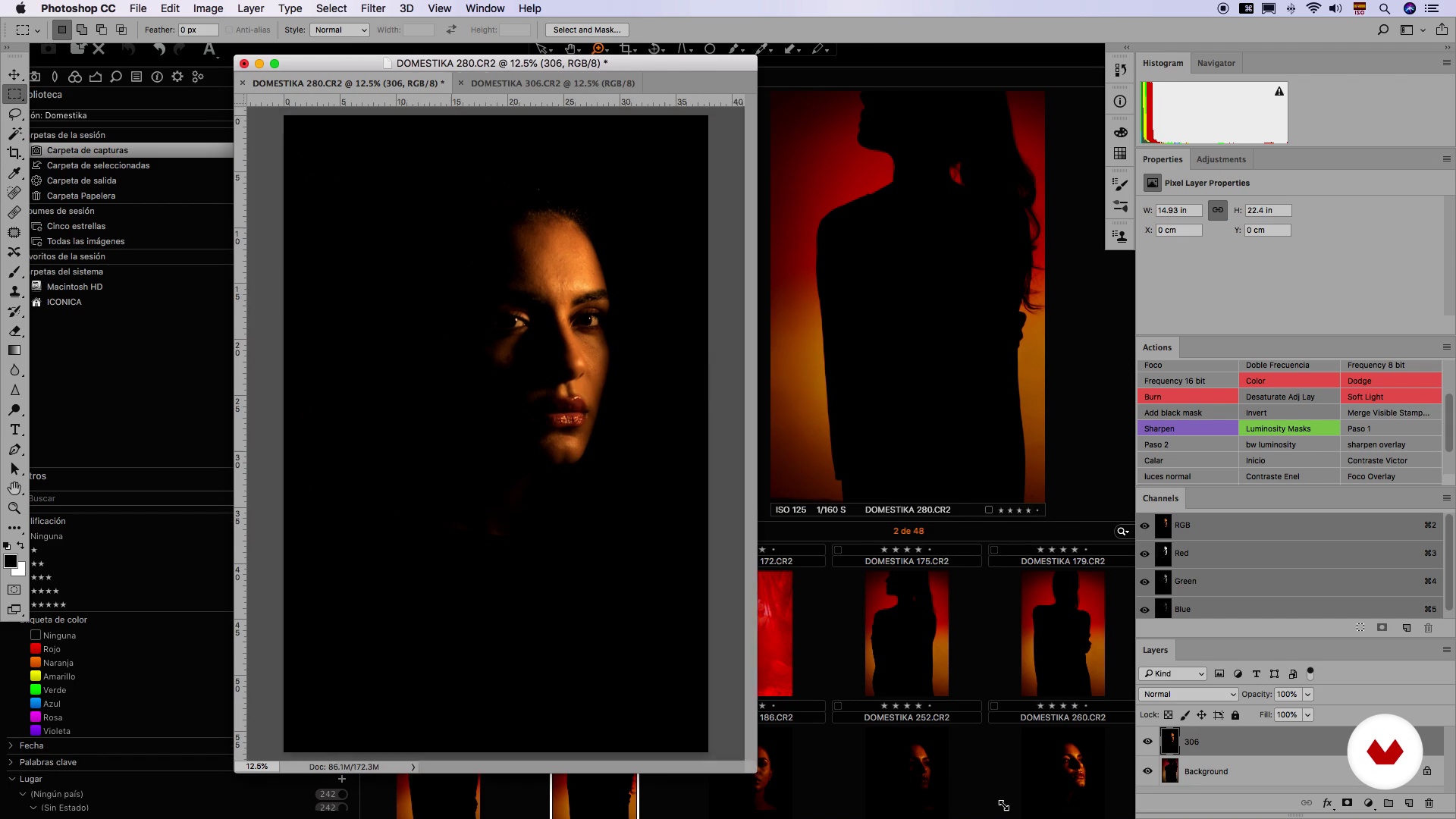
Specialization

Photographic Portraiture Specialization 02: Artistic Portraits

Explore creative portrait photography, mastering color, natural light, and innovative techniques for expressive visual storytelling

Specialization · 6 modules

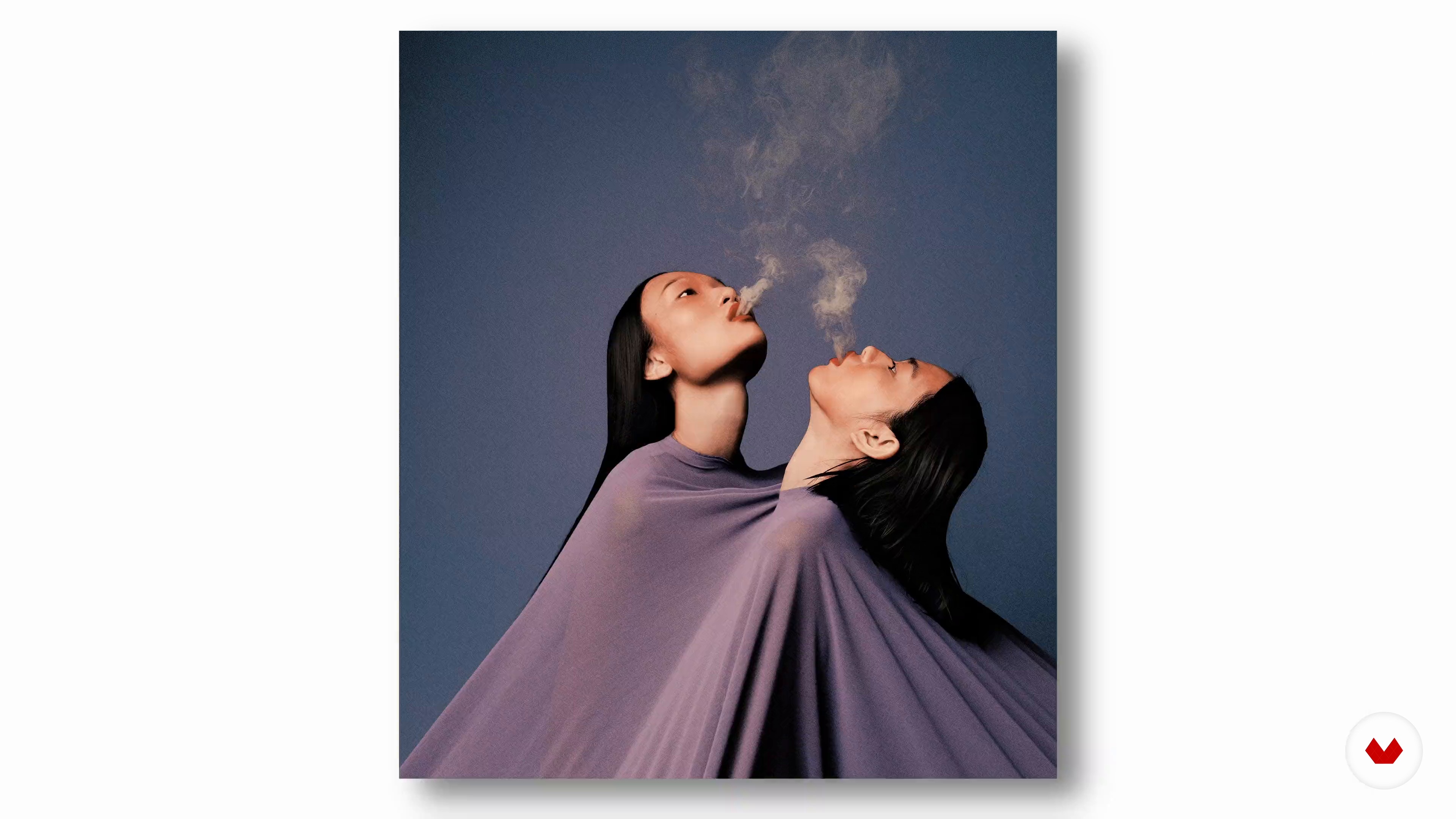
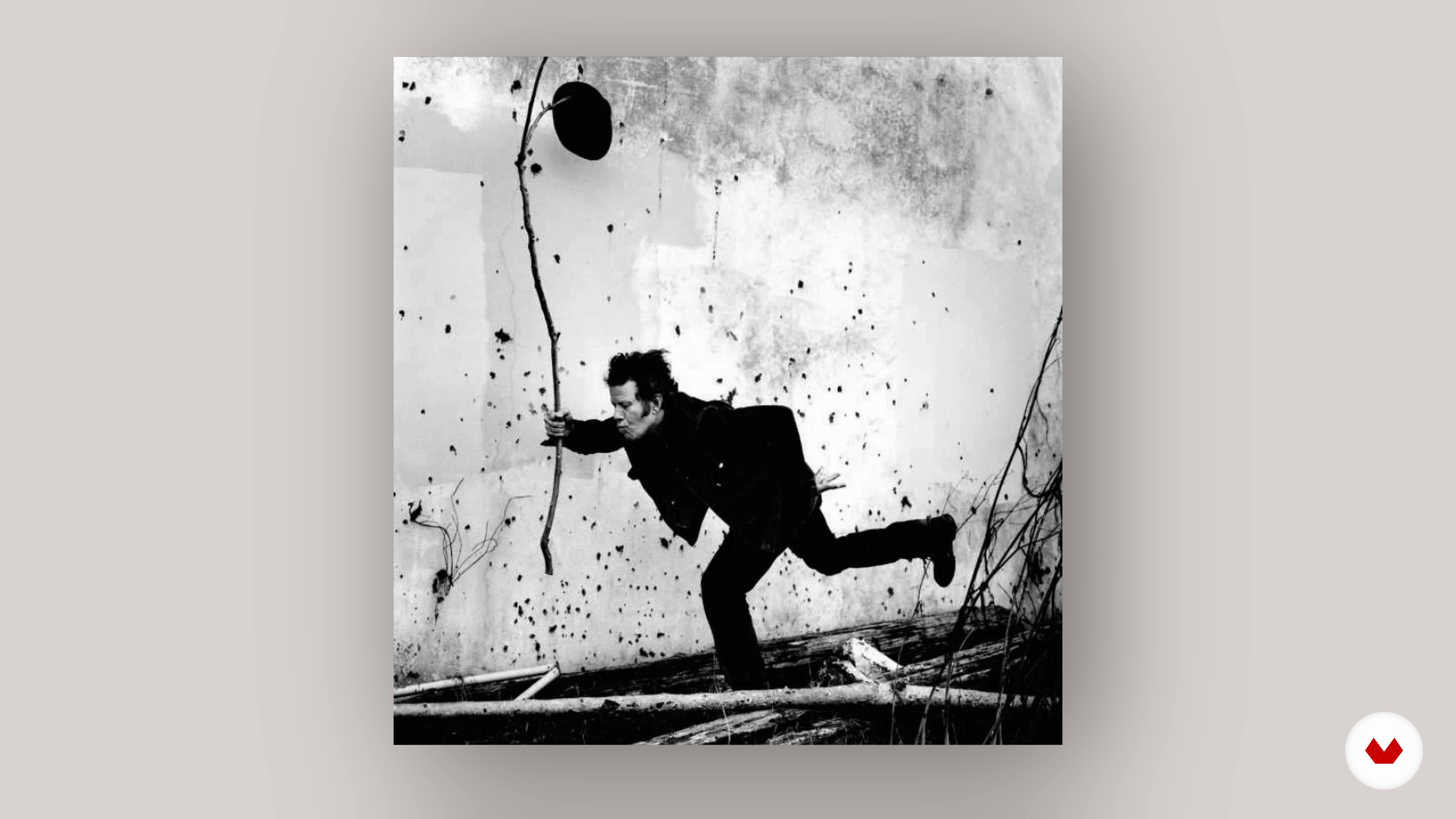
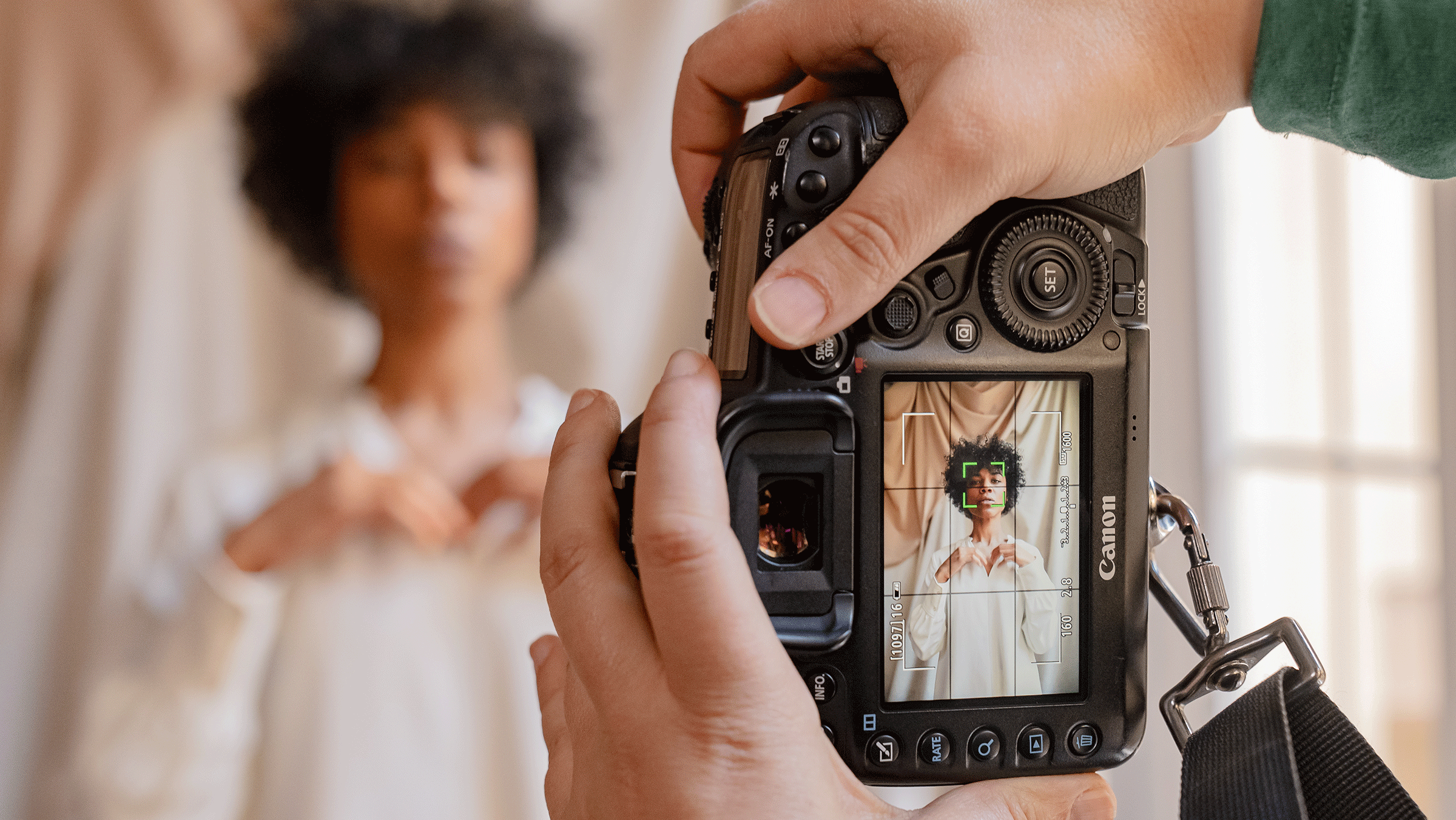
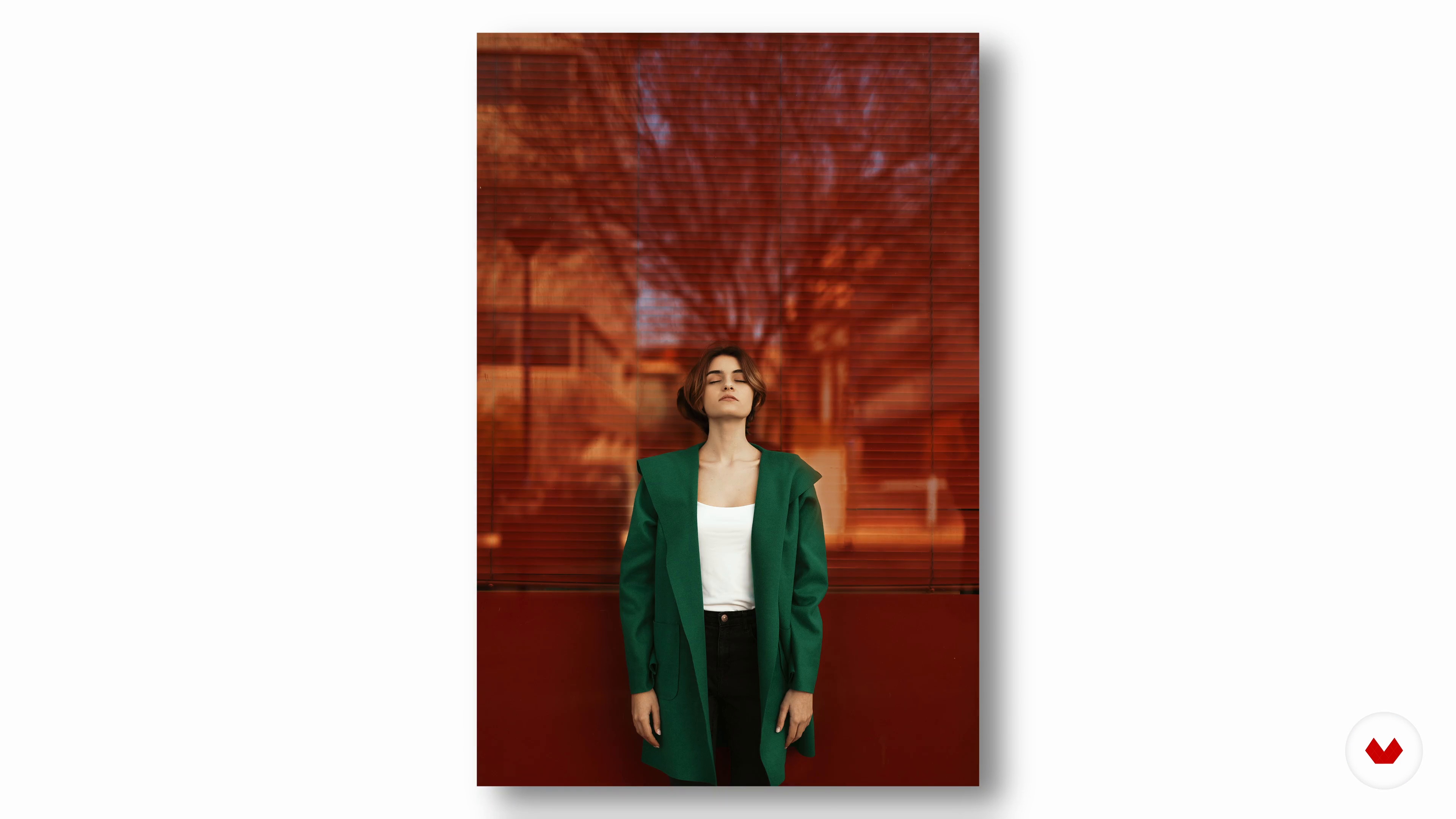
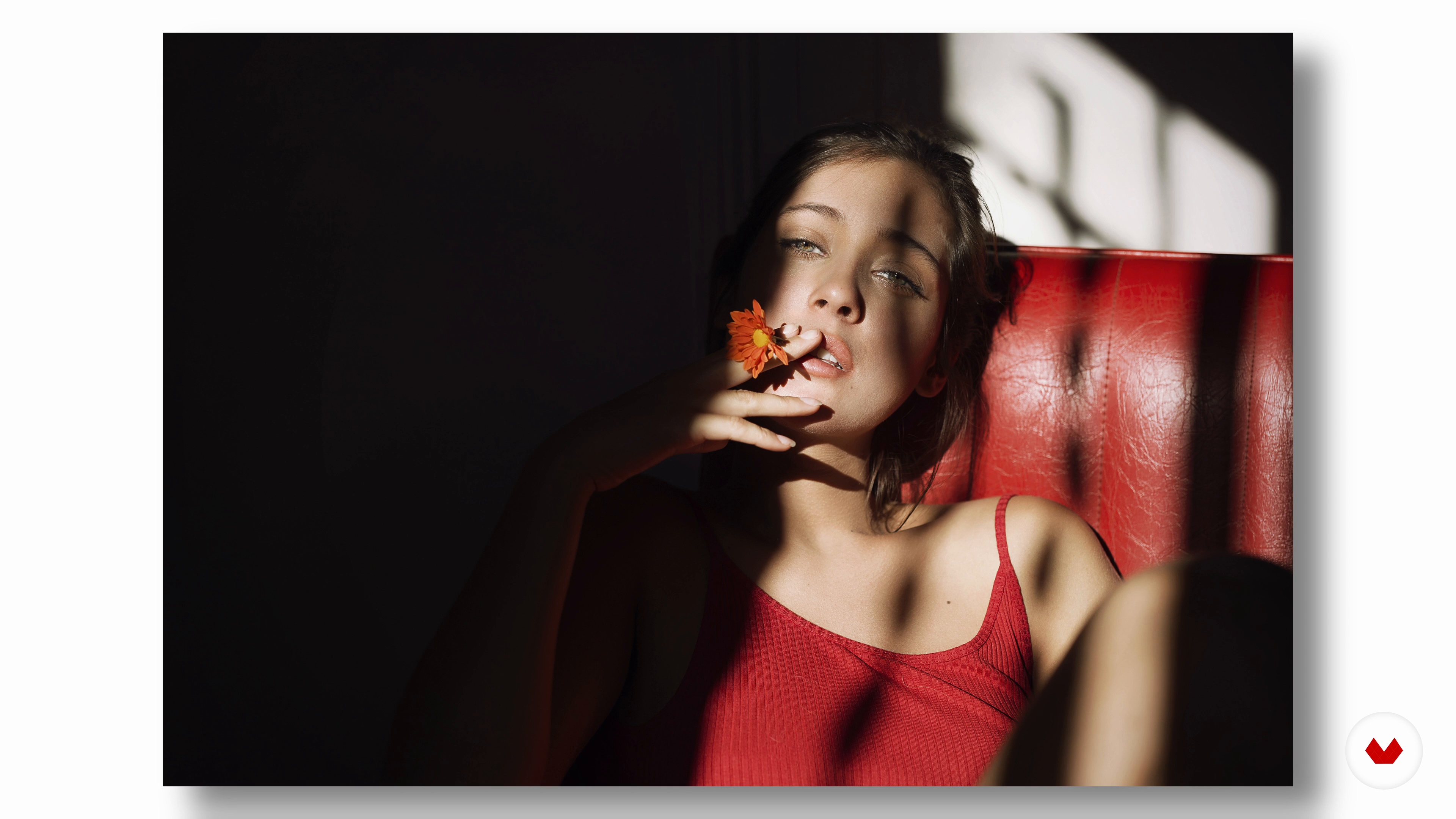
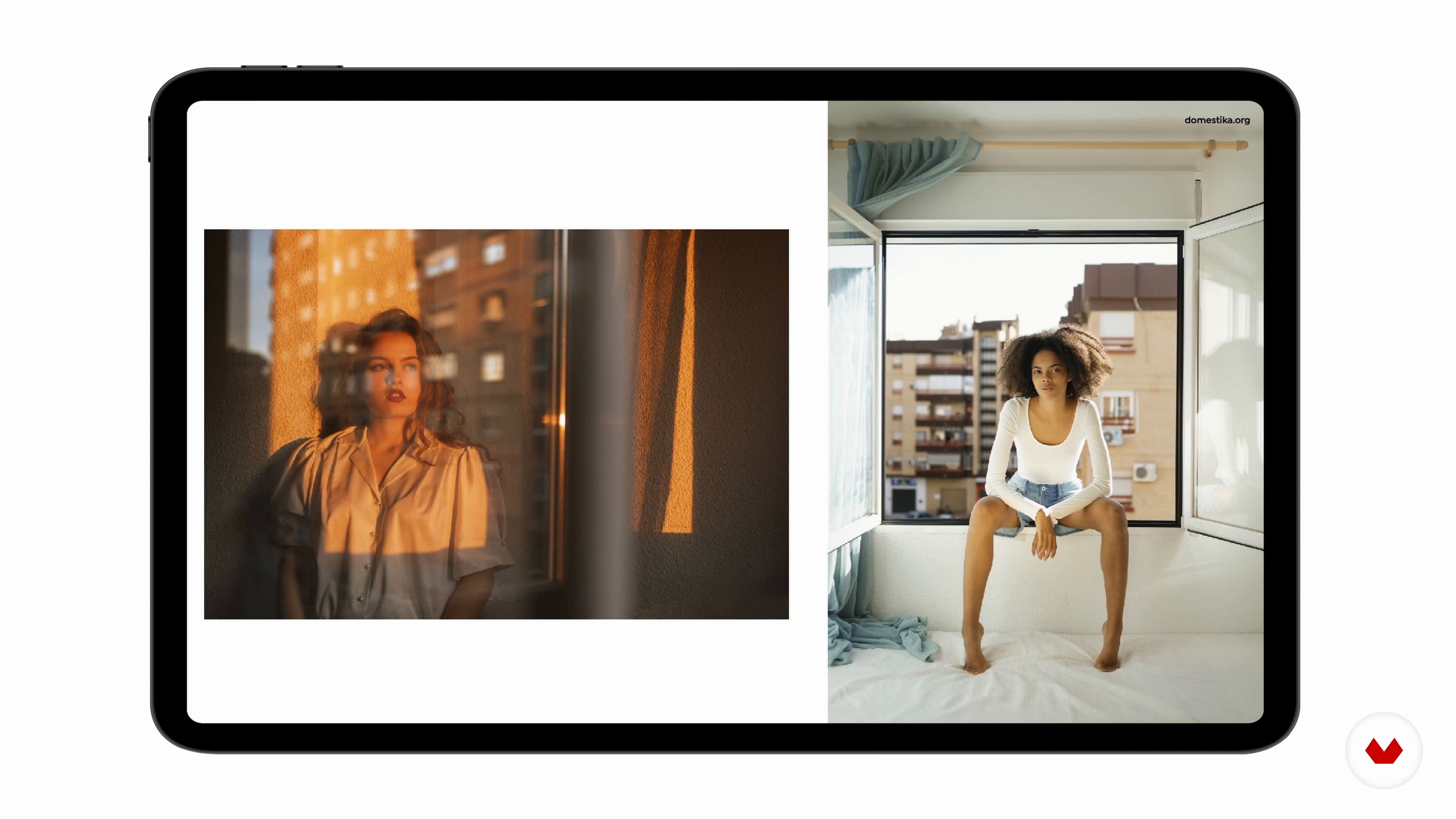
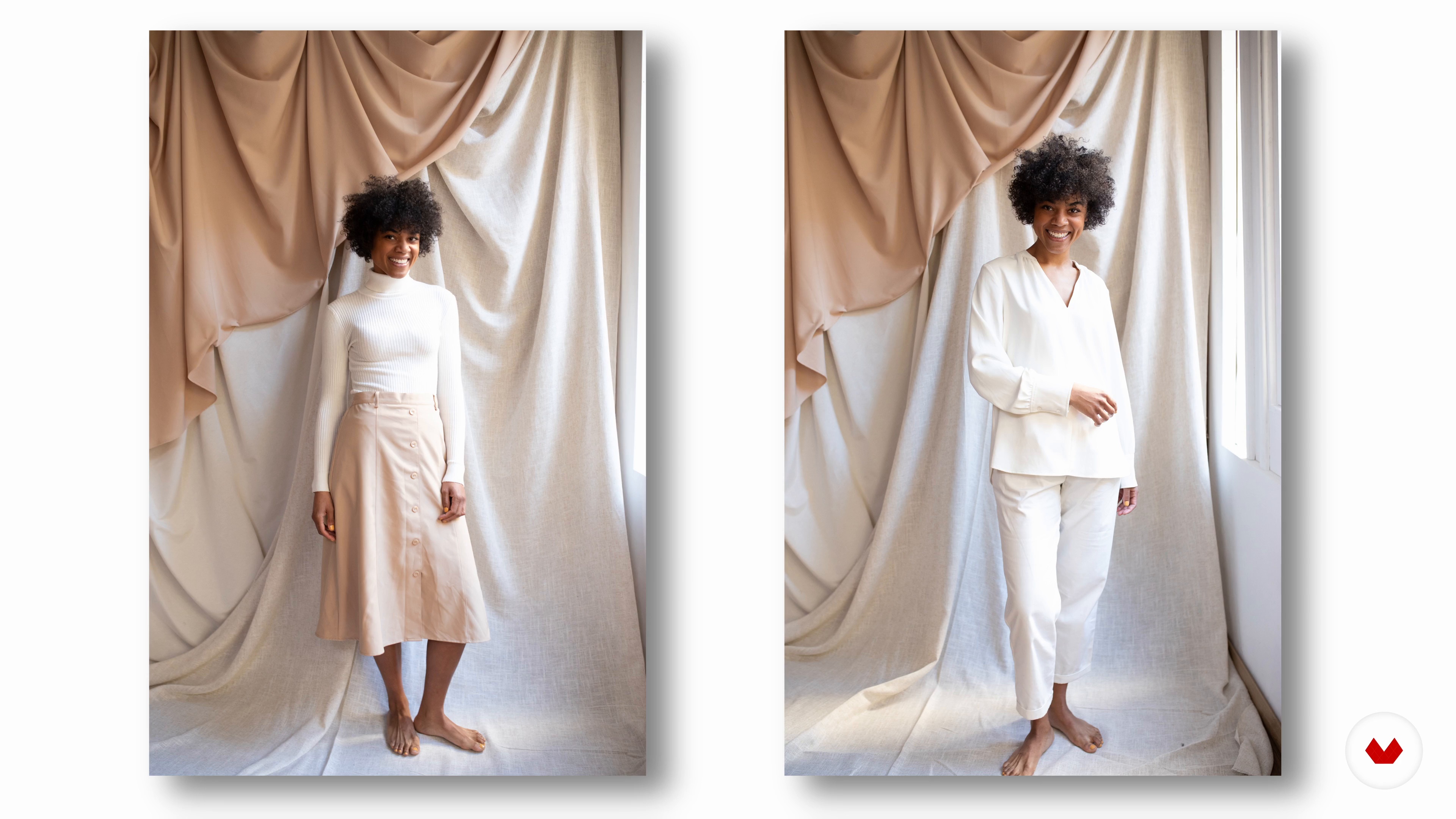
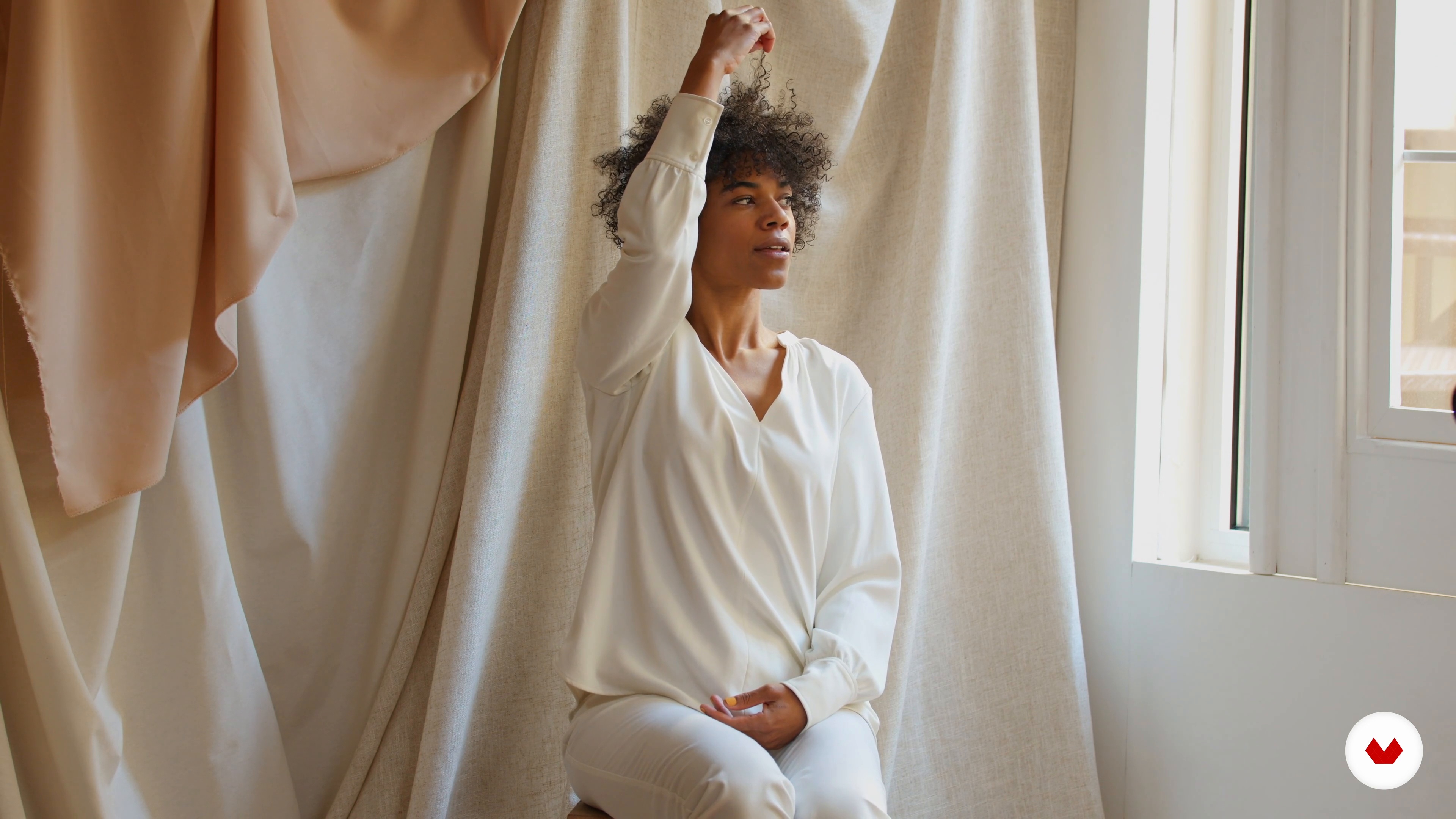
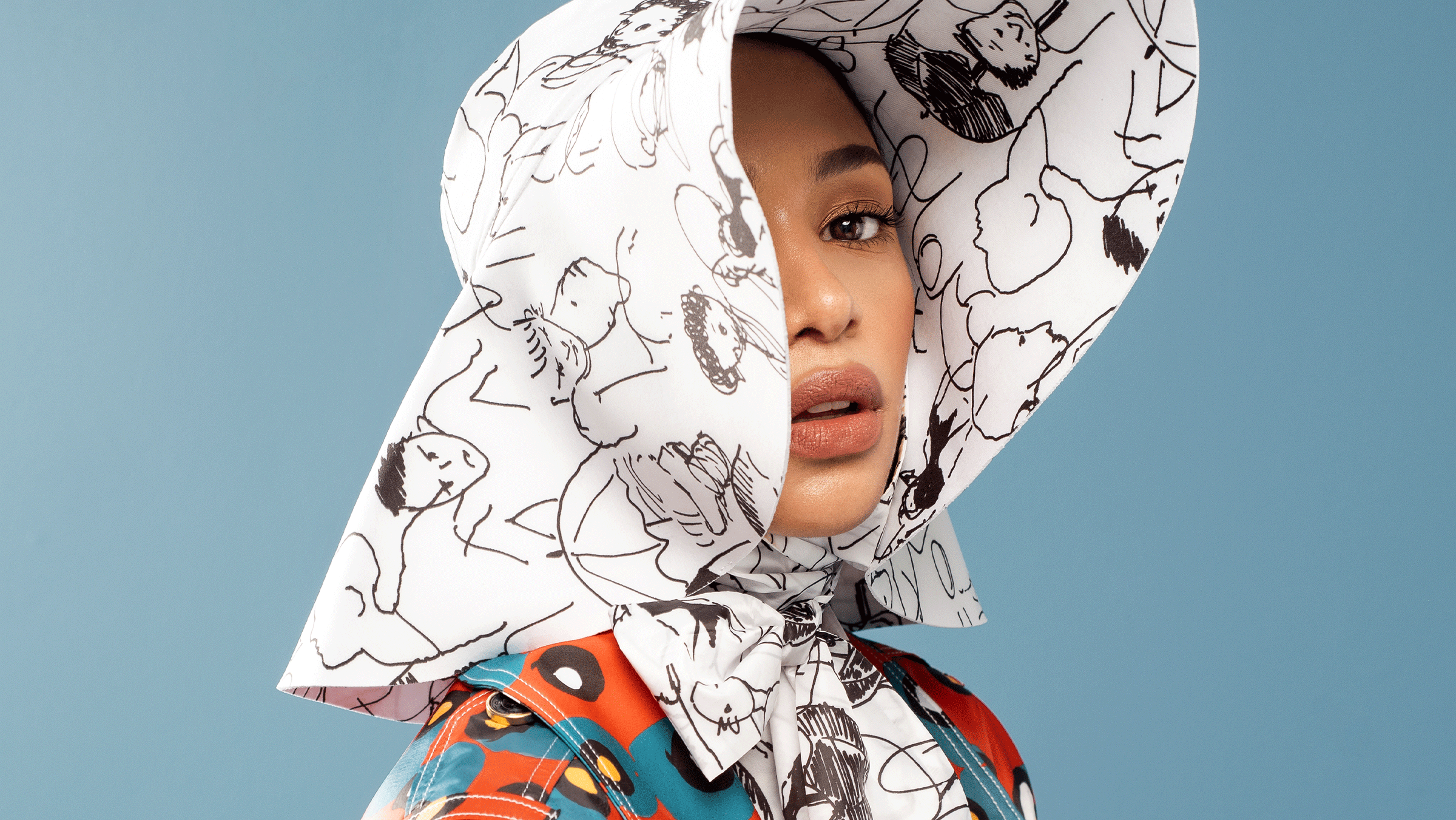
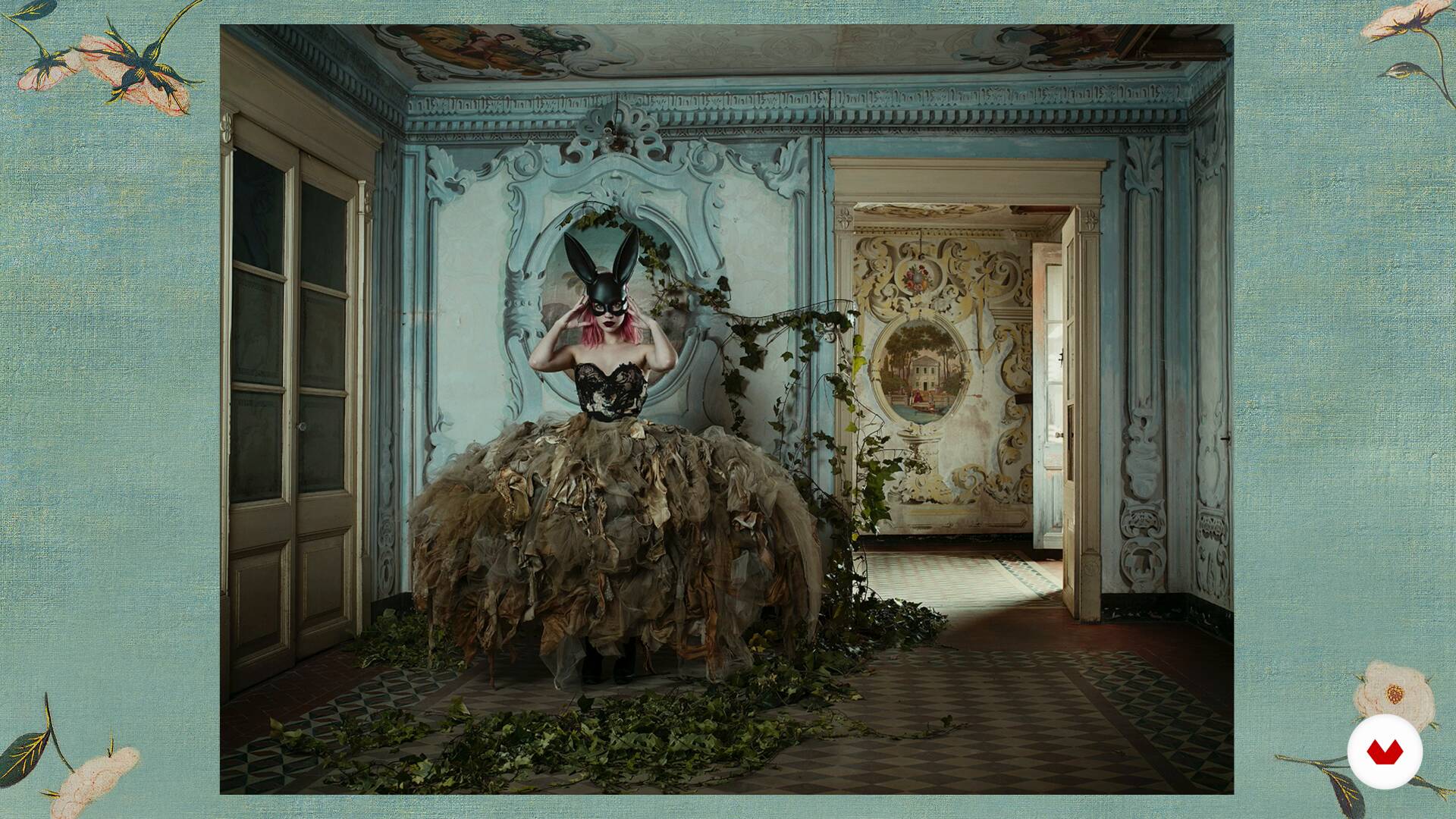
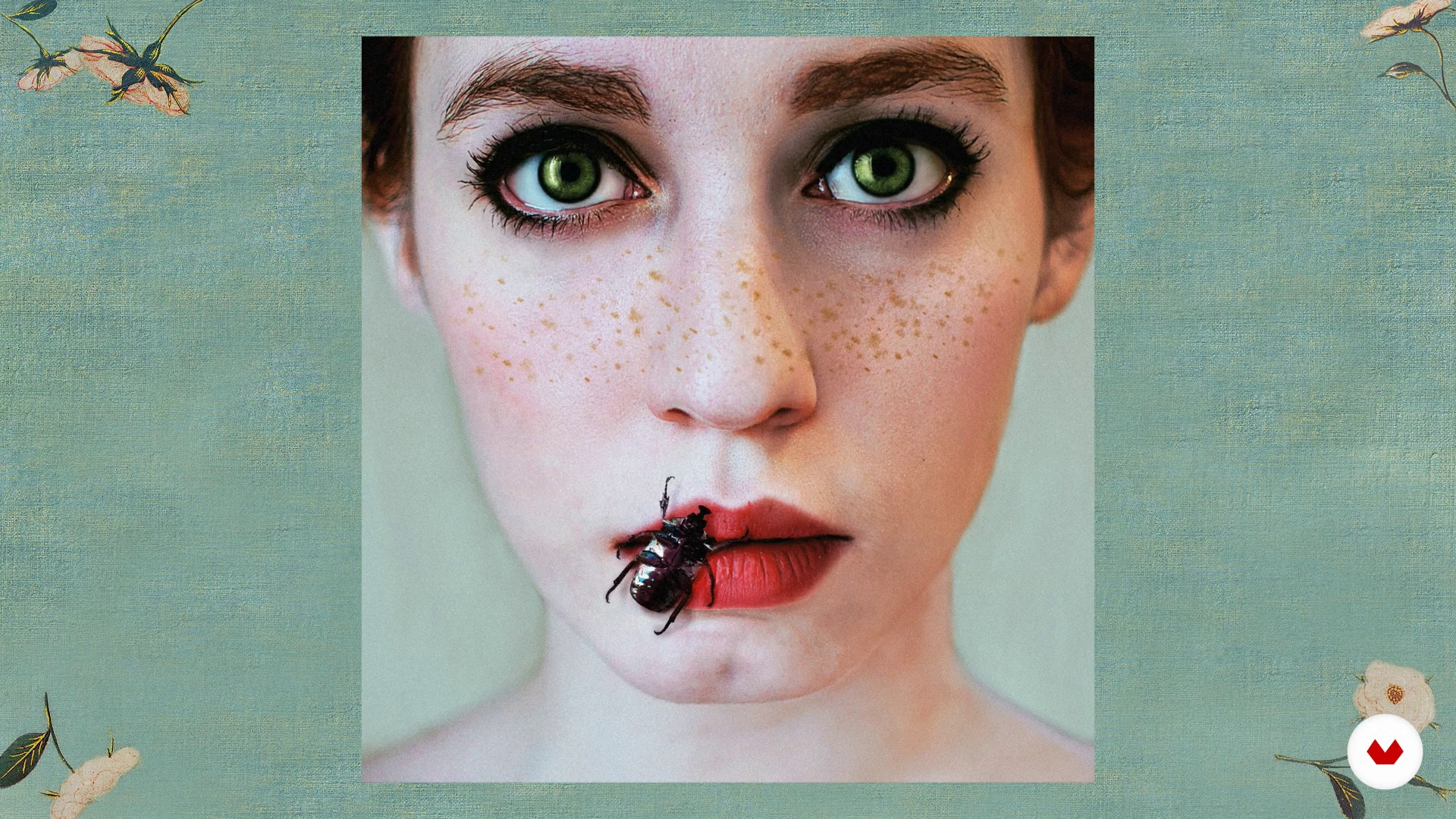
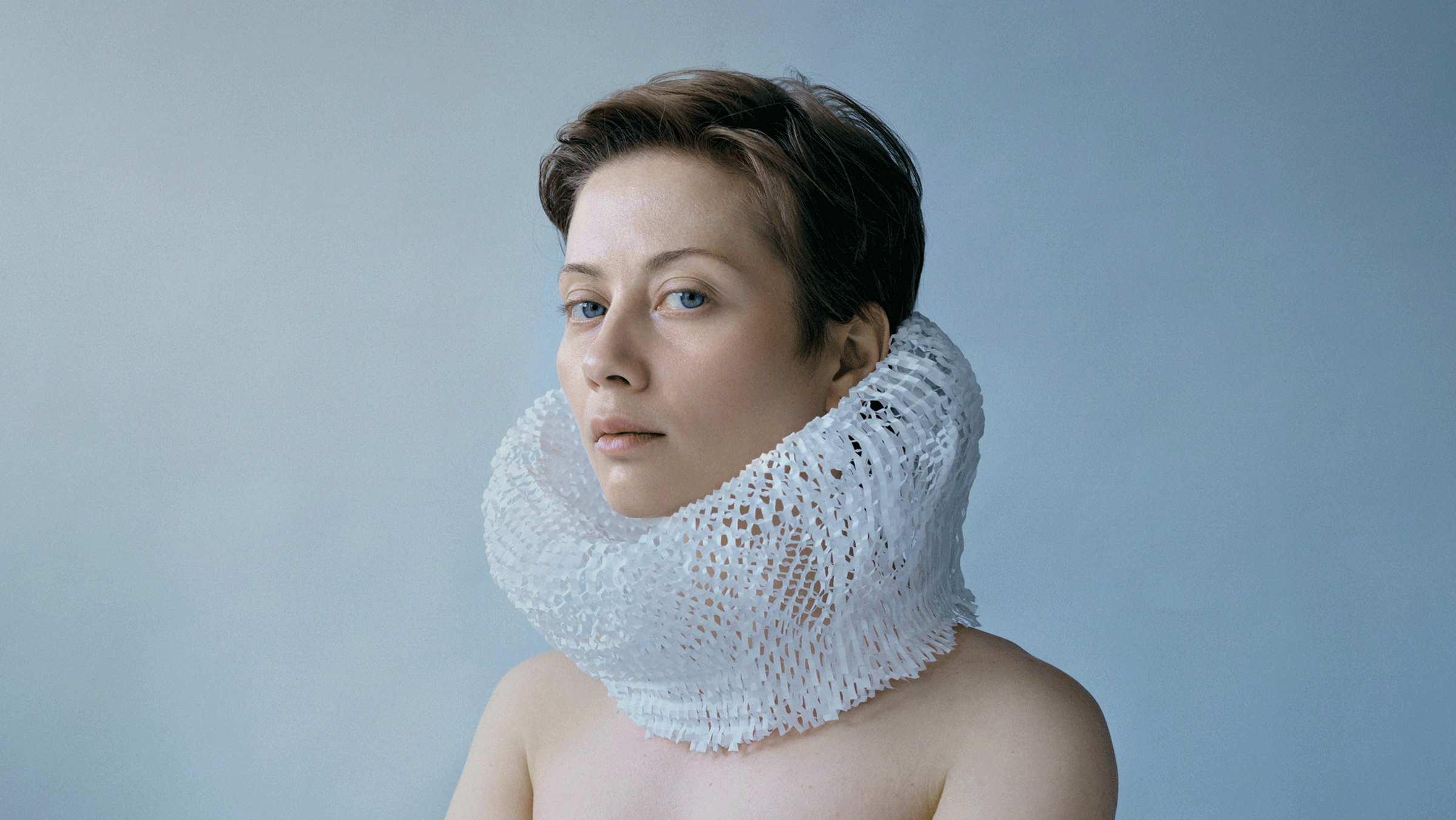
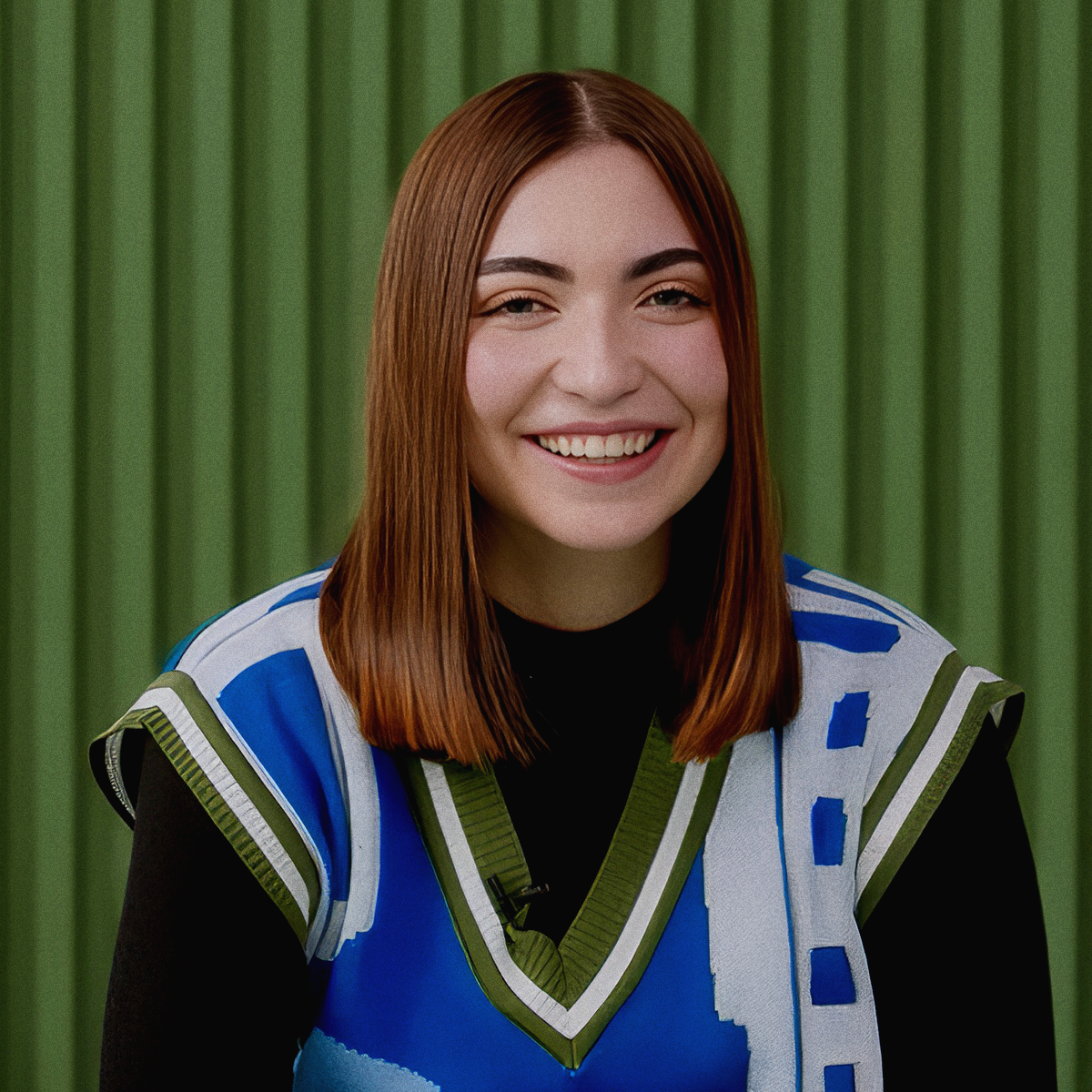
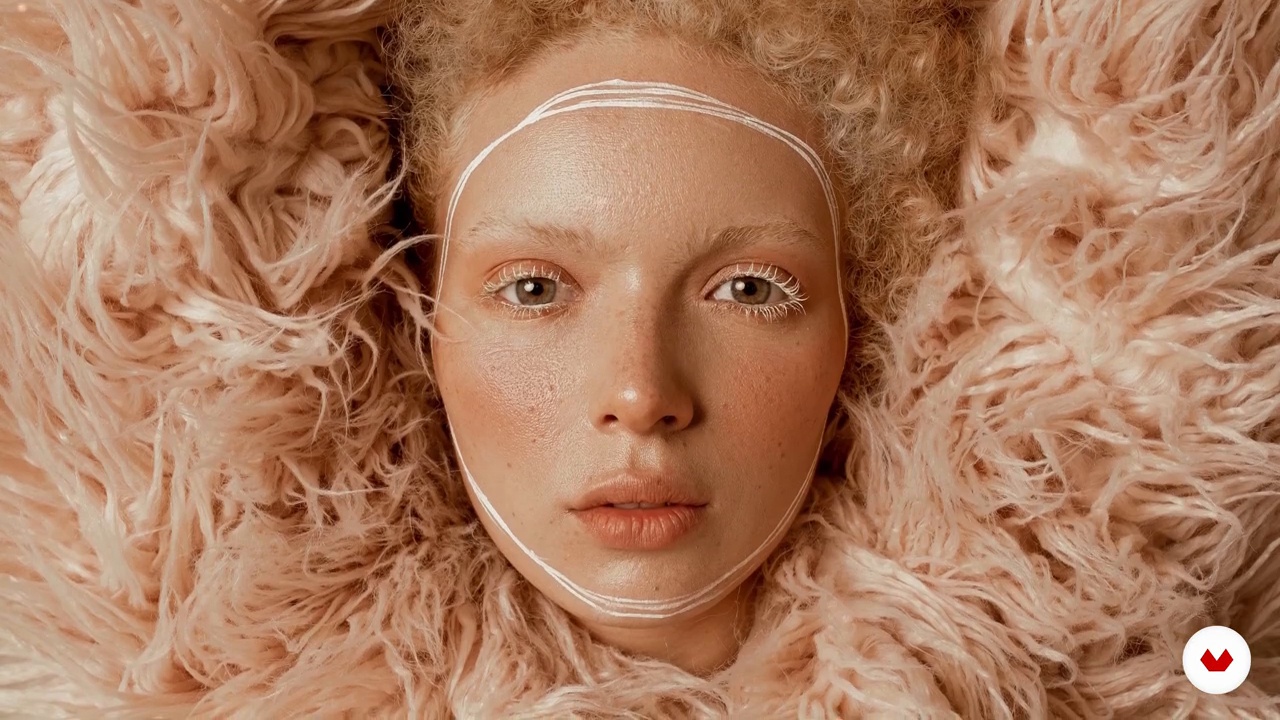
Step into the realm of artistic portraiture and discover the power of photography as a medium of creative expression. This specialization is crafted for photographers eager to explore portraiture as a narrative art form. Guided by visionary photographers Tania Cervián Benítez, Victor Idrogo, Natalia Gw, Lídia Vives, and Kristina Varaksina, you will learn to develop your unique visual language. Dive into creative lighting techniques, conceptual composition, and innovative stylistic approaches. From harnessing the emotional impact of color to creating compelling conceptual photographs, each module will inspire you to transform portraits into evocative works of art.

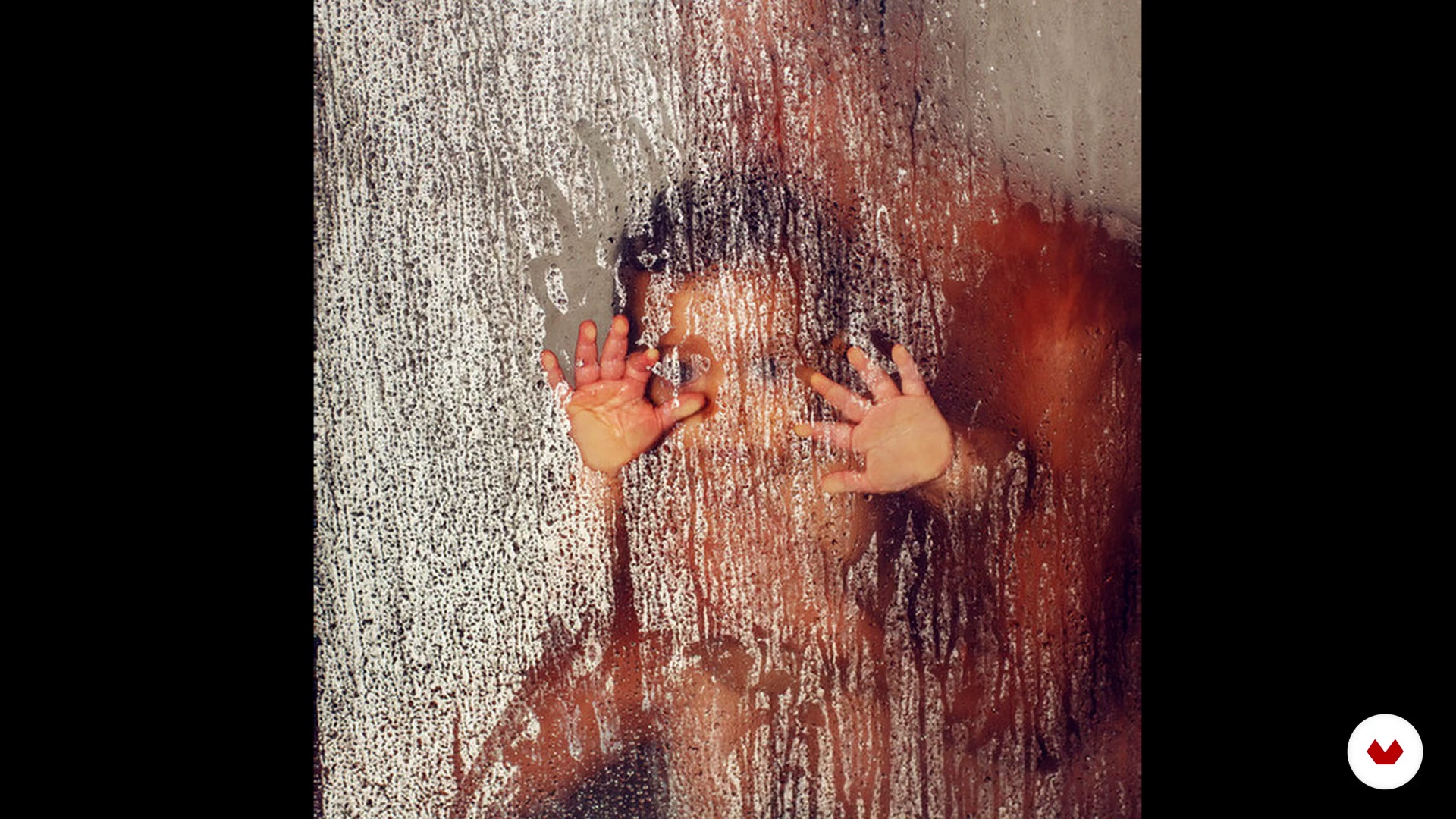
Journey through a dynamic blend of theory and practice to master the art of portraiture. Engage with projects that push beyond traditional boundaries and experiment with new methods. Create expressive portraits using natural light, explore the drama of creative lighting, and develop stories through editorial portraiture. Embrace the aesthetic of pictorial portraits inspired by classical painting, and capture the essence of conceptual photography. By the end, your work will transcend mere documentation, becoming a personal artistic statement in the contemporary photographic landscape.

Read more ↓

What will you learn in this specialization?
A total of 6 modules and 73 lessons
A total of 13h 42m of vídeo lessons
Taught by 5 selected expert teachers
image
1
Introduction
A portrait can reveal more than a face—it can express emotion, identity, and even hidden dreams. Time to explore how artistic portraiture becomes a personal journey, blending light, feeling, and intention. Let your camera become a mirror of your inner world, and discover the power of seeing—and being seen—with honesty.
1m
image
2
Influences | Tania Cervián Benítez
Now you will see what my influences and my sources of inspiration are. I will tell you about how painting is a teacher of light for me and I will show you some photographers who inspire me.
8m
image
2
Influences | Victor Idrogo
In this lesson, I will show you artists and photographers who, with their work, made me think of new ways of understanding and approaching photography. How can we see beyond the record and how can we develop our voice as authors.
6m
image
2
Influences | Natalia Gw
In this lesson I will tell you which are my favorite artists and who have inspired and influenced my work. Today, we have the advantage of living in a time of great accessibility, so we are just one click away from finding very talented famous and non-famous artists who inspire us every day.
6m
image
2
My Influences | Lídia Vives
My main influences are usually painters. Artists like Caravaggio, Leonardo, Vermeer, El Greco, Mucha, Bernini the Pre-Raphaelites ... In addition to my father who is also an artist and has influenced me especially with regard to colors. Although the vast majority of my influences are painters, I also look at some photographers such as Annie Leibovitz and Guy Borudin, as well as Steven Klein, Tim Walker and Miles Aldridge.
2m
image
2
Influences | Kristina Varaksina
In this lesson I will share some of my diverse influences with you.
9m
image
3
Your photographs speak of you
To start this unit, I am going to teach you the importance of knowing yourself well to know what inspires and excites you. So you can create from your authenticity.
3m
image
4
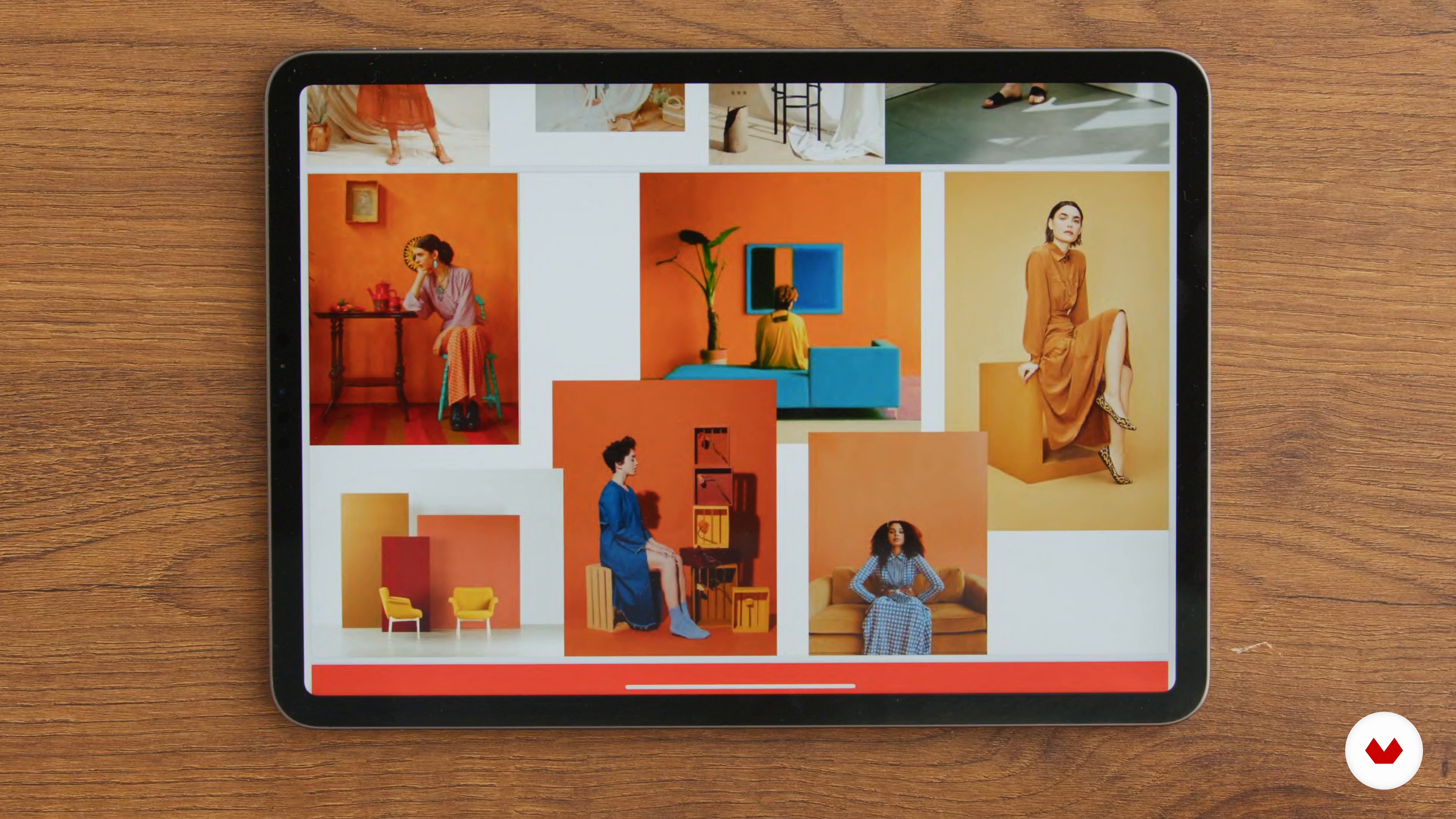
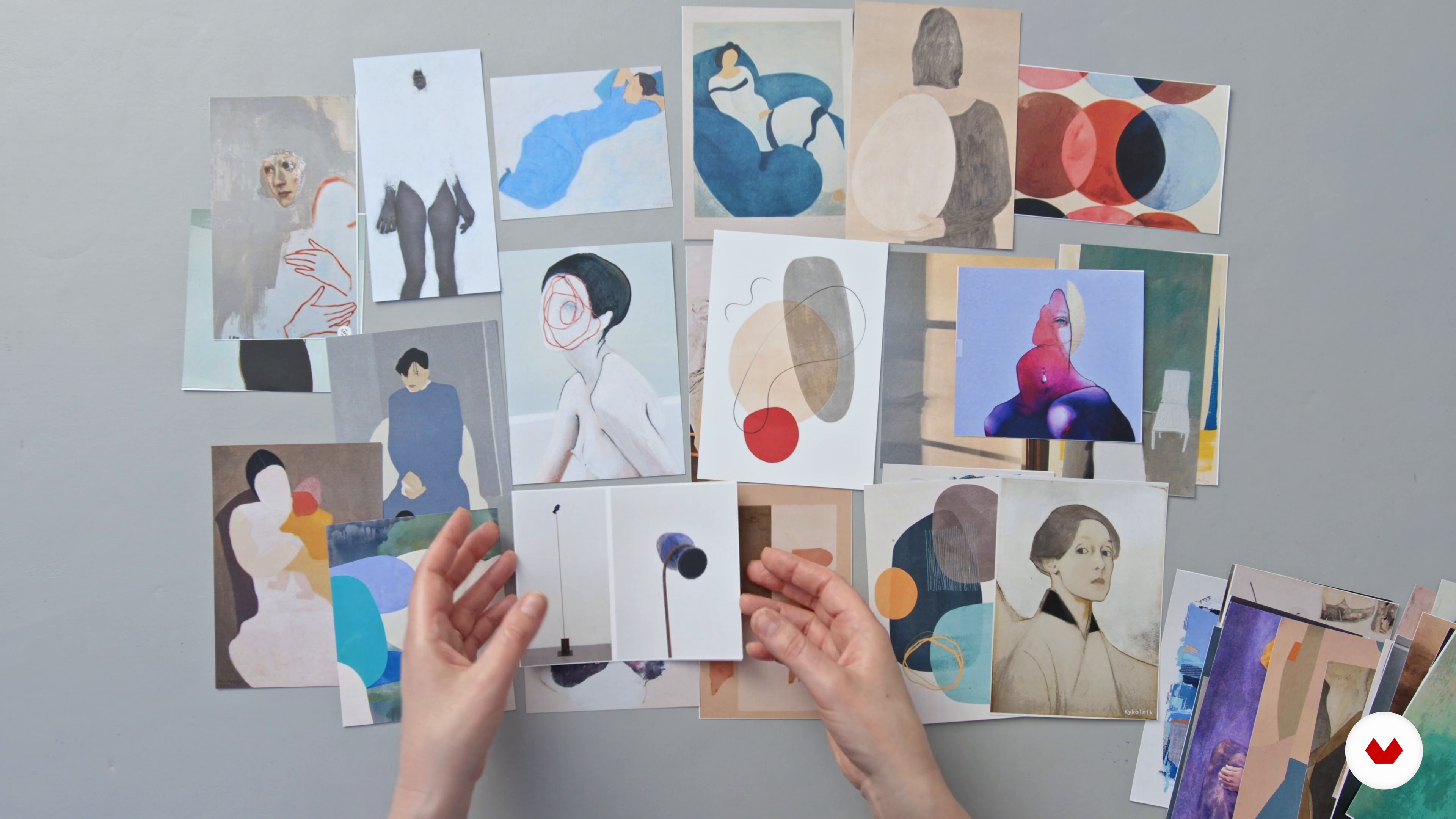
Inspirational mood board
Now I am going to talk to you about the search for inspiration for your session and the construction of a mood board that reflects your idea for the photo session.
4m
image
5
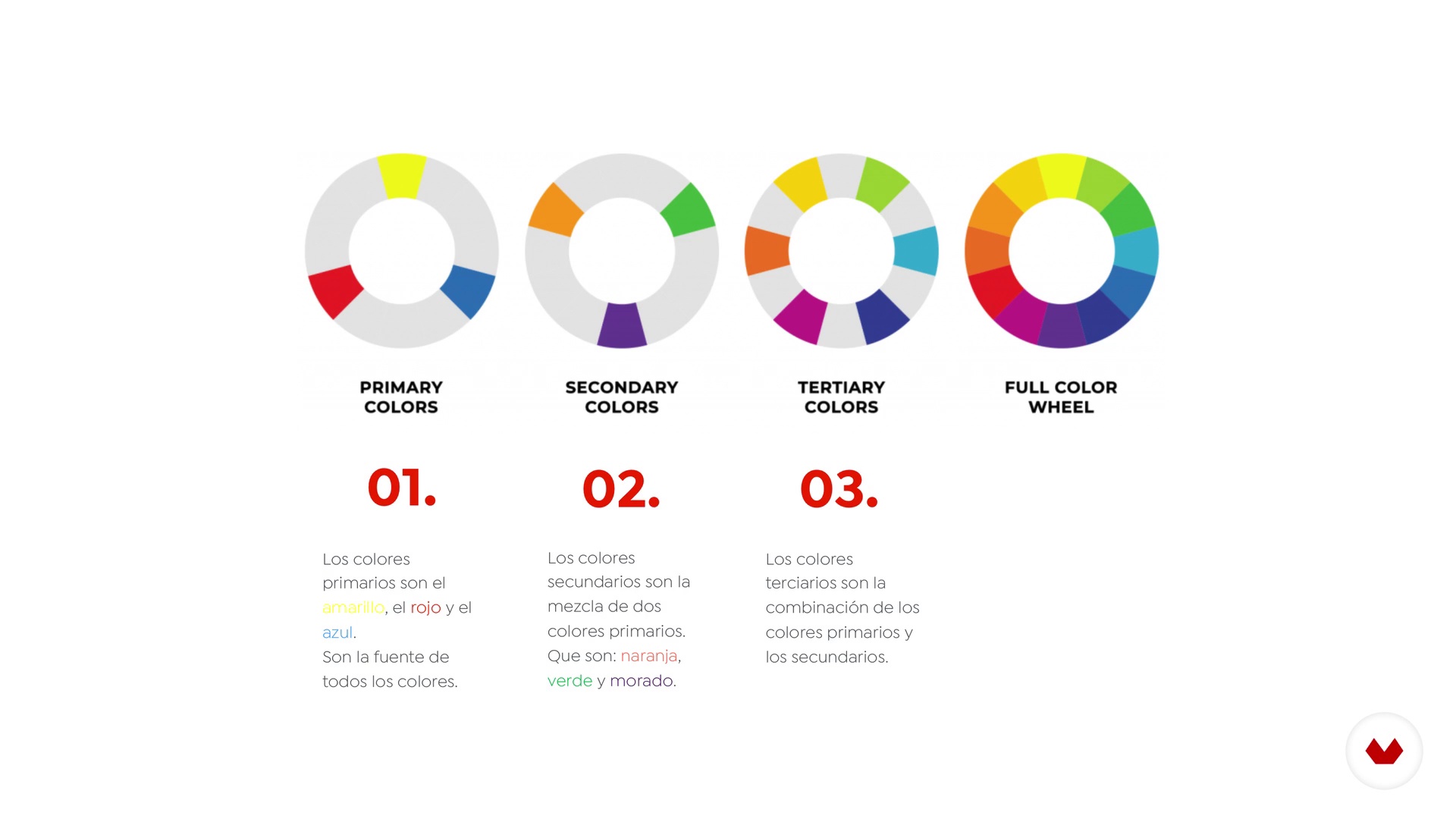
How to plan the color of your session
Color is an incredible tool and that's what I'm going to talk to you about next. I will start by telling you about the symbolism and classification of colors. Then you will see the main chromatic rules and how to take them into account when planning your sessions.
9m
image
6
Art direction and location
In this lesson, I will talk about the importance of taking care of the styling of your session and choosing the location that best suits your idea.
8m
image
7
Art direction: before you start shooting
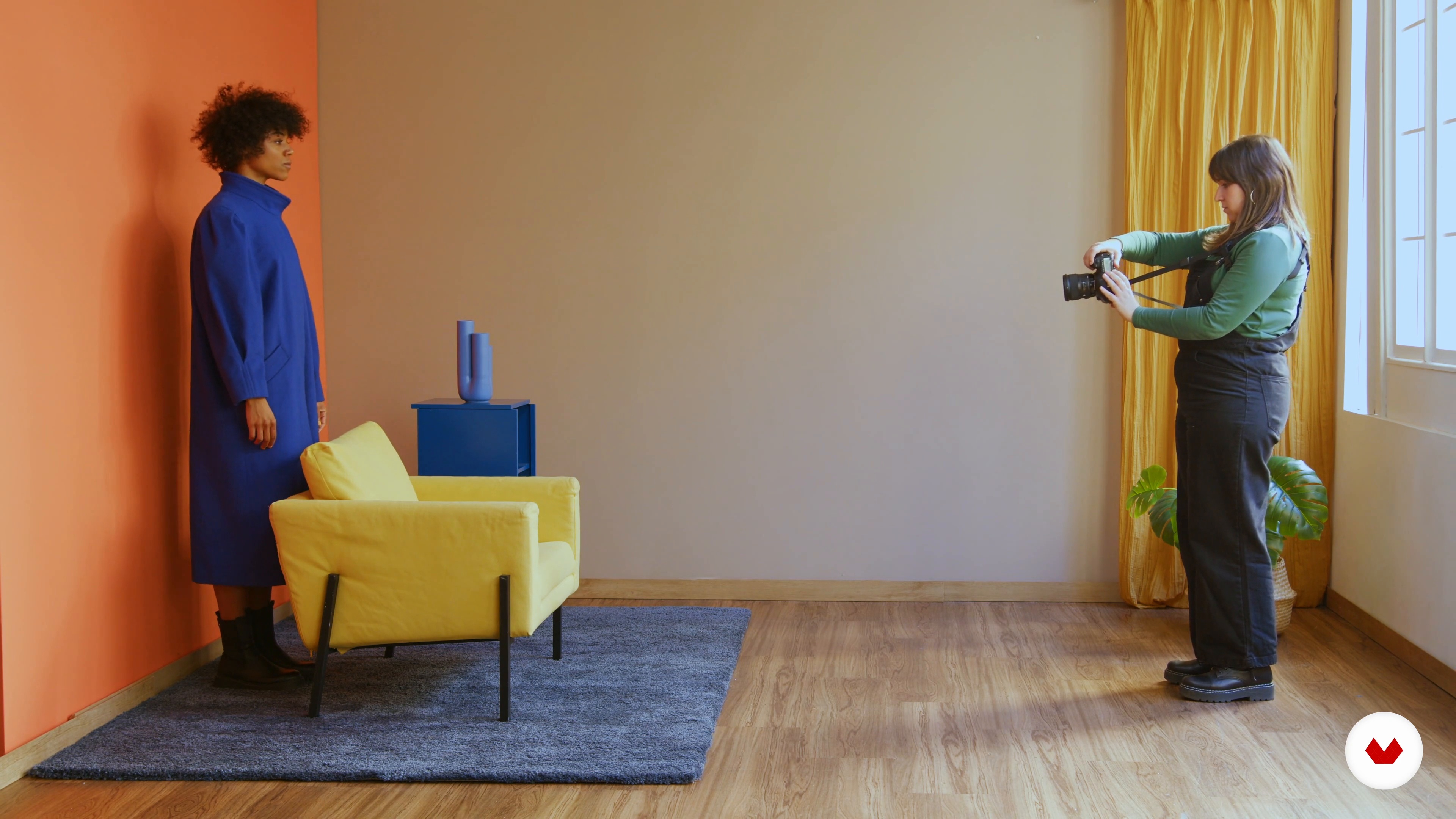
In this lesson, I will explain the necessary preparations before you start taking photos. Thus, I will show you the equipment that I normally use. You will learn to observe the light, the color and the background to check that everything is fine. Finally, I will show you how I carry out the necessary wardrobe tests to decide the clothes that the model will wear during the session.
3m
image
8
Portrait with side natural light and monochrome colors
Next, you will see how I work with natural window light and the monochrome color palette. You will learn to give instructions to the model and how to make the frames to obtain delicate images consistent with the art direction and the mood board that you have prepared.
15m
image
9
Portrait with frontal natural light and complementary colors
Now I will show you how I work and direct the model with frontal lighting and a more colorful, modern and geometric style. You will see that, by changing the set and the colors of the session, the story you tell is totally different.
12m
image
10
Selection and development
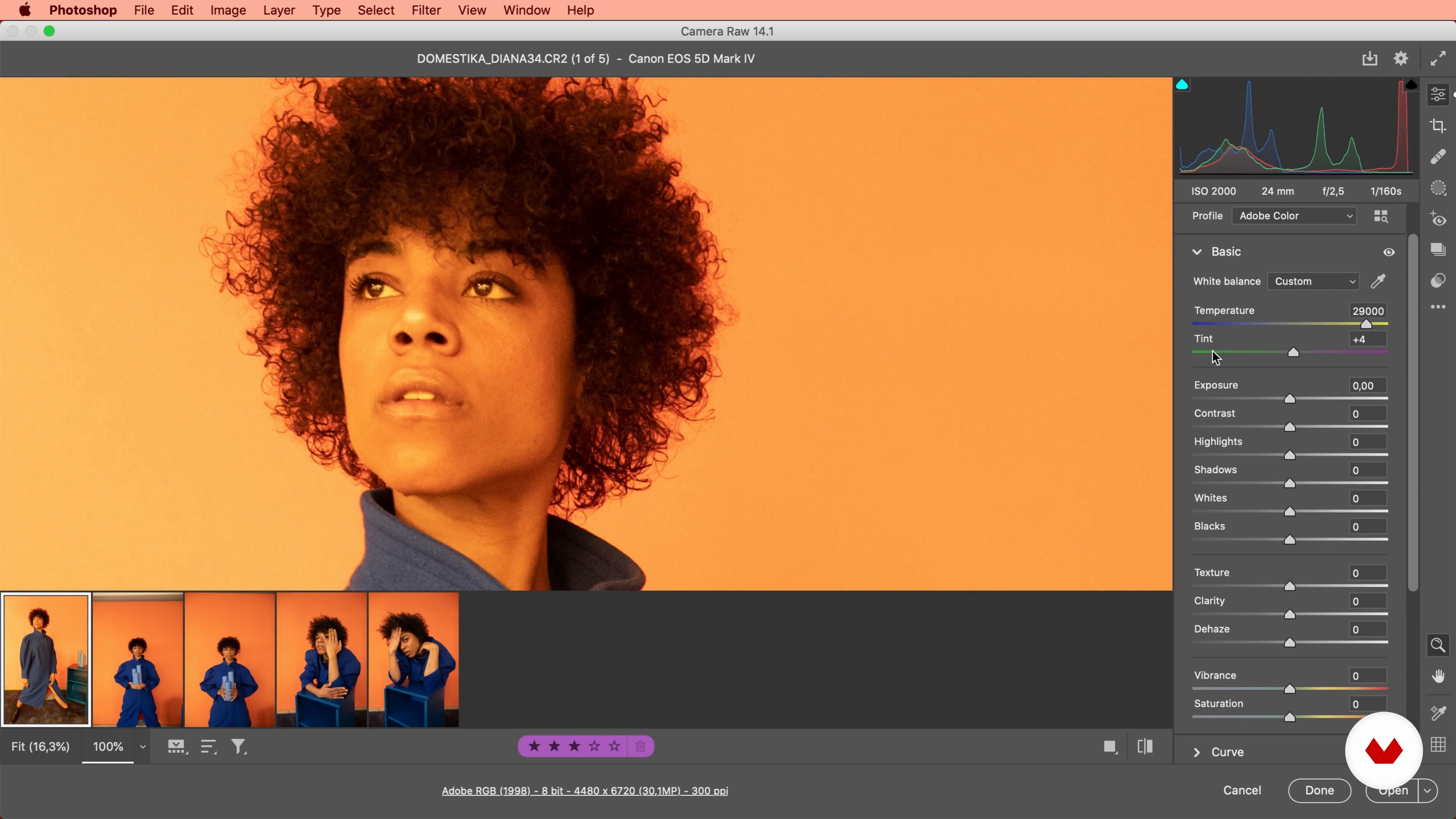
Next, we are going to use Photo Mechanic to select the photos. I'll teach you how to use tags and stars to sort them in order of importance and I'll tell you why to choose one photo or another. Then I'll show you how to develop photos in Adobe Camera Raw.
13m
image
11
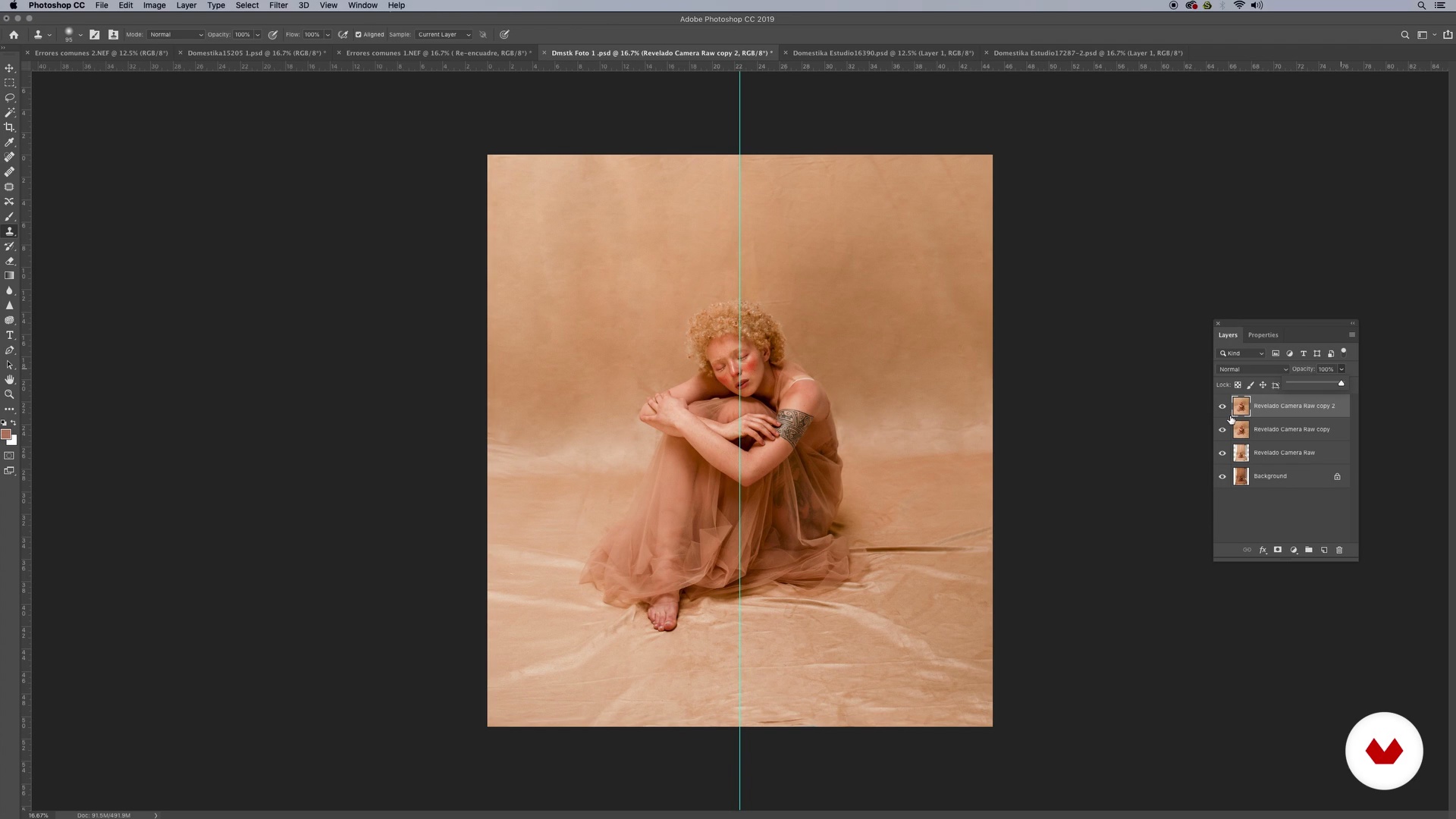
Light and color editing with Adobe Photoshop 1
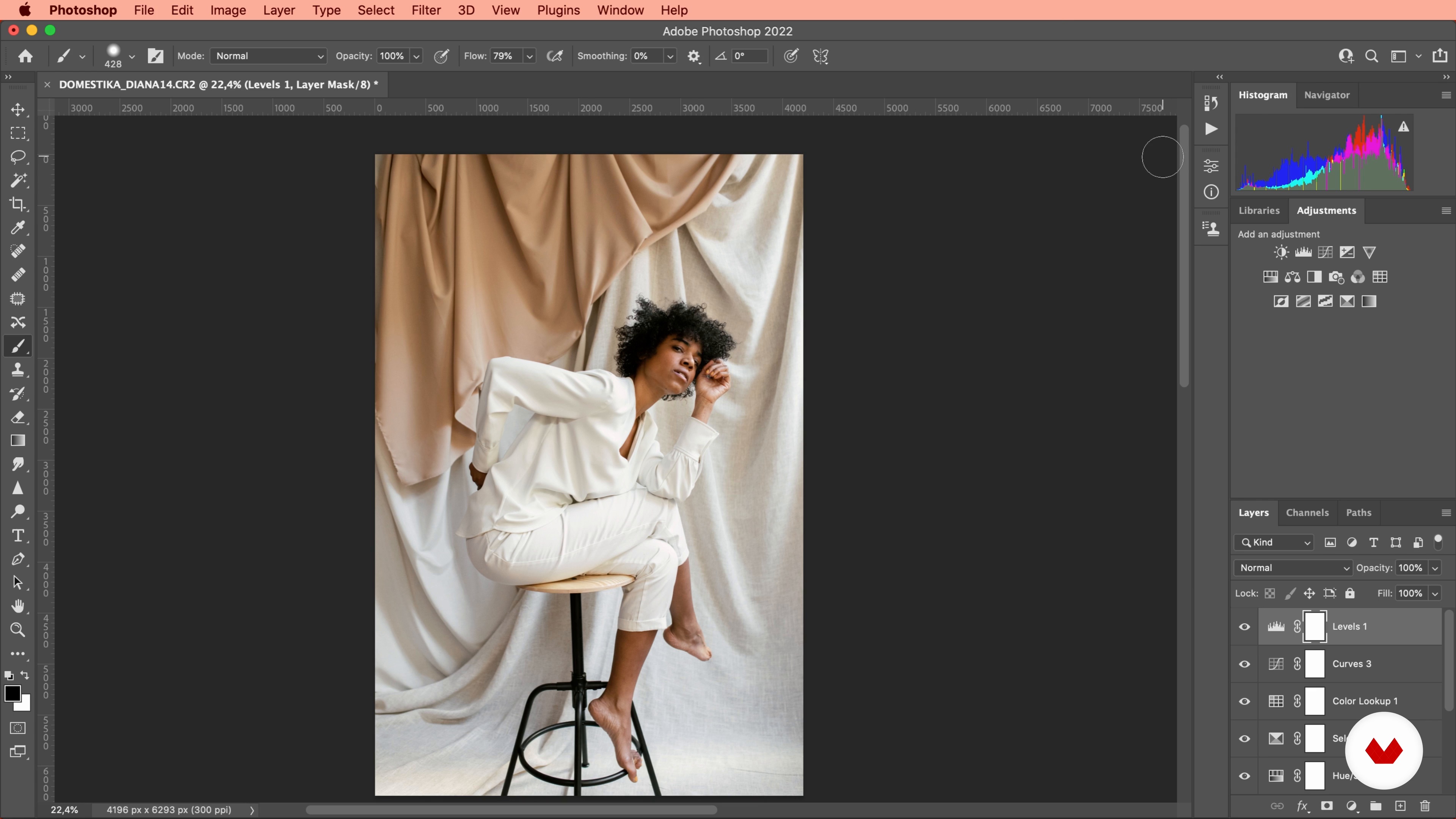
In this lesson, you'll learn how to edit the light and color of your photos with Photoshop to get the most out of them and achieve stunning colors. You'll also see what my favorite Photoshop tools are for color work.
12m
image
12
Light and color editing with Adobe Photoshop 2
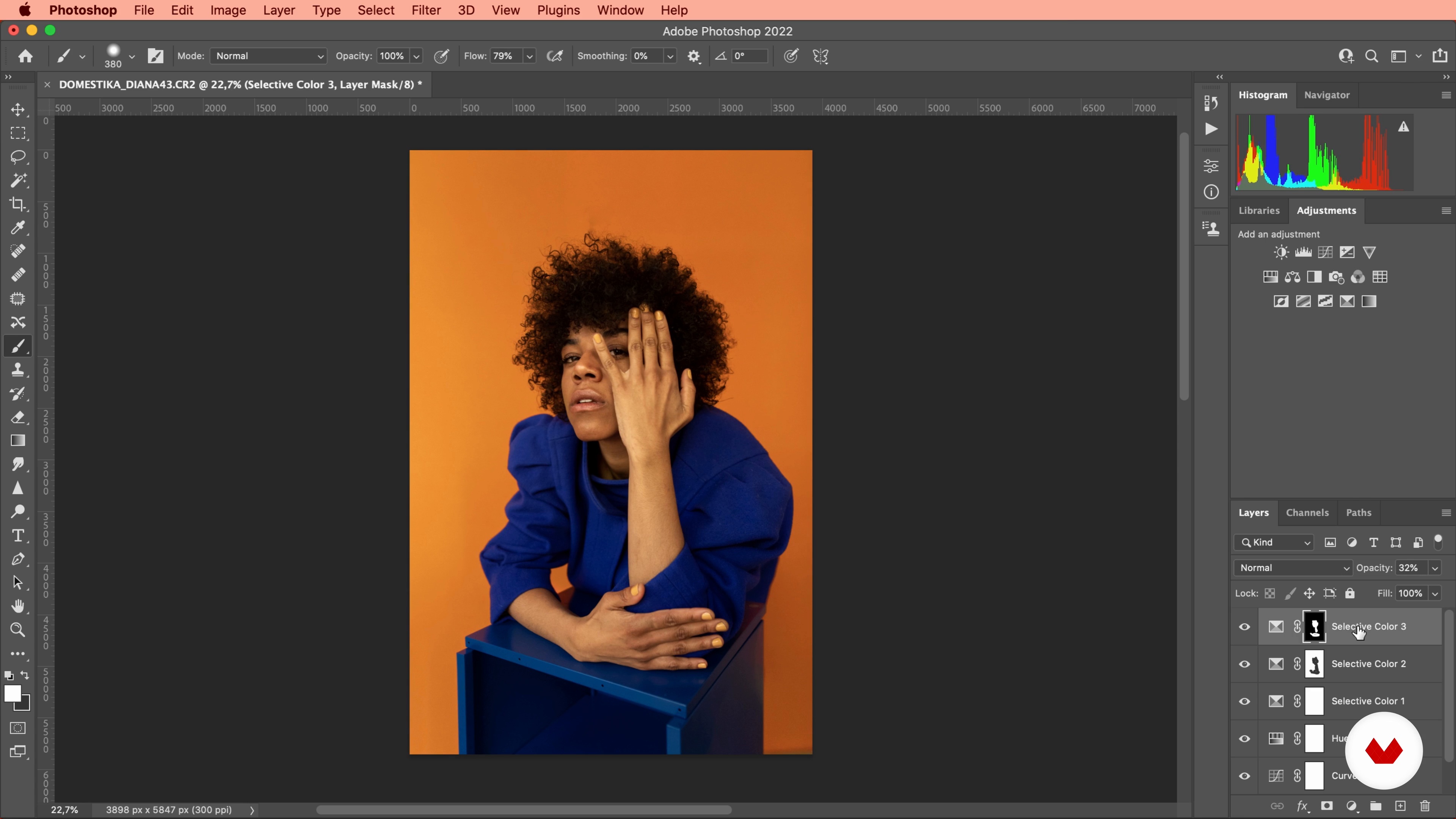
I will now show you the light and color editing process on a warm color set photograph.
15m
image
4
Background of the photographic portrait
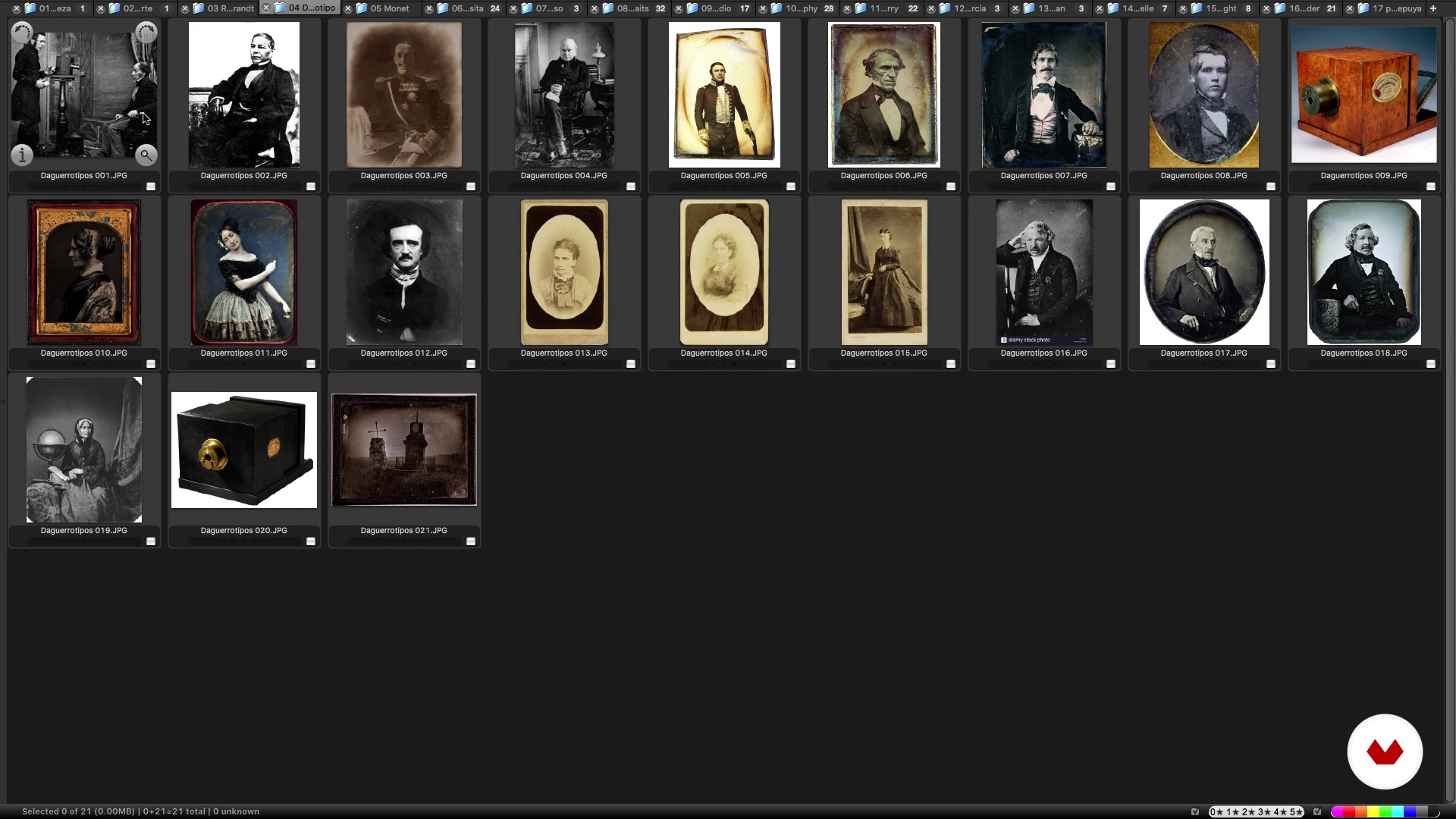
In this lesson I will show you a summary of the history of the portrait. We will understand its importance in the history of art, how we have represented ourselves and how we arrive at less figurative examples. We will end up seeing abstract portraits in painting and the use of color in contemporary photographic portraits.
14m
image
5
Creative process
Here I will tell you about my creative process itself and how it is divided. For this purpose we will think of triggers to create images and seek inspiration in other disciplines. We must always be aware of what generates images in our heads. We will seek to identify the process of each one. In mine I have found up to 4 moments that I call them: Flow, organization, session guide; Execution and edition.
8m
image
6
Materials and tools
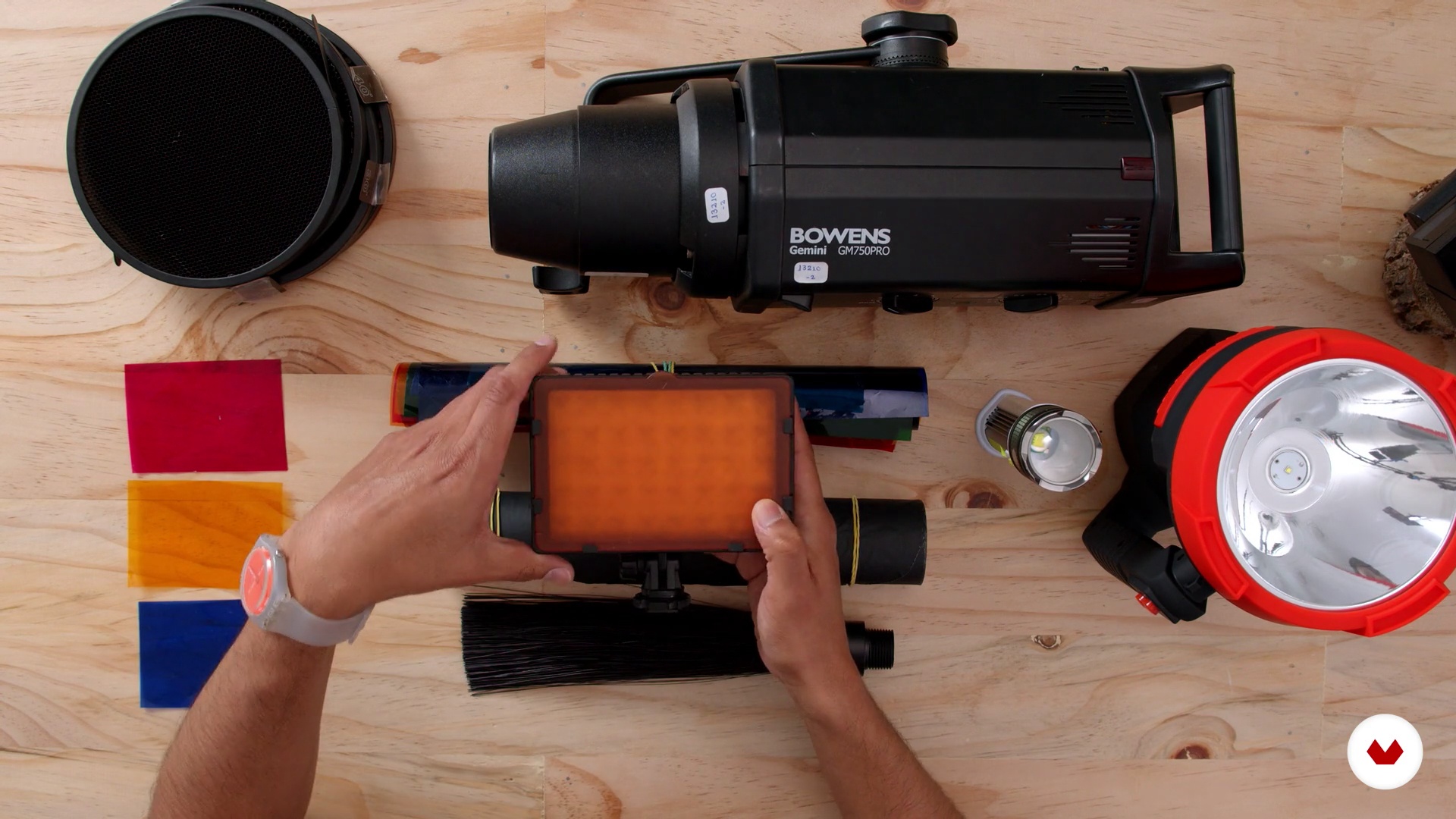
In this lesson, I will teach you the materials we will use in class. We will use hand flashes, studio flashes, LEDs and flashlights of all kinds. We will adapt conventional modifiers such as color gels, diffusers and also modifiers adapted by ourselves as acrylics and gels.
2m
image
7
Photo I: Layers of color (Part 1)
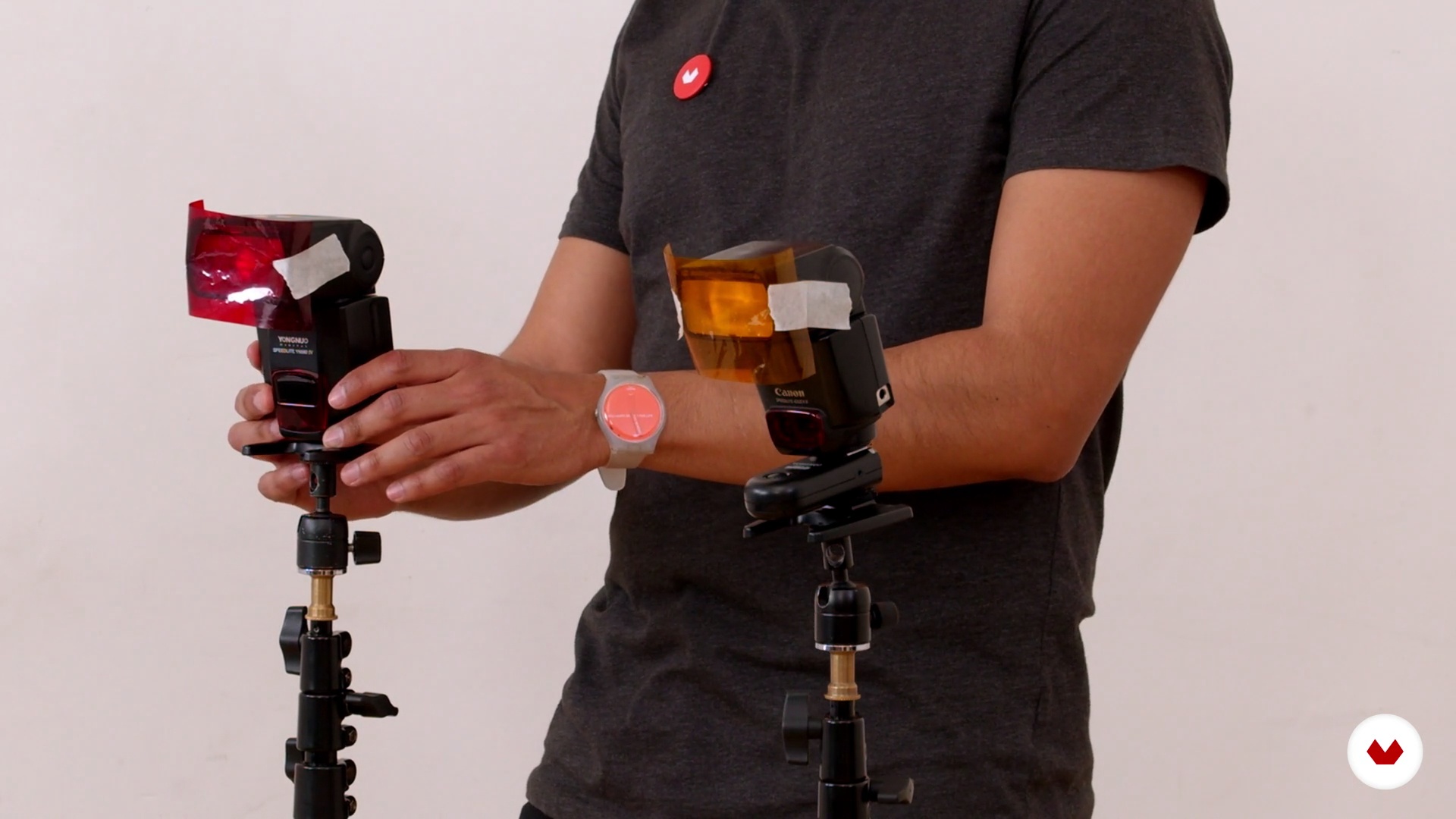
In this lesson we will see a basic mix of two types of lights: Continuous and Flash. First we will put our character on a transparent white background and work with color on top of it. We will need two speedlites flashes and a flashlight. In addition to a white acrylic and gold paper.
5m
image
8
Photo I: Color layers (Part 2)
We continue with our first photo. We will locate our model and add our second color layer. The second color layer will be applied to the model. The third layer will be with an element in front of the lens. We will need two speedlites flashes and a flashlight. In addition to a white acrylic and gold paper. The final photo will be a flat bust.
15m
image
9
Photo II: Darkness and movement
In our second setting I will explain how the continuous light interacts with the flash. We will evaluate the results we will obtain, seeing certain changes in the movement of the model. We will need two studio flashes (or speedlites) and two flashlights or LEDs. In addition to transparent fabric and different colors. This photo is taken in darkness. The final photo will be a vertical whole plane.
14m
image
10
Photo III: Double exposure
In this lesson, I will tell you the points to consider for this technique that we will perform in two parts and we will see the taking of the two images that we will gather in the next unit. The final photo will be the mixture of medium whole plane and a foreground.
7m
image
11
Integration of double exposure
In this part, we will review the images we made of photo III to integrate as double exposure in Photoshop.
8m
image
12
Image selection
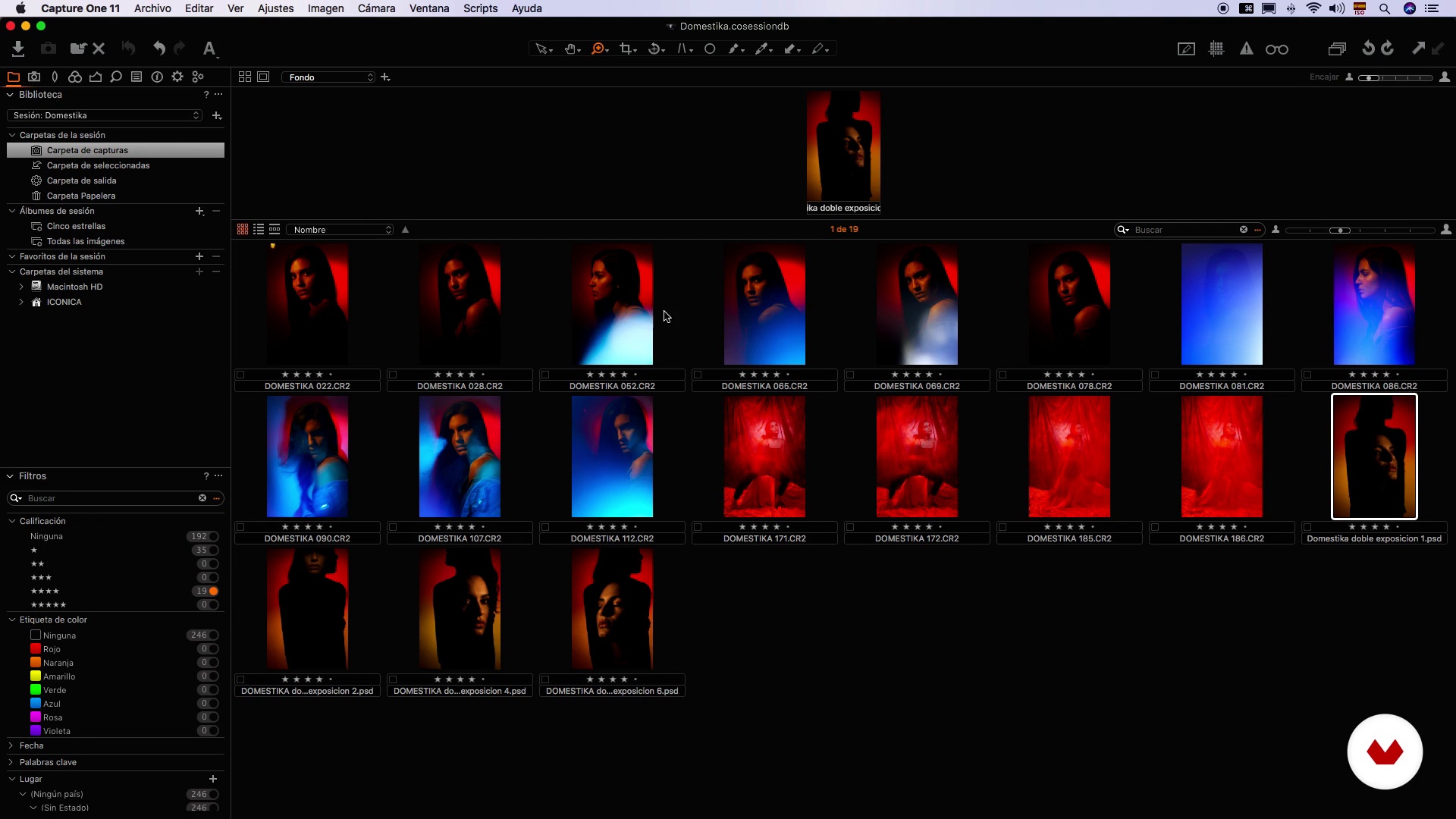
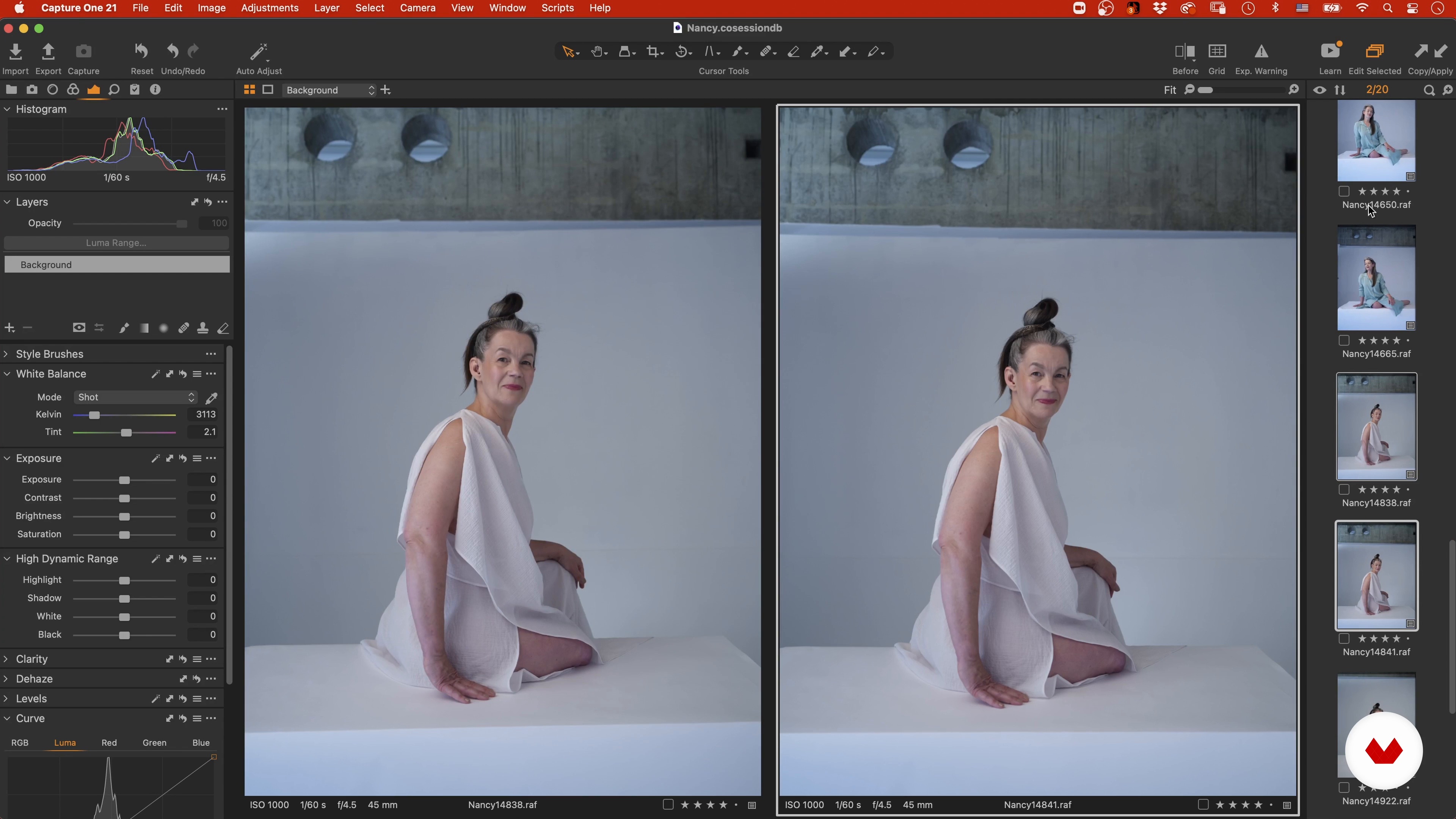
In this lesson, we will use Capture One to select our session. We will see selection criteria and make some first adjustments to our images as technical and language / concept reasons. We will review the selection made during the shooting and then choose our final three images considering the language of the project. We will make a pre-armed final edition, compare the images and see the relationship between them.
11m
image
13
Revealed in Capture One
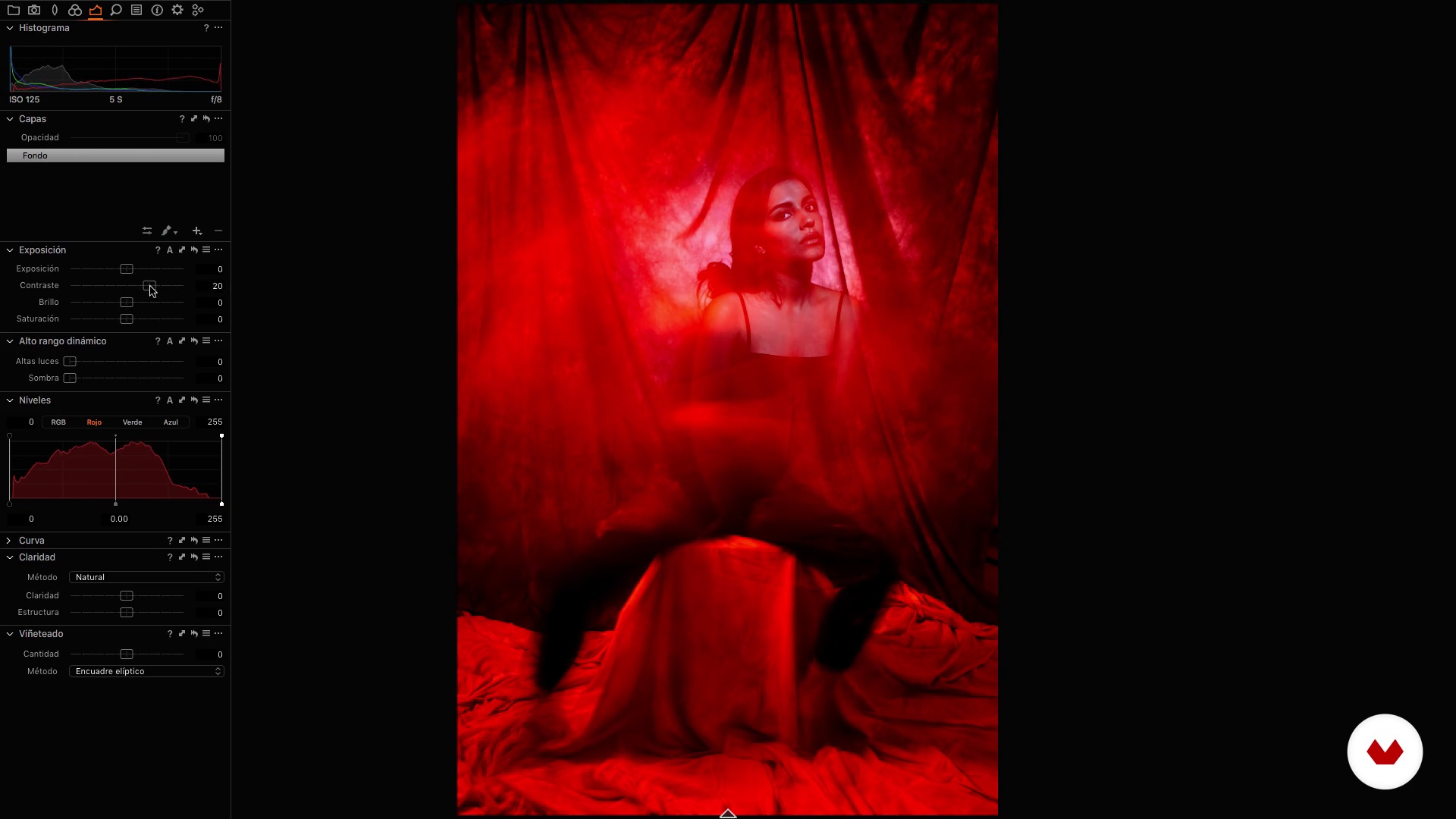
Here we will make some basic adjustments to our three images. We will review exposure, contrast and clarity to give them a similar look.
4m
image
14
Retouching in Photoshop and Export
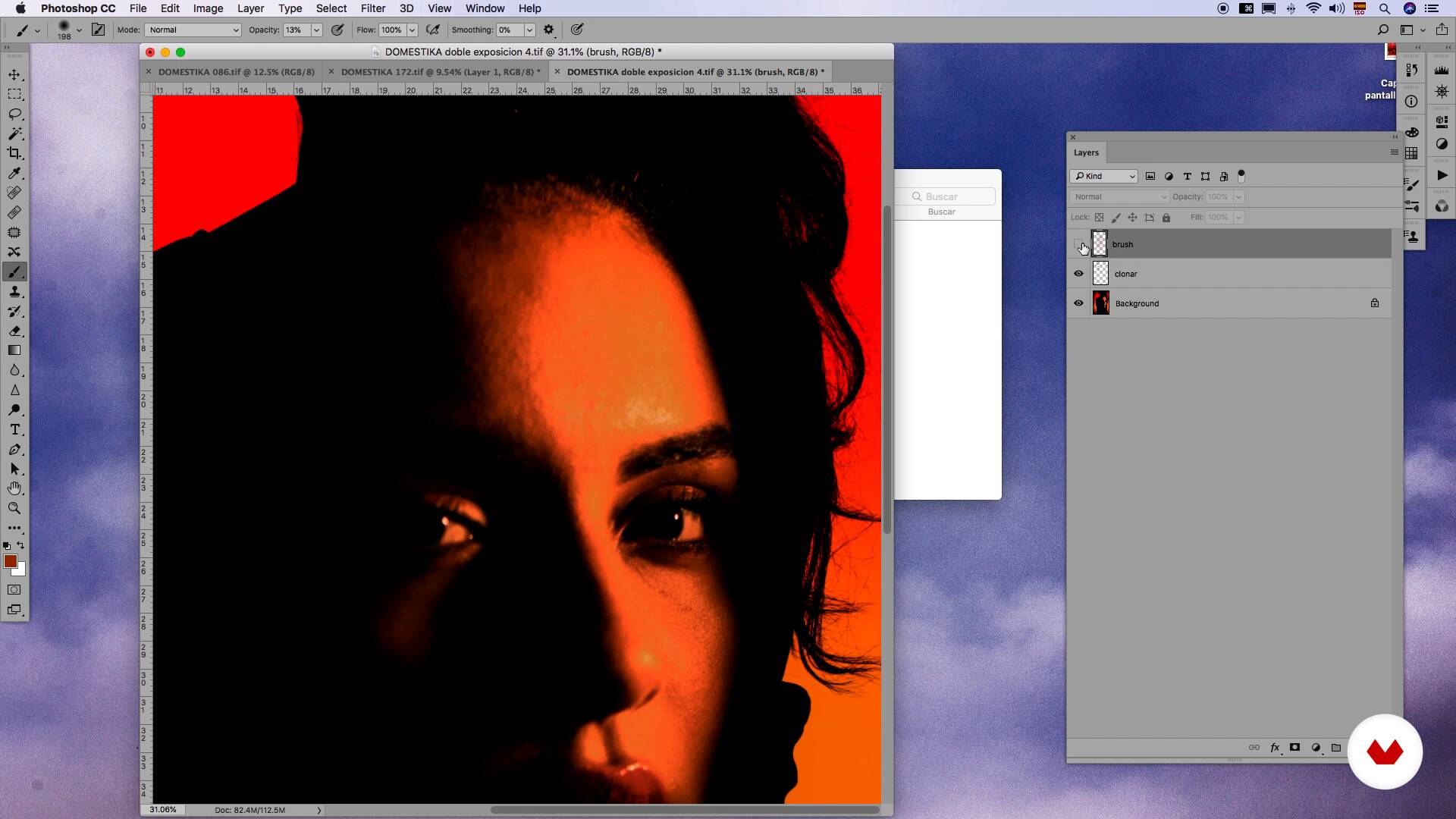
In this last lesson, we will edit our images in Photoshop. We will vary the Hue / Saturation and see focus options with high pass. We will export the images for web and networks.
17m
image
4
Image Bank
I will start by teaching you the importance of having a reference image bank, first for you, of what you like, what inspires you, what you imagine yourself doing and what we can eventually do.
4m
image
5
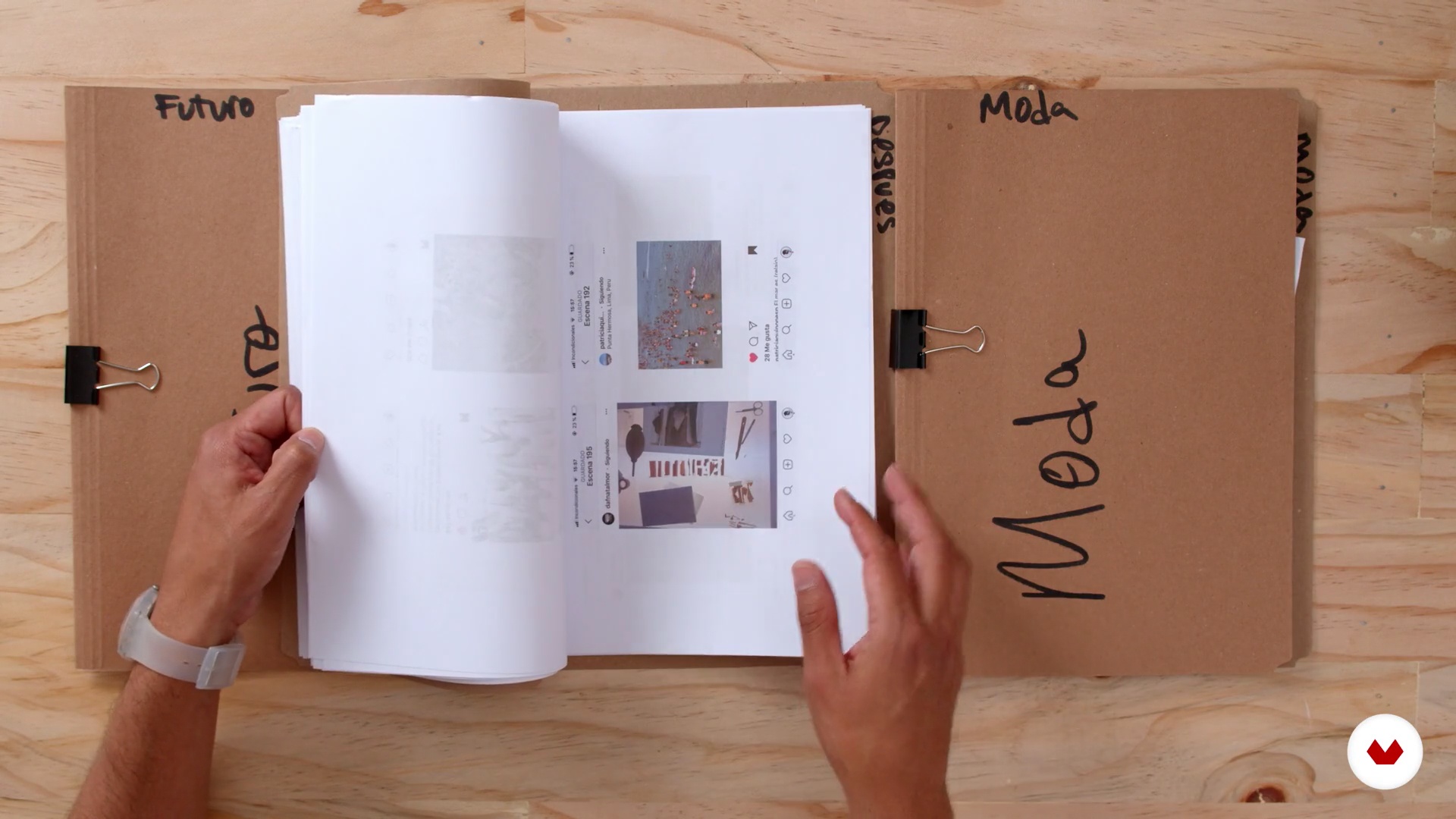
Mood board
In this lesson I will teach you how to make an mood board for a client or a project. I will show you how I do it step by step, to organize the ideas, the images and all the important variables that you must socialize with the client and with your work team.
9m
image
6
Color palette
It is time to choose a variable to direct our project, in my case color is that characteristic that shapes my portraits. Here I will teach you how to develop a color palette from scratch.
8m
image
7
The photographic equipment
Let's talk about our photographic team, here I will tell you the essentials that I take with me to my shootings in studio or on location.
6m
image
8
Art direction
In this lesson I want to give you the best tips of recursion to create homemade photography sets but that look super professional. In my portfolio I have photos of campaigns and l ookbooks for clients with funds such as fabrics, rugs, curtains or papers. Our goal will be to create an set to match with a background and props easily accessible.
4m
image
9
Professional portrait in natural light
To begin with, I will teach you how to use our most essential source of light: natural light. So that we can take advantage of your best moments and know how to respond to the changes and complications that may arise. We will try to isolate our environment or location from our result.
9m
image
10
Professional portrait with studio light
Finally I will show you three different studio lighting schemes for portraiture. We will start with a very basic lighting scheme of a light that surrounds our entire set, we will continue with a scheme of two lights for subject and background, and we will end with a scheme of three lights that aims to imitate natural light within our space or studio. I will also show you some ways to experiment using some props that will give us color effects like filters and jellies, or external lights like LEDs, lamps or flashes.
10m
image
11
Selection and development
In this lesson I will show you the variables that make me choose or discard the photos of my final projects. We will choose the best photos but we will take into account the most common technical errors to save some photos and correct them later. We will make a selection designed not only on the needs of our client but also on building a complete project for our portfolio.
19m
image
12
Common bug fixes
Now I will teach you how to correct three common mistakes that no one is exempt from making when taking photos. We will rely on Photoshop and Capture One to correct these errors and use photos that seemed discarded.
12m
image
13
Fine retouching, color and finishing
During this lesson you will learn the way in which I edit the skin in my portraits, there are common and correct ways to do it, but we can also find our own ways to achieve it that are closer to the results of your personal taste, in my case, conserving the naturalness and the real.
20m
image
14
Fine retouching, color and finishing 2
Throughout this second part I will show you one of my favorite ways to edit the skin, as it is extremely practical. This technique will help you to make some touch-ups without losing so much naturalness, shadows and lighting.
15m
image
4
Composition + balance. What it is and what examples there are.
In this lesson I will explain what composition is by teaching you some examples. You will know the rule of thirds, the law of gaze and symmetry. You will see what is right and what is not, even what exceptions may be in a rule. You will also discover how we should analyze an image to understand its structure. In addition, you will work on the balance of the elements in an abstract sense: the weight of the figures according to their shape, situation, color and size.
10m
image
5
The center of interest + format and reframe.
In this lesson I will teach you first to create a center of interest. It is very important to direct the viewer's gaze, and that center of interest is formed by size, center, specific action, location, color, grouping, light and frame, You will also see the different formats that exist and when you should use each of them. You will understand how much you can get to reframe an image and how you should do it. I will explain things like the law of joints and what we can cut and what not in a portrait in the foreground.
8m
image
6
The colors and their characteristics.
This lesson is about colors and, to understand them, I will show you what brightness, saturation and temperature are. In addition, I will talk about the symbology of colors so that you learn when you should use each one and what effects they can produce in our image.
12m
image
7
The Renaissance portrait.
In this lesson I will explain the characteristics of the Renaissance portrait. What topics are usually treated, what kind of plans, what colors are the most common, how is the light ...
7m
image
8
Lighting, set preparation and treatment of models
Before starting our session, it is important to have lighting control, so I will show you what accessories I am going to use and what effects are achieved. I will also explain to you what purpose I work for and why. You will also see how I prepare the set and do the first tests and learn how to treat the models to know what can be done and what not.
6m
image
9
Renaissance photo session
Now that we know the characteristics of the Renaissance and we have already prepared the set, we will go on to do the photo session putting into practice everything previously learned.
1m
image
10
Revealed in Camera Raw
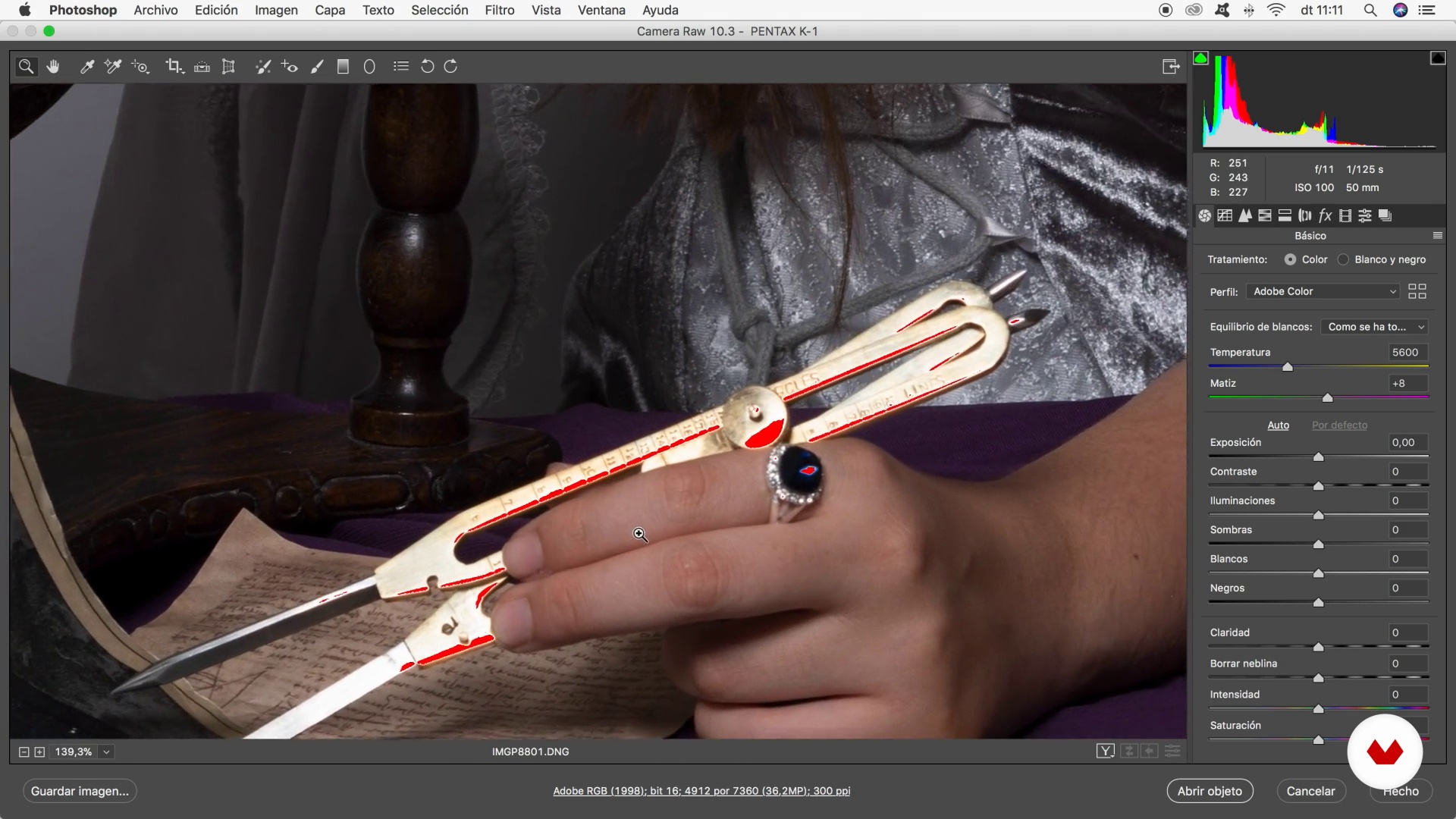
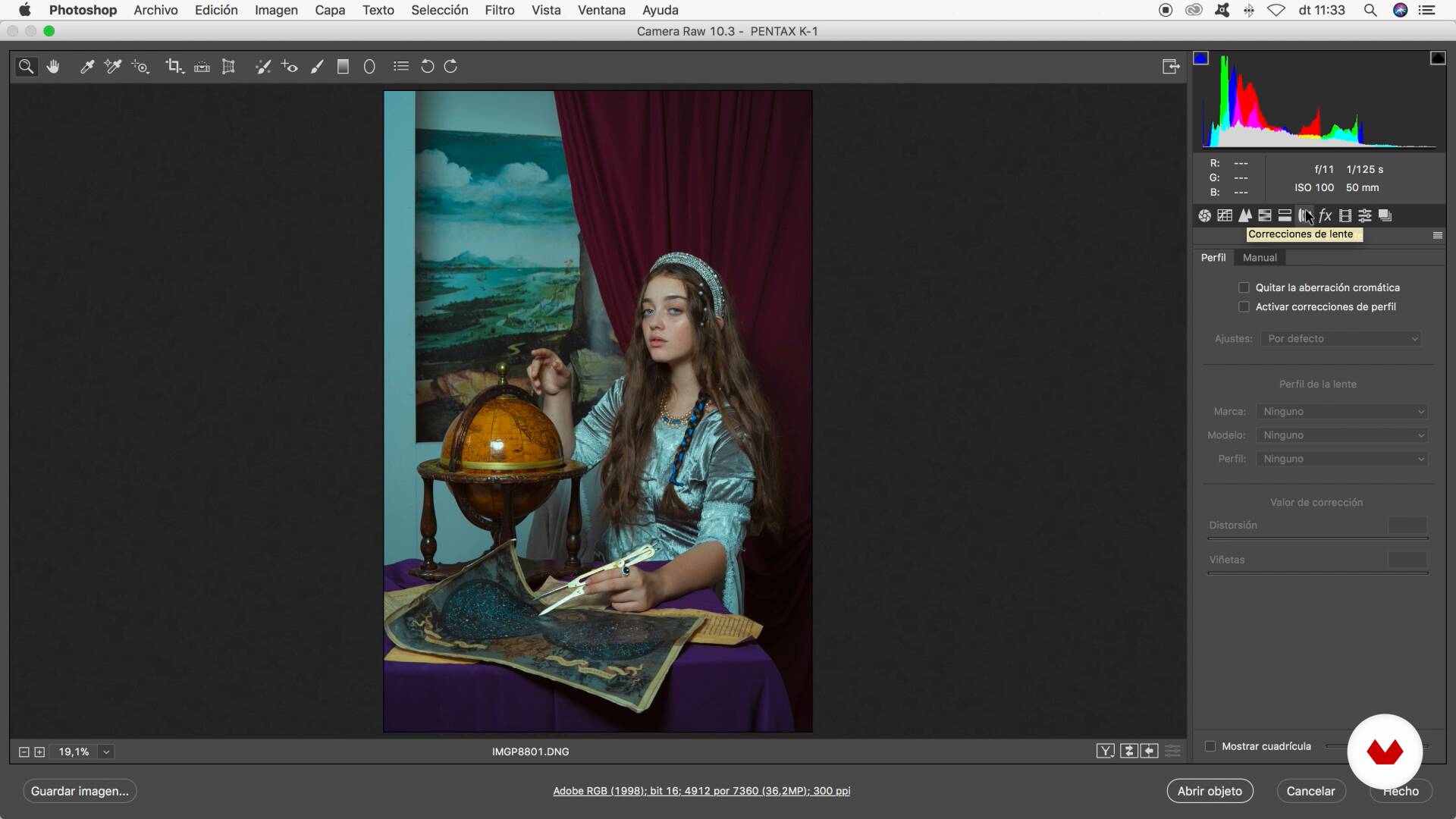
The first thing we will do in postproduction is the development and we will work with Camera Raw. You can also do it with Lightroom since you have the same tools. You will see how I retouch the color, the contrast, the curves, the aberrations of the lens and the technical characteristics of the image. I will also explain what tools you should not use and why.
10m
image
11
Revealed in Camera Raw II
We continue to reveal our photos in Camera Raw.
11m
image
12
General retouching
We go to touch up. To begin, I will teach you to work the contrast and leave the image as clean as possible to continue working more comfortably.
13m
image
13
General retouching II
The retouching process is thorough, we continue with it.
12m
image
14
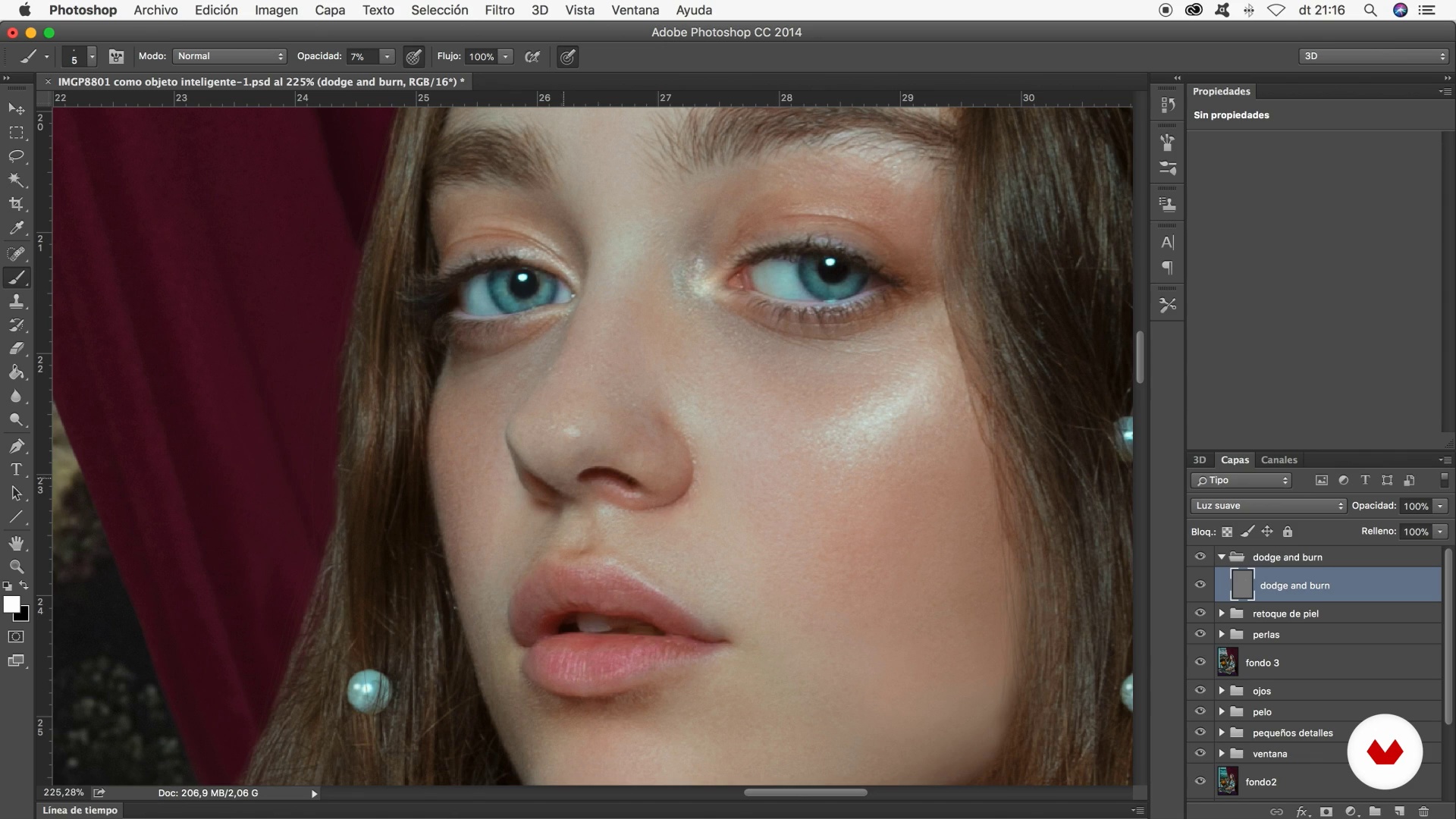
Skin retouching and Dodge and burn
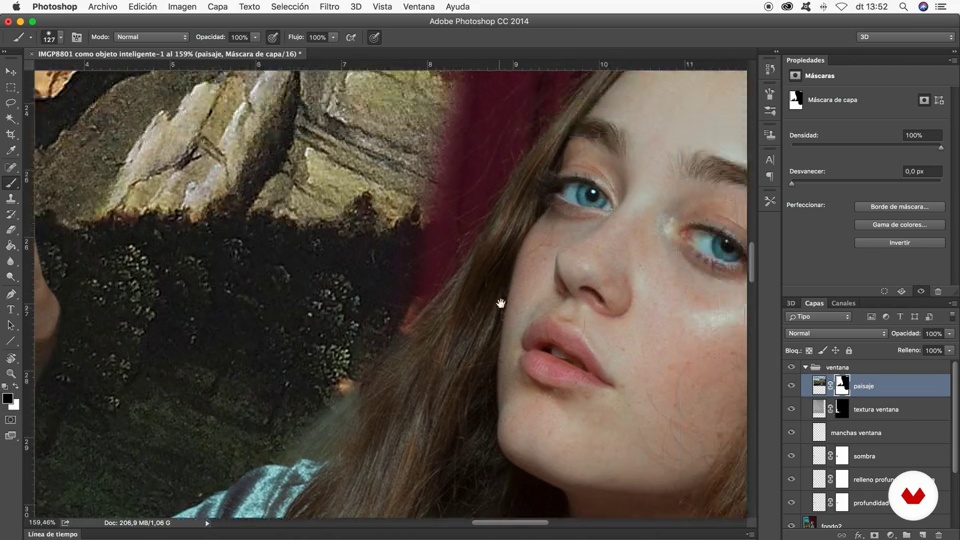
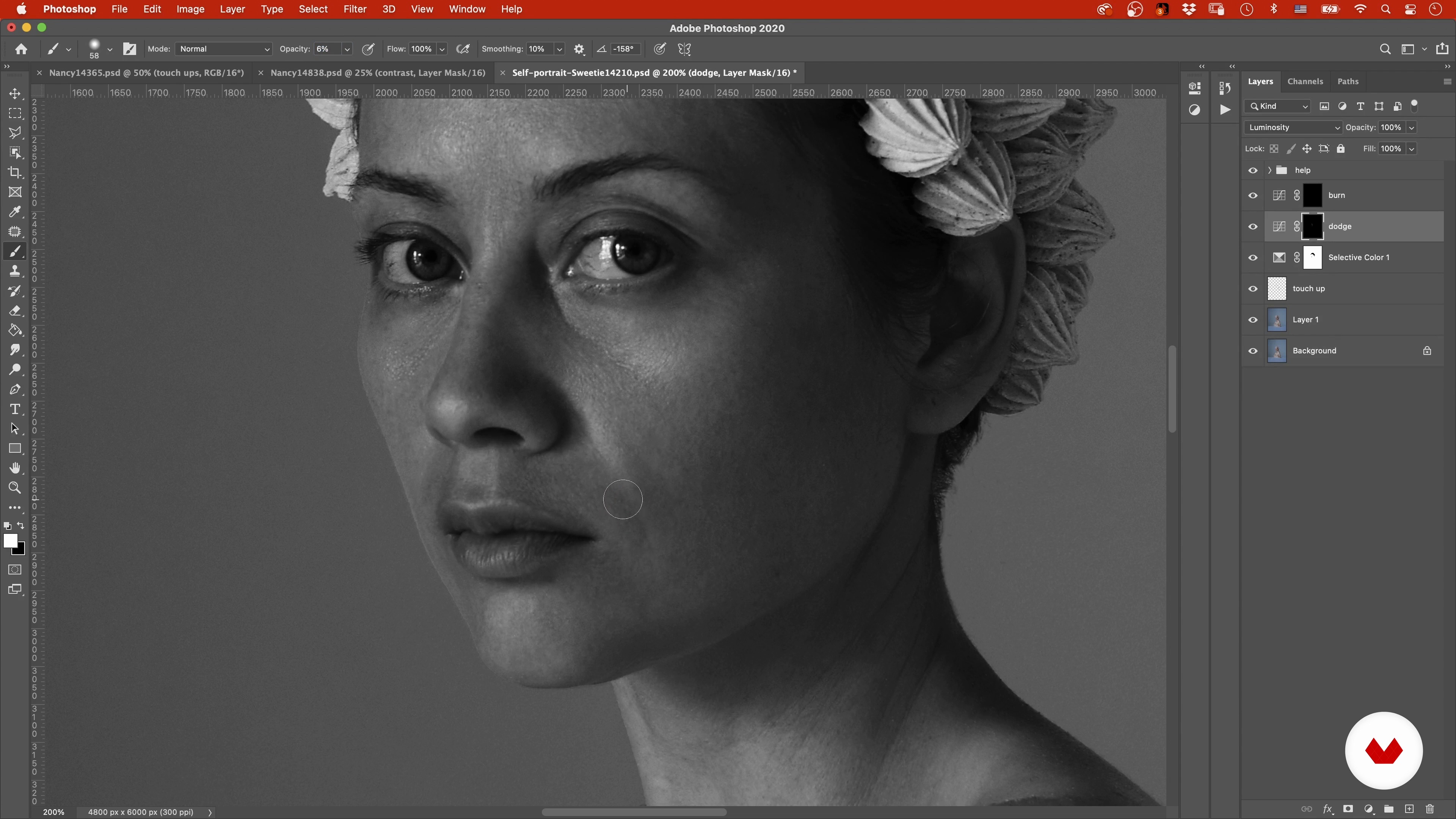
This is the most complex part and therefore needs all your attention. Here you will learn to perform skin retouching without losing texture by working with frequency separation, with the point correction brush, the clone and dodge and burn skin-oriented buffer. You will also learn to get a general nuance. Next, I will show you the dodge and burn oriented to achieve volume.
14m
image
15
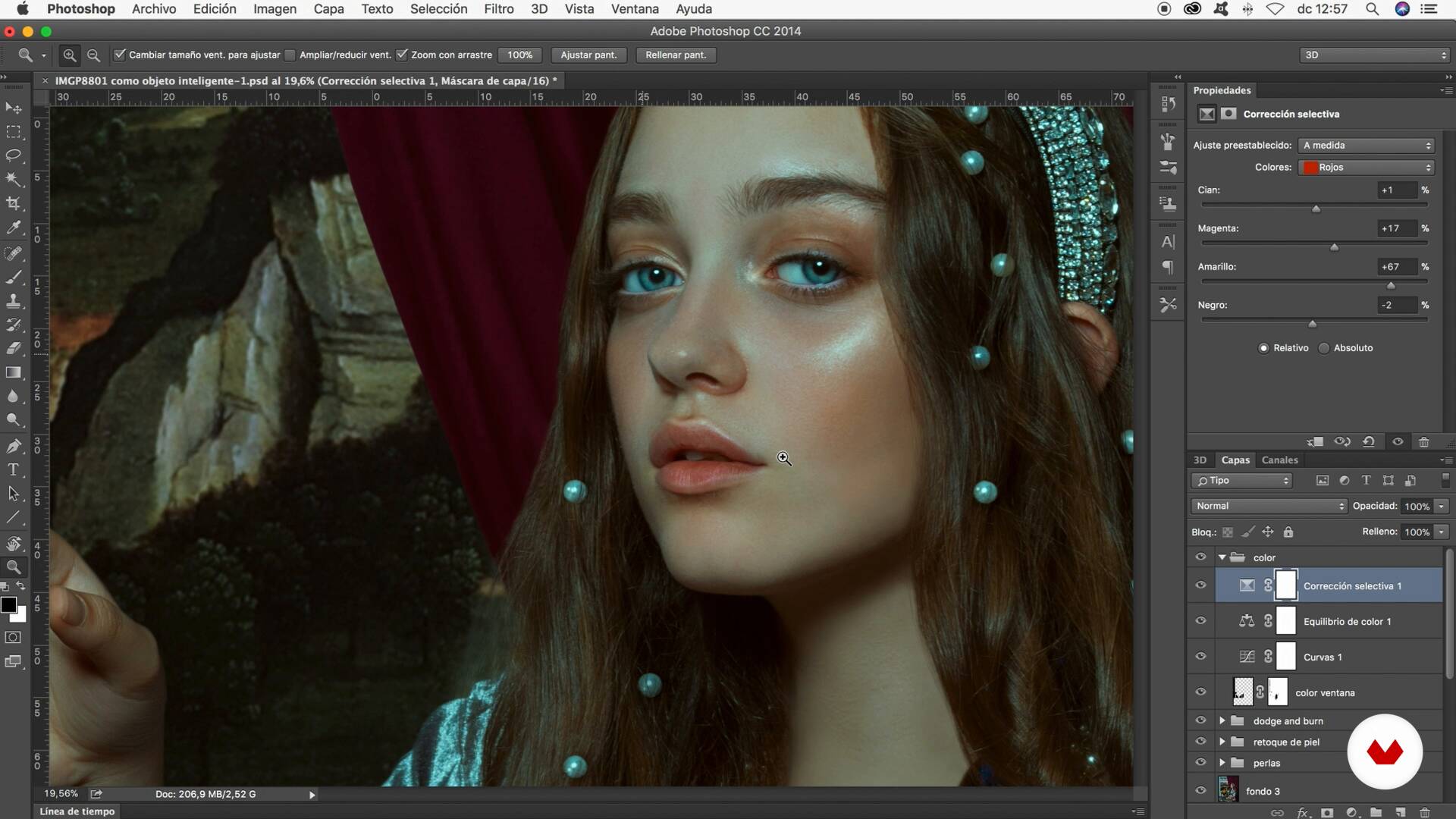
Color
In this lesson I will show you the different options you have for working with color, but we will focus more specifically on curves, selective correction and filters. We will apply everything we have learned about colors and teach you some tricks to avoid making mistakes.
20m
image
16
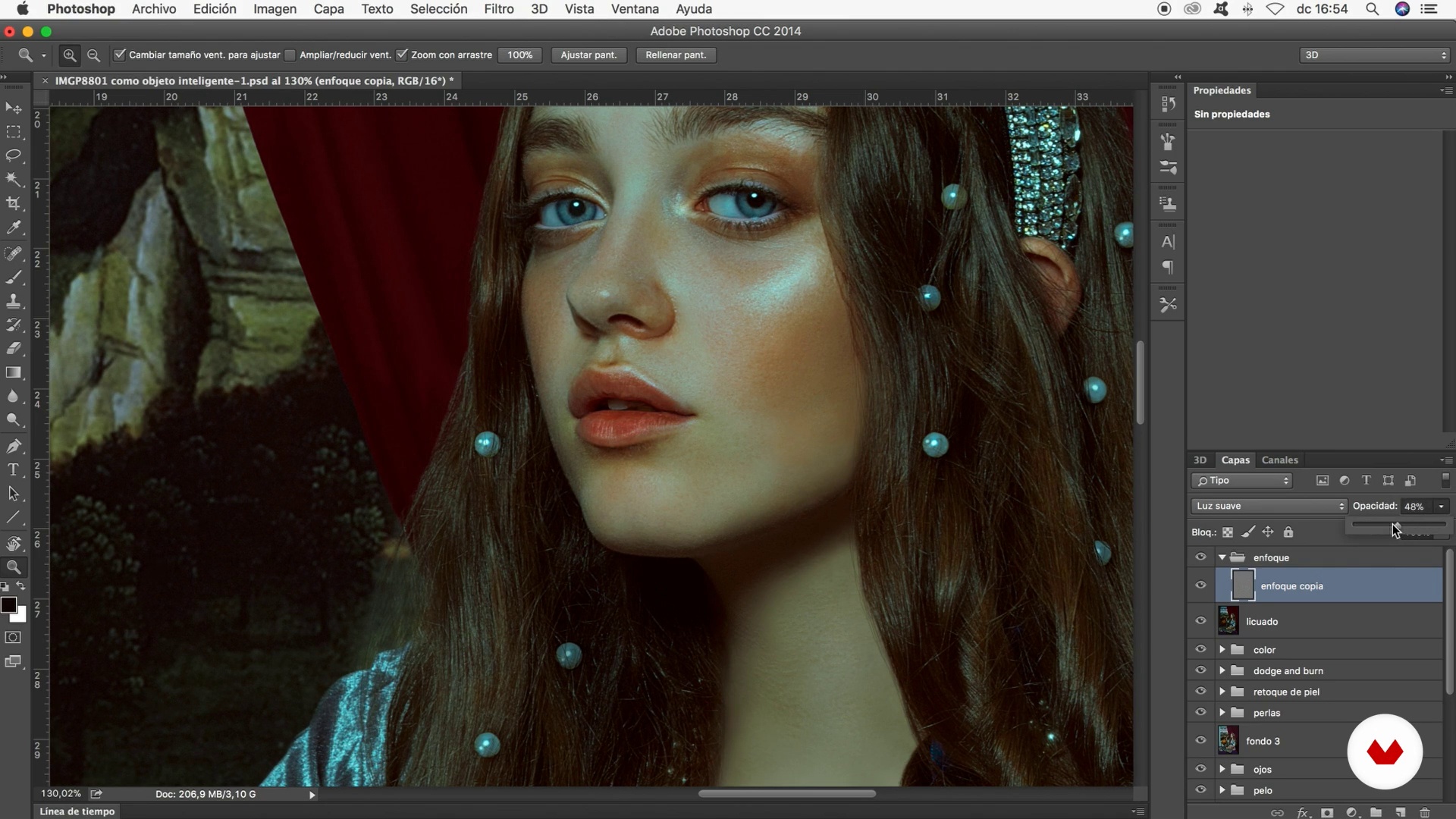
Final retouching
This is already the final part of the retouching. We will start to work the smoothie (very subtly), we will also focus our image to achieve sharpness, add texture and finally save it.
8m
image
4
How to Choose Your Subject
We will begin by considering how to choose your subject and how to look within to make this choice.
13m
image
5
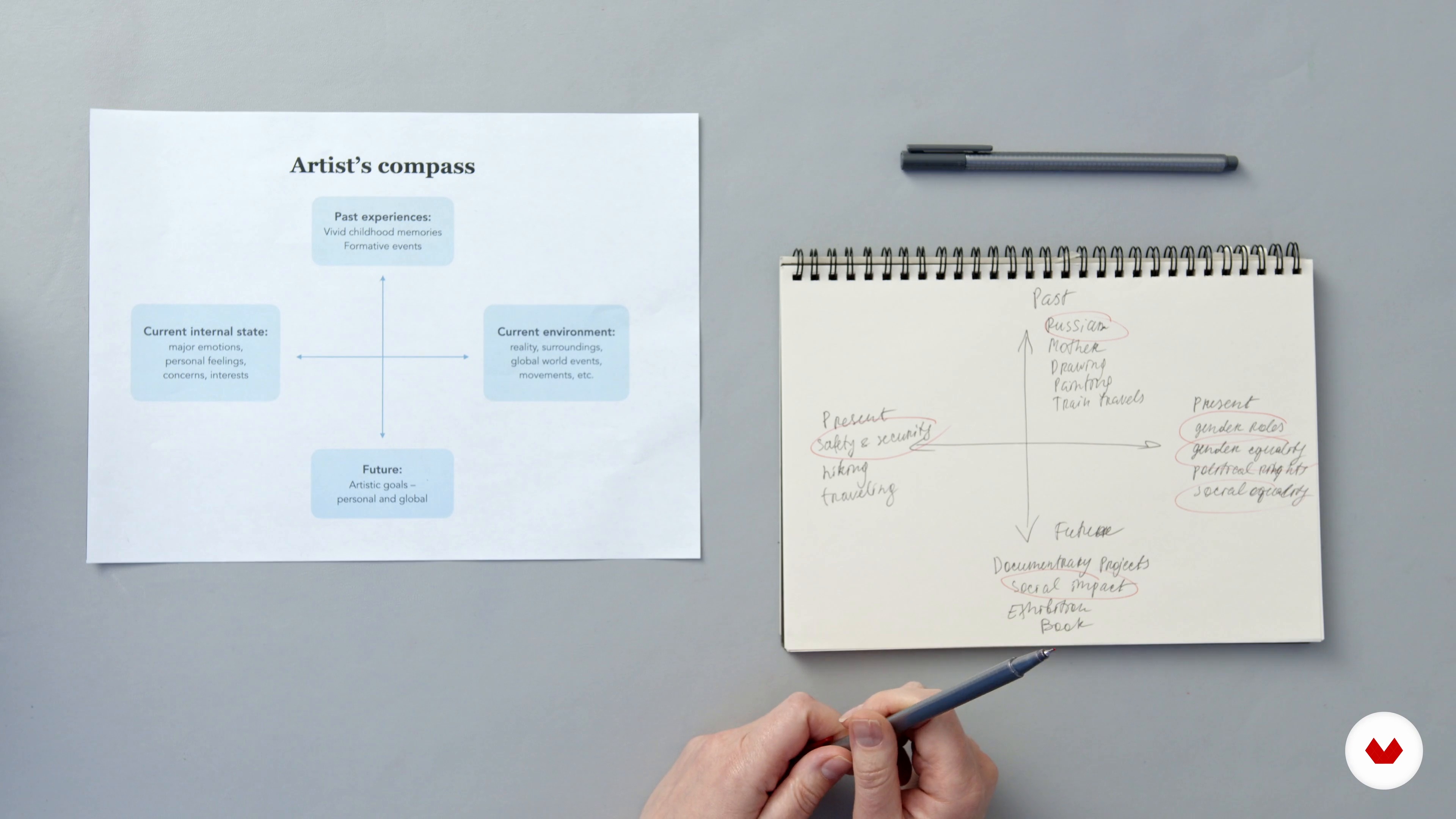
Ideation
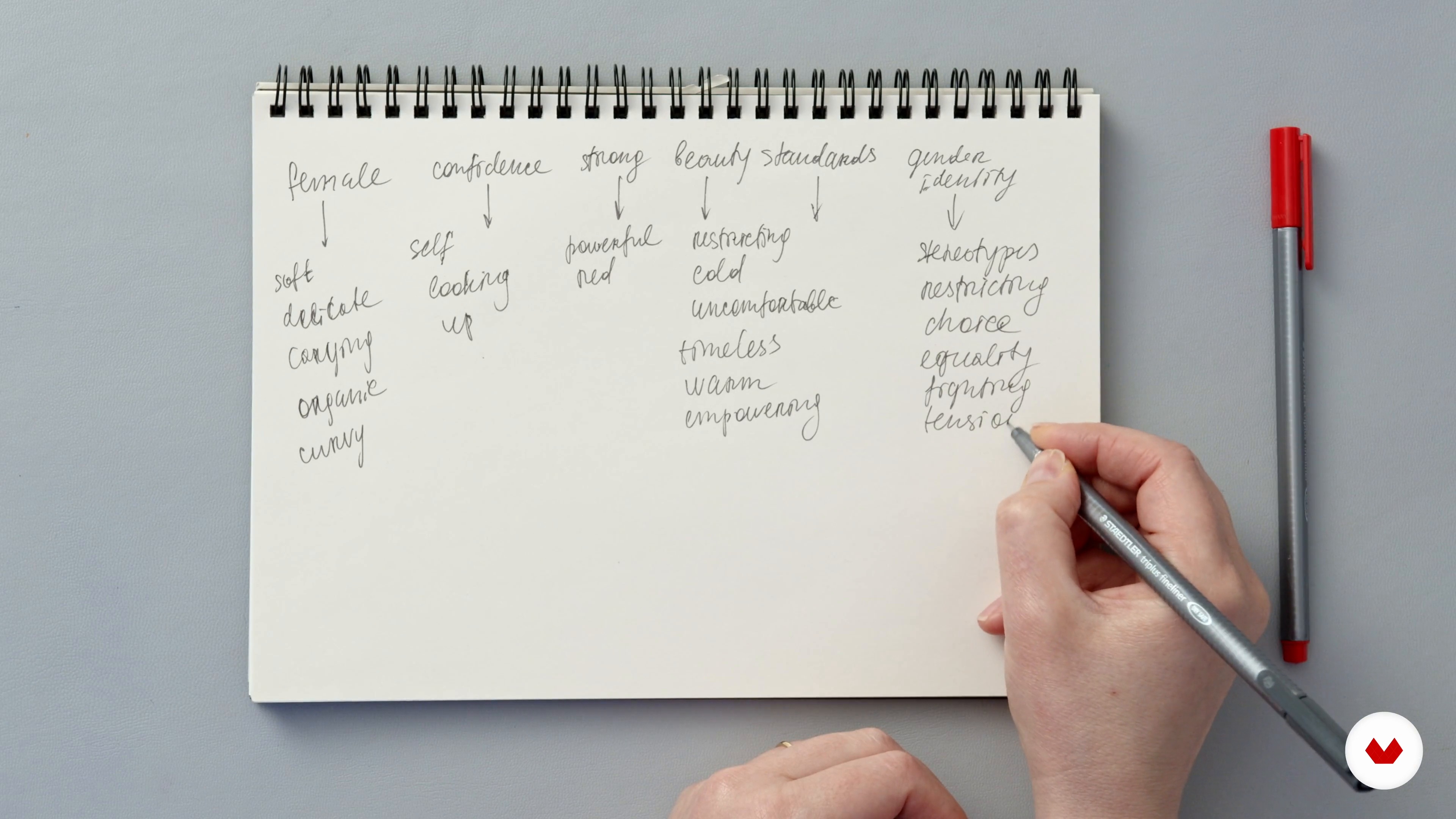
In this lesson we’ll take our insights, from the Artist’s Compass, and start building on them using through word association and mind mapping.
16m
image
6
Translating Words into Visuals
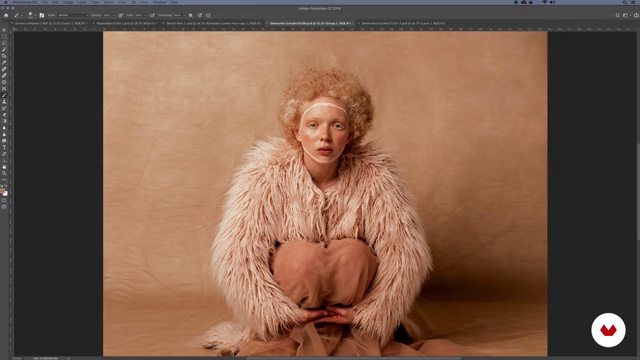
We’ll now look at how to translate all of these word associations and ideas into visuals. How can you represent your thoughts and feelings visually?
7m
image
7
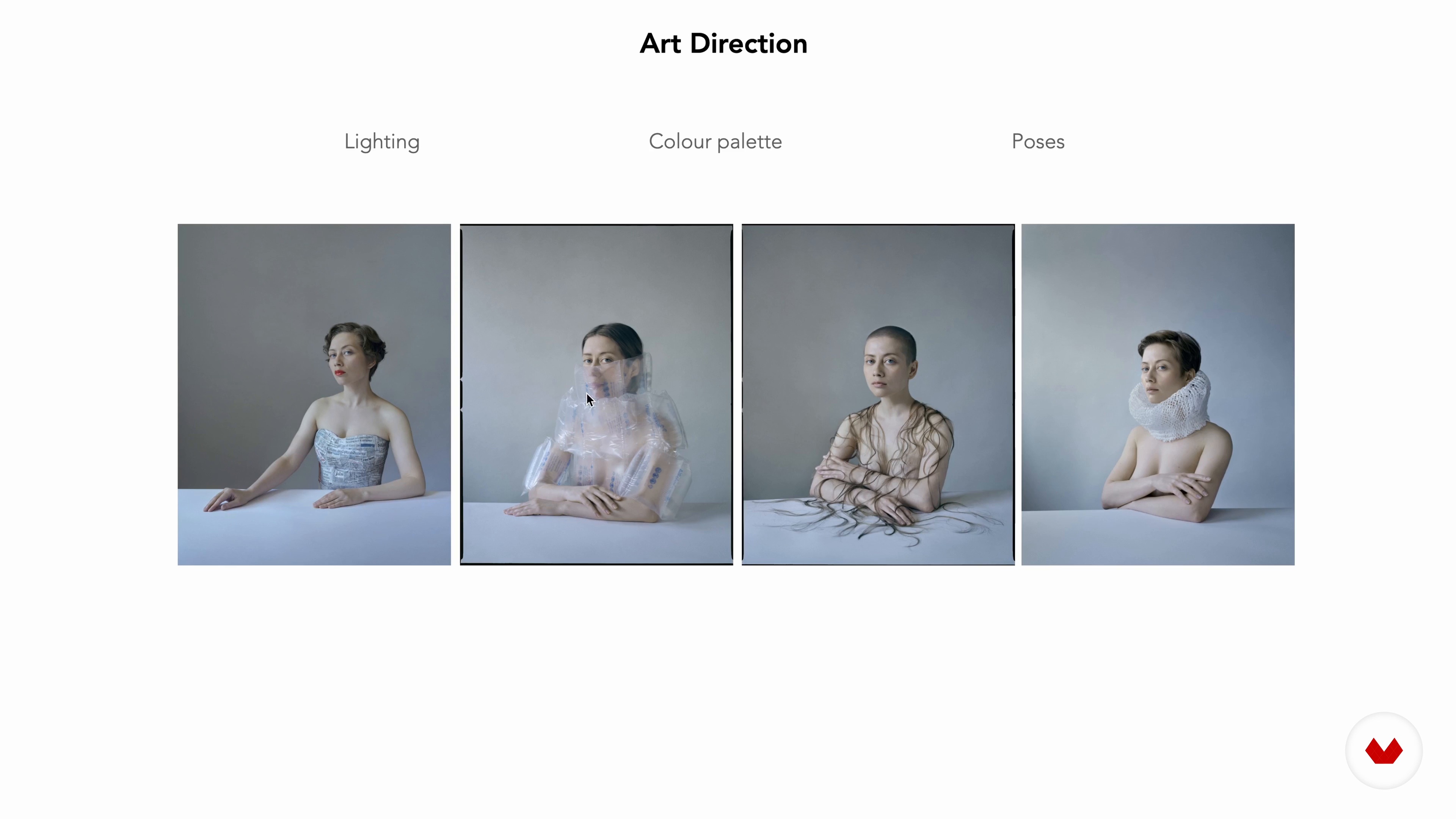
Art Direction 1
In this lesson we’ll start considering art direction and making choices for our project.
13m
image
8
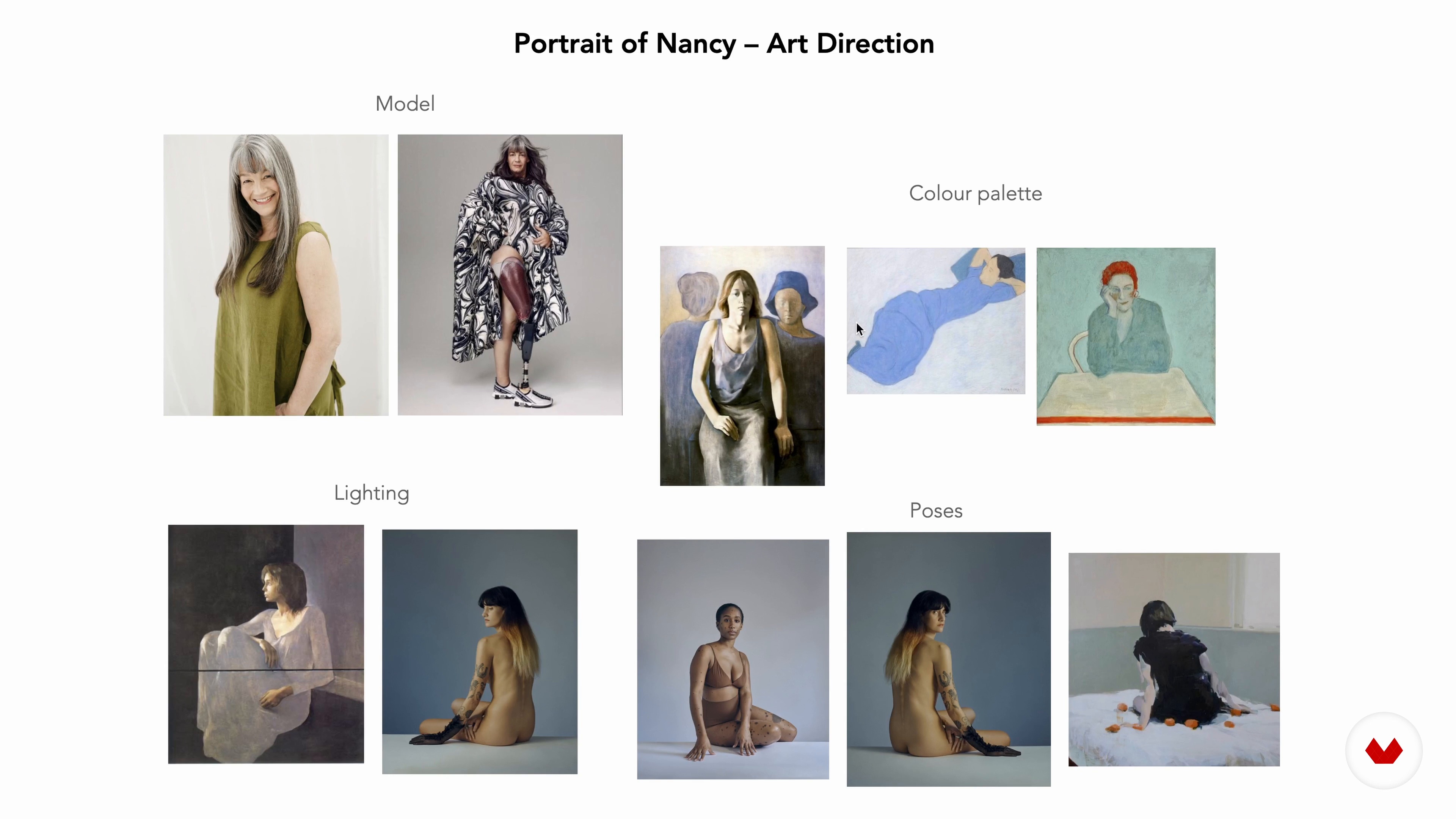
Art Direction 2
Let's take a look at the second art direction board.
8m
image
9
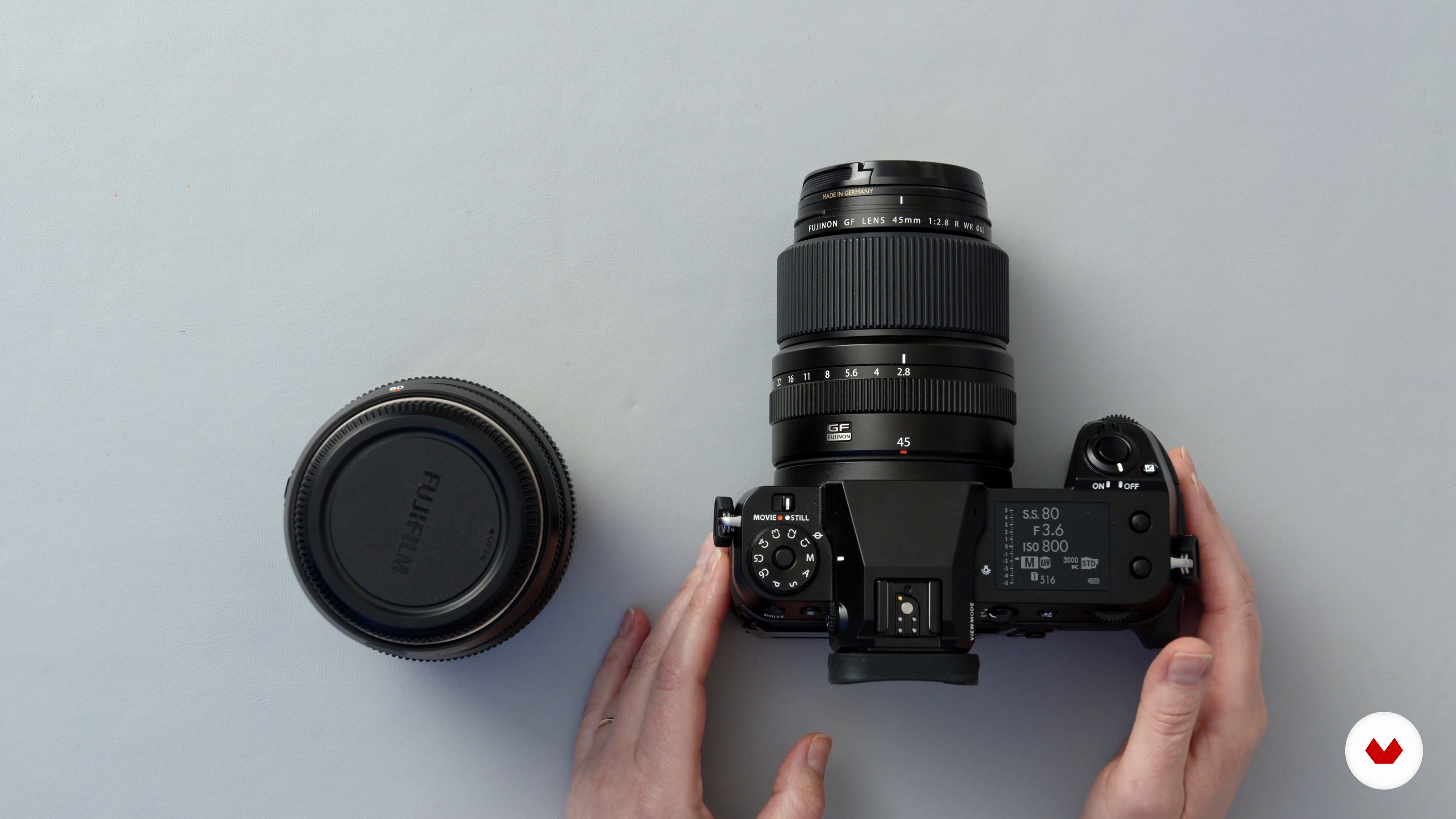
Technical Decisions
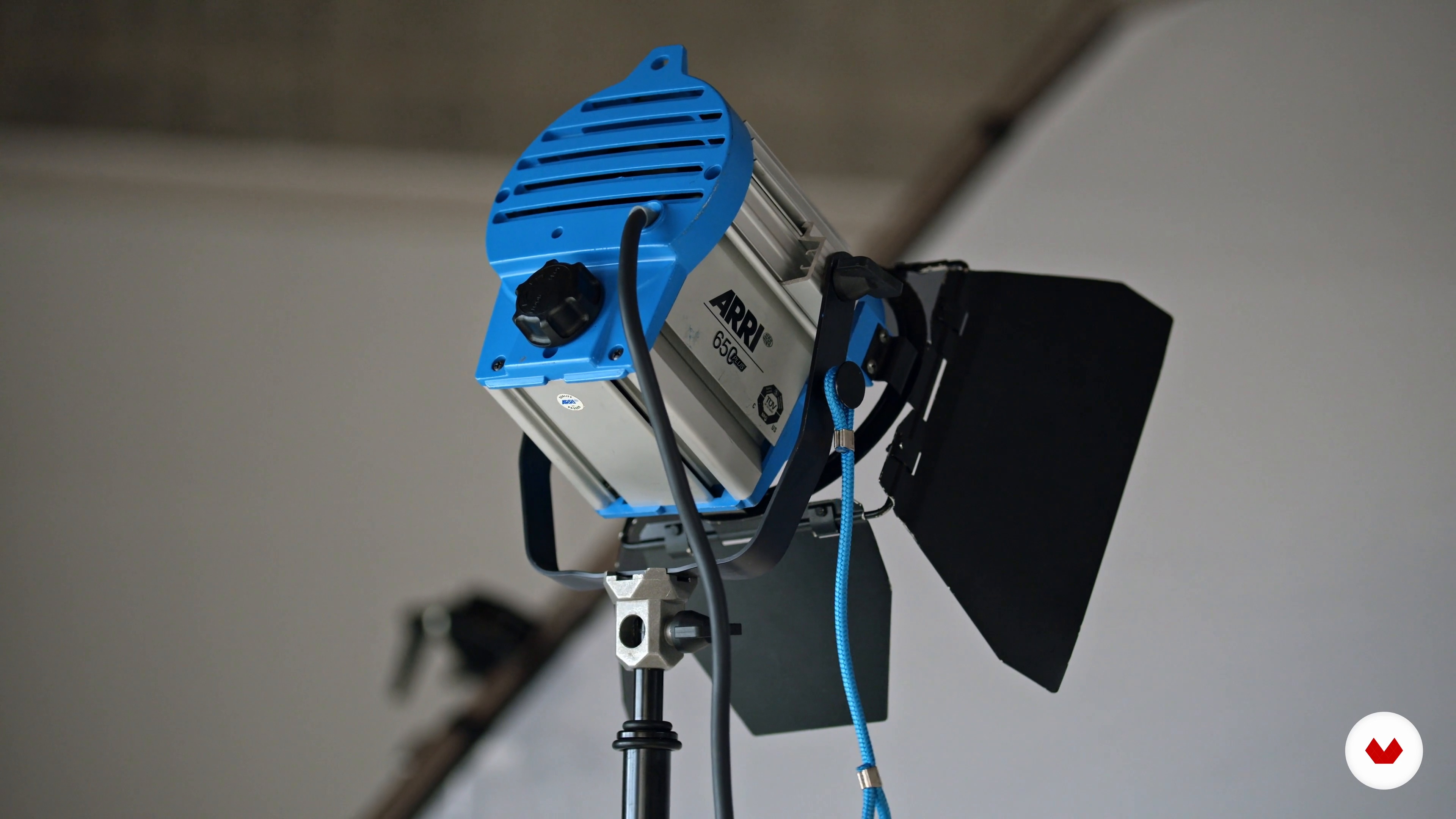
It’s important to understand your equipment, to make the right decisions for you during the shoot. In this lesson I’ll talk you through the equipment that I will use and give you some tips.
12m
image
10
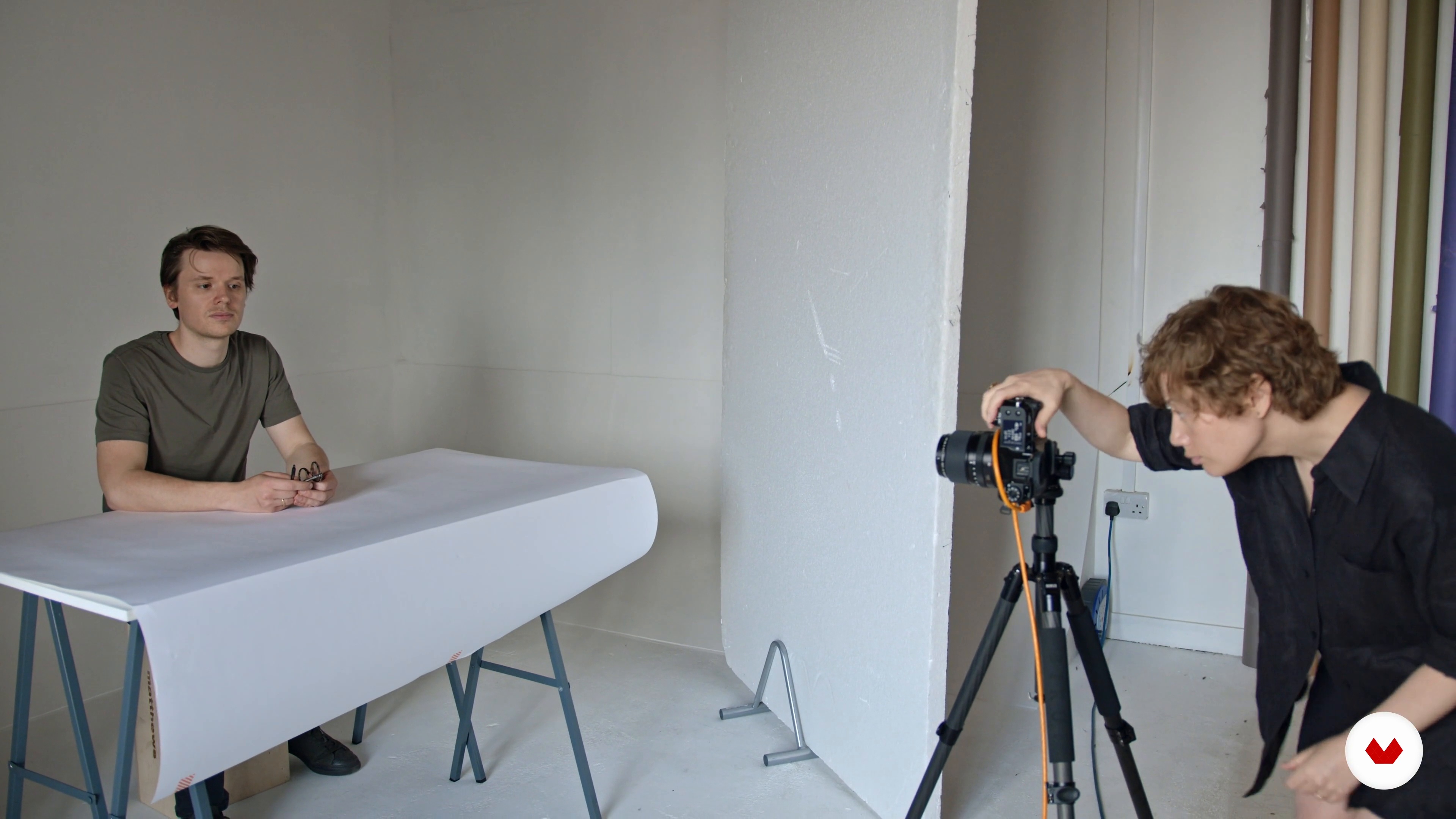
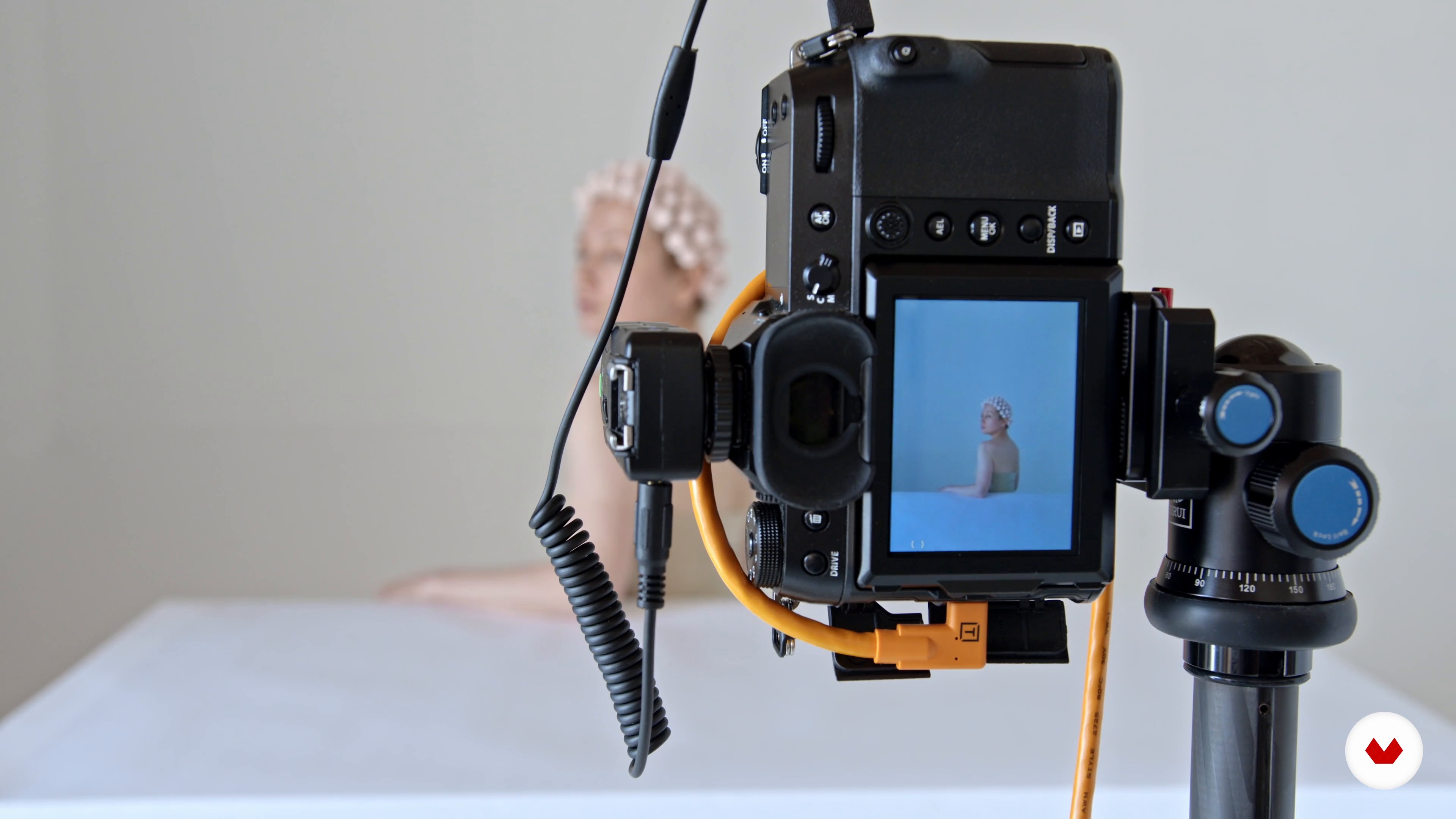
Setting up for Shoot: Self-Portrait
In this lesson I’ll start my shoot by setting up for my self portrait. I’ll show you how to make sure everything has been considered, before you start actually taking pictures.
5m
image
11
Self-Portrait
Now I am all set up and ready to go, it’s time to capture my self portrait.
9m
image
12
Setting up for Shoot: Portrait
There is a lot to consider when setting up for a portrait. It’s not just the lighting and environment but also connecting with the model, choosing the right clothing and making sure they feel comfortable.
10m
image
13
Portrait
Let’s go! It’s time to shoot the portraits of our model, Nancy.
9m
image
14
Curating and Selecting Your Shots 1
You will have many images after a shoot and it’s important to spend time carefully choosing the ones that work. Let me know you my process.
16m
image
15
Curating and Selecting Your Shots 2
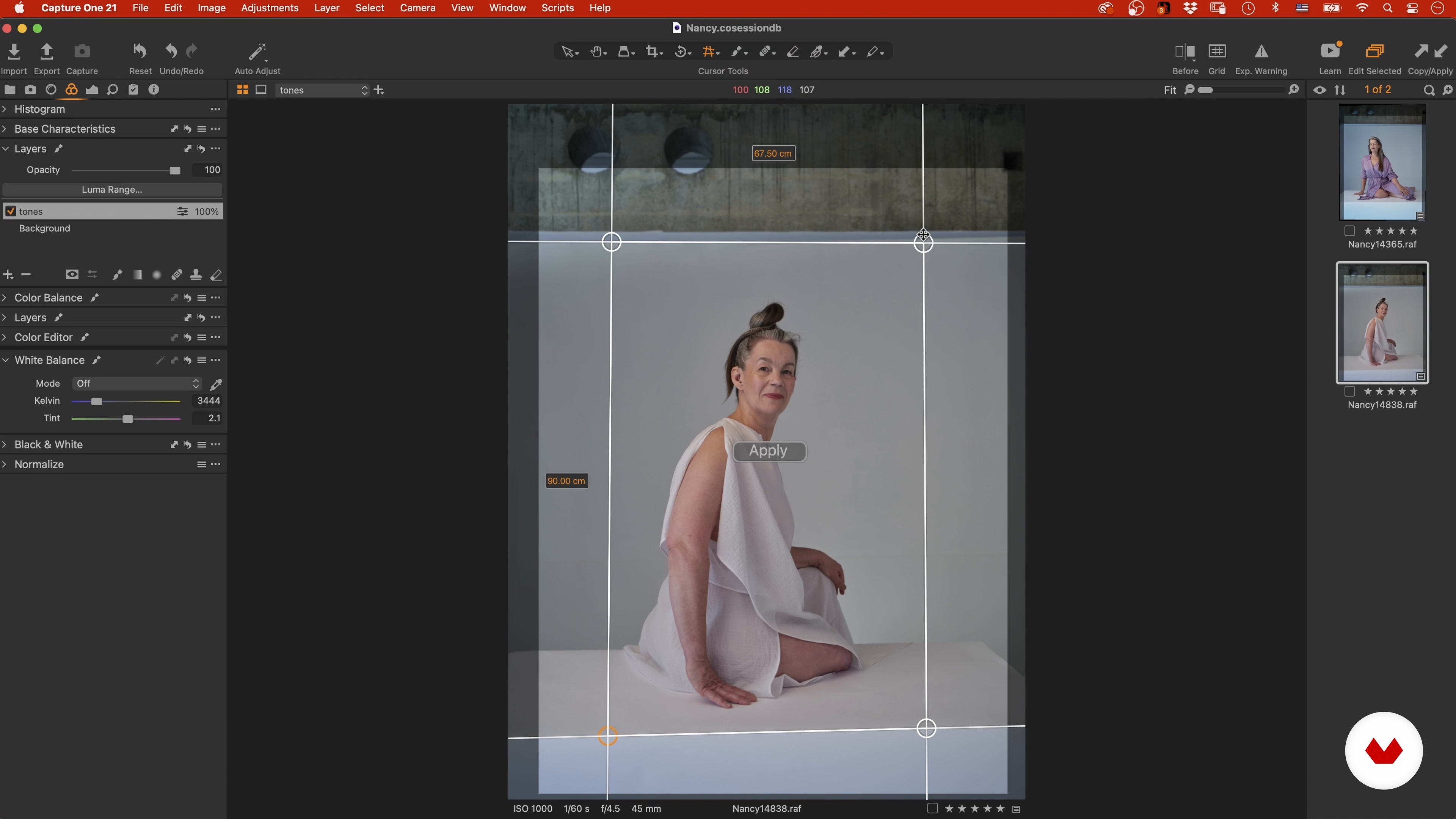
Let's start cropping and adjusting the tones of the image.
14m
image
16
Curating and Selecting Your Shots 3
I will now move on to editing the images of Nancy, from the second shoot.
16m
image
17
Curating and Selecting Your Shots 4
In this last part of the lesson, I will edit the last two looks of our model.
19m
image
18
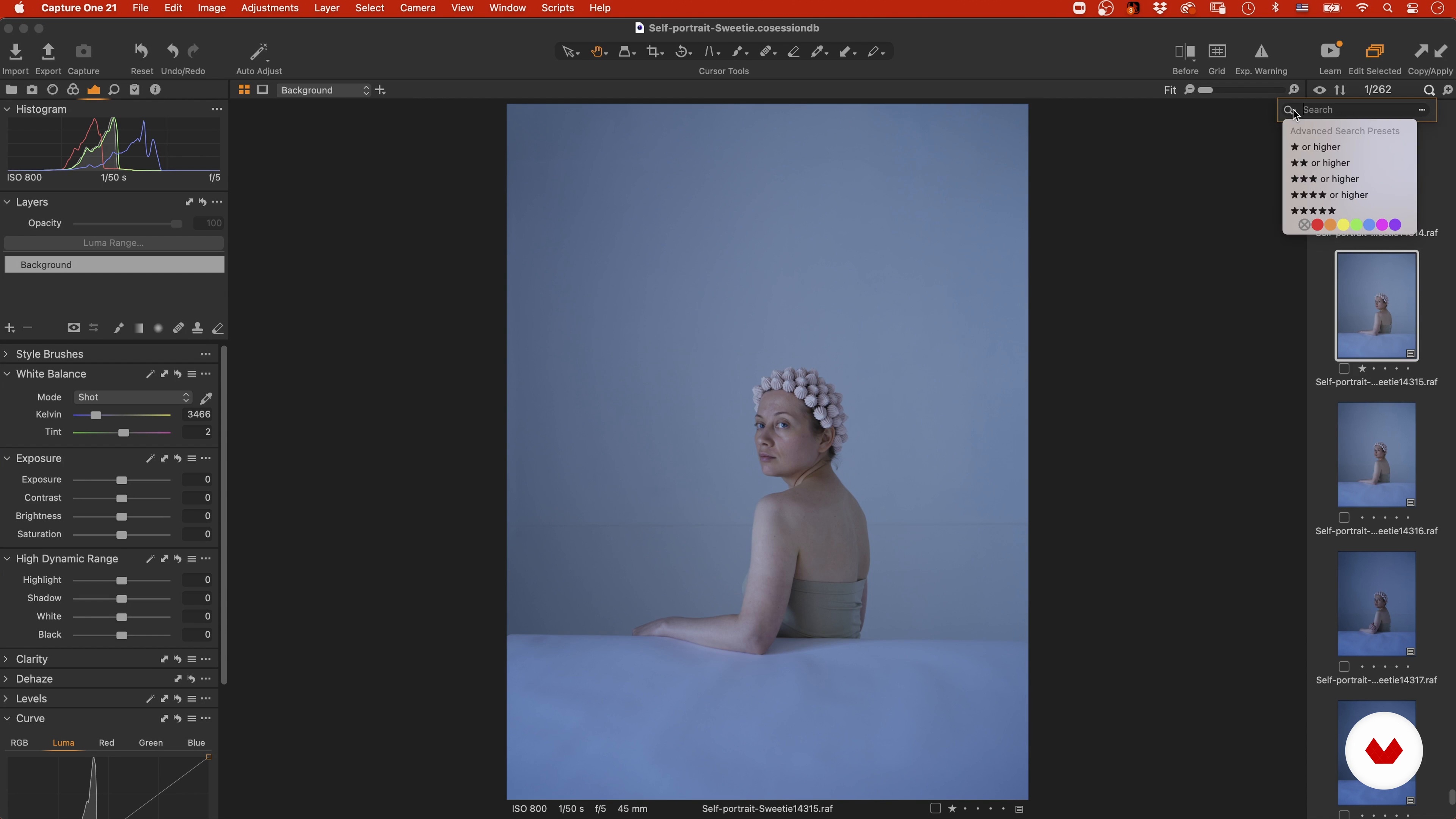
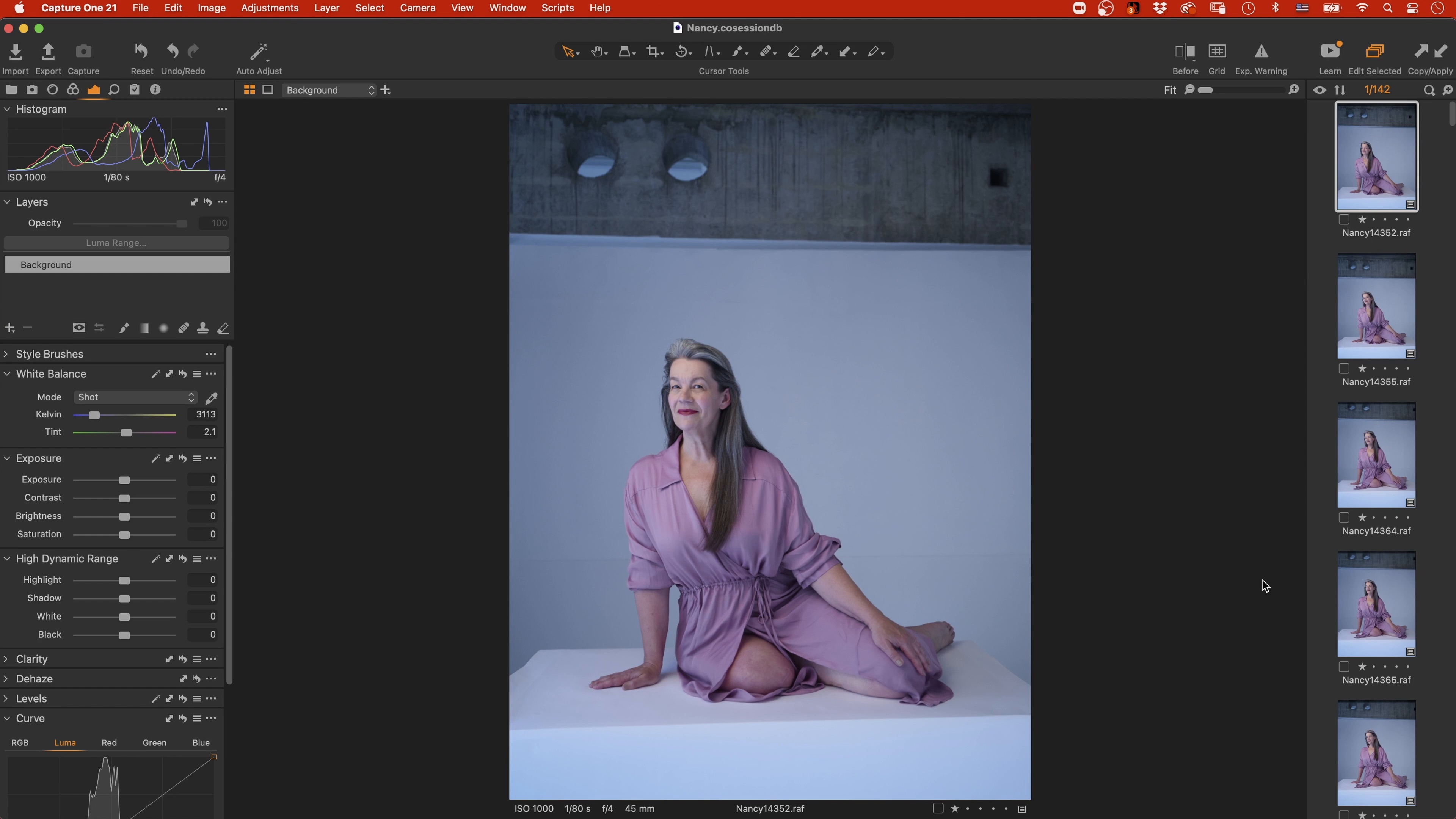
RAW Image Editing 1
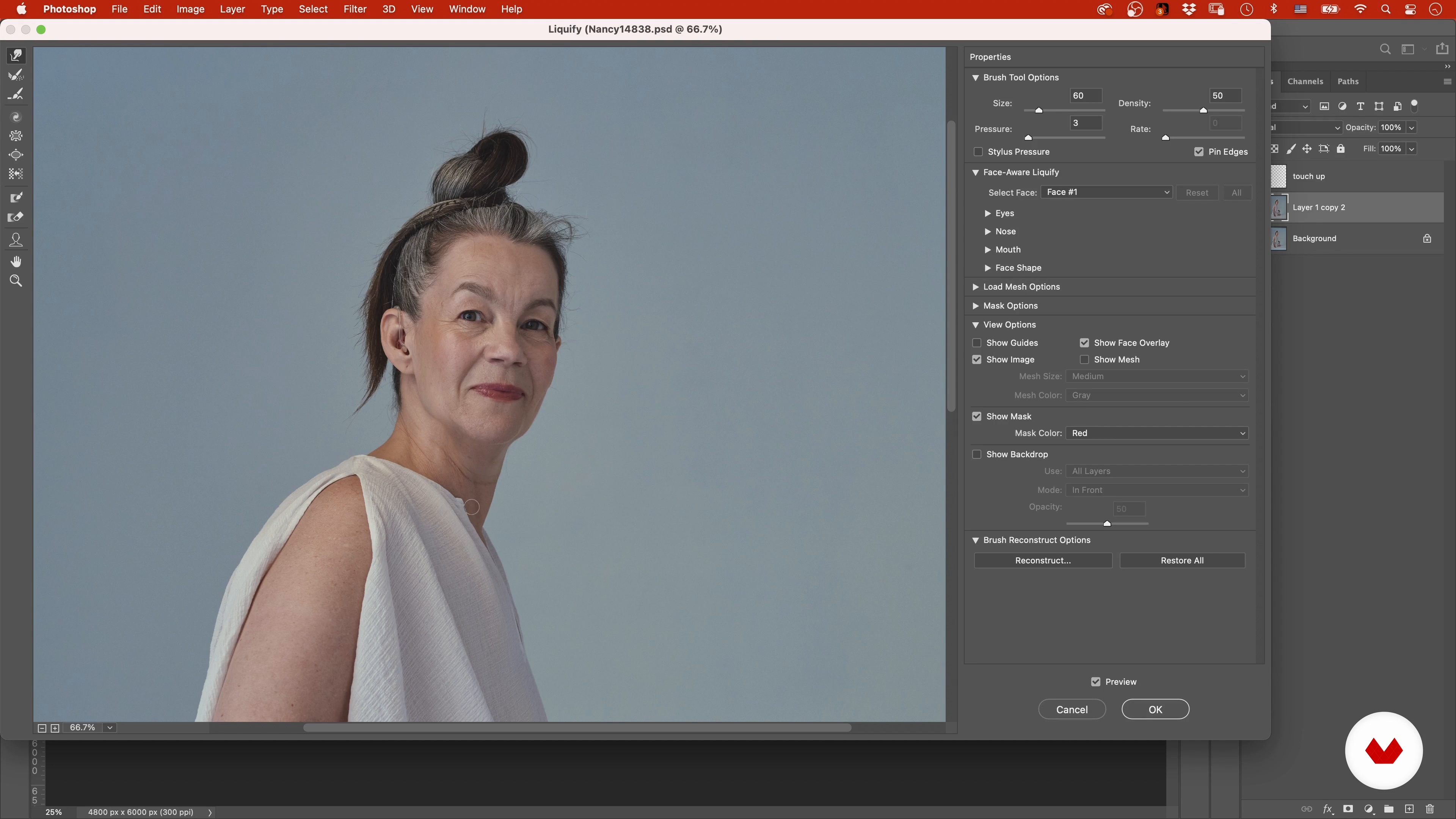
In this lesson I will show you how to work with RAW image editing, on the shots that you have selected.
19m
image
19
RAW Image Editing 2
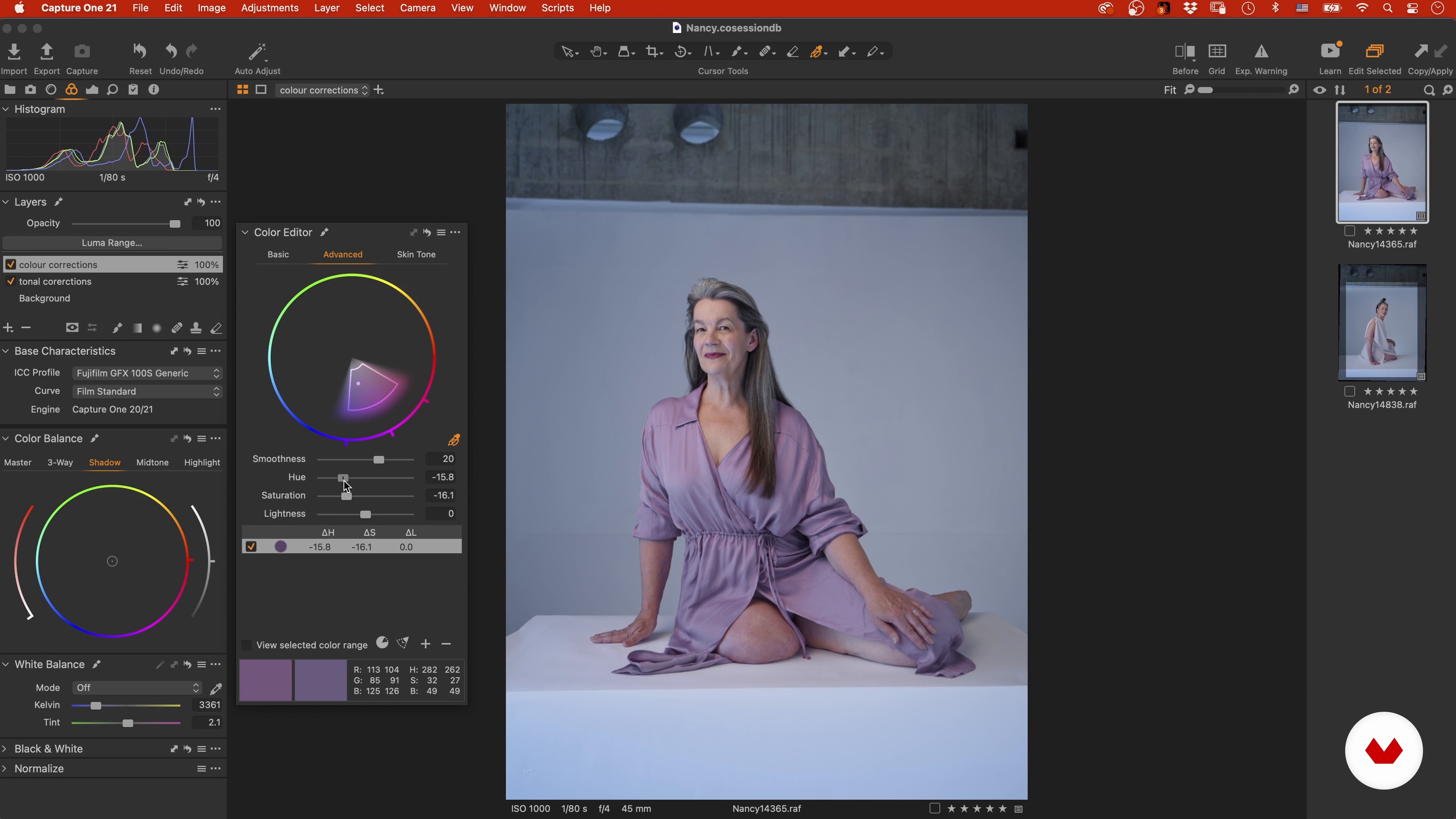
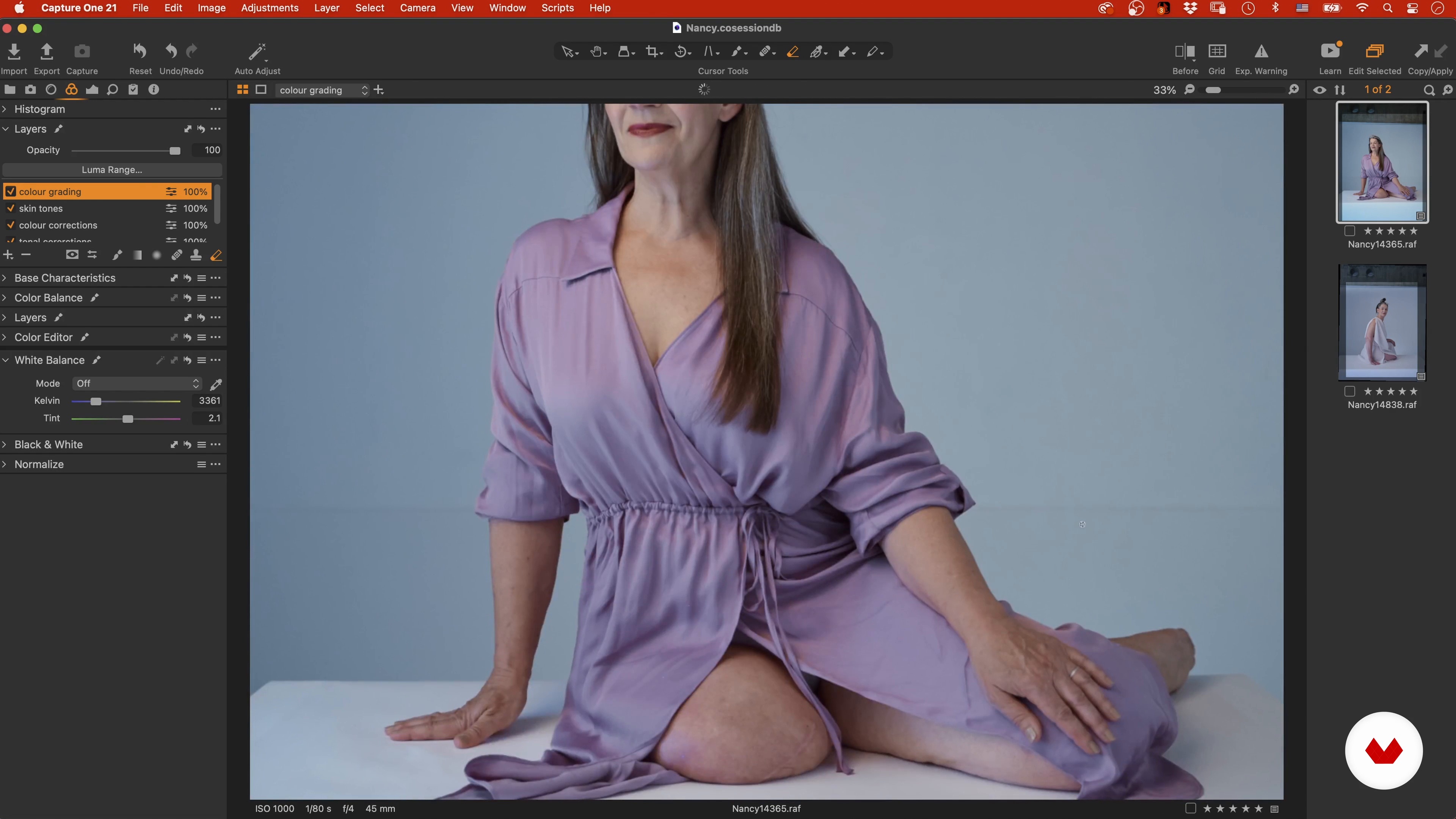
Second part of this lesson, where I continue to edit the RAW images with colour grading and correcting.
13m
image
20
RAW Image Editing 3
Final part of the editing part of this unit.
13m
image
21
Retouching: What Should Stay and What Should Go 1
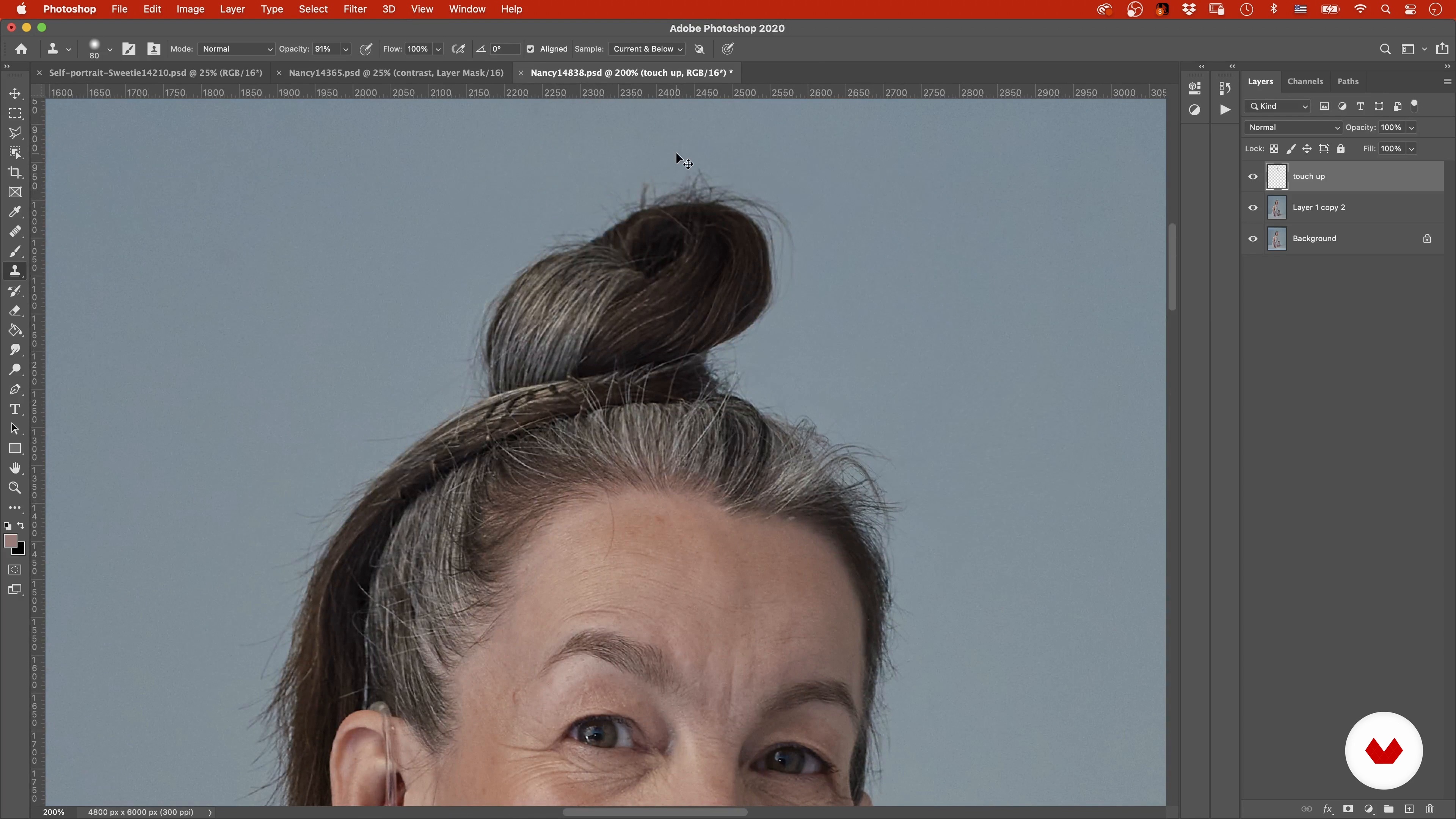
Retouching is my final, but extremely important step. In this lesson I’ll demonstrate how to choose what should stay and what should go.
19m
image
22
Retouching: What Should Stay and What Should Go 2
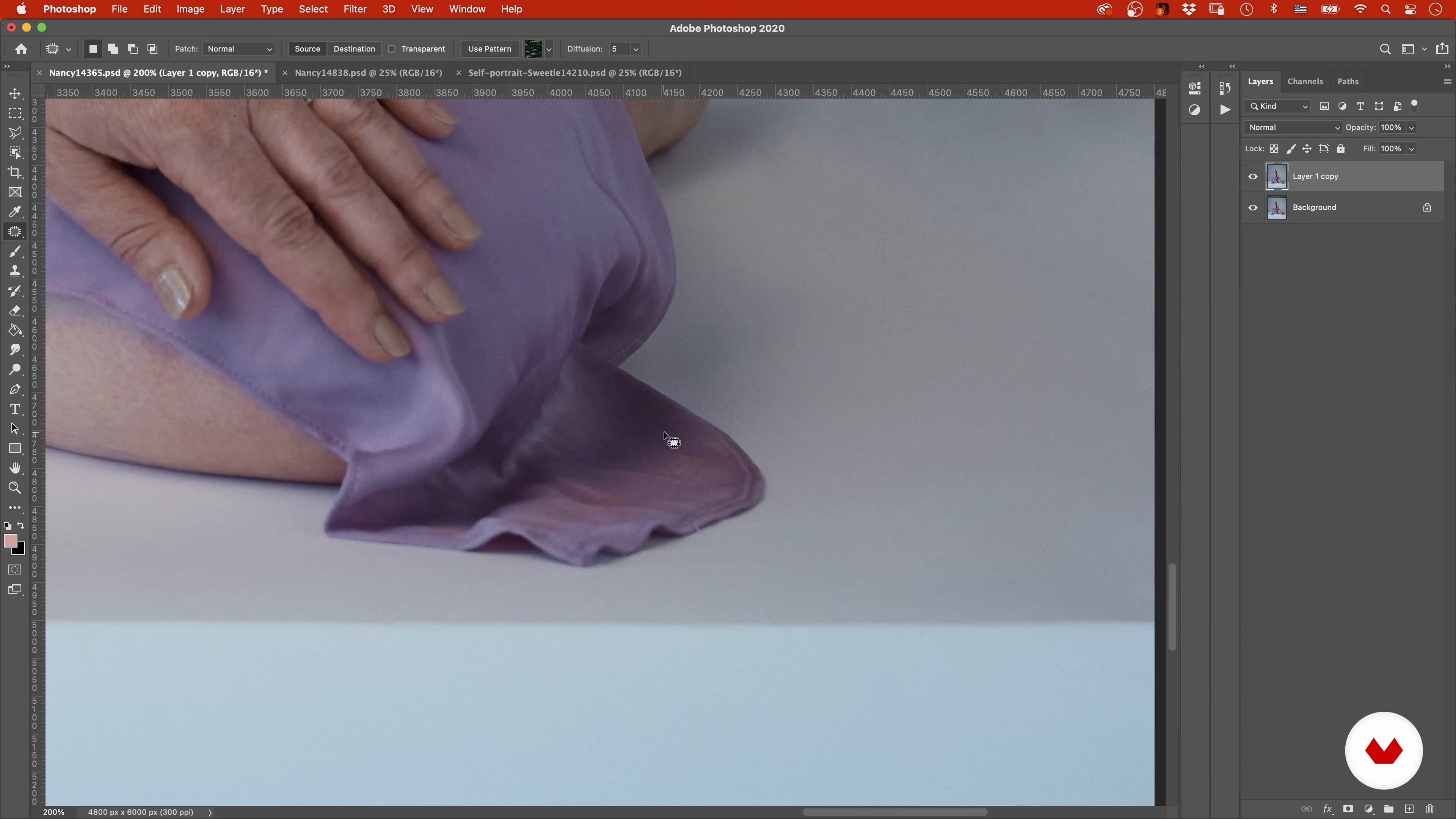
Here I will continue to add adjustments to the images, correcting red patches on the skin and smoothing surfaces.
18m
image
23
Retouching: What Should Stay and What Should Go 3
Let's continue to retouch our images.
18m
image
24
Retouching: What Should Stay and What Should Go 4
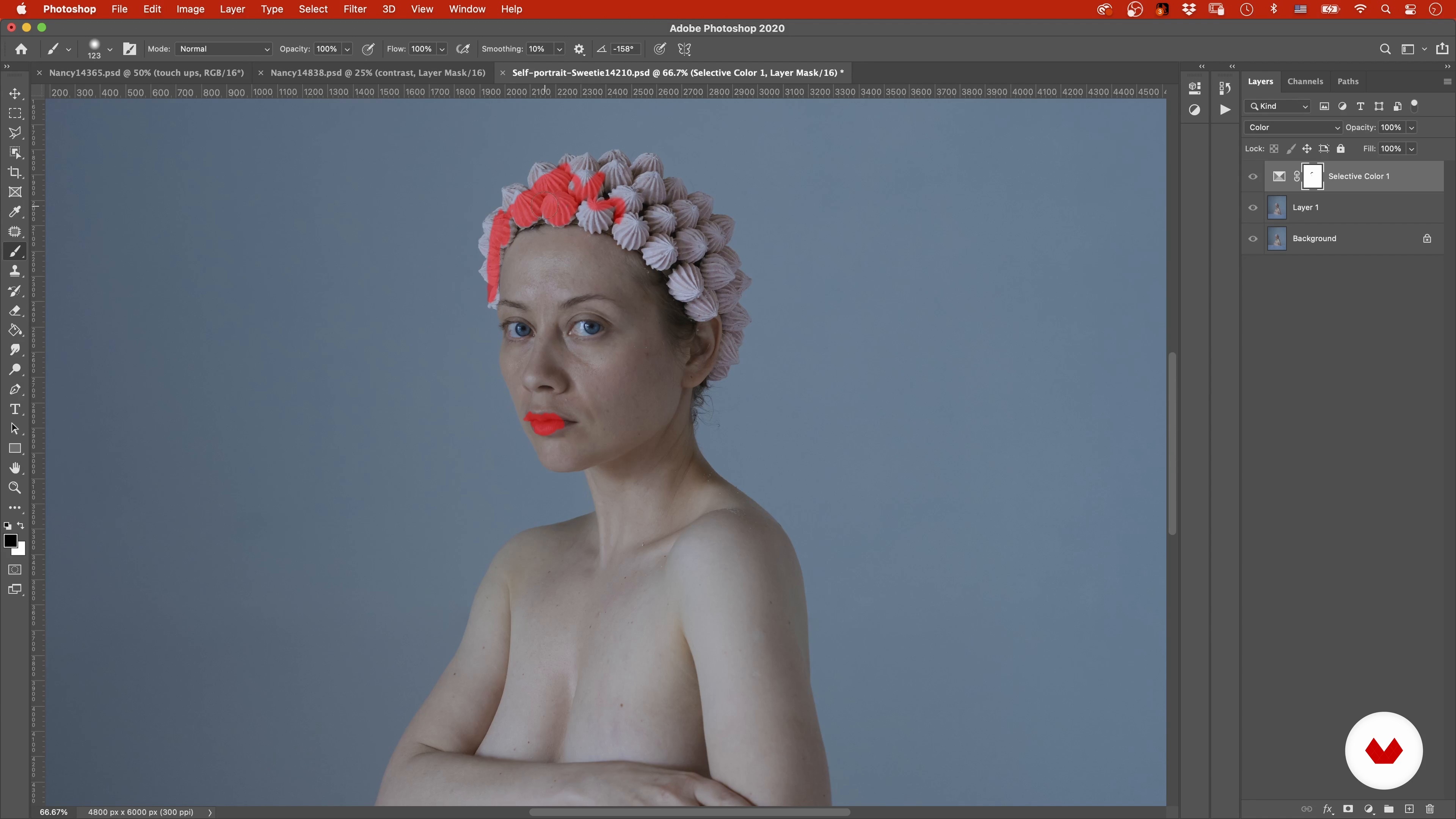
Now I will do some cleaning up and editing on the self-portrait image.
20m
image
25
Retouching: What Should Stay and What Should Go 5
Last part of the lesson, where I will adjust the last details of the image.
21m
  • 8 students
  • 73 lessons (13h 42m)
  • 72 additional resources (27 files)
  • Online and at your own pace
  • Audio: English, German, Spanish, Italian, Portuguese
  • Romanian · Indonesian · Dutch · Polish · German · English · Spanish · Portuguese · Italian
  • Level: Beginner
  • Unlimited access forever

What is this course's project?

Students will create a cohesive artistic portrait series exploring color psychology, innovative lighting, and storytelling through editorial, pictorial, and conceptual styles. The final project includes crafting a personal artistic statement and a curatorial proposal for gallery presentation.

Who is this specialization for?

Ideal for visual artists, photographers seeking artistic practice, creators exploring portraits as conceptual expression, and professionals interested in the contemporary art photography market. This program nurtures creativity through innovative techniques and narrative-driven visual storytelling.

Requirements and materials

No extensive prior knowledge is needed, just a basic understanding of photography. Essential items include a camera, natural or studio lighting, and a creative mindset ready to explore color, light, and innovative techniques. Access to editing software is beneficial.
Select to get to know your teachers in this specialization course
Read more ↓

What to expect from this specialization course

  • Learn at your own pace

    Enjoy learning from home without a set schedule and with an easy-to-follow method. You set your own pace.

  • Learn from the best professionals

    Learn valuable methods and techniques explained by top experts in the creative sector.

  • Meet expert teachers

    Each expert teaches what they do best, with clear guidelines, true passion, and professional insight in every lesson.

  • Certificates
    Plus

    If you're a Plus member, get a custom certificate for every specialization course. Share it on your portfolio, social media, or wherever you like.

  • Get front-row seats

    Videos of the highest quality, so you don't miss a single detail. With unlimited access, you can watch them as many times as you need to perfect your technique.

  • Share knowledge and ideas

    Ask questions, request feedback, or offer solutions. Share your learning experience with other students in the community who are as passionate about creativity as you are.

  • Connect with a global creative community

    The community is home to millions of people from around the world who are curious and passionate about exploring and expressing their creativity.

  • Watch professionally produced courses

    Domestika curates its teacher roster and produces every course in-house to ensure a high-quality online learning experience.


FAQs

Domestika courses are online classes that allow you to learn new skills and create incredible projects. All our courses include the opportunity to share your work with other students and/or teachers, creating an active learning community. We offer different formats:
Original Courses: Complete classes that combine videos, texts, and educational materials to complete a specific project from start to finish.
Basics Courses: Specialized training where you master specific software tools step by step.
Specialization Courses: Learning paths with various expert teachers on the same topic, perfect for becoming a specialist by learning from different approaches.
Guided Courses: Practical experiences ideal for directly acquiring specific skills.
Intensive Courses (Deep Dives): New creative processes based on artificial intelligence tools in an accessible format for in-depth and dynamic understanding.

All specialization courses are 100% online, so once they're published, specialization courses start and finish whenever you want. You set the pace of the class. You can go back to review what interests you most and skip what you already know, ask questions, answer questions, share your projects, and more.

The specialization courses are divided into different modules. Each one includes lessons, informational text, tasks, and practice exercises to help you carry out your project step by step, with additional complementary resources and downloads. You'll also have access to an exclusive forum where you can interact with other students, as well as share your work and your final project, creating a community around the specialization courses.

You can redeem the specialization courses you received by accessing the redeeming page and entering your gift code.

If you're a Plus member, when you complete a course you've purchased, you'll instantly get your personalized certificate. You can see all your certificates in the Certificates section of your profile. You can download your certificates as PDFs and share the link online. Learn more about certificates.
Photographic Portraiture Specialization 02: Artistic Portraits. Photography, and Video course by Domestika

Photographic Portraiture Specialization 02: Artistic Portraits

A specialization by multiple teachers
Berkeley, United States.
Joined April 2002
  • 8 students