Digital Illustration with Illustrator and Photoshop
A course by Julian ArdilaIllustrator and designer
A course by Julian Ardila, Illustrator and designer

Learn to communicate and create a graphic identity through illustration
Julián Ardila-Colombian designer and illustrator-currently has his own studio: Franca, with which he seeks to work with entrepreneurs and brands that aim to generate a positive impact, but his beginnings in design go back to advertising agencies, such as Leo Burnet and Sancho BBDO Colombia, time in which he had the opportunity to be part of the project "Empresarios de Andén", helping small merchants and street vendors, who did not have the resources to promote themselves, to have their own graphic image.
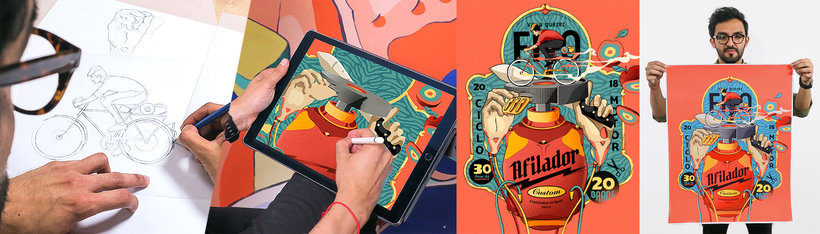
In this course, Julian will teach you how to make an illustrated poster using Illustrator and Photoshop, from the conception of the idea to the final art. In addition, it will teach you to convert that illustration into a simple animated gif so that the image gains even more strength.
What will you learn in this online course?
19 lessons & 9 downloads
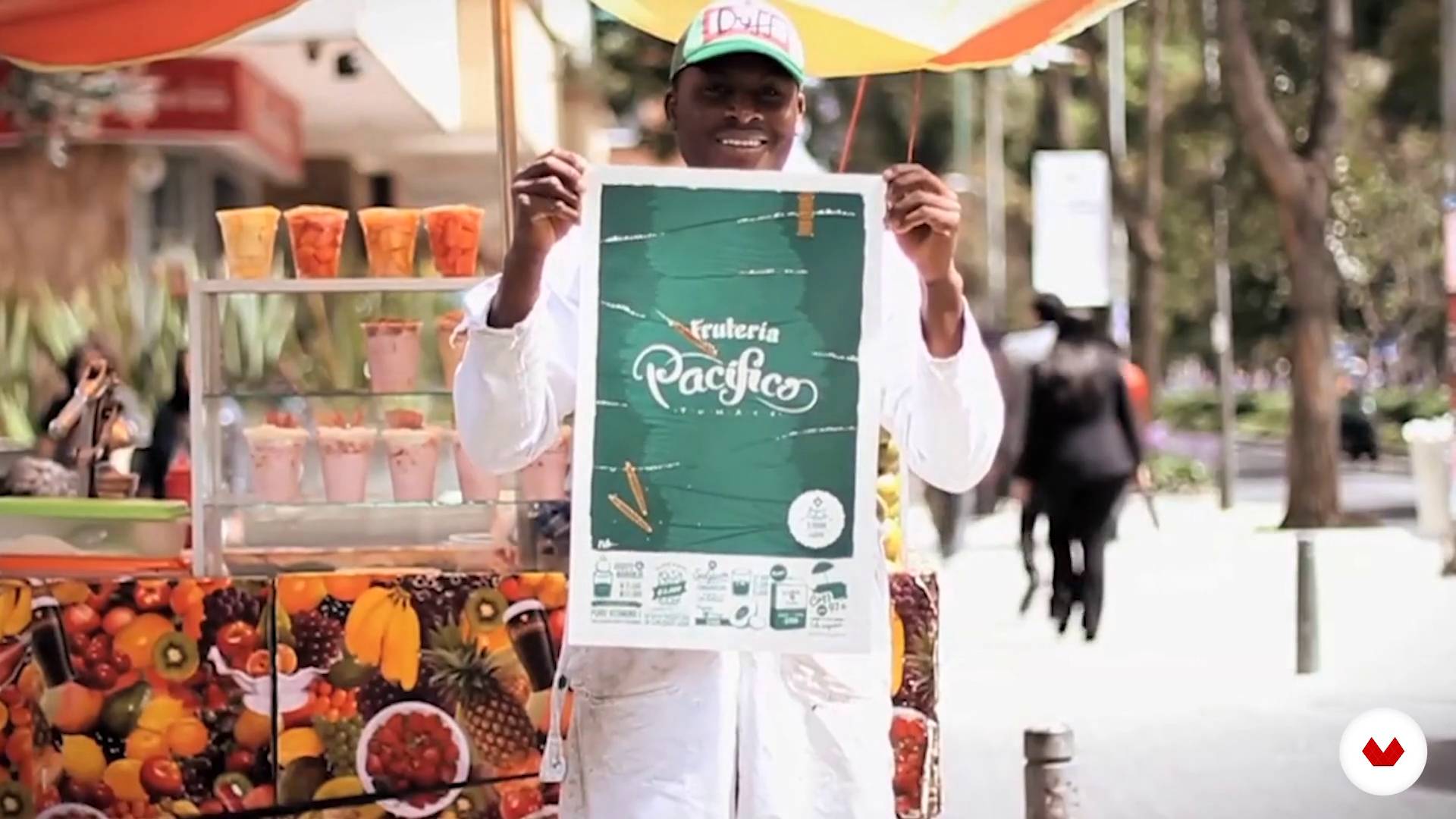
The idea
3 minutes, 32 seconds
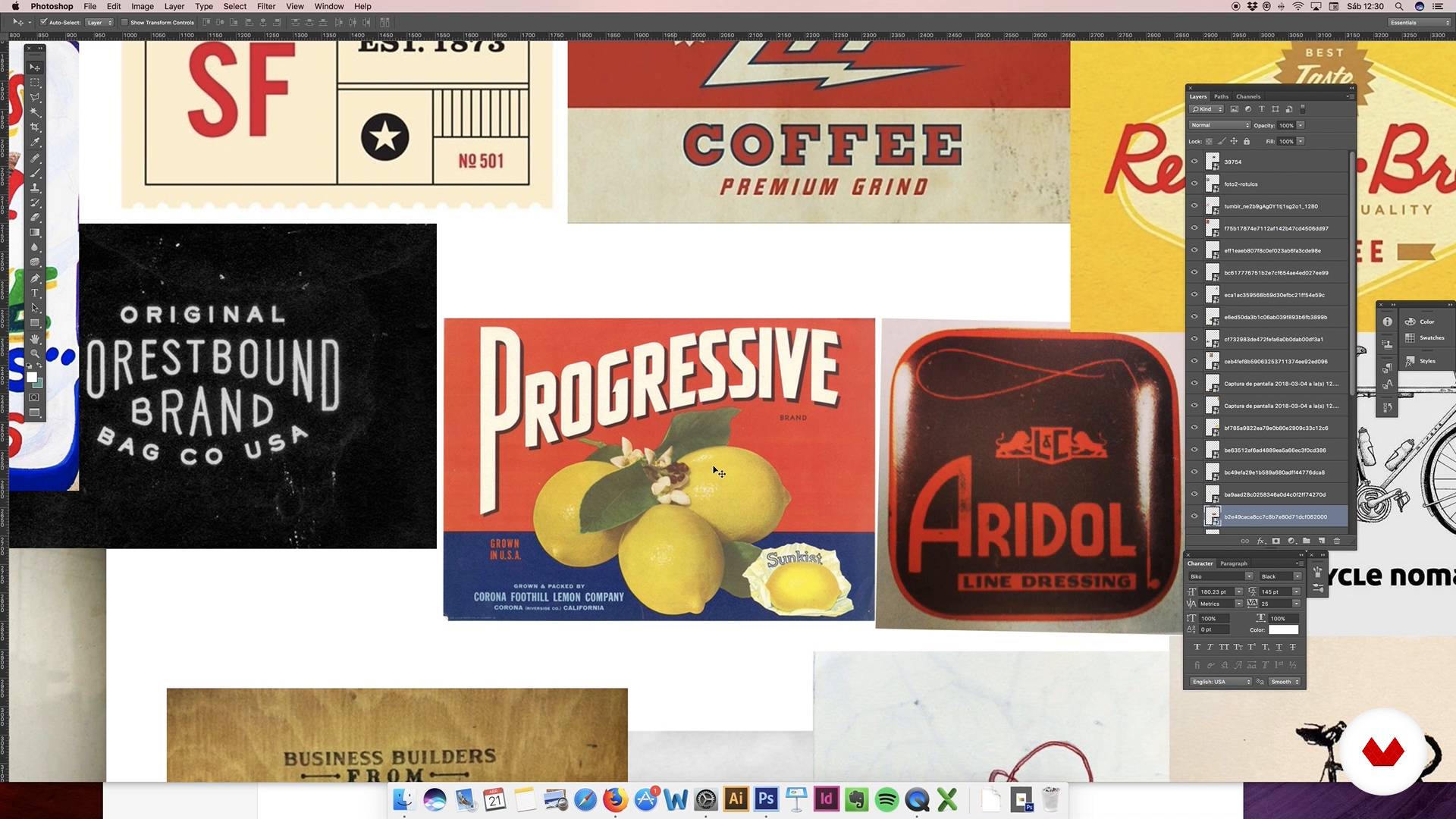
Conceptualization of the idea: moodboard
7 minutes, 57 seconds
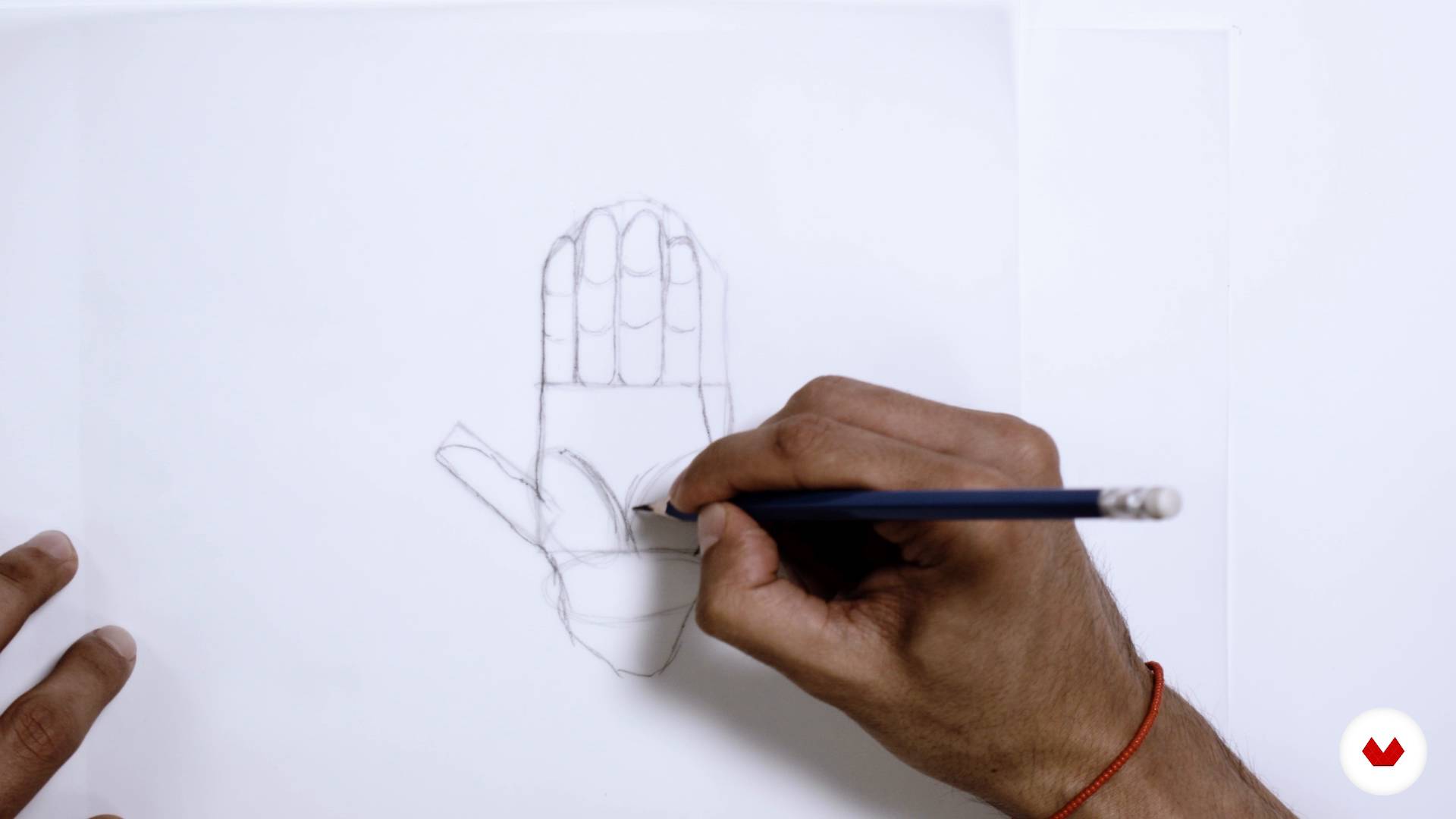
Sketch
8 minutes, 21 seconds
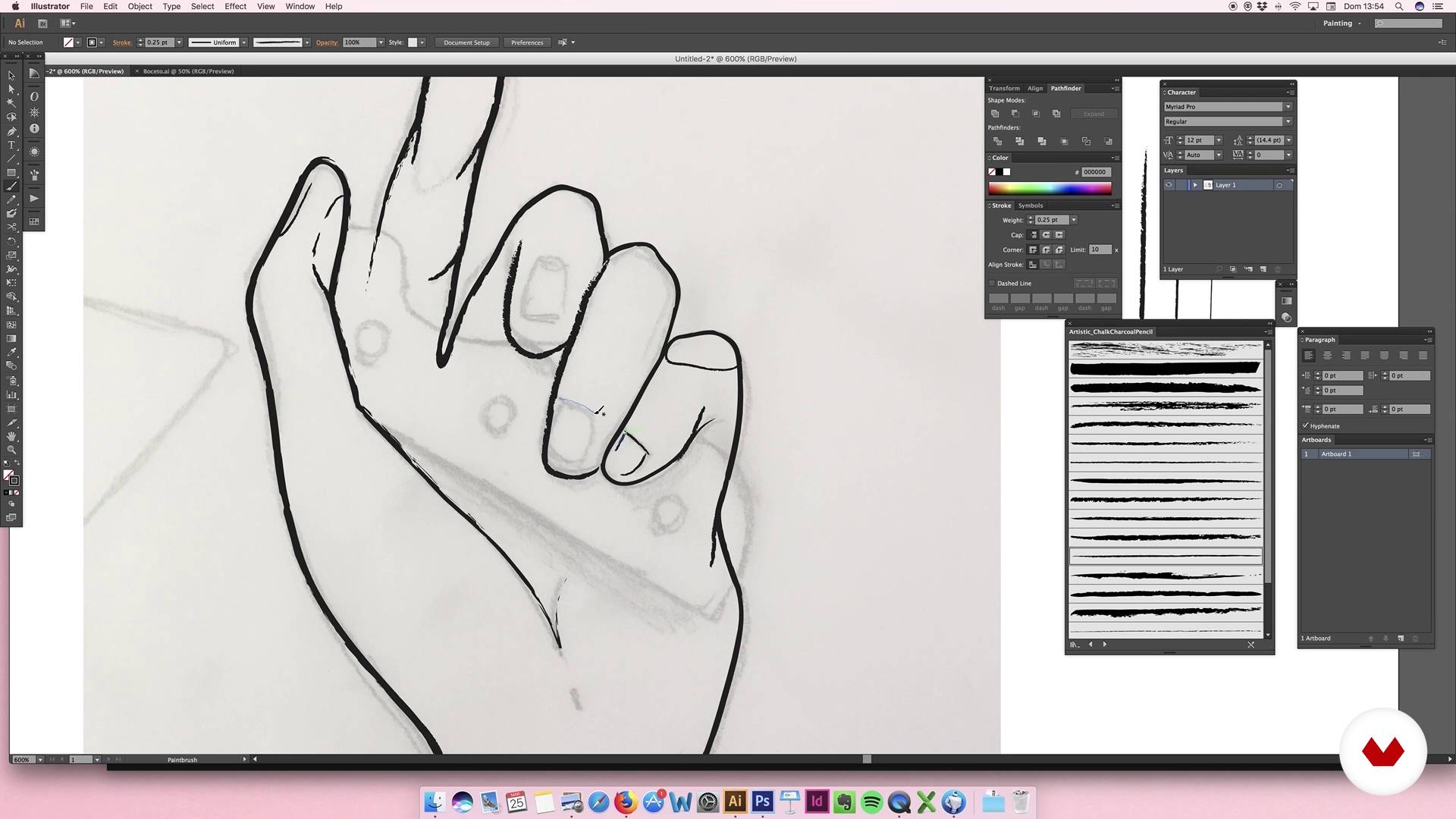
Digitization elements: hands
15 minutes, 41 seconds
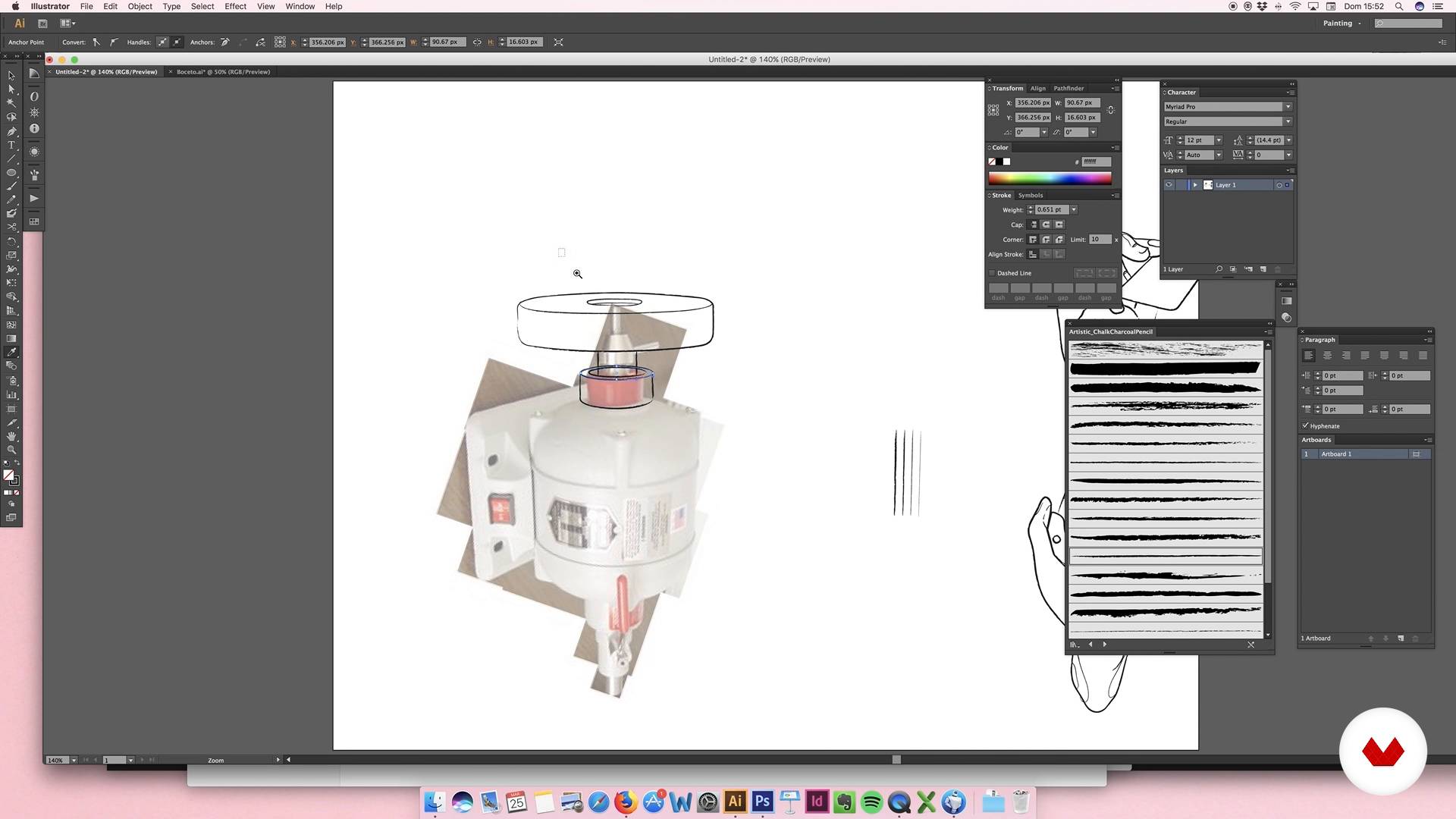
Digitization of elements: sharpener motor
13 minutes, 41 seconds
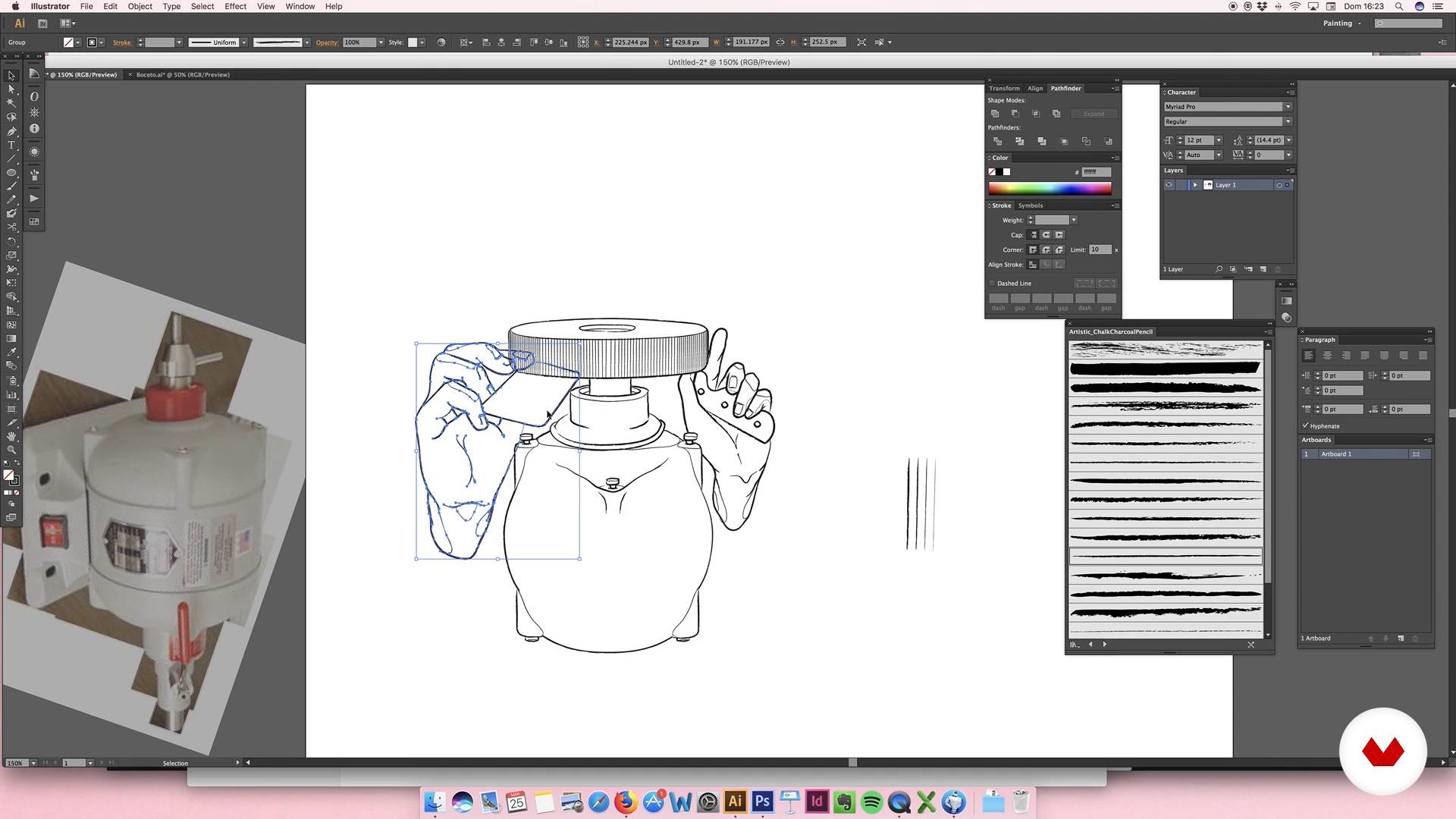
Digitization of elements: sharpener motor II
13 minutes, 43 seconds
What's included in this course?
You will begin by getting to know more about Julian's work, who will also tell you about the artists who inspire him most and his influences.
Then you will define the graphic style and the color palette that you will use in your illustration. You will make the first sketches, which will help you to establish the composition of the design.
Once you are satisfied with the result, you will digitize the sketch and work with it in Illustrator. You will also include a logo, you will select the typefaces and you will work all the elements so that the composition is harmonious and attractive.
Next you will apply color, textures and shadows, refining the last details of the poster.
To finish, Julián will teach you how to make a simple animation that will turn your poster into a gif.
Recommended software & tools for this course
What is this course's project?
You will make an illustrated poster that will serve as a graphic image for a business.
Projects by course students


Who is this online course for?
Illustrators, designers and anyone who is looking for new ways to express their ideas and develop their creativity.
Requirements and materials
You must have basic knowledge of illustration and design, and know how to handle Illustrator and Photoshop.
Reviews
- 18 days ago
So Grateful to join this course!!! Good tutorial basic and deep learning illustration with two application this Adobe Illustrator & Photoshop. We learn illustration for brand and create a simple animation frame per frame draw and we can make Simple Animation Illustration Art Poster Design. Thank you Sir Julian Ardila and everyone.
- 4 months ago
Me parecio muy interesante, muy llamativo y educactivo, muchas gracias por compartirnos tu conocimiento
- 1 year ago
Bon cours
- 1 year ago
¡Un curso Maravilloso!! :)
- 2 years ago
excelente curso

Content
- U1
Introduction
- Presentation
- Influences
- U2
Conceptualization
- The idea
- Conceptualization of the idea: moodboard
- Sketch
- U3
Illustration
- Digitization elements: hands
- Digitization of elements: sharpener motor
- Digitization of elements: sharpener motor II
- U4
Logo, typography and consolidation
- Logo I
- Logo II
- Logo III
- Typographies
- Consolidation I
- Consolidation II
- U5
Last details
- Color I
- Color II
- Color III
- Color IV
- Extra details
- FP
Final project
- Digital illustration
What to expect from a Domestika course
Learn at your own pace
Enjoy learning from home without a set schedule and with an easy-to-follow method. You set your own pace.
Learn from the best professionals
Learn valuable methods and techniques explained by top experts in the creative sector.
Meet expert teachers
Each expert teaches what they do best, with clear guidelines, true passion, and professional insight in every lesson.
Certificates
PLUSIf you're a Plus member, get a custom certificate signed by your teacher for every course. Share it on your portfolio, social media, or wherever you like.
Get front-row seats
Videos of the highest quality, so you don't miss a single detail. With unlimited access, you can watch them as many times as you need to perfect your technique.
Share knowledge and ideas
Ask questions, request feedback, or offer solutions. Share your learning experience with other students in the community who are as passionate about creativity as you are.
Connect with a global creative community
The community is home to millions of people from around the world who are curious and passionate about exploring and expressing their creativity.
Watch professionally produced courses
Domestika curates its teacher roster and produces every course in-house to ensure a high-quality online learning experience.
FAQs
You’ll learn to create digital illustrations, develop graphic identities for businesses, apply vectorization techniques, choose color palettes, design logos, and compose visual pieces for commercial brands—from sketching to basic animation.
This is an intermediate-level course. It’s recommended that you have basic illustration skills and familiarity with programs like Illustrator and Photoshop to get the most out of it.
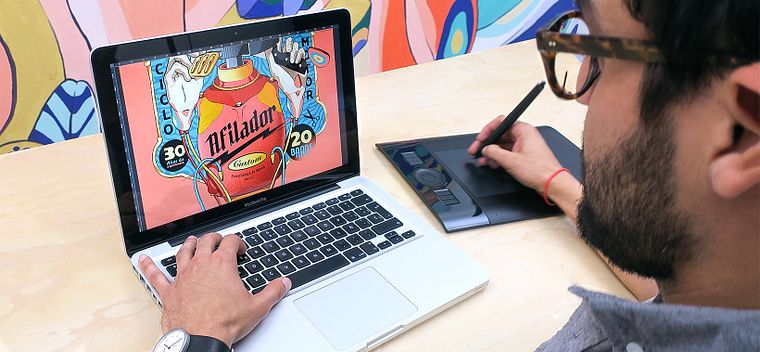
You’ll need a computer with Adobe Illustrator and Photoshop, an optional graphics tablet, and basic digital illustration knowledge to follow the practical exercises.
You’ll learn how to analyze needs, select visual references, build moodboards, and design custom logos and illustrations that strengthen the visual identity of emerging brands and informal businesses.
You’ll master sketch vectorization, use custom brushes, apply shadows and volume, integrate typography, compose with geometric shapes, and create basic animations in Photoshop.
The course covers everything from research, moodboard creation, sketching, color palette selection, digitization, to final composition and delivering pieces ready for web or print.
The main tools used are Adobe Illustrator and Photoshop for creating, vectorizing, editing, and animating digital illustrations and graphic pieces.