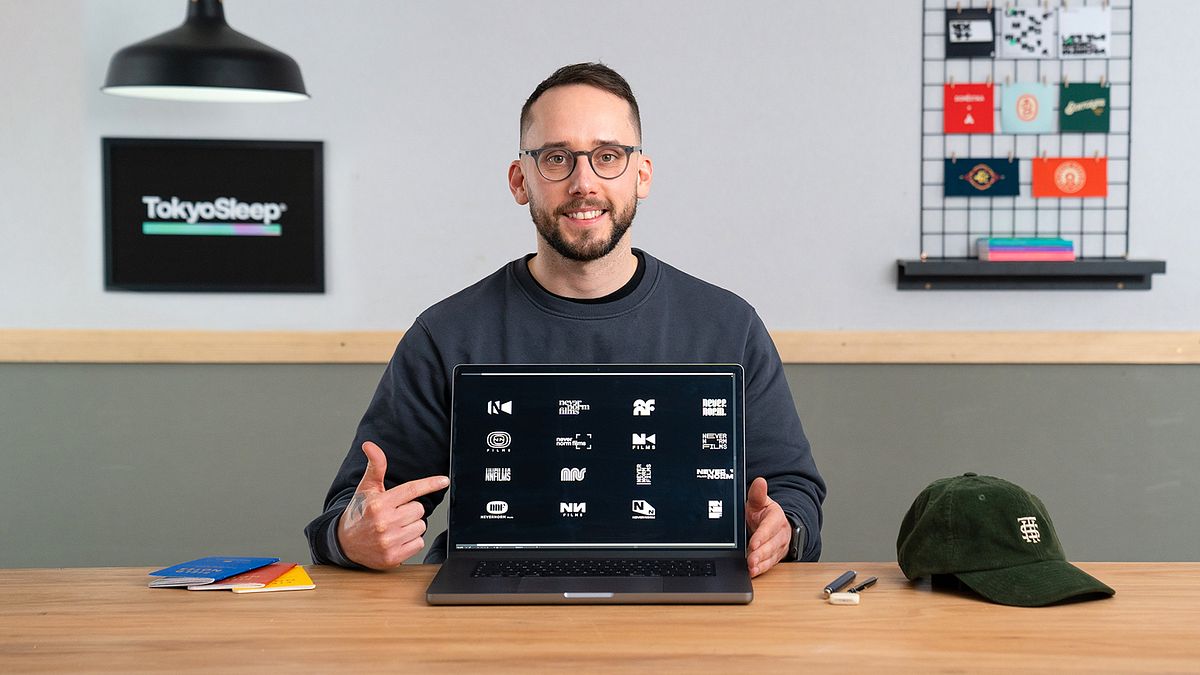
Minimalist Logo Design With Personality
A course by Alex AperiosBrand Identity and Logo Designer
A course by Alex Aperios, Brand Identity and Logo Designer

Learn how to give brands an identity by developing memorable minimalist logos from start to finish using Adobe image and text editing software
“Design has given my life freedom—freedom to live how I want, and the freedom to create for the pure love of it.”
It’s also something graphic designer Alex Aperios believes has the power to change the perception of a brand. He specializes in creating logos and brand identities for clients in a variety of industries, from fashion to music, and is the founder of his own design studio in London.
In this online course, Alex teaches you how to develop memorable, minimalist logos from start to finish. Learn to use Illustrator, InDesign, and Photoshop to create timeless designs that capture a brand’s personality and stand out from the crowd.
What will you learn in this online course?
14 lessons & 20 downloads
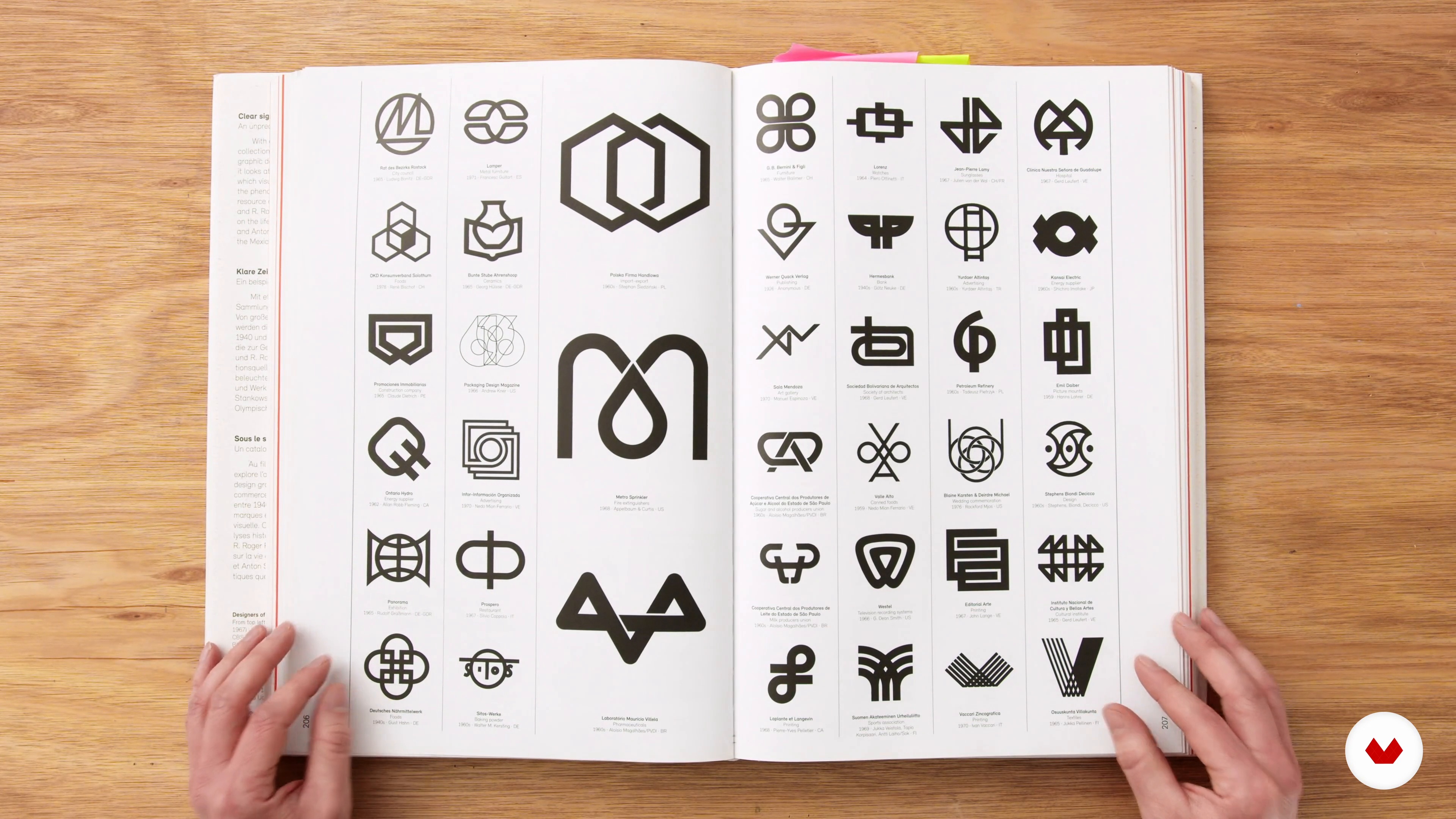
Intro to Logo Design: Rules and How to Break Them
15 minutes, 47 seconds
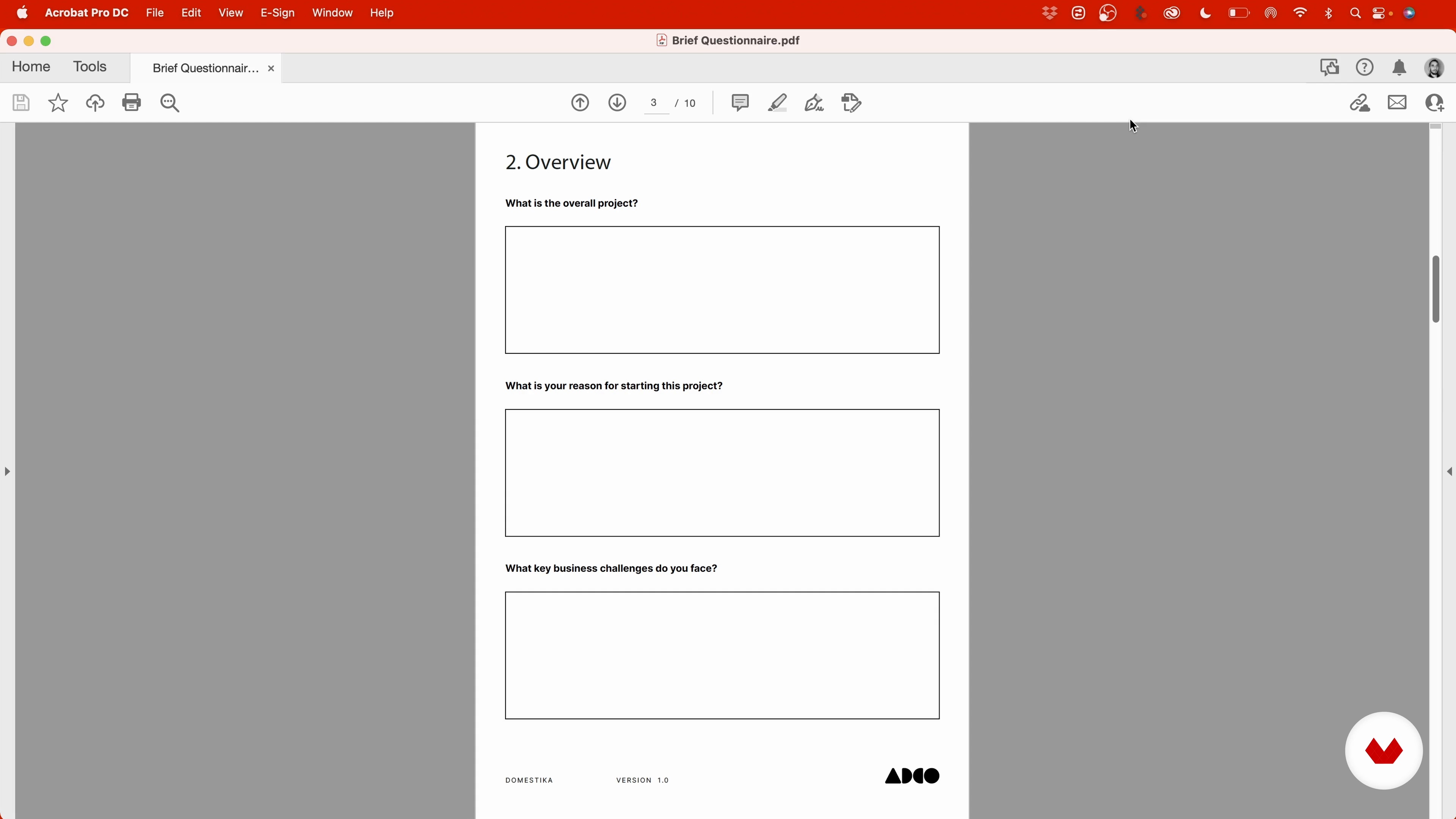
Discovery Meeting and Brief
11 minutes, 9 seconds
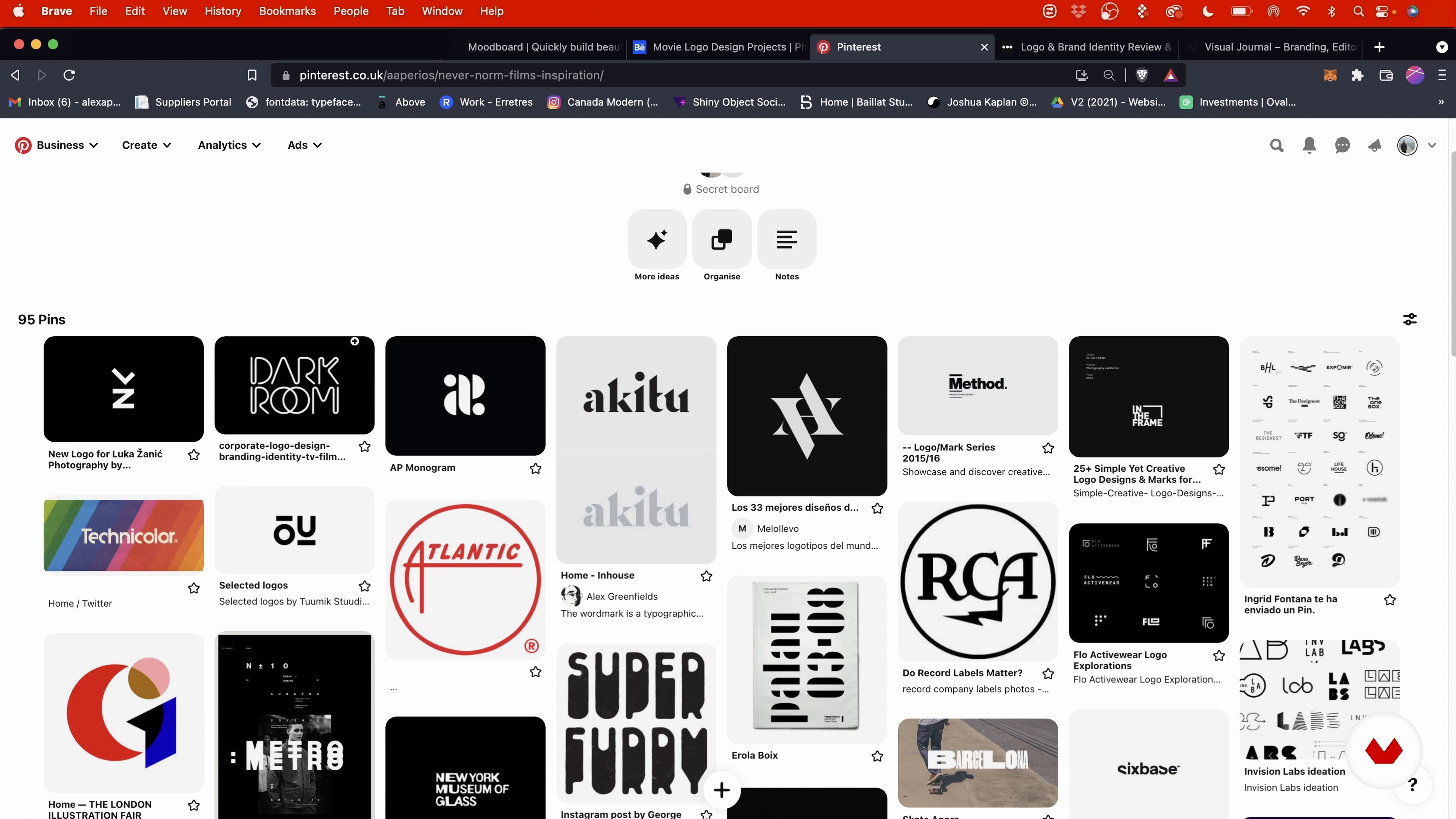
The Research
8 minutes, 15 seconds
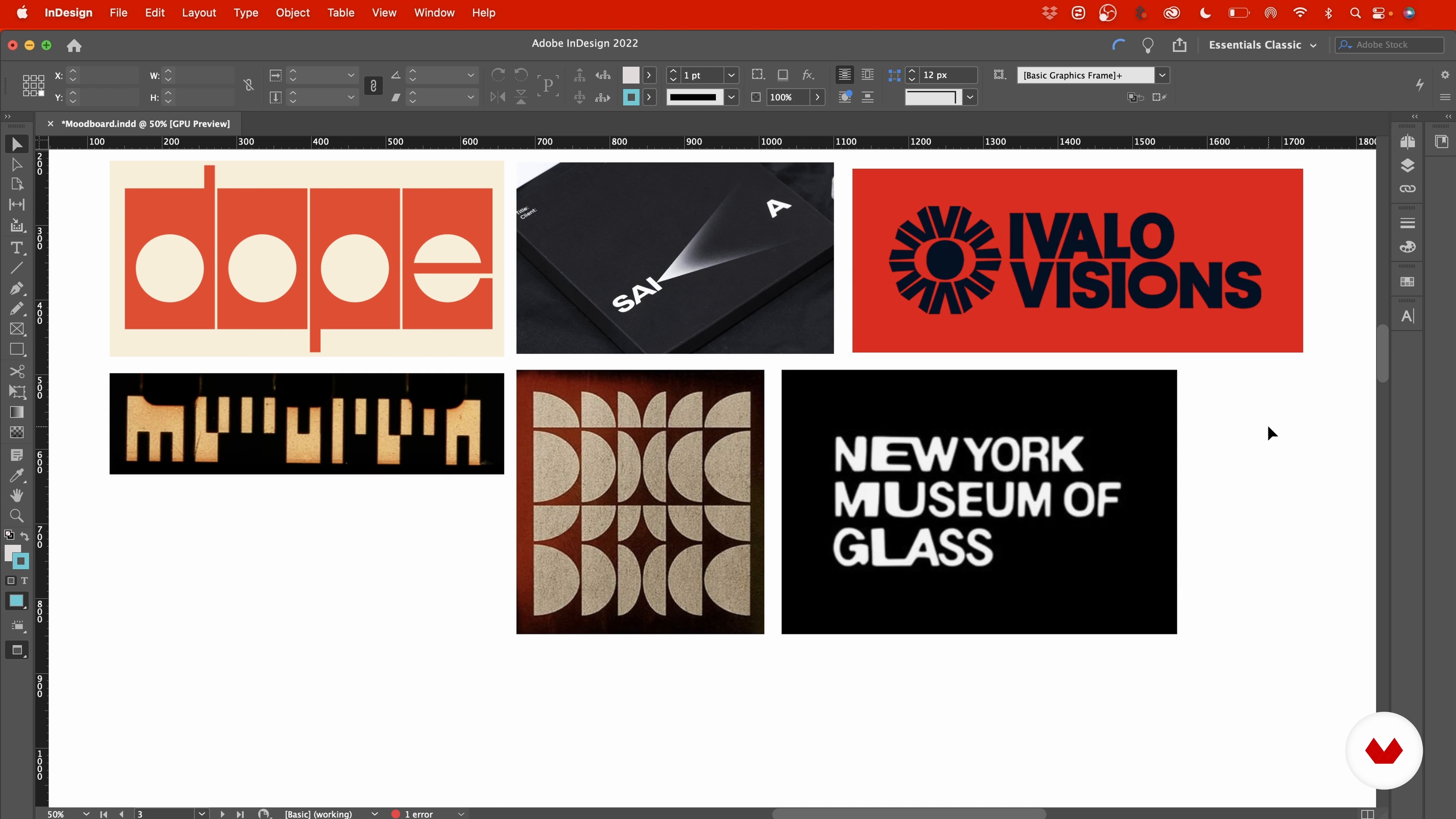
The Mood Board
7 minutes, 58 seconds
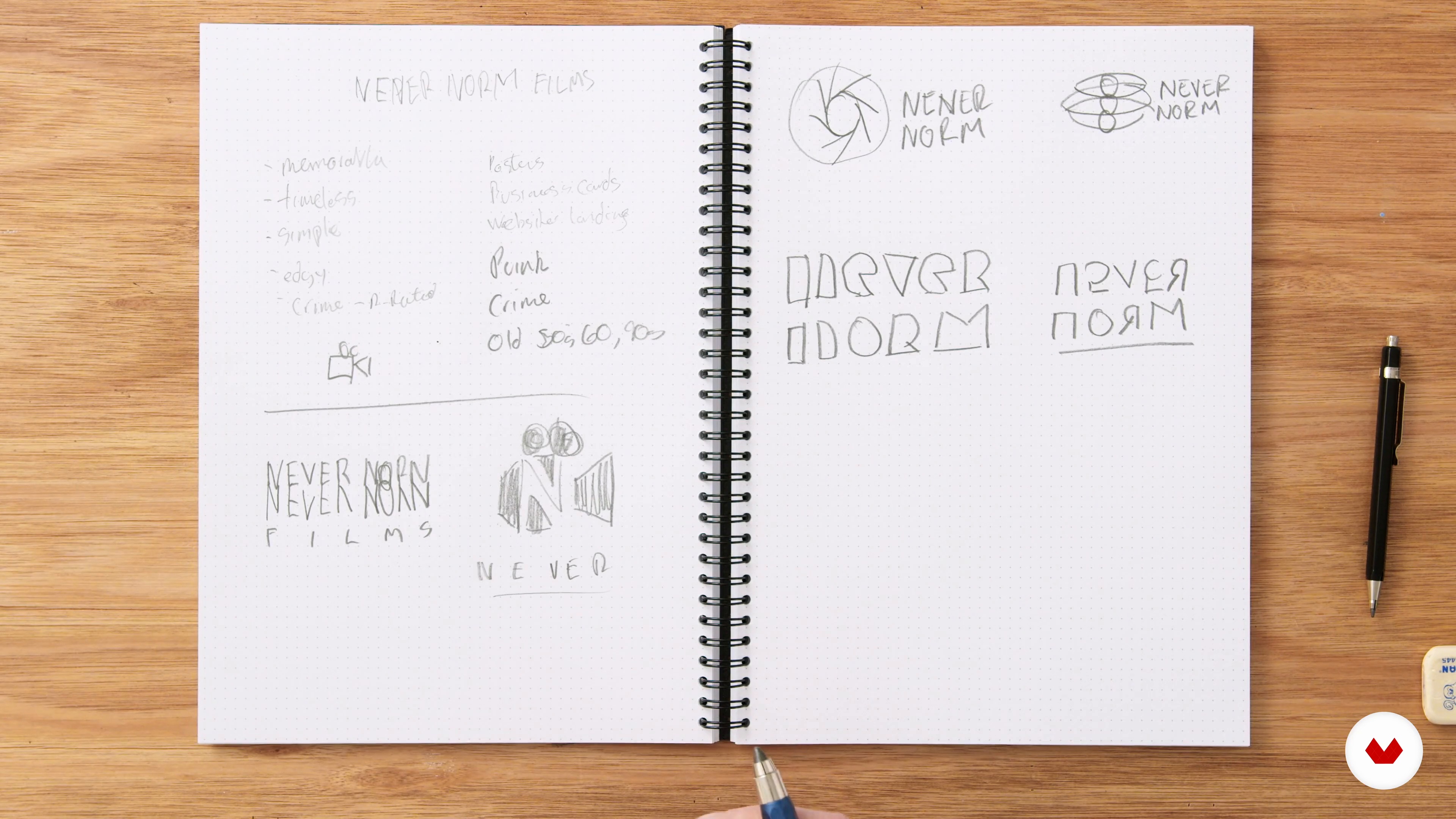
Sketching
19 minutes, 8 seconds
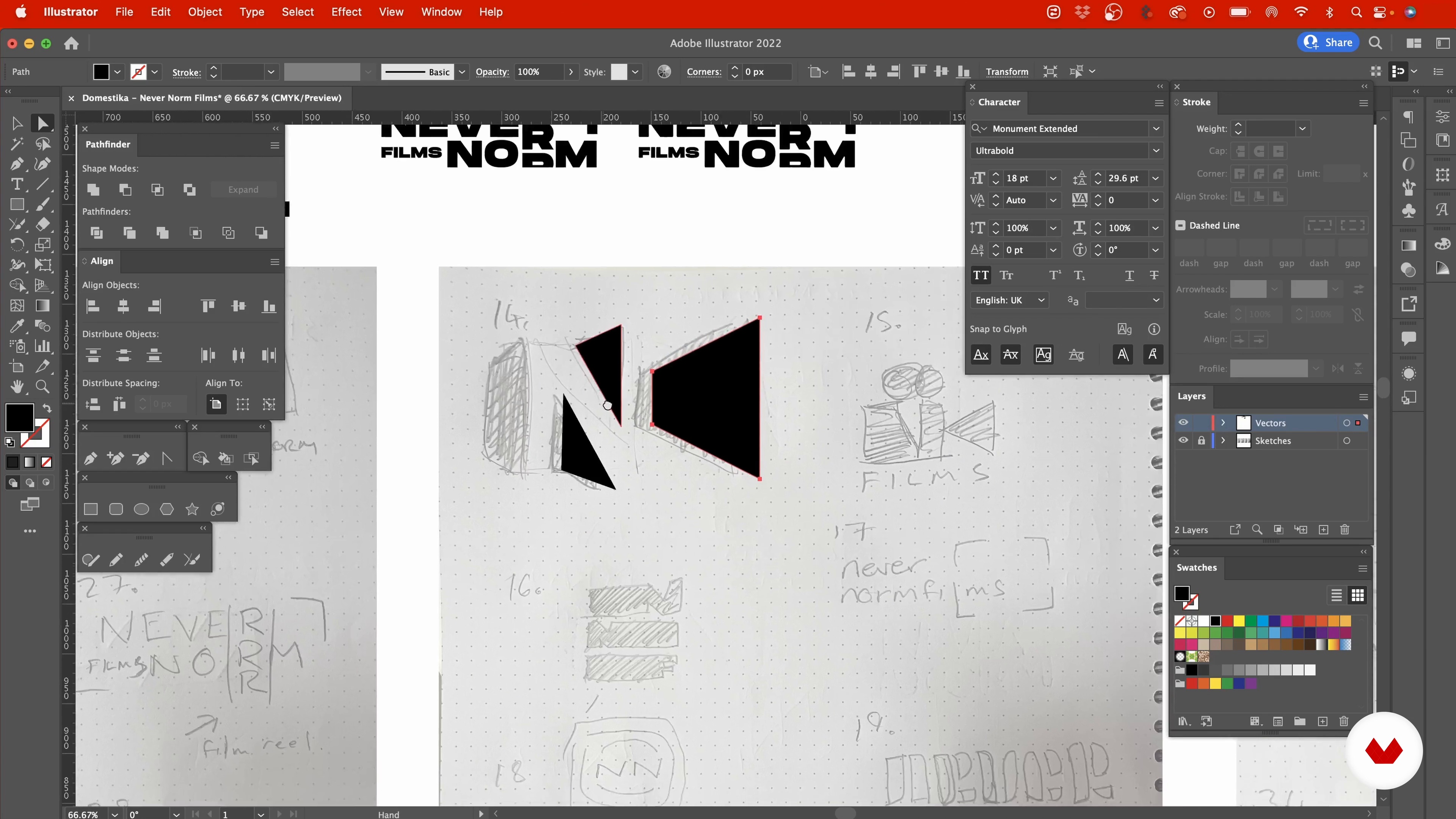
Starting in Illustrator 1
18 minutes, 1 second
What's included in this course?
Begin the course by getting to know brand identity and logo designer Alex Aperios. Hear how he turned his childhood love for design into a full-time career, along with the influences that inspire the work he creates.
Get an introduction to logo design, the principles that apply to the process, and how to break the rules for innovative results. Learn what a discovery meeting is before beginning your research and creating a mood board with your client and brief in mind.
Time to create your logo! Start by sketching your ideas, then transform them into high-quality photos in Illustrator. Add texture and depth to your designs in Photoshop with Alex as your guide.
Prepare a presentation that features your final designs, see how to present your work online, and develop a portfolio. To wrap up the course, Alex shares where to find good mockups and how to use them to help your brand stand out.
What is this course's project?
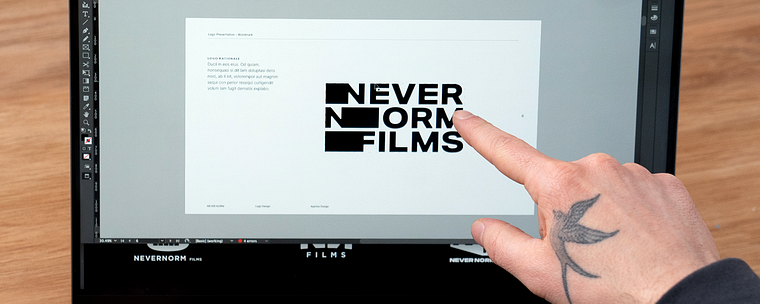
Create a logo design that’s ready to present to a client. Alex uses a film production company for his project, but you can work with a client of your choice.
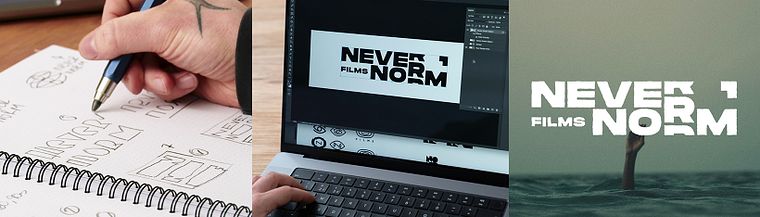
Projects by course students

Who is this online course for?
This course is aimed at anyone who is interested in logo design, from students getting started in the industry, to designers looking to improve their process.
Requirements and materials
A basic understanding of InDesign, Illustrator, and Photoshop is required.
In terms of materials, you will need access to a device with these programs installed, as well as a pencil, paper, and a pen or marker.
Reviews
- 6 months ago
very good
- 6 months ago
topzera demnais
- 7 months ago
100 percent recommended
- 8 months ago
Nice course, and great to see we have common references I totally forgot about — like Aaron Draplin, for example!
- 8 months ago
very clear direction.

After years of freelancing, Alex set up his own company in collaboration with his brother and has since worked on everything from books and blogs, using his decade of experience in design to help brands and small businesses stand out. He also shares his work with over 12K followers on Instagram.
Content
- U1
Introduction
- About Me
- Influences
- U2
The Ideation Phase
- Intro to Logo Design: Rules and How to Break Them
- Discovery Meeting and Brief
- The Research
- The Mood Board
- U3
The Creative Process
- Sketching
- Starting in Illustrator 1
- Starting in Illustrator 2
- Selecting the Final Logos for Presentation
- Refining the Logos in Photoshop
- U4
Presenting Your Ideas
- The Presentation
- Presenting Your Work Online and Developing a Portfolio
- Mock-Ups
- FP
Final project
- Minimalist Logo Design With Personality
What to expect from a Domestika course
Learn at your own pace
Enjoy learning from home without a set schedule and with an easy-to-follow method. You set your own pace.
Learn from the best professionals
Learn valuable methods and techniques explained by top experts in the creative sector.
Meet expert teachers
Each expert teaches what they do best, with clear guidelines, true passion, and professional insight in every lesson.
Certificates
PLUSIf you're a Plus member, get a custom certificate signed by your teacher for every course. Share it on your portfolio, social media, or wherever you like.
Get front-row seats
Videos of the highest quality, so you don't miss a single detail. With unlimited access, you can watch them as many times as you need to perfect your technique.
Share knowledge and ideas
Ask questions, request feedback, or offer solutions. Share your learning experience with other students in the community who are as passionate about creativity as you are.
Connect with a global creative community
The community is home to millions of people from around the world who are curious and passionate about exploring and expressing their creativity.
Watch professionally produced courses
Domestika curates its teacher roster and produces every course in-house to ensure a high-quality online learning experience.
FAQs
Yes, this course is designed for intermediate designers who have some experience with design tools and want to deepen their skills in logo creation, brand identity, and presentation techniques.
You’ll need access to Adobe Illustrator, Photoshop, InDesign, and optionally Figma and Pinterest for mood board creation. Basic familiarity with these tools is recommended.
You'll learn how to research, sketch, and create logos tailored to the film industry, incorporating genre-specific references and adapting your designs for film credits and promotional materials.
Yes, the course teaches hand sketching techniques for logo concepts and then guides you through vectorizing your designs in Illustrator for professional-quality results.
You’ll learn to collect visual references, build mood boards using Pinterest, InDesign, or Figma, and use them to inform your logo concepts and creative direction.
Yes, the course includes lessons on applying texture, roughness, and effects to your logos in Photoshop and Illustrator to enhance visual impact and mood.
Yes, you’ll learn structured workflows for creating impactful brand identity presentations, including slide organization, rationale, mock-ups, and exporting files for clients and portfolios.