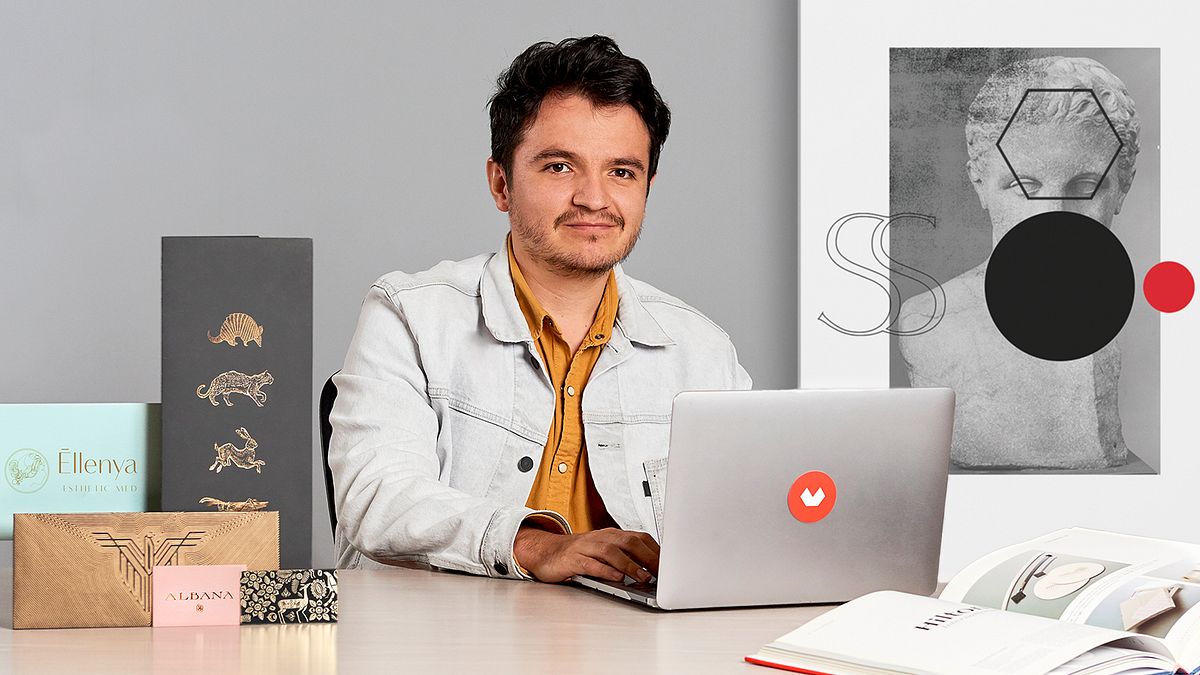
Typography Customization for Logo Design
A course by Monotypo StudioGraphic designer
A course by Monotypo Studio, Graphic designer

Learn the process to modify typographies and give shape to a unique brand identity
There are far more complexities to building an original brand identity than what the general public sees when they look at a logo. Conveying the personality of a brand involves synthesizing many elements into one unique concept and creating a graphic that’s capable of communicating that identity in a single glance. Daniel Barba López has over 8 years of experience in creating brand identities and delivering integral solutions for brands such as VANS and Sony Music, among others.
In this course, Daniel shows you how to create a unique logo by modifying an existing typeface. He teaches every step along the way: from creating the initial sketch to how to digitize and convert them into vectors, to adding the final touches.
What will you learn in this online course?
17 lessons & 20 downloads

What will we do in the course?
1 minute, 30 seconds
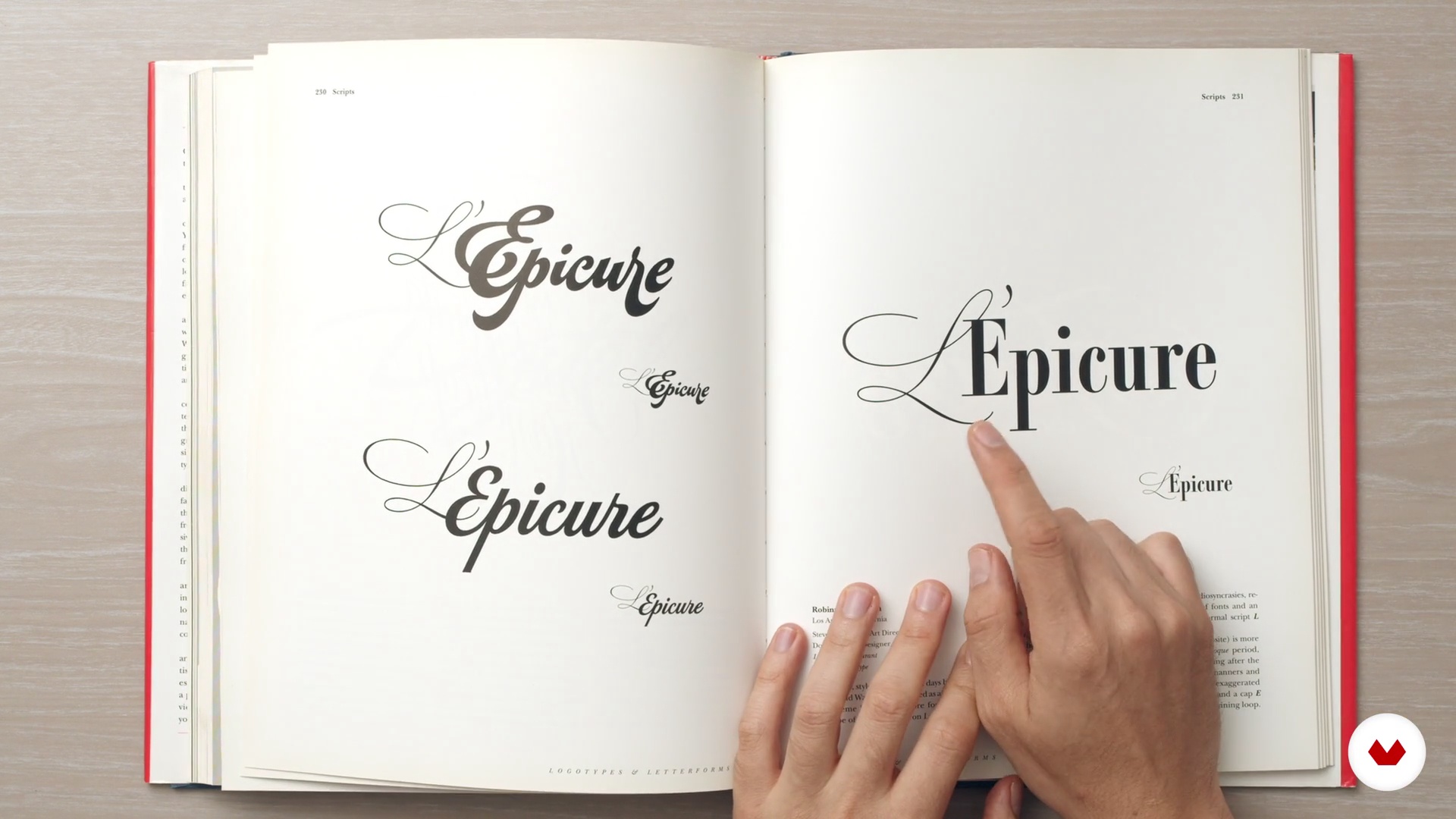
Introduction to typography and branding
16 minutes, 34 seconds
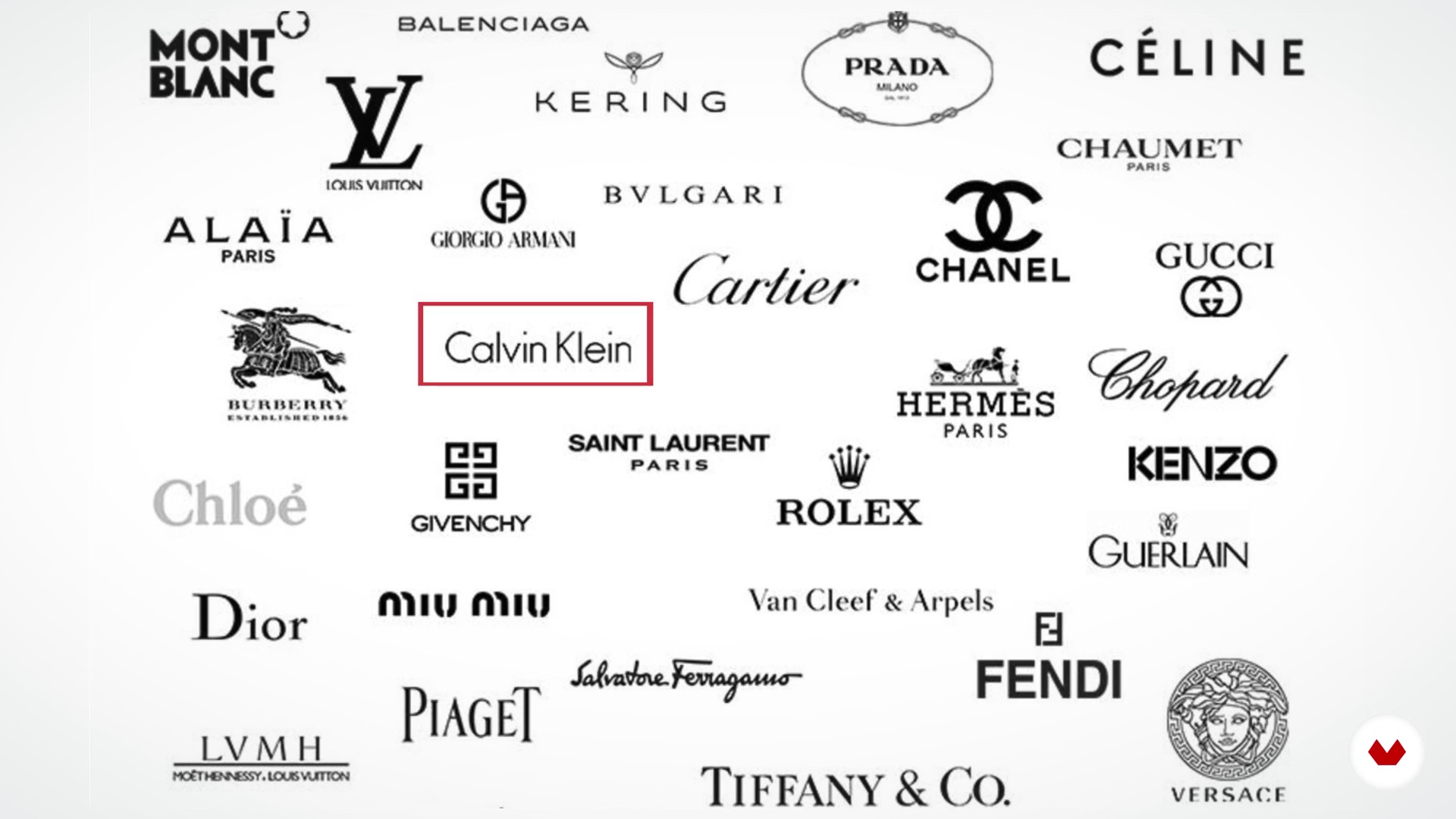
Basic concepts and visual codes of typography.
10 minutes, 30 seconds
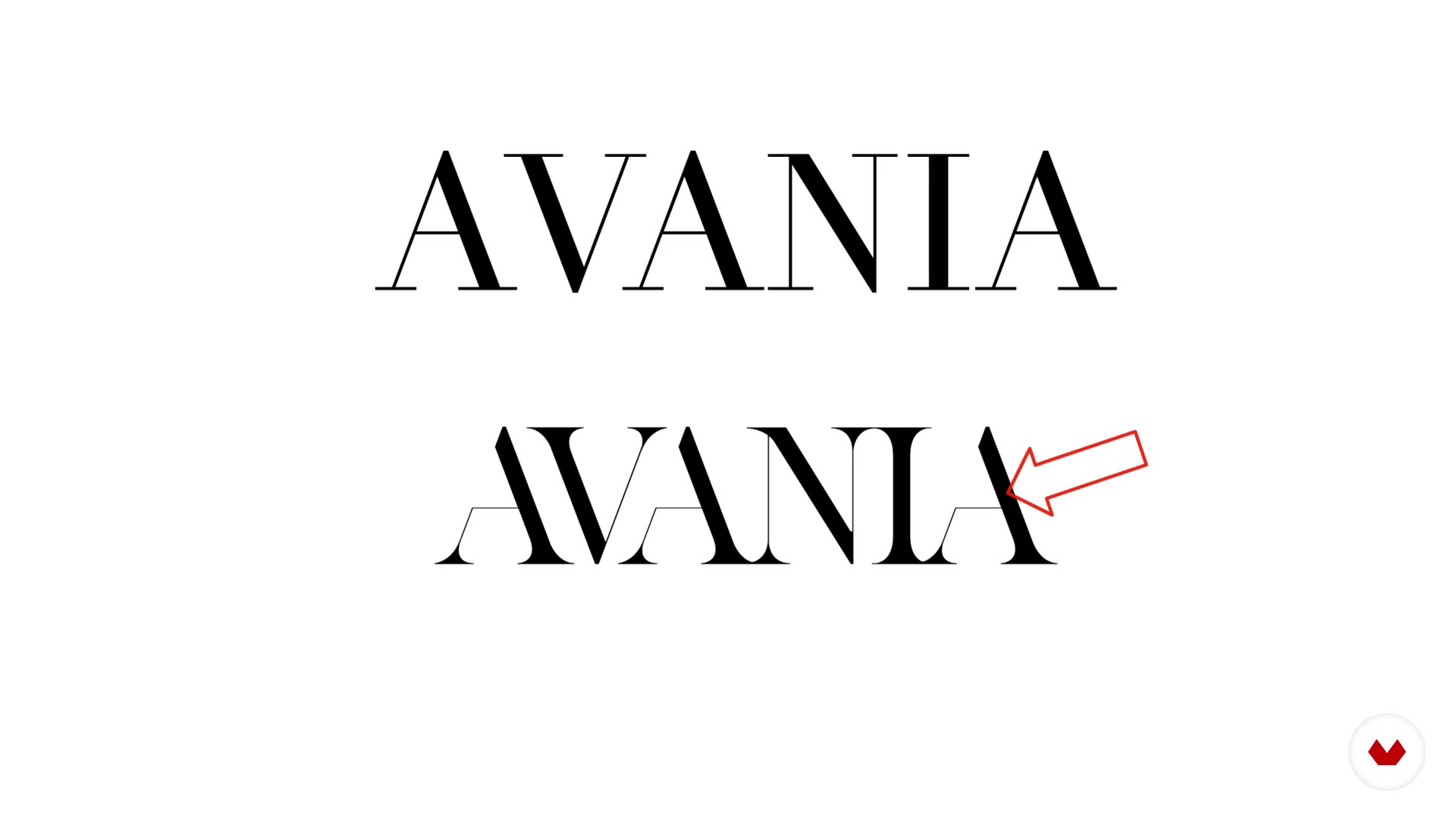
How to manipulate fonts for a purpose
5 minutes, 2 seconds
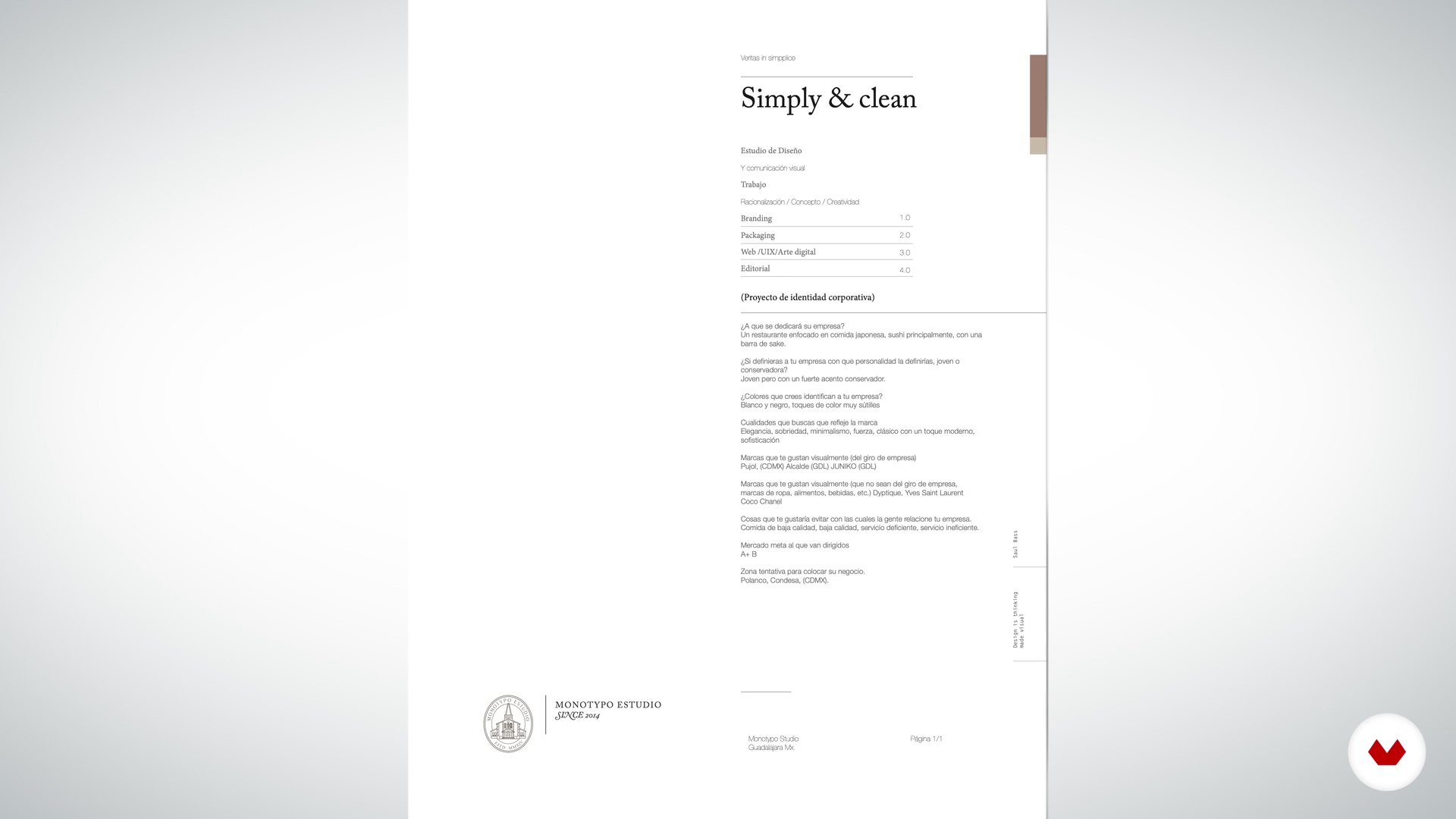
Commissioning and conceptualization of the project
4 minutes, 22 seconds
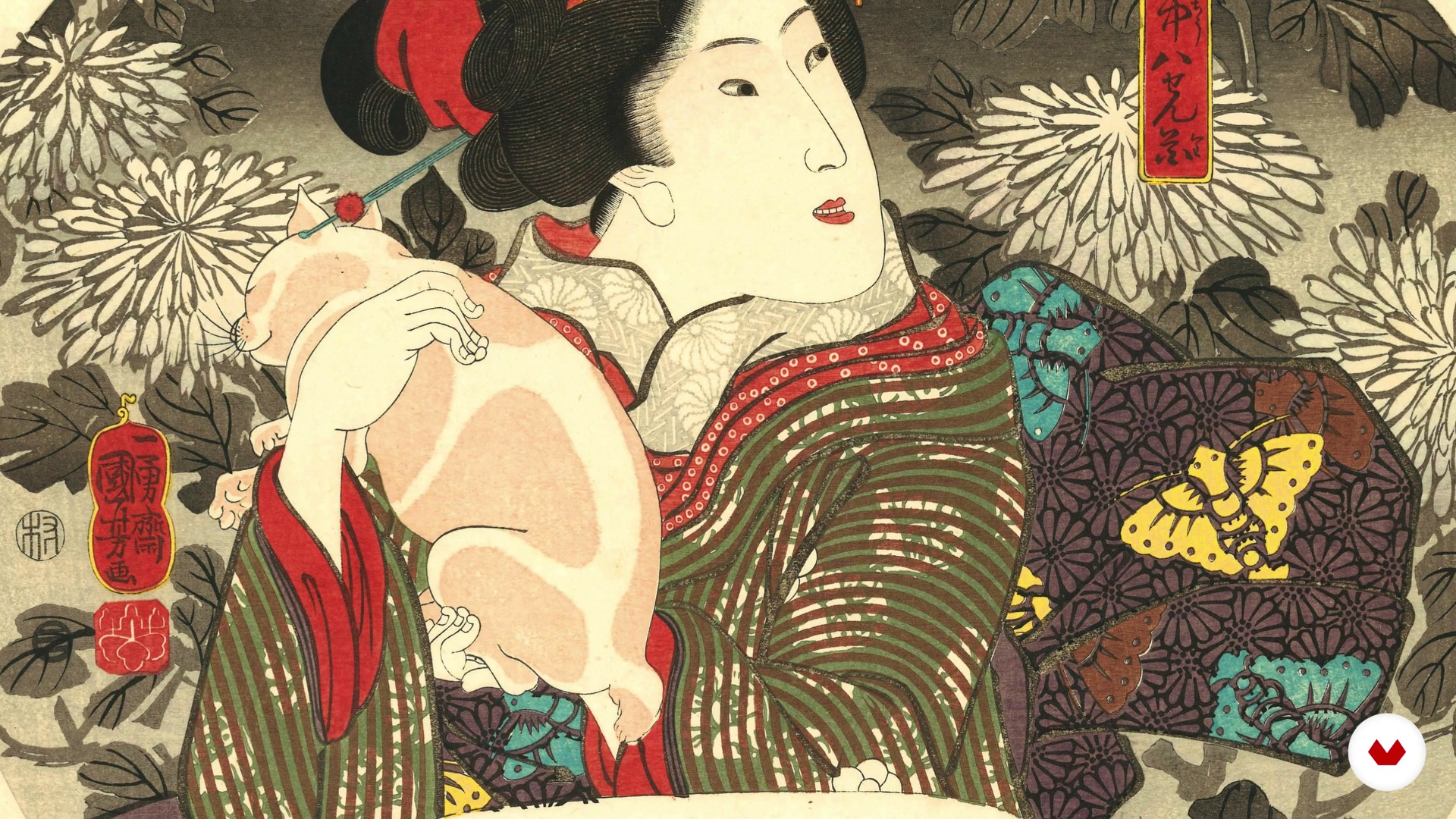
Documentation
8 minutes, 9 seconds
What's included in this course?
Start the course by getting to know Daniel and learn about his career as a graphic designer and creator of brand identities and logos at Monotypo Studio. He also tells you about the artists and works that have had the greatest influence on him.
In the second unit, discover the world of typography, its history, the different typographic families, the anatomy of letters, and how it relates with a brand and its corporate identity. See how typography works as a visual code to communicate a concept, and how its correct handling can help create exceptional logos.
In the third unit, start the conceptualization phase of your project. Acquire your client’s brief, get the information you need to begin looking for references, and start building your graphic structure (typography, color, and shape). Once you have it ready, move on to selecting the right typography.
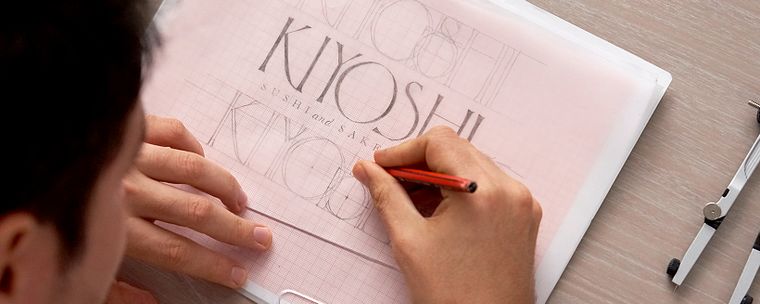
In the fourth unit, see the steps involved in creating a corporate identity. Start by creating a sketch by hand and scanning it, using Photoshop to perfect your lines before switching to Illustrator to vectorize your sketch. Lastly, learn how to create optical adjustments for better readability, select the color, and add final touches to your branding project.
In the last unit, Daniel gives you some tips on how to apply some auxiliary elements to give more personality to your brand. Finally, he explains how to apply your logo across a variety of mediums, and guides you through how to properly print your work.
Recommended software & tools for this course
What is this course's project?
Create a commercially-focused logo, by editing an existing typography. Learn the fundamental principles and tools involved, which you will apply to your final project.
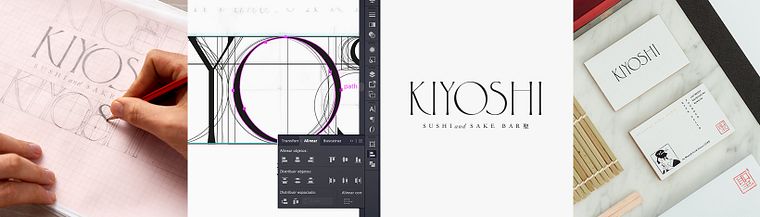
Projects by course students


Who is this online course for?
For graphic designers, creatives, and all those interested in creating their own brand.
Requirements and materials
To take this course, you will need basic graphic design skills and some knowledge of correct typography usage.
You will also need a computer with Adobe Photoshop and Illustrator, graph paper, a 2H pencil, and a ruler.
Reviews
- 3 months ago
Amazing course, i learnt alot
- 10 months ago
Very good course
- 1 year ago
Me gusto el curso. Lo recomiendo.
- 1 year ago
De tantos cursos que he comprado, este es el que más me a gustado, empezando porque nos educó introduciéndonos a la historia de las tipografías, luego nos explico con mucho detalle toda la estructura de las letras, y además nos dio tips y técnicas para escoger colores, códigos visuales y métodos de impresión. Un curso muy completo y para mi es un 10/10
- 1 year ago
Lo que he visto hasta ahora, me inspira y me gusta mucho. Además Daniel tiene experiencia, sabe explicar y tiene buenas referencias que han hecho que me sienta inspirada en querer aprender más sobre tipografías. Lo recomiendo 100%.

As the director of Monotypo Studio, he leads a dedicated team that offers graphic solutions and creates integral communication resources for brands, bringing both vision and personality to the brands they work with. This can range from adding small details to a logo to proposing distinctive finishes for print, packaging, and other branded applications.
He has over 8 years of experience in working with brands and companies from around the world, such as VANS and Sony Music, and has worked on projects in the United States, Canada, France, the United Kingdom, and Saudi Arabia.
Content
- U1
Introduction
- Presentation
- Influences
- What will we do in the course?
- U2
Typography and branding, an introduction
- Introduction to typography and branding
- Basic concepts and visual codes of typography.
- How to manipulate fonts for a purpose
- U3
Conceptualization and start of the project
- Commissioning and conceptualization of the project
- Documentation
- Type selection
- U4
From the theory to the practice
- Analog process
- Digitization and vectorization 1
- Vectorization Process 2
- Optical adjustments
- Selection and application of color
- U5
Brand scopes
- Auxiliary Elements
- Printing Methods
- Application on different supports
- FP
Final project
- Introduction to modifying and customizing fonts to design unique logos
What to expect from a Domestika course
Learn at your own pace
Enjoy learning from home without a set schedule and with an easy-to-follow method. You set your own pace.
Learn from the best professionals
Learn valuable methods and techniques explained by top experts in the creative sector.
Meet expert teachers
Each expert teaches what they do best, with clear guidelines, true passion, and professional insight in every lesson.
Certificates
PLUSIf you're a Plus member, get a custom certificate signed by your teacher for every course. Share it on your portfolio, social media, or wherever you like.
Get front-row seats
Videos of the highest quality, so you don't miss a single detail. With unlimited access, you can watch them as many times as you need to perfect your technique.
Share knowledge and ideas
Ask questions, request feedback, or offer solutions. Share your learning experience with other students in the community who are as passionate about creativity as you are.
Connect with a global creative community
The community is home to millions of people from around the world who are curious and passionate about exploring and expressing their creativity.
Watch professionally produced courses
Domestika curates its teacher roster and produces every course in-house to ensure a high-quality online learning experience.
FAQs
You’ll learn to craft original logos by modifying typefaces—from hand sketches to professional digitization and vectorization—applying branding principles, typographic anatomy, and adapting designs for various media.
This is an intermediate-level course, perfect for those with basic graphic design knowledge who want to deepen their skills in typographic manipulation and visual identity creation.
You’ll need basic graphic design skills, access to software like Illustrator or InDesign, sketching materials (paper and pencil), and a passion for typography and branding.
Typographic manipulation means customizing, adjusting, and transforming fonts to create unique logos that strengthen brand identity and set them apart in the market.
The course covers everything from creating a brief and hand sketching to digitizing, vectorizing, and applying logos across different media and printing techniques.
You’ll master optical adjustments and kerning to enhance your logos’ readability and visual appeal, ensuring professional, polished results.
Yes, the course guides you through conceptualizing, developing, and applying a professional visual identity—from font selection to creating a brand manual.